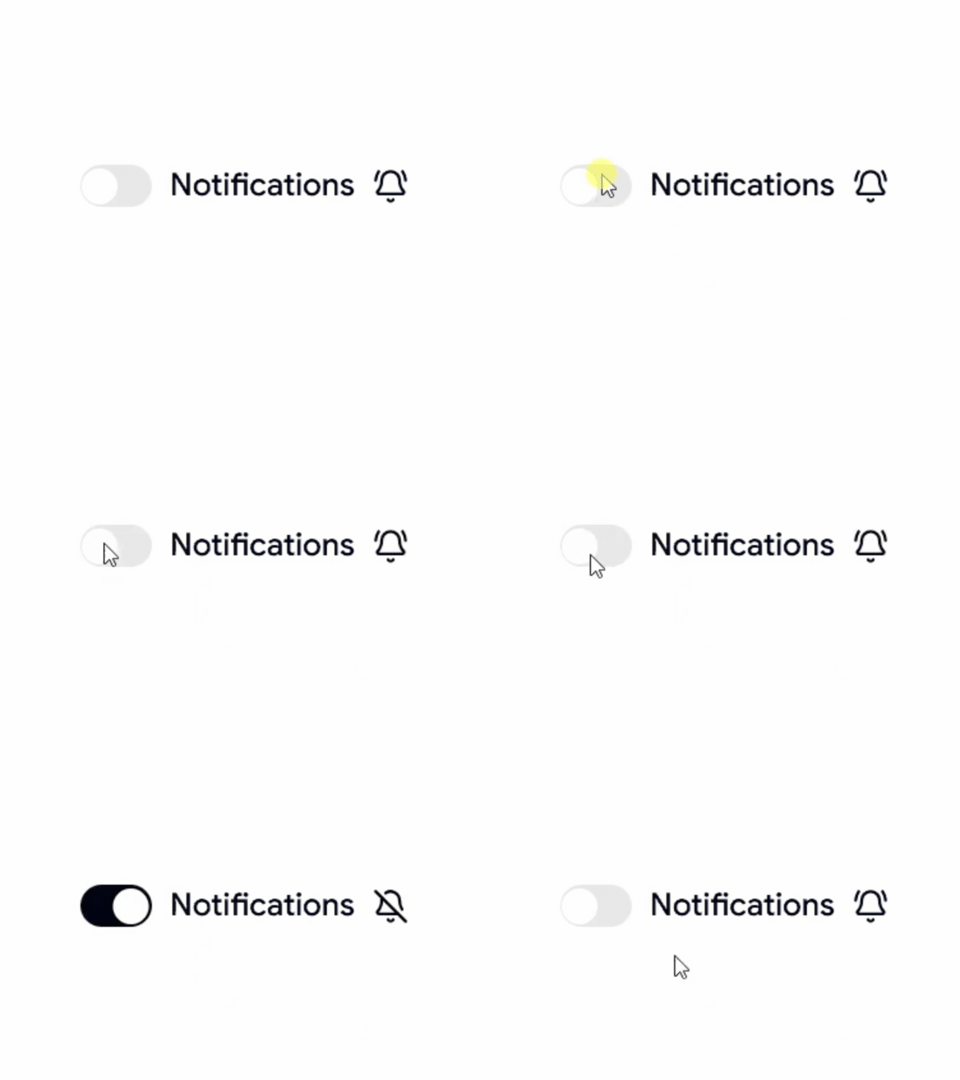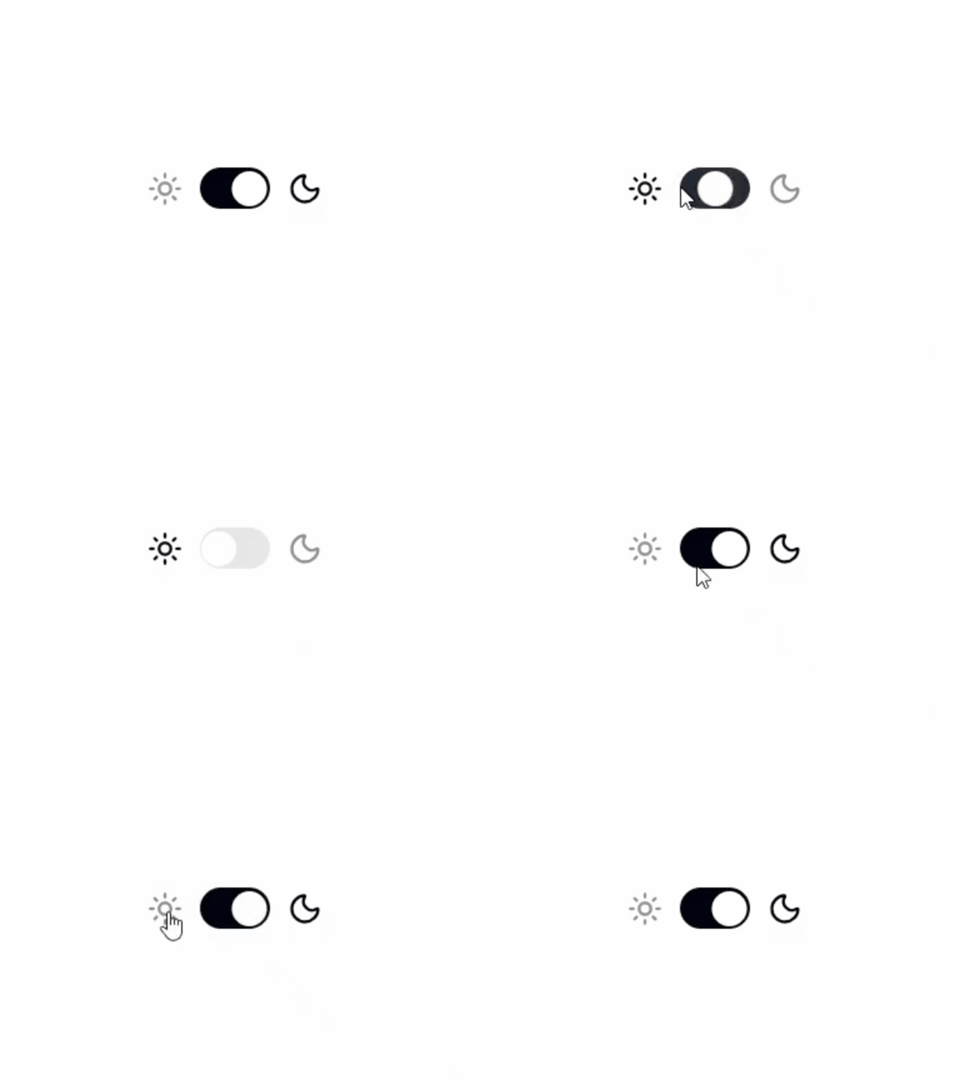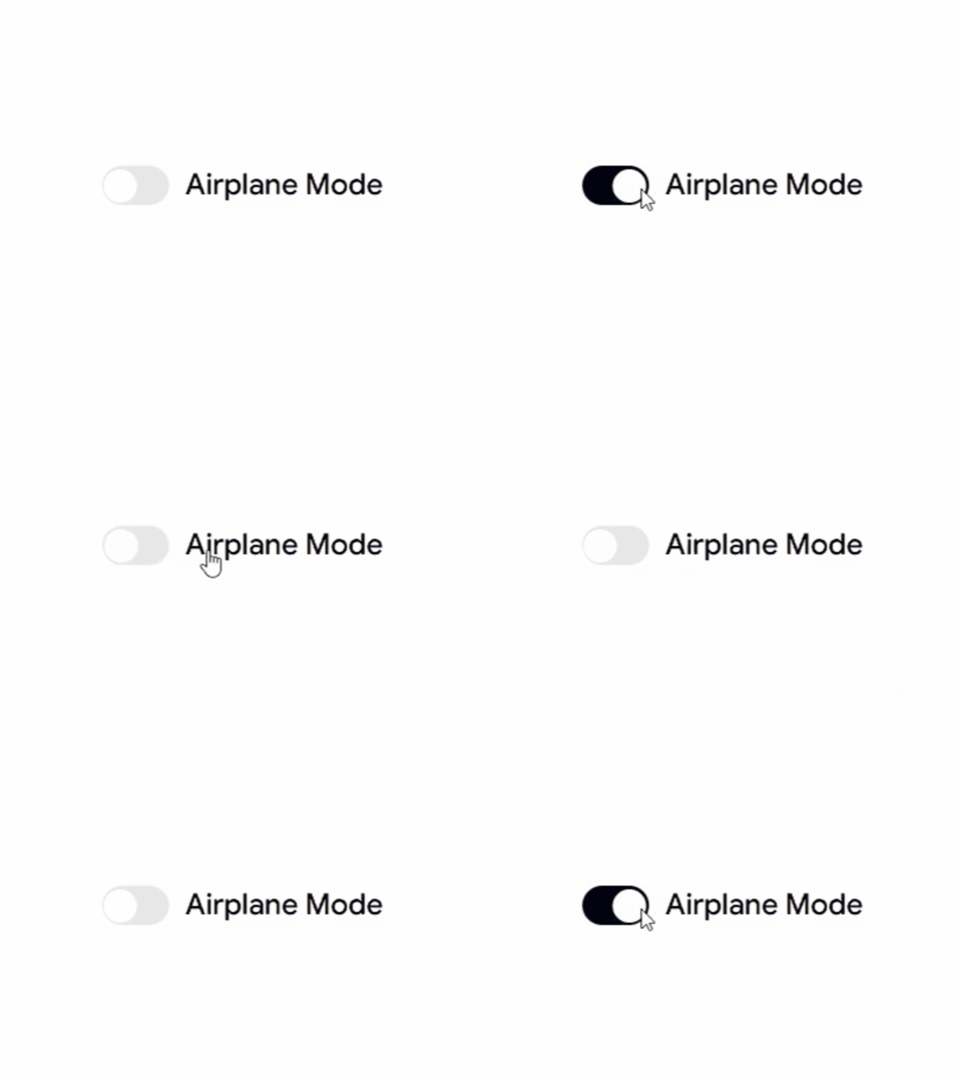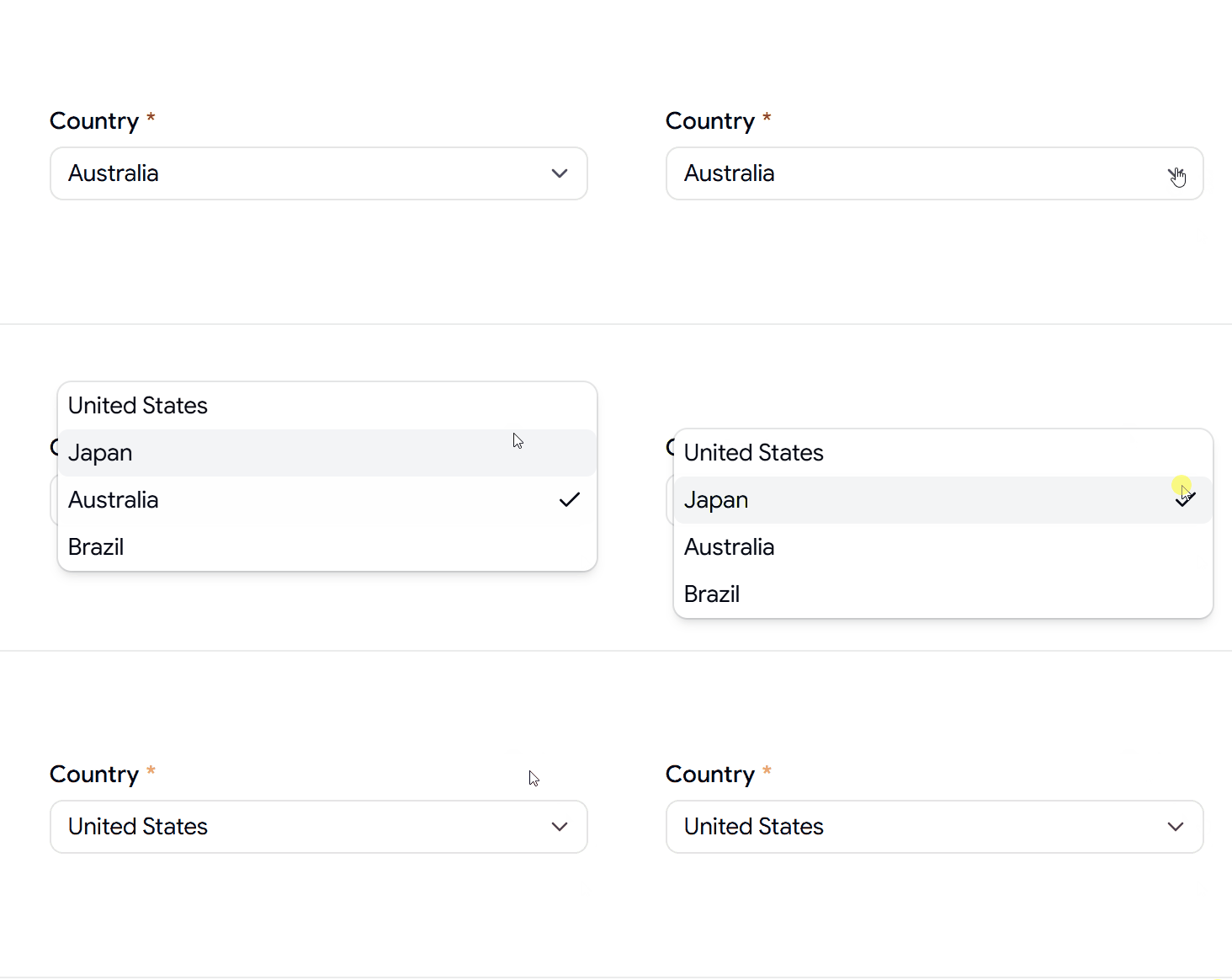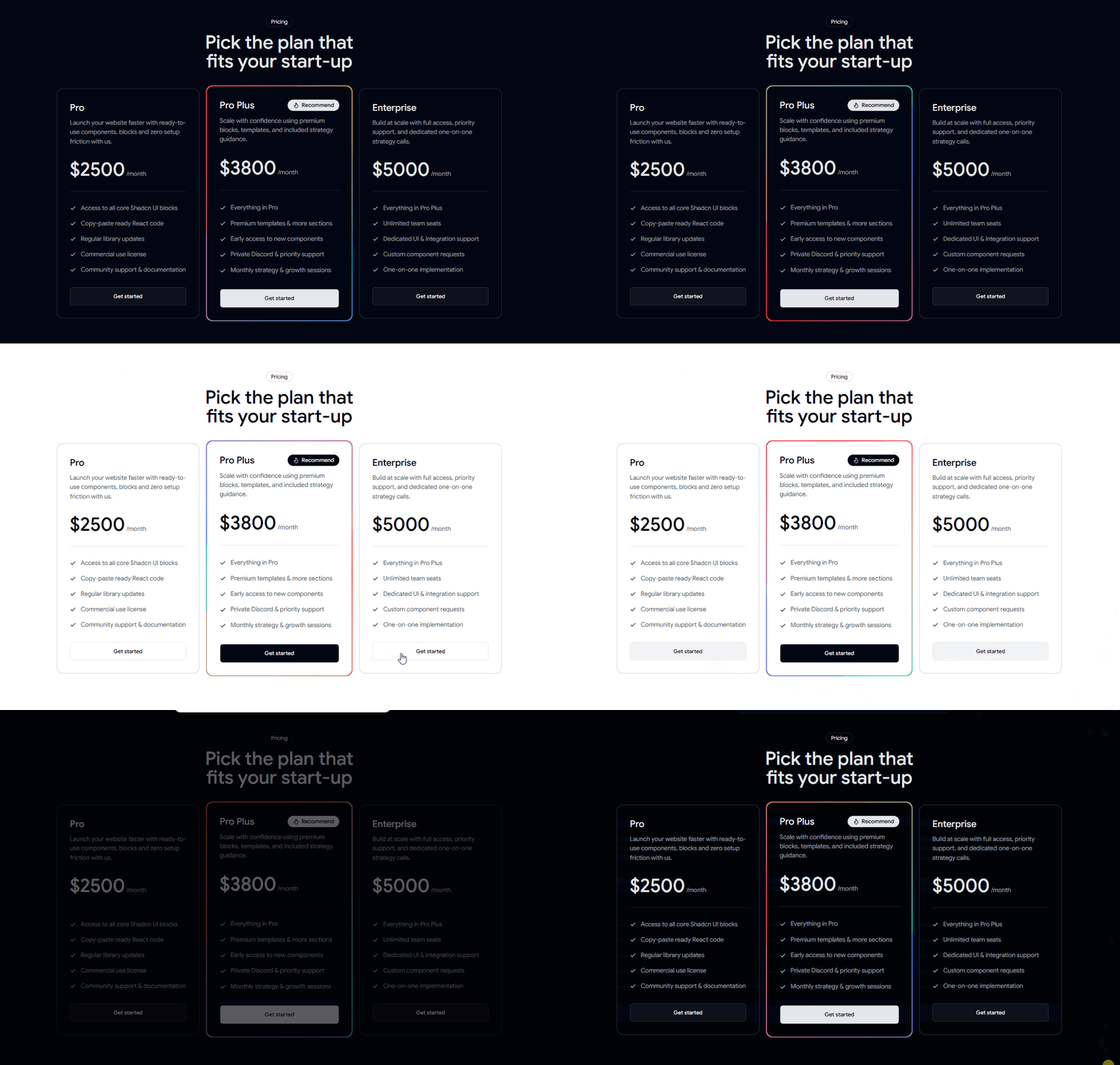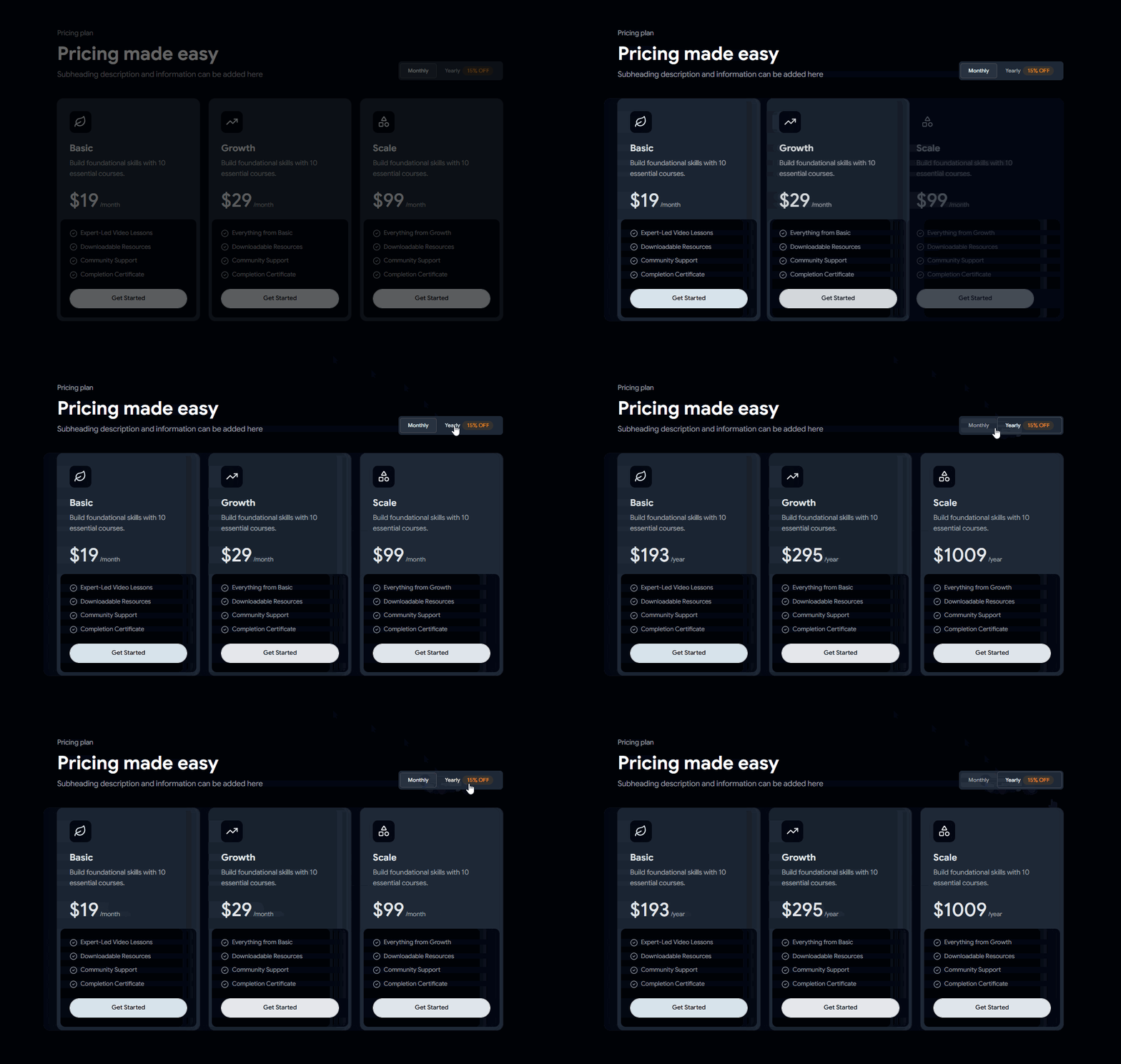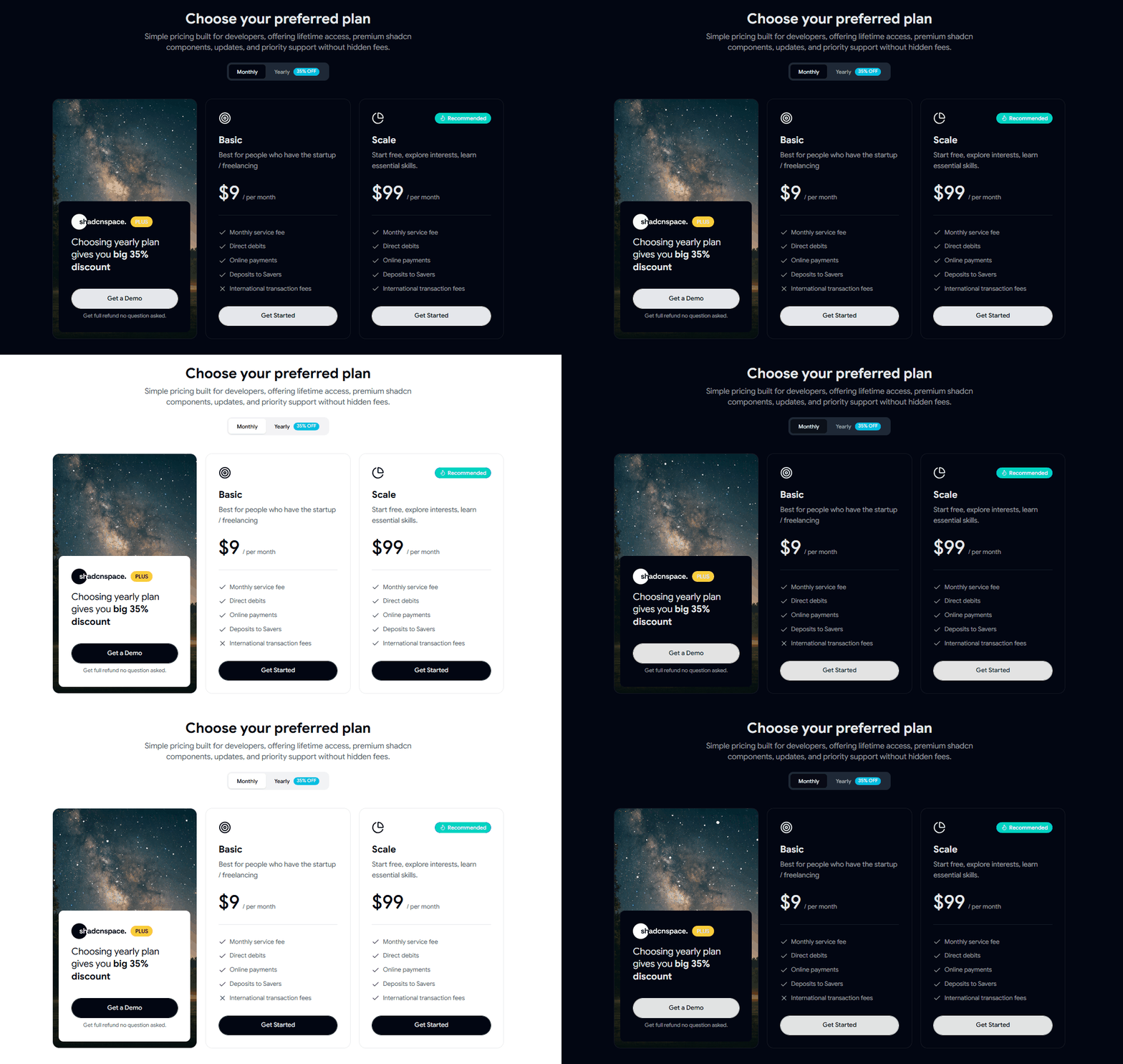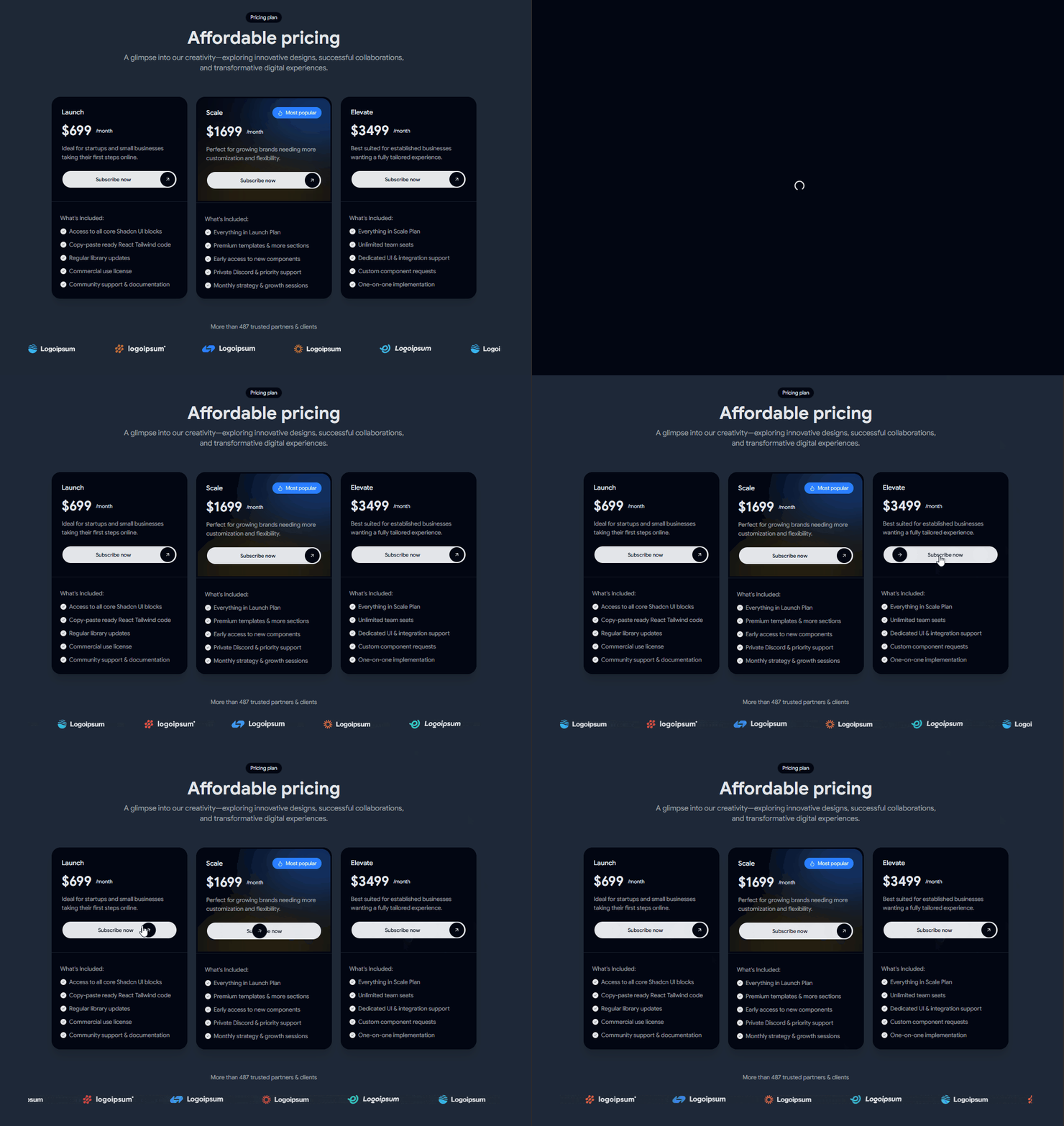
Inspiration to Build ShadcnSpace

Modern frontend teams want speed without sacrificing control. While shadcn/ui gave developers a powerful foundation, many still spend hours rebuilding the same UI patterns for every project.

As web developers, we kept running into the same problem.

Shadcn Space was inspired by the need for a practical, production-ready UI toolkit that helps developers move faster while staying fully in control of their code. We wanted a place where developers could quickly pick solid, real-world UI and move forward without starting from zero. That idea became Shadcn Space.


What this shadcn tool does

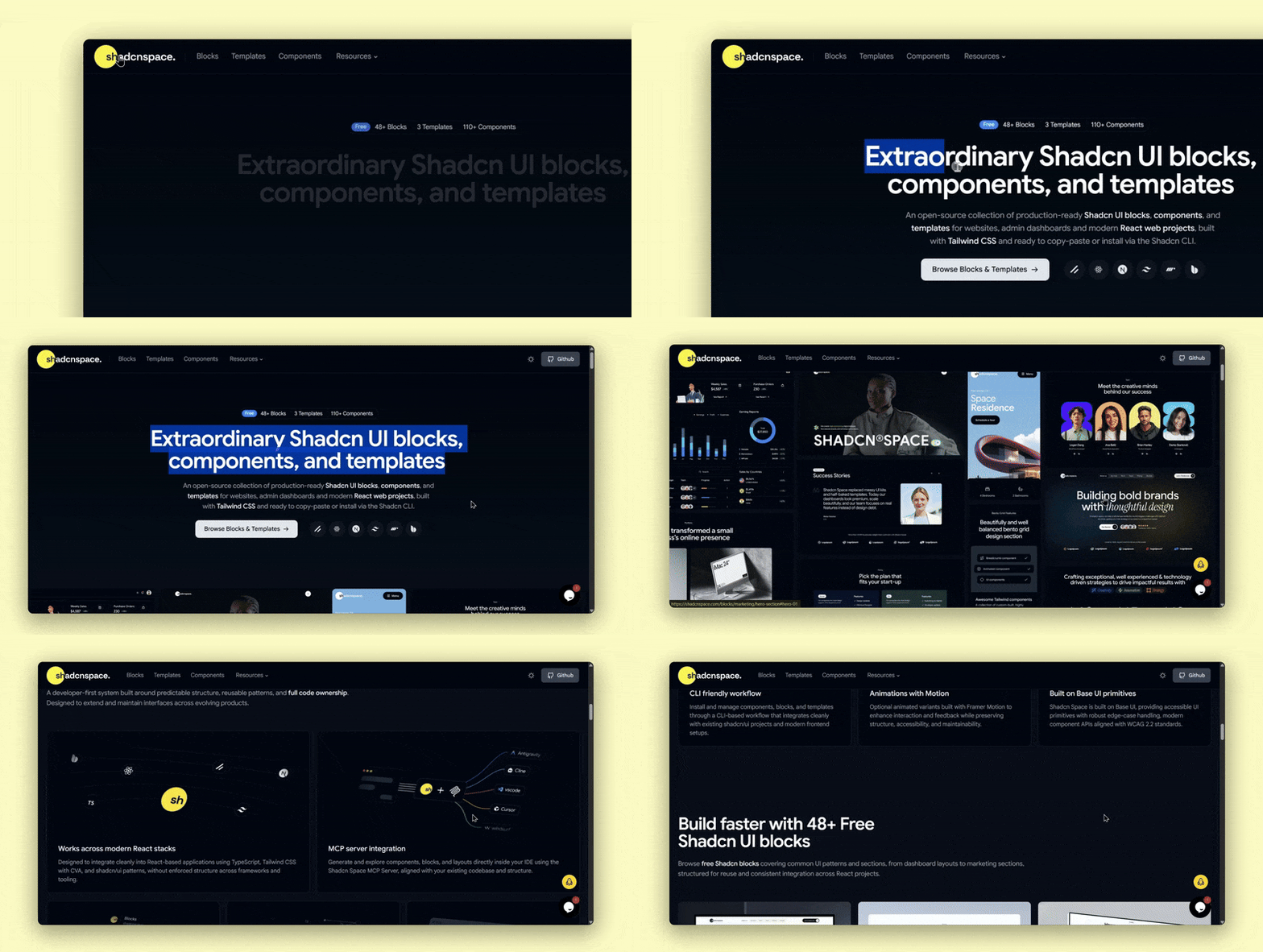
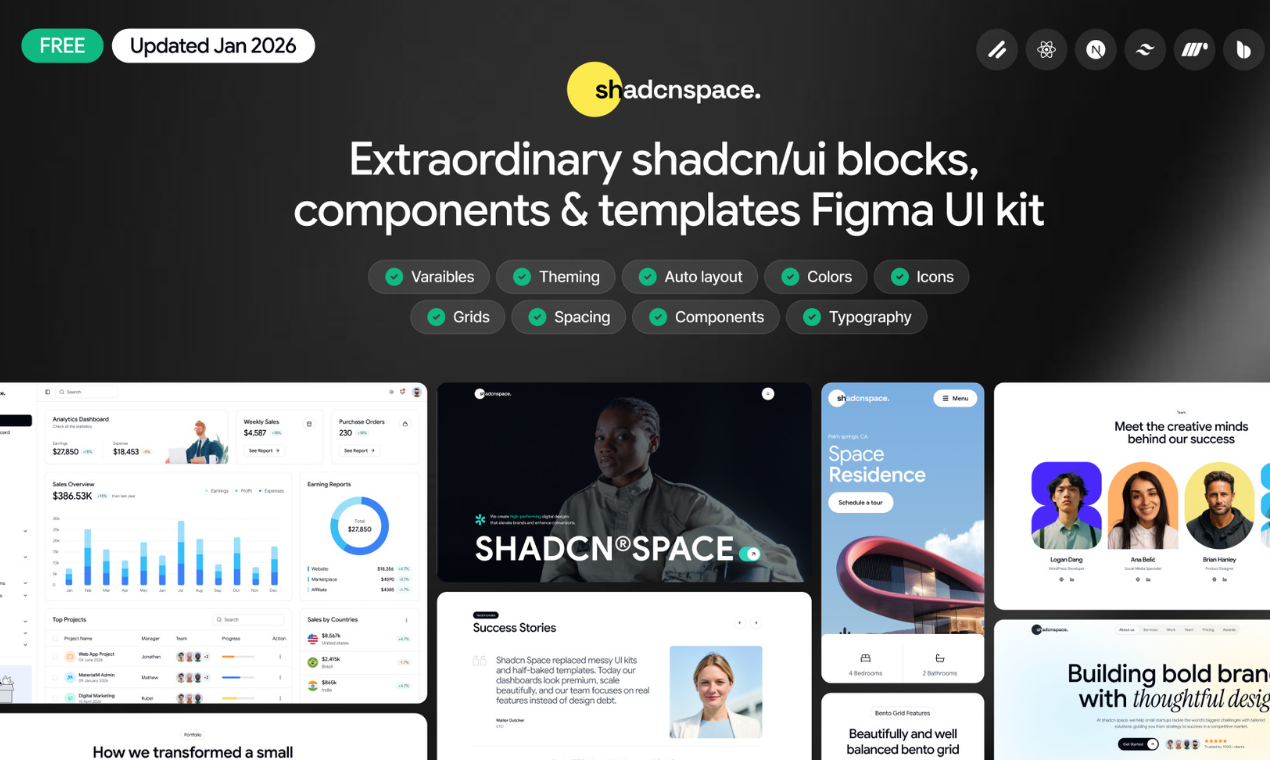
Shadcn Space is an open-source collection of Shadcn UI components, UI blocks, and templates.

It helps developers:

  • Build websites and dashboards faster

  • Reuse common UI patterns

  • Keep design consistent across projects

Everything is easy to copy, customize, and use in real products.


How we built it

We built Shadcn Space on top of shadcn/ui, keeping things simple and practical.

  • Components are clean and easy to reuse

  • Blocks are made by combining smaller components

  • Templates are structured like real production projects

  • No lock-in, no hidden magic just code developers can control

Our focus was always on usability, clarity, and real use cases.


Challenges we ran into

  • Making components flexible without overcomplicating them

  • Keeping design consistent across many components

  • Deciding what to include and what to leave out

  • Scaling the library while keeping quality high


Shadcn resources we offer:

  • Shipping 130+ usable components

  • Creating 180+ reusable UI blocks

  • Launching 8 full website templates

  • Keeping free and open-source as well

  • Getting early positive feedback from developers


What we learned

  • Developers want control over their UI

  • Simple, well-structured components work better than complex ones

  • Consistency saves a lot of development time

  • Open-source tools grow when they solve real problems


What’s next for Shadcn Space

  • More dashboard and SaaS-focused blocks

  • Better docs and examples

  • Community feedback and contributions

  • More templates for different types of products

We want Shadcn Space to be a practical UI resource that developers can rely on for real projects.

Useful Links from Shadcn Space

Check out our:

  1. UI Blocks – Pre-built, reusable sections for modern layouts

  2. UI Components – Production-ready Shadcn UI components

  3. Landing Pages – Clean and responsive landing page design

  4. Dashboard UI Blocks – Scalable admin panel ready to use UI

  5. Shadcn Templates – Ready-to-use Website and Landing Page templates

Built With

Share this project:

Updates

posted an update —

New Shadcn Space Updates Are Live

what's new august changelog

What’s new:

  • 21+ Shadcn Blocks
  • 12+ UI Components

This update introduces new Landing Pages, Announcement Bars, Hero sections, Compare blocks, Contact & Team sections, User Profile dashboards, Email Applications, Login & Register forms, Integration blocks, and Logo Clouds.

It also includes new Sortable and Aspect Ratio UI components.

Shadcn Space now offers:

See what's new in today's changelog.

Log in or sign up for Devpost to join the conversation.

posted an update —

Shadcn Tooltip UI Components & Designs

A collection of customizable and interactive tooltip components built with React, Next.js, Tailwind CSS, and Shadcn UI.

Types of Tooltip Components

These ready-to-use tooltip patterns are designed to provide helpful information, contextual guidance, validation feedback, and additional details without cluttering the interface.

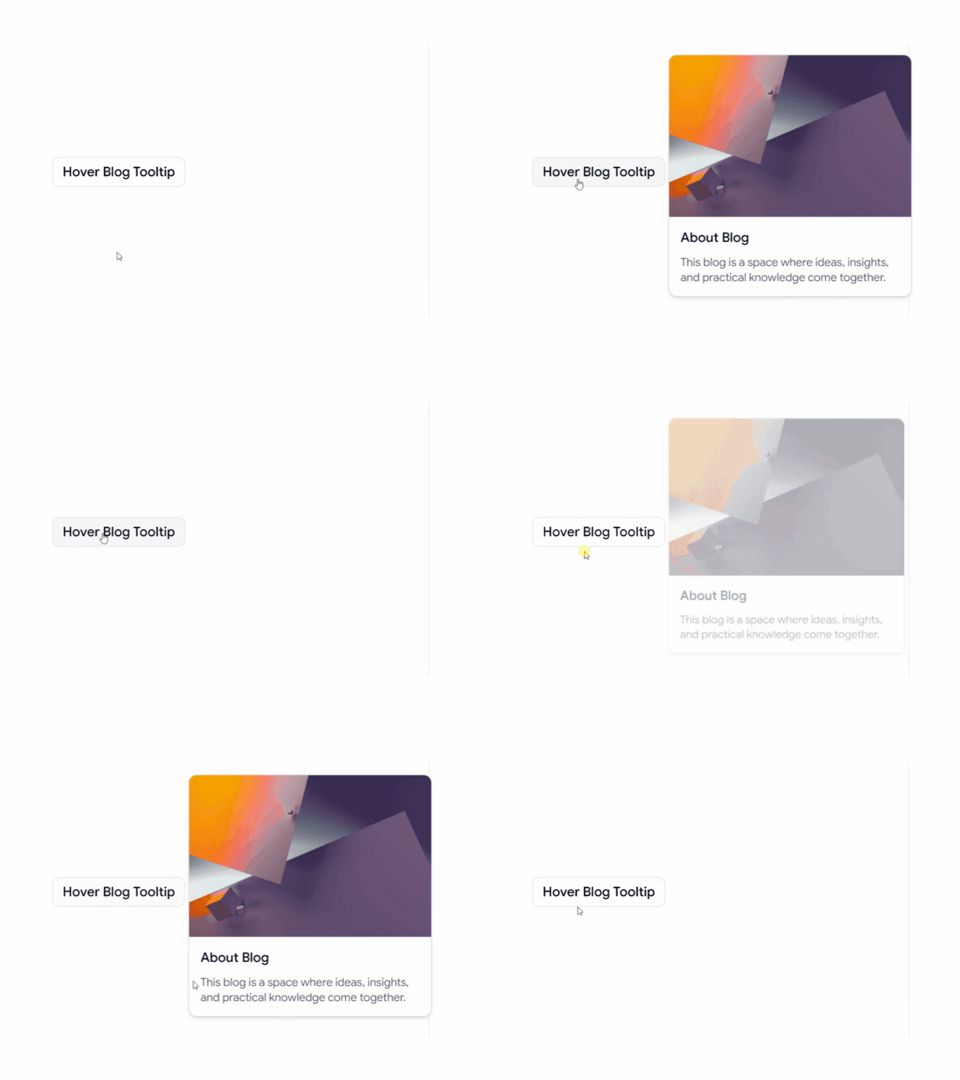
Hover Blog Card Tooltip

Hover Blog Card Tooltip

A rich hover tooltip for displaying blog information and content previews without leaving the current page. Perfect for blogs, content platforms, and editorial websites.

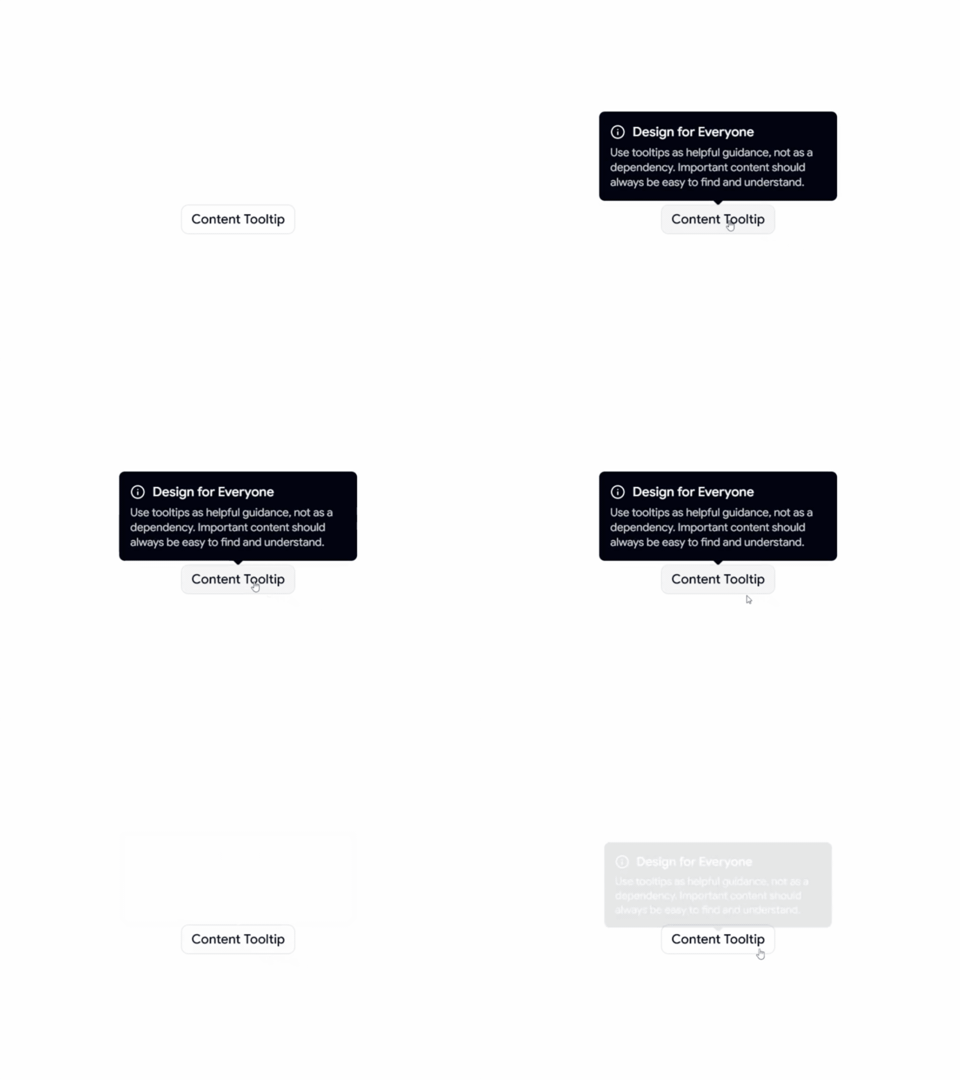
Content Tooltip

Content Tooltip

A simple content-focused tooltip for displaying helpful information, explanations, and contextual guidance when users interact with UI elements.

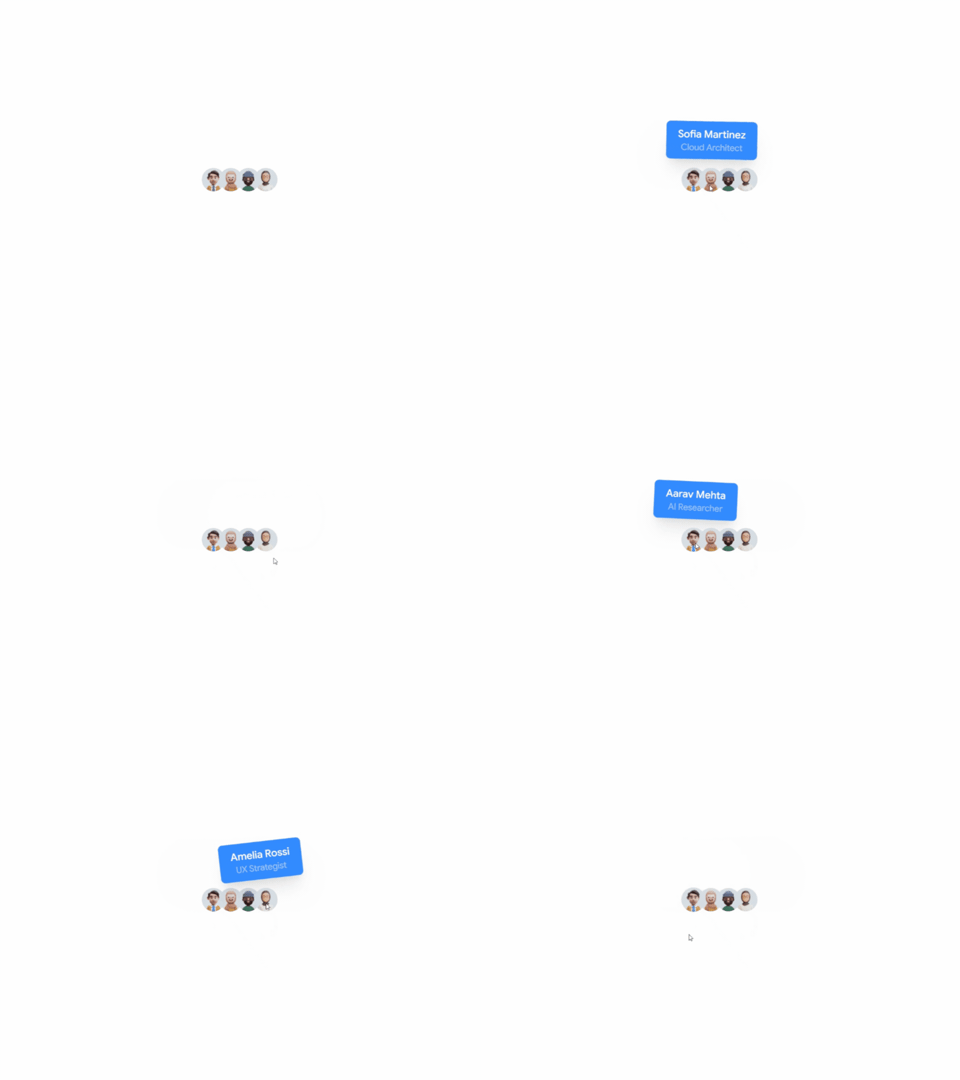
Animated Avatar Tooltip

Animated Avatar Tooltip

An interactive tooltip with smooth animated transitions, designed to create a more engaging and polished user experience.

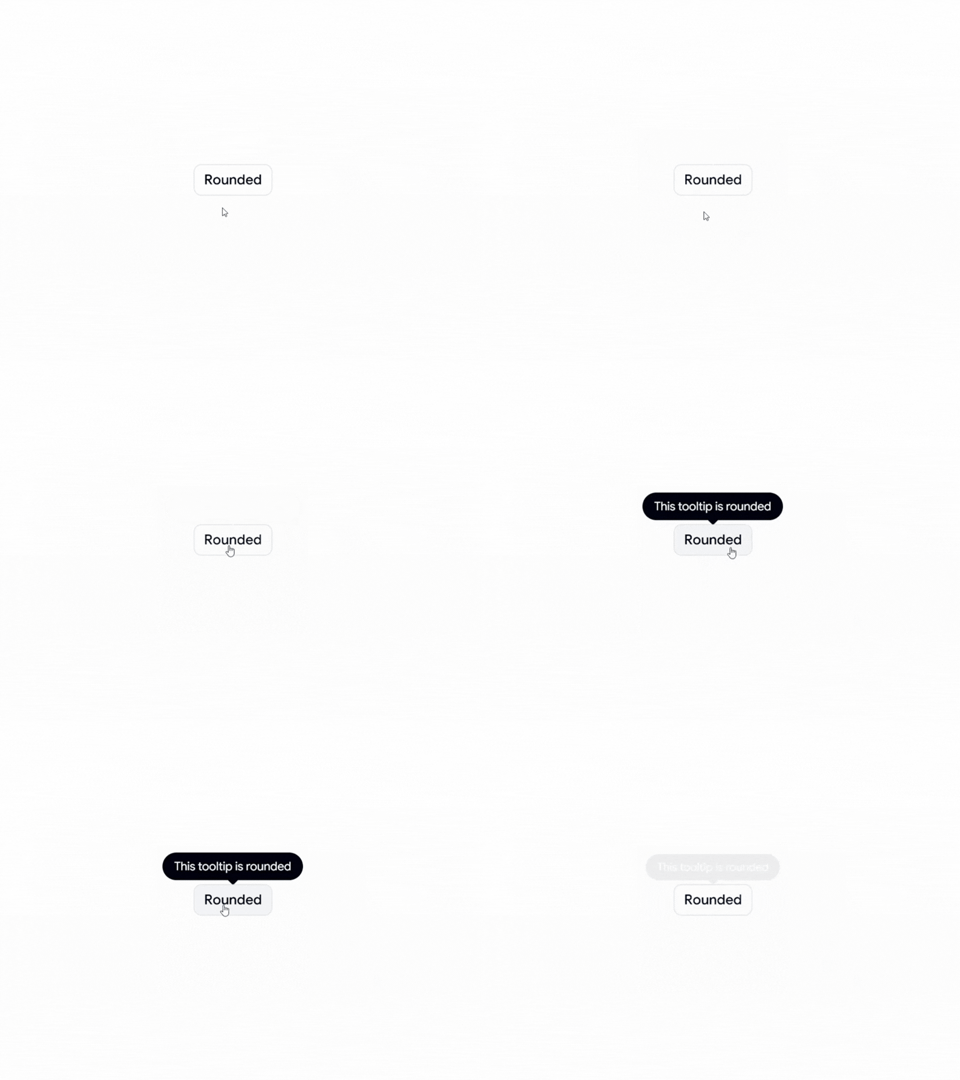
Rounded Tooltip

Rounded Tooltip

A clean and modern rounded tooltip style that fits naturally into contemporary interfaces and design systems.

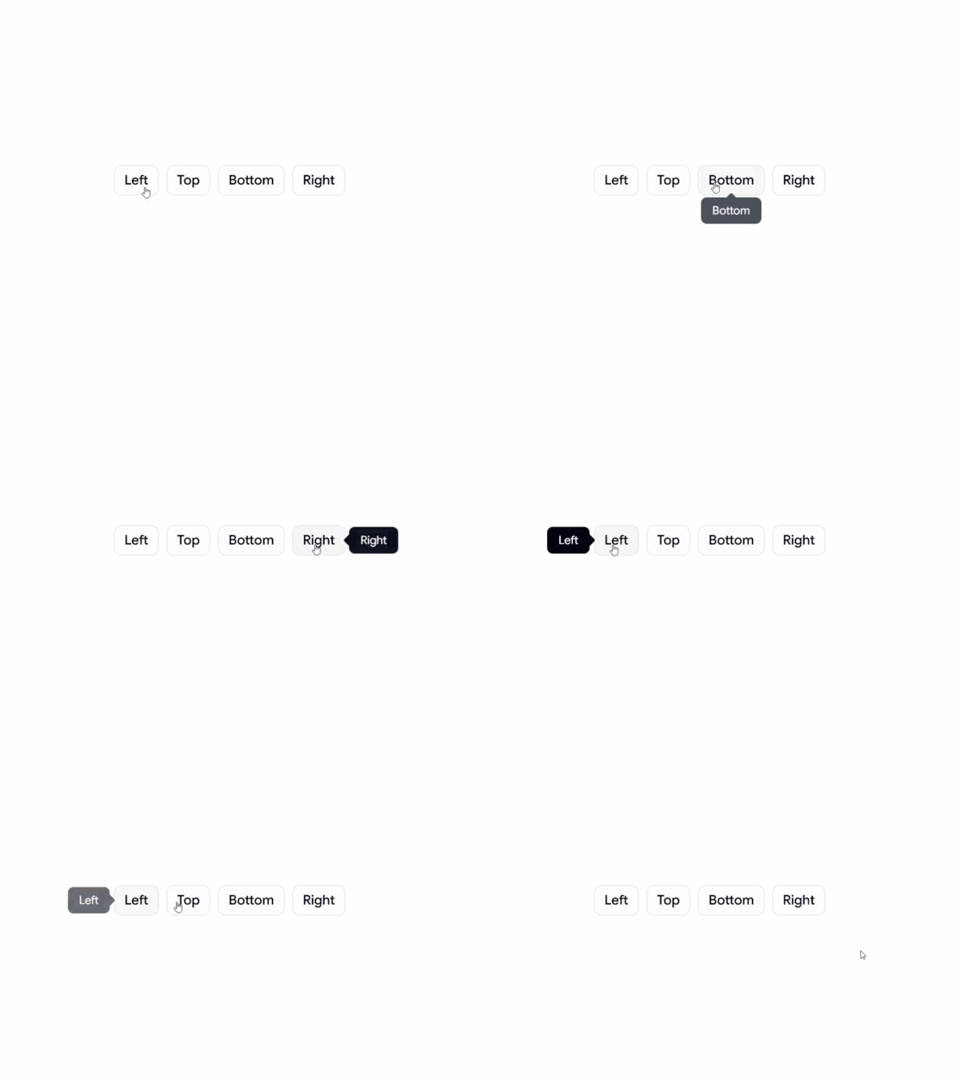
Positional Tooltip

Positional Tooltip

A flexible tooltip with different positioning options, making it suitable for buttons, icons, navigation, forms, and other interactive elements.

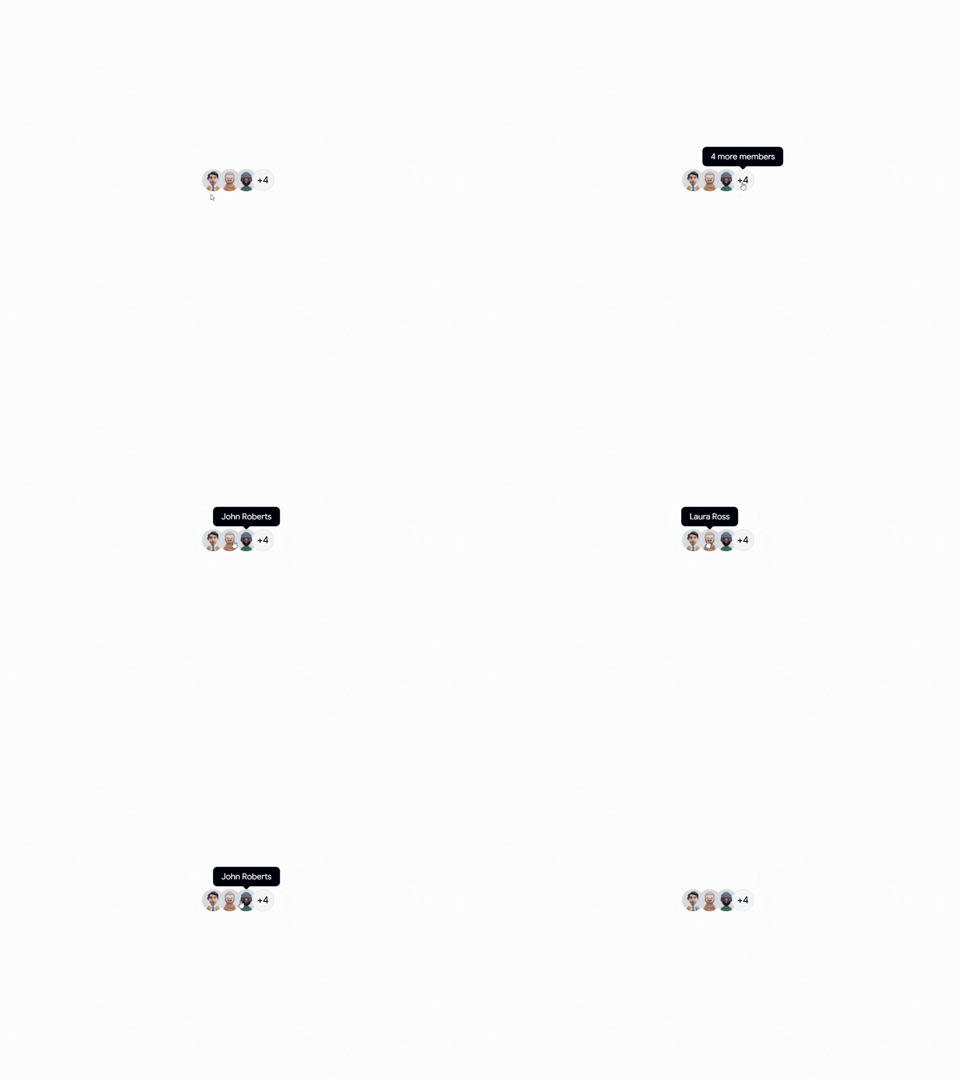
Avatar Tooltip

Avatar Tooltip

An avatar-based tooltip for displaying user information and profile details. Ideal for team sections, social platforms, collaboration tools, and user profiles.

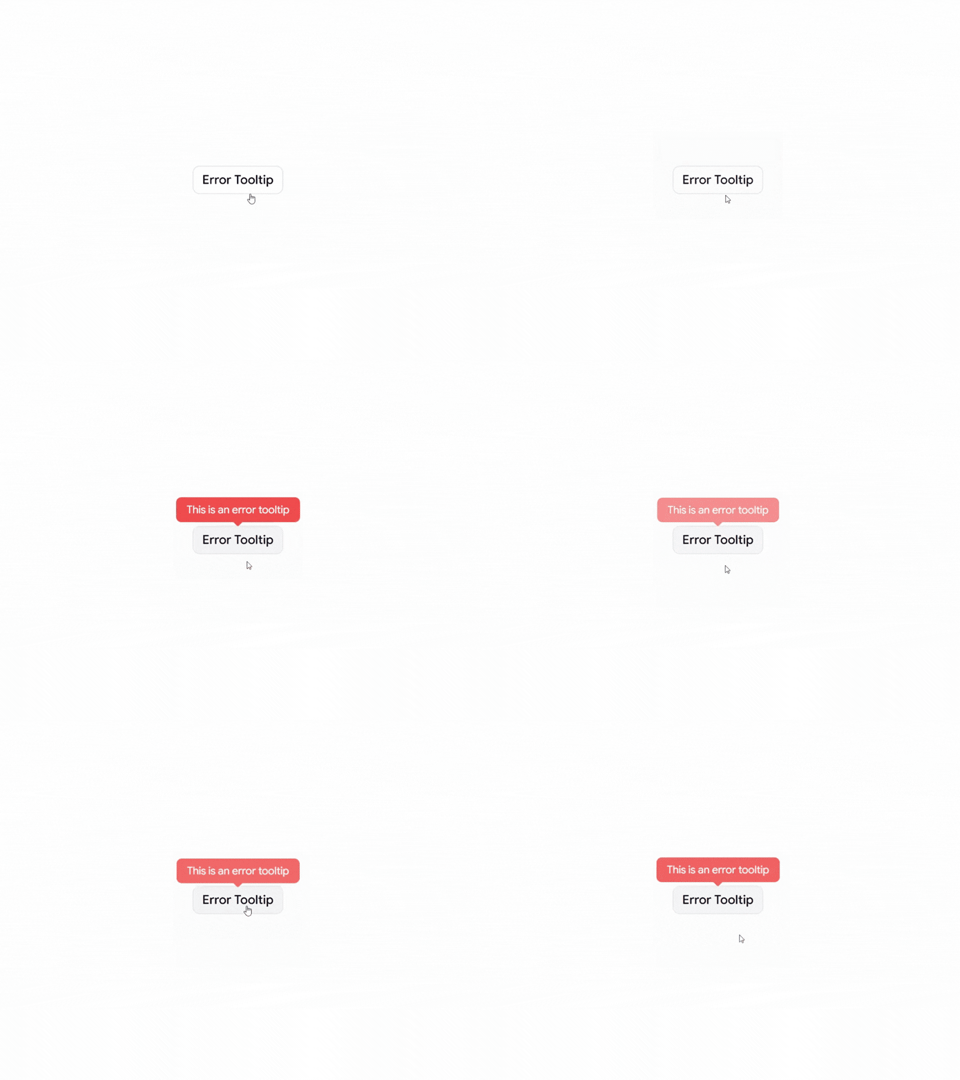
Error Tooltip

Error Tooltip

An error-focused tooltip for displaying validation messages, warnings, and helpful feedback when users interact with an invalid field or action.

Why Use Tooltips?

Tooltips provide additional context without taking up permanent space in the interface. They can help users understand icons, actions, form fields, and unfamiliar UI elements while keeping the overall design clean and focused.

Perfect For

React applications, Next.js projects, Shadcn UI websites, SaaS products, admin dashboards, social platforms, team management apps, blogs, e-commerce websites, and modern web applications.

Check out Shadcn Tooltip today

Log in or sign up for Devpost to join the conversation.

posted an update —

A collection of production-ready Shadcn Sheet Components for building responsive side panels, overlays, shopping carts, and filter interfaces.

Built with React, Next.js, TypeScript, Tailwind CSS, Base UI, and Radix UI, these components are easy to customize and ready for real-world applications.

Here Are 4+ Types of Shadcn Sheet Components

Different Directions Sheet

A flexible sheet component that can slide in from the top, bottom, left, or right for different layout needs.

Different Directions Sheet

Scrollable Content Sheet

A scrollable sheet designed for long forms, settings pages, and detailed content panels.

Scrollable Content Sheet

Shopping Cart Sheet

An e-commerce shopping cart drawer with item previews, pricing, and checkout actions.

Shopping Cart Sheet

Filter Panel Sheet

A responsive filter panel for search results, product listings, dashboards, and data-heavy interfaces.

Filter Panel Sheet

Why Developers Use Shadcn Sheet Components

  • Build responsive drawers and sidebars quickly
  • Create mobile-friendly filter panels
  • Add shopping cart overlays to e-commerce apps
  • Display forms and settings without leaving the page
  • Improve user experience with non-blocking interactions
  • Save development time with reusable UI patterns

Best For

  • React Applications
  • Next.js Projects
  • Shadcn UI Websites
  • SaaS Dashboards
  • E-commerce Stores
  • Admin Panels
  • Analytics Platforms
  • Mobile-Friendly Web Apps
  • Search & Filter Interfaces
  • Modern Web Applications

Check Out the Shadcn Sheet Components Today.

Log in or sign up for Devpost to join the conversation.

posted an update —

Shadcn Sidebar Blocks & Sections designed to help developers build modern admin dashboards, SaaS platforms, productivity apps, AI workspaces, email clients, analytics dashboards, and responsive web applications using React, Next.js, and Tailwind CSS.

These ready-to-use sidebar blocks are built with Next.js, React, TypeScript, Tailwind CSS, Base UI, and Radix UI for modern web applications.

Here Are 9+ Types of Shadcn Sidebar Blocks

Admin Dashboard Sidebar

A modern dashboard sidebar featuring organized navigation for SaaS platforms, admin panels, analytics dashboards, CRM systems, and business applications.

Admin Dashboard Sidebar

Mini Sidebar Navigation

A clean collapsible mini sidebar that maximizes workspace while providing quick access to navigation, perfect for modern dashboards and productivity apps.

Mini Sidebar Navigation

Two Column Sidebar

A powerful dual-column sidebar layout ideal for complex applications, documentation, project management tools, design systems, and enterprise software.

Two Column Sidebar

Compact Dashboard Navigation

A space-efficient dashboard sidebar designed for admin interfaces, reporting tools, analytics platforms, and modern business dashboards.

Compact Dashboard Navigation

Admin Sidebar with Promo

A feature-rich admin sidebar with promotional and upgrade sections, perfect for SaaS applications, subscription platforms, and premium dashboards.

Admin Sidebar with Promo

Card Layout Admin Dashboard Sidebar

A beautifully organized card-based sidebar with grouped navigation, making dashboards more intuitive and visually engaging.

Card Layout Admin Dashboard Sidebar

Animated Mega-Menu Console Sidebar

An advanced console-style sidebar featuring animated mega menus, expandable navigation, and smooth interactions for developer tools, AI platforms, and enterprise applications.

Animated Mega-Menu Console Sidebar

Mail Workspace Sidebar

A modern email workspace sidebar inspired by productivity tools, ideal for inboxes, messaging platforms, collaboration software, and communication apps.

Mail Workspace Sidebar

Productivity Workspace Sidebar

A clean productivity-focused sidebar for task management, note-taking apps, project workspaces, team collaboration platforms, and modern business tools.

 Productivity Workspace Sidebar

Check out the Shadcn Sidebar Today.

Log in or sign up for Devpost to join the conversation.

posted an update —

Explore our collection of Shadcn Date Time Picker Components & Examples designed to help developers build modern date selection, date & time inputs, date range pickers, time pickers, and multilingual calendar experiences using React, Next.js, and Tailwind CSS.

These ready-to-use date picker components are built with Next.js, React, TypeScript, Tailwind CSS, Base UI, and Radix UI for modern web applications.

Here Are 4 Types of Shadcn Date Time Picker Components Included

Date & Time Picker

A modern date and time picker for scheduling appointments, booking systems, forms, and event management.

Date and Time Picker

Date Range Picker

A flexible date range picker perfect for travel bookings, analytics dashboards, reports, and filtering data.

 Date Range Picker

Time Picker

A clean and intuitive time picker with hour and minute selection for forms, reminders, and scheduling interfaces.

 Time Picker

Multi-language Date Picker

A localized date picker supporting multiple languages and regional formats for international web applications.

Multi-language Date Picker

Why Developers Use Shadcn Date Picker Components

  • Build modern date and time selection interfaces quickly
  • Create booking and scheduling experiences
  • Add date range filters to dashboards and reports
  • Support multiple languages and regional date formats
  • Improve user experience with intuitive calendar interactions
  • Save development time with reusable UI patterns

Best For

  • React Applications
  • Next.js Projects
  • Shadcn UI Websites
  • SaaS Dashboards
  • Booking Platforms
  • E-commerce Stores
  • Admin Panels
  • Analytics Platforms
  • Event Management Systems
  • Mobile-Friendly Web Apps
  • Modern Web Applications

Checkout Shadcn Date Time Picker Today.

Log in or sign up for Devpost to join the conversation.

posted an update —

Ship Faster with the Latest Shadcn Space Release

This month's release includes:

  • React version of the Admin Dashboard
  • Astro version of the Saazio SaaS Template
  • React version of the Admin Dashboard
  • 19 new shadcn UI Blocks
  • 26 new UI Components

Shadcn Space now includes:

  • React + Next.js Admin Dashboard Kit
  • MCP Server Support 10+ Templates
  • 371+ Ready-to-Use UI Blocks
  • 385+ UI Components
  • Landing Page Builder
  • Pro Figma UI Kit
  • AI Form Builder
  • 10+ Templates

See what's new in today's changelog.

Log in or sign up for Devpost to join the conversation.

posted an update —

Explore our collection of Shadcn Switch Components featuring modern, interactive toggle switch variants built with React, Next.js, TypeScript, Tailwind CSS, Base UI, and Radix UI.

These ready-to-use switch components help developers build settings pages, theme toggles, feature flags, preference panels, and interactive forms for modern web applications.

Here Are 5+ Types of Shadcn Switch Components

Switch Active Effect

A modern switch with a smooth active animation, perfect for settings pages and interactive controls.

Active Effect Switch

Switch With Icon

A switch featuring icons to clearly indicate enabled and disabled states.

Switch With Icon

Switch Toggle Theme

A dark mode and light mode switch for modern websites and dashboards.

Switch Toggle Theme

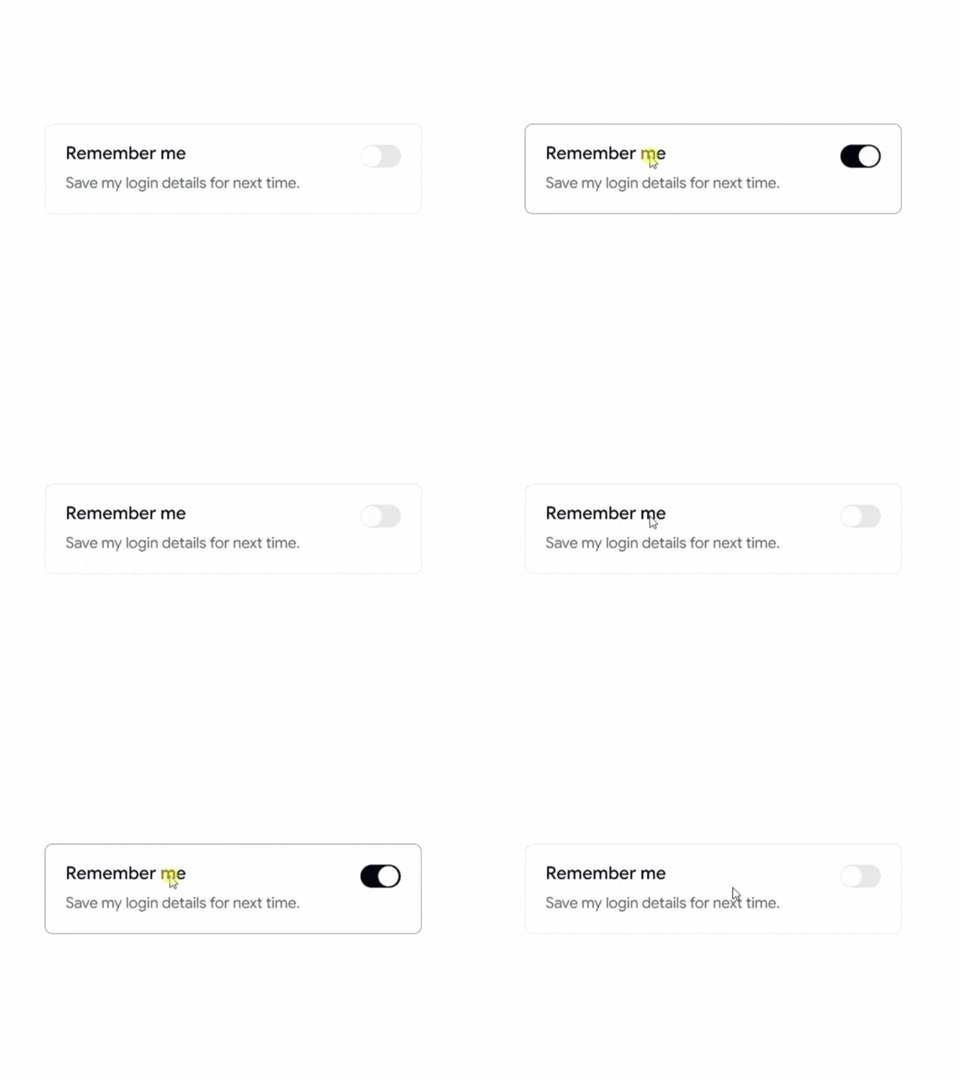
Switch With Description

A switch combined with descriptive text to provide additional context for each setting.

Switch With Description

Switch With Label

A clean switch with labels, ideal for forms, preferences, and application settings.

Switch With Label

Switch Custom Colors

A customizable switch with different color variants to match your design system and branding.

Switch Custom Colors

Why Developers Use Shadcn Switch Components

Switch components provide a simple and intuitive way to enable or disable features, preferences, and settings without adding unnecessary complexity to the user interface.

Best For

  • React Applications
  • Next.js Projects
  • Shadcn UI Websites
  • SaaS Products
  • Admin Dashboards
  • User Settings Pages
  • Dark Mode Toggles
  • Feature Flags
  • Preference Panels
  • Modern Web Applications

Check out Shadcn Switch today

Log in or sign up for Devpost to join the conversation.

posted an update —

Forms are one of the most important parts of any application. Whether you're building onboarding flows, profile pages, account settings, or checkout experiences, well-designed forms improve usability and increase conversions.

Here Are 5 Types of Shadcn Form Components

Edit Profile Form

A user-friendly profile editing form with avatar upload, personal details, privacy controls, and action toggles for modern SaaS applications.

Edit Profile Form

User Profile Form

A comprehensive profile form featuring personal information, workspace details, and network settings for account management.

User Profile Form

Multi-Step Onboarding Form

A premium onboarding experience with progress indicators, smooth transitions, and multi-step user information collection.

Multi-Step Onboarding Form

Advanced Settings Sidebar Layout

A professional settings interface with sidebar navigation, categorized sections, and scalable preference management.

Advanced Settings Sidebar Layout

E-commerce Checkout Form

A complete multi-step checkout flow featuring shipping information, delivery options, discount codes, payment methods, and order summaries.

E-commerce Checkout Form

Why Developers Use Shadcn Form Components

  • Build forms faster with reusable layouts
  • Integrate with React Hook Form and TanStack Form
  • Add validation using Zod
  • Improve accessibility and usability
  • Create professional onboarding experiences
  • Simplify complex form workflows

Best For

  • React applications
  • Next.js projects
  • Shadcn UI websites
  • SaaS products
  • Admin dashboards
  • User onboarding flows
  • Account settings pages
  • E-commerce checkouts
  • Customer portals
  • Modern web applications

Check out Shadcn Form today.

Log in or sign up for Devpost to join the conversation.

posted an update —

A collection of reusable slider controls built for settings panels, media players, analytics dashboards, and interactive web applications.

Here Are 5+ Types of Shadcn Slider Components

Slider 01 – Volume Control

A clean volume control slider designed for audio settings, media players, and application preferences.

Volume Control

Slider 02 – Emoji Rating

An interactive emoji-based rating slider that provides a fun and engaging feedback experience.

Emoji Rating

Slider 03 – Temperature Control

A temperature selector slider with predefined ranges and visual feedback for climate, IoT, and smart-device interfaces.

Temperature Control

Slider 04 – Modern Volume

A modern volume slider with a live percentage display for enhanced user feedback.

Modern Volume

Slider 05 – Equalizer Bar

An equalizer-style slider perfect for music applications, audio controls, and visual settings panels.

Equalizer Bar

Why Developers Use Shadcn Slider

  • Sliders provide quick and intuitive control over a range of values.
  • Great for settings, preferences, ratings, and interactive dashboards.
  • Eliminates the need to build custom drag-and-drop logic.
  • Handles accessibility and keyboard interactions more effectively.
  • Provides a familiar and user-friendly interface across devices.

Best For

  • React applications
  • Next.js projects
  • Shadcn UI websites
  • SaaS dashboards
  • Audio applications
  • Media players
  • Analytics dashboards
  • Settings panels
  • Admin dashboards
  • Modern web applications

Check out Shadcn Slider Today.

Log in or sign up for Devpost to join the conversation.

posted an update —

Explore our collection of 6 Shadcn Alert Components built with React, Next.js, and Tailwind CSS. These customizable, production-ready alert variants help developers create modern notifications, warnings, validation messages, and status updates.

Here Are 6 Types of Shadcn Alert Components

Alert with Password Detail

Password validation alert that helps users understand password requirements with clear guidance and validation feedback.

Alert with Password Detail

Alert with User Detail

Notification alert designed for comments, replies, mentions, and unread activity updates inside modern applications.

Alert with User Detail

Social Alert

Simple social notification alert for connection requests, invitations, follows, and engagement updates.

Social Alert

Indicator Destructive Alert

Warning and destructive action alert designed to communicate critical actions, errors, and important account notices.

Indicator Destructive Alert

Dark Theme Alert

Dark-themed alert component ideal for dashboards, admin panels, and modern dark mode applications.

Dark Theme Alert

Alert with Gradient Effects

Modern gradient alert with eye-catching styling for announcements, promotions, updates, and featured messages.

 Alert with Gradient Effects

Why Developers Use Shadcn Alert Components

Alert components help communicate important information, warnings, success messages, and notifications without interrupting the user experience.

These components are commonly used in dashboards, SaaS applications, admin panels, authentication flows, and notification systems.

Best For

• React Applications

• Next.js Projects

• Shadcn UI Websites

• SaaS Dashboards

• Admin Panels

• Authentication Systems

• Notification Centers

• Developer Tools

Check out Shadcn Alert Today.

Log in or sign up for Devpost to join the conversation.

posted an update —

Explore Shadcn Calendar Components built for React and Next.js. These ready-to-use calendar layouts are ideal for booking platforms, appointment scheduling, event management, date-picker interfaces, and seamless date-selection experiences.

Here Are 15 Types of Shadcn Calendar Components Included

Calendar 01 – Standard Calendar

A clean and simple calendar component for general date selection and scheduling.

Standard Calendar

Calendar 02 – Style Calendar

A visually enhanced calendar with custom styling for modern applications.

Style Calendar

Calendar 03 – Time Calendar

Calendar component with available time slots for appointment booking and reservations.

Time Calendar

Calendar 04 – Dialog Calendar

A calendar displayed inside a modal dialog for focused date selection experiences.

Dialog Calendar

Calendar 05 – Month and Year Select

Calendar with dedicated month and year selectors for faster navigation across dates.

Month and Year Select

Calendar 06 – Disable Weekends

Calendar configuration that prevents users from selecting weekends.

Disable Weekends

Calendar 07 – Variable Size

Flexible calendar component with adjustable sizing for different layouts.

Variable Size

Calendar 08 – With Event List

Calendar combined with an event list to display upcoming schedules and appointments.

With Event List

Calendar 09 – Custom Range Select

Advanced date range selection with custom start and end date controls.

Custom Range Select

Calendar 10 – Right Side Navigation

Calendar featuring right-side navigation controls for improved usability.

Right Side Navigation

Calendar 11 – Left Side Navigation

Calendar with left-side navigation controls for alternative layouts.

Left Side Navigation

Calendar 12 – With Today Button

Calendar including a quick "Today" button for faster date navigation.

With Today Button

Calendar 13 – With Date Input

Calendar integrated with a date input field for manual date entry.

With Date Input

Calendar 14 – Range Selection

Powerful date range picker supporting day, week, and month selections.

Range Selection

Calendar 15 – With Pricing

Booking-focused calendar displaying pricing information directly within date selections.

With Pricing

Best For

  • React applications
  • Next.js projects
  • Shadcn UI websites
  • Booking platforms
  • Hotel reservation systems
  • Appointment scheduling apps
  • Event management platforms
  • SaaS products
  • Travel websites
  • Healthcare scheduling systems

Checkout Shadcn Calendar Today.

Log in or sign up for Devpost to join the conversation.

posted an update —

Explore our collection of 10+ Shadcn Select Components built with React, Next.js, and Tailwind CSS. These fully customizable, production-ready select variants make it easy to build modern forms, filters, settings pages, dashboards, and user-friendly input experiences.

Here Are 10+ Types of Shadcn Select Components

Required Select Component

A required select component with built-in validation for forms and user input workflows.

Required Select Component

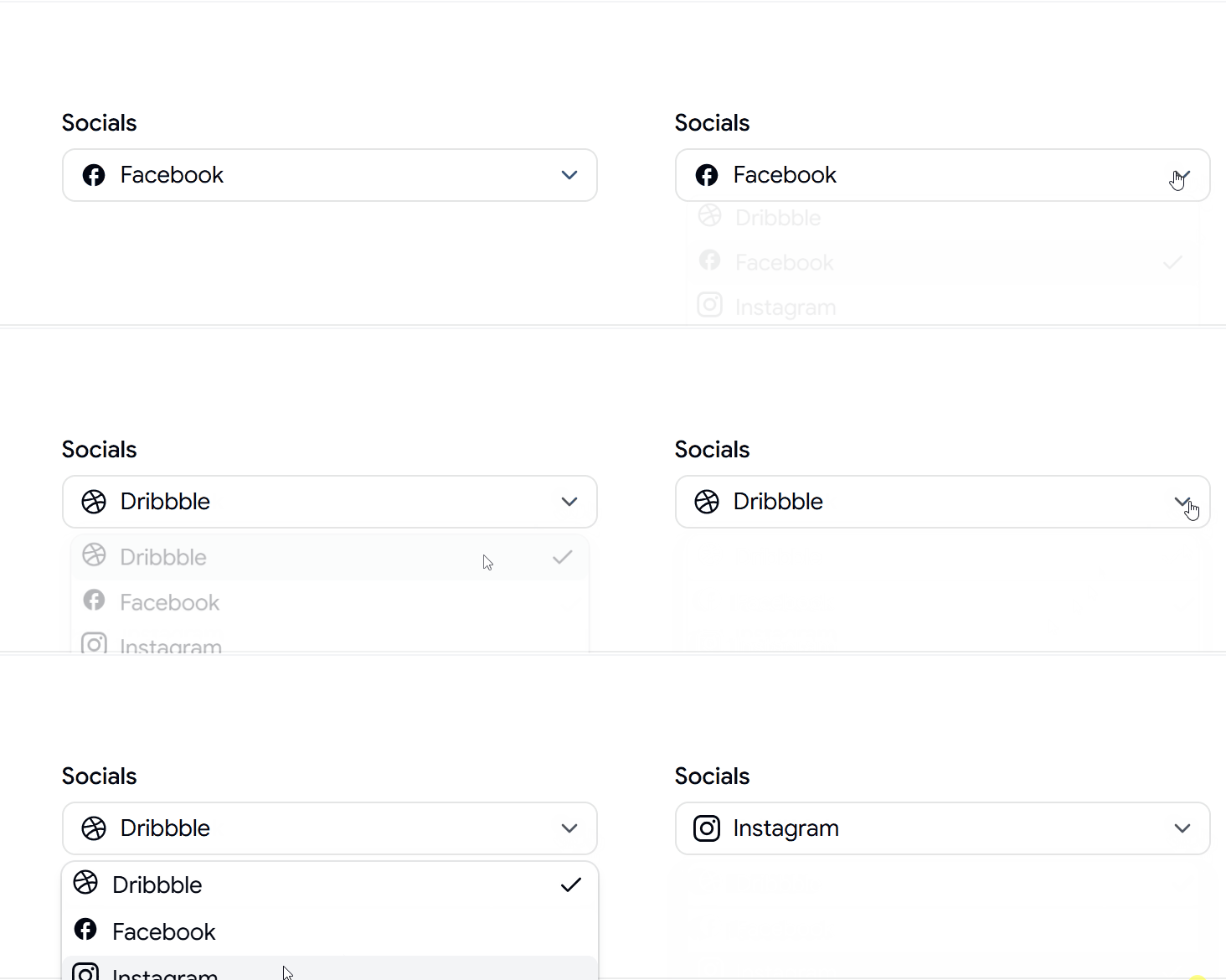
Select Component with Icon

A select component enhanced with icons, making options easier to identify and navigate.

 Select Component with Icon

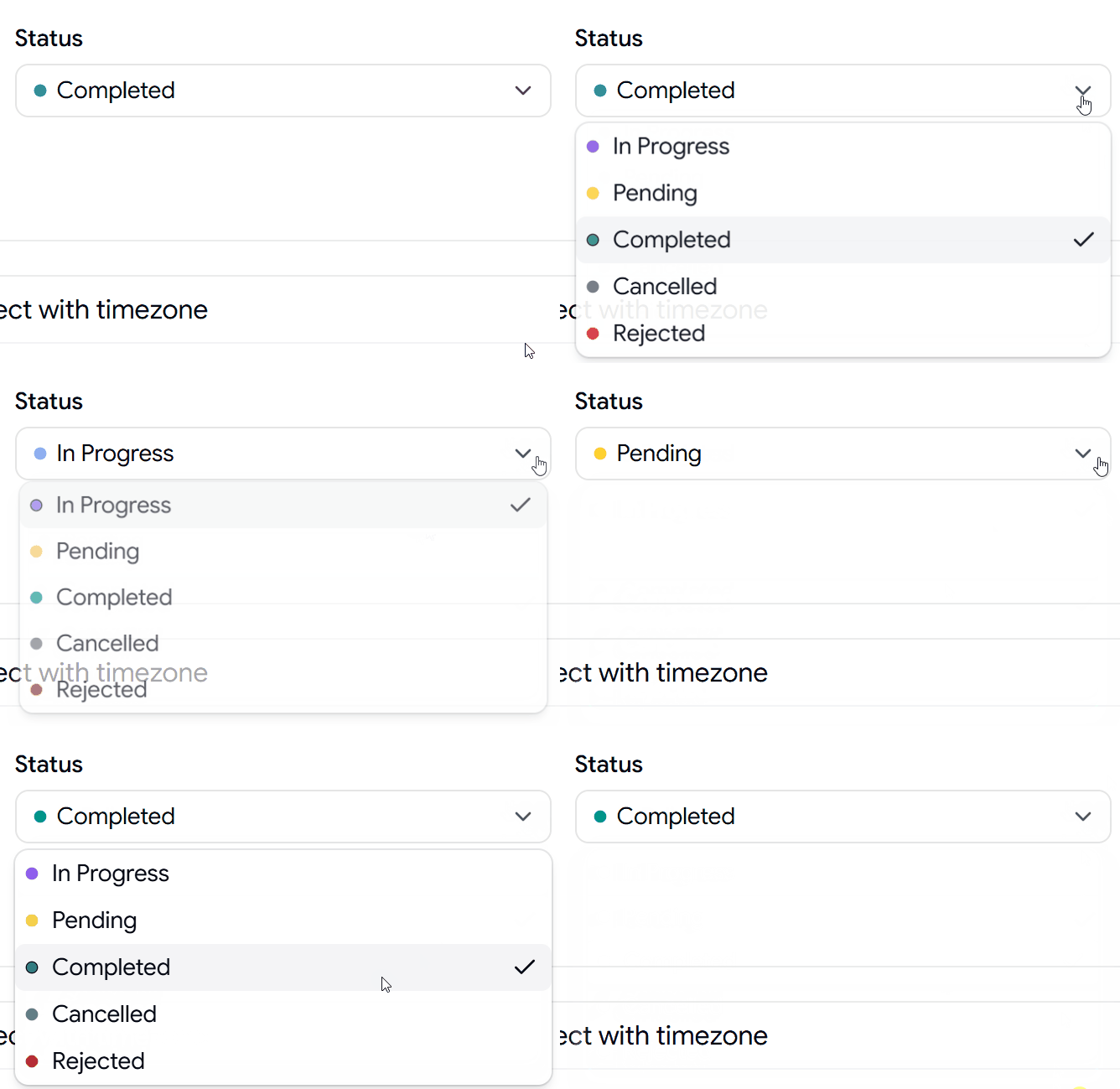
Status Select Component

A status selector perfect for workflows, task management systems, and project dashboards.

Status Select Component

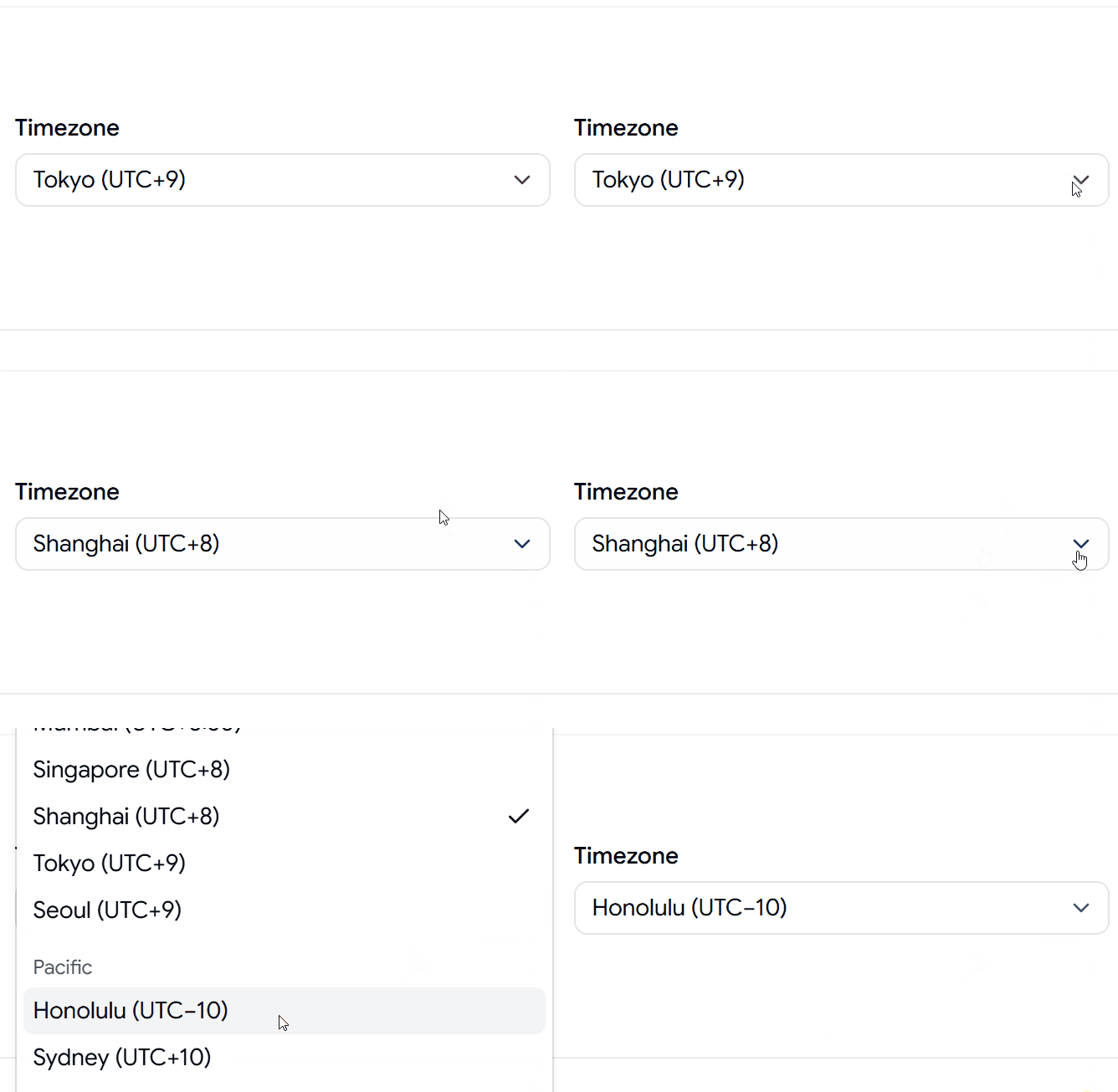
Timezone Select Component

A timezone selector designed for scheduling, booking systems, and global applications.

Timezone Select Component

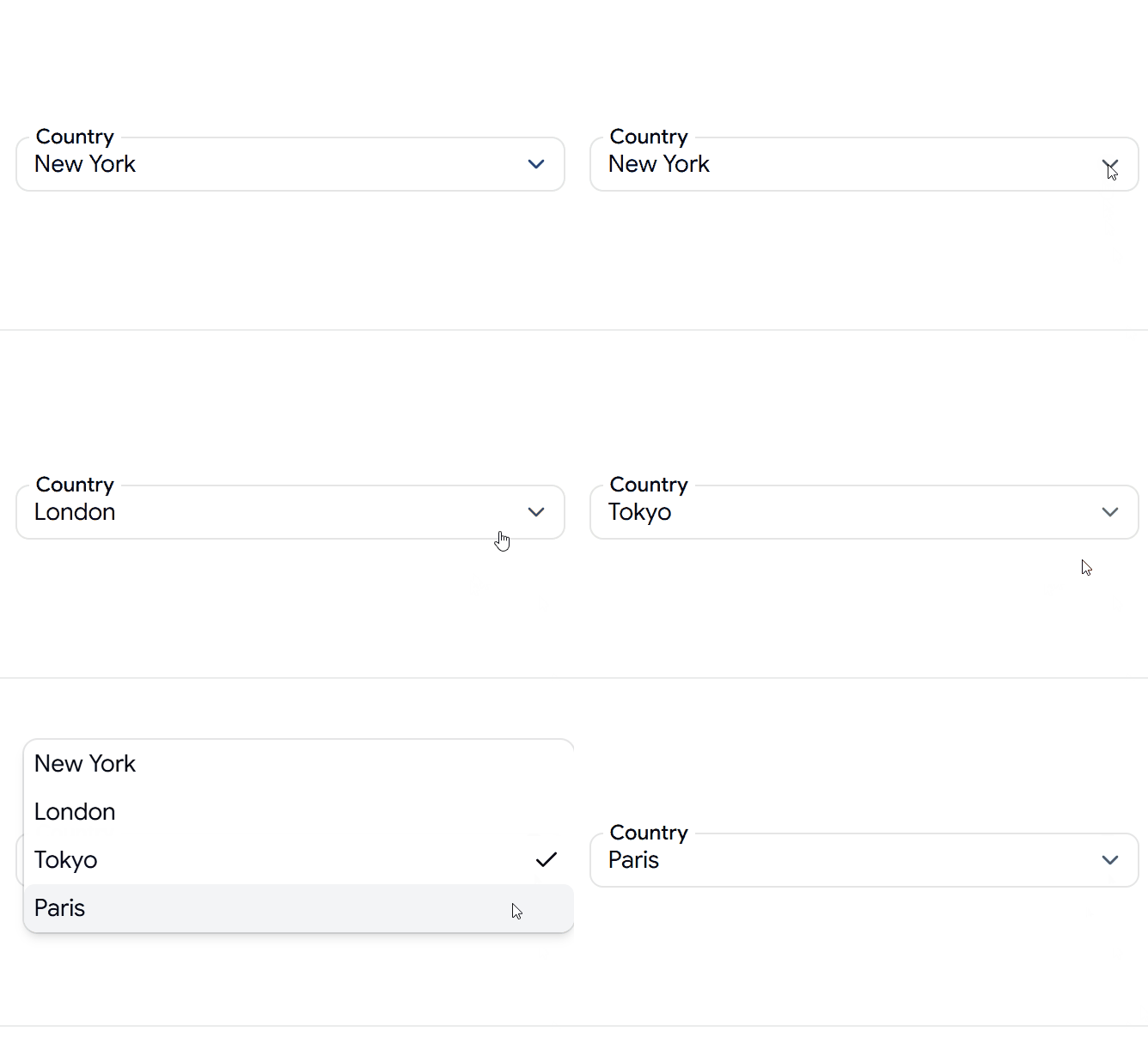
Select Component Overlapping Label

A modern select component featuring a floating label for cleaner form designs.

Select Component Overlapping Label

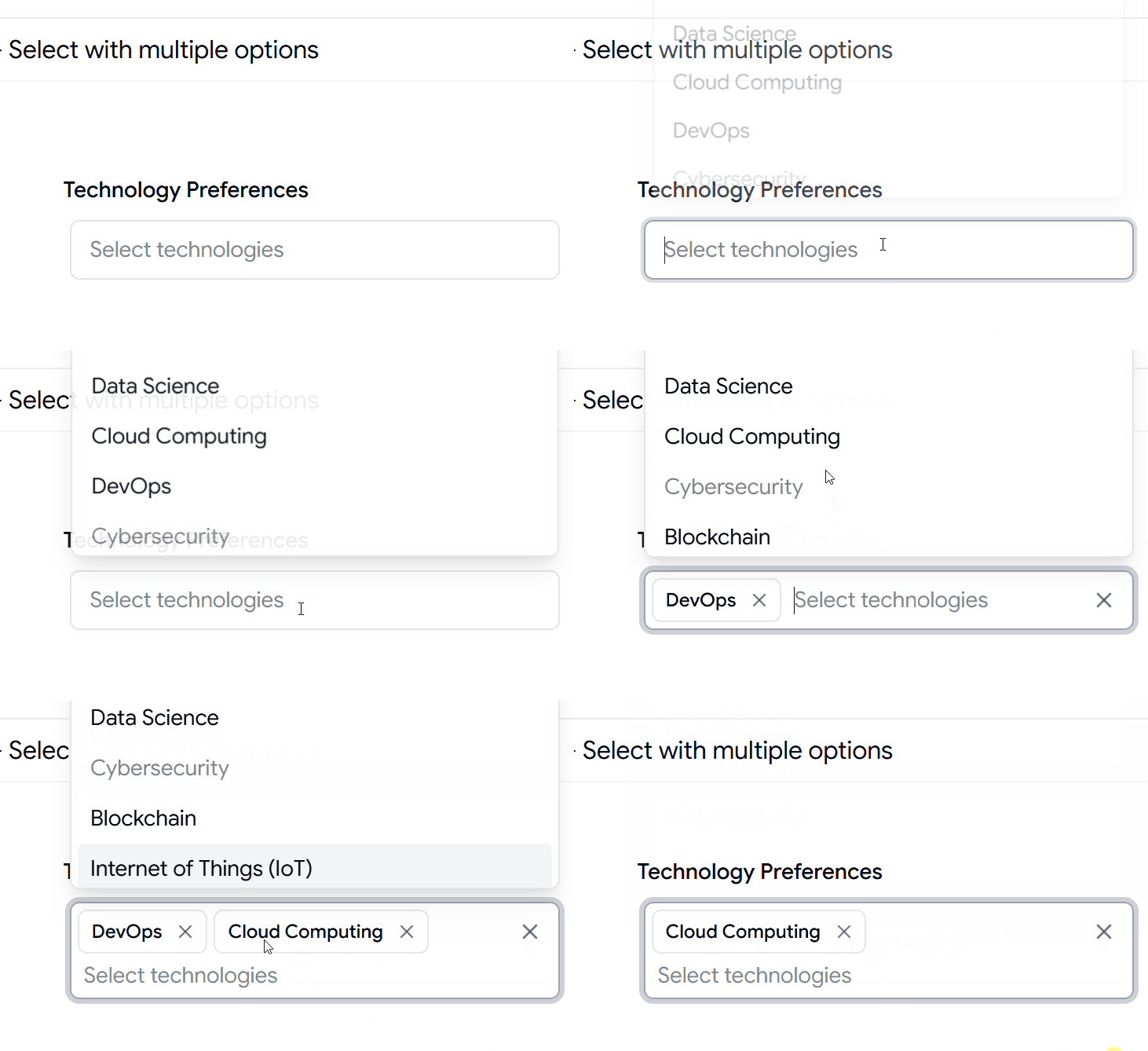
Select Component with Multiple Options

A multi-select component allowing users to choose multiple technologies, tags, or categories.

Select Component with Multiple Options

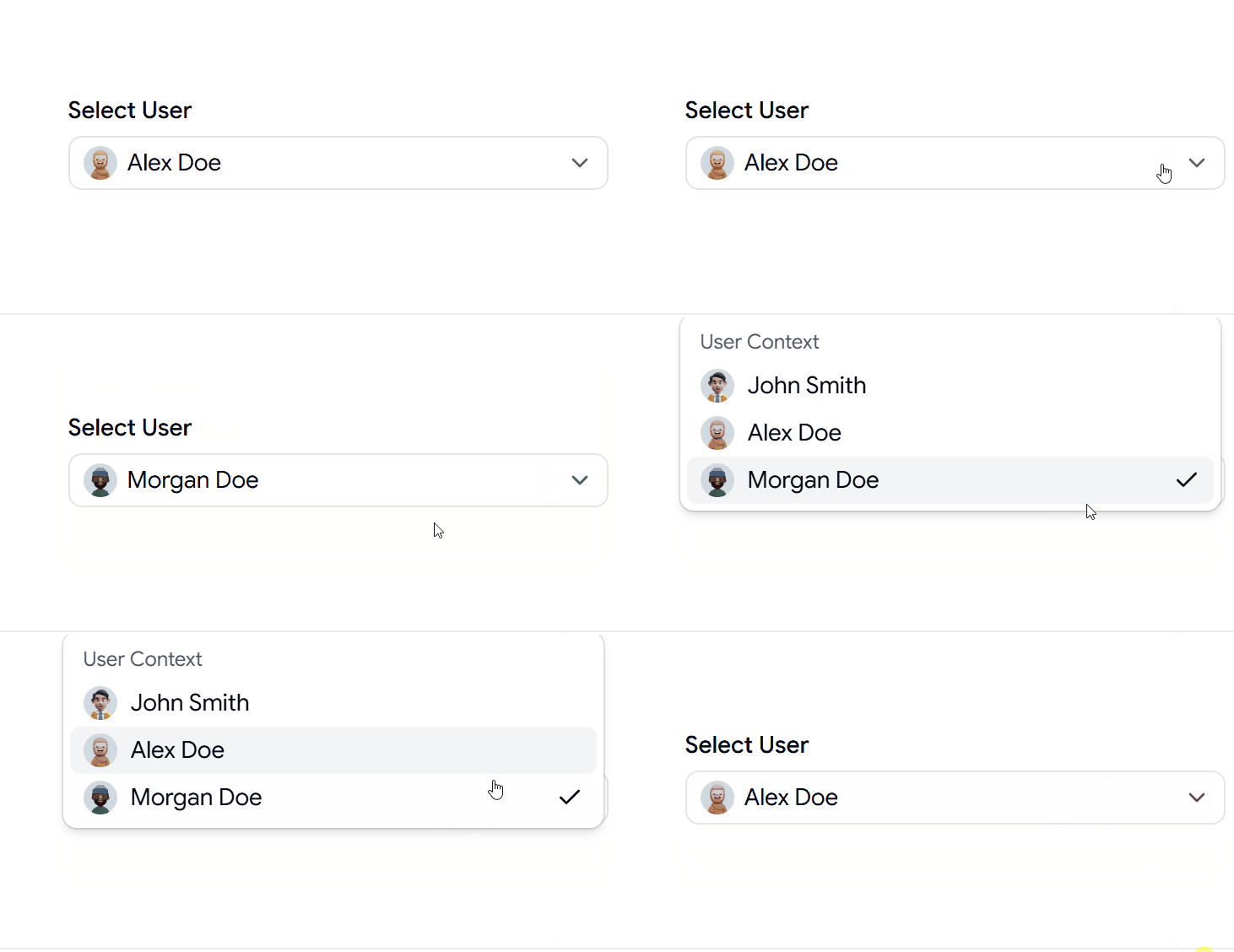
Avatars Select Component

A user-friendly select component displaying avatars alongside options for teams and user management.

Avatars Select Component

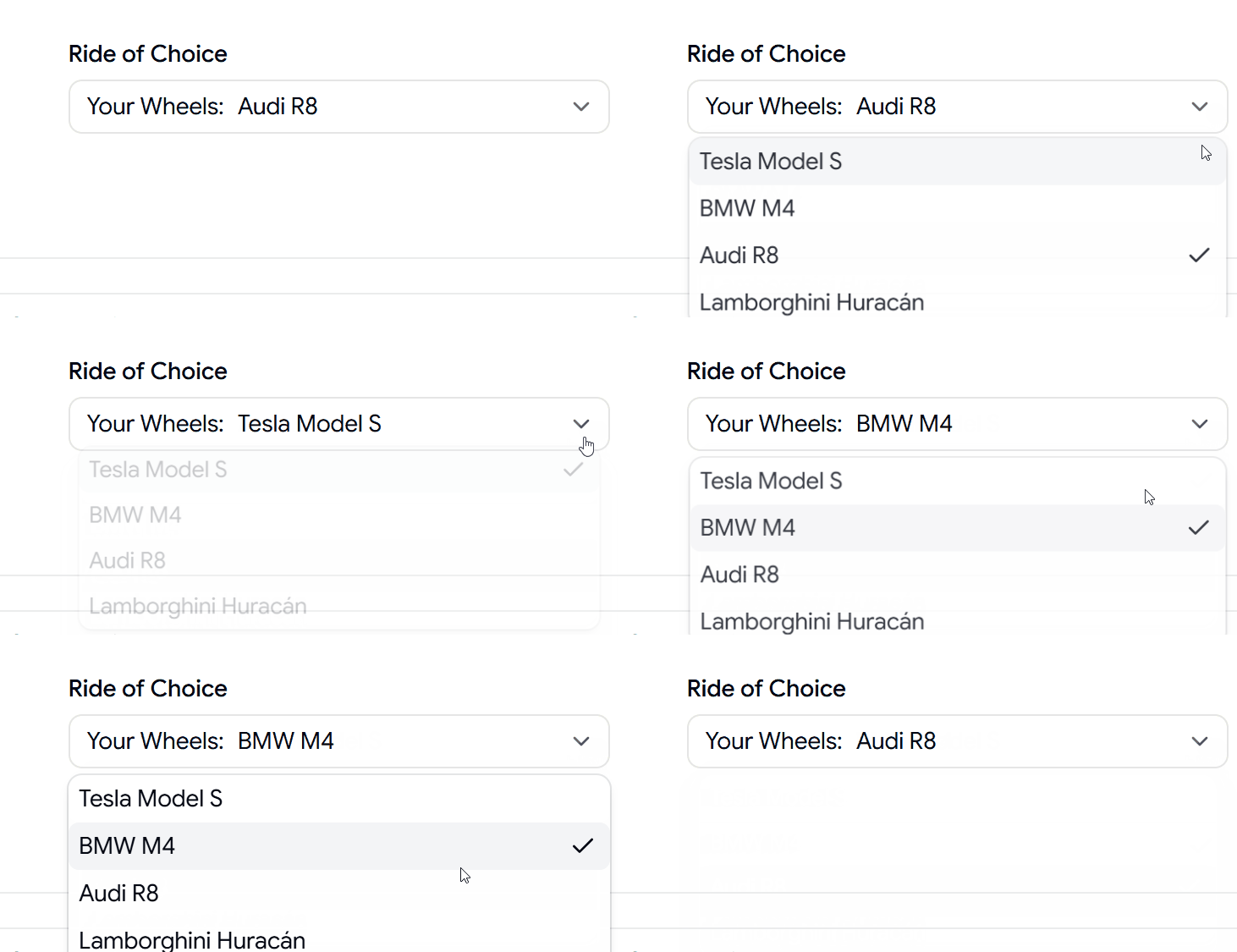
Leading Text Select Component

A select variant with leading text for improved context and option clarity.

Leading Text Select Component

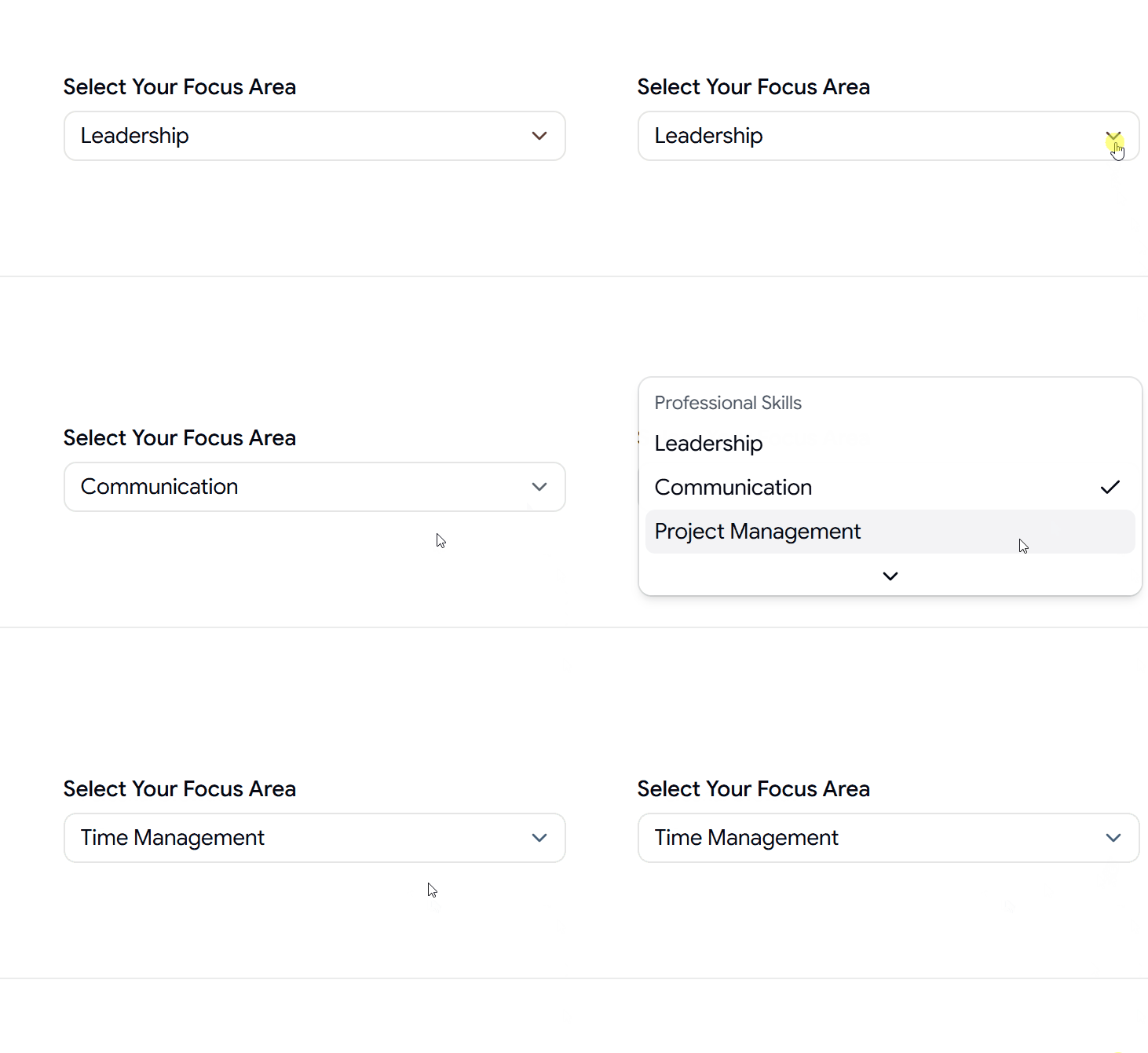
Select Component with Separator

A structured select component using separators to organize large groups of options.

Select Component with Separator

Why Developers Use Shadcn Select Components

  • Create better form experiences
  • Improve filtering and search interfaces
  • Build modern settings panels
  • Organize complex option lists
  • Save development time with ready-to-use components
  • Deliver consistent and accessible user experiences

View More Shadcn Select Components.

Log in or sign up for Devpost to join the conversation.

posted an update —

Explore production-ready ShadCN Sheet components built with React, Next.js, and Tailwind CSS. Copy, customize, and build modern slide-over UIs faster.

Here Are 4+ Types of Shadcn Sheet Components

Different Directions Sheet

A flexible sheet component that can slide in from the top, bottom, left, or right for different layout needs.

Different Directions Sheet

Scrollable Content Sheet

A scrollable sheet designed for long forms, settings pages, and detailed content panels.

Scrollable Content Sheet

Shopping Cart Sheet

An e-commerce shopping cart drawer with item previews, pricing, and checkout actions.

Shopping Cart Sheet

Filter Panel Sheet

A responsive filter panel for search results, product listings, dashboards, and data-heavy interfaces.

Filter Panel Sheet

Why Developers Use Shadcn Sheet Components

  • Build responsive drawers and sidebars quickly

  • Create mobile-friendly filter panels

  • Add shopping cart overlays to e-commerce apps

  • Display forms and settings without leaving the page

  • Improve user experience with non-blocking interactions

  • Save development time with reusable UI patterns

Best For

  • React Applications

  • Next.js Projects

  • Shadcn UI Websites

  • SaaS Dashboards

  • E-commerce Stores

  • Admin Panels

  • Analytics Platforms

  • Mobile-Friendly Web Apps

  • Search & Filter Interfaces

  • Modern Web Applications

Explore More Shadcn sheet components.

Log in or sign up for Devpost to join the conversation.

posted an update —

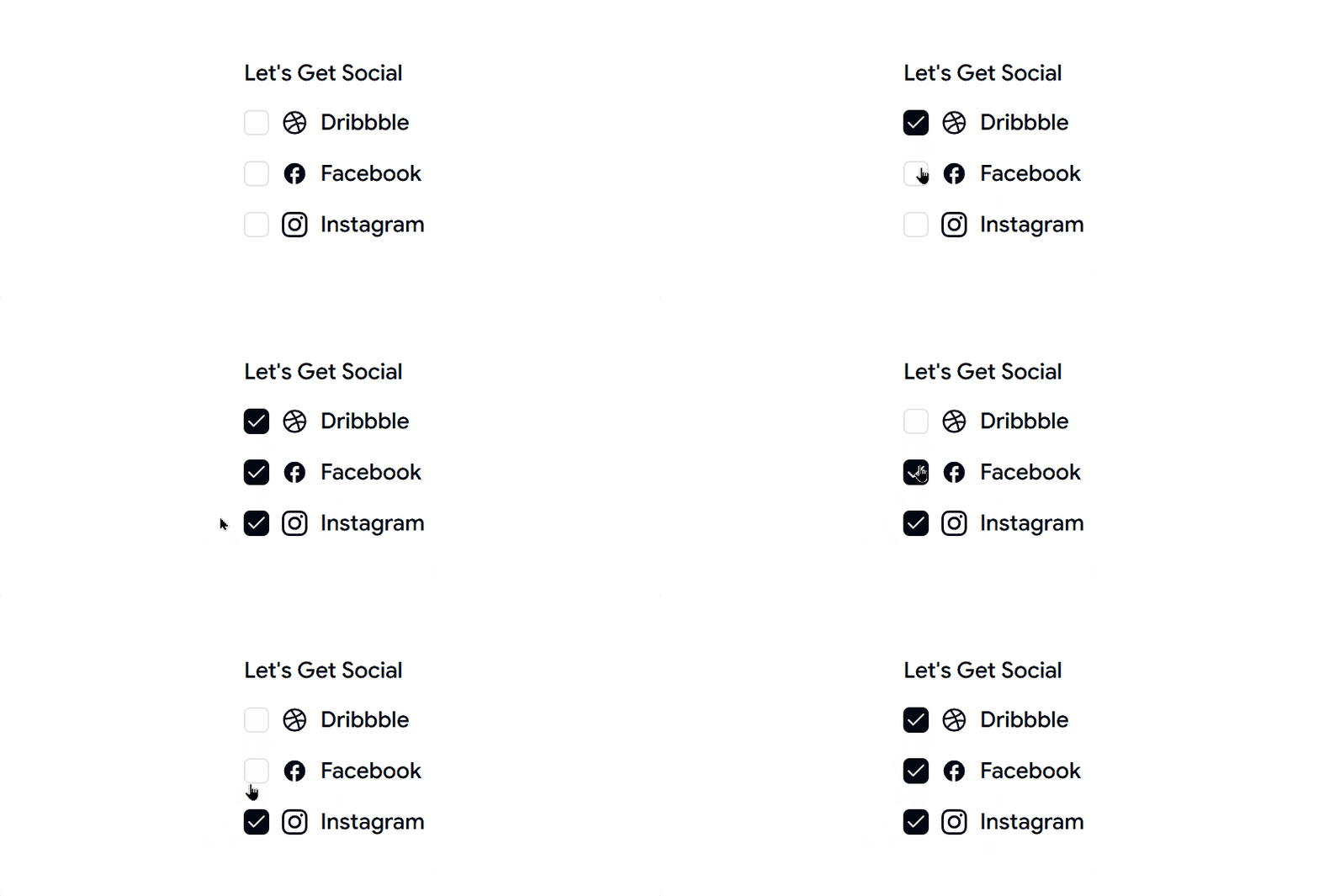
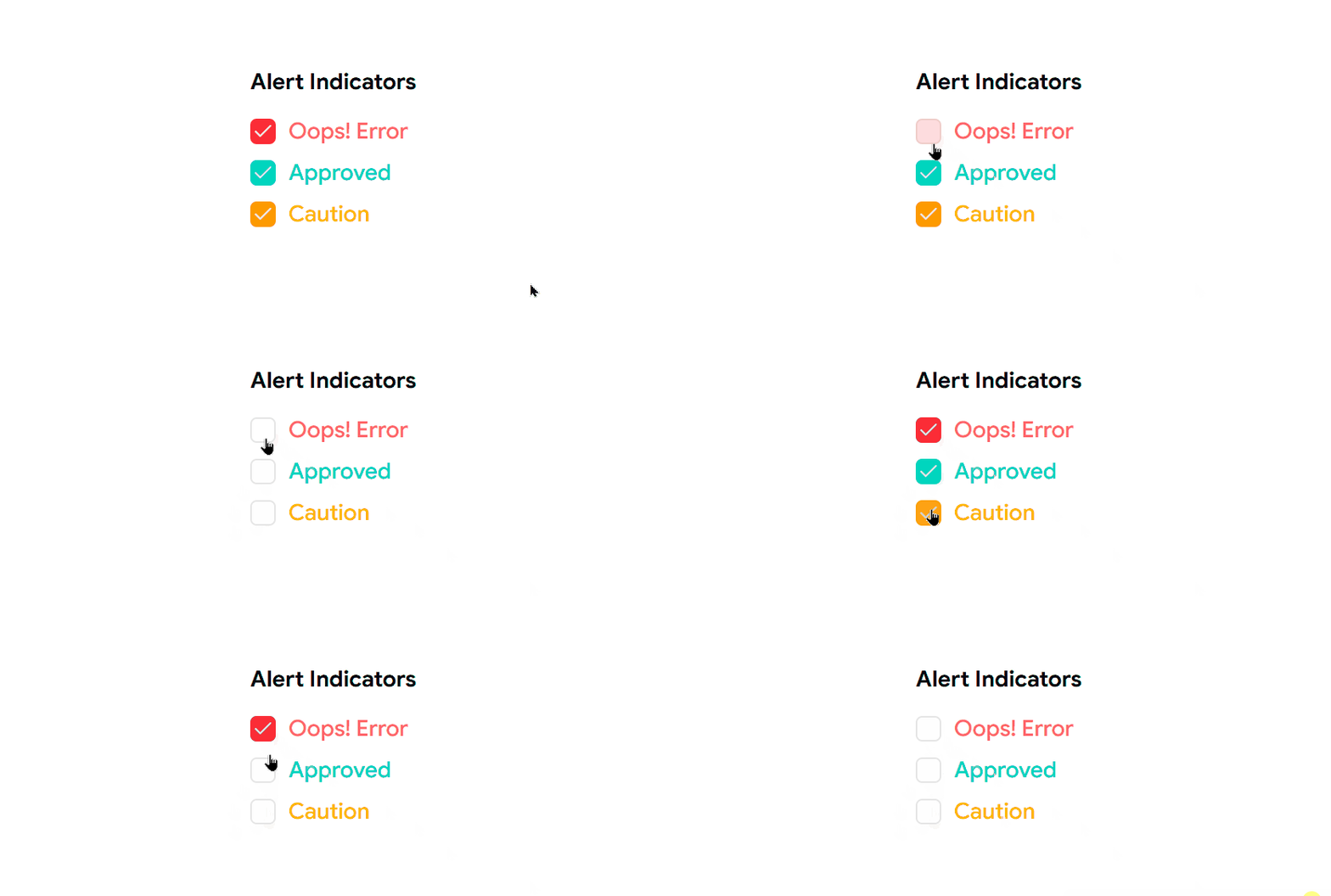
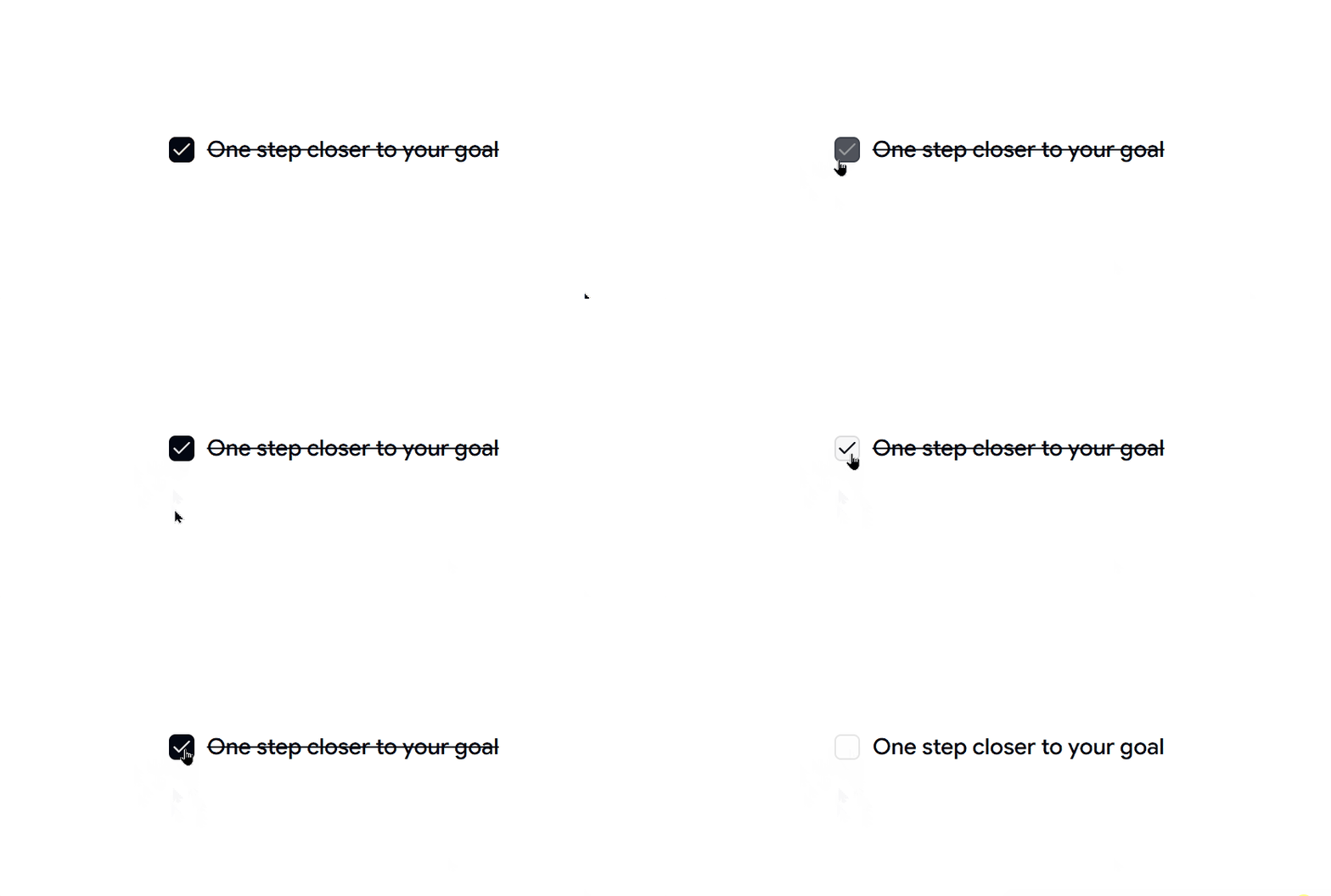
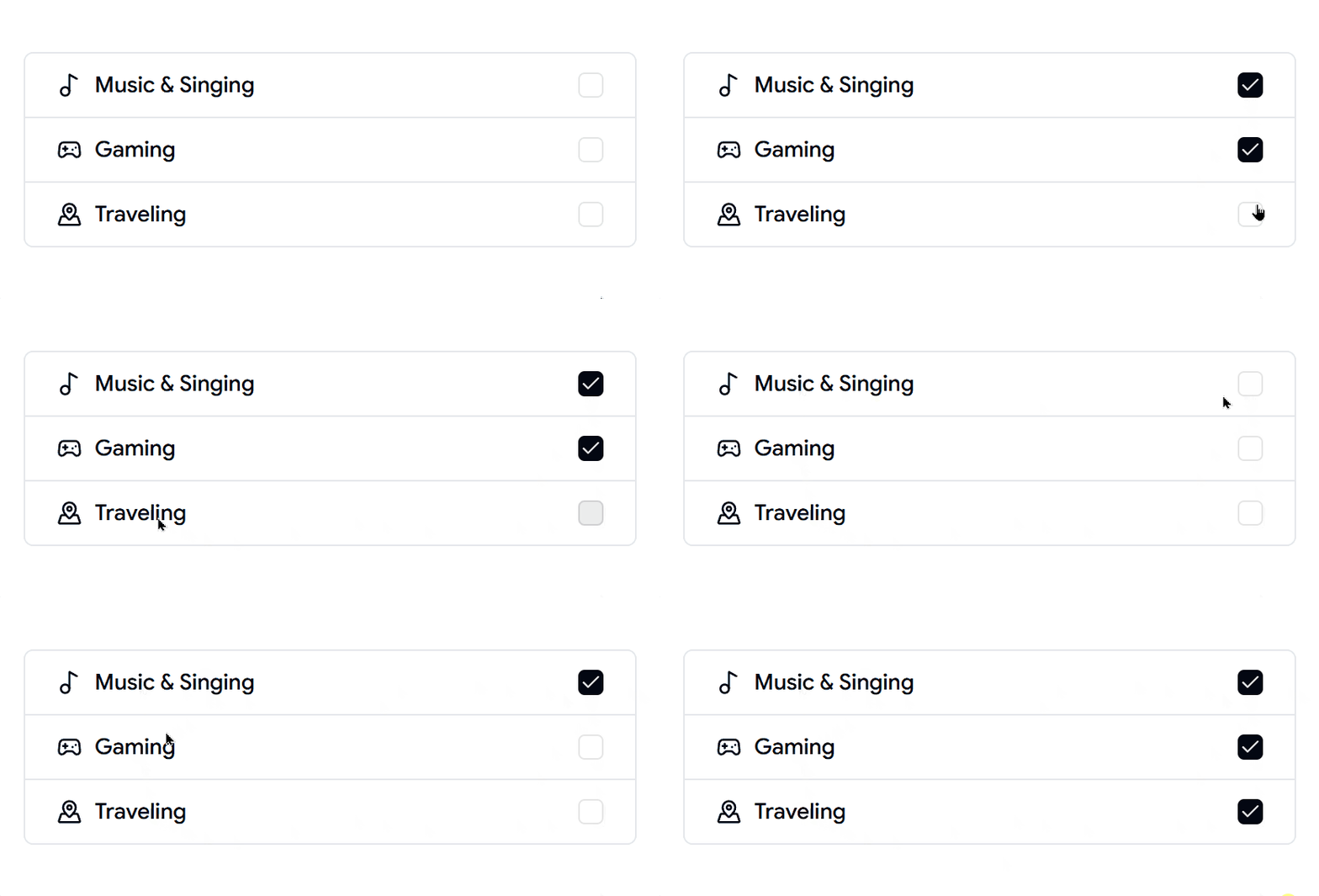
Explore our collection of Shadcn Checkbox Components featuring 10+ customizable and interactive checkbox variants built using React, Next.js, and Tailwind CSS. These ready-to-use Checkbox Components help developers create forms, settings panels, preference selectors, task managers, and user input experiences with ease.

Here Are 10+ Types of Shadcn Checkbox Components Included

Checkbox 01 – Checkbox with Sizes

A flexible checkbox component available in multiple sizes for different UI requirements and layouts

Checkbox with Sizes

Checkbox 02 – Checkbox with Vertical Group

A vertically stacked checkbox group ideal for surveys, settings pages, and preference selection forms.

Checkbox with Vertical Group

Checkbox 03 – Checkbox with Colors

A colorful checkbox variant designed to improve visibility and match custom design systems.

Checkbox with Colors

Checkbox 04 – Checkbox with Todo List

A task-focused checkbox component perfect for to-do lists, productivity tools, and project management applications.

Checkbox with Todo List

Checkbox 05 – Checkbox with List Group

A structured checkbox list designed for selecting multiple options within grouped content.

Checkbox with List Group

Checkbox 06 – Checkbox with Form

A form-integrated checkbox component ideal for newsletter subscriptions, terms acceptance, and user preferences.

Checkbox with Form

Checkbox 07 – Checkbox with Custom Icons

A visually enhanced checkbox featuring custom icons for a more engaging user experience.

Checkbox with Custom Icons

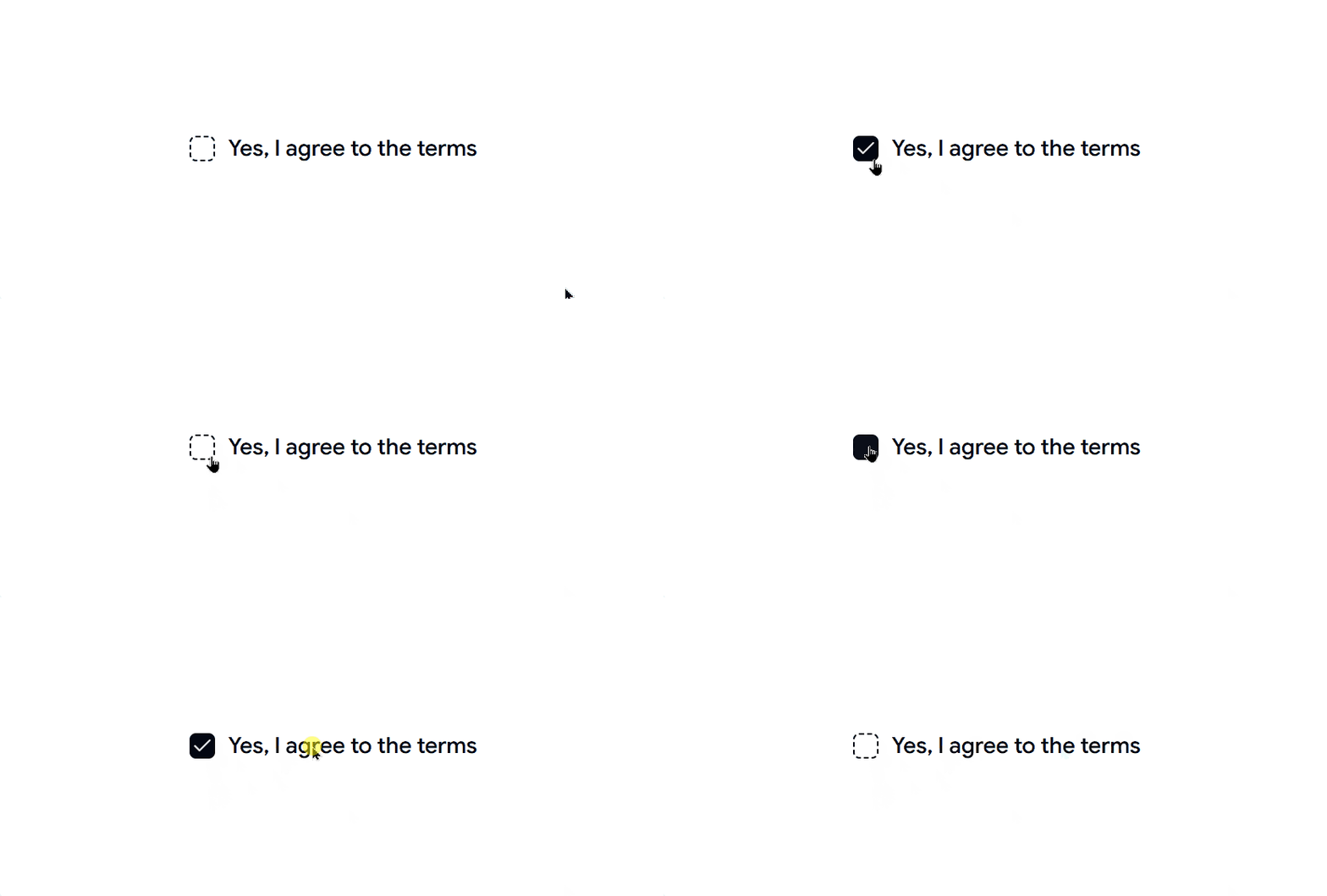
Checkbox 08 – Checkbox with Dashed Border

A modern checkbox style with dashed borders, perfect for creative and contemporary interfaces.

Checkbox with Dashed Border

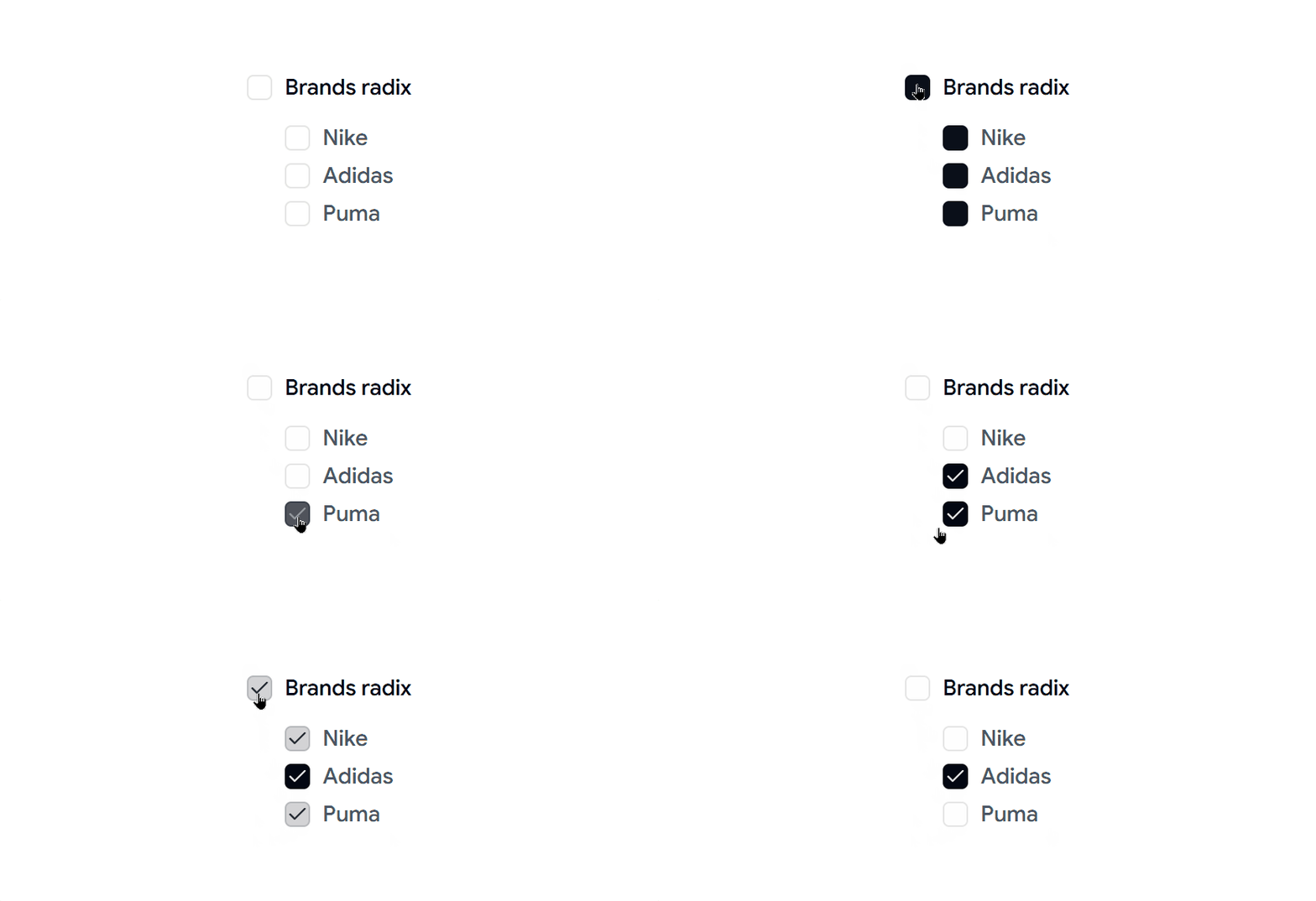
Checkbox 09 – Checkbox with Tree

A hierarchical checkbox component that supports nested selections for categories, permissions, and file structures.

Checkbox with Tree

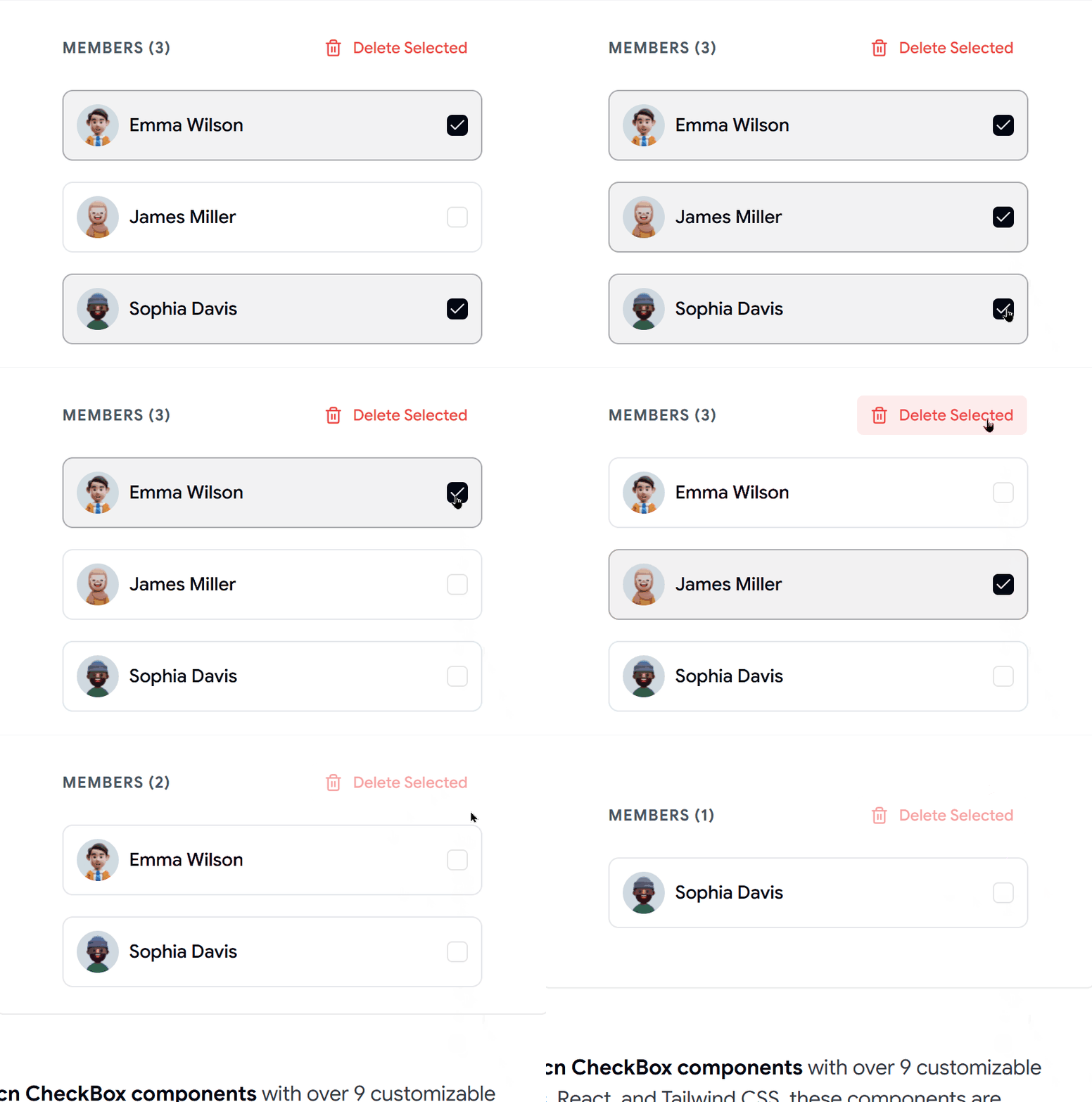
Checkbox 10 - Checkbox with avatar and group

This checkbox component shows user avatars with the checkbox. It can help users pick team members, assign tasks, or manage groups more easily.​​​​​​​

Checkbox with avatar and group

Why Developers Use Shadcn Checkbox Components

  • Create intuitive form experiences
  • Build settings and preference panels
  • Support multi-selection workflows
  • Improve task management interfaces
  • Enhance accessibility and usability
  • Save development time with reusable components

Checkout Shadcn Checkbox Today.

Log in or sign up for Devpost to join the conversation.

posted an update —

Explore a collection of modern Shadcn Dropdown Menu Components featuring interactive and customizable menu variants built with React, Next.js, Shadcn UI, and Tailwind CSS.

Here Are 6 Types of Shadcn Dropdown Menu Components

Dropdown Menu 01 – User Profile

A clean profile dropdown with account actions, settings, notifications, and logout options.

User Profile

Dropdown Menu 02 – Notifications

A notification menu designed to display alerts, updates, unread messages, and recent activity.

Notifications

Dropdown Menu 03 – Collaborative Requests

A collaboration-focused dropdown for managing invitations, approvals, and shared workspace requests.

Collaborative Requests

Dropdown Menu 04 – Drill-down Submenu

A nested dropdown menu that supports multi-level navigation for organizing complex actions and categories.

Drill-down Submenu

Dropdown Menu 05 – Team Selector

An interactive team switcher that lets users quickly change between workspaces, organizations, or projects.

Team Selector

Dropdown Menu 06 – Voice Chat

A modern voice chat dropdown with audio controls, participant management, and communication actions.

 Voice Chat

Why Use Shadcn Dropdown Menu Components?

  • Create clean navigation menus

  • Organize actions into structured menus

  • Improve dashboard usability

  • Support nested and multi-level navigation

  • Enhance team collaboration workflows

  • Build modern and accessible user interfaces

Stop building dropdown menus from scratch and start shipping faster.

Checkout Today Shadcn Dropdown collection

Log in or sign up for Devpost to join the conversation.

posted an update —

Discover 19+ modern Shadcn Input Components designed for React, Next.js, and Tailwind CSS projects. Explore customizable, production-ready input components that help you build forms, authentication flows, search interfaces, data entry screens, and modern web applications quickly and efficiently.

Here Are 20 Types of Shadcn Input Components Included

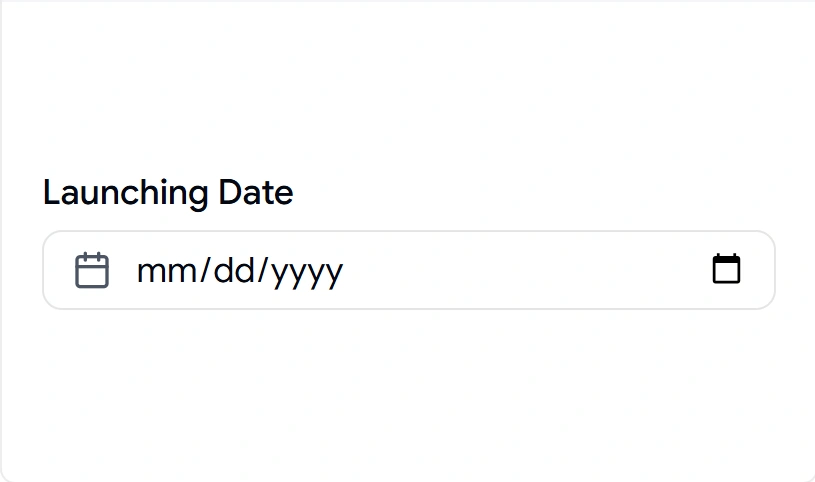
Input with Date

Date input designed for booking systems, forms, and scheduling applications.

Input with Date

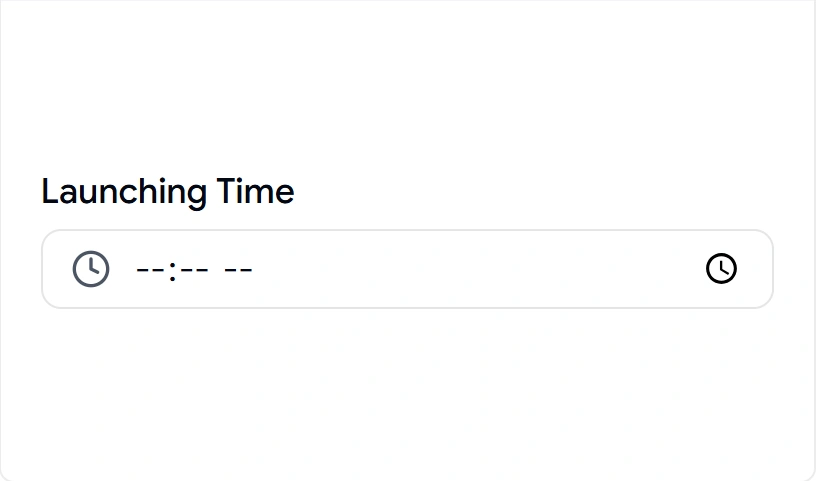
Input with Time

Time picker input perfect for appointments, scheduling, and event management.

Input with Time

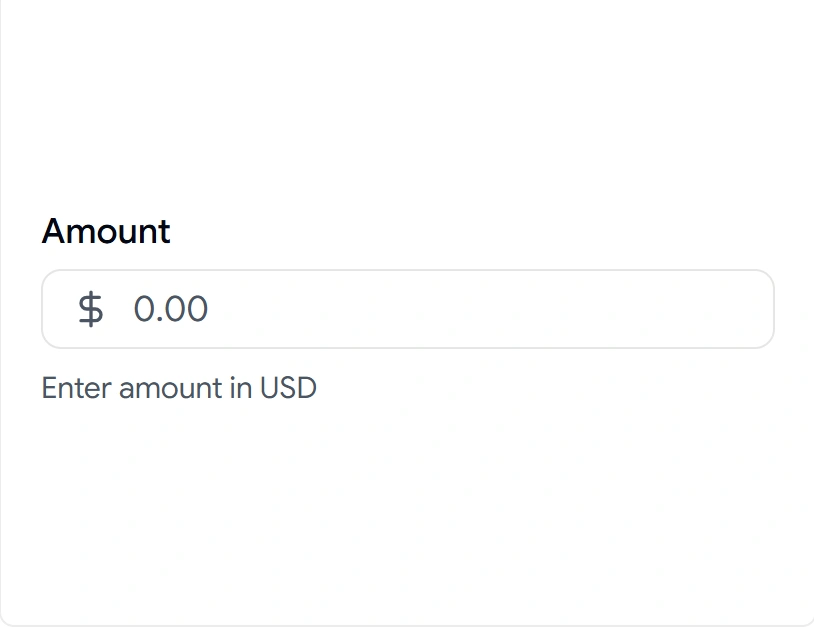
Input with Currency

Currency input with formatted values for payment forms and financial applications.

Input with Currency

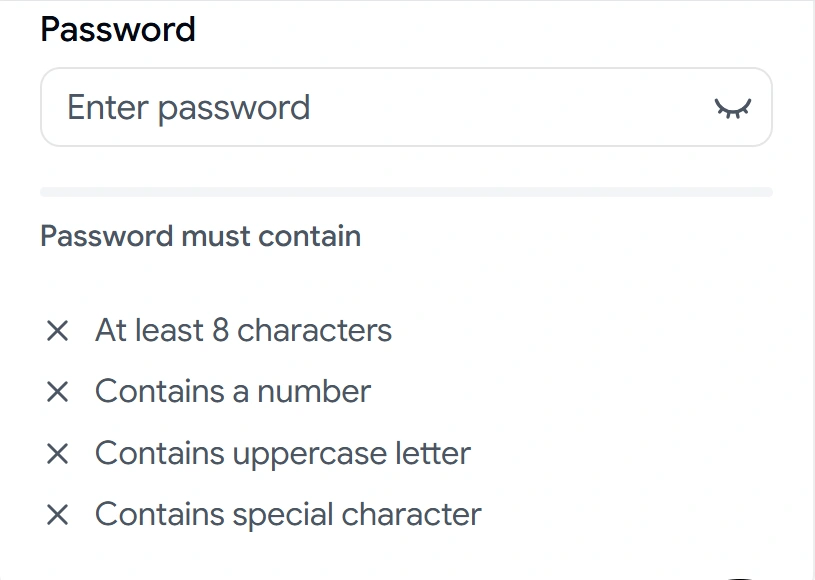
Real-Time Validation

Interactive input with live validation feedback for passwords and secure forms.

Real-Time Validation

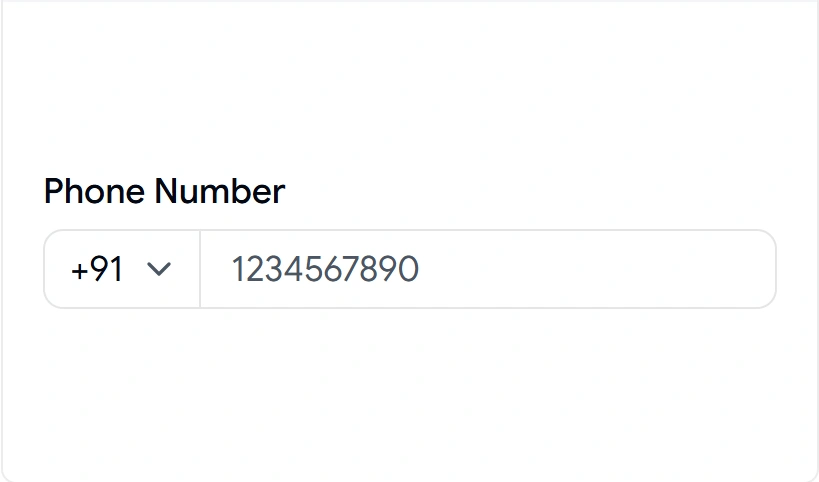
Input with Start Select

Phone number input with country code selector for global applications.

Input with Start Select

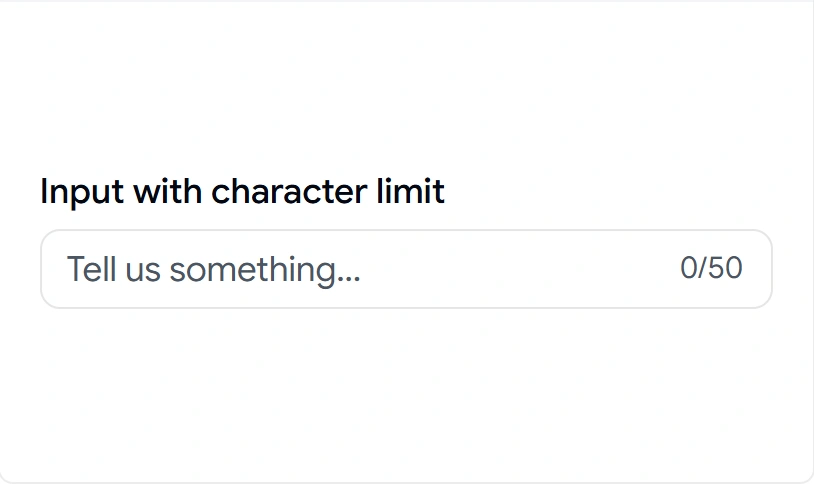
Input with Character Counter

Text area input displaying character limits for messages, bios, and descriptions.

Input with Character Counter

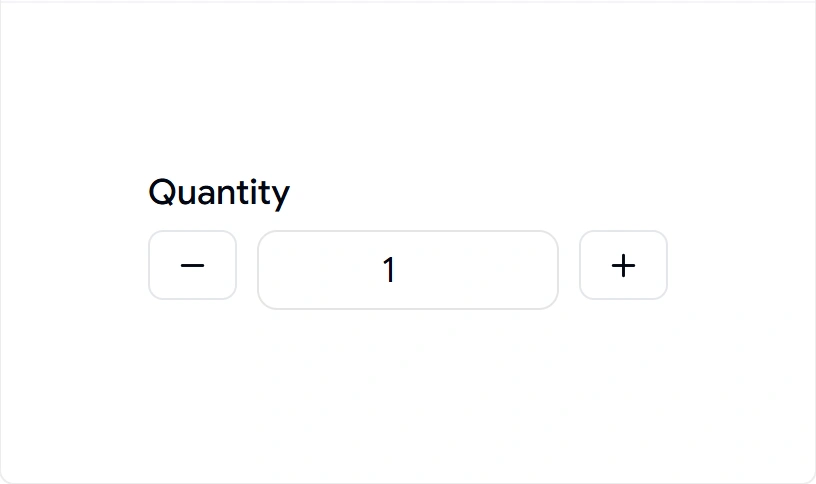
Input with Controls

Numeric input with increment and decrement controls.

Input with Controls

Why Developers Use Shadcn Input Components

Input components are the foundation of every web application. From login forms and search bars to checkout flows and dashboards, they provide fast, accessible, and user-friendly data entry experiences.

Best For

  • React Applications
  • Next.js Projects
  • Shadcn UI Websites
  • SaaS Products
  • Admin Dashboards
  • Authentication Forms
  • Search Interfaces
  • Booking Systems
  • Payment Forms
  • Modern Web Applications

Explore More Shadcn Input

Checkout Shadcn Input Today.

Log in or sign up for Devpost to join the conversation.

posted an update —

Explore a collection of modern Shadcn Card Components built for React and Next.js. These production-ready, customizable, and interactive card components are powered by Shadcn UI and Tailwind CSS, making it easy to create beautiful user interfaces in less time.

Here Are 18 Types of Shadcn Card Components Included

Card 01 – Article Preview Card

A content-focused article card designed for blogs, newsletters, and editorial platforms with author and engagement details.

Article Preview Card

Card 02 – Property Preview Card

A real estate listing card that showcases property details, pricing, location, and key amenities in a clean layout.

Property Preview Card

Card 03 – Product Performance Card

An analytics-style product card for displaying sales performance, revenue metrics, and best-selling products.

Product Performance Card

Card 04 – Welcome Dashboard Card

A personalized dashboard card that highlights budgets, expenses, and important user information at a glance.

Welcome Dashboard Card

Card 05 – Analytics Overview Card

A modern analytics card designed to display earnings, expenses, and business insights with visual emphasis.

Analytics Overview Card

Card 06 – Statistics Summary Card

A multi-metric statistics card perfect for monitoring orders, sales, profit, and business performance trends.

Statistics Summary Card

Card 07 – Audio Frequency Visualizer Card

A real-time audio visualization card featuring animated frequency bars for music players and audio applications.

Audio Frequency Visualizer Card

Card 08 – Team Invite Card

A collaborative workspace card that helps users invite teammates and manage member roles efficiently.

Team Invite Card

Card 09 – Invite Member Card

A simple empty-state card encouraging users to add team members and start collaborating.

Invite Member Card

Card 10 – Appointment Booking Card

A scheduling card that allows users to quickly select available appointment slots and book consultations.

Appointment Booking Card

Card 11 – Assign Task Card

A task management card designed for assigning issues, tickets, and responsibilities to team members.

Assign Task Card

Card 12 – Weekly Summary Card

A health and activity tracking card that visualizes workout performance and calorie statistics throughout the week.

Weekly Summary Card

Card 13 – Contributors Card

A contributor statistics card that highlights community participation, team growth, and project engagement.

Contributors Card

Card 14 – 3D Flipping Property Card

An interactive 3D card that reveals additional property information and highlights through engaging hover effects.

3D Flipping Property Card

Card 15 – Spotlight Pricing Card

A premium pricing card designed to showcase featured plans, subscription tiers, and product offerings.

Spotlight Pricing Card

Card 16 – Ecommerce Product Rating Card

A product showcase card featuring ratings, reviews, pricing, and discount information for online stores.

Ecommerce Product Rating Card

Card 17 – Ecommerce Product Variant Card

A shopping-focused product card that displays variants, sizes, delivery information, and promotional pricing.

Ecommerce Product Variant Card

Card 18 – Credit Card UI

A modern banking card interface for displaying account details, balances, and payment information in fintech applications.

Credit Card UI

Perfect For

  • Admin Dashboards
  • Analytics Platforms
  • Product Showcases
  • Pricing Sections
  • SaaS Products
  • User Profiles

Whether you're building a startup, dashboard, portfolio, or web application, these card components help you create professional UI faster.

Explore More:

https://shadcnspace.com/components/card

Log in or sign up for Devpost to join the conversation.

posted an update —

Shadcn Carousel Components

A collection of reusable carousel layouts designed for image galleries, testimonial sliders, product showcases, portfolio websites, and interactive content experiences.

Here Are 7 Types of Shadcn Carousel Components Included

Carousel 01 – Custom Dots

A clean image carousel featuring custom dot navigation for smooth browsing and enhanced user interaction.

Custom Dots

Carousel 02 – Custom Navigation

A carousel with fully customized navigation controls, perfect for galleries, products, and featured content.

shadcn Carousel Shadcn Shadcn UI shadcn components shadcn component shadcn ui component Carousel Components nextjs Carousel react Carousel

Carousel 03 – Index Carousel

A modern carousel displaying the current slide index, helping users easily track their position within the gallery.

shadcn Carousel Shadcn Shadcn UI shadcn components shadcn component shadcn ui component Carousel Components nextjs Carousel react Carousel

Carousel 04 – Testimonial Cards

A card-based carousel designed for testimonials, reviews, customer stories, and social proof sections.

shadcn Carousel Shadcn Shadcn UI shadcn components shadcn component shadcn ui component Carousel Components nextjs Carousel react Carousel

Carousel 05 – Preview Gallery

An advanced gallery carousel with thumbnail previews, allowing users to quickly navigate between slides.

shadcn Carousel Shadcn Shadcn UI shadcn components shadcn component shadcn ui component Carousel Components nextjs Carousel react Carousel

Carousel 06 – Cards with Details

A content-rich carousel combining images, titles, and descriptions for showcasing products, destinations, services, or features.

shadcn Carousel Shadcn Shadcn UI shadcn components shadcn component shadcn ui component Carousel Components nextjs Carousel react Carousel

Carousel 07 – Stacked Cards

A modern stacked-card carousel creating depth and visual interest for interactive browsing experiences.

shadcn Carousel Shadcn Shadcn UI shadcn components shadcn component shadcn ui component Carousel Components nextjs Carousel react Carousel

Why Developers Use Shadcn Carousel Components

⬩ Create engaging image galleries and content sliders

⬩ Showcase products, destinations, and portfolios

⬩ Display testimonials and customer success stories

⬩ Improve content discovery and navigation

⬩ Save development time with ready-to-use components

⬩ Deliver modern and interactive user experiences

Best For

⬩ React applications

⬩ Next.js projects

⬩ Shadcn UI websites

⬩ SaaS products

⬩ Landing pages

⬩ Travel websites

⬩ Portfolio websites

⬩ E-commerce stores

⬩ Product showcases

⬩ Marketing websites

Copy, customize, and launch beautiful carousel experiences faster with ShadcnSpace.

Log in or sign up for Devpost to join the conversation.

posted an update —

What's New (Changelog – 9th June 2026)

We're excited to introduce new pages, components, and major improvements across Shadcn Space. This release is built on our new Nova Architecture for better performance, scalability, and seamless integration.

Added New Pages

Added New Shadcn Components

Updated Components

Built on the Nova Architecture

  • Re-engineered for seamless integration
  • Improved developer experience
  • Better performance and scalability
  • Enhanced component consistency
  • Faster development workflows

Coming Soon

We'd Love Your Feedback

  • Which component should we build next?
  • What page templates would you like to see?
  • Which UI patterns are missing from your workflow?
  • Share your ideas with the Shadcn Space community.

Log in or sign up for Devpost to join the conversation.

posted an update —

In this post, you'll explore our newly updated Shadcn Collapsible Components designed for modern React and Next.js applications. These components help you organize content, improve navigation, and create cleaner user experiences with minimal effort.

Here Are 3 Types of Shadcn Collapsible Components

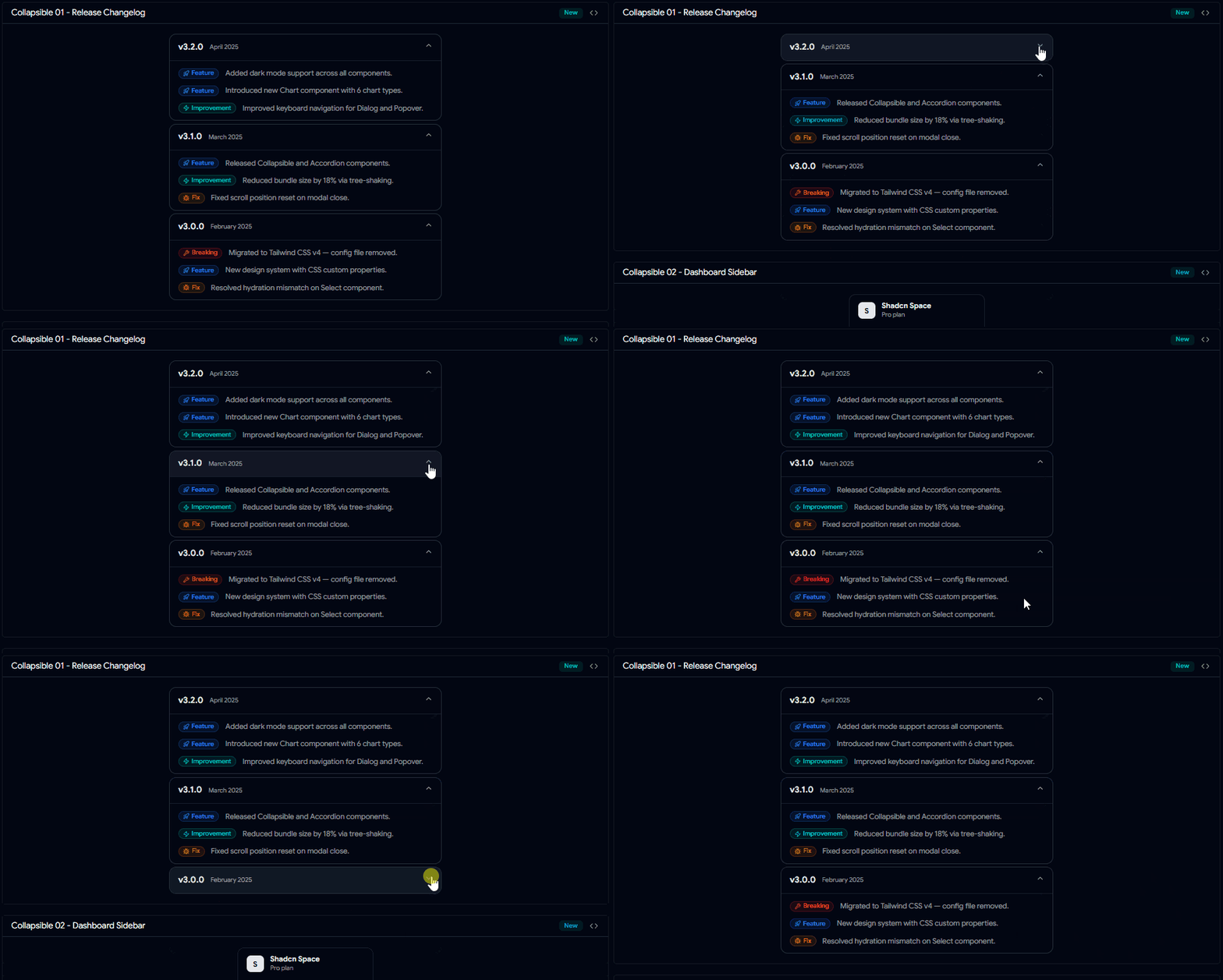
Changelog Collapsible

A collapsible changelog layout for showcasing product updates, feature releases, and version history in a clean and organized format. Changelog Collapsible

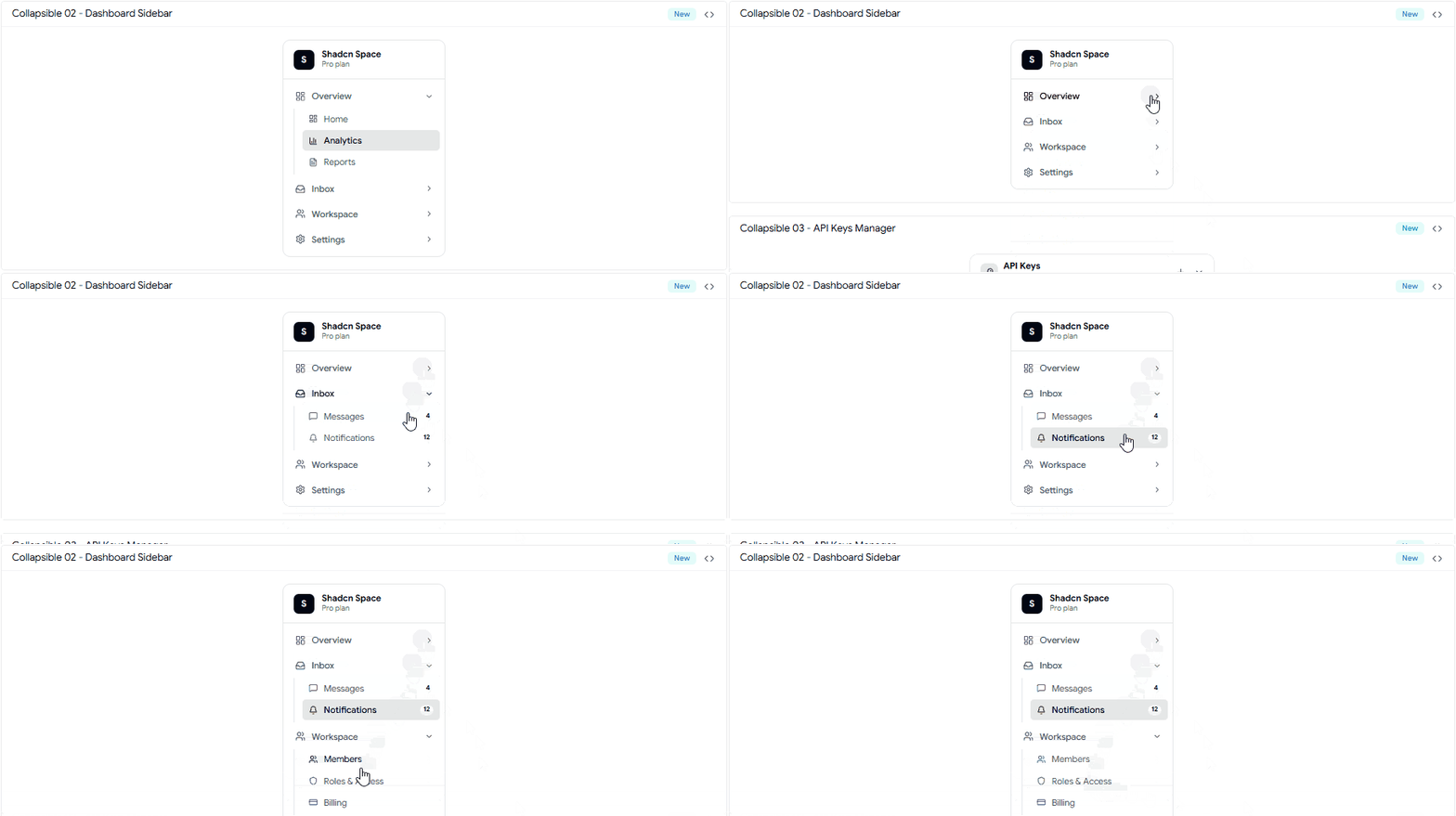
Sidebar Collapsible

A flexible sidebar navigation component that allows users to expand and collapse menu groups for better usability and space management. Sidebar Collapsible

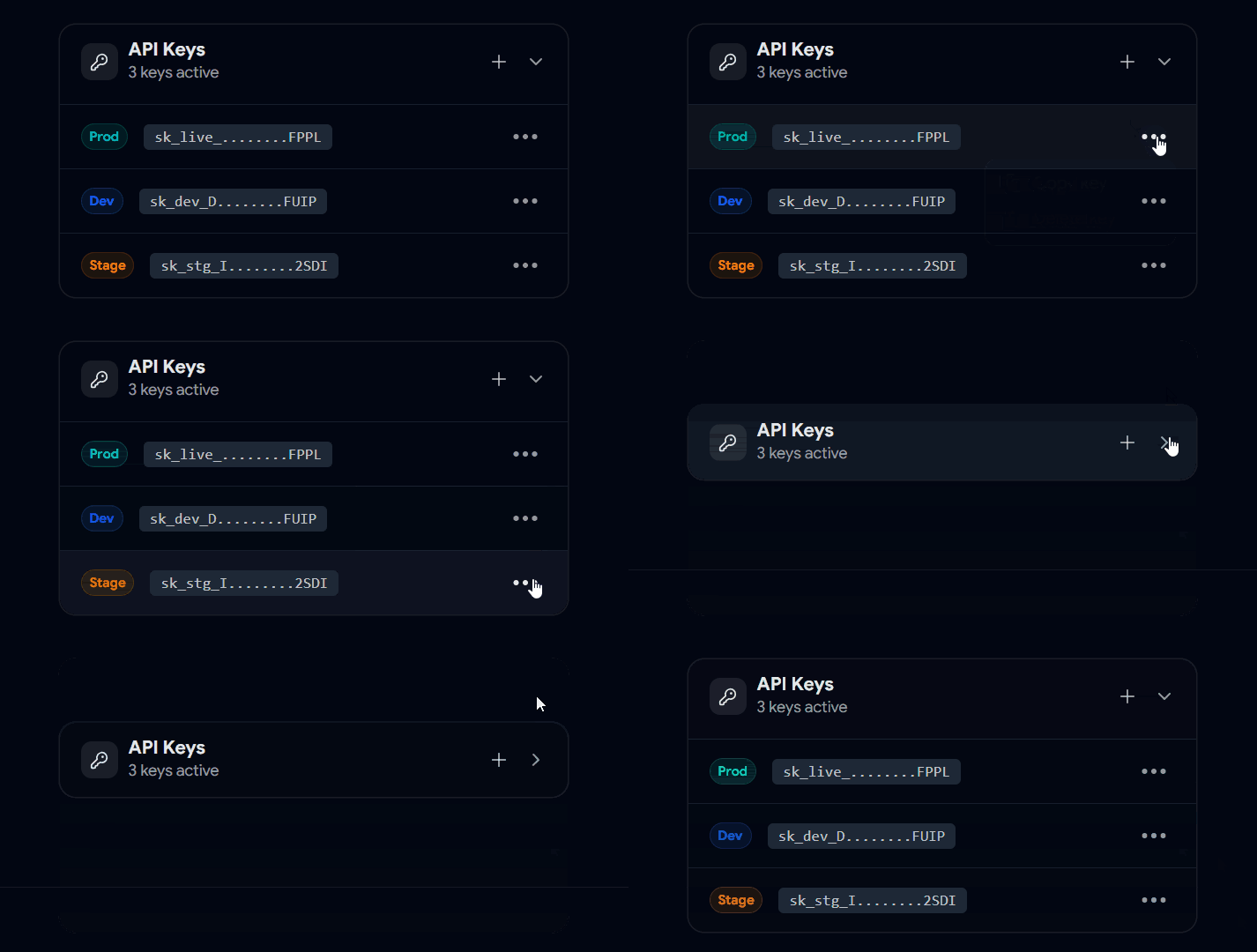
Collapsible API Keys Manager

A practical collapsible interface for managing API keys, credentials, and sensitive settings while keeping dashboards organized. Collapsible API Keys Manager

Best For

  • React applications

  • Next.js projects

  • Shadcn UI websites

  • SaaS products

  • Startup landing pages

  • Product marketing websites

  • Developer tools

Copy, customize, and launch beautiful pricing experiences faster with Shadcn.

Checkout Shadcn Collapsible Today.


Build Better #Collapsible #UIs with #Shadcn ShadcnSpace just Added New Collapsible Components Perfect for organizing FAQs, changelogs, sidebars, settings, & dashboards.

Built for modern React & Nextjs applications.

Checkout Shadcn Collapsible Today.

Log in or sign up for Devpost to join the conversation.

posted an update —

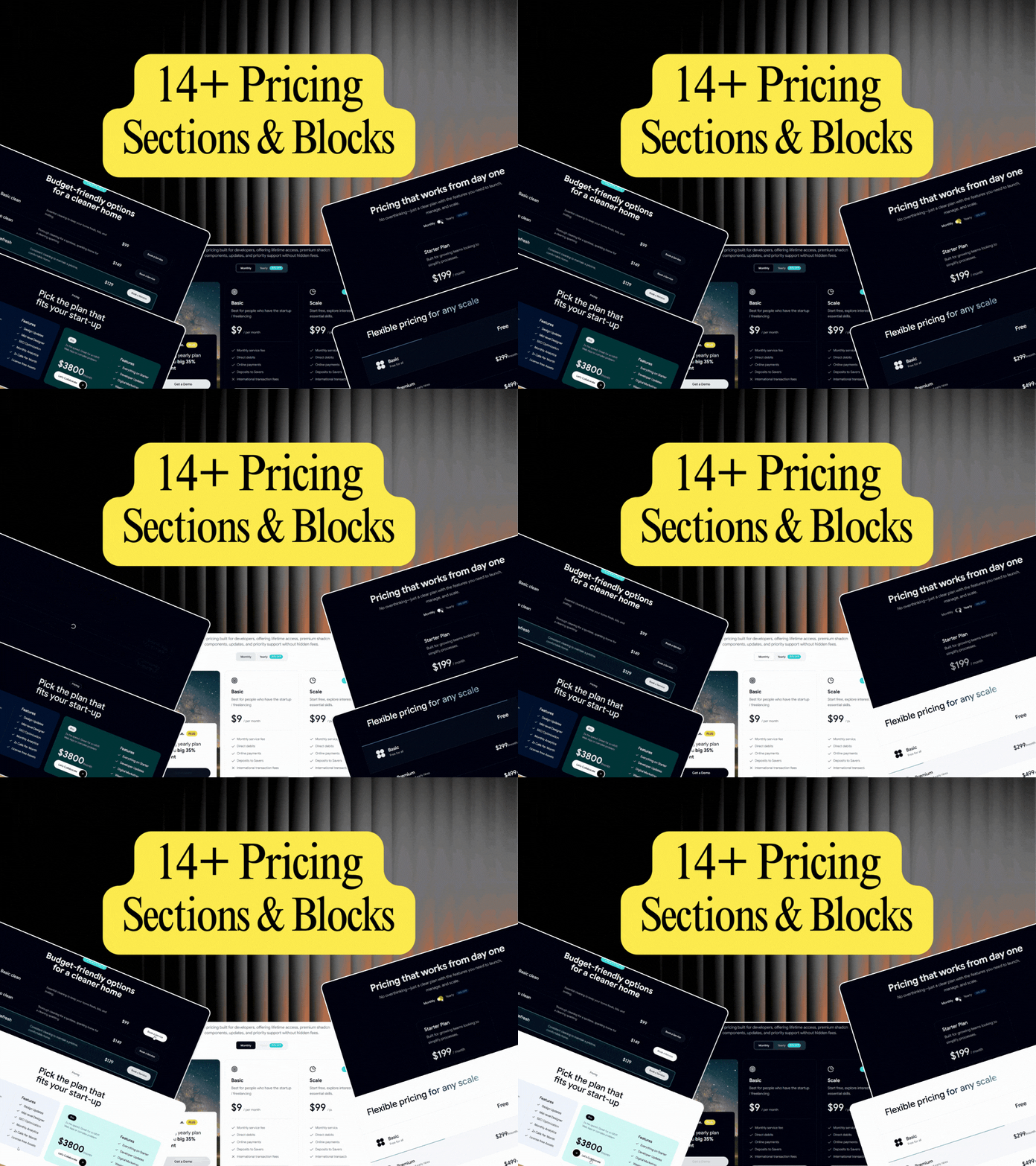
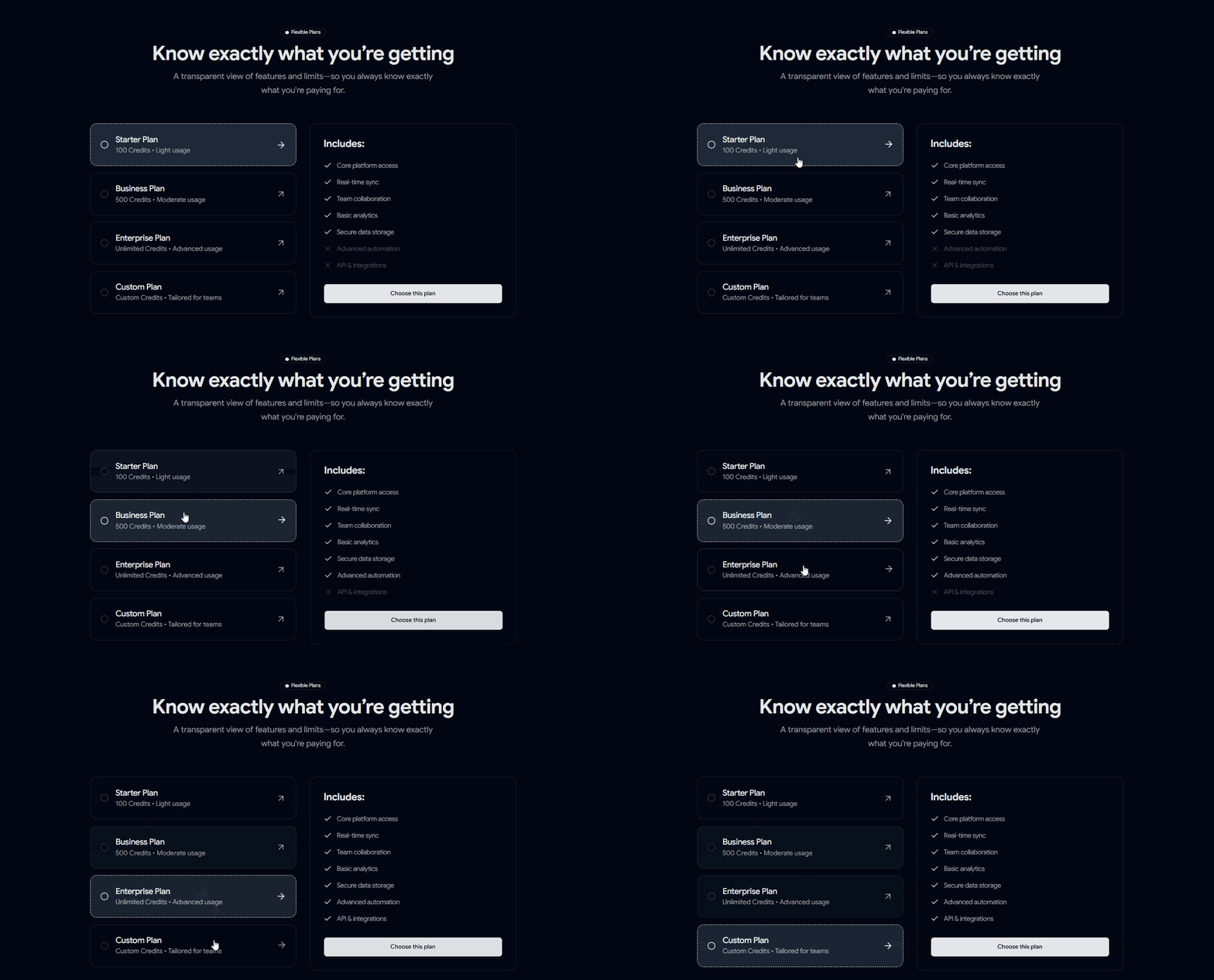
In this post, you'll explore 15 Pricing Blocks & Sections available on Shadcn Space.

From simple pricing cards and startup plans to advanced comparison tables and SaaS pricing layouts, these blocks are designed to help developers build polished pricing experiences faster.

Here Are 15 Types of Shadcn Pricing Blocks & Sections

15 Shadcn Pricing Blocks & Sections Sections

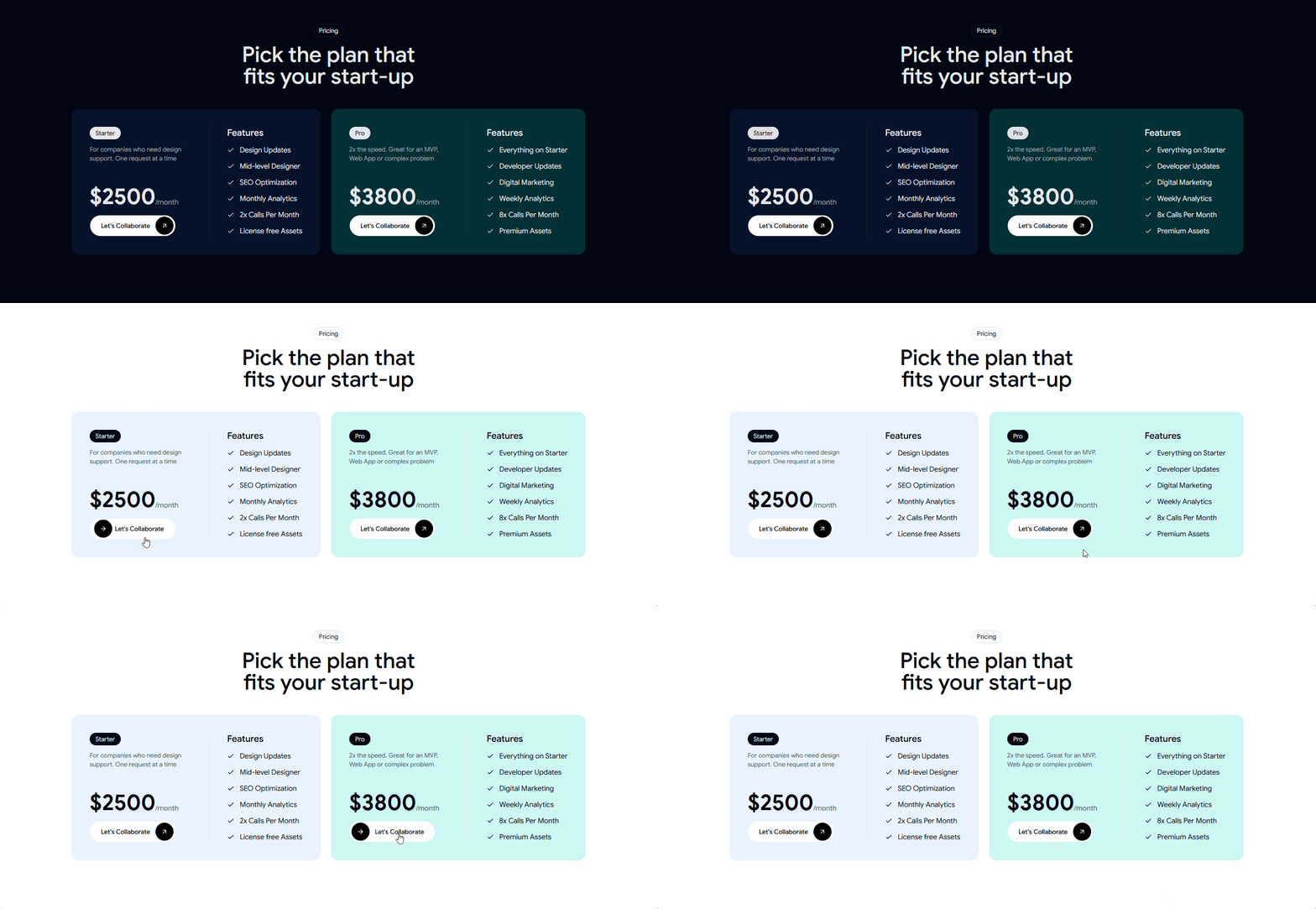
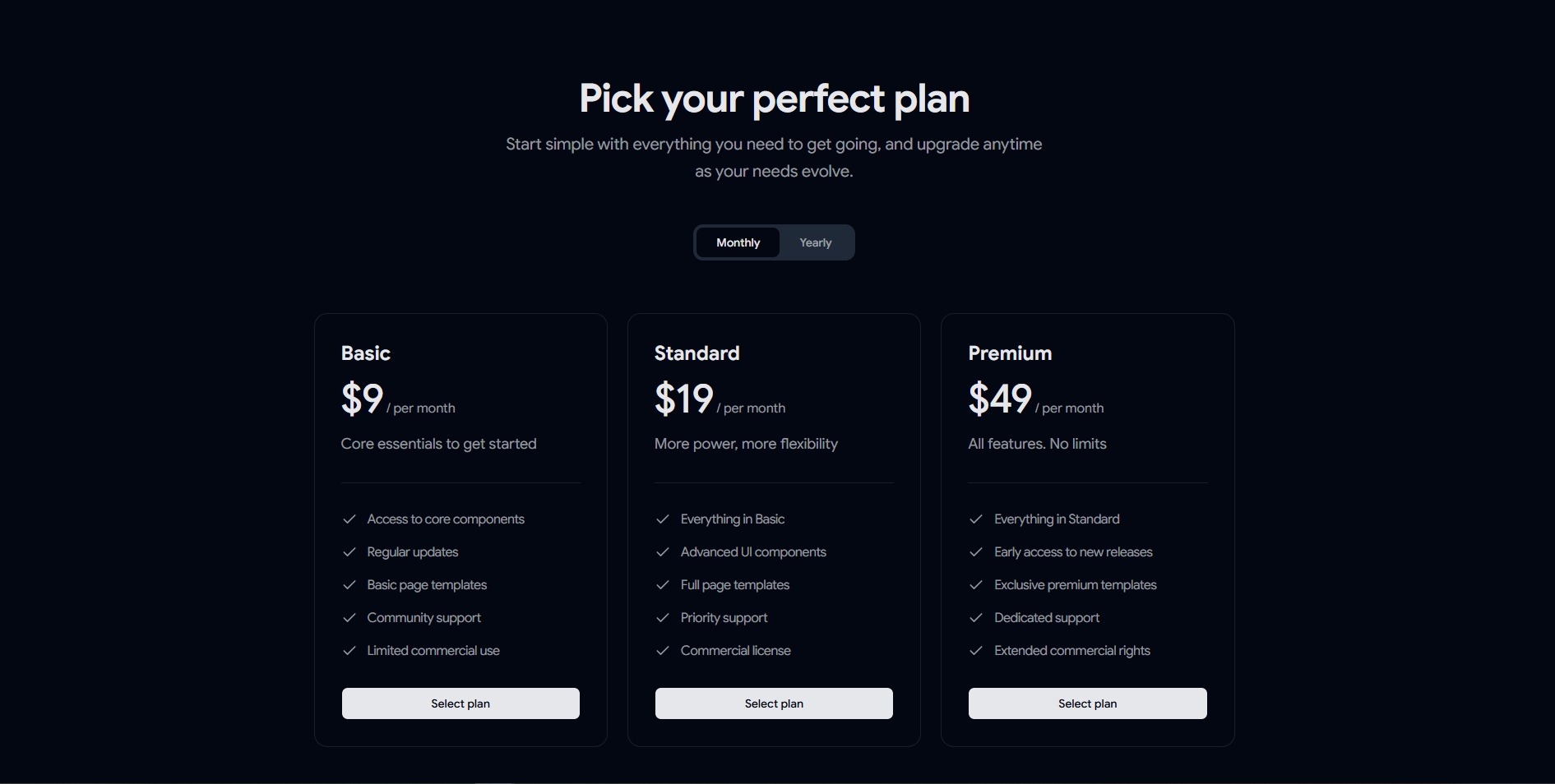
Pricing 01 – Startup Pricing Plans

Two-tier pricing layout built for startups, agencies, and SaaS subscriptions. Startup Pricing Plan

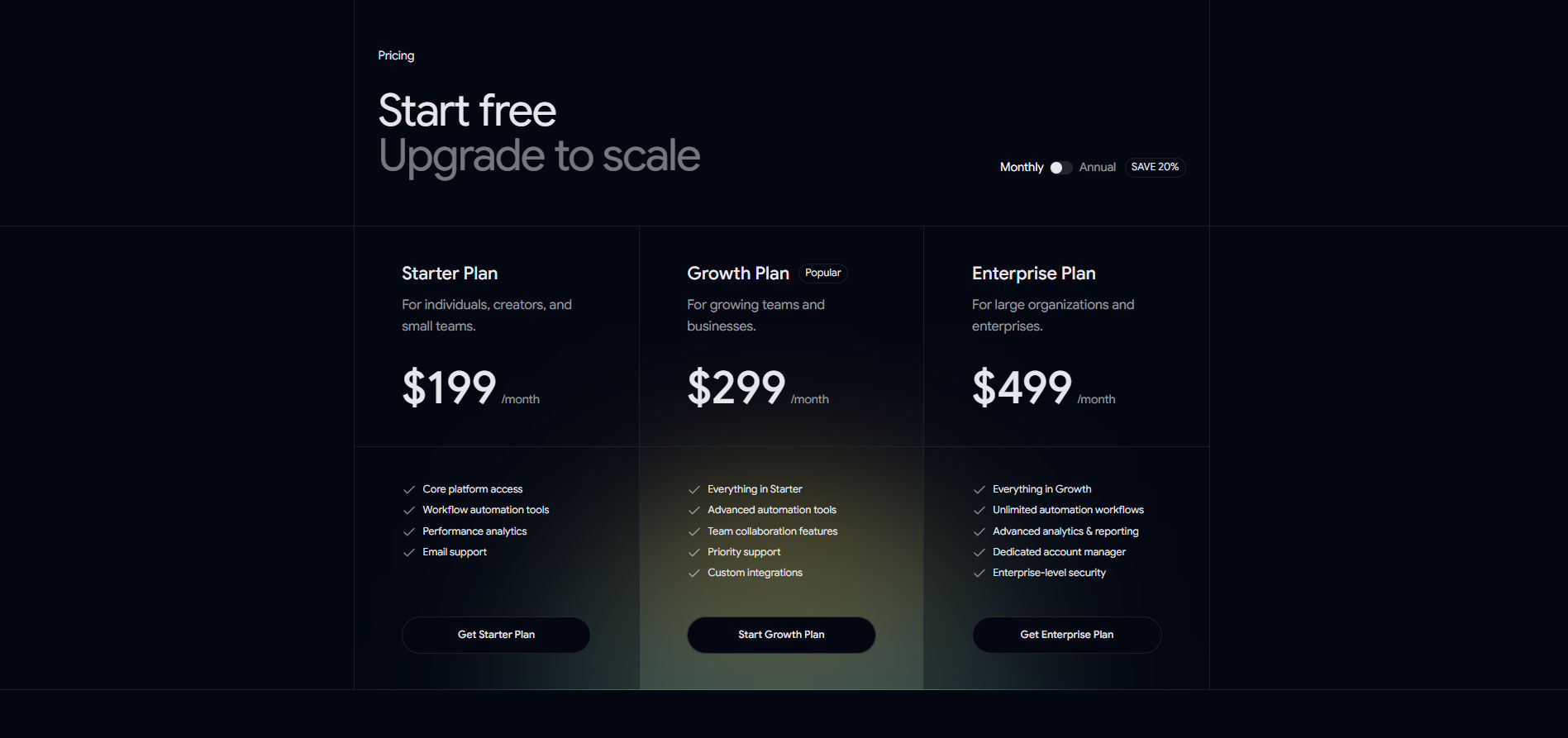
Pricing 02 – Scalable Pricing Table

Three-tier pricing table with a recommended plan and feature comparisons. Scalable Pricing Table Section

Pricing 03 – Simple Subscription Pricing

Subscription pricing with billing toggle, plan cards, and feature lists. Simple Subscription Pricing Section

Pricing 04 – Highlighted Plan Pricing

Rich pricing layout with a billing toggle, promotional banner, and highlighted plan badge. Highlighted Plan Pricing Section

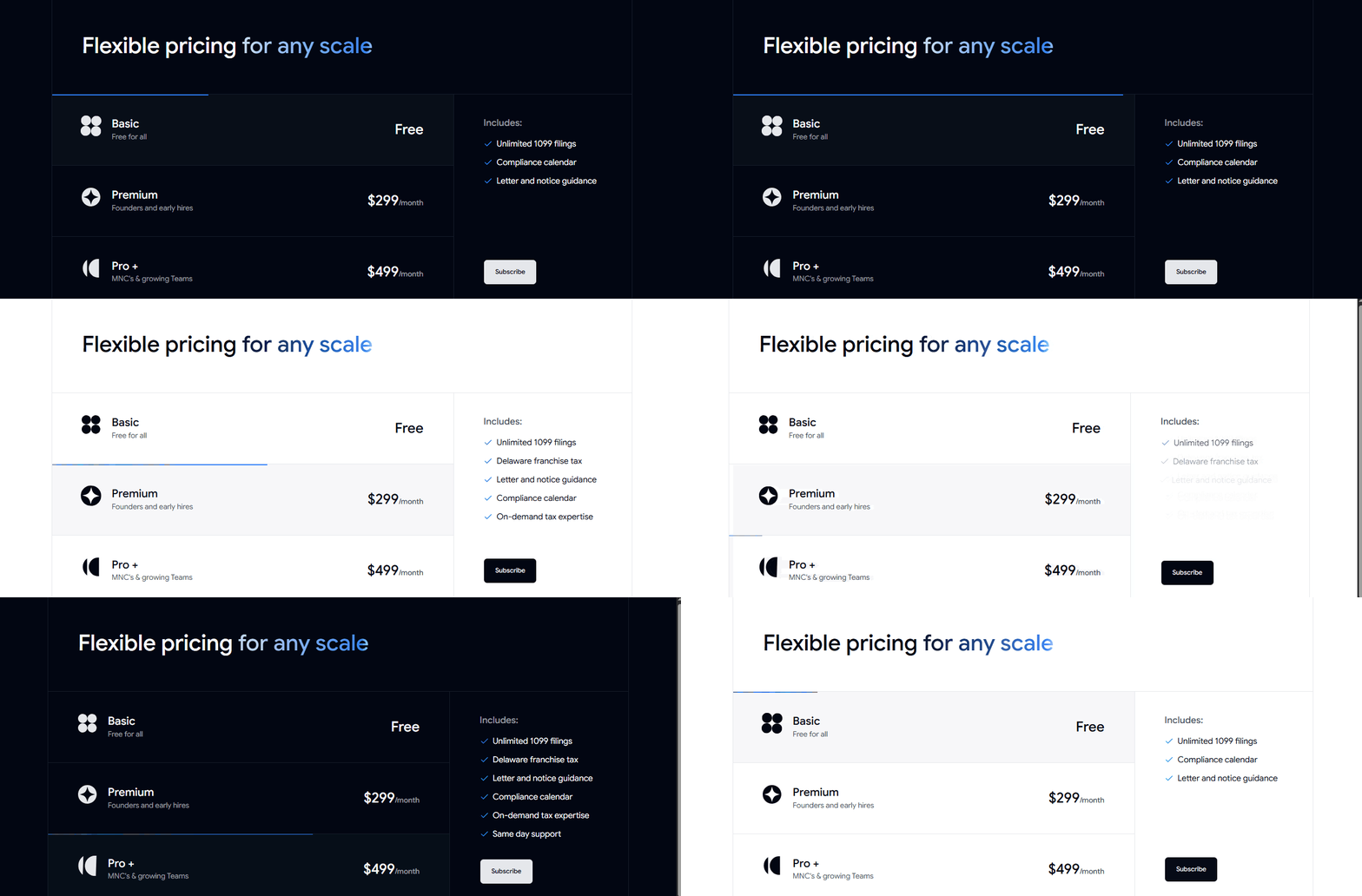
Pricing 05 – Flexible Pricing Plans

Scalable pricing plans that help users compare value across different business tiers. Flexible Pricing Plans Block

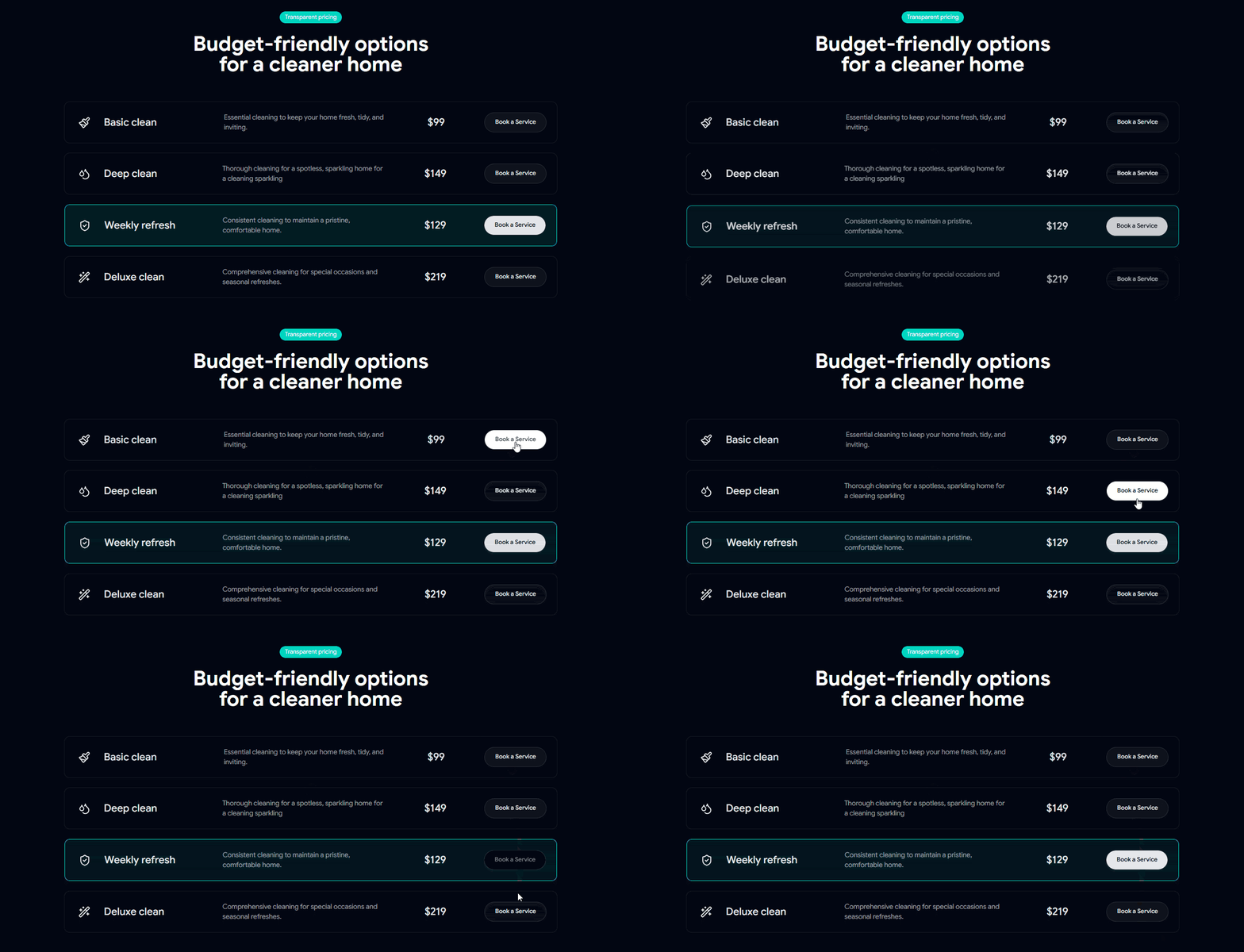
Pricing 06 – Transparent Service Pricing

Clear service pricing layout for comparing packages and booking services quickly. Transparent Service Pricing Block

Pricing 07 – Business Plan Pricing

Multi-tier pricing designed for startups, founders, and growing teams. Business Plan Pricing Section

Pricing 08 – Modern SaaS Pricing

Modern SaaS pricing section featuring a highlighted plan, billing toggle, and strong call-to-actions. Modern SaaS Pricing Section

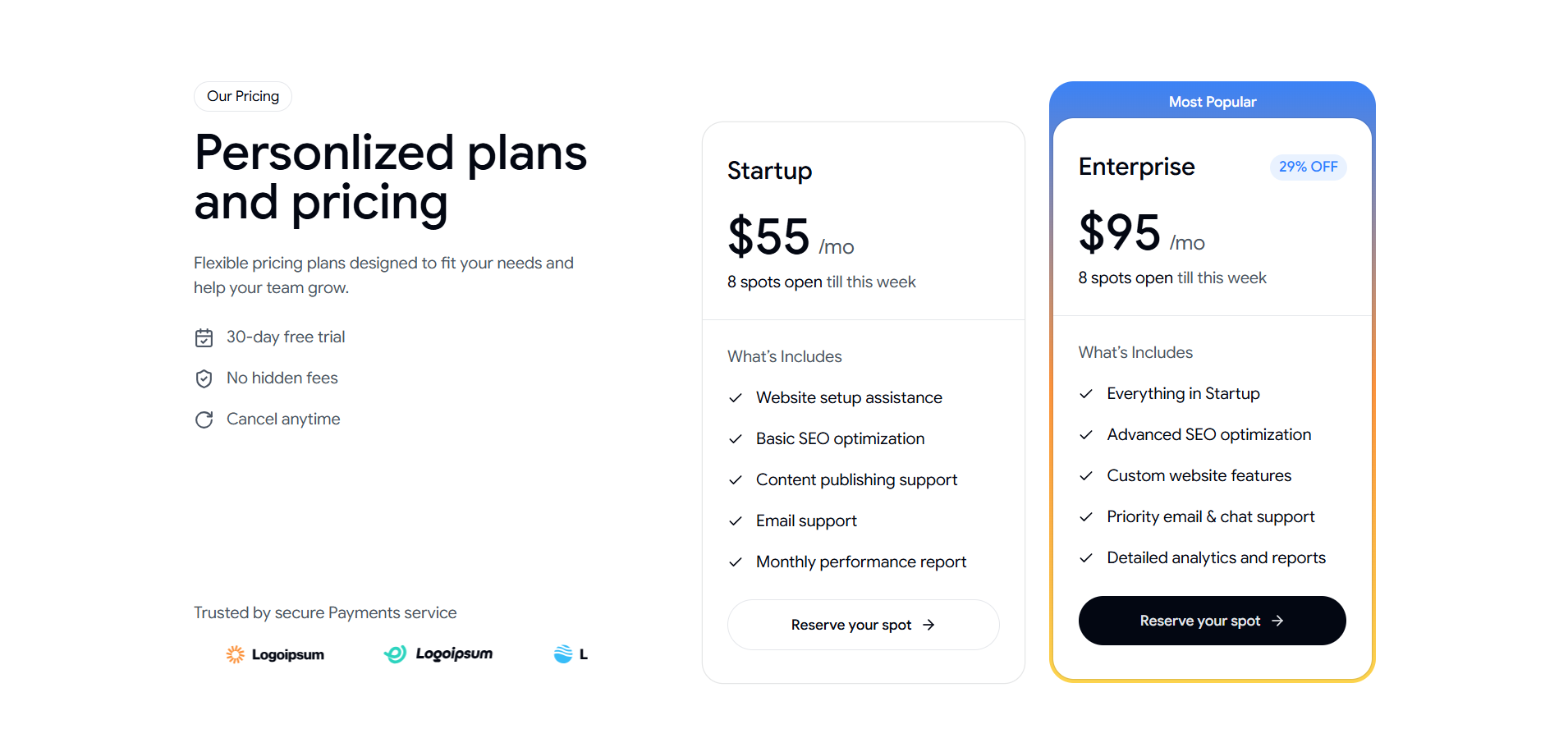
Pricing 09 – Personalized Pricing Plans

Flexible pricing plans with a popular plan highlight and conversion-focused CTAs. Personalized Pricing Plans Section

Pricing 10 – Three-Tiered Pricing Plans

Simple three-plan pricing layout with feature lists and scalable CTAs. Three-Tiered Pricing Plans Section

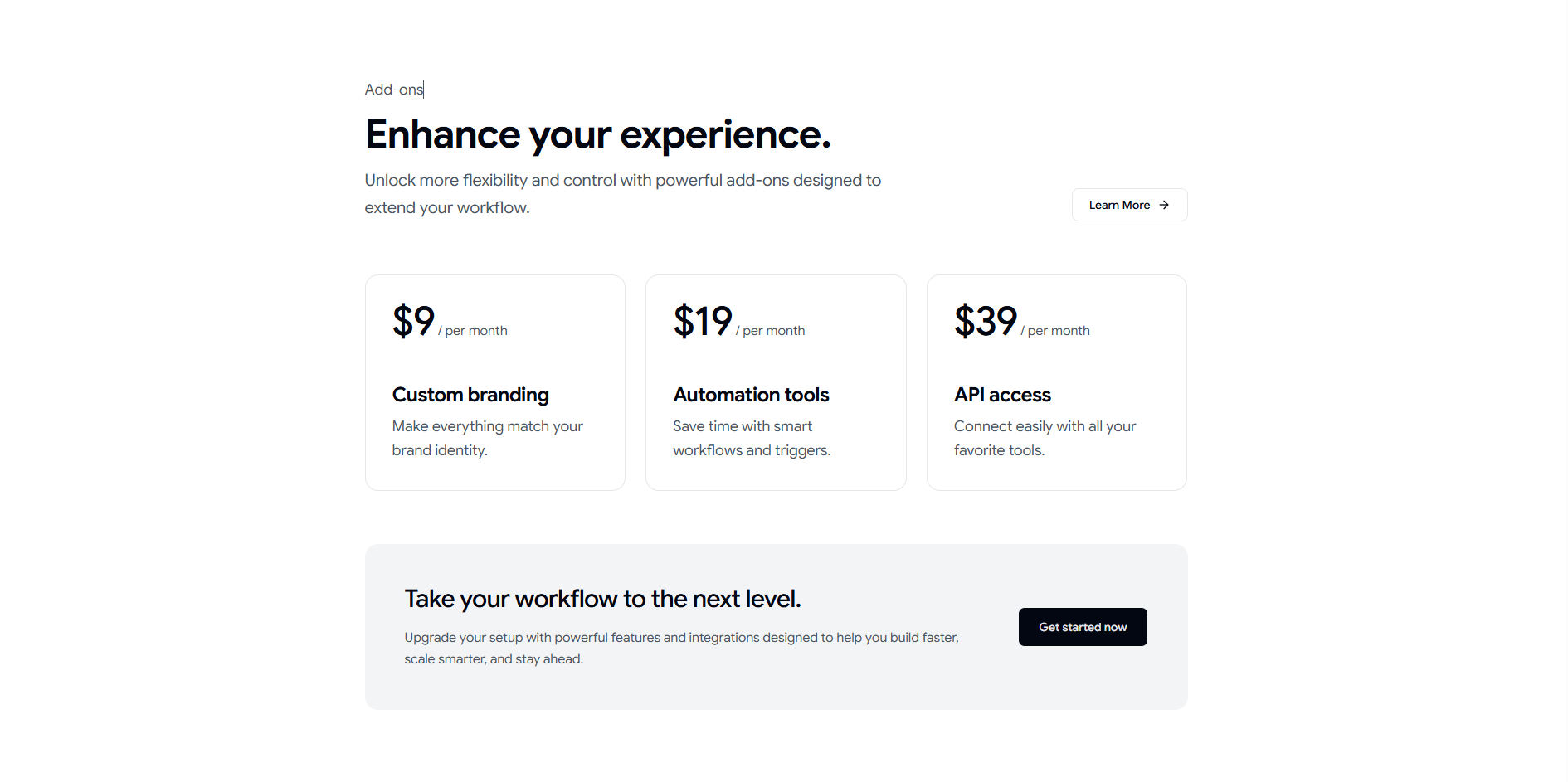
Pricing 11 – Add-Ons Pricing Section

Add-ons pricing layout for upgrades, extra features, and workflow enhancements. Add-Ons Pricing Section Block

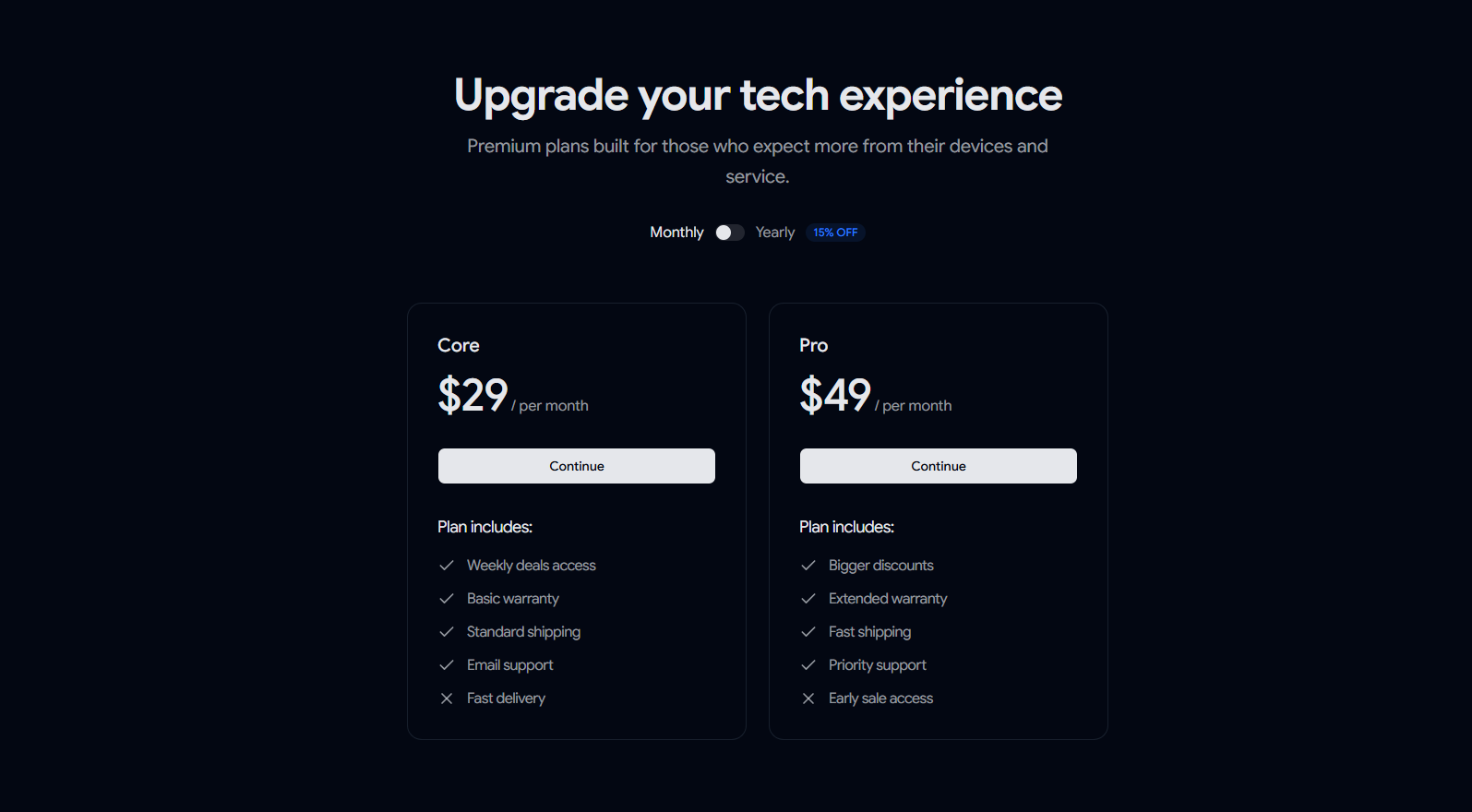
Pricing 12 – Simple Tech Upgrade Plans

Two-tier pricing section designed for technology upgrades with clear CTAs and billing options. Simple Tech Upgrade Plans Section

Pricing 13 – Tabular Pricing Layout

Detailed pricing table with feature comparisons and a highlighted plan option. Tabular Pricing Layout Section

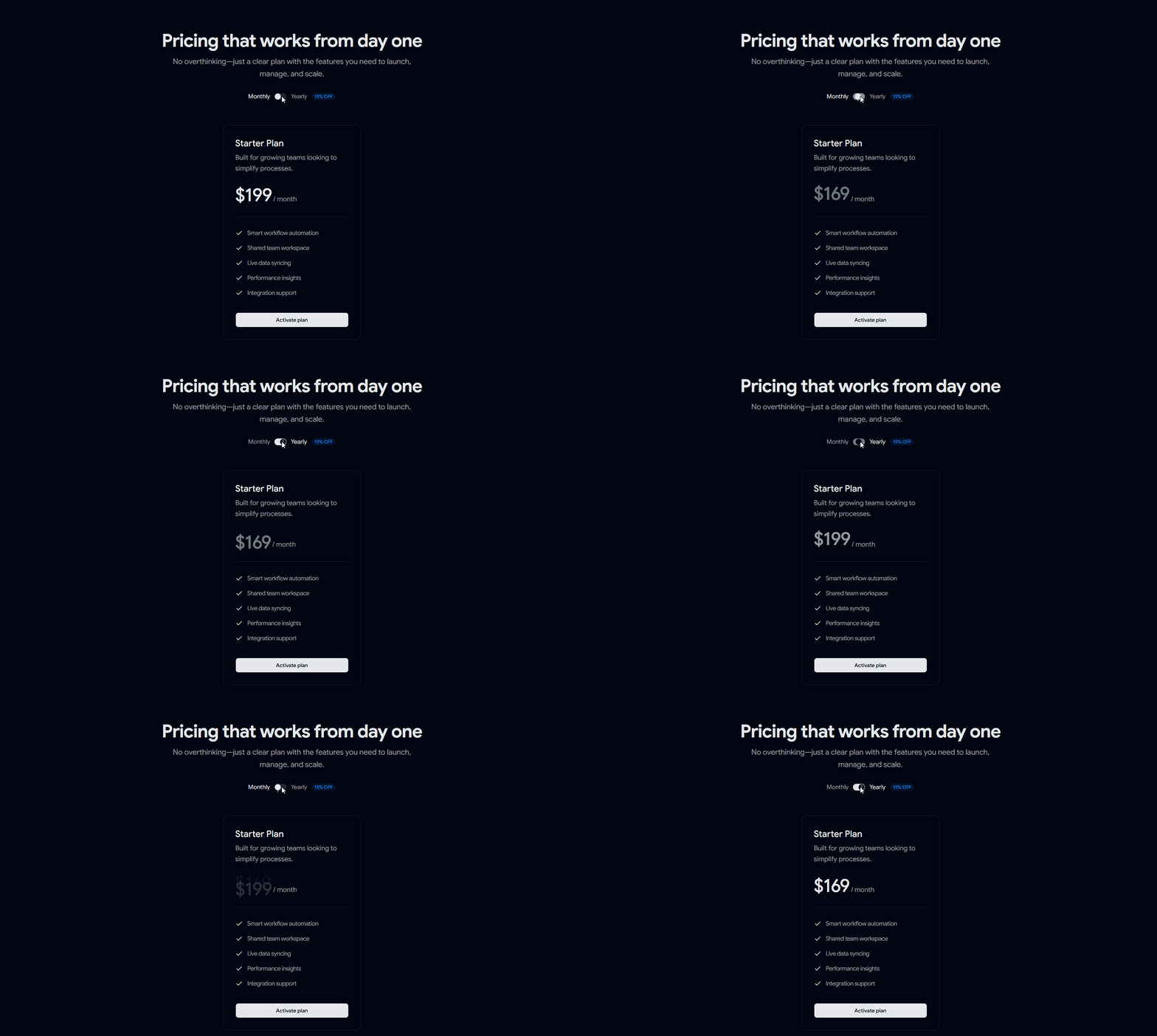
Pricing 14 – Single Plan Pricing

Focused single-plan pricing card designed for quick decisions and upgrades. Single Plan Pricing Section

Pricing 15 – Choose & Compare Pricing

Comparison-focused pricing layout that helps users evaluate plans and features easily. Choose & Compare Pricing Section

Best For

  • React applications
  • Next.js projects
  • Shadcn UI websites
  • SaaS products
  • Startup landing pages
  • Product marketing websites
  • Developer tools

Copy, customize, and launch beautiful pricing experiences faster with Shadcn.


Check out Shadcn Pricing Sections & Blocks Today

Log in or sign up for Devpost to join the conversation.

posted an update —

We're excited to share some new updates on Shadcn Space.

What’s New Changelog - 26th May 2026

We have launched the Shadcn Form Builder and added New Ecommerce Blocks to help you build stores and product pages faster.

Available Today

Coming Soon

We’re already working on more updates:

  • Shadcn Builder

  • Shadcn Form Builder Improvements

  • More Blocks, Templates, Dashboards & Components

Log in or sign up for Devpost to join the conversation.

posted an update —

Just Launched Shadcn Form Builder: Create React Forms Faster with AI

Building forms in React often takes more time than expected.

You create fields, manage state, add validation, connect UI components, and repeat the same setup again for every new form.

This becomes even more repetitive when working on SaaS products, admin dashboards, or internal tools.

To make this easier, Shadcn Space created Shadcn Form Builder an AI-powered tool that helps developers generate React and Next.js forms using simple prompts.

Instead of building forms from scratch every time, you describe the form you need and get ready-to-use code instantly.


What Is Shadcn Form Builder?

Shadcn Form Builder helps React and Next.js developers generate forms faster while still keeping clean and structured code.

The generated forms use:

  • shadcn/ui for UI components
  • React Hook Form for form handling
  • Zod for validation

You don’t just get form fields.
The tool creates complete working forms with validation and proper structure.


How It Works

Just describe your form in plain English.

Example:

“Create a signup form with name, email, password, and confirm password validation”

The builder will generate:

  • Form UI using shadcn/ui
  • React Hook Form setup
  • Zod validation schema
  • Clean and reusable React code

You can copy the output directly into your project.


Watch the Form Builder in Action

See how simple prompts turn into working React forms in seconds.


Why Developers Like Form Builder

Most modern apps need many forms:

  • Login and signup
  • Settings pages
  • Billing forms
  • User management
  • Internal admin tools

Writing the same form setup again and again slows development.

Shadcn Form Builder helps developers:

  • Save development time
  • Keep validation consistent
  • Maintain cleaner code
  • Build forms faster in React and Next.js

Describe your form once and get production-ready React code using shadcn/ui, React Hook Form, and Zod.


Try Shadcn Form Builder

If you build forms regularly in React or Next.js projects, this tool can save a lot of repetitive work.

Try it now: https://shadcnspace.com/ai-form-builder


Features of this AI Form Builder

Generate Forms Without Boilerplate

  • No repeated setup work
  • No manual field wiring
  • Faster development workflow

Built with shadcn/ui

  • Uses familiar shadcn components
  • Matches modern React app design systems
  • Easy to customize

Built-In Validation

  • Zod schema generated automatically
  • Supports required fields and validations
  • Easy to extend later

Build Faster with Shadcn Components

If you already use shadcn/ui, you can also explore ready-made UI blocks and reusable components for faster development.

Useful for:

  • Dashboards
  • SaaS apps
  • Landing pages
  • Admin panels
  • Internal tools

Explore Shadcn Blocks & Components


Build Admin Panels Faster

Forms are only one part of modern applications.

You also need:

  • Navigation
  • Tables
  • Charts
  • Layouts
  • Analytics pages

Using a structured shadcn dashboard setup helps speed up development while keeping the UI consistent.

Use our Shadcn Dashboard for your next admin panel


When Should You Use This Shadcn AI Form Builder?

This form builder is useful when:

  • You build multiple forms in a project
  • You already use React Hook Form and Zod
  • You want consistent validation patterns
  • You work on SaaS apps or admin dashboards
  • You want to reduce repetitive frontend work

Final Thoughts

This Shadcn Form Builder helps remove one of the most repetitive parts of frontend development.

Instead of rewriting the same form logic every time, you get a clean starting point that you can customize based on your project needs.

For developers building production apps with React and Next.js, this makes form creation much faster while keeping the codebase organized.

Log in or sign up for Devpost to join the conversation.

posted an update —

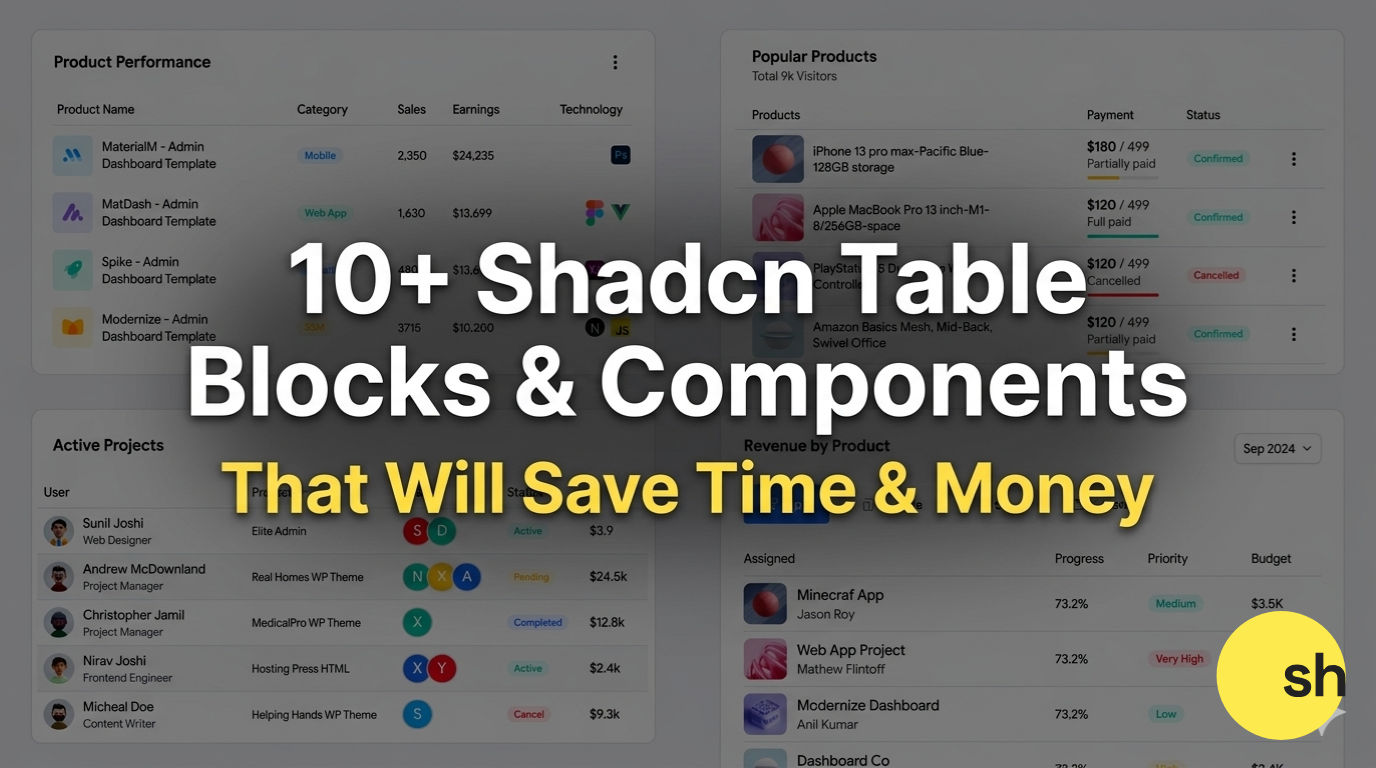
Need Shadcn Tables ?

Stop struggling with complex data displays.

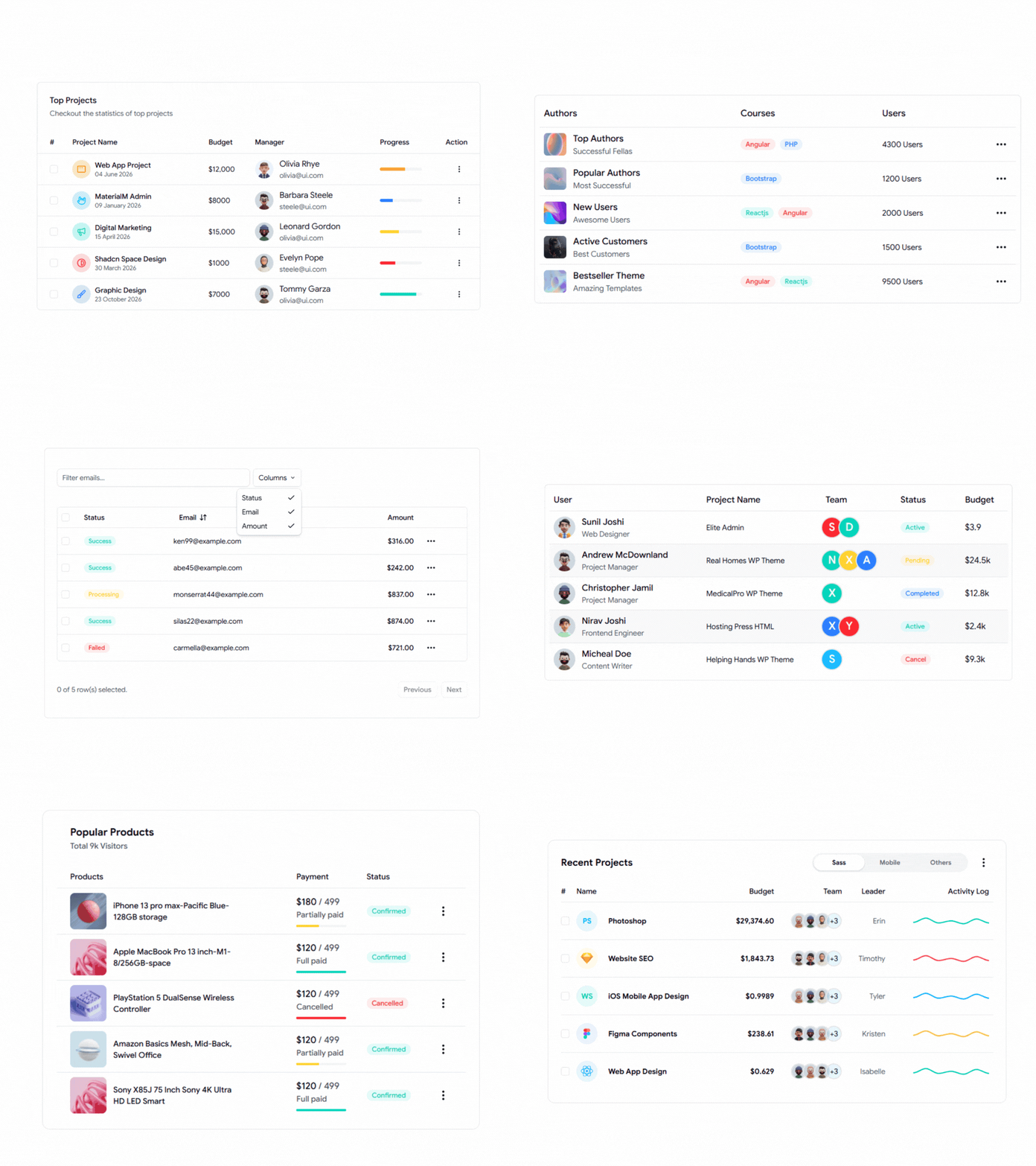
10 shadcn table

What’s inside these shadcn tables

These Shadcn + TanStack Table components come with sorting, filtering, and pagination built-in.

  • Revenue & Performance Trackers
  • Invoice Tables
  • Project Management UI (Free!)
  • Pagination & Filtering ready

Shadcn Table

Explore more Shadcn Table Blocks & Components to speed up your development workflow.

Log in or sign up for Devpost to join the conversation.

posted an update —

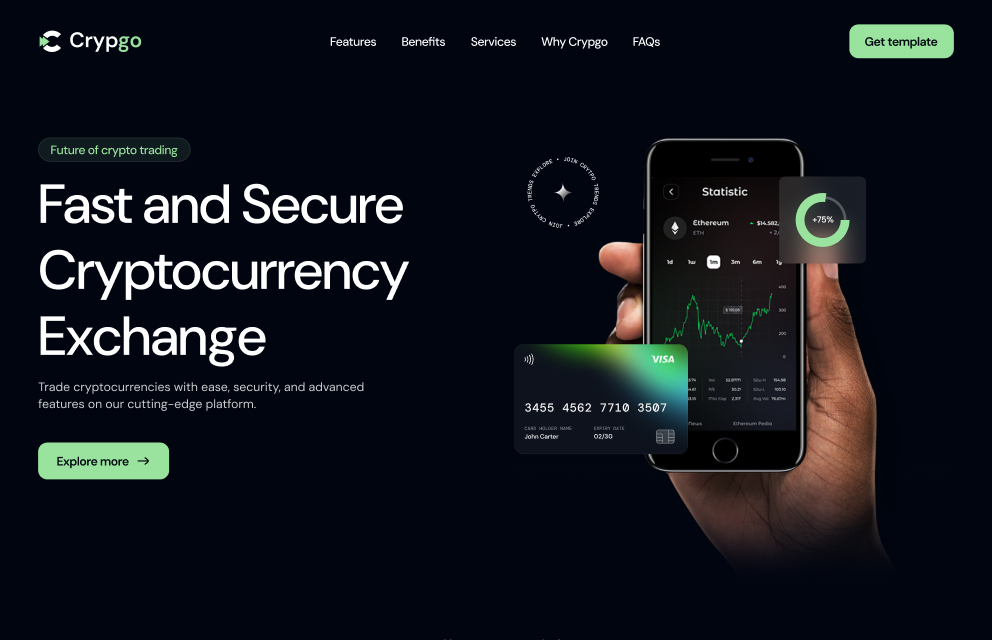
First Update: Introducing Crypgo Shadcn Landing Page

We’ve launched our first template under Shadcn Space — Crypgo.

Crypgo is a Shadcn UI–based crypto landing page template built with Next.js. It’s designed for teams working on crypto and blockchain products who want a clean, modern starting point.

It’s a good fit for:

  • NFT startups

  • Crypto & bitcoin trading platforms

  • Blockchain consultancy websites

  • Digital coin and Web3 services

crypgo shadcn landing page

Crypgo focuses on clear layouts, strong sections, and easy customization, so developers can quickly adapt it for real projects instead of starting from scratch.

This is the first step in expanding Shadcn Space with more industry-focused templates.

Check it out: Crypgo Shadcn Landing Page Template

More updates coming soon

Log in or sign up for Devpost to join the conversation.