-
-
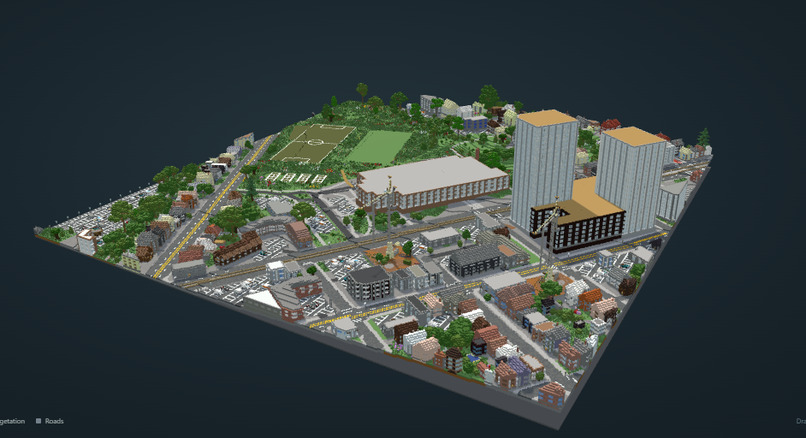
voxel
-
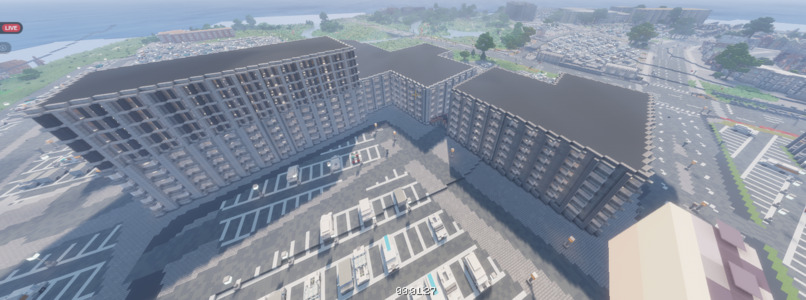
humber college
-
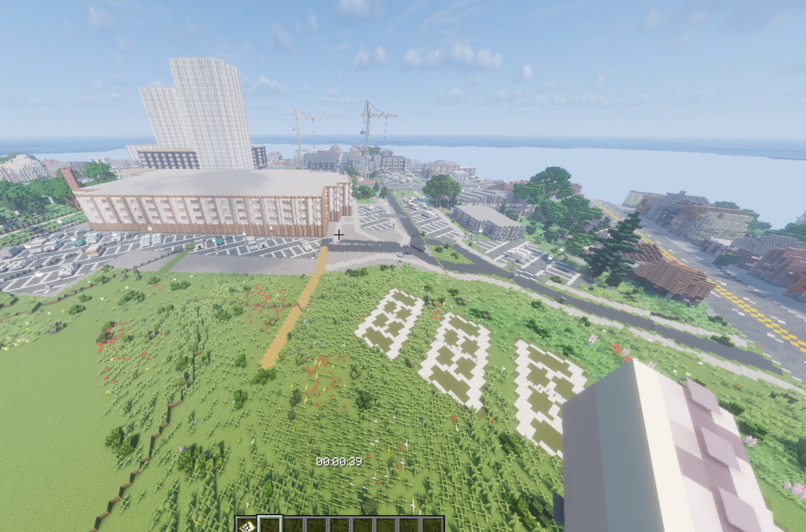
our school
-
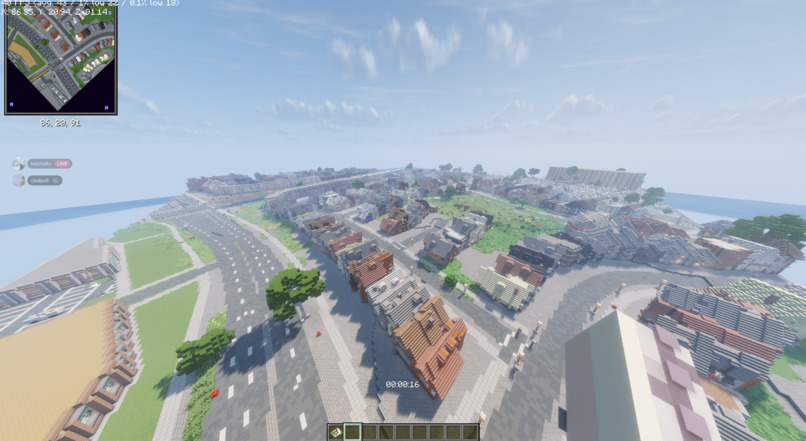
humber
Inspiration
Everyone has a place they'd love to see in Minecraft: their street, their campus, the park they grew up in. Building one by hand takes days, and most real places don't come with a 3D model. We wanted a tool where you point at a place, or just take one photo of it, and a few minutes later you're standing in it in Minecraft.
What it does
ArcBuild creates ready-to-play Minecraft Java worlds of real places.
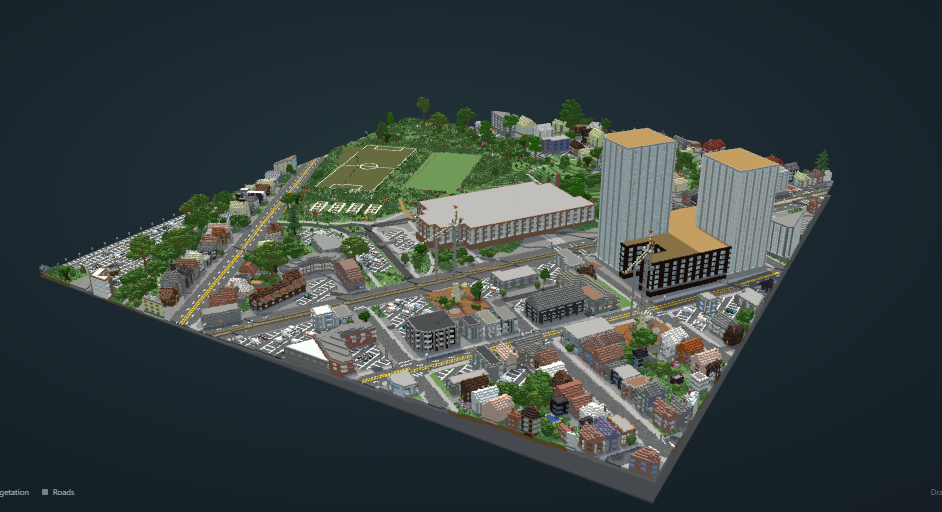
From the Map
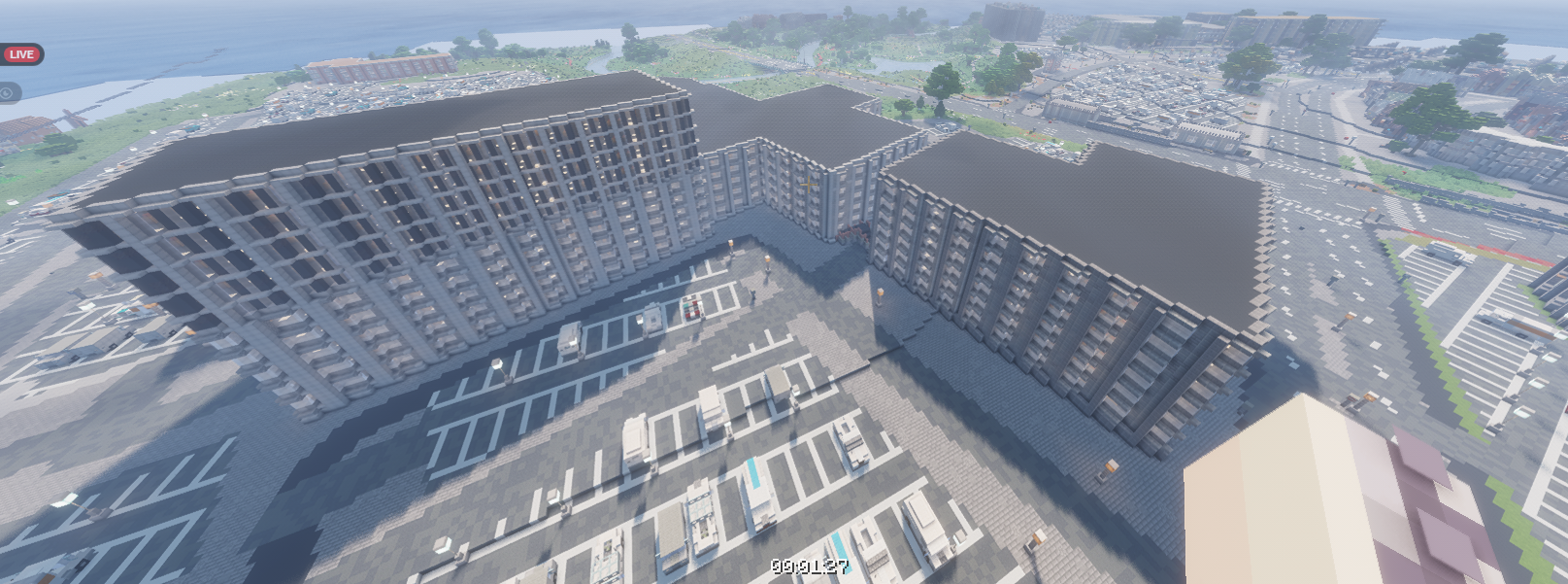
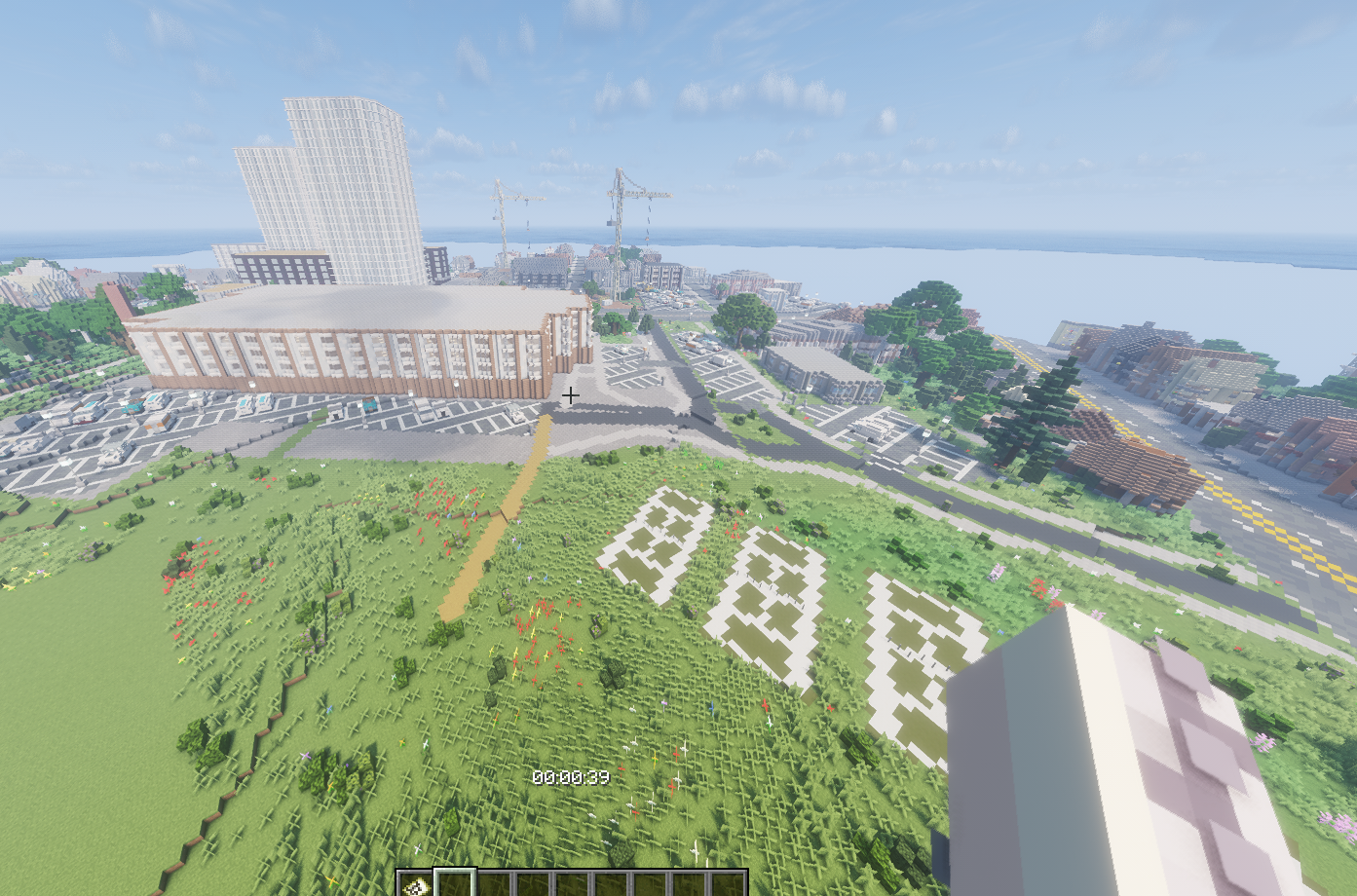
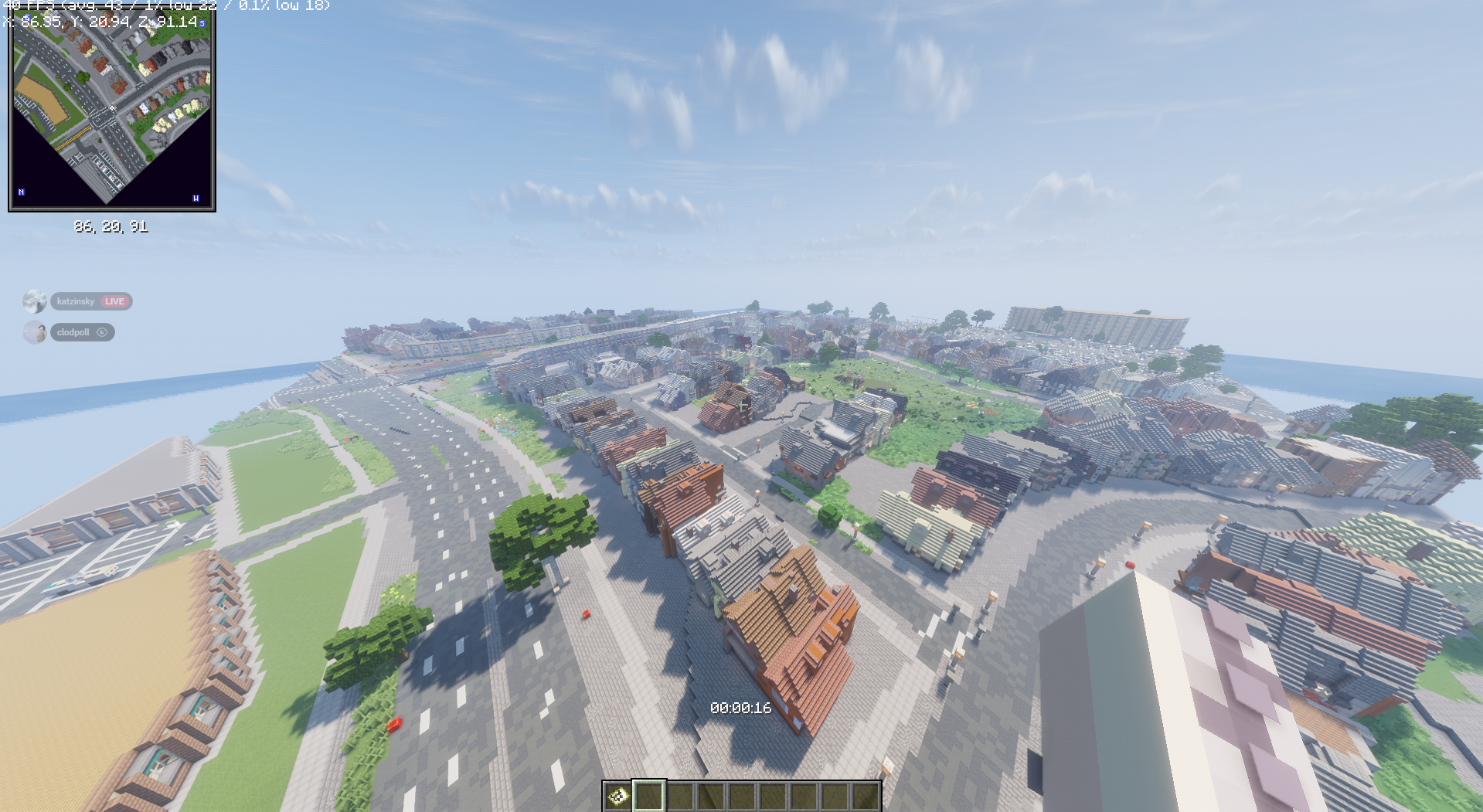
Search an address, paste a Google Maps link, or click anywhere on the map, then pick how big an area you want. ArcBuild pulls real map data for that area: streets, building footprints and heights, parks, water and terrain. It generates a full Minecraft world with detailed buildings (stairs, slabs, walls, windows, roofs) and real terrain. It then dresses the world so it feels alive: cars parked along the roads, lamps and bus stops, and pedestrians, shown as armour stands in dyed leather outfits, walking the sidewalks. Every placement is collision-checked, so nothing spawns inside a wall or in the middle of the road. From a photo (our newest feature; edit this to match the final state)
Upload one panorama of a small place, like a courtyard, plaza or street corner. No GPS or location data needed. ArcBuild reads the scene (ground, paths, trees, furniture, the buildings around you) and builds a Minecraft version of it using real Minecraft building techniques, aiming for something that feels like the place rather than a blocky copy. Outputs
A world you can install straight into your Minecraft saves with one click. A .schem file you can paste into any world with WorldEdit. A 3D preview in the browser before you download anything.
How we built it
Backend: Python and FastAPI. One pipeline goes: map data → world generation → our own detail layer (prefabs, cars, pedestrians, terrain checks) → export to a Minecraft world and a schematic. World generation: we build on an open-source OpenStreetMap-to-Minecraft generator (written in Rust) for the base buildings and terrain, and add our own layers on top. Those layers read the finished world back, place collision-checked prefabs and armour-stand pedestrians, repair terrain holes, keep gaps between neighbouring houses, and write the result back into the world's region files. Map data: OpenStreetMap, terrain elevation tiles, and Overture Maps building data, with retries, tiled queries and caching so a flaky connection doesn't kill a run. Minecraft formats: our own Python readers and writers for Anvil region files, Sponge schematics and entity data (armour stands with dyed armour), written to be read back and checked automatically. Frontend: a map-first web interface (Leaflet) with address search, scale presets, a live progress tracker with time estimates, and a Three.js 3D preview built from the actual generated blocks. Photo pipeline: (fill in the final approach: segmentation model, layout, assets) Testing: over 170 automated tests covering file formats, placement, terrain and the web API. We also opened the generated worlds in real Minecraft.
Challenges we ran into
Turning photos into 3D. We tried several approaches, including multi-view 3D reconstruction from walk-around videos and turning point clouds into blocks. They technically worked, but the results looked like lumpy blobs. We learned that in Minecraft, looking right beats being exact, and changed our photo approach to recognise what's in a scene and build it the way a good Minecraft builder would. Scale. Real houses are often only a couple of metres apart. Shrink the map and those gaps round away to nothing, so houses fuse together. We added gap detection and scale presets to fix it. Unreliable map services. Public map servers time out and rate-limit, so we added retries, tiling and saved coverage. Minecraft versions. Newer Minecraft versions silently convert old worlds to a new folder layout, which broke our world tools mid-hackathon. Teamwork tooling. We started the weekend sending zip files and learned Git and GitHub as we went, working across two AI coding assistants on separate branches. Accomplishments that we're proud of You can go from a map pin to walking around a real neighbourhood in Minecraft, with traffic and people, in a few minutes. The worlds hold up when you actually play them: no floating trees, no cars inside buildings, no holes in the ground. We kept the generator honest and checkable, with more than 170 automated tests. We pivoted fast when an approach didn't look good enough, instead of shipping something ugly.
What we learned
In a creative tool, how good it looks matters more than how exact it is. Small scope, done well, beats a giant scope done halfway. Git branches, commits and merging, from scratch, under pressure. How Minecraft actually stores worlds: chunks, block palettes, heightmaps and entities.
What's next for ArcBuild
Better photo-to-world: several panoramas of the same place stitched into one bigger area. Indoor spaces: classrooms, halls, atriums. Dropping a photo-built area straight into the map-generated world around it. A shared gallery of places the community has built. Bedrock Edition export.
Built With
- api
- css3
- fastapi
- generation
- geojson
- git
- html5
- javascript
- mapillary
- maps
- minecraft
- ollama
- openstreetmap
- overture
- procedural
- python
- qwen3-vl
- rest
- rust
- three.js


Log in or sign up for Devpost to join the conversation.