-
-
-

https://www.youtube.com/watch?v=vpNviO1JtU4
-
-
-
-
-
-
-

Inspiration
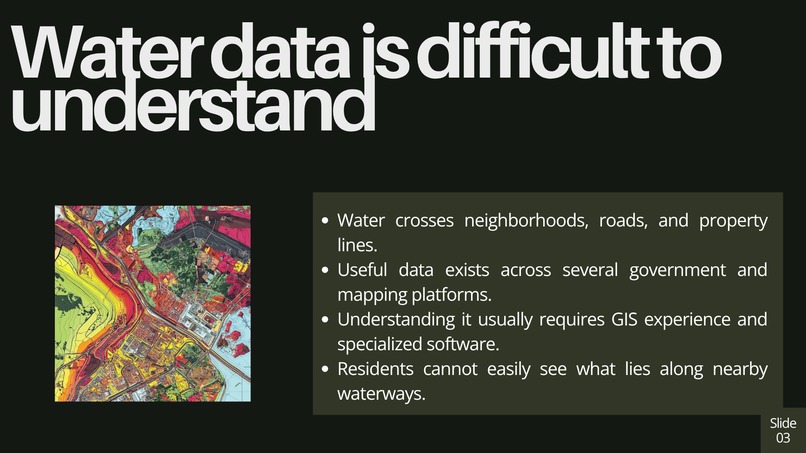
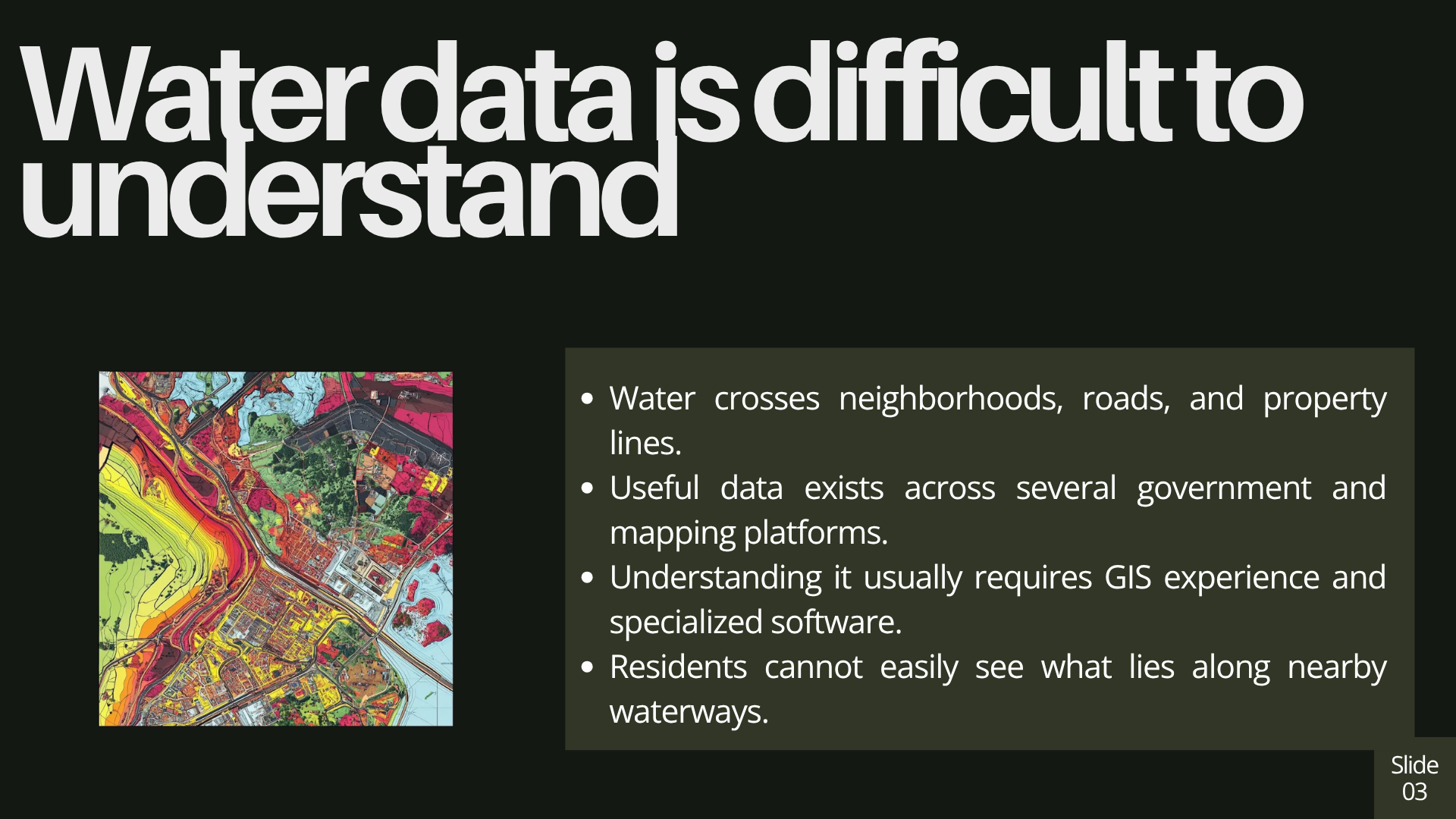
Water moves across neighborhoods, roads, and property lines, but most people have no easy way to see where it goes. The data exists, but it is scattered across government databases and GIS tools that are difficult for the average person to understand.
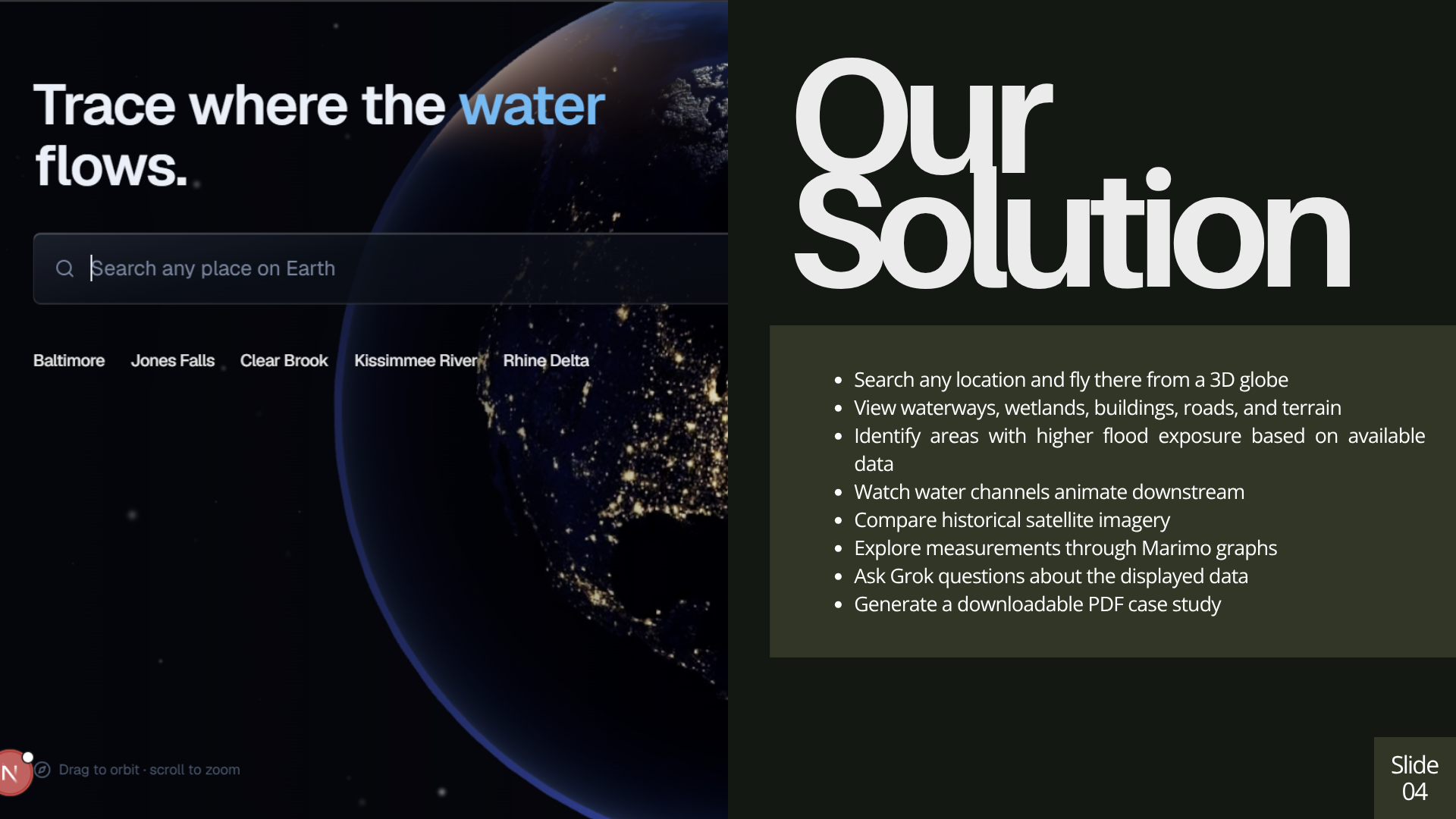
We wanted to make that information visual and accessible. WaterFlow lets anyone search for a location, fly there from space, and explore how water moves through the surrounding area.
What it does
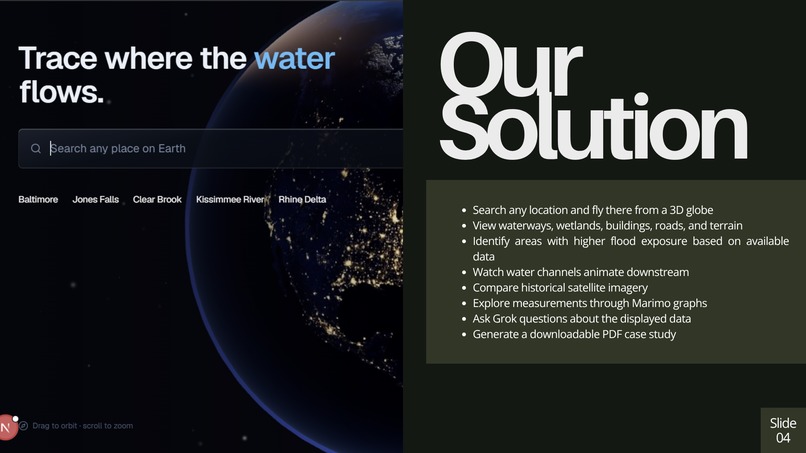
WaterFlow is an interactive hydrology explorer. Users can search for a place anywhere in the world, then travel from a 3D globe to a detailed terrain map of that location.
WaterFlow allows users to:
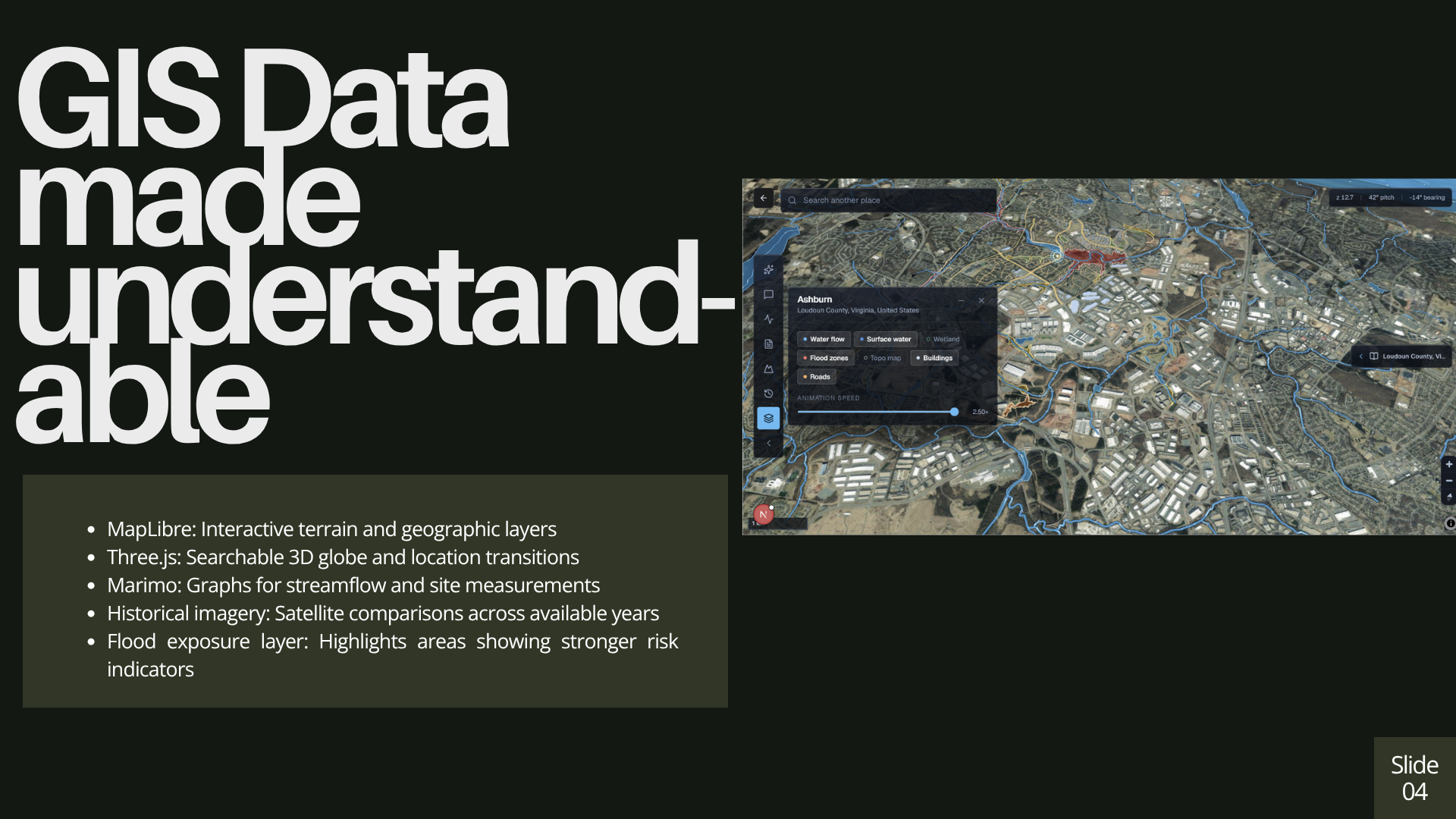
- See nearby rivers, streams, wetlands, buildings, and roads
- Watch water channels animate in the downstream direction
- View areas with higher flood exposure based on available data
- Compare historical satellite imagery that actually changed
- Check nearby USGS stream gauges and current flow conditions
- Explore measurements through interactive Marimo graphs
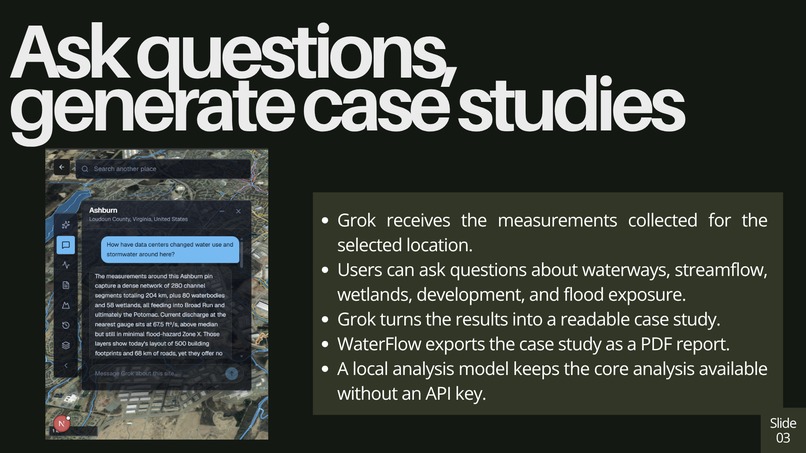
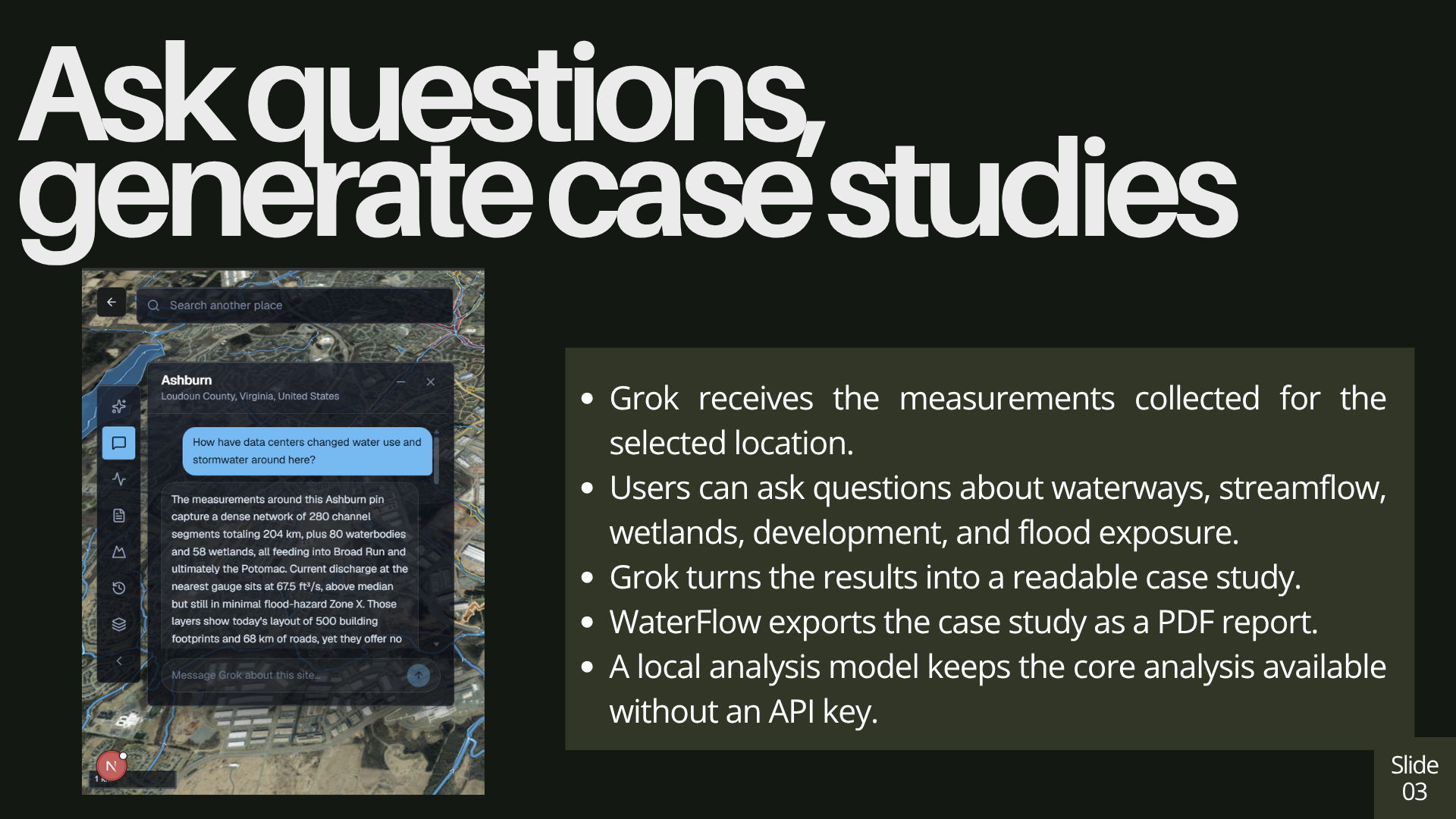
- Ask Grok questions about the displayed data
- Generate case studies and download them as PDF reports
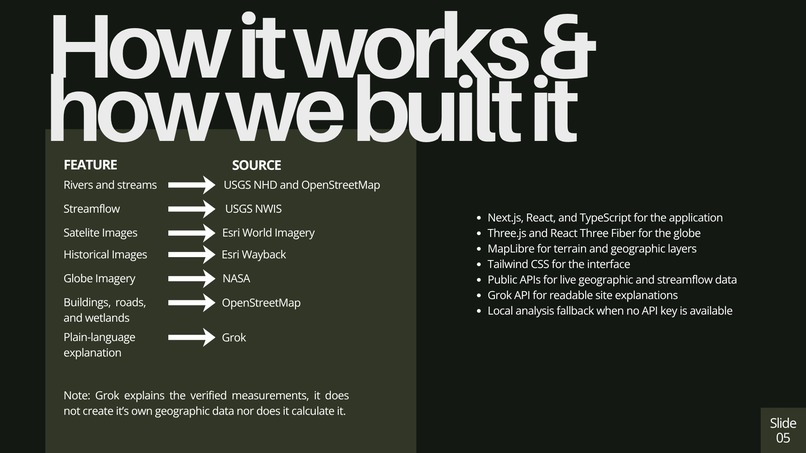
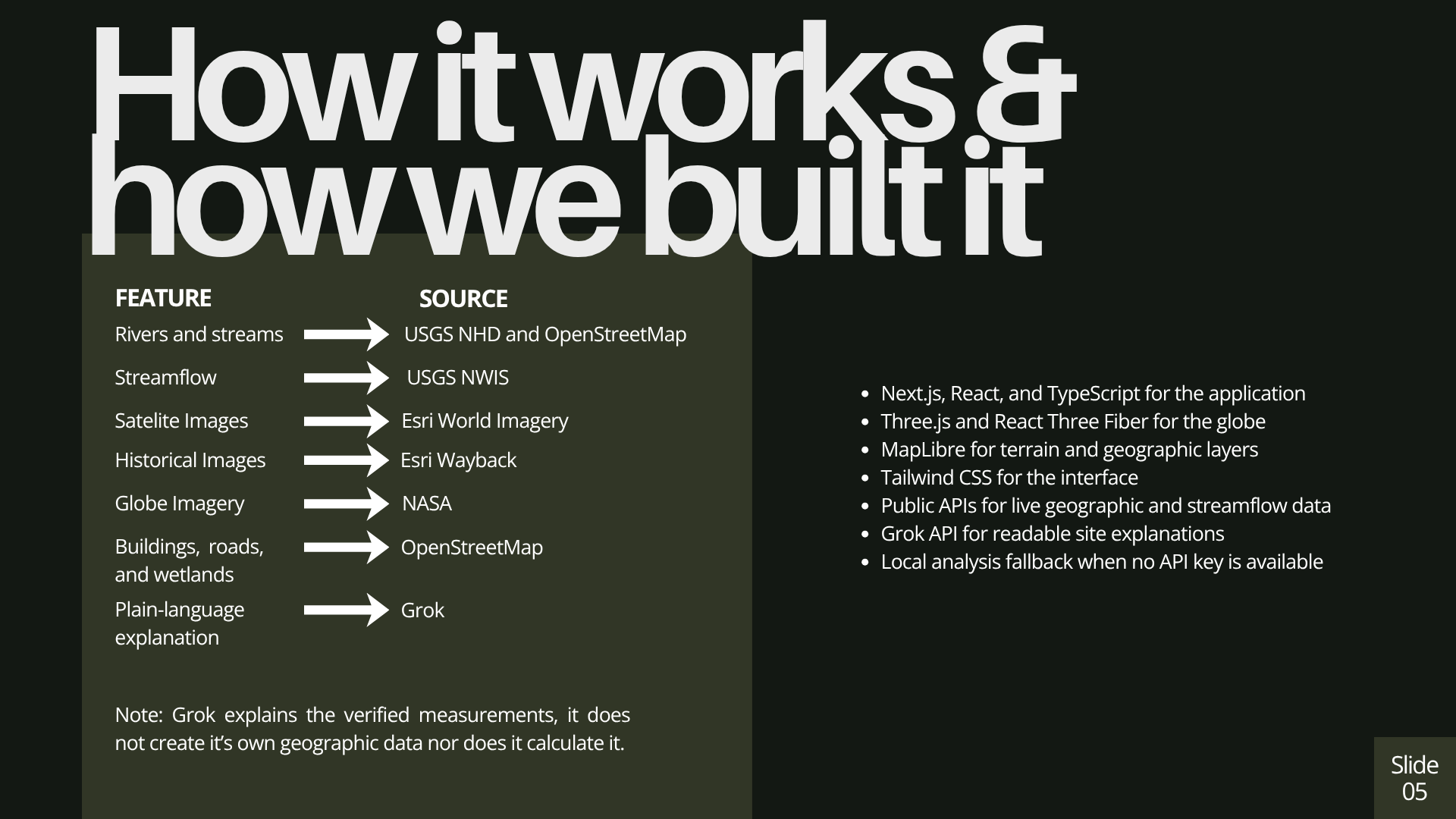
Inside the United States, WaterFlow uses USGS hydrography data. In other locations, it uses OpenStreetMap data when available. Grok explains the measurements and answers questions about them, but it does not calculate or invent the underlying data.
WaterFlow provides environmental screening information. It does not predict whether a specific property will flood.
How we built it
We built WaterFlow using Next.js, React, TypeScript, Tailwind CSS, Three.js, MapLibre, Marimo, and the xAI API.
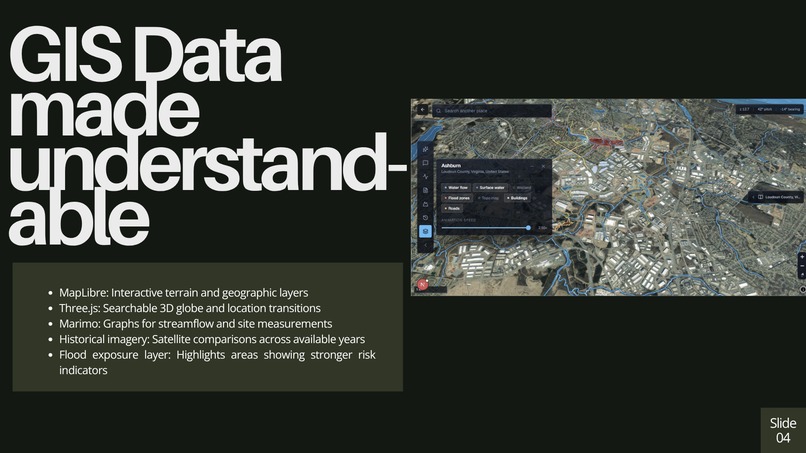
3D Globe: We used Three.js and React Three Fiber to create a globe with NASA imagery, city lights, atmospheric effects, and a camera animation that flies users to their selected location.
Terrain and Water Map: MapLibre displays the 3D terrain, waterways, wetlands, buildings, roads, satellite imagery, and areas with stronger flood exposure indicators.
Hydrology Data: We used the USGS National Hydrography Dataset inside the United States. We also use OpenStreetMap through the Overpass API for additional geographic features and locations outside the United States.
Streamflow Data: Nearby USGS stream gauges provide discharge data that changes the speed, width, and appearance of the animated water channels.
Historical Imagery: Esri World Imagery Wayback provides archived satellite imagery. We compare tile fingerprints so the timeline only includes years when the imagery at that location actually changed.
Graph Visualization: Marimo turns the collected site measurements and streamflow data into interactive graphs that are easier to understand.
Grok Analysis: Users can ask Grok questions about the displayed data or generate a complete case study for the selected location. The case study can then be exported as a PDF report.
If an xAI API key is unavailable, WaterFlow uses a deterministic local analysis so the core site analysis still works.
There is no database or authentication system. The application requests, processes, and visualizes public data when a user searches for a location.
Challenges we ran into
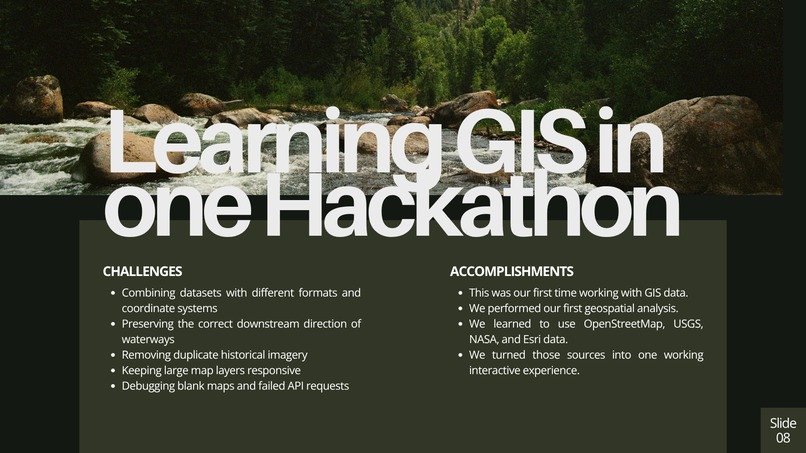
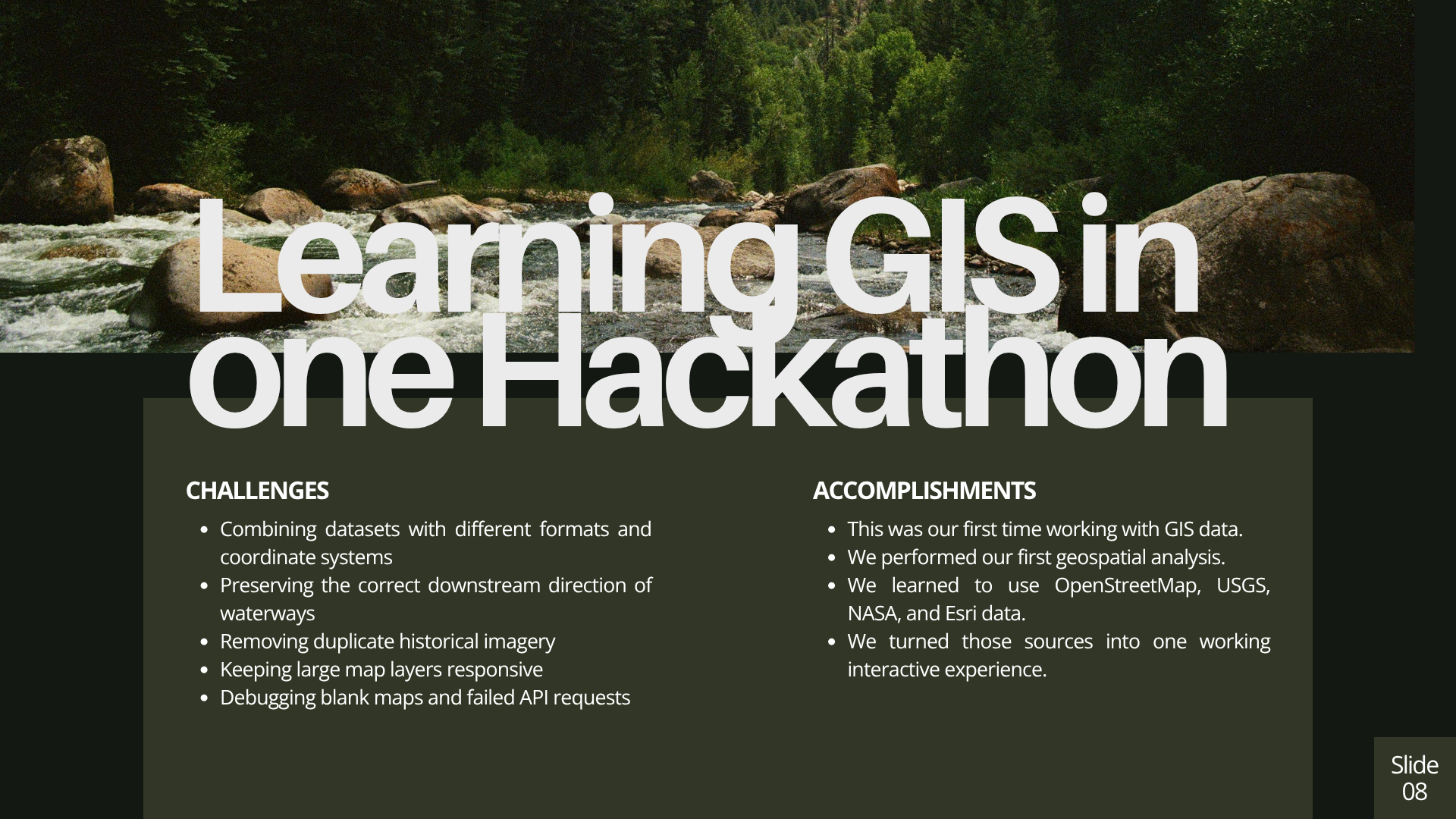
None of us had worked with GIS data or performed geospatial analysis before this hackathon, so there was a steep learning curve.
The data came from several sources, each with different formats, limitations, and coordinate systems. Getting USGS data, OpenStreetMap features, Esri imagery, terrain tiles, and stream gauges to work together was much harder than we expected.
We also had to figure out how to:
Preserve the correct downstream direction of water channels
Prevent identical satellite captures from appearing as different years
Display flood exposure without presenting it as a guaranteed prediction
Keep large geographic datasets from slowing down the application
Transition smoothly from the 3D globe to the terrain map
Connect Marimo visualizations to the site measurements
Generate useful Grok responses without allowing the model to invent data
Turn the final analysis into a downloadable PDF report
There were many moments when the map appeared completely blank because one worker, layer, or data request was not loading correctly.
Accomplishments that we're proud of
- This was our first time using GIS data and conducting geospatial analysis
- We learned how to work with OpenStreetMap, USGS, NASA, and Esri data
- We combined several public datasets into one interactive experience
- We created animated water channels that follow the correct downstream direction
- We added flood exposure indicators without presenting them as exact predictions
- We built a searchable 3D globe that transitions into a local terrain map
- We used Marimo to make the collected measurements easier to understand
- We connected Grok to real site data for questions and case study generation
- We added downloadable PDF reports
- We made the core analysis work with or without an AI API key
Going from knowing almost nothing about GIS to building a working geospatial application during one hackathon is what we are most proud of.
What we learned
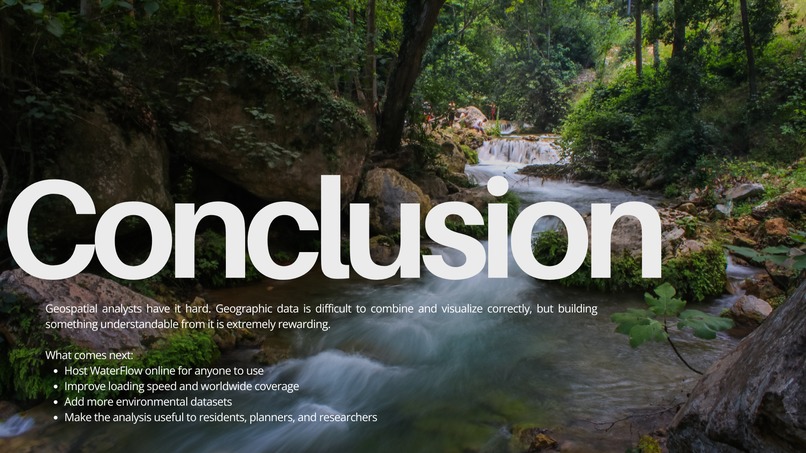
We learned that geospatial analysts have it hard.
Working with geographic data involves much more than placing points on a map. We had to think about coordinate systems, geometry, flow direction, incomplete datasets, performance, and whether each visualization accurately represented the underlying information.
Building the application was difficult, but it was also extremely rewarding. Watching several complicated datasets come together as one understandable experience made the debugging worth it.
We also learned that AI works best in this project as an explanation tool. The geographic data and calculations provide the evidence, while Grok helps users understand and ask questions about it.
What's next for WaterFlow
Our next step is to host WaterFlow online so anyone can search for a location, explore where the water flows, and generate a site report.
We also want to improve performance, expand worldwide data coverage, and include more environmental datasets. Over time, we hope to make WaterFlow useful for residents, planners, researchers, and community organizations.
Our goal is to turn information that normally requires specialized GIS software into something anyone can explore and understand.
Built With
- css
- esri
- geojson
- grok
- maplibre
- marimo
- nasa
- next.js
- nominatim
- overpass-openstreetmap
- public-data
- radix-ui
- tailwindd
- three.js
- typescript
- usgs


Log in or sign up for Devpost to join the conversation.