Inspiration
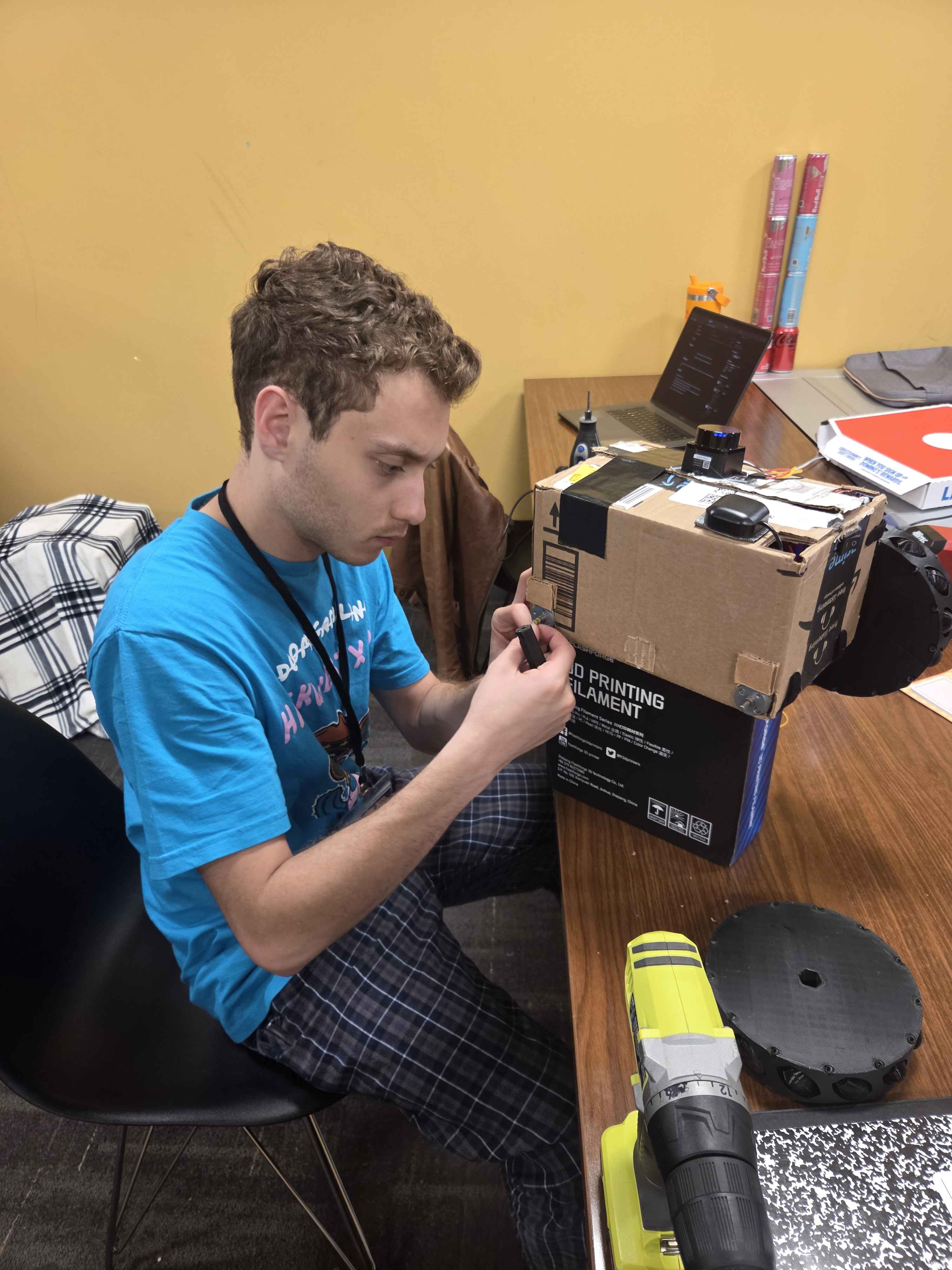
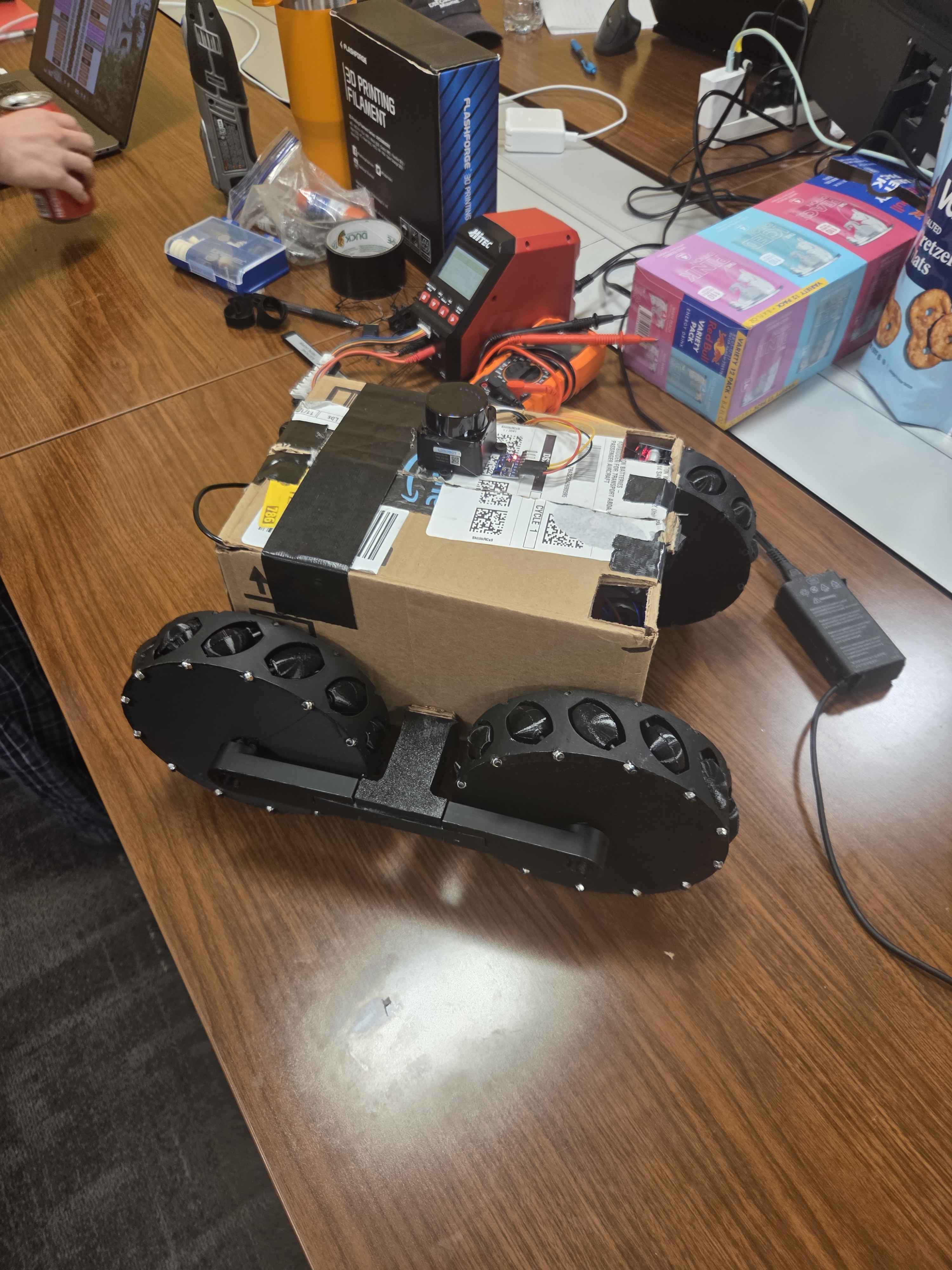
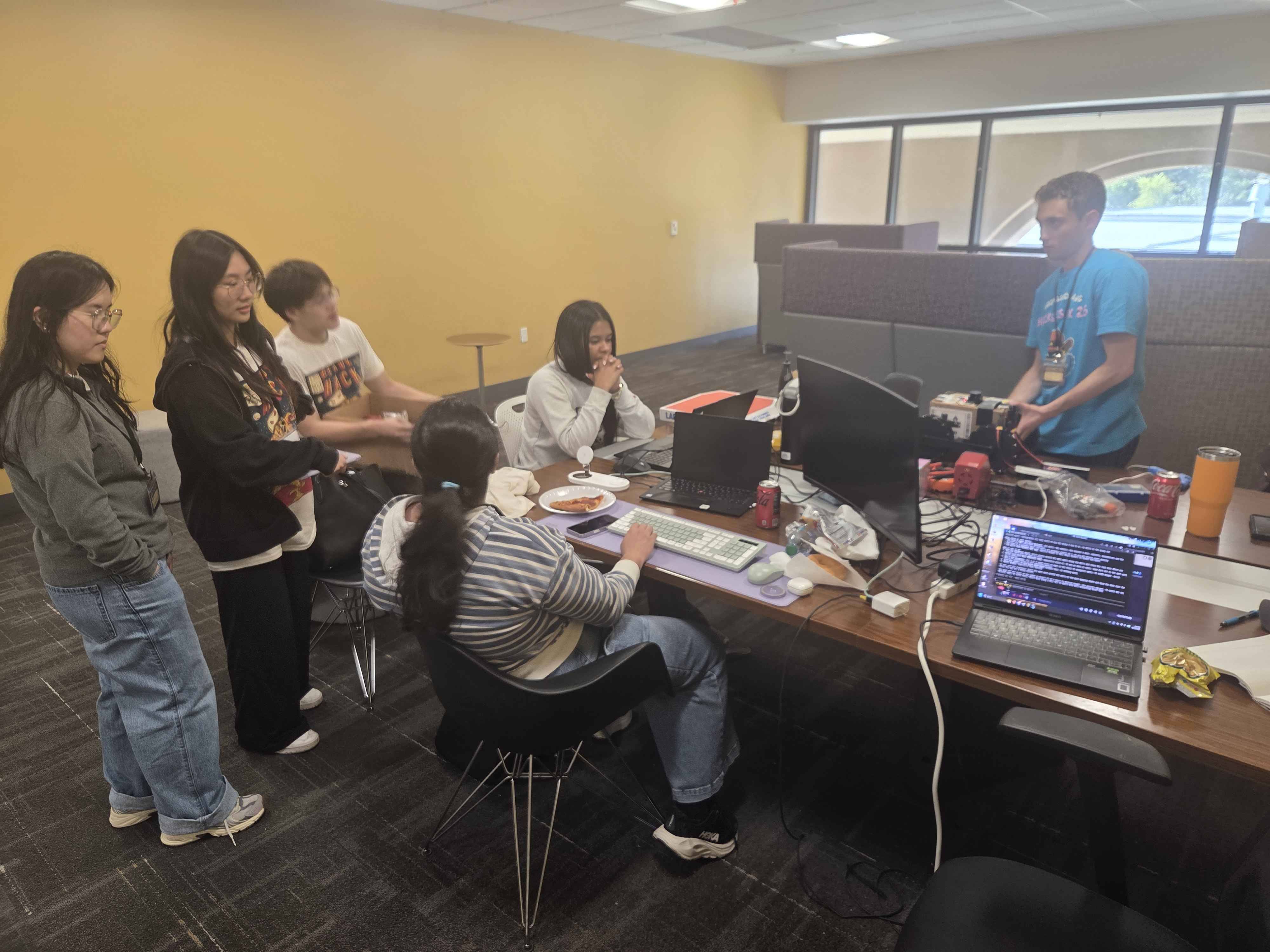
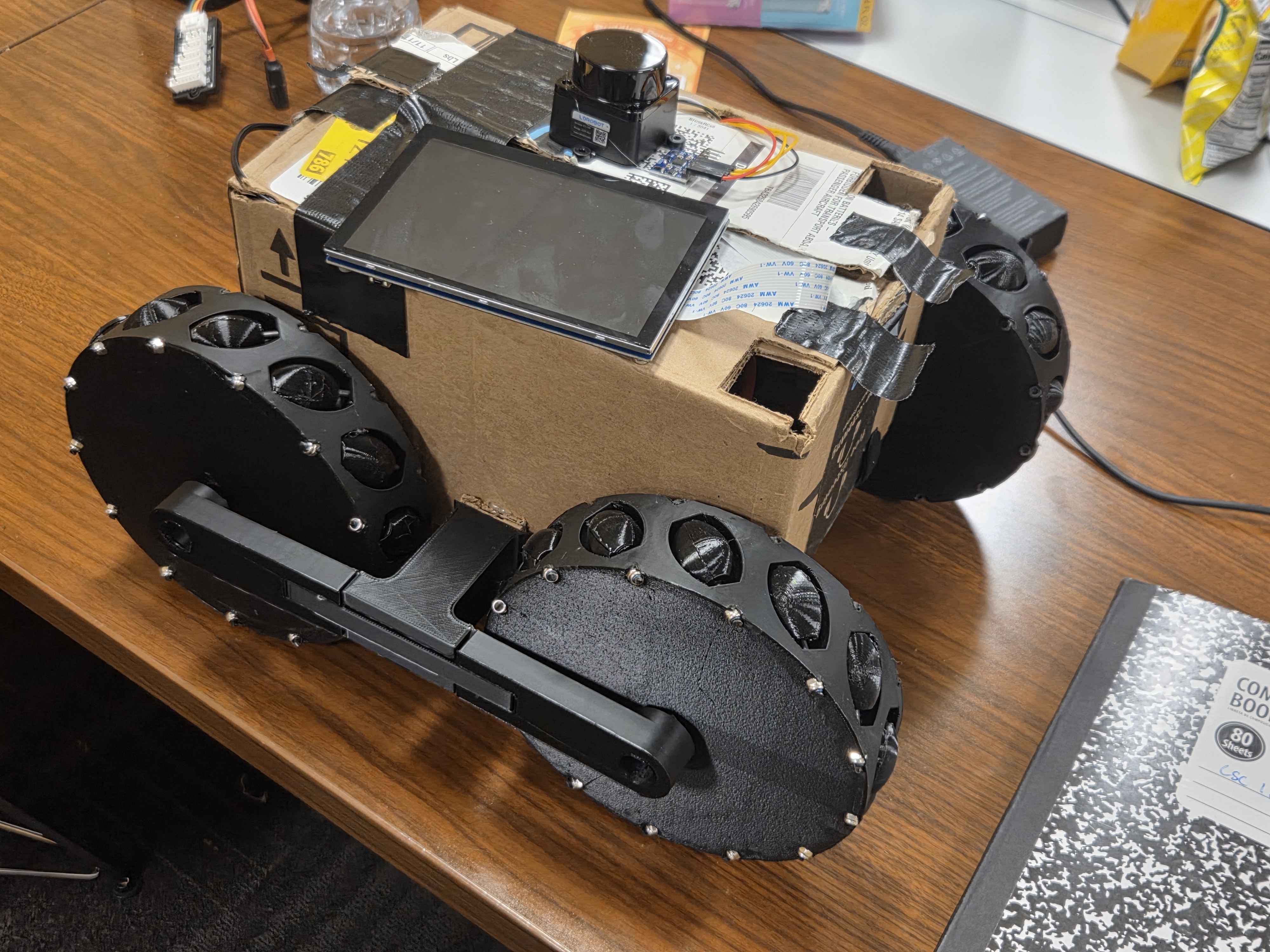
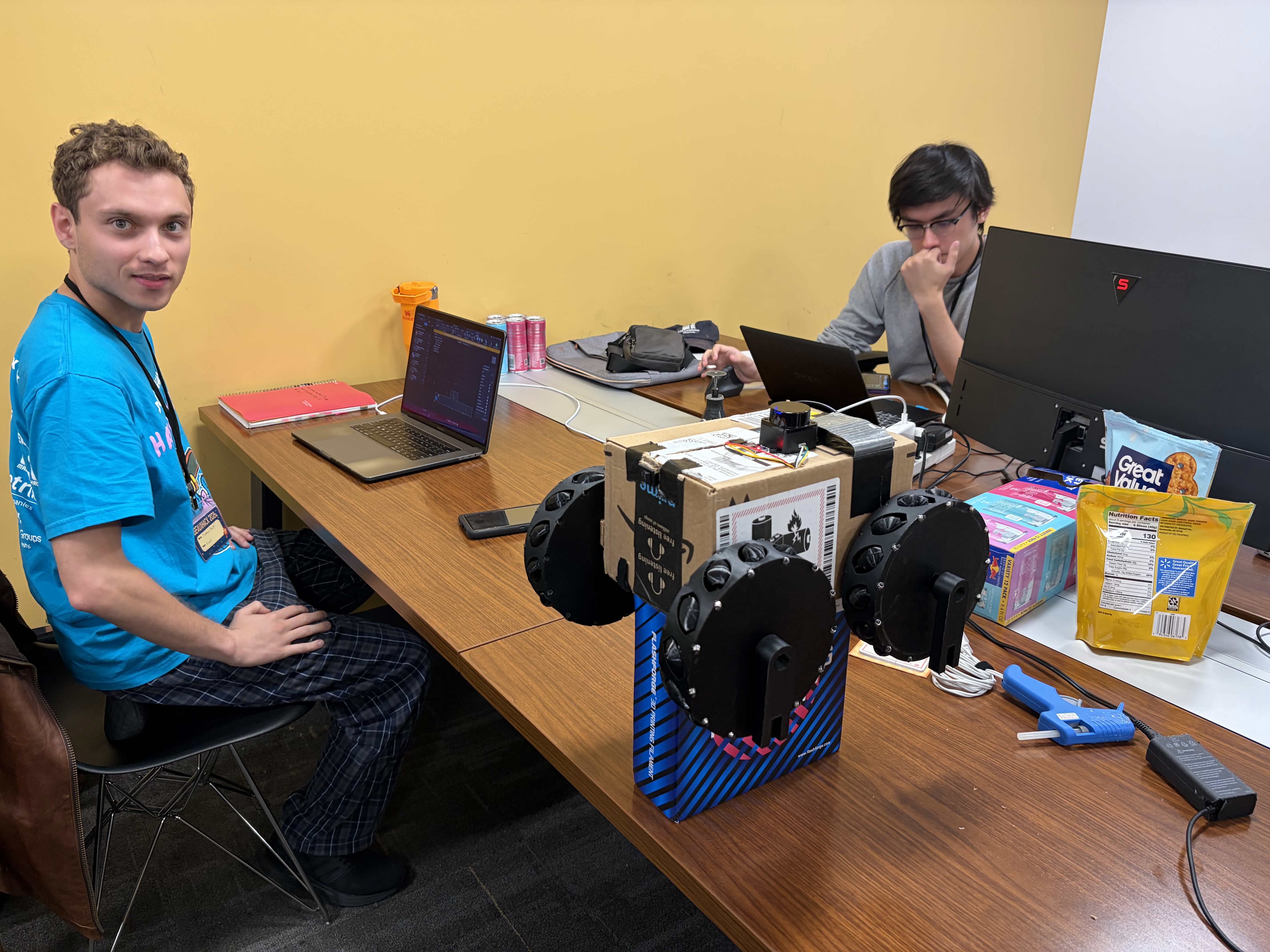
The GeauxHack prompt was "Life in Space," and we kept coming back to one idea: before anyone lives on the Moon, something has to go look first. Rovers scout terrain people can't safely reach, and the operator back home only knows what the rover's sensors send back. We wanted to build that whole loop at hackathon scale: a real robot with real sensors, and a mission screen that shows an operator exactly what the rover sees and lets them drive it from anywhere.
How we built it
Prowl is three layers that only meet at ROS2 topics and a WebSocket.
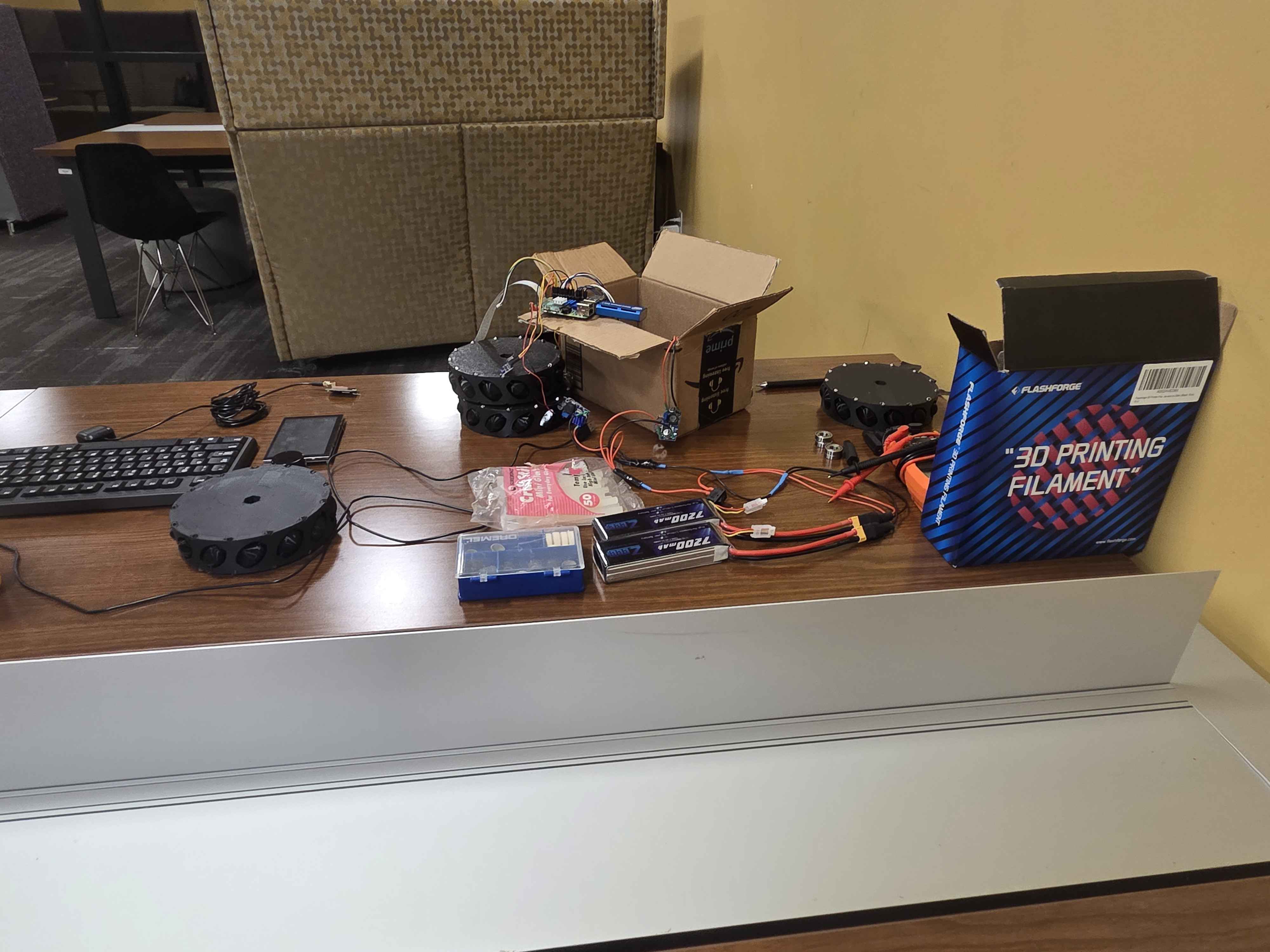
- Edge drivers (C++17, ROS2 Jazzy on a Raspberry Pi 4).** Each part has its own ROS2 node, written from its datasheet:
- LD19 LiDAR: a UART packet parser with CRC checks that resyncs after corrupted bytes and assembles full 360° scans.
- MPU6050 IMU: an I²C driver with a gyro-bias calibration that holds up while the LiDAR's motor shakes the robot.
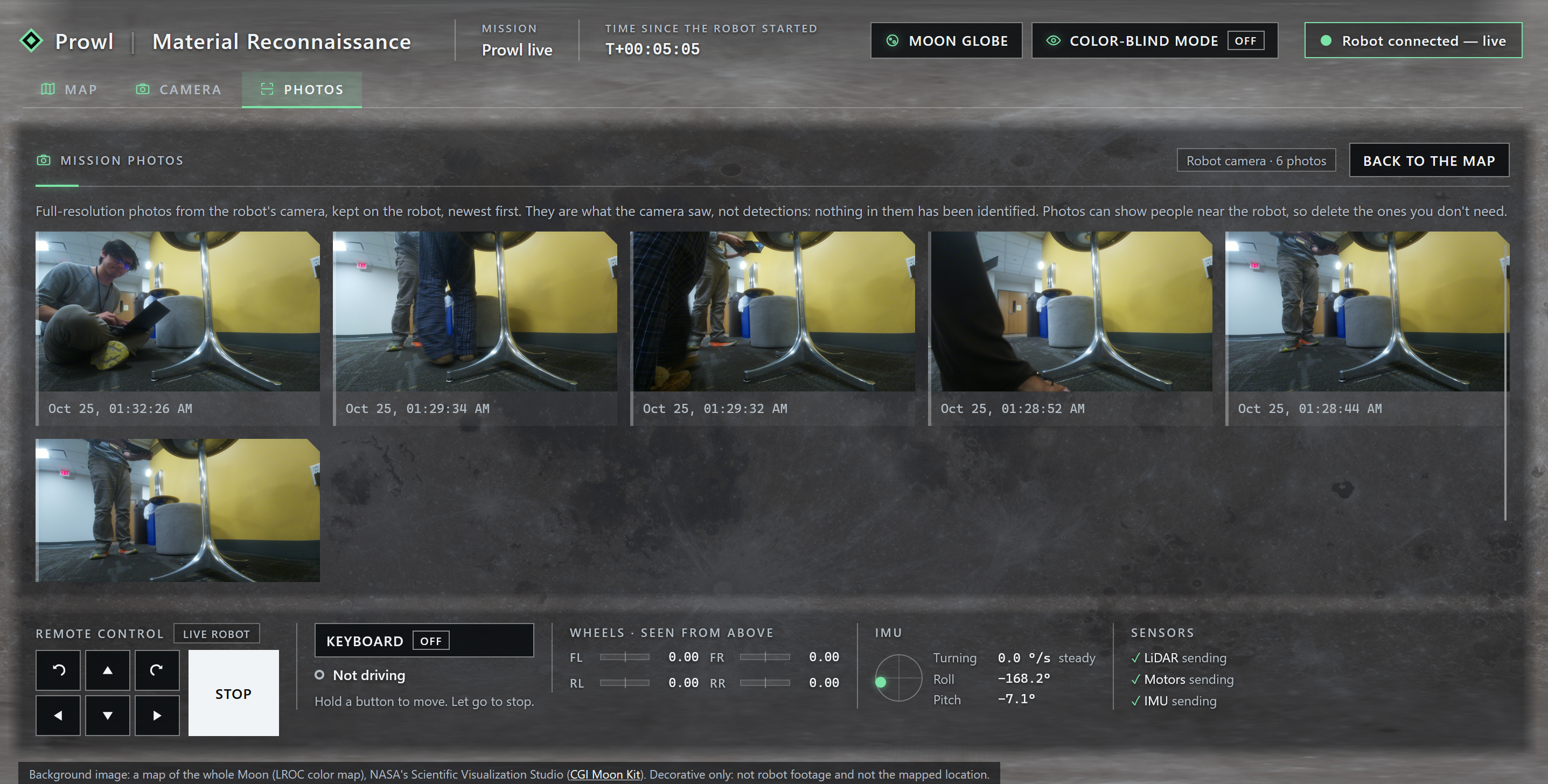
- Camera Module 3 Wide: libcamera + TurboJPEG for live video and full-resolution 4608×2592 stills.
- Motors: hardware-timed PWM through pigpio, with acceleration ramping and an automatic stop if commands stop arriving.
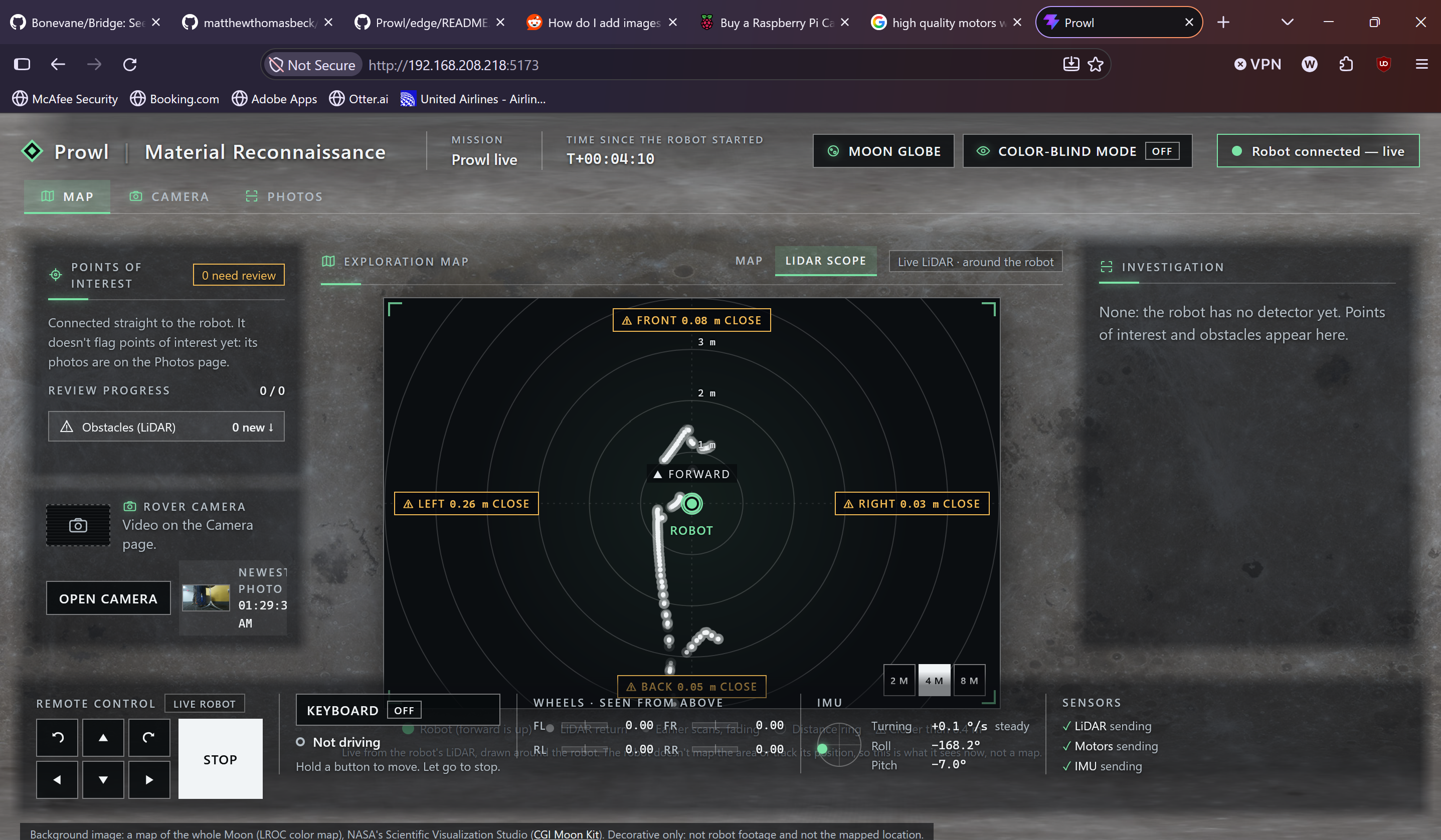
2. The dashboard bridge (a Node.js ROS2 node). It subscribes to the sensor topics, pushes JSON over one WebSocket, serves camera frames and photos over HTTP, and turns the dashboard's drive requests into /cmd_vel. The browser never speaks ROS.
3. The dashboard (React + Vite). A Moon-mission screen with a live LiDAR scope, live video, a Photos page, wheel and IMU telemetry, hold-to-drive controls, and an interactive Moon globe drawn pixel by pixel from NASA's lunar map.
One command, ./prowl, builds everything in Docker, starts the robot, serves the dashboard, and prints where to open it.
Only one dashboard drives at a time, and Stop works for anyone. Letting go, switching tabs or losing the connection all stop the robot.
- The dashboard choked the Pi. In Firefox on the Pi it first ran at about 0.5 FPS. Dropping CSS
backdrop-filterblur, keeping 5–10 Hz sensor data out of React's state, and serving a production build brought it to about 15 FPS — roughly a $30\times$ speedup. - No ROS2 for Raspberry Pi OS. Everything runs in a ROS2 Jazzy container, with host networking to reach the pigpio daemon and the sensor and camera devices passed through.
- Building before the hardware existed. Early on, we ran a FastAPI relay on AWS EC2 with a simulated rover (raycast LiDAR, occupancy mapping, obstacle detection), so the dashboard could be built on day one. Once the on-robot bridge worked, we cut the cloud hop to remove a point of failure.
What we learned
- Splitting drivers, bridge and UI let us debug each layer without taking the whole robot down.
- Safety for remote control has to live at every layer — browser, bridge and motor driver — not just in the UI.
- On small hardware, the browser is a performance budget too: one CSS effect cost us 30 times in frame rate.
- A simulator and a stand-in backend let the UI start before the robot did, and knowing when to delete that scaffolding is part of shipping.
- Writing drivers from datasheets teaches you the hardware in a way libraries never do.
What's next
Position tracking (wheel encoders or LiDAR SLAM) so the map shows where the rover really is, hardware H.264 video, real logins for driving, and calibrating the wheel geometry and sensor mounts.
Built with help from an AI coding assistant (Claude Code), with our team directing, reviewing and testing everything on the robot.
Built With
- 3d-printing
- c++
- docker
- libcamera
- lidar
- node.js
- raspberry-pi
- react
- redbull
- ros2
- tailscale
- vite
- websockets
Log in or sign up for Devpost to join the conversation.