Inspiration
STEM education is in crisis — not because students lack intelligence, but because they lack the right tools to keep up.
Walk into any university today and you will find STEM students drowning in a flood of complex lecture notes, mathematical proofs, biological processes, programming concepts, and engineering principles — all competing for the same limited study time. The pressure is relentless. Exams come fast. Deadlines pile up. And the gap between what a student understands and what they need to understand keeps growing wider.
The tools available to most students have not evolved to meet this reality. They are still copying notes by hand, creating flashcards manually, and guessing which topics to prioritise the night before an exam. Worse, when a student does sit down with AI tools to get help with a calculus problem or a physics formula, the output is often a wall of raw text and unreadable notation — equations rendered as \frac{d}{dx} instead of an actual formula. The intelligence is there, but it is not presented in a way STEM students can actually use.
As a STEM student myself, I lived inside this problem every single day. I watched classmates fail not because they were not working hard enough, but because they had no system — no visibility into where they were falling behind, and no intelligent support presented in a way that matched how STEM subjects actually look and feel.
I built Prepify AI because every STEM student deserves access to the kind of intelligent, properly-rendered academic support that was previously only available to those who could afford private tutors or elite institutions. The inspiration was simple — use artificial intelligence to level the playing field, and present that intelligence the way STEM actually looks: clean formulas, connected concepts, and step-by-step reasoning.
What It Does
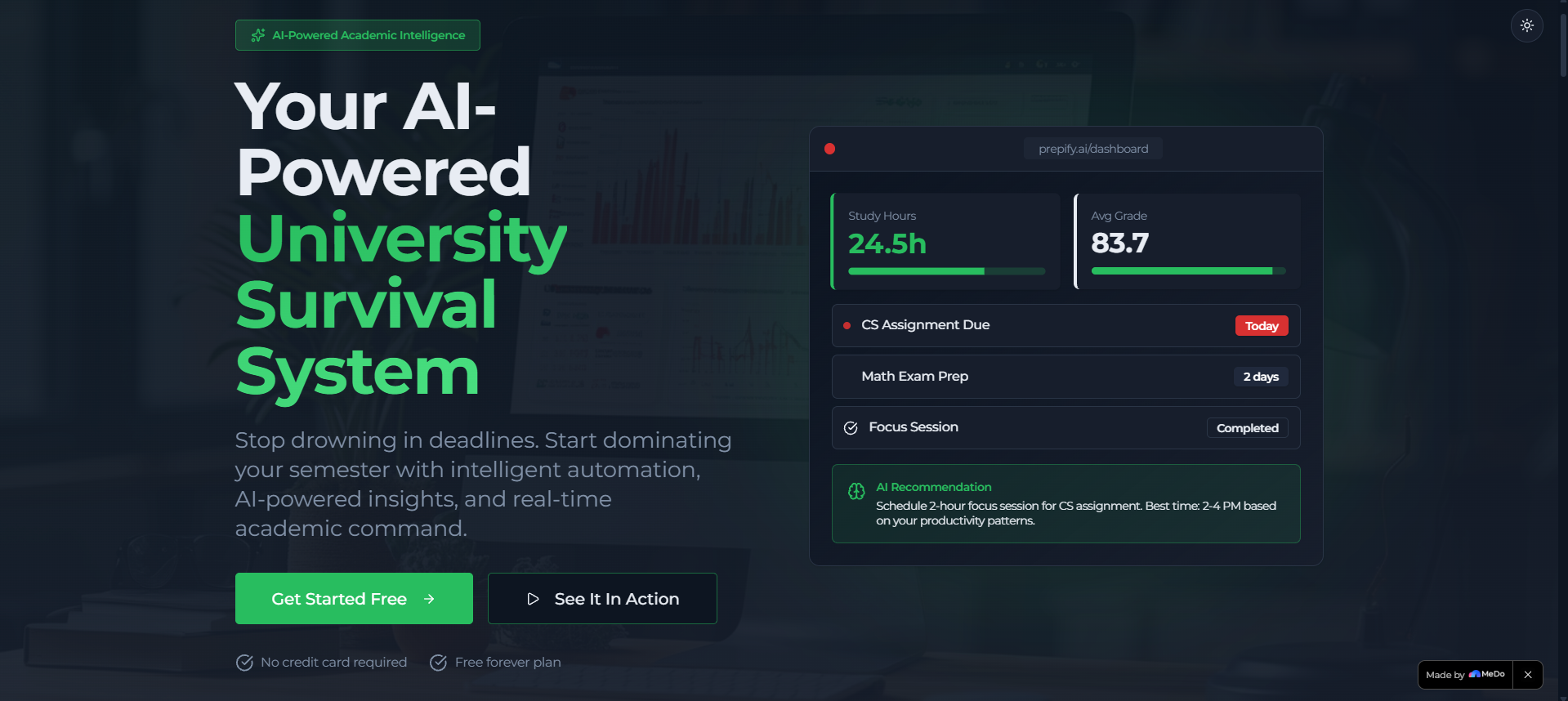
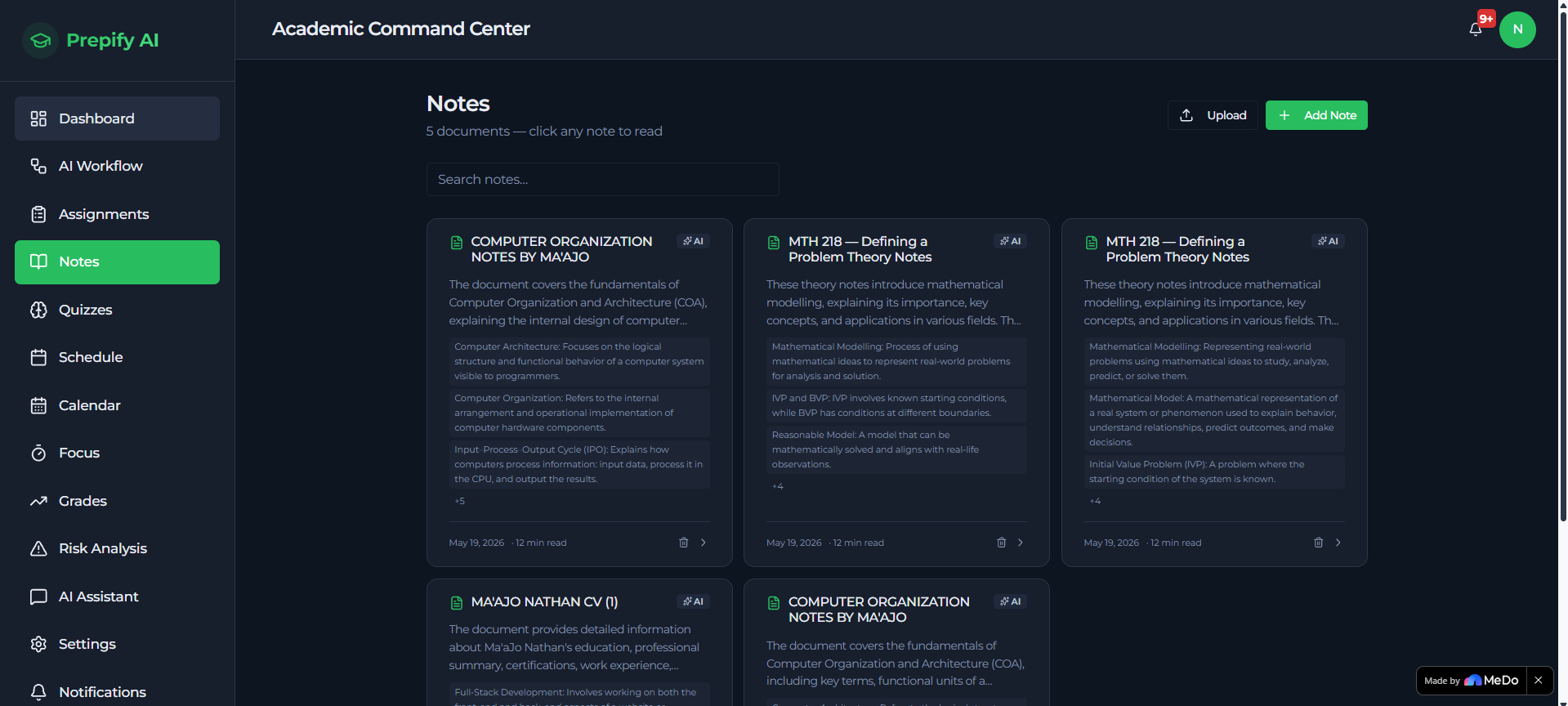
Prepify AI is an intelligent academic productivity platform built specifically to help students study, understand, and perform better in STEM subjects. It is not a note-taking app or a simple to-do list — it is a full AI-powered academic operating system designed around how STEM students actually learn.
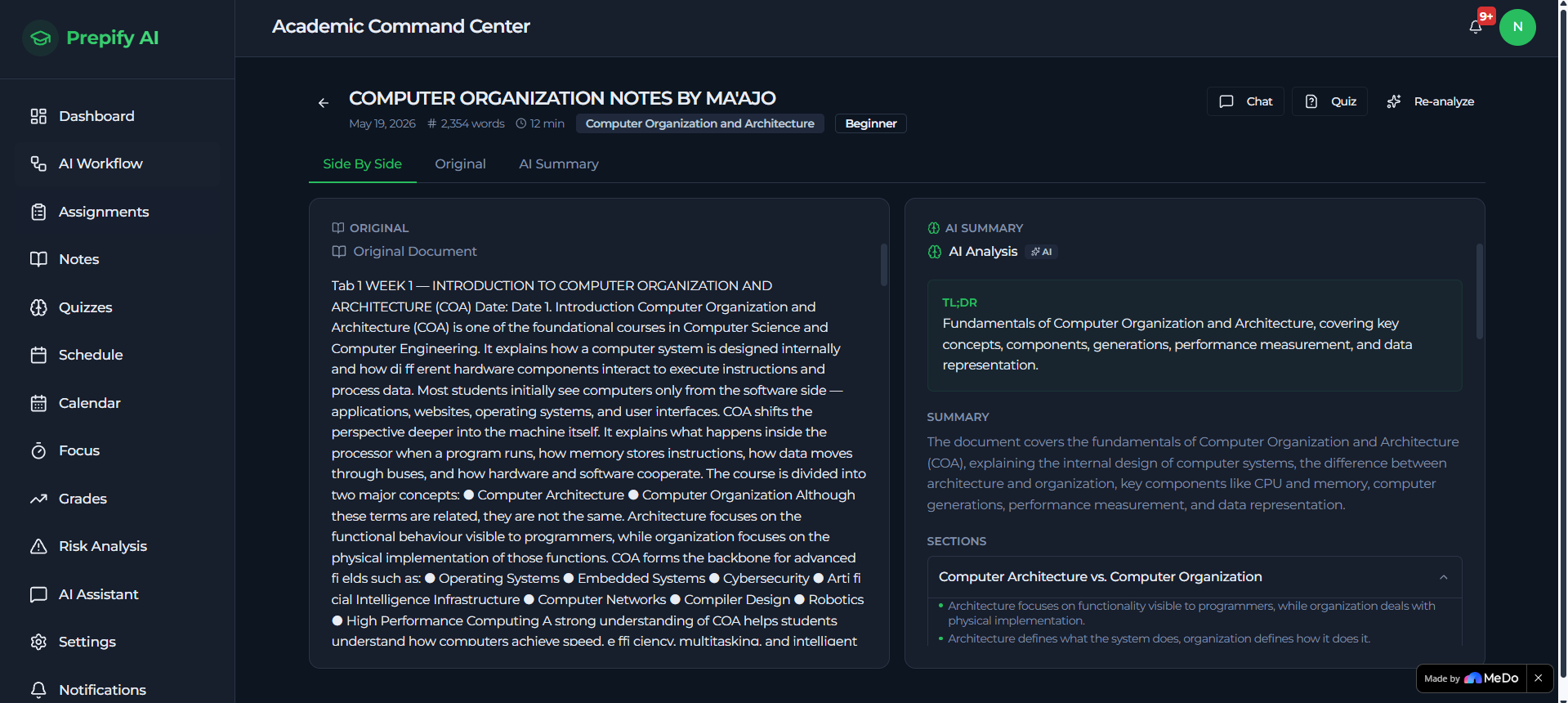
AI-Powered Note Summariser with Subject Intelligence Students paste their STEM lecture notes — whether covering calculus, computer architecture, biology, physics, or programming — and Prepify AI extracts the content, sends it to the AI, and returns a fully structured summary with headings, key concepts, definitions, extracted formulas, and critical insights. The AI automatically detects and tags the subject (Mathematics, Physics, Chemistry, Biology, Computer Science, and more) with a coloured badge, so students can instantly see how their material is categorised.
Properly Rendered Mathematics with KaTeX This is one of the most important upgrades to Prepify AI. Every formula — whether in a note summary, the dedicated Formulas tab, or an AI chat response — is rendered using KaTeX as real mathematical notation, not raw LaTeX text. Derivatives, integrals, fractions, exponents, and equations all display the way they would in a textbook, making STEM content genuinely readable.
Concept Map — Visual Knowledge Graphs Every processed note generates an interactive Concept Map: a radial node graph showing the key concepts extracted from the material and how they relate to the central topic. For a Computer Organisation note, this might show nodes for Von Neumann Architecture, Stored Program Concept, Moore's Law, and Bottlenecks — all visually connected. This gives students an instant mental model of how ideas in a topic fit together, something no plain-text summary can offer.
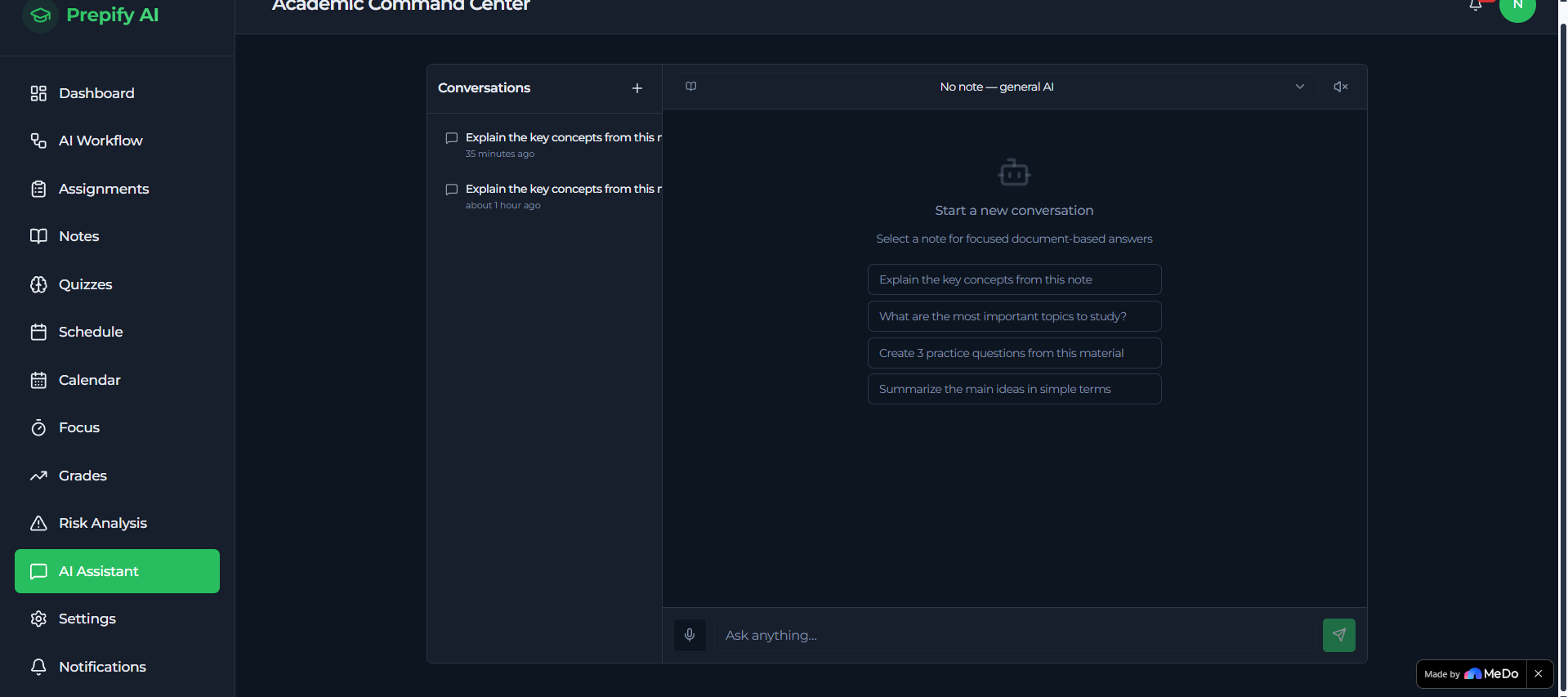
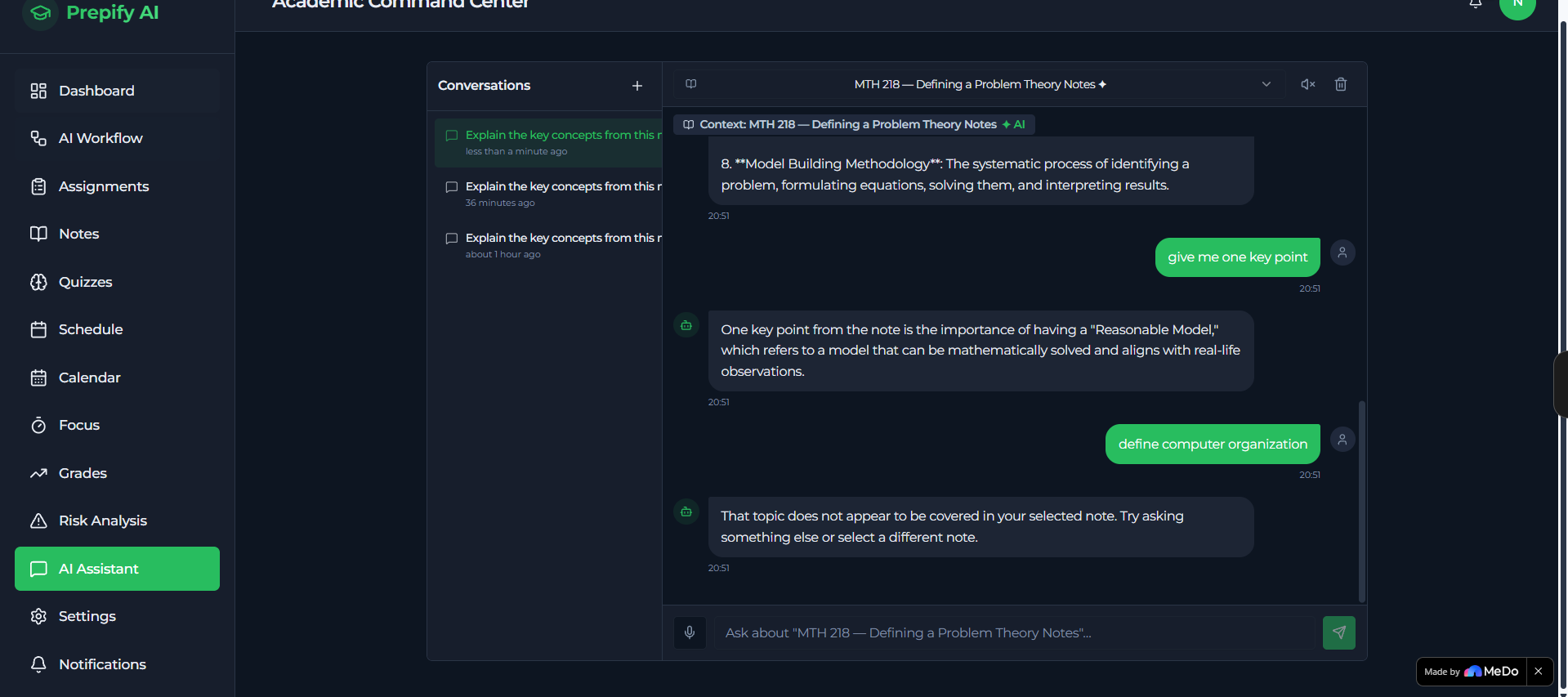
AI Academic Chat Assistant with Step-by-Step Solving A multi-turn conversational AI assistant grounded in the student's own uploaded notes (RAG-powered). Beyond answering questions, the assistant can be asked to "solve step by step" — and will break down mathematics problems into clearly numbered steps, each with properly rendered formulas, showing exactly how to go from the question to the final answer.
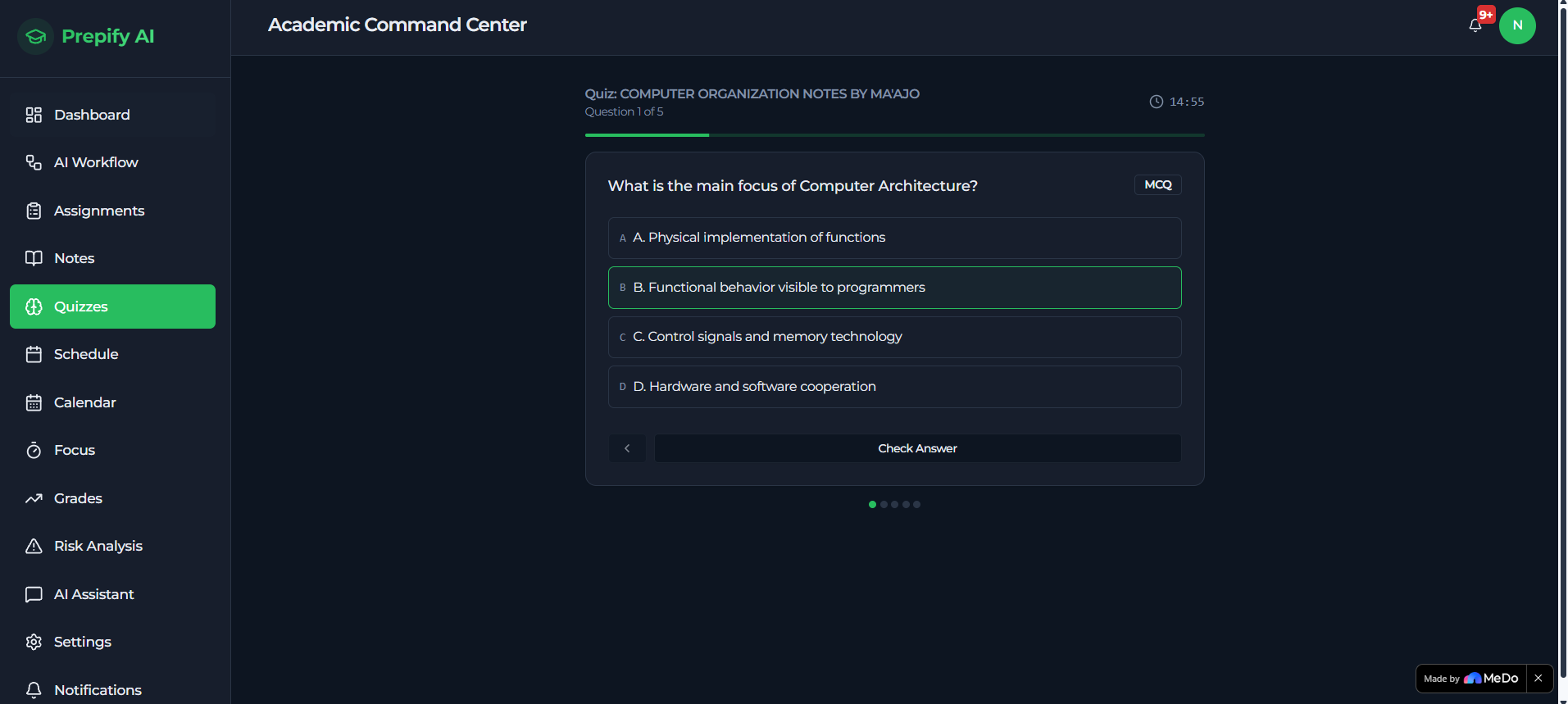
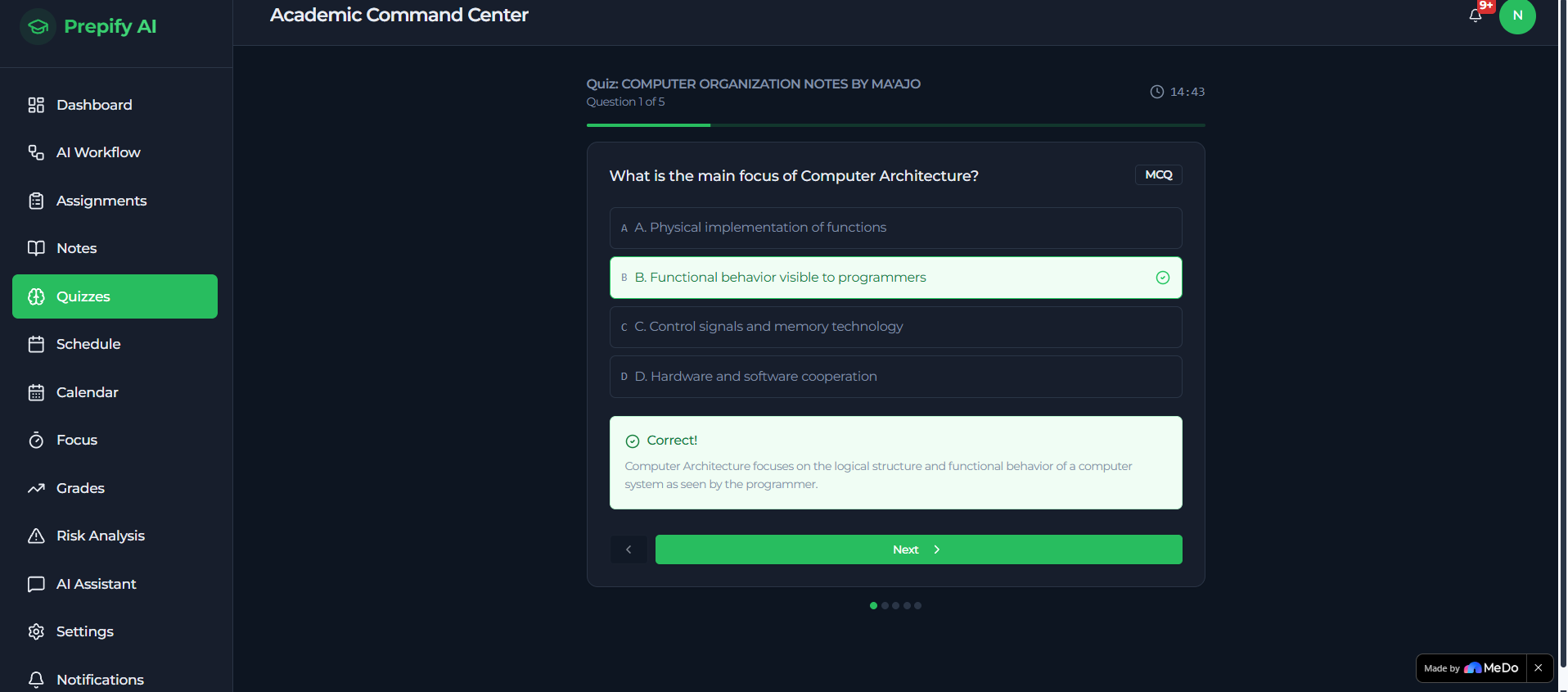
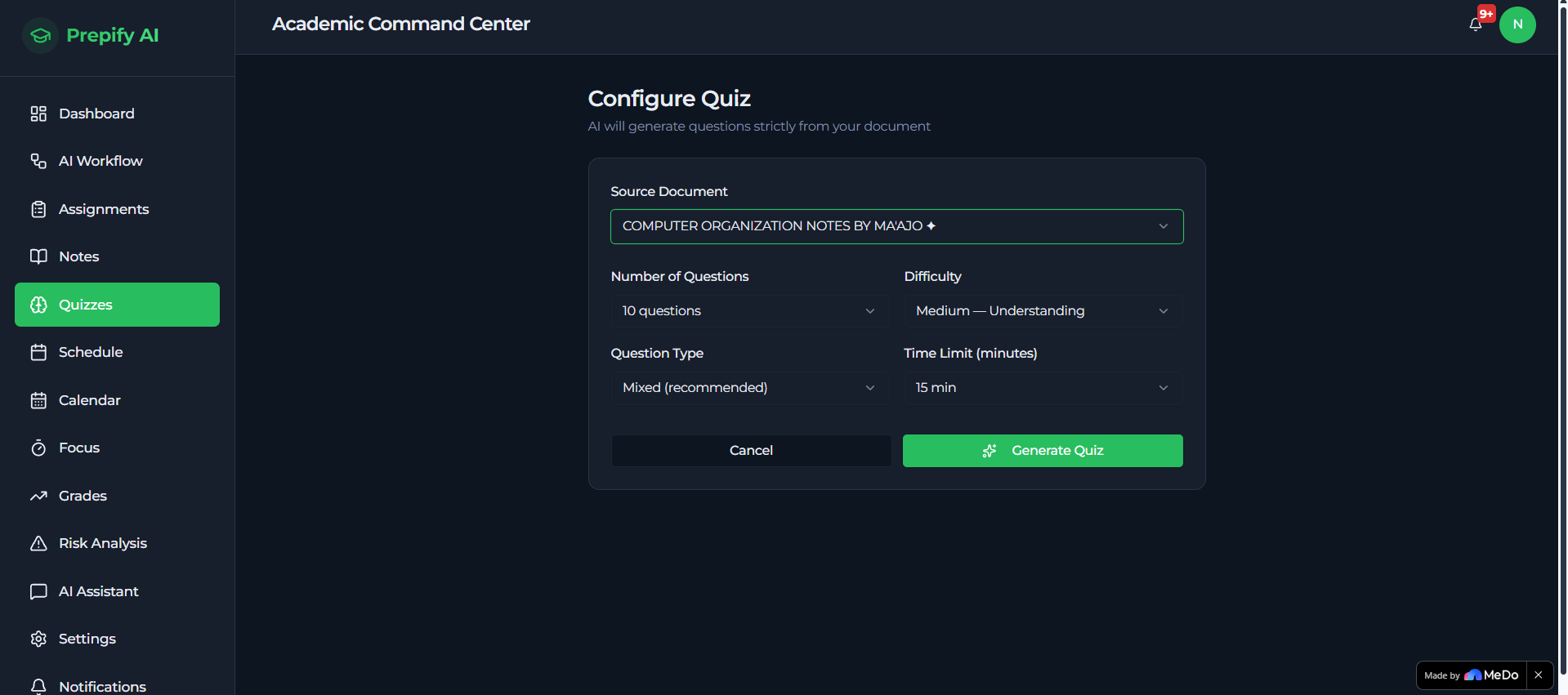
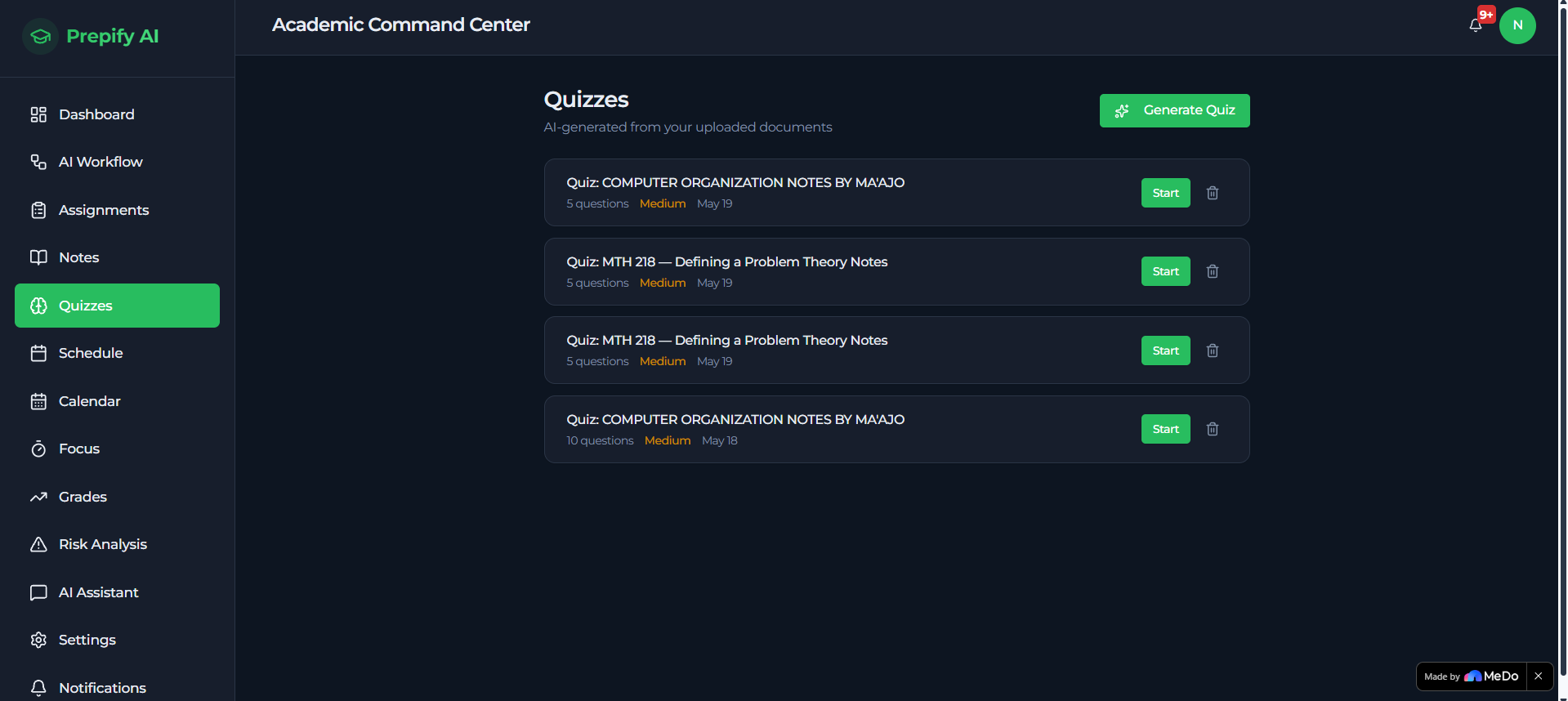
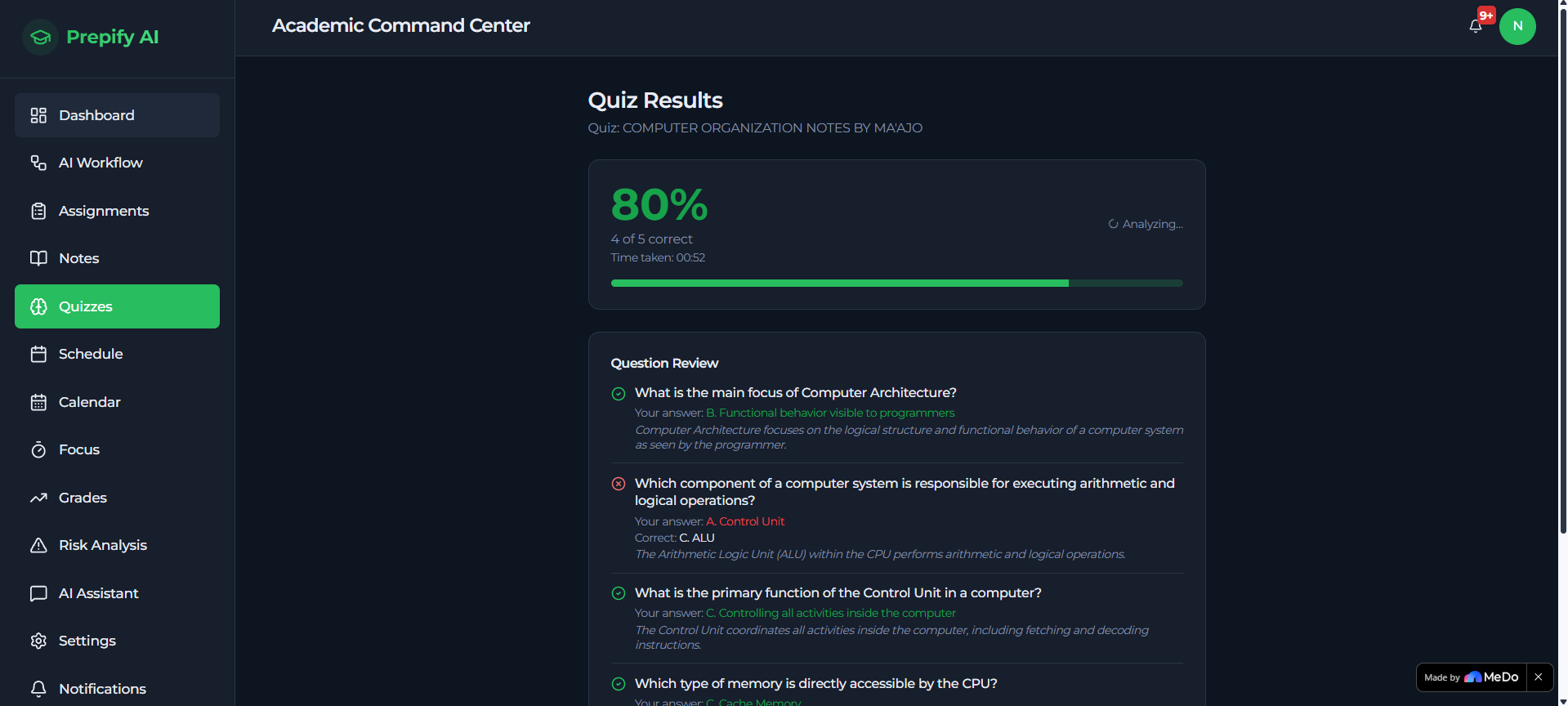
Adaptive Quiz & Flashcard Generator From any lecture content, students generate custom quizzes with configurable difficulty levels, question types, and timers. After each quiz, the AI delivers immediate feedback, performance analysis, identified weak areas, and personalised study recommendations — all tailored to the specific STEM topic being studied.
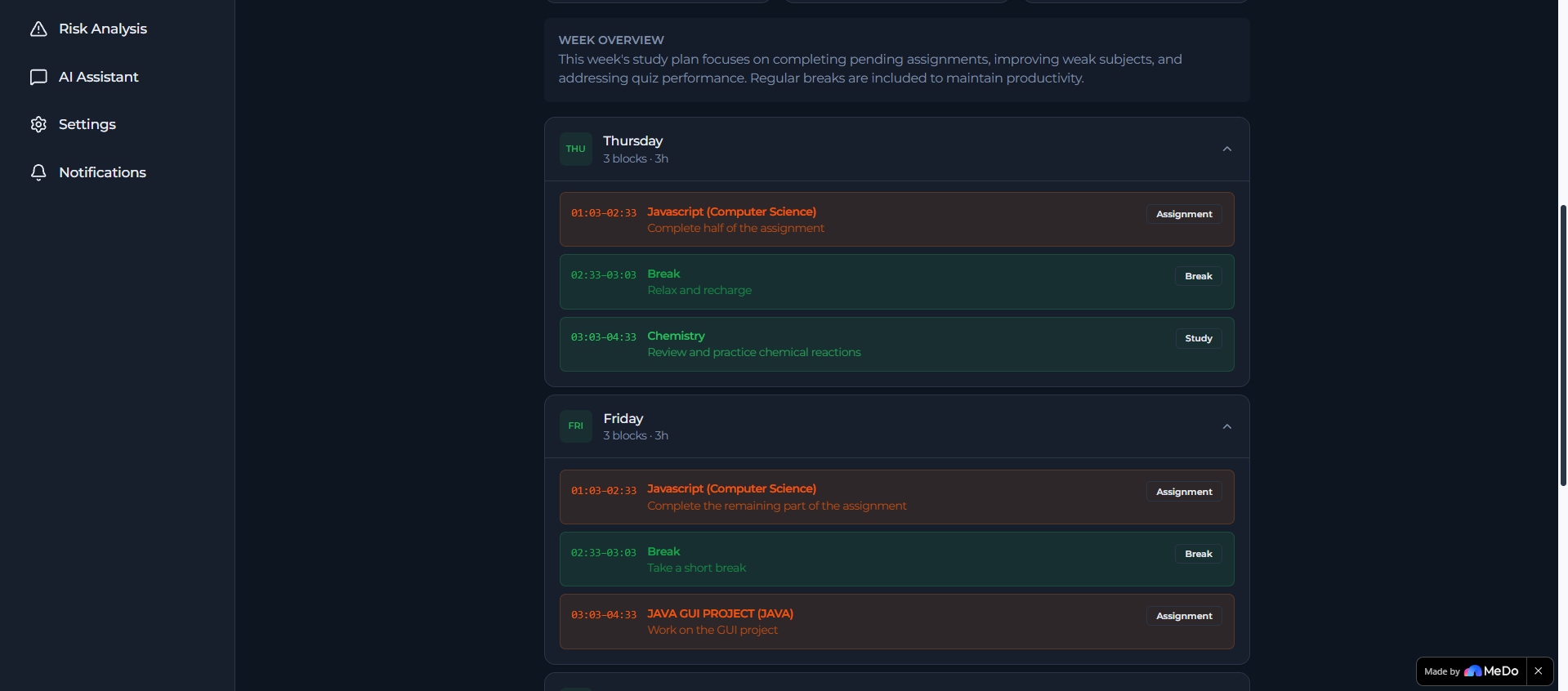
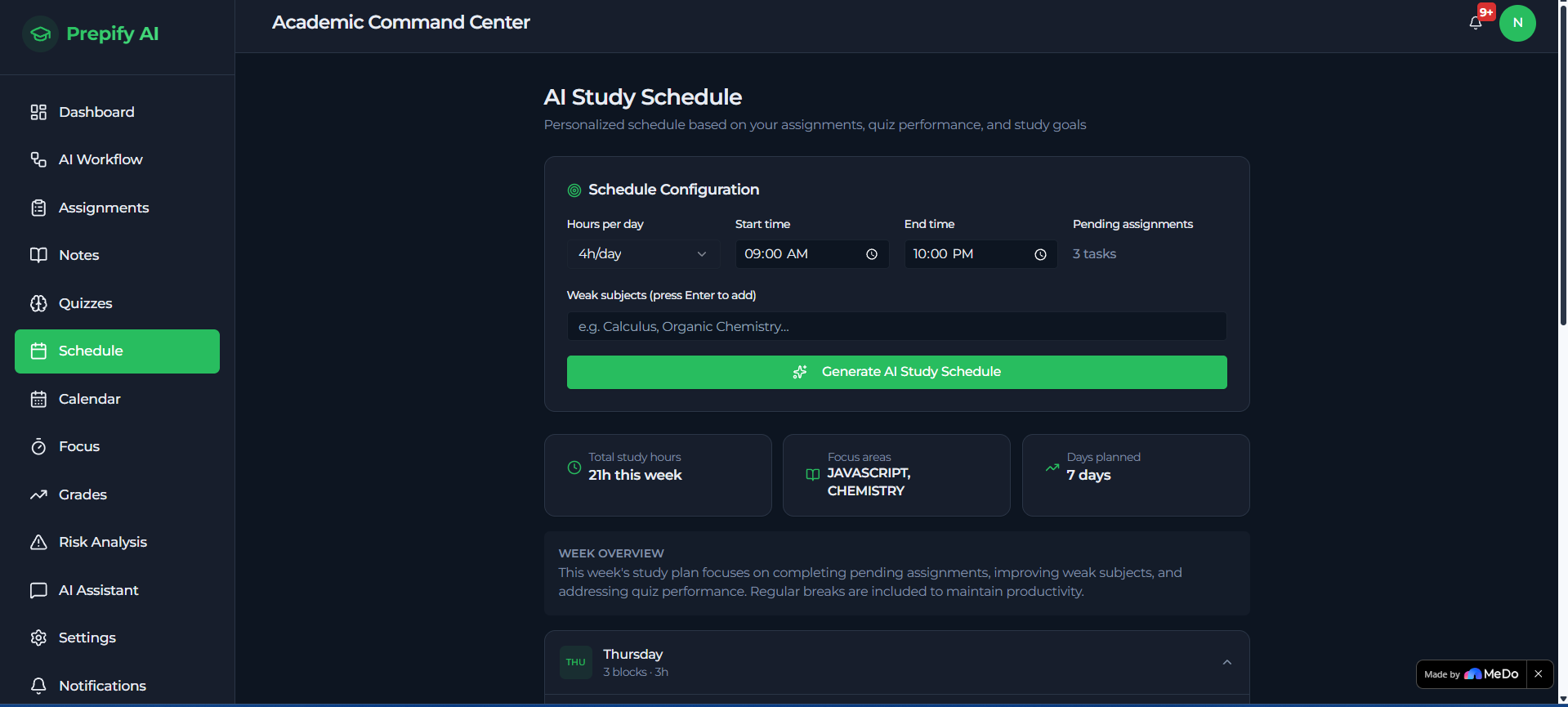
Smart Study Schedule Generator Students input their available study hours, upcoming exam dates, assignment deadlines, and weakest STEM subjects. The AI analyses all of this data and generates a fully personalised daily and weekly study schedule with intelligent workload balancing.
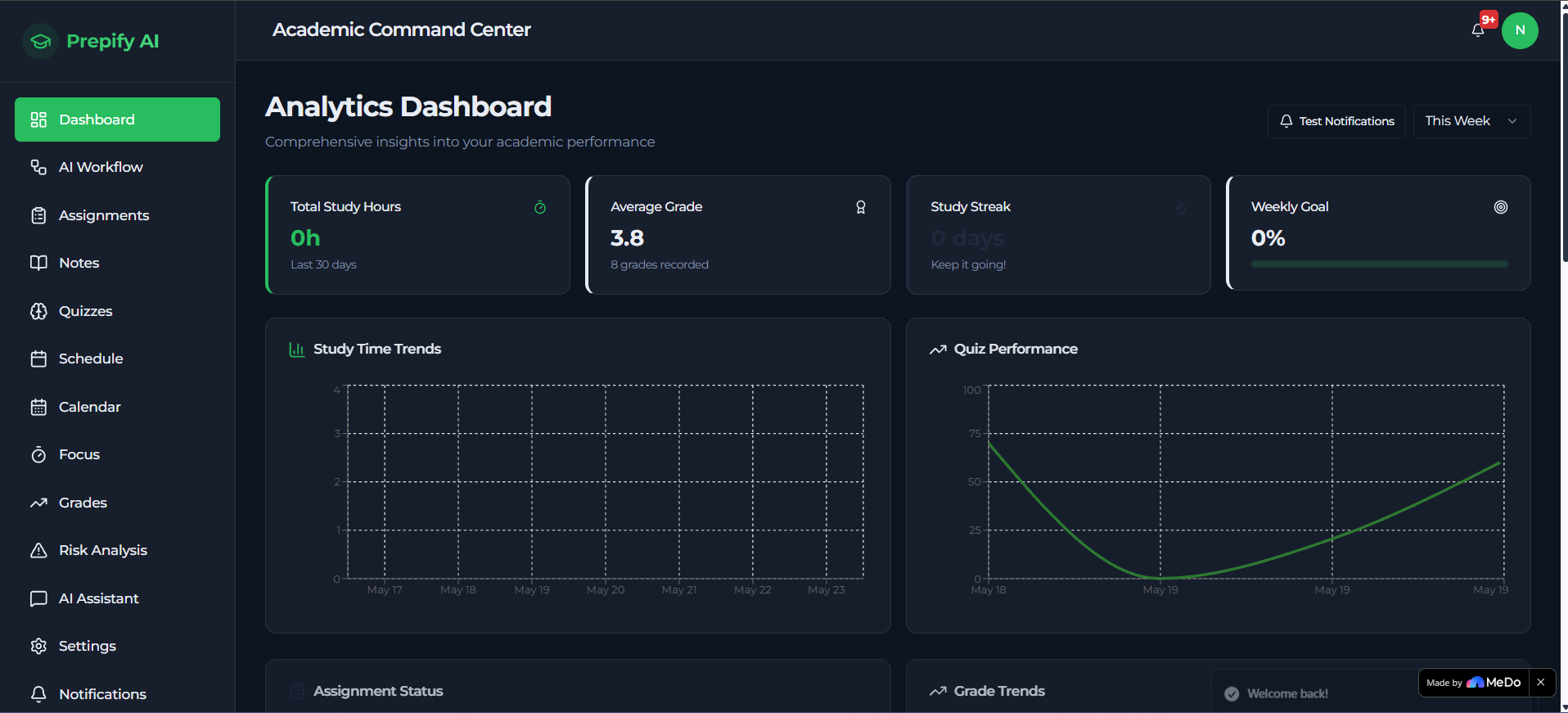
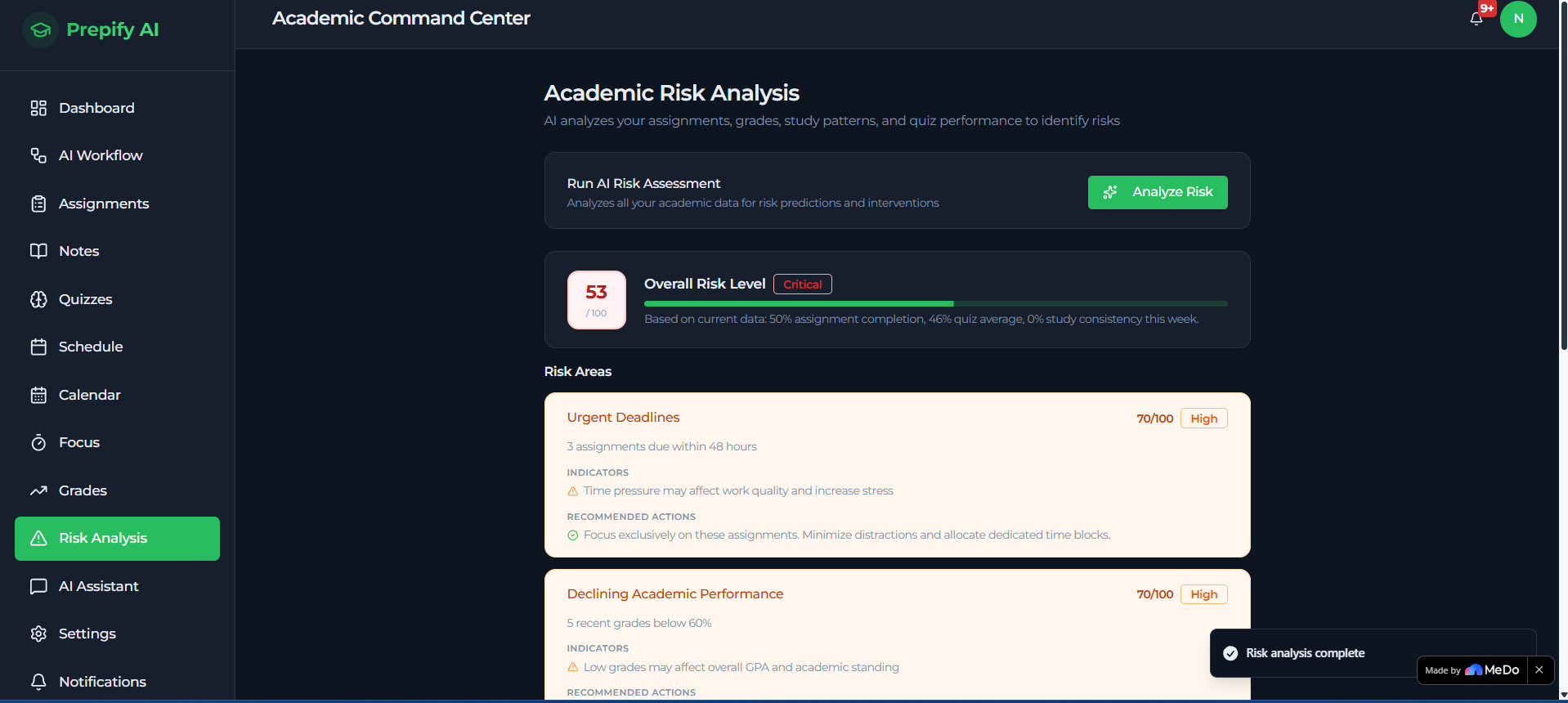
Academic Risk Predictor Prepify AI continuously monitors assignment completion rates, quiz performance trends, study consistency, and productivity scores to calculate a risk level for each course — alerting students before academic decline in a STEM subject becomes irreversible.
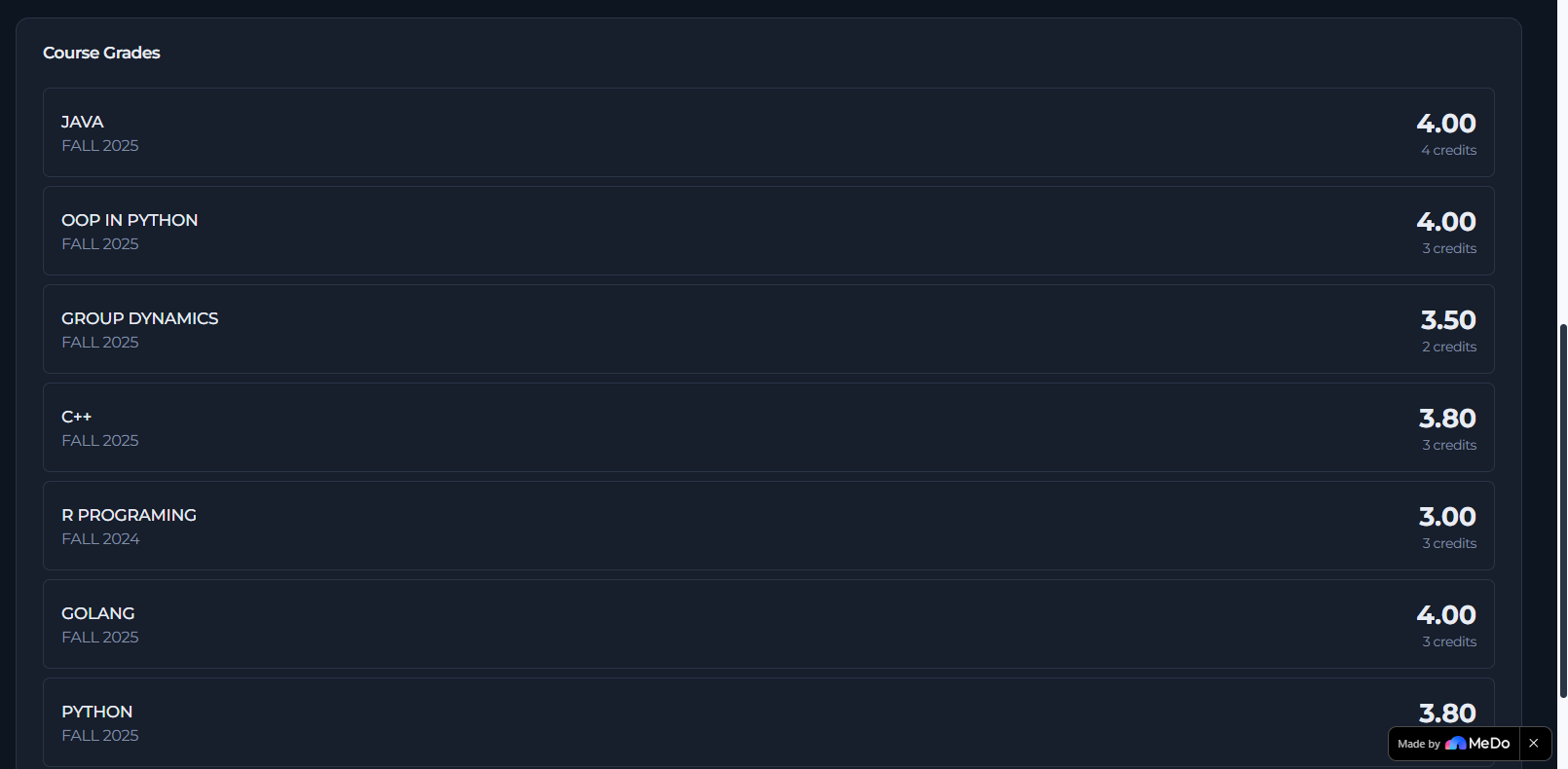
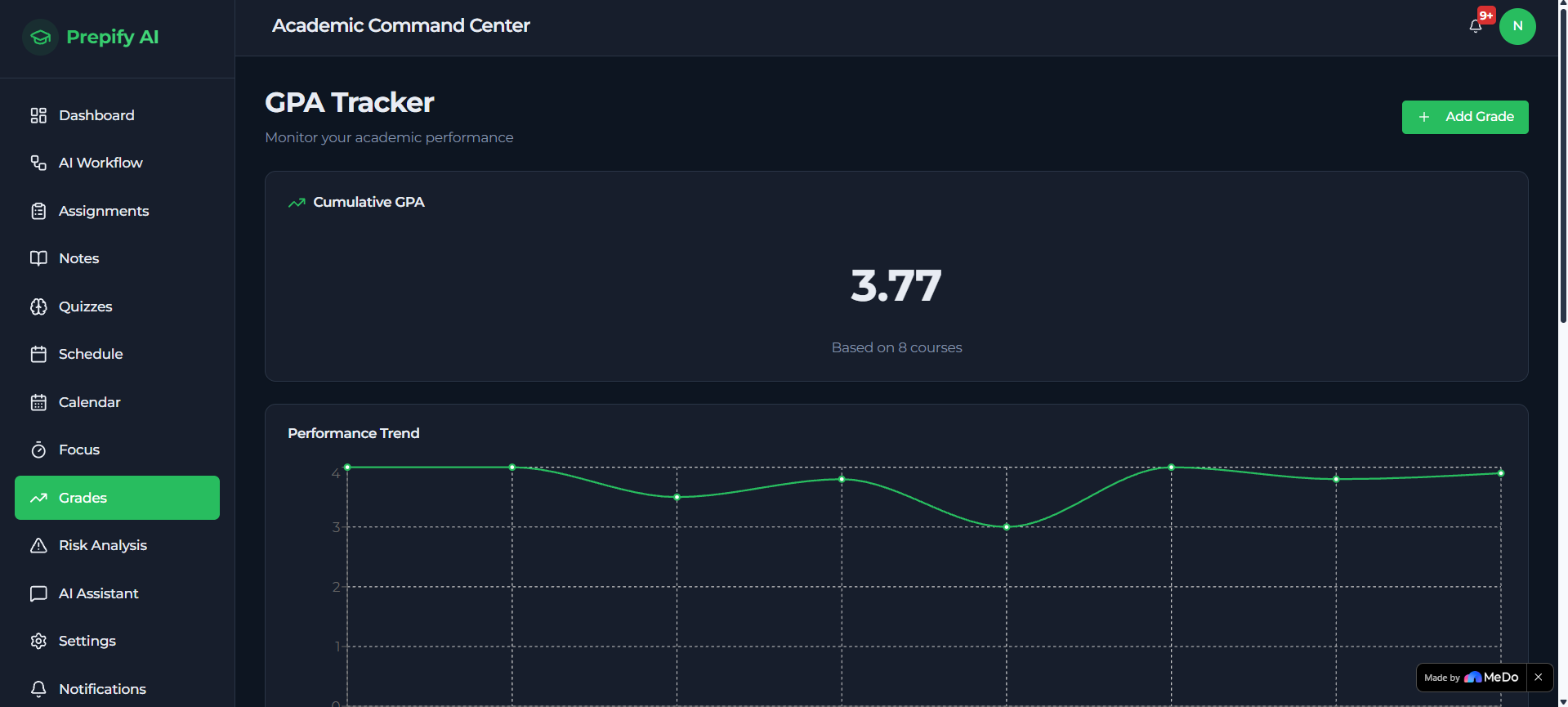
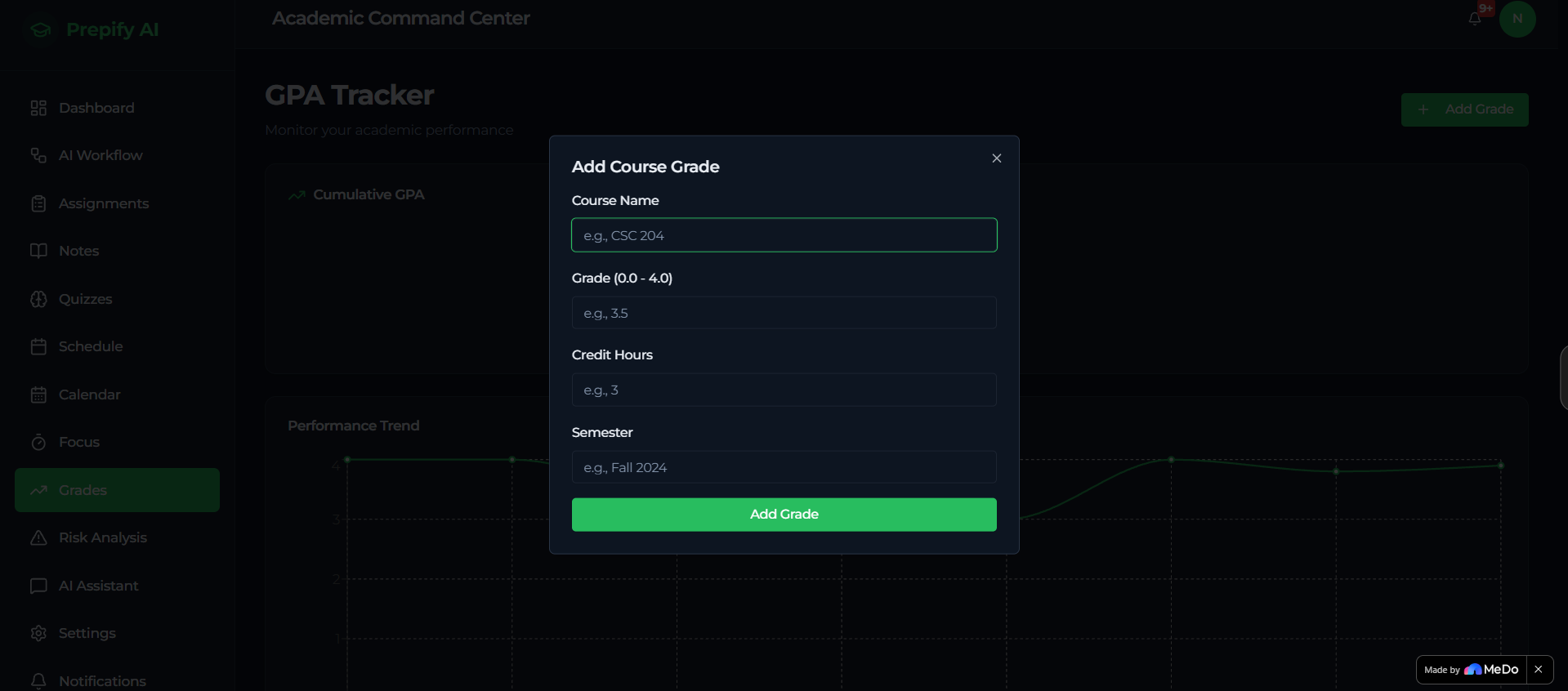
GPA/CGPA Performance Tracker Students track semester GPA, monitor CGPA growth over time, set academic targets, and visualise their performance trajectory across all STEM and non-STEM subjects.
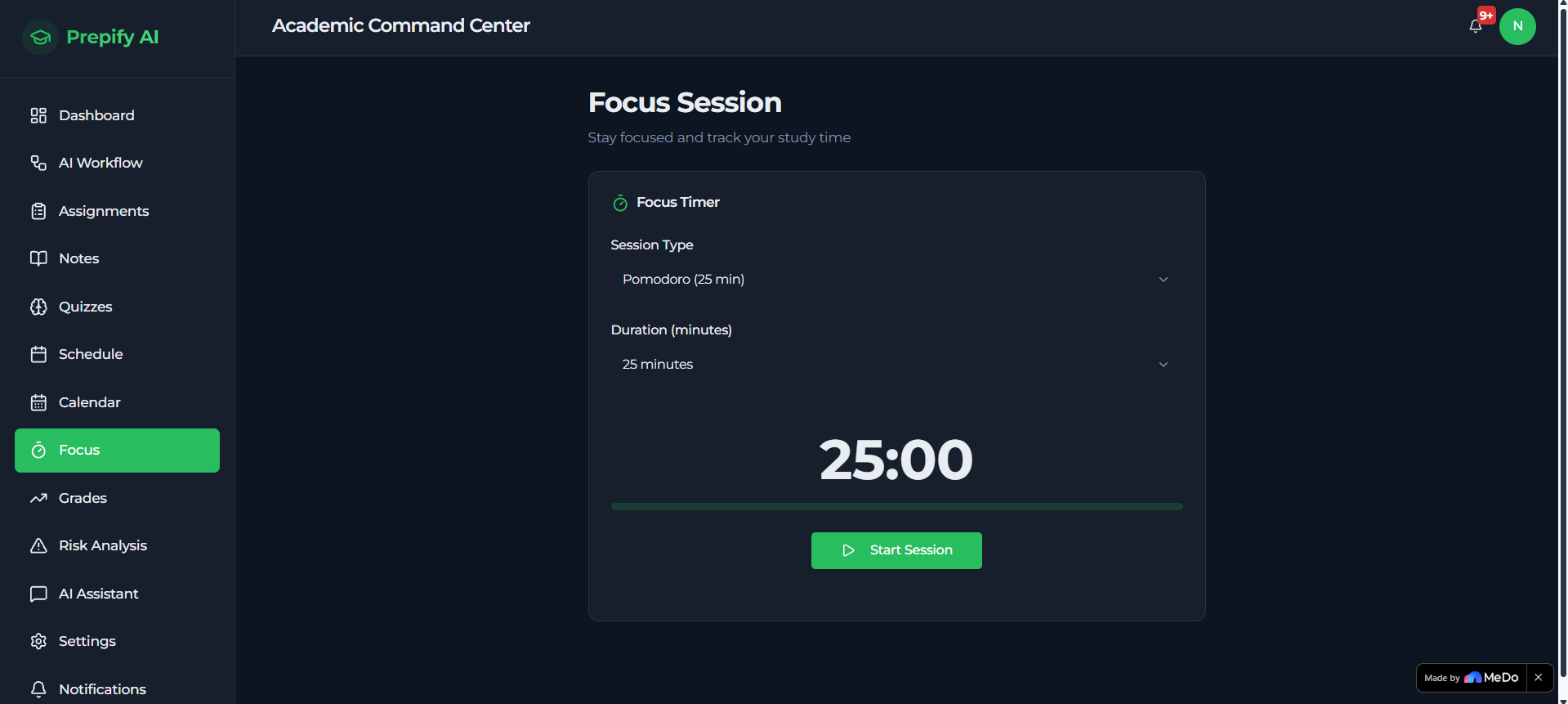
Focus Session Manager Pomodoro-style focus sessions with deep work mode, exam revision mode, distraction control suggestions, productivity analytics, and study streak monitoring.
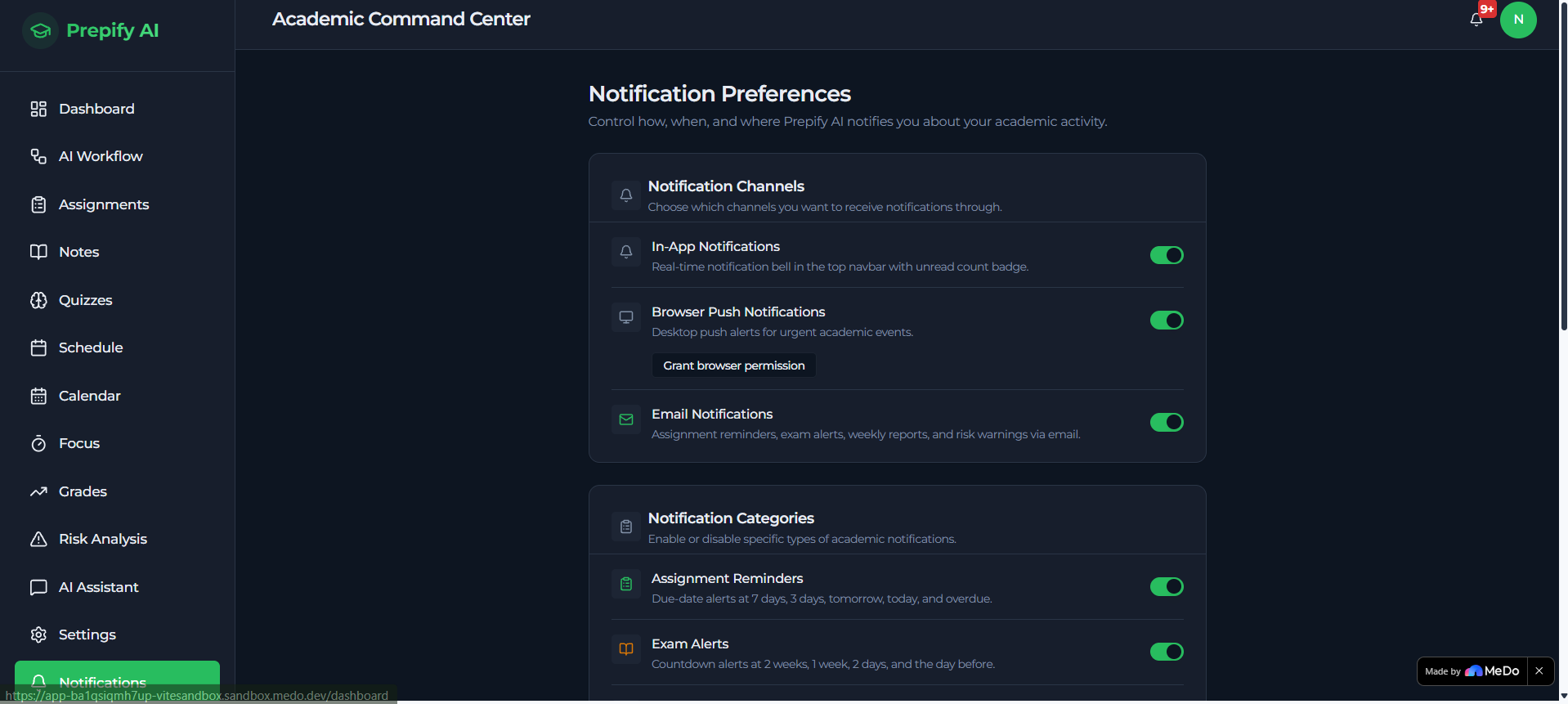
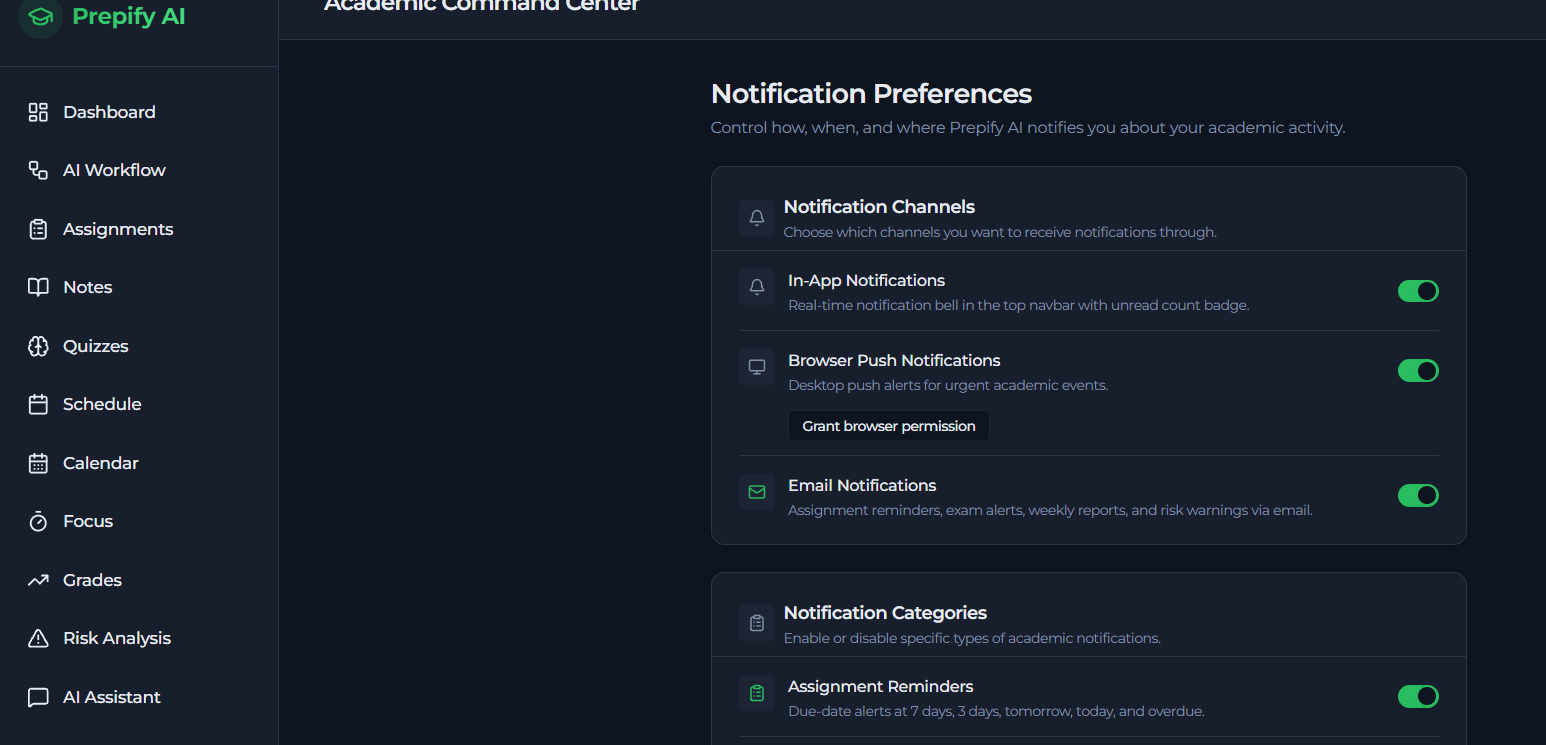
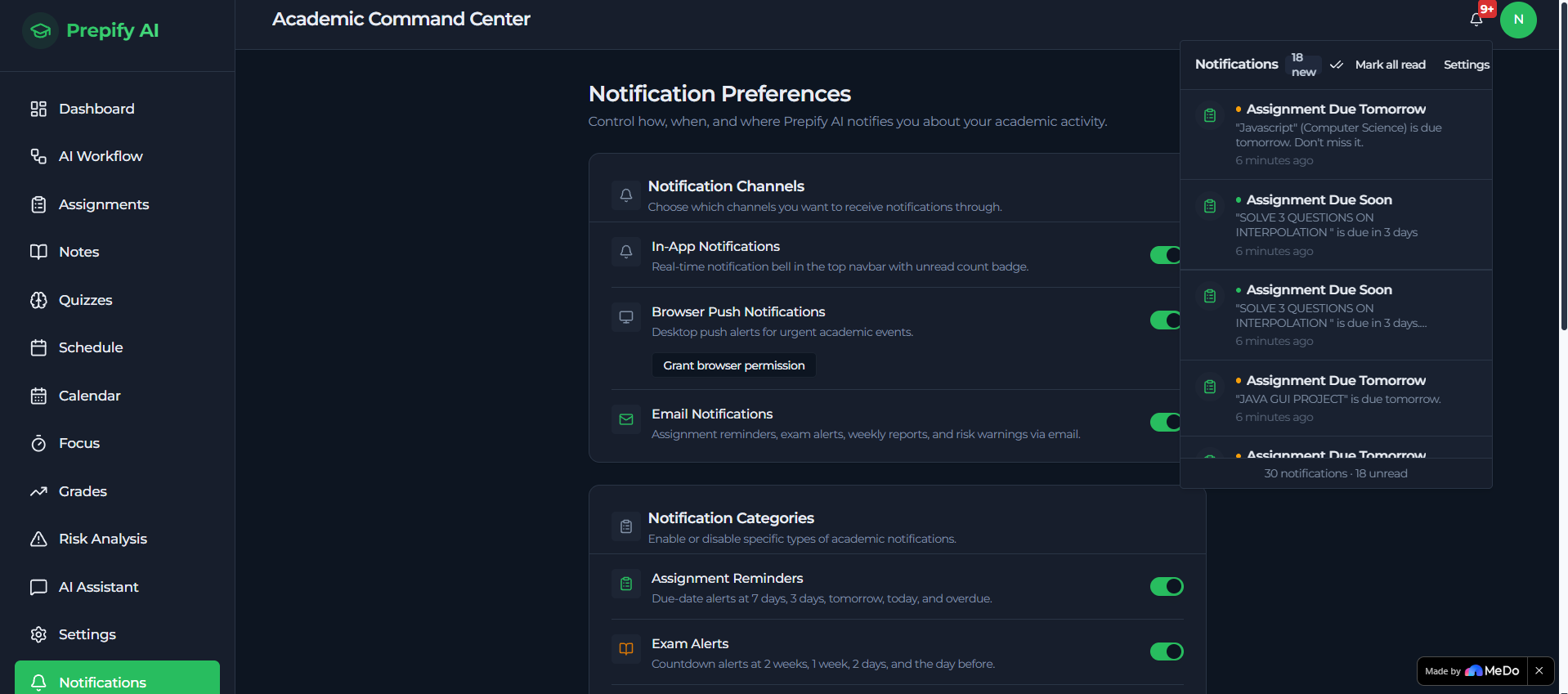
Multi-Channel Smart Notification System Intelligent, preference-driven notifications delivered across browser push and email via Resend API — respecting quiet hours, priority filters, and category preferences.
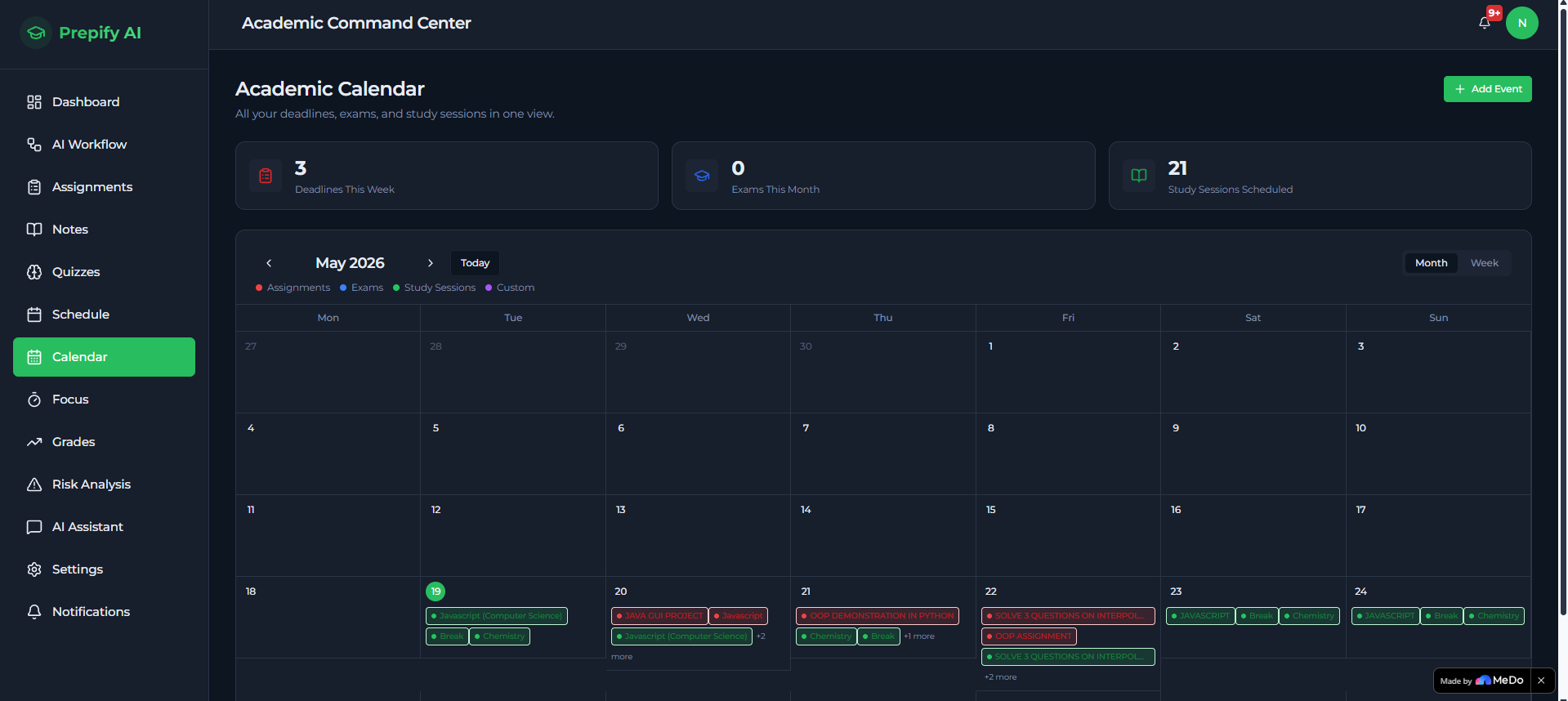
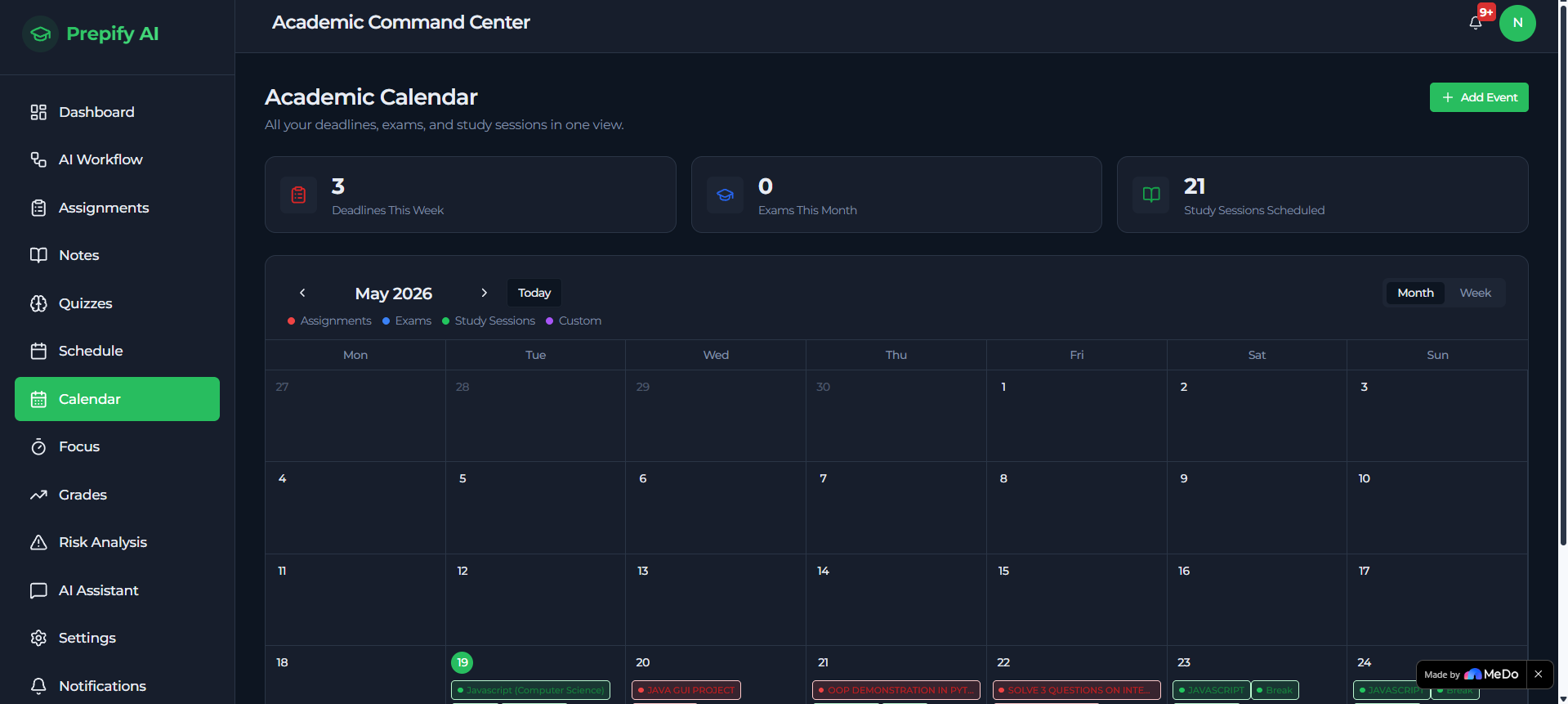
Academic Calendar A colour-coded monthly and weekly calendar that pulls assignment due dates, exam dates, and study sessions into one visual overview.
How We Built It
Prepify AI was built using MeDo — an AI-powered full-stack generation platform — through structured, multi-turn natural language conversations across multiple development sessions. OpenAI API powers every AI feature across the platform, and Resend API handles all email notification delivery.
Rather than engineering every component manually, MeDo served as an AI full-stack collaborator — generating, refining, and evolving the platform progressively through iterative conversation.
Using MeDo, I was able to:
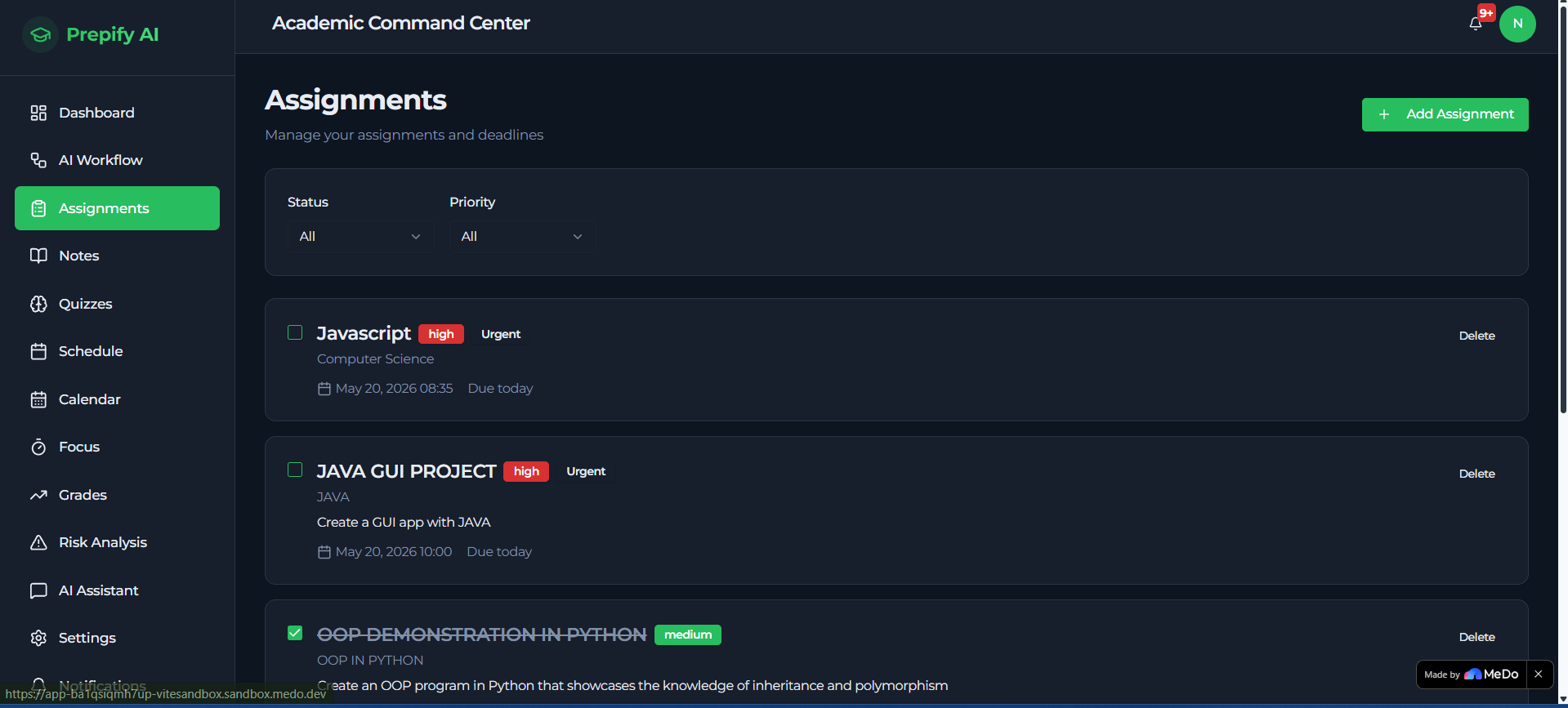
- Generate a full-stack academic SaaS application with 13+ pages
- Build complex multi-page dashboard architecture
- Implement subject auto-classification with colour-coded badges across the Notes system
- Integrate KaTeX rendering for properly formatted mathematical notation in AI summaries, the Formulas tab, and chat responses
- Build an interactive Concept Map feature that visualises AI-extracted key concepts as a connected radial graph
- Implement a Step-by-Step Solver mode in the AI chat assistant for STEM problem-solving
- Integrate the OpenAI API for note summarisation, quiz generation, study scheduling, risk analysis, and conversational chat, with Gemini as an automatic fallback provider
- Integrate the Resend API for branded HTML email notifications
- Build a structured database schema across 16 tables with full Row Level Security policies and 10 deployed edge functions
- Redesign the note input flow around a paste-first experience, with file upload marked "Coming Soon" to keep the experience seamless while that pipeline is finalised
- Iterate rapidly through multiple versions of the platform entirely through natural language
The platform evolved from a simple assignment tracker into a full AI-powered academic operating system with genuine STEM-specific intelligence — entirely through conversational generation with MeDo.
Challenges We Ran Into
Making Mathematics Actually Readable
Early versions of Prepify AI returned correct AI-generated content, but mathematical notation appeared as raw LaTeX — \frac{d}{dx}(x^n) = nx^{n-1} as plain text rather than a real formula. For a STEM platform, this was unacceptable. I integrated KaTeX across every surface where formulas appear: AI summaries, the dedicated Formulas tab, and chat responses — including step-by-step solutions. Getting the delimiter detection right (\(, \[, $...$, $$...$$) while leaving the "Original Document" view untouched required careful, targeted prompting to avoid breaking other rendering.
The PDF Extraction & Production Deployment Problem The biggest infrastructure challenge had nothing to do with the AI itself — OpenAI integration worked perfectly from the start. The real problem was a chain of production-only issues: scanned PDFs had no readable text layer, the OpenAI and OCR API keys were bound only to the development environment, and Supabase storage RLS policies blocked file writes on the live server. Diagnosing this — environment variables, edge function redeployment, and storage permissions — taught me more about real production infrastructure than anything else in this project. Given limited development credits, I made the deliberate decision to redesign the input flow around the paste-based pipeline (which works flawlessly end-to-end) and mark direct file upload as "Coming Soon," rather than risk further credits chasing a platform-level bug. This kept the entire user experience seamless and error-free for anyone testing the app.
Building the Concept Map Without New AI Calls
I wanted a visual knowledge graph, but generating it with a fresh AI call for every note would be slow and credit-expensive. Instead, the Concept Map reuses the key_concepts array already produced during note summarisation, rendering it as a radial node graph with the note's subject as the central hub — meaning every existing note instantly gained a visual representation with zero additional AI processing.
Accomplishments That We're Proud Of
- Built a fully functional, multi-page AI academic platform from concept to deployment using MeDo
- Achieved properly rendered mathematical notation throughout the app using KaTeX — summaries, formulas, and AI chat all display real equations, not raw LaTeX
- Built an interactive Concept Map feature that turns AI-extracted concepts into a visual knowledge graph for every note
- Implemented a Step-by-Step Solver mode where the AI chat assistant breaks down STEM problems into clearly numbered, properly formatted solutions
- Added automatic subject classification with colour-coded badges across Mathematics, Physics, Chemistry, Biology, and Computer Science
- Successfully integrated three real APIs — OpenAI, Resend, and Gemini (fallback) — into a single cohesive platform
- Designed a production-grade multi-channel notification system with retry logic, quiet hours, and priority filtering
- Redesigned the note input experience to be paste-first and frictionless, eliminating upload errors entirely for anyone testing the platform
- Built an AI that generates study schedules, quizzes, risk predictions, concept maps, and academic summaries from a student's own real STEM content — with zero mock or placeholder logic
What We Learned
Building Prepify AI taught me that the hardest problems in software are rarely where you expect them — and that presentation matters as much as correctness.
The AI was generating correct mathematics from day one. But "correct" is not the same as "usable" — a derivative formula in raw LaTeX is technically right and practically useless to a student trying to revise. Integrating KaTeX taught me that for a STEM product, the rendering layer is not a cosmetic afterthought; it is core to whether the product actually works.
The production deployment challenges taught me the critical difference between a development environment and a production environment — how API keys must be explicitly bound to production, how Row Level Security behaves differently in live deployments, and how to make pragmatic engineering trade-offs under resource constraints. Rather than burning credits chasing a platform bug indefinitely, I learned when to redesign around a constraint instead of fighting it — and that decision ultimately made the product better and more reliable.
I also learned that building conversationally with MeDo is a genuinely different way of engineering software. Each new feature — Concept Maps, KaTeX rendering, subject classification, the Step-by-Step Solver — required precise, scoped prompting to add real functionality without regenerating or destabilising existing features. That discipline of describing intent clearly and iterating incrementally is, in itself, a transferable engineering skill.
What's Next for Prepify AI
Prepify AI is built to grow — and the roadmap ahead is focused entirely on deepening its impact on STEM education specifically.
Planned next steps include:
- Restoring direct file upload with a fully tested production pipeline, alongside the existing paste-first workflow
- STEM Glossary Hub — aggregating extracted definitions across all of a student's notes into one searchable personal dictionary
- Subject Readiness Scores on the dashboard — combining quiz performance and study hours into a per-subject exam-readiness percentage
- Lab Report Assistant — restructuring raw practical observations into Aim, Method, Results, and Discussion sections
- Difficulty-adaptive quizzes that automatically adjust based on a student's previous performance on a topic
- Voice input and text-to-speech for notes and AI responses — making the platform accessible to students with visual impairments
- Integration with university LMS platforms such as Moodle and Blackboard for automatic assignment and deadline syncing
- Collaborative study groups for peer-to-peer STEM problem solving and shared note libraries
- Multi-language support for students across Africa, Asia, and other underrepresented regions in global STEM education
- Export to Google Calendar and Apple Calendar for seamless deadline management
The vision for Prepify AI is to become the academic operating system that every STEM student in Africa and beyond relies on — to study smarter, understand deeper, and never face academic failure alone.
Built With
- api
- medo
- openai
- supabase


Log in or sign up for Devpost to join the conversation.