
Inspiration
Testers from previous AR projects have told me that they have problems understanding/moving in the the virtual mobile AR space in relation to their real world environment. As such, for this hackathon, I sought to create an entertainment app that had people moving around their IRL environment (e.g crouching, climbing on chairs/tables) to get to the objective.
The inspiration for the gameplay was from Billards and Carrom where you knock game pieces around using kinetic force.
What it does
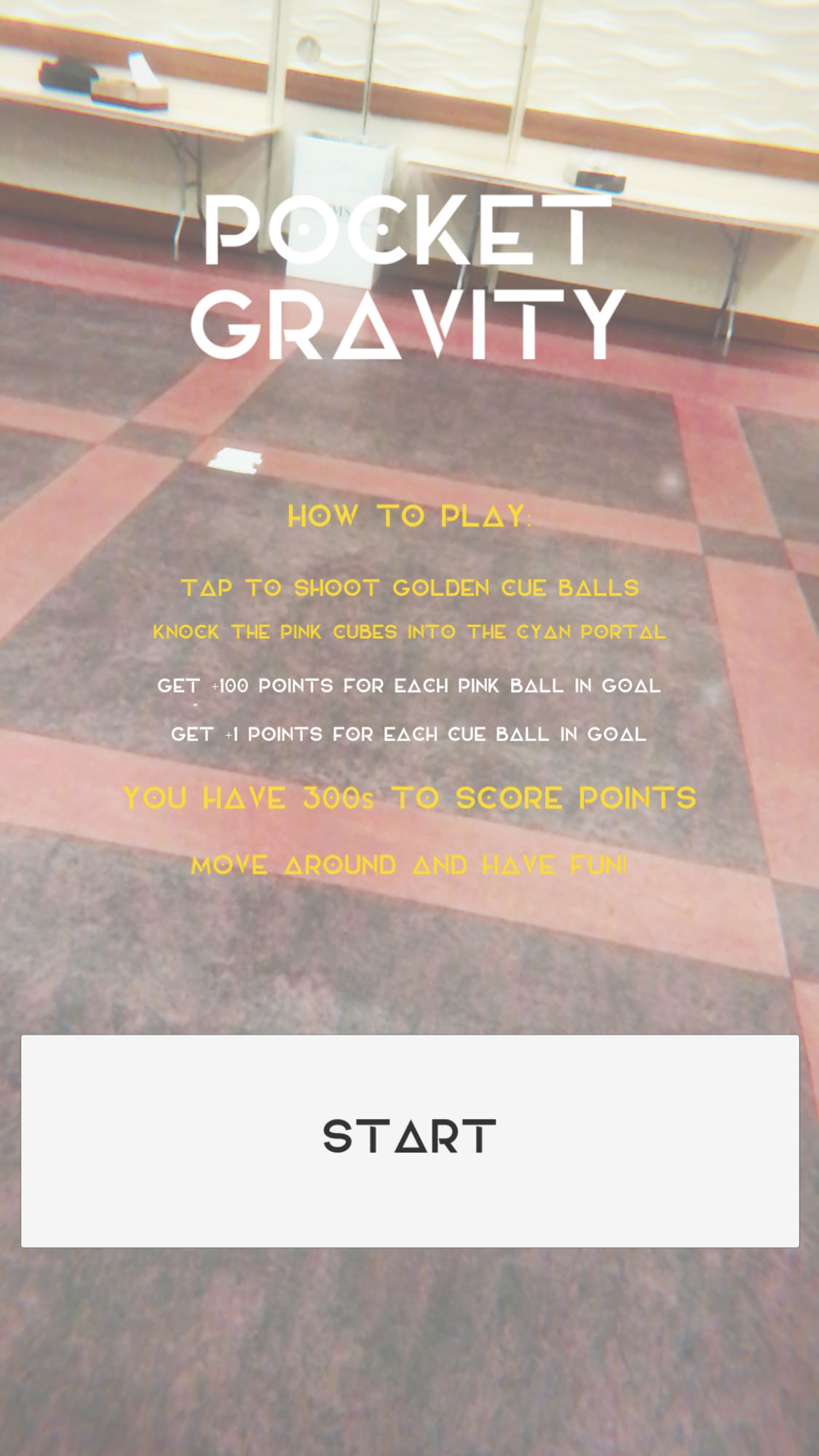
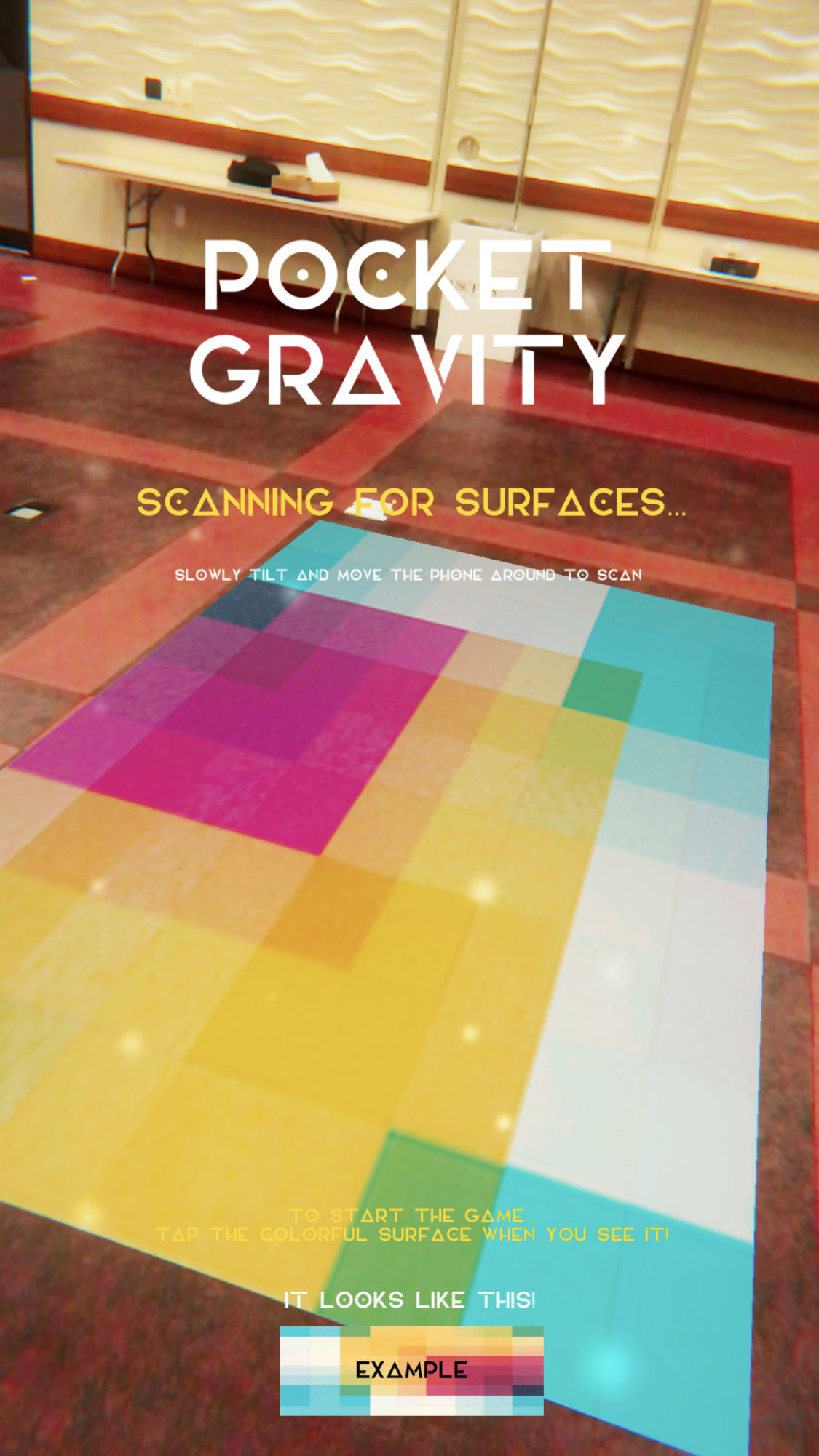
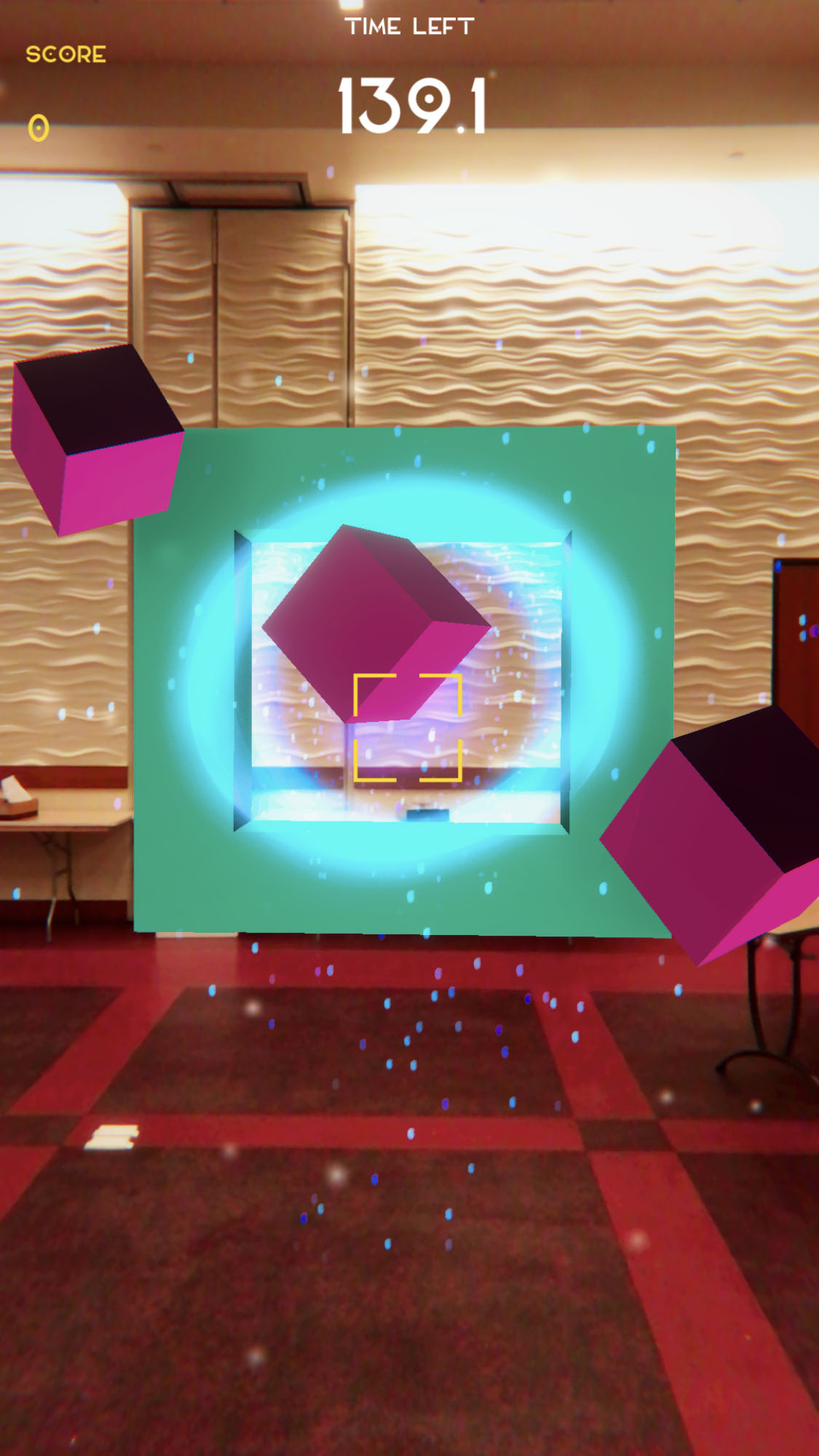
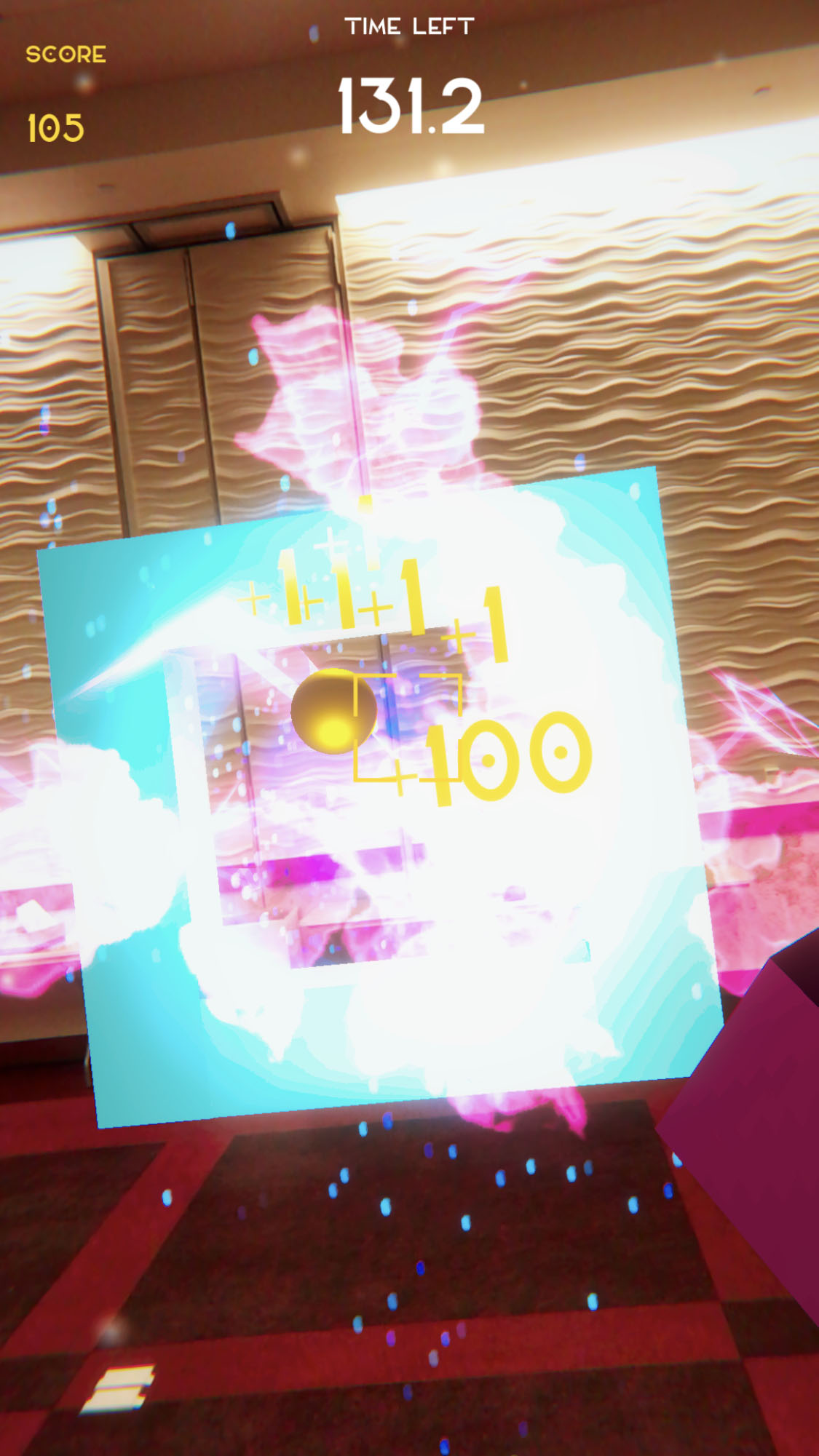
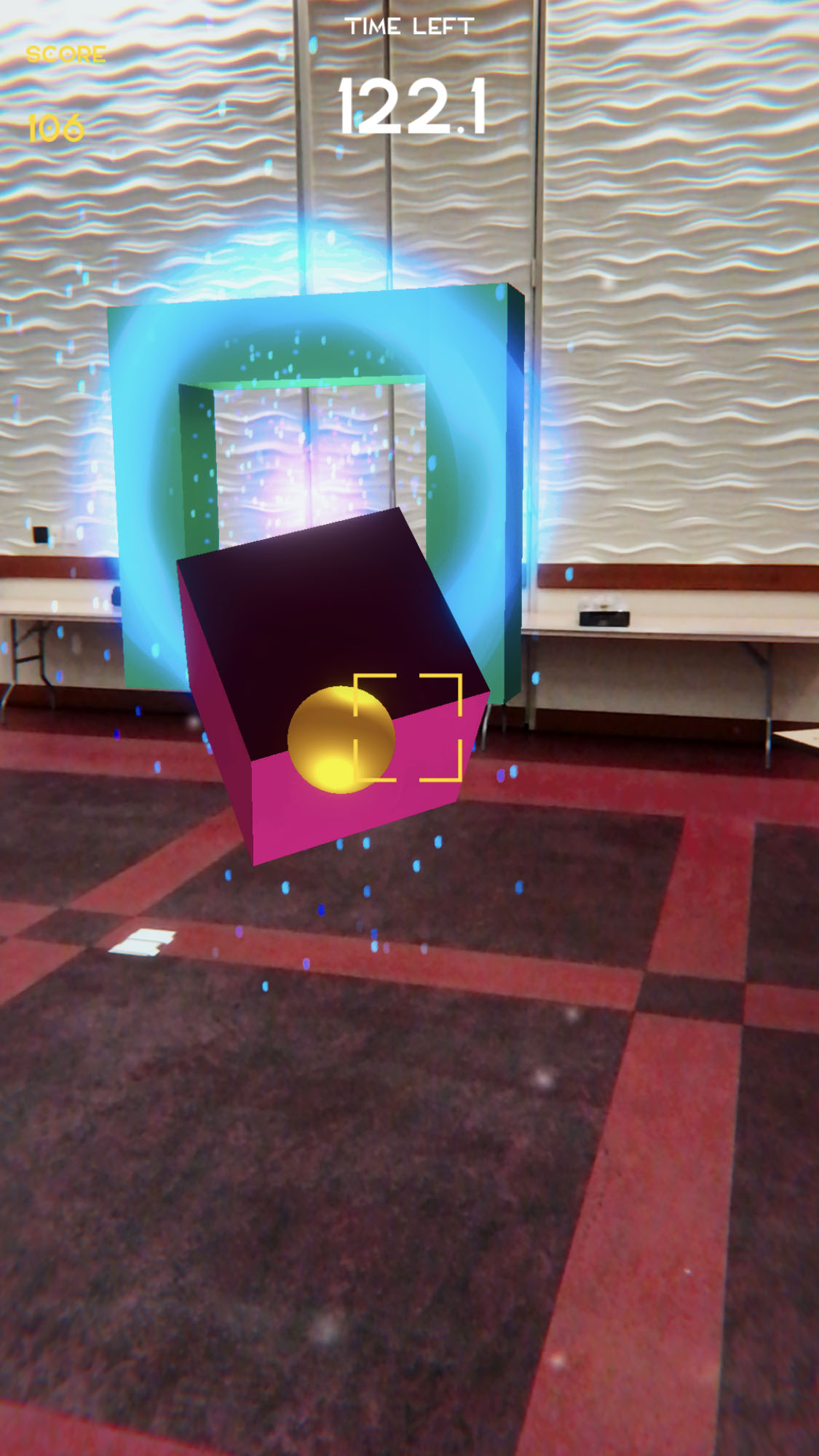
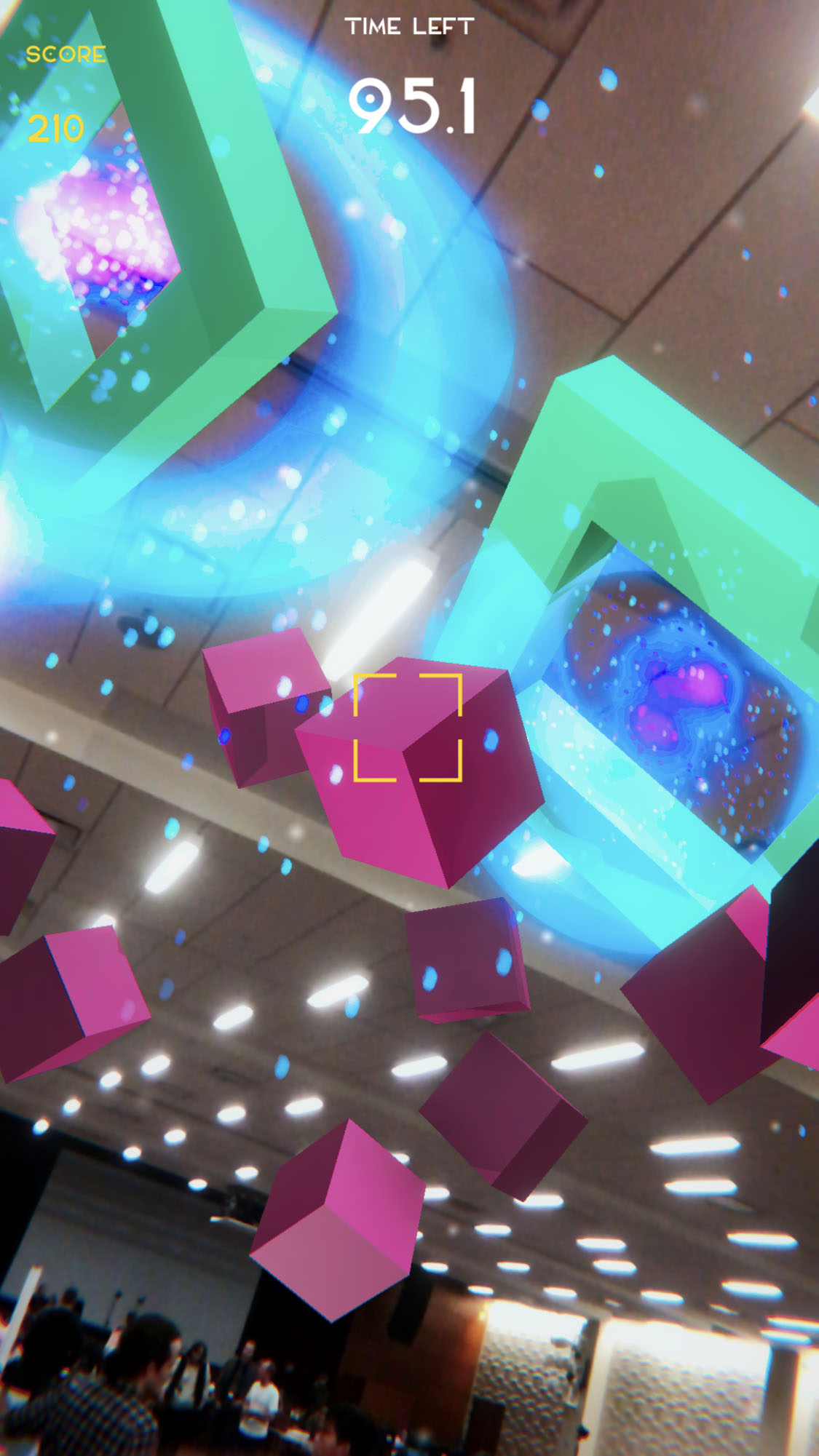
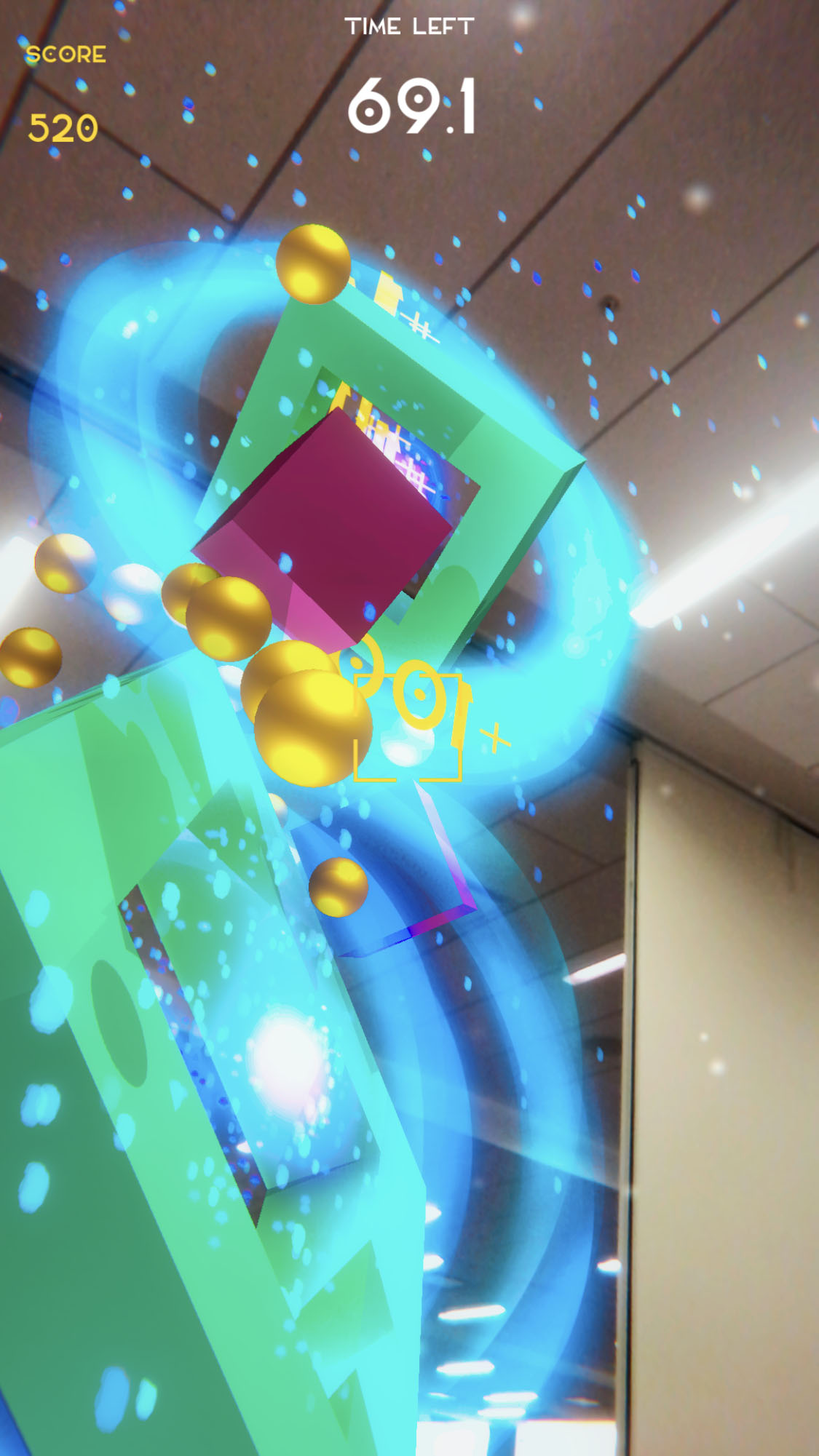
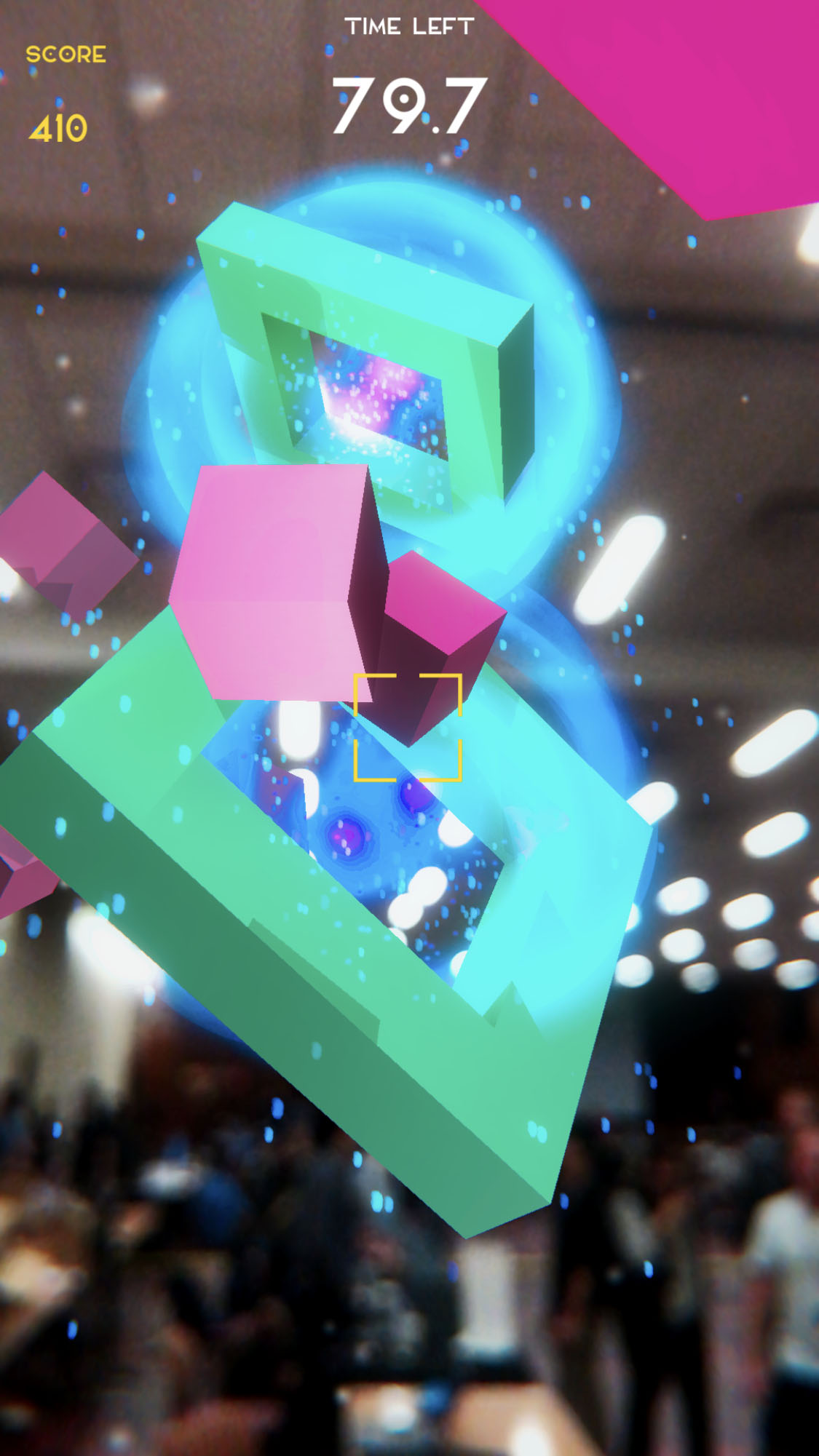
Pocket Gravity is an entertainment AR mobile app for the iPhone 7+ that tasks the player with hitting pink cubes into a shrinking cyan-colored portal to score by tapping their screen to shoot golden cue balls. Over time, more pink cubes and portals will emerge and the player may have to move around to reposition themselves in an advantageous angle to hit the pink cubes into the portal.
Through a simple gameplay, Pocket Gravity allows the player to explore a virtual space in relation to their physical space and invites them to take advantage of their environment, such as chairs, to gain more points in the game.
How I built it
Through the Unity Game Engine with Apple ARkit SDK.
Total time spent on building: 16hrs due to external commitments
Gameplay C# scripting and design, Particle Systems, BGM designed by the Author and is under same license as this git, use it as you please.
The following Open-Source / Creative Commons Resources were used to helped me improve the app:
- Apple ARkit Plugin from Unity
- Unity Standard Assets (incl. Unity Effects Pack for textures) [The particle systems inside we self-designed though)
- Generic Unity Object Pooler Script by Rfrixy (Github Open-Source)
- Freesound.org for SFX clips (only Creative Commons 0 sounds used)
- Brackeys YouTube Channel for helpful tutorials (attribution in code comments where applicable)
- Elianto Free Font by Emanuele Papale
Challenges I ran into
- Had initial trouble finding the "fun" in the gameplay of the original design
- Pivoted fast to avoid lost time but chose to do AI / Unity Navmesh gameplay - which brought its own problems and needed more time to fix it. So if pivoting, pivot to something easier or directly derivative due to time constraints
- Attempted to do shader/AR portal designs and succeeded but faced camera problems that distorted the result.
- Unity PostProcessing V2 refused to work, so reverted to older stack
- Motion Blur and Anti-Aliasing are not suited to AR due to live camera affecting post-process rendering
- Unity UI scaling is still a pain to deal with
- Could not do networked gameplay due to lack of another dev iPhone
- AR lighting in unity is hard and tricky to accomplish, need to read up more
- iPhone speakers are so bad that the awesome sci-fi sound design doesn't come through properly
- iPhone battery life with AR apps is horrendous
- (Personal Opinion) Android's ARcore library is more useable than ARkit for Unity
- The fact that the human body needs sleep and the loss of focus that comes with it
Accomplishments that I'm proud of
- Solo made a working AR game with some polish in 16hrs despite having outside work to do as well
- Managed to implement the knowledge from the book "Game Programming Patterns" by Robert Nystrom to aid in the development
- Experimented with "zero gravity" in AR
- Ran into no problems with porting to Xcode-Beta. Yay!
- Sound design of the experience came out well!
- Learned a lot about optimization for mobile
- Managed to push to Git with low error rates
What I learned
- That 48hrs is a very short time
- That I start to lose focus while coding at 12pm
- That mobile AR is fun to experiment with but hard to make as more than a novelty experience
- That people would like to try AR but their phones are not ready. This reduces accessibility
- That mobile AR drains battery like a hungry hungry hippo
- That I need to improve my Rapid Iteration process with an initial fishbone derivative map to plan for quick backups/pivots and to build in design problem/error times
What's next for Pocket Gravity
Highscore and player preferences. To build in dynamic height setting based on phone to floor height. Endless mode with different shapes. Powerups/depowers for level that alter screen effects/gameplay. Better lighting in level. Video ads for practicing monetization. Publish to iPhone Apple Store
Built With
- arkit
- unity


Log in or sign up for Devpost to join the conversation.