-
-
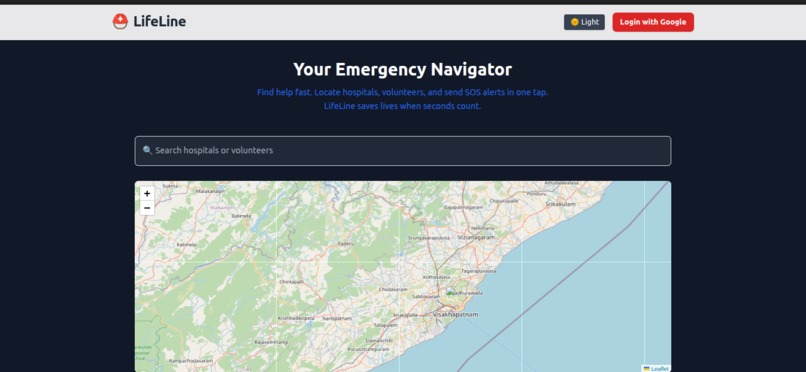
image 6
-
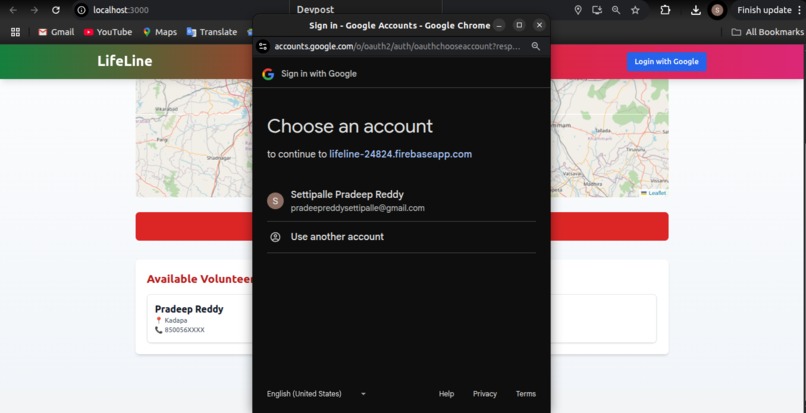
image 5
-
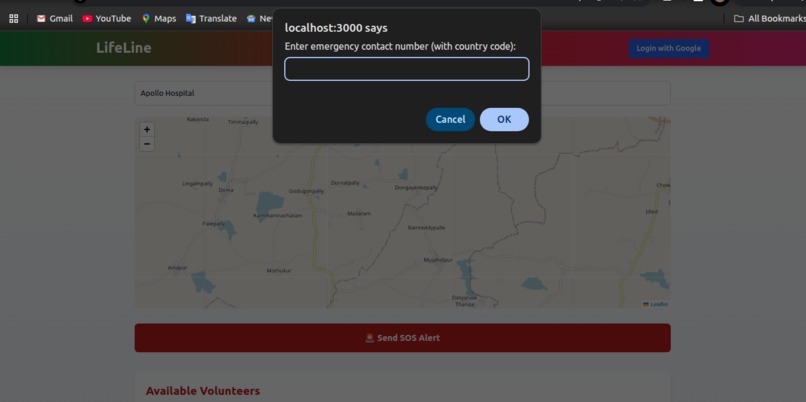
image 3
-
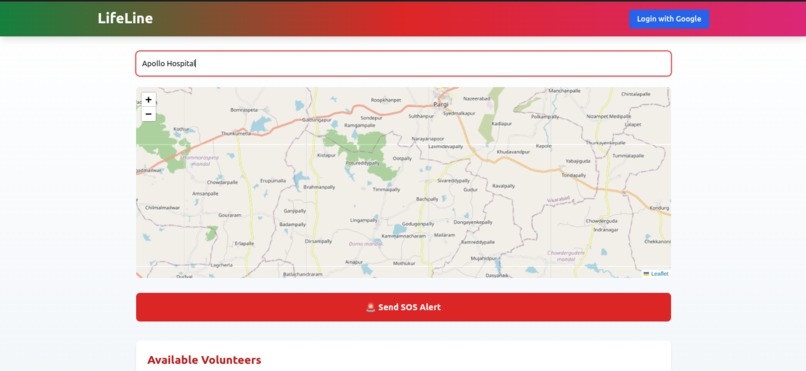
image 2
-
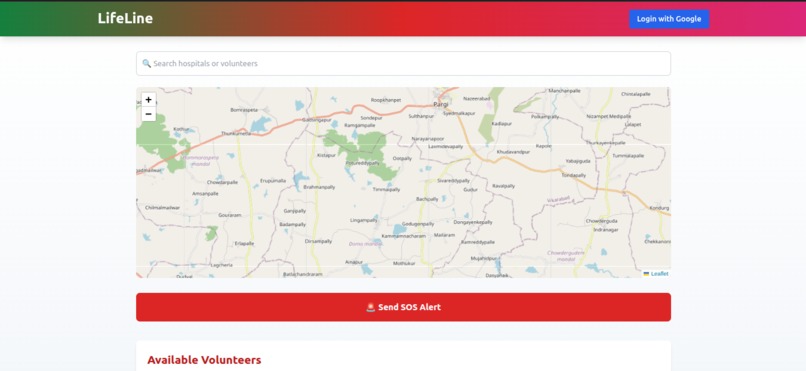
image 1
-
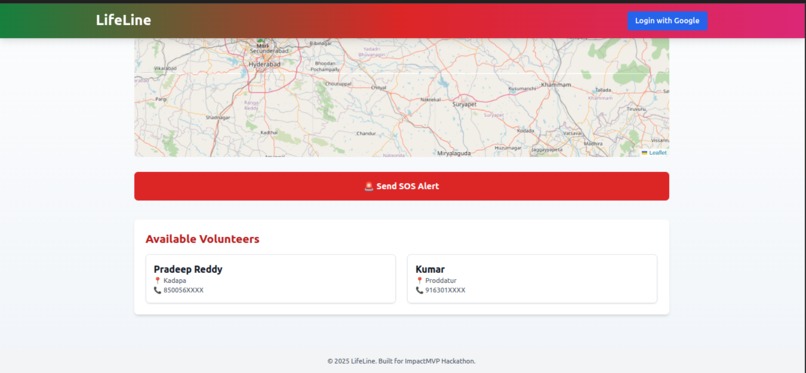
image 4
Inspiration
In critical emergencies — road accidents, health crises, natural disasters — time is everything. Yet, people often waste precious minutes trying to find nearby hospitals, blood banks, or someone who can help. Inspired by real-life stories where lives were lost due to delays in reaching emergency aid, we envisioned LifeLine: a platform that connects those in urgent need with life-saving resources around them — instantly.
Our goal? To leverage technology for social good by building a minimal, accessible tool that anyone can use in seconds to get help, or give it.
What it does
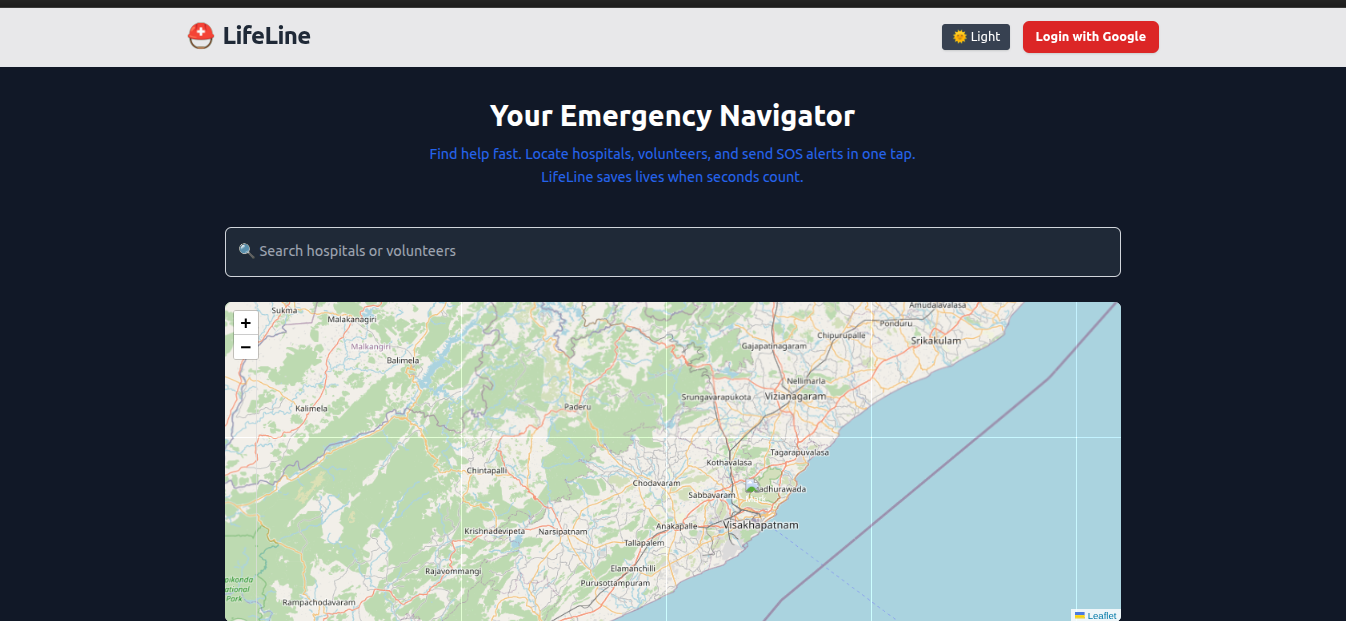
LifeLine is a location-based emergency aid web app that:
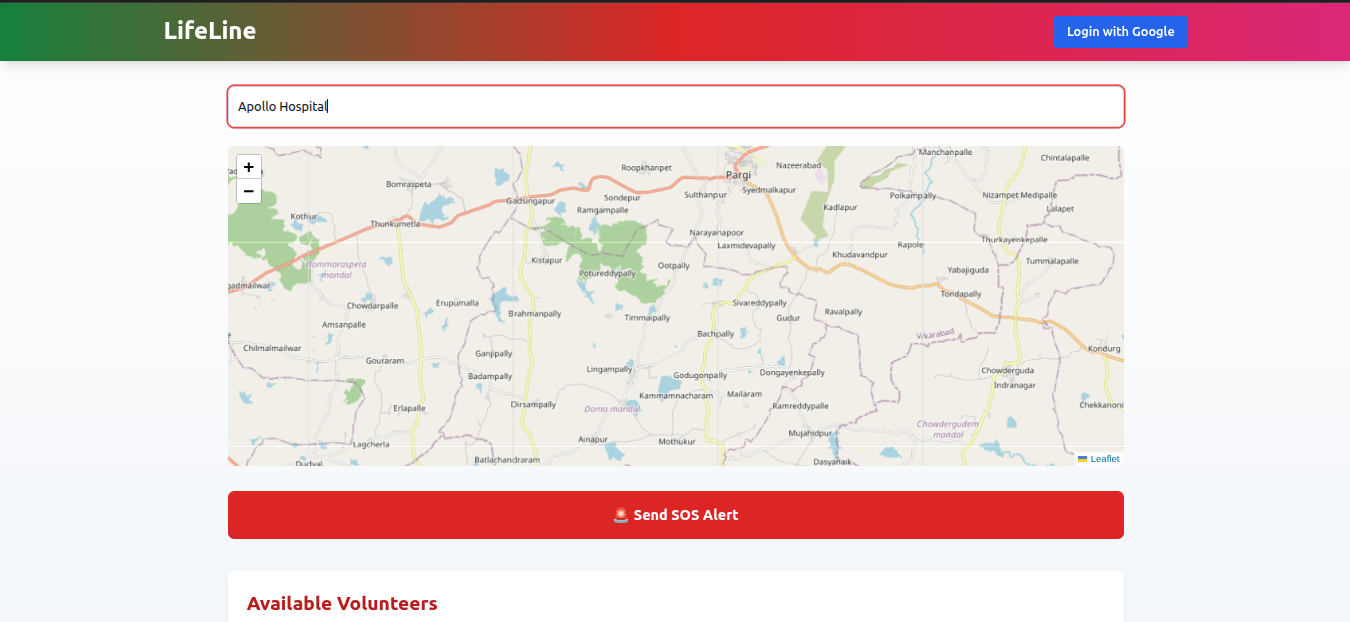
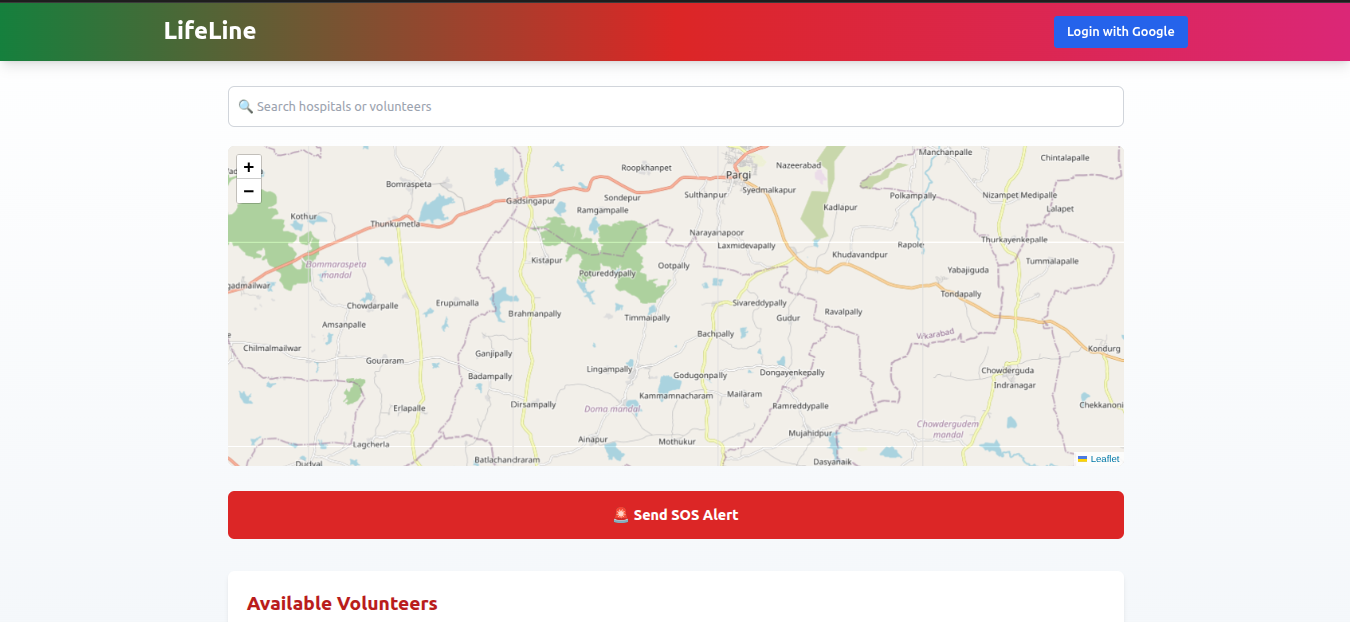
- Detects your real-time location
- Maps nearby hospitals, clinics, and blood banks
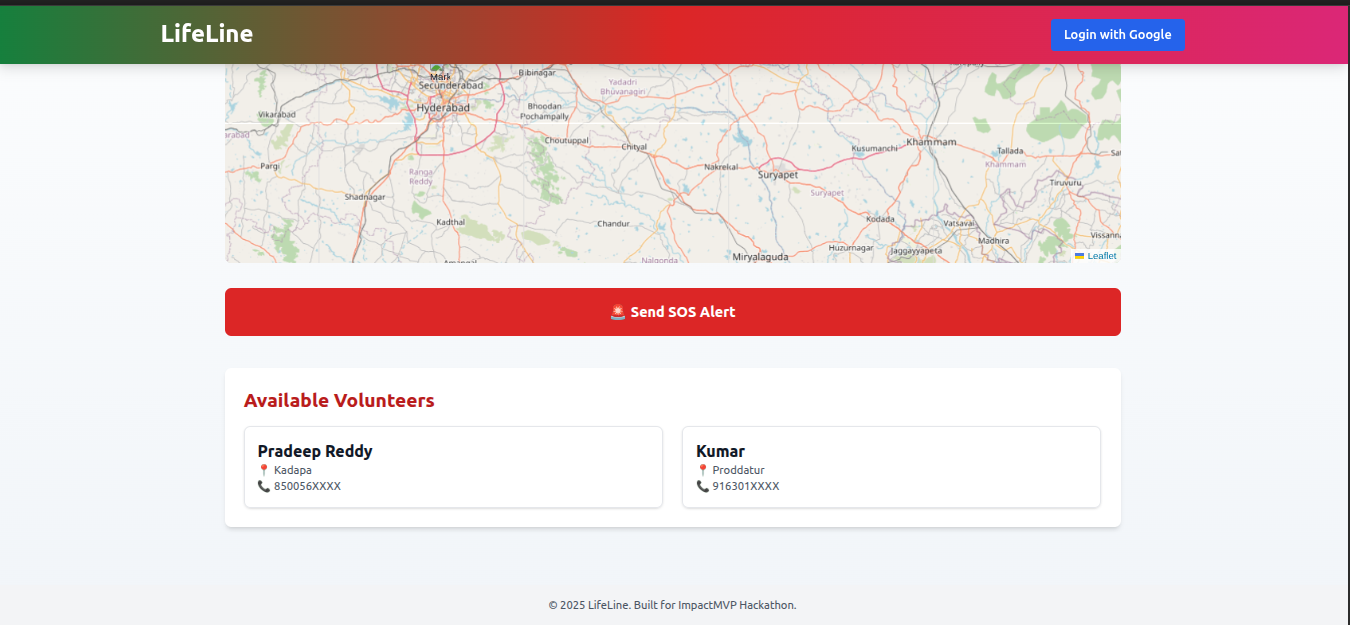
- Shows available volunteers who can assist (e.g., transport, first aid)
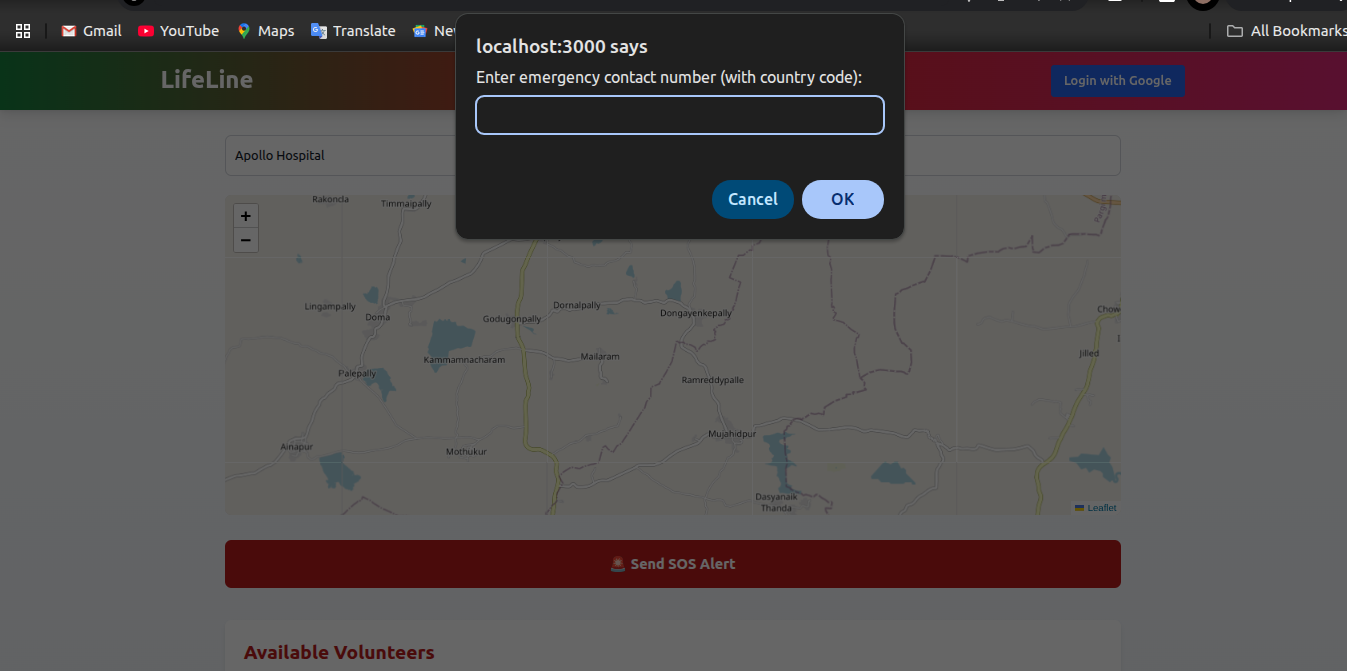
- Provides an SOS button to send quick alerts to emergency contacts (coming soon)
- Works with minimal UI, even on low-bandwidth connections
It brings critical information and assistance to your fingertips — when seconds matter most.
How we built it
We used a MERN-alternative full-stack architecture:
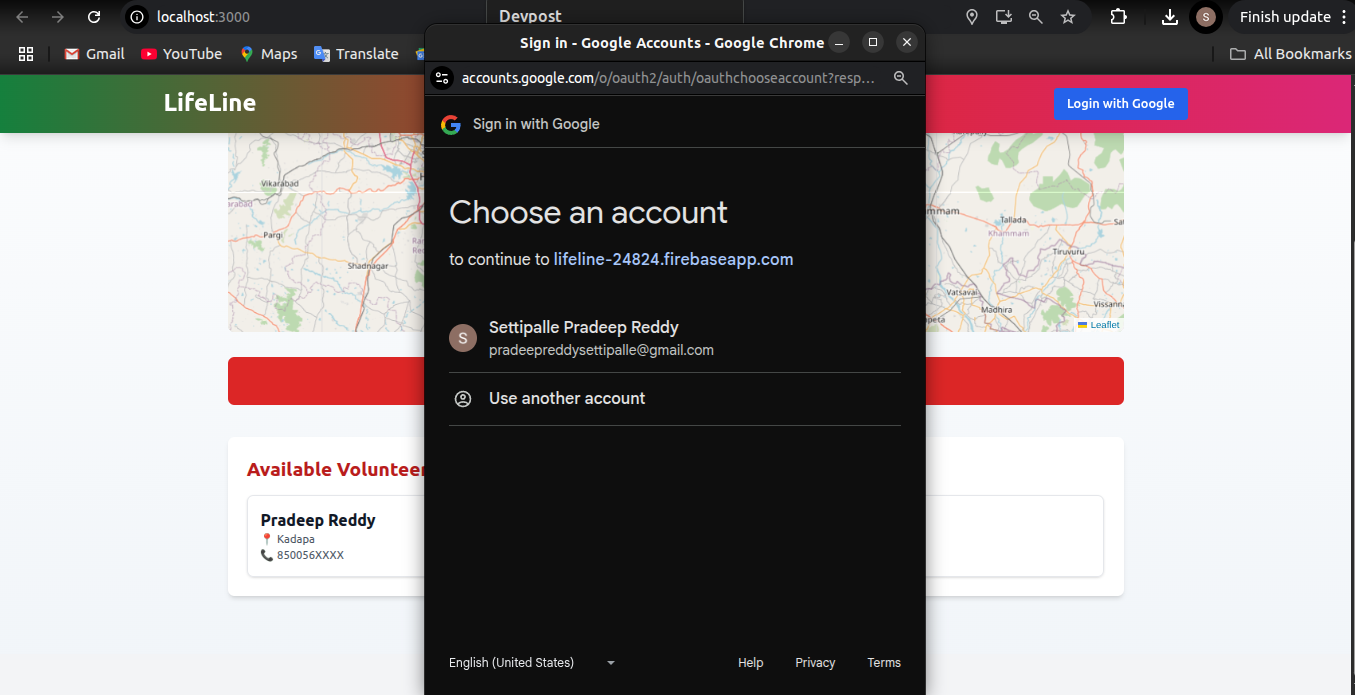
Frontend: React + Tailwind CSS + Leaflet.js for the interactive map Backend: Express.js server handling API routes Database: Lightweight JSON files instead of MongoDB, for simplicity Geolocation: HTML5 Geolocation API for user location Deployment: Vercel (frontend) + local/Render for backend
We kept the interface clean and mobile-friendly to ensure accessibility for all.
Challenges we ran into
- Geolocation Accuracy: Ensuring user location loads reliably across browsers
- Map Integration: Configuring Leaflet and OpenStreetMap to work well with dynamic data
- JSON-based DB: Simulating a real database using local files while maintaining structure and efficiency
- Minimalism vs Functionality: Balancing a lightweight app with essential features that matter
But every roadblock helped us improve, iterate, and learn.
Accomplishments that we're proud of
- Delivered a fully functional MVP in record time
- Built a clean and user-friendly UI with React + Tailwind
- Enabled real-time emergency mapping using open-source technologies
- Created a project that’s ready to scale for real-world deployment
Most importantly, we created a tool that could actually help save lives — and that’s worth everything.
What we learned
- The power of simplicity — you don't always need a complex stack to solve meaningful problems
- How to build a full-stack web app using just JSON and clean APIs
- Tailwind CSS helped us ship fast without sacrificing style
- Real-time data visualization with Leaflet.js was easier (and cooler) than we expected
- Accessibility and speed are critical when you're building for real-world users in distress
What's next for LifeLine: Emergency Aid Navigator
Here’s what we’re planning next:
SOS Alert System — One-tap SMS alerts to emergency contacts using Twilio
PWA Support — Installable app with offline-first features
Admin Portal — For hospitals and volunteers to update live status
Blood Request System — Real-time blood donation network
Multilingual UI — To serve users from diverse linguistic backgrounds
Our dream is to turn LifeLine into a publicly accessible, community-powered emergency aid platform across rural and urban regions alike.
Built With
- clean
- css
- current
- database
- detect
- environment
- express.js
- files
- gps
- html5
- interactive
- javascript
- json
- leaflet.js
- library
- lightweight
- loading
- local/render
- location
- logic
- map
- mapping
- open-source
- openstreetmap
- react.js
- real-time
- responsive
- runtime
- server-side
- services
- styling
- tailwind
- tiles
- ui
- used
- user?s
- vercel
- visualize


Log in or sign up for Devpost to join the conversation.