-
-
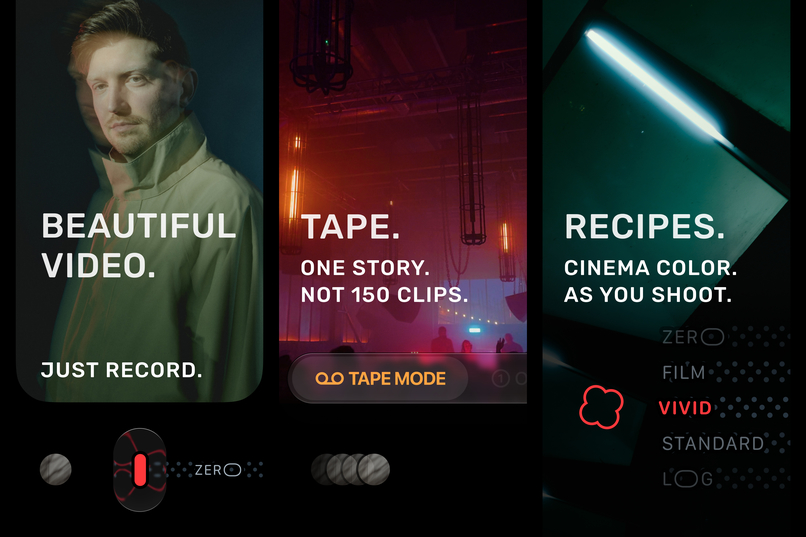
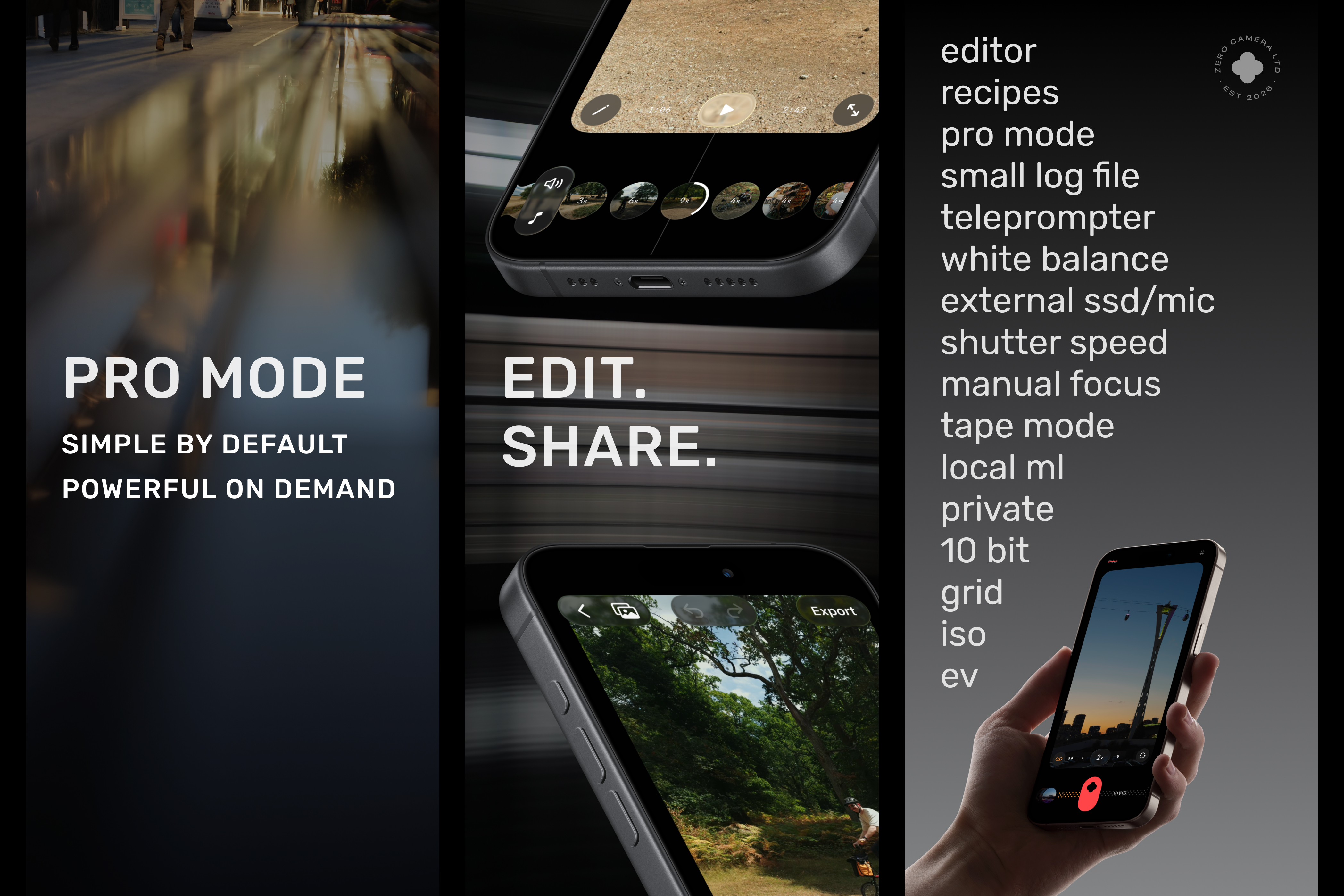
Artwork that we could not use as App Store screenshots unfortunately (1)
-
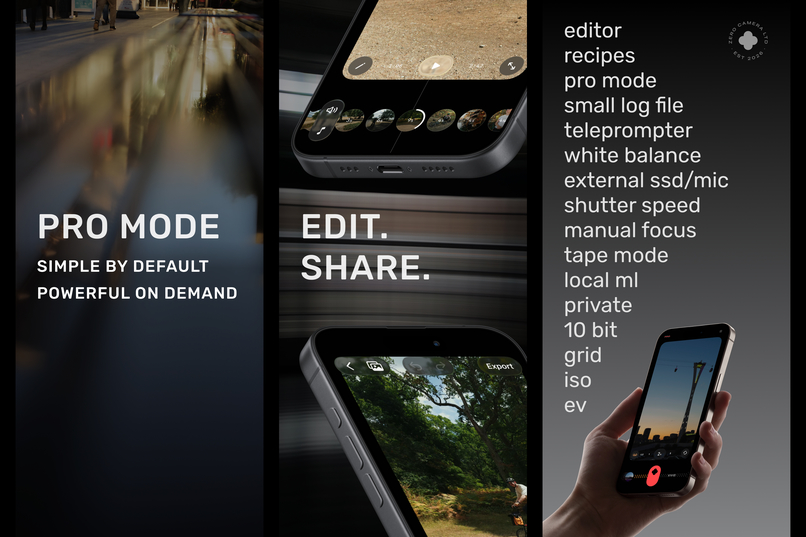
Artwork that we could not use as App Store screenshots unfortunately (2)
-
Welcome
-
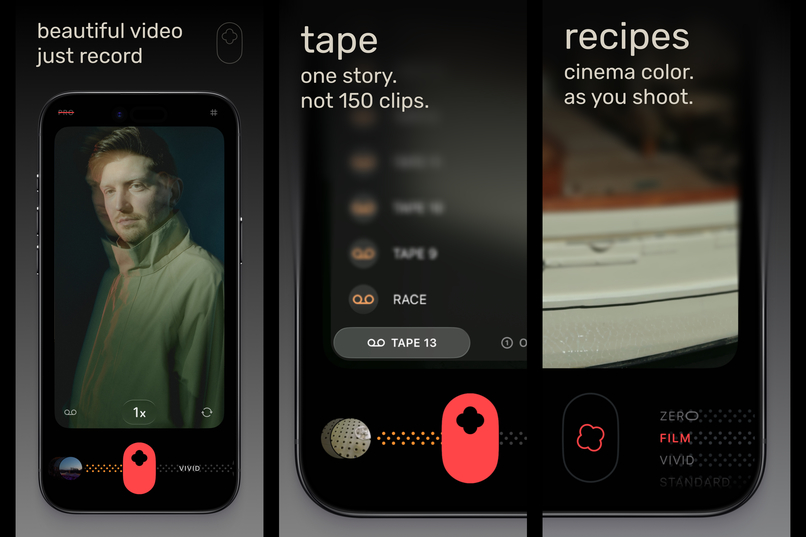
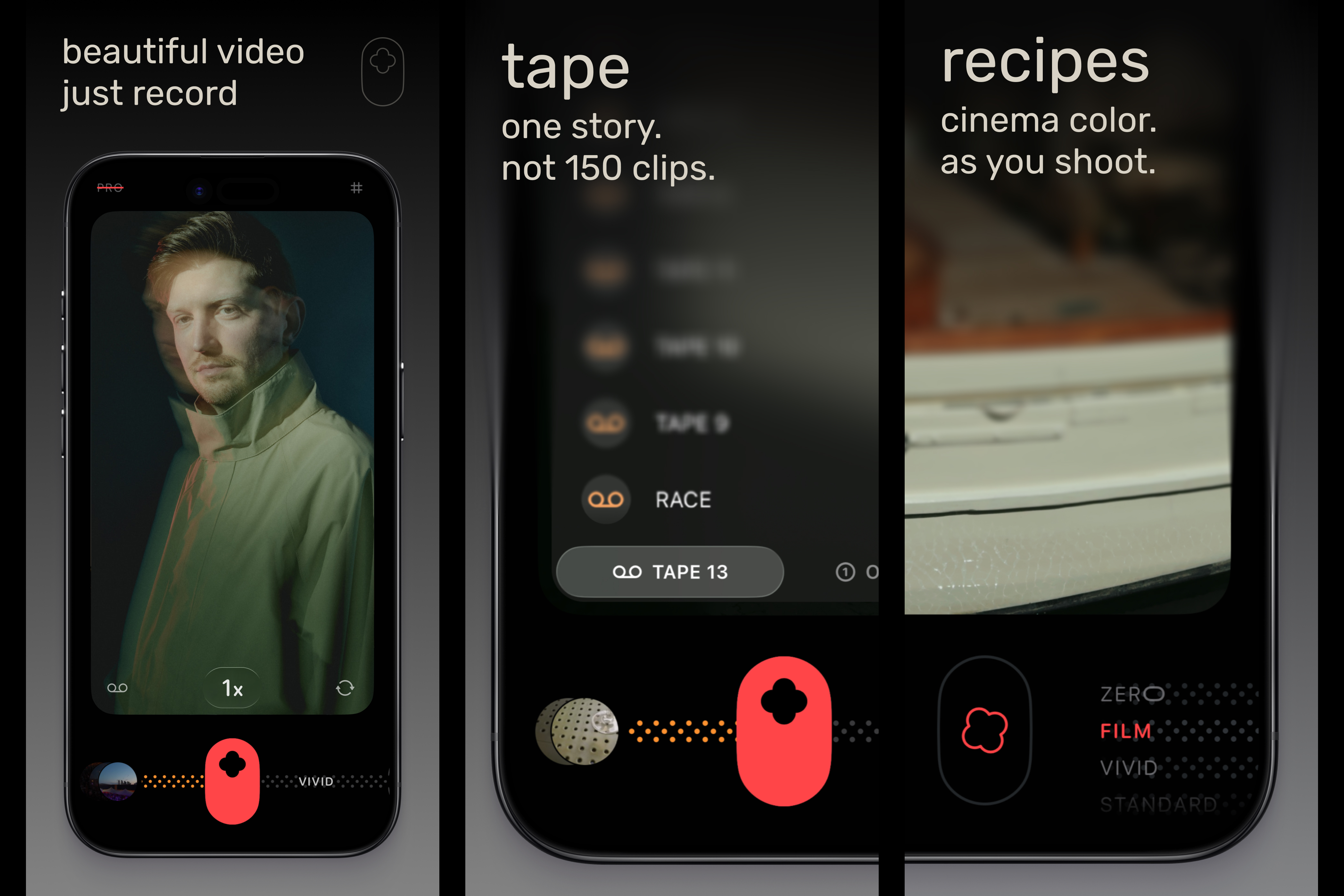
App Store screenshots (1)
-
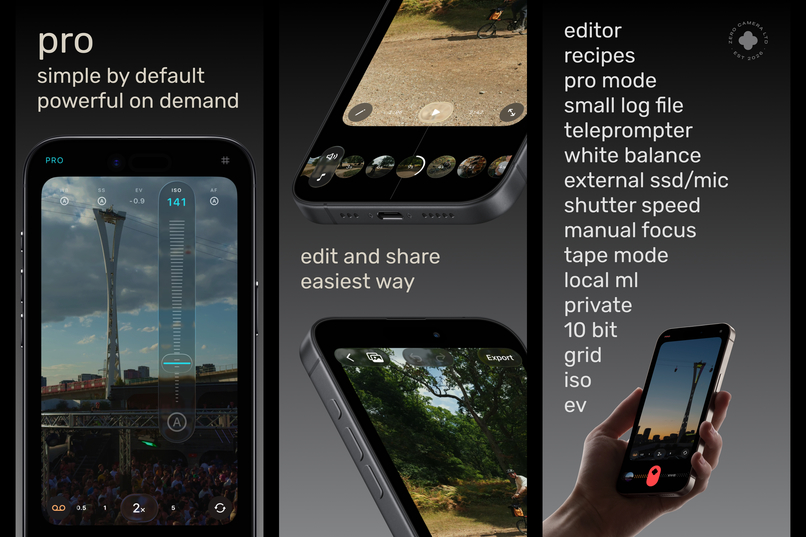
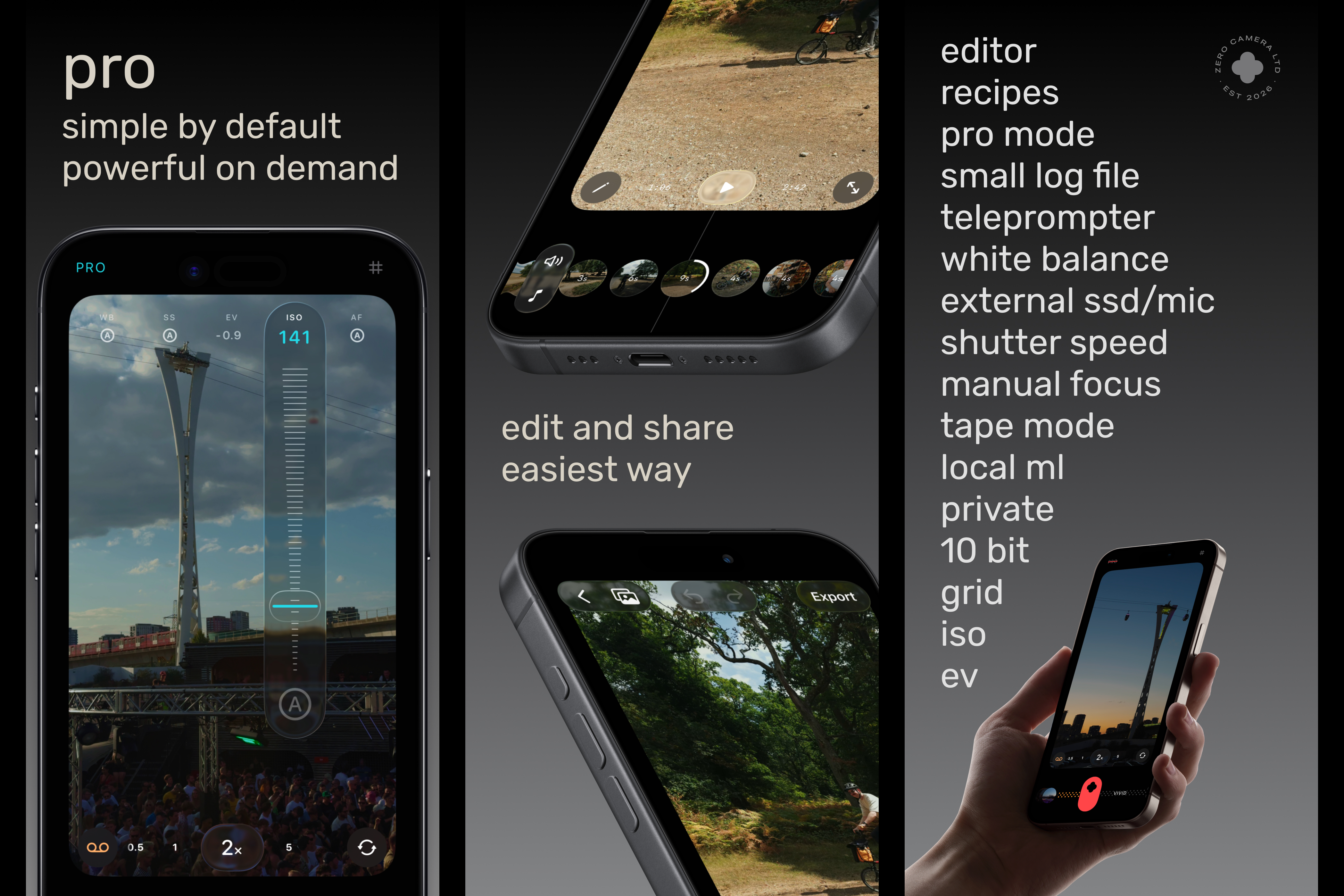
App Store screenshots (2)
-
Lock screen buttons, zero family
-
Icon
-
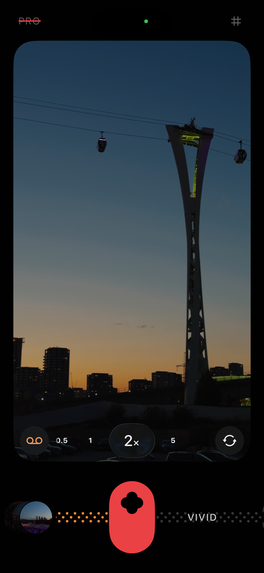
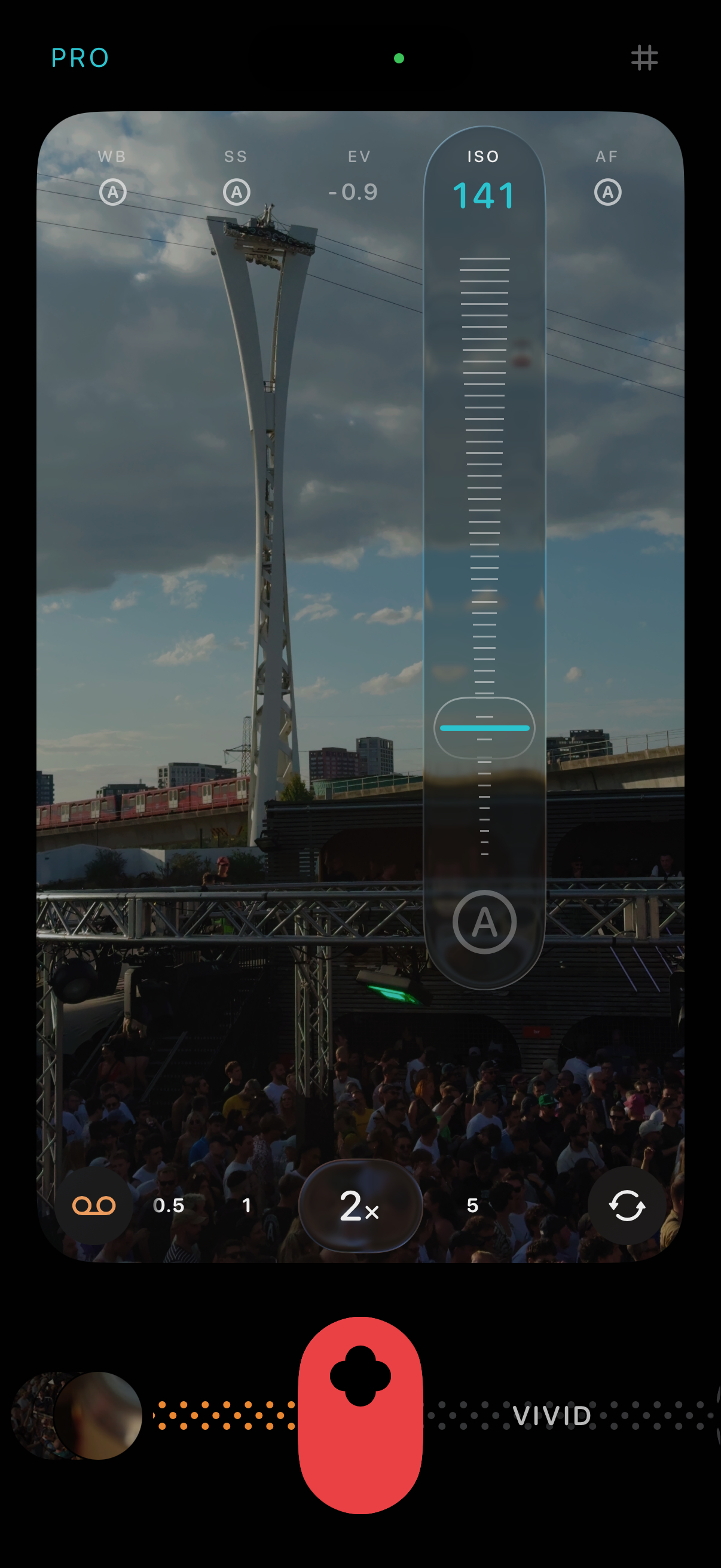
screenshot 2
-
screenshot 3
-
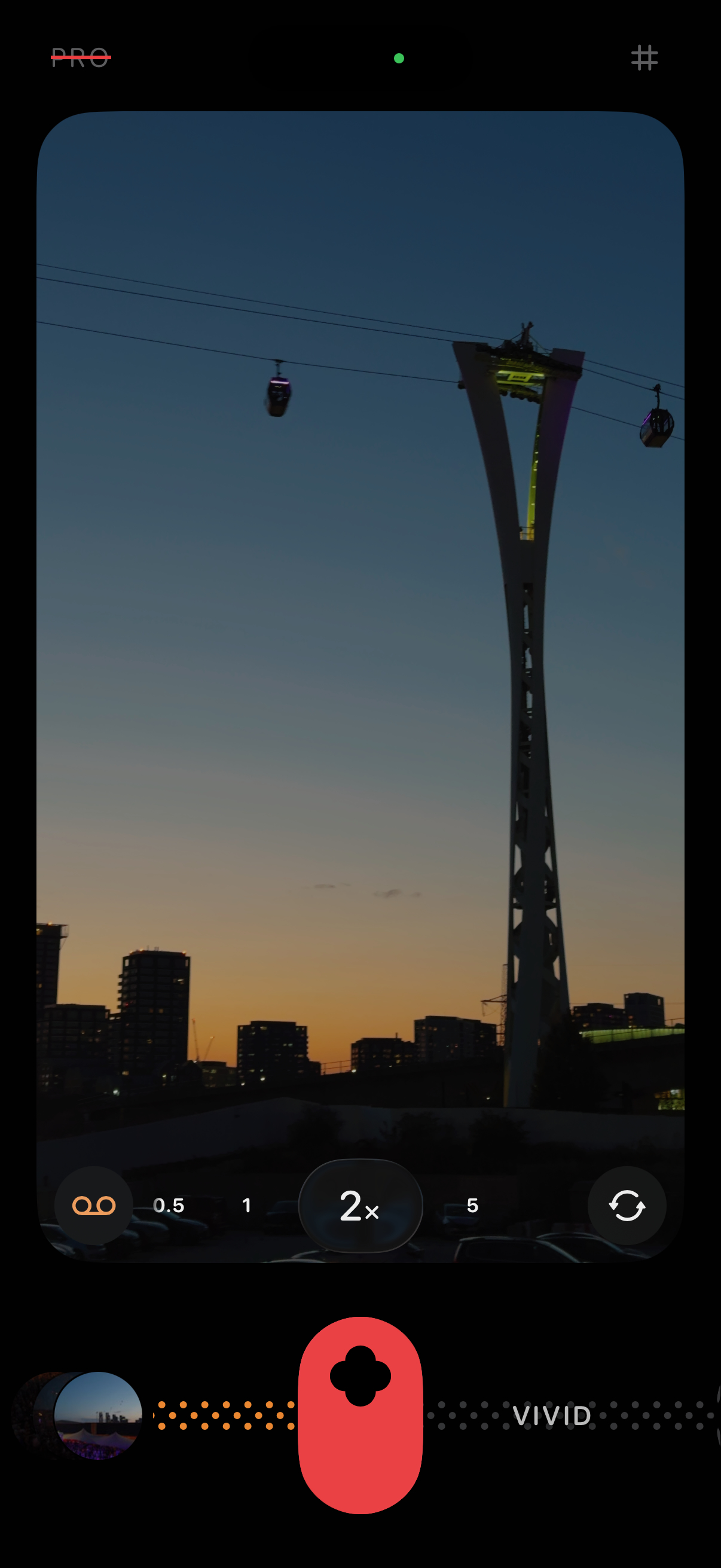
screenshot 1
-
screenshot 4
Inspiration
Two years ago we made zerocam, a camera app that removes the excessive post-processing of the iPhone and gives photos a more natural look. After that, the next step was obvious for us: to do the same with video.
This is how zerotake started. But we wanted to fix one more thing. When people record video, most of the time they want to join many clips into one longer film. For this you need another app, different from the camera. You open it, you select every video one by one, you put them in order, and only then you can export. It is a lot of work, and many videos never get finished because of it.
Old camcorders did not have this problem, and they were our inspiration. You open the camera, press record, and the recording goes on the tape after the last one. If you don't like a shot, you rewind and record over it. When you arrive home, the film is already done.
zerotake works the same way. Record, rewind, record over, cut or delete, all in the same app and very fast.
What it does
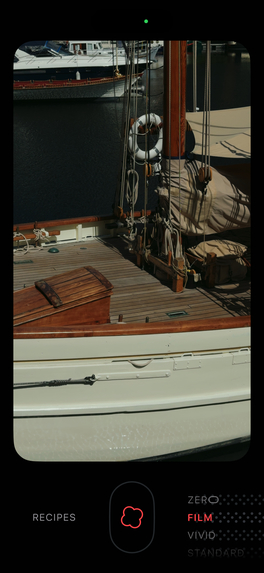
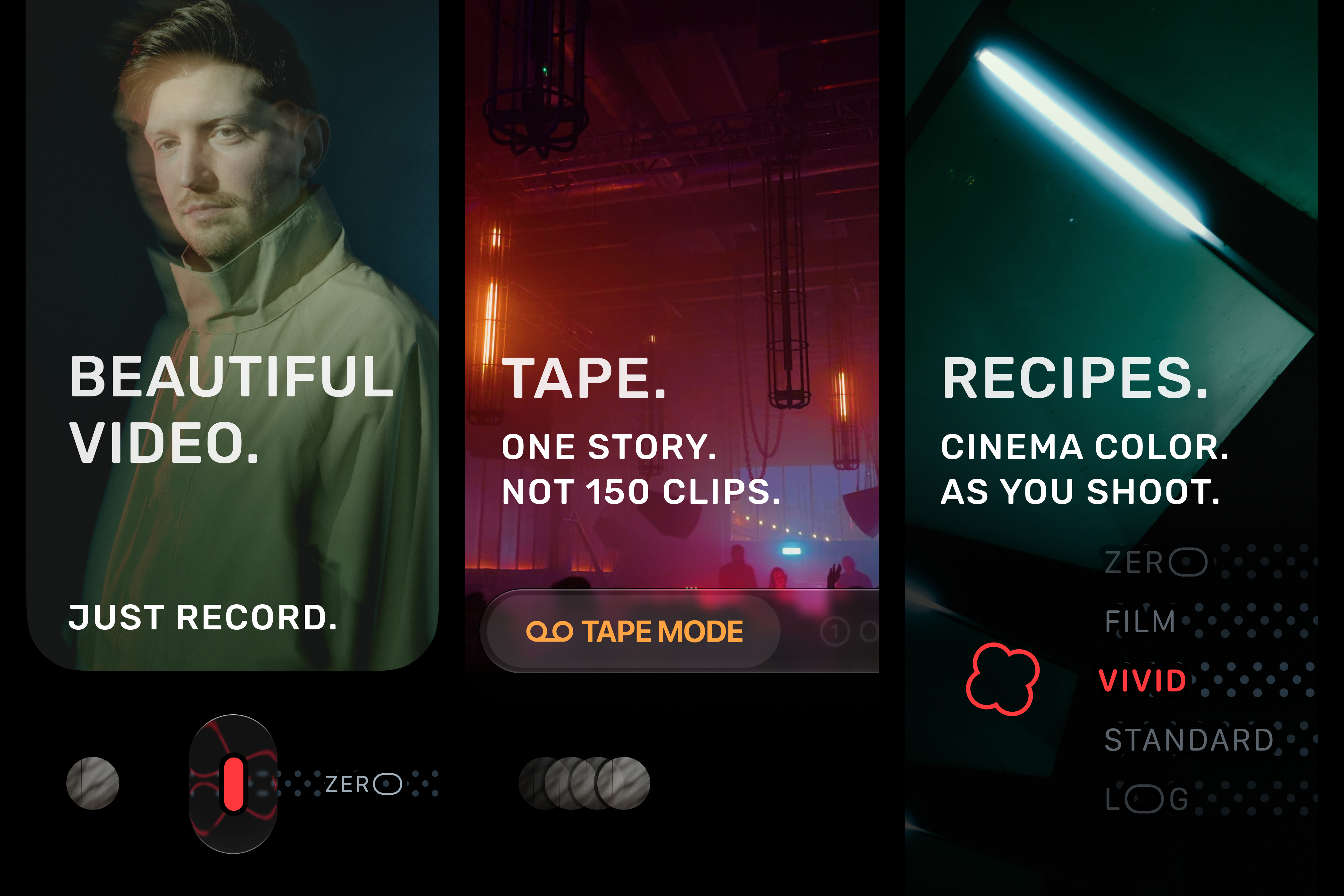
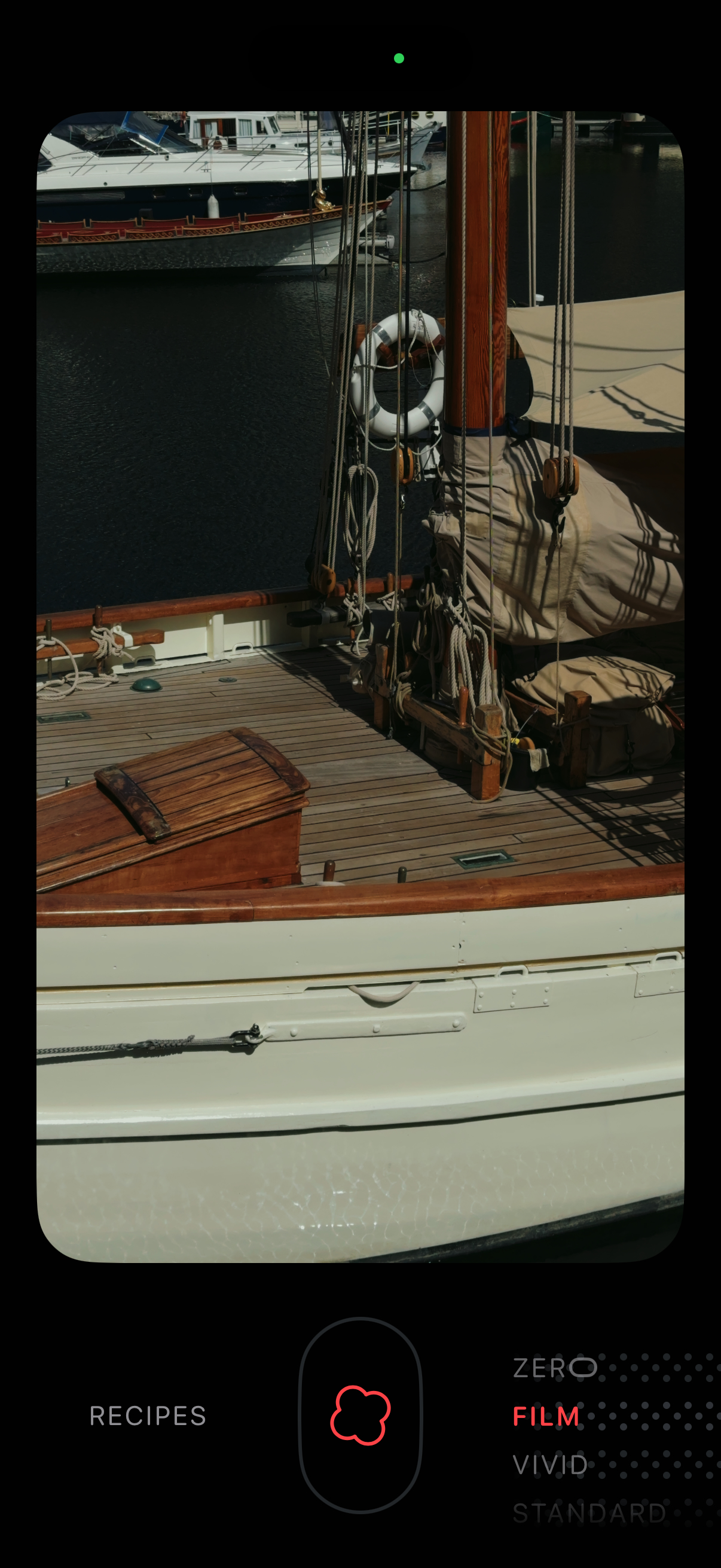
zerotake is a video camera for iPhone. You choose a recipe, a color look like ZERO, FILM or VIVID, and it is applied while you record. On iPhones with Apple Log, the camera records in log and applies the look at the same moment, so the video that arrives to Photos has great colors and it's already finished. There is nothing to fix later.
There are two modes. In TAKE mode every recording is a normal video. In TAPE mode every recording goes on a tape after the last one, and the tape plays as one film. You can rewind and record over a part, and your tapes sync with iCloud.
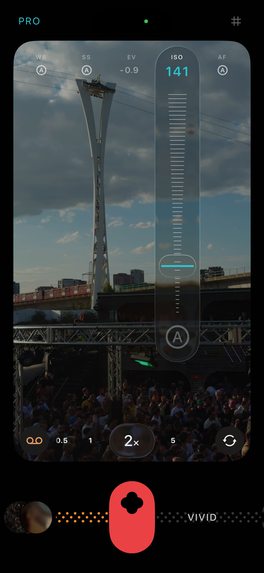
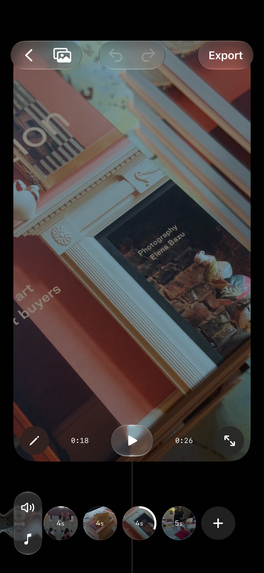
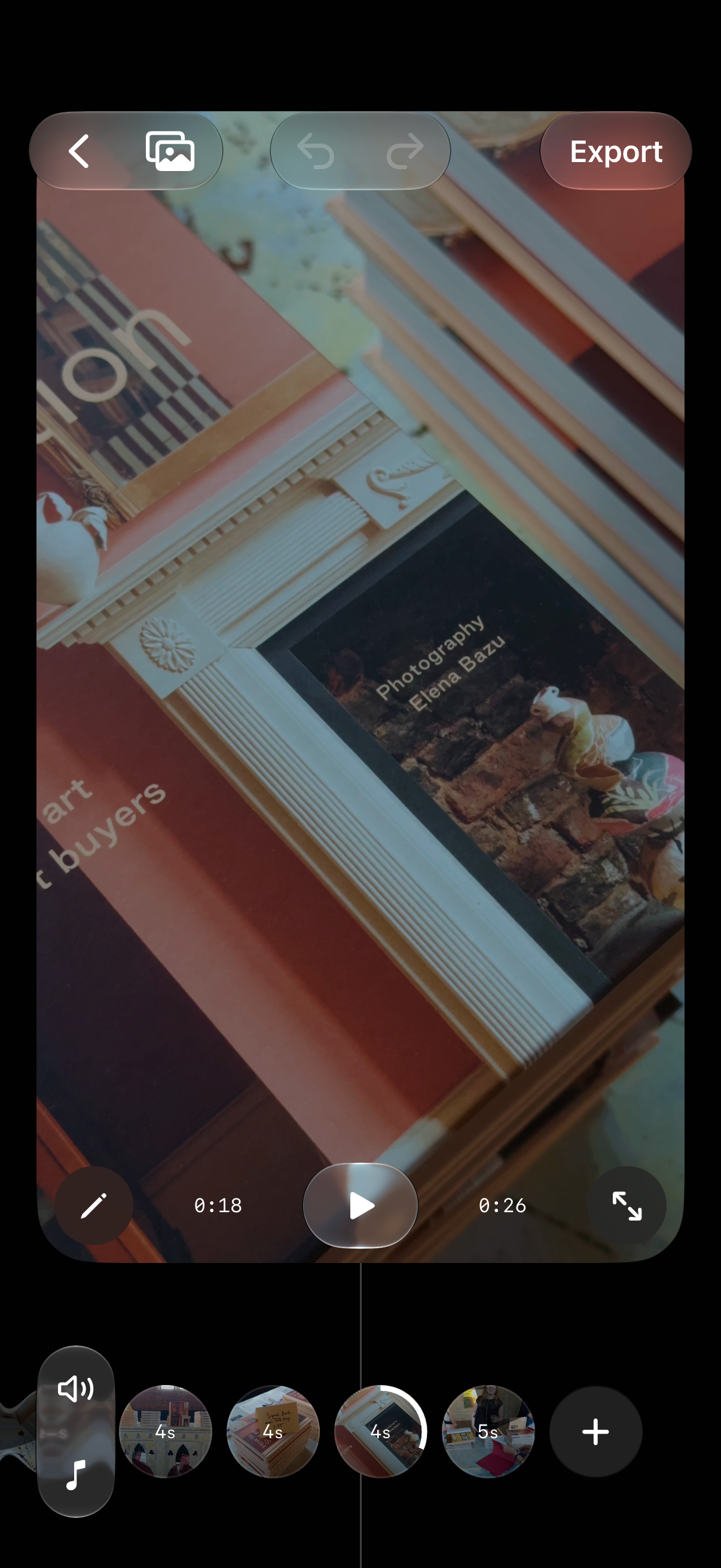
When you want more control, there is an editor to trim, reorder and split clips, and to add music and subtitles. There is a teleprompter that follows your voice while you speak. And PRO mode gives you manual exposure, ISO, shutter, white balance and focus.
The app speaks thirty languages, and it is the whole app, not only the App Store page: the camera, the editor, every button, and every word VoiceOver reads out. If something reads badly in your language there is a link inside the app to write to us, and if your language is missing there is a link to ask for it.
Everything happens on the phone. No ads, no tracking, and your videos stay yours.
How we built it
zerotake is made by two people. Dmitry is the designer and photographer, and he has a strong presence on social media. He made the design, the recipes, the videos and all the artwork. Sergio is an iOS developer that also loves photography. He built the app and takes care of TestFlight, releases, crashes and dealing with Apple.
For coding we use Claude Code, together with some Xcode Cloud pipelines. The pipelines were for the moments when we were not at the computer. From the phone, we asked Claude Code in the cloud for a change. When it made the commit, Xcode Cloud built the app and sent it to TestFlight, and some minutes later we could try it on the phone. So the work never stopped, even when we were away.
The design comes from old camcorders and film cameras. When you record, two small reels spin like in a tape cassette, and a strip of dots goes out of the shutter like film with its sprocket holes. We only use native UI, and Apple's new glass in iOS 26 is something we love, so it appears in the app, but only where it makes sense. We also added some details here and there, for example the tapes look like VHS boxes with a glass texture.
All the interface is made in SwiftUI. The camera uses AVFoundation, and the colors use Metal and Core Image. Every recipe is a LUT that Dmitry created, and it is applied to every frame while you record, directly into the video file. Each recipe has a version for Apple Log and for Apple Log 2. ZERO also has a version for normal video, for iPhones without log.
Other Apple frameworks in the app:
- Photos, to save the videos and show them in the gallery
- CloudKit, to sync the tapes between your devices
- Speech recognition, so the teleprompter follows your voice while you read, on the phone
- Vision, Apple's machine learning on the phone, so when you long-press to focus, the focus follows the subject
- Core Motion, to know how you hold the phone and to show the level
- Core Location, to add the place to your videos, only if you want
- Keychain, to remember how many minutes of the free tier you already used. The keychain stays on the phone even if you delete the app, so the free minutes don't start again when you install it again.
Rive makes the intro animation, and RevenueCat handles the payments: the subscriptions, the lifetime purchases, the free trials and the restore.
Challenges we ran into
Many things broke on the way. These are the ones we remember most.
With a Bluetooth microphone connected, the video started to record at 2 frames per second. The microphone was controlling the clock of the camera. The solution was to give the microphone its own capture session, separated from the camera.
When the rotation lock is on, iOS stops telling the app how you hold the phone. So if you switched from the back camera to the front in landscape, the video came out sideways. Now the app reads the gravity sensor directly and doesn't ask the system anymore.
Sometimes one press on the shutter made two videos, because the system stopped a take by itself. Now, if the system stops a take in less than one second and a half, that take is not saved. If you stop it, it is always saved.
Apple rejected our first version, because the paywall was hard to find and the free version had everything. They were right. Now the free version gives you ten minutes of recording, and the paywall appears where you expect it.
It was easy to get new free minutes by deleting the app and installing it again. Now the used minutes are saved in the keychain and in iCloud, so this doesn't work anymore.
Our new app icon, made with Liquid Glass, crashed the tool in Xcode that builds the icons. It only worked with the newer Xcode, and we found it the hard way.
A tape with more than about ninety takes opened on an empty strip. This one was hard, because everything we could measure was correct: the takes were there, their pictures were made, the row was the right size in the right place. The answer was the small lens effect at the ends of the row. It is drawn by the graphics card, and the graphics card is given the whole row, not the part you can see. On a long tape that is eight thousand points wide, more than it accepts, so it drew nothing at all. Now we cut the row to the screen before the effect.
Accomplishments that we're proud of
We shipped version 1.0 on September 8, and four more updates in the next nineteen days. The fifth one is with Apple right now, waiting for review. We are only two people, and we spent almost no money on marketing.
zerotake has 4.8 out of 5 from 34 ratings on the App Store, and all 15 written reviews are 5 stars, from 10 countries. Two reviewers say they came because they already love zerocam, and one says a bug they reported was fixed in a couple of days.
Version 1.0.5 took the app from one language to thirty. Not the store page only: the camera, the editor, the paywall, every alert and every word VoiceOver reads out. We translated with Claude, one pass to write each language and a second pass to read it back and argue with the first. Then people who actually speak those languages found things both passes had approved, because a string can be correct and still not sound like a person. The store screenshots are redrawn in every language too, instead of being left in English. And we put a link inside the app so anyone can tell us when something reads wrong to them.
We are also proud of the accessibility. Everything the picture answers to used to be a finger gesture on a transparent rectangle, so a blind person could not set focus or exposure at all. Now the viewfinder carries both: swipe up or down for exposure, and pick focus from the actions. The numbers VoiceOver says come from the same formatter that draws them, so the spoken value and the shown value cannot drift apart.
What we learned
We learned that a camera has to know where it is. Electric light flickers at the frequency of the mains, so in Europe it is 50 Hz and the shutter wants 1/50, and in America, Japan and Korea it is 60 Hz and the shutter wants 1/60. Use the wrong one and you get bands moving across the picture under any artificial light. The frame rate is the same question one step further out: 50 Hz countries film at 25 frames per second, 60 Hz countries at 30. We already had a list of countries for the shutter, and then we understood the frame rate needed exactly the same list, so now both read from the one list and the app starts with the right pair for wherever you are.
We also learned that our tiers were not clear. People with ZERO did not know what PRO gives them, so now they see the PRO controls one time and they can decide.
We got to know two of Apple's frameworks properly for the first time. Speech recognition runs the teleprompter: it listens while you read and moves the script to where your voice is, and it does it on the phone, so nothing you say leaves it. Vision is what makes the focus follow a subject. You long-press on the picture, it understands what you pointed at, and it keeps that thing sharp while it moves around the frame. Both are already on the phone and both are free. Before this we would have guessed that either one needs a server and a monthly bill.
It was also time to become a real company. We registered Zero Camera Ltd in the UK, so now our apps are published by the company, not by Sergio's personal account anymore.
The best ideas came from the users. Almost every change after the launch started with a message or a review. One person told us that the gallery asked for photo permission every time they opened it. They were right, and the fix was one line of code.
What's next for zerotake
We want zerotake to stay simple while it grows. This is our list:
- A bundle with zerocam, our photo app, so one purchase gives you photos and video.
- More recipes from Dmitry, including more looks for the iPhones without Apple Log.
- A better tape, with the things people keep asking for in the editor.
- More accessibility work. We want zerotake to be the video app that works best with VoiceOver.
- And the same as always: read every message and every review, and ship the fixes fast.
Built With
- avfoundation
- claude
- cloudkit
- core-image
- ios
- metal
- revenuecat
- rive
- storekit
- swift
- swiftui


Log in or sign up for Devpost to join the conversation.