-
-
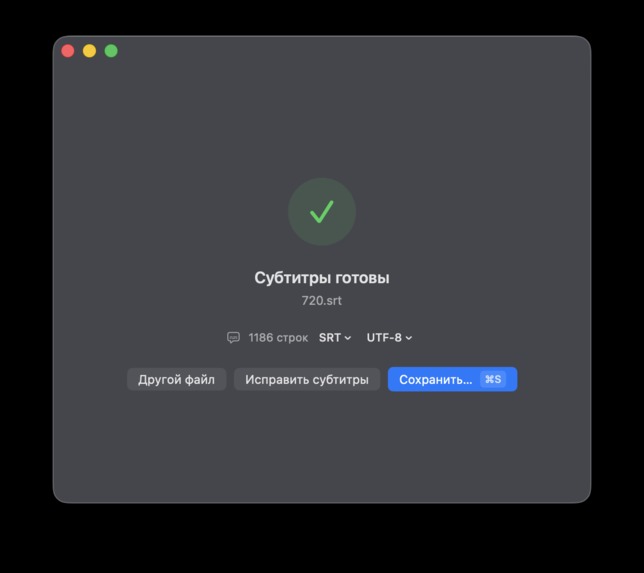
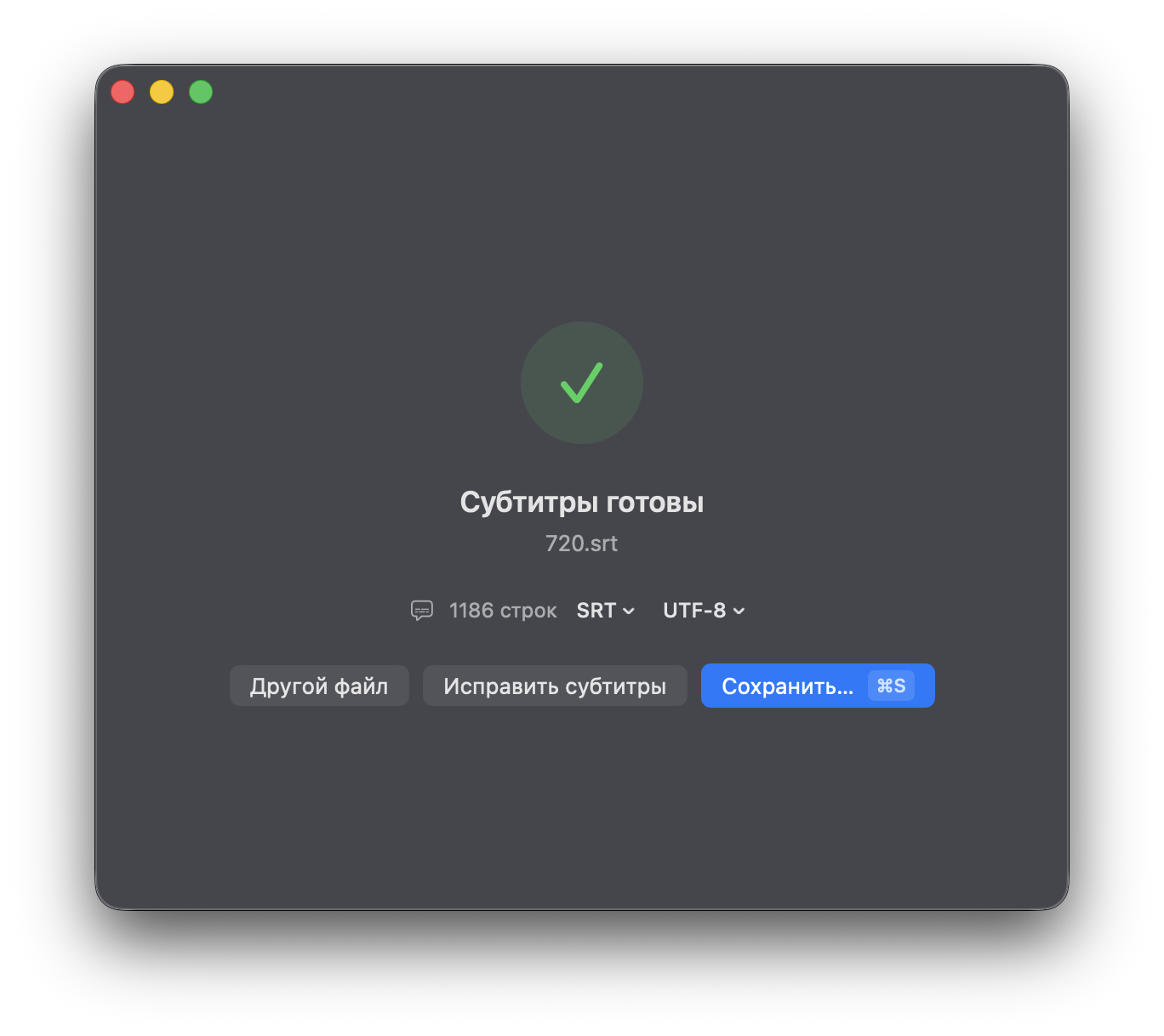
Finished subtitles with format and encoding options
-
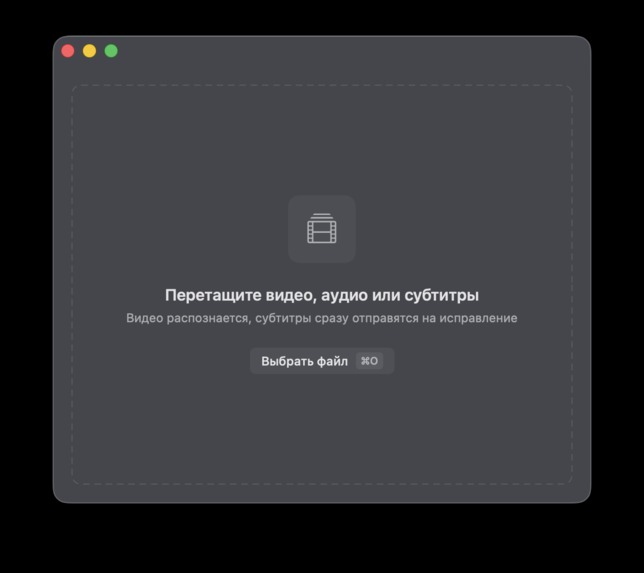
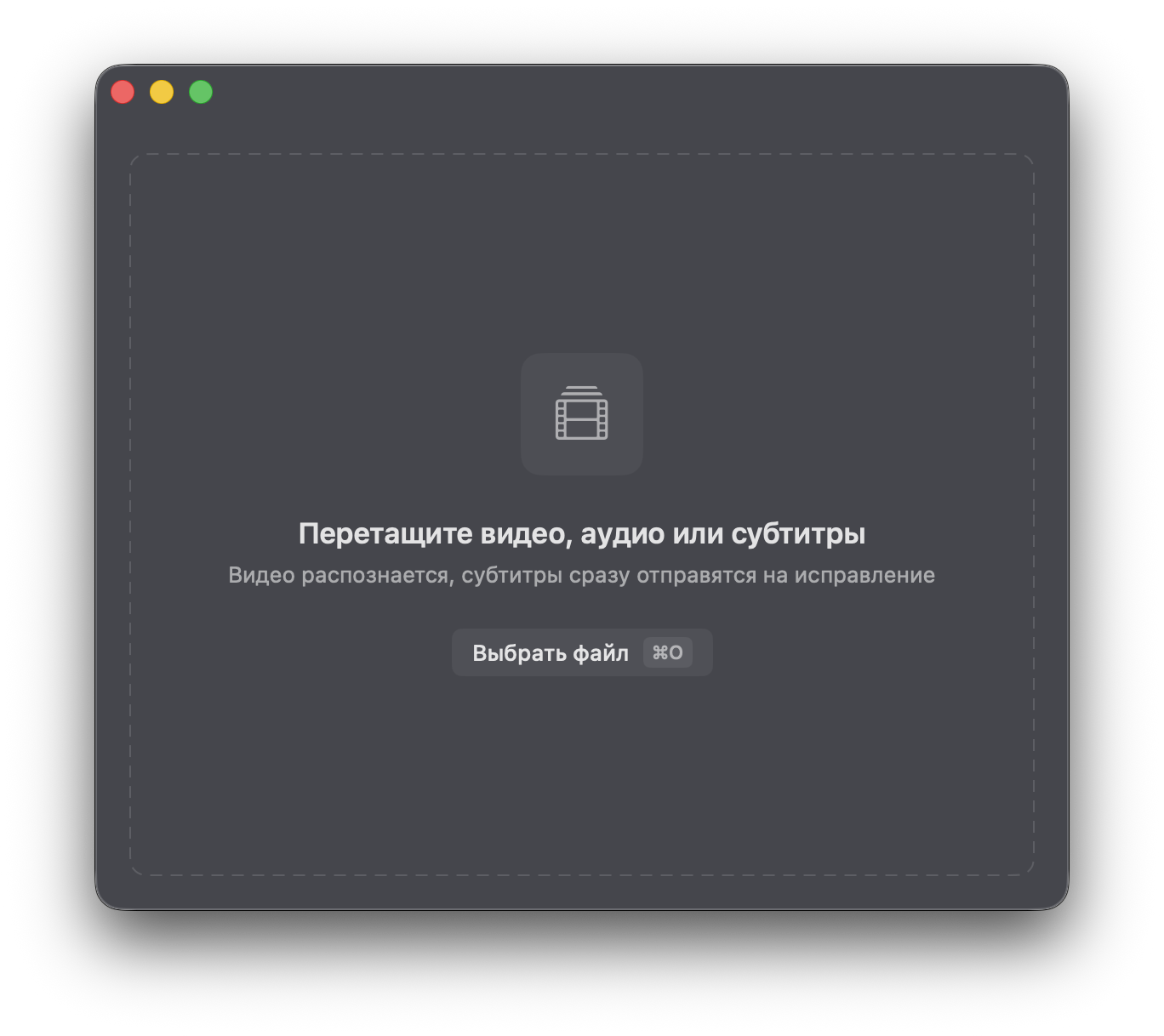
Drag and drop video, audio, or subtitle files
-
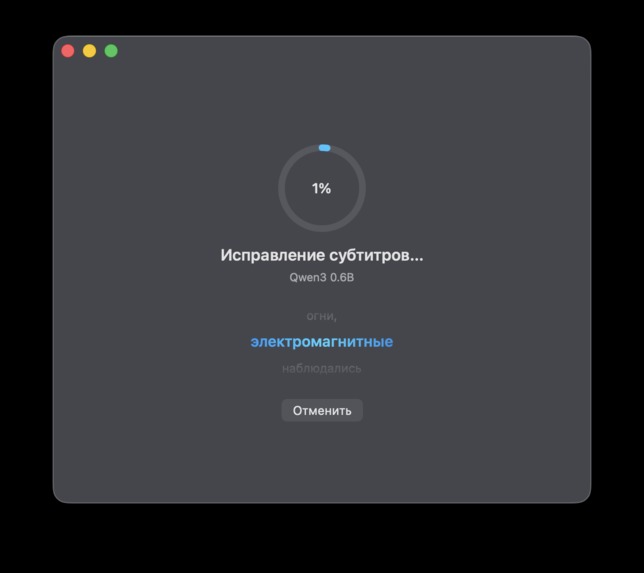
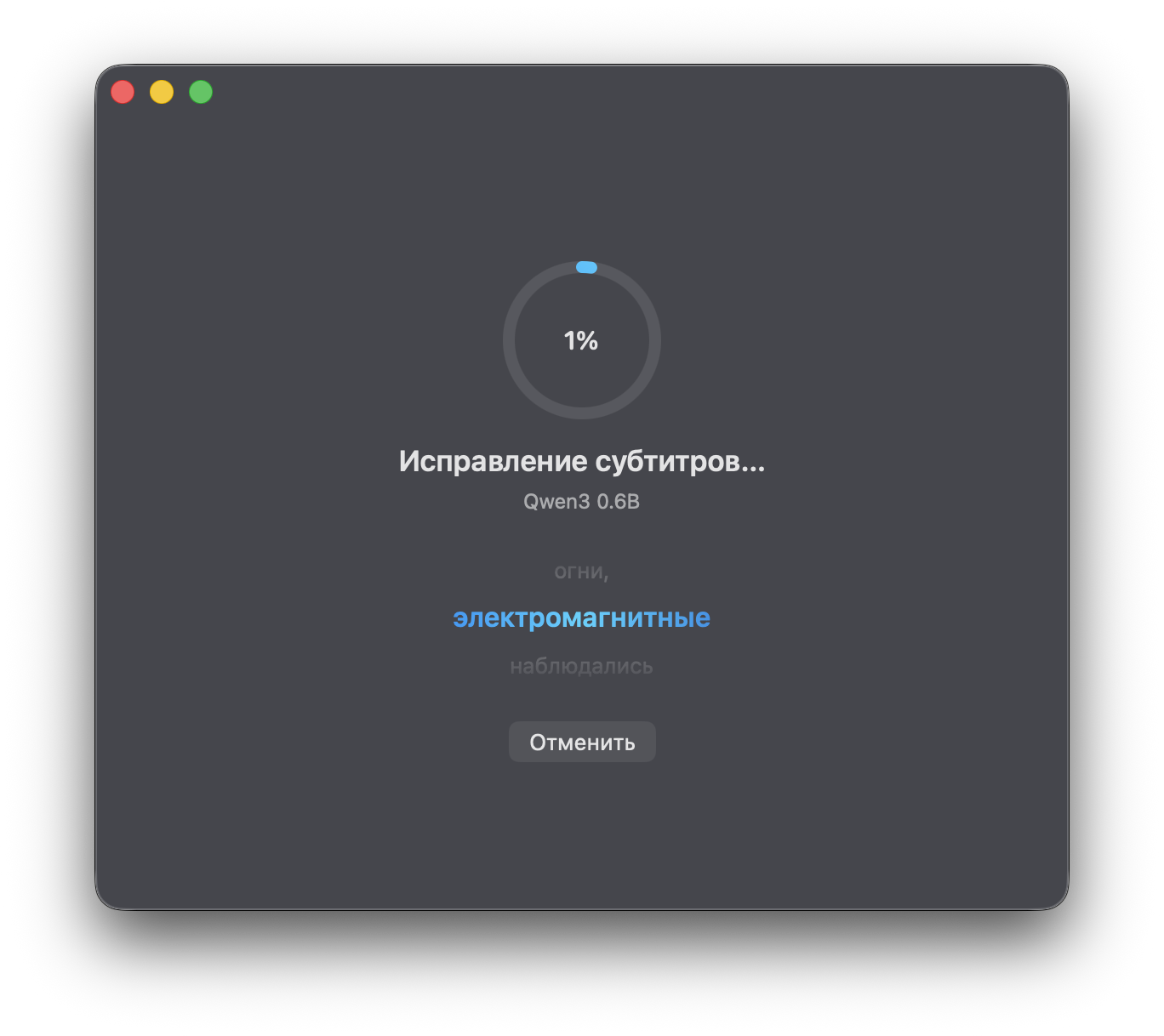
Local subtitle proofreading with Qwen3 0.6B
-
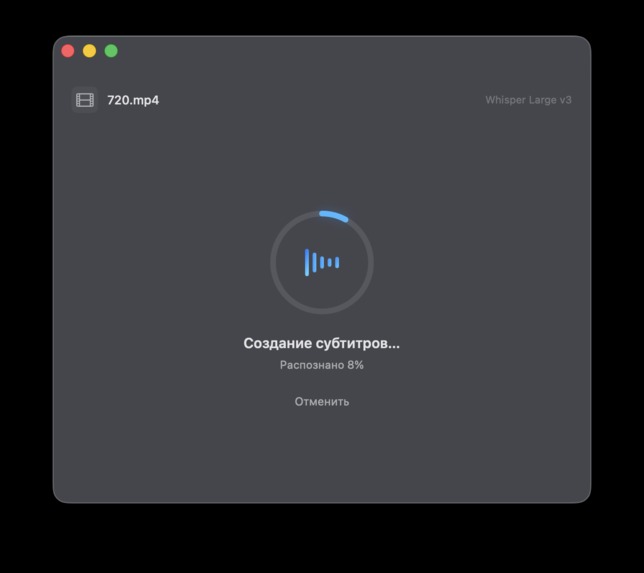
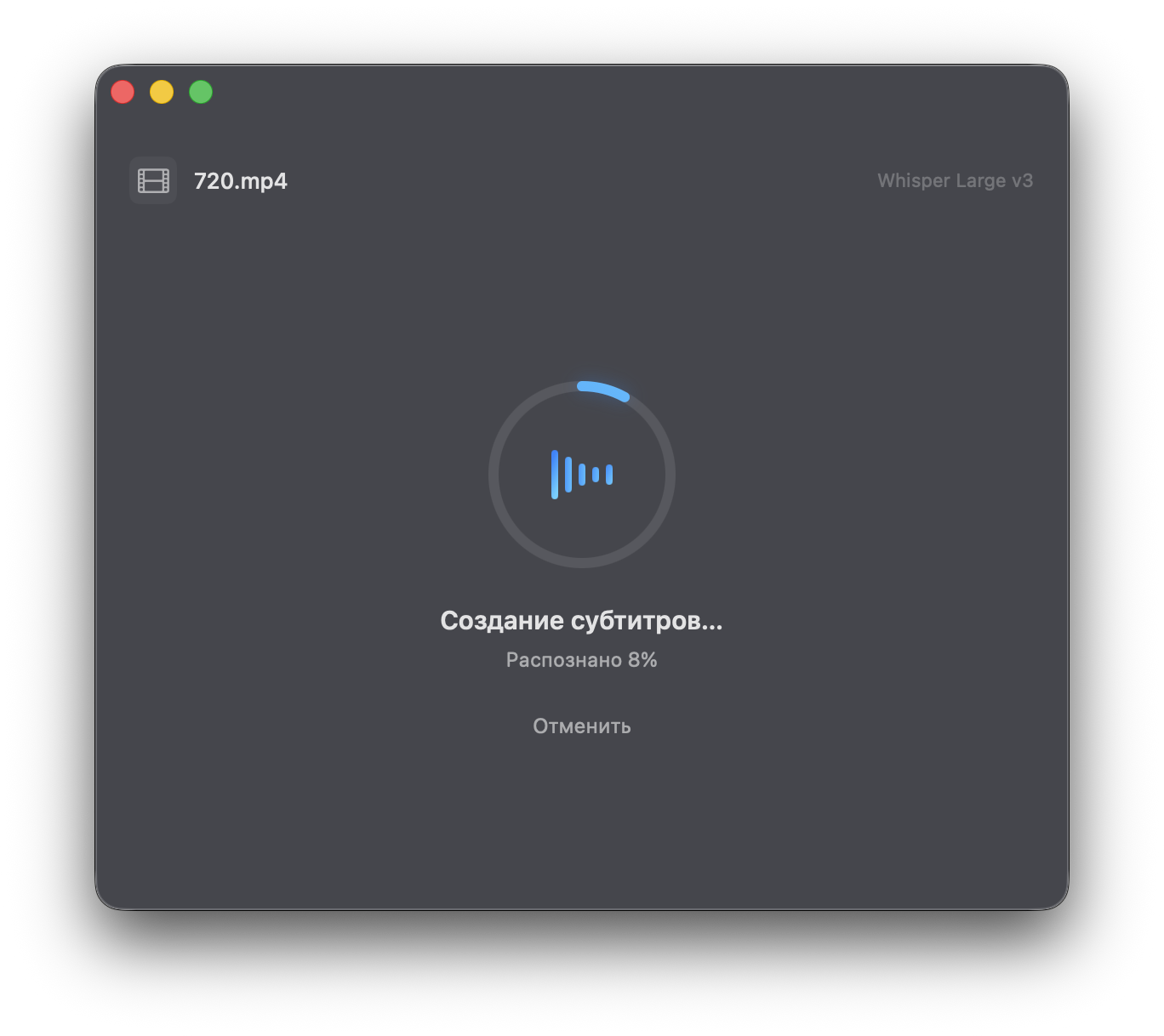
Whisper transcription progress
Inspiration
Not everyone knows this, but I wear hearing aids. I often need subtitles to comfortably understand video and audio, yet the macOS tools I found put reliable transcription behind a paywall. I wanted a simple, native, private, and free alternative that could also help other people with hearing loss.
What it does
WhisperDrop turns video or audio into accurate, time-coded subtitles entirely on the Mac. A user can drag in a media file and export SRT, WebVTT, ASS, or plain text in common encodings. The app can also open existing subtitle files and improve spelling, punctuation, and readability with a small local language model.
The first launch guides the user through downloading only the model they need. Whisper Large v3 handles multilingual speech recognition, while optional Qwen3 0.6B proofreading runs locally on Apple Silicon. The app includes resumable model downloads, automatic language detection, progress feedback, and recovery drafts so completed transcription is not lost after an interruption.
How we built it
WhisperDrop is a native macOS app written in Swift and SwiftUI, with targeted AppKit integration for window behavior and desktop interactions. Speech recognition uses Whisper through WhisperKit and Core ML, taking advantage of Apple Silicon acceleration. Subtitle proofreading uses Qwen3 0.6B through BaseRT with Metal acceleration and a CPU fallback.
We built dedicated pipelines for media import, transcription, timestamp cleanup, subtitle parsing, encoding conversion, export, model download verification, and crash recovery. The interface follows the system light or dark appearance and keeps the workflow intentionally simple: drop a file, wait, review the result, and save.
Challenges we ran into
The hardest parts were making multi-gigabyte model downloads reliable, reporting honest real-time progress, resuming interrupted downloads without corrupting the model, and packaging every tokenizer resource required on a clean Mac. We also had to normalize Whisper output without damaging timestamps, handle malformed responses from a small local language model, preserve work across crashes, and keep Metal acceleration stable.
Accomplishments that we're proud of
- A genuinely useful native macOS app that works locally and keeps private media off external servers
- Multilingual transcription with accurate timestamps and several subtitle formats
- Optional local subtitle proofreading accelerated by Metal
- Drag-and-drop support for both media and existing subtitle files
- Resumable model downloads and automatic recovery drafts
- A lightweight application download; large AI models are downloaded only when the user asks for them
- An interface designed to be understandable without technical knowledge
What we learned
We learned a great deal about Core ML, Metal, Swift concurrency, robust large-file downloads, subtitle timing and encoding, and reliable structured output from compact language models. Most importantly, accessibility is not a separate feature: it shapes the whole product, from the number of choices shown to the user to how failures and recovery are handled.
What's next for WhisperDrop
Next we want to add simple subtitle presets, including an accessible mode for deaf and hard-of-hearing viewers. That mode will combine speech recognition with optional sound-event recognition for cues such as music, laughter, alarms, and doors, then merge both timelines automatically. We also plan a visual subtitle editor, clearer before/after proofreading comparison, signed and notarized releases, and safe in-app updates.
Built With
- accessibility
- appkit
- avfoundation
- coreml
- macos
- metal
- qwen3
- swift
- swiftui
- whisper
- whisperkit


Log in or sign up for Devpost to join the conversation.