-
-
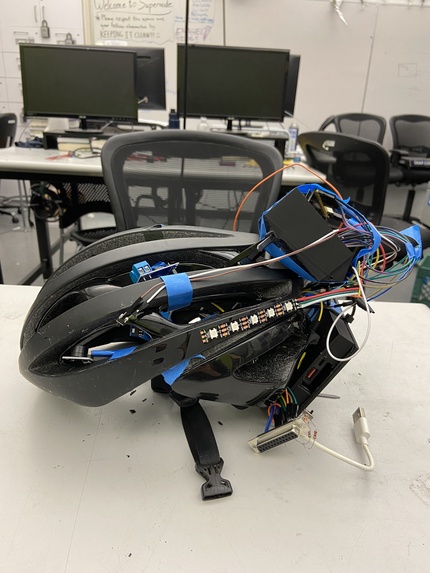
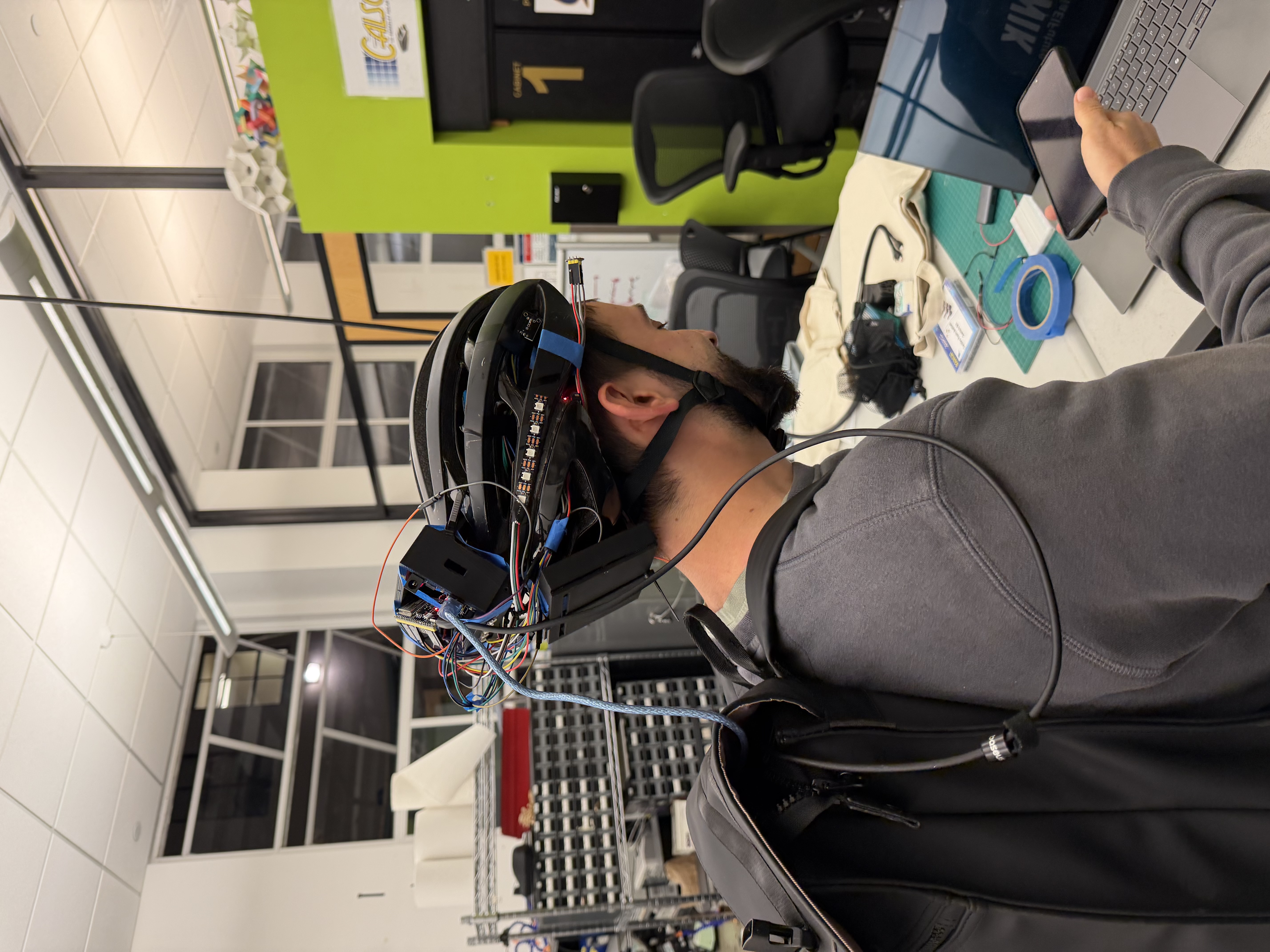
Hero photo
-
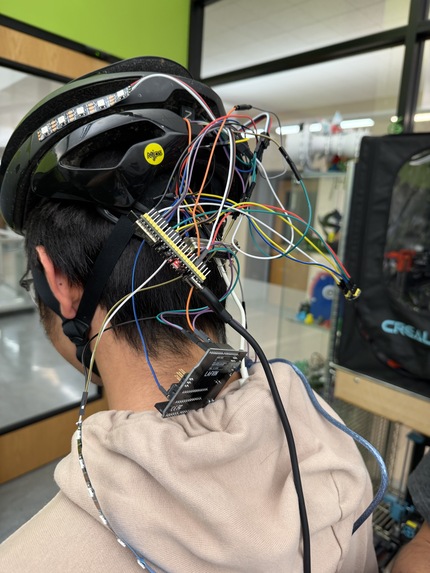
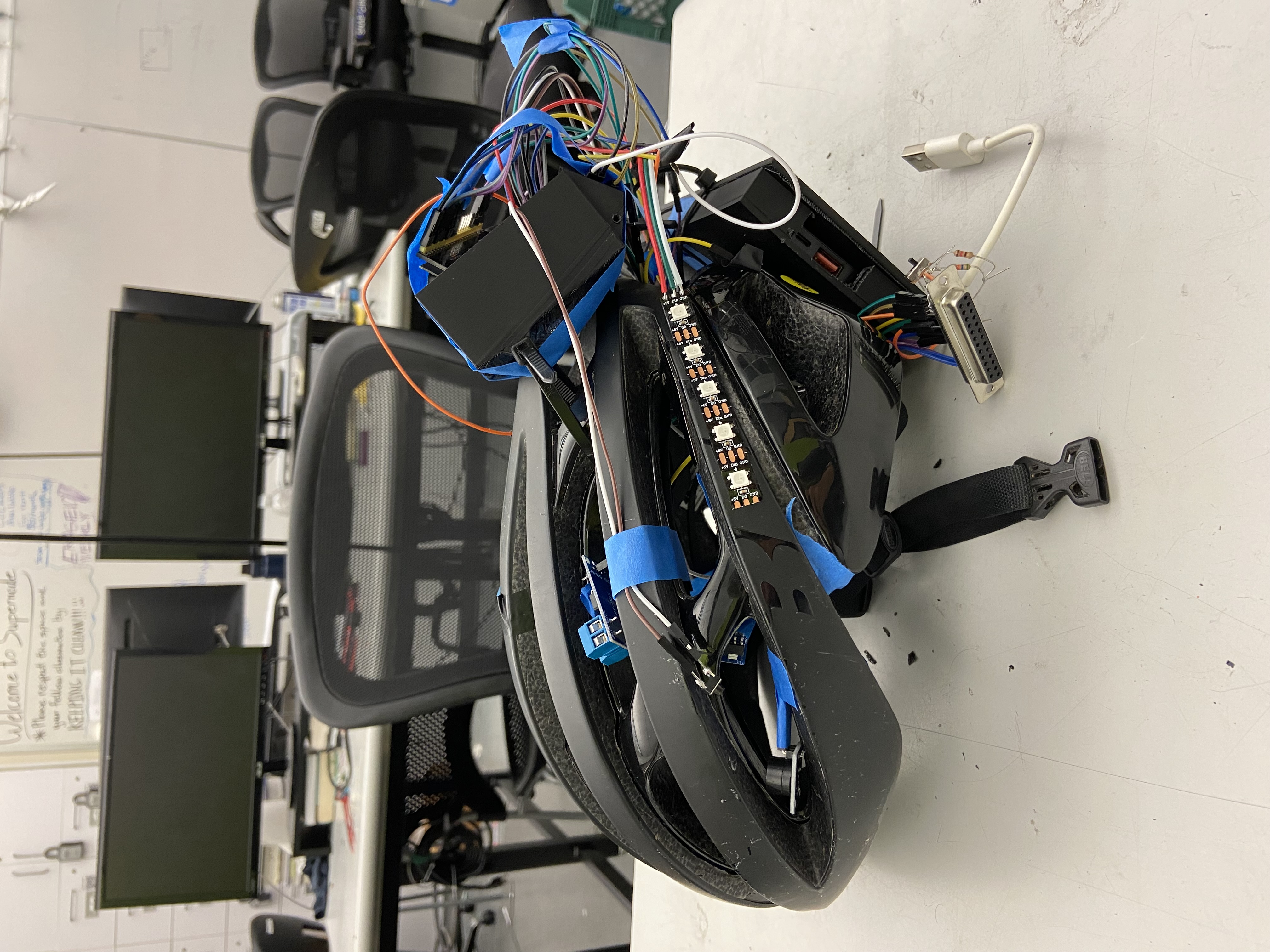
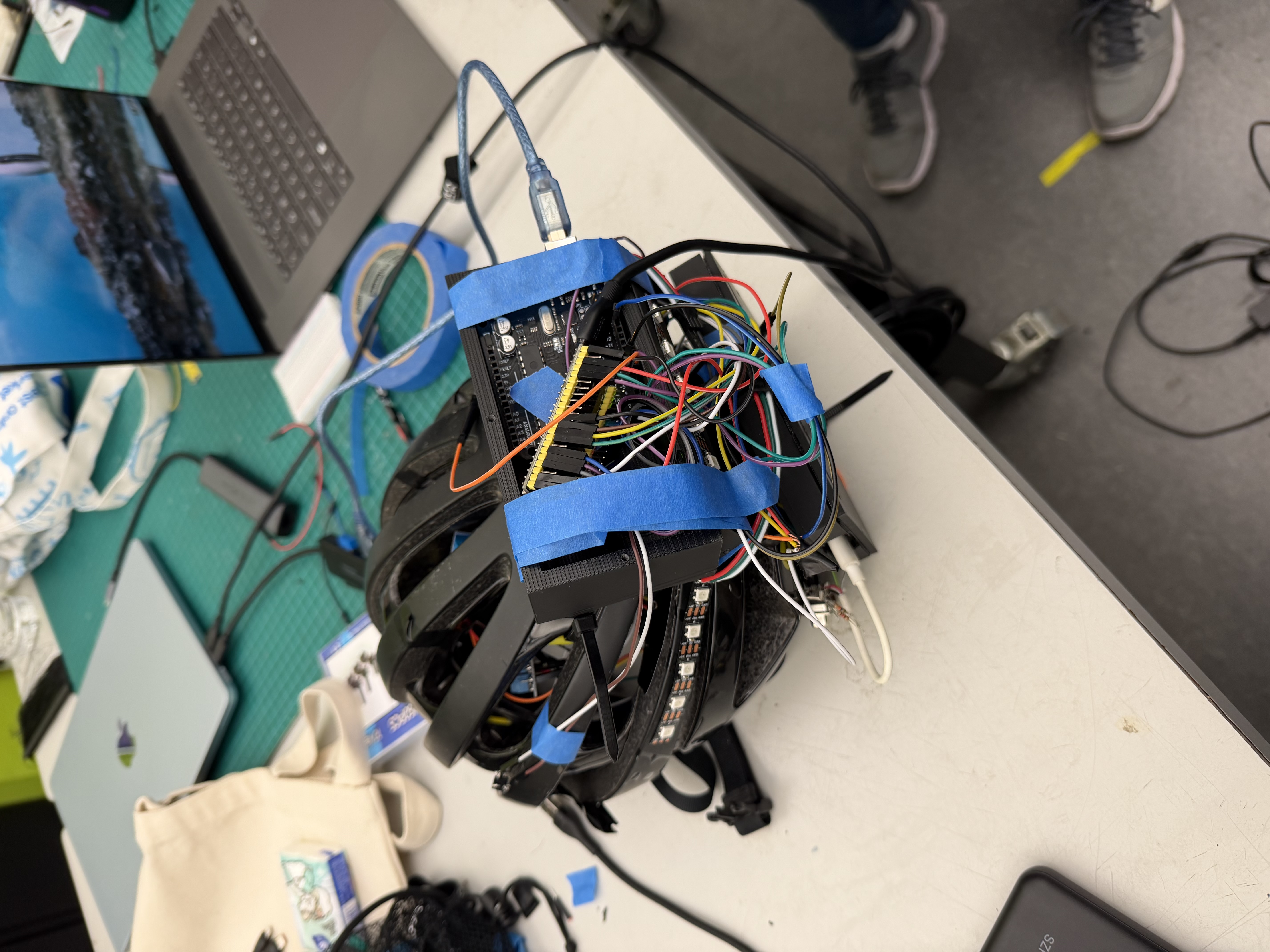
V1
-
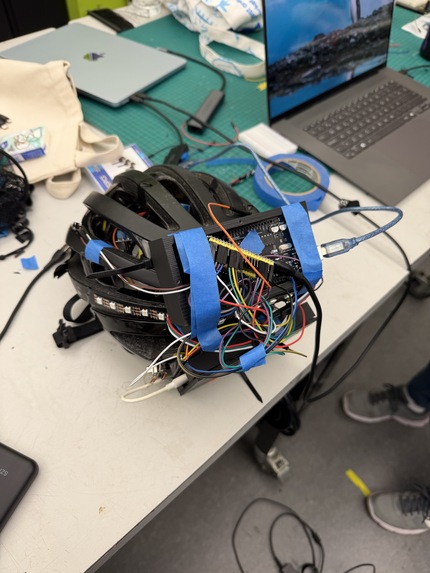
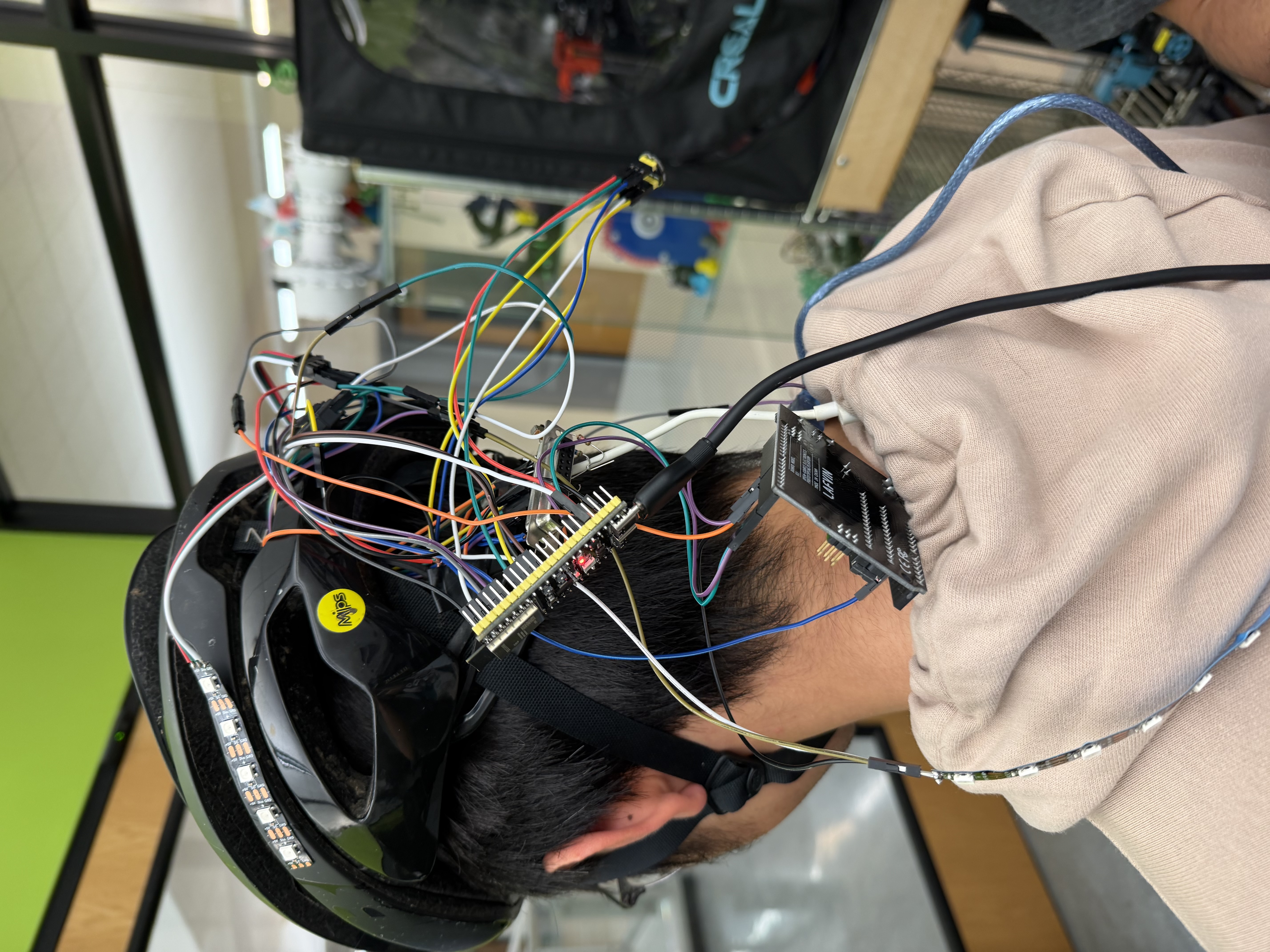
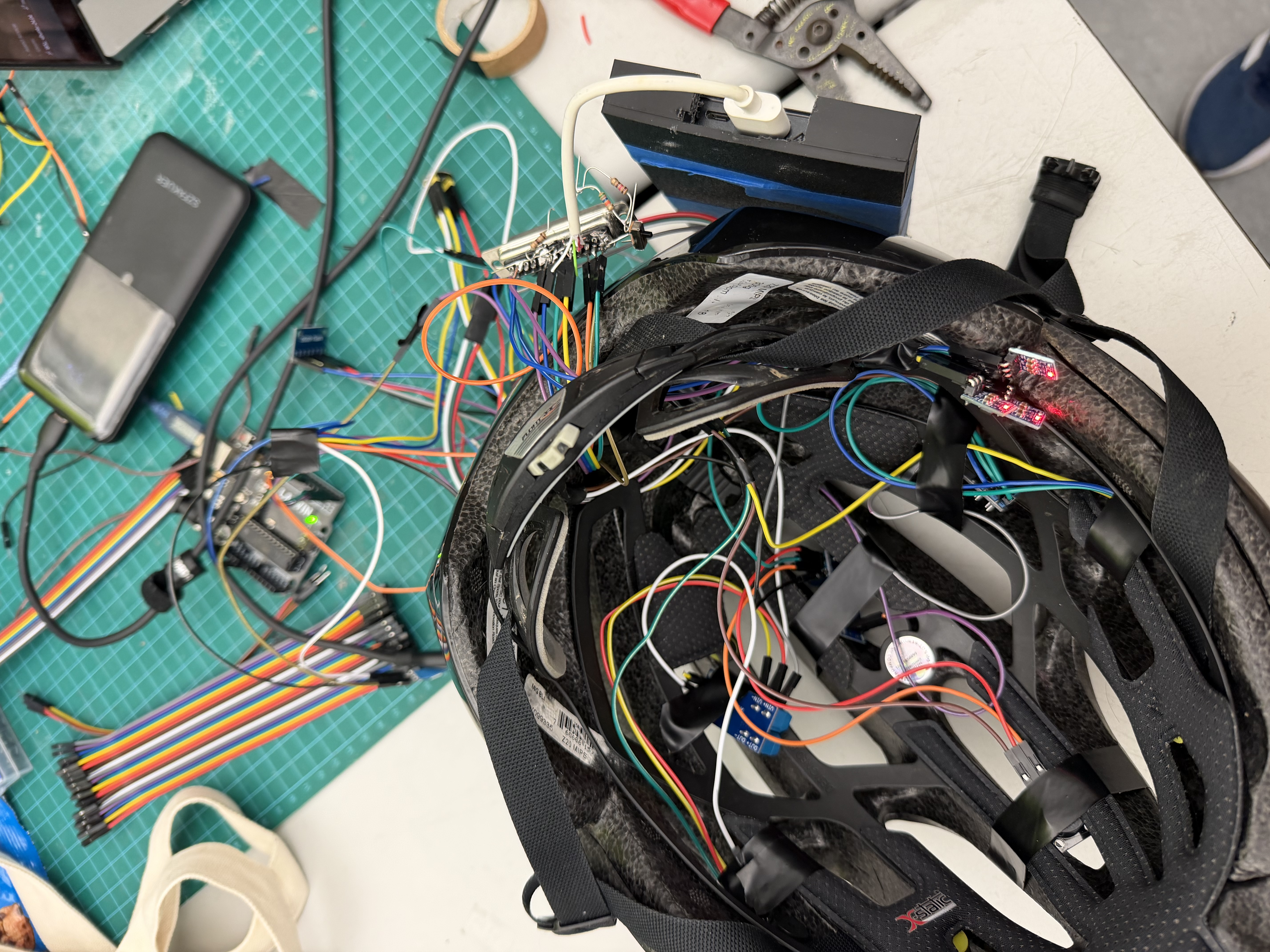
Debugging
-
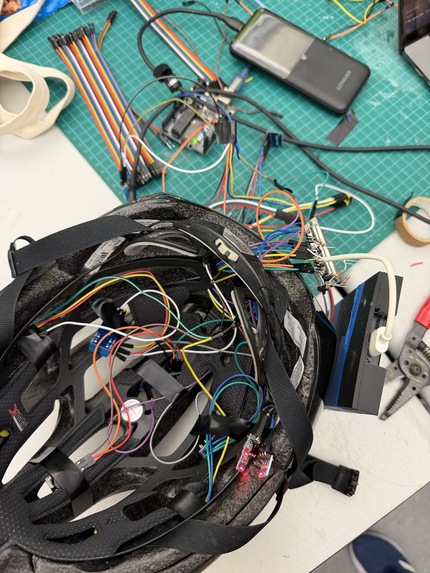
Inside
-
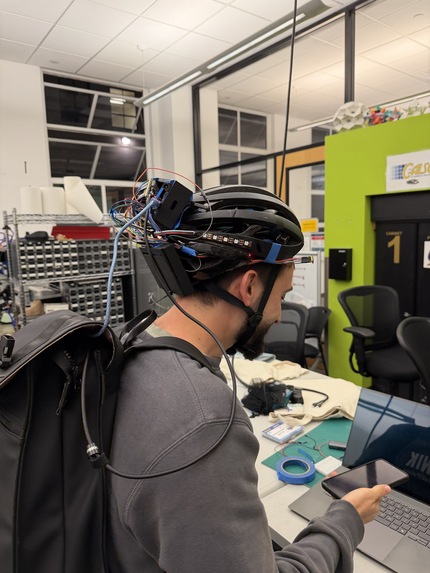
V final
-
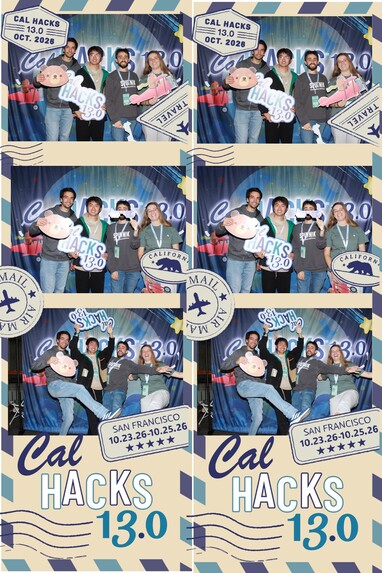
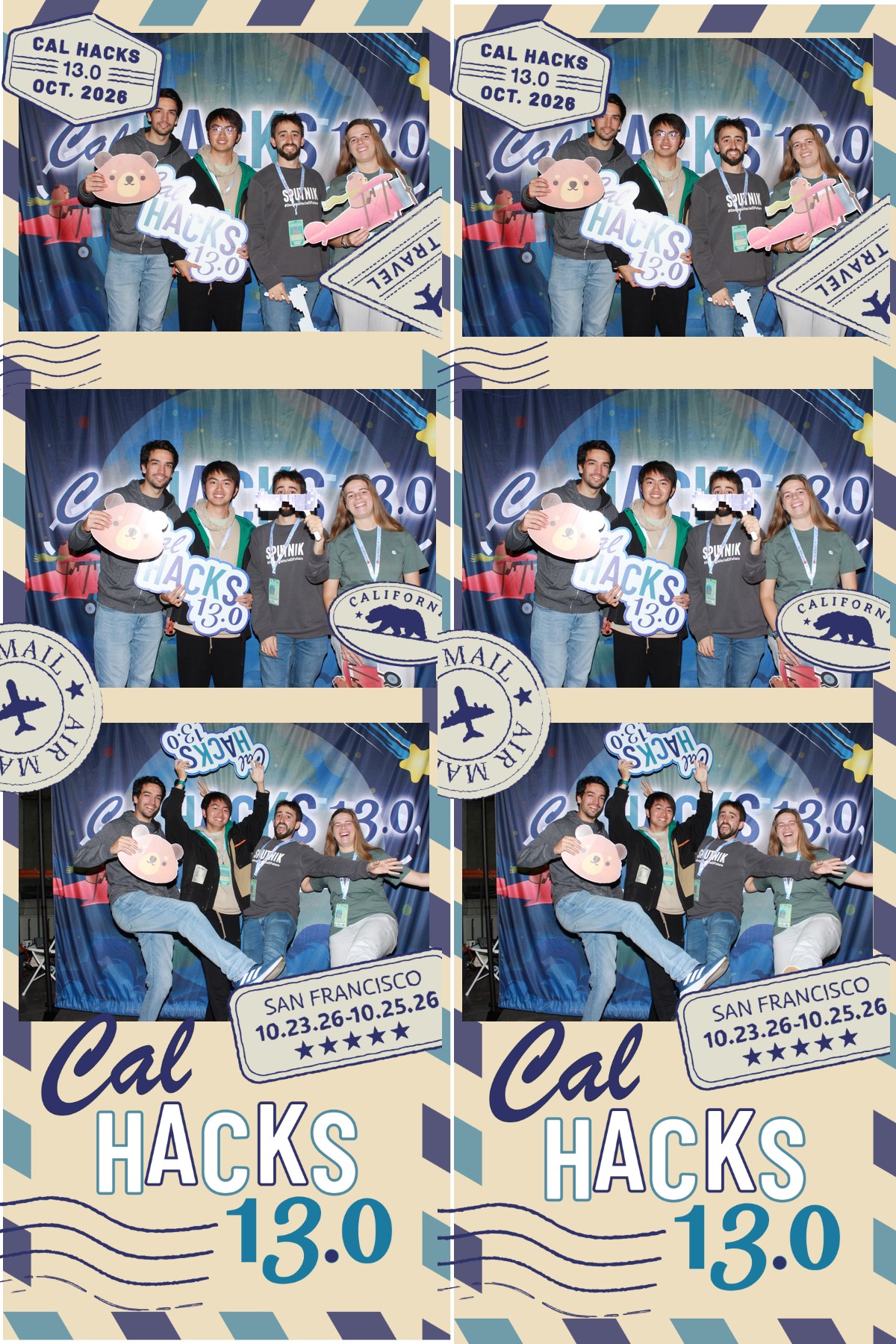
Team photo!
Inspiration
Every rider knows the moment. You're somewhere new, you aren't sure where to turn, and the directions are on a phone. On a scooter or a bike, that means a glance down at the screen, then back up at the road, then down again.
The numbers are easy to work out. At 20 km/h you are riding at approximately 5.6 m/s, so a two-second glance means
$$ 5.6\ \text{m/s} \times 2\ \text{s} \approx 11\ \text{m} $$
of road ridden without looking at it.
Signalling has the same problem. To show a turn you take a hand off the handlebars, which is exactly when you most want both hands on them. And other road users, in cars, on scooters and on bikes, only know what you plan to do if you tell them clearly.
We asked what would happen if the helmet did the work. It could tell you where to turn without you looking, and tell everyone else what you're about to do without you letting go. It's a bit like Remy under Linguini's chef's hat, a little voice under the hat nudging you the right way. The rider keeps their eyes up and their hands on the handlebars.
What it does
NudgeURway is a retrofit helmet module and a phone app that work together, so you can navigate, signal and be seen without taking your eyes or hands off the ride.
On the helmet
- Directions you feel: three buzzers, Left, Front and Right, give vibration plus sound on the side you should turn toward.
- Hands-free blinkers: side LEDs signal your turns to everyone behind and beside you, driven by the route.
- Brake light: a middle LED lights up when you slow down, triggered by the accelerometer.
- Microphone: voice commands to set your destination.
In the app
- Pair and see status: connect the helmet in one tap, with a clear connected state and a pulse animation.
- Choose your route: set a starting point and a destination, typed or by voice, then press GO.
- Ride view: a live map with your route and Left, Front and Right tiles that show the buzz you feel.
- Make it yours: choose your name, Bicycle or Scooter, and metric or imperial units. The app adds up the distance you've travelled.
How we built it
- Hardware: an ESP32 handles Bluetooth and talks to the phone. More than 12 components run together: three buzzers, two blinker LEDs, a brake LED, an MPU accelerometer and a microphone, all running from power banks.
- Wiring: soldering, tape and a lot of trial and error. We took an Edisonian approach: build it, test it, break it, fix it.
- Housing: two PLA parts joined at \(50^\circ\) so the module sits flush on the helmet's curve: an electronics box and a battery tray, each with its own lid. The battery tray has two small arms with holes that fit a wedge-shaped recess cut into the electronics box, and a screw through each arm locks them together. Lid slots carry the wires.
- Firmware and app: vibe-coded in Cursor with test-driven development. The app visualises the route and sends it to the helmet over [Bluetooth Low Energy: confirm]. An LLM interprets the destination, and Convex stores trips and turns.
- Design: we sketched on paper, chose a four-colour palette, built a clickable wireframe, then rebuilt it in Figma with colour variables and swappable icon components.
Challenges we ran into
Hardware
- Hardware shortages meant finding substitutes and borrowing parts.
- The power banks kept going to sleep mode when the draw was low.
- Logic-level commands did not drive the blinkers, so we fixed it with resistors and extra components.
Housing
- We measured the helmet's ridges roughly with calipers, found attachment points, worked out the helmet's angle (\(50^\circ\)) and put the module on the back instead of the top.
- It had to be compact but still hold everything, and holding flat components on a curved helmet was hard.
- Our first iteration had three parts, which was too many. The screws were too short and their positions were hard to reach, so the second iteration has two parts joined by the arms and recess.
Integration
- Debugging firmware, connecting software to hardware and connecting the LLM to the embedded code.
- Balancing effort across hardware, the app, design and 3D printing.
App design
- Icons: they took far more attempts than expected. We turned a helmet image into a vector icon, then kept changing the set until stroke and style matched across screens.
- GO to Ride animation: we wanted only the helmet icon to move left to right and leave a trail of smoke, so the transition feels fast. The speed, smoke spacing and timing took many tries.
- Connected state: the helmet connection was too easy to miss, so we redesigned the connect button and helmet icon and added a pulse animation.
- Process: our first wireframe was built outside Figma and then rebuilt, and our first palettes had too many colours, so we cut to four that felt right.
Accomplishments that we're proud of
- We got more than 12 hardware components working together at once.
- The brake light comes on by itself when the accelerometer detects braking, so the rider never has to signal with a hand.
- A rider can say where they want to go, and the LLM turns it into a destination.
- We designed a housing for a curved helmet that went from three parts to two in two iterations.
- We built a full-stack solution across hardware, 3D design and UI design, with Convex as one place for our data.
- We solved a problem we face on our own rides, and we were quick to find and borrow the parts we needed.
What we learned
- Integration is the hard part. Each component worked on its own. Getting the firmware, the app, the LLM and the hardware to work together took far more time, so we learned to test the connections early instead of finishing each part first.
- Check power and signals before building around them. Power banks that went to sleep and logic levels that couldn't drive the blinkers only showed up once everything was wired together. A resistor-and-parts fix is easy early and painful late.
- Design for assembly, not just for fit. Our first housing fit the helmet but was hard to screw together. Cutting from three parts to two, and putting the screws where a hand can reach them, made it better.
- Small details decide whether a design works. An easy-to-miss connected state and mismatched icons made the app feel wrong, so fixing them mattered more than adding features.
What's next for NudgeURway
- Lighter electronics: a better integration design using soft fabric to keep the weight down and the helmet aerodynamic.
- Solar power: eventually add a solar panel to replace the battery and keep it eco-friendly.
- Maps in the app: an embedded map and routing inside the app.
- Safer routes: routes chosen so the rider always has an available bike lane.
- Hands-free voice: trigger the voice command by saying a phrase instead of pressing a button.
- Real-world testing: try it in real scenarios with real riders.
Built With
- 3d-printing
- arduino
- autodesk-fusion-360
- bambu-labs
- bluetooth
- buzzers
- c
- c++
- claude
- convex
- cursor
- esp32
- expo.io
- figma
- grok-bot
- grok-voice-api
- javascript
- leds
- microphone
- mpu
- openstreetmap
- python
- react-native
- soldering
- typescript


Log in or sign up for Devpost to join the conversation.