-
-
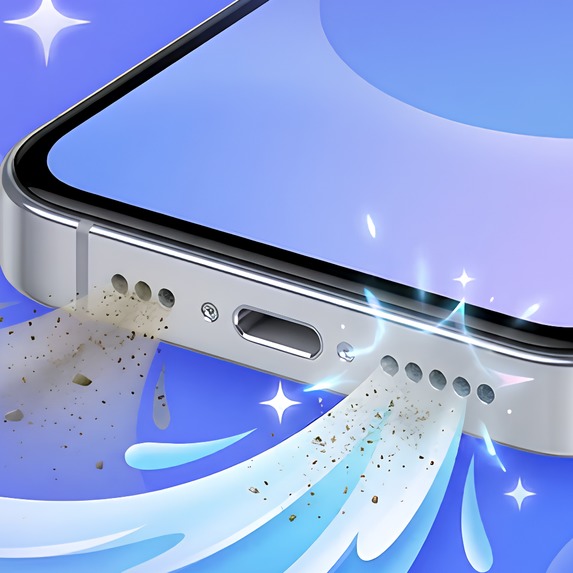
Water Eject: Clear Speaker+. Water out. Dust gone. Sound back.
-
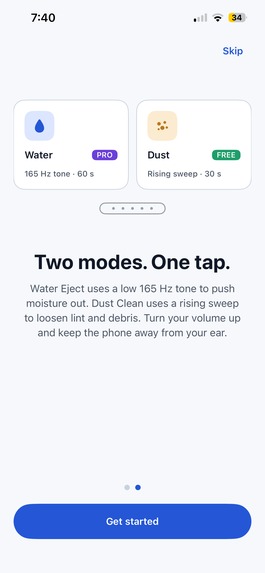
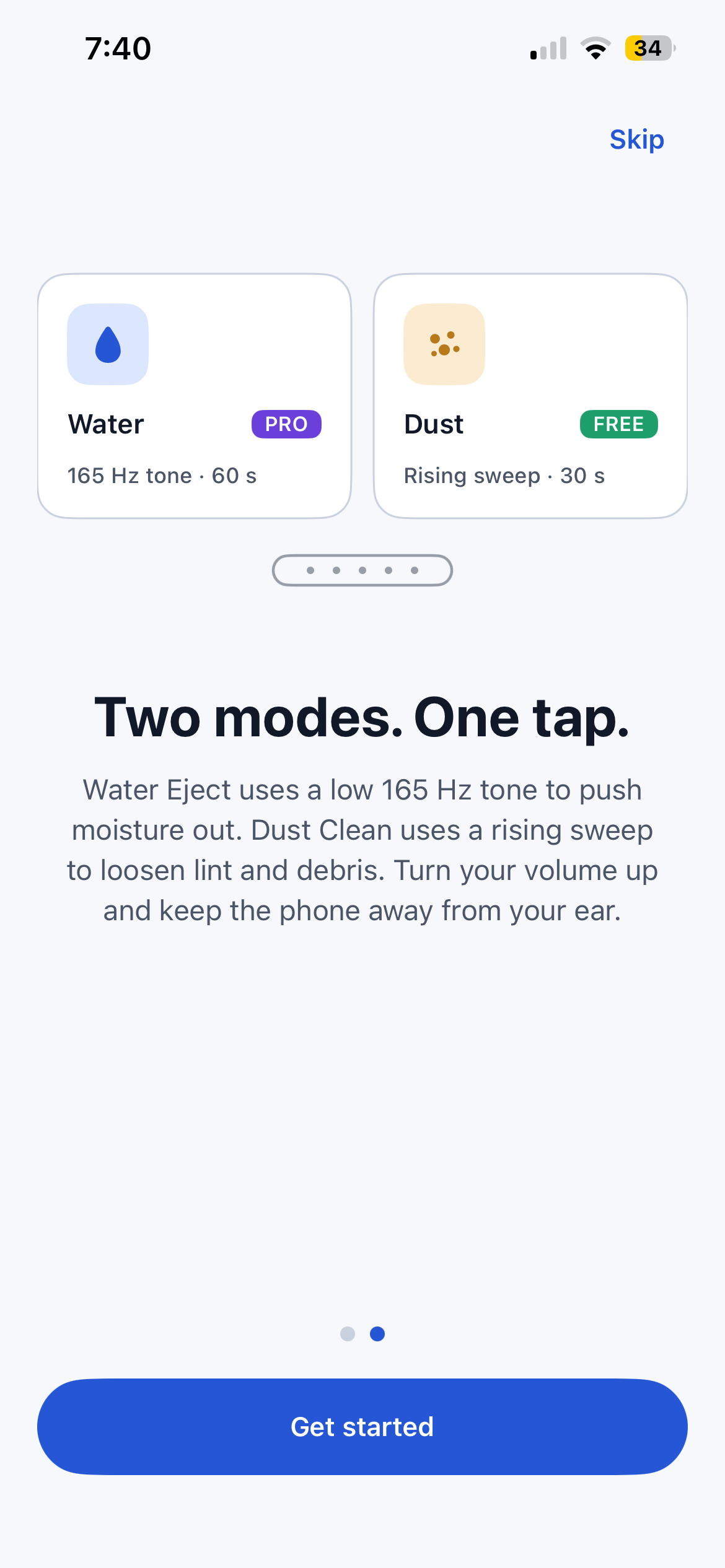
Two quick screens explain both modes and the safety tip. Then you're in.
-
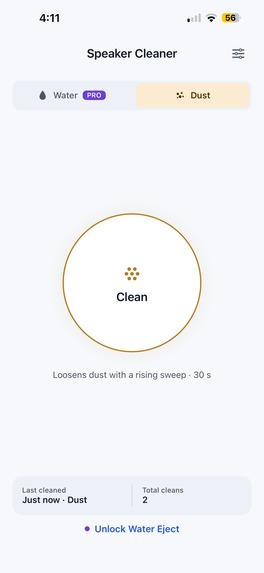
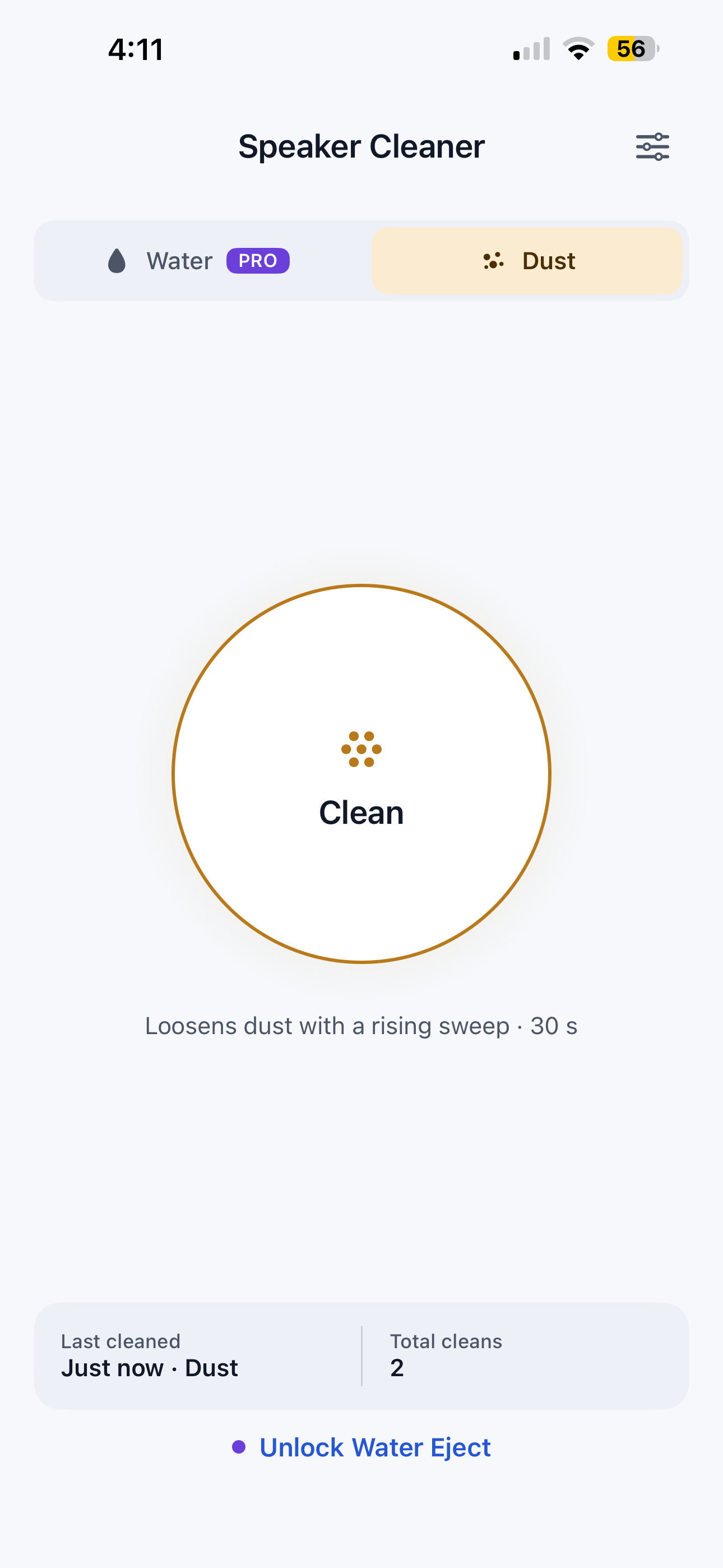
One big button owns the screen. Pick Dust or Water and tap Clean.
-
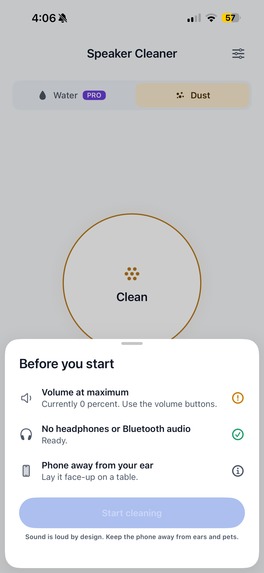
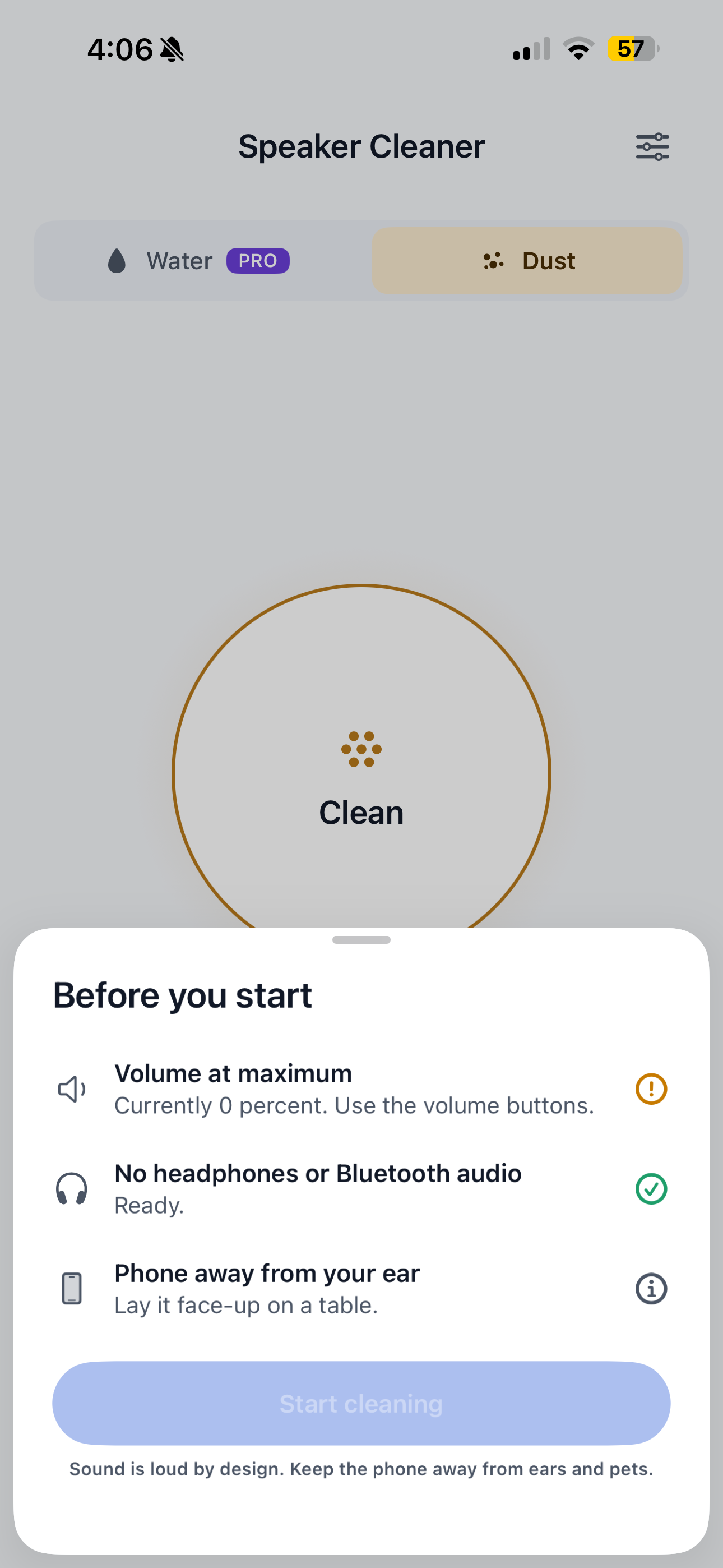
Safety first: the app checks your volume and blocks the start if headphones or Bluetooth audio are connected.
-
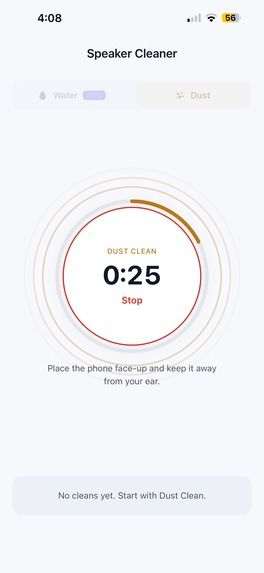
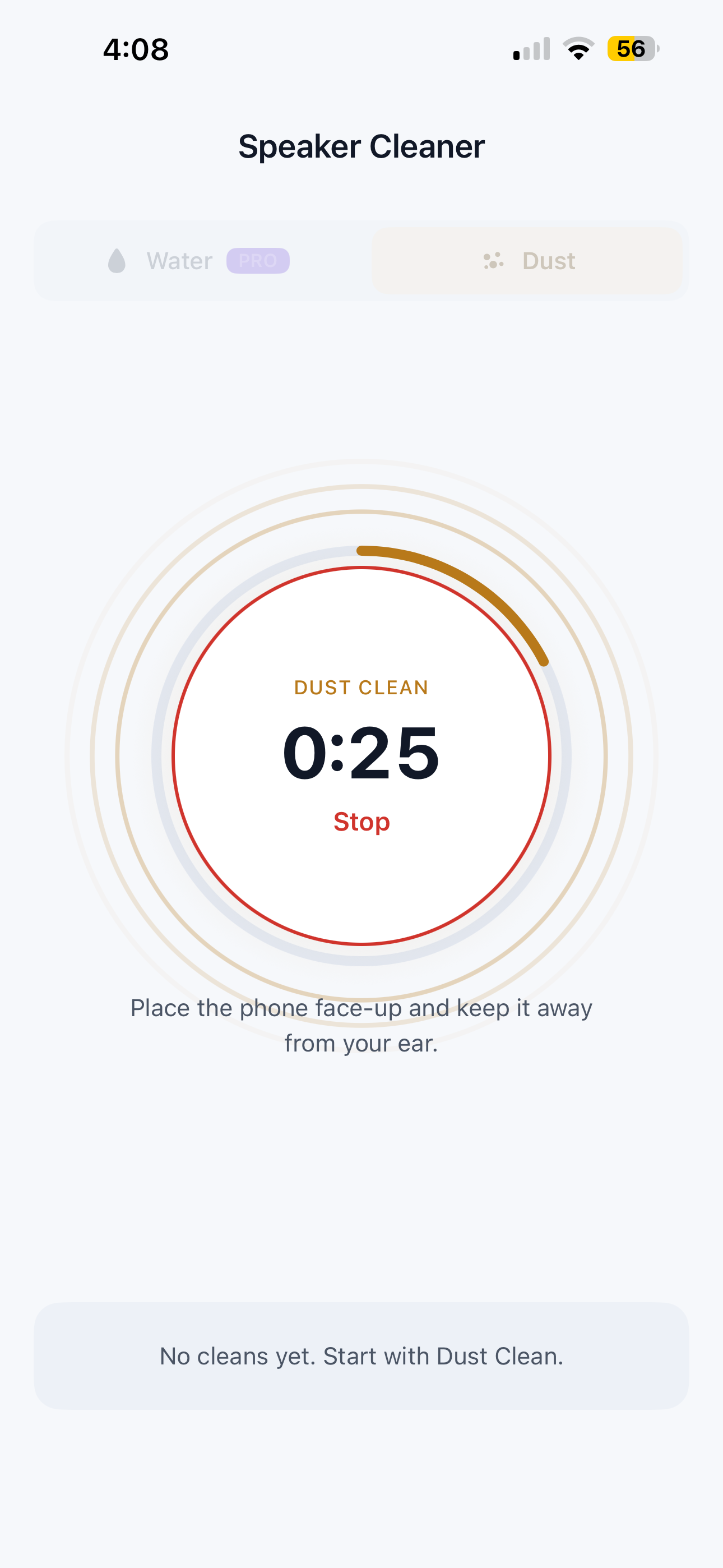
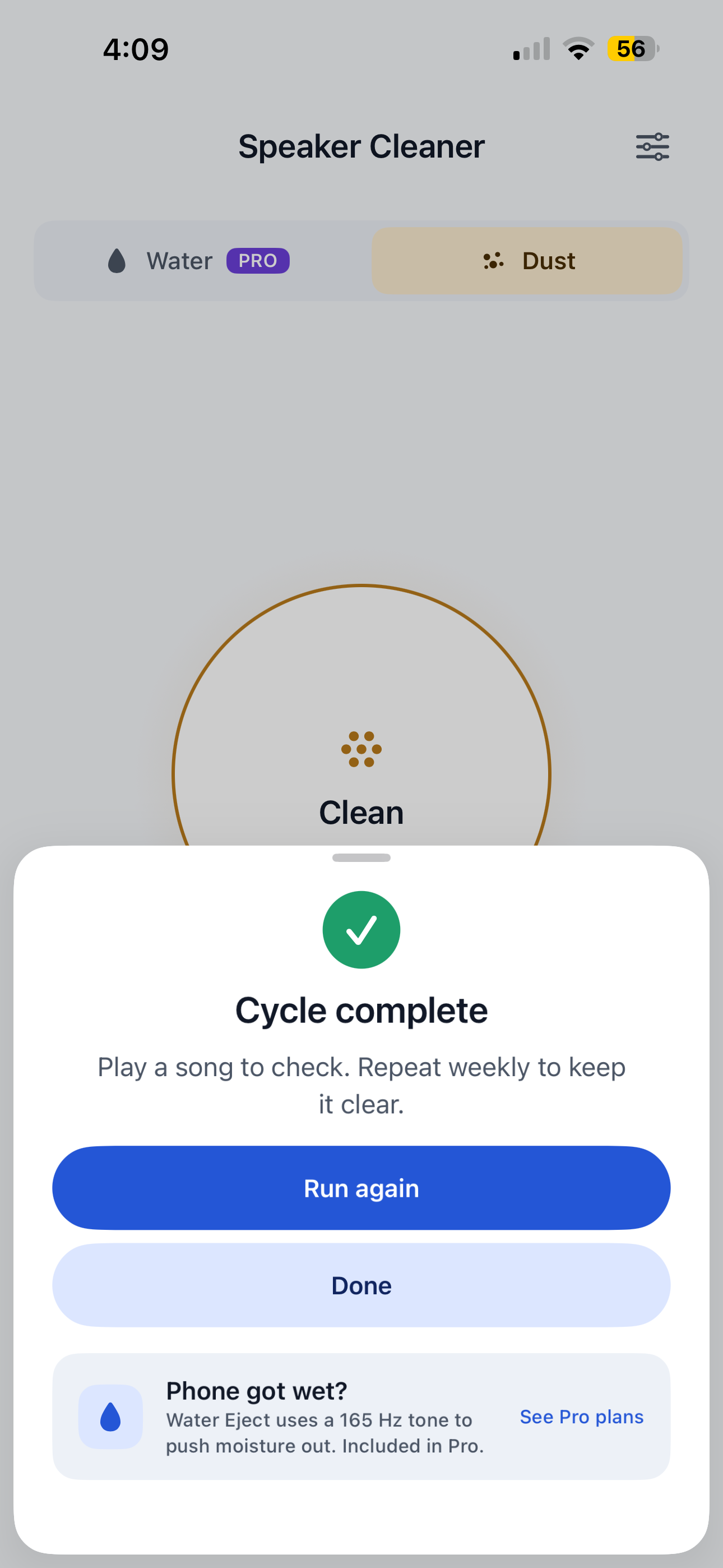
Dust Clean is free forever: a 30-second 1 to 12 kHz sweep that helps loosen lint and dust.
-
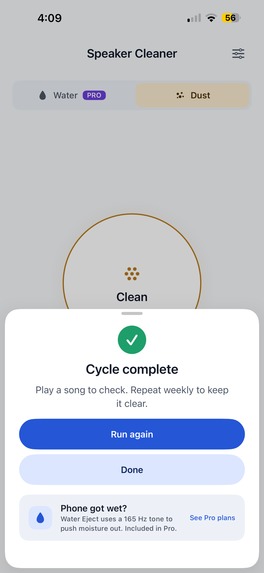
A clear finish with honest next steps: play a song to check, and run it again if needed.
-
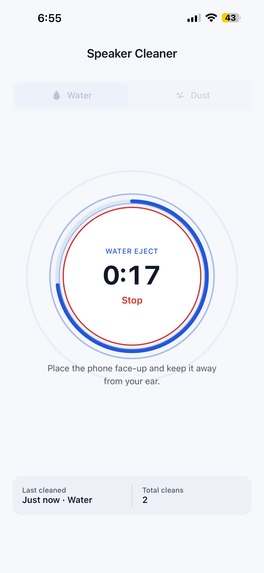
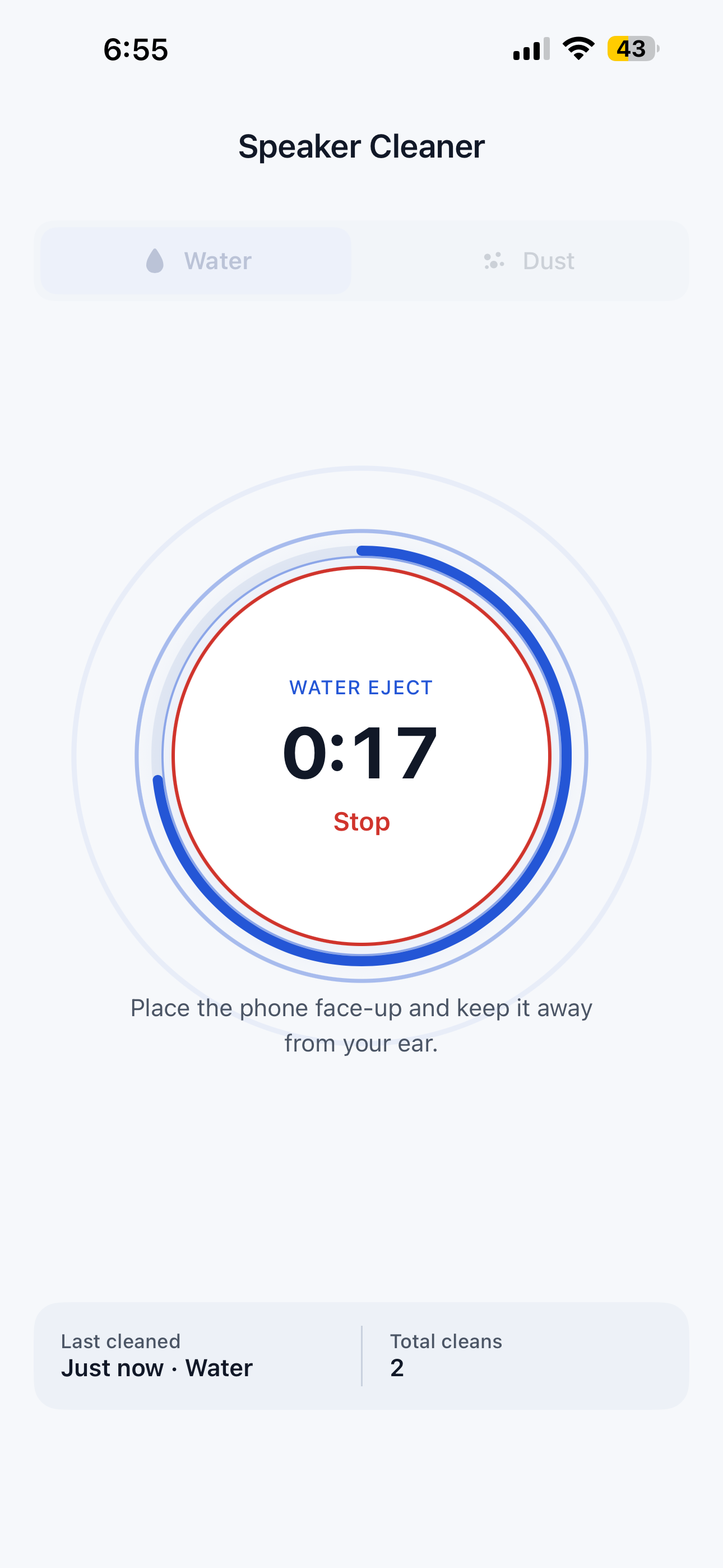
Water Eject plays a 60 second 165 Hz tone that helps push water out of the speaker mesh.
-
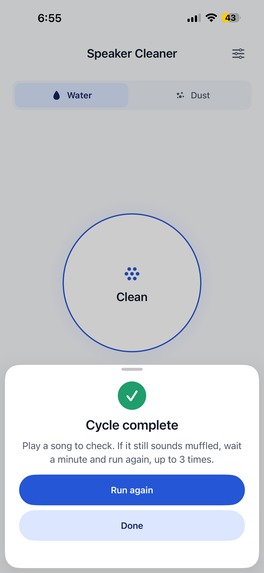
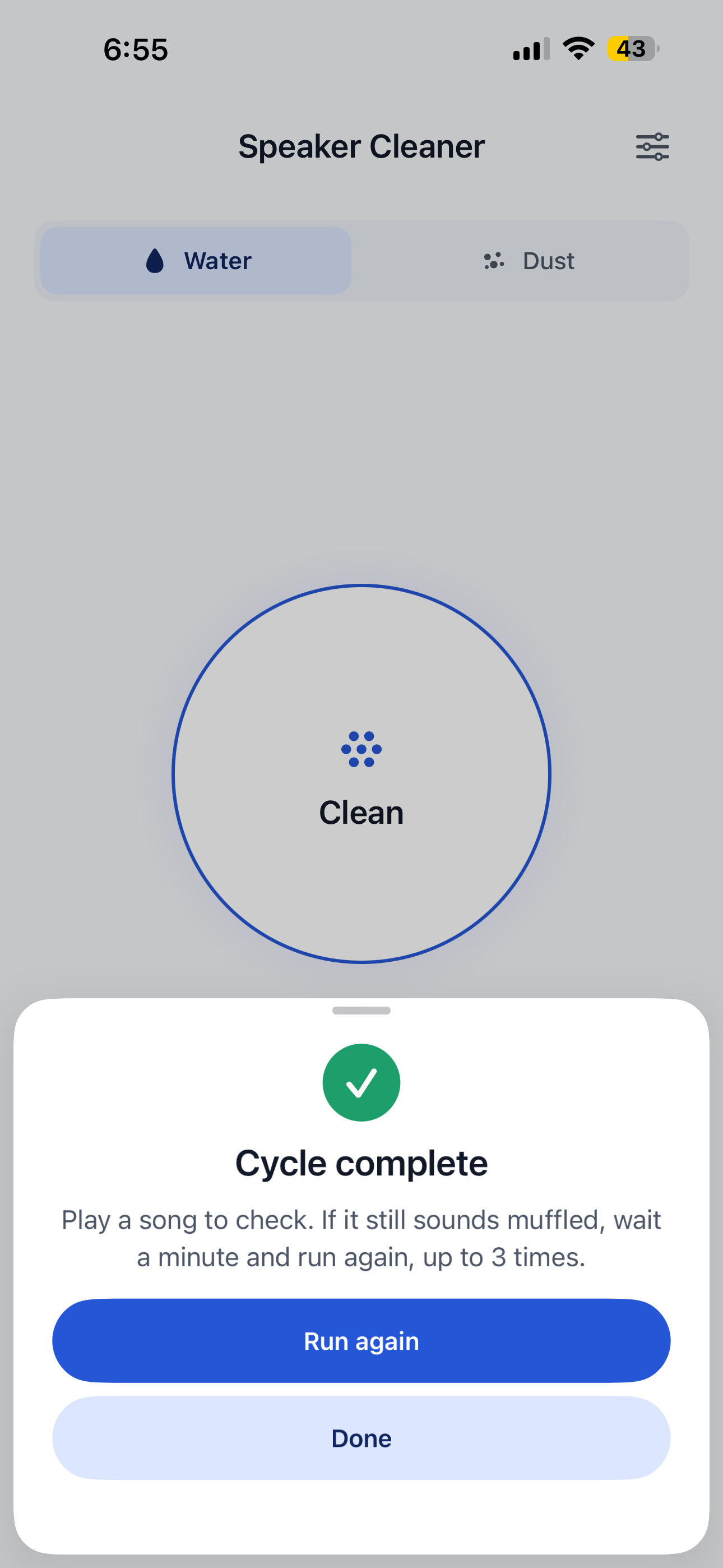
A Water Eject clear finish with honest next steps: play a song to check, and run it again if needed.
-
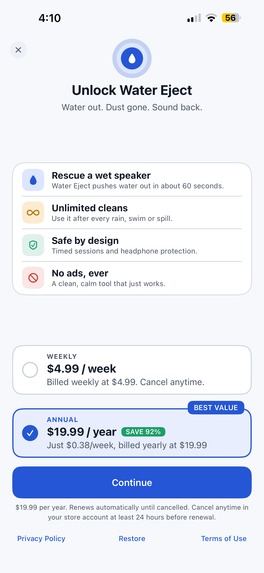
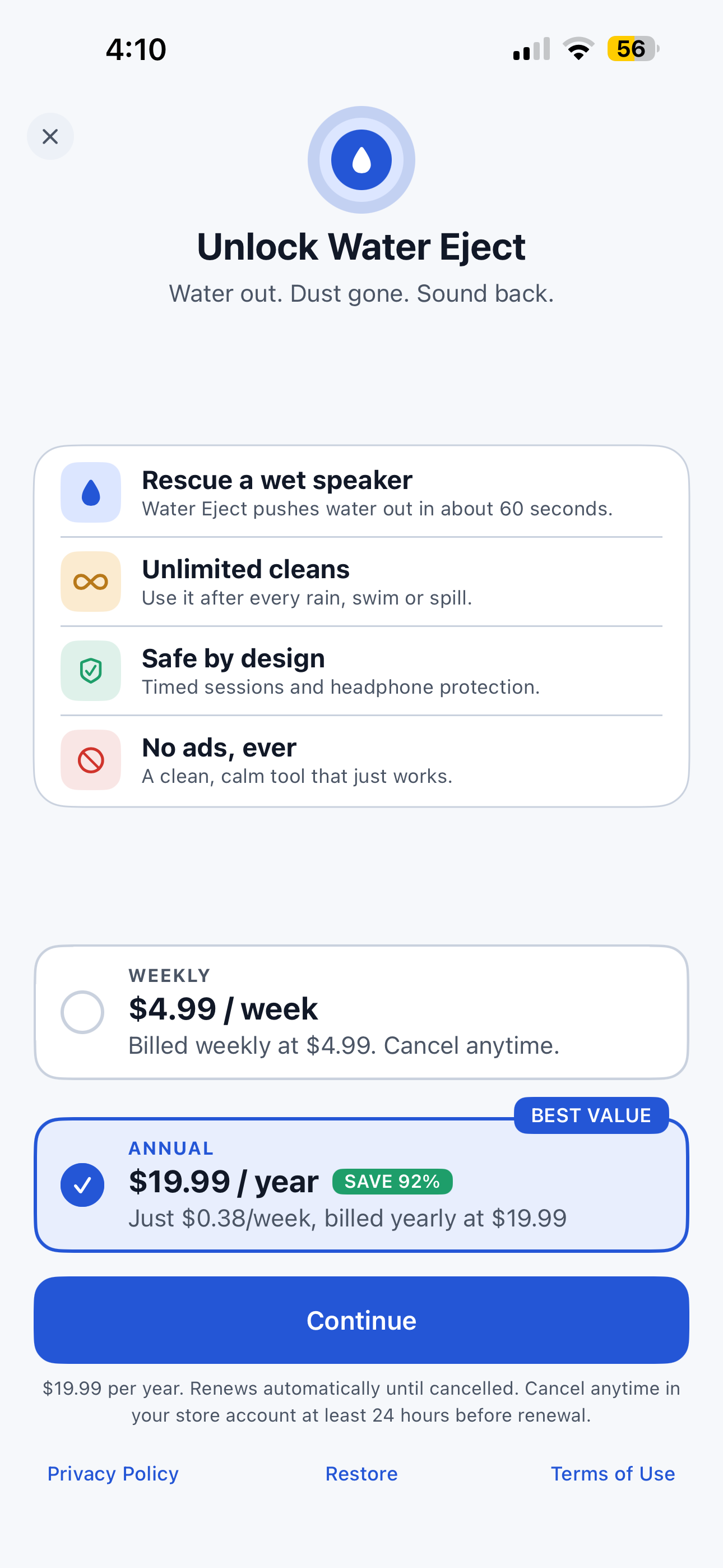
Weekly and annual plans with a 3-day trial, powered by RevenueCat. Close anytime, restore anytime.
-
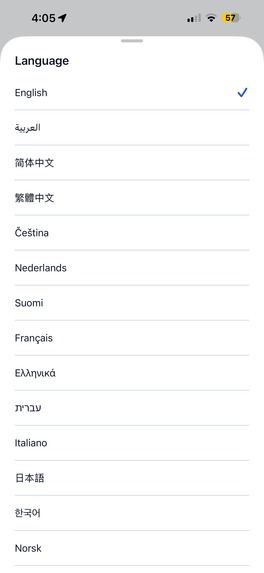
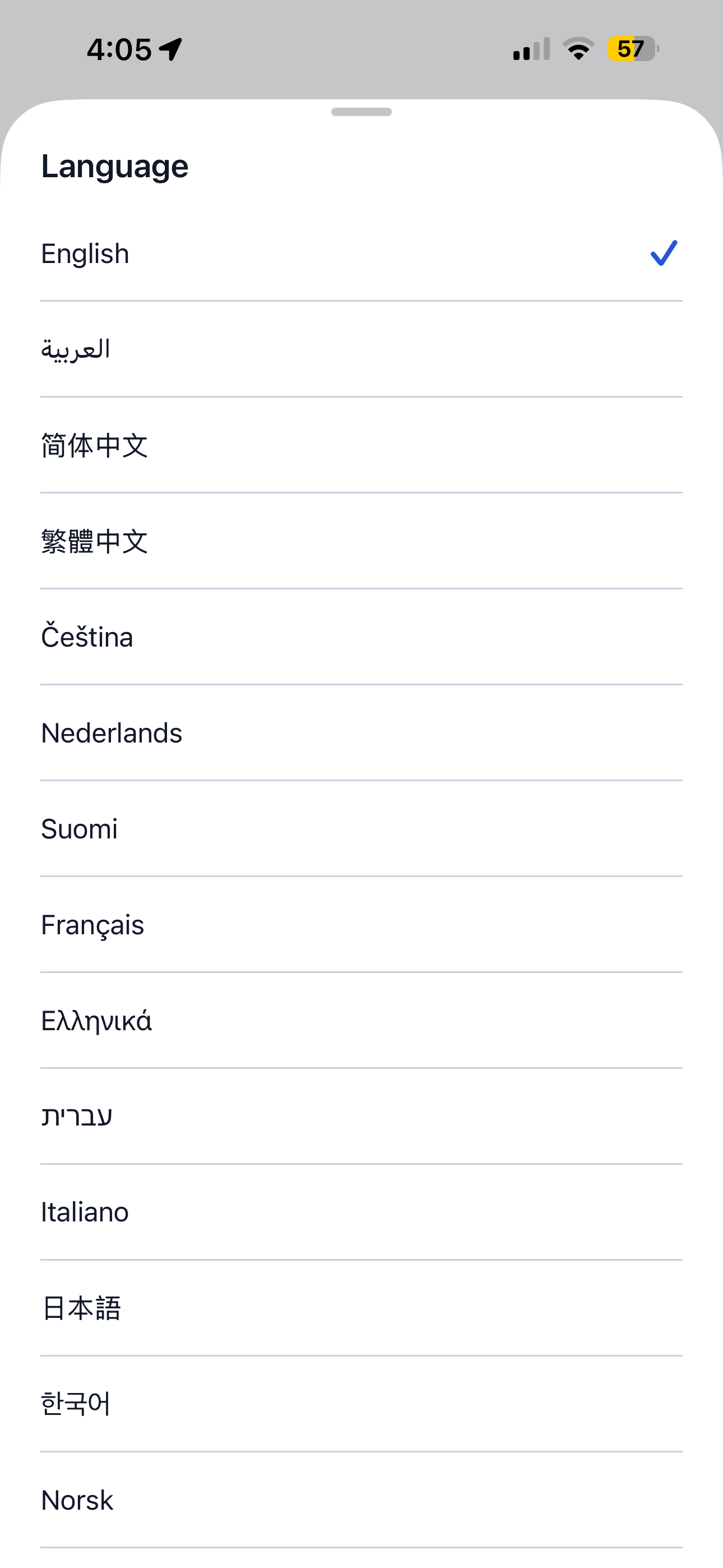
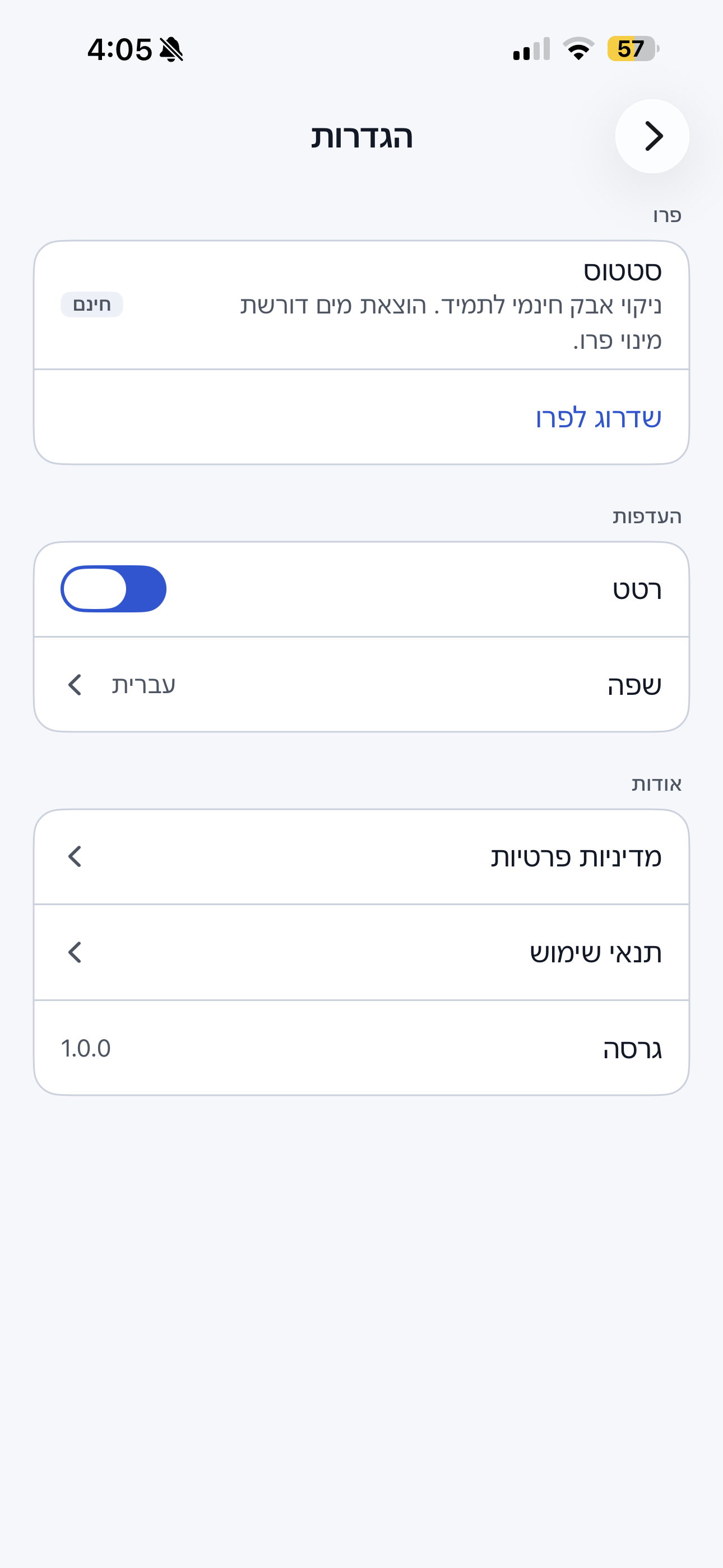
Speaks 18 languages, including Arabic and Hebrew right-to-left. No account, no ads, no tracking.
-
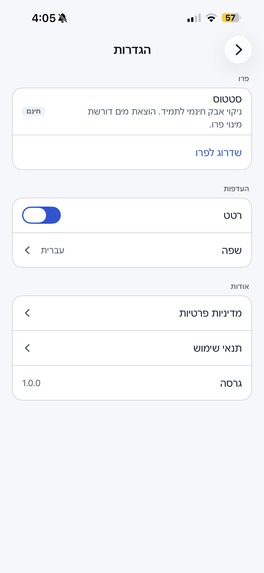
Arabic and Hebrew right-to-left support
Inspiration
iPhones live in pockets, bags, bathrooms and rain. Water and dust end up in the speaker mesh, and the sound turns muffled or quiet. When it happens, people search the App Store in a panic, and most speaker cleaner apps greet them with ads, fake "analyzing your speaker" screens and a paywall before anything works.
I wanted the opposite: one screen, one button, honest guidance, and a free mode that stays useful forever.
I built the first version in 2 days and submitted it on September 16. I wasn't planning to enter Shipaton, but after two rejections the app went live on September 30, the last day of the window, so I decided to submit anyway.
What it does
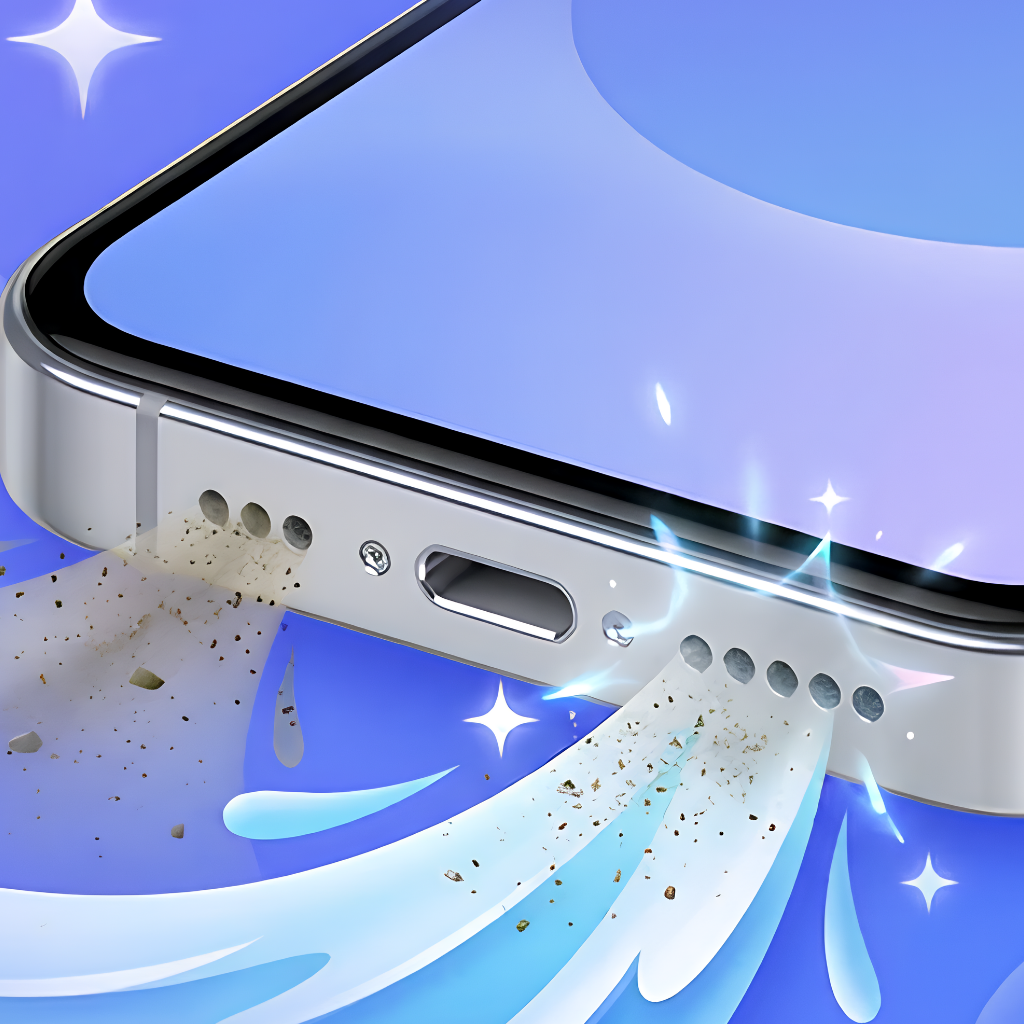
Water Eject plays tuned tones through the loudspeaker to help push water out and loosen dust from the speaker grille.
- Dust Clean (free, unlimited): a 30-second logarithmic sweep from 1 kHz to 12 kHz that helps loosen lint and dust.
- Water Eject (subscription): a 60-second 165 Hz tone with a slight wobble that vibrates water droplets out of the mesh.
- Readiness check: before a session the app checks volume and blocks the start if headphones or Bluetooth audio are connected, to protect your hearing.
- Live progress ring, countdown, haptics, a clear completion screen, and simple local stats.
- No account, no ads, no tracking. Available in 18 languages, including Arabic and Hebrew (RTL).
How I built it
- Kotlin Multiplatform shared core: tone synthesis (pure Kotlin PCM generator), the session state machine, readiness rules, ViewModels and purchases.
- 100% native SwiftUI UI on iOS, talking to the Kotlin ViewModels through a small bridge.
- AVAudioEngine + AVAudioPlayerNode for playback, with interruption and route-change handling (calls, headphones plugged in mid-session).
- RevenueCat (purchases-kmp) for the weekly and annual plans, a single
premiumentitlement, offerings prefetched at startup, and restore. - Built with heavy help from Claude Code, phase by phase, with tests written for the audio synth, session timer, paywall and entitlement logic.
Challenges
- Two App Store rejections. First, I had the background audio mode on, and Apple said a short utility tone does not qualify. I removed it: the screen now stays awake during a session and leaving the app pauses it. Second, metadata: "Pro" in the name without saying it is a purchase, prices in screenshots, and a missing Terms of Use link. All fixed, and the app went live on September 30.
- Rewrote the UI mid-way. I started with Compose Multiplatform, then migrated to native SwiftUI for a truly native iOS feel. The release build link time dropped about 8x.
- iOS volume reading. On a real iPhone the volume stayed at 0% until I learned iOS only updates it while the app's audio session is active.
What I learned
- App Review is part of the build. Plan at least a week for it.
- Honesty sells better than hype: "helps clear" instead of "repairs", a real free mode, and a paywall with a visible close button.
- A shared Kotlin core plus native SwiftUI gives both speed and polish.
What's next
Speaker test, a manual frequency tool, cleaning reminders, and an Android version from the same Kotlin core.
Built With
- avaudioengine
- avfoundation
- gradle
- ios
- koin
- kotlin
- kotlin-multiplatform
- revenuecat
- storekit
- swift
- swiftui
- wkwebview
- xcode
- xcodegen

Log in or sign up for Devpost to join the conversation.