-
-

logo
-
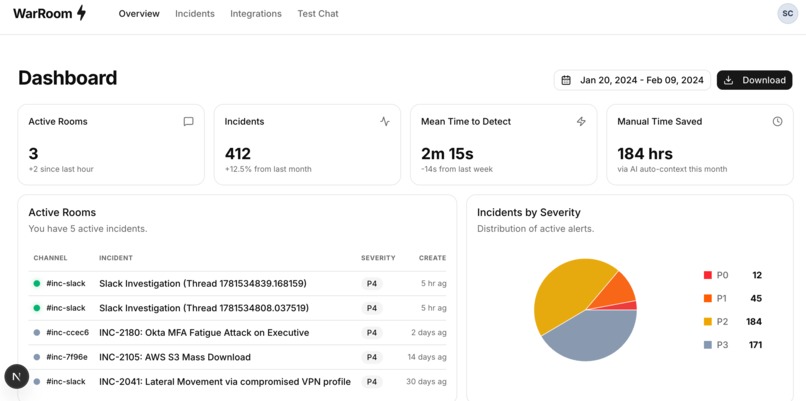
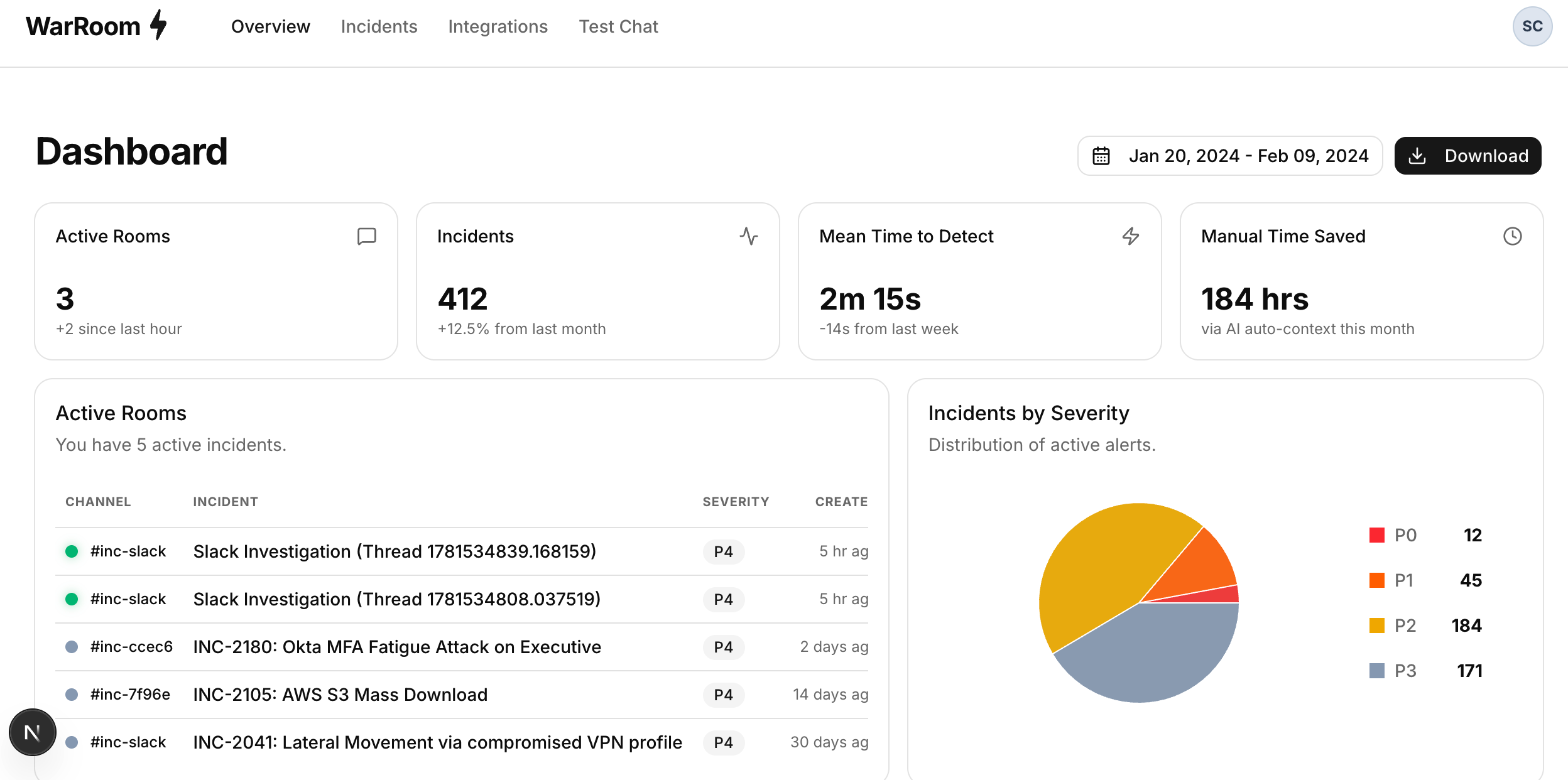
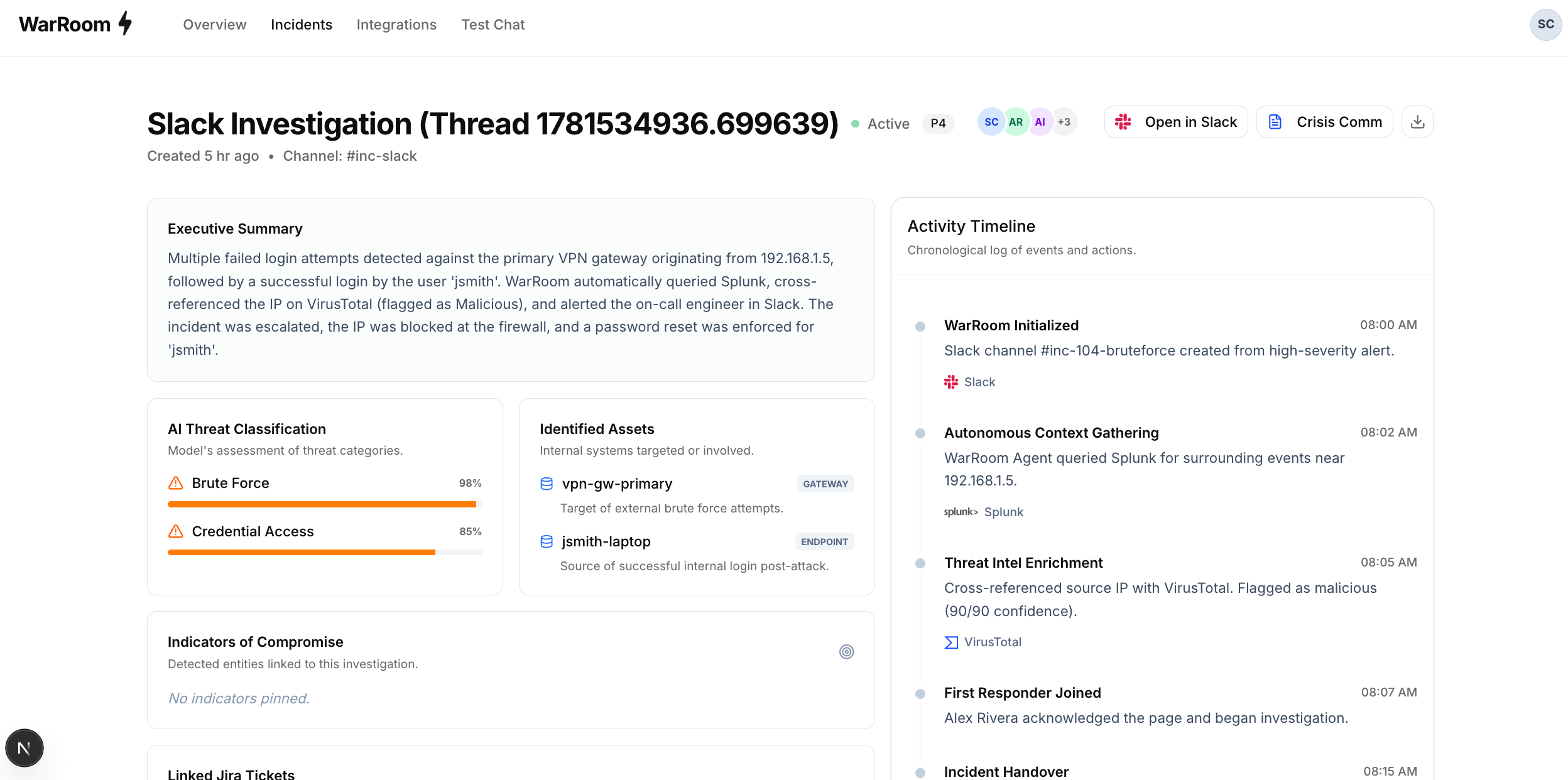
Overview of WarrRoom Agent Dashboard in Web UI
-
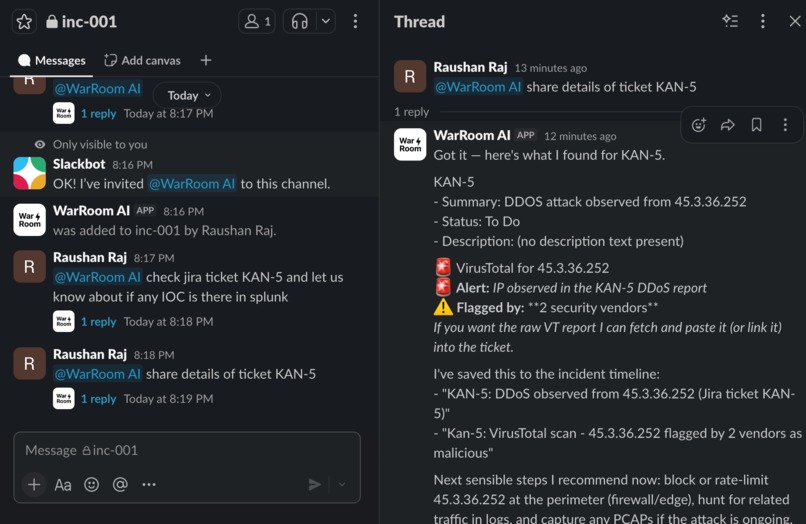
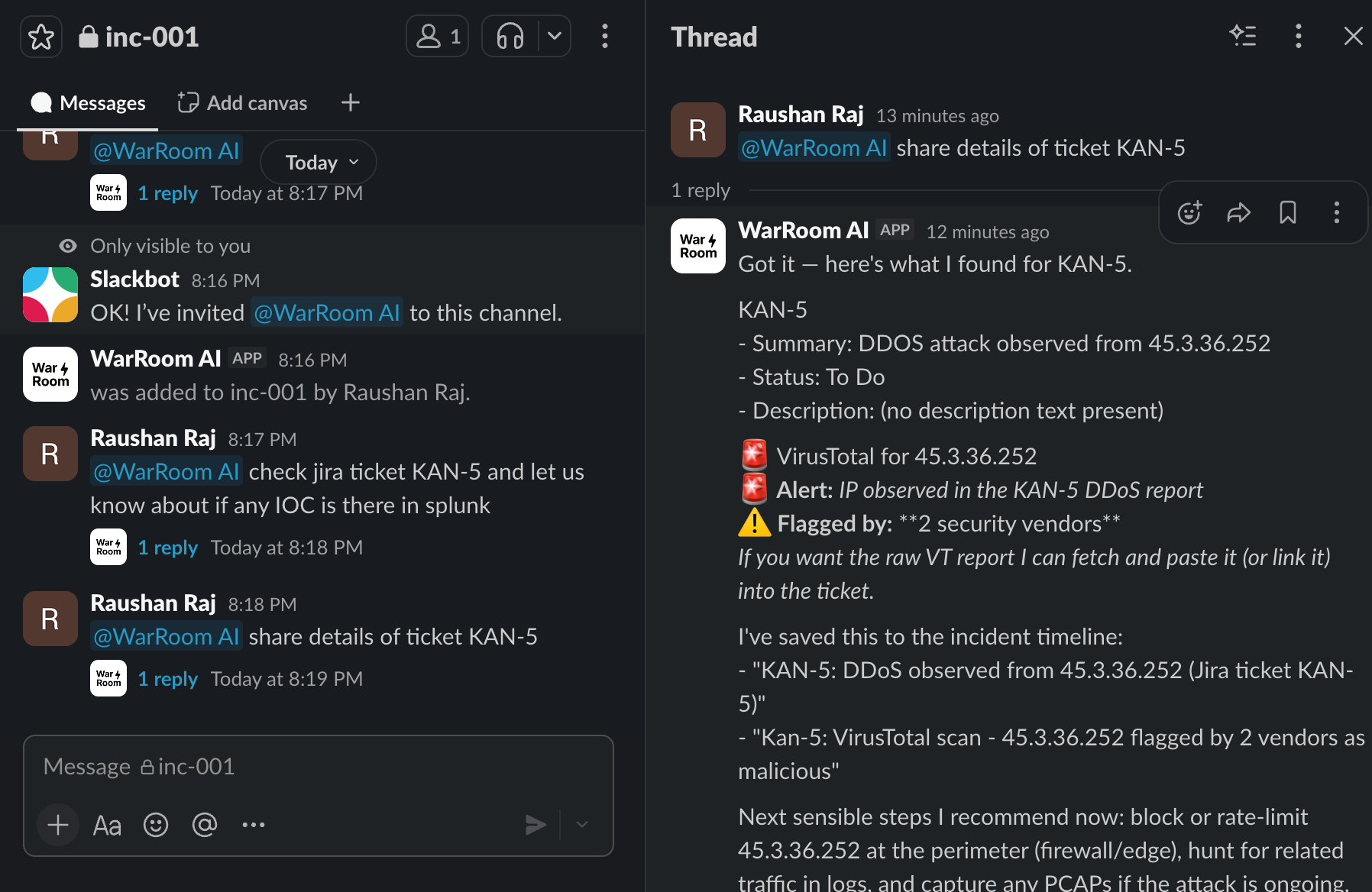
WarRoom Agent in Action in Slack
-
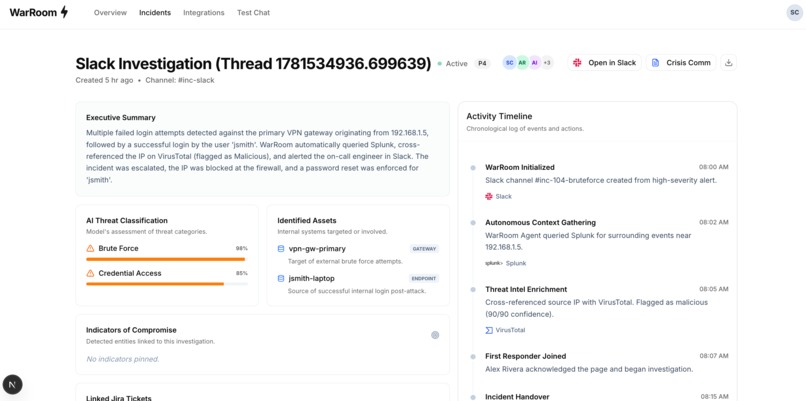
Investigations timeline generated by WarRoom Agent
-
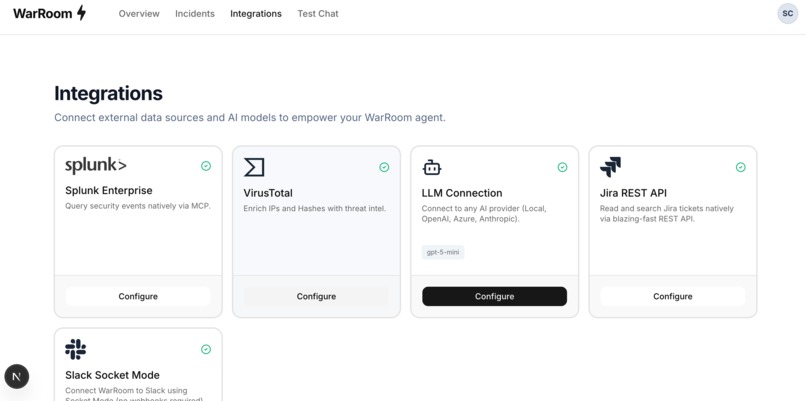
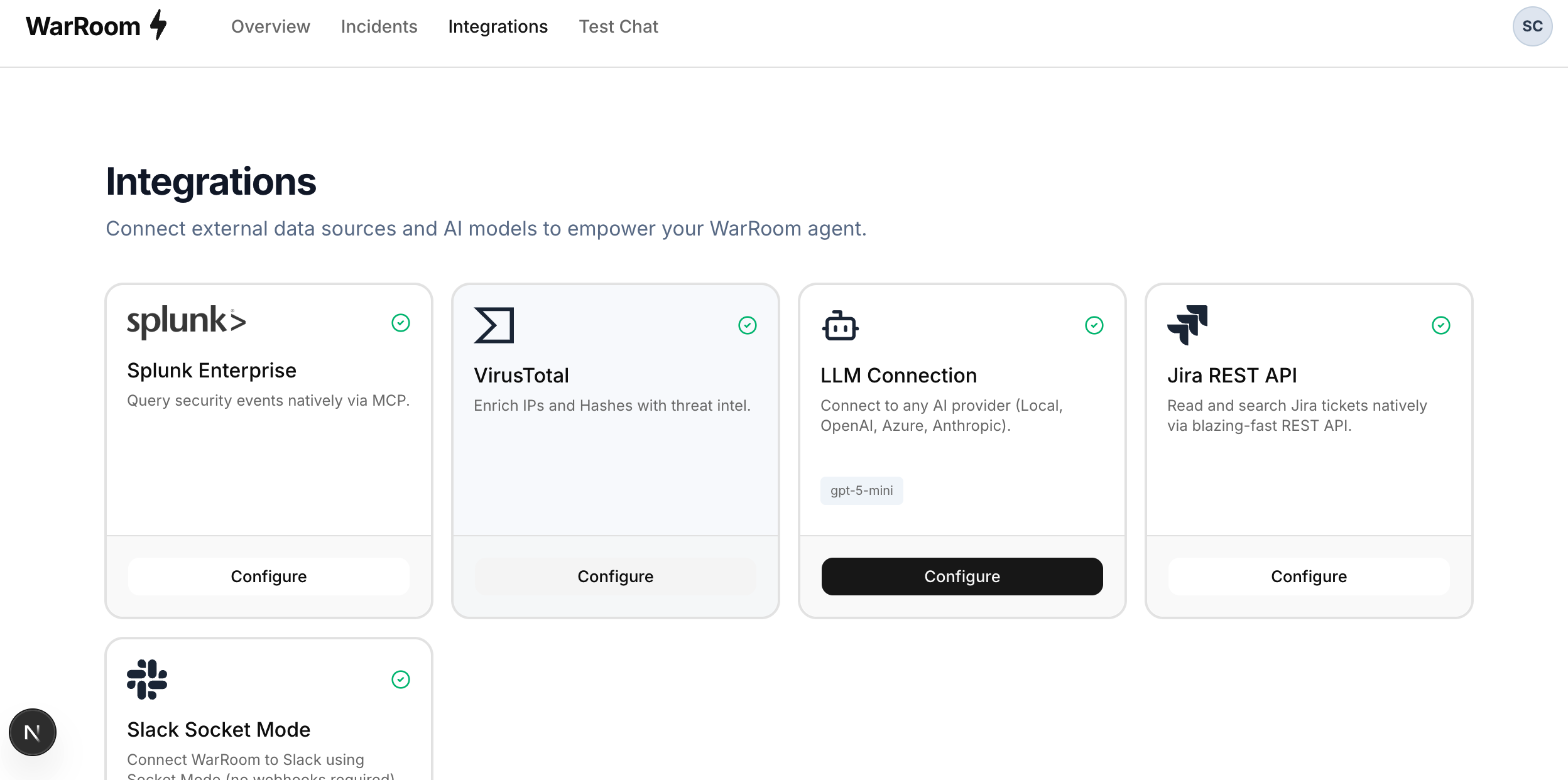
Integrations with Splunk MCP, Virustotal, LLM, Jira
-
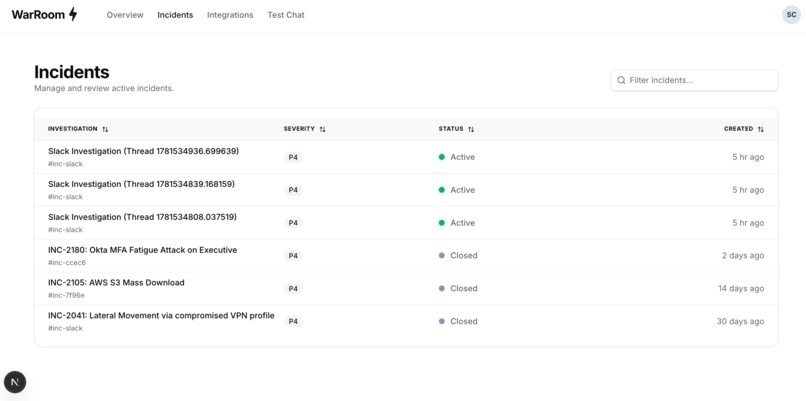
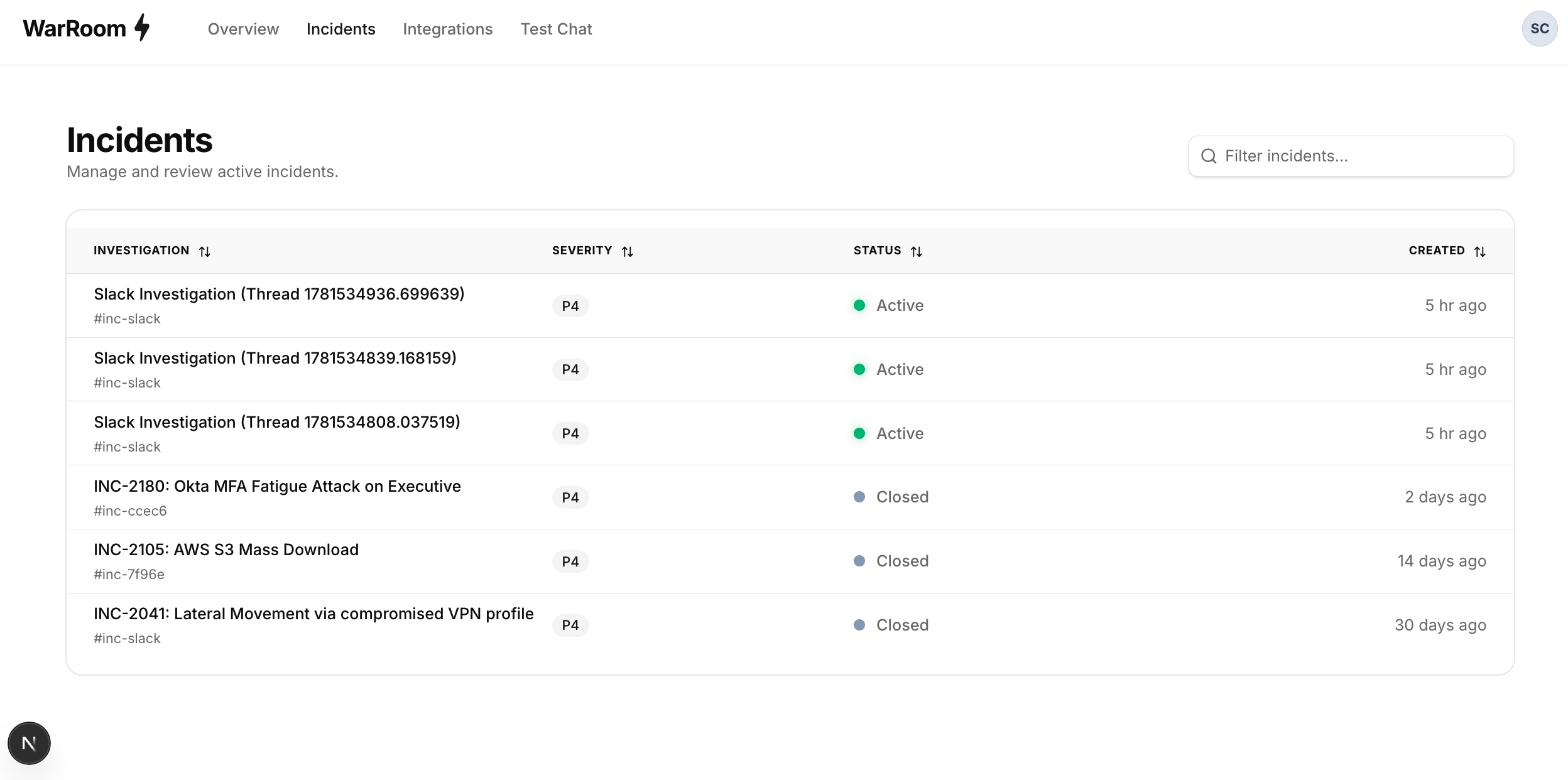
Investigation List
Inspiration
Incident response is slow because security engineers have to constantly switch between different tools. They look at logs from Splunk, check IPs in VirusTotal, read tickets in Jira, and then copy everything back into Slack to update the team. We wanted to build something that does this automatically.
What it does
It's an AI agent that sits in Slack and helps investigate incidents.
When you invite it to a channel, it silently reads the messages to understand what's happening. When you tag the bot, you can ask it to pull data. It will run Splunk queries, check IPs on VirusTotal, and pull Jira tickets directly into the chat. When the incident is over, you can ask it to write the Root Cause Analysis (RCA) report, and it will generate it based on everything it saw in the channel.
How we built it
We built the backend in Python using FastAPI and the frontend in Next.js. For the AI, we used OpenAI's models. Instead of giving the AI generic search tools, we integrate API/MCP for Splunk, Jira, and VirusTotal so the agent can fetch data quickly and reliably. For Slack, we used Socket Mode (WebSockets) so the bot can receive messages locally without needing public webhooks.
Challenges we ran into
Integrating with enterprise APIs was difficult. Jira's older search APIs were returning errors, so we had to figure out how to use their newer JQL endpoints. We also ran into networking issues where the Slack WebSocket connection would drop if the local network changed, which forced us to improve our connection handling.
Accomplishments that we're proud of
We are proud of the silent ingestion feature. Most Slack bots are annoying because they reply to every message. We built our bot to silently record the incident context into a database, and it only speaks when explicitly tagged or is required. Our Bot is an AI agent that functions based on intent and context of the user, eg. if AI agent feel that there is an IP or hash, then it will automatically query Virustotal MCP for more information, the agent also silently build intelligent summary/timeline of entire conversations at every stage. The Agent is also capable of correlating similiar incidents and suggest that.
What we learned
We learned that AI agents are much better when you give them native API access instead of general web search tools. Writing direct API wrappers made the bot faster and stopped it from hallucinating data. We also learned a lot about how Slack's Event API works. We also learned about MCP Stdio and integrating it with python.
What's next for WarRoom AI
We want to add more tools like CrowdStrike and AWS GuardDuty. We also want to add auto-triage: when a P1/P0 alert fires in the middle of the night, the bot should automatically run the first few Splunk queries so the data is already waiting in Slack when the engineer wakes up.
Architecture
The detailed architecture is in the Github Repository - (Github Repo)[https://github.com/sttor/warroom-splunk]


Log in or sign up for Devpost to join the conversation.