

Vision World
Inspiration:
In the three years leading up to 2024, creating a vision board became a powerful yearly tradition. With most of my goals coming true - 90% on average and even 100% in 2023 - it felt magical. But in 2024, something shifted. At the end of 2023, I created my vision board as usual, but I was in a tough place personally. My vision board mirrored my state of mind: unfocused, overloaded, and scattered. By the end of 2024, the results were clear - only 10% of my dreams materialized. That experience gave me clarity: I needed a more immersive and focused way to connect with my goals. That’s when Vision World was born - a tool to bring my dreams to life and make goal-setting an engaging, interactive experience.
What it does:
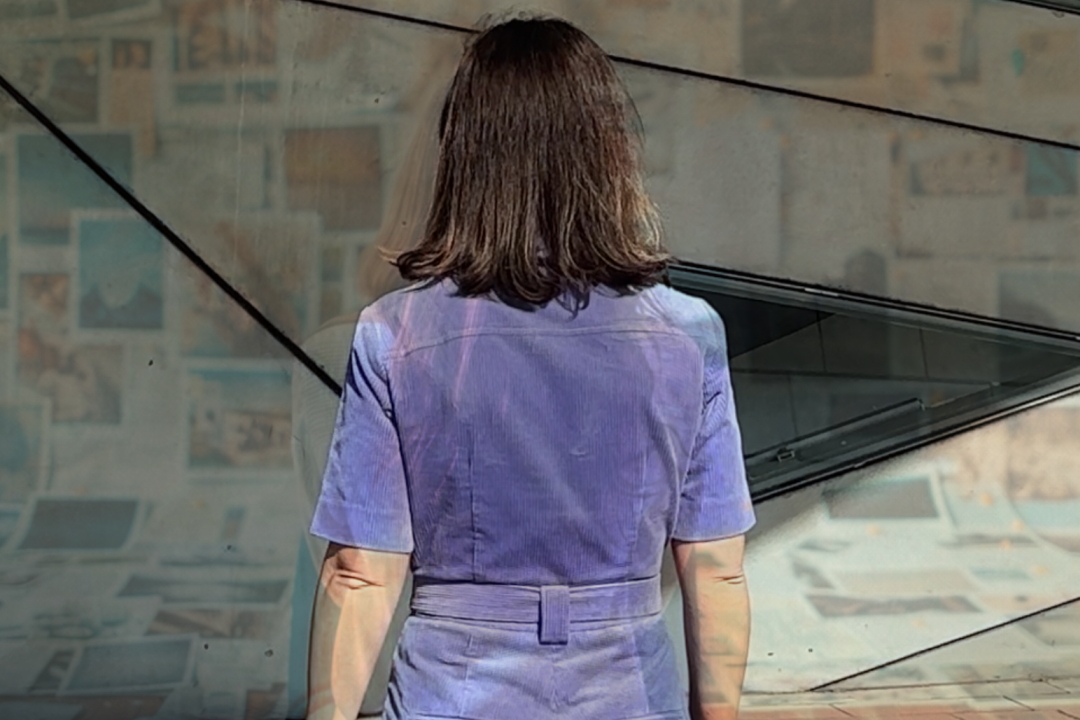
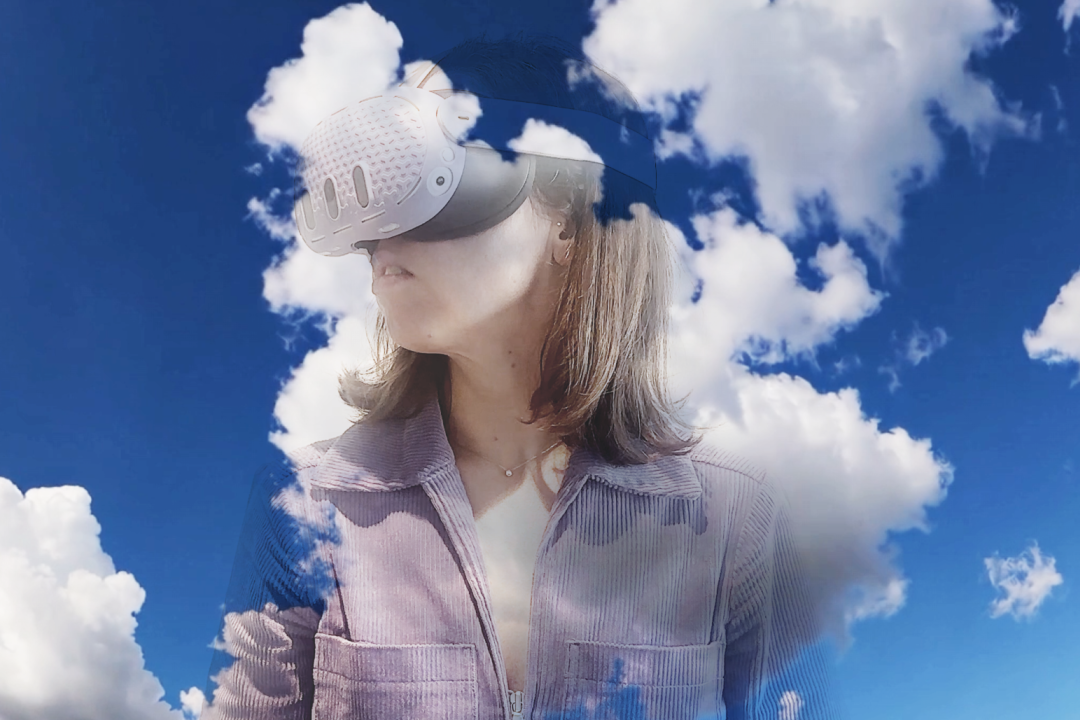
Vision World transforms static vision boards into immersive, 360° environments where users can step inside their dreams. Using Mixed Reality, it allows users to focus on one goal at a time, layer ideas, and create interactive “vision worlds” for each aspiration. The UI surrounds users, keeping them immersed and engaged, ensuring they feel part of the experience at all times. By integrating MX Ink, users can keep the familiar notebook experience, allowing them to write, draw, and add personal notes directly into their vision worlds, further enhancing their connection to their goals.
How I built it:
The journey began with Figma, where I sketched the initial UI concepts. From there, I used ShapesXR to prototype and test how the UI should behave in a 3D space. ShapesXR played a crucial role in visualizing how the interface would surround users, helping me refine the layout to ensure an immersive experience. Next, I moved the project into Unity, where I made the UI dynamic and seamlessly integrated it with each relevant 360° environment. Unity enabled me to bring the experience to life with real-time rendering and interactive features, creating an engaging and immersive user experience.
Challenges I ran into:
- Balancing immersion with usability: Crafting a UI that envelops the user without overwhelming them was a key challenge. It required constant iteration to find the right balance. ShapesXR was crucial in helping me test and refine the interaction flow in VR, allowing me to fine-tune the experience before moving to Unity.
- Maintaining focus: The central goal was to keep users focused on one dream at a time. I wanted the experience to feel like you could "stop and steer," letting you truly immerse yourself in a goal without feeling overstimulated. Striking the right balance between immersion and simplicity was critical to making sure the user remained engaged without distractions.
- Technical integration: Combining all the elements into a seamless tool presented significant challenges. Ensuring smooth performance and accessibility across different user levels while maintaining high quality was a constant challenge.
Accomplishments that I am proud of:
- Successfully creating a UI that fully immerses users in their vision worlds, enabling them to feel connected to their goals at all times.
- Leveraging ShapesXR to test and validate UI behaviors before development, saving time and refining the overall user experience.
- Using AI to dynamically transform static goals into interactive, 360° environments, making them feel alive and personalized.
What I learned:
- Prototyping in 3D with tools like ShapesXR is invaluable when designing for immersive platforms. It helps translate abstract ideas into tangible, testable solutions.
- Immersion is about more than visuals - it’s about creating an emotional connection to the experience.
- Breaking down big dreams into smaller, focused worlds improves engagement and makes achieving goals feel more attainable.
What's next for Vision World:
The next steps for Vision World involve expanding the app’s capabilities in multiple areas. I plan to enhance the AI tools that generate personalized 360° vision worlds, making them even more dynamic and reflective of each user's aspirations. Additionally, I aim to improve the user experience by refining the UI, making it more intuitive and immersive. I’m also looking at adding new features to help users track their progress and stay motivated, such as goal-setting reminders and visual progress indicators. Moving forward, I’m excited to explore more ways to integrate MX Ink, offering users even greater flexibility in shaping and personalizing their vision worlds.
Built With
- adobe-illustrator
- blender
- figma
- midjourney
- shapesxr
- sora
- unity


Log in or sign up for Devpost to join the conversation.