-
-
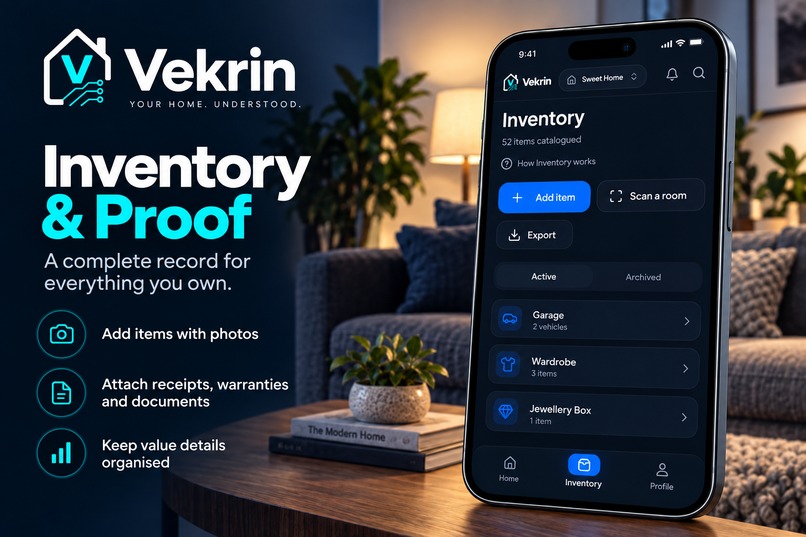
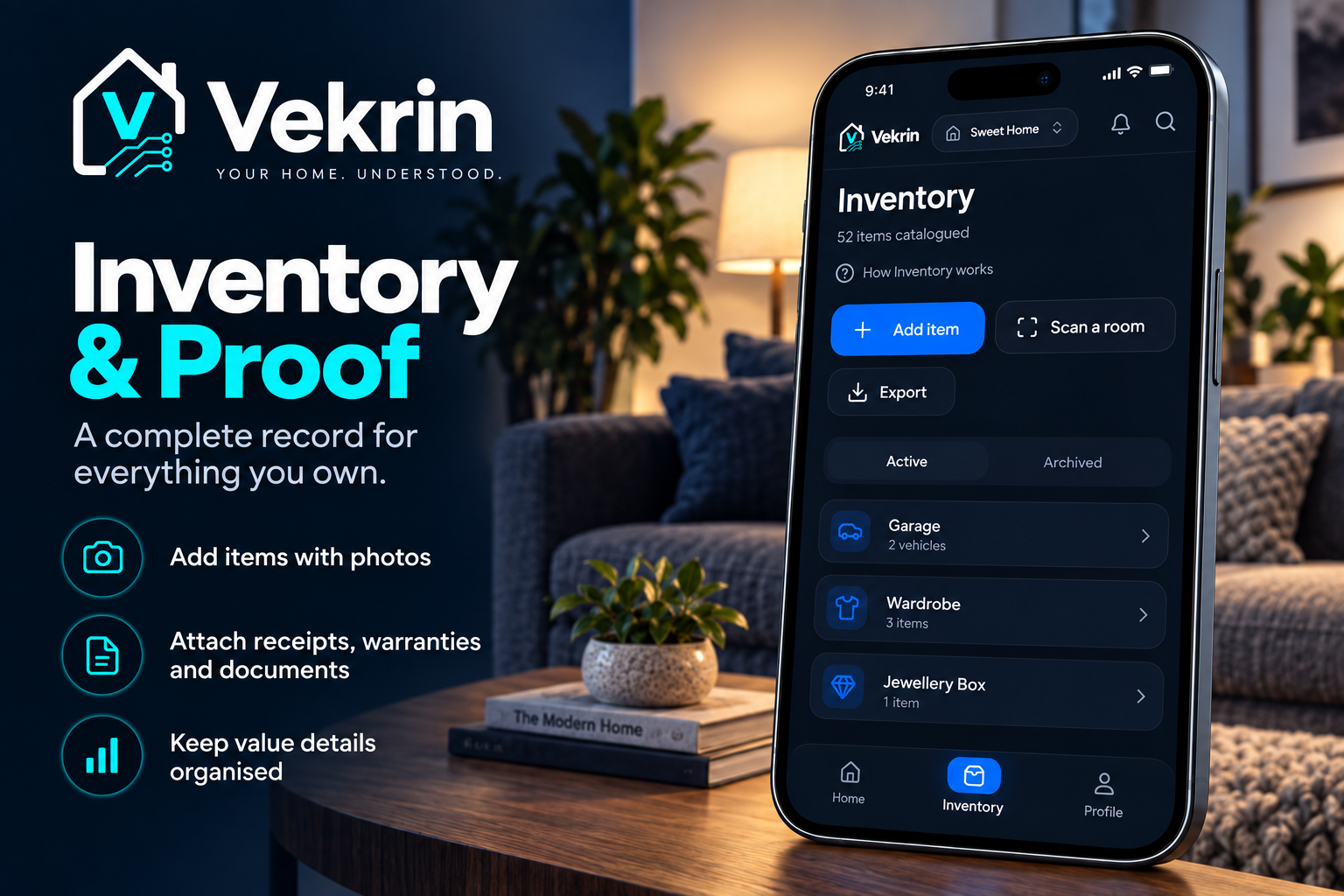
Keep a clear record of what you own, with photos, receipts, warranties and documents.
-
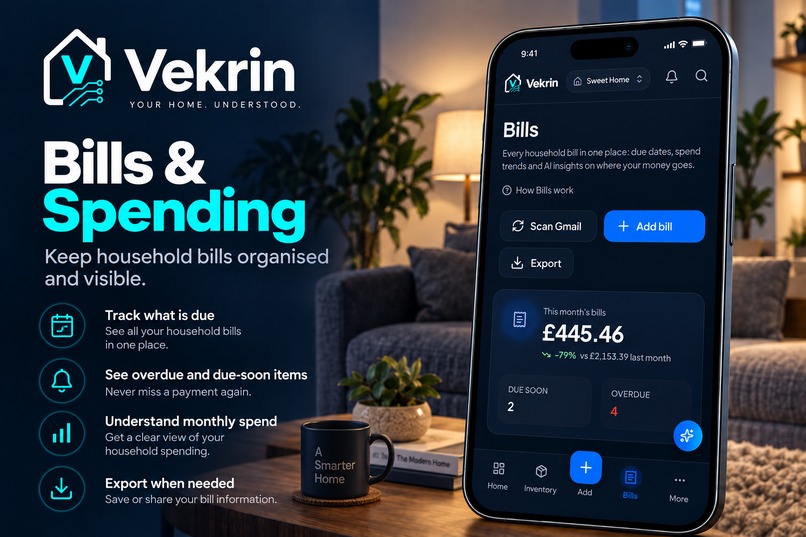
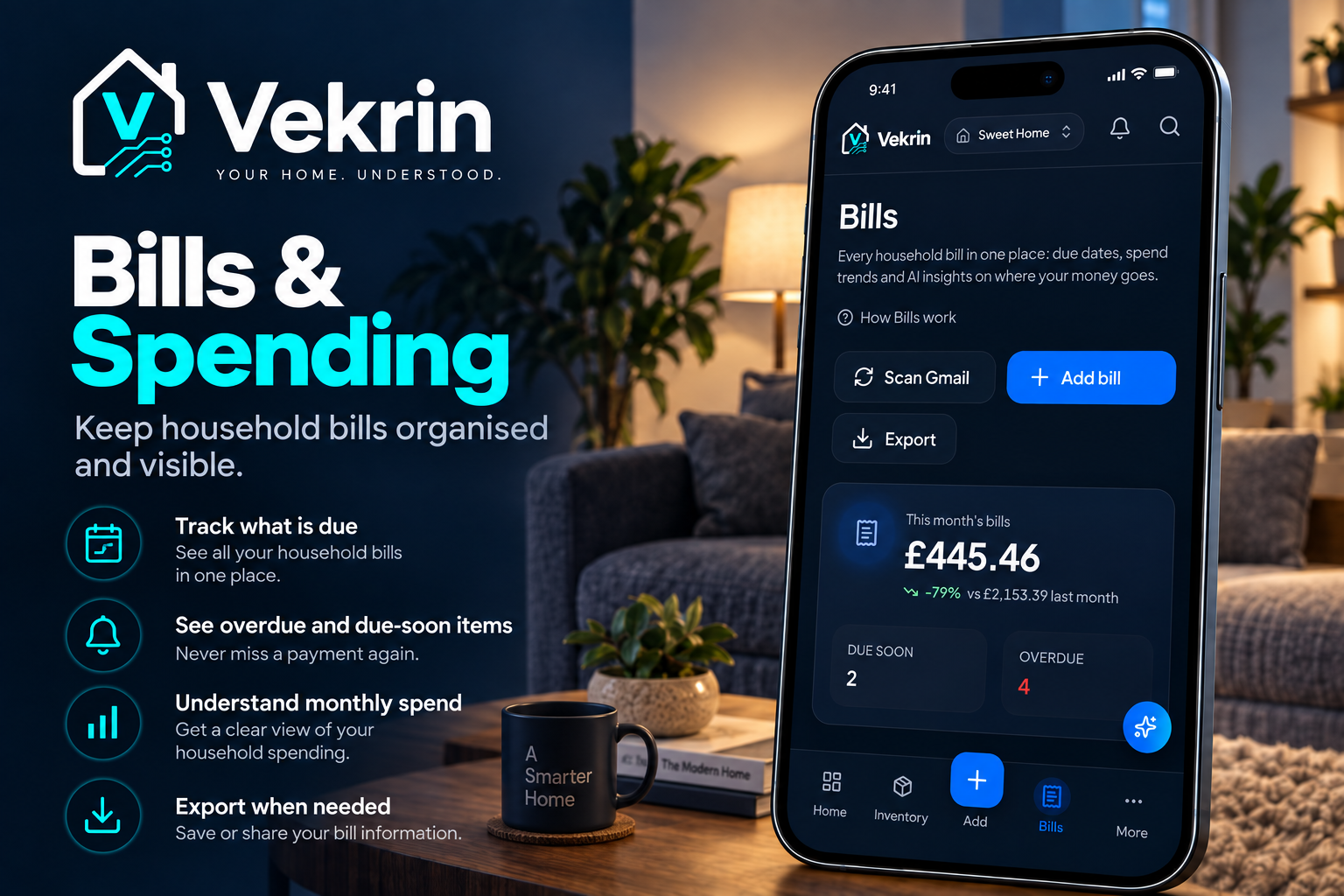
Track household bills, due dates and monthly spending in one place.
-
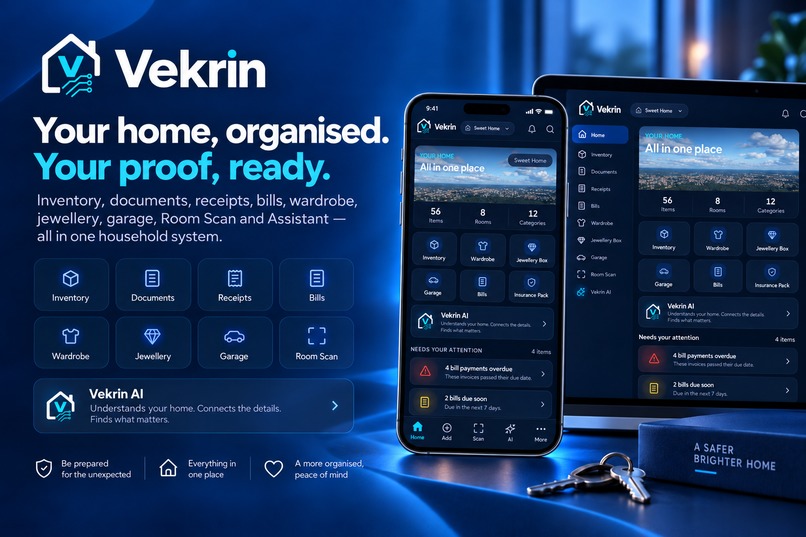
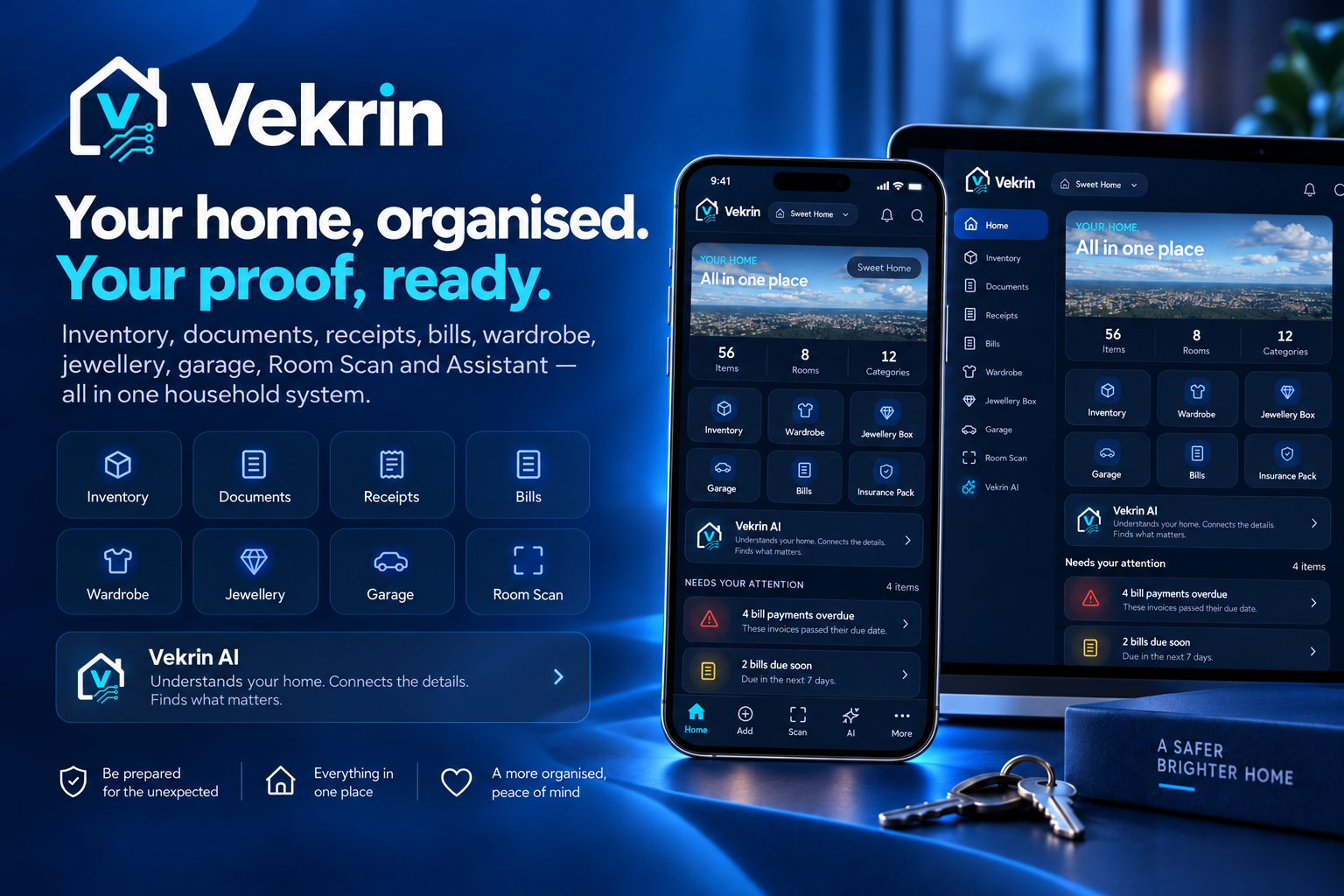
One home. One organised record. Vekrin connects your possessions, documents, evidence and household intelligence in one place.
-
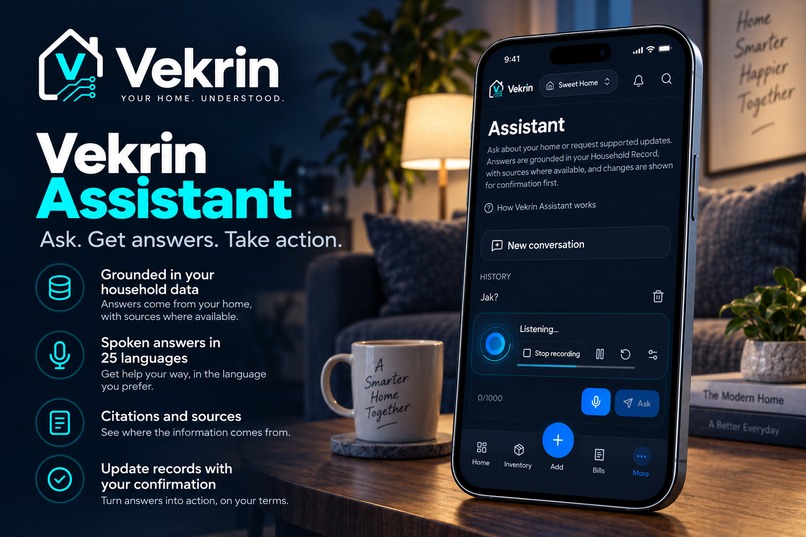
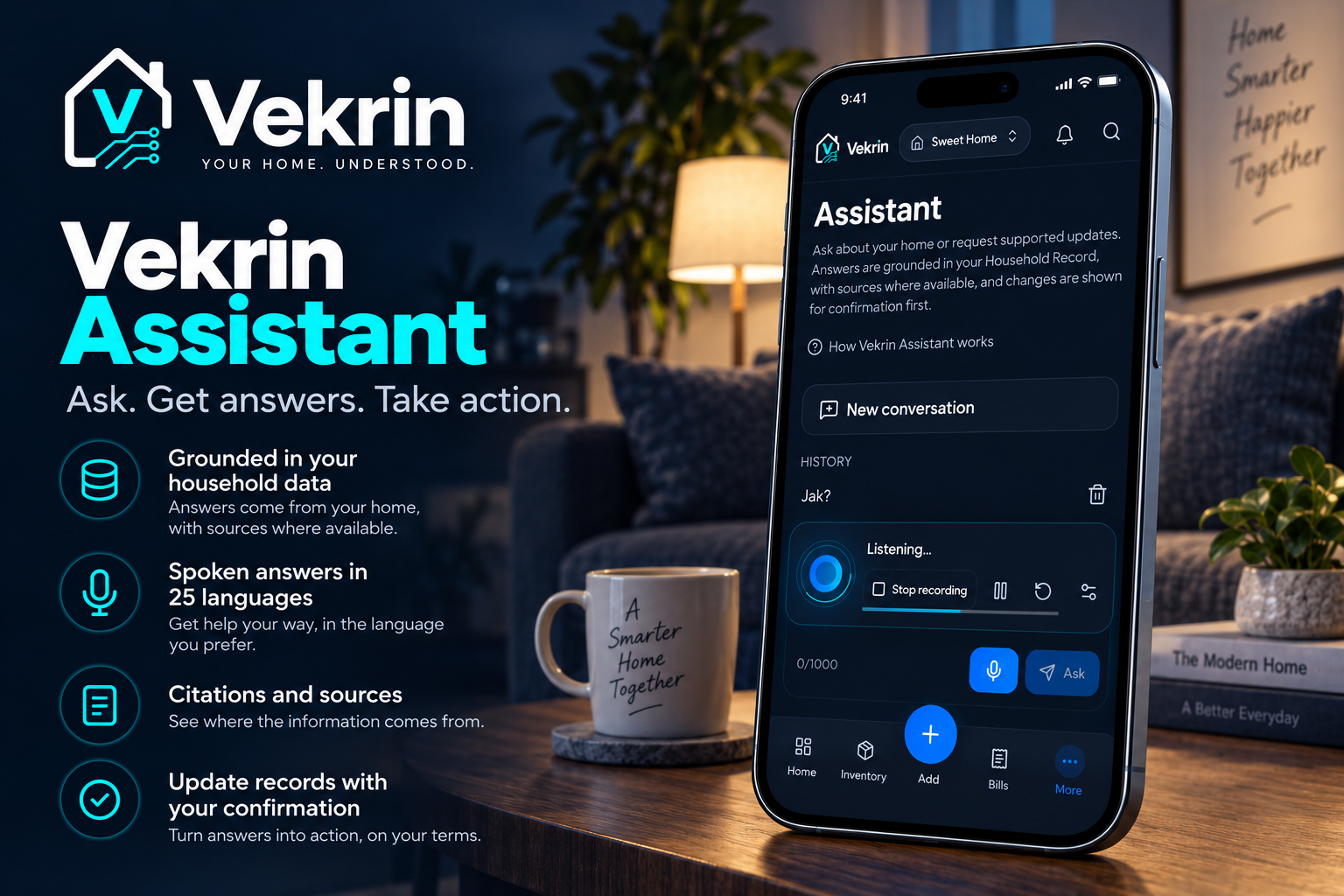
Ask about your home and get answers grounded in your own household records.
-
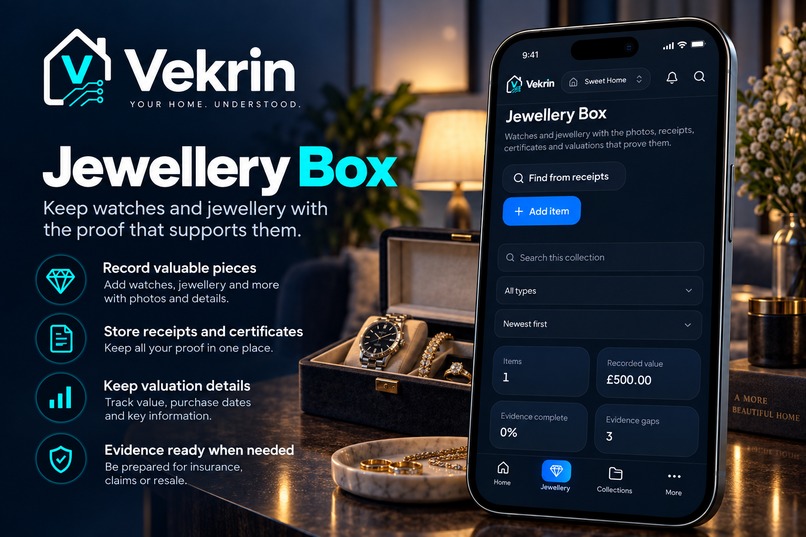
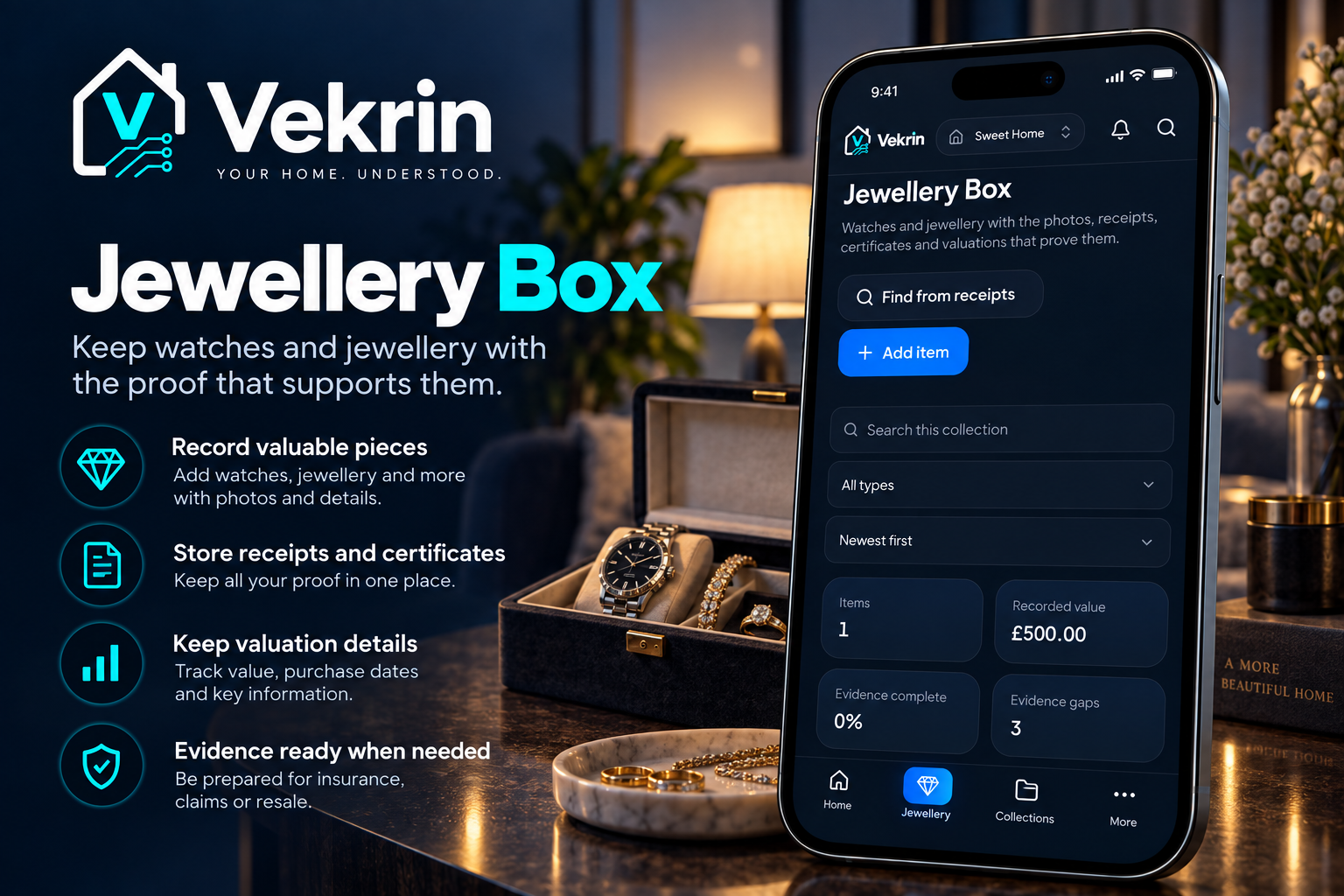
Keep valuable jewellery, receipts, certificates and valuation details together.
-
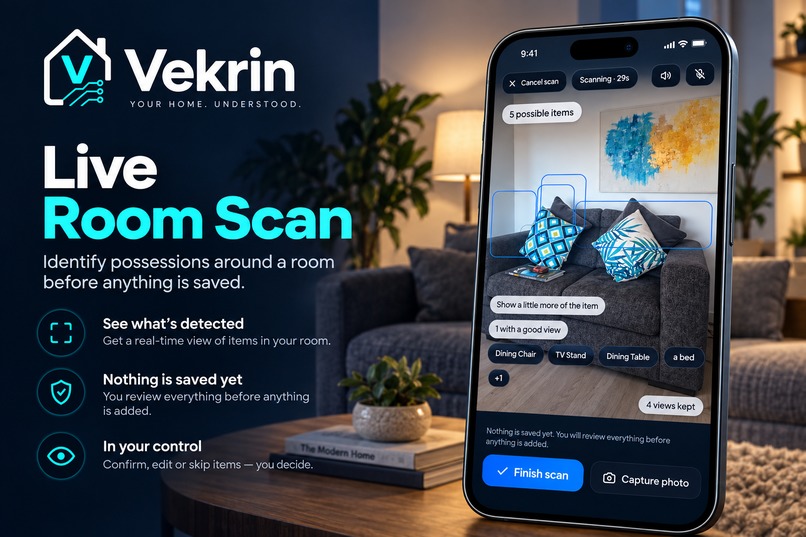
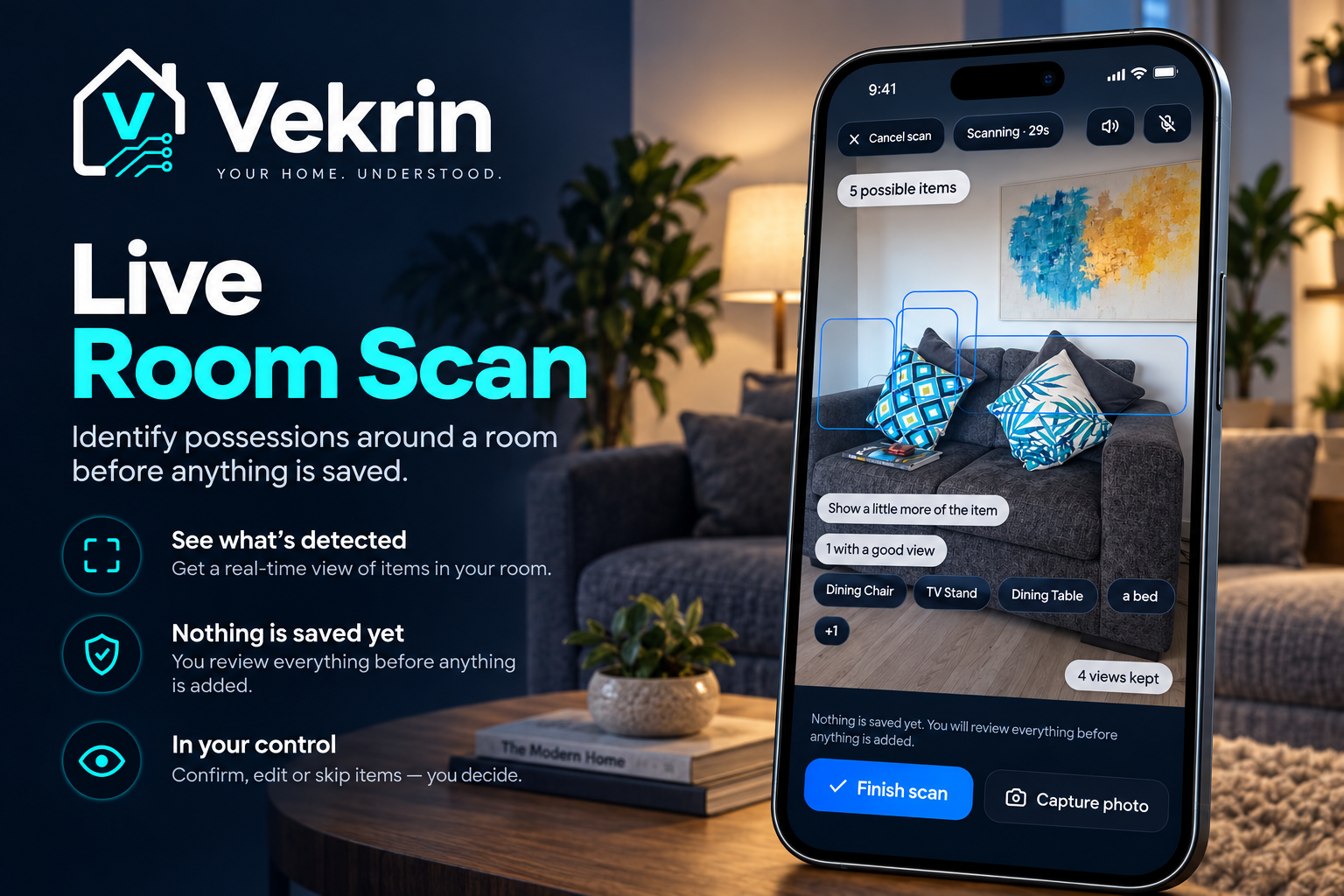
Scan a room and review detected possessions before anything is saved.
-
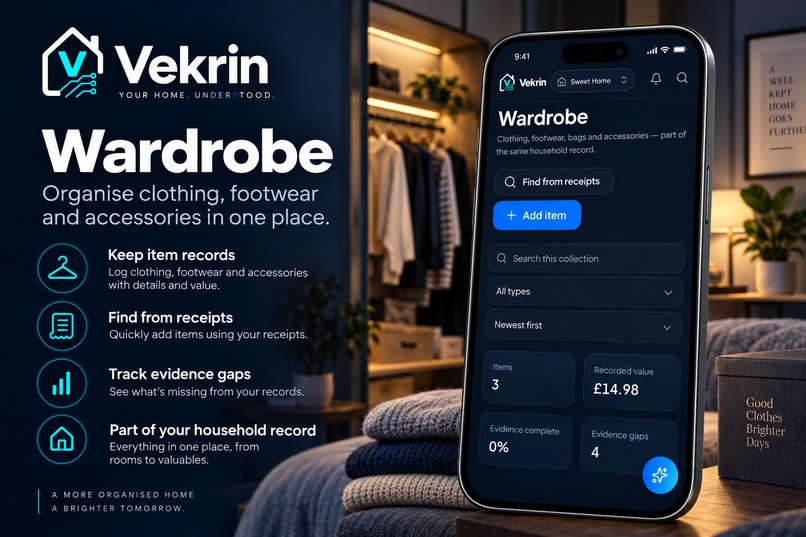
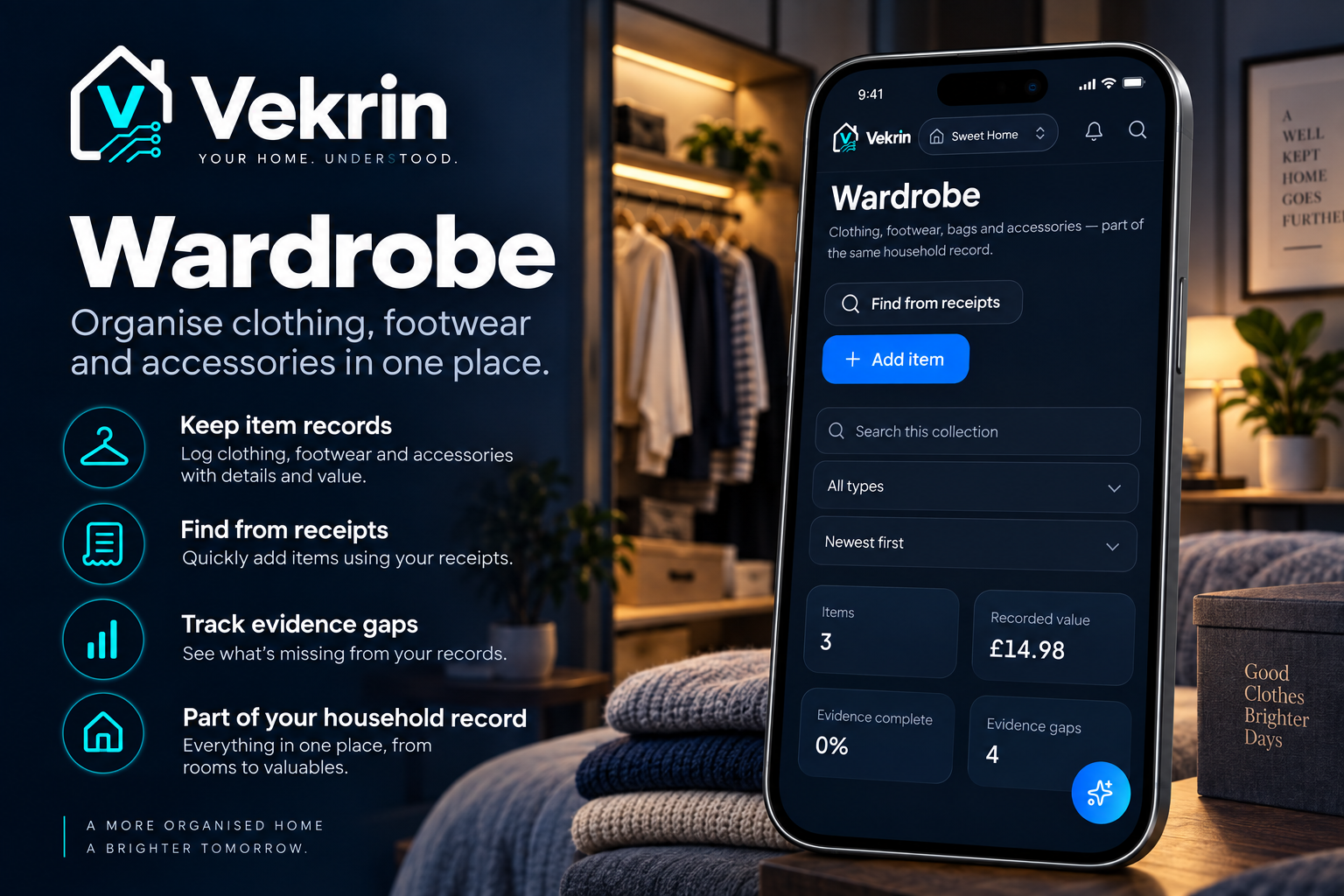
Organise clothing, footwear and accessories as part of your household record.
Inspiration
Most people do not have a real, organised record of what they own.
Receipts sit in email inboxes, warranties disappear into drawers, photos are scattered across phones, vehicle paperwork lives somewhere else, and important documents are often only searched for when something has already gone wrong.
That problem became the starting point for Vekrin.
I wanted to build one household system that could answer a simple question:
If something happened to your home tomorrow, could you prove what you owned?
Vekrin grew from that idea into a broader household record covering possessions, documents, receipts, warranties, bills, vehicles, wardrobe, jewellery and supporting evidence — organised around the home rather than scattered across separate apps.
What Vekrin does
Vekrin helps people build and maintain a structured digital record of their household.
Users can:
- Catalogue possessions and attach photos, receipts, warranties and documents
- Scan receipts with Receipt Intelligence, extract important information and review it before saving
- Use Room Scan to identify possessions around a room and review proposed records before anything is saved
- Manage clothing through Wardrobe
- Keep watches and jewellery together in Jewellery Box
- Maintain vehicles, servicing, documents and reminders in Garage
- Track household bills and spending
- Import relevant information from Gmail
- Generate an Insurance Inventory Pack containing household records and supporting evidence
- Ask Vekrin Assistant questions grounded in their own household data
- Use voice interaction across multiple languages
- Share a household with controlled owner, member and viewer permissions
Vekrin is designed around one principle:
Your home, organised. Your proof, ready.
How I built it
Vekrin is built as a responsive web application with an Android distribution path through Trusted Web Activity.
The application uses a structured household data model rather than treating every feature as a separate silo. Wardrobe, Jewellery Box, Garage and other specialised views remain connected to the same underlying household record.
The backend uses Supabase for authentication, database storage, file storage and row-level security.
A significant amount of work went into household isolation and permissions so that records are only accessible to people authorised for that specific home.
Vekrin also includes integrations and services for:
- Google authentication
- Login with Amazon
- Gmail import
- AI-assisted document and household understanding
- Market-based replacement-value suggestions
- Camera-based Room Scan
- Multilingual speech recognition and voice responses
- PDF evidence and insurance exports
- Android packaging through PWABuilder and Trusted Web Activity
AI inside Vekrin is intentionally review-gated. Suggestions do not silently overwrite important household records. Where possible, Vekrin shows the source of information and asks the user to confirm changes first.
Challenges
One of the hardest challenges was making AI useful without making it untrustworthy.
For household evidence, an impressive guess is not good enough. A value, receipt, warranty or ownership record may later be relied on for an insurance claim or other important purpose.
That led to several design decisions:
- AI-generated valuations are clearly labelled and require review
- Purchase prices, professional valuations and owner-entered values retain their provenance
- Room Scan proposes what it sees but saves nothing until the user confirms
- Assistant answers are grounded in the household record rather than presented as unsupported facts
Another major challenge was permissions.
Vekrin supports shared households, multiple roles and multiple homes, so data isolation had to work at the database level rather than relying only on the interface.
Mobile hardware created another set of challenges. Camera access, microphone sharing, Room Scan, Android behaviour and multilingual voice handling all required repeated testing on real devices.
Building reliable exports was also more complicated than simply generating a list. The Insurance Inventory Pack can carry stored evidence such as receipts, invoices, certificates and valuations alongside the records they support.
What I learned
The biggest lesson was that household software becomes more valuable when it preserves evidence and provenance, not simply information.
A household inventory is useful.
A household inventory connected to receipts, photographs, warranties, documents, valuations and original evidence is considerably more useful.
I also learned that AI should not be the product by itself. In Vekrin, AI is most valuable when it reduces manual work while remaining accountable to the underlying household record.
Finally, building Vekrin reinforced how much complexity hides inside something that should feel simple to the user: permissions, localisation, evidence relationships, storage, mobile hardware, authentication, privacy and data quality all have to work together before the experience can feel effortless.
What's coming next
Vekrin is being extended towards more automated purchase discovery and household record building.
Amazon shopping data scraping is currently being developed, with eBay integration also on the way.
The goal is to reduce the amount of manual work required to build and maintain a household record, while keeping users in control of what becomes part of their household record.
These integrations will support Vekrin's longer-term direction towards a household system that can help users discover, organise and maintain evidence about what they own.
How judges can test Vekrin
Vekrin is available to test online and through Google Play.
Web application
Open Vekrin in a browser: https://vekrin.app
Sign in using #Google, Amazon, or email#, then complete the included onboarding to create or join a household.
Once inside, judges can explore the dashboard, add a possession, scan a receipt with Receipt Intelligence, try Room Scan, explore Wardrobe, Jewellery Box, Garage and Bills & Spending, ask Vekrin Assistant questions about their household data, and generate an Insurance Inventory Pack.
Vekrin can be tested using the free experience, with no purchase required to explore the core product.
The project is live and available through Google Play.
Built With
- ai
- amazon-login
- android
- computer-vision
- dataforseo
- gmail-api
- google-cloud
- google-cloud-pubsub
- google-gemini
- google-oauth
- google-play
- internationalization
- ocr
- pdf-generation
- pwa
- pwabuilder
- react
- revenuecat
- row-level-security
- speech-recognition
- supabase
- supabase-auth
- supabase-storage
- text-to-speech


Log in or sign up for Devpost to join the conversation.