UDelaWhere??







An immersive, interactive campus exploration game that helps University of Delaware students, especially freshmen, discover and learn about campus locations through engaging 360° panoramas.
🎓 For Incoming Freshmen
Finding your way around a new campus can be overwhelming. UDelaWhere?? transforms campus navigation into an engaging game that helps you:
- Learn Campus Geography — Explore the University of Delaware through immersive 360° panoramic views
- Build Mental Maps — Develop a better understanding of how campus locations relate to each other
- Discover Hidden Spots — Find lesser-known locations you might not encounter during regular tours
- Prepare Before Arrival — Start learning the campus layout even before moving in
- Challenge Friends — Compare scores and compete with classmates to see who knows campus best
By playing UDelaWhere??, you'll arrive on campus with visual familiarity already established, recognizing landmarks and buildings as if you've been there before — making your transition to campus life much less overwhelming!
✨ Features
- Immersive 360° Exploration — Powered by Three.js, explore campus in every direction
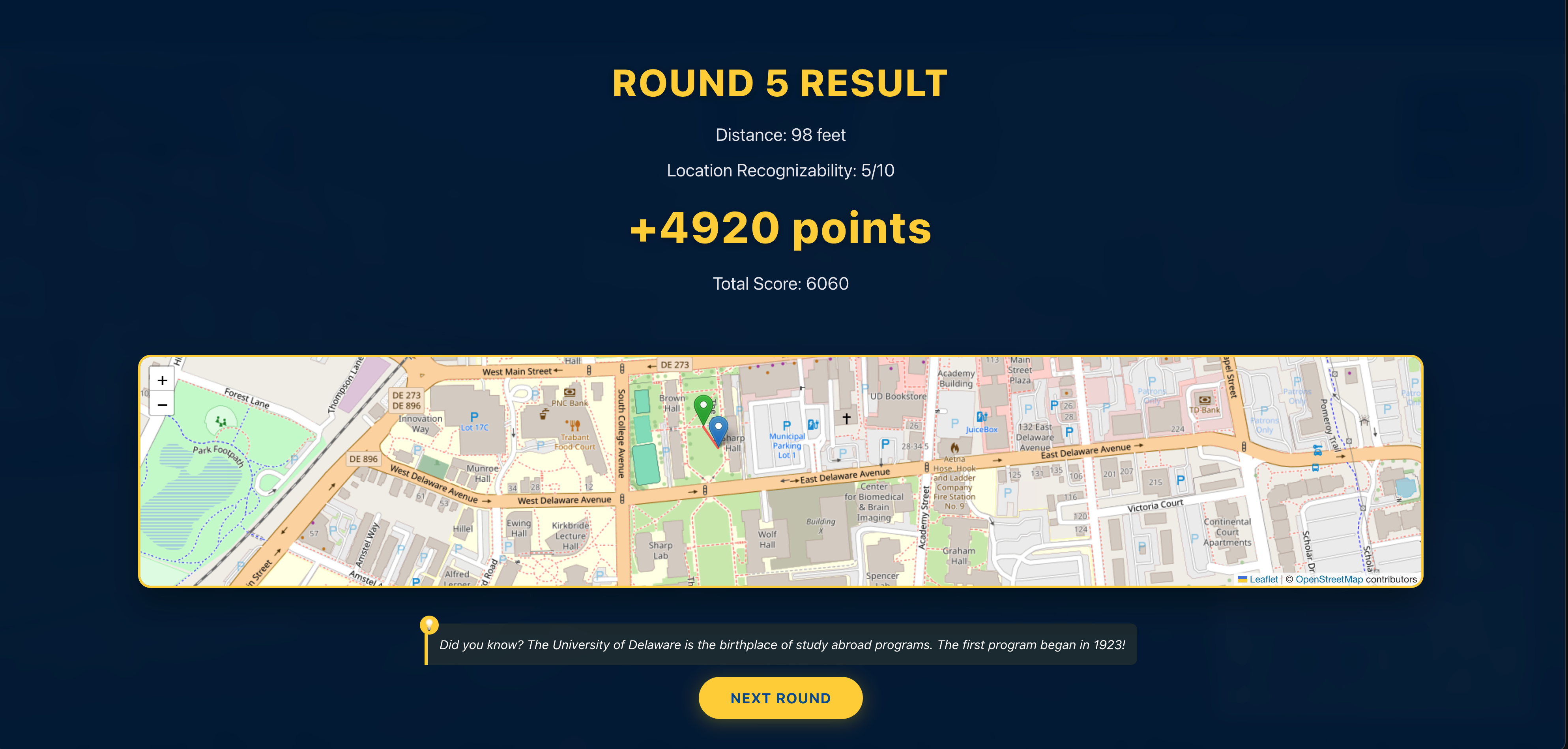
- Interactive Campus Map — Built with Leaflet and OpenStreetMap for accurate location guessing
- Two Game Modes:
- Practice Mode — Take your time to explore with no time limits
- Challenge Mode — Test your knowledge with a 120-second time limit per location
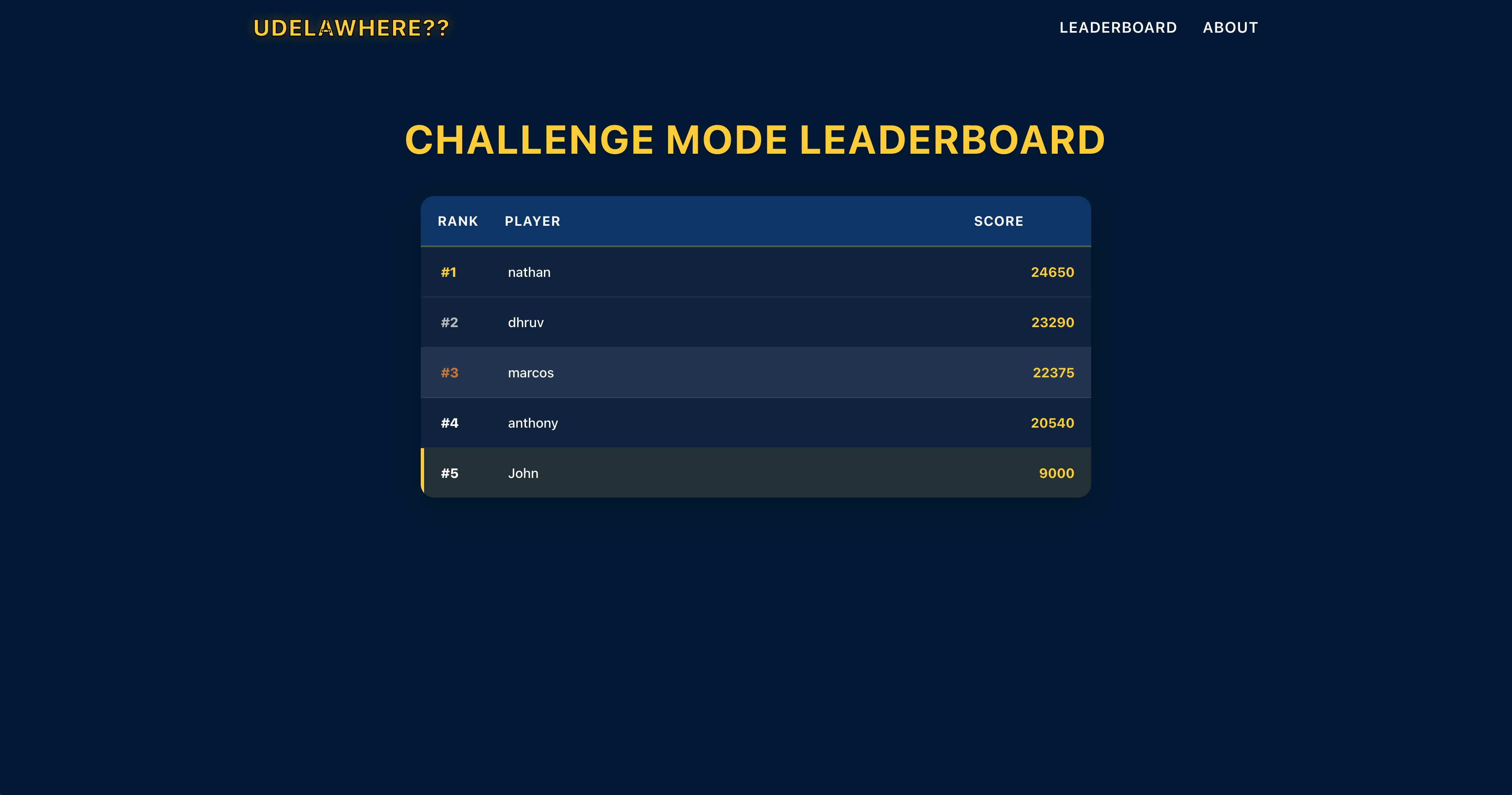
- Global Leaderboard — Compete with other players and track high scores via Supabase
🛠️ Technologies
UDelaWhere?? leverages a modern tech stack:
- Frontend Framework: React 19 with TypeScript for type-safe development
- 3D Rendering: Three.js for immersive 360° panoramic views
- Mapping: Leaflet with OpenStreetMap for accurate campus visualization
- Styling: Styled Components for component-based CSS-in-JS
- Database & Authentication: Supabase for leaderboard functionality
- Image Processing: FFmpeg for panorama to cubemap conversion
- Original Panoramas: Captured with Polycam for high-quality 360° images
Challenges Faced
- ** Taking 360 degree pictures in a limited amount of time
📊 Leaderboard System
The leaderboard functionality uses Supabase as a backend:
- Real-time Updates: Scores are updated instantly
- Best Score Tracking: Only highest scores are displayed
- Unique Usernames: System ensures usernames are unique
👨💻 Contributors
Nathaniel Black — Developer
Marcos Diaz Vazquez — Developer
Dhruv Patel — Developer
Anthony Baker-Espejo — User Advocate
📷 Image Processing Pipeline
The game uses a two-step process to prepare panoramic images:
- Capture: High-quality 360° panoramas captured around campus using Polycam
- Conversion: FFmpeg processes equirectangular panoramas into cubemap format for Three.js
- Integration: Processed images with coordinates are loaded into the game environment
📜 License
This project was created during HenHack 2025 by University of Delaware students.
Image Quality Settings
The UDelaWhere? application now supports high-quality image rendering options for the 360° panorama viewer:
Enhanced Image Quality
- Increased cubemap resolution from 2048x2048 to 4096x4096 for sharper images
- Improved JPEG quality settings for better color representation
- Added texture quality enhancements with proper mipmapping and filtering
Using the Panorama Conversion Script
The panorama conversion script now supports quality levels:
# Convert panoramas with high quality (4096x4096, quality 1)
./scripts/pano2cubemap.sh public/assets public/locations high

# Medium quality (2048x2048, quality 2)
./scripts/pano2cubemap.sh public/assets public/locations medium

# Low quality for performance (1024x1024, quality 3)
./scripts/pano2cubemap.sh public/assets public/locations low
Performance Options
The ImageViewer360 component also supports quality settings that adjust the renderer based on device capabilities:
// High quality (default)
<ImageViewer360 objPath="/path/to/cubemap/" quality="high" />

// Medium quality for balance between quality and performance
<ImageViewer360 objPath="/path/to/cubemap/" quality="medium" />

// Low quality for older devices
<ImageViewer360 objPath="/path/to/cubemap/" quality="low" />


Log in or sign up for Devpost to join the conversation.