-
-
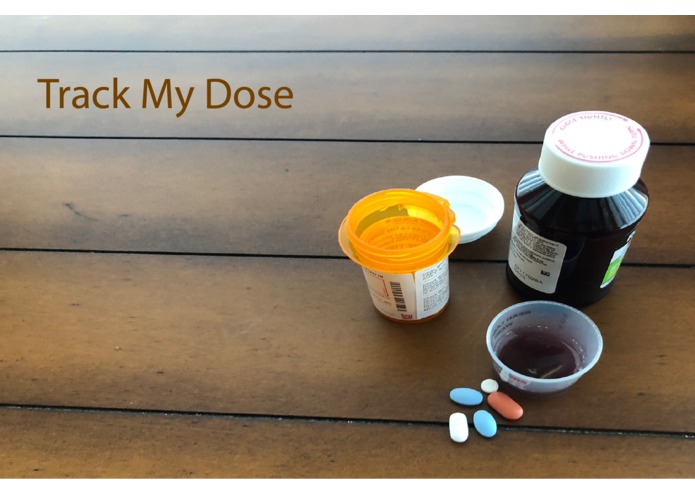
Track My Dose
Inspiration
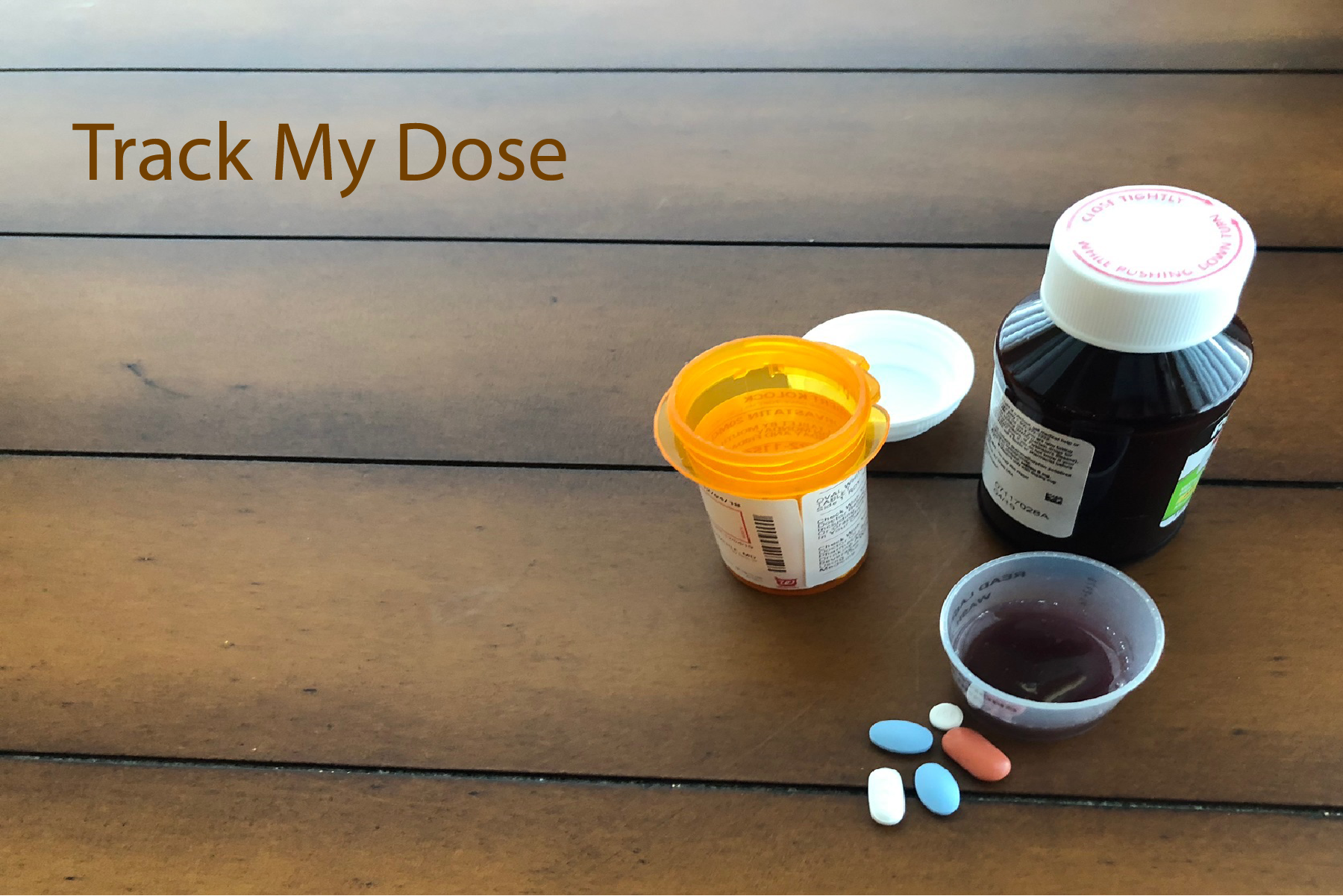
My wife recently had some elective surgery that required keeping track of several medications she was using to control some post-operative symptoms. As most people would, we kept track of these drugs with pen and paper. As a retired physician who has learned enough JavaScript over the past 2 years to have written 10 Alexa skills published by Amazon, I thought that a skill to help track medications for this situation and others would be a great 11th skill.
What it does
No matter what your age, there are times when you may need to take medications, either prescription or over the counter, on an as needed basis. It is important to adhere to the recommended dosing frequency to diminish potential side effects and control the symptoms for which they are being taken. Up until now, you either relied on your memory or kept track of the doses you took with a pen and paper. Well now, with Track My Dose, Alexa can help you easily record your doses and find out when you can take the next one.
To start logging medication doses in Track My Dose, you simply:
- Register as a user/patient. To start the process, just say, “Alexa, register me.” The registration process allows more than one person within a household use Track My Dose.
- Add the drugs you wish to track to your Medicine Cabinet. Say, “Alexa, add a medicine to my Medicine Cabinet.” You’ll be asked your name, the name of the medication and the numbers of hours between doses.
- Once you complete the two previous steps, you can log a dose of any of the medications in your Medicine Cabinet by saying, “Alexa, log a dose.” Alexa will ask you for your name, the name of the medication and the date and time of the dose.
Once you have logged some doses, there are some other things you can do with Track My Dose:
- To find out when you can take another dose of a medicine you’re tracking just ask, “Alexa, when can I take another dose?”
- You can change the dosing frequency of one of the drugs in your Medicine Cabinet by saying, “Alexa, change a dosing frequency.”
- You can get a list of the drugs in your Medicine Cabinet by saying, “Alexa, tell me the drugs in my Medicine Cabinet.”
- Finally, you can get a list of the doses you took of a specific medicine or all your tracked medicines within the number of weeks you specify. To do this, say, “Alexa, tell me my previous doses.”
Track My Dose is a modern way to keep track of the as needed medicines you take. It will not remind you to take a medication, nor will it check for potential conflicts between medications. You should rely upon your Pharmacist or Physician for that kind of information.
How I built it
I used JavaScript, a MySQL database and the Alexa Presentation Language (APL).
Challenges I ran into
Using "promises" in my code and the APL. Prior to this skill I had no knowledge of APL.
Accomplishments that I'm proud of
Learning APL sufficiently well in about two weeks.
What I learned
APL
What's next for Track My Dose
Expand some of the functionality and usage of APL. Possibly add a text reminder feature.


Log in or sign up for Devpost to join the conversation.