TouchSpace: Making the World Accessible Through Touch
Inspiration
Imagine entering an unfamiliar building without being able to see its layout. You don't know where the entrances, exits, restrooms, or hallways are. While traditional navigation apps can tell you when to turn, they rarely help you understand the space around you.
For blind and visually impaired individuals, independently exploring unfamiliar indoor environments remains a significant accessibility challenge.
We wanted to change that.
At Cal Hacks 13.0, we came up with TouchSpace, a platform that transforms real-world indoor environments into interactive tactile and audio maps.
Our goal is simple: Everyone deserves the ability to understand and explore their surroundings independently, regardless of their visual ability.
What It Does
TouchSpace AI combines spatial scanning, artificial intelligence, conversational voice technology and tactile information to make indoor spaces more accessible.
Our system is designed around five core pillars:
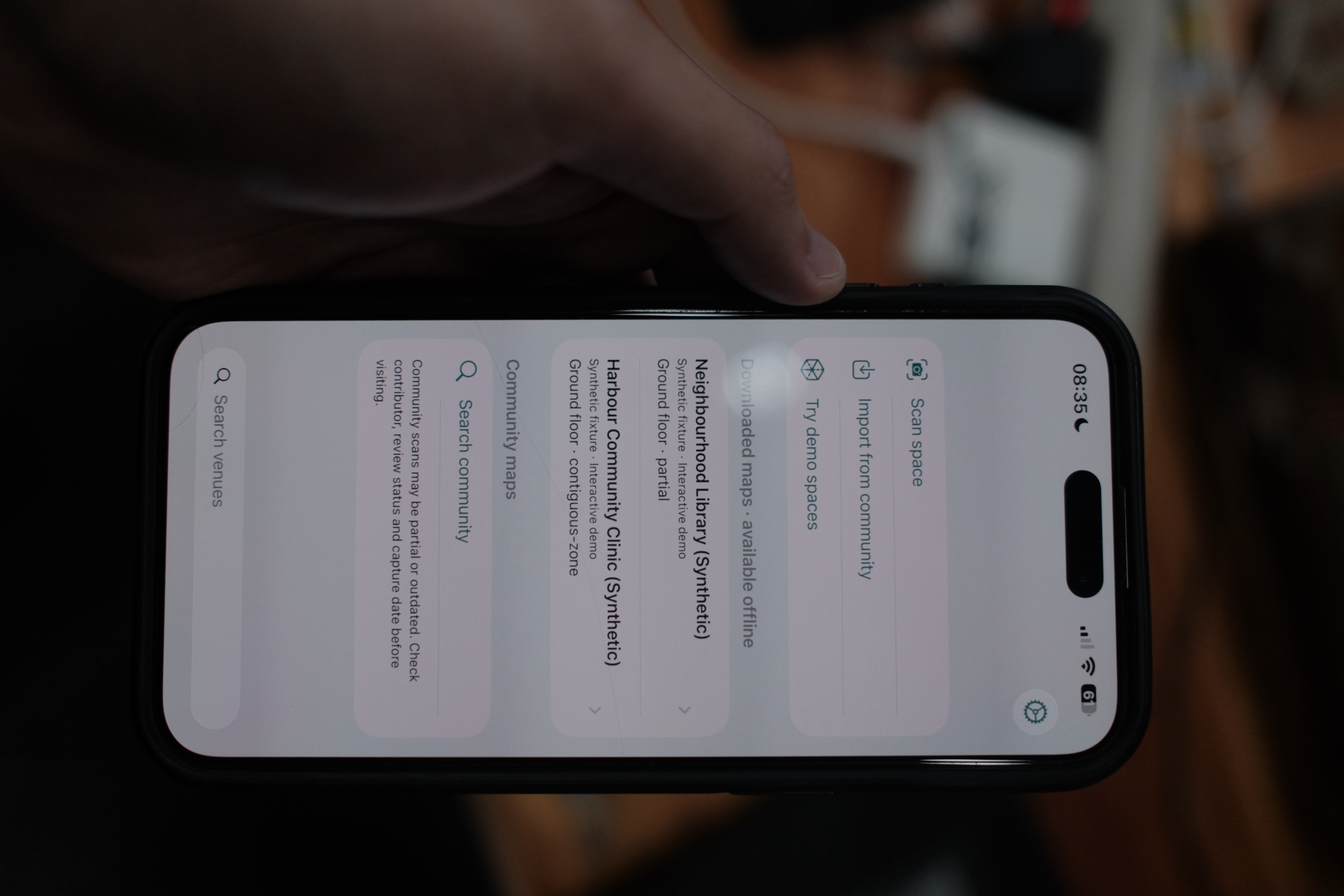
- Scan: A LiDAR-equipped iPhone or iPad to capture an indoor environment.
- Understand: The scan becomes a floor plan with walls, doorways, landmarks, and a walkable route graph.
- Share: The whole map is bundled and can be uploaded to a community drive where other devices can download and open.
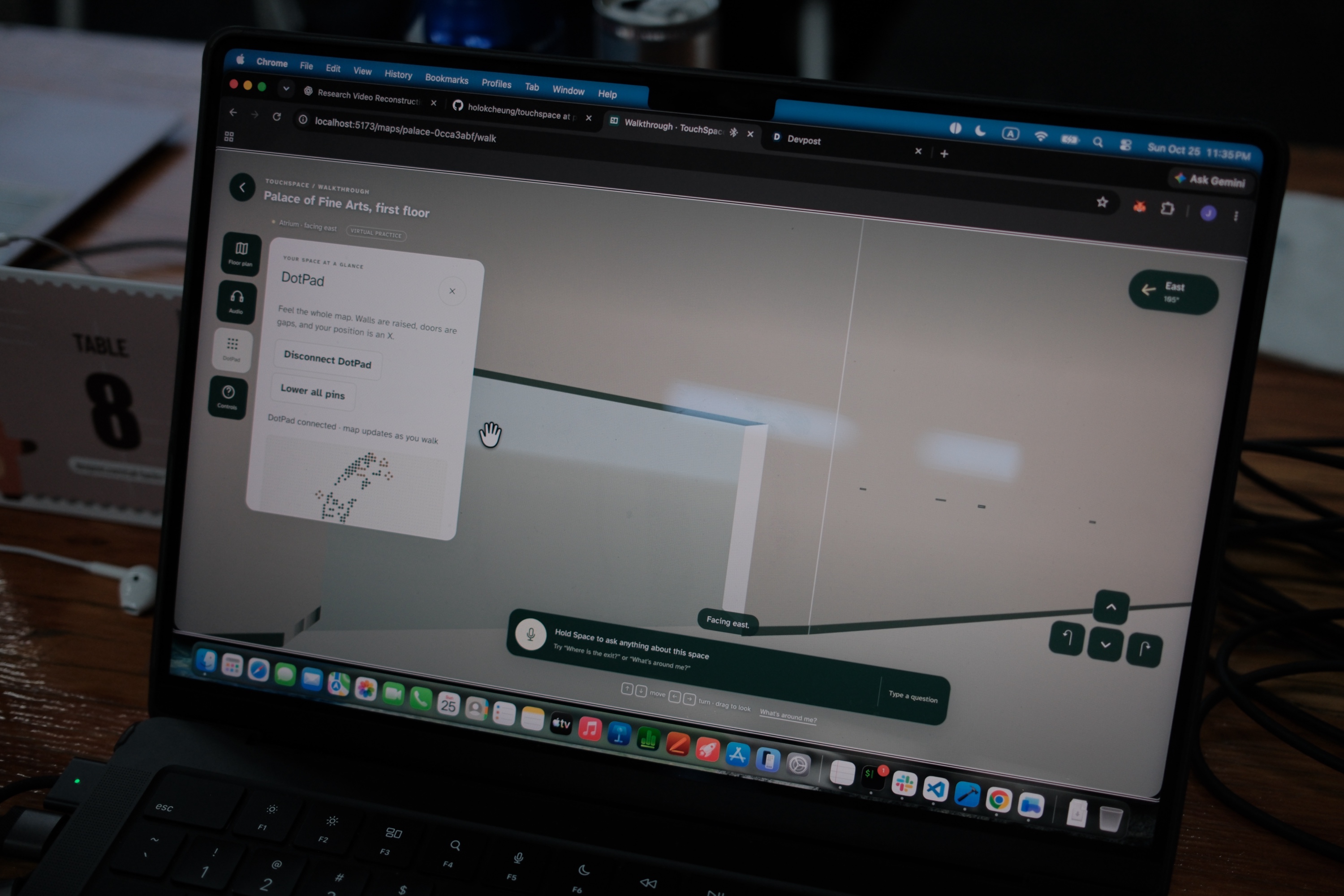
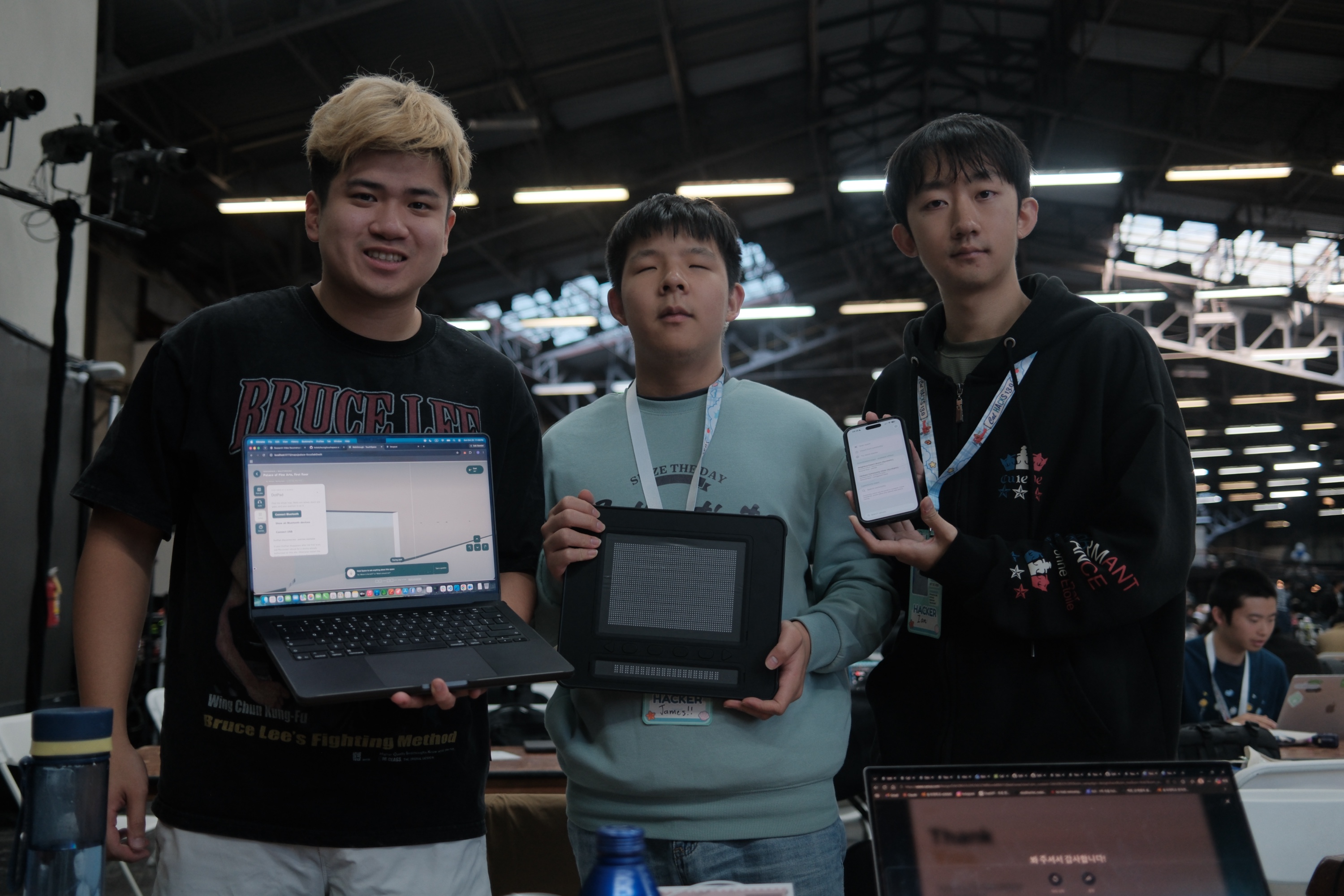
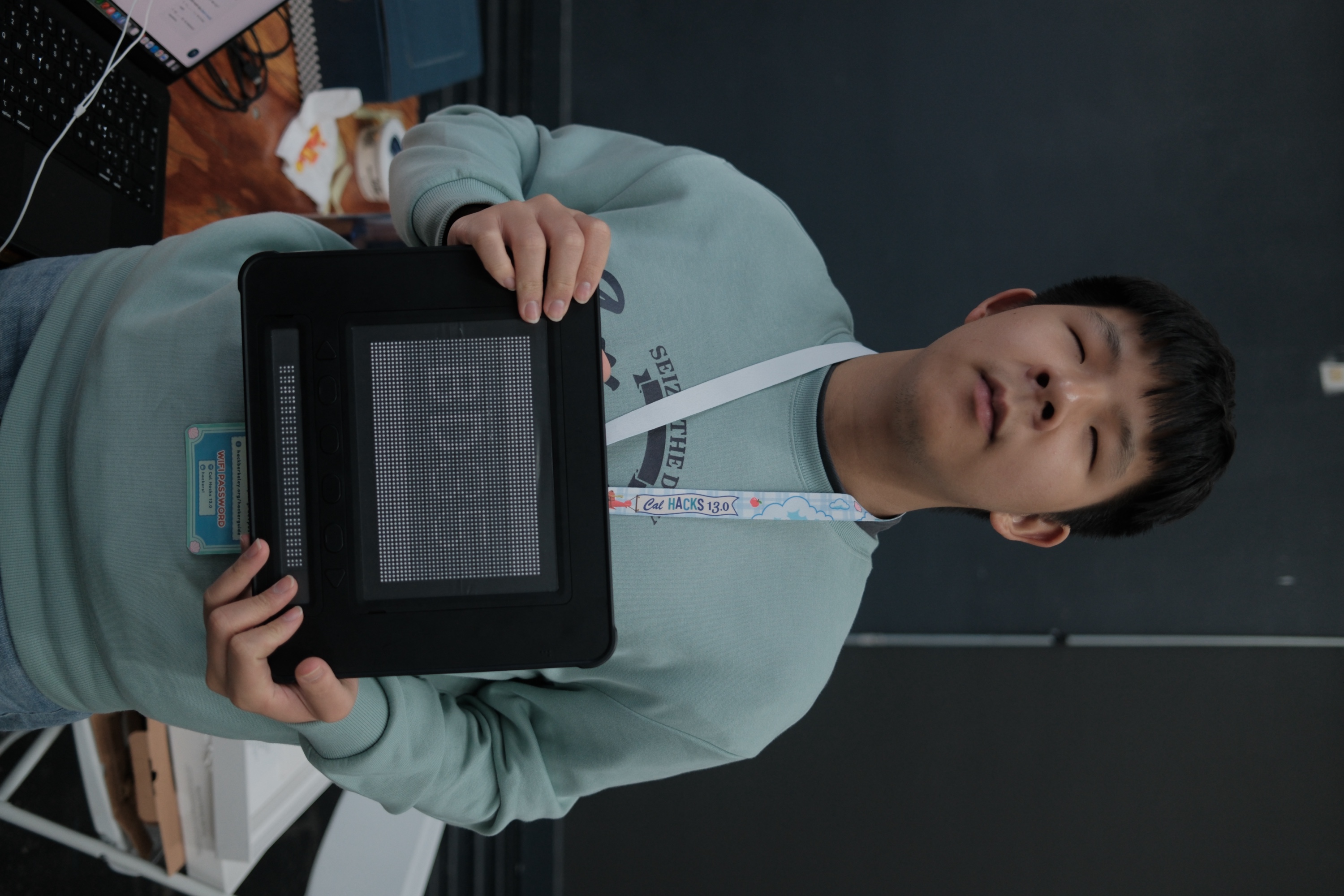
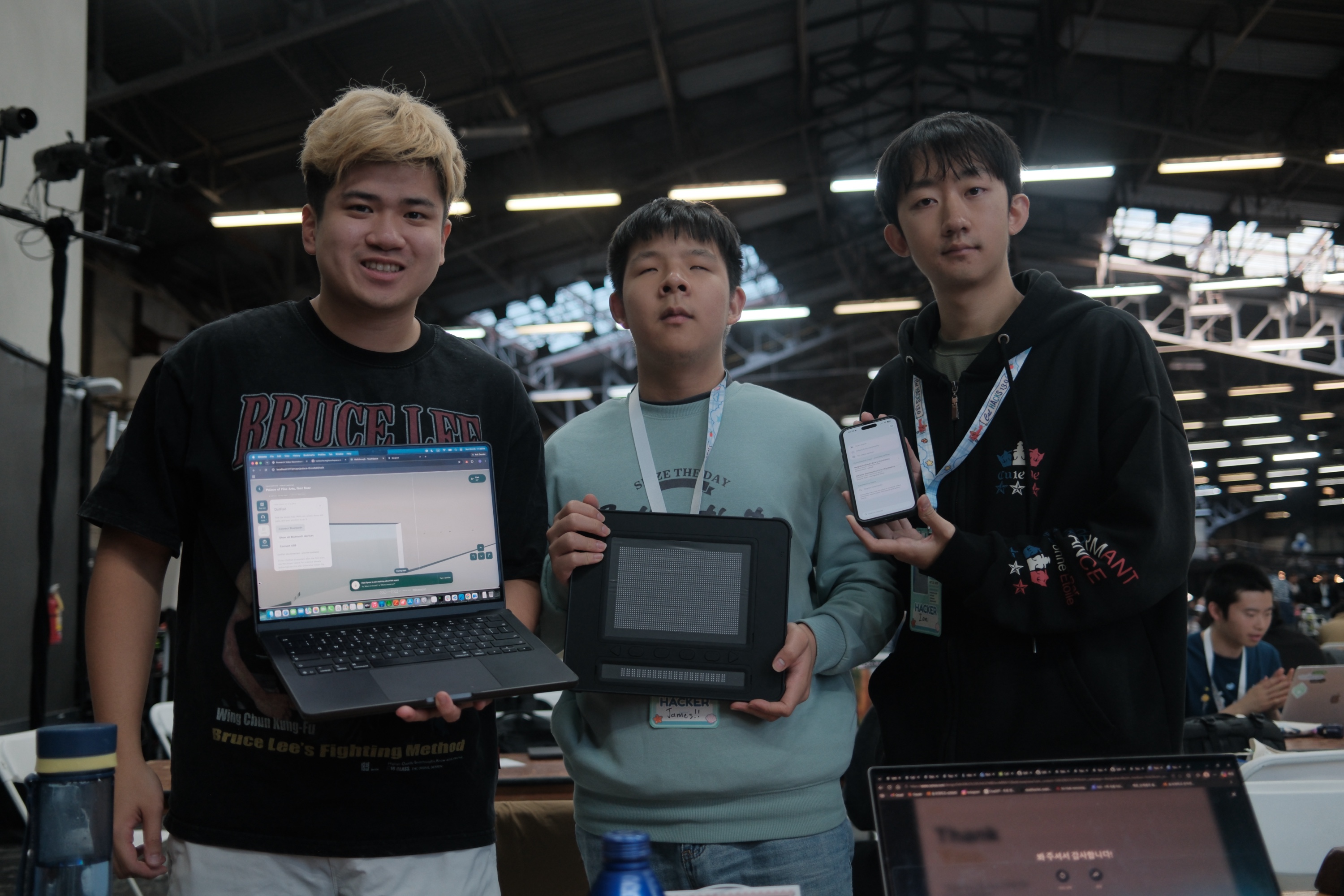
- Touch: A interactive top-down view of the floor plan rises as pins on a Dot Pad tactile display, complete with location markers, route highlighting, and braille labels
- Explore: An AI voice assistant with access to the complete map geometry answers spacial questions, locates objects, and plans routes.
Instead of simply hearing "Turn left in 10 feet," users can physically explore a map, understand how spaces connect, and decide where they want to go.
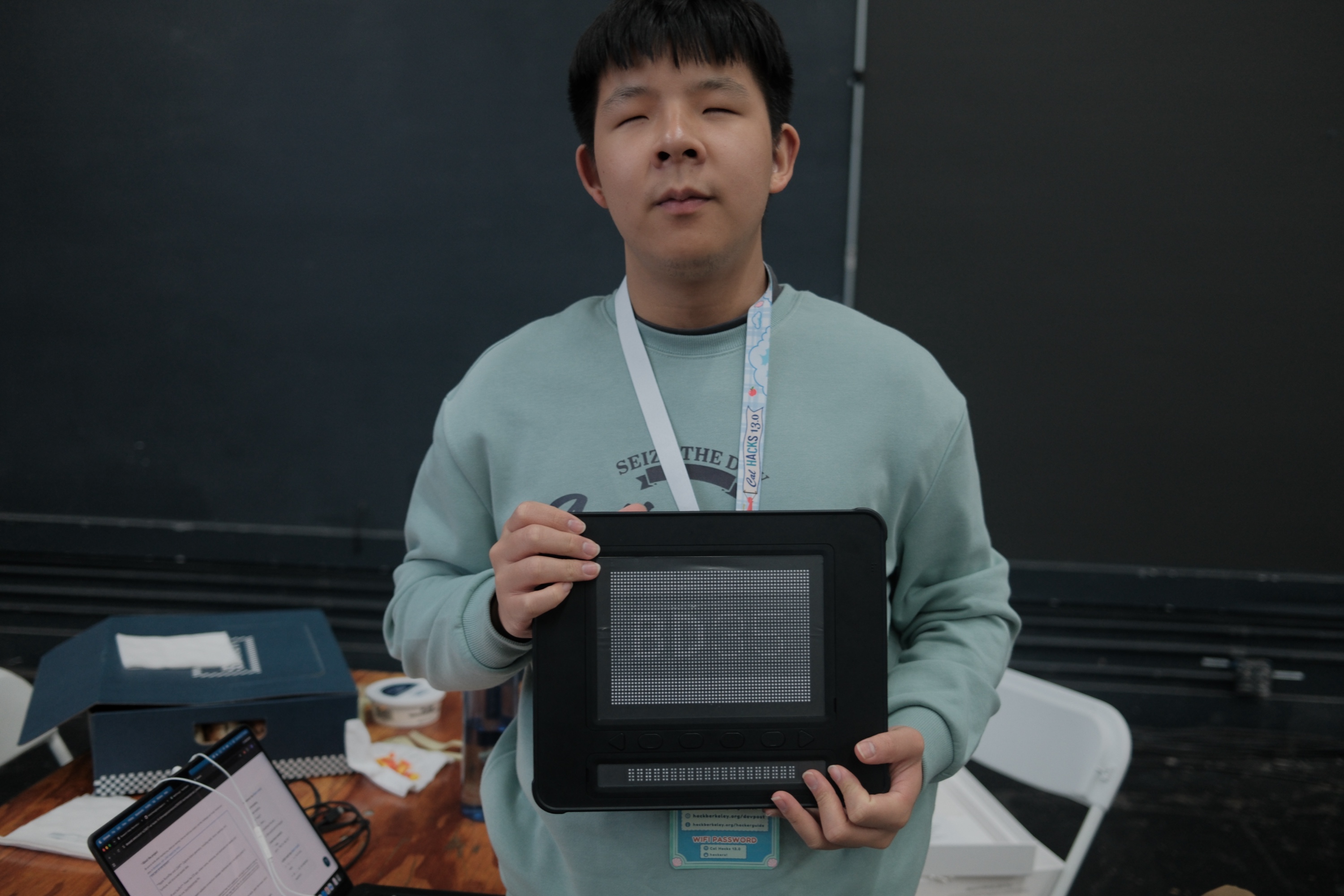
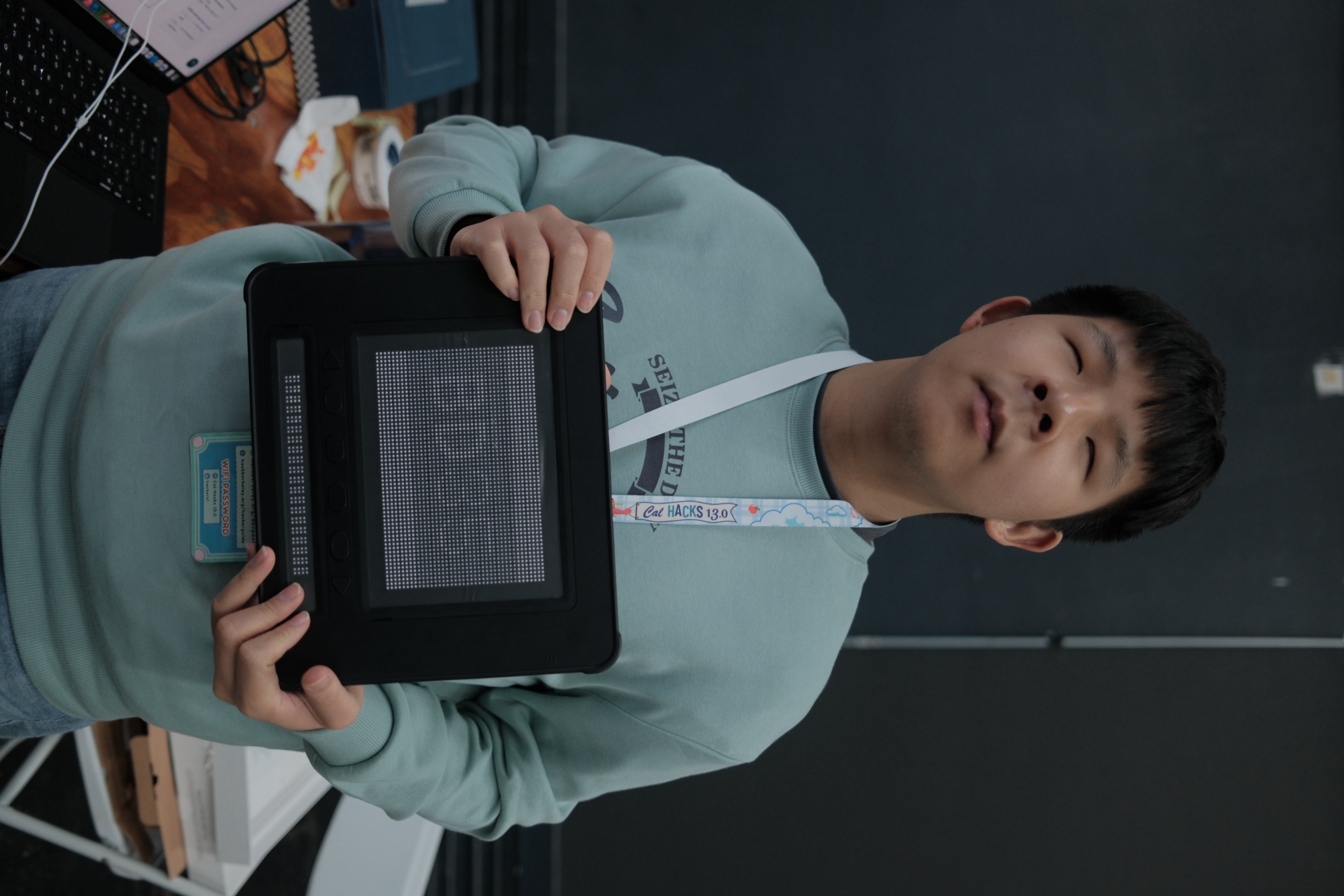
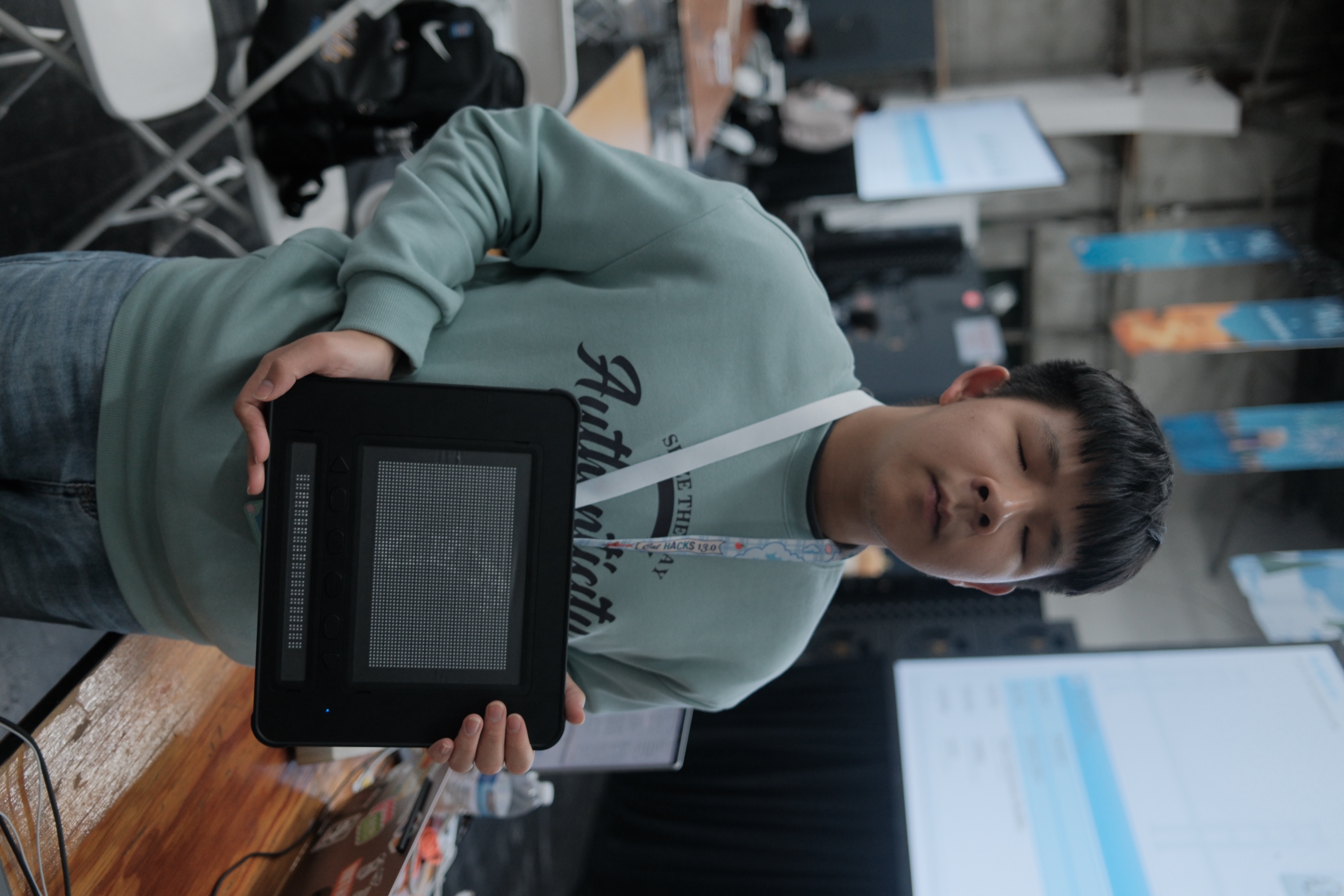
*The Dot Pad is a refreshable tactile display with 2,400 pins and a 20-cell braille line, so the same device can show any map.
How We're Building It
TouchSpace combines iOS sensors, an accessible web app, and specialized tactile hardware.
Apple RoomPlan and LiDAR capture indoor geometry, including walls, doors, openings, and furniture, and structured spatial data.
Swift and SwiftUI power the iOS app, where rooms, entrances, and landmarks are labeled and packaged into one .touchspacemap file, ready for sharing or download.
Traversal algorithms are used on a navigation graph of walkable connections.
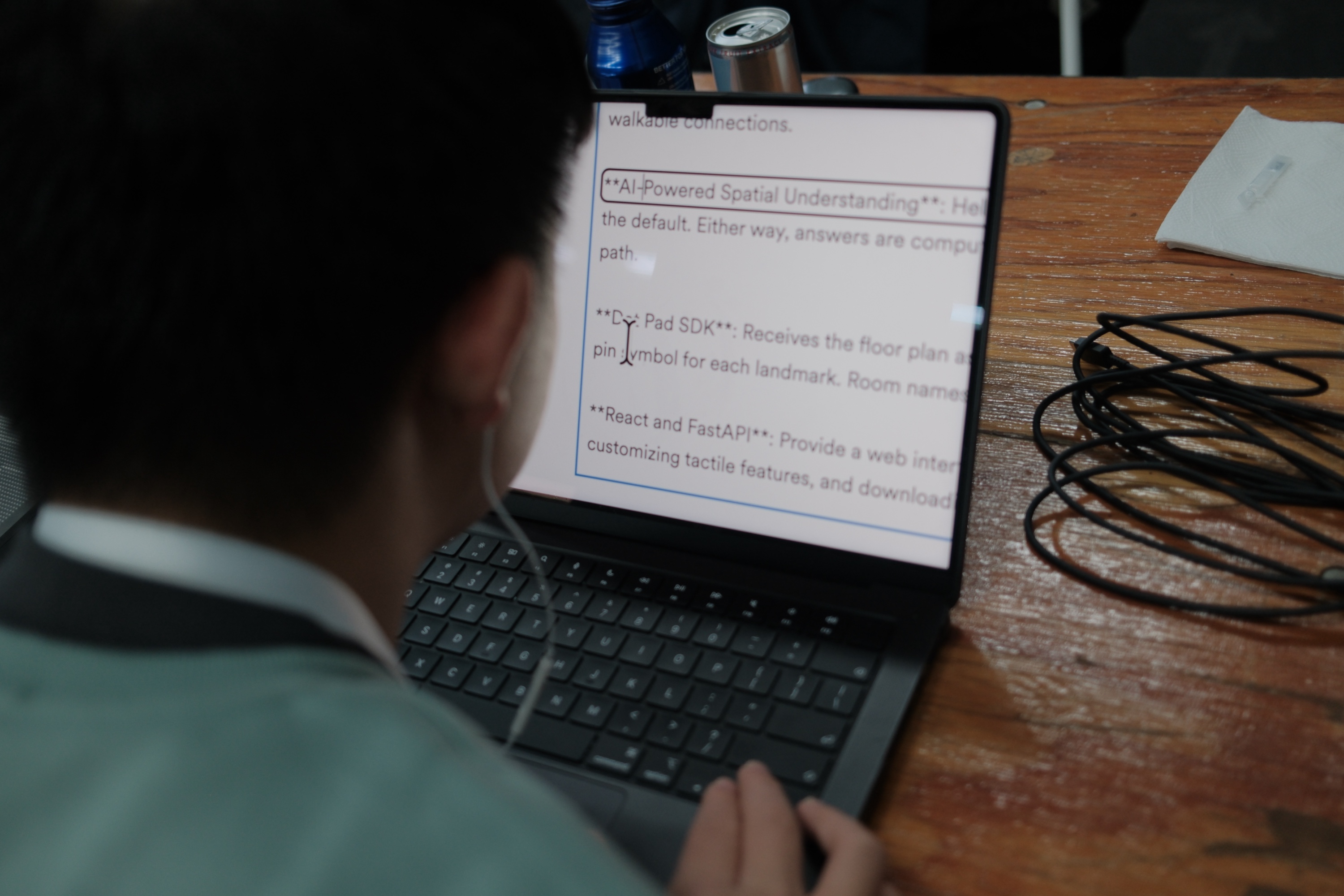
Claude-Powered Spatial Understanding help interpret free-form questions. Answers are computed from the map itself, so the AI cannot invent a room or a path.
The Dot Pad SDK receives the floor plan as a 60 × 40 pin grid, with raised walls, open doorways, and a pin symbol for each landmark. Room names go to the 20-cell braille line.
React and FastAPI provide a web interface for uploading scans, exploring generated maps, and communication to DotPad
Our search for tactile hardware led us to the Dot Pad, a refreshable tactile display that already exists. That let us focus on software that fills it with indoor maps generated directly from a scan.
Another key decision was keeping AI out of direct route planning. For a blind user, a wrong direction caused by halucination is a safety risk. Instead, the AI agent calls functions that deterministically computes and verifies valid routes.
Challenges We Faced
The central engineering challenge is translating complex 3D environments into simple, touch-readable maps.
A raw scan can contain hundreds of objects and geometric details. Reproducing everything would make a tactile map cluttered and hard to read.
We therefore had to decide which information matters most, such as walls, entrances, obstacles, and key landmarks.
The Dot Pad made this even stricter. Its 60 × 40 pin grid leaves room for only the essentials, and its braille line fits just 20 cells.
Real scans were also messy. Walls arrived slightly rotated, corners failed to meet, and doors floated off their walls.
We also need to ensure that spoken navigation guidance comes from actual map data rather than unsupported AI assumptions.
Finally, hardware itself was a challenge. We first tried building our own pin display. Every pin needed its own actuator, which quickly became too much to build within a hackathon. Looking for alternatives led us to the Dot Pad, an existing refreshable tactile display.
What We Learned
Developing this project taught us that accessibility is not simply about translating visual information into another format.
It's about designing information around how people actually experience the world.
A detailed visual floor plan isn’t necessarily a good tactile map. Effective tactile navigation requires simplification, clear landmarks, understandable spatial relationships, and consistent representations.
We also learned the importance of combining different interaction methods.
A tactile map can help someone build a mental understanding of a space, while conversational voice assistance can provide additional context and answer specific questions.
Together, these technologies have the potential to create a more inclusive spatial exploration experience.
What's Next
Our immediate goal is to complete and validate the full workflow on real devices, from scanning a real room to exploring it on a Dot Pad.
Future improvements could include:
- Automatic multi-room and multi-floor mapping
- Fuller braille labeling and customizable tactile symbols
- Hands-free voice interaction, including voice commands to pan and zoom the tactile map
- Real-time updates for blocked hallways or changed layouts
- Support for more refreshable tactile displays beyond the Dot Pad
- Usability testing and collaboration with blind and visually impaired users Ultimately, we envision a future where any building can be scanned once and explored by anyone who needs it.
Our Mission TouchSpace is more than a mapping tool. It's an effort to make physical spaces more understandable, accessible, and inclusive. It lets you know the space before you get there.
We believe that independent exploration should not be a privilege limited by vision.
TouchSpace — Scan a Space. Feel the Layout. Explore with Confidence.
Built With
- arkit
- avfoundation
- claude
- fastapi
- ios
- lidar
- pydantic
- python
- react
- roomplan
- shapely
- sqlite
- swift
- swiftui
- tailwindcss
- typescript
- uvicorn
- vite
- web-audio-api
- web-speech-api


Log in or sign up for Devpost to join the conversation.