Inspiration
Earth science is often taught through flat, static diagrams in textbooks—making complex concepts like planetary geology, atmospheric layers, and deep geological time feel abstract and disconnected. As a 17-year-old Grade 12 ICT student, I wanted to build an educational tool that eliminates the need for expensive lab equipment, field trips, or high-end hardware. Most digital globes stop at the surface; I was inspired to build an interactive experience that lets anyone explore Earth inward, upward, and backward in time directly from a standard web browser.
What it does
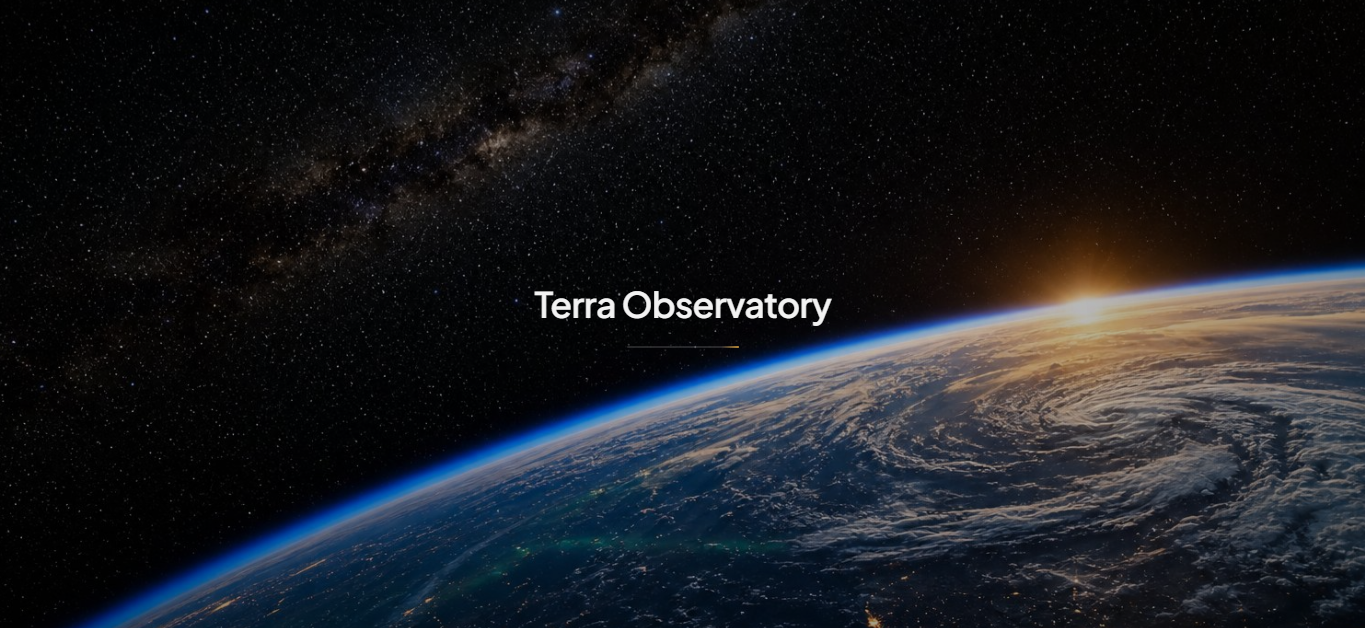
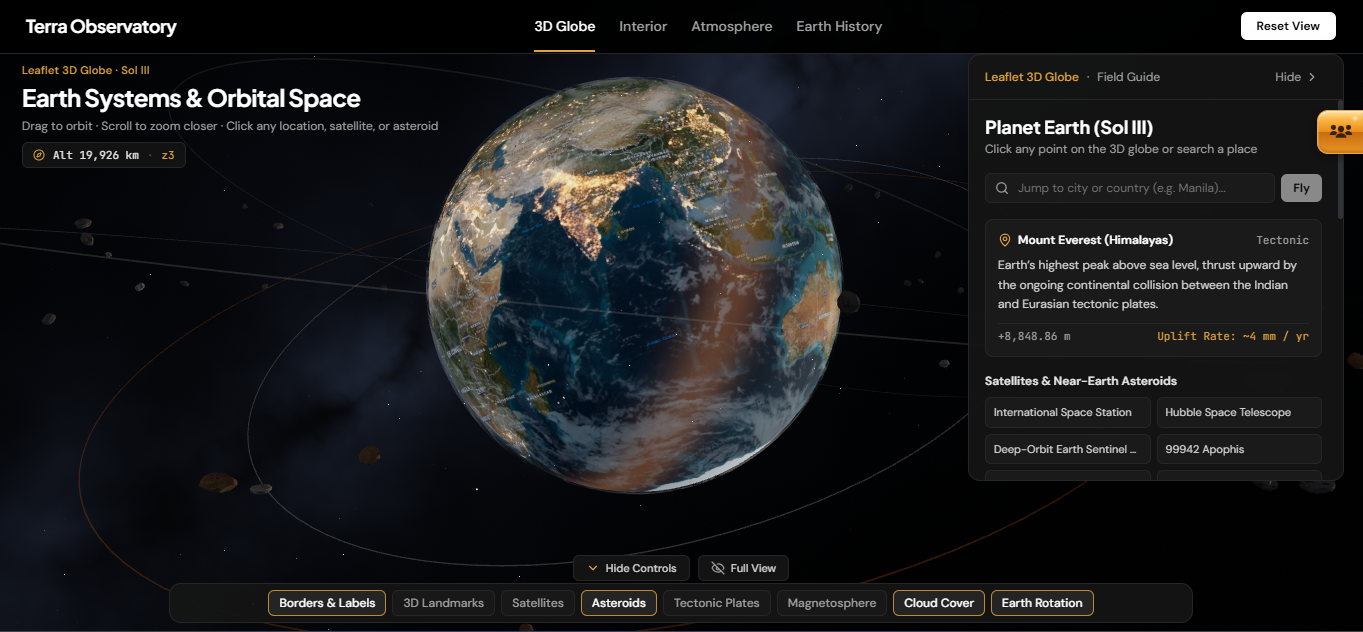
Terra Observatory is a real-time 3D Earth encyclopedia built for the open web:
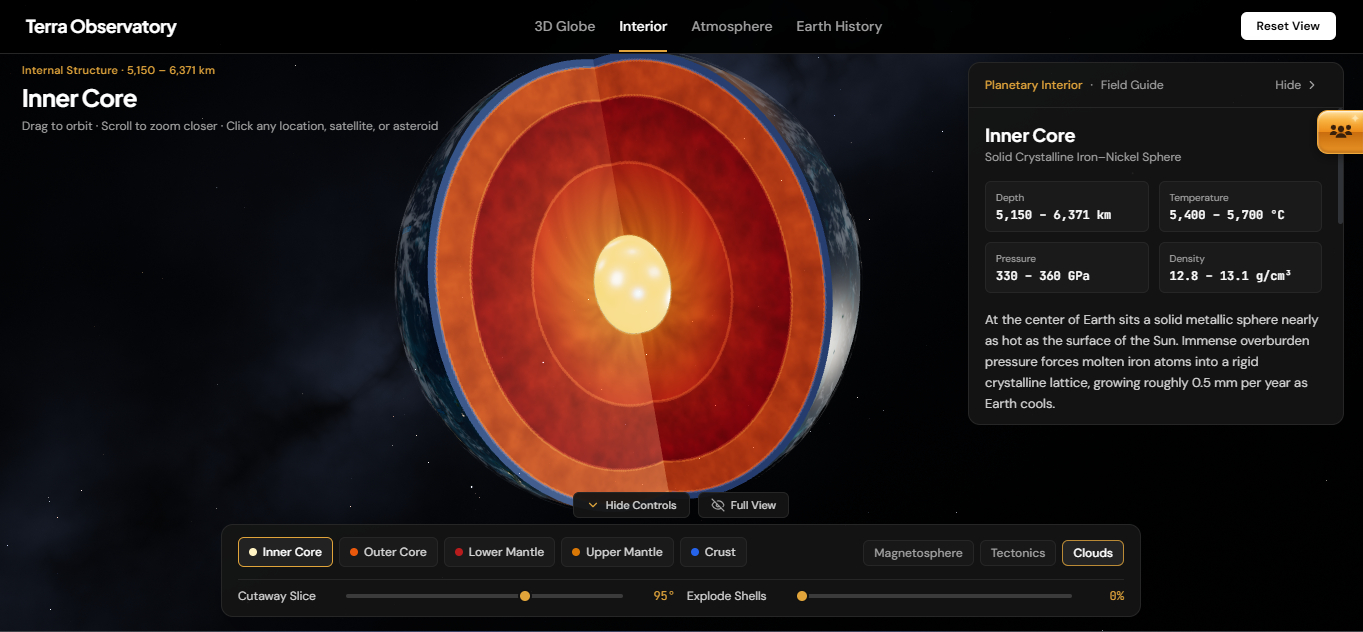
- Inward (Planetary Cross-Section): Users can orbit a live WebGL globe and slice it open to inspect the inner core, outer core, mantle, and crust in spatial detail.
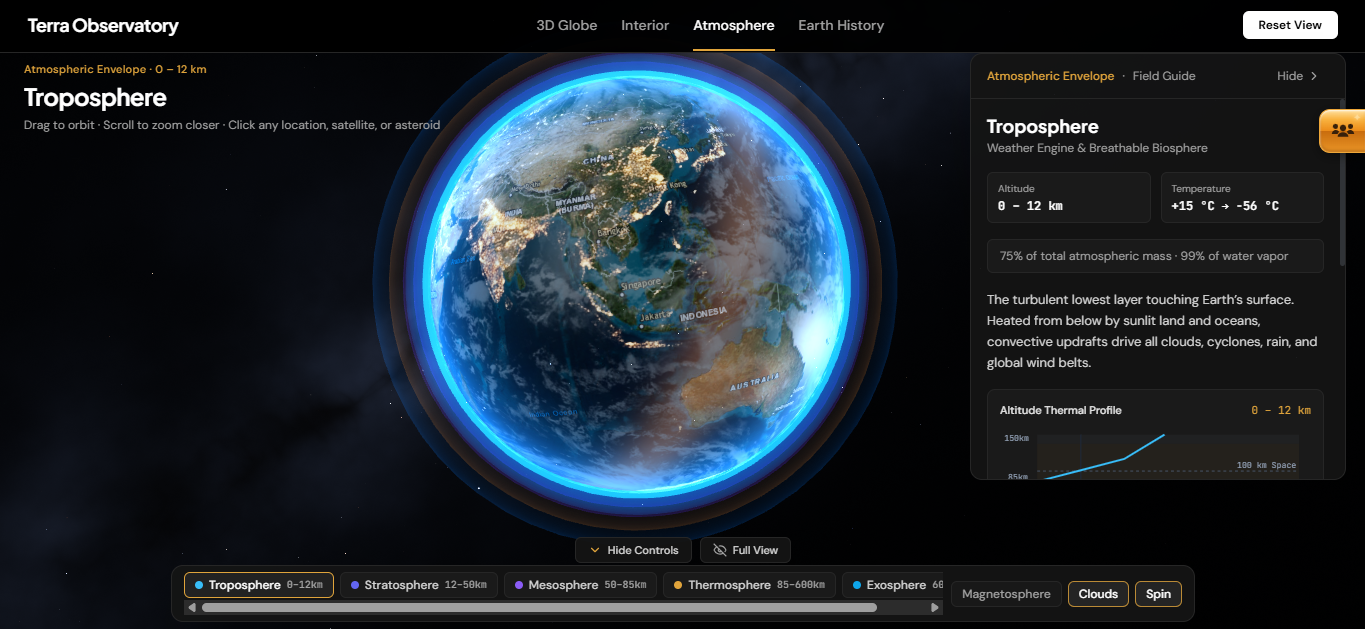
- Upward (Atmospheric Layers): Ascend seamlessly from Earth's surface through all five atmospheric layers (Troposphere, Stratosphere, Mesosphere, Thermosphere, and Exosphere) to understand altitude and atmospheric structure.
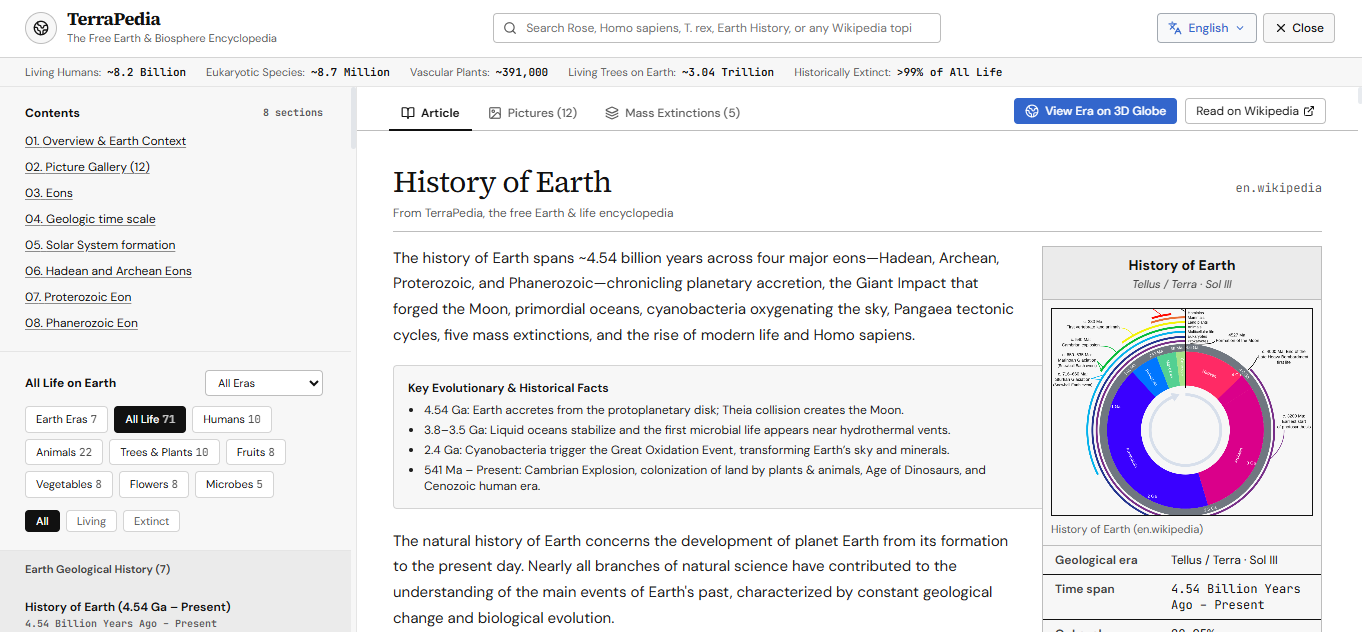
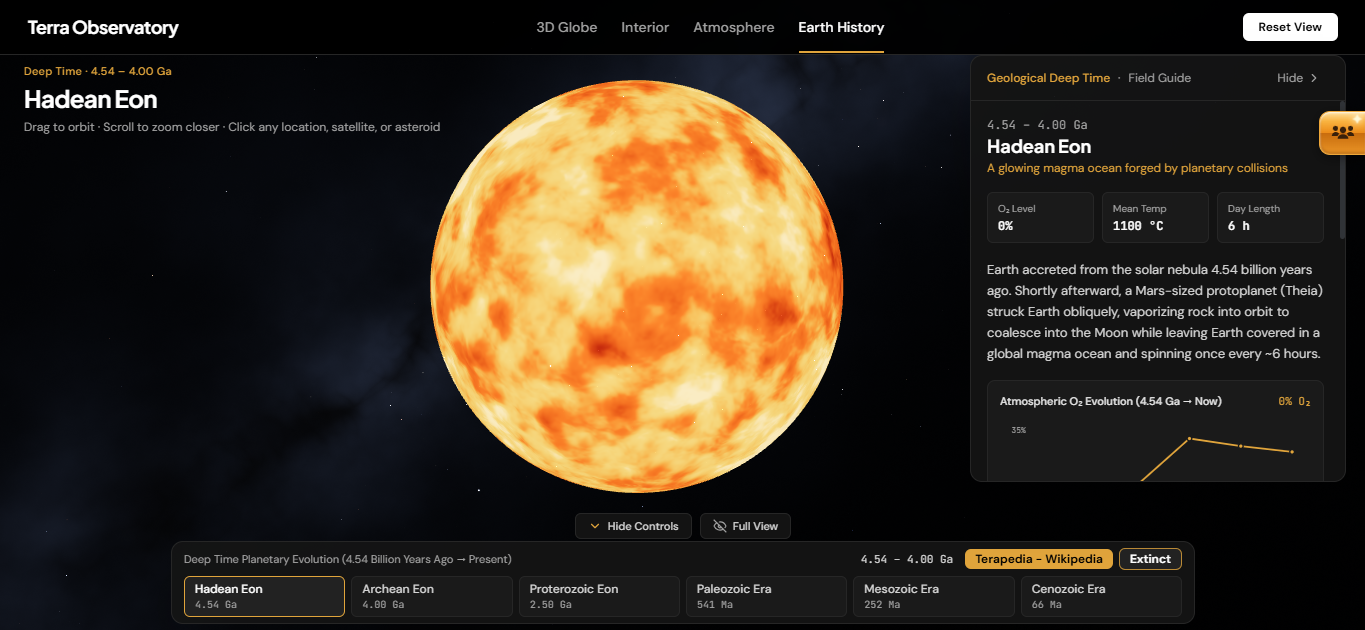
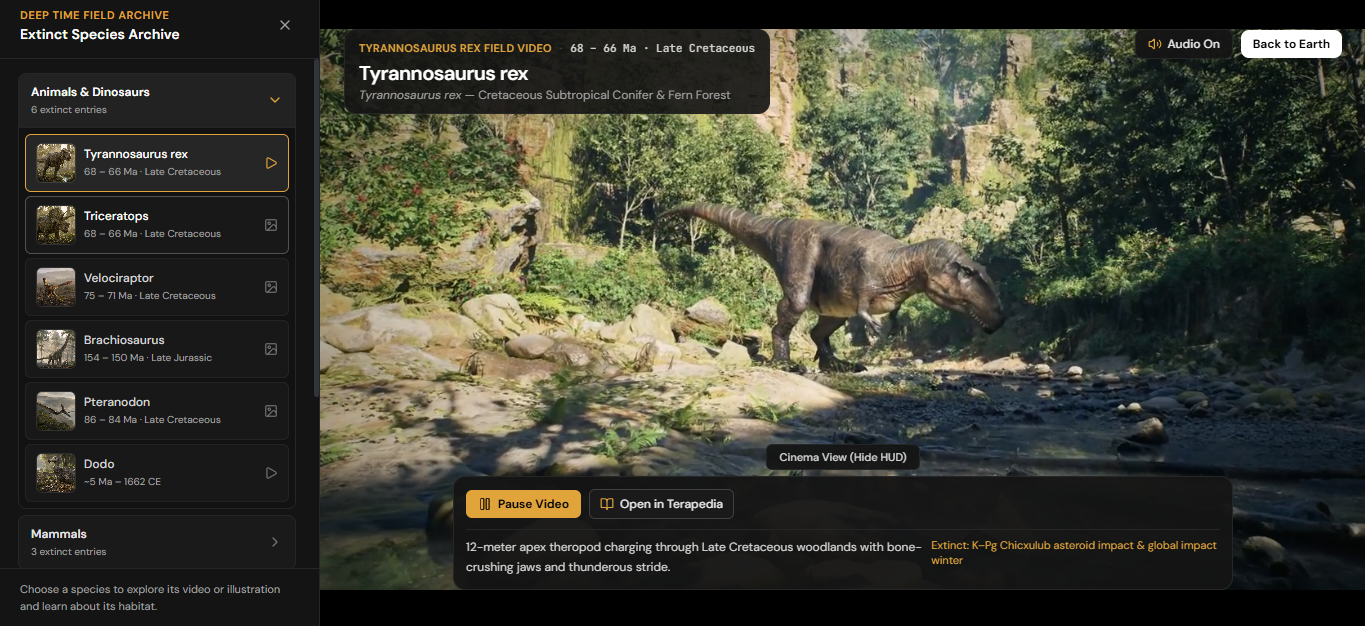
- Backward in Time (4.54 Billion Years): Travel across deep geological eras to explore ancient Earth conditions and encounter extinct species.
- Live Knowledge Integration: Every geological milestone, layer, and species is directly linked to live Wikipedia articles, turning visual exploration into instant, verifiable research.
How I built it
- 3D Rendering & Motion: Built using WebGL and custom shaders/3D meshes to render real-time planetary cross-sections, atmospheric gradients, and smooth camera transitions designed to explain concepts rather than merely decorate.
- Frontend & UI: Crafted with responsive HTML, CSS, and JavaScript so the interface works smoothly across both desktop and mobile browsers without requiring downloads or installations.
- Data & Live Encyclopedia: Structured scientific timelines and planetary datasets dynamically connected to the Wikipedia API for real-time reference lookup.
Challenges I ran into
- Performance vs. Visual Detail: Rendering multi-layered 3D cross-sections and atmospheric transitions in real time without lagging low-end devices or mobile browsers required careful geometry optimization, texture compression, and frame-rate tuning.
- Designing Purposeful Motion: Balancing scientific accuracy with intuitive camera controls so users never feel disoriented when transitioning from a planetary core view to high-altitude atmospheric layers or deep-time timelines.
- Solo Development: Handling 3D modeling, UI/UX design, scientific research, and frontend optimization independently while balancing Senior High School studies.
Accomplishments that I'm proud of
- Building a fully functional, zero-install 3D scientific encyclopedia from scratch as a solo student developer.
- Creating a unified spatial interface that bridges geology, meteorology, and paleontology in one continuous browser experience.
What I learned
Through building Terra Observatory, I deepened my understanding of real-time 3D rendering pipelines, spatial UI/UX design, and performance optimization for the open web. More importantly, I learned how purposeful motion and interactive visualization can make complex scientific data immediately intuitive for learners everywhere.
What's next for Terra Observatory
- Expanding the deep-time biodiversity archive with more interactive 3D extinct species and paleoclimate simulations.
- Adding real-time Earth telemetry (live weather systems, tectonic plate activity, and satellite orbits).
- Collaborating with science teachers and students to refine classroom-ready guided tours.
Built With
- css3
- esri
- framer-motion
- github-actions
- glsl
- html5
- json
- leaflet.js
- mediawiki
- mobile-web
- nominatim
- openstreetmap
- procedural-generation
- pwa
- react
- responsive-design
- rest-api
- tailwind-css
- three.js
- typescript
- vite
- web-audio-api
- webgl
- wikipedia-api
