-
-
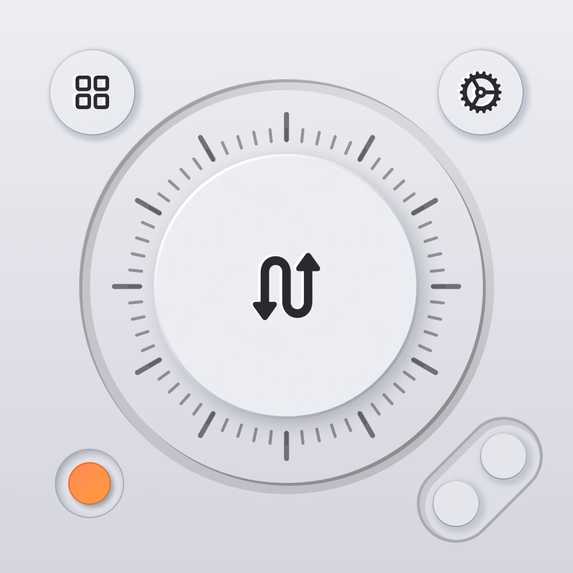
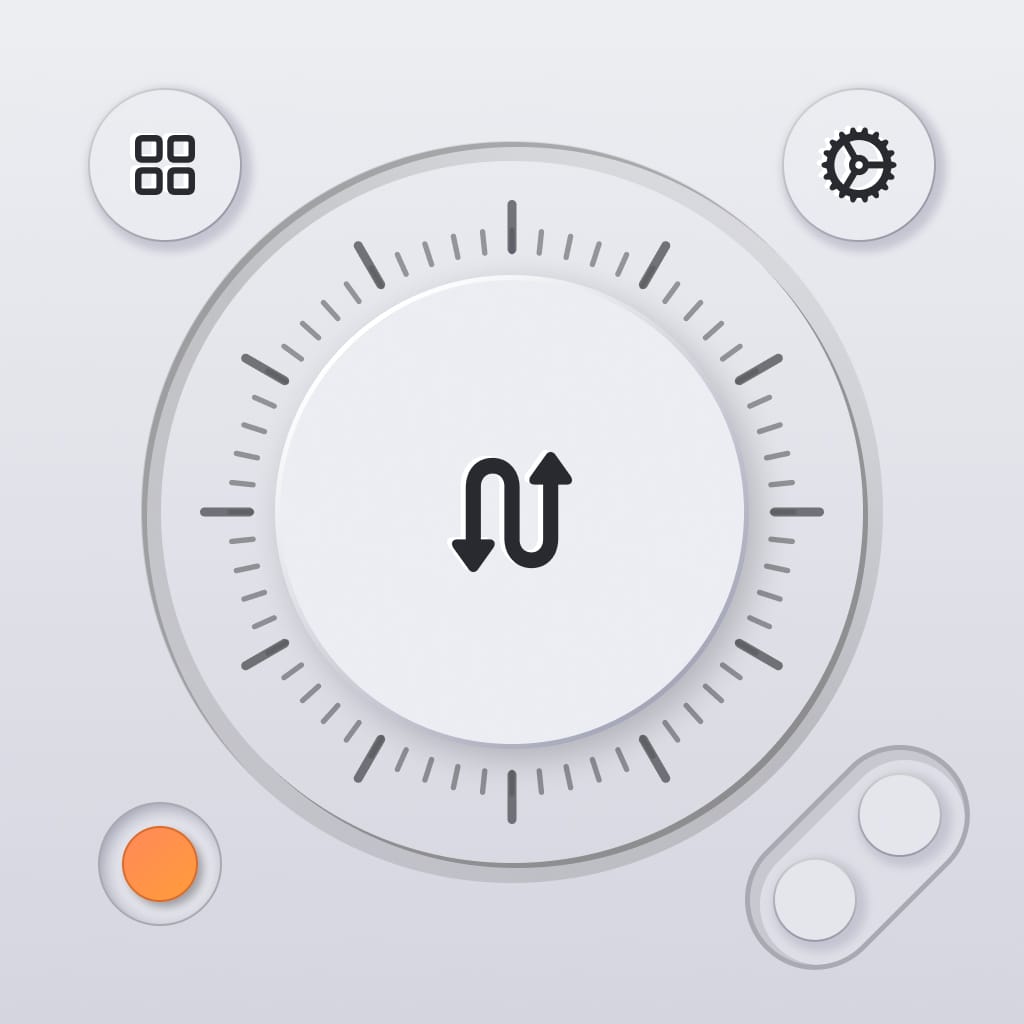
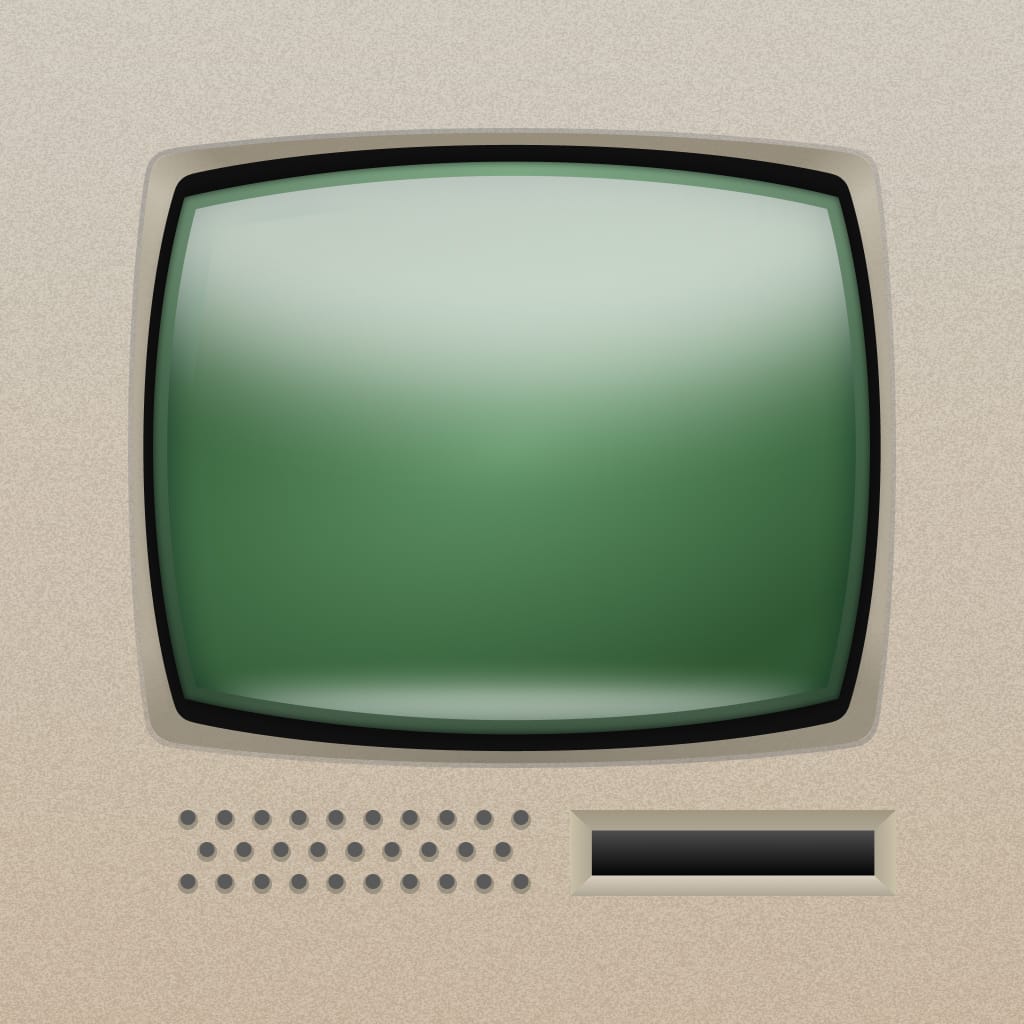
Primary App Icon
-
Alternative App Icon
-
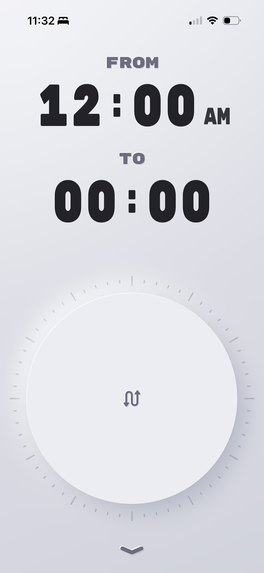
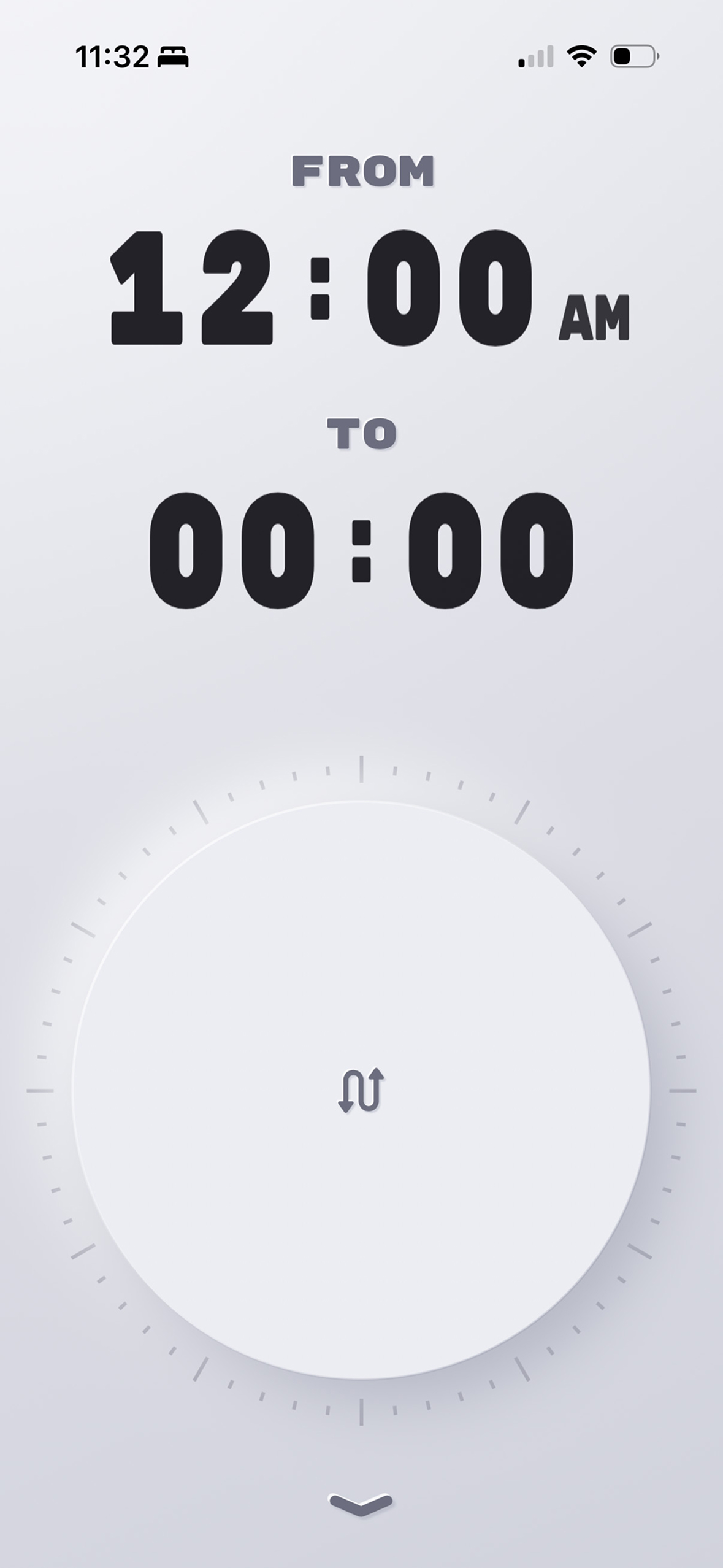
Minimalistic View
-
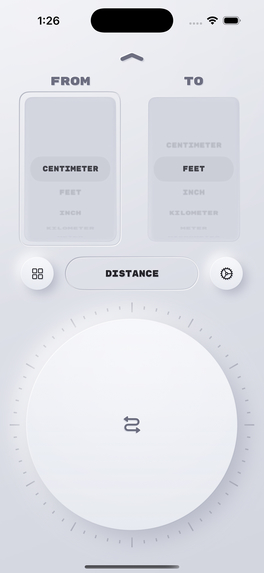
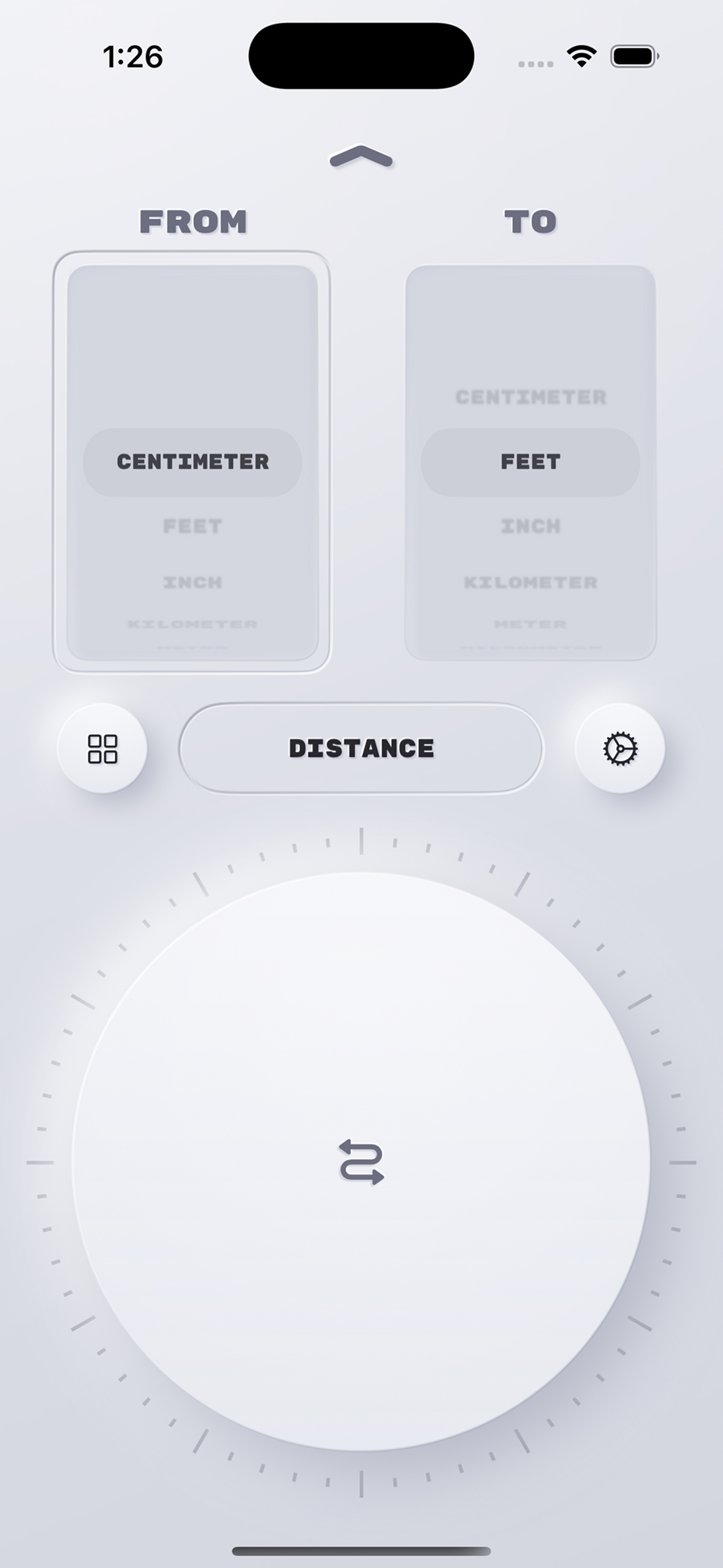
Minimalistic Secondary View
-
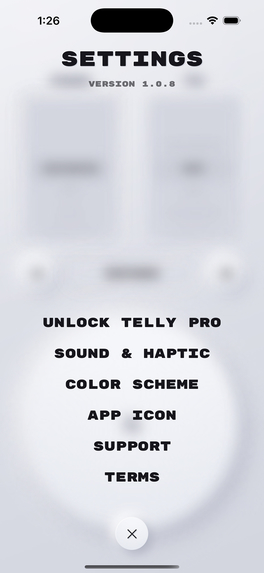
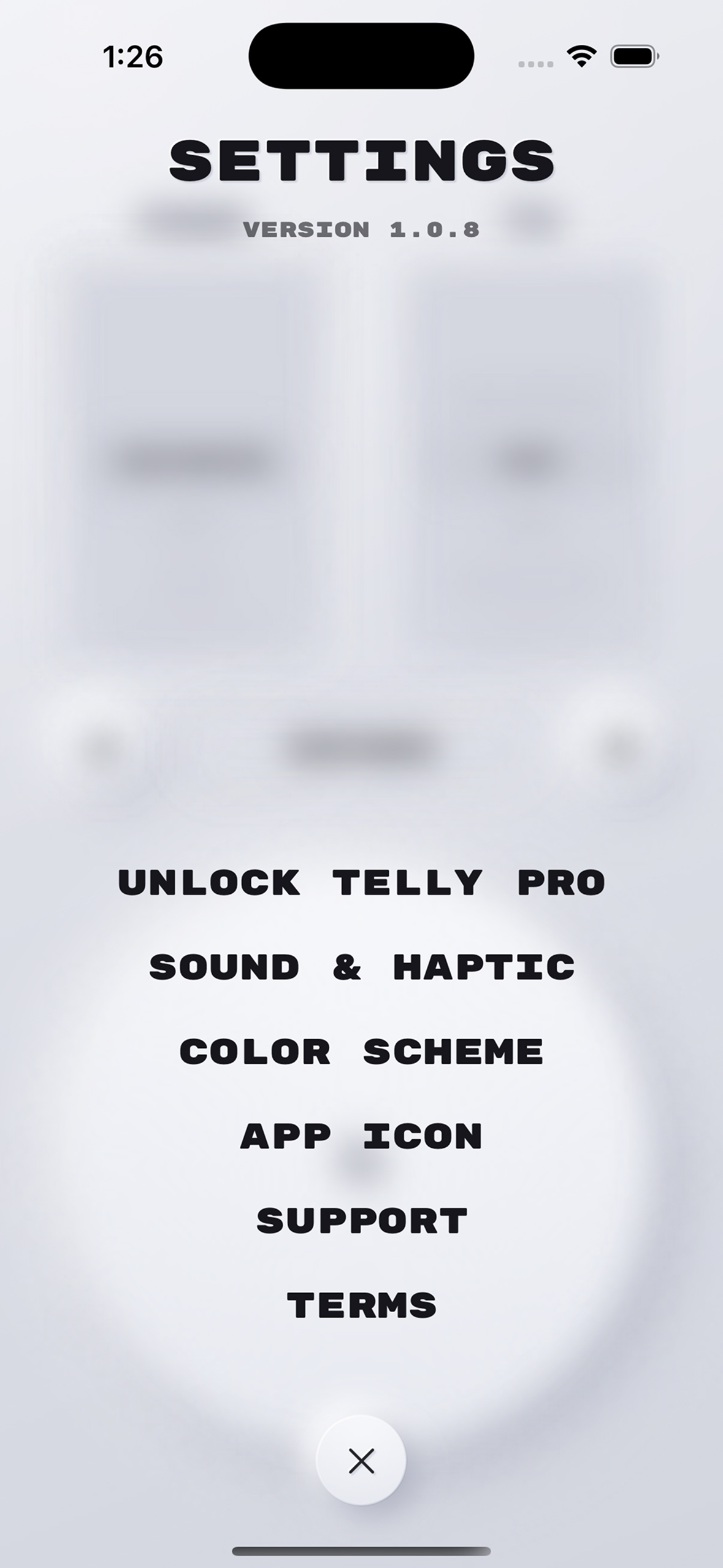
Minimalistic Settings View
-
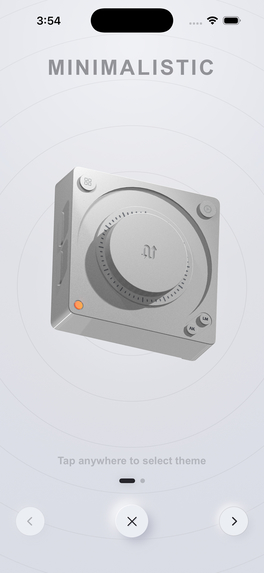
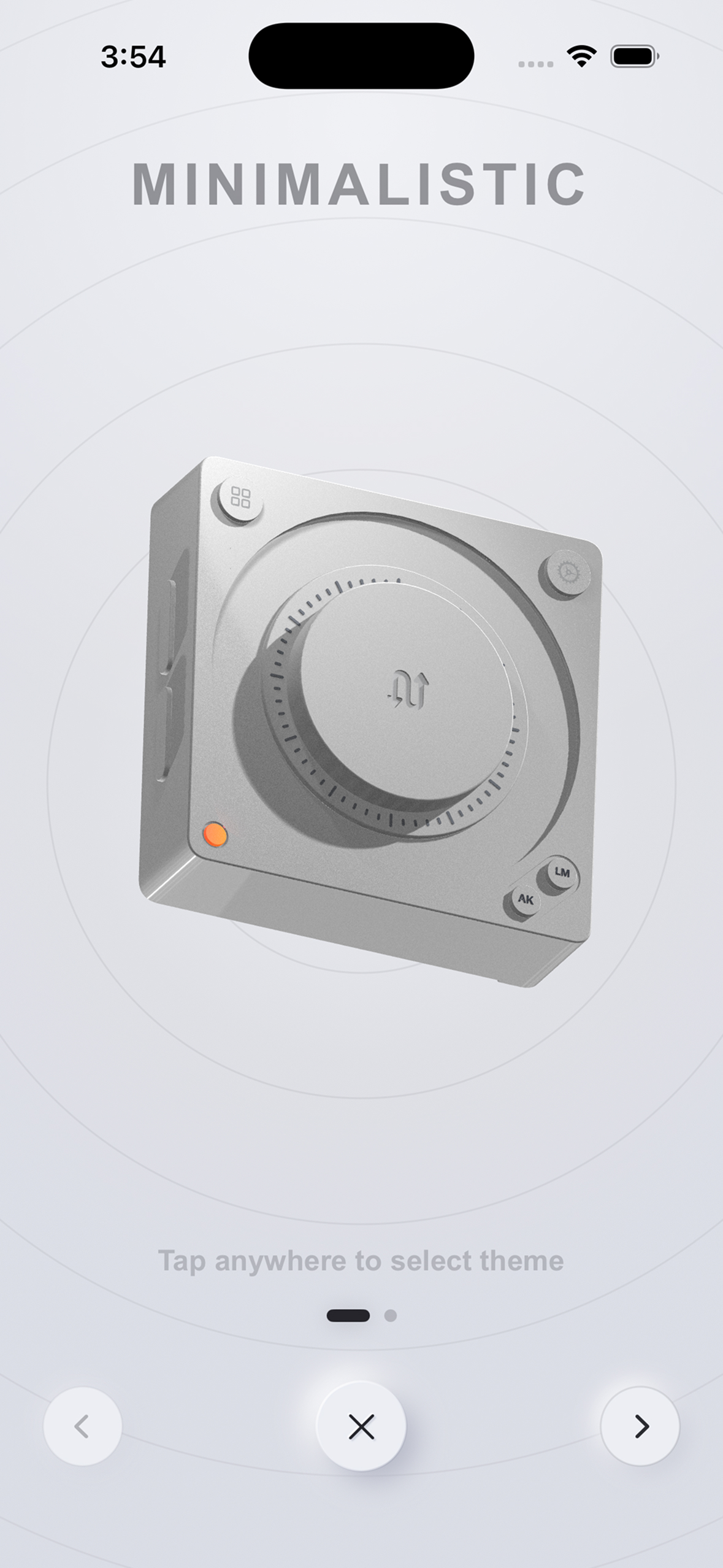
Minimalistic Theme Selection View
-
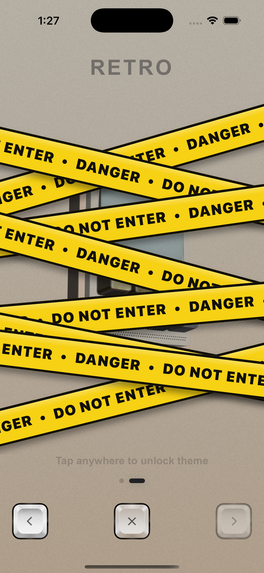
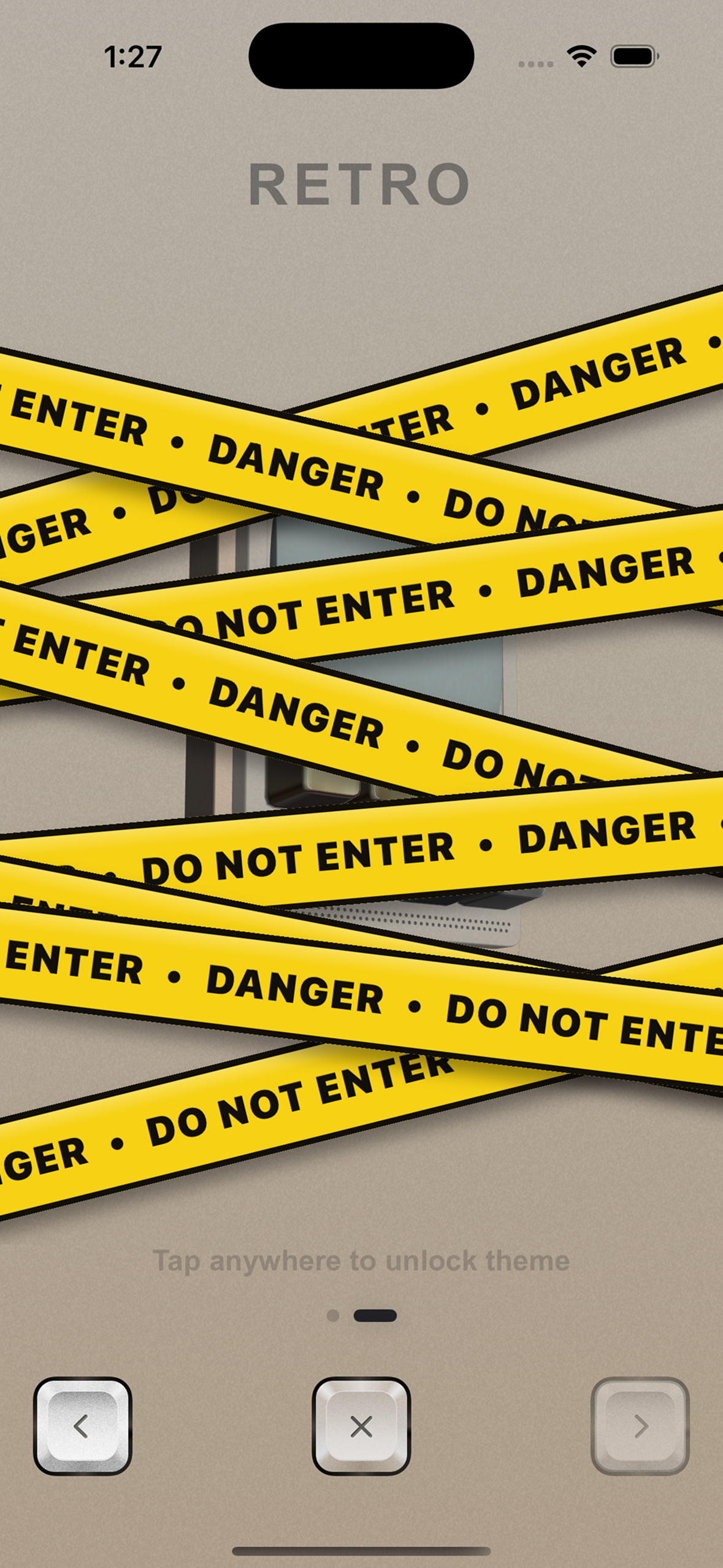
Retro Theme Locked View
-
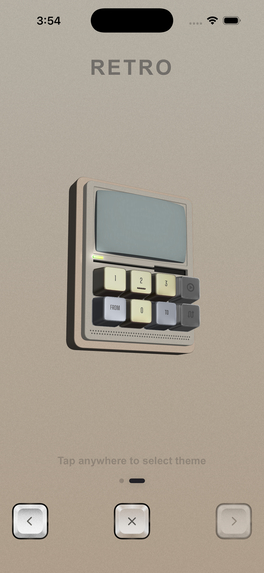
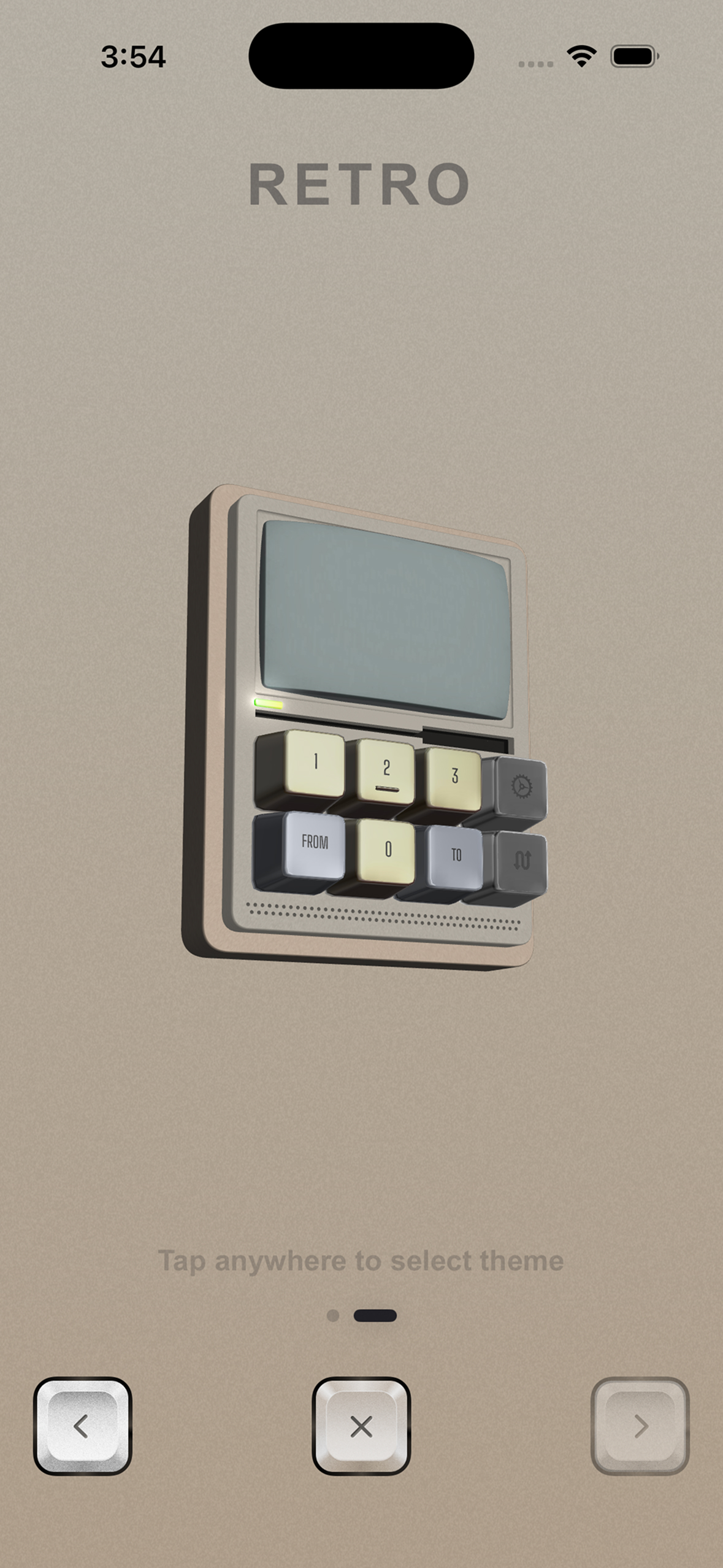
Retro Theme Selection View
-
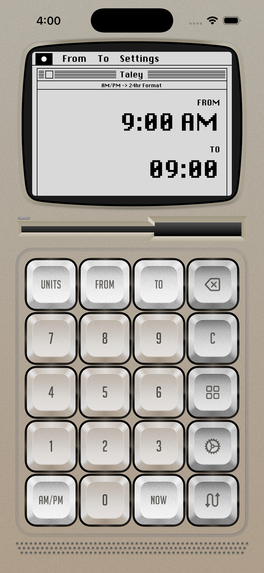
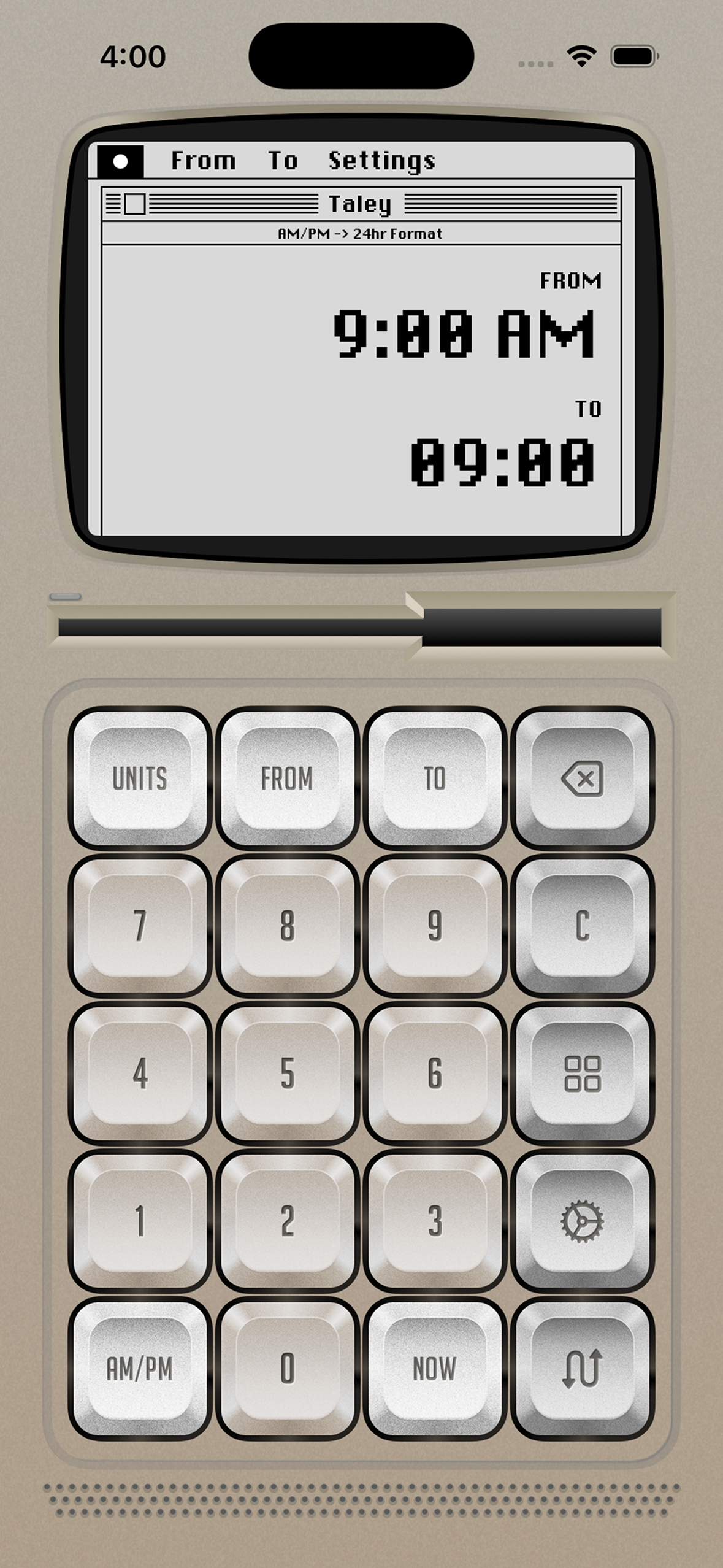
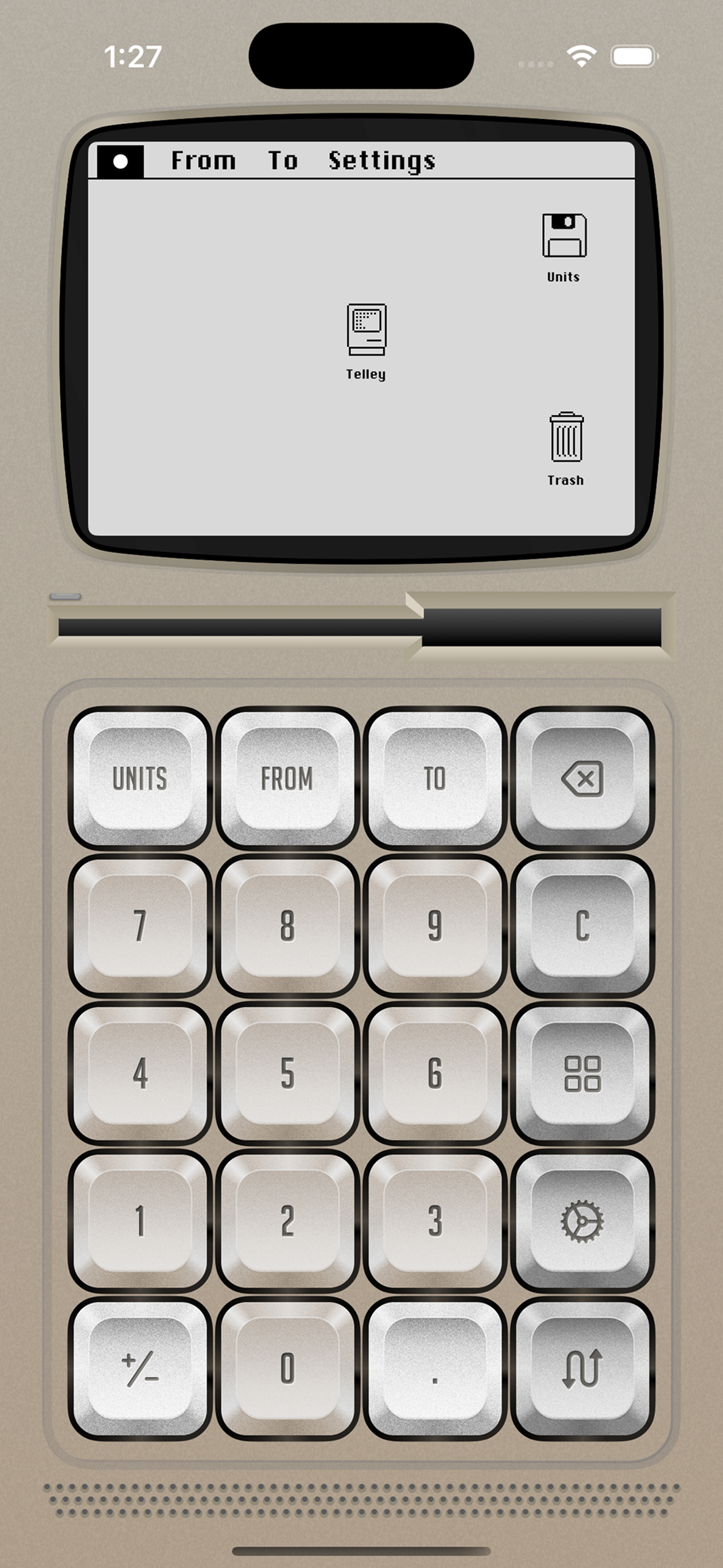
Retro View (RetroOS)
-
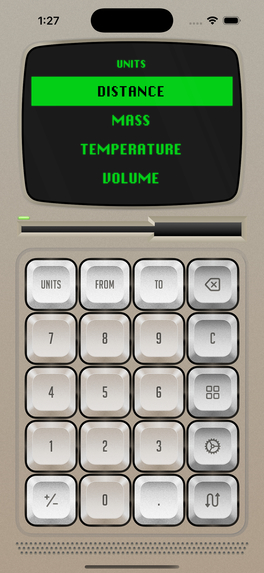
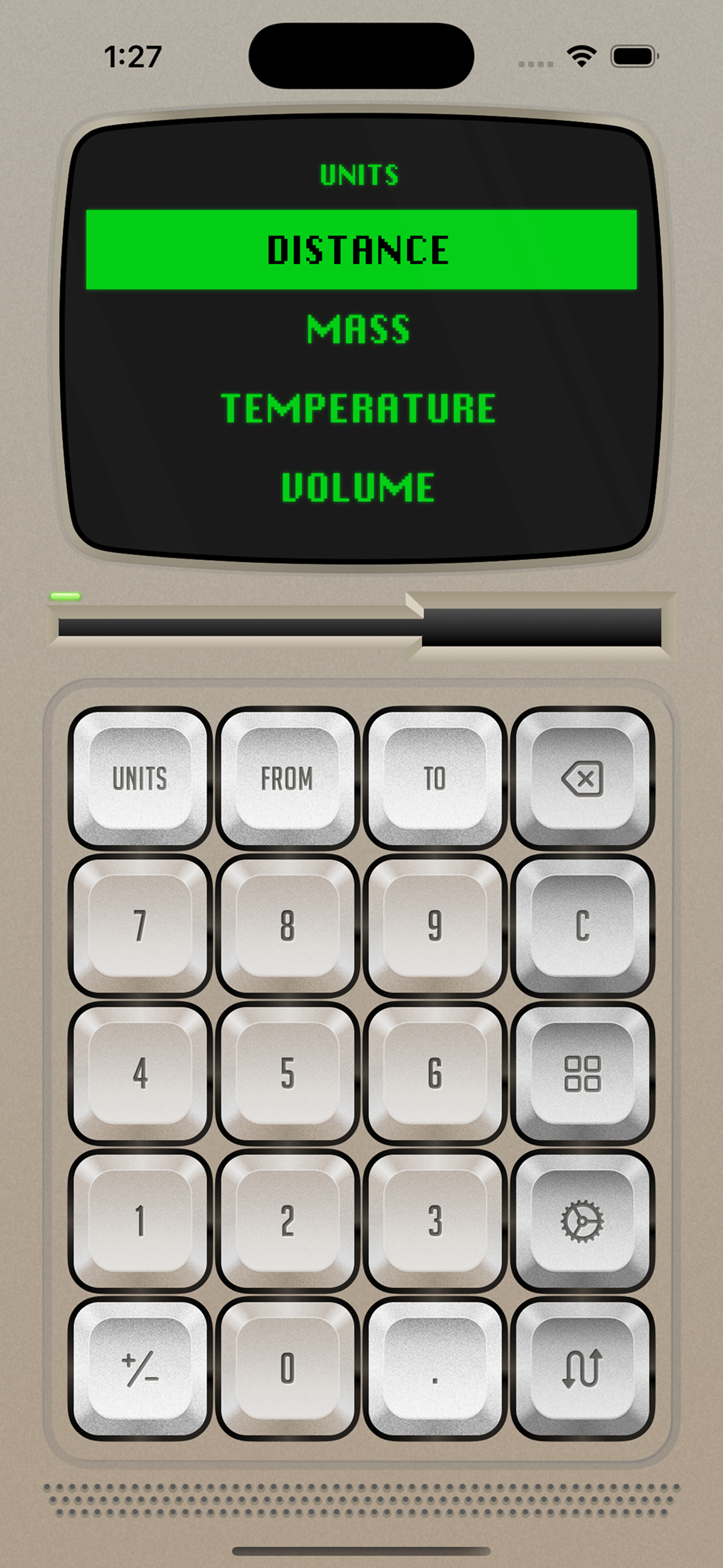
Retro View Unit Selection (CRT)
-
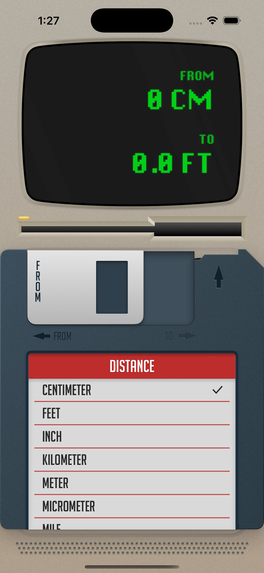
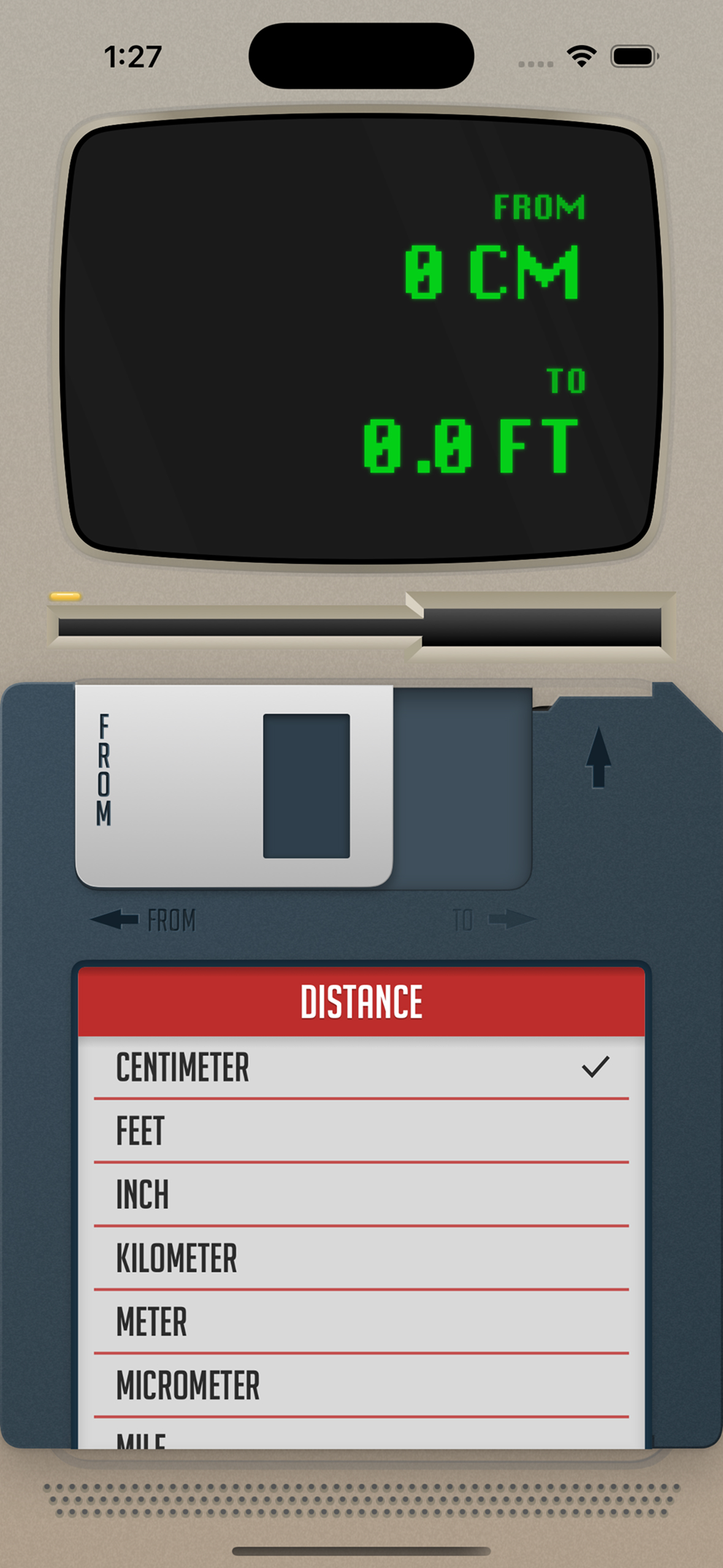
Retro View FROM & TO Value Selection
-
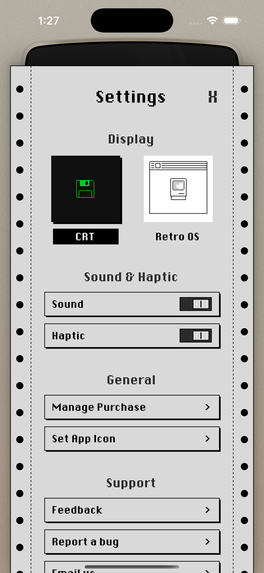
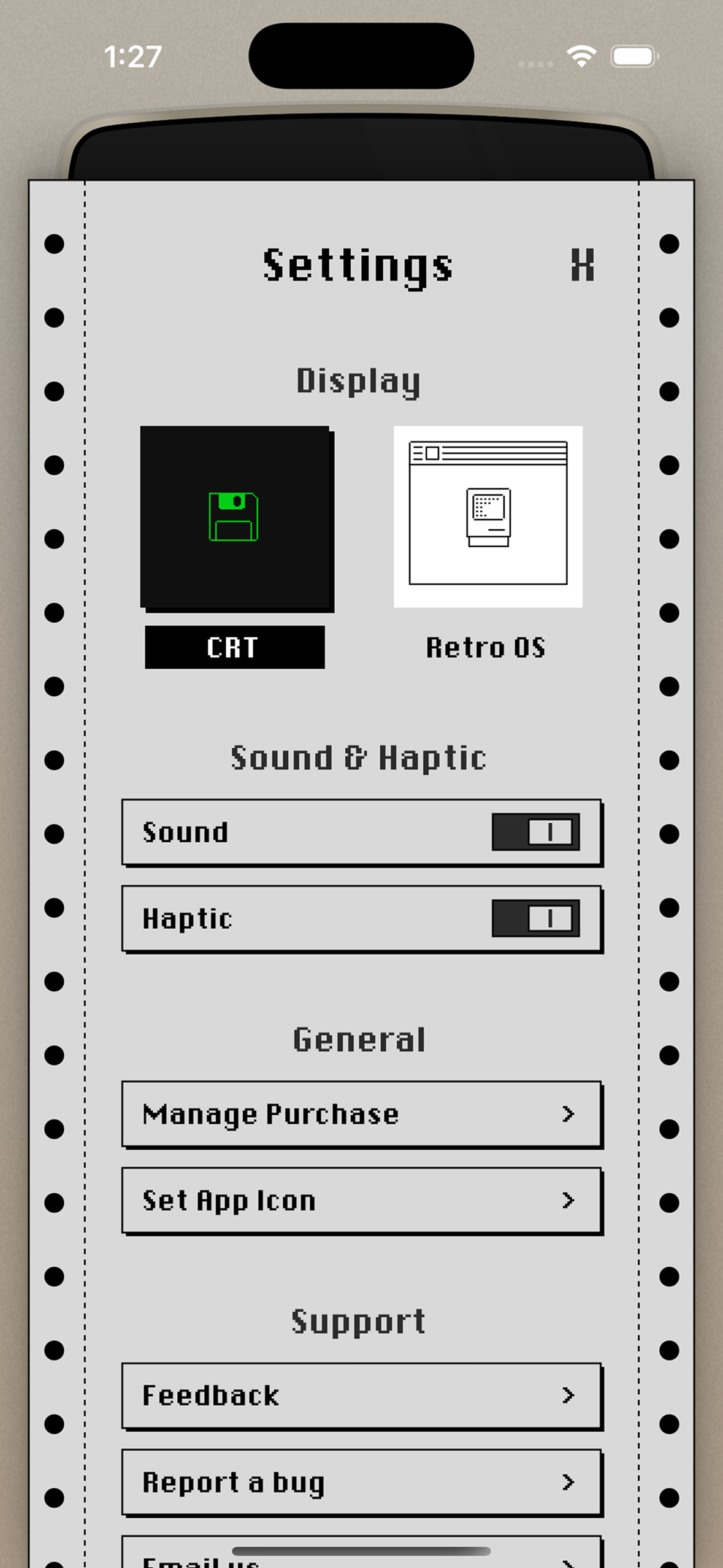
Retro Theme Settings View
-
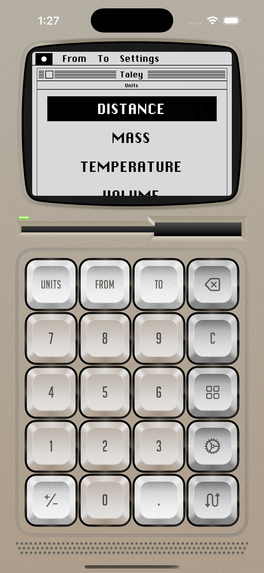
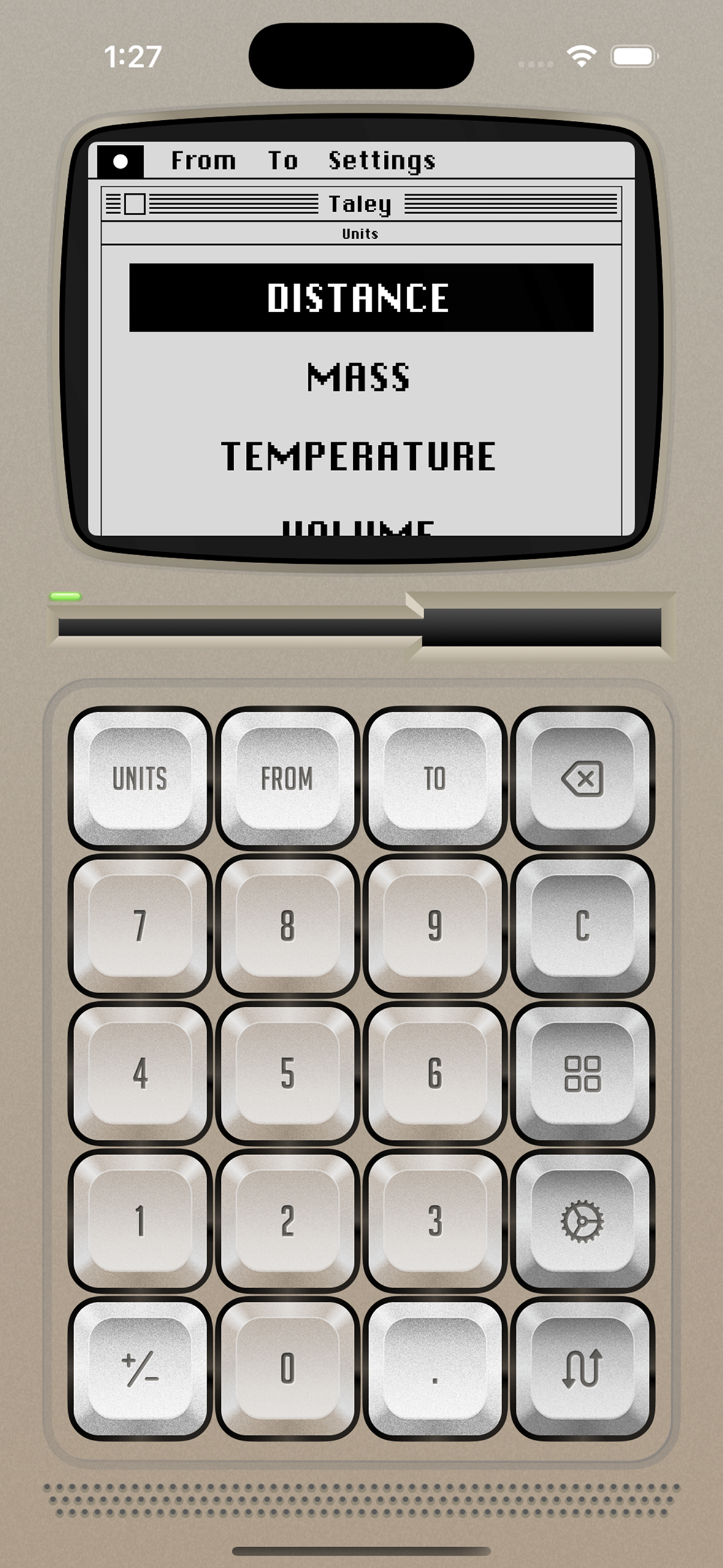
Retro View Unit Selection (RetroOS)
-
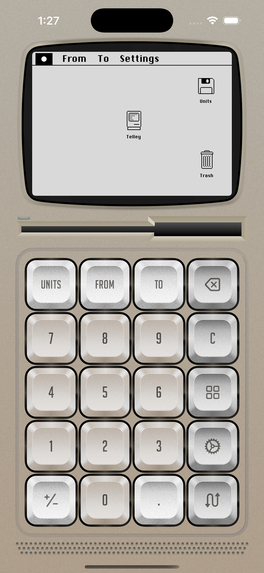
Retro View Desktop (RetroOS)
-
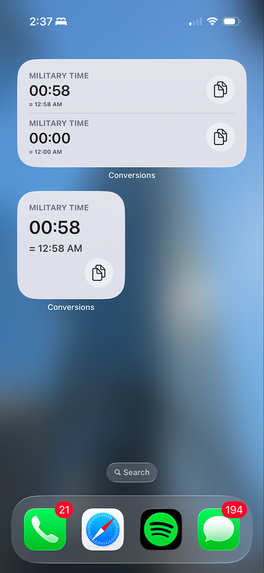
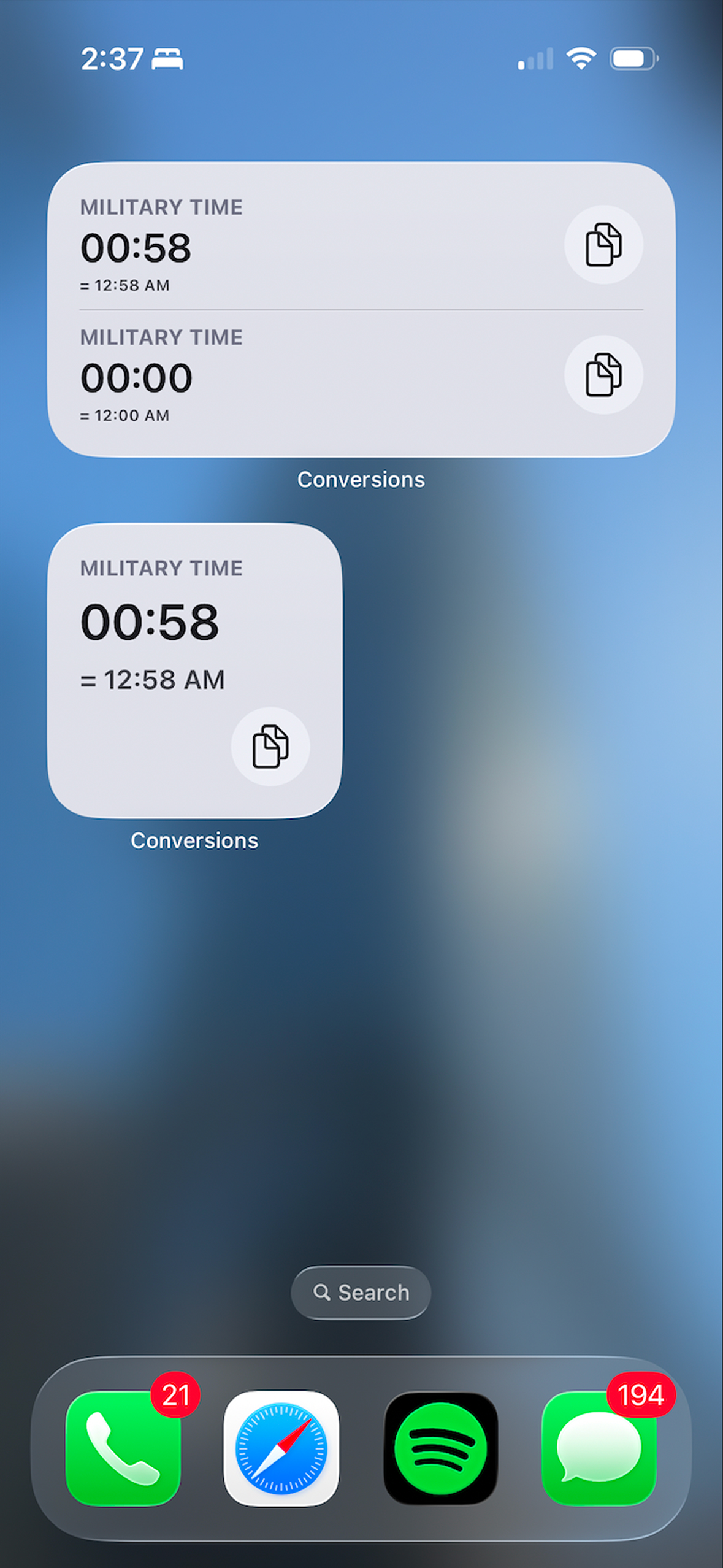
Home Screen Widgets
Inspiration
Telly isn't just an app. It's a love letter to my fiancée.
Around 2 years ago, she (my then girlfriend) needed a quick way to convert time on the go. Being an iOS developer, I did the very thing I could do to impress her. So, I built the app for her.
Telly's very first category was Military Time (AM/PM to 24-hour and back) and the first version came together over six weeks in 2024. Then it sat in the freezer for almost two years.
I even sketched the first draft for Retro theme back in January 2025 but it just stalled since life got in the way (cop-out answer). But this year I decided to finally dust it off and revive it for Shipaton 2026
In this age of AI made apps, I just didn’t want Telly to look like every other mass produced app. I wanted it to be distinct and have its own character. I wanted Telly to feel like holding a product in your hand, not just tapping on the glass.
I recently started buying physical media like film discs and vinyl. And I wanted Telly to convey the same tactile feeling I get when I hold those items in my hand.
Every interaction is inspired by physical objects I love:
Minimalistic theme
- The minimalistic theme is inspired by The iPods I love collecting.
- The dial movement is modelled after TP-7, a Teenage Engineering product.
- And the buttons draw inspiration from the iPod classic 3.
Retro theme
- Retro theme is inspired by Old desktop computers specifically the first Macintosh.
- CRT screen is a homage to Turbo C++ (first IDE I ever used).
- And from and to slot uses Floppy Disk. Even though I’ve personally never used them but I remember playing with spare ones when I was a kid.
- And RetroOS tries to replicate The original Macintosh System 1 interface.
Theme picker
- Modelled after Character-selection screens in games.
What it does
Telly converts across 17 categories and 107 units from distance, temperature and data rate to fuel economy, military time and currency (including Bitcoin and Ethereum).
It has two completed themes (for now). Selecting one doesn't just reskin the app. Instead, it rebuilds the entire experience from ground up including input methods, buttons and even the settings screen.
- Minimalistic (free): uses a tactile dial as input in both light and dark mode. Turn it to change the value and swipe up for additional options.
- Retro (Telly Pro): uses a mechanical keypad for interaction. Display has 2 options: a black CRT screen or Retro OS. Use a floppy-disk to select units and a paper is printed on dot-matrix paper to reveal Settings View.
There are also Home Screen widgets for your last conversions, along with Siri Shortcuts.
Where to look (Design Award)
Spin the dial slowly, then flick it: Every 5° is a detent with a click and a haptic tick. The dial is custom made in order to make it feel as close to a real dial, it even account for angular momentum. A slow spin make the dial stop where it was left where a flick makes the clicks rise in pitch and then wind down as the dial coasts to a stop.
Open the theme picker (grid button): The devices are 3D models I built in Spline which I learned from scratch just last month and you can drag to spin them.
Unlock Retro: It's wrapped in caution tape. Three taps tear it away, each with its own sound and haptic, ending in a gold THEME UNLOCKED reveal.
In Retro, tilt your phone: The glare slides across the CRT as you tilt.
In Retro, type on the keypad: Each press plays one of 10 recorded key sounds at random so no 2 keystrokes are identical.
Press FROM or TO on Retro: A floppy disk slides out of the drive. One disk handles both values: slide its metal shutter left for FROM and right for TO values.
Open Retro's settings: Watch the page print on a dot-matrix printer. Then switch the display to Retro OS. There are a few easter eggs, I won't say where though.
Keep your hand on the phone: 17 of Telly's sound effects have haptic feedback custom matched to the sound’s waveform.
How I built it
Telly is a native SwiftUI app for iPhone.
One engine, many bodies: Conversion logic uses Foundation's Measurement and Dimension plus custom units for data rates. Currency converts through USD using rates from open.er-api.com and CoinGecko that are cached for offline use. Each theme is its own view layer over the same shared state.
The custom dial : Rotation isn't mapped 1:1 to your finger. It's scaled by how fast you're moving. During its operation, below 500°/s the dial is geared down for precision. Above it, it's geared up so big numbers never need a keyboard. Let go and the dial keeps spinning, losing 1% of its speed every frame at 60 fps. So a 720°/s flick coasts about 1,200°, more than three full turns.
Sound : Dial clicks run on their own AVAudioEngine with a variable speed unit, so the dial never waits on playback. Detents that pass together merge into one click that plays faster and higher. Other effects use small round-robin player pools so overlapping sounds never cut each other off.
Haptics: Each Core Haptics pattern is paired with its sound's waveform, placing transient events on the peaks. Intensity and sharpness curves shape the texture in between.
Motion : The CRT glare follows the phone's orientation via Core Motion.
Shaders: Eleven Metal shaders power the theme transitions, the caution-tape rip, the CRT glitches and the matte grain in dark mode.
3D models: I learned Spline from scratch to model both theme devices. Swift drives the lighting and moving parts by object ID which is what lets them spin under your finger.
SwiftUI shapes: The dot-matrix printed paper and the floppy disk are hand-translated from SVG into SwiftUI shapes.
Widgets and Siri: WidgetKit widgets share data through an App Group and have a one-tap copy button built with App Intents. App Shortcuts let you ask Siri for your last conversion or convert units by voice.
RevenueCat: Telly Pro is a one-time lifetime purchase served from a RevenueCat offering.
- The
telly_proentitlement is the single source of truth for which themes are unlocked. If it's revoked, Retro locks again and Telly returns to Minimalistic. - The paywall appears once after onboarding and whenever you tap a locked theme. A purchase ends on a "Welcome to Telly Pro" screen with confetti.
- Development builds use RevenueCat's Test Store, so I could iterate on the whole purchase flow without touching App Store Connect.
Challenges I ran into
App Store Review: First and foremost the most difficult part was to get this app reviewed by the App Store team. It sat in queue with “In Review” state for about 2 weeks. And by some miracle was cleared for release just one day before the end of the month deadline.
Haptics that silently didn't fire: On iOS 17 and later, feedback generators created off-screen, and .sensoryFeedback attached to a parent view, did nothing. I rebuilt haptics so feedback is attached to the exact view being touched. Custom patterns run on one shared CHHapticEngine with a reset handler, and fall back to UIKit on devices without Core Haptics.
A fast dial versus audio playback: A hard flick crosses dozens of detents in a moment, and firing a sound for each one made the dial wait on audio. And this made the dial interaction look choppy and drop frame rates. Moving clicks to a dedicated engine that merges detents turned a fast spin into a rising buzz instead of a pile-up.
Syncing touch to sound by hand: If a haptic lands a few tens of milliseconds off its sound, you hear one thing and feel another. Making 17 patterns read as single physical events meant working through each waveform millisecond by millisecond.
Rebuilding the whole interface without a seam: A theme change swaps the input method, the pickers and the buttons. Hiding that inside a smooth transition took a lot of tuning.
Rendering 3D models on a phone: Live Spline scenes in a carousel are heavy. On iPhone, off-screen scenes pause and the frame rate is capped so scrolling stays smooth.
Scope.: The initial build (2024 version) was very basic. The app was just a dial with support for just one unit. No settings, pickers or themes. In six weeks, it became a full blown released app two full themes, a paywall, widgets and iPad layouts. The one thing I couldn't finish in time was accessibility.
What I learned
Feel is mostly timing: Fine tuning a haptic's offset, a spring's damping, or the gap between clicks mattered more than any new feature. At one point I had to decide between polishing the app or adding a 3rd theme. I went with the former option.
Haptics are a design language: Perfectly tuned haptics can make or break an app. It's closer to sound design than to just adding random vibrations.
Spline: From zero to two shipped 3D models and how to drive a 3D scene in a SwiftUI view.
Metal shaders in SwiftUI: A good transition's real job is to hide the moment something changes or loads.
Accessibility has to be designed in from day one: It's especially important for an app this tactile and animated. And that’s the part I couldn’t achieve in time. So after this submission, I have to take some time to even design some components from scratch again for them to be more accessible.
What's next for Telly: Tactile Unit Converter
First and foremost, accessibility. That means VoiceOver for every custom control, Dynamic Type, calmer transitions when Reduce Motion is on, and Increase Contrast. Telly should be available to everyone.
After that, a third theme is already underway. I won't spoil it. All I can say is that it's metallic and shiny. ✨
Built With
- appintents
- avaudioengine
- avfoundation
- coingecko
- combine
- corehaptics
- coremotion
- exchangerate-api
- figma
- in-apppurchases
- ios
- metal
- revenuecat
- revenuecatui
- shaderlibrary
- shaders
- sirishortcuts
- spline
- storekit
- swift
- swiftconcurrency
- swiftui
- uikit
- widgetkit
- xcode


Log in or sign up for Devpost to join the conversation.