Inspiration
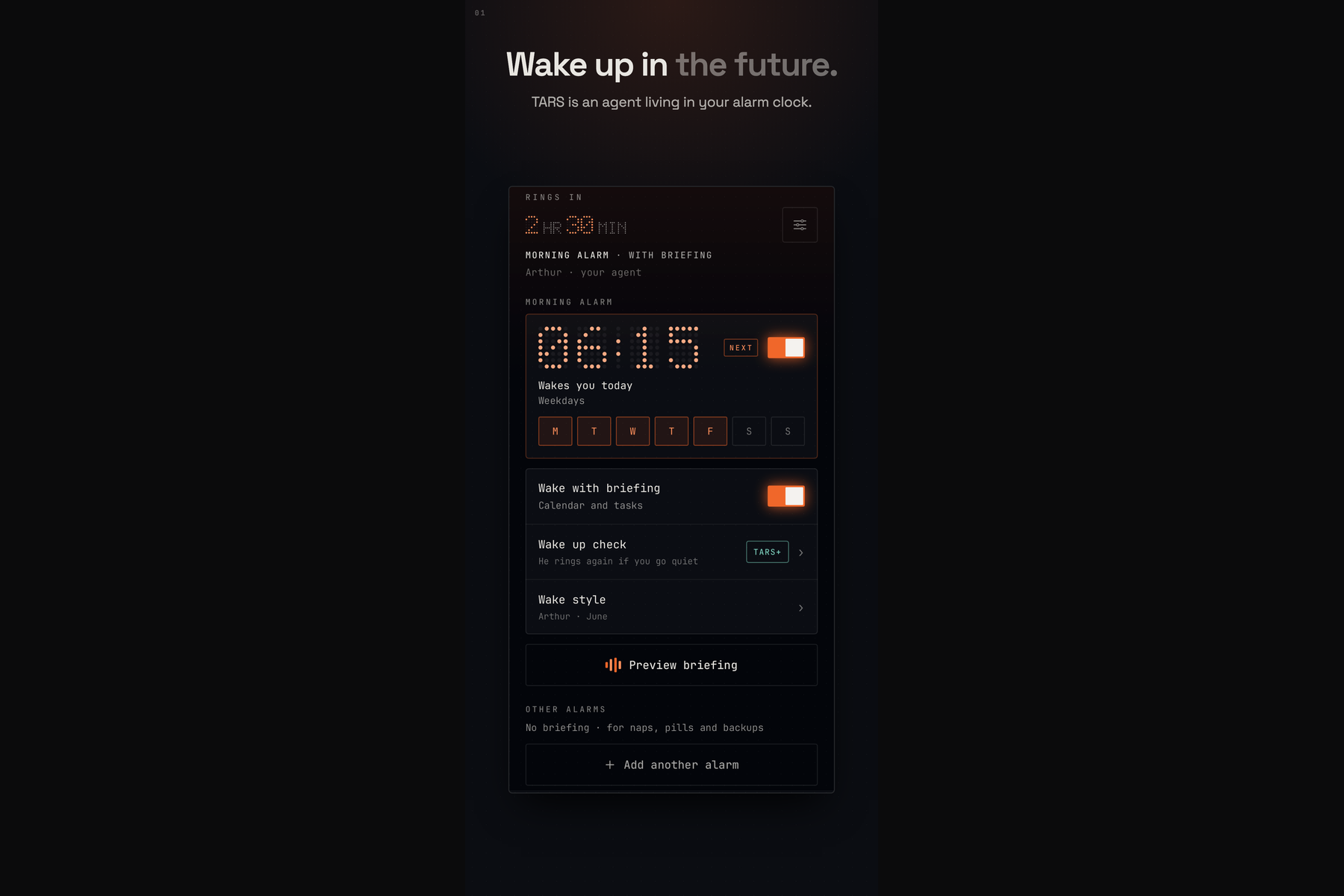
Alarm clocks do one thing: make noise. We wanted one that talks: it wakes you with a voice and then tells you what the day holds while you are still in bed.
Voice alarm apps have been tried before. Their reviews say the same two things: people loved the voice, and the alarm did not go off. Those apps depended on iOS background execution, and an alarm that sometimes stays silent is not an alarm. iOS 26 introduced AlarmKit, which lets a third-party app ring the way the system alarm does. That made the idea worth building.
What it does
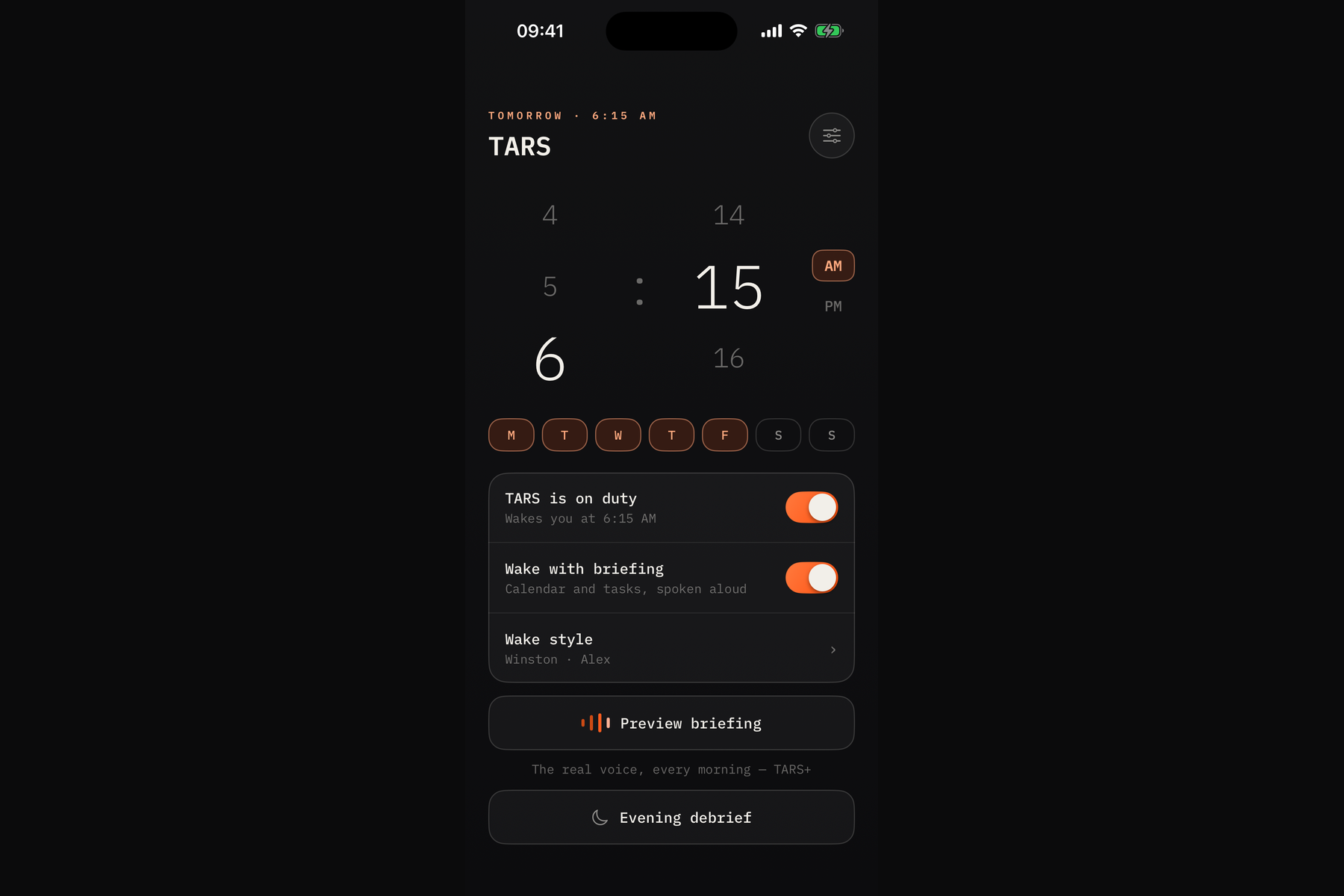
- An alarm that rings. Built on AlarmKit: it rings through Silent mode and Focus, on the Lock Screen, and when the app has been closed.
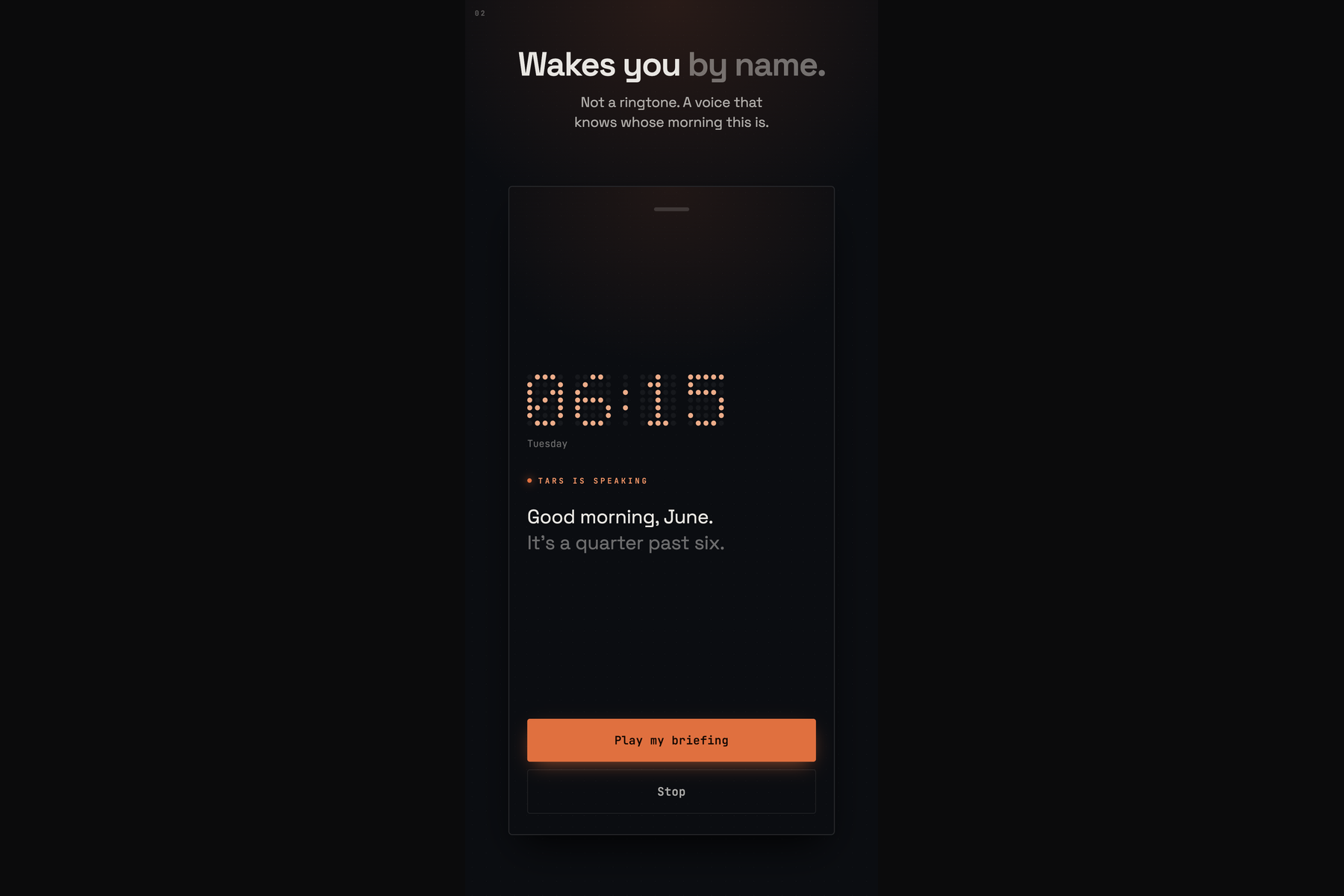
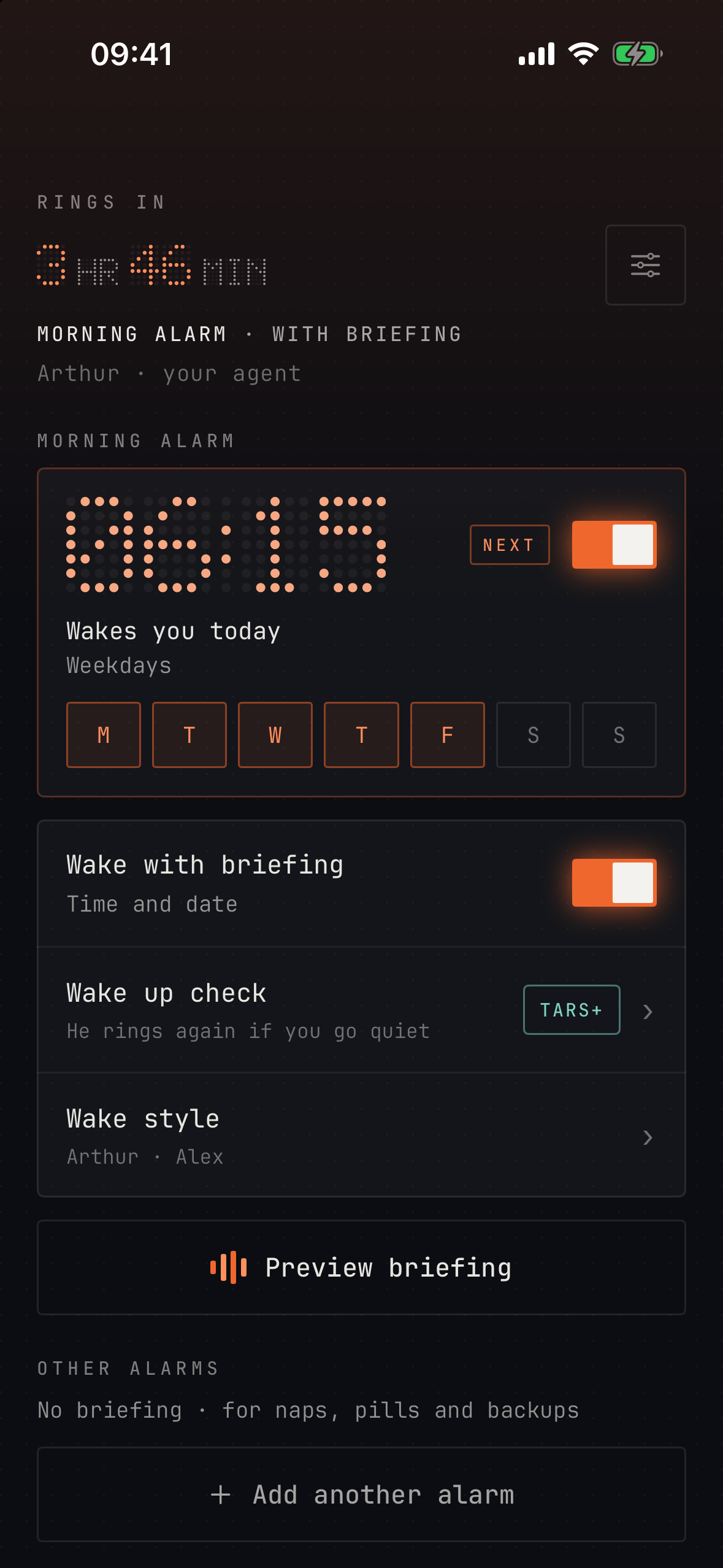
- A spoken wake-up. A short melody, then your agent greets you with a line that ends in a question. The answer is the Briefing button on the alarm.
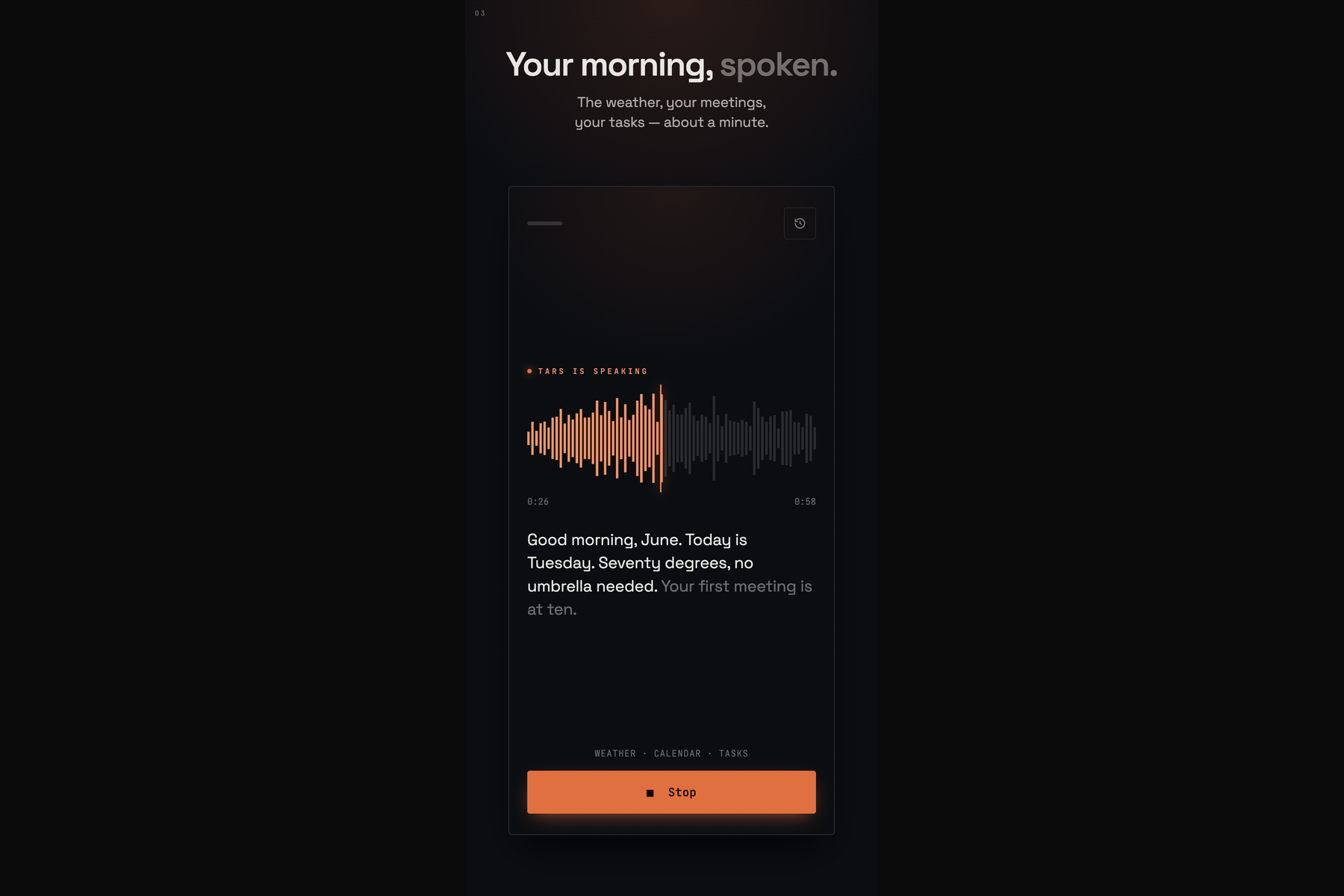
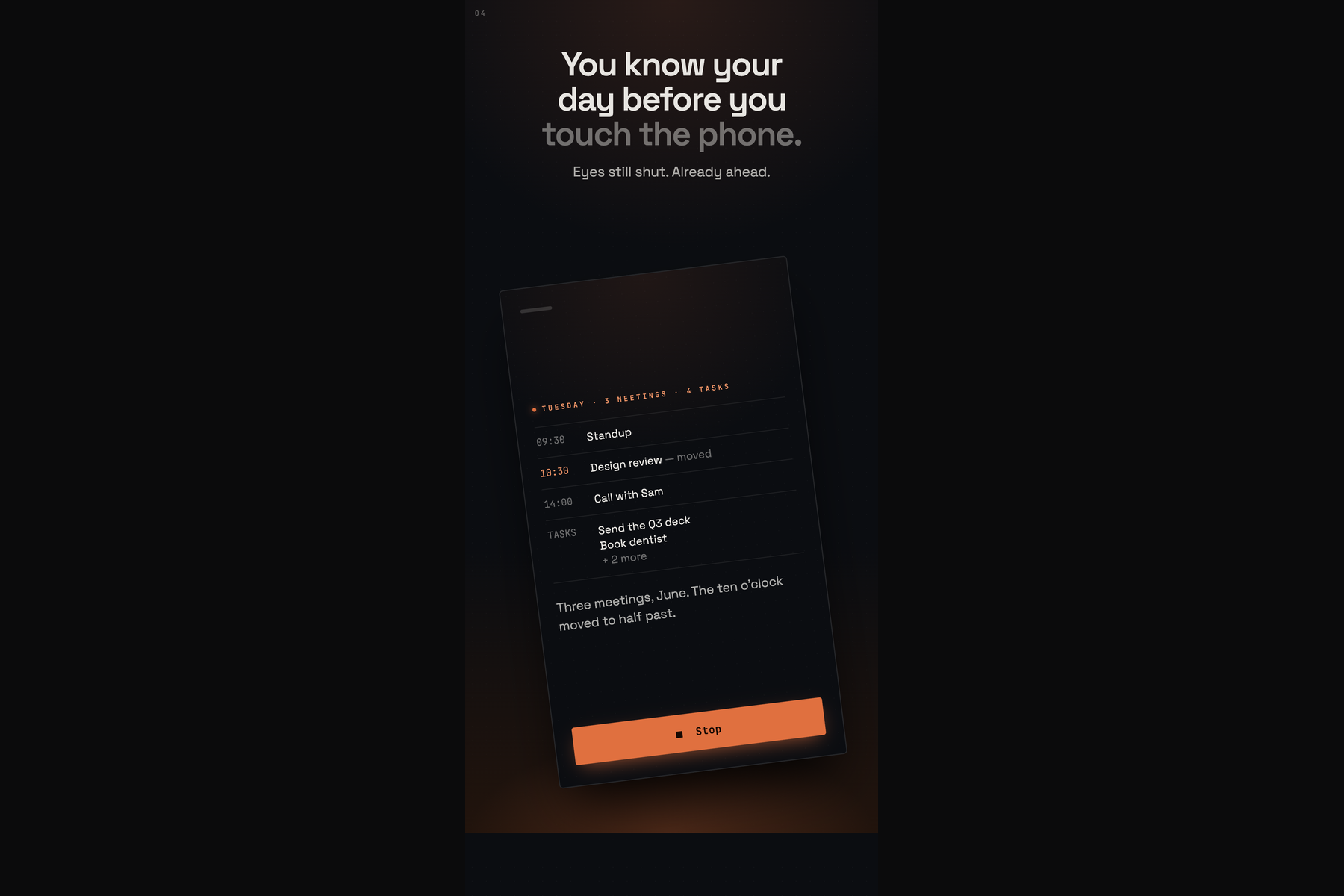
- A briefing in about a minute. It greets you by name, then the date, the weather with a conclusion (do you need an umbrella), your first meetings and your reminders. The text follows the voice on screen, sentence by sentence.
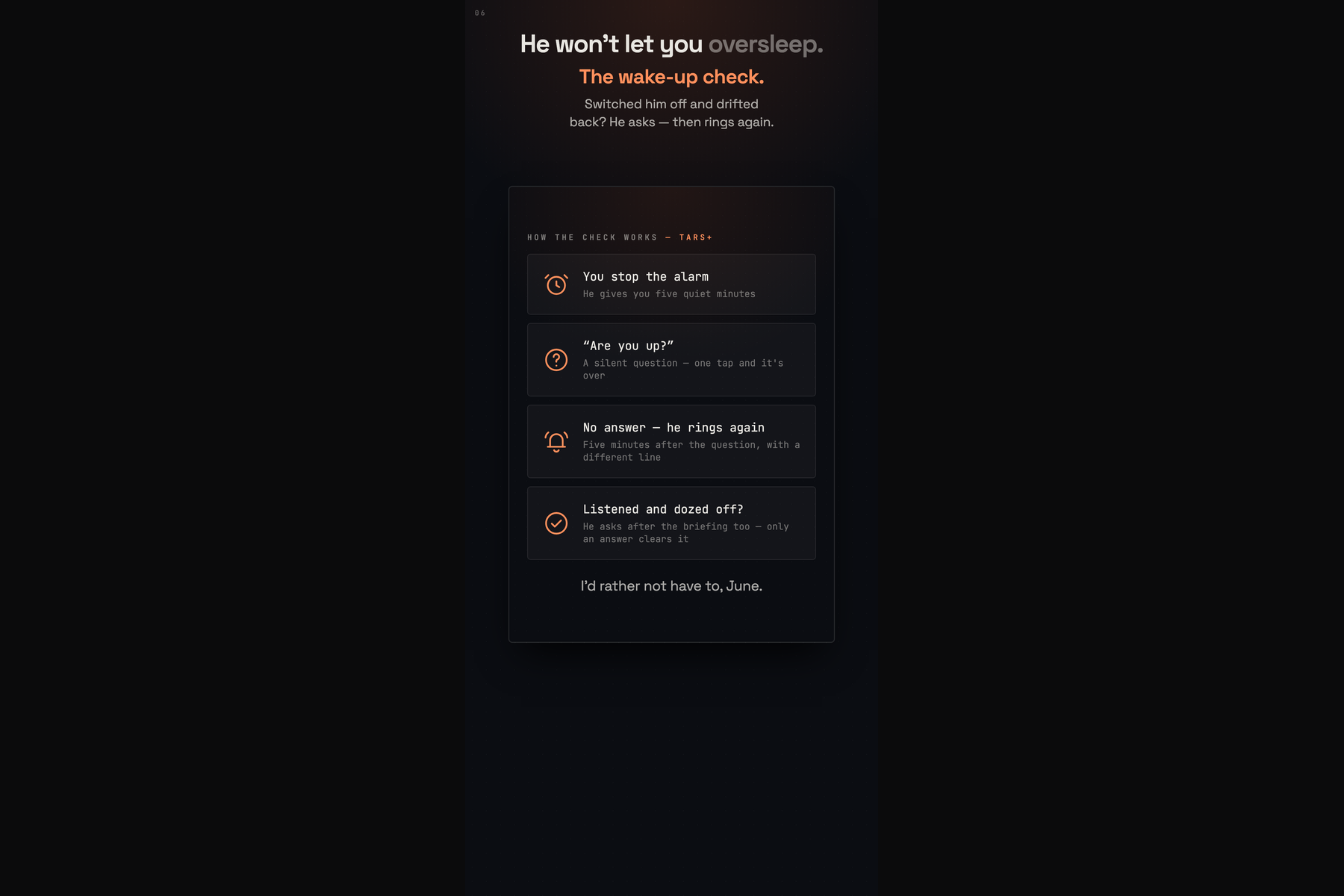
- Wake up check. If you might drift back to sleep, TARS asks "Are you up?" five minutes after the alarm and, if nobody answers, rings again five minutes after that. Optionally you prove it by saying a short phrase back; speech is recognised on the device.
- Notes on alarms. Attach a note to any alarm and your agent reads it out when it rings.
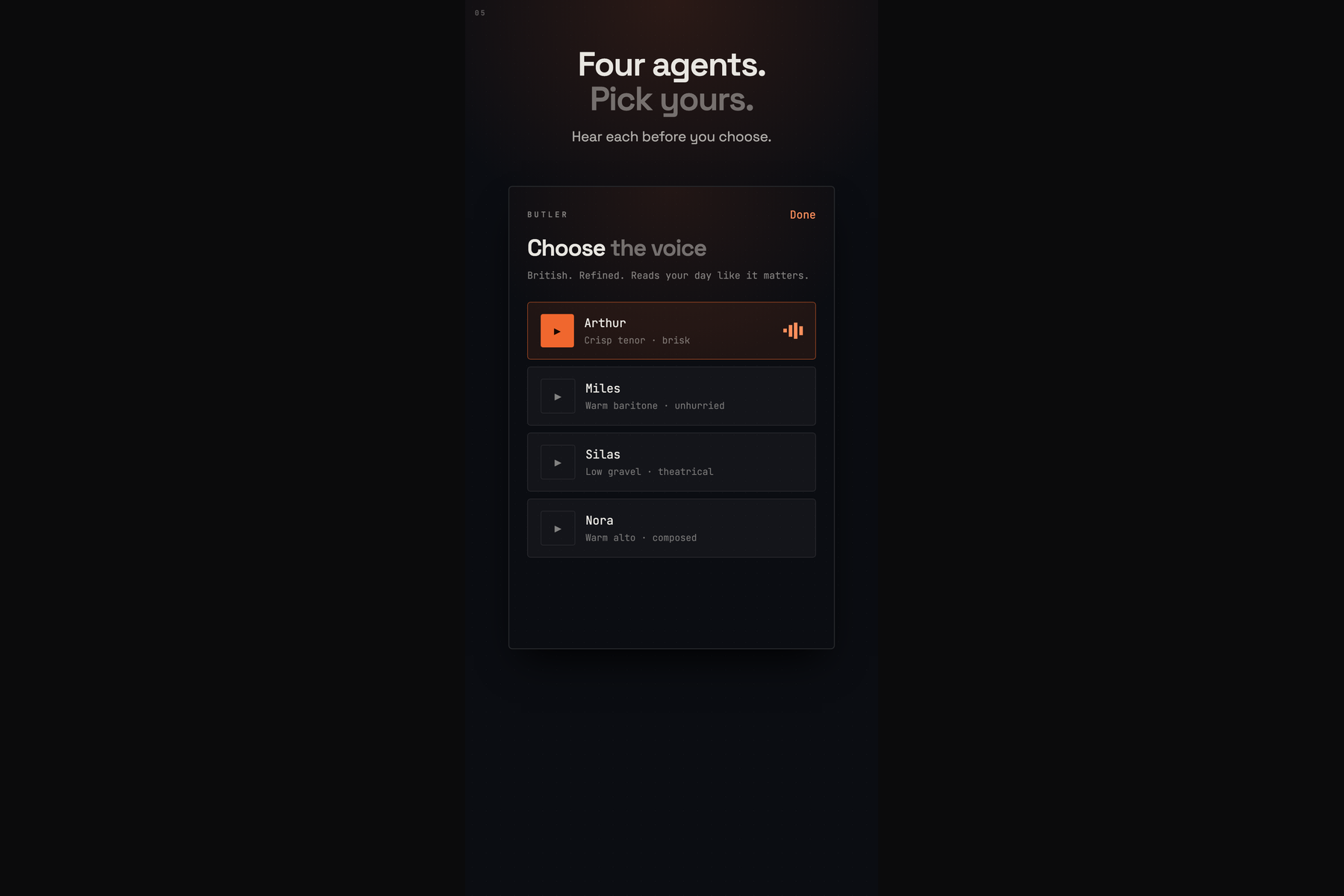
- Voices and melodies. Four voices with names, one free and three with TARS+. Sixteen melodies to open the alarm, a shuffle, or voice only. Preview plays a recorded sample in the chosen voice in seconds.
- No account. Weather comes from Apple WeatherKit on the device; the location is rounded to about a kilometre and never sent to our server. The calendar is read on the phone and leaves it only to write a TARS+ briefing.
The alarm, the spoken wake-up and a briefing read by an on-device voice are free. TARS+ adds the briefing written for you and read in your agent's real voice, the wake up check and the other voices.
How we built it
Native Swift and SwiftUI, iOS 26.1 and later (26.0 had a bug with looping short alarm sounds). AlarmKit schedules the alarms; App Intents power the Briefing and Note buttons on the alert.
One rule shaped the architecture: nothing on the path from alarm to sound may wait for the network, a dialog or a background task. The alarm sound is a single file assembled on the device ahead of time from a melody and a pre-recorded voice line. We join MP3 frames byte by byte, because the standard audio export produces a container AlarmKit will not play.
The briefing is prepared before you wake. The phone sends a short snapshot of the day: calendar, reminders and a weather sentence it has already written, without coordinates. A Supabase Edge Function (Deno) writes the script in the agent's character with an OpenAI model and voices it with OpenAI text-to-speech. A pg_cron job warms it 10 to 20 minutes before the alarm, so tapping Briefing plays a ready file. If that fails, the briefing is generated on the spot. Without a network, it is spoken on the device.
Subscriptions run on the RevenueCat SDK: purchase, restore and a single entitlement. A RevenueCat webhook mirrors subscription status into Postgres, and the server checks the entitlement before it spends money on a paid briefing. The purchase screen is a RevenueCat Paywall restyled in our palette, fonts and artwork, with a native SwiftUI paywall as the fallback.
The wake up check uses SpeechAnalyzer on the device. Melodies were rendered in Python from CC0 sample libraries plus our own synthesis, loudness-matched, and chosen in blind listening tests. Releases go through App Store Connect API scripts: TestFlight uploads, metadata in 10 locales, screenshots.
Challenges we ran into
- The wake up check that never woke anyone. It armed only when the alarm was dismissed without the briefing, but the briefing is exactly how our users get up. QA reproduced it three times out of three. Now, when the check is on, it arms on every dismissal, and only an answer clears it.
- A voice model retired under us. The text-to-speech snapshot our wake-up lines were recorded on was switched off in July. Its successor can return a successful response containing silence, and one voice drops the last sentence of long texts. Every generated file is now checked for silence and truncation against its text before it ships.
- Green builds with dead purchases. Three TestFlight builds shipped with empty SDK keys: the build was green, the archive valid, and the paywall silently fell back. Our upload script now refuses to ship an archive with empty keys.
- Two IDs for one entitlement. The RevenueCat REST API returns an internal entitlement ID, not our lookup key, so for a while the server refused every paying user. A log line we added for another bug exposed it; the server now maps IDs through the project's entitlement list.
- Alarm volume is not ours. AlarmKit plays at the iPhone ringer volume and offers no API to override it. Making the file louder made it distort, so we kept it clean and tell users where the volume lives.
- App Review. Our first submission was rejected under guideline 5.2.5 for WeatherKit attribution on a screen the reviewer had not reached. We answered with a screen recording and clearer review notes, and the app went live on September 16.
Accomplishments that we're proud of
The app is live and has been ringing for real users since September 16, with 1.2 and 1.2.1 shipped in the two weeks after. An alarm that rings through Silent mode and Focus with the app closed, a wake-up in a real recorded voice, and a briefing that greets you by name and is ready before you tap it. Sixteen melodies chosen blind, a store listing in 10 locales, and a release pipeline that refuses to ship a build with dead keys.
What we learned
For an alarm, reliability is the product; everything else is decoration on top of a ring that must happen. Decide everything in advance: permissions, subscription status, the day's audio, so that 6 a.m. involves no waiting. And a green build proves nothing: we read back what we uploaded, from the archive, from the store and from the device.
What's next for TARS: AI Voice Alarm Clock
More TARS+ voices, an interface in more languages with voices that actually speak them, and more briefing sources, starting with news.
Built With
- alarmkit
- amplitude
- app-intents
- app-store-connect-api
- avfoundation
- deno
- openai
- pg-cron
- postgresql
- python
- revenuecat
- revenuecat-paywalls
- sherpa-onnx
- speechanalyzer
- storekit
- supabase
- swift
- swiftui
- weatherkit
- xcodegen


Log in or sign up for Devpost to join the conversation.