-
-
Tapclip app icon.
-
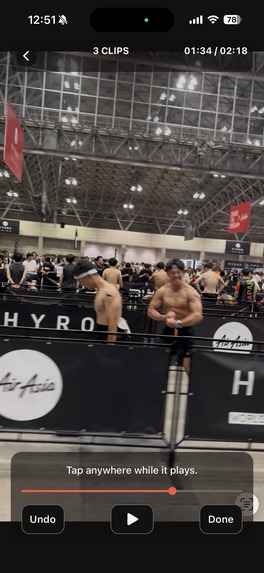
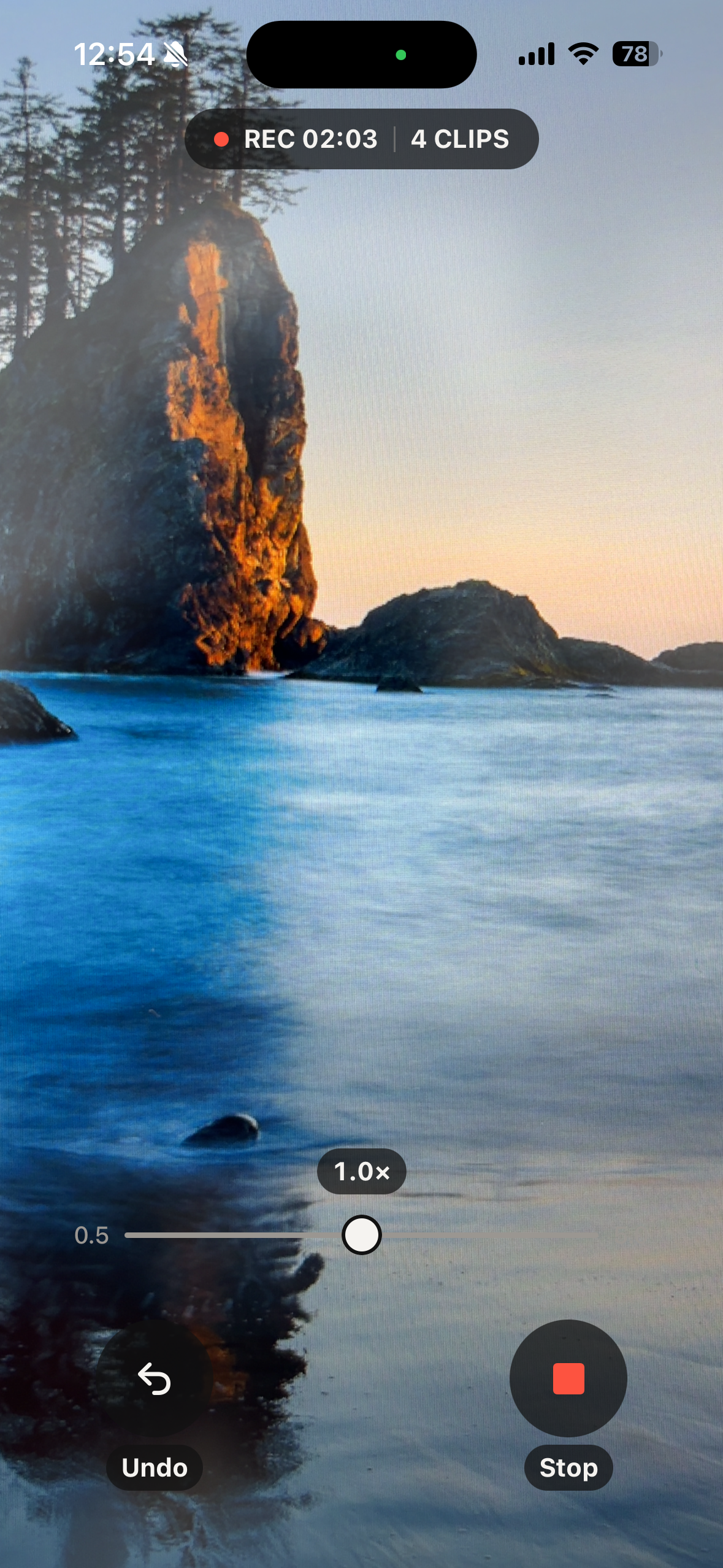
Recording. Tap anywhere the moment something good happens - you do not have to look at the screen.
-
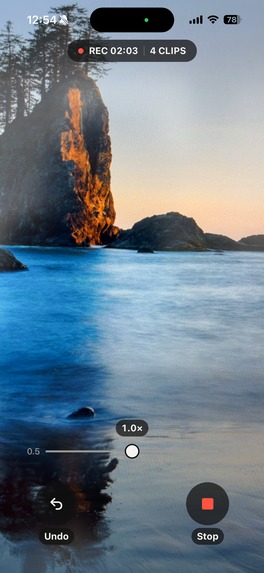
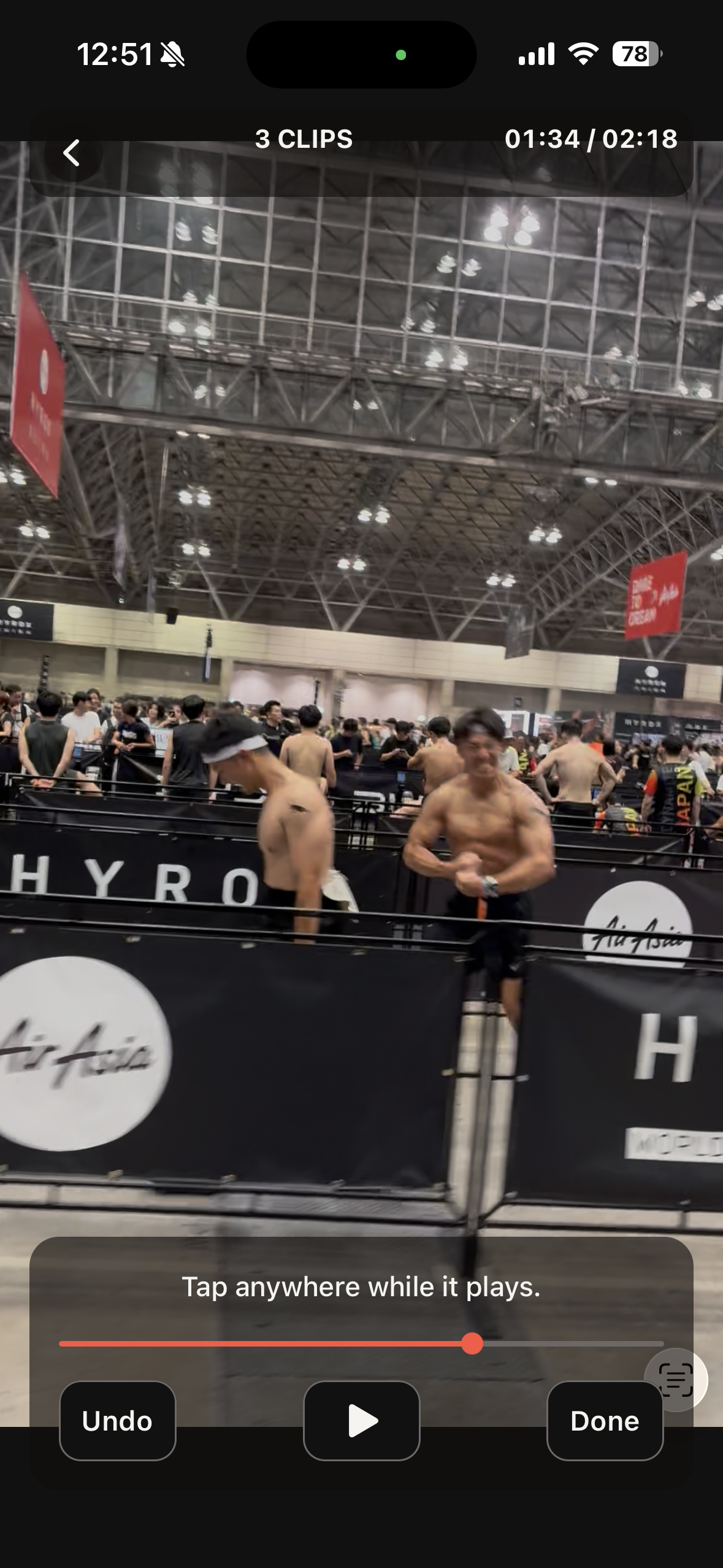
Import a video you already shot, play it back, and tap at the good moments.
-
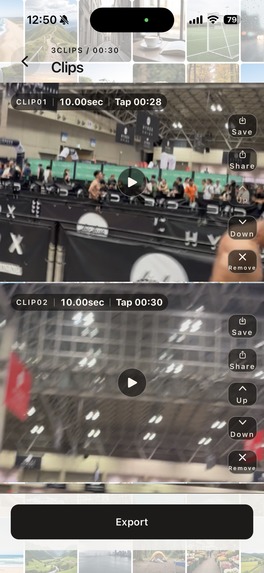
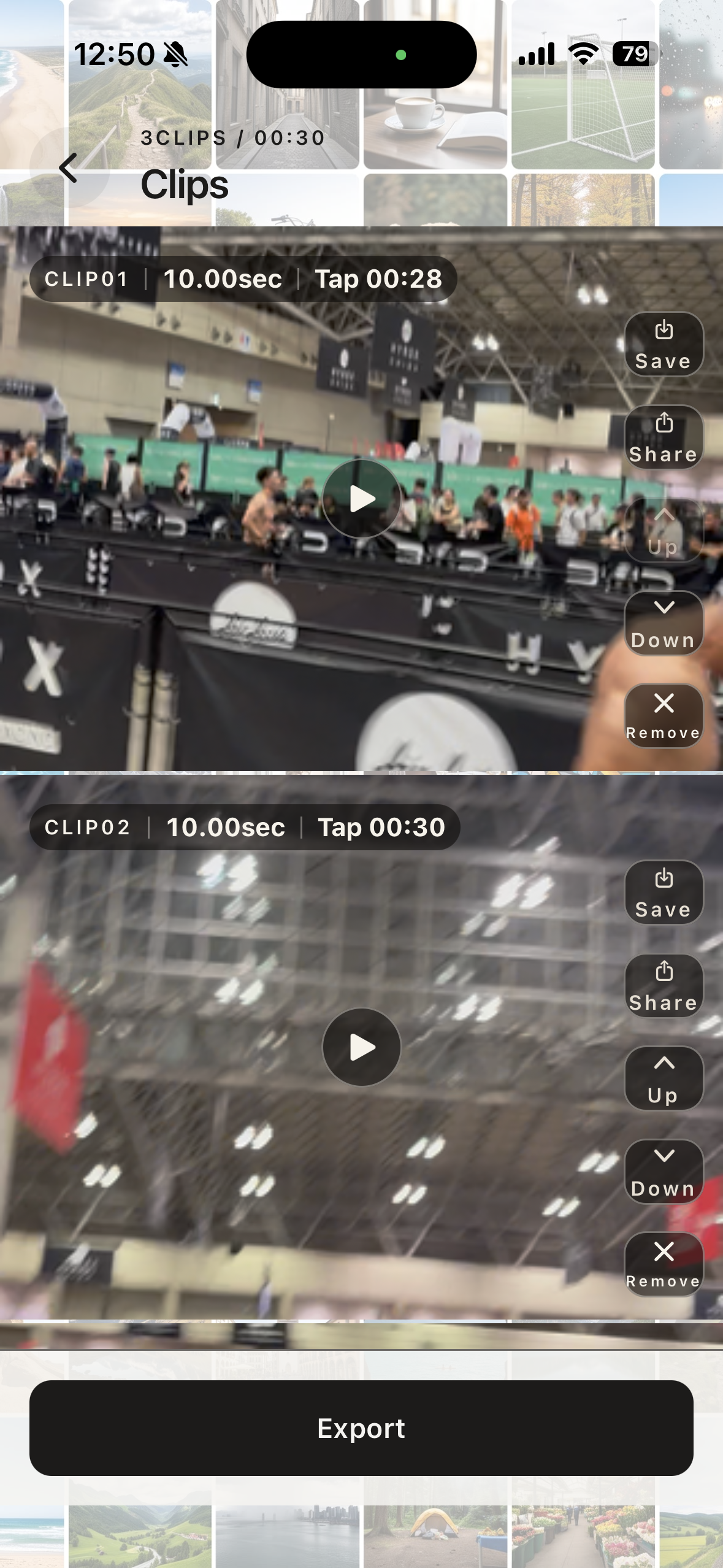
Every tap becomes its own clip. Reorder them, remove a mistaken tap, or save them one at a time.
-
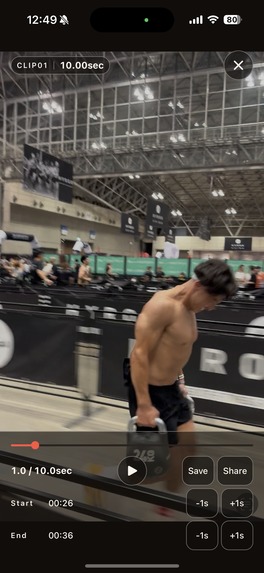
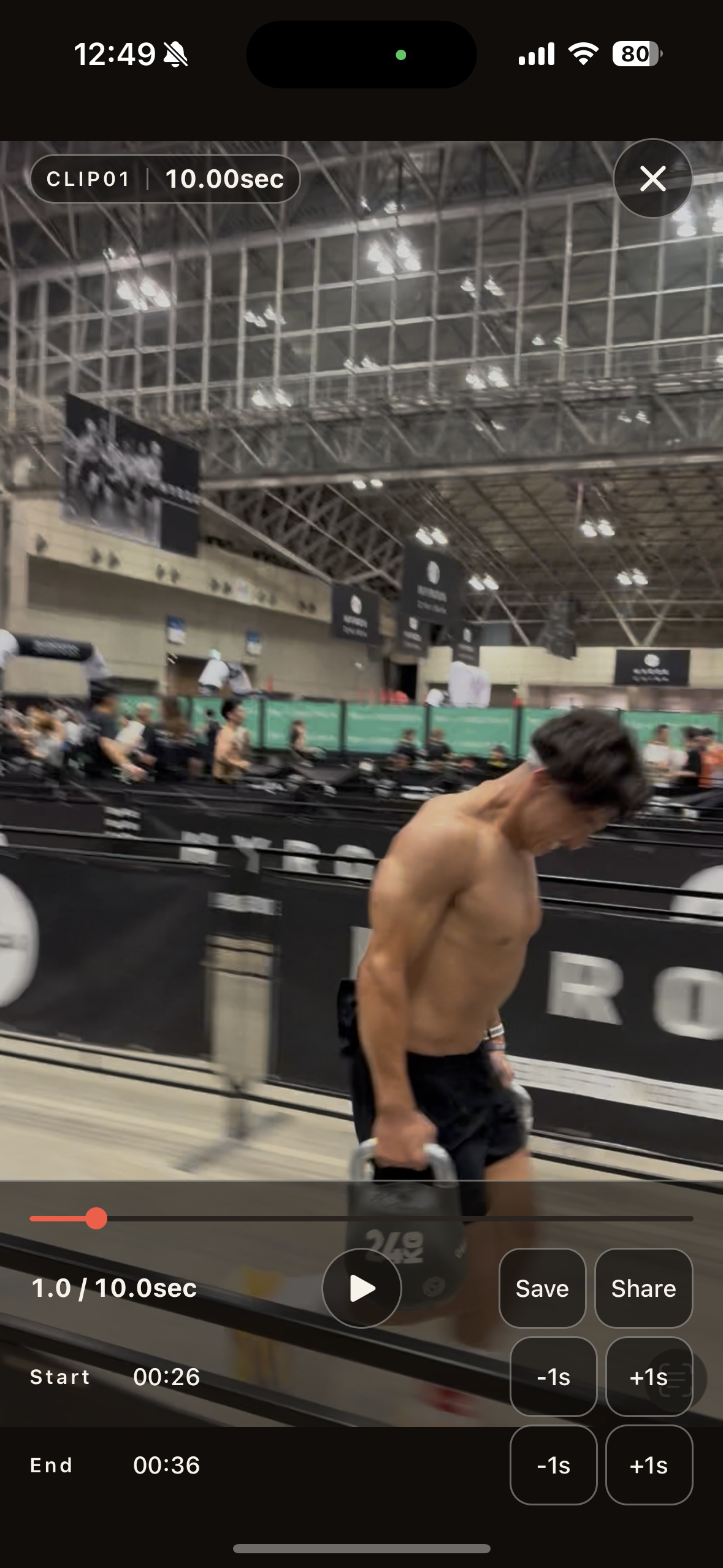
Full-screen playback. Adjust the start and end of a clip one second at a time.
-
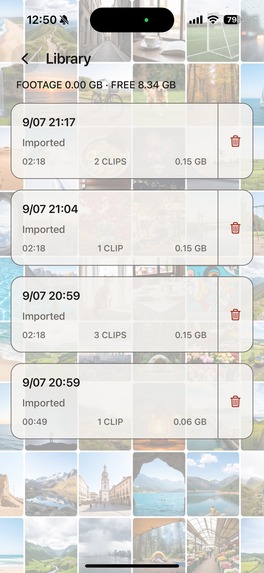
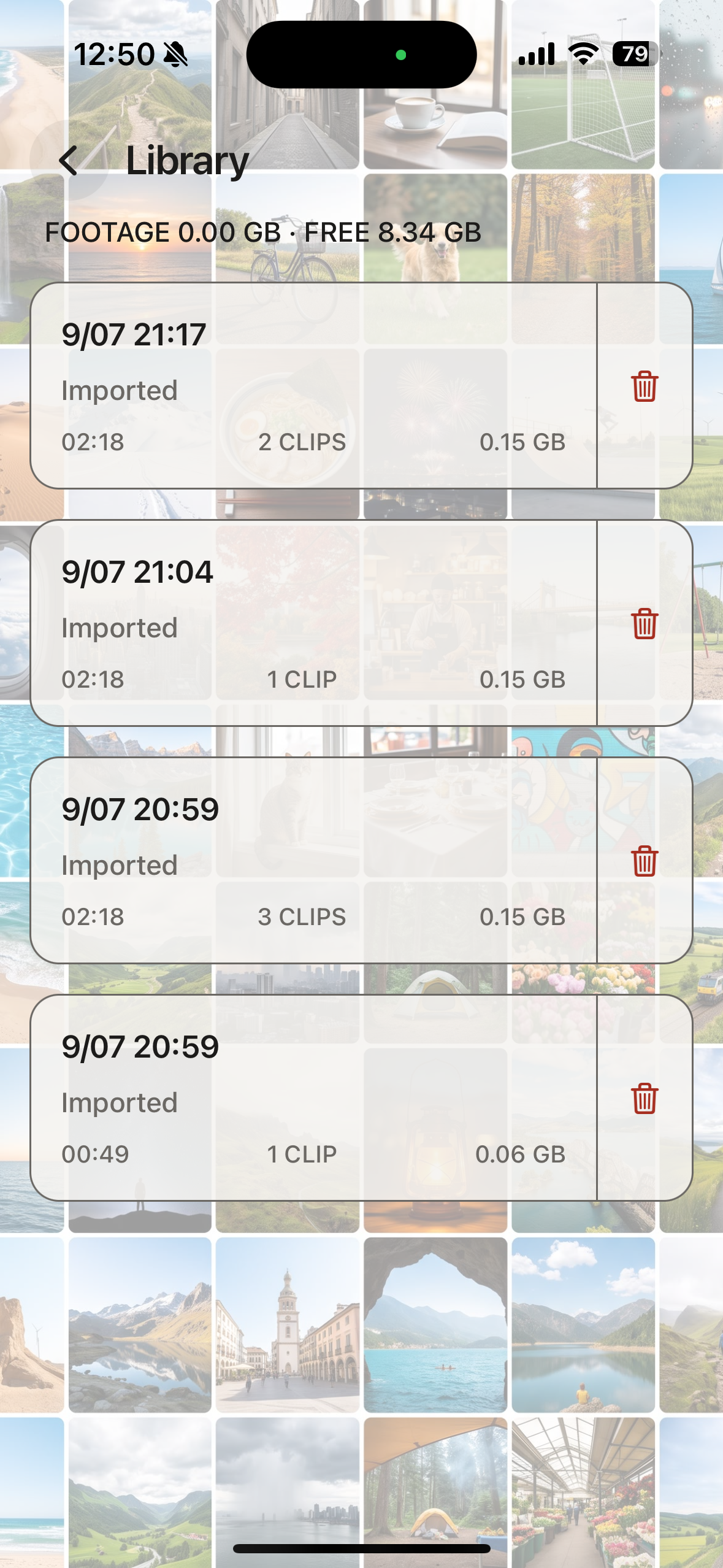
Every recording and import, with how many clips each one holds.
-
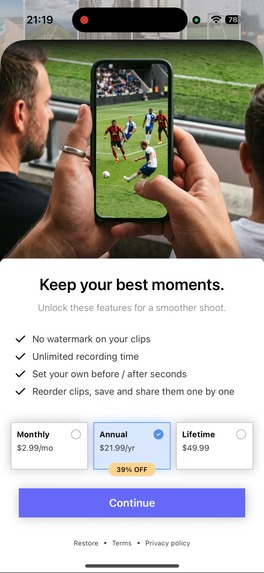
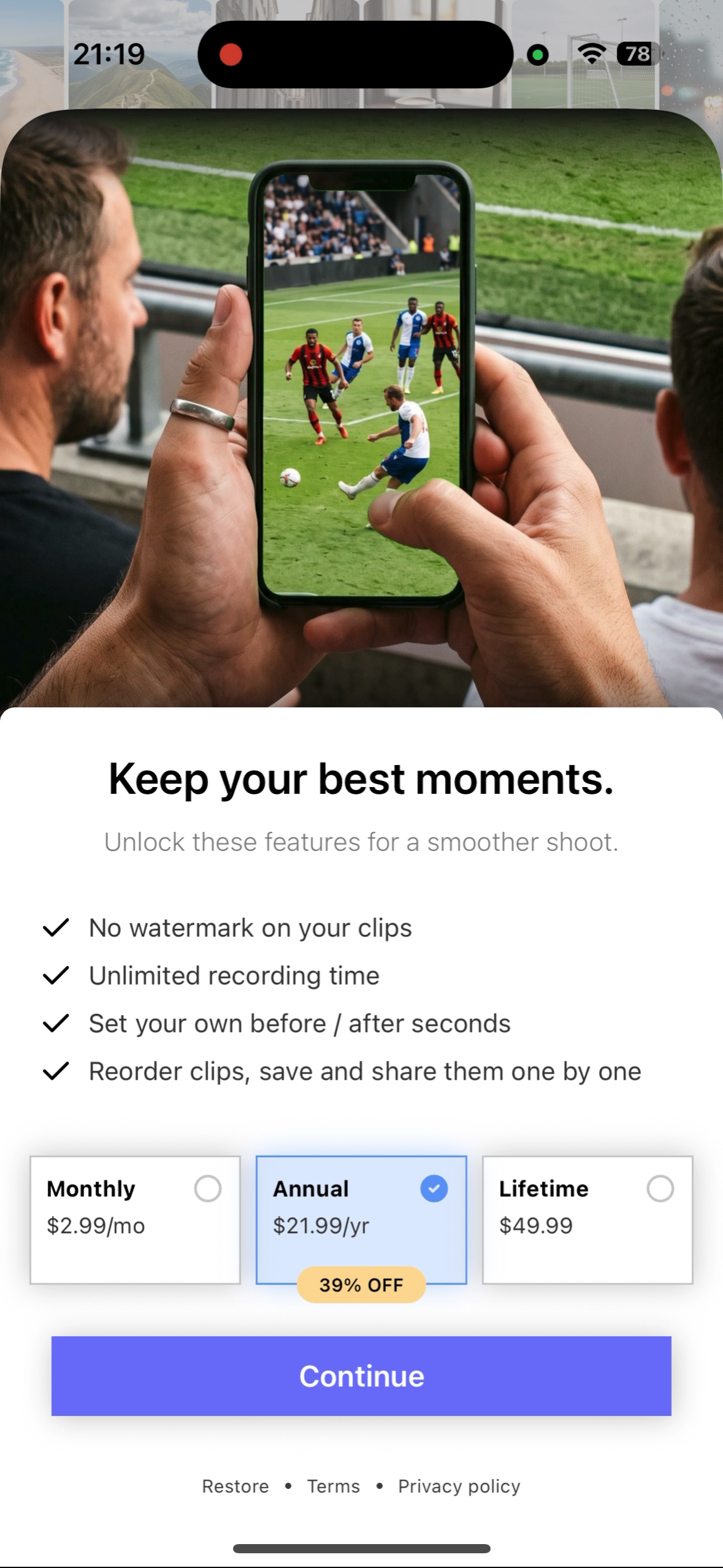
Pro removes the watermark and the recording time limit, and unlocks per-clip saving and reordering.
Inspiration
I play a lot of sport - football, lacrosse, weight training, HYROX.
A while ago I raced HYROX in Chiba, and my family filmed me. I was glad they shot so much of it.
But what arrived was a pile of long videos. To keep anything, I had to open each one from the start and play through it to work out whether it was worth keeping, and where the parts I actually wanted to see again were. They were videos my family had filmed for me, and watching myself was fun. Even so, the searching was a chore.
I built Tapclip to get rid of that chore.
What it does
While you are recording, the moment you think "that one was good", you tap the screen. That is all there is to it.
Tapclip keeps the seconds before and after your tap, so you are left with only the scenes you liked. And not only while recording - you can bring in a video you have already shot, play it back, and tap the same way. What you save is the good parts, with the boring stretches gone.
So you can go back to your best moments whenever you want, without hunting for them.
How I built it
I did not write a single line of code by hand. I gave the design and the reviewing to Claude Code and the implementation to Codex, and kept myself to deciding what to build and why.
The app itself is Expo, React Native and TypeScript. Everything that touches video is handled by a native module I built in Swift with AVFoundation. Purchases run on RevenueCat.
The only thing Tapclip uses is the time of the tap. There is no AI. The person holding the camera decides which moment was good - the app does not.
The hard part is keeping what happened before you tap. You cannot record the past, so the camera has to keep rolling the whole time, and every tap has to be stamped against the recording's own clock.
That work cannot be done in JavaScript. The iOS APIs that cut and join video have no JavaScript entry point. So I wrote the Swift module myself.
Challenges I ran into
I went through many rounds of fixes and adjustments on image quality, and on brightness in particular.
By eye, I had judged the difference against the iPhone's own camera app to be small. I measured it just to be sure, and the brightness was about 20% lower. Once I knew that, I could see it - the picture did look slightly darker. From then on I stopped trusting my eyes and measured after every change.
I filmed the same place with the stock iPhone camera side by side and read out the brightness frame by frame. Resolution and data rate were not behind at all. The difference was in how it captures in low light, and in how colour is handled.
After that it was research, fix, measure, repeat. When I found a setting that was stopping the shutter from staying open in dark places and removed it, the picture clearly improved. When I changed the colour handling, the measurements barely moved. Not everything I tried landed. But even when something did not, I came away knowing why it had not worked - which I took as a positive, because it meant one more thing I could try next.
I think there is still headroom in image quality. I will keep working on it in future updates.
What makes Tapclip strong
It is video, so I built it on the assumption that people would keep recording for a long time.
Export time is set by the length of the finished video, not the length of the source. Whether the source was 40 seconds or 33 minutes made no difference. However long you record, you only wait for the length of what comes out.
What you record is always there. I have checked, every time, that the recorded duration and the length of the footage that actually ends up on the device match.
It cuts exactly where you aimed. The cut boundaries land within 0 to 1 frame.
What I learned
Getting something implemented is not the hard part any more - you tell an AI and it takes shape. I did not feel much difference between one AI and another. The hard part is the telling.
Design gave me the most trouble. AI is weak at design, and when you leave it to the AI the result looks like something an AI made. My own first colour scheme turned out, when I looked it up later, to be exactly the one cited as a typical "AI-looking" palette.
Changing the colours did not fix it. Five rebuilds still looked like the same thing. It only came right when I had ten different underlying layouts drawn instead of one recoloured.
What I changed was how I asked. I look at apps and sites I think are good, work out how they are actually put together, and hand that over in the language of design. After that, what came back was what I had in mind.
What's next for Tapclip
What I am stuck on right now is that users are not arriving. I launched on August 30 and I have started promoting it, but downloads are still not growing. Making something good does not mean it gets found. This video is my next step.
There are three things I want to put my effort into.
Reaching people. I have started, but it is not landing yet. Building and delivering really are two different jobs.
Design. There is still more I want to get right.
And listening to the people who use it. I am not building in public in the sense of narrating development as it happens, but I will connect with other developers on X and keep building with their input. I will also use the app a lot myself, and think about what features would make me want to reach for it.
Built With
- avassetexportsession
- avfoundation
- avmutablecomposition
- eas
- expo-modules-api
- expo-router
- expo-video
- expo.io
- ios
- photokit
- react-native
- revenuecat
- storekit
- swift
- typescript


Log in or sign up for Devpost to join the conversation.