-
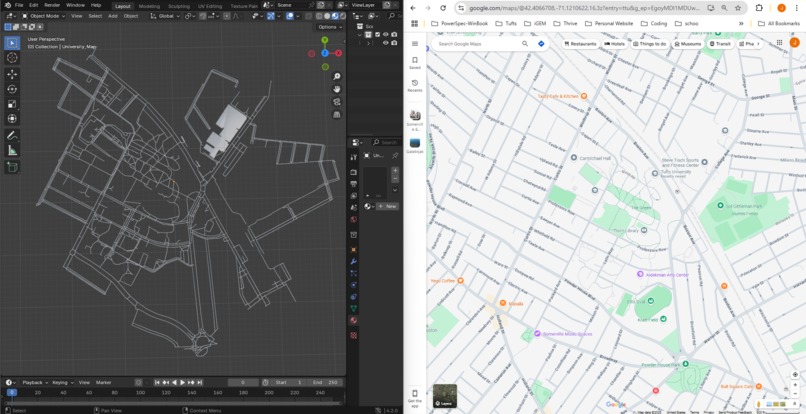
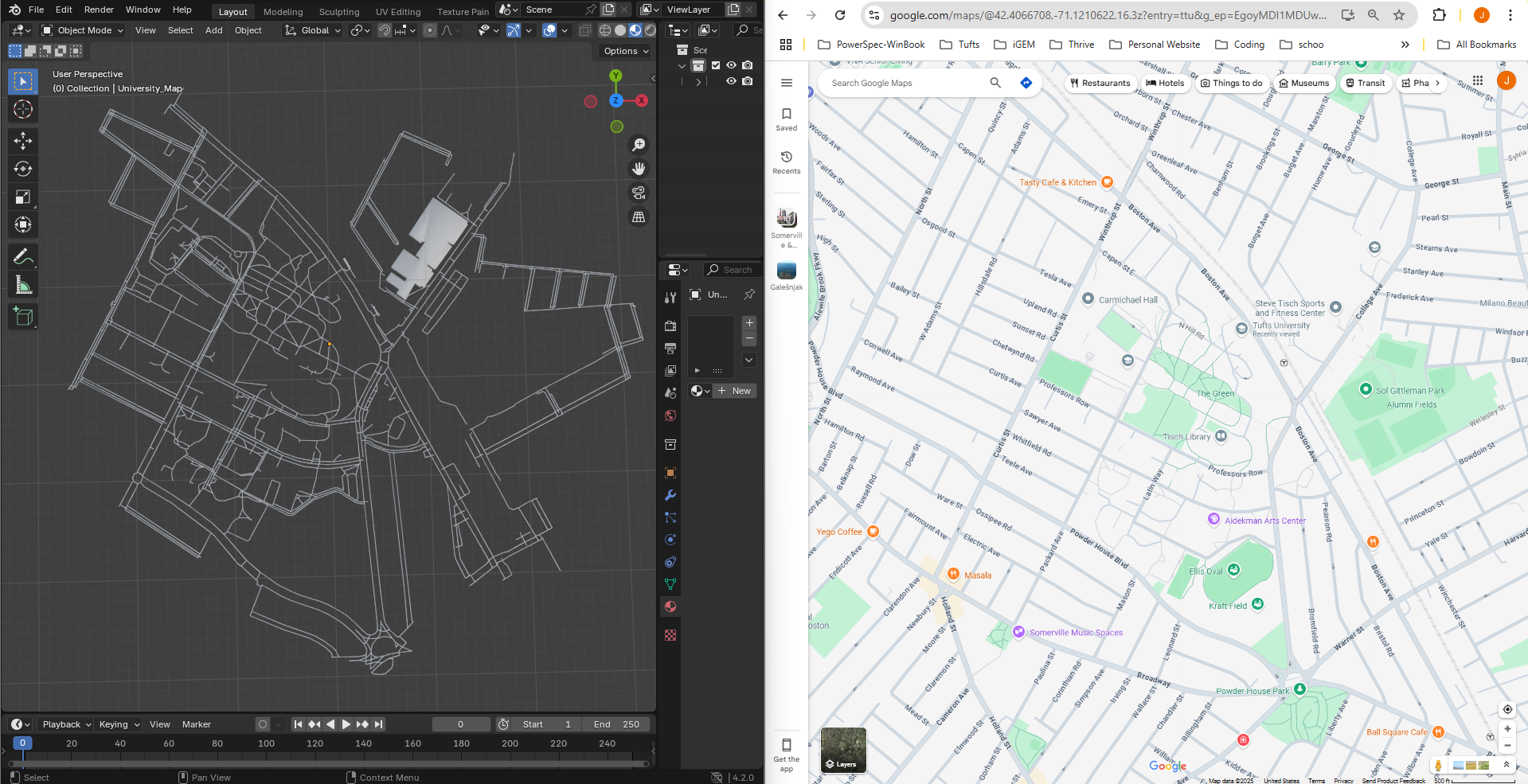
Generated STL file design contrasted with Google Maps location of the Tufts University capmus.
-
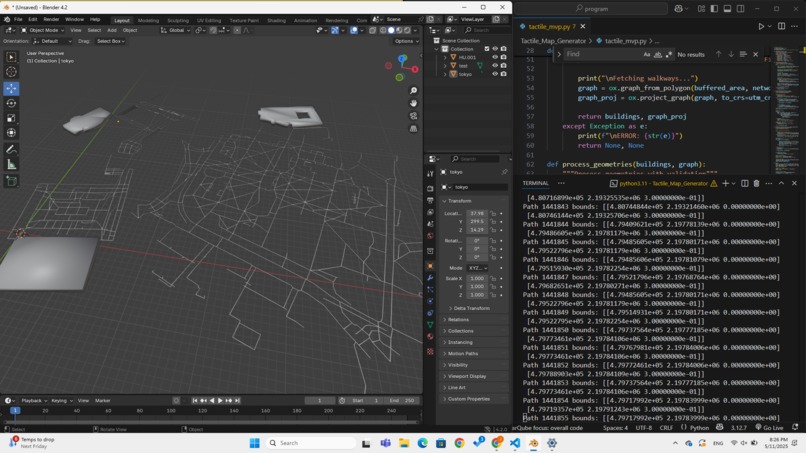
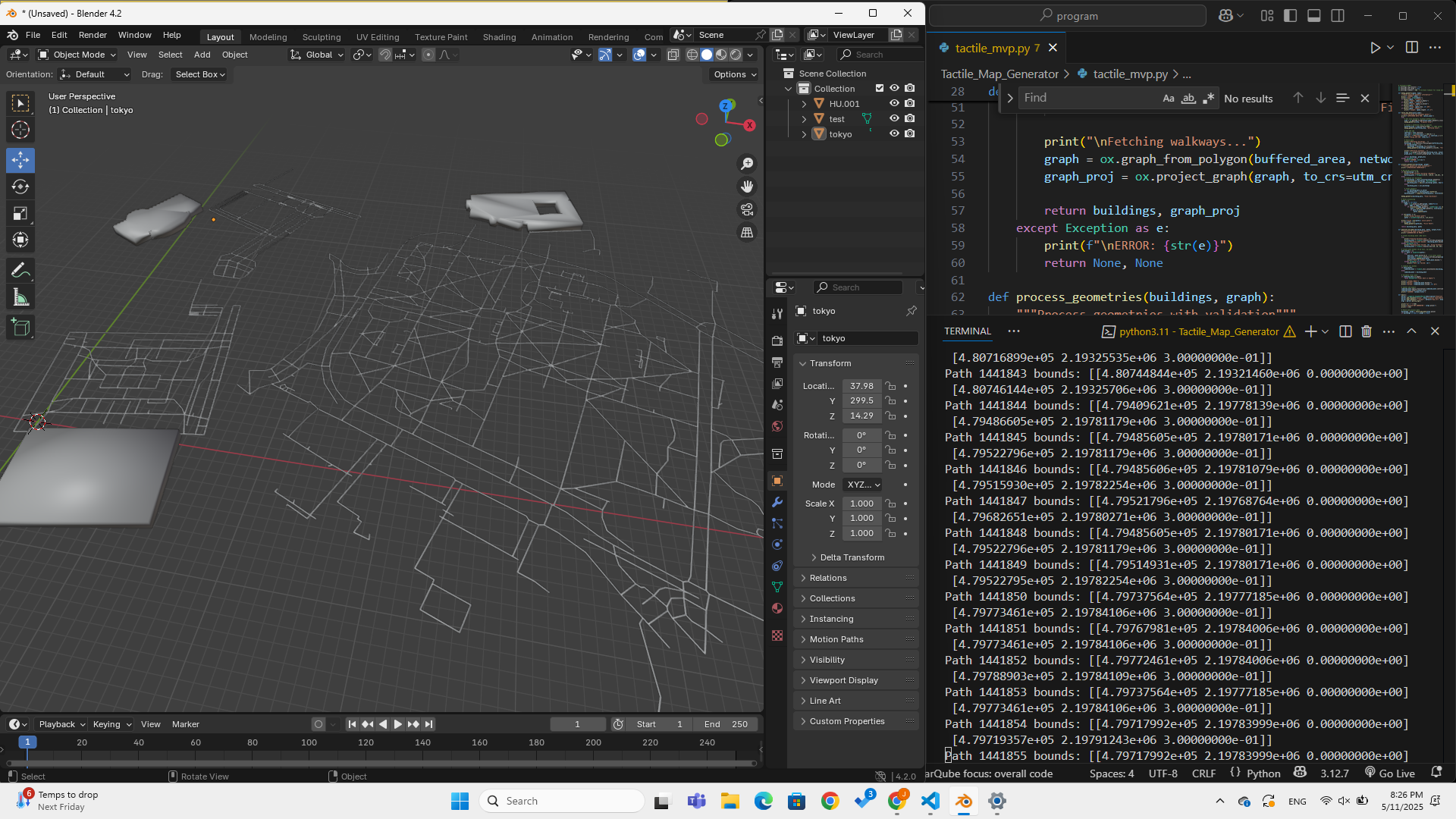
In progress testing.
Inspiration
In a world increasingly driven by maps and data, we often take for granted the ability to visualize the space around us. But for the blind and visually impaired, understanding urban environments remains a deeply personal and often frustrating challenge. The inspiration for TactileMap Generator came from a simple yet powerful question: What if we could hold our cities in our hands?
We envisioned a tool that empowers visually impaired individuals to explore their neighborhoods, campuses, or travel destinations -- not through screens, but through touch. By combining open-source data with 3D printing, we sought to bridge a sensory gap and promote true spatial literacy for all.
What it does
TactileMap Generator is a tool that creates 3D printable tactile maps from OpenStreetMap data for any location in the world. With just a place name, it:
- Extracts buildings and walkable paths
- Processes and cleans the geometry
- Converts it into a 3D model (STL format)
- Outputs a ready-to-print map that can be physically touched and explored
It’s accessible, open-source, and scalable -- making tactile maps available for schools for the blind, urban planners, educators, and communities globally.
How we built it
We built the core engine in Python, leveraging several powerful geospatial and 3D libraries:
- OSMnx: To extract building and path data from OpenStreetMap
- GeoPandas + Shapely: For geometry cleaning and simplification
- Trimesh: To generate high-quality 3D meshes from 2D footprints
- argparse: To enable CLI-based usage
The tool auto-detects coordinate systems and handles errors gracefully -- falling back on defaults when data is incomplete.
We also prepared example models of well-known landmarks (e.g., Tufts University Campus, Central Park, Eiffel Tower surroundings) to showcase its potential.
Challenges we ran into
- Messy or missing map data: Not all areas have consistent OSM data, especially for footpaths or building outlines.
- Geometry validation: Real-world shapes are messy -- we had to clean and unify polygons without losing too much detail (our Eiffel Tower example shows this more clearly).
- 3D mesh generation: Ensuring the final STL files were non-empty, watertight, and printer-ready required careful processing.
- Making it meaningful: Designing tactile output isn’t just about buildings -- it’s about clarity. Too much detail, and it becomes unreadable.
Accomplishments that we're proud of
- Created a fully working end-to-end prototype in under three days
- Generated multiple realistic, 3D printable maps
- Developed a robust fallback system for missing or incomplete data
- Designed a project that is inclusive, educational, and scalable
- Made something that could genuinely help people if even in quiet ways -- and that's the biggest win
What we learned
- How to work with geospatial data at scale
- The importance of clean, simplified geometry in tactile design
- That accessibility tools need to be modular and fault-tolerant
- That open data, when used creatively, can drive social good in unexpected ways
Above all, we learned that simplicity and empathy are often the most powerful design principles.
What's next for TactileMap Generator
- Adding Braille labels to street names and landmarks
- Launch a simple web app for non-technical users
- Pre-generate maps for popular cities and tourist zones
- Multilingual support for global accessibility
Our vision is a future where every blind person can print a map of their neighborhood and feel empowered to explore. We’re just getting started.
Built With
- argparse
- blender
- geopandas
- github
- numpy
- openstreetmap
- osmnx
- python
- shapely
- trimesh


Log in or sign up for Devpost to join the conversation.