-
-
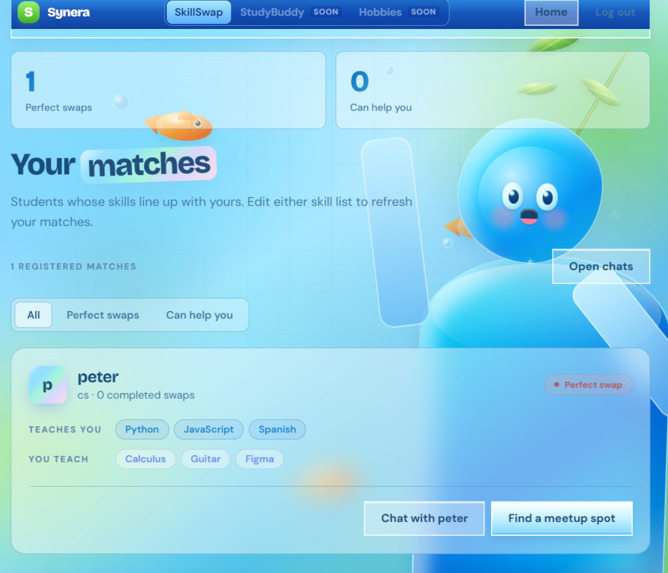
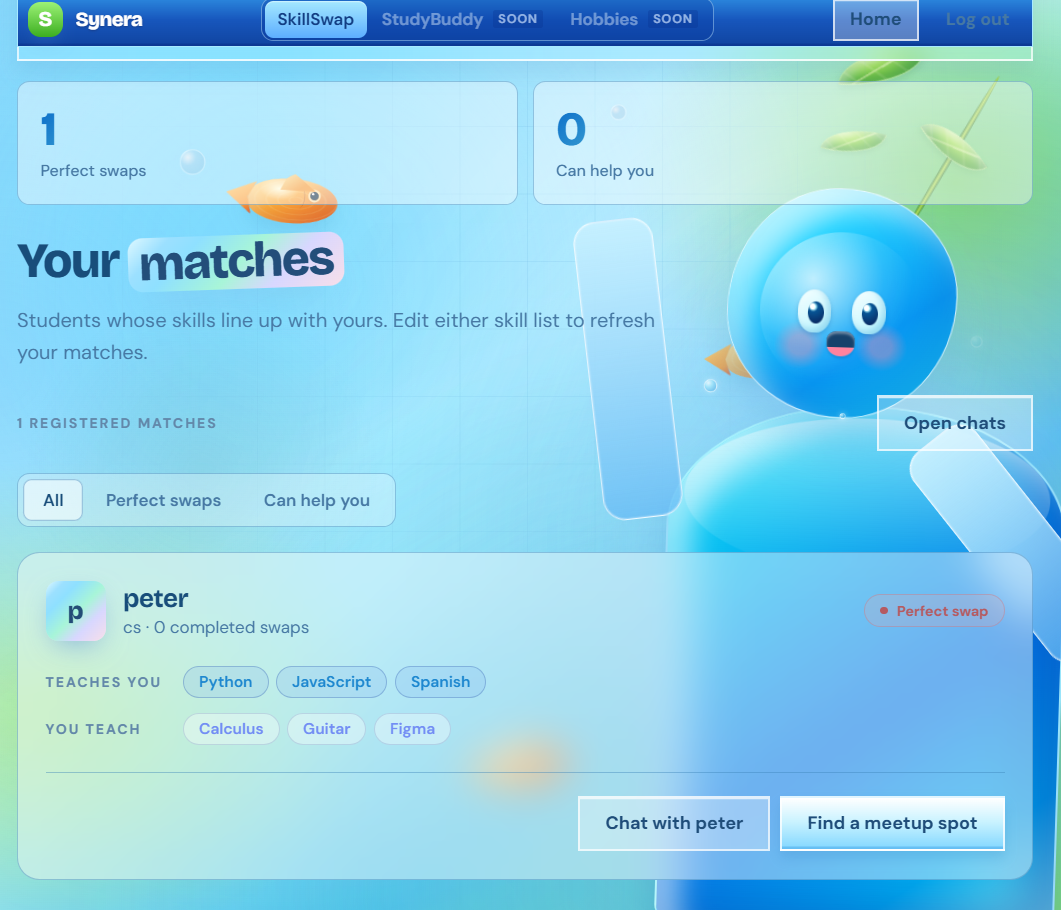
A visualization of you getting matched with people around you
-
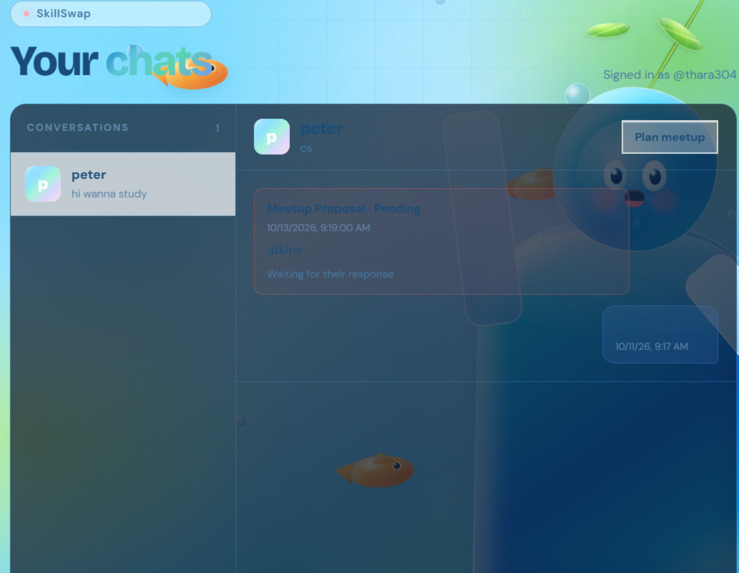
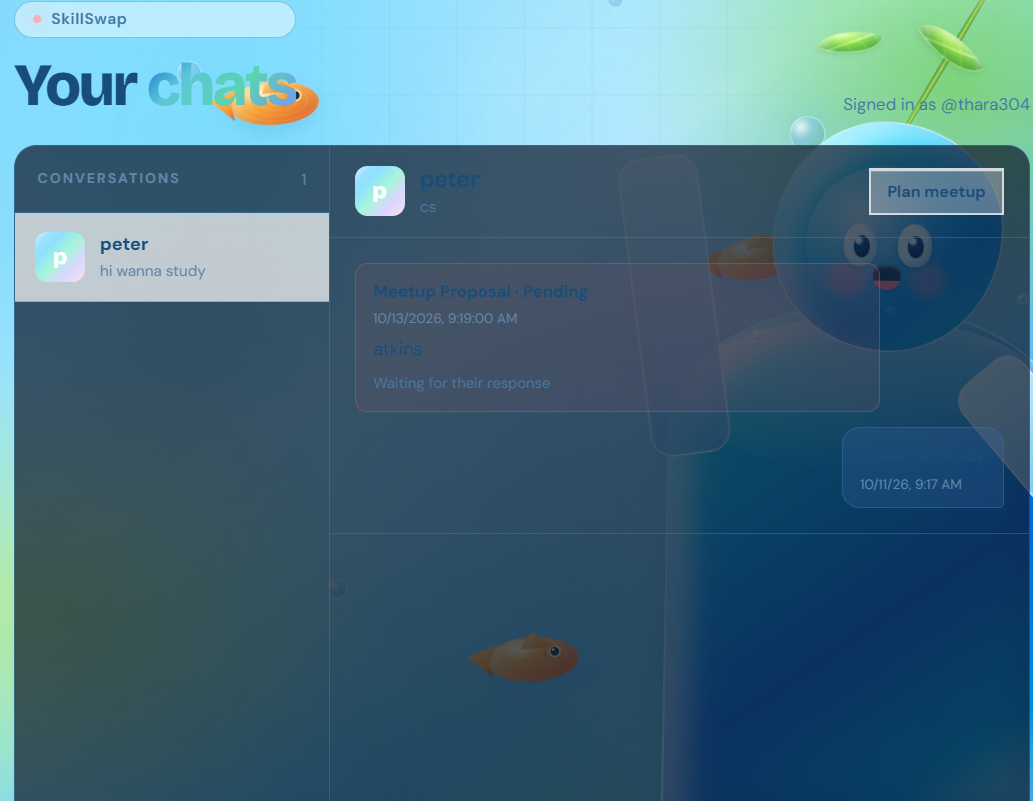
You can use the chatbox to communicate with the people you want to match with
-
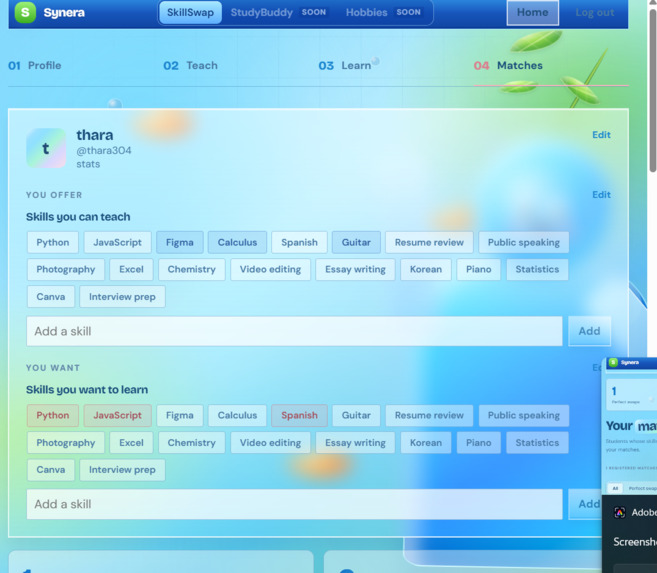
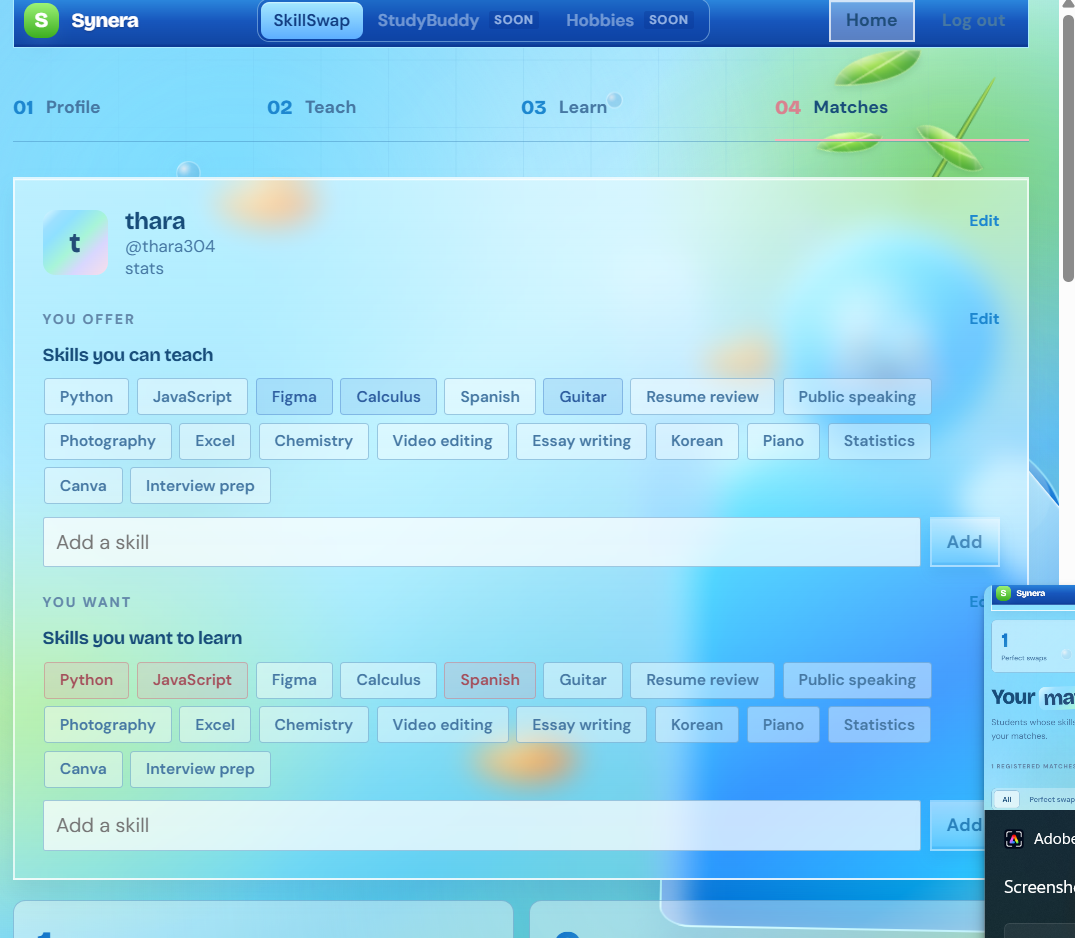
you can add more skill you want ,in case you don't see it already
-
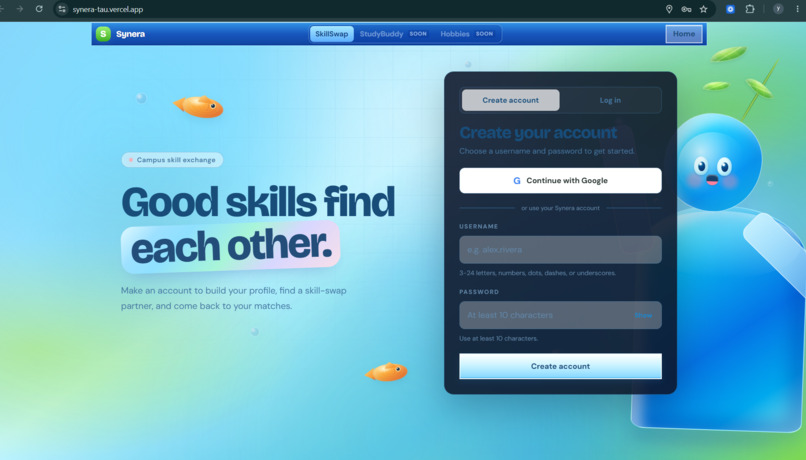
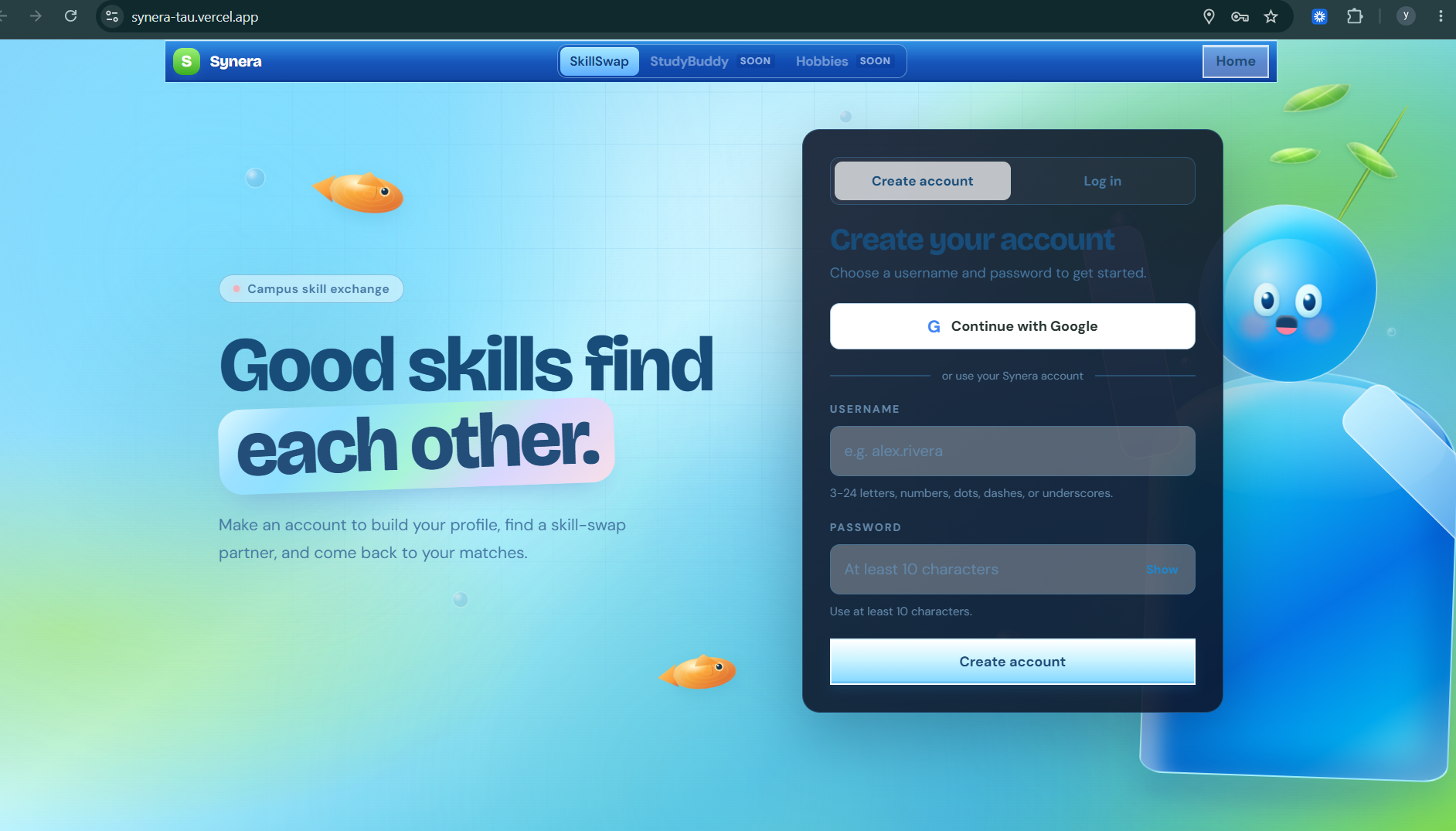
log in or sign up
-
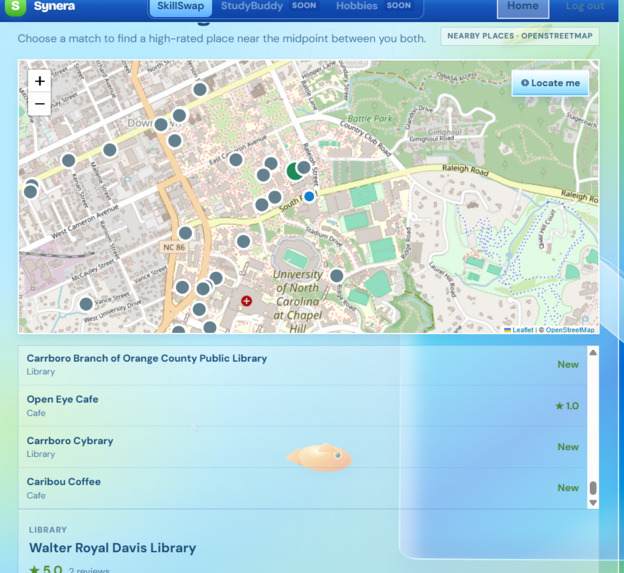
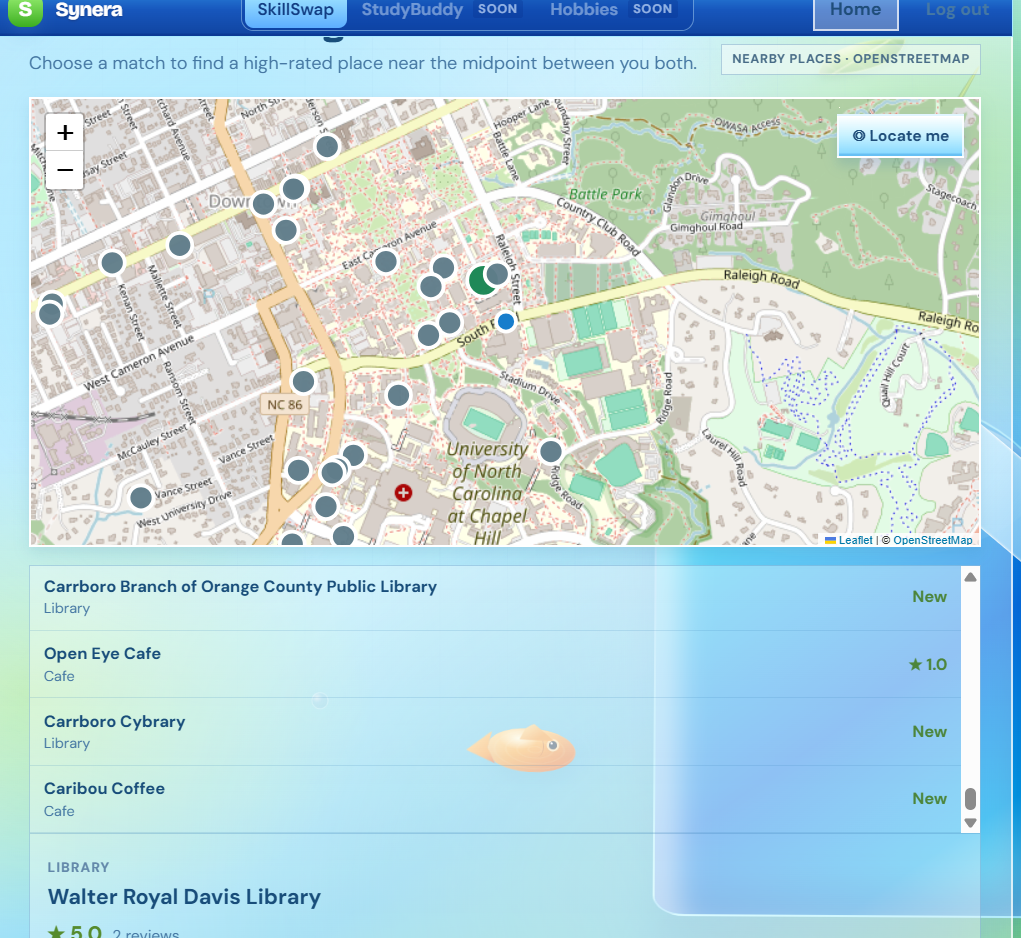
an interactive map feature you can use!
Inspiration
As college kids, one of the problems we faced were finding people to connect We wanted to aid people who need help understanding a subject, want to teach a skill, collaborate with others or simply find someone with the same hobby. This is why we made Synera!
Synera connects people with others who want to learn, study, teach or collaborate. Users can find people nearby to work with based on their interests and skills, and whether they want to find a study partner, get tutoring, swap skills, work on projects or try out a hobby together.
On Synera people can create a profile for themselves and then add their skills and interests. After that, you can find people that share your interests and skills and connect with them. Once you have a chat with them and you both agree to meetup, you can schedule a meetup at any of the locations found on the map on our website where you can find a comfortable environment to learn and collaborate.
What it does
Synera connects people with others who want to learn, study, teach or collaborate. Users can find people nearby to work with based on their interests and skills, and whether they want to find a study partner, get tutoring, swap skills, work on projects or try out an hobby together.
How we built it
We built Synera using React and custom CSS to create our Frutiger Aero design. We used Vite to run and build our app and ESLint to help catch errors. Our backend uses Node.js to handle features like accounts, profiles, matching, chat, meetups, and our AI helper. We used SQLite for data storage, scrypt to protect passwords, and Google OAuth for Google sign-in. We also used Leaflet and OpenStreetMap for meetup locations and Google Gemini to power our AI helper, which creates flashcards, icebreakers, and mini-lessons. Finally, we used Vercel to host our app. Since our demo uses temporary storage, a full version would need a permanent database.
Challenges we ran into
One of our biggest challenges was setting up user authentication and figuring out how to manage user accounts securely. We had to work through password protection, Google login, and making sure users could sign up and log in properly. Getting all these features to work together took time and troubleshooting.
Another thing that we struggled with was setting up the pinpoints on the map, so that it showed the user study or work spots within the area of the user and their connection. Setting this up also took a lot of time and troubleshooting.
Accomplishments that we're proud of
We are proud that we were abled to take an idea and turn it into a working prototype in a short amount of time. We are also incredibly proud of how our interface is both visually appealing and easy to navigate.
What we learned
Throughout the hackathon, we learned more about collaborative development, GitHub, working with Photon and APIs, and frontend development.
What's next for Synera
Our next plans for Synera are expanding our Study Buddy and Hobby Helper features to create more opportunities for users to connect with others over shared interests, exchange skills and explore new interests.
Study Buddy: Matches you to people who want to study the same subject or course as you. Through this you can find study partners, get help for tutors or you can tutor others.
Hobby Help: Matches you to someone who you can try or help with a new hobby or activity with. Through this you can find people who have the same interests as you do.

Log in or sign up for Devpost to join the conversation.