-
-
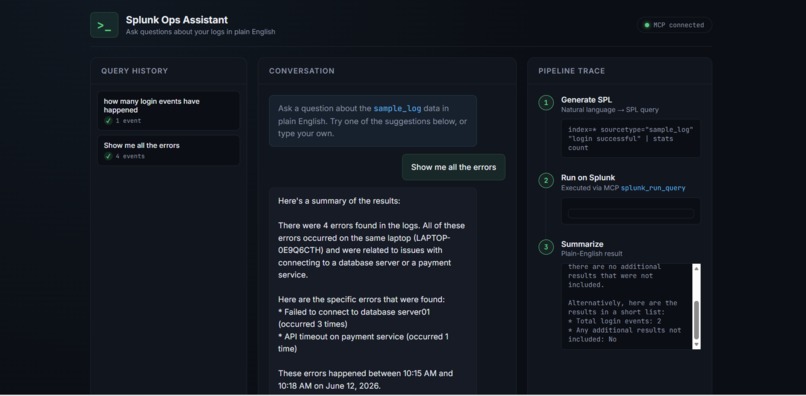
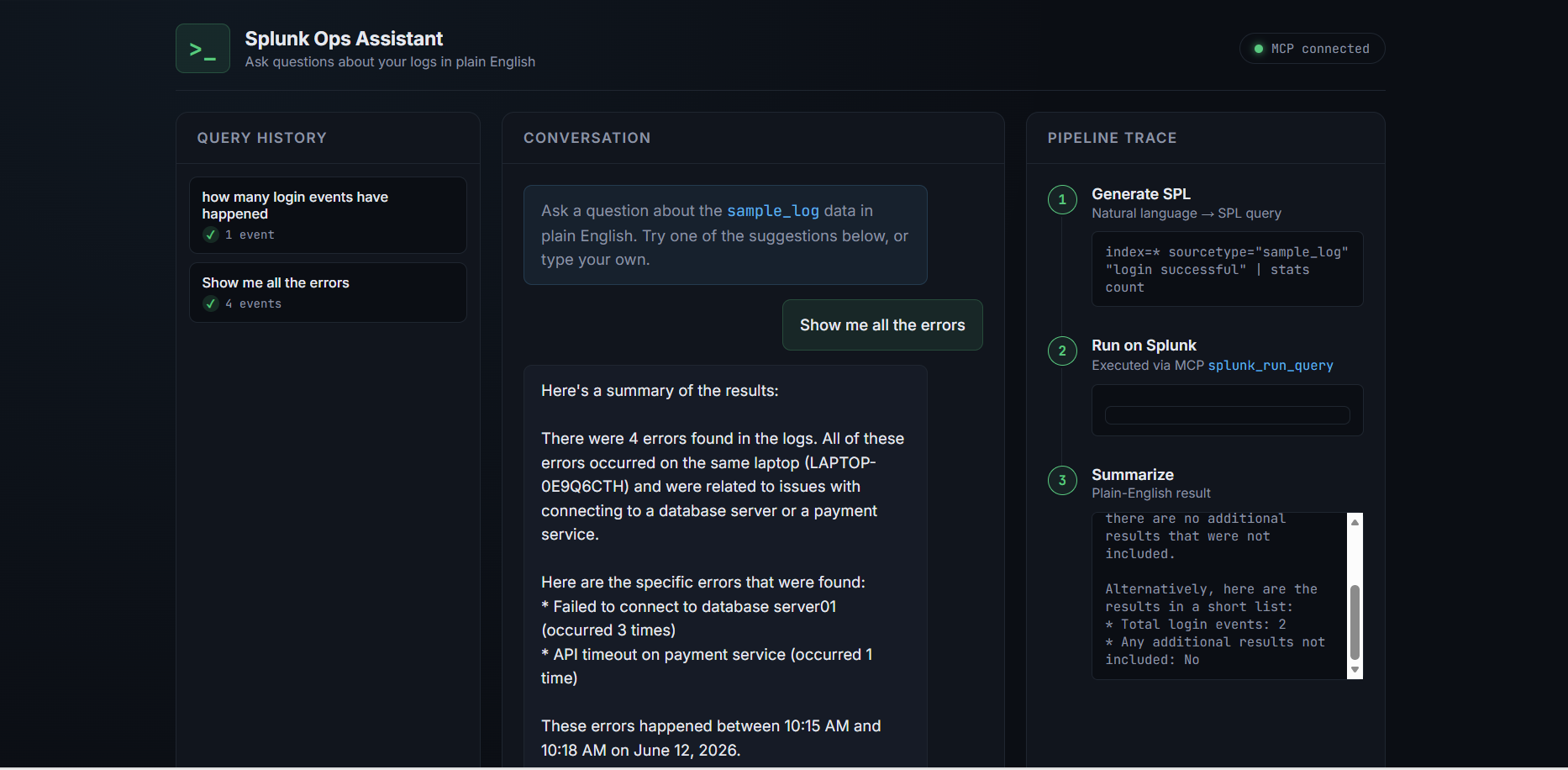
Splunk ops assistant
-
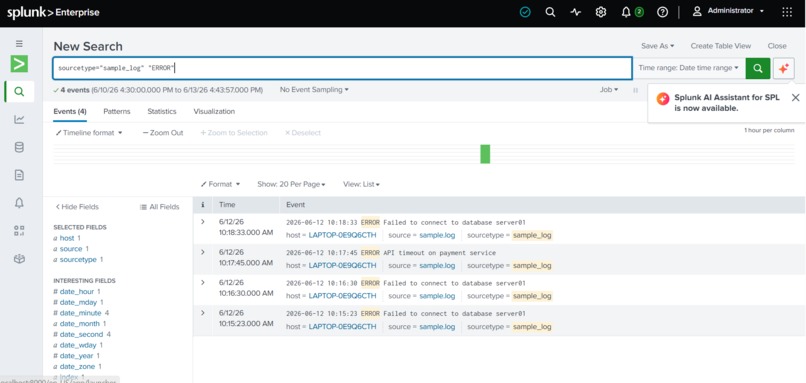
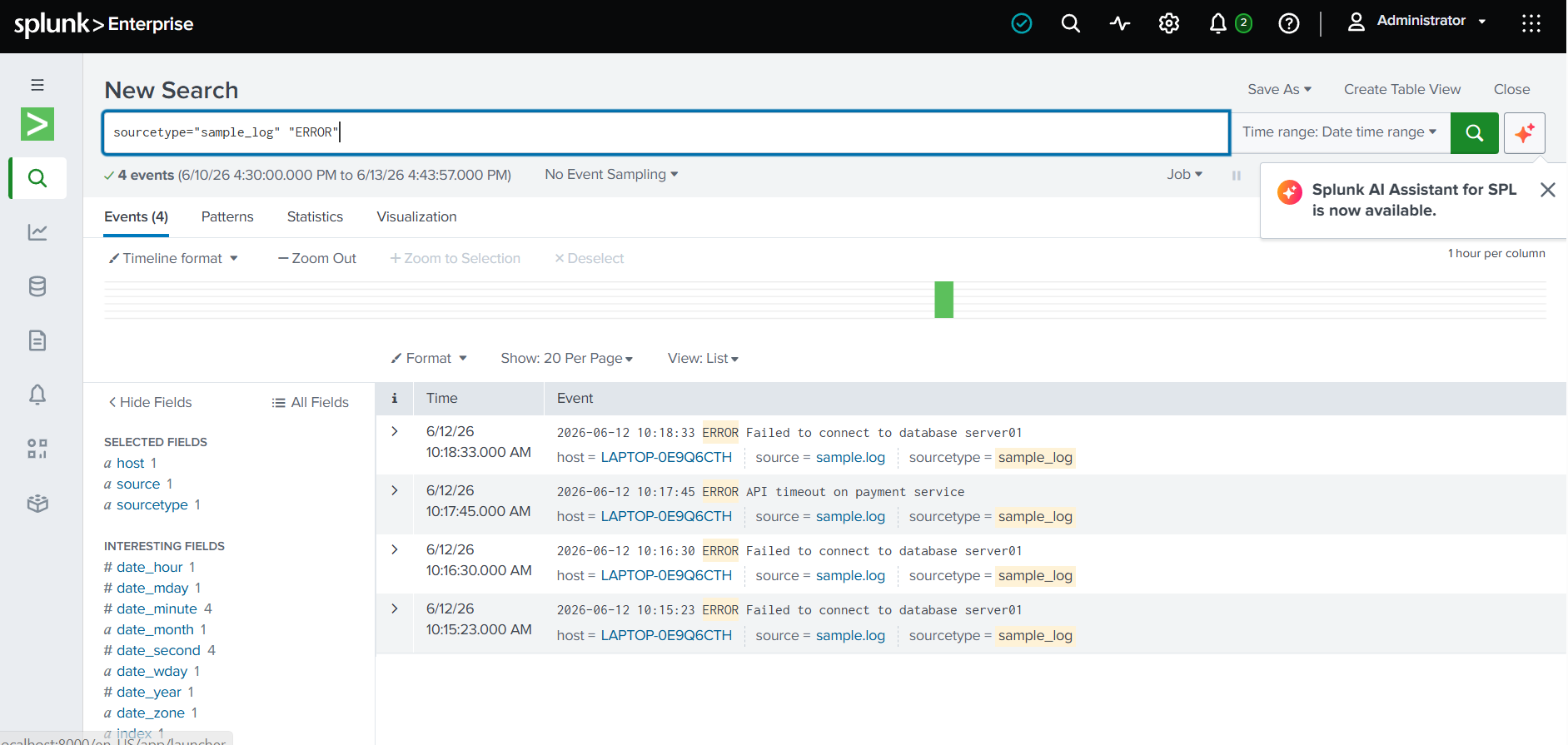
Splunk MCP server UI
Inspiration
Investigating logs in Splunk requires knowing SPL (Search Processing Language). This is a real barrier for non-technical team members, and even experienced engineers lose valuable time writing and debugging queries during an incident. We wanted to remove that barrier — what if anyone could just ask a question in plain English and get a real answer from live Splunk data?
What it does
Splunk Ops Assistant is a web-based AI tool that lets users ask natural language questions about their logs (e.g. "show me all the errors" or "how many login events happened"). The assistant:
- Converts the question into a valid SPL query using an LLM.
- Executes that query directly on Splunk using the Splunk MCP Server's
splunk_run_querytool. - Summarizes the returned log events into a plain-English answer.
- Displays a live "pipeline trace" showing each step — the generated SPL, the raw matching events, and the final summary — so the process is fully transparent.
How I built it
The backend is a Flask app that orchestrates the pipeline: it calls an LLM (via OpenRouter) to generate SPL from the user's question, sends that SPL to the Splunk MCP Server over its JSON-RPC endpoint, and calls the LLM again to summarize the JSON results returned from Splunk. The frontend is a custom chat-style interface with a real-time pipeline visualization, suggestion chips for common queries, and a query history sidebar.
On the Splunk side, we set up a local Splunk Enterprise instance with a Developer License, ingested sample log data, and installed the MCP Server for Splunk Platform app (along with its dependency, Splunk AI Assistant for SPL), configured the mcp_tool_execute role capability, and generated an MCP encrypted token to authenticate our backend.
Challenges I ran into
- Free-tier rate limits on multiple LLM providers required switching models and adding retry logic.
- The Splunk AI Assistant's cloud-connected
saia_*tools required a multi-day tenant activation process, so we built the pipeline around the always-availablesplunk_run_queryMCP tool instead — which turned out to be a cleaner, more controllable architecture. - MCP token generation initially failed due to an "invalid audience" error — tokens must be created from inside the MCP Server app's configuration page (not via Settings → Tokens) so the audience claim is set correctly.
What I learned
We learned how the Splunk MCP Server exposes Splunk's search capabilities as structured, callable tools for AI agents — and how to design a multi-step AI pipeline (NL → SPL → execution → summary) that keeps a human in the loop via a visible trace of every step.
What's next
- Support for saved searches and dashboards via additional MCP tools (
splunk_get_knowledge_objects,splunk_run_saved_search). - Multi-turn conversation memory, so follow-up questions can refine previous searches.
- Once Splunk AI Assistant's cloud tenant is activated, integrate
saia_generate_splandsaia_explain_splfor even richer SPL generation and explanations.

Log in or sign up for Devpost to join the conversation.