Inspiration
Finding an outfit from a Reel should not take a screenshot, several crops, an image search, ten shopping tabs, a size-chart guess, and a lot of luck.
What if fashion discovery felt as immediate as recognizing a song? I did not want to build another single-purpose visual search or a button that sends two photos to a try-on API. I wanted to connect the whole decision: notice a look, isolate the pieces, find real products, understand the fit, and see the result on yourself.
What it does
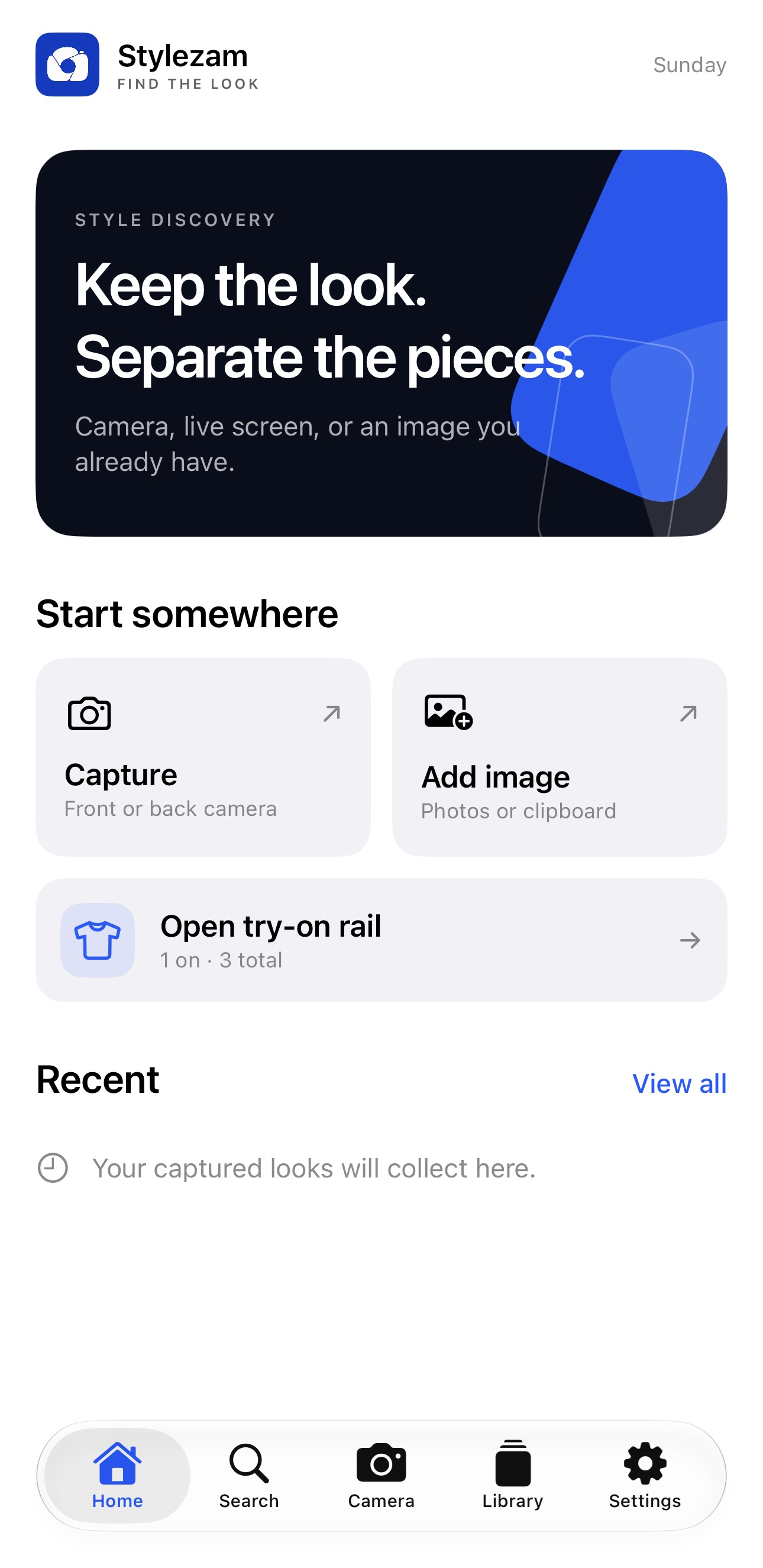
Stylezam is a native iPhone fashion scanner and shopping workspace.
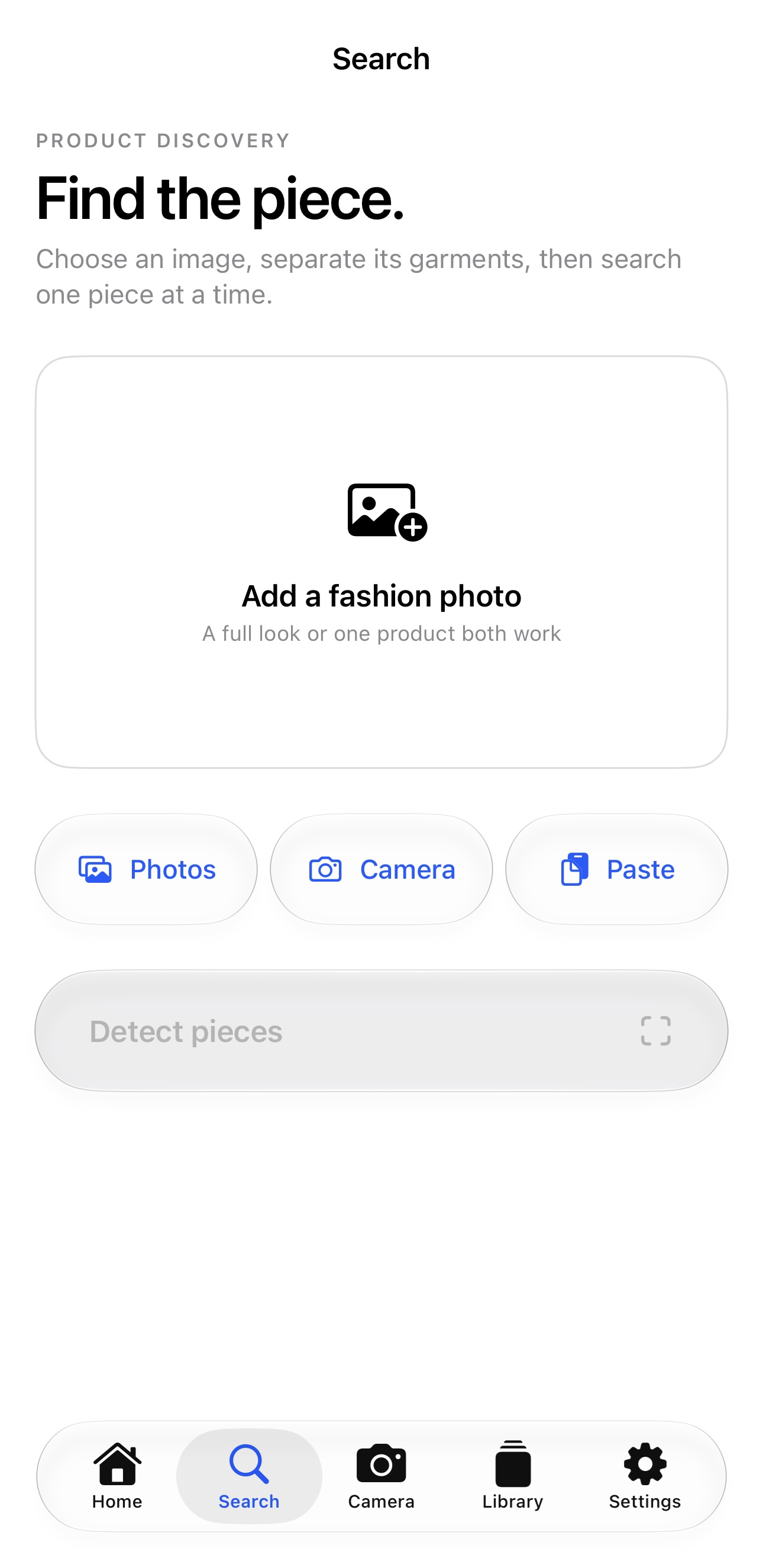
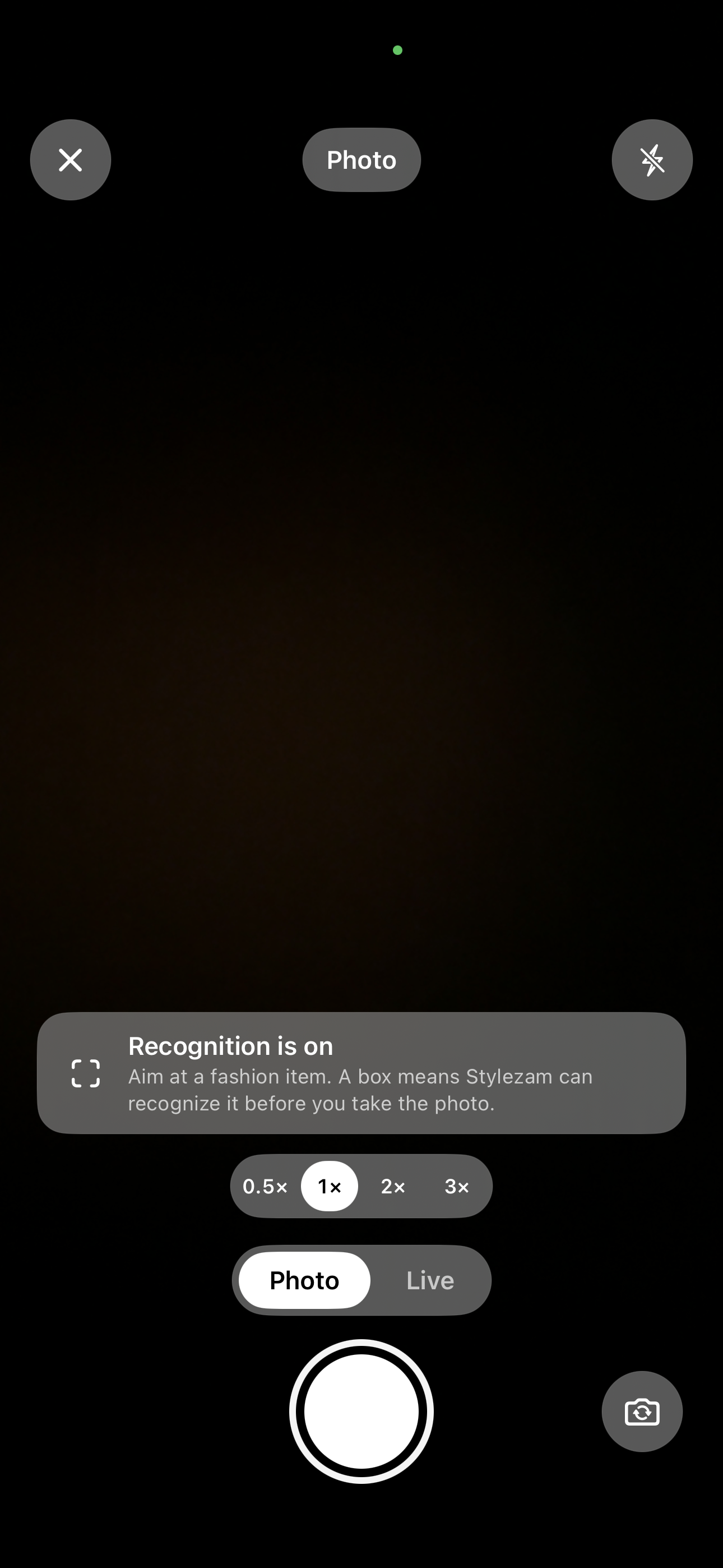
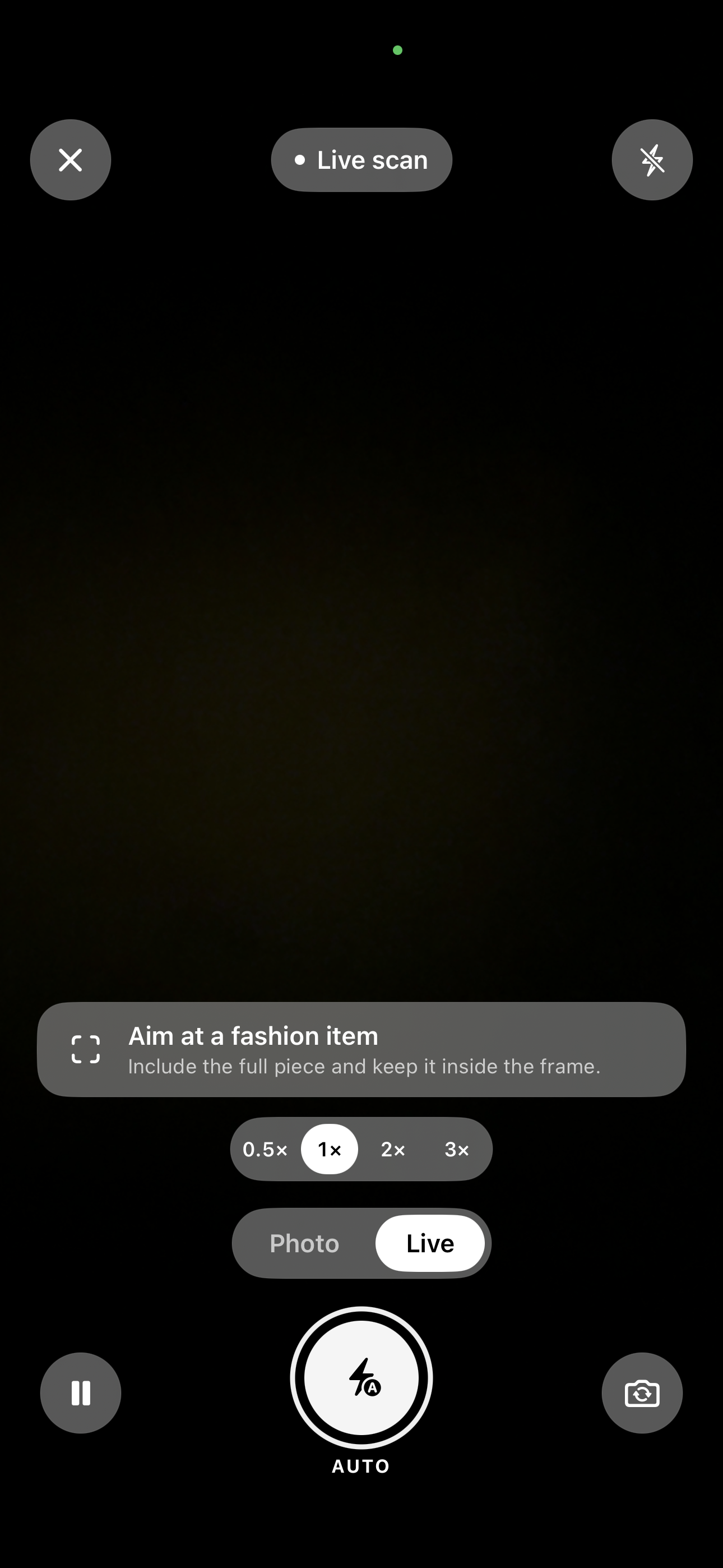
You can capture a look with the front or rear camera, choose a photo, paste from the clipboard, use the Share sheet, or start an authorized Live Screen session on iOS 27 Beta. Live Screen can recognize fashion while you browse another app, watching videos, without uploading the screen for detection.
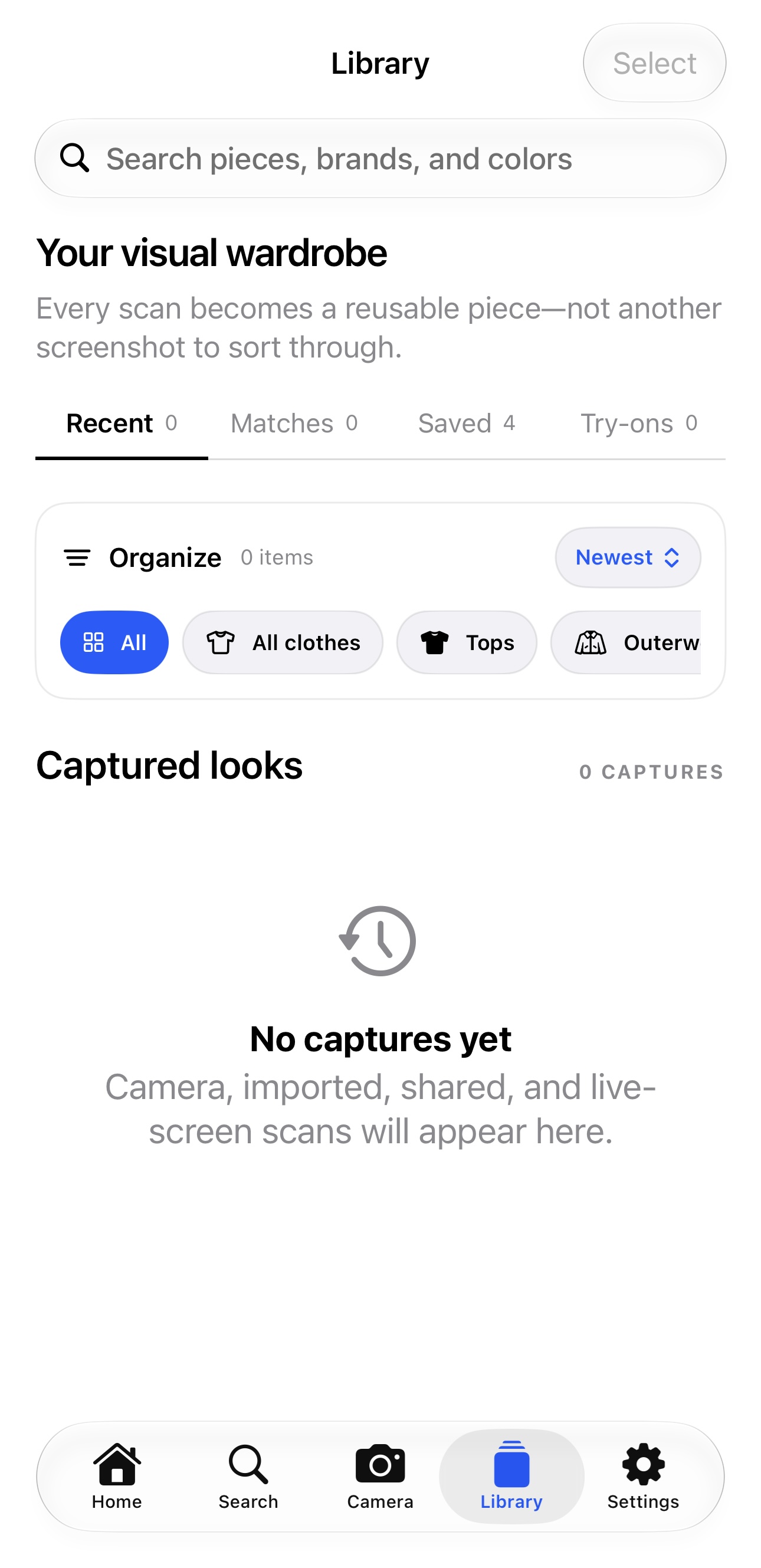
A bundled Core ML model detects individual garments and accessories on device. Stylezam keeps the original detail, creates high-resolution crops, filters obvious non-fashion objects, and asks for a quick correction when a result is uncertain. Accepted pieces go into a private local Library with filters, recent captures, duplicate protection, and deletion controls.
From there, the user decides what happens next:
- Find products and prices: Stylezam makes one explicit visual-shopping request, normalizes real products, sellers, links, and prices, and can compare two or three results side by side.
- Ask Stylezam AI: A persistent image-aware chat can explain a piece, coordinate it with relevant clothes already in the Library, accept voice input, and search for similar or cheaper alternatives. It retrieves only a few relevant local items instead of uploading the entire wardrobe.
- Check fit: A local Fit Profile uses the user's measurements and a merchant size chart, when one is available, to explain size confidence instead of pretending that a photo proves physical fit.
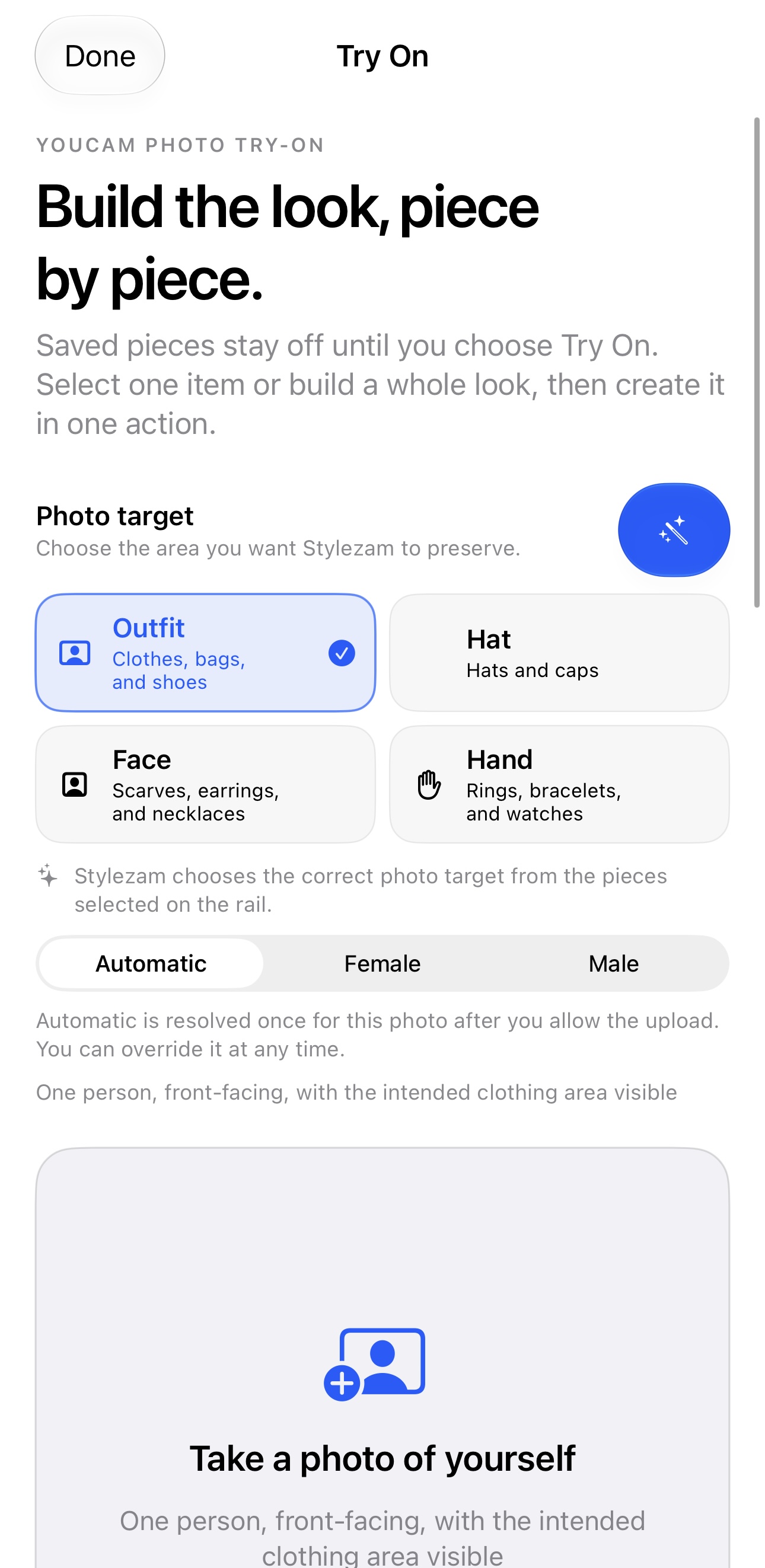
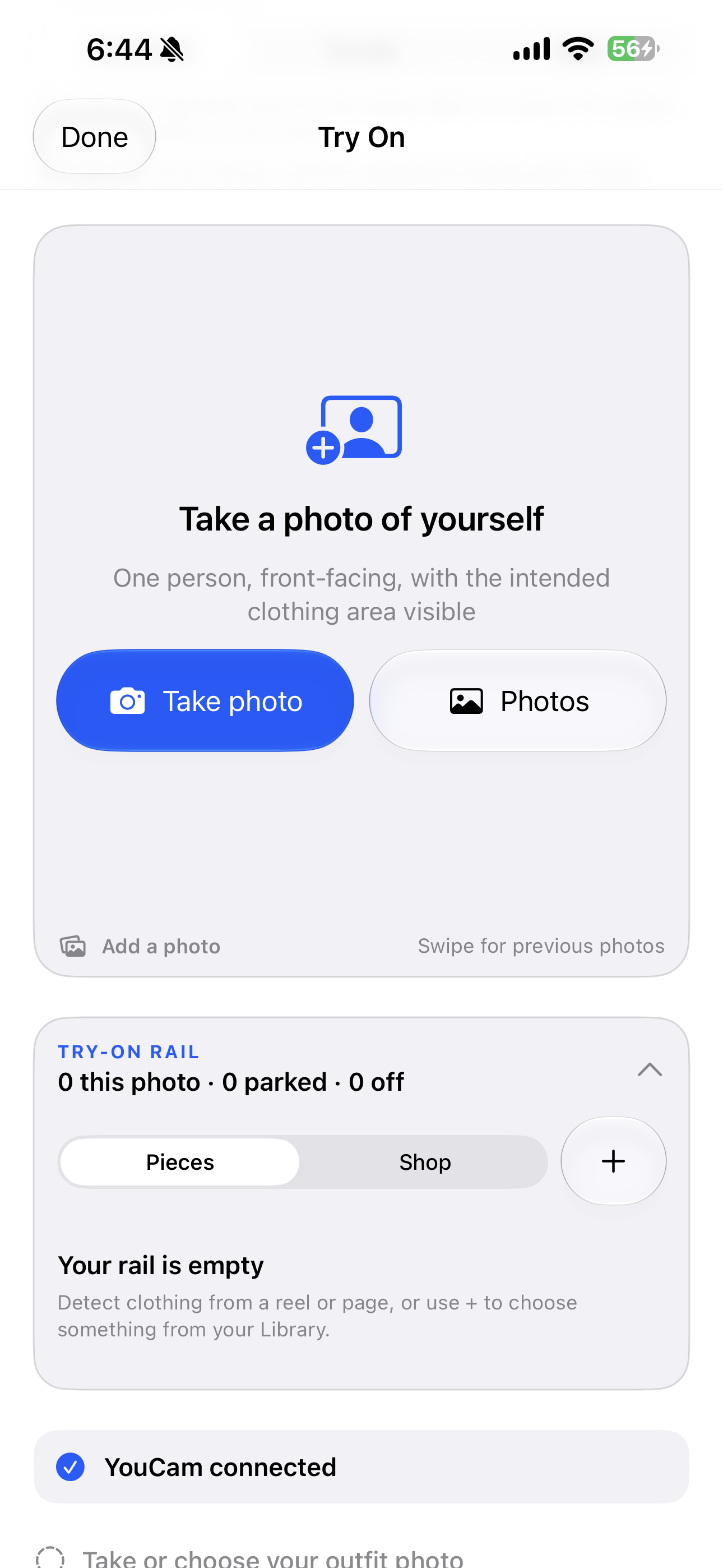
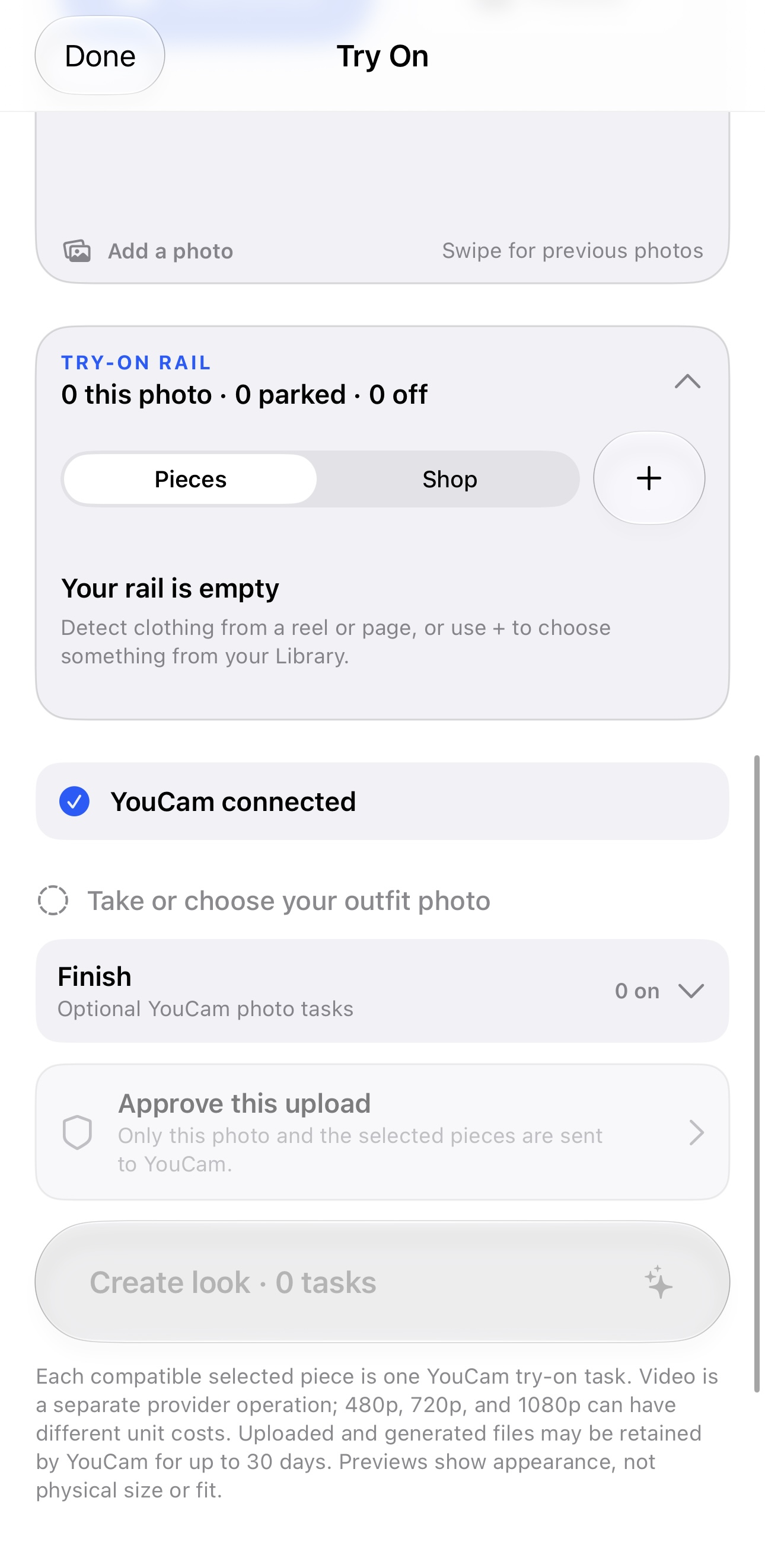
- Try it on: The Try On rail deliberately activates only the piece the user chose. Category-specific YouCam tasks support clothes, bags, scarves, shoes, hats, rings, bracelets, earrings, watches, and necklaces. Conflict rules stop combinations such as two hats or two lower-body garments. A reusable person photo, manual body-area correction, task progress, image zoom, saved looks, and optional finishing tools turn the API result into a complete workflow.
The privacy boundary is simple: capture, detection, crops, the Library, person photos, and fit measurements stay on the iPhone. A crop leaves the device only after the user starts Search, sends an AI message, or approves a YouCam upload.
How we built it
Stylezam is written in Swift 6 and SwiftUI. AVFoundation powers a custom camera with front and rear capture, live recognition, flash, pinch zoom, and optical zoom controls. ScreenCaptureKit powers the user-authorized iOS 27 Live Screen path. ActivityKit, WidgetKit, App Intents, and Control Center controls provide capture entry points and compact Live Activity feedback.
The local vision pipeline uses a bundled FP16 RF-DETR segmentation model trained on Fashionpedia categories. Its tensor is fixed at 384 × 384, but the output does not have to be low resolution. Still photos use one global pass plus bounded detail tiles. Detections are projected back into source coordinates, merged, and cropped from the original image at up to 5120 pixels. Live modes discard stale work, confirm detections across time, back off on unchanged frames, and reduce their cadence under thermal pressure.
Search providers sit behind one normalized interface. Visual and keyword routes rotate after each completed attempt so one account is not consumed repeatedly. Search reservations and limits survive relaunches, and Stylezam never invents a product, price, or similarity percentage when the provider did not return one.
YouCam integration uses dedicated category endpoints rather than one generic prompt: Clothes V4 for upper, lower, or full-body garments, dedicated tasks for bags, scarves, shoes, and hats, and 2D VTO tasks for jewelry and watches. Multi-item looks are composed sequentially, and every optional enhancement, lighting, or background action runs as a separate disclosed task. Scene-preservation checks reject outputs that unexpectedly replace the person, outfit, or background.
Challenges we ran into
Keeping detail while using a fixed-size model. A single 384-pixel pass missed small pieces in 4K and 5K photos. We added source-aware tiling, mapped every result back to the original coordinate system, and always encoded the final crop from the source image rather than the model input.
Detecting fashion in moving video without overheating the phone. Waiting for a perfectly still frame made Live Screen useless for scrolling and video, but constant inference made the device hot. We combined immediate global detection, focused confirmation, frame fingerprints, temporal agreement, stale-work cancellation, and thermal-aware scheduling.
Knowing when not to trust the detector. Pillows, bedding, and folded fabric can look like garments. Instead of treating a confidence score as truth, Stylezam uses non-fashion calibration, quality gates, duplicate checks, and a fast correction screen before search or try-on.
Keeping a generative try-on focused on the selected item. Early results showed that loose category routing or a poor reference could change unrelated clothes or the whole scene. We moved to category-specific YouCam tasks, an opt-in rail, stable item ordering, conflict checks, and post-result preservation validation. If the result changes too much, Stylezam rejects it rather than saving the wrong look.
Respecting iOS screen-capture rules. Apple requires its system picker and explicit consent; Stylezam cannot silently start sharing or jump back to another app. We designed a Live Screen around that boundary instead of hiding it.
Accomplishments that we're proud of
The biggest accomplishment is that Stylezam is not a wrapper around one API call. It is a working iPhone product that connects inspiration, local vision, a private wardrobe, shopping, fit guidance, AI, and YouCam try-on in one flow.
We are also proud of the less visible work:
- The shipped detector was evaluated across the Fashionpedia validation set at 0.8667 class-aware precision and 0.7654 recall at box IoU 0.50, with 0.8114 mean mask IoU for matched detections.
- Physical-device still-image tests on an iPhone 15 Pro Max stayed below 1.2 seconds for adaptive 4K and 5K processing while retaining source-resolution crops.
- A non-fashion regression set rejected the pillow and bedding cases that originally caused false captures.
- Stylezam uses one deliberate search per action, keeps metered calls behind user intent, and stores the wardrobe locally.
- The current automated suite has 73 passing tests covering detection quality, duplicate memory, live-screen coordination, fit logic, search settings, wardrobe retrieval, and try-on state.
What we learned
We learned that a high confidence number is not the same thing as a trustworthy result. The most important AI UX is often the correction, consent, and failure path around the model.
We also learned that virtual try-on works best when the product owns the routing. The category, body area, reference type, render order, and optional finishing steps all need to be explicit. That is what turns a powerful API into something a shopper can rely on.
Finally, privacy constraints improved the architecture. Local-first detection, bounded wardrobe retrieval, and explicit network actions made the app faster, cheaper to test, and easier to explain.
What's next for Stylezam
The next step is a production credential gateway so no reusable provider key ships in an App Store build. We also want direct merchant size-chart integrations, broader physical-device benchmarking, stronger support for rare and very small accessories, accessibility and localization passes, and a TestFlight release.
Longer term, Stylezam could become a retail and resale SDK: a way for marketplaces, creators, and stores to turn any fashion image into searchable inventory, fit guidance, and a try-on experience without rebuilding the entire pipeline themselves.
Built With
- activitykit
- appintents
- avfoundation
- bright-data
- coreml
- fashionpedia
- firebaseauthentication
- fireworksa
- google-cloud-vision
- ios
- lykdat
- rf-detr
- screencapturekit
- searchapi
- serpapi
- storekit-2
- swift
- swiftui
- vision
- widgetkit
- xcode
- youcamapi

Log in or sign up for Devpost to join the conversation.