-
-
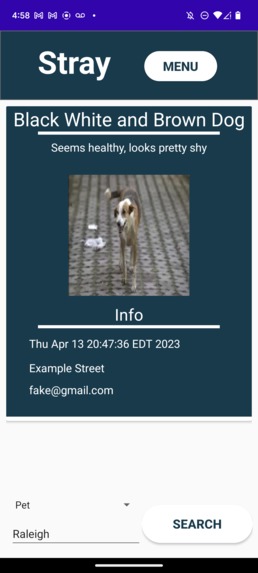
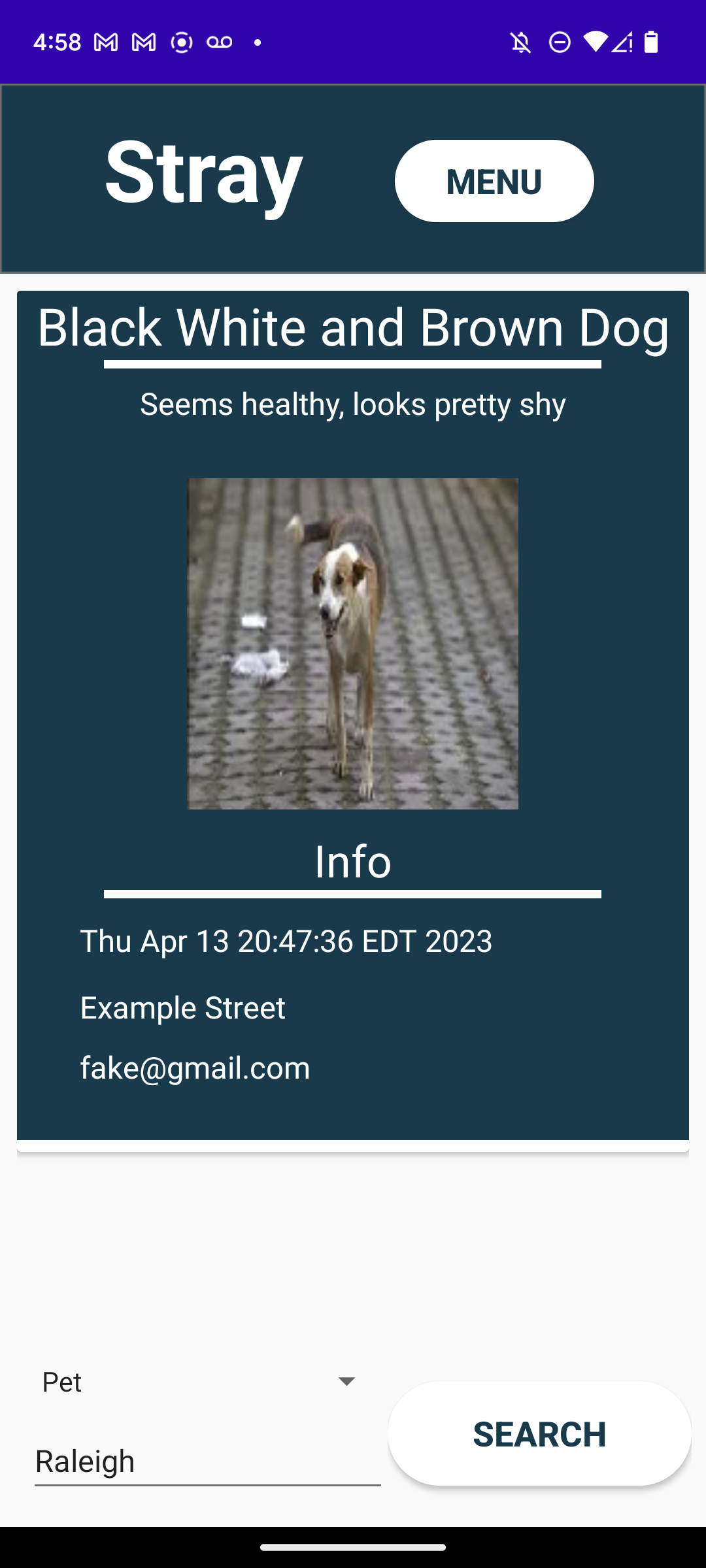
Home page after searching in the city "Raleigh" for lost pets.
-
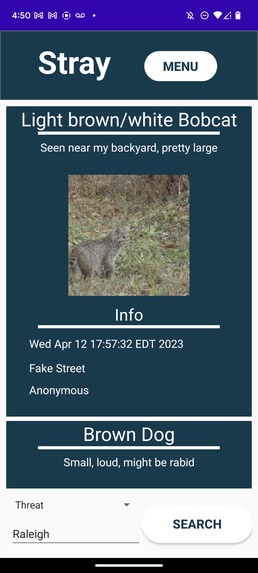
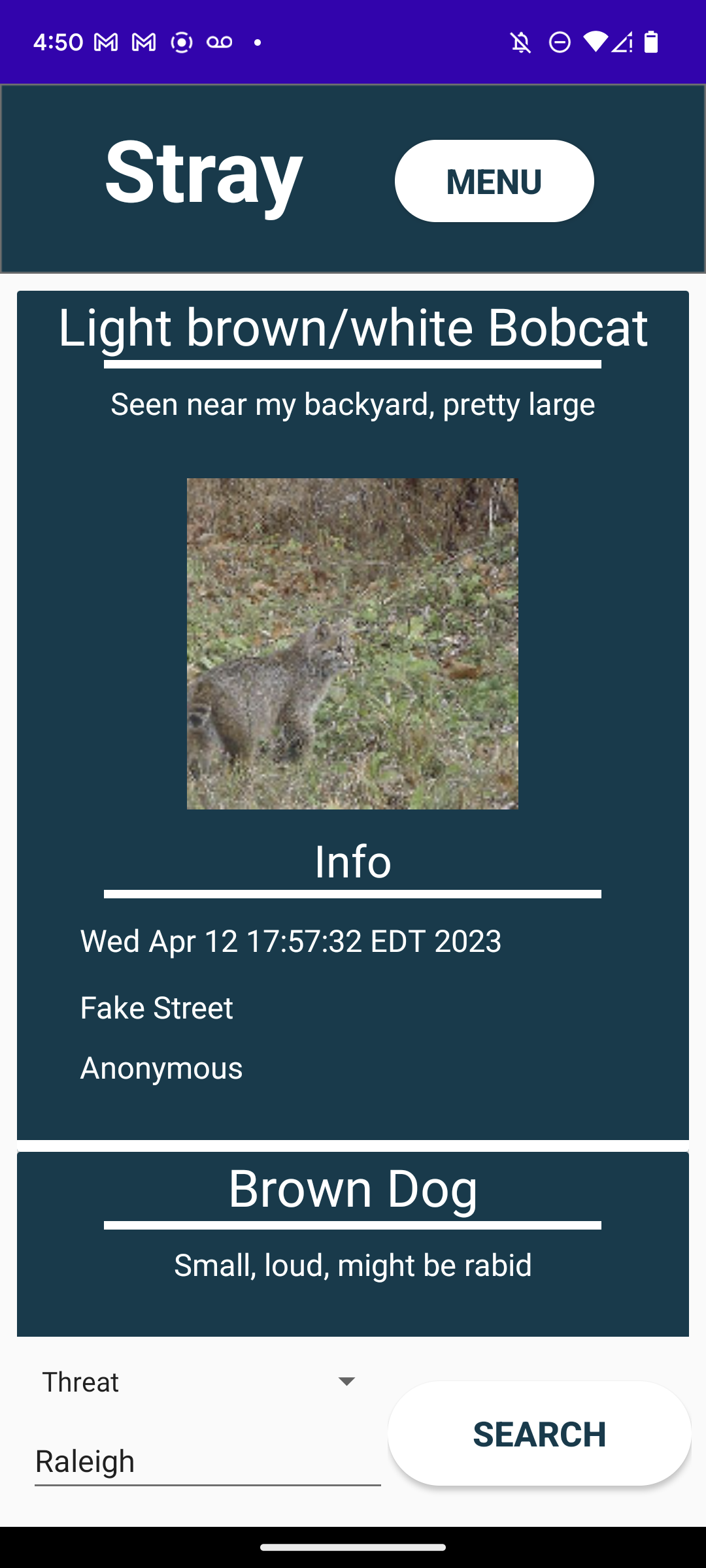
Home page after searching in the city "Raleigh" for threatening animals.
-
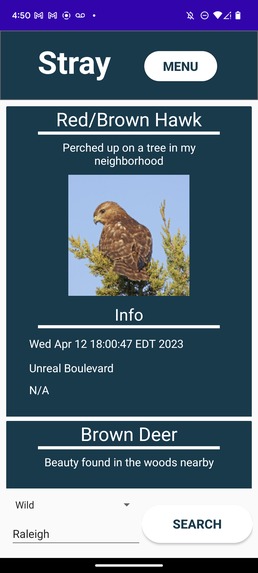
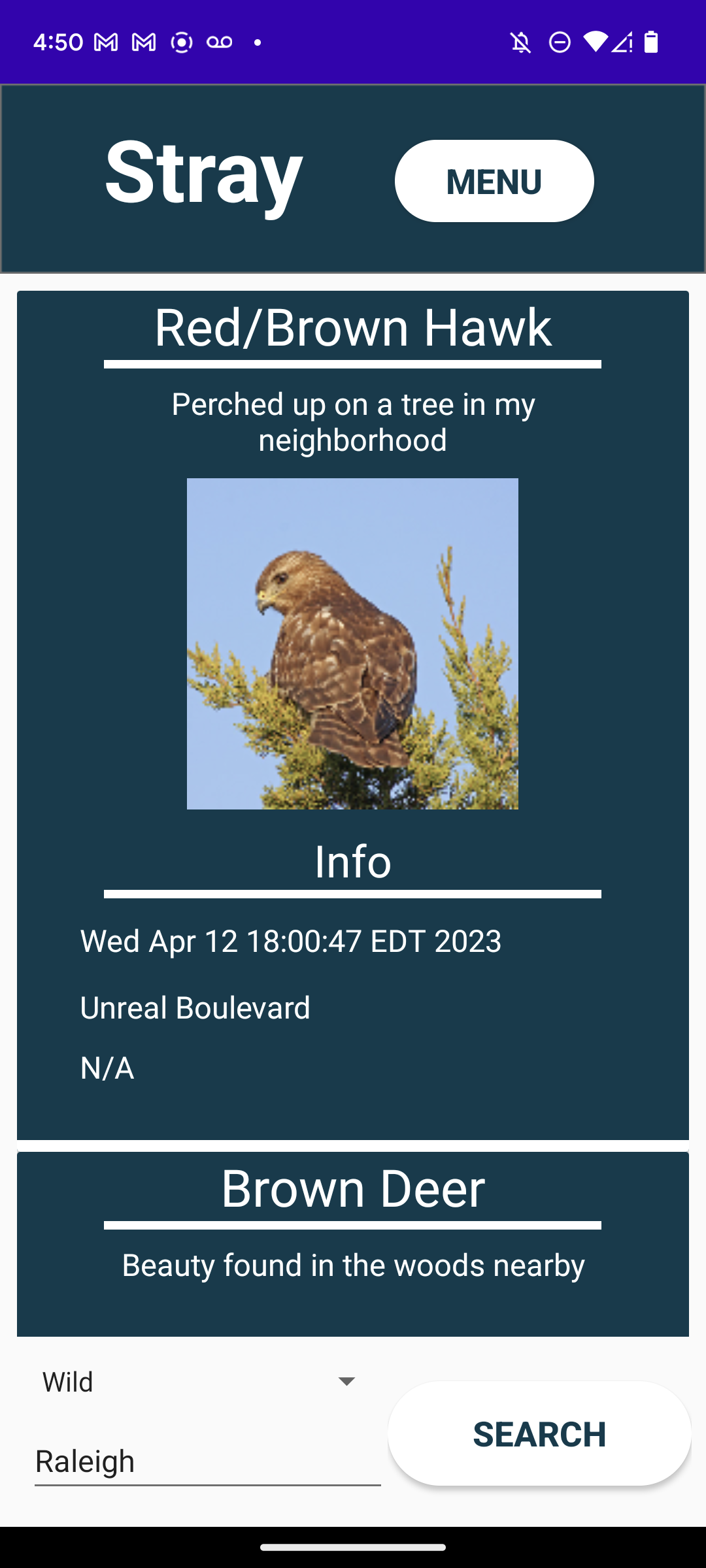
Home page after searching in the city "Raleigh" for wild animals.
-
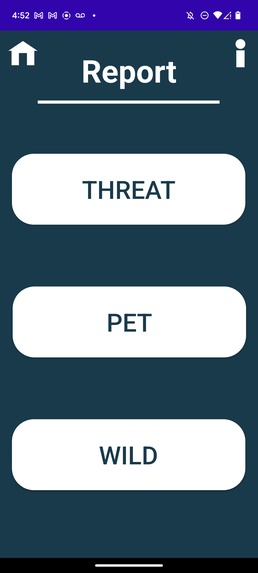
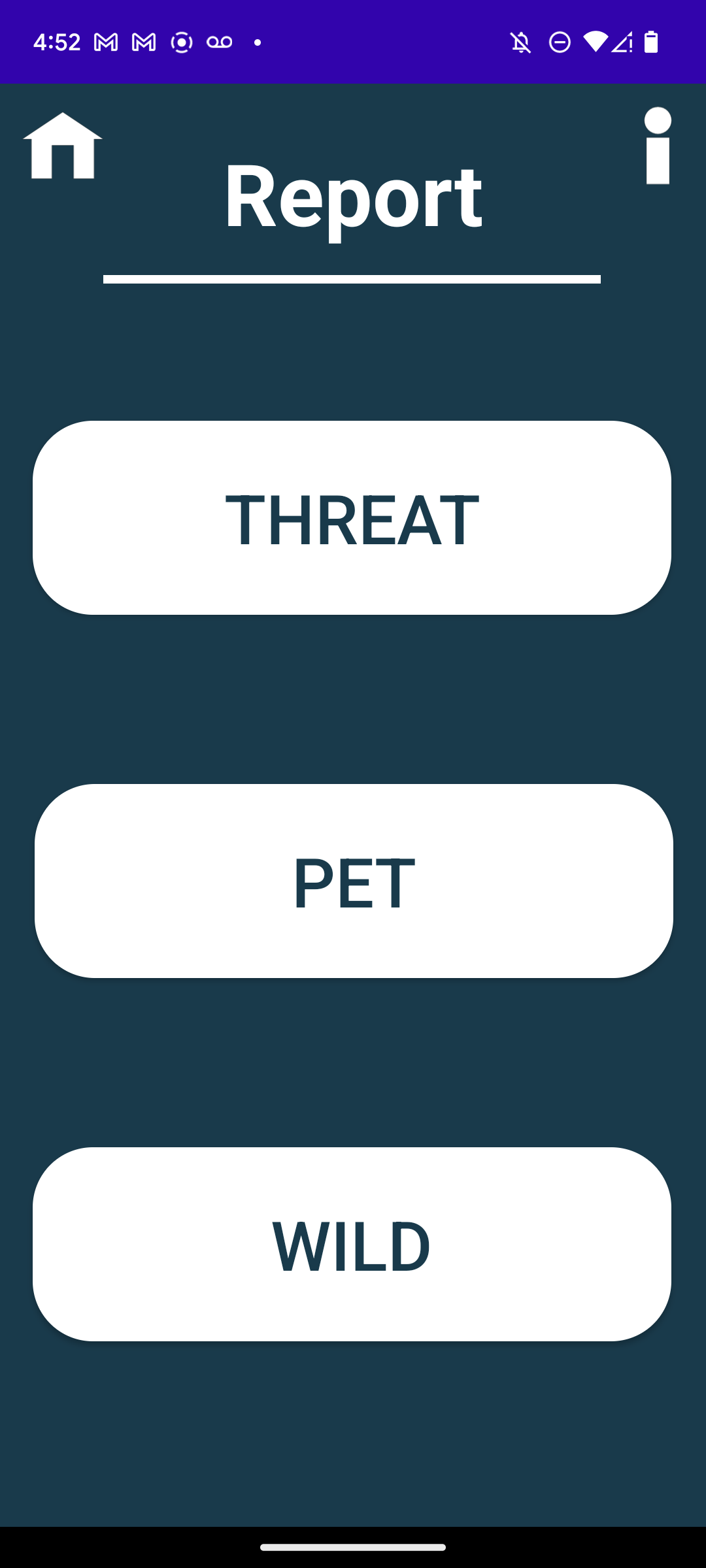
The main report page of the app.
-
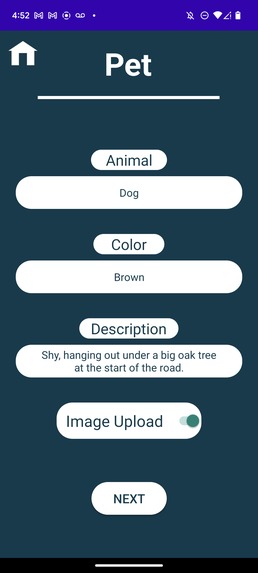
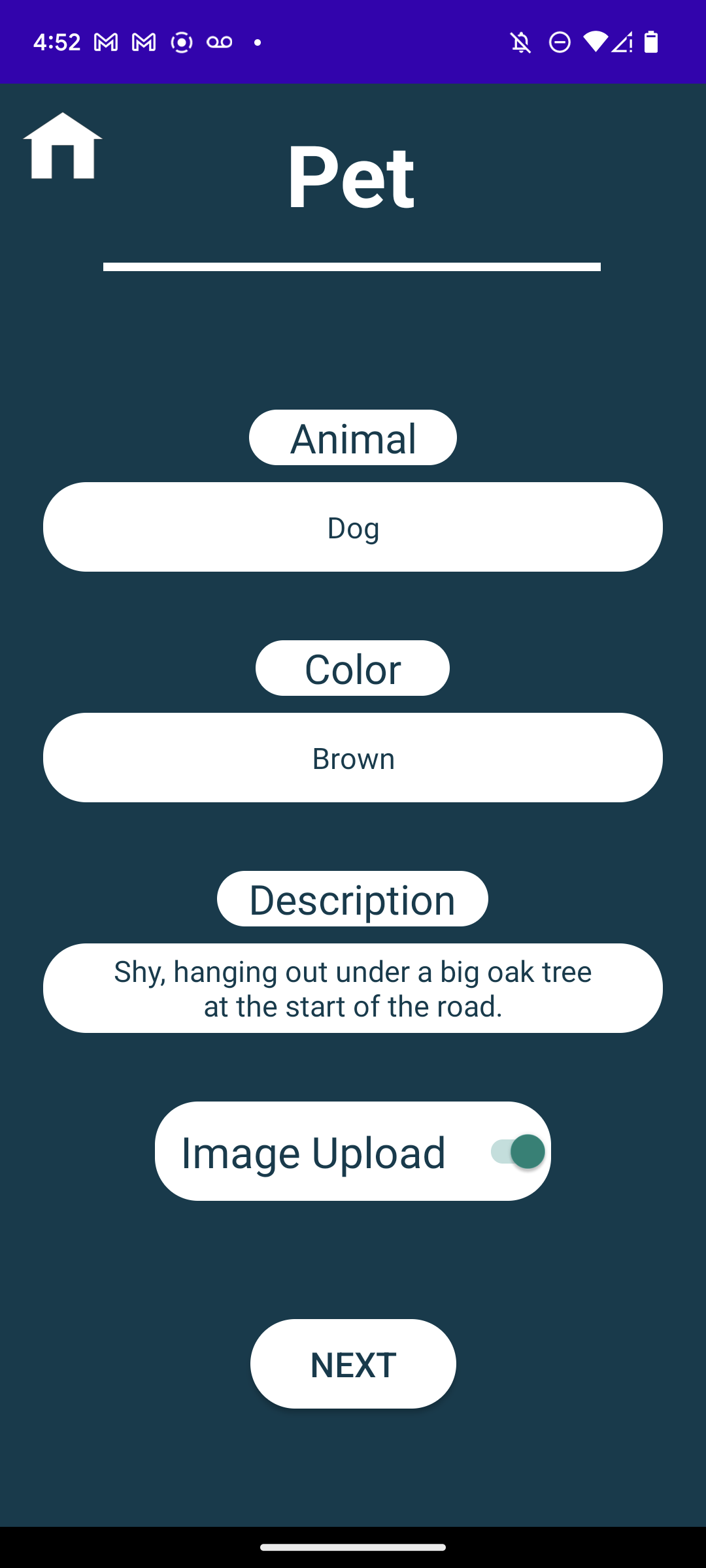
The first section of the report page for reporting a lost pet.
-
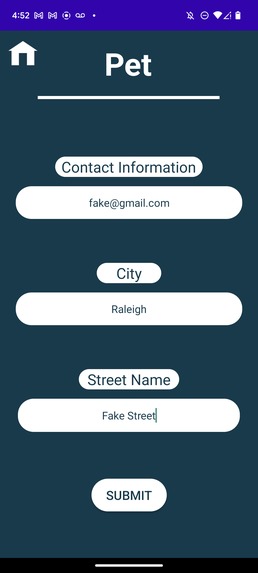
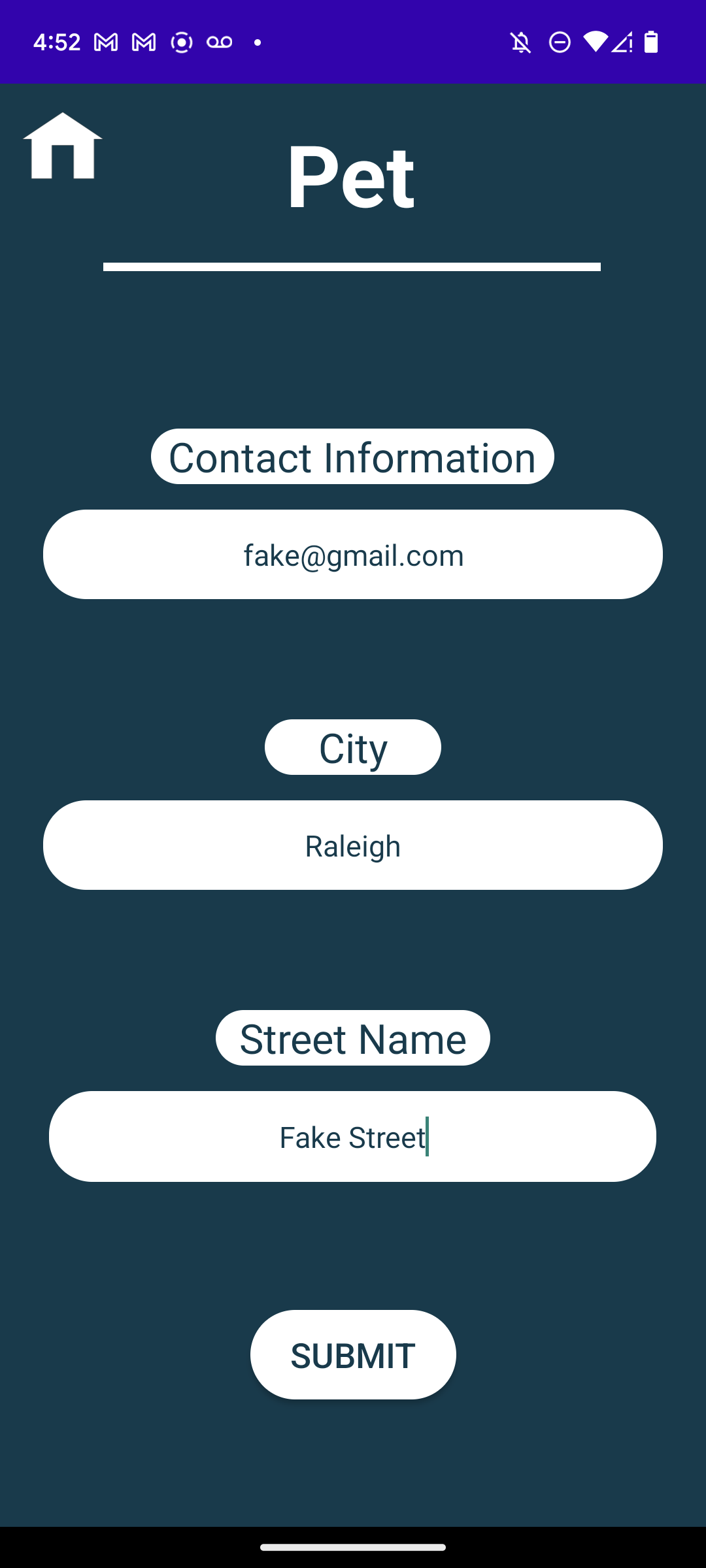
The second section of the report page for reporting a lost pet.
-
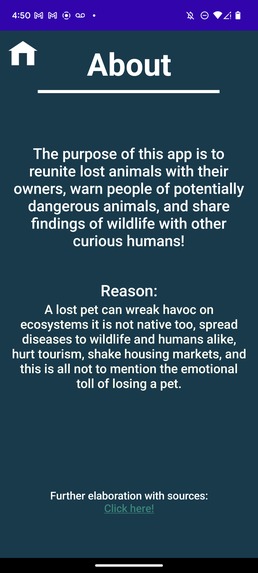
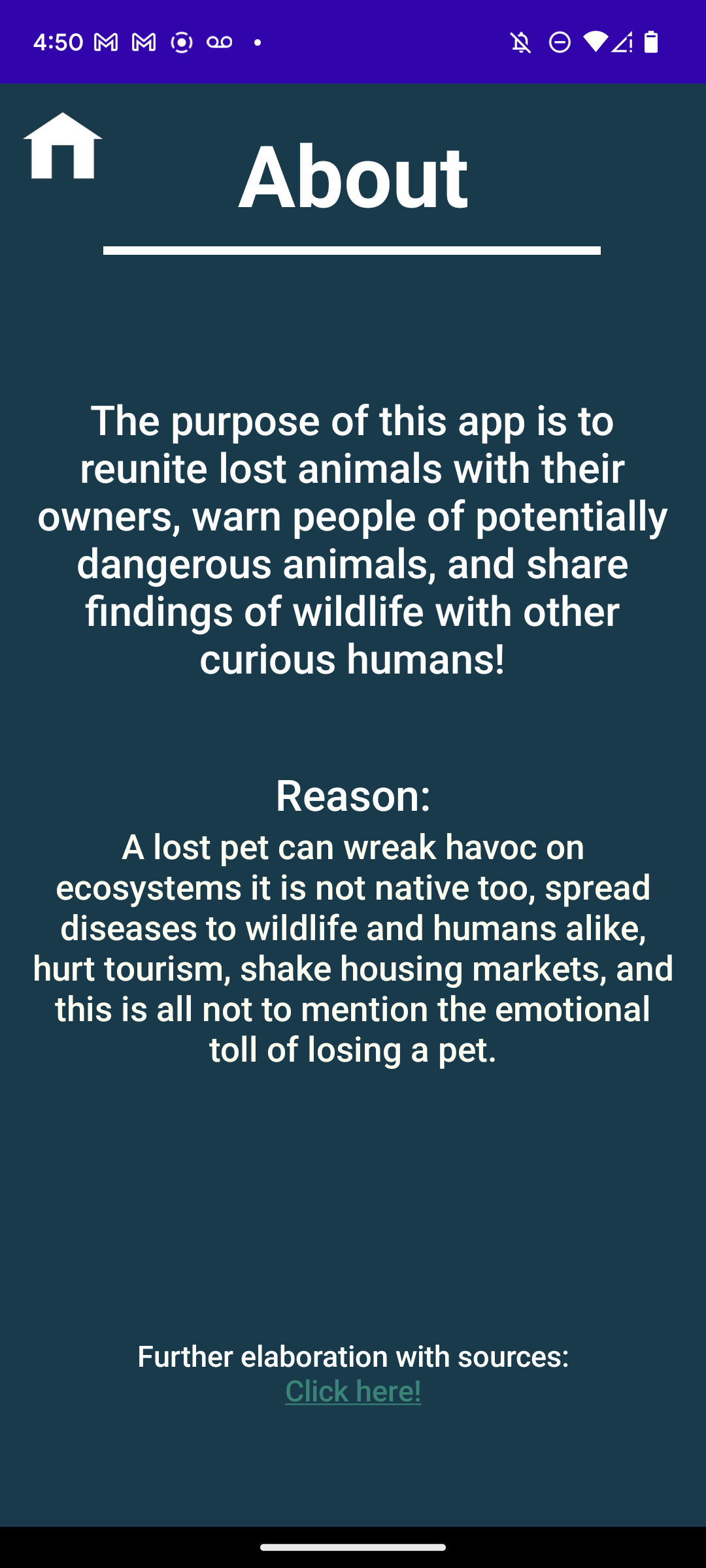
The about section.
Inspiration
Our inspiration for this app comes from personal experience furthered by research. Aidan has spent time and has family in both Spain and Costa Rica, and has seen how the treatment of wildlife and leash laws affect the overall atmosphere of the location. Upon further delving into the topic, we discovered many other problems stemming from the same root cause and began brainstorming a solution.
What it does
Our app has two main features: the Upload pages and the Search pages. On the upload section, you are able to upload either a lost pet, a possible threat, or a picture you caught of wildlife. You are given many parts to fill out, such as color, description, and an optional image. The search menu allows you to scroll through recent posts in your area, and filters for either pets, threats, or wildlife.
How we built it
We started by sketching up ideas on what the app would look like by hand. Once we had a rough idea of what we wanted it to look like, we began prototyping in Adobe XD. Before starting the coding processes we created all of our image assets and UI with Adobe Illustrator and Adobe XD. After creating all of our assets we started work on the front end of the app. This included creating everything we had prototyped in XML within Android Studio and setting up some barebones navigation. Once finished with this we began work on the backend. First, all processes excluding the use of the database were coded in Java. Next, we began to implement Firebase's NoSQL database “Firestore”. After the back end was functional, we began the revision process. This included a lengthy back and forth between doing work in the front end and the back end. Once everything was functional on the surface level and looked how we wanted it to we started the debugging process. After fixing some errors and inconsistencies we were then done!
Challenges we ran into
We ran into many challenges over the course of the app-making processes. The first problem we encountered was the question of what would we make. We spent a long time pondering this question and moved through various different iterations of what our app would be until we settled on what we have now. We even started the front-end design for a different app idea before coming to the conclusion that it was not a problem we truly believed in. After deciding on the app there were still many hurdles left to overcome. The many hurdles came when we began to understand we knew very very little about creating an app. Learning about how to code in the front end was something that everyone in the group needed to do as none of us understood coming in. The front-end challenge was an uphill battle for the entirety of the project that required constant research and learning. Concerning the back end we ran into struggles implementing the Firebase “Firestore” API and handling images inside of it. Even coming to the decision to use the Firestore database required intensive research and rerouting of prior decisions. Before coming to the Firestore database we were going to use the AWS Dynabo DB database. After some experimenting, we realized this was not the database for us and we had to move on and do far more research about what would suit our needs better. Overall creating the app was a hurdle in and of itself, and we were facing hurdles every step of the way.
Accomplishments that we're proud of
First and foremost, the accomplishment that we are most proud of is that we created a solution to the problem we set out to solve. We are proud of this achievement and truly believe that our solution is the best one. Second, we are proud that we were able to create an app at all. Before really trying and persevering making an app seemed something distant. It felt like software design was truly something that only companies full of adults did. This competition expanded what we can accomplish and we are proud that we managed to create an app.
What we learned
From the development of this app, we learned better communication skills, how professional workflows operate in software development, more about the diversity of coding expertise, and how to work with relevant APIs in order to make a well-functioning app. We consider these skills to be transferable and agree that what we have learned will be extremely helpful in our future careers.
What's next for Stray
After the competition, we will upload Stray to the google play store. We will continue updating it with plans to implement a report feature directly to local animal shelters and pest controls as practice for making more apps in the future.


Log in or sign up for Devpost to join the conversation.