
The problem that started it
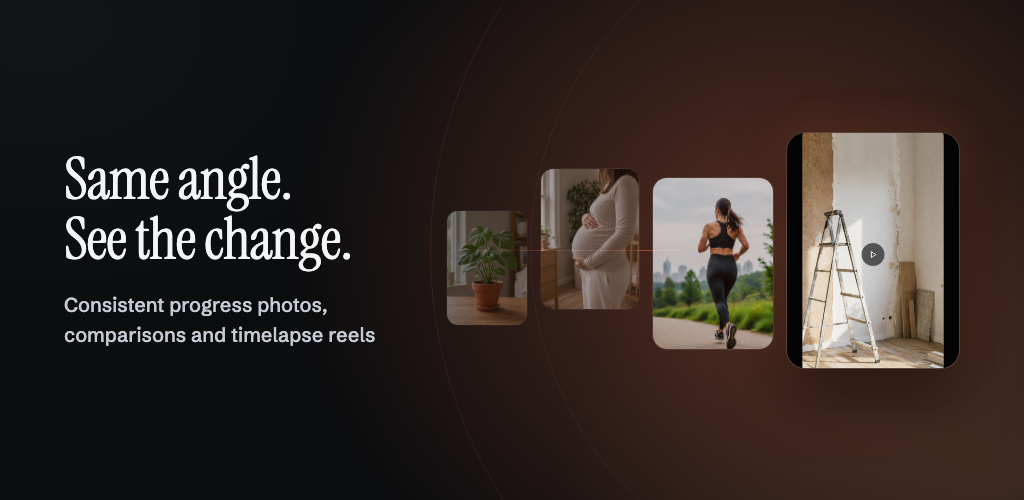
Everyone who has tried a "progress photo" habit has the same folder: forty pictures of the same person that are useless side by side. One is shot from the hip, one from eye level, one from three feet closer, one in a different room. The transformation is real and the photos cannot show it, because every frame moved the camera instead of the subject.
The fix is not a better filter. It is repeatability. If frame 40 is taken from the same position, the same distance and the same tilt as frame 1, the change does the work by itself. That is a measurement problem, and phones already carry every sensor needed to solve it.
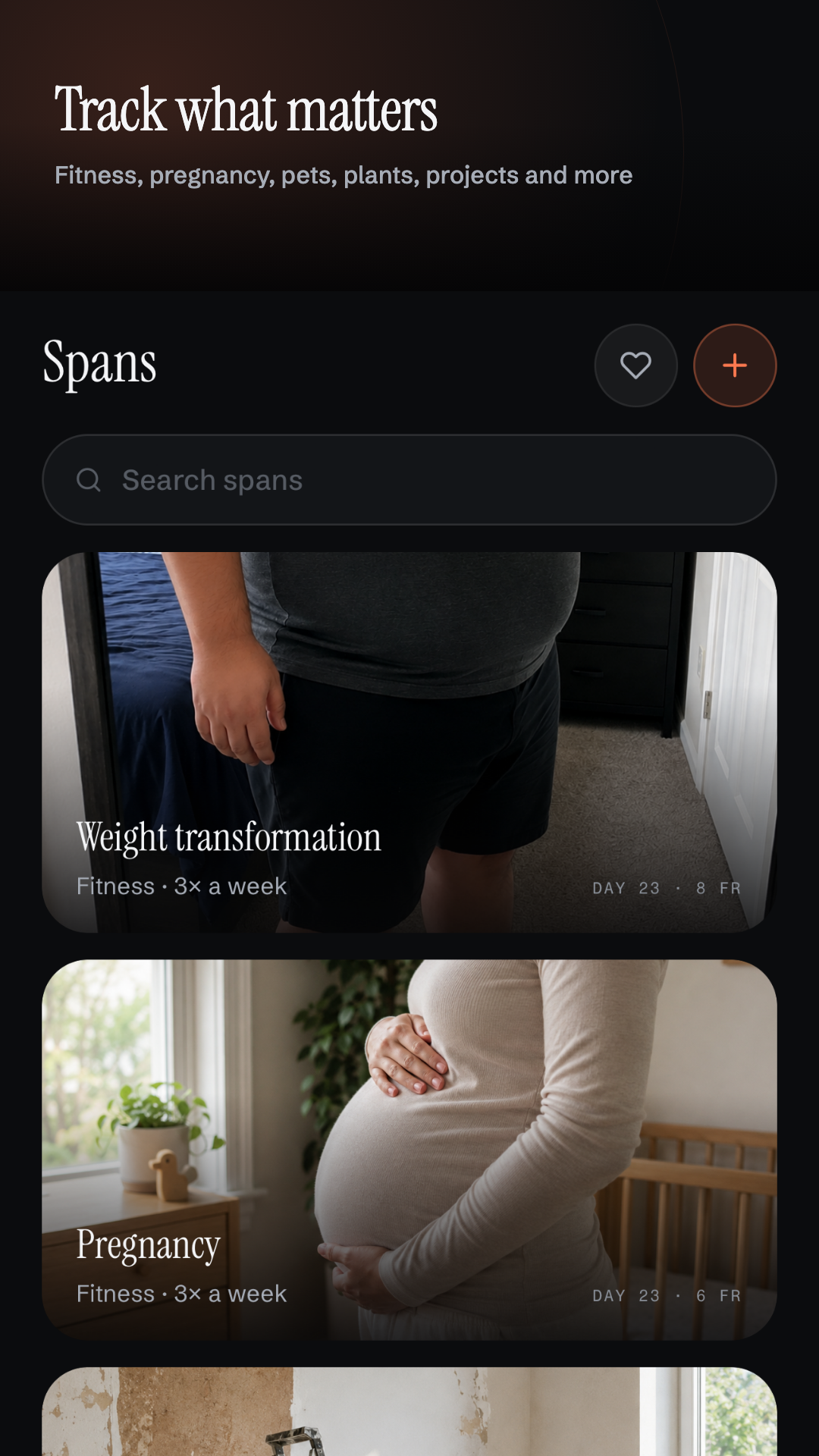
SteadySpan is that solution: create a span (a slow-changing subject — a body, a pregnancy, a puppy, a renovation, a scar healing, a bonsai), pick a rhythm, and the app guides you back into the original shot every time. Then it renders the result as a real MP4 reel.
What it does
- Create a span in one of ten categories — fitness, pregnancy, pet, renovation, recovery, skincare, hair, plant, creative, custom.
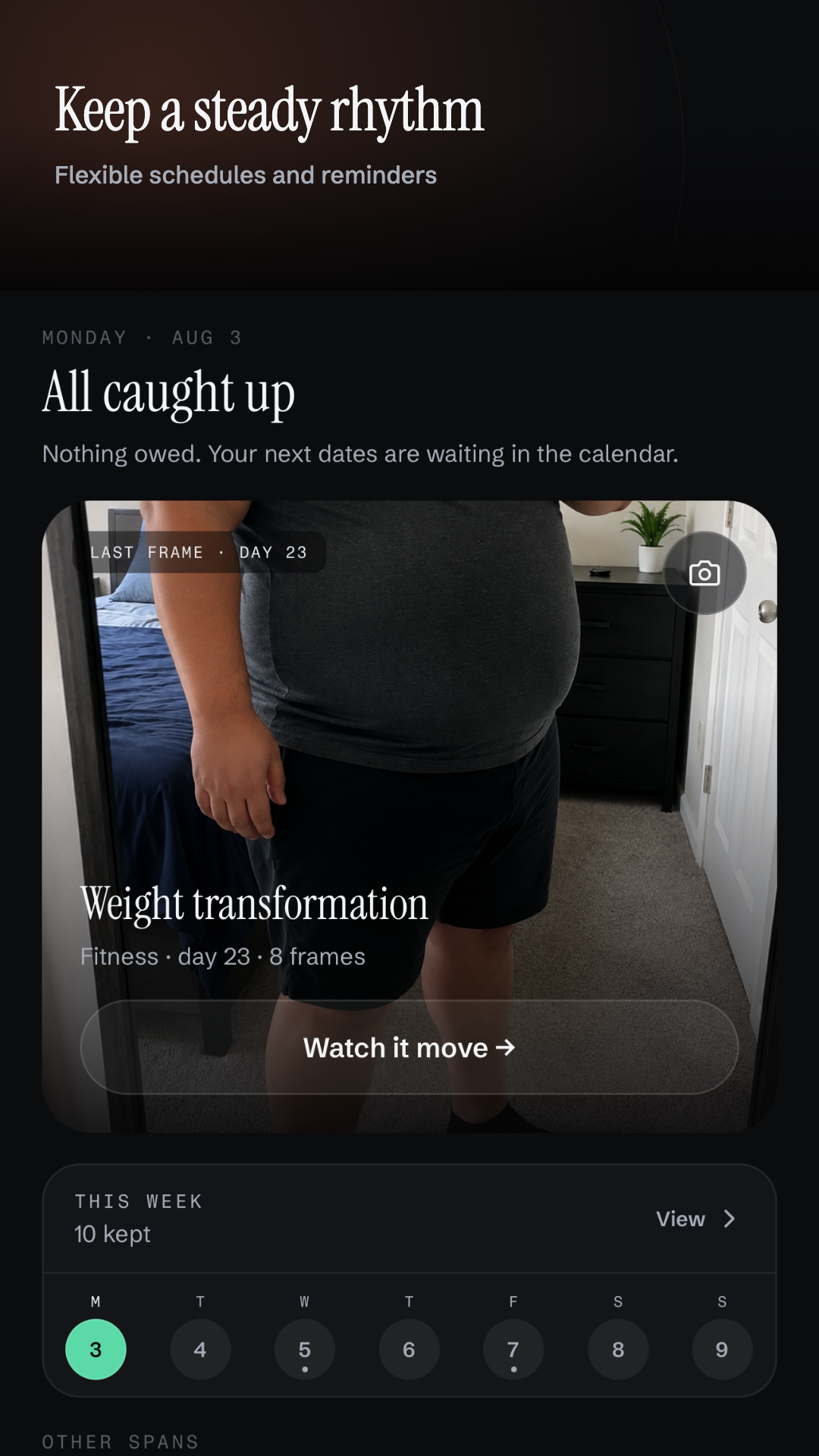
- Pick a cadence: daily, 3×/week, weekly, monthly.
- Shoot frame one freely. No guidance, no grid nagging. That frame silently becomes the reference: its tilt, its subject position and size, its pose keypoints, its luminance fingerprint, and — on AR-capable hardware — its true distance in metres.
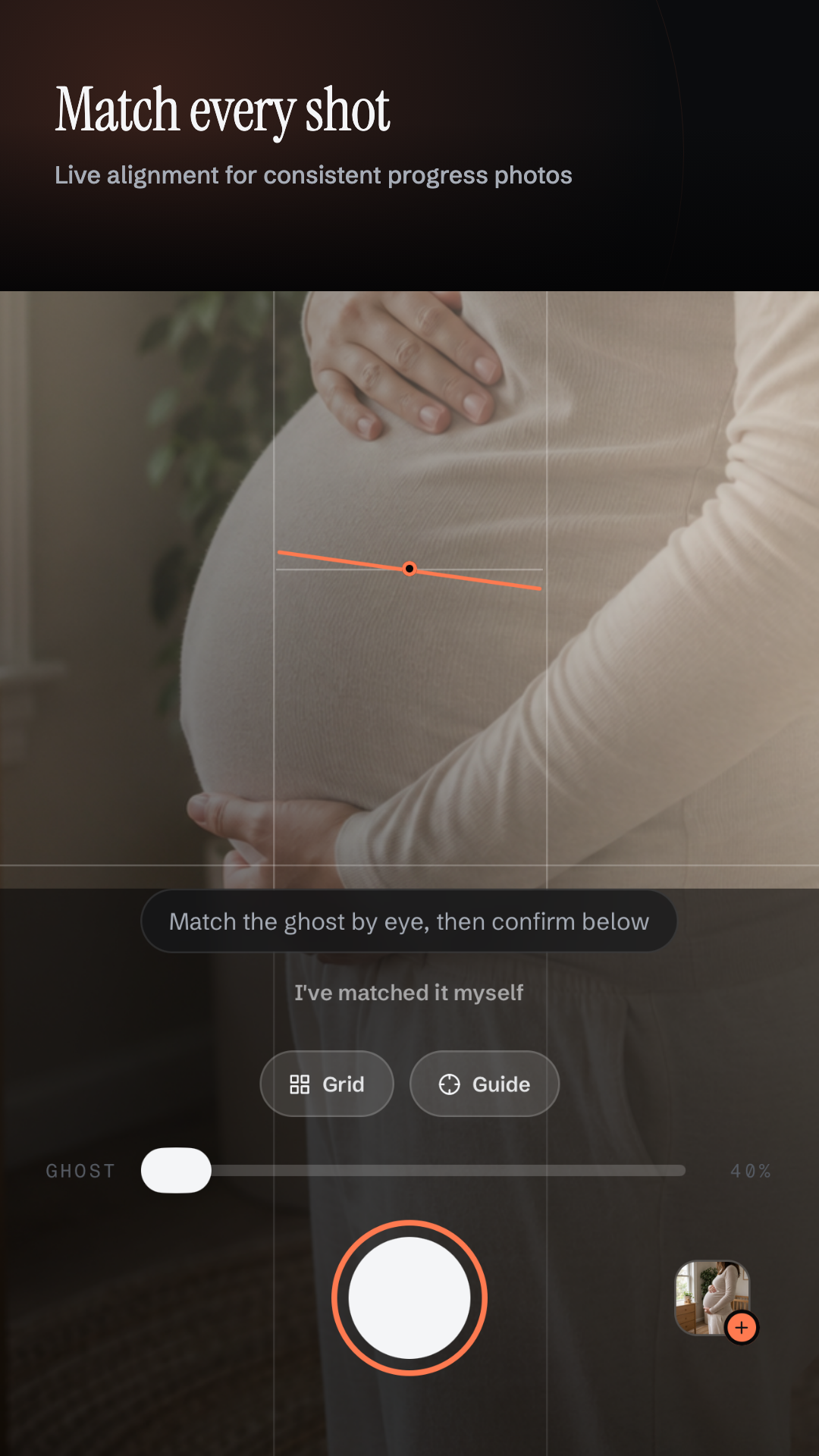
- Come back on due days and line up against a ghost overlay, a tilt guide, a live subject tracker, a visual match score, and an optional metric distance readout.
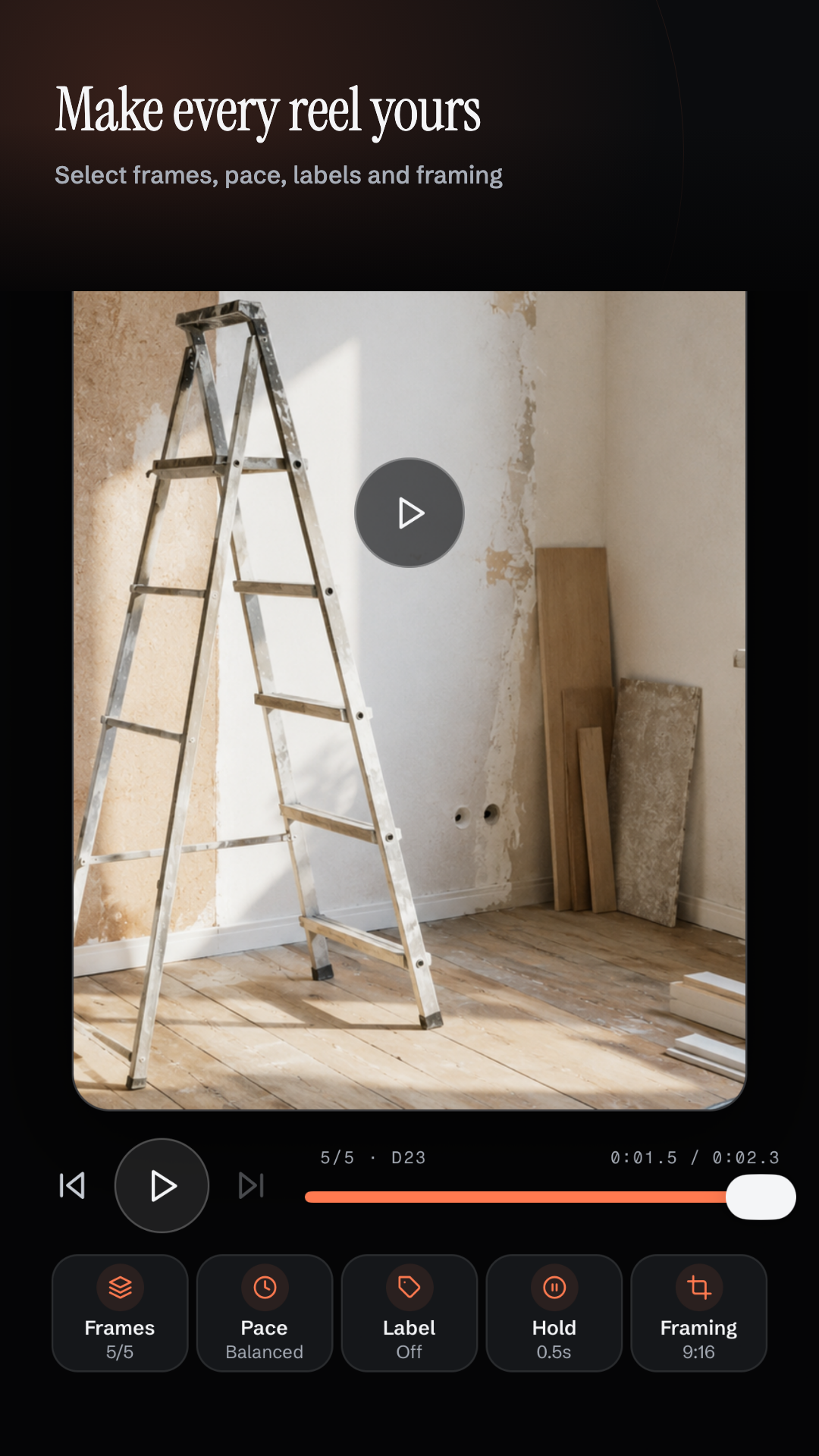
- Browse the calendar, favourite frames, run a before/after wipe, edit the reel.
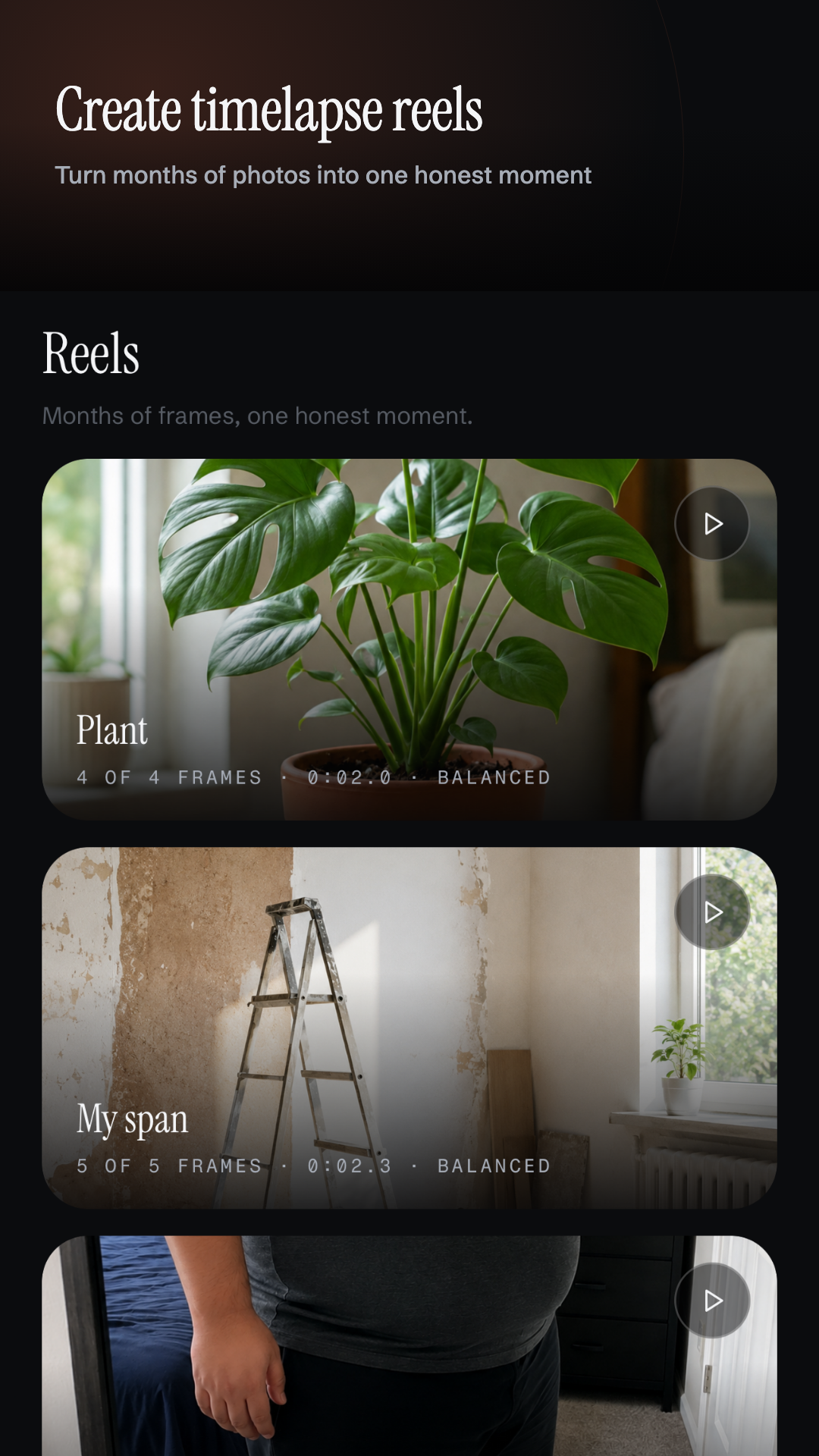
- Export a silent H.264 MP4 rendered natively, then save or share it.
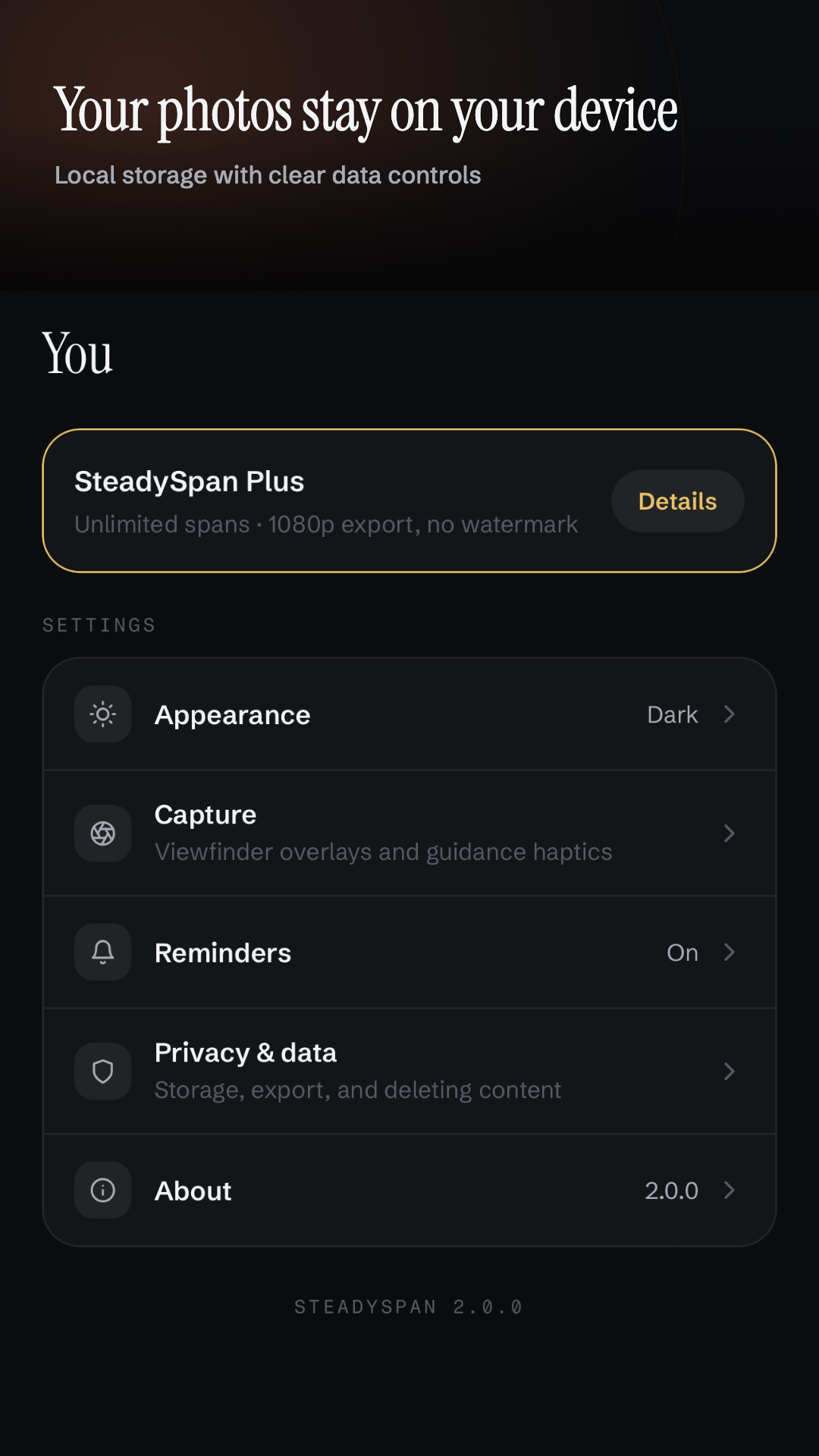
No account. No backend. No photo ever leaves the phone.
How we built it
The stack. Expo SDK 54, React Native 0.81 with the New Architecture, TypeScript in strict mode, Expo Router for file-based navigation, SQLite for all persistence, RevenueCat for entitlement, and two hand-written native Expo modules where JavaScript simply could not do the job.
Architecture. Routes are thin controllers. Everything below them is layered, and pure where it can be:
Expo Router screen
  -> typed hook / service
    -> repository
      -> SQLite (WAL, foreign keys, ordered PRAGMA user_version migrations)
    -> app document storage for photos
    -> native modules for AR ranging and video encode
    -> RevenueCat only for purchase entitlement
The tables are spans, frames, settings (exactly one row) and reel_drafts. Screens
never issue SQL. Repositories take an SQLiteDatabase as their first argument, which is
what made the entire data layer unit-testable without a device.
The alignment engine. This is the heart of the app, and it is a tiered system that degrades honestly instead of pretending.
Tier 1 — subject tracking. A VisionCamera frame processor runs a bundled TFLite model on-device: MoveNet Lightning for human categories, EfficientDet Lite for pets, plants and objects. It yields a normalized subject centre and size. Comparing live against the anchor gives an offset $(\Delta x, \Delta y)$ and a scale ratio $s = \text{size}{live} / \text{size}{anchor}$. Aligned means $\sqrt{\Delta x^2 + \Delta y^2} \le 0.08$ of the frame and $0.88 \le s \le 1.12$.
Tier 2 — device attitude. The accelerometer gives pitch and roll. Deltas are wrapped to $(-180°, 180°]$ so nothing flips sign at the boundary, and both axes must sit inside $\pm 2.0°$.
Tier 3 — visual fingerprint. Every frame stores a tiny luminance grid. Live versus anchor is scored with a zero-mean normalized cross-correlation:
$$ \rho = \frac{\sum_i (L_i - \bar{L})(A_i - \bar{A})} {\sqrt{\sum_i (L_i - \bar{L})^2 \; \sum_i (A_i - \bar{A})^2}} $$
clamped to $[0, 1]$. Subtracting the means is the whole trick: exposure and brightness
shifts cancel out, so the score answers "does this framing look like the old one" rather
than "is the lighting identical". Sunlight versus a lamp no longer tanks the match. A
near-zero variance on either side (lens covered, blank wall) returns null rather than a
garbage number.
Tier 4 — true distance. A custom Expo module, ar-range, runs a throwaway one-shot
ARKit session on iOS and an ARCore depth session on Android, takes the median of the
centre-of-frame samples, and returns metres. It is entirely optional and reports
unsupported on hardware that cannot do it.
Anti-flicker. Raw thresholds make a green "lined up" badge strobe with every hand tremor. Two mechanisms fix it: once aligned, every threshold relaxes by a factor of $1.5$ (hysteresis), and all conditions must hold continuously for $500\,\text{ms}$ before the state flips. Guidance also ranks corrections instead of shouting all of them — it surfaces the single most useful fix right now (position, then scale, then tilt).
The reel pipeline. One pure function, buildReelPlan(frames, config), is the single
source of truth for both the in-app preview and the native export. It reconciles old
drafts against current frames, computes crop/fit geometry, builds the label overlay plan,
and quantizes timing to whole frames at 30 fps:
$$ n_{frames} = \operatorname{round}(t_{pace} \times 30), \qquad t_{pace} \in [0.10,\ 1.00]\ \text{s} $$
Because preview and encoder consume the identical plan, what you scrub is exactly what
renders. The second native module, reel-render, does the encoding: AVAssetWriter on
iOS, MediaCodec + MediaMuxer + EGL on Android, streaming progress and honouring
cancellation back to JavaScript. The output is a genuine silent H.264 MP4 at 30 fps — not
a GIF, not a server job.
Frame selection persists exclusions, not a frozen include list, so tomorrow's capture joins the reel automatically.
Challenges we faced
Every device lies differently. An iOS build shipped with inverted gravity signs, so upright captures stored roll near $\pm180°$ and mirrored pitch. Those anchors were already on real phones. The fix could not be "recompute" — the original scene is gone. So the app detects the bug's signature ($|roll| > 135°$, which a photo anyone would keep cannot produce) and heals the anchor on read by rotating $180°$ and negating pitch. Shipped data outlives shipped code, and that reshaped how the whole anchor format is versioned.
Not guessing is harder than guessing. The tempting design is to fill missing data with
defaults. We went the other way: later captures are judged only on the dimensions the
reference frame actually recorded. An imported photo has no tilt anchor, so tilt is never
evaluated for it. A denied motion permission removes a check rather than failing one. And
deviceCapabilities.ts probes real native support at runtime instead of inferring it from
an OS version, because "Android 14" tells you nothing about whether ARCore depth works on
that particular phone.
Daylight saving time. A "daily" cadence implemented as +24 hours silently drifts a day across a DST boundary, and a streak the user actually kept shows up as a miss. Cadence had to be rewritten on local calendar arithmetic. It is now the most heavily unit-tested file in the project.
Nothing may block the shutter. Every piece of guidance is advisory. Permission denial, an unsupported device, a subject the detector cannot find — all of it degrades to the ghost overlay and manual framing. The user can always take the photo. Guidance that becomes a gate is guidance that gets the app deleted.
Native video on two platforms with one behaviour. AVAssetWriter and MediaCodec/EGL share no mental model. Getting identical crop geometry, identical label placement and identical hold timing out of both — matching a JavaScript preview — meant pushing every decision up into the shared plan and leaving the native layer as a dumb executor.
Samsung DeX and foldables. CNG regenerates android/, so a hand-edited manifest is
erased on the next prebuild. All of it had to move into a config plugin.
What we learned
- Put the intelligence in pure functions. Alignment math, cadence projection, reel planning and settings parsing are all pure TypeScript, which is why a Vitest suite covers DST edges, timing quantization, auto-centre clamping and entitlement rules with no simulator in the loop.
- Design the degraded path first. The tiered fallback chain is not error handling bolted on at the end; it is the actual product design, and it is why the app works on a cheap phone with no AR.
- Honesty is a feature. Hidden rows instead of dead links, "AR unavailable on this
device" instead of a fake reading,
nullinstead of a fabricated match score. - Privacy is an architecture, not a policy page. There is no backend to breach because there is no backend.
- Shipped migrations are immutable. Append, never edit.
What's next
Cloud backup that stays end-to-end encrypted, more subject detectors, side-by-side multi-span reels, and a widget showing today's due spans on the home screen.
Built With
- arcore
- arkit
- avfoundation
- eas
- efficientdet
- expo-modules-api
- expo-notifications
- expo-router
- expo-sqlite
- expo.io
- kotlin
- mediacodec
- movenet
- nitro-modules
- opengl-es
- react-native
- react-native-vision-camera
- react-native-worklets
- revenuecat
- sqlite
- swift
- tensorflow-lite
- typescript
- vitest


Log in or sign up for Devpost to join the conversation.