-
HackUTA 2022 Challenge
-
Overview Page Carousel
-
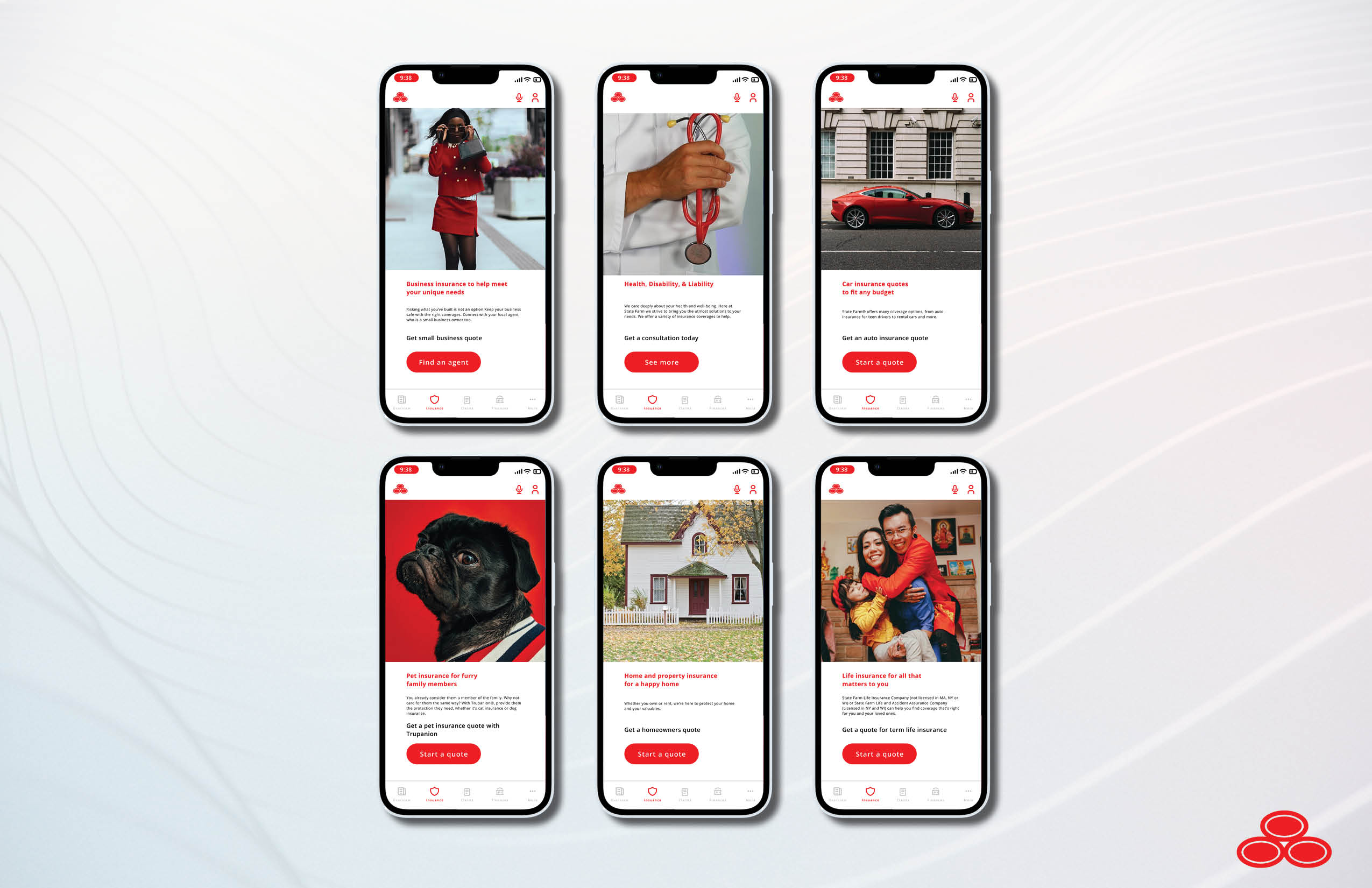
Insurance Offering Pages

Team
Jessie Mccanlas is on the team too. But she did not have a Dev Post Account at the time.
Inspiration
We wanted to make a simple design solution to the problem by using their framework and adding features to it. We did a lot of visual research in order to keep consistent with the state farm brand identity.
What it does
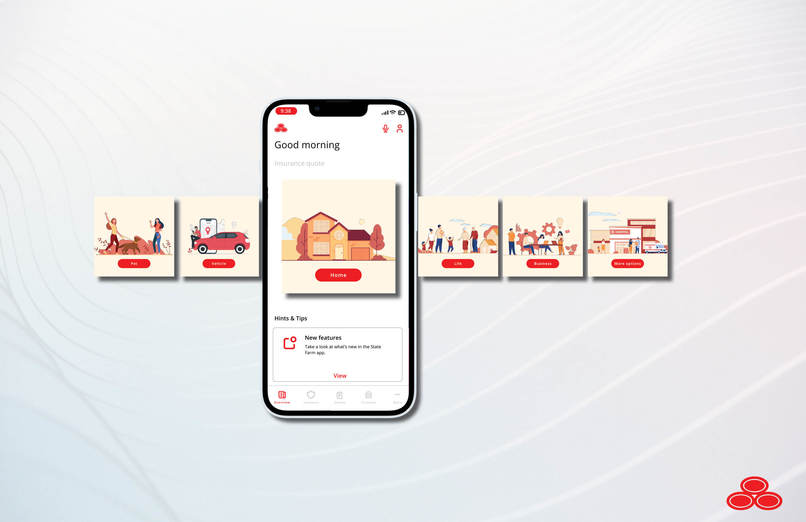
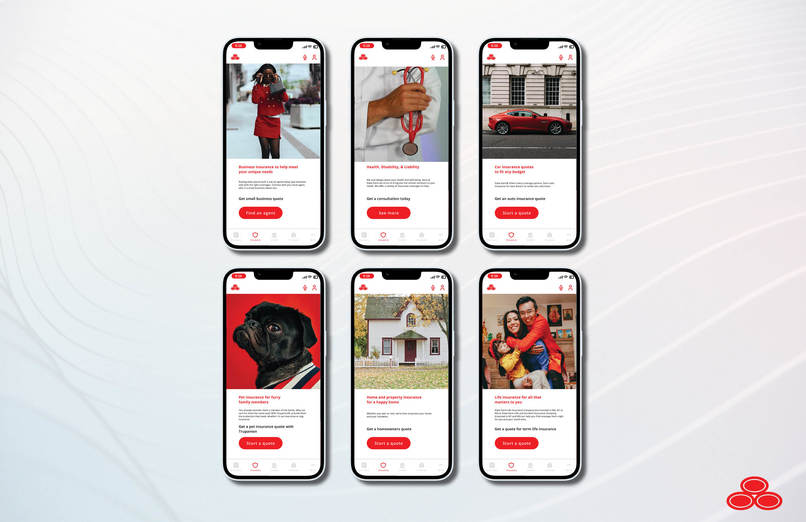
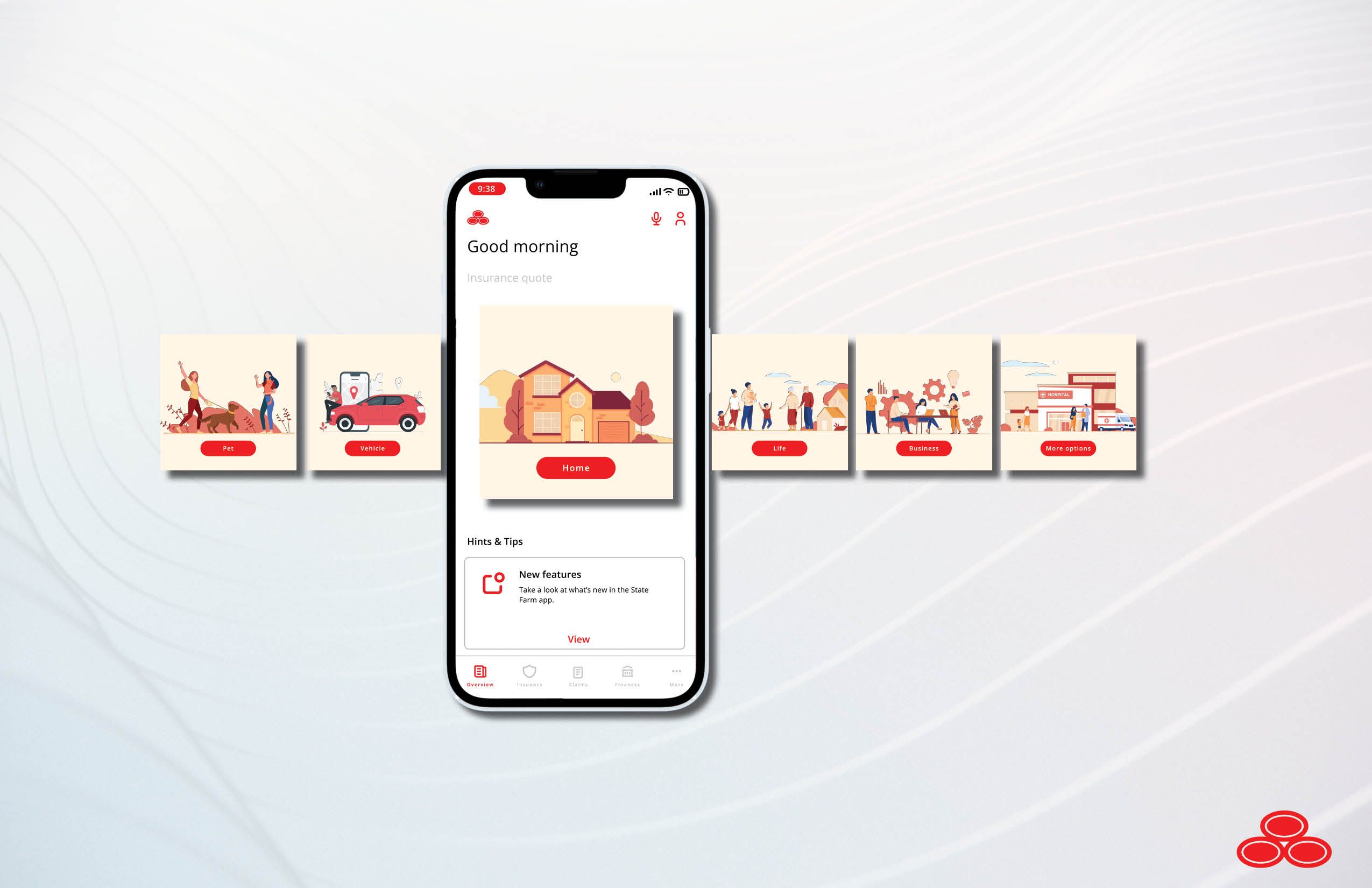
This approach lets users have the ability to explore insurance coverage options easier than before. It leads them to various different end points rather than having them hidden like before.
How we built it
User Paths- We started with a whiteboard to mark all the User Paths that would occur normally within the app. We wanted to see where we could adjust the pathways to make it more likely that that a user could buy Pet Medical insurance for example.
Main Idea- After we did our research into usability, we went into Figma and made designs that fit within the state farm's established brand styling. We want our proposed changes to be part of the app itself, rather than a separate app. Most users do not want to download a separate app if it is something that can be easily digested within the main app. Visual Communication is powerful for making information easier to understand.
Illustrator- Illustrator was useful for ensuring all of our line art jpgs were image traced into vectors so that we can maintain crisp image quality. We also used illustrator to change the colors of free-to-use vector stock files in order to better fit the state farm design aesthetic and brand.
Figma- Figma let us create the frames and screens that would be consistent with our idea and state farm's established brand identity. Once we finished in figma, we were able to export the frames into photoshop.
Photoshop- Photoshop let us import the figma frames into our phone mockups. This makes it more consistent in presentation, and allows us to resize, change the resolution or layer masks as we saw fit. Once all the frames were in their respective phone mockups, we exported them into adobe indesign.
Adobe InDesign- InDesign is a layout software that let us make the composition of our project using all the photoshop phone frame mockups we had made. It is a powerful design software that is great for making finished presentations.
Challenges we ran into
Time- If we had more time, we definitely would have made a full figma prototype. But for our first hackathon it was okay!
Accomplishments that we're proud of
First hackathon!~! YAY! We also had a great time making the frame exports, mockups, and presentation!
What we learned
We learned a T O N about figma, as well as visual identity design. It's fun to make projects that have strong brand design.
What's next for StateFarm Mobile Friendly Challenge
Possibly a full Figma presentation???
Built With
- adobe-illustrator
- adobe-indesign
- figma
- photoshop

Log in or sign up for Devpost to join the conversation.