-
-
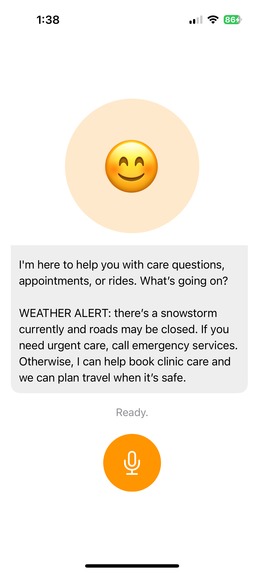
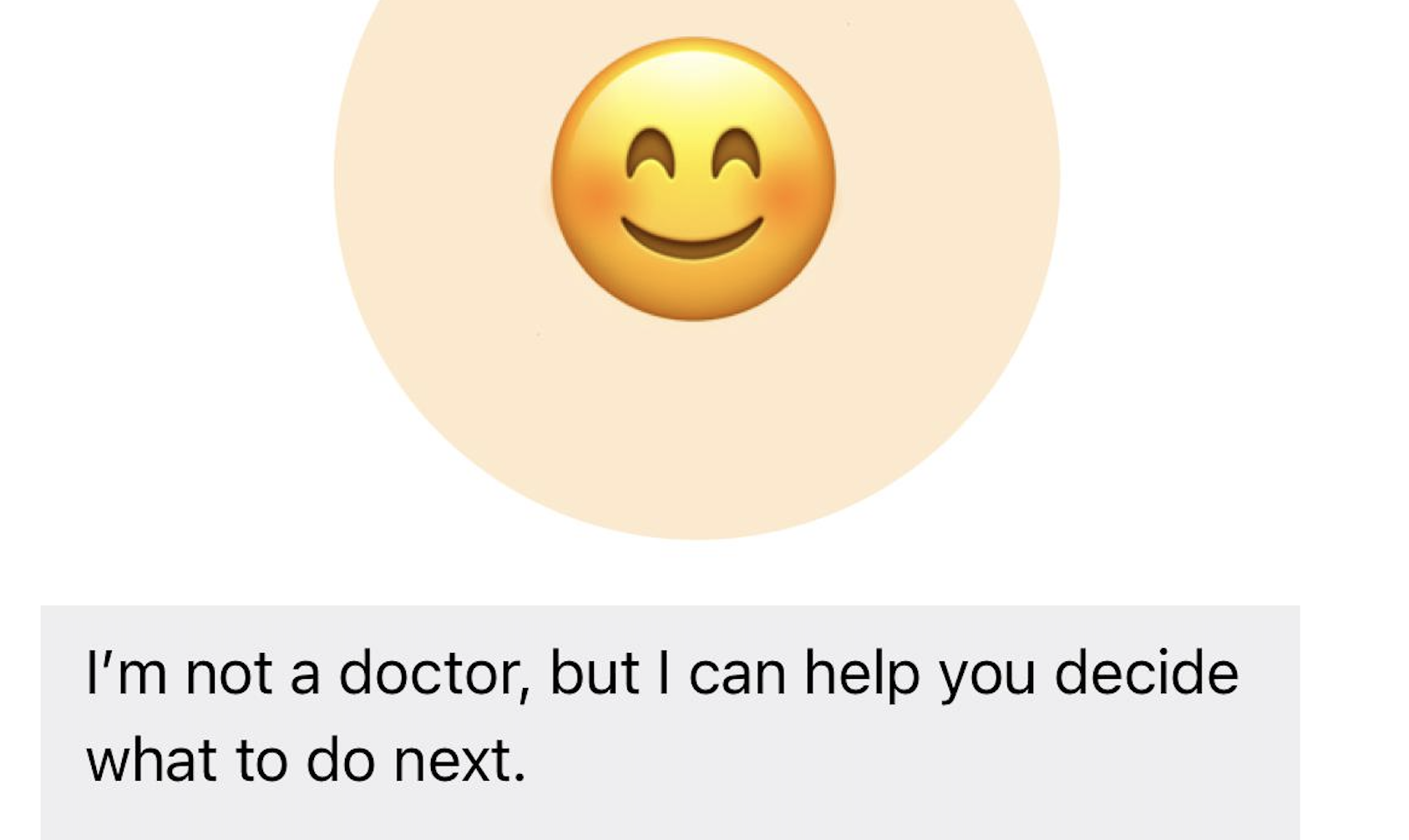
The intro message when roads are closed / there's a severe snowstorm (Voices Side Prompt)
-
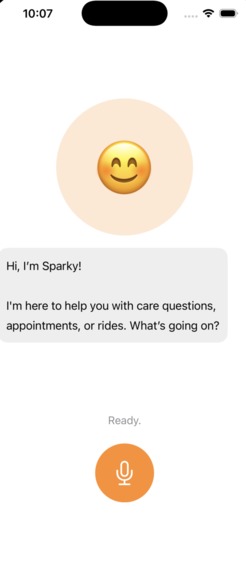
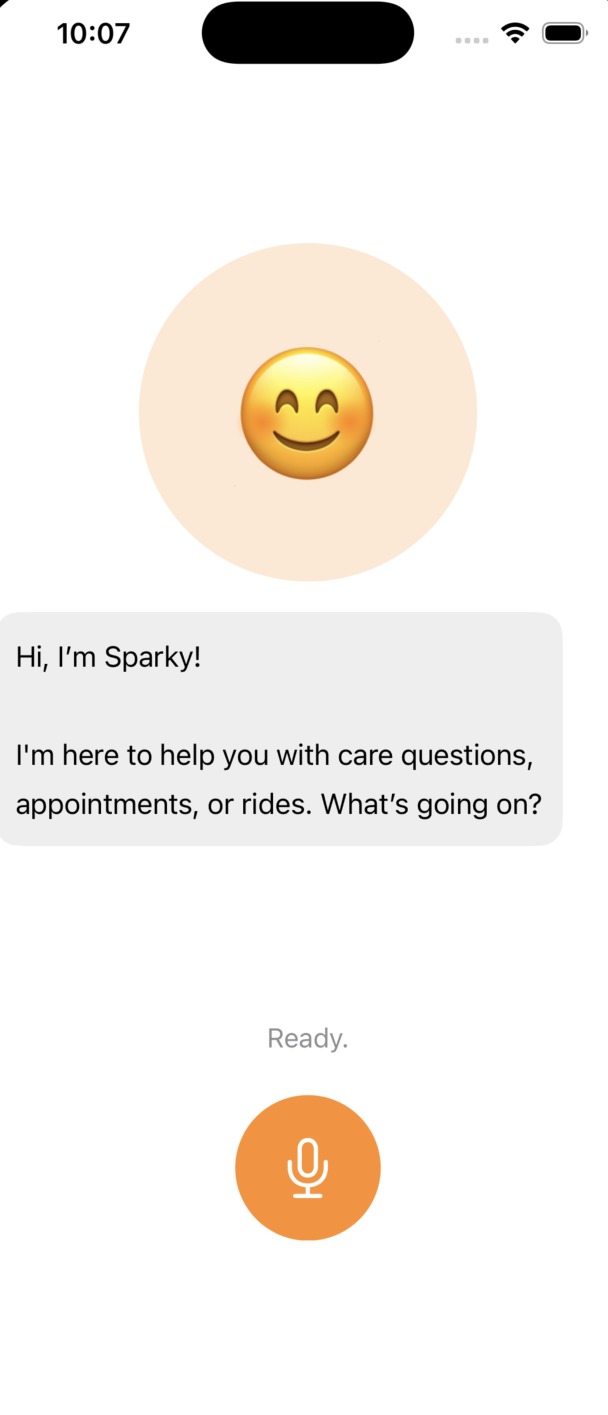
The normal intro message
-
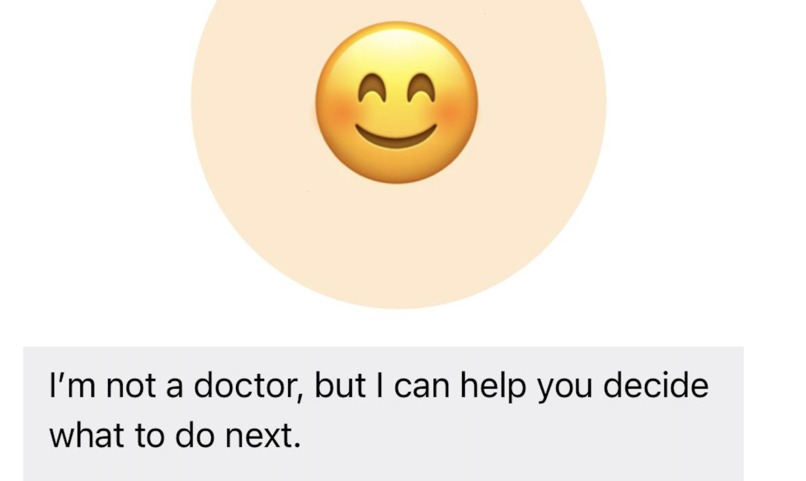
A really important disclaimer! Sparky isn't a mere LLM-wrapper app — so it DOES NOT provide any false medical info. It's a care coordinator!
Inspiration
Clearwater Ridge healthcare doesn't need fancy websites, cutting-edge AI models, or rosy rhetoric.
It needs a solution.
That's where Sparky comes in.
I wanted to design something that can cause a positive impact to vulnerable individuals in society in a way that they would actually ENJOY using.
Sparky has no typing — we don't want Angela, 84, to be typing out all her symptoms in the middle of a seizure.
Sparky has no login/signup — we don't want Morrison, 76, to be straining to remember ANOTHER password.
Sparky has one button. It has a simple, intuitive UI that doesn't require 3 PhDs to use. It's a voice-based conversational agent that — shocking, I know! — does NOT rely on any LLM under the hood.
I really wanted to work on a simple, practical project that would be usable for many folks. And I was motivated to make a hackathon project that — miraculously — did not feature any LLM under the hood.
That's what inspired me to build this solution at Spark this weekend!
What it does
Sparky is a mobile app. It's extremely easy-to-use—tailored towards the elderly / people with low digital literacy. Take a guess how many buttons are in the whole app.
Just one!
There's no login/signup, no typing, no clunky keyboards—the whole app contains just one button.
Sparky is a voice-based digital care coordinator. Users can talk to Sparky.
Sparky identifies:
- whether they need emergency care, mental health support, or a clinic visit (this ensures patients don't go to incorrect medical centres, or to emergency services when they don't need it — a key source of money wastage at Clearwater Ridge!)
- which doctor's appointments are suitable for the user, timing-wise
- which drivers' availabilities are suitable for the user, timing-wise
Sparky:
- computes possible doctor-driver combinations for the user
- offers to reschedule appointments (to be added later: handle missed appointments too!)
- alerts the user to stormy weather conditions that could cause road closures (in which case ambulance transport would have to be invoked)
How we built it
Sparky has been built with Swift (and SwiftUI) on Xcode.
Challenges we ran into
Interruption!
We wanted conversations with Sparky to be very natural.
Humans interrupt each other all the time. Chatbots, though? They never know how to deal with it. Even something like ChatGPT — if you stop its response to a prompt mid-reply, the flow of the conversation seems to break.
We came up with a brilliant solution here.
If, when Sparky is still speaking, the user clicks the button and starts speaking—Sparky will shut up and be quiet. (Not suddenly, so that it isn't jarring — but a slow, smooth fadeout).
But here's the kicker—Sparky's message will still remain via text, so you can still access it, and it remains a part of the conversation!
And your speech gets recorded as normal, and becomes the next message in the conversation.
This was a challenge that needed solving.
Accomplishments that we're proud of
Sparky does NOT use any LLMs!
You may think — it's a chatbot of sorts, of course it would use an LLM! Even looking at the conversation in the demo, you'd be thinking — it's so natural, of course it's using an LLM!
Nope.
Sparky uses Apple's Speech API.
We've fed Sparky (in a file aptly named SparkyBrain.swift) with the main use-case-flows of a medical conversation that could happen in this app — mental health, emergency services, clinic visits, transport management, identifying which resource to visit, you name it.
Listening to the user's voice, Sparky compares the user's statement(s) to the statements we've encoded in the use-case-flows.
But here's the magic: using our rules-based statement-to-use-case-matching algorithm in SparkyBrain.swift, Sparky recognizes not only the statements we've encoded — but even their synonyms, and even other statements that mean the same thing!
That's why it's so flexible, and conversations with Sparky can be very casual — but still work.
This is what I'm very proud of.
Avoiding LLMs was necessary for Sparky — not just to reduce running costs, token expenses, and energy consumption, but because it's essential that Sparky doesn't give wrong medical advice (like LLM chatbots often do!)
Sparky is not a doctor. It's a medical care coordinator. We needed to avoid LLM usage to maintain that distinction, and I'm glad we succeeded!
What we learned
Working with Text-To-Speech and Speech-To-Text libraries. I'd never done that before, and it was a fun new experience.
I also got to expand on my Swift/SwiftUI experience. I love designing minimalistic UIs with Swift — it's alot faster than React / any other front-end that I know of!
Designing an intuitive, easy-to-use, low-activation-energy UI was mission-critical for this app, because it's targeted towards people with low digital literacy. Coming up with the idea that the app should only have one button was a key brainwave.
What's next for Sparky
- Scale up: translate to Android
- Add sign language for deaf users
- Add indigenous languages for non-English-speaking residents of Clearwater Ridge
- Beta testing with real users in North Canadian towns + feedback from clinic staff, doctors, and drivers
- Create a back-end with write access for clinic staff, doctors, and drivers
Slide Deck
https://docs.google.com/presentation/d/1Uc8A_FzR3DqUmheaoSIkpc1El_qJjZk3uQTtcv55sOQ/edit?usp=sharing
Built With
- avfoundation
- combine
- foundationdb
- sfspeechrecognizer
- swift
- swiftui


Log in or sign up for Devpost to join the conversation.