-
Smart attend Ai
-
Smart attend ai
SmartAttend AI — Project Story
Where It Started
SmartAttend AI was born from a simple problem I experienced and observed in university: attendance is important, but the traditional way of recording it is not always reliable.
Paper registers, calling out names, and manual spreadsheets take time and can easily lead to errors. Even more importantly, there is the problem of proxy attendance, where one student can sign in or attend on behalf of another.
I started asking myself: What if attendance could verify not only who is checking in, but also whether they are actually at the right place?
That question became the foundation of SmartAttend AI.
Building the Solution
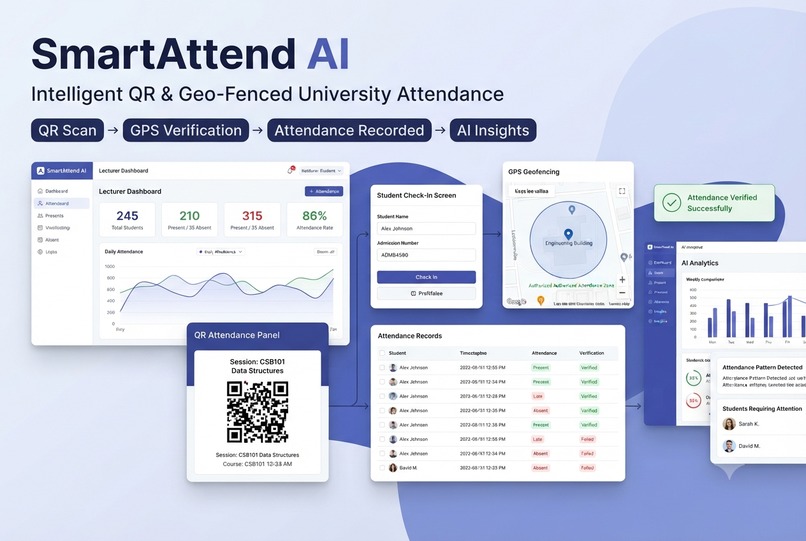
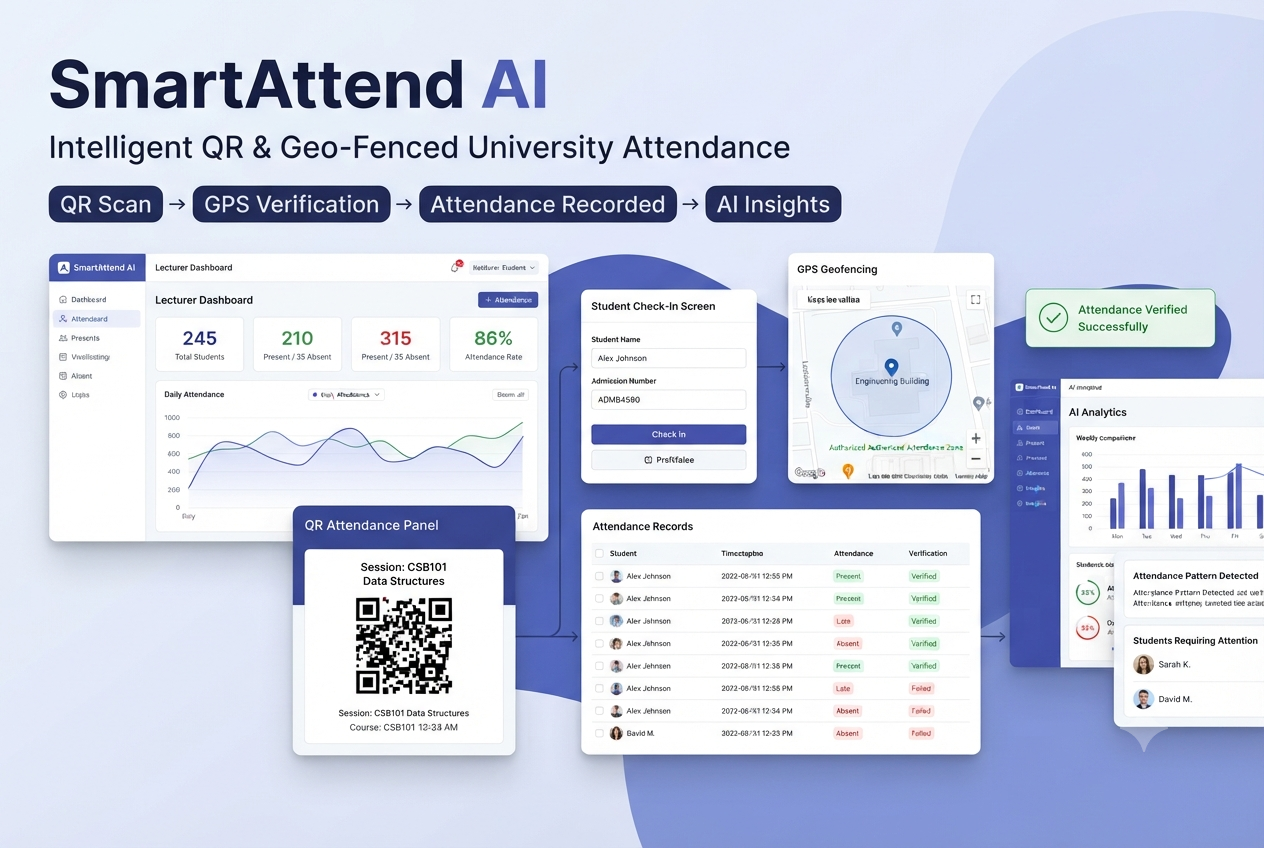
I decided to build a web-based system that combines QR codes, GPS geofencing, and AI-powered analytics.
The backend was built with Python and Flask, while the frontend uses HTML, CSS, and JavaScript. I used a database to manage students, courses, attendance sessions, and records.
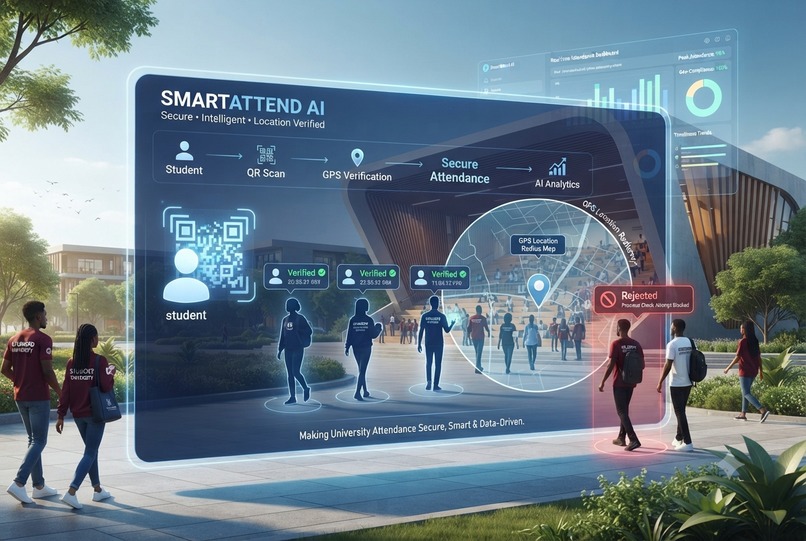
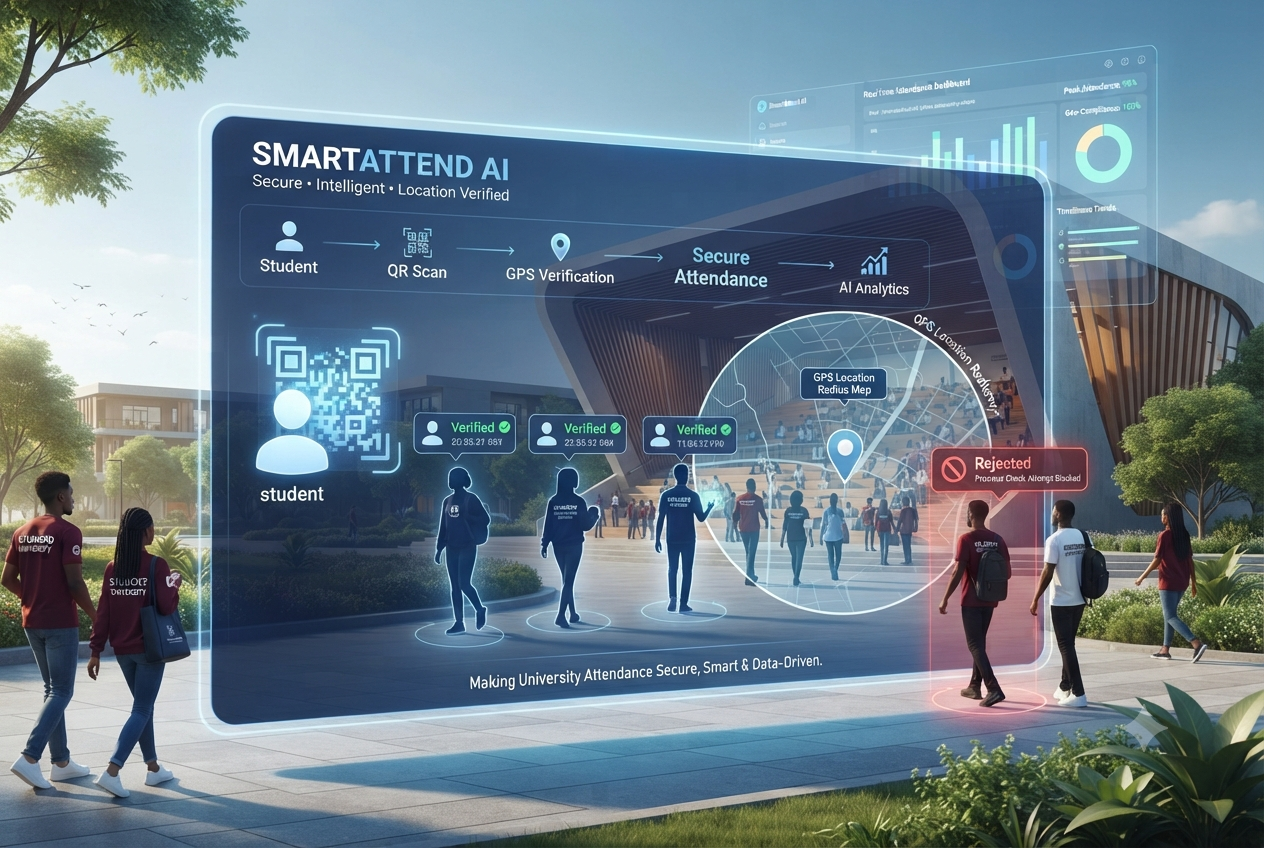
When a lecturer creates an attendance session, SmartAttend AI generates a unique session and QR code. A student scans the code and submits their details. The system then requests their location and calculates the distance between the student's location and the authorized attendance location.
If the student is outside the allowed geofence, the attendance is rejected.
This means attendance is no longer simply:
“Did someone enter your name?”
It becomes:
“Is the right student actually present at the right location?”
Adding Intelligence
I didn't want SmartAttend AI to be just another digital register.
The bigger idea was to make attendance data useful. The system can analyze attendance patterns and provide insights that can help lecturers and administrators understand participation and identify students whose attendance may require attention.
This is where the AI component comes in: transforming raw attendance records into information that can support better decisions.
What I Learned
Building SmartAttend AI taught me a lot about turning an idea into a working product.
I learned how different technologies have to work together—from Flask and databases to JavaScript, QR codes, GPS, APIs, authentication, and deployment.
More importantly, I learned that solving a real problem requires continuous testing and improvement. A feature that works perfectly on one device or network may behave differently somewhere else.
The Challenges
GPS accuracy was one of my biggest challenges. Location readings can vary depending on the device, network, GPS availability, and environment. I had to find a balance between making the system secure enough to prevent fraudulent attendance while still allowing legitimate students to check in.
Deployment and connecting all the components together also brought unexpected errors. Debugging these problems taught me to stop seeing errors as failures and start seeing them as part of the development process.
What's Next?
SmartAttend AI is still evolving.
My vision is to turn it into a complete intelligent student engagement platform, where universities can move beyond simply recording attendance to actually understanding it.
I want SmartAttend AI to help institutions save time, reduce attendance fraud, discover important attendance patterns, and ultimately support students before small attendance problems become bigger academic problems.
SmartAttend AI started with attendance. The bigger vision is smarter education through data and technology.


Log in or sign up for Devpost to join the conversation.