-
-
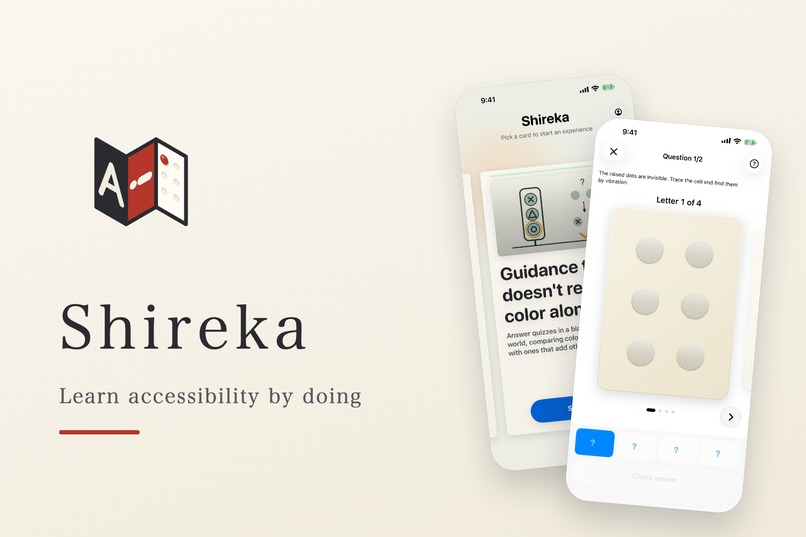
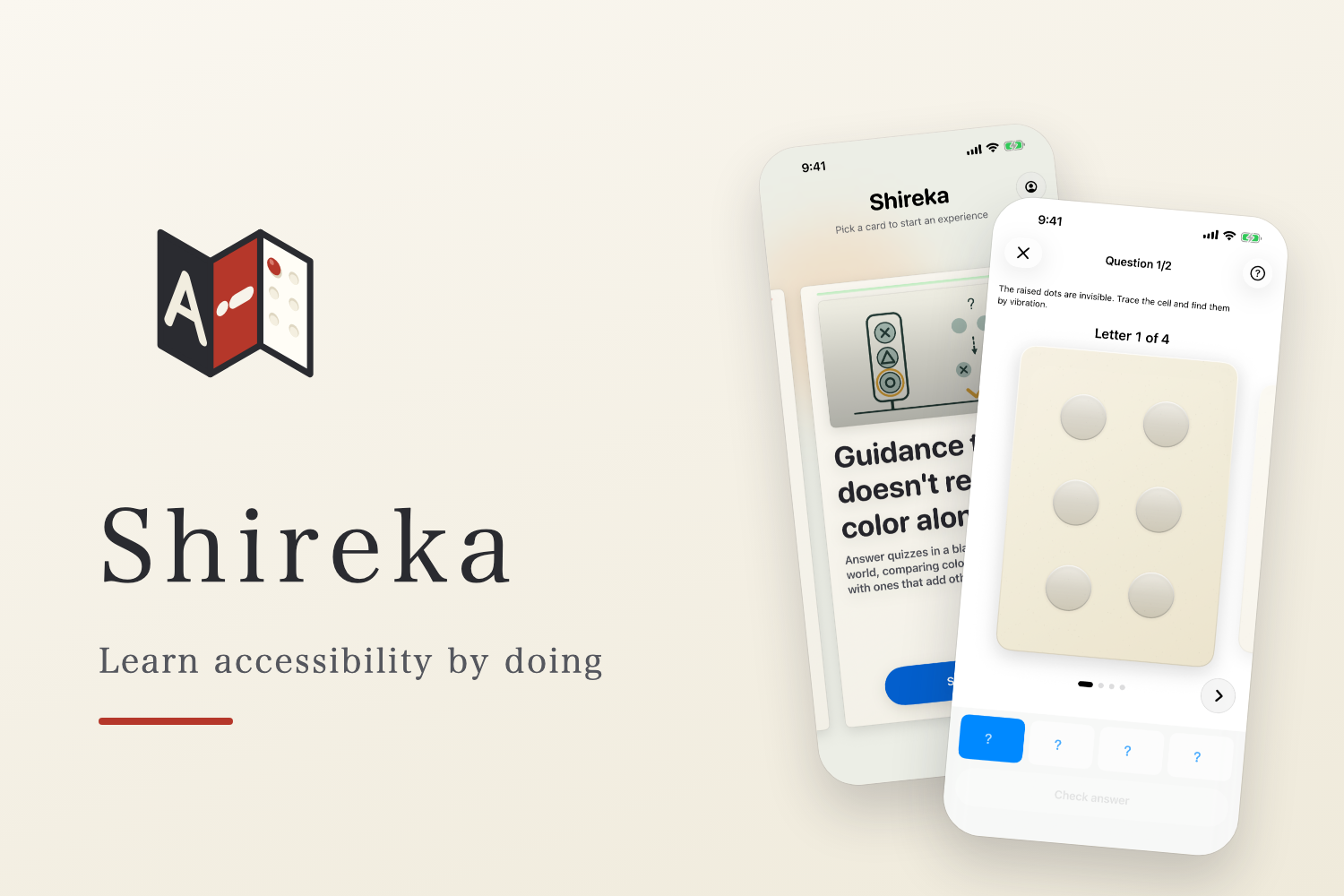
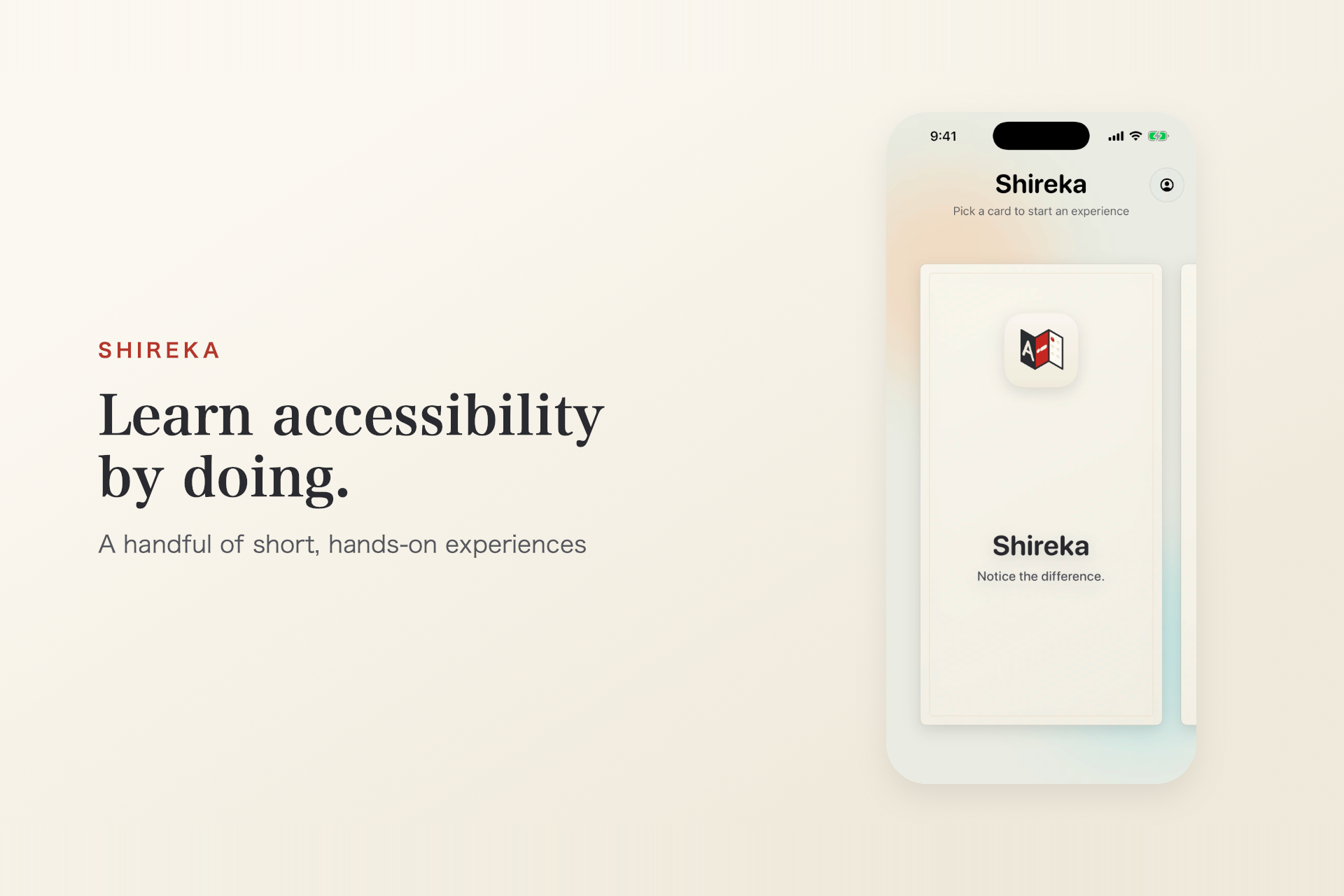
Shireka: learn accessibility by doing. Short, hands-on experiences on a standard iPhone, free, in English and Japanese.
-
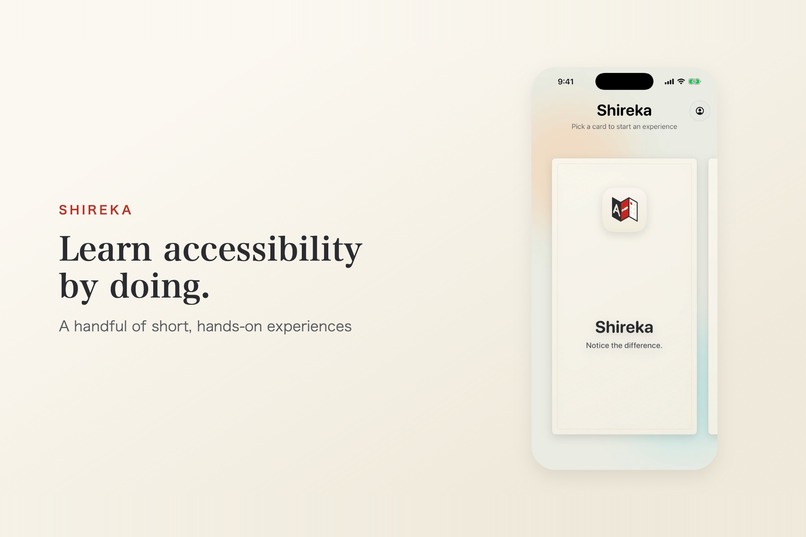
A shelf of cards, each a few-minute experience of an everyday situation where seeing, hearing or operating a screen gets hard.
-
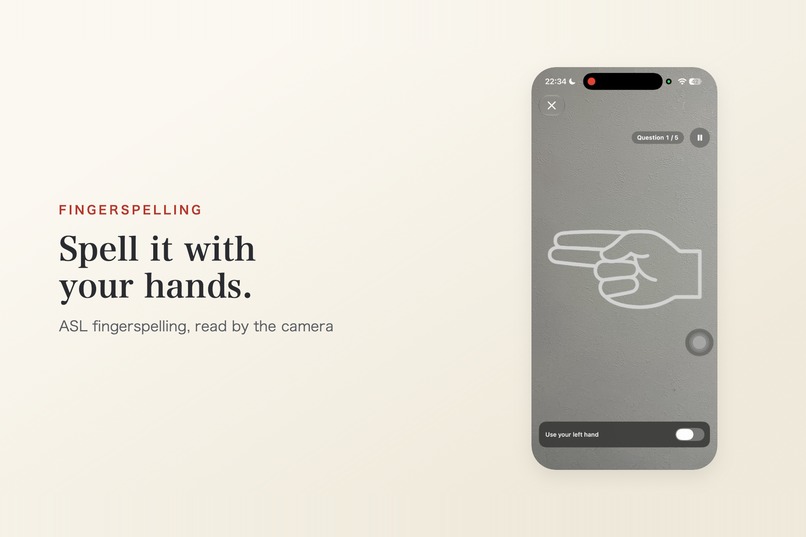
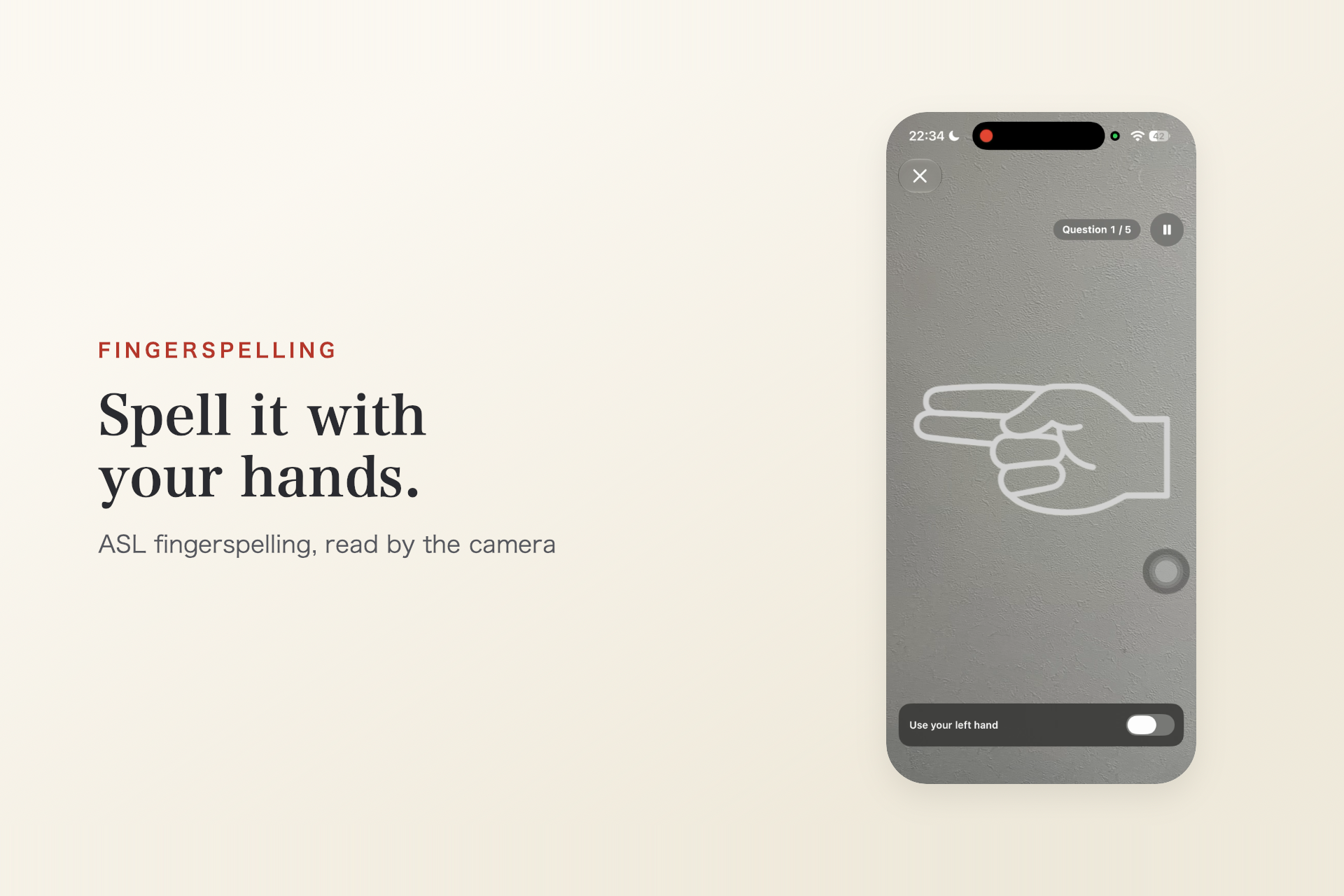
ASL fingerspelling: the camera reads your hand shape with Vision, one letter at a time. Processed on-device; video is never saved.
-
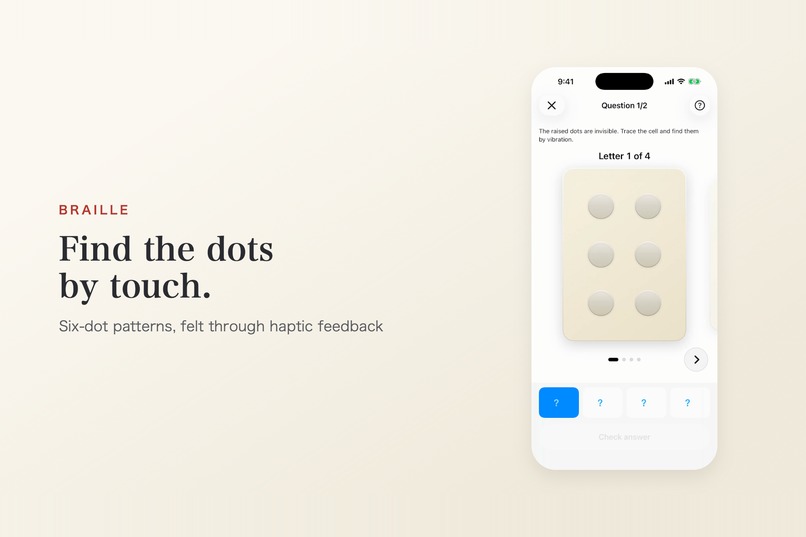
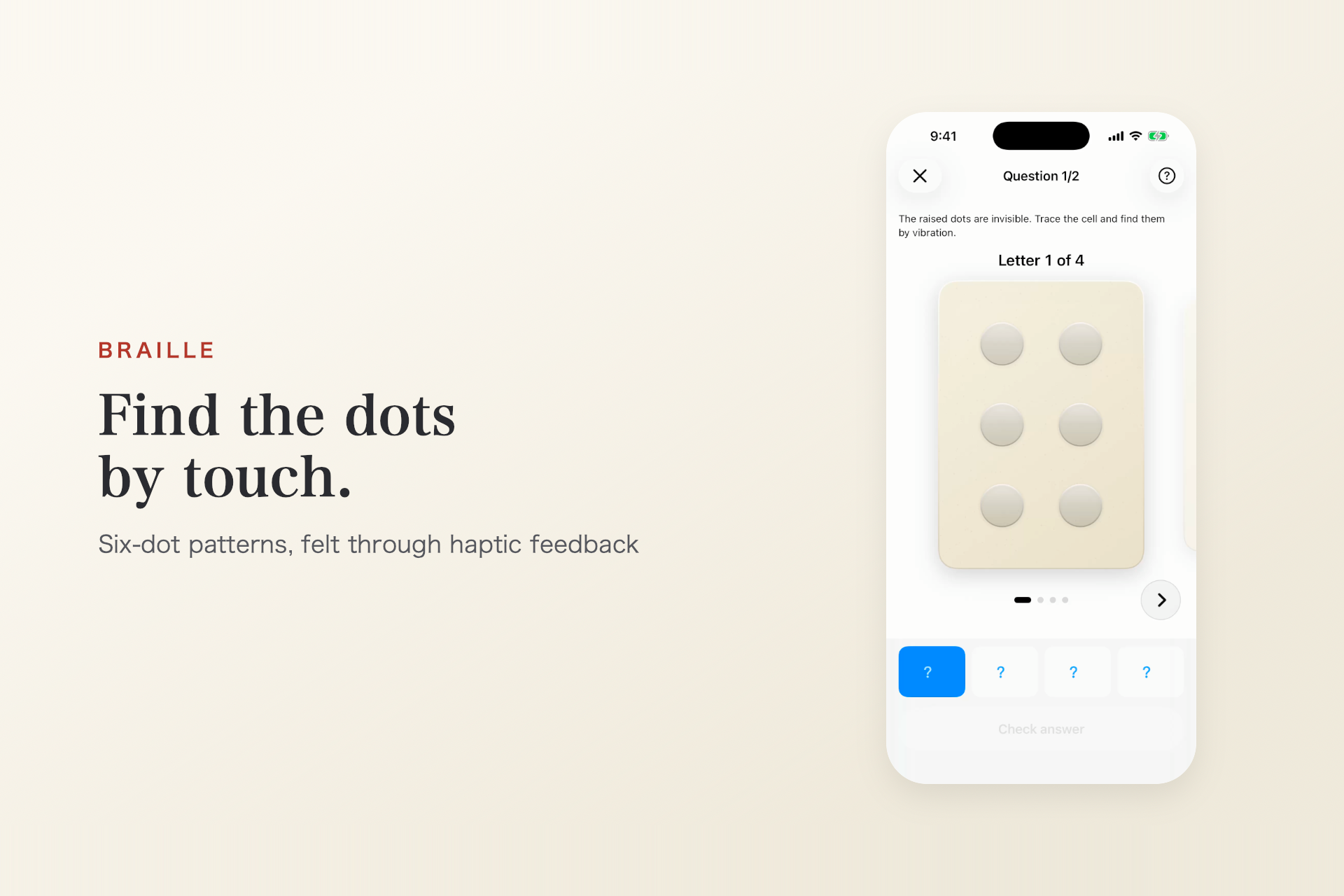
Braille by touch: all six dots look the same, and only the raised ones vibrate (Core Haptics). Find them, then read the chart.
-
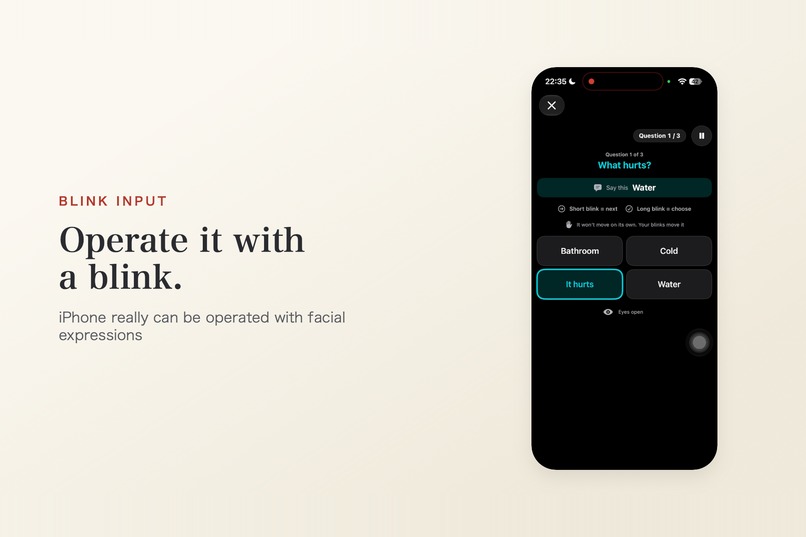
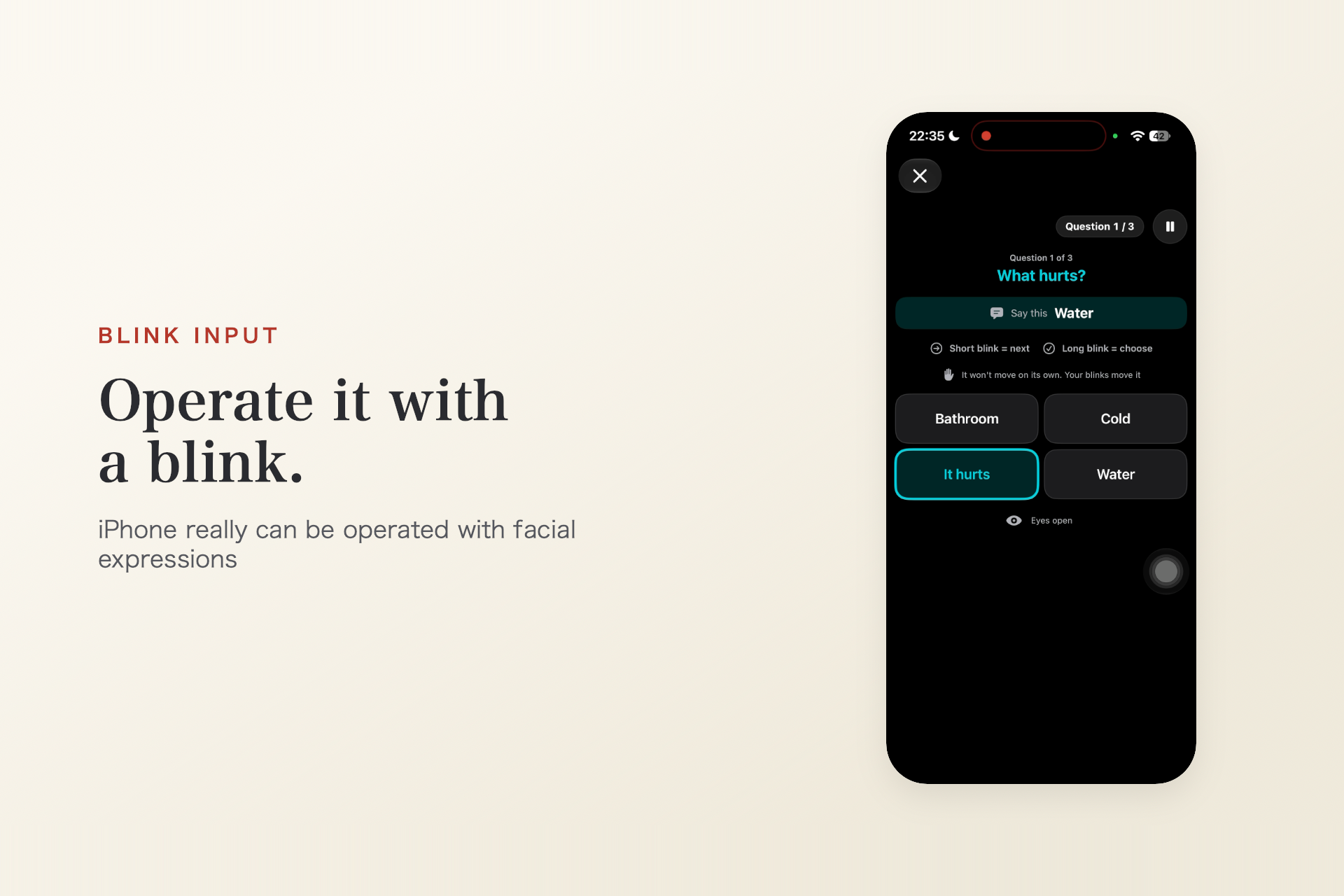
Blink input with ARKit face tracking: a short blink moves, a long blink chooses. Natural blinks are filtered out.
-
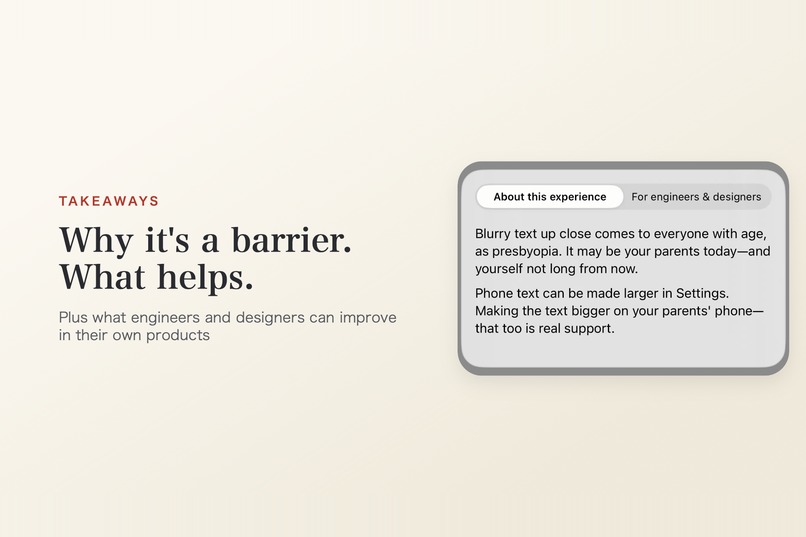
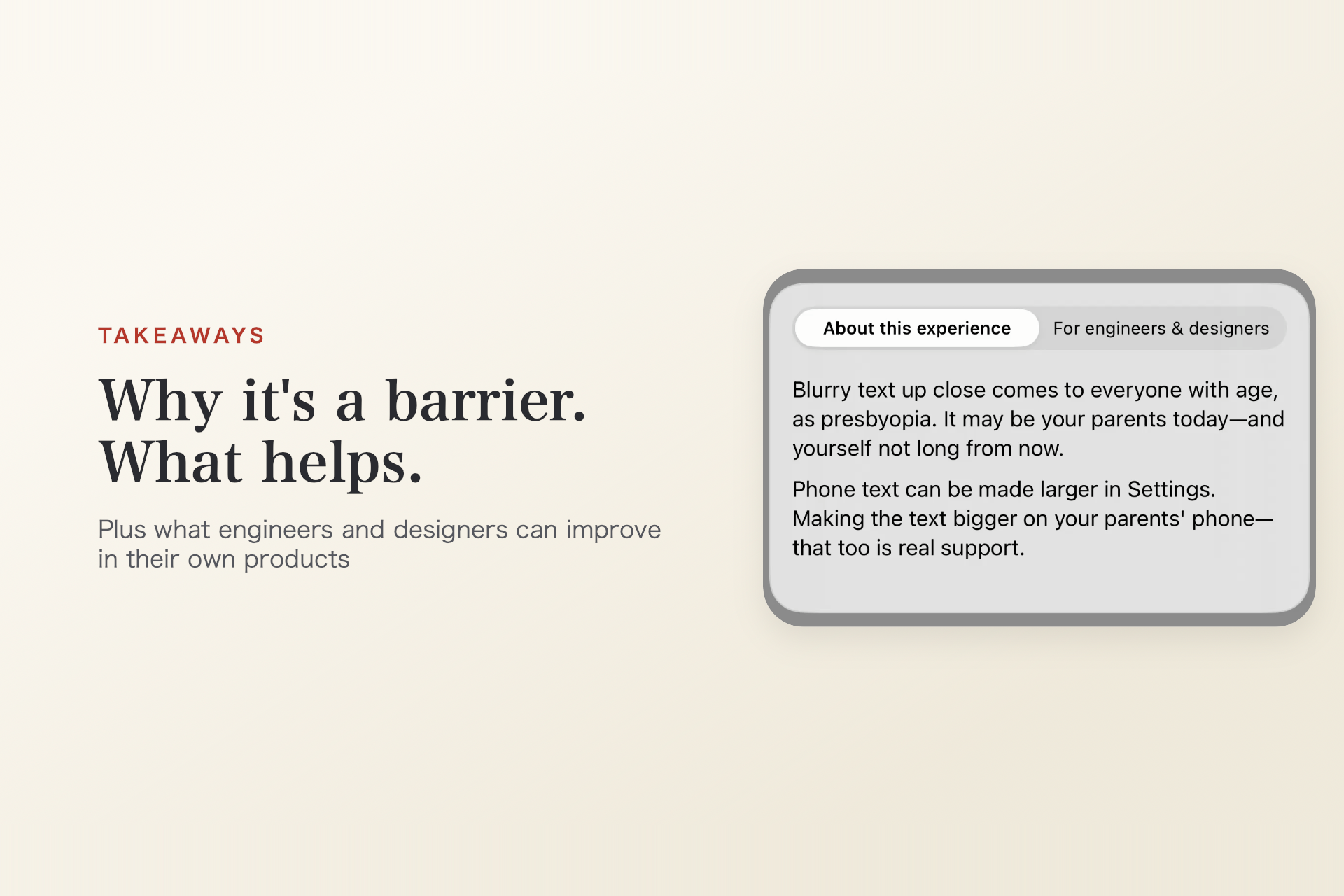
Every experience ends with two takeaways: one for general readers, and one for engineers and designers to improve their own products.
-
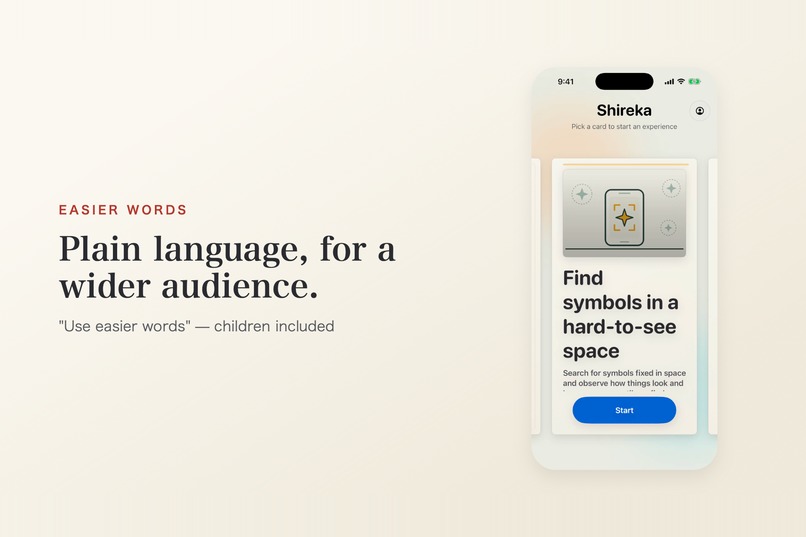
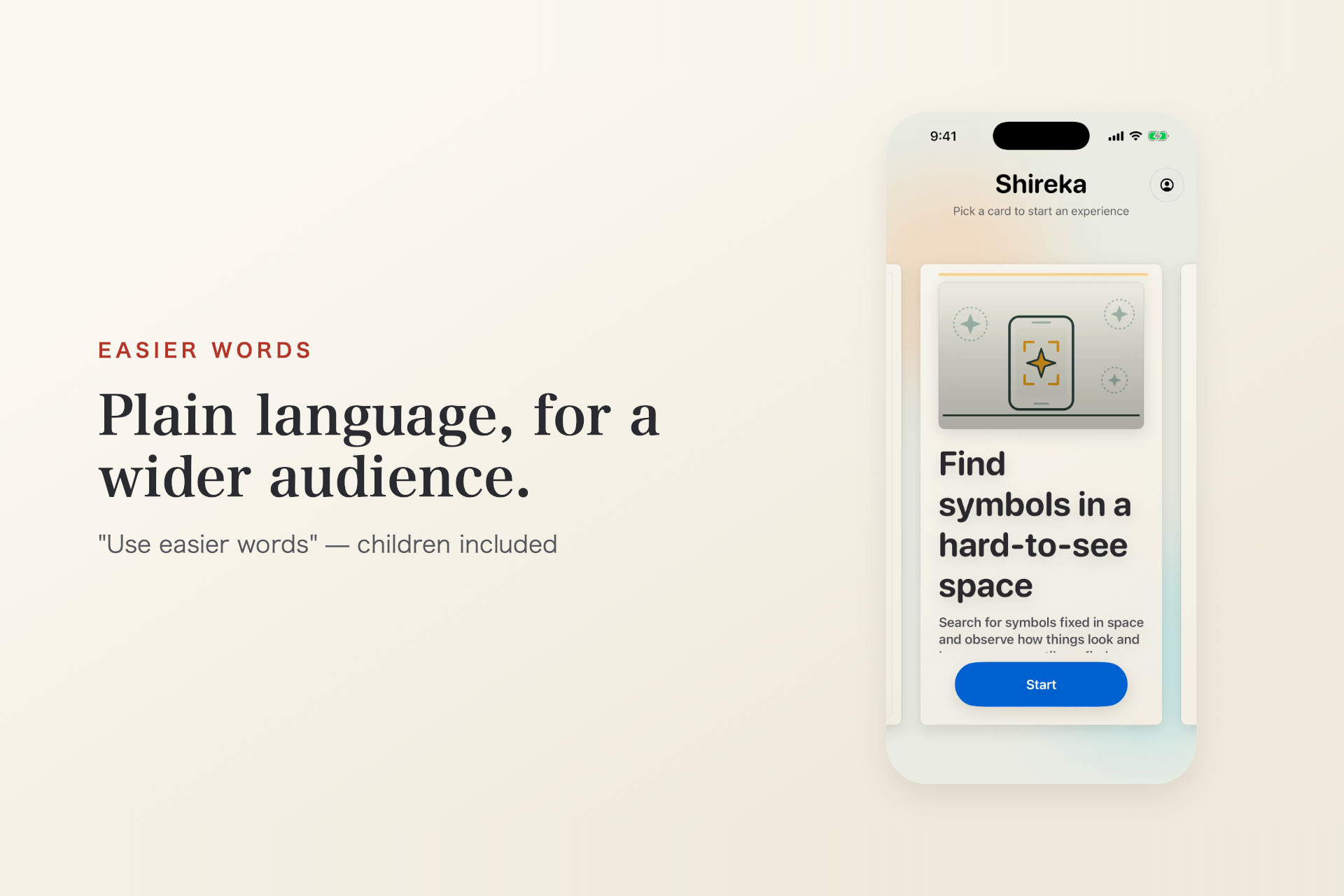
"Use easier words" switches the whole app to plain language in English and Japanese, so more people, including children, can join.
-
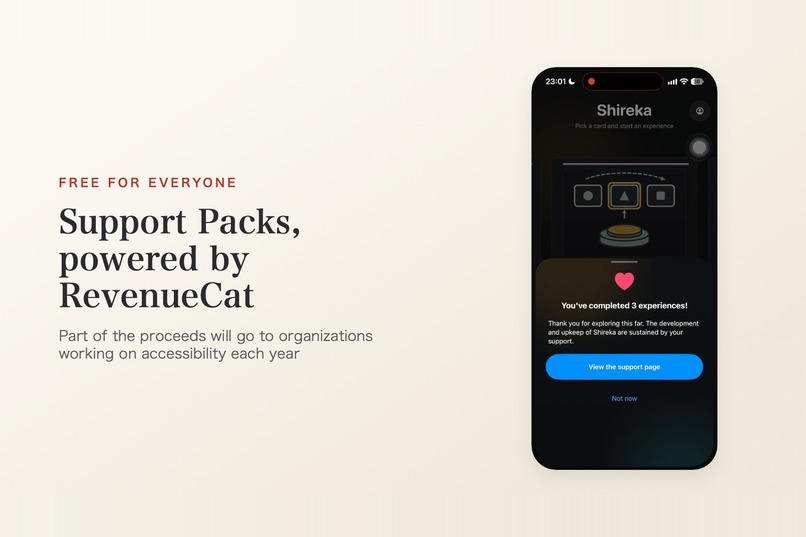
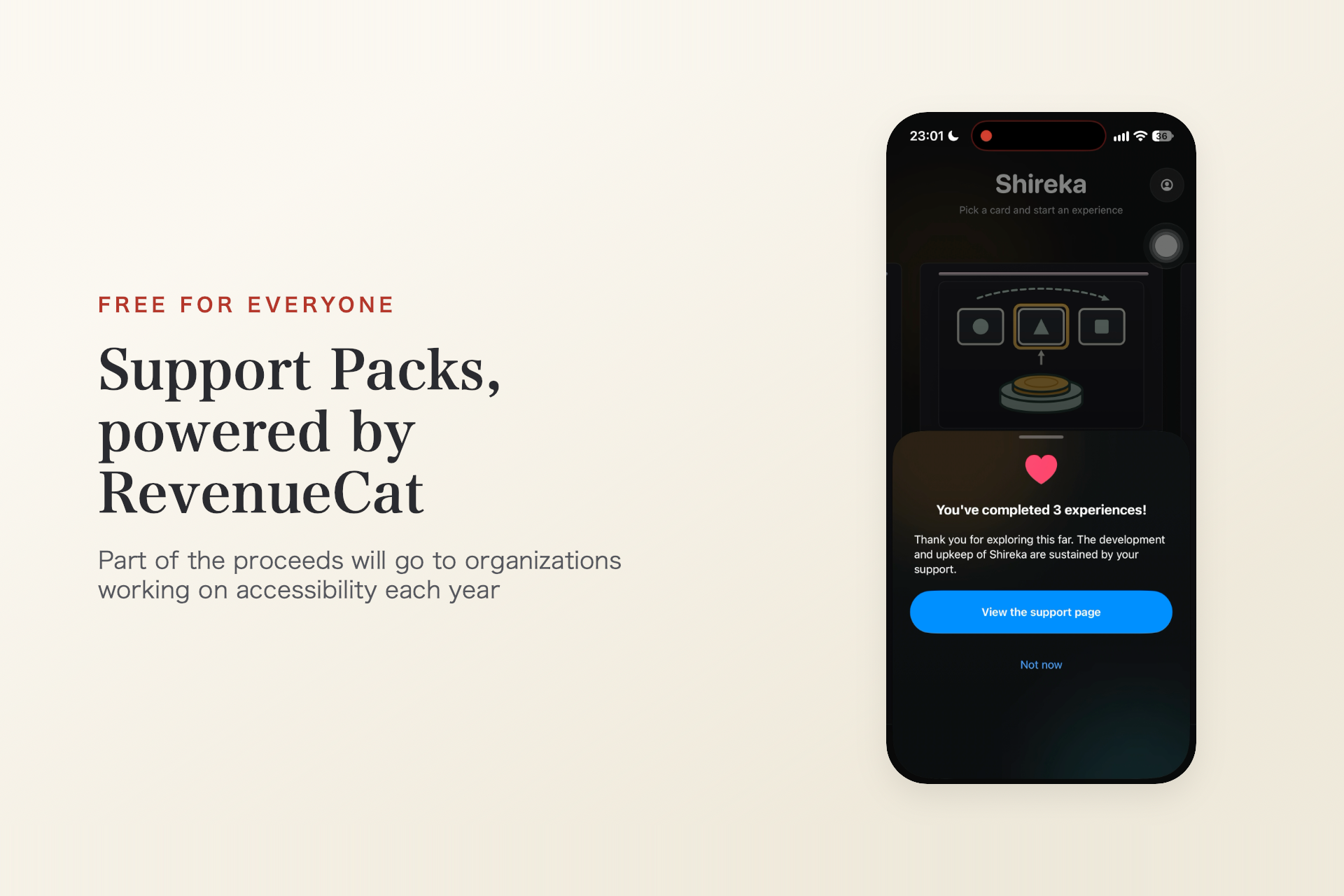
Free, no paywall. Optional Support Packs via RevenueCat unlock nothing; a share of what remains is planned for annual giving.
-
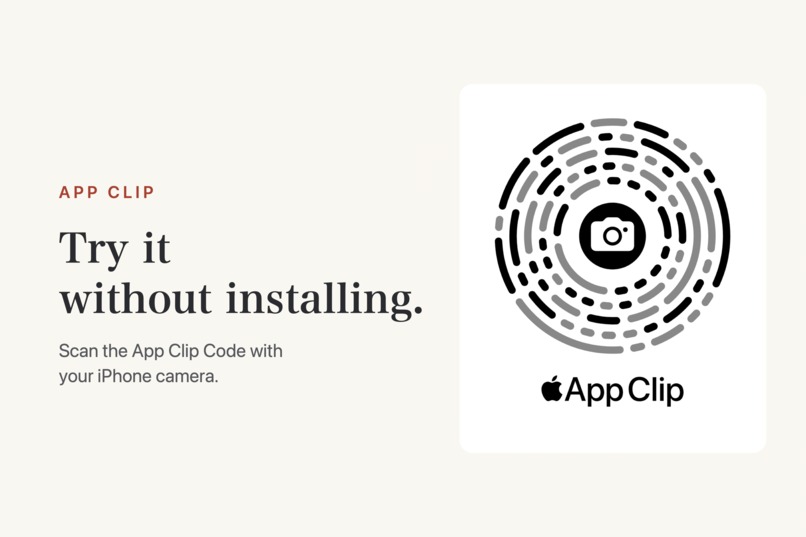
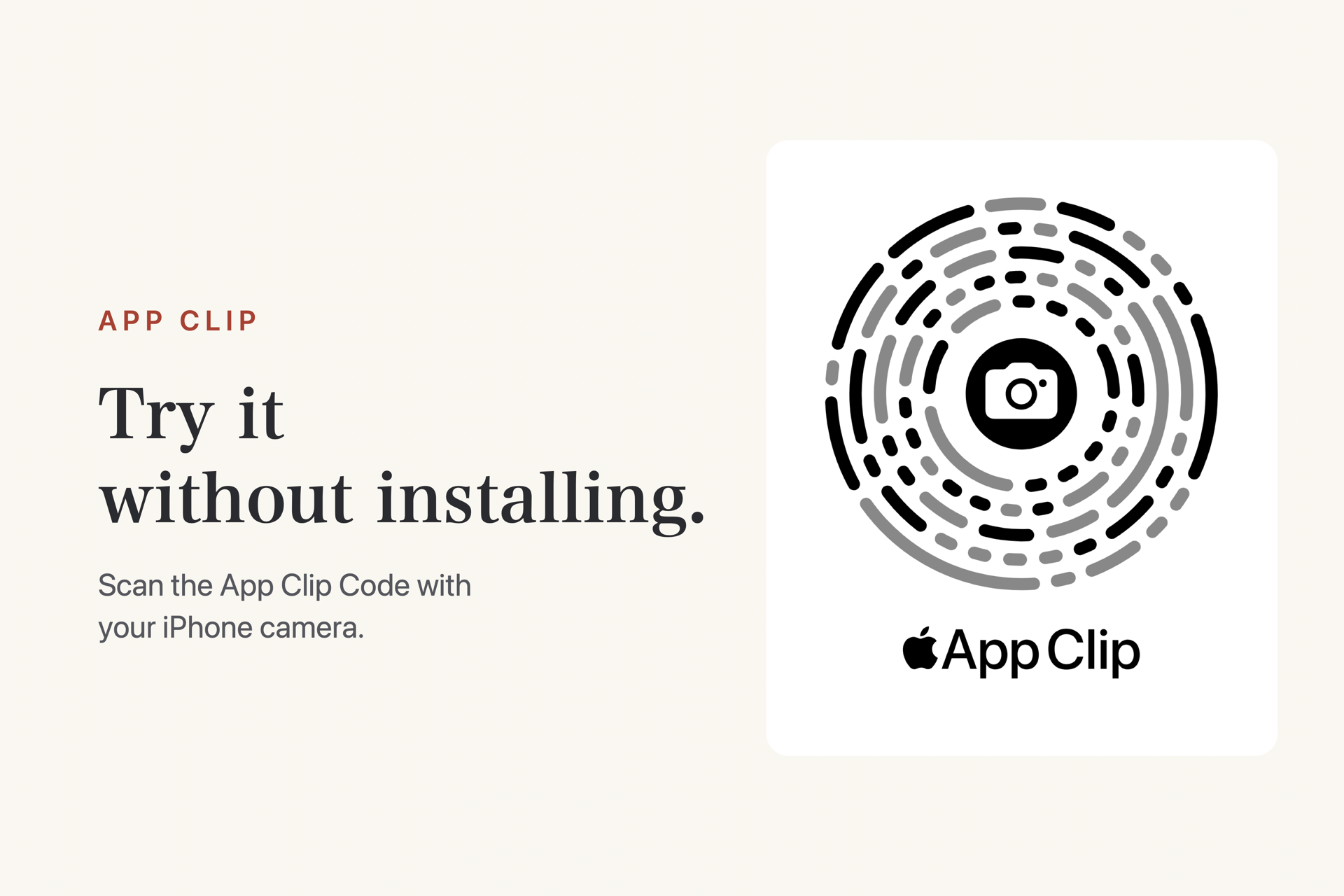
Try Shireka without installing: scan this App Clip Code with your iPhone camera to open a few experiences instantly.
-
The Shireka app icon.
-
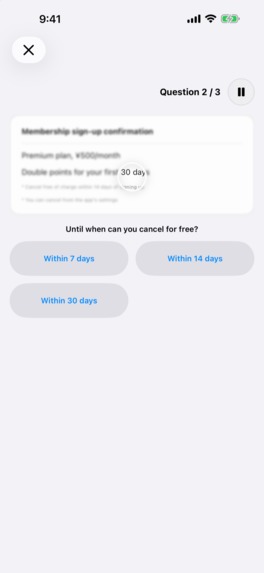
Fine print: choose the right item when small text looks blurry up close.
-
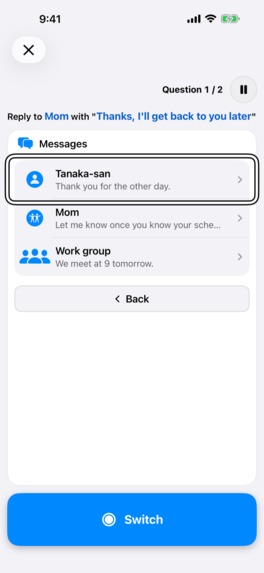
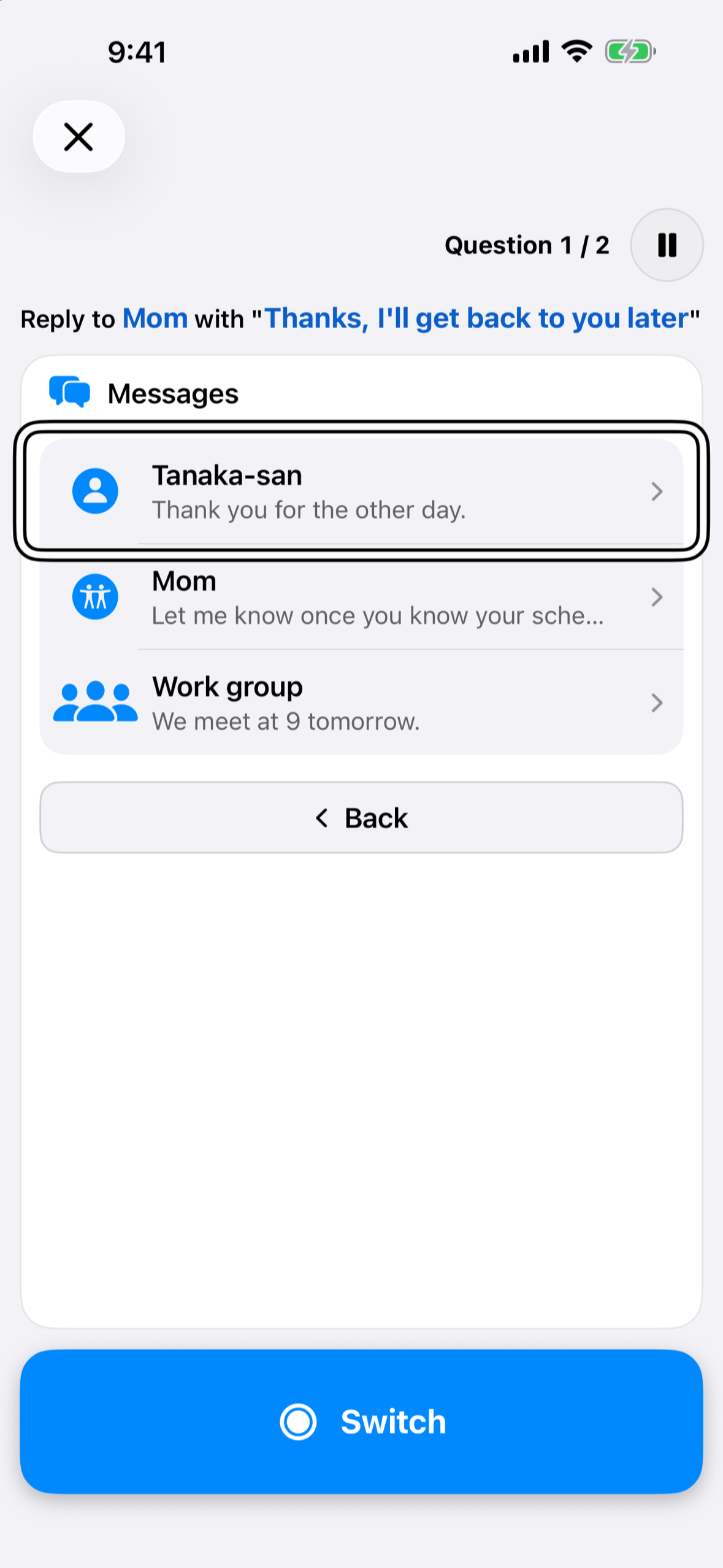
Single-switch control: operate the screen with one switch, scanning through items and groups.
-
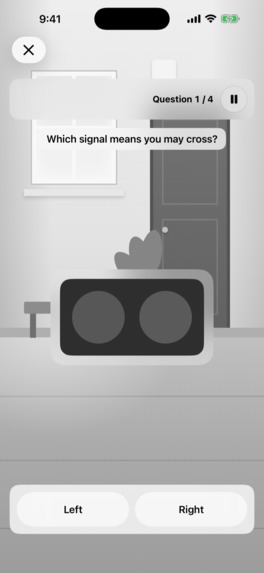
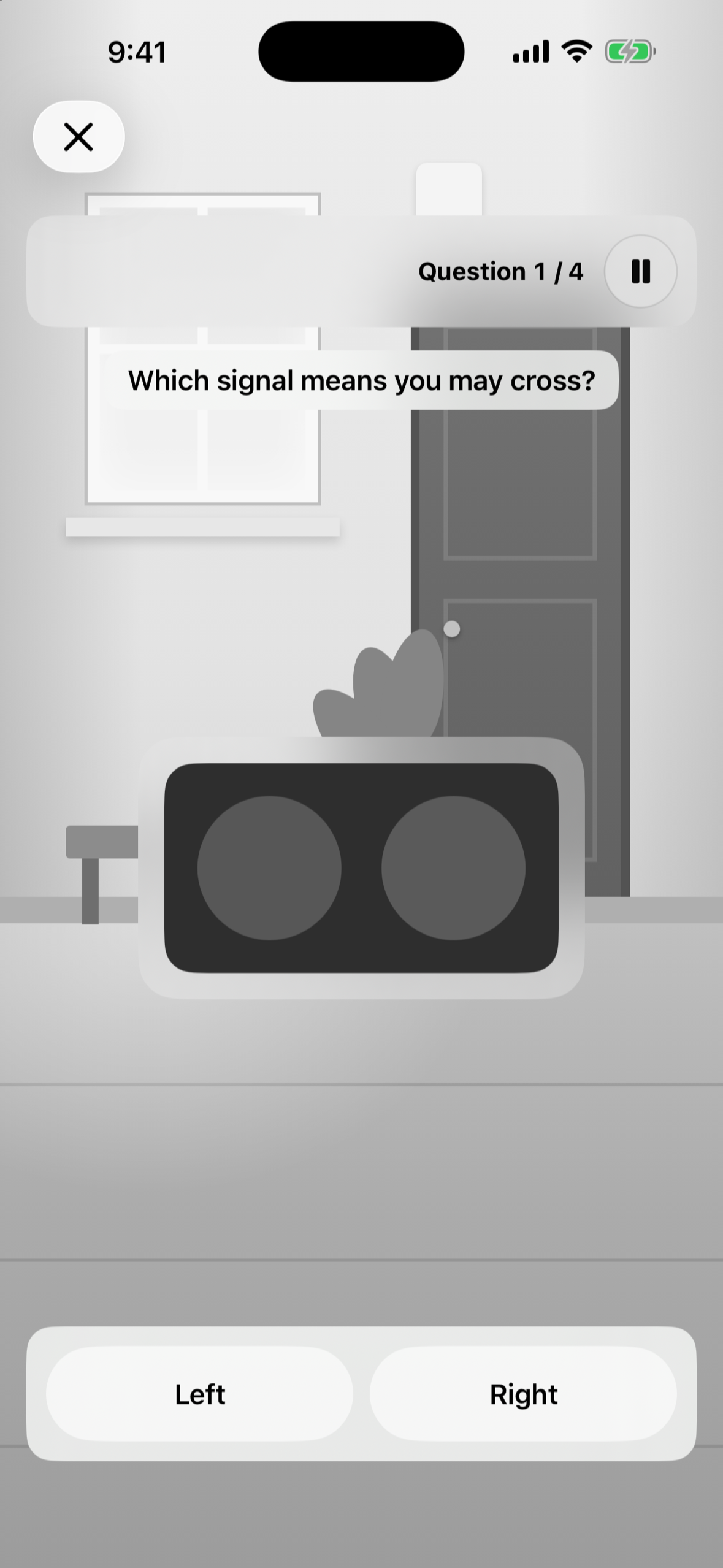
Guidance that relies on color alone: pick the right signal when the color cue is taken away.
-
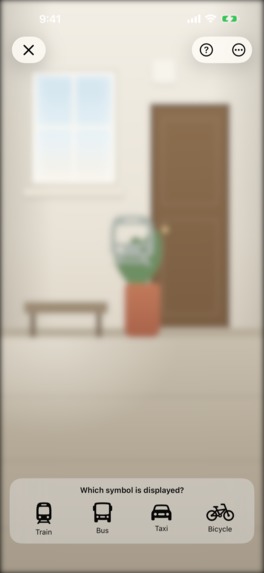
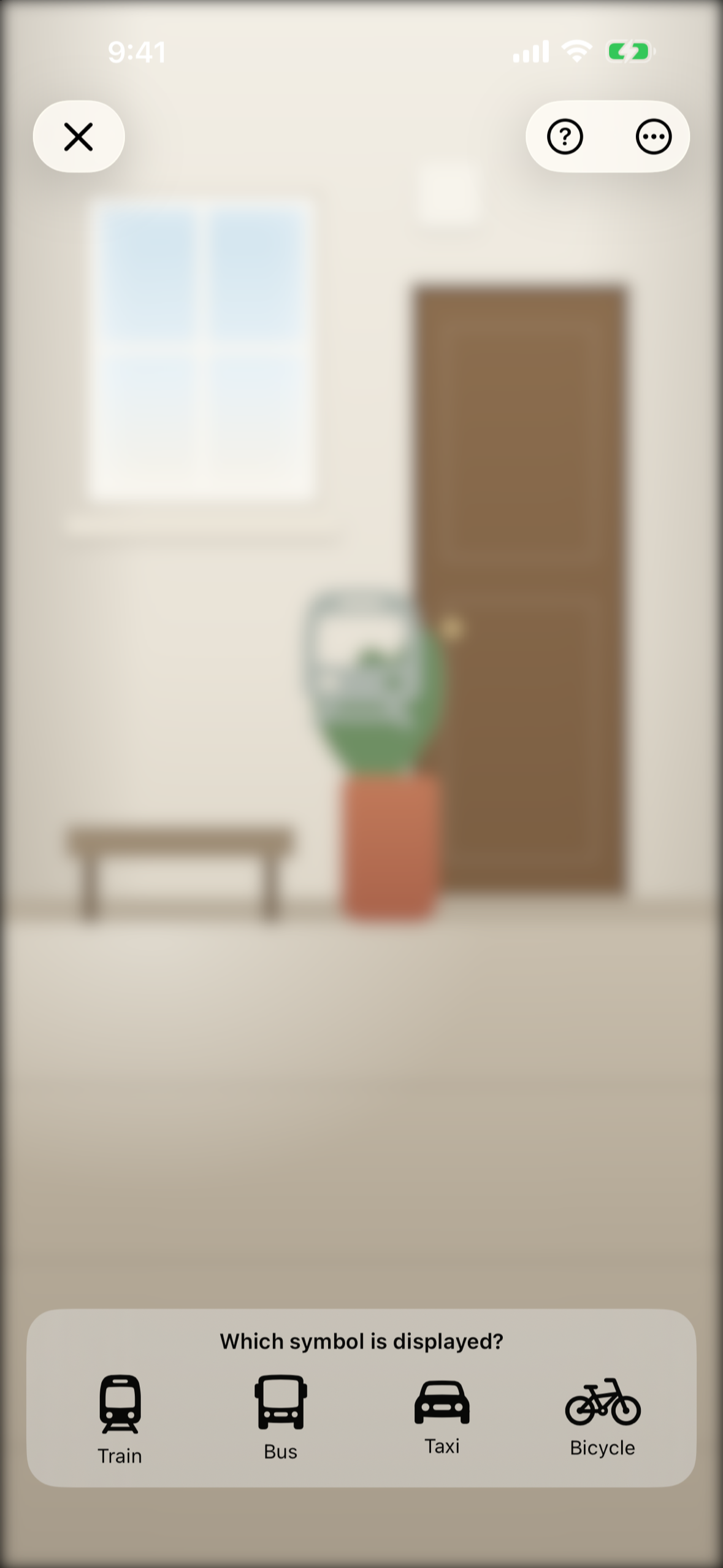
AR search: find symbols placed in a real room while glare makes the view hard to see.
-
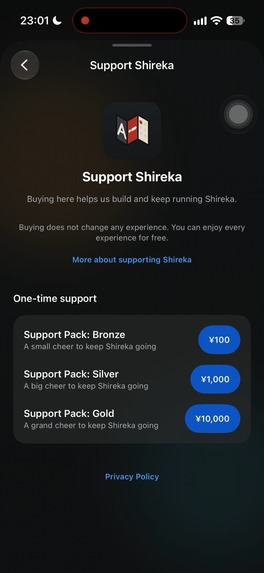
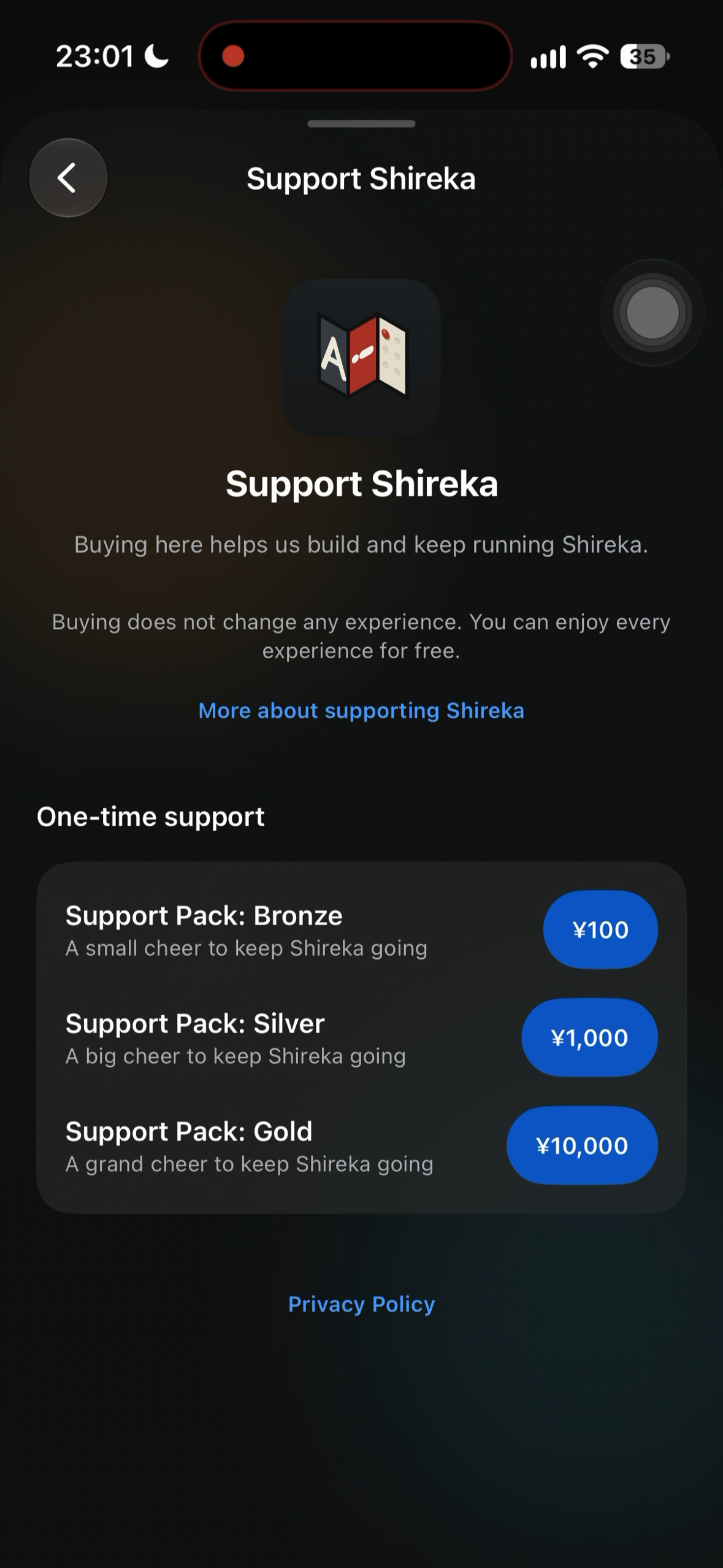
The Support Packs page: three optional tiers, purchased through RevenueCat. Nothing is unlocked.
Inspiration
At university, my research centered on inclusive education. It confirmed something I had felt for a long time: if you don't live with a particular disability, the barriers and inconveniences that come with it are very hard to notice. Knowing comes first.
But getting many people to take that first step of knowing was always hard. Last year, I spoke at iOSDC Japan 2025 about detecting sign-language gestures with Apple Vision Pro's hand tracking (write-up). While building it, I realized that technology could lower that barrier: instead of reading about a situation, people could try it for a few minutes. That idea is where Shireka began, this time on the iPhone people already carry.
Most people first encounter accessibility as a checklist: add alt text, keep sufficient contrast, don't rely on color alone. Those rules matter, but a checklist can tell you what to fix without helping you understand why. Accessibility is often overlooked not because people don't care, but because they haven't had the chance to learn about it.
Shireka gives designers, developers, product teams, educators, and anyone curious that chance in just a few minutes. One person who understands a barrier can remove it for many users across the products they help ship.
I also believe that difficulty lives in situations and in design, not in people. So every Shireka experience points at the situation, and at what better design and support can do about it.
What it does
Shireka is a collection of short, hands-on accessibility experiences built around one loop:
Experience → Learn → Act
You try an interaction, learn what creates the barrier and what kinds of support exist, and then see what you can change in your own products or behavior.
Experiences include:
- Guidance that relies on color alone — identify the right signal when the color cue is removed
- Braille through your fingertips — feel a six-dot pattern through haptics, find the raised dots, and use a chart to identify the character
- ASL fingerspelling — form letters with your hand while the camera recognizes each hand shape
- Blink input — operate a letter board using your blinks, inspired by accessibility features that allow iPhone to respond to facial expressions
- Single-switch control
- Navigating by focus and spoken feedback, as with a screen reader
- Reading blurry fine print
- Searching a real room in AR through glare or with part of your view obscured
- Tapping with shaky hands
Several experiences use interaction patterns from real assistive technology, not just visual filters.
Each experience ends with two takeaways: one for general readers, and one for engineers and designers, showing what they can improve in their own products. Every few completed experiences, Shireka also shows a gentle, dismissible invitation to support the app.
Try it without installing
A few lightweight experiences (AR search, braille, and single-switch control) are also available as an App Clip. Scan the App Clip Code in the image gallery with an iPhone camera, or open https://shireka.sugiy.com/en in Safari on an iPhone, and tap the App Clip card (it appears when the full app isn't installed).
This makes Shireka especially practical for workshops, classrooms, conferences, and team discussions, where asking everyone to install an app would create unnecessary friction.
Easier words, in both languages
Turning on "Use easier words" switches the entire app to simpler language. In English, the wording becomes plainer. In Japanese, difficult kanji and expressions are replaced with simpler, mostly hiragana-based wording. The goal is to make the experiences approachable to a wider audience, including children.
How it makes money
Every accessibility experience in Shireka is free. There are no ads, subscriptions, or content paywalls. Putting accessibility education behind a paywall would work against the people I want to reach.
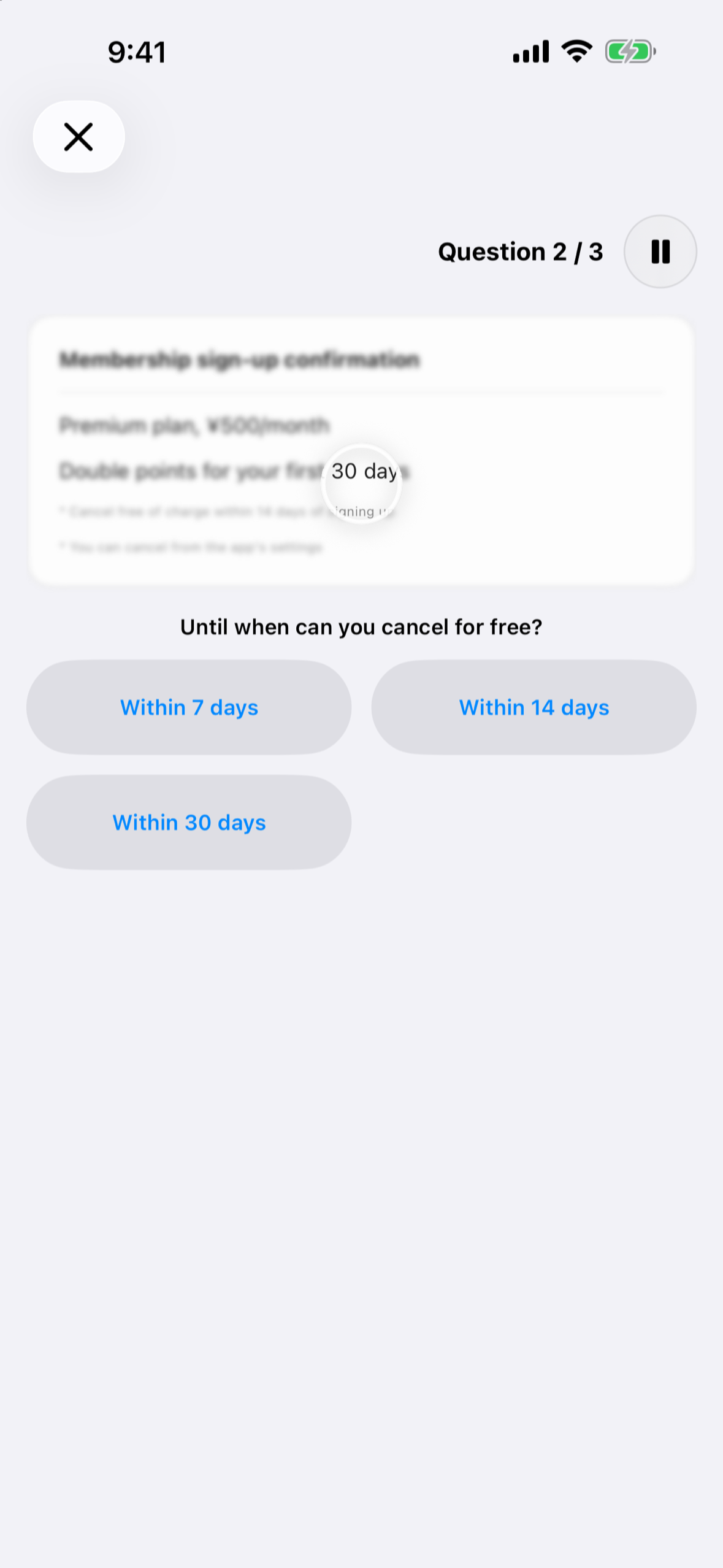
Instead, Shireka is supported by optional, consumable Support Packs in three tiers, sold through the RevenueCat SDK. Support Packs unlock nothing, and the purchase screen explicitly says so. With no server of my own and no accounts, running costs stay low, so even modest support can keep Shireka going.
I personally plan to give a share of what remains after the App Store commission and operating costs (currently planned at 50%) to organizations working on information accessibility and the social participation of people with disabilities, once a year. The terms are published on the giving page, where each annual record will also be published. Support Packs are purchases from me as the developer, not donations collected on behalf of a third party.
How we built it
- Swift 6 and SwiftUI, using Observation and organized as Swift packages
- Core Haptics for the braille experience
- Vision hand-pose detection for fingerspelling
- ARKit face tracking for blink input
- ARKit and RealityKit for AR-based experiences
- Camera processing stays on-device and is never saved or uploaded
- RevenueCat SDK with StoreKit 2: a custom SwiftUI purchase screen, with RevenueCat handling purchasing, transaction completion and customer records
- An App Clip with a lightweight launch path and no purchase flow
- String Catalogs plus a separate easy-reading text table for plain-language English and simplified Japanese, with fallback to standard text
- Firebase Analytics, Crashlytics, and Remote Config (anonymous; no account required)
- An automated accessibility audit suite built on XCUITest, including Apple's accessibility audits and golden-file VoiceOver reading-order snapshots
The app practices what it teaches
Shireka itself supports VoiceOver, Voice Control, Dynamic Type, and Reduce Motion.
Every experience is also explicitly described as a simplified approximation of one situation, not as a reproduction of a disability. That distinction is shown before each experience.
Challenges we ran into
Making something you can only feel. The braille experience needed to work even when the screen itself gave almost nothing away visually. I used Core Haptics so users can trace the screen with a finger and discover the six-dot pattern through touch.
Reading hand shapes from a flat camera image. A correct ASL "L" repeatedly failed on-device because the thumb–index angle appears smaller in a 2D camera image than it does in three-dimensional space. I tuned the thresholds from device logs and now require agreement across 6 of the last 10 frames before accepting a letter.
Choosing abstraction over reproduction. Disability isn't one fixed thing; it's a spectrum. Shireka doesn't try to reproduce every disability. Each experience abstracts one situation, and some parts are deliberately simplified. I judged that letting as many people as possible try it, and understand even a little about disability and the support that exists, matters more than perfect fidelity.
Teaching without reducing people to a disability. I rewrote a significant amount of copy so the difficulty is attributed to the situation or design, rather than to the person. For example, the app talks about "a screen that looks blurry" instead of "eyes that can't read."
Designing an honest way to support the app. App Review flagged my first design, a non-consumable "support" purchase, under guideline 3.1.1, so I rebuilt Support Packs as consumables and dropped a subscription that didn't offer ongoing value.
Keeping Support Packs reliable. I moved from observer mode to letting RevenueCat complete purchases, and made RevenueCat the single owner of transaction completion, so a transaction cannot be finished twice or disappear before RevenueCat records it.
Accomplishments that we're proud of
- Live on the App Store, free, in English and Japanese
- Runs on a standard iPhone with no extra hardware
- Hands-on interactions, not just visual filters
- An App Clip that lets people try Shireka without installing the full app
- An accessibility app that also takes its own accessibility seriously: VoiceOver, Voice Control, Dynamic Type, Reduce Motion, and a simplified-language mode in both English and Japanese
- A giving model built in from day one, with the terms published openly
What we learned
I had a few people try Shireka before submission. The group is far too small for statistical claims, but it was enough to see early signs of the kind of change the app is designed to create.
Some participants learned about VoiceOver for the first time. Some engineers hadn't known that an iPhone can be controlled using facial expressions.
One engineer specifically called out the grouping approach used in switch-style input, where selectable targets can be grouped to make selection more efficient. They said it was something they wanted to keep in mind when designing similar interactions in future implementations.
That feedback matters to me: it moves from "I didn't know that existed" to "I want to remember this when I build something myself." These are small signals, but they are the step from awareness toward application that Shireka is designed for.
Early testing also reinforced what I had felt since my research: a lack of exposure, rather than a lack of care, is a significant part of the accessibility gap. And a product that more people can use is a product that can reach more people, which makes accessibility part of product quality, not only social responsibility.
What's next for Shireka
Proving the impact beyond early testing
The next step is to test Shireka with more people and look beyond whether they simply enjoyed the experience. I want to understand whether Shireka leads people to:
- discover accessibility features they did not know about
- reconsider decisions in products they are building
- test their own apps with assistive technologies
- change how they support people around them
I also want to pilot Shireka with developer teams, workshops, and classrooms, including children and educators.
Reaching more devices
An Android version would make Shireka available to people who do not use an iPhone. RevenueCat already supports both platforms, so the same Support Pack model can carry across.
Shireka is built for iPhone today. A layout designed for iPad's larger screen could make it especially useful in classrooms and workshops, and I also plan to optimize the interface for newer form factors, including the foldable iPhone Duo.
Links to individual experiences
The App Clip already launches from a URL. Next, links such as /clip/braille will open a specific experience directly, so a teacher, speaker, or team lead can share exactly one experience before starting a discussion.
More experiences
Several additional experiences are already being explored or built, including:
- hard-to-hear announcements
- notifications that disappear too quickly
- other everyday situations where small design choices can create unnecessary barriers
They will only ship once they meet the same quality bar as the existing experiences.
Easier words with real users
I also want to test "Use easier words" directly with children and educators, and improve the wording based on their feedback. And after the first year of Support Packs, I will publish the first annual giving record on the giving page.
My goal is for Shireka to become a few-minute starting point that a team or classroom can open together before talking about accessibility.
Built With
- accessibility
- app-clips
- arkit
- avfoundation
- corehaptics
- dynamic-type
- firebase
- firebase-analytics
- firebase-crashlytics
- firebase-remote-config
- ios
- realitykit
- revenuecat
- storekit2
- string-catalogs
- swift
- swiftui
- vision
- voiceover
- xcuitest

Log in or sign up for Devpost to join the conversation.