-
-
-
-
-
-
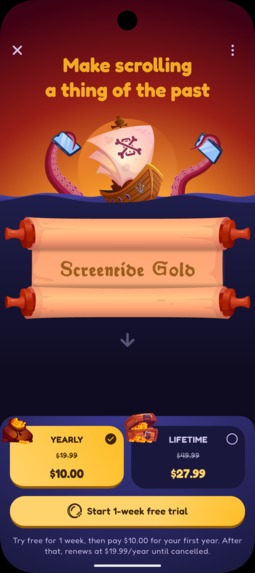
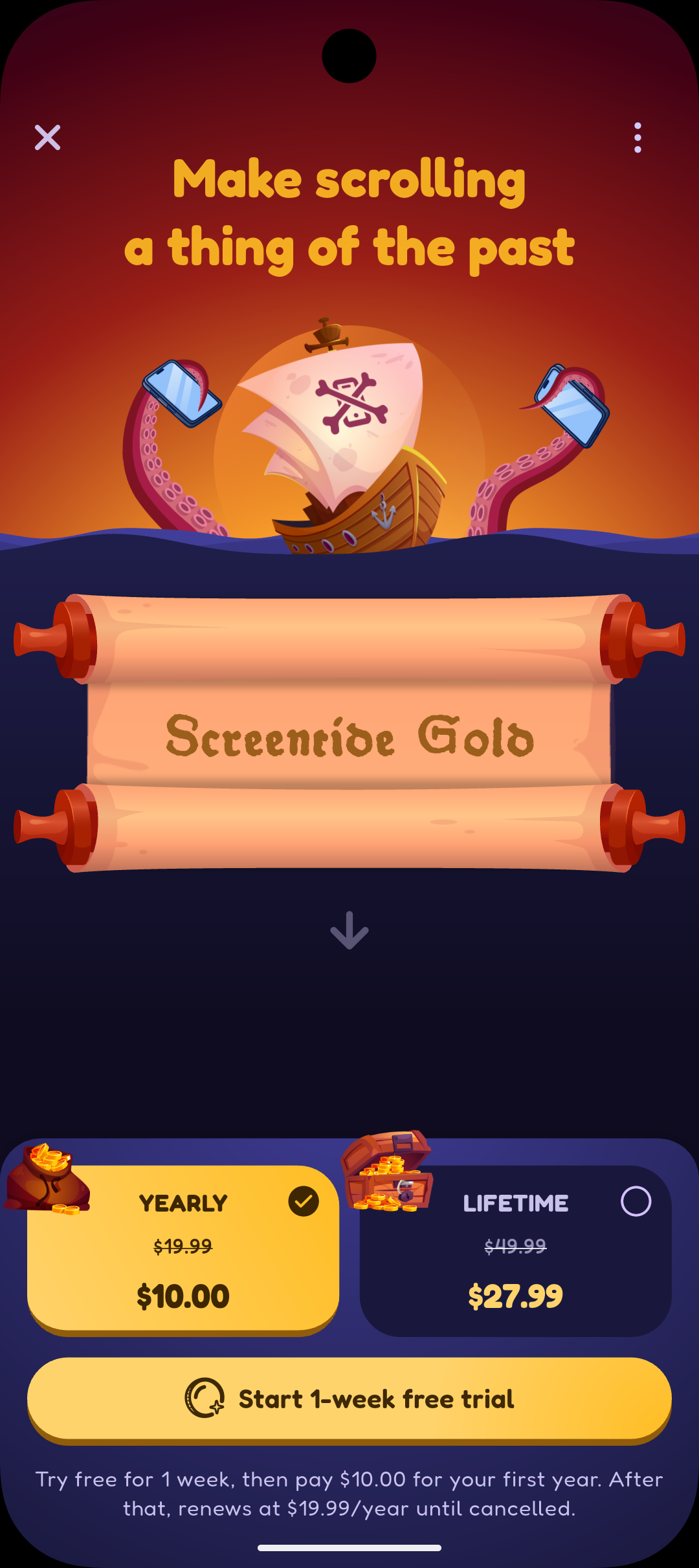
Screentide's animated paywall
-
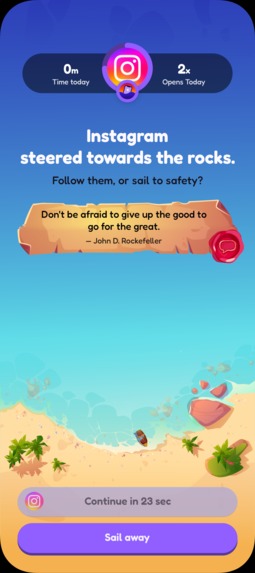
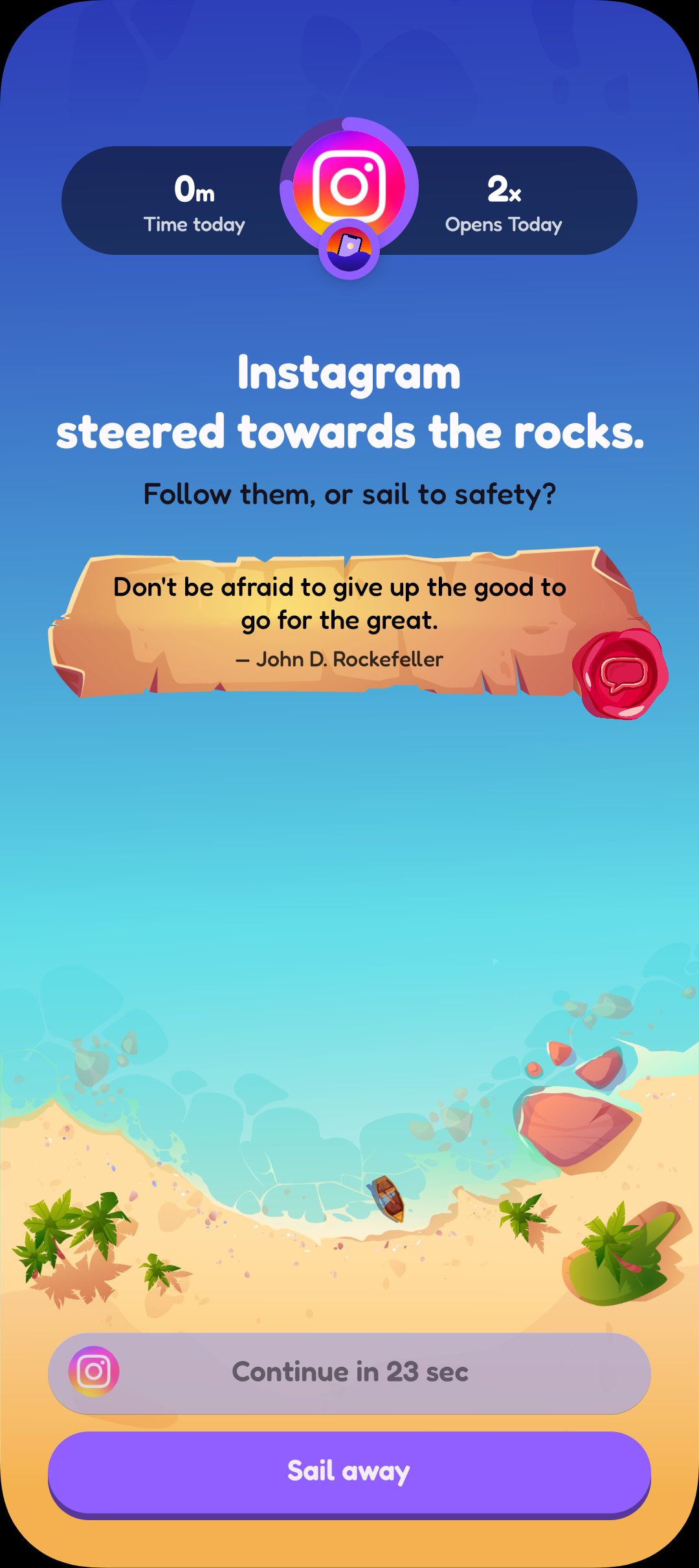
A typical pause barrier
-
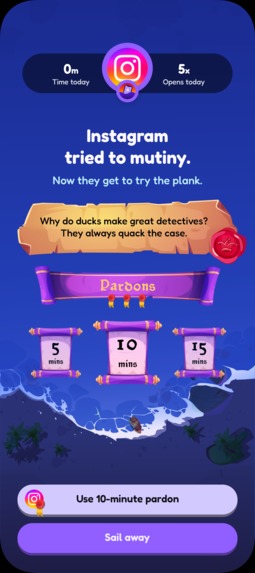
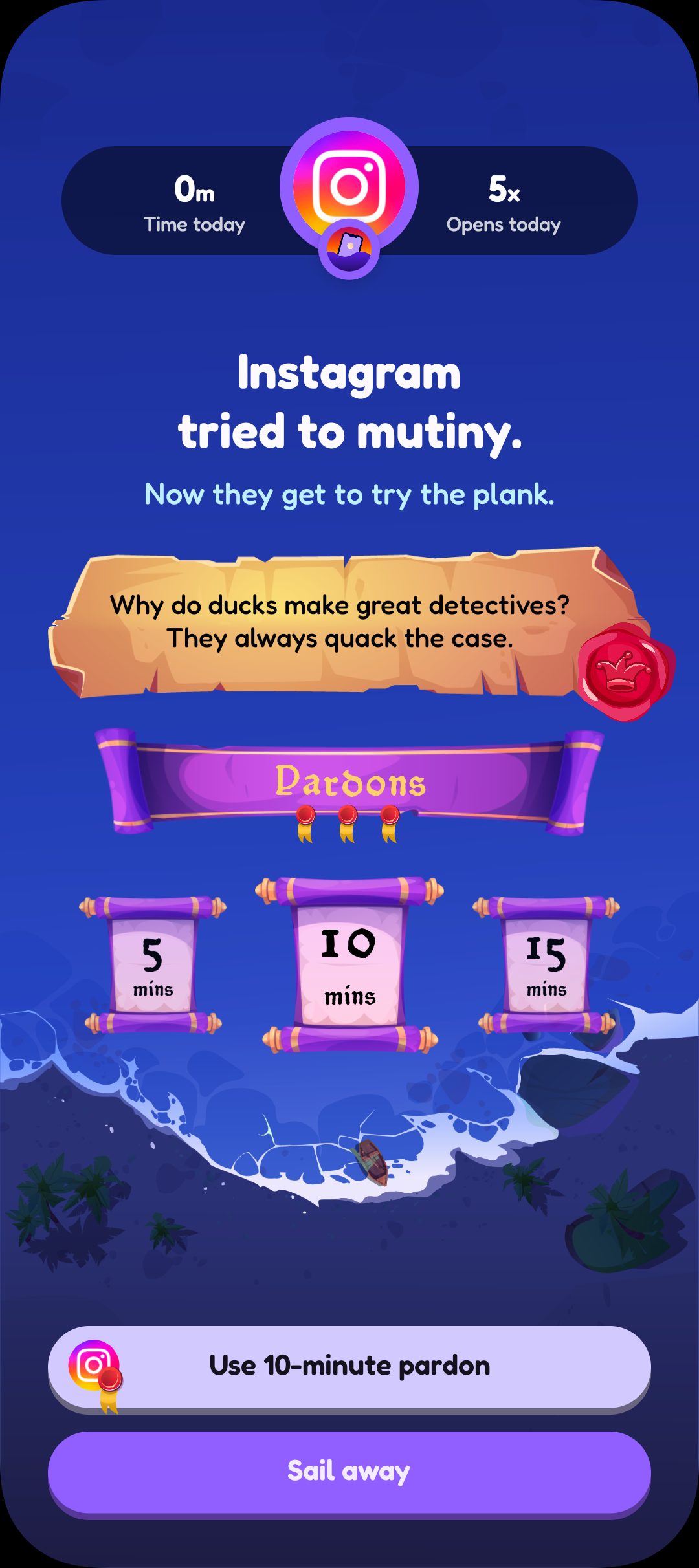
A block barrier with optional unlocks (Pardons)
-
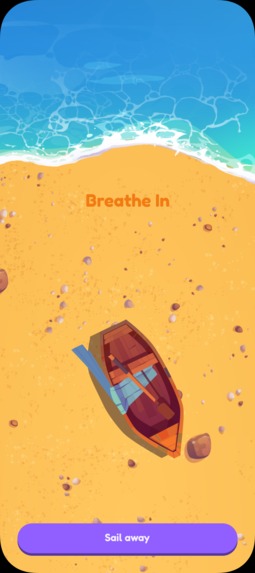
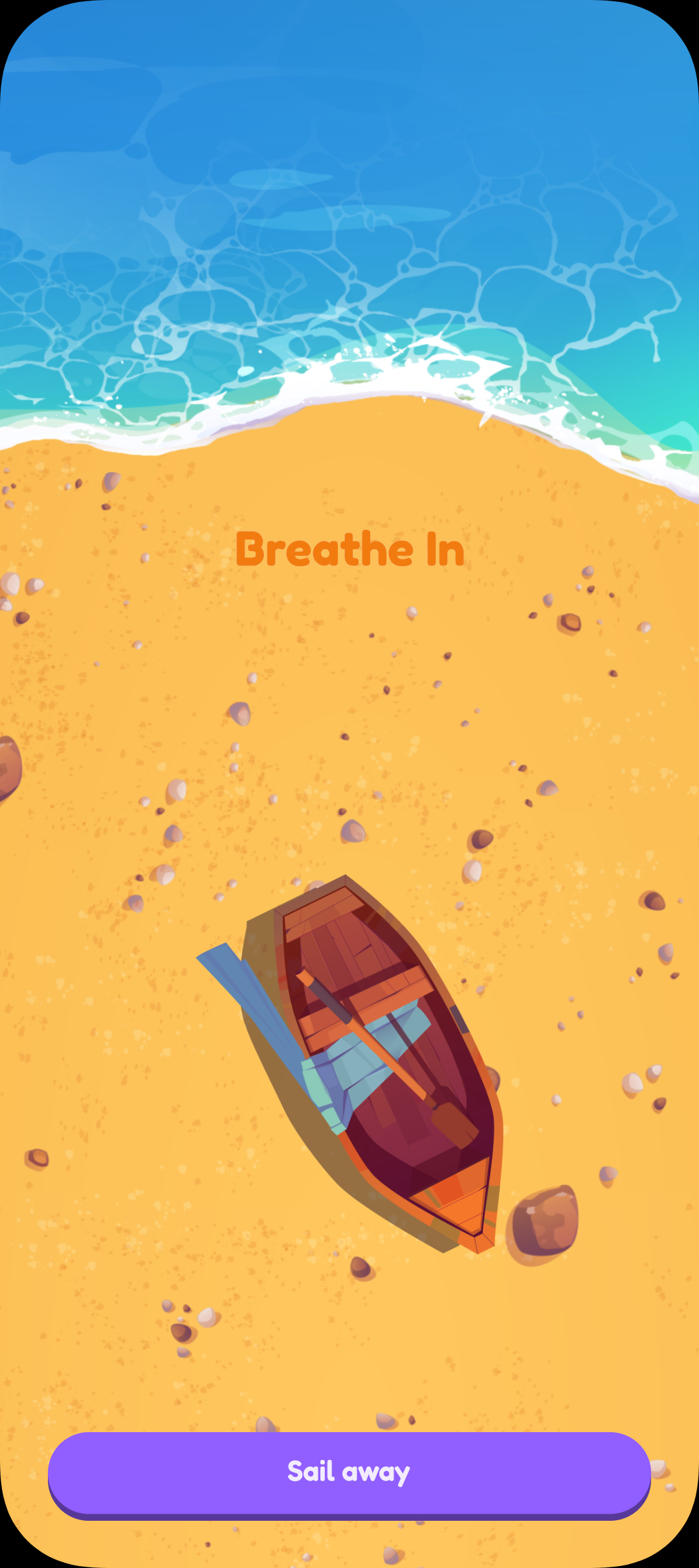
A breathing exercise before opening/resuming an app
-
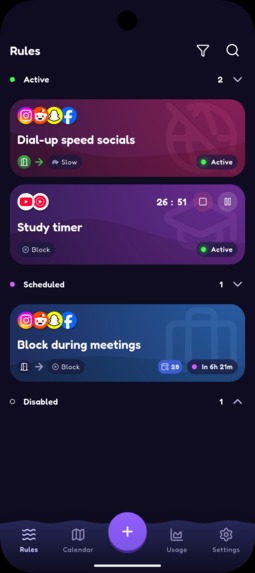
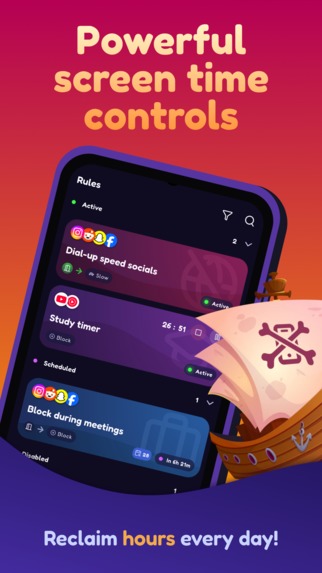
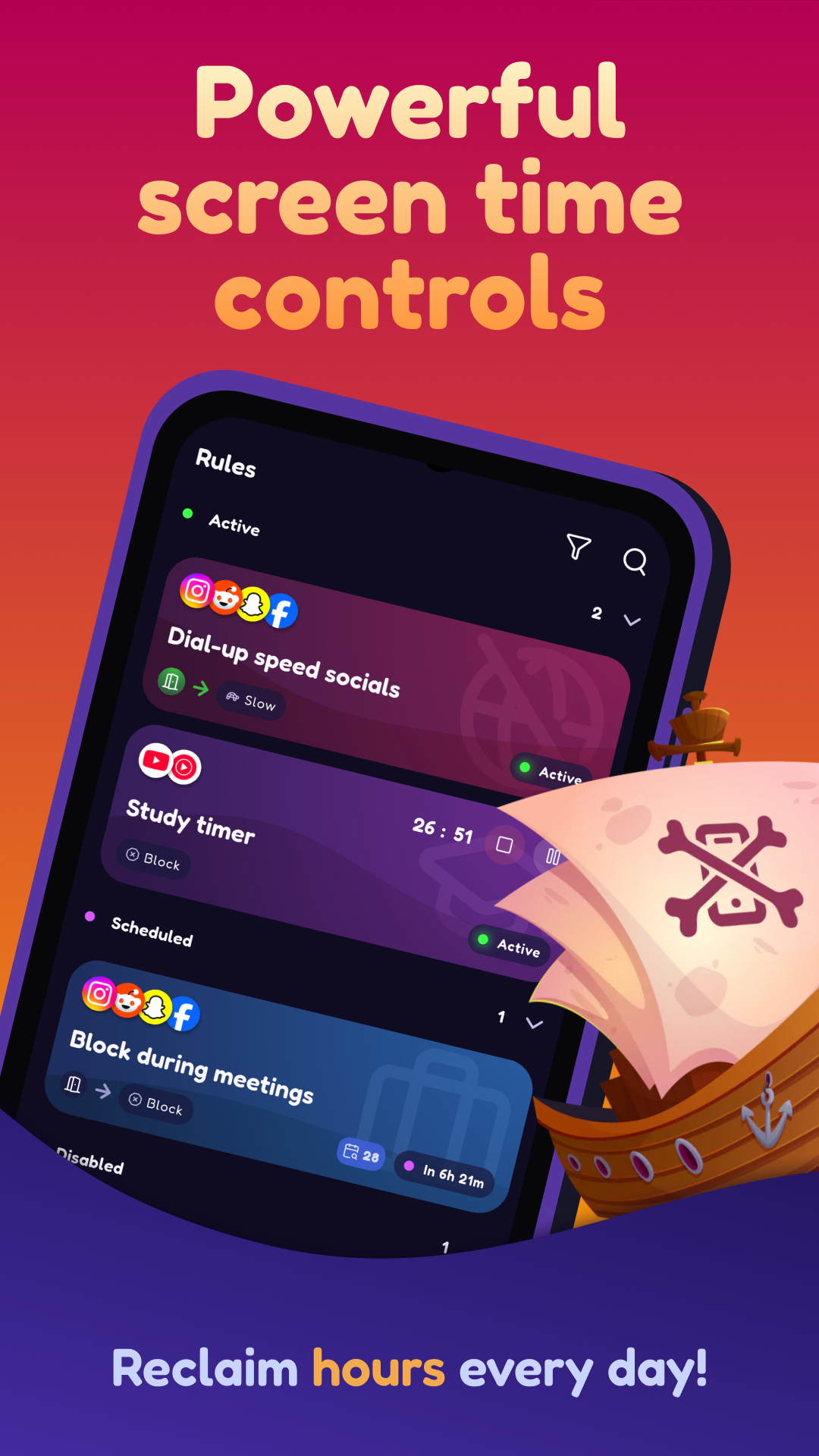
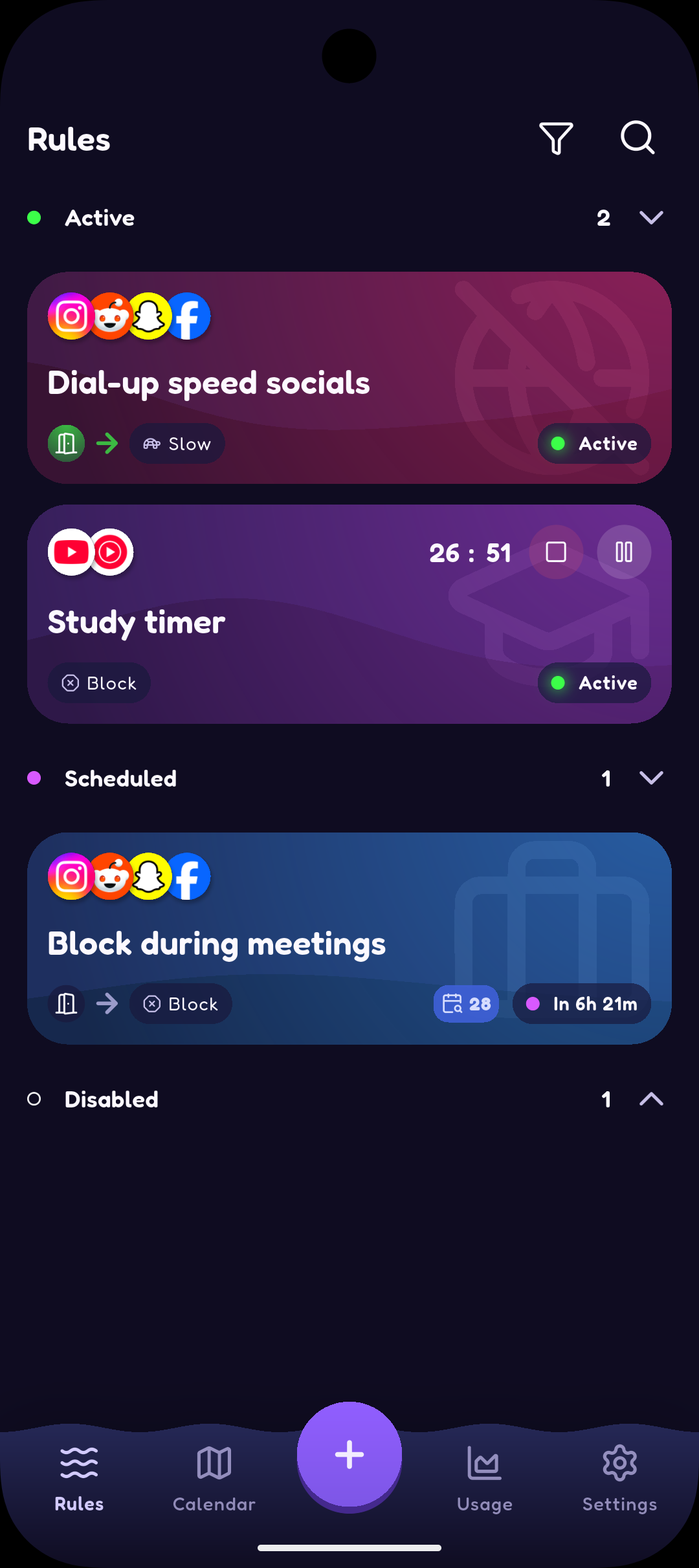
The rules overview screen, listing all your rules
-
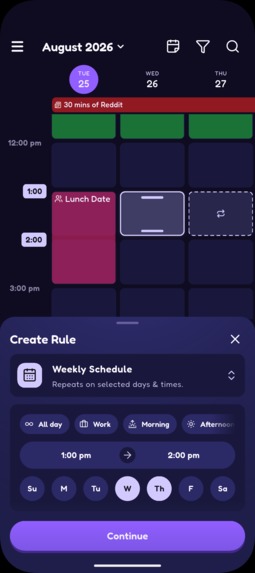
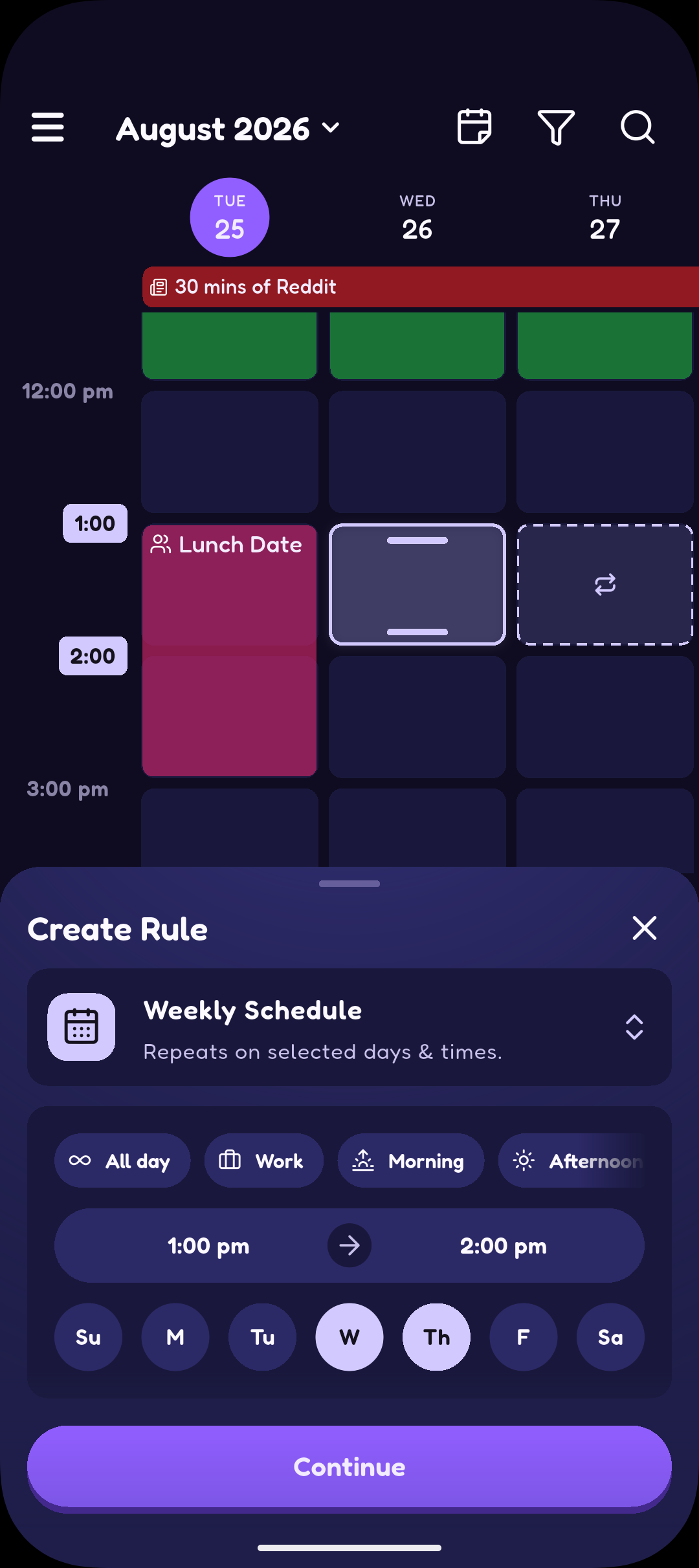
Calendar rule creation in screentide, inspired by how you create events in apps like Google Calendar
-
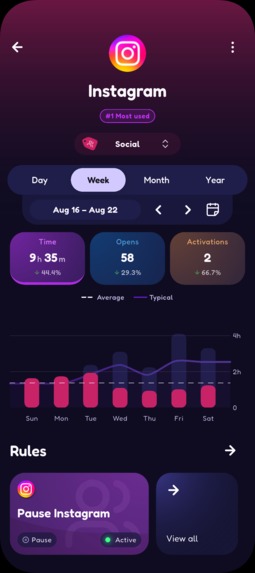
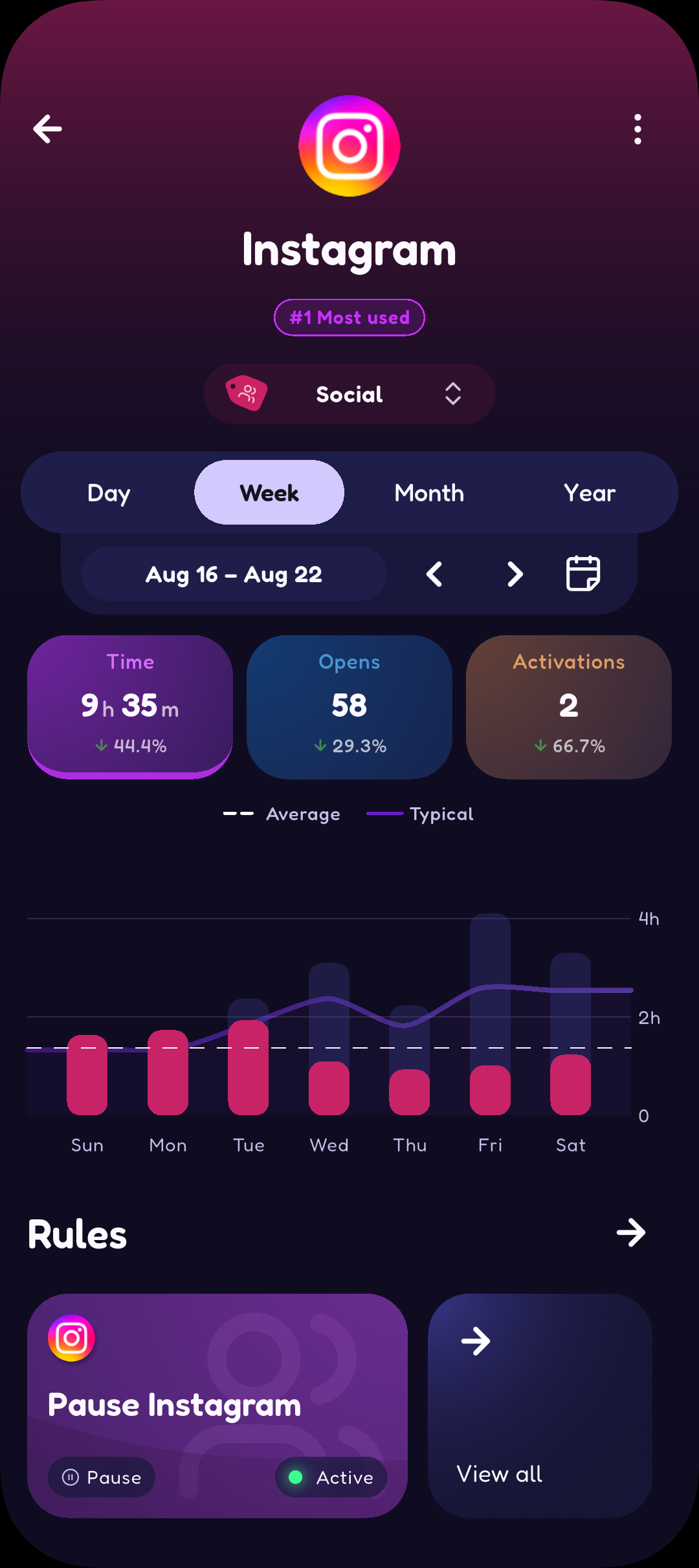
Usage stat insights for a single app
-
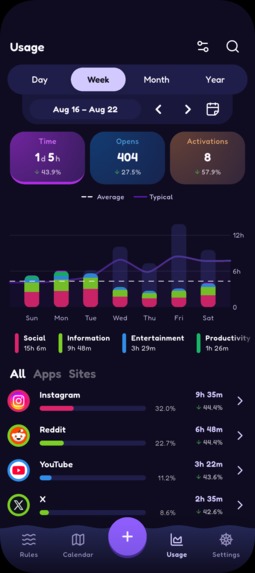
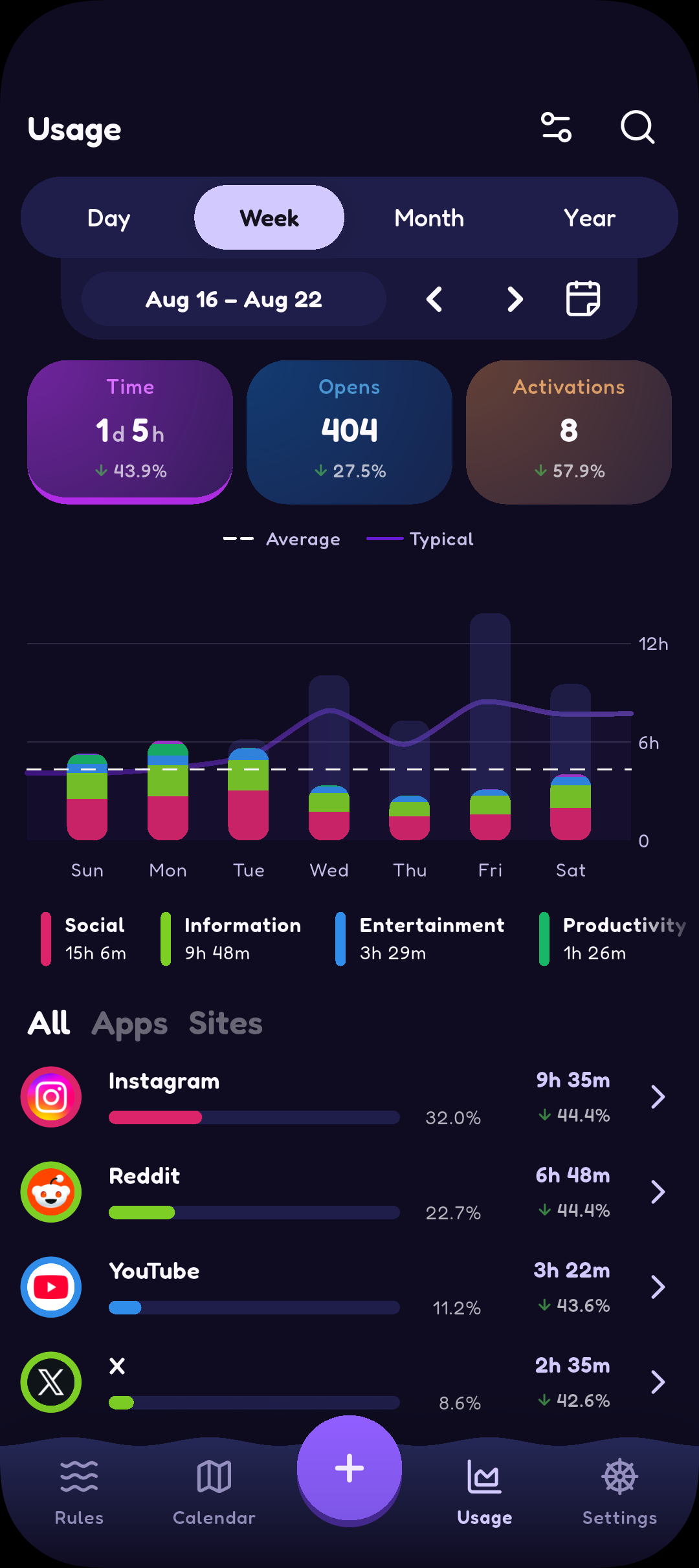
Usage stat summary
-
app icon
Inspiration
When I was growing up in the late 90s, the internet came with frustratingly obvious limitations. You had to be in this room, on this computer, to access it. It took minutes to get online, images loaded block by block, and videos? What videos!
In hindsight, those limitations were healthy. They taught patience, moderation, and that while being connected can be fun and enthralling, being disconnected is where life actually happens.
Today, most of that natural friction is gone. Everything is instant, portable and always available.
That's when I started to ask the questions that led me to building Screentide: would social apps be as addictive if they ran at dial-up speeds, only worked in certain places, or forced you to wait before they opened?
What it does
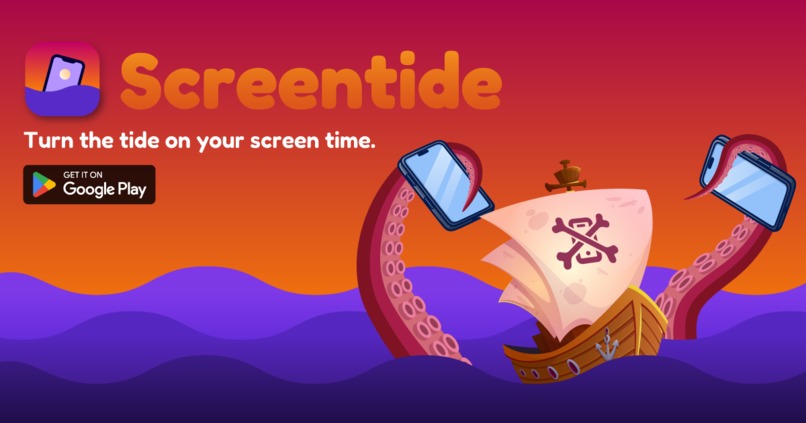
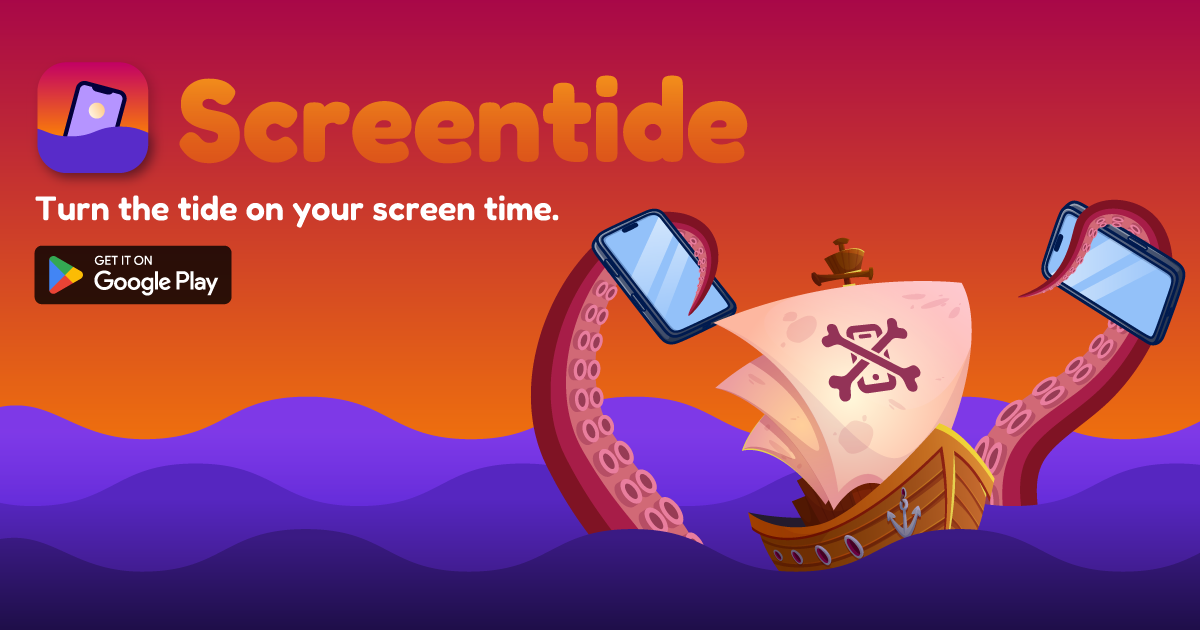
Screentide is a screen-time manager inspired by the healthy limitations of early computing. It gives you flexible ways to turn the tide on excessive screen time, so you can stop being anchored to your phone.
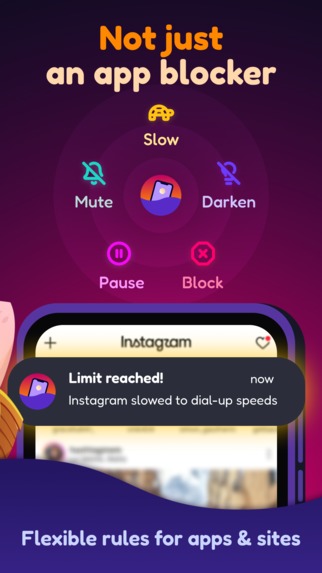
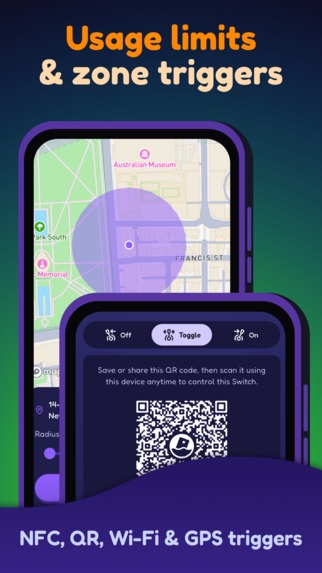
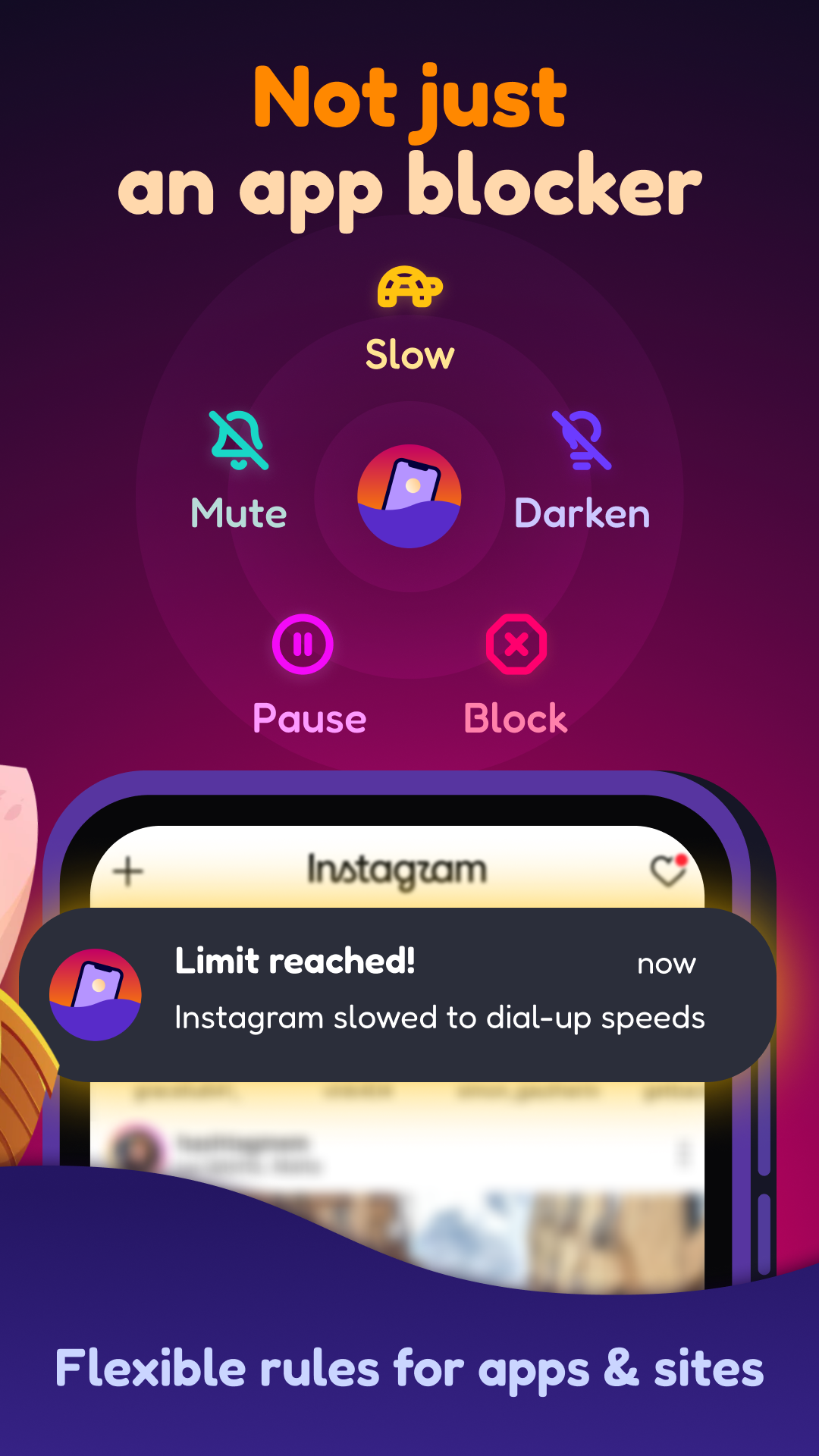
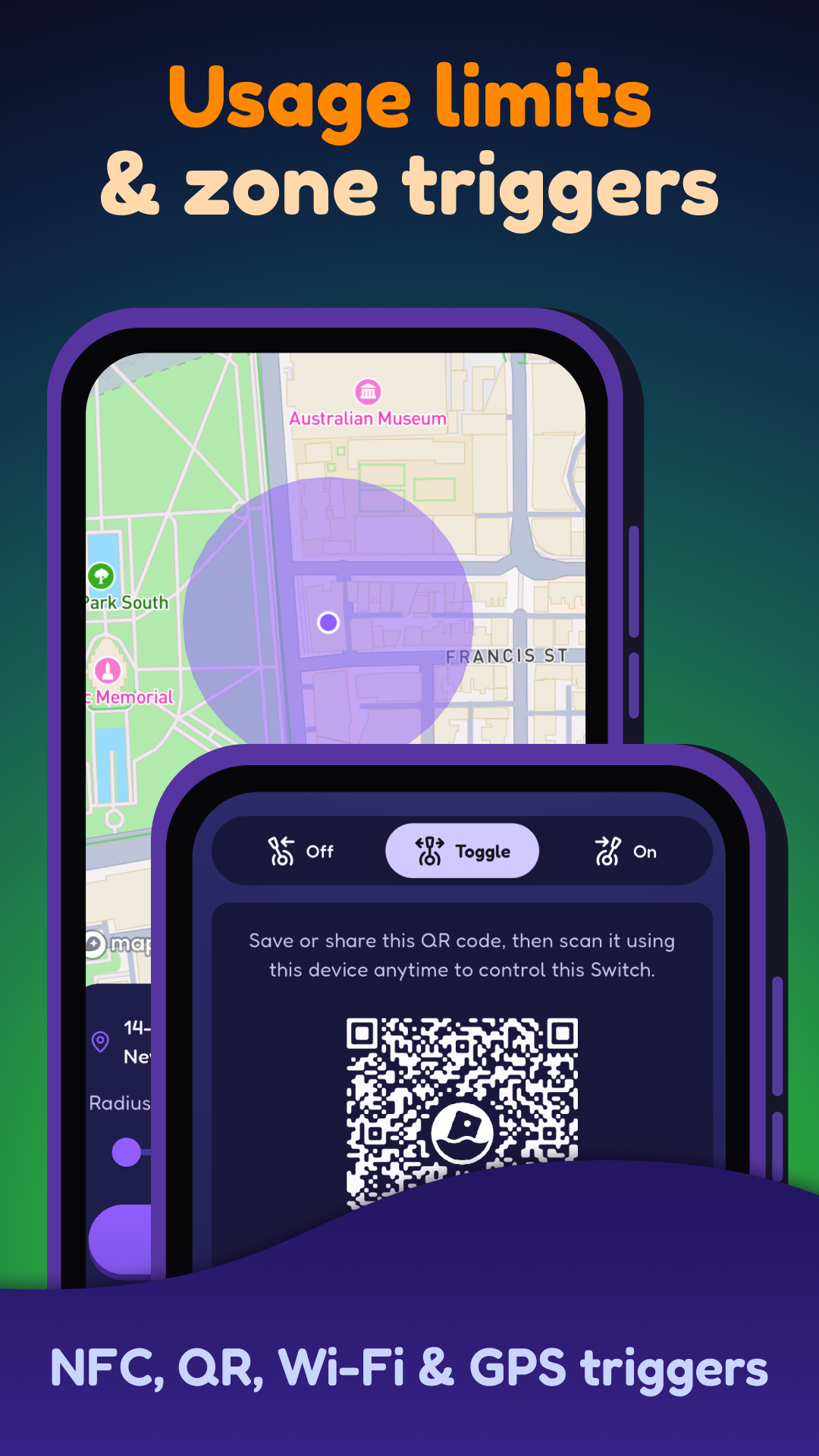
Make distracting apps and websites slower, like dial-up, with the Slow action. Limit access to certain places, like the old family computer room, with Zone Triggers. Schedule screen time like an event in your calendar, so it becomes something deliberate rather than constant. Or use Event Sync with existing events so distracting apps stay out of the way while you're in class, in a meeting or on a date.
There's an ocean of screen-time apps out there, but Screentide is built around something different: bringing back friction without simply taking control away.
How I built it
I used Flutter because of its cross-platform nature, excellent animation support, and because I've worked with it before.
Screentide was very different from anything I'd built previously because it needed to integrate deeply with the operating system and keep working reliably in the background.
I chose to develop for Android first, where Screentide's flexible design goals are more achievable. iOS is much more prescriptive about what apps can do in this space, for better and worse.
The trade-off is that Android is fairly uncharted territory for this kind of app. Developers largely need to build their own systems for detecting targeted content and presenting interventions, primarily using Accessibility services and overlays.
For its signature Slow intervention, Screentide establishes a local VPN on the device to throttle internet traffic. The VPN only activates when the user opens a targeted app or website, and can even slow gradually over time. In testing, this kind of "silent" friction was less likely to be disabled because it doesn't take control away from the user, while making addictive short-form content less alluring as it loads slower — or not at all.
Challenges I ran into
The sheer number of permissions required for effective screen-time control on Android was an unwelcome surprise. Not just technically, but because I know from experience that even one badly timed permission prompt can cause users to abandon ship.
I tackled this by asking for permissions only when they become relevant. It reduces onboarding friction and makes the reason for each request obvious. Asking for precise location makes far more sense after someone creates a geofence rule, for example, than during initial setup.
Reliably detecting the foreground app in real time has also been a constant battle, and I’m not sure it will ever be perfect. Different Android manufacturers handle background apps differently, with some — looking at you, Samsung — using aggressive battery-saving behaviour that can interfere with apps like Screentide. Ultimately, I've done what I can to harden the detection system, but I will always be partially at the mercy of the operating system to ensure things behave reliably on different devices.
Accomplishments that I'm proud of
Firstly, I've cut my own social media use from nearly three hours a day to around one, using a combination of Screentide's Slow and Pause actions. That's probably the accomplishment I'm most proud of, because it proves the idea works, at least for me.
Secondly, the paywall!
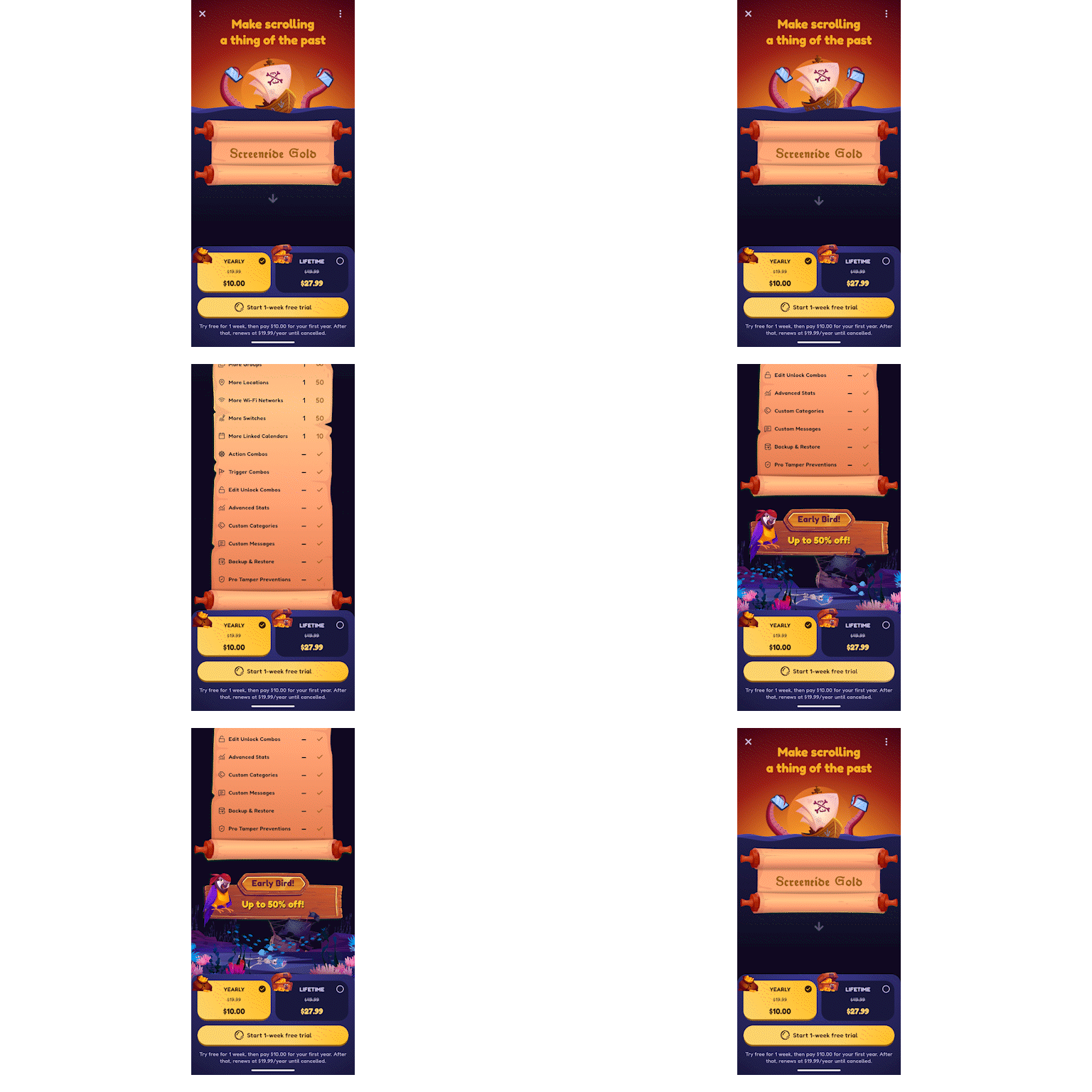
It was important to me that the paywall felt like part of Screentide, rather than an advert layered on top of it. I wanted something playful and eye-catching that still respected the user, without leaning on guilt or pressure to convert.
RevenueCat’s web-built paywalls are useful for special offers, but the custom animations and visuals I had in mind meant building the core paywall experience directly in Flutter, while still keeping the flexibility of RevenueCat underneath. Its API still handles the products, packages and offerings, which means I can change what’s shown in different contexts without rebuilding the whole system. It looks and works great!
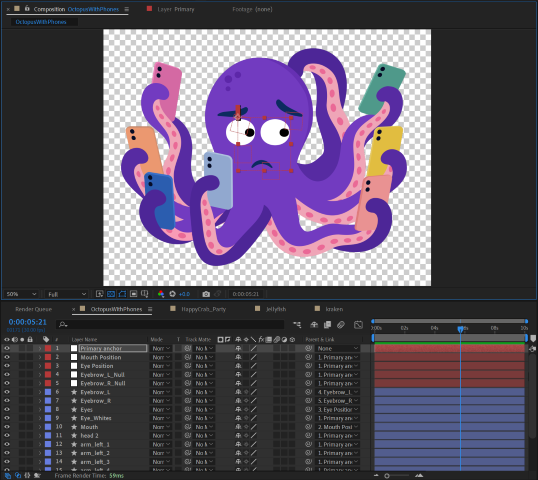
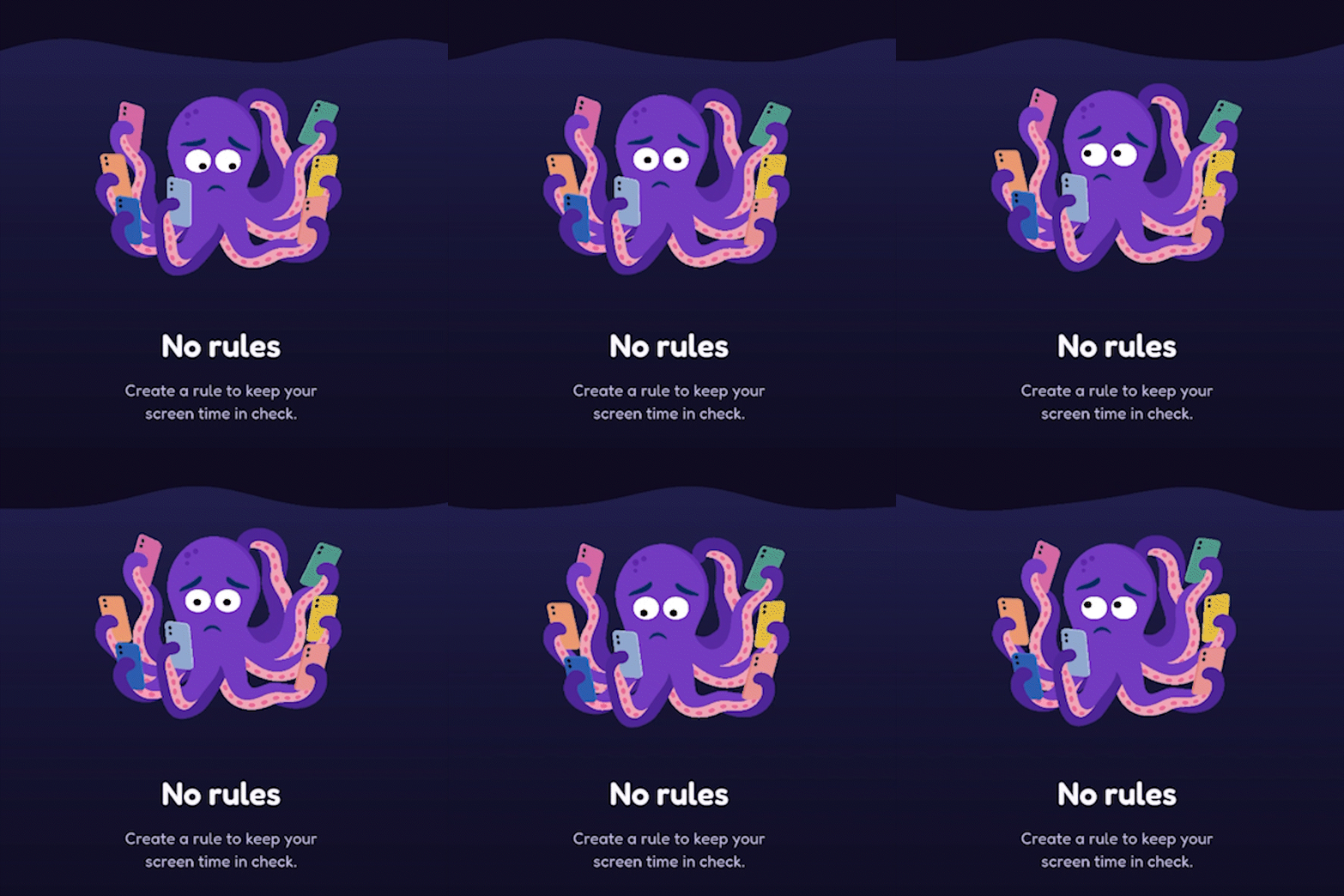
Lastly, I'm proud that I didn't use any AI-generated art in the final product. AI was a key programming partner and helped with mockups and prototypes, but all finished artwork was either sourced from vector artists or created by me. I even made my first Lottie animations for the project!
 |
 |
|---|---|
| Making the Lottie in After Effects | The final result in the app |
What I've learned
While developing Screentide, I’ve spent a lot of time in Reddits and Discords where people talk about their screen use and how they’re trying to regain control. The tone is supportive, but there’s also a real sense of desperation in some of the posts. For some people, this isn’t just about productivity or spending a little less time on their phone, they feel genuinely stuck.
That’s also made me realise how passionate users of screen-time apps can be. If these tools fail them, they often feel like they don’t have many other options, which can lead to some very strong feedback. This is a good thing! Honesty is always better than silence.
So what started as an opportunity has grown into a responsibility to get it right. That change in mindset has made me much more determined to make Screentide something people can actually rely on.
What's next for Screentide
Marketing! Building the app feels like about 10% of the battle these days, so I’m now making the rather uncomfortable but necessary switch to telling people on social media... to get off social media. And how!
In true never-stop-building form, I’ve also been hard at work on the next major feature: Voyages. It’s Screentide’s take on goals and streaks, where you set a daily screen-time goal and sail through a chain of islands towards Treasured Time Island.
But Voyages isn’t about perfect streaks. Miss a day and you don’t lose your progress or start again — your destination is simply no closer than it was yesterday.
And sometime in the near future? iOS, of course!
Built With
- adobe-after-effects
- adobe-illustrator
- claude
- codex
- dart
- flutter
- freepik
- kotlin
- lottie

Log in or sign up for Devpost to join the conversation.