-
-
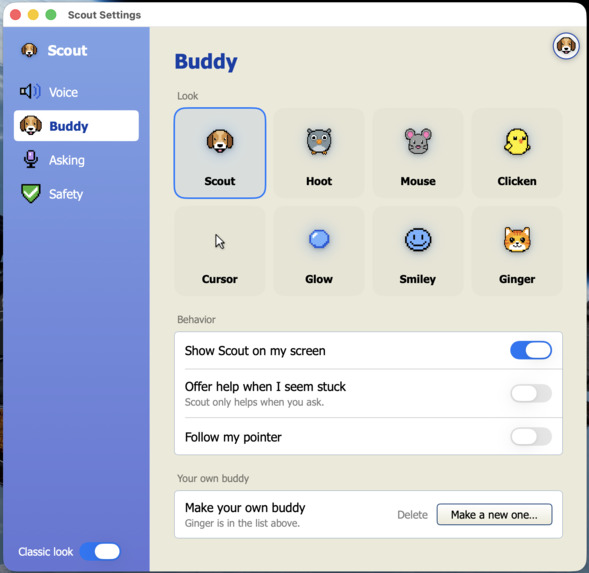
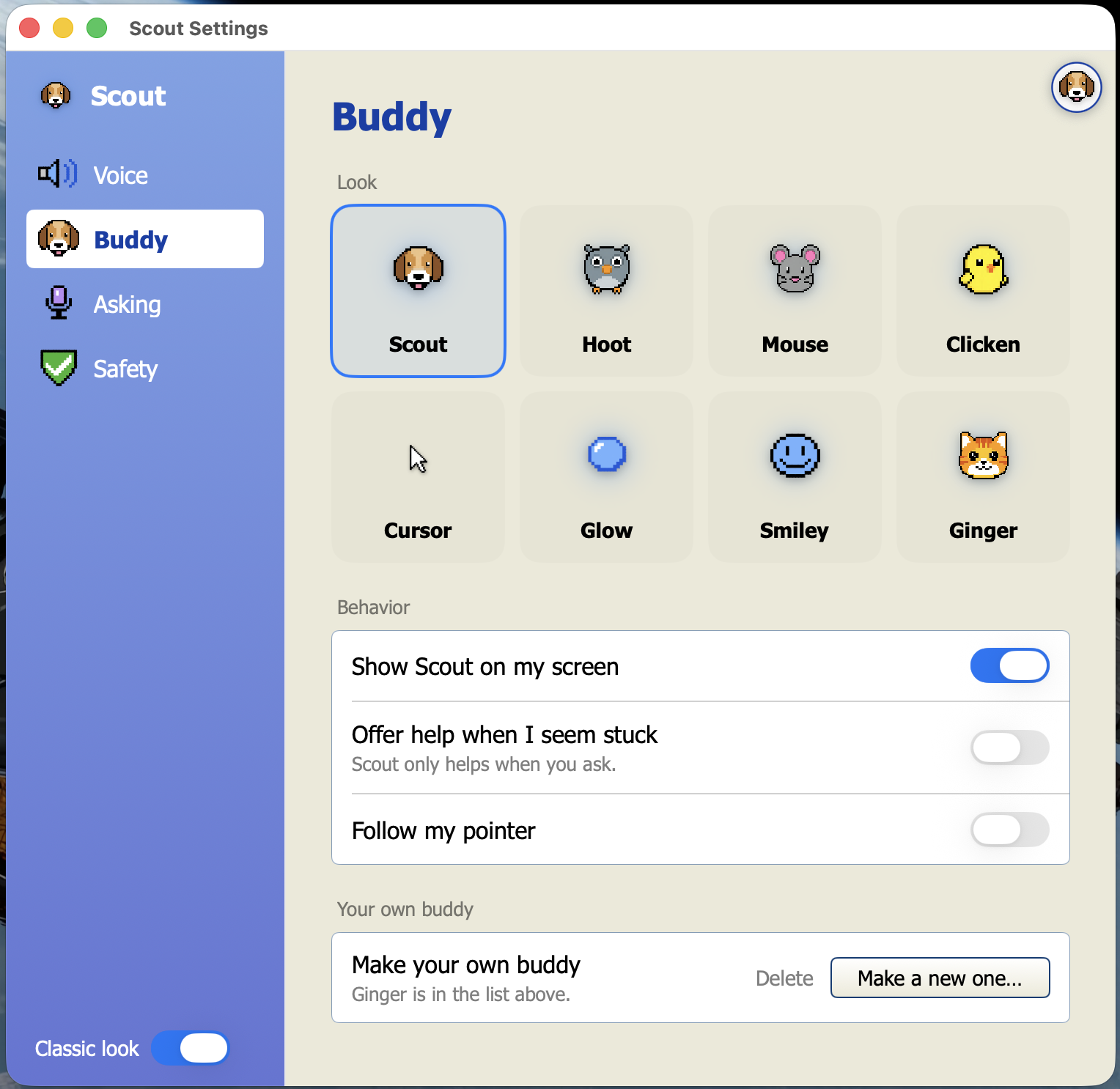
'Buddy' Avatar Customization Settings
-
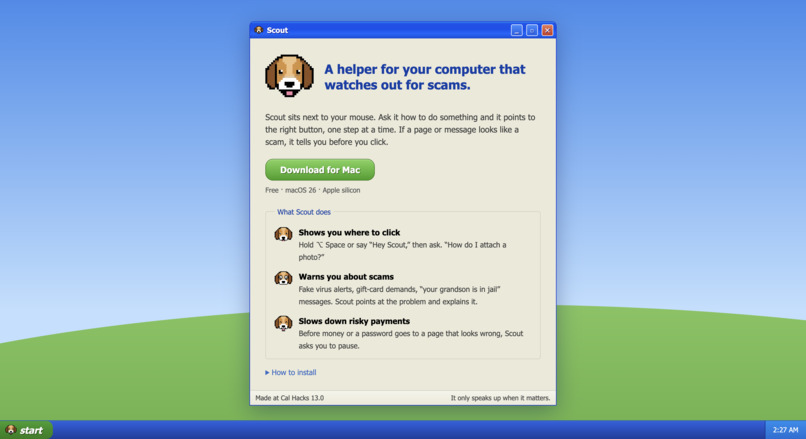
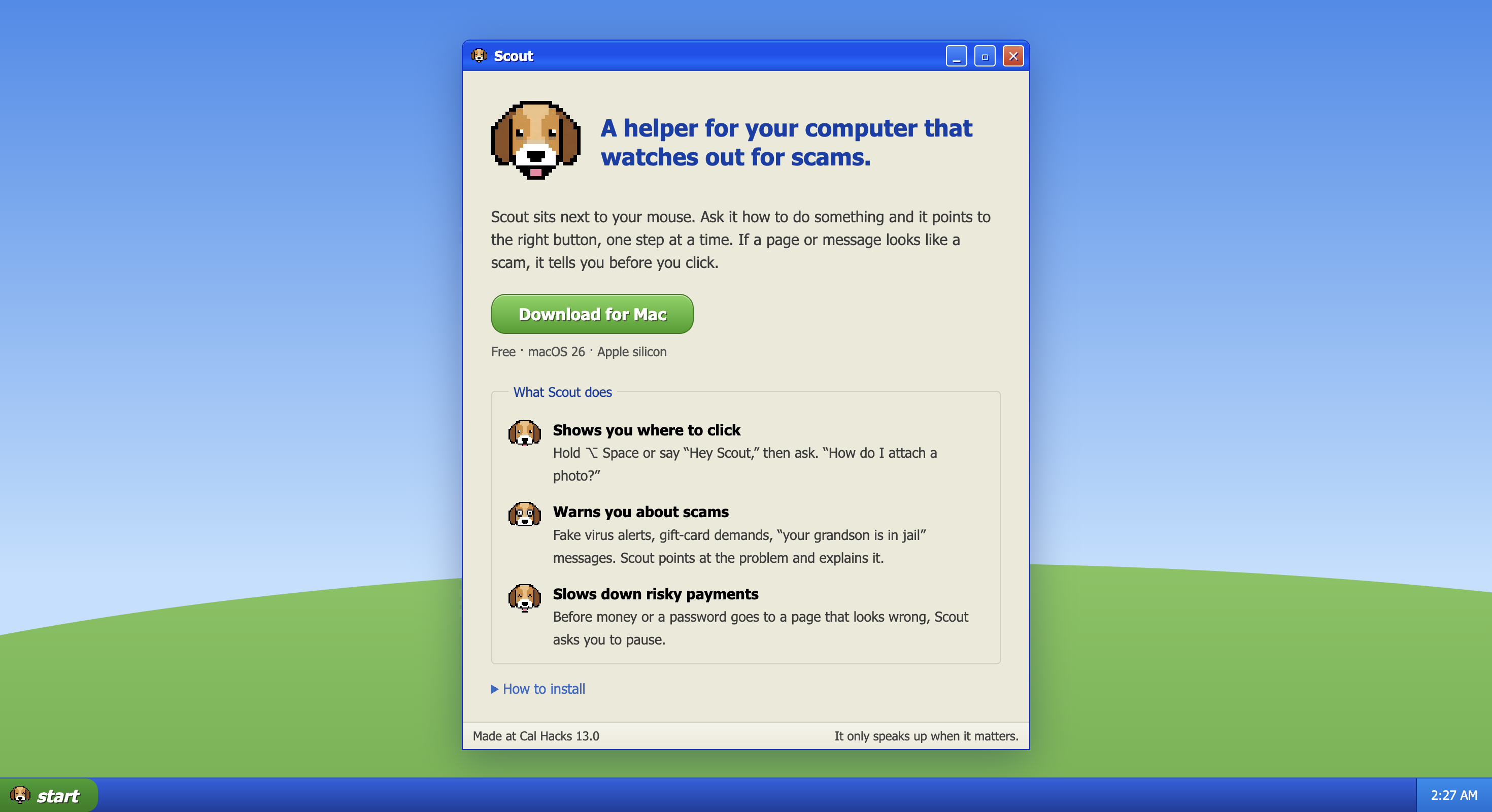
Website Homepage
Inspiration
A lot of older adults who aren't comfortable with technology run into two problems on their computers. The first is that everyday tasks are confusing: attaching a file, sending a PDF, opening a Zip file, or figuring out what a letter from Medicare or their bank means. Right now, the usual fix is calling a family member, which is slow for them and happens constantly for the rest of us. The second is that they're major targets for scams. Reported losses to AI-powered scams among Americans 60 and older reached 352 million dollars in 2025, and generative AI now lets scammers tailor messages to each person, which makes them much harder to spot.
This is personal for us. A friend told us his grandparents keep getting scams so customized to them that he's sure AI wrote them. He said something that catches scams on the screen, in context, would actually help. One of our grandmothers rarely uses technology, struggles with things like sending a PDF, and depends on family every time.
Existing tools don't cover this:
- Call-based scam protectors screen phone calls, but they can't see the computer, which is where tech-support and payment scams actually happen.
- Phone apps and browser blocklists only catch already-reported URLs, so they miss new and personalized scams.
- Screen-aware assistants can see your screen and talk, but they wait for you to ask. People being scammed usually don't realize it, so they never ask.
- Generic warning pop-ups get ignored. People click past them.
So we built Scout: a friendly animated companion that lives on your screen. It can see the screen, listen, talk, and point at things.
What it does
1. A companion you trust. Scout is a pixel-art dog that sits in the corner of the screen and speaks in a calm voice. Pick a different buddy (Hoot the owl, Mouse, Clicken the chick), or make your own from a description or a photo of your pet.
2. Everyday help. Hold a key or say "Hey Scout" and ask. It answers in about a second, flies to the right button, and explains one step at a time, watching for each click. It also explains letters and PDFs in plain language.
3. Scam protection. Scout speaks up without being asked. It points at the threat and explains it out loud. If a remote-control app opens mid-scam, it asks whether you started it and can end the session. If you're about to pay or share an SSN on an unfamiliar site, it pauses the screen first. You always have the final say.
How we built it
A native macOS app in Swift (AppKit + SwiftUI), built with Claude Code.
1. Companion
- Overlay: the buddy floats over every app, including full-screen ones, without stealing focus.
- Voice (Cartesia Sonic):
- speech is generated slowly for older listeners, with an adjustable speed;
- warning lines are cached in advance so they play instantly.
- Buddies (Gemini, Nano Banana Pro): each buddy has five animated expressions: blink, talk, listen, happy, and alarmed.
- Make your own buddy (Gemini API):
- One
generateContentcall draws the buddy from the description. An optional photo goes with it, shrunk and stripped of location data first. - Five more calls edit that drawing into each expression, which keeps the character consistent across frames.
- Scout then cleans the results on the device: it removes the background, snaps the drawing to a pixel grid, and keeps every frame the same size.
- One
2. Everyday help (Claude)
- Pointing: Claude reads a screenshot together with the macOS Accessibility tree, and every point is snapped to a real control.
- Step-by-step: Scout takes a fresh look after each click.
- Listening: push-to-talk uses Apple Speech, and the "Hey Scout" wake word runs on the device.
3. Scam protection
- Scam model: scams follow a script (pop-up → phone call → remote access → bank → gift cards). We model that as a hidden Markov model:
- States: 23 in total. 17 are stages across four scam playbooks (tech support, refund, grandchild in trouble, government). 6 are harmless look-alikes, such as family helping over AnyDesk or buying a gift card as a present.
- Signals: each screen gives 19 yes/no signals. Scout remembers earlier screens, so warning signs spread across several steps add up, and older ones fade over time.
- 17 on-device: such as urgent language, a phone number in a pop-up, a look-alike web address, remote access starting or a gift-card page.
- Claude: when the risk passes 10%, Claude reviews the screen and returns a structured verdict, an explanation and where to point. A deep check reads every new screen to catch scams with no warning words. Its verdict is one additional signal.
- CRS Fraud Finder: checks the sender's email address for a risk score and how long the address has existed.
- Output: the chance a scam is in progress, which stage it's at, and exactly which signals drove that number. Scout warns above 58%, and sooner when a payment or SSN field is on screen.
- Example: a fake virus pop-up triggers several strong signals at once and crosses the warning line. A grandson helping over AnyDesk only shows "remote access started", which the harmless "family remote help" state explains just as well, so Scout stays quiet.
Challenges we ran into
- Scams vs. normal life: a gift-card gift or a grandson helping over AnyDesk looks like a scam. That's why the model has harmless look-alike states, and why we test on look-alikes.
- Pointing at exactly the right thing: model coordinates are approximate, and screens are full of look-alike buttons, so we snap every point to the real control.
- Restraint: our first version praised every click. For this audience, speaking less is the feature.
Accomplishments that we're proud of
- 680 multi-screen sessions, including ones Claude wrote without ever seeing our model: 96.7% of scams caught, 1.1% false alarms. Our baseline detector caught 97.5% but false-alarmed on 10.3%, so that's about 9× fewer false alarms.
- 154 single screens: 79/79 scams caught, 0/75 false alarms.
- It works in any app, with nothing hardcoded.
What we learned
- An LLM plus an explainable model gives both accuracy and a reason we can show.
- Grounding AI in the real interface turns "somewhere top-left" into "right here."
- For older users, the best helper speaks less.
What's next
- Pilot with our parents and grandparents (people 50+), then a senior center. We'll measure:
- calls to family for tech help each week;
- scams paused, and how often people continue anyway;
- false alarms per hour;
- whether Scout feels like a friend or a nag.
- An opt-in family loop: scam alerts and approval for large payments.
- Privacy first: Scout sees bank and medical screens, so consent stays central.
Built With
- accessibility-api
- anthropic
- appkit
- apple-speech
- avfoundation
- cartesia
- claude
- crs
- crs-fraud-finder
- gemini
- godaddy
- hidden-markov-model
- liquid-glass
- macos
- nano-banana
- python
- screencapturekit
- swift
- swiftui


Log in or sign up for Devpost to join the conversation.