-
-
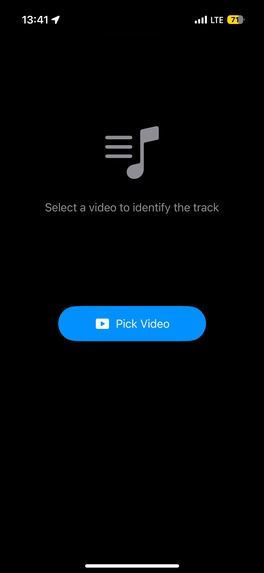
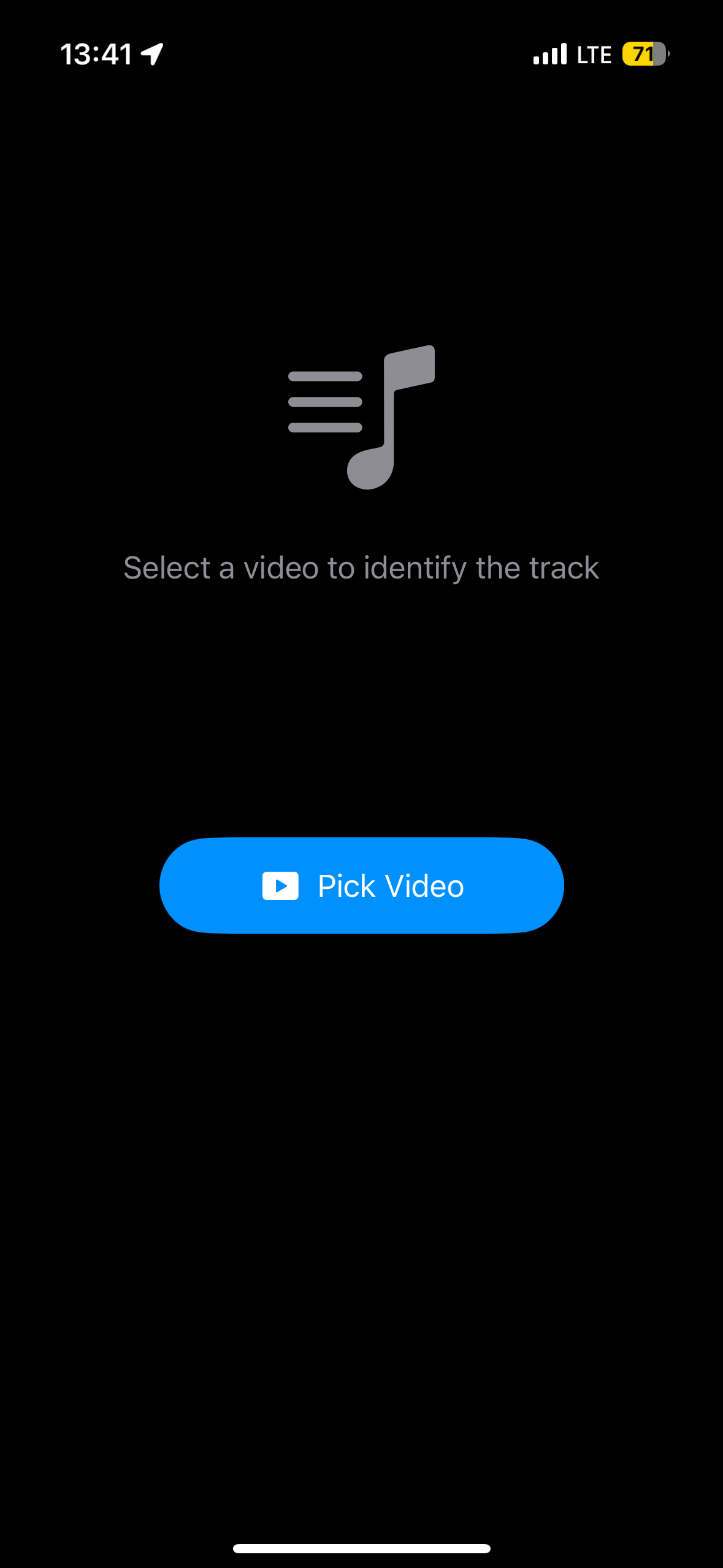
Main Screen
-
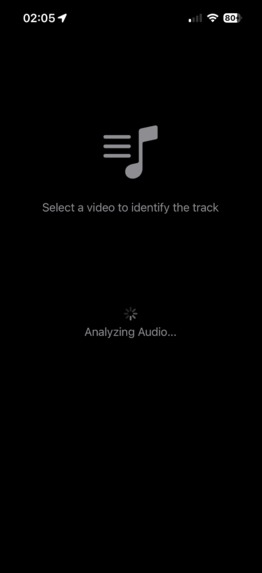
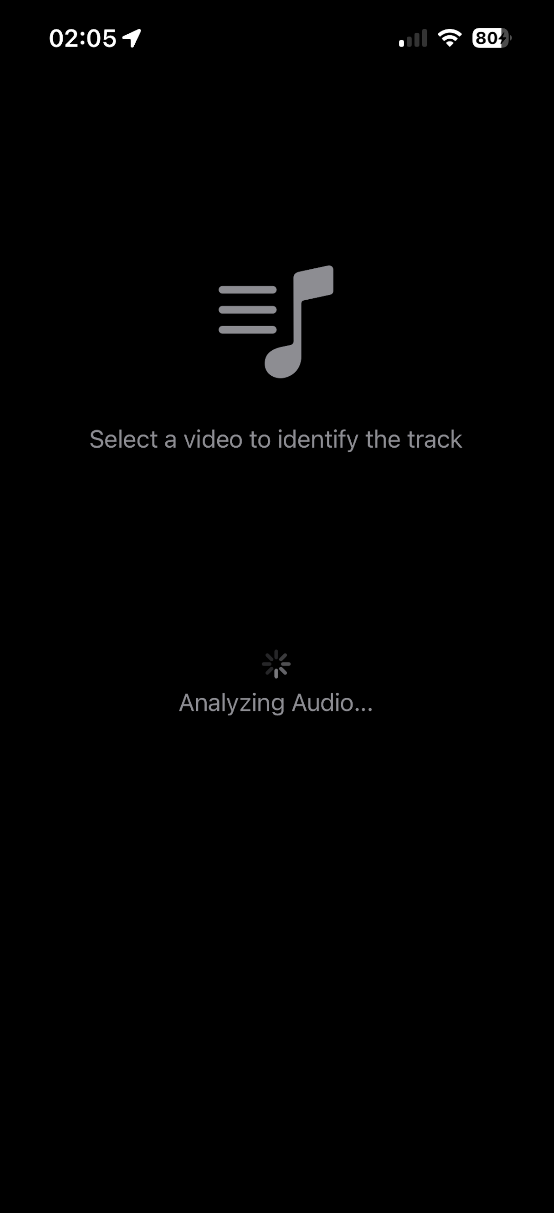
Analyzing Audio
-
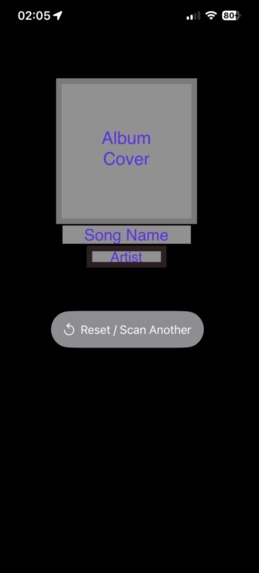
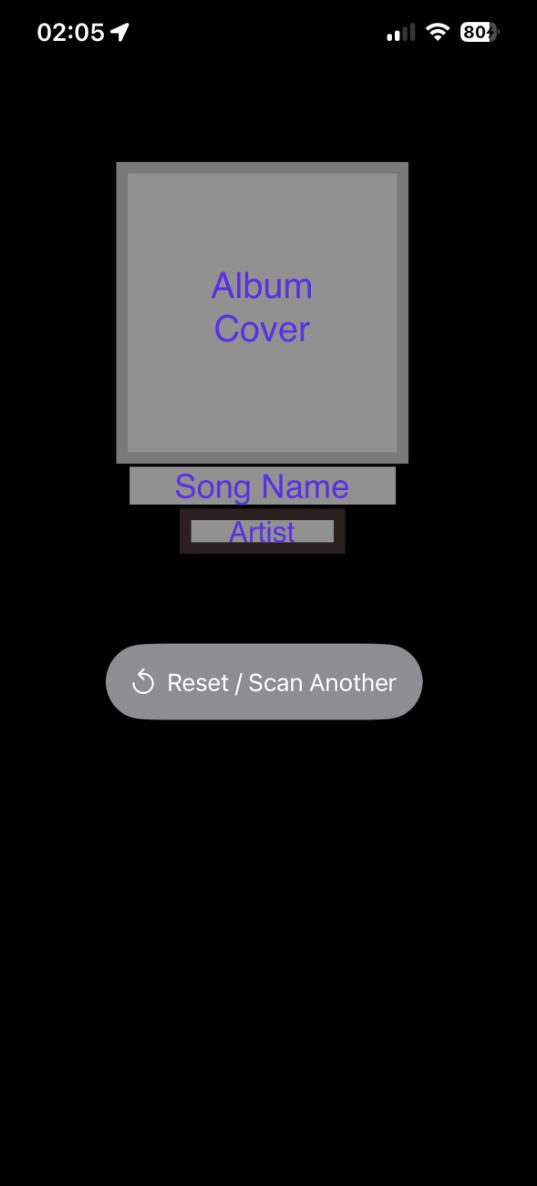
Instant Recognition
-
Future-ready Branding: A conceptual exploration of the SaveSound identity, blending modern audio waves with a sleek, native iOS aesthetic
Inspiration
We’ve all been there: you’re scrolling through reels or looking back at a screen recording, and you hear a song that hits just right—only to see the dreaded 'Original Sound' label. The inspiration for SaveSound hit me after one of those moments. I realized we have these incredible songs trapped inside our video clips with no way to identify them. I built SaveSound to solve that specific 'Original Sound' problem, using ShazamKit to turn any video in your gallery into a gateway for music discovery.
What it does
SaveSound is a high-utility iOS application that identifies music hidden within your video files. Instead of needing a second device to "listen" to a song, SaveSound analyzes the digital audio signature directly from your saved media.
How I built it
I built SaveSound using a combination of Xcode and Gemini, leveraging SwiftUI to create a modern and responsive user interface. The technical core of the app relies on ShazamKit to perform digital audio fingerprinting directly from a video's AVAsset, allowing for accurate music identification without needing external microphone input. To handle the data flow, I implemented a custom Transferable representation for video files, which securely imports and processes media from the user’s photo library. Throughout the process, I used Gemini as a technical co-pilot to refine complex delegate patterns, optimize the Async/Await background tasks in the MusicMatcherViewModel, and streamline the "two-tap" user experience. Finally, I integrated the Google Mobile Ads SDK, including both banner and app-open interstitials, to ensure the project followed a professional and production-ready monetization model.
Challenges I ran into
One of the most frustrating challenges was integrating the Google Mobile Ads SDK at 3:00 AM. I ran into a confusing loop where the ads would appear on my physical device initially, but then stopped showing up after I updated the Info.plist with the proper GADApplicationIdentifier. Meanwhile, the ads continued to work perfectly in the simulator, creating a mismatch that made it difficult to verify if the logic was actually broken or just a configuration error. I eventually realized this was a common hurdle when working with a project that isn't live on the App Store yet, as the production IDs won't fully resolve on a real device until the app is published and linked in the AdMob console. Troubleshooting this required a deep dive into app-ads.txt verification and ensuring my test device identifiers were correctly hardcoded in the SaveSoundApp.swift initialization.
Accomplishments that we're proud of
One of the accomplishments I am most proud of is the sheer versatility of the application. While the initial inspiration came from a catchy Instagram reel, I’m proud that SaveSound is robust enough to handle far more than just social media clips. The ability to extract audio directly from any video means it can identify songs from a dash cam recording after a long drive, a screen recording of a livestream, or even a background track in a random video from your family vacation. Expanding the utility from a simple social media fix to a universal tool for any video in your gallery was a major milestone for me.
What I learned
Through this project, I gained a much deeper understanding of the complexities of the iOS ecosystem. I learned that a professional application involves significantly more moving parts than just the primary ContentView. Unlike my previous work on the NAV app, which was largely contained within a single view , SaveSound required managing multiple files and specialized components—from view models and ad managers to complex Info.plist configurations.
Perhaps the most grueling lesson was that integrating the Google Mobile Ads SDK is incredibly difficult. I learned firsthand the frustration of debugging environment-specific issues where ads would function in the simulator but fail on a physical device. Navigating the strict requirements for GADApplicationIdentifier and the nuances of ad-unit IDs taught me that production-ready features require far more technical patience and configuration than the core app logic itself.
What's next for SaveSound
Once SaveSound is officially published on the Apple App Store, I have a clear roadmap to transform it into a comprehensive audio utility. In the near future, I plan to expand its capabilities by allowing users to extract and identify audio directly from voice memos. I also intend to implement a live scan feature that utilizes the microphone—similar to SoundHound—eliminating the need for users to switch between Shazam and SaveSound for real-time music identification.
To improve the user experience and organization, I am planning a major update to the interface that includes:
Expanded Navigation: A new sidebar or menu featuring a history of "Previous Sounds" and an "About" section.
Developer Transparency: Dedicated links within the menu to the Devpost, YouTube demo, User Manual, and Privacy Policy.
User Controls: A settings menu with a "Clear Previous" button, maintaining the same intuitive management found in my NAV app.
Streaming Integration: Direct links to open identified tracks in favorite music streaming services, creating a seamless bridge from discovery to listening.

Log in or sign up for Devpost to join the conversation.