-
-
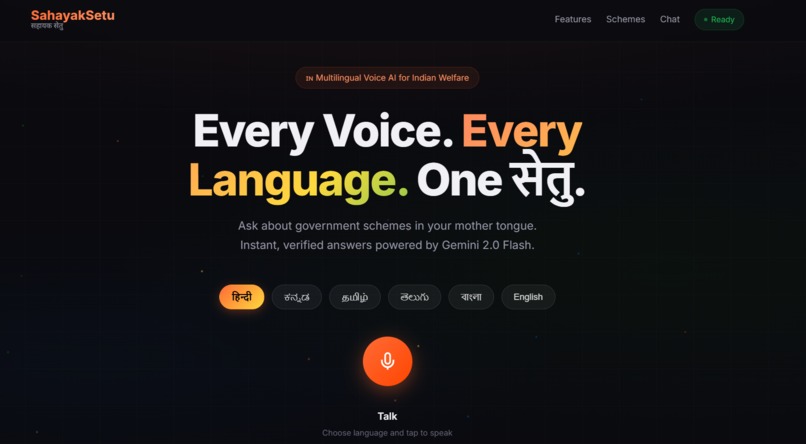
SahayakSetu — Enabling senior citizens to access government schemes in their own language through simple, voice-driven guidance.
-
Inspiration
In India, there are 1,200+ government schemes, yet millions of eligible citizens—especially senior citizens—remain unaware of their benefits. Most information is locked inside complex English documents and government portals that are difficult to navigate for elderly users, particularly those from rural or non-technical backgrounds.
We observed that senior citizens often depend on others just to understand basic services like pensions, healthcare schemes, or subsidies. This creates a major barrier to accessing their rights. This inspired us to build a system that removes both the digital and linguistic complexity from government services.
What it does
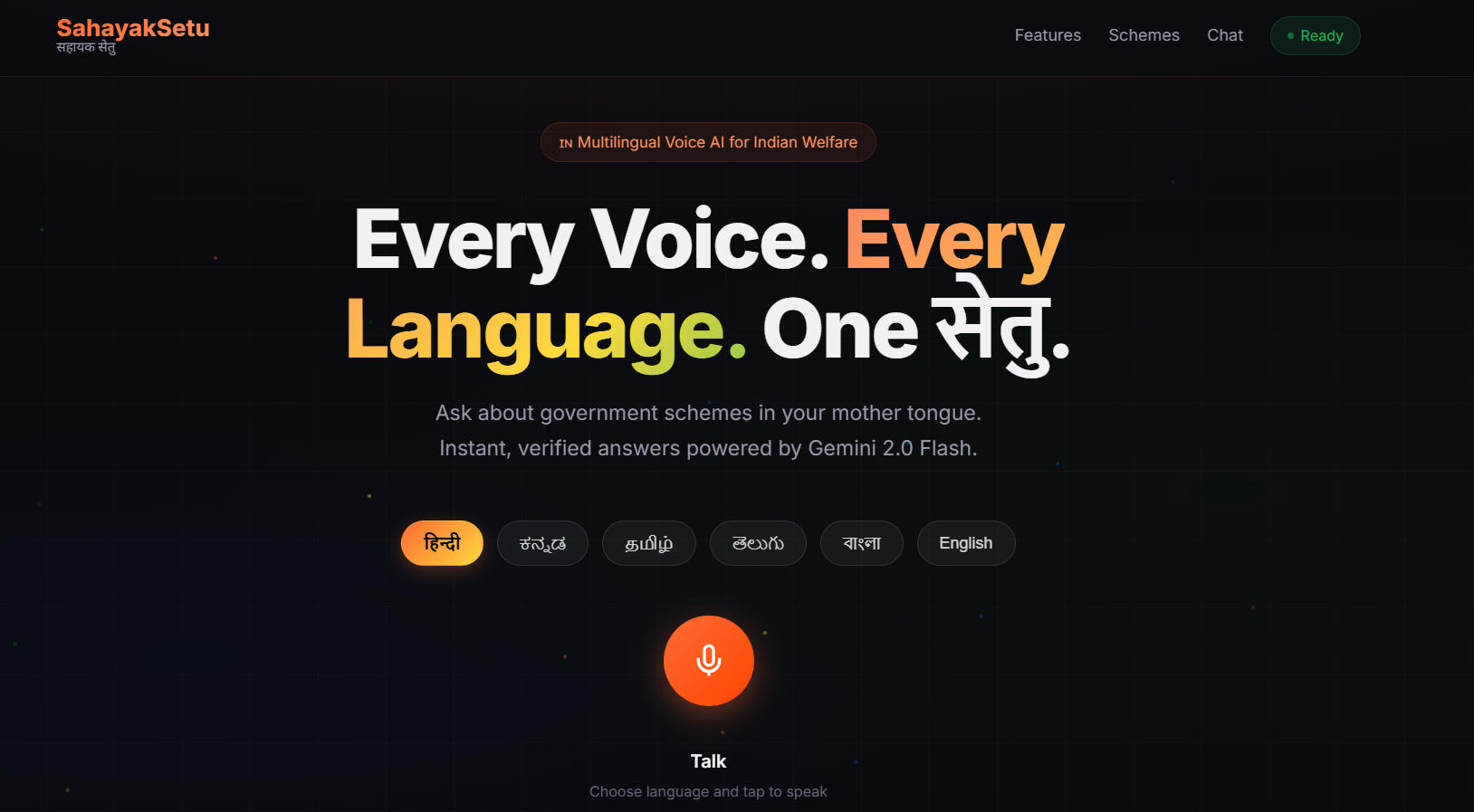
SahayakSetu is a voice-first digital assistant that helps senior citizens understand and access government schemes easily.
Users can simply speak in their native language and:
- Understand what a government scheme is
- Check eligibility
- Get required documents
- Receive step-by-step guidance on how to apply
Instead of navigating complex websites or reading PDFs, users get clear, conversational guidance tailored to them.
How we built it
We built SahayakSetu as a voice-driven, AI-powered system with the following pipeline:
- Speech-to-Text: Captures user queries in regional languages
- Vector Search (Qdrant): Retrieves relevant government scheme data using semantic search
- LLM Layer (Gemini + Groq fallback): Generates structured, easy-to-understand responses
- Session Memory: Maintains conversational context for follow-up questions
- Text-to-Speech: Converts responses back into natural regional voice
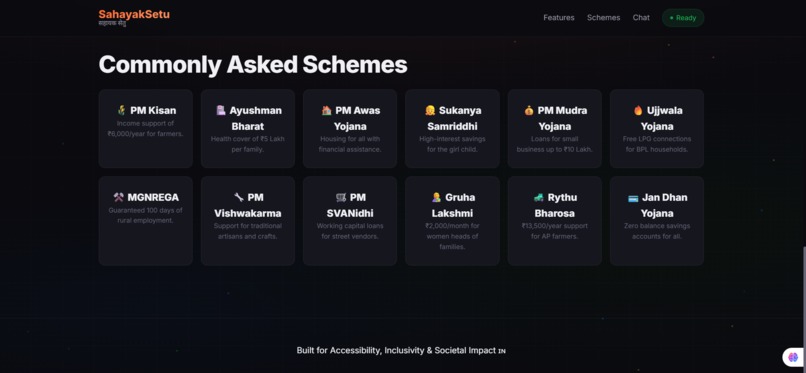
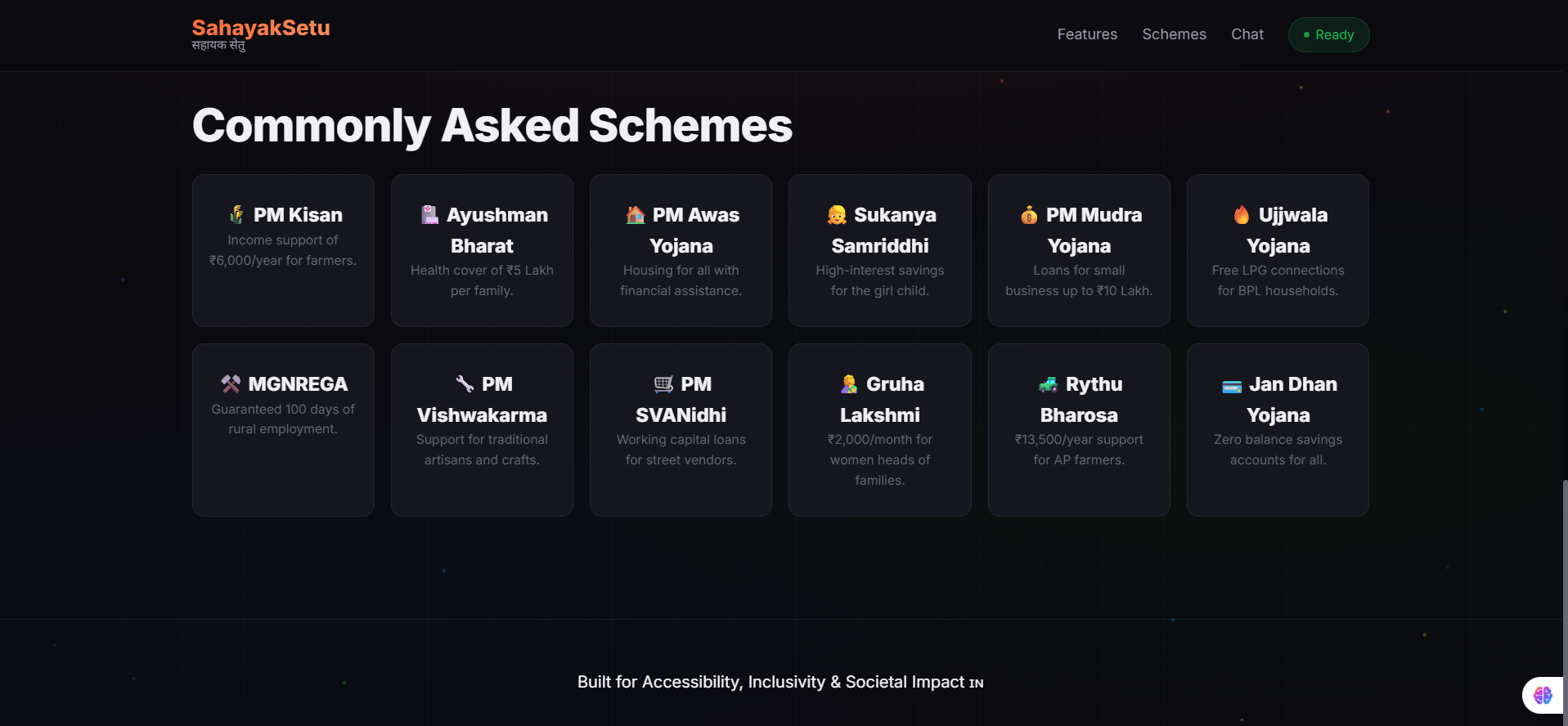
The system uses a curated knowledge base of verified government scheme data to ensure accuracy and reliability.
Challenges we ran into
- Unstructured government data: Most scheme information is inconsistent and difficult to standardize
- Language diversity: Supporting multiple Indian languages with proper understanding and response generation
- Avoiding hallucinations: Ensuring responses are grounded in verified data
- Latency in voice interactions: Maintaining a real-time conversational experience
- Designing for seniors: Keeping the interface simple and intuitive
Accomplishments that we're proud of
- Built a voice-first system tailored for senior citizens
- Enabled multi-language support with script-aware responses
- Implemented semantic search using vector databases for accurate retrieval
- Designed a system that provides actionable steps, not just information
- Achieved a working pipeline from voice input → AI reasoning → voice output
What we learned
We learned that accessibility is not just about UI—it’s about simplifying the entire experience. Technology should adapt to users, not the other way around.
We also realized that:
- Clear, structured data is more powerful than raw information
- Voice interfaces significantly reduce friction for non-technical users
- Trust and accuracy are critical when dealing with public services
What's next for SahayakSetu
We plan to:
- Expand the knowledge base to cover more government schemes
- Improve personalization based on user profiles
- Add offline and low-bandwidth support for rural areas
- Integrate with real government systems for direct application workflows
Our long-term vision is to make SahayakSetu a universal digital bridge between citizens and government services, ensuring no one is left behind due to lack of access or understanding.


Log in or sign up for Devpost to join the conversation.