-
-
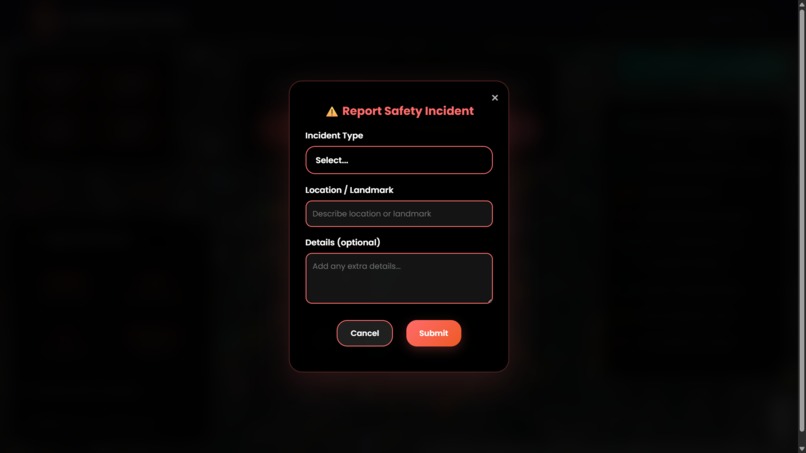
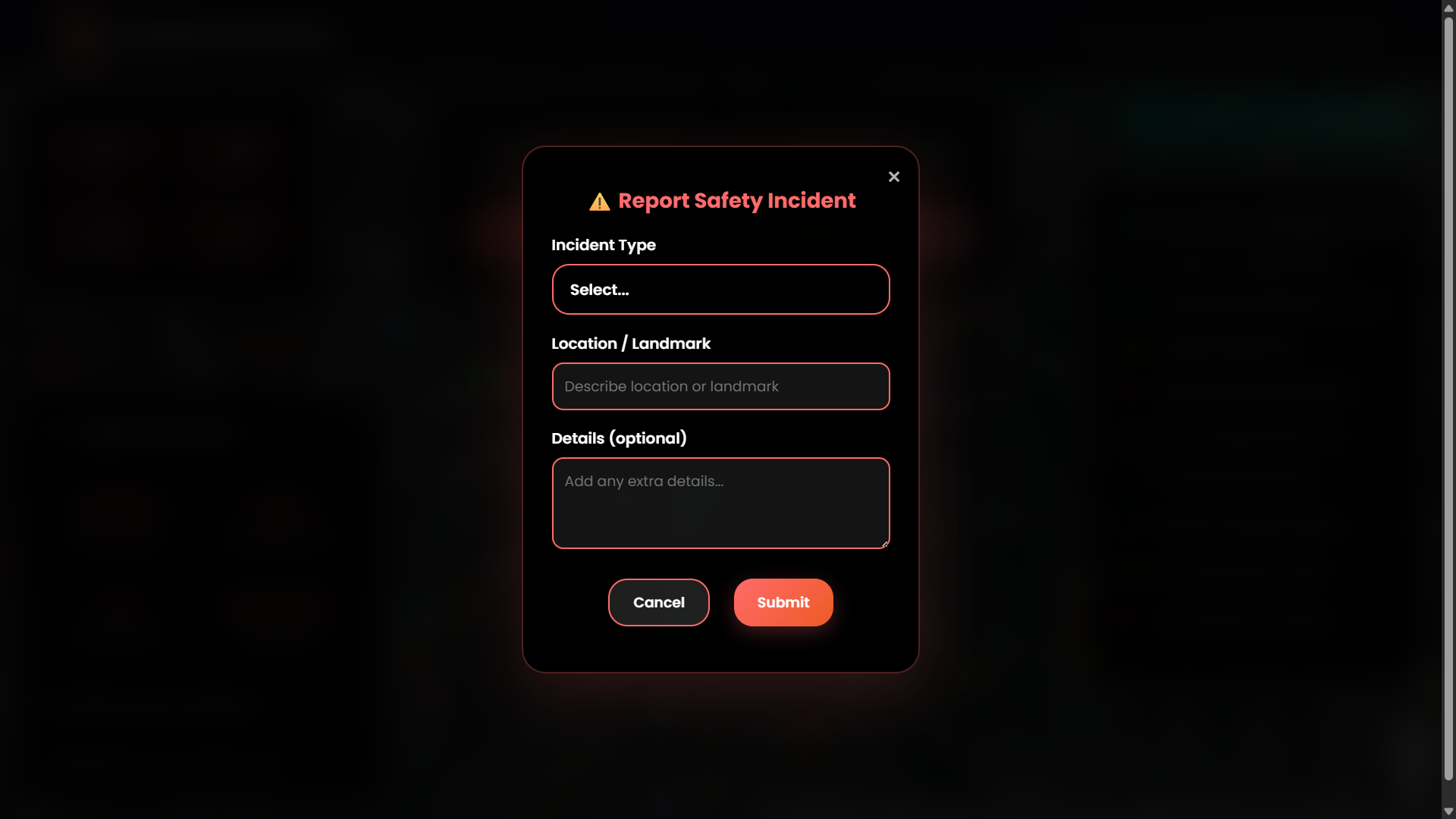
Incident Reporting Panel – Form to report safety issues in real-time.
-
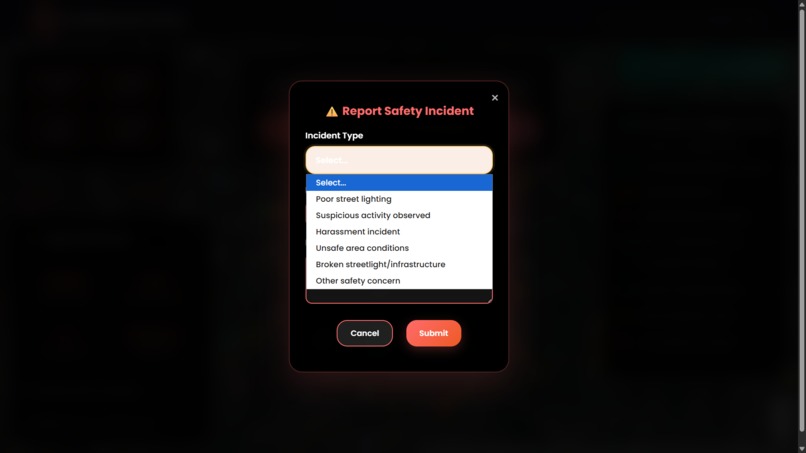
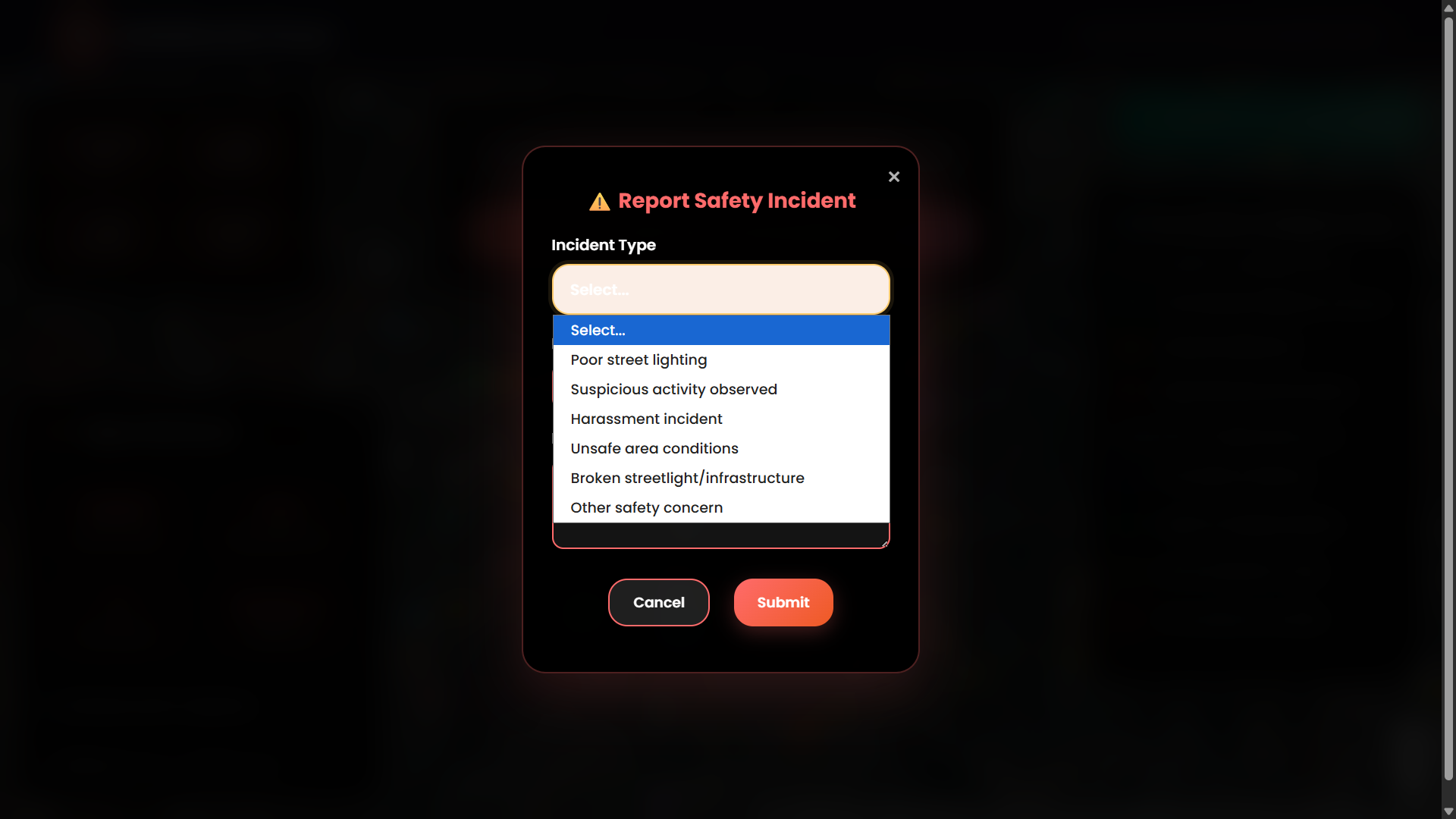
Incident Dropdown Selector – Choose incident type (e.g., stalking, no lights).
-
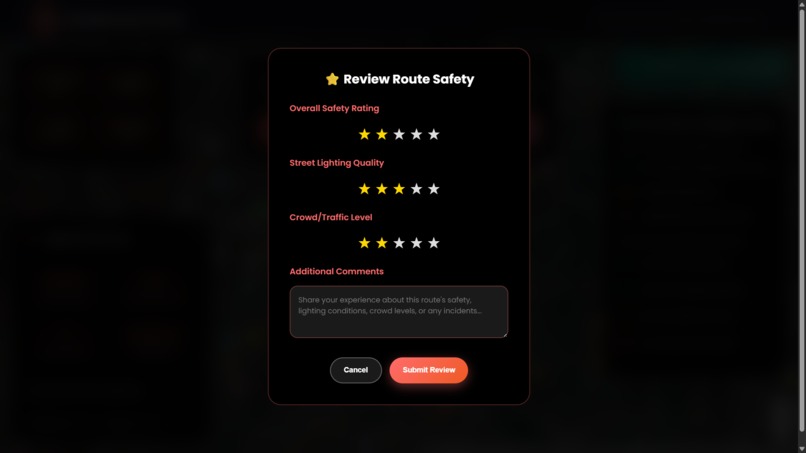
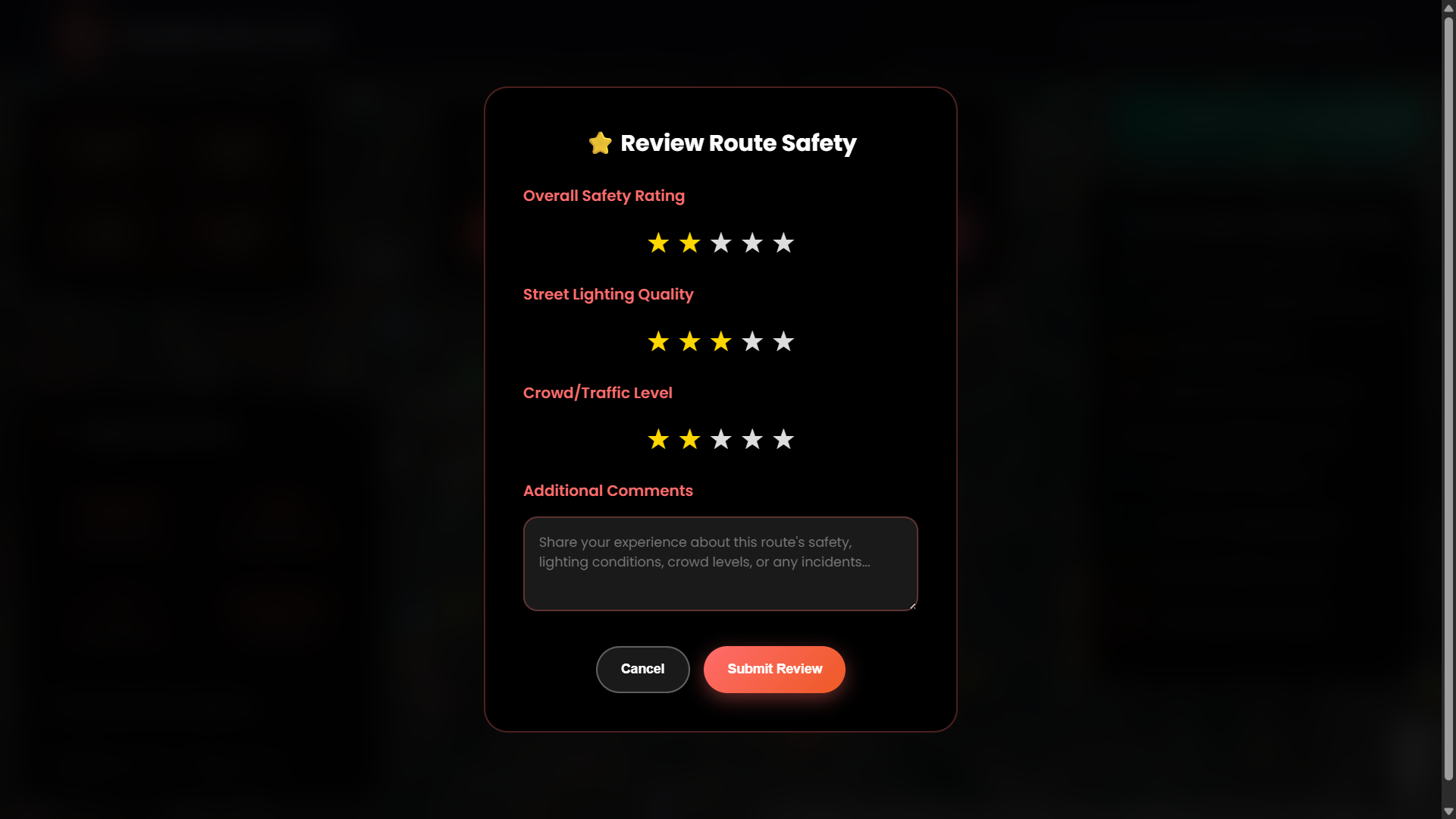
Review Route Panel – Submit safety ratings and user reviews.
-
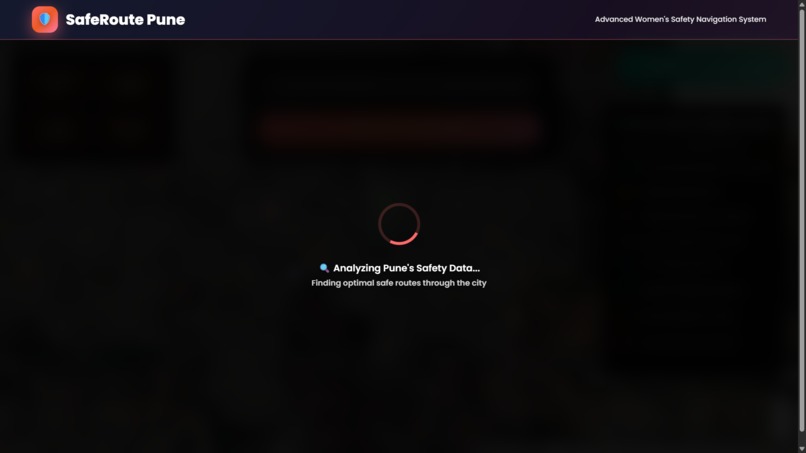
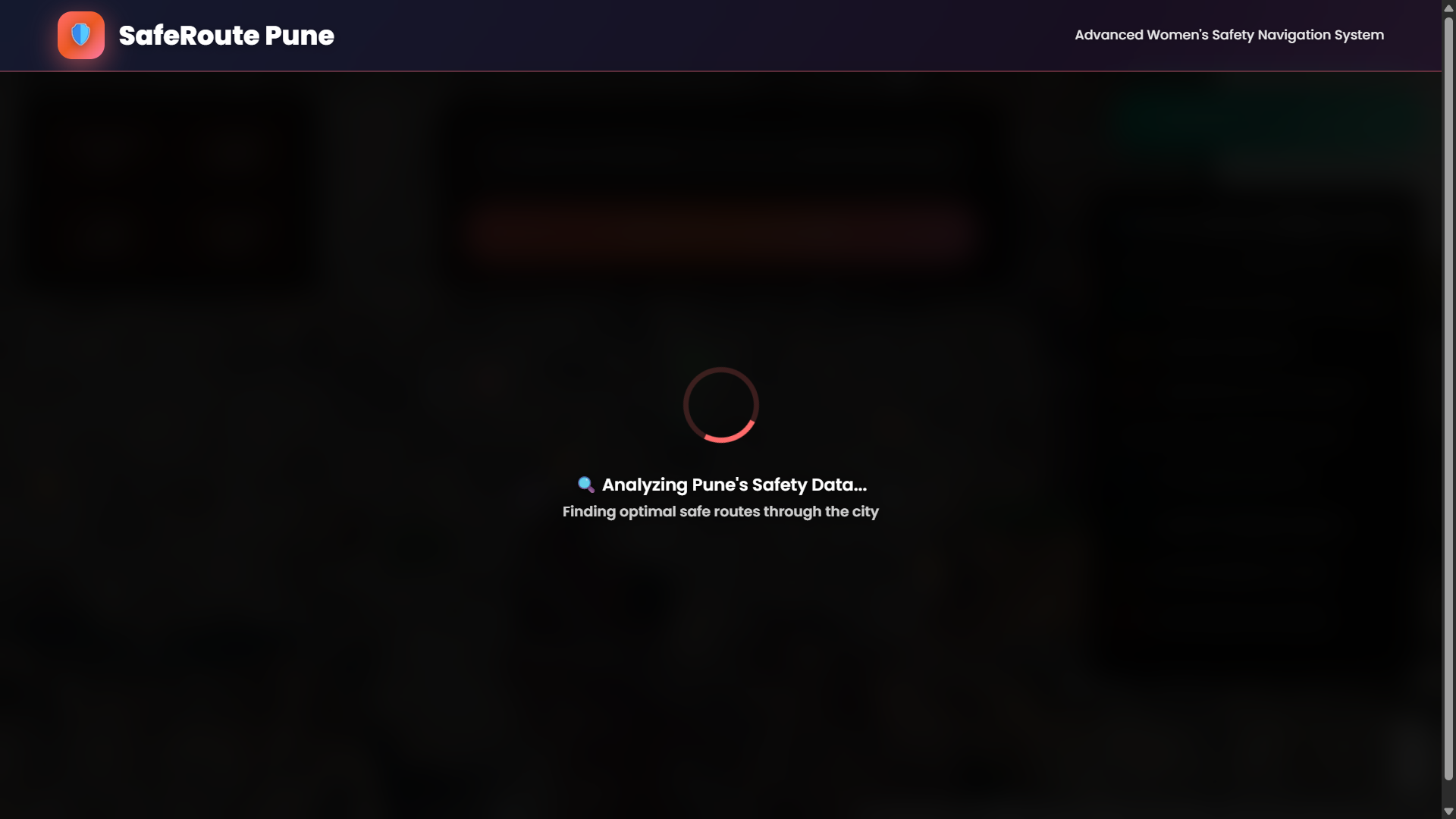
Route Loading Screen – Route analysis in progress after selecting destination.
-
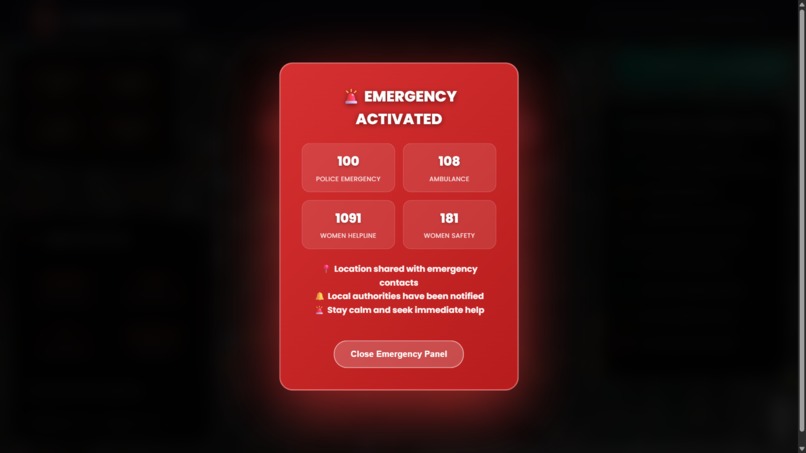
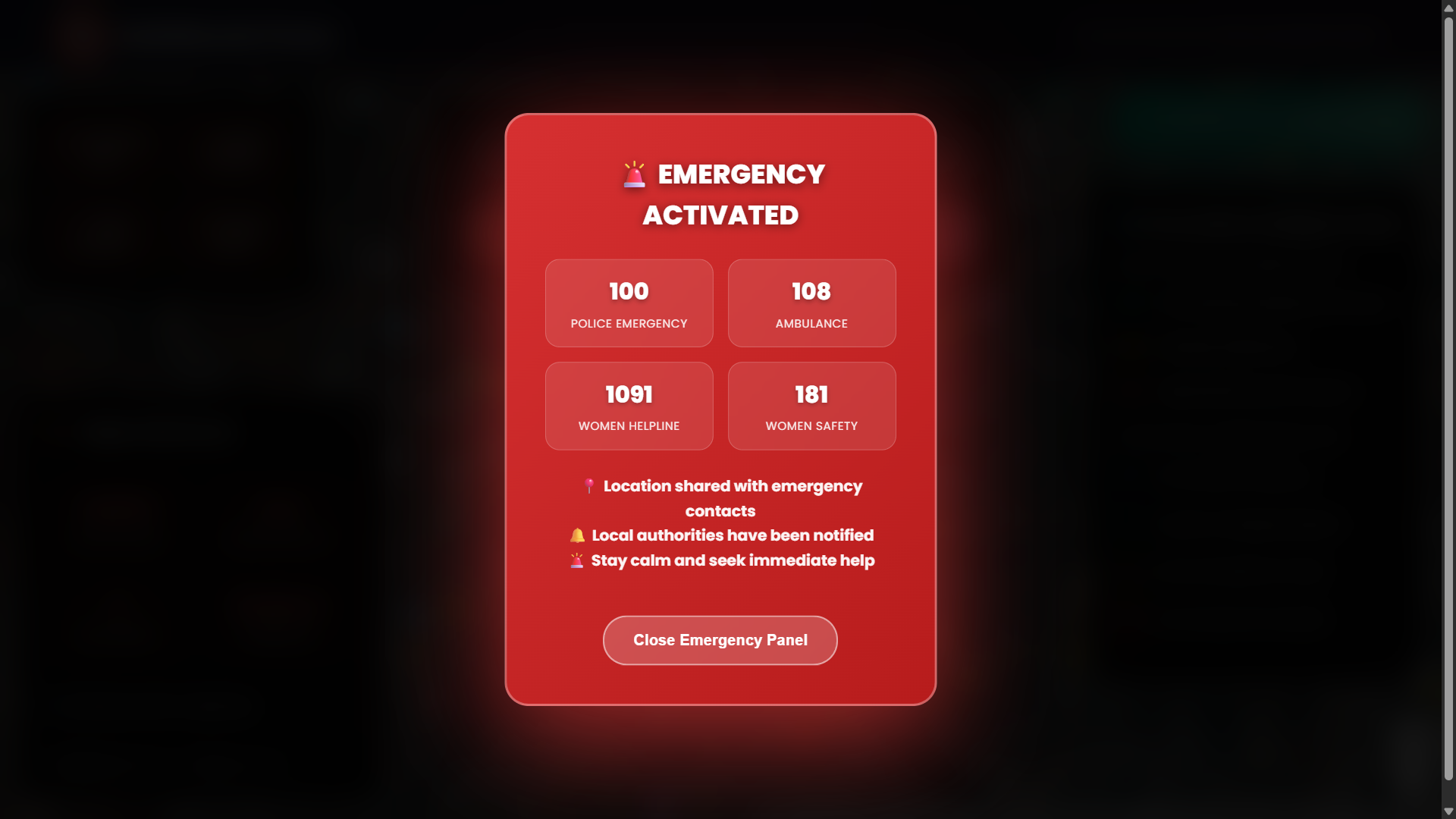
Emergency Panel – Triggers location share and audio alert.
-
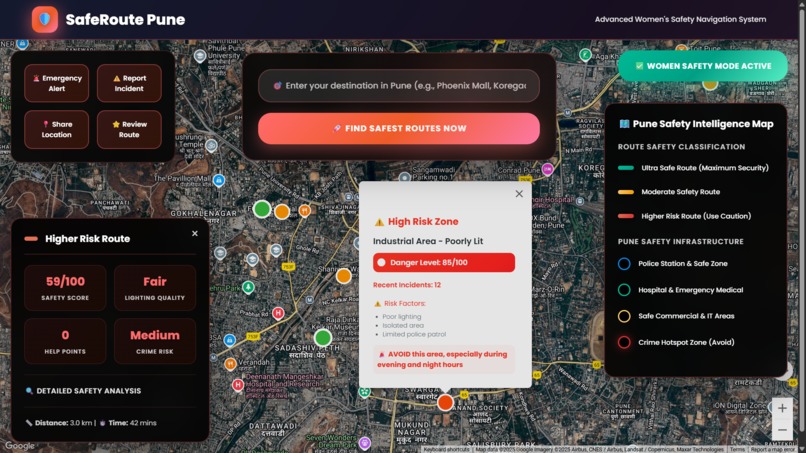
Crime Hotspot Zones Toggle – Reveals areas to avoid due to high risk.
-
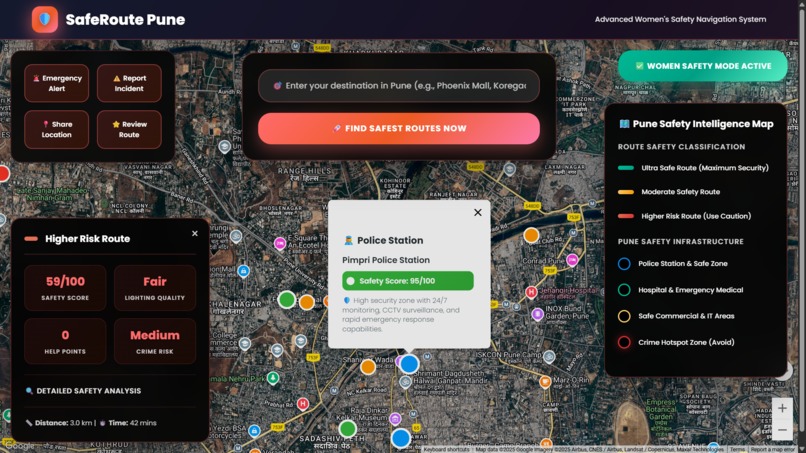
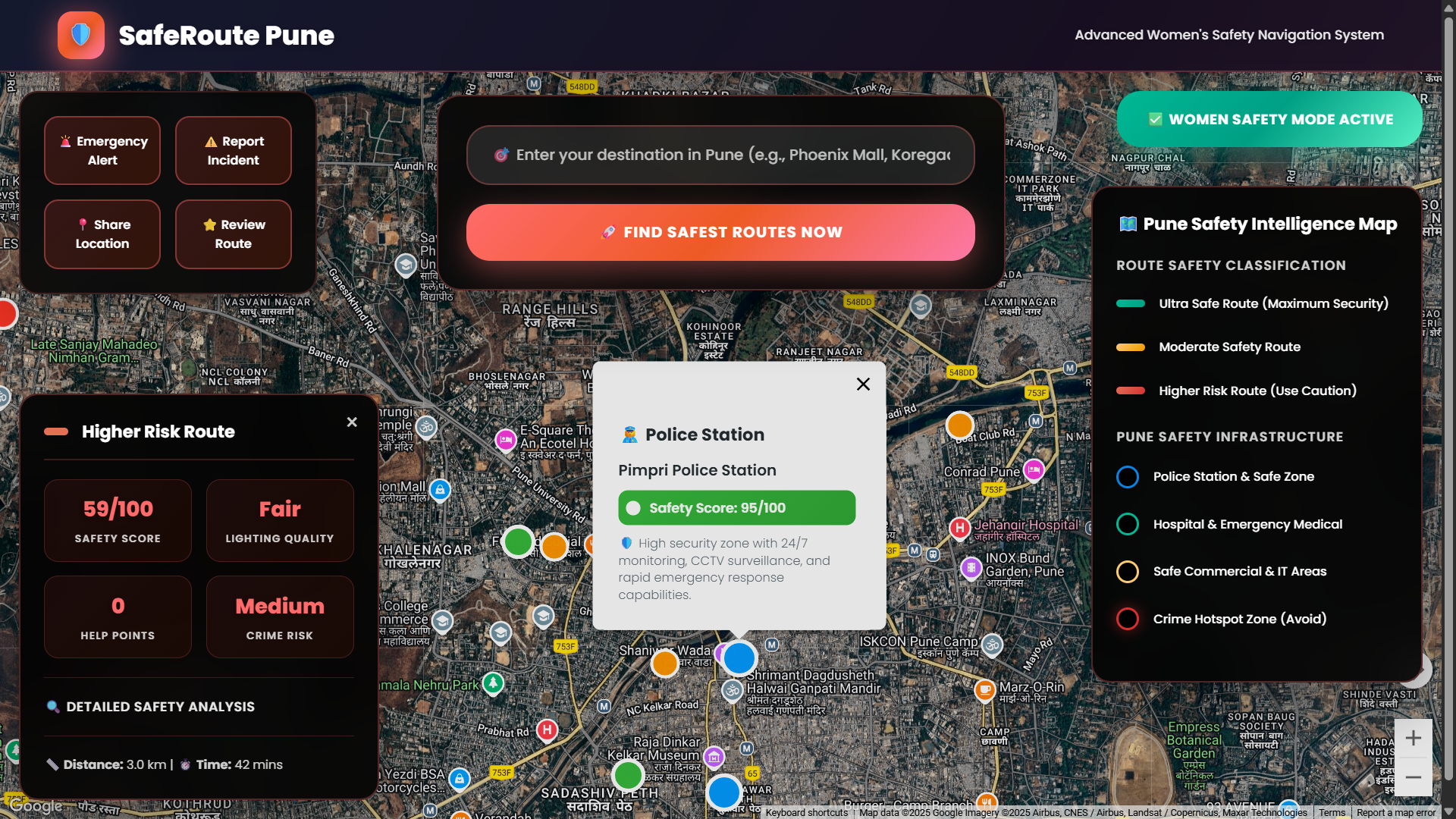
Police Zones Toggle – Highlights nearby police stations.
-
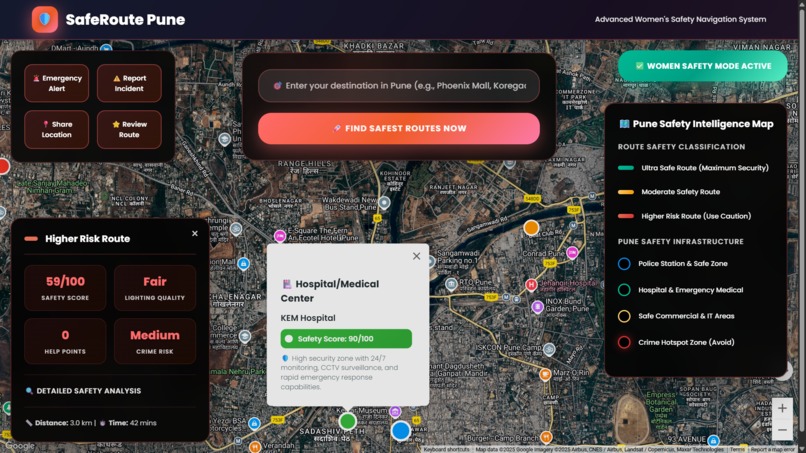
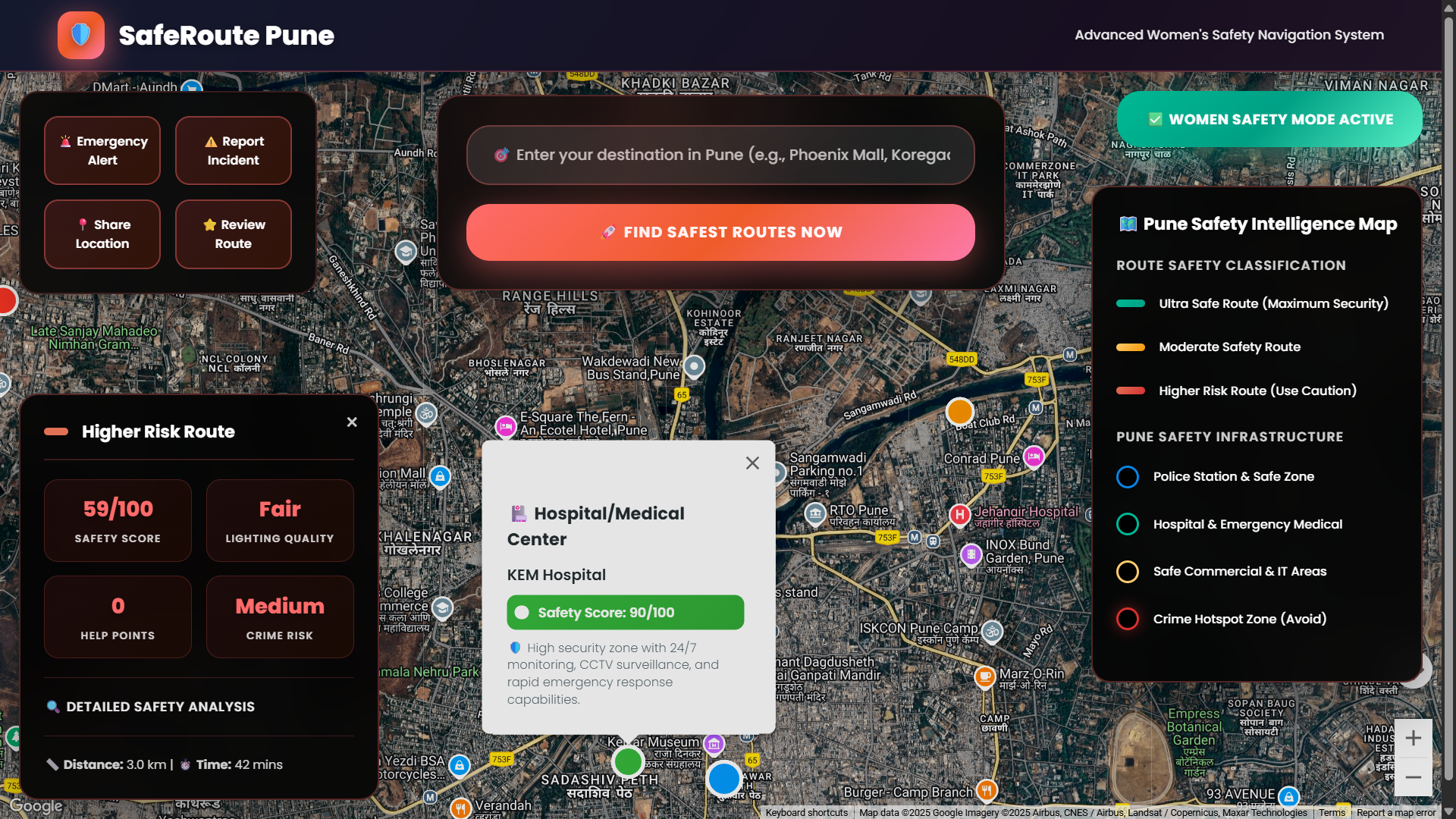
Hospital Zones Toggle – Displays hospitals for medical emergency access.
-
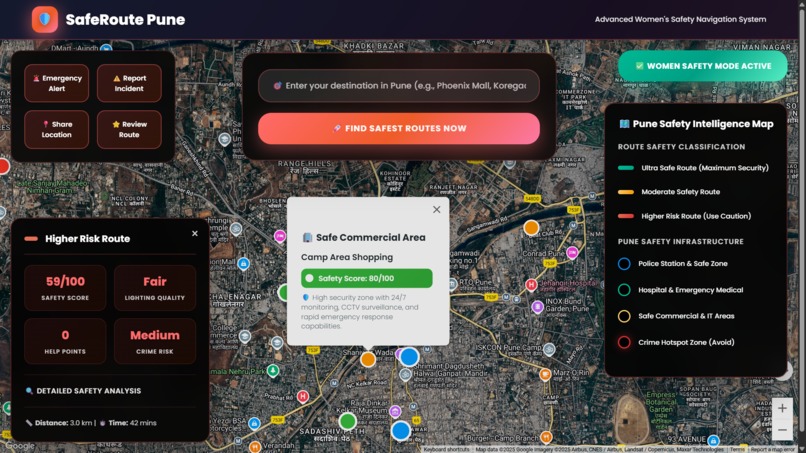
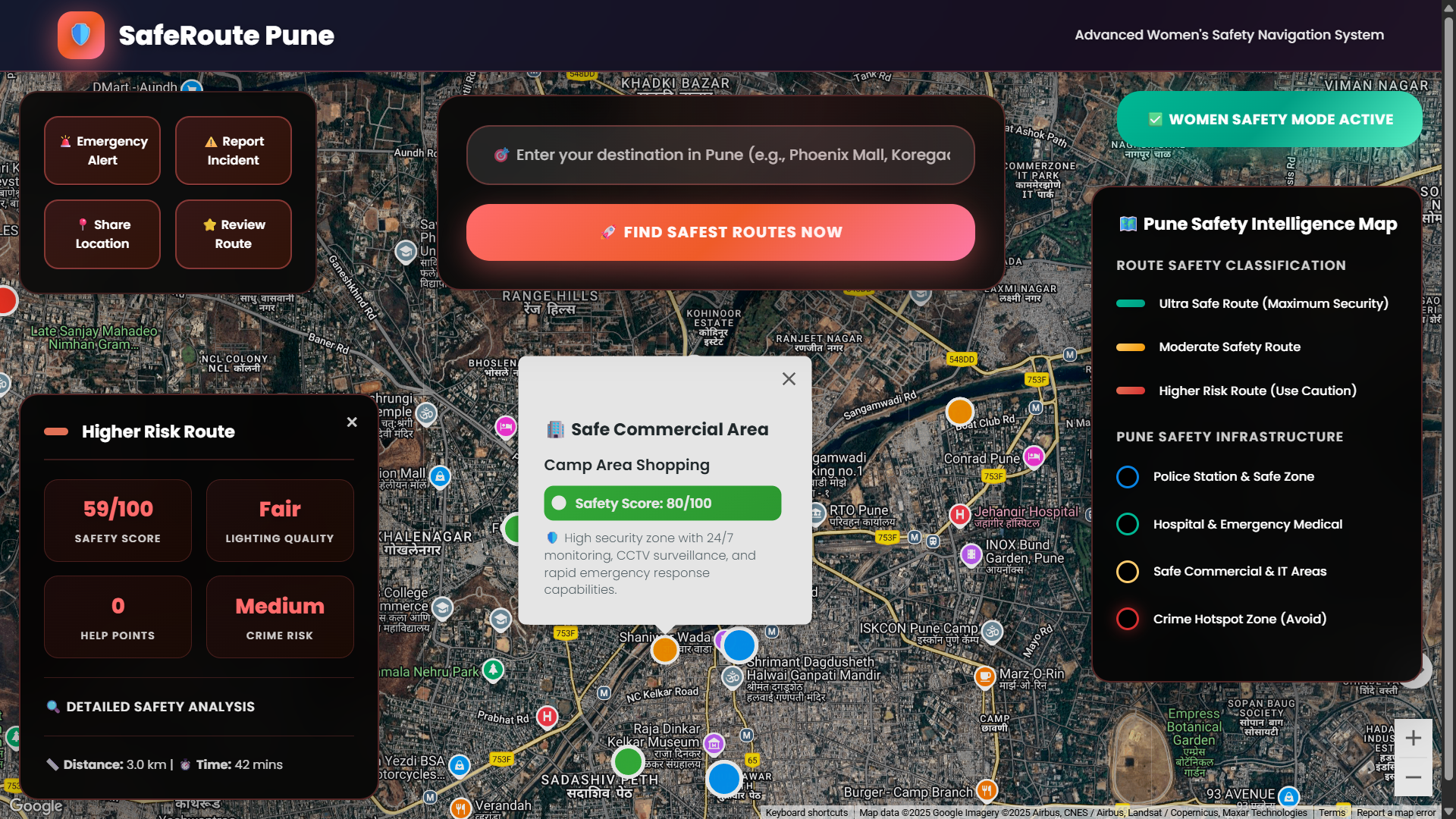
Safe Commercial Areas Toggle – Shows safe public zones like IT parks/malls.
-
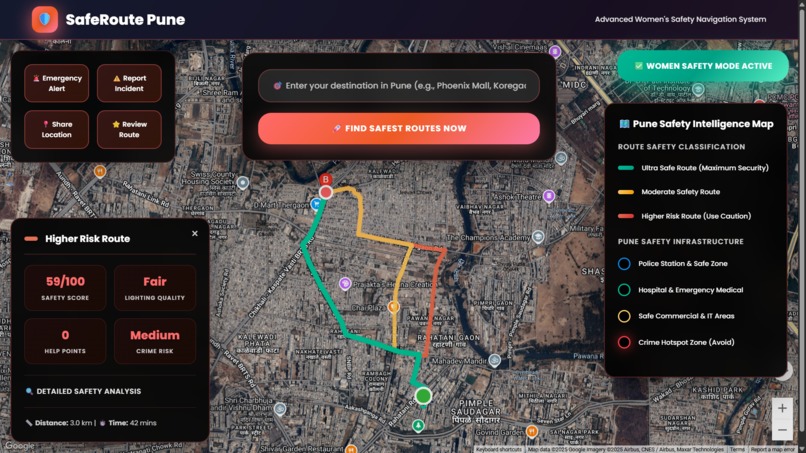
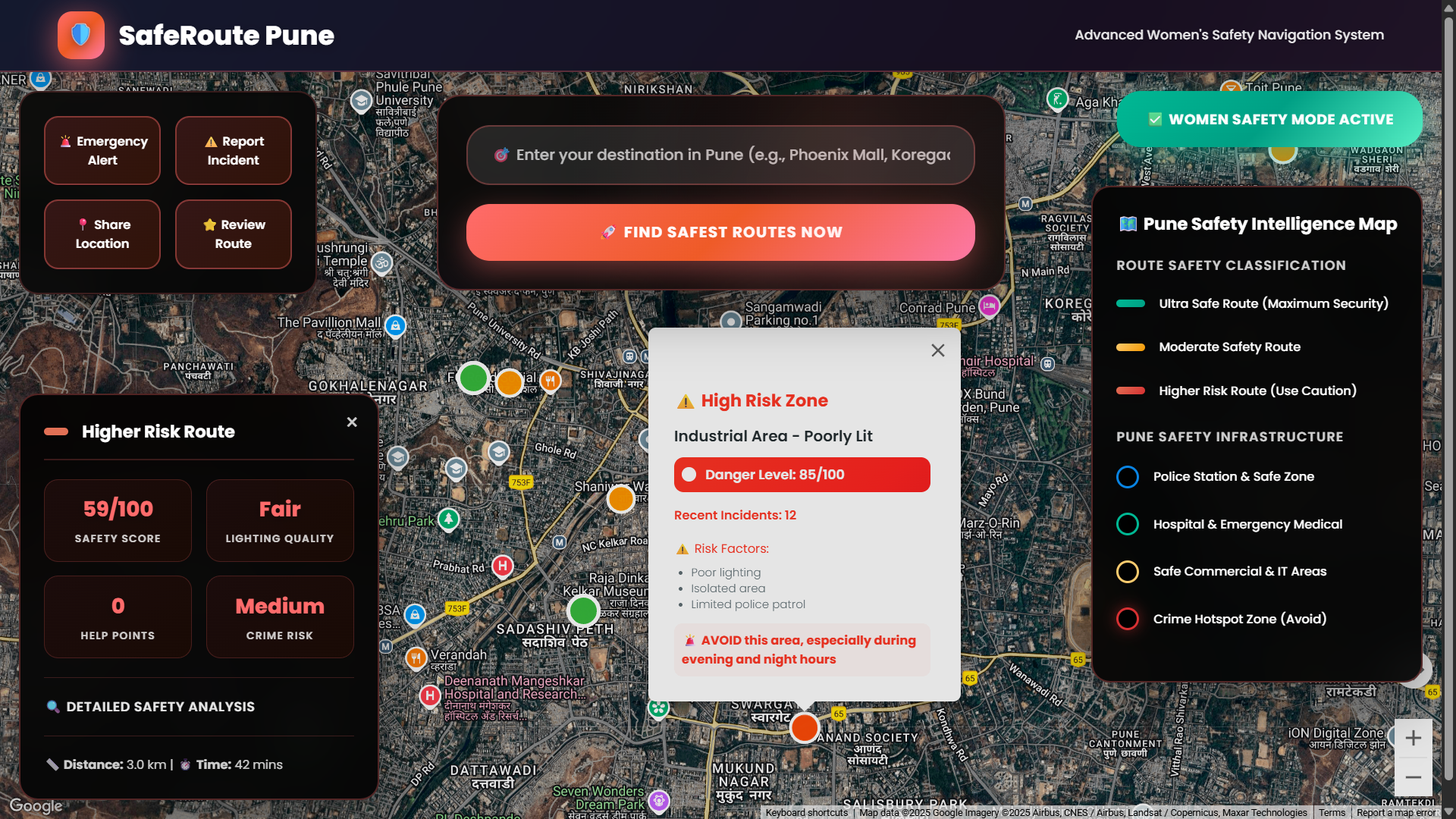
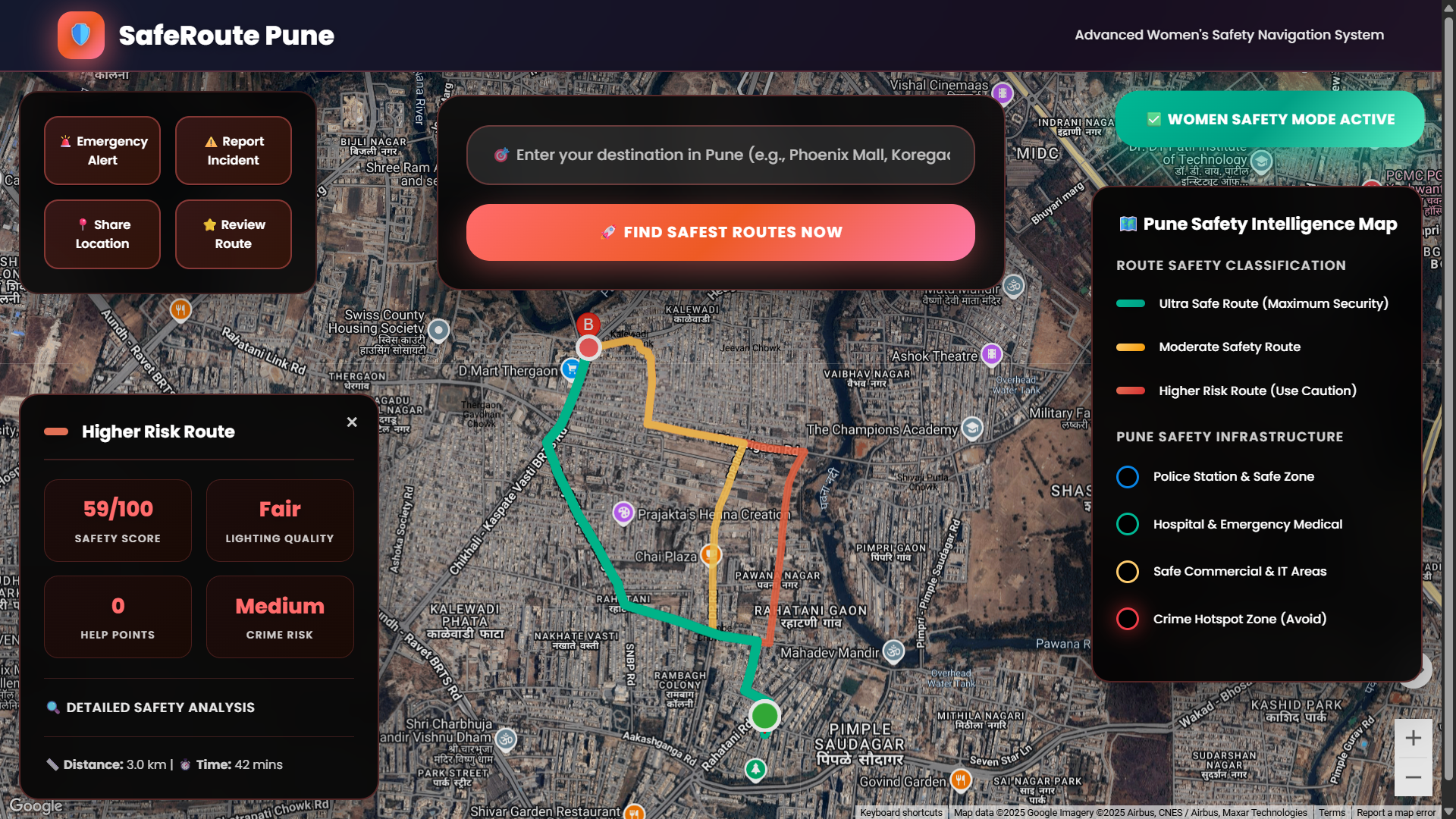
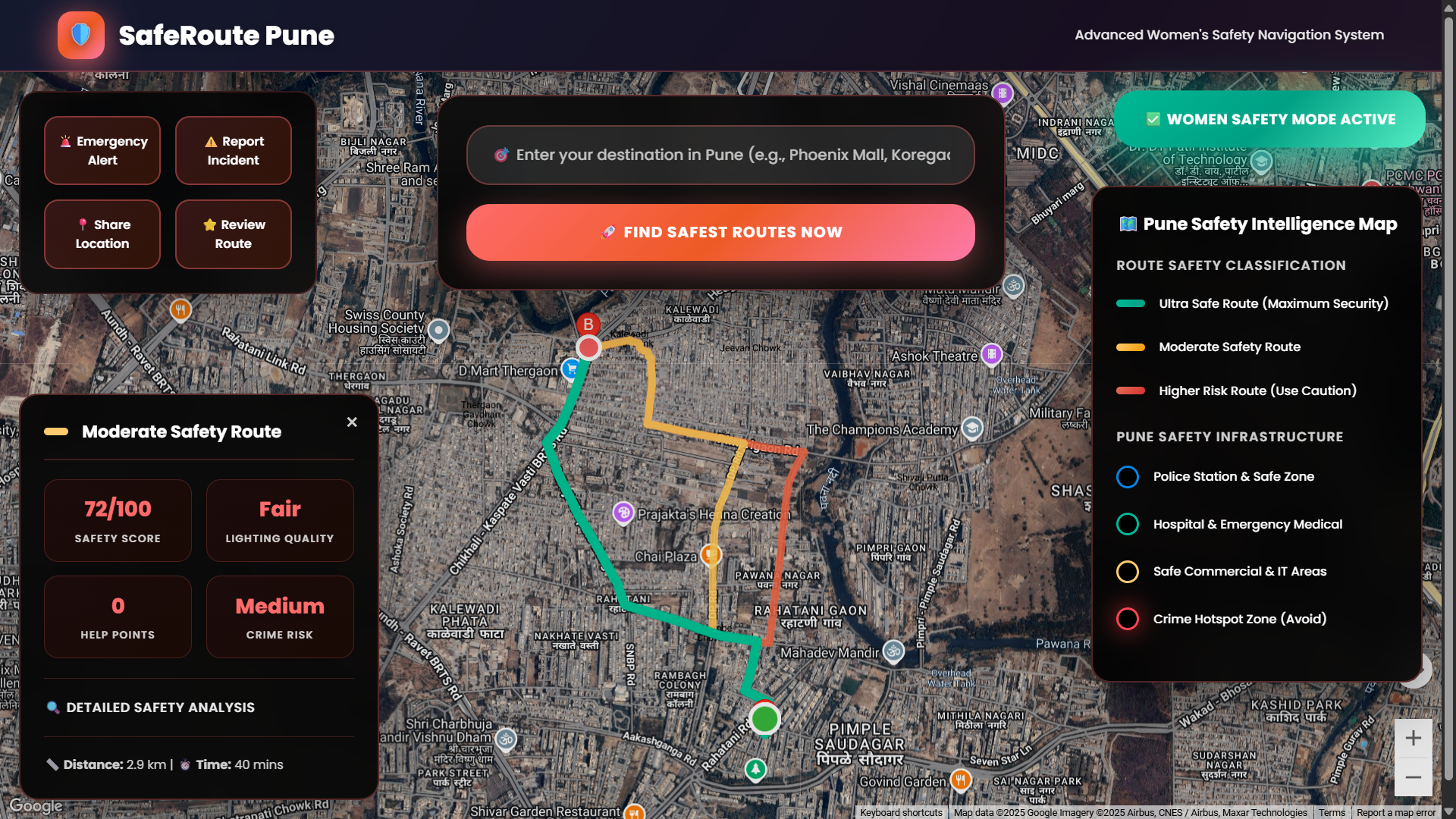
Red Route Analysis – Least safe route passing through risk zones.
-
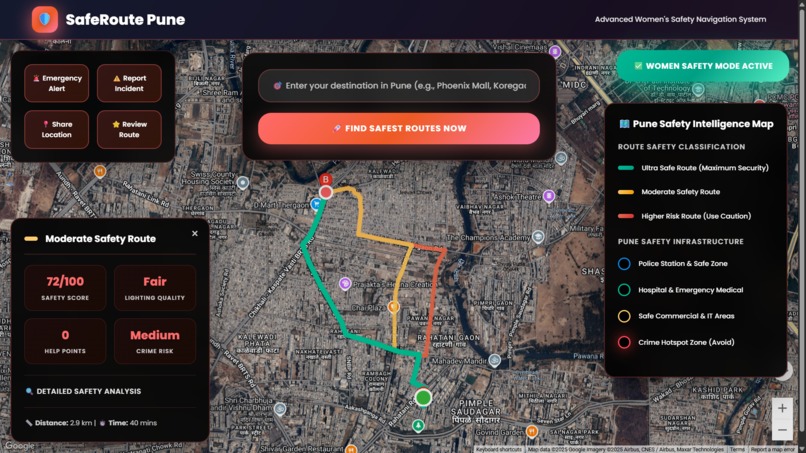
Yellow Route Analysis – Moderately safe route with medium safety score.
-
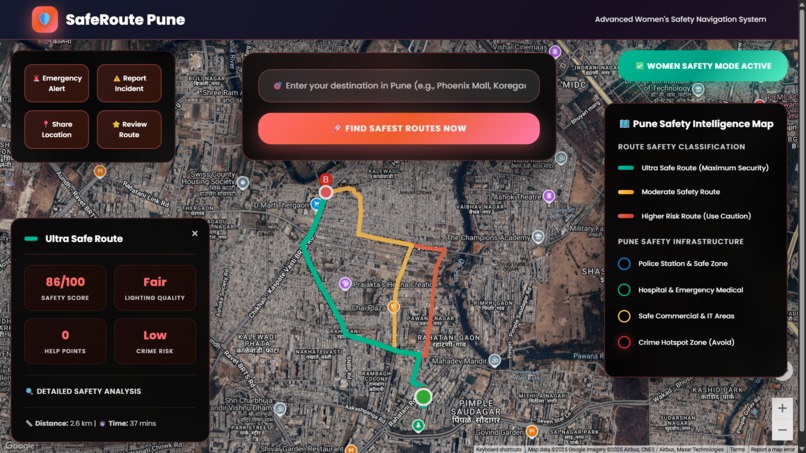
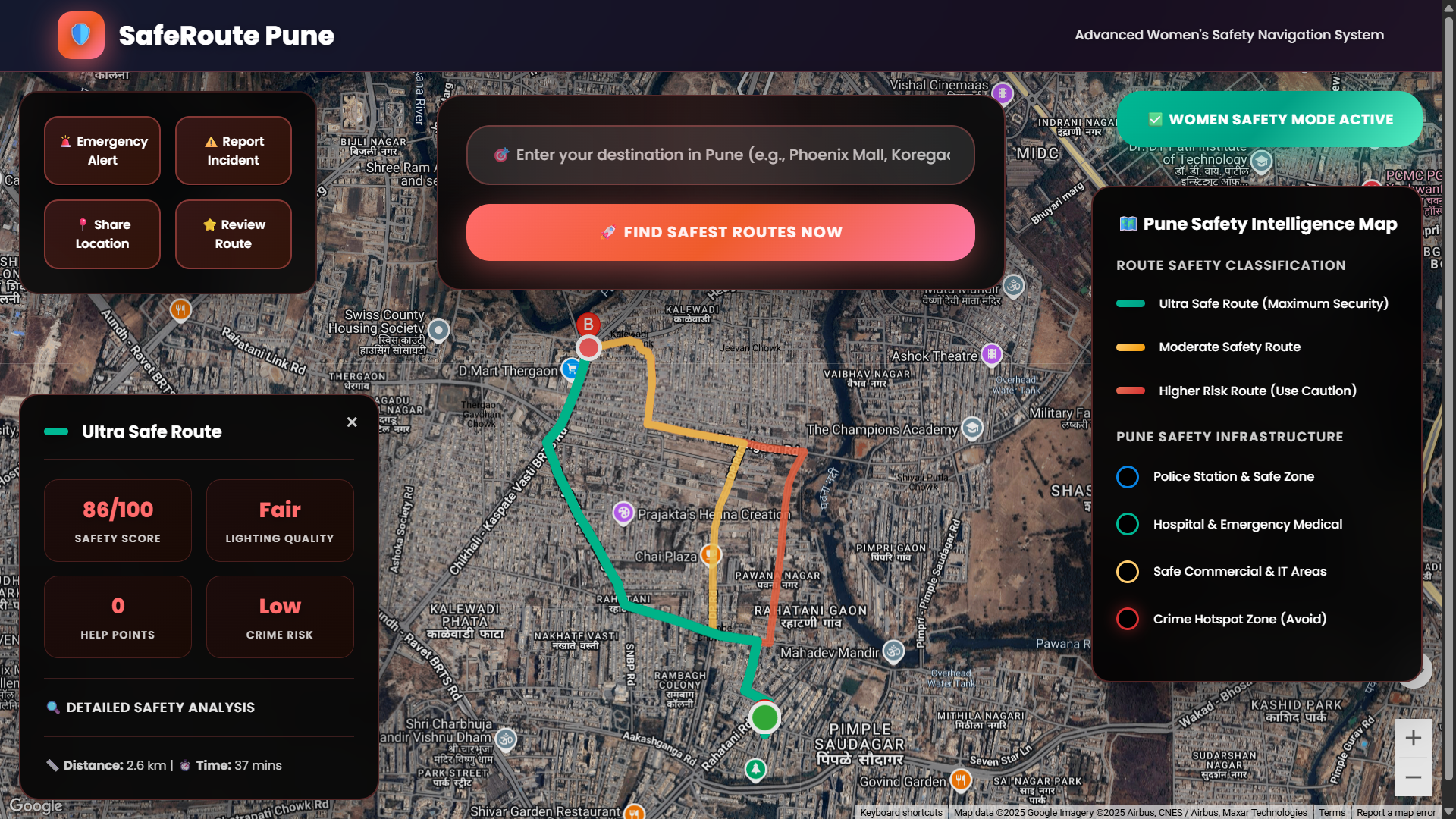
Green Route Analysis – Safest route with high lighting and low risk.
-
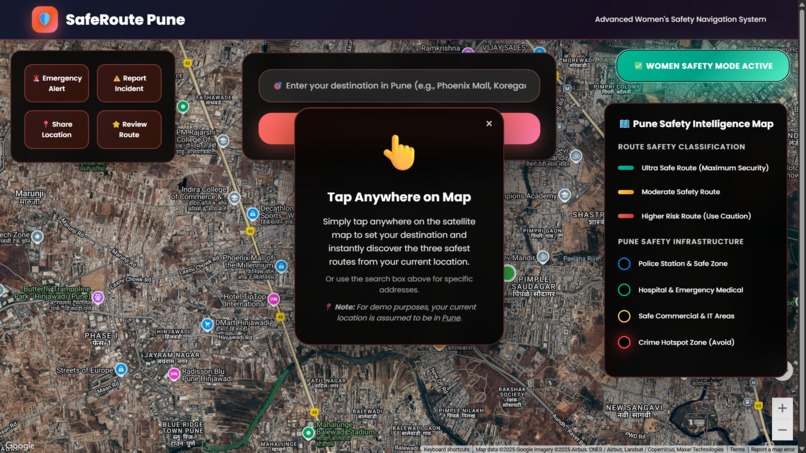
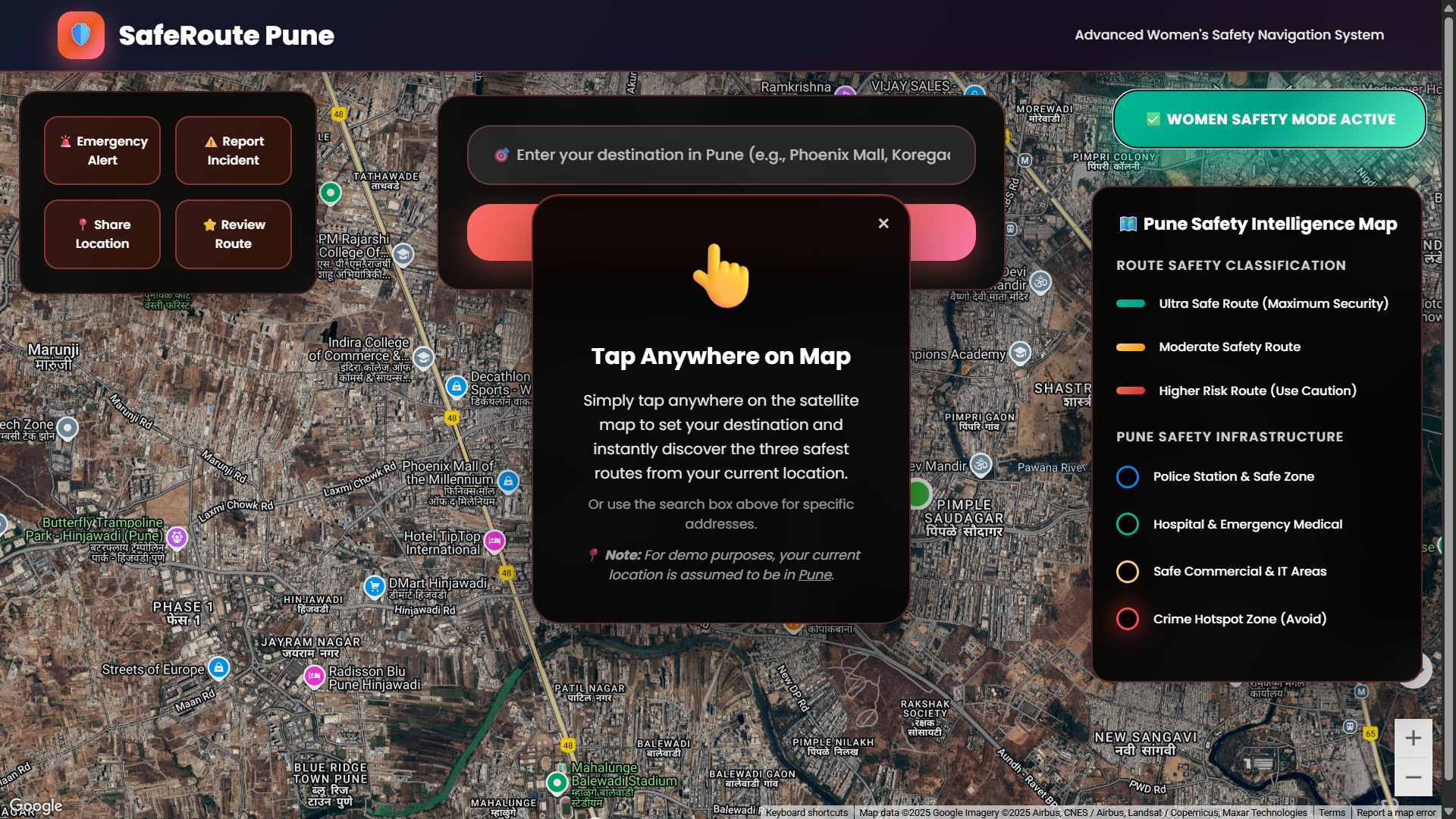
Instruction Panel – Tap-anywhere guide with demo location note (Pune).
-
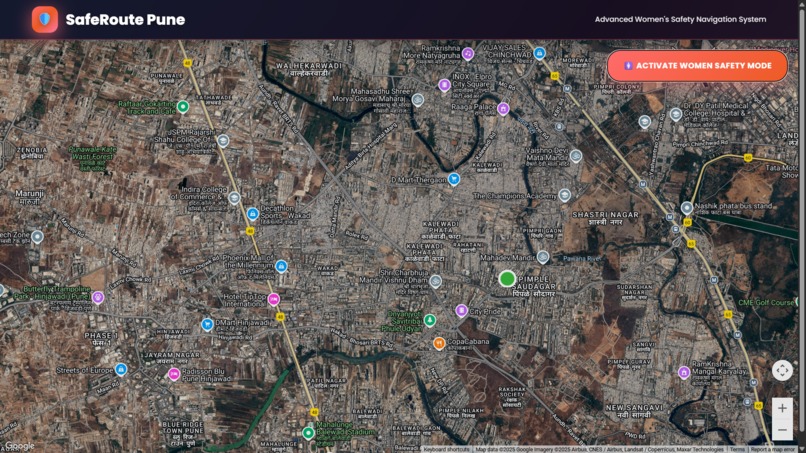
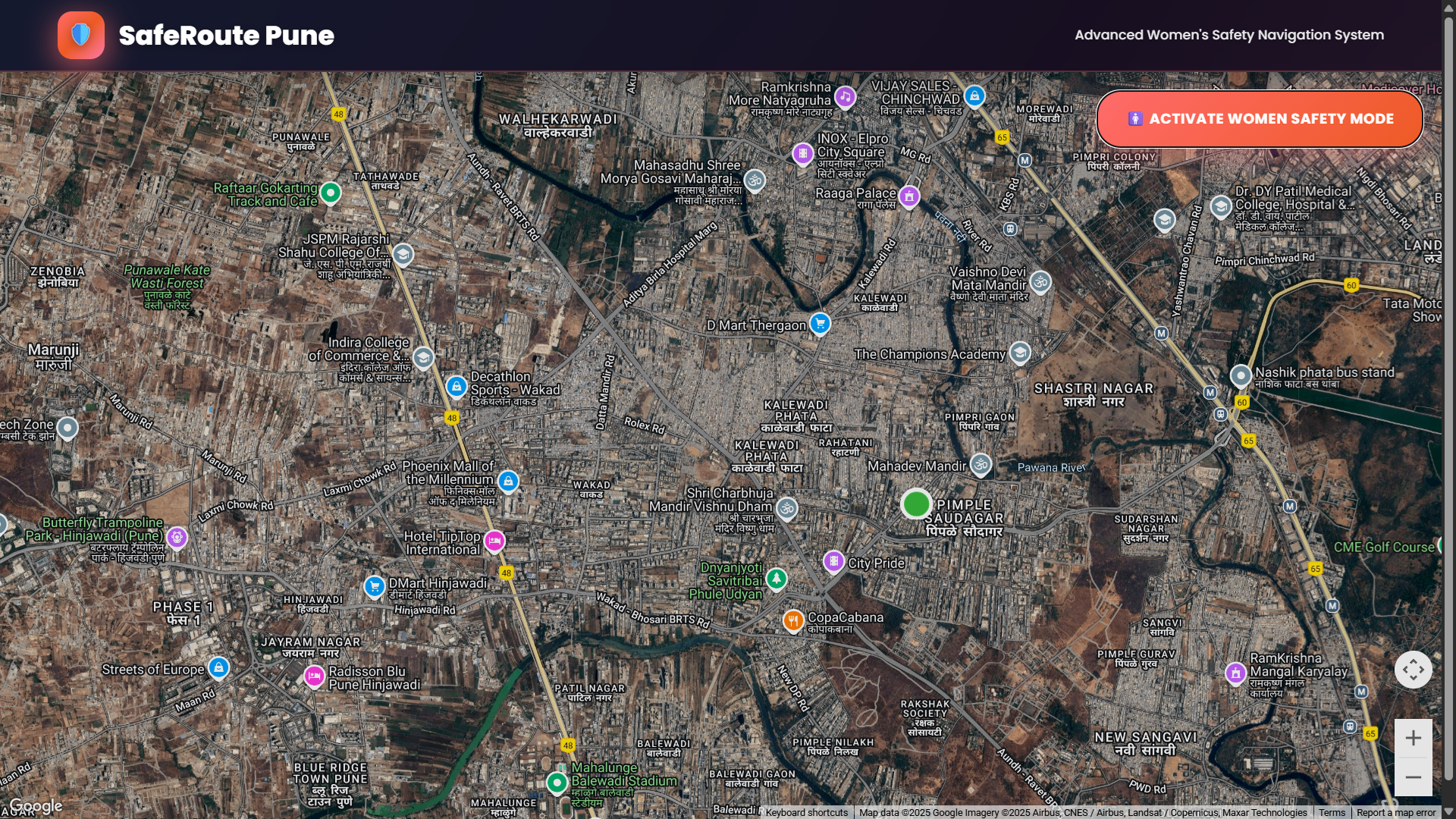
Home Interface – Default map with Safety Mode and navigation UI.
Inspiration
Every day, millions of women navigate unfamiliar streets where safety is uncertain. Our team was deeply moved by the rising concerns around street harassment, poor lighting, and crime in urban areas. We realized that while apps like Google Maps help us find the fastest way, they don’t always lead us through the safest one.
That’s when SafeRoute Pune was born — a navigation system that empowers women to make informed, safety-first travel decisions.
What It Does
SafeRoute Pune – Women’s Safety Route Mapping System helps users:
- Tap anywhere on the satellite map to select a destination
- View 3 walking route options, color-coded by safety score
- Analyze routes using data like street lighting, nearby police stations/hospitals, and crime hotspots
- Toggle visibility of safety zones
- Report incidents or submit reviews for routes
- Use the emergency panel to share location and record audio instantly
All of this is integrated using Google Maps APIs in a clean, intuitive web UI.
How We Built It
- Frontend: HTML5, CSS3, JavaScript
- Mapping & Routing: Google Maps JavaScript API + Directions API
- Data Layers: Manually tagged crime hotspots, police stations, hospitals, commercial areas (static for demo)
- Hosting: GitHub Pages
- Demo Assumption: For demo purposes, the system assumes the current user is located in Pune
Challenges We Ran Into
- Integrating and styling custom safety overlays on top of Google Maps
- Simulating location-based routing in a static environment (no backend)
- Designing an intuitive UI while balancing a lot of information
- Managing API keys securely during development and deployment
Accomplishments That We're Proud Of
- Dynamically calculating safety-based routes and presenting a clear breakdown
- Creating togglable safety zones to enhance awareness
- Designing an end-to-end working prototype using only client-side tech
- Making safety visible and actionable in daily navigation
What We Learned
- Advanced usage of Google Maps APIs: Directions, overlays, styling
- Combining civic safety concerns with map logic
- Clean UI/UX design for serious urban-tech use cases
- Effective team collaboration, prototyping under time pressure
What's Next for SafeRoute Pune
- Integrate Firebase or MongoDB to store real-time reports & reviews
- Add live crime feed and location-based notifications
- Build a mobile-first version with Flutter or React Native
- Expand to more Indian cities beyond Pune
- Partner with civic authorities to validate data and improve accuracy
Team Members
- Ayush Vitthal Fande – Full Stack & Map API Logic
- Vaishnavi Sanjay Ghuge – UI & CSS Styling
- Komal Anant Puranik – Safety Research & UX
- Arpita Ravindra Kulkarni – Data Collection & Testing
Built With
- css3
- directionsapi
- github
- google-maps
- gps
- html5
- javascript


Log in or sign up for Devpost to join the conversation.