Inspiration
Natural disasters affect millions of Americans every year, yet most people don't know the specific risks facing their home until it's too late. We wanted to build a tool that makes disaster preparedness accessible, data-driven, and actionable — empowering anyone to understand their risk profile in seconds. SafeHaven aligns with UN Sustainable Development Goal 11: Sustainable Cities and Communities.
What it does
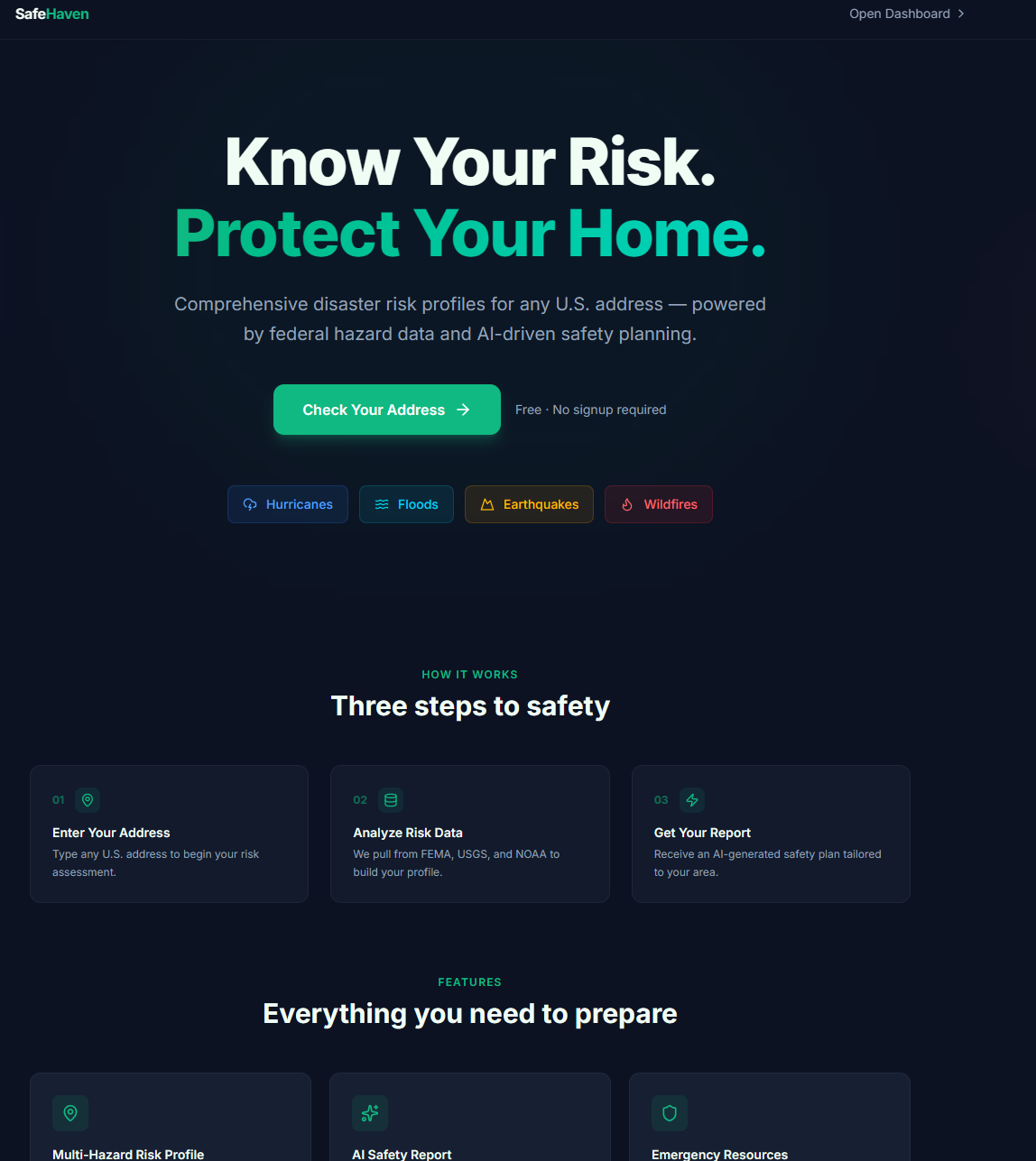
SafeHaven generates comprehensive disaster risk profiles for any U.S. address. Enter an address and instantly receive:
- Multi-hazard risk scores for hurricanes, floods, earthquakes, and wildfires
- AI-generated safety reports with personalized preparedness recommendations
- Real-time NOAA weather alerts for your area
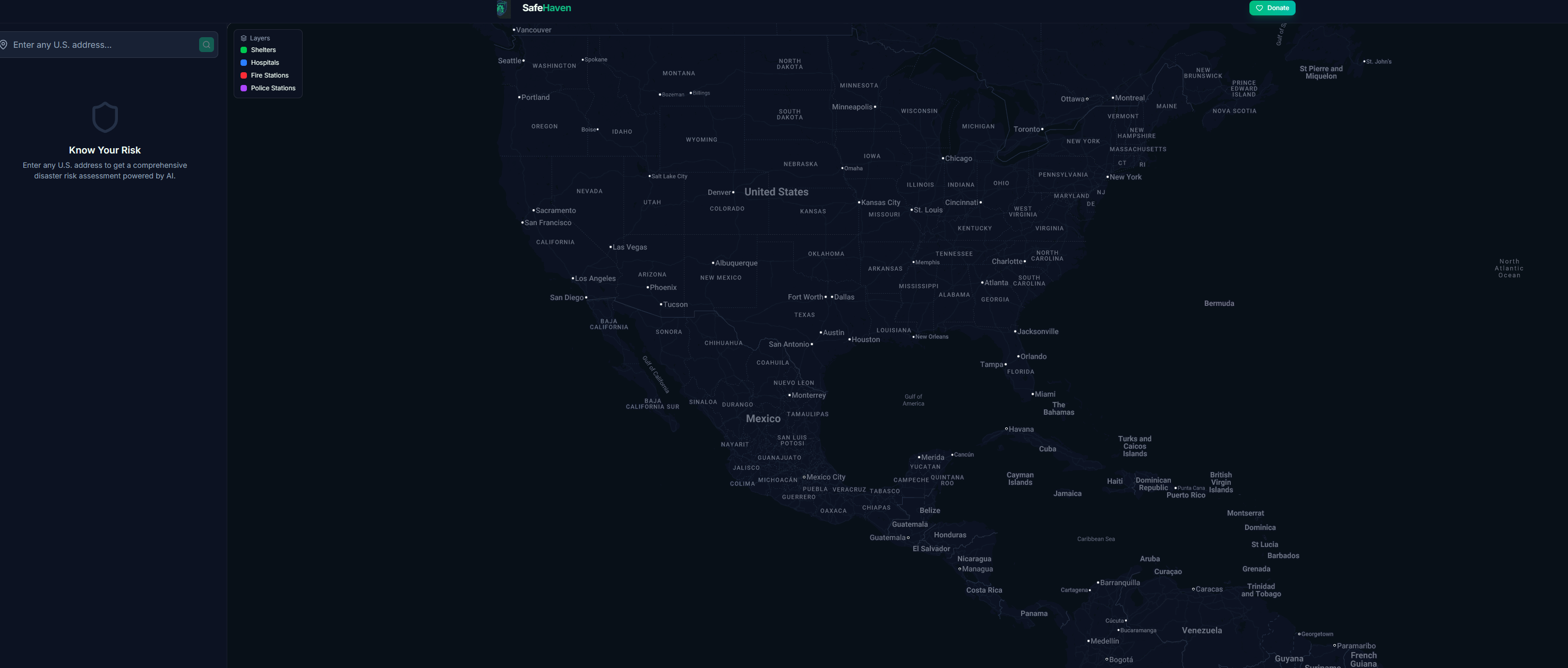
- Interactive map showing nearby shelters, hospitals, fire stations, and police stations
- Evacuation routes with driving directions to the nearest safe locations
- Address comparison to evaluate risk between two locations side-by-side
- Emergency kit checklists tailored to your specific hazards
- State emergency contacts and historical disaster data
- PDF export and sharing to distribute your risk report
- Donation integration supporting Red Cross and Direct Relief
How we built it
Backend: Python with FastAPI, orchestrating data from multiple federal APIs — FEMA's National Risk Index, USGS earthquake data, NOAA weather alerts, and Google Maps for geocoding and nearby places. Google Gemini 2.0 Flash generates personalized AI safety reports. Stripe handles donation processing.
Frontend: React 19 with Vite 7 and Tailwind CSS v4. Google Maps JavaScript API powers the interactive map with custom dark-themed styling, animated markers, layer toggles, and real-time evacuation route rendering via the Directions API. Built as a Progressive Web App (PWA) with offline caching support.
Deployment: Frontend on Vercel, backend on Render, custom domain via Namecheap.
Challenges we ran into
- Aggregating and normalizing risk data from multiple federal sources (FEMA, USGS, NOAA) that each use different scoring methodologies into a unified, understandable risk profile
- Getting Google Maps to render with a cohesive dark theme — the default controls (zoom, fullscreen, attribution bar) required extensive CSS overrides
- Balancing API call performance — loading risk data, shelters, and AI reports without making the UI feel slow, solved by parallelizing requests and lazy-loading expensive features like evacuation routes
Accomplishments that we're proud of
- The app pulls from 5+ real federal data sources to generate genuinely useful risk assessments
- The polished, dark-themed UI with animated map markers, pulsing location indicators, and green evacuation route lines on the map
- Address comparison feature lets users evaluate risk when deciding where to move
- Full PWA support means the app works offline after first visit
- End-to-end flow from address input to AI-generated safety plan in under 5 seconds
What we learned
- How to work with federal government APIs (FEMA, USGS, NOAA) and normalize their different data formats
- Advanced Google Maps JavaScript API techniques — custom markers, DirectionsRenderer, Places Autocomplete, and CSS theming
- Building a responsive dashboard layout with a sidebar + map split view
- How to architect a FastAPI backend that orchestrates multiple external API calls efficiently
What's next for SafeHaven
- Real-time disaster tracking with live hurricane paths and wildfire perimeters on the map
- Push notifications for NOAA alerts when new warnings are issued for saved addresses
- Community features — let neighbors share preparedness plans and coordinate during emergencies
- Insurance cost estimation based on risk profile data
- Mobile app using React Native, leveraging the existing PWA foundation


Log in or sign up for Devpost to join the conversation.