-
-
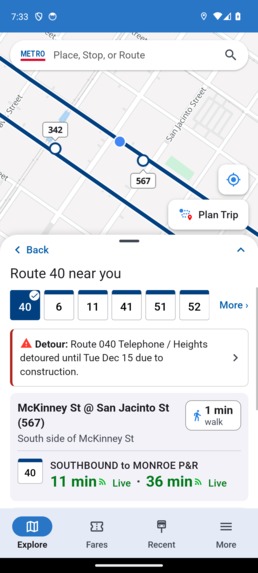
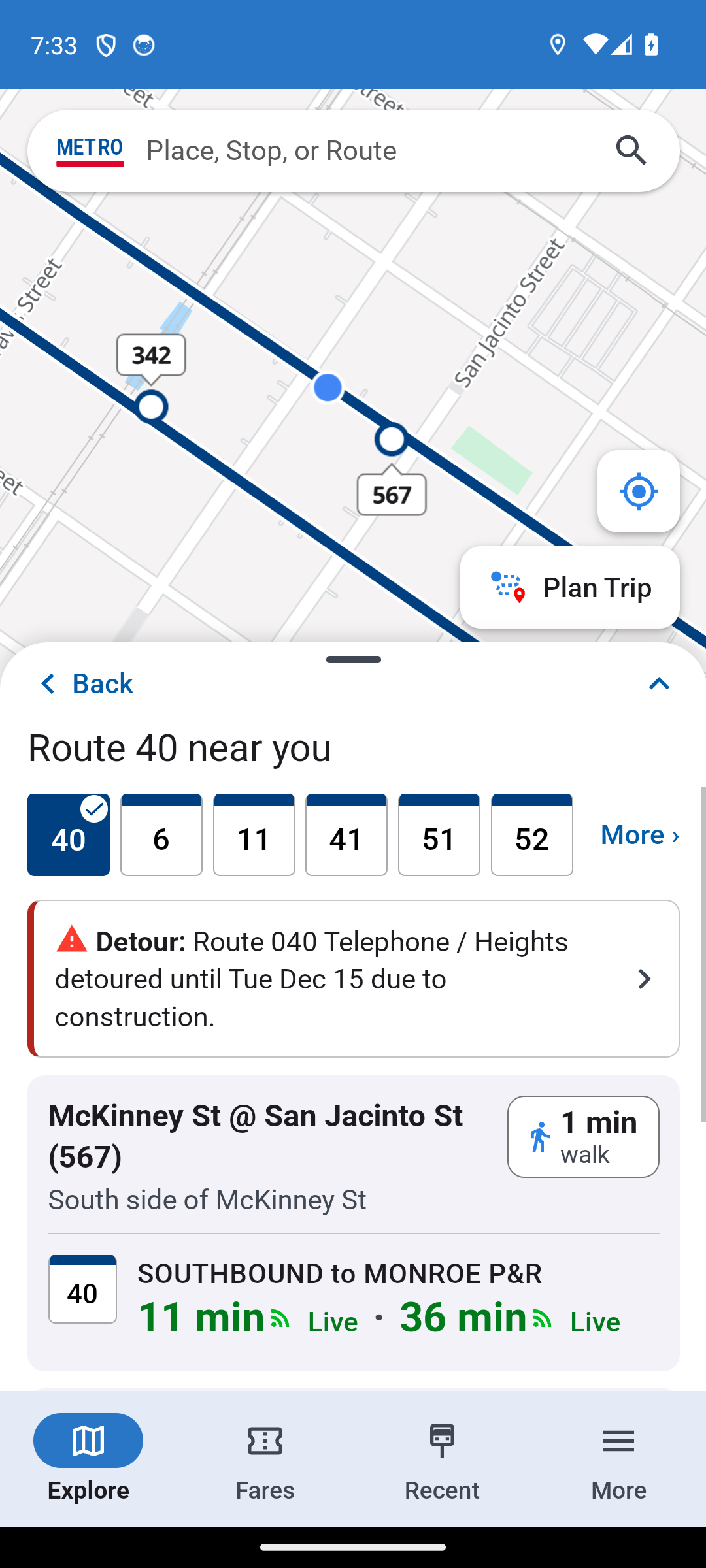
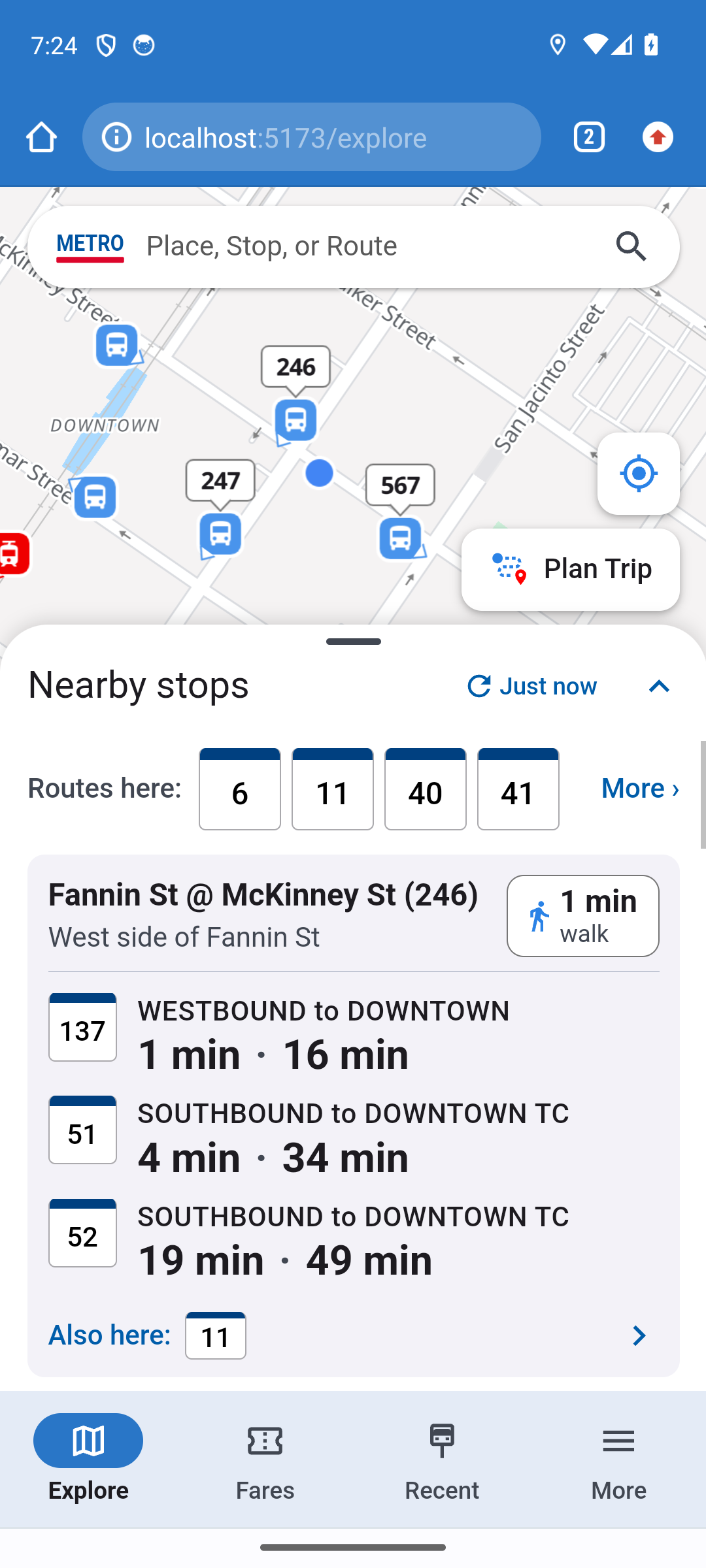
Routes Near You (Revised App)
-
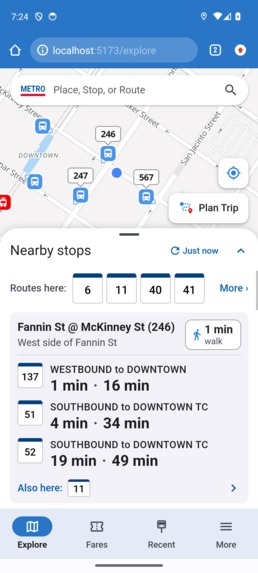
Nearby Stops (Revised App)
-
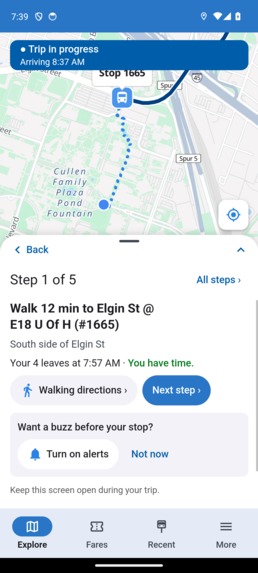
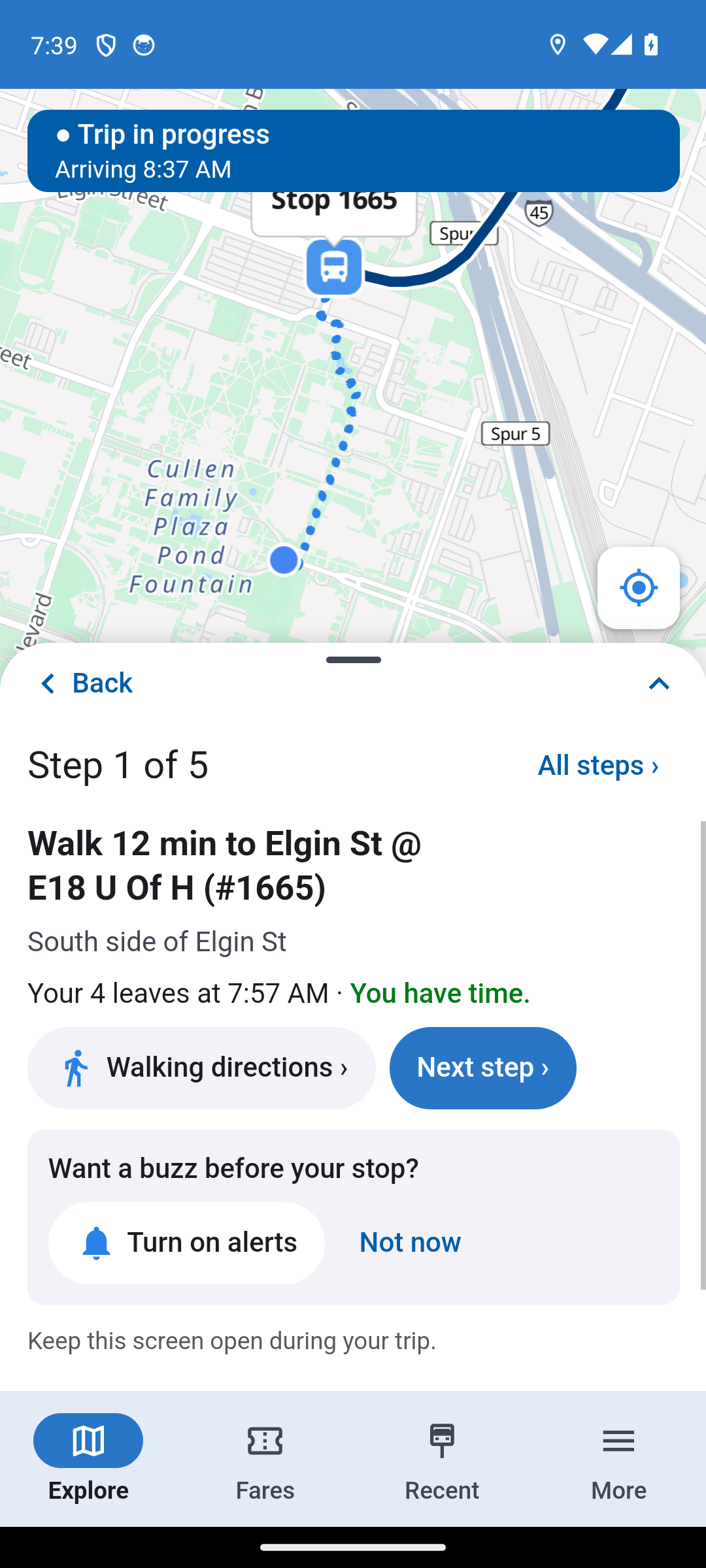
Trip in Progress (Revised App)
Inspiration
Our inspiration to revamp RideMETRO came form the complaints that were everywhere. We dug through the app store reviews, and play store reviews and found mountains of complains and frustrated users over and over again. A cluttered home screen that opens on a confusing circle of "nearby stops" no way to tell if a bus time is live or just a guess, buses that the app claims are tracked when they aren't, and QR codes that don't scan reliably.
What it does
RideMETRO redesigned starts with "Where to?" instead of a confusing radius of nearby stops. Search for a place, and it shows real route options sorted by fastest or least walking, with every arrival time labeled Live, Scheduled, or Tracking lost, so riders always know whether to trust it. If tracking is lost, riders can report it right from the app. Walking directions to a stop are built in, which the current app doesn't have at all. Trips can be started, tracked, and saved, and a boarding pass with an enlargeable QR code handles fares. All of it keeps the current app's glassy, premium visual style, since this is a redesign and feature add on, not a rebuild.
How we built it
We started by digging deeper, wrote a complaints file built from app store reviews, comparison file to see what other transit apps do well and we turned that into white board sketches, and then a clickable prototype. Furthermore, once the flows were validated we rebuilt is as a real Vite + React + Typescript fornt end with a Hono API and backend on Node, pulling real Metro GTFS data at build time and its live feeds at run time. MapLibre renders the map, reskinned to match the current apps vibe. We tested the whole thing through and through on our devices against the RideMETRO app, timing common tasks step by step on both.
Challenges we ran into
A challenge we ran into was getting from a good looking prototype to something that works on a real phone with data directly from METRO's API. Also walking directions from OSRM were sometimes unclear near certain stops so we added a straight line fall back rather than show a bad route. Installing the app as a home screen PWA on android broke the navigation bar because chrome measured the screen height differently in stand alone mode than in the tab, which took real device testing to catch. None of these show up until you actually install and use the thing like a rider would, which is why we insisted on testing on a real phone instead of just the browser.
Accomplishments that we're proud of
We measured 11 common rider tasks on both the current app and our redesign, and all 11 came in at or under our targets. Getting from opening the app to a usable map went from 14 actions down to 2. Planning a trip and knowing where to board went from 10 actions down to 3. Walking directions to a stop, which the current app can't do at all, take 2 actions in ours. These aren't projected numbers, they're timed on a real device against the real current app.
What we learned
We learned that much of the "confusing app" complaint is actually just a data trust problem, not just a layout/ui problem, riders don't only want a cleaner screen, they want to know if the time on it is real. We also learned that a redesign has to be installed and tested on a real device, not just previewed in a browser tab, since standalone PWA mode has its own quirks that never show up otherwise.
What's next for Ride Metro
Get real riders testing it, not just our own team. Get street level walking directions working everywhere, not just where OSRM's route matches reality. And work with METRO directly on a supported data partnership so this could go from a hackathon prototype to something used for Houston's navigation.
Built With
- claude
- gtfs
- hono
- maplibre-gl
- metro-api
- openstreetmap
- progressive-web-app
- react
- tanstack-query
- typescript
- vircel
- vite


Log in or sign up for Devpost to join the conversation.