-
-
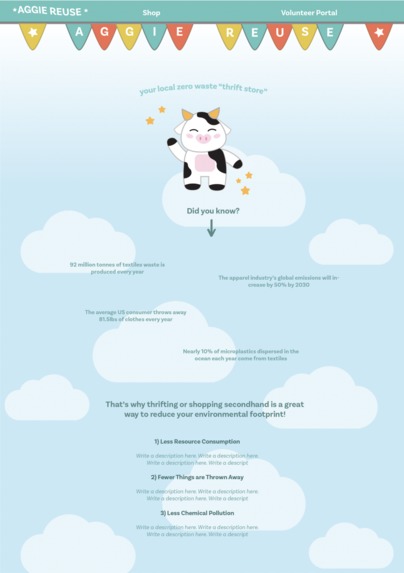
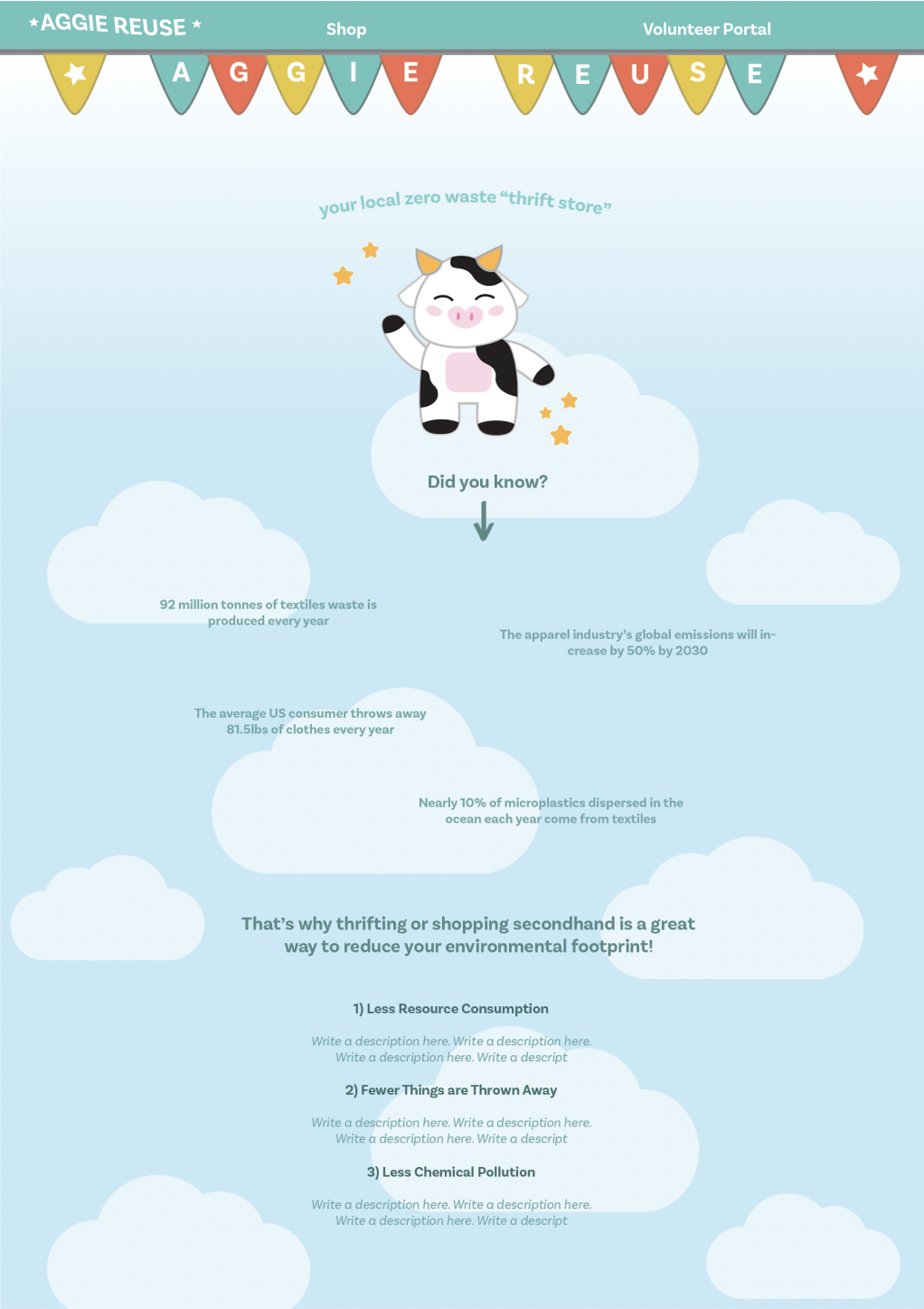
Home Page
-
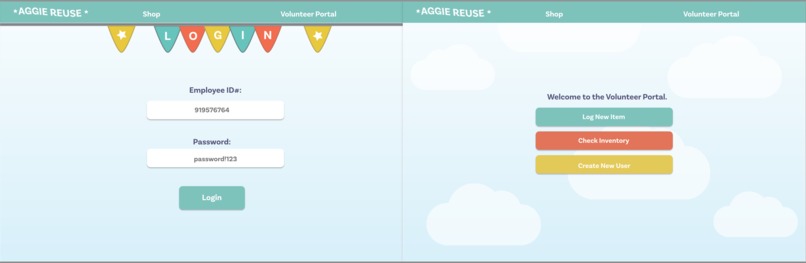
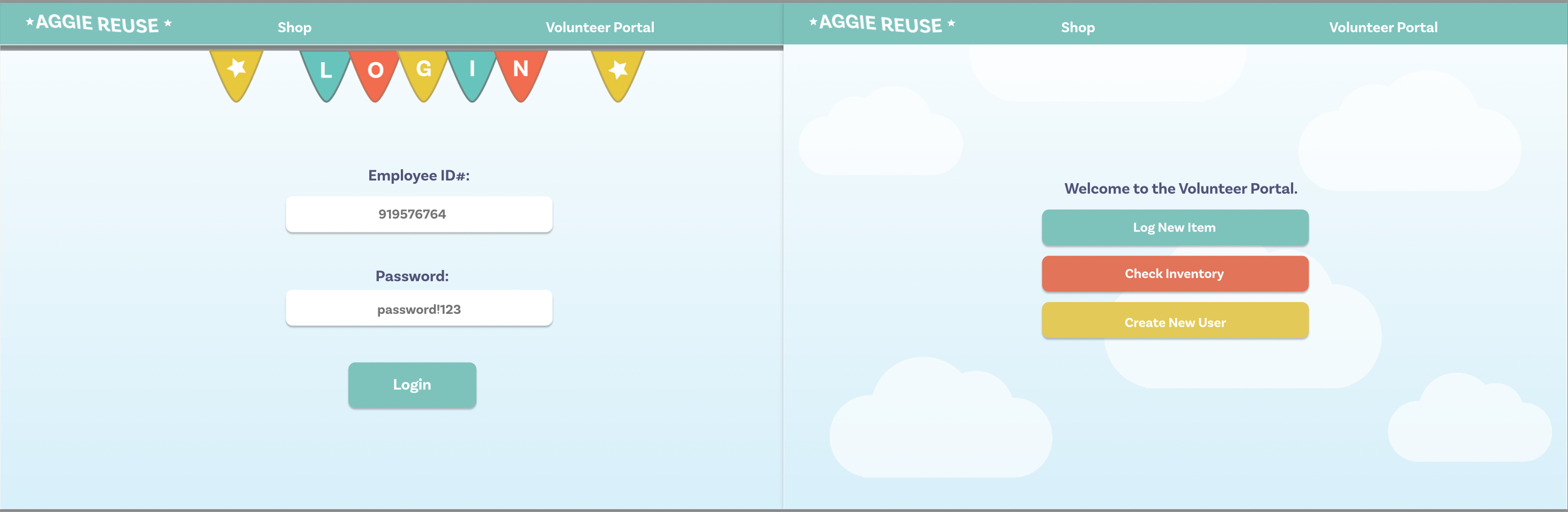
Login Page
-
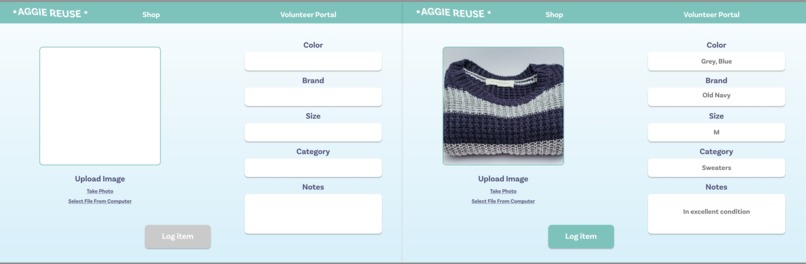
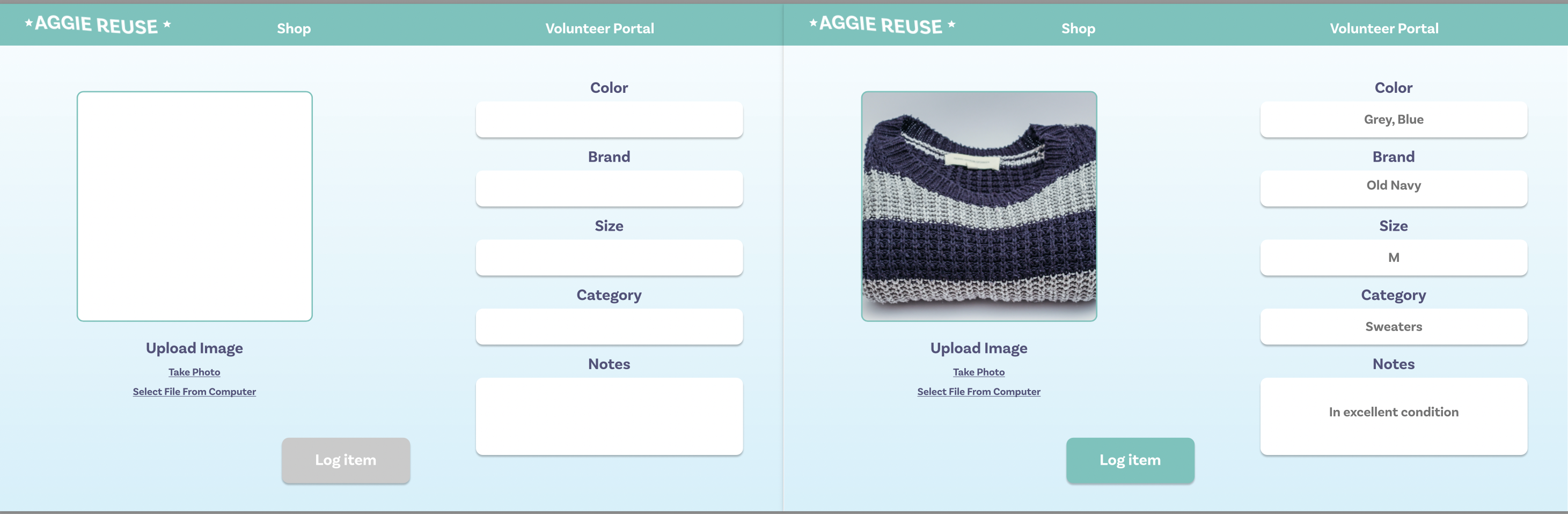
Item Log
-
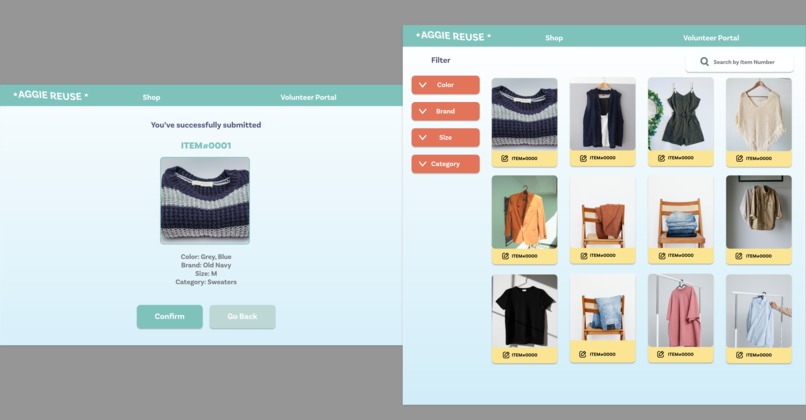
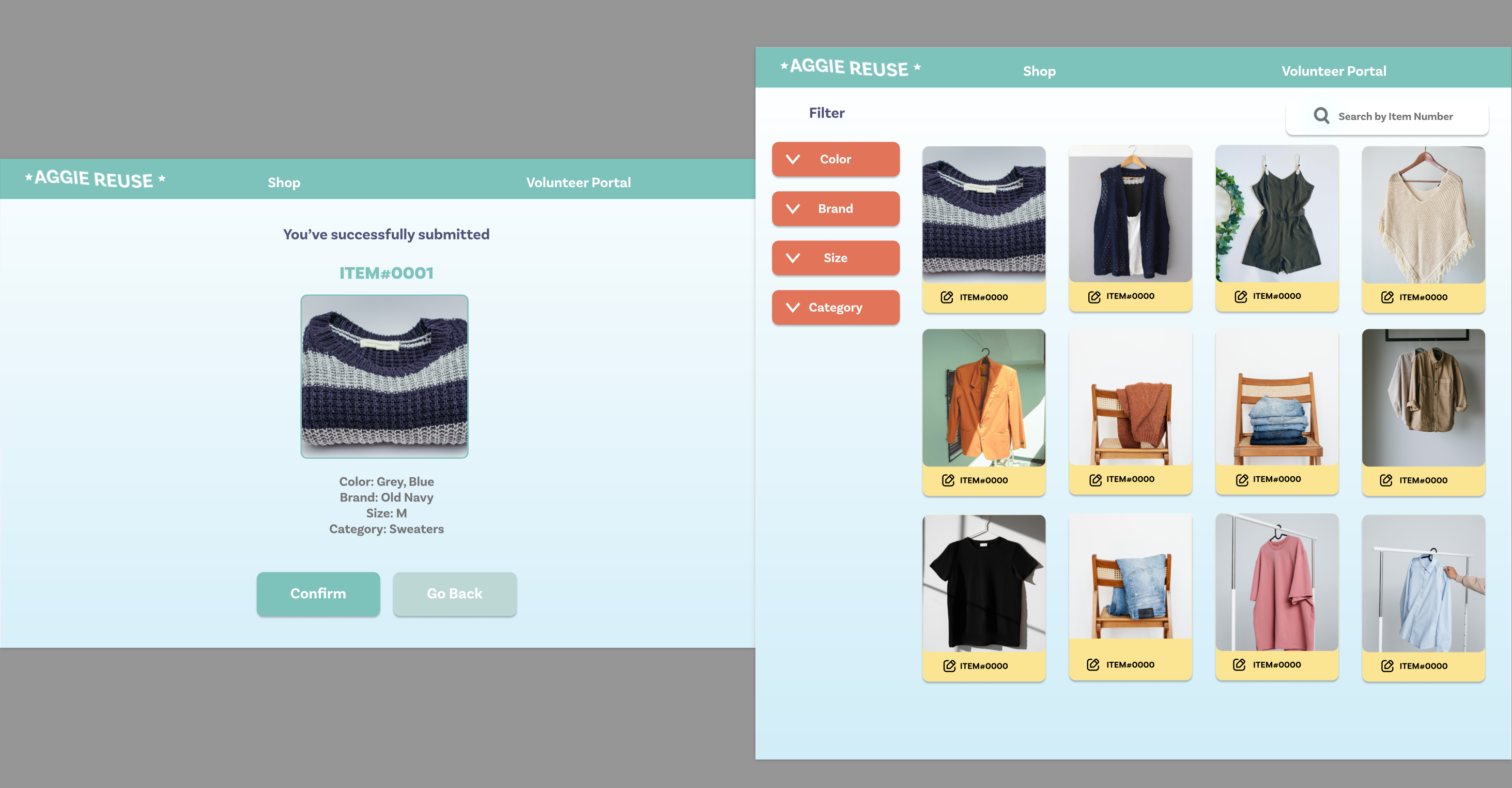
Item Catalog
-
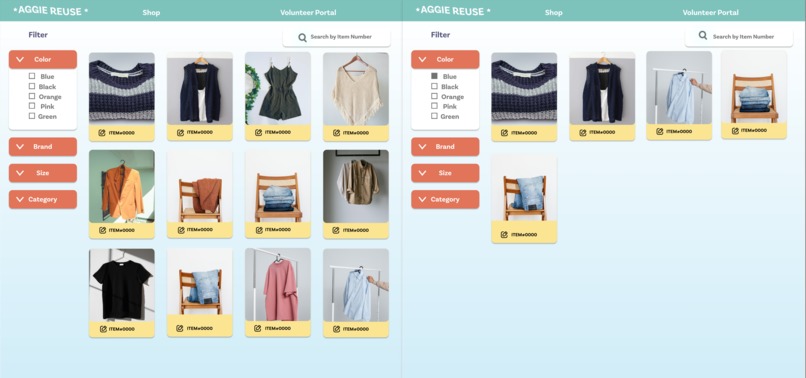
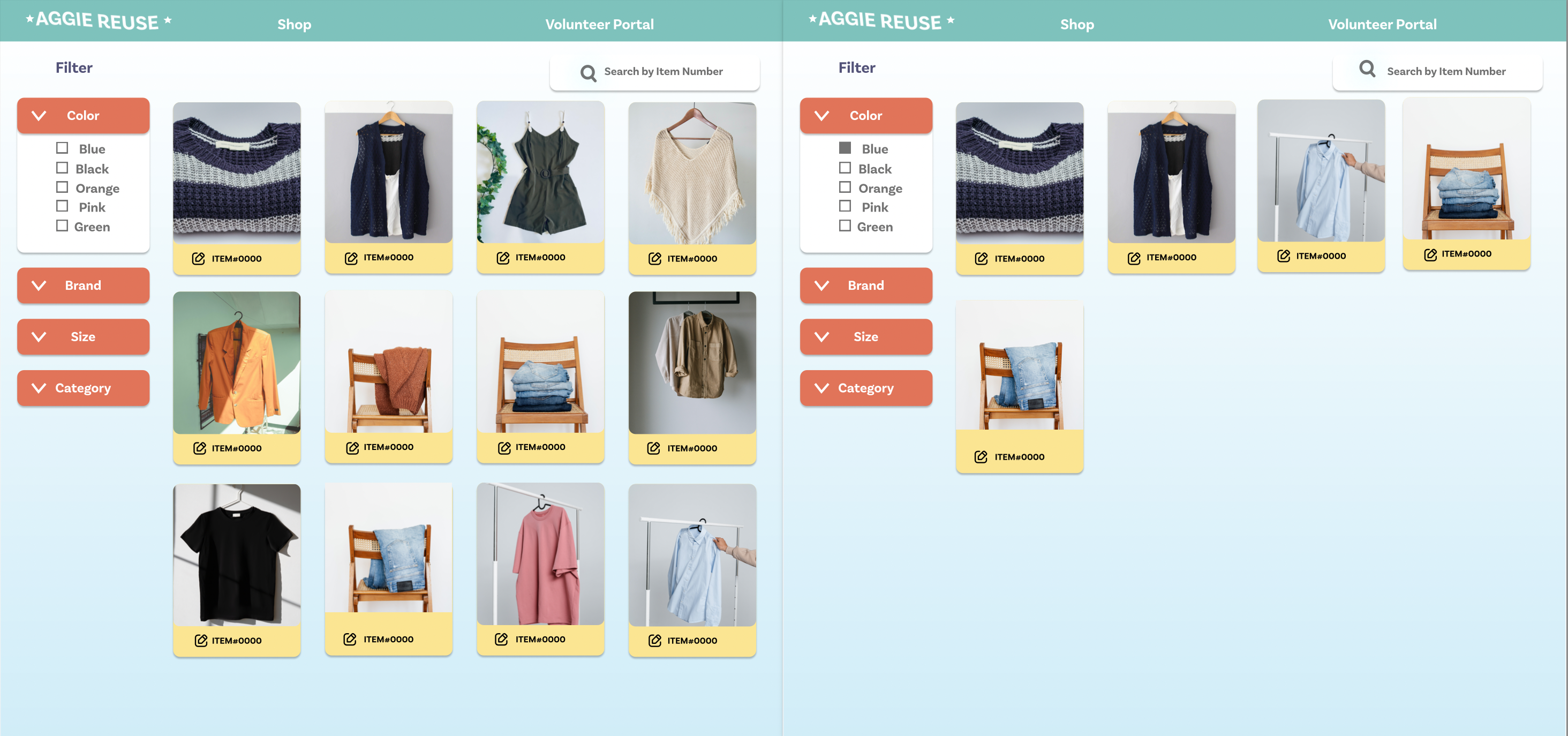
Sort Catalog
Meet the Aggie Baddies!
| Name | Major | Year | School | Main Contributions |
|---|---|---|---|---|
Victoria Kerslake |
Design | 2nd | UC Davis | UI/UX Design |
Megan Nguyen |
Computer Science & Engineering | 2nd | UC Davis | Logistics, Front-End |
Lemuel Surmardy |
Electrical Engineering and Computer Science (EECS) | 2nd | UC Berkeley/ Diablo Valley College | Full-Stack |
Lishen Liu  |
Computer Science | 3rd | UC Davis | Backend |
Inspiration
The Aggie Reuse Store is having trouble managing its spreadsheets for its inventory. We were inspired by their mission to reduce waste and wanted to create a web app for internal use.
We did some of our own research and found out that:
- 92 million tonnes of textile waste is produced every year
- The average US consumer throws away 81.5lbs of clothes every year
- ~42% of Aggies are from low-income families
We wanted to help our fellow Aggies get free, cute clothes while helping the environment maintain its beauty.
What does it do?
Our web app can help the volunteers at the Aggie Reuse Store keep track of their inventory so that they can more efficiently reduce waste. First, it has a user-friendly main page with a navigation bar so that the volunteer can easily identify the pages. Then, it has a page for the volunteers to log in so that they are able to edit the inventory. If they do not have an ID yet, there is a separate page where they can create an ID and password. After they log in, they are able to add items to the inventory with ease! We created categories to filter each type of clothing which creates its own individual ID, allowing for easy tracking. Finally, once the item is checked out of the store, the item will be deleted from the inventory!
How we built it
Project Timeline
- Researched Aggie Reuse Store Volunteers by asking questions and examining the current inventory spreadsheet.
- Designed low-fidelity sketches web frames using Figma.
- Utilized PostgreSQL to handle the databases of the inventory.
- Employed Node.js to input and pull from the databases in order to verify keys, create new items, date items, and categorize them.
- Crafted high-fidelity sketches, web frames, animations, logos, and gifs with the help of Adobe Illustrator, Photoshop, and Figma.
- For easy user interaction, we created the front end using React.js, implementing the designs into the front end.
Technology Utilized Not Mentioned
- Github
- Docker
Challenges we faced
- Implementing the design: Through React.js, it is hard to style the design with the styling tools that are installed in React. Also, most of our developers specialized in back-end development, so we all had to learn how to use React.js from scratch.
- Connecting the front-end to the back-end: There were a lot of debugging issues that came with connecting the two components. There were some issues regarding docker and its storage usage and merging the ends to meet via Git.
- Lishen's computer broke down mid-Hackathon. He had to drive back home to unscrew his computer to fix his RAM. It was sad. But he was able to get it back up and running again!
Overall, together we were able to solve every issue we faced!
Accomplishments that we're proud of :)
- Creating a working full-stack web app! As beginner hackers, we were extremely excited to get a working product.
- Learning and employing React.js. As we mentioned prior, our developers have only ever worked on back-end projects. We were excited to fully develop a working front-end that is user-friendly!
What we learned
- Working in cross-disciplinary teams: Most of our developers have never worked with a designer before this Hackathon. In the words of Lemuel Surmardy, "Wow, my front end has never looked so beautiful before" (1 AM). We learned how important it is to utilize each of our unique skill sets to create something great!
- How to create item keys and verify them, so that each unique user can have a login.
Next Steps
- We want to implement a web store so people can online shop and reduce even more waste! We would create this as another page of the website to allow for external use. It wouldn't be too difficult as we already have features to filter the item by size, color, type, gender, and brand!
- Want to learn how to upload photos successfully and put the images on the inventory page.
- Update the front-end to match Figma models completely.

Log in or sign up for Devpost to join the conversation.