-
-
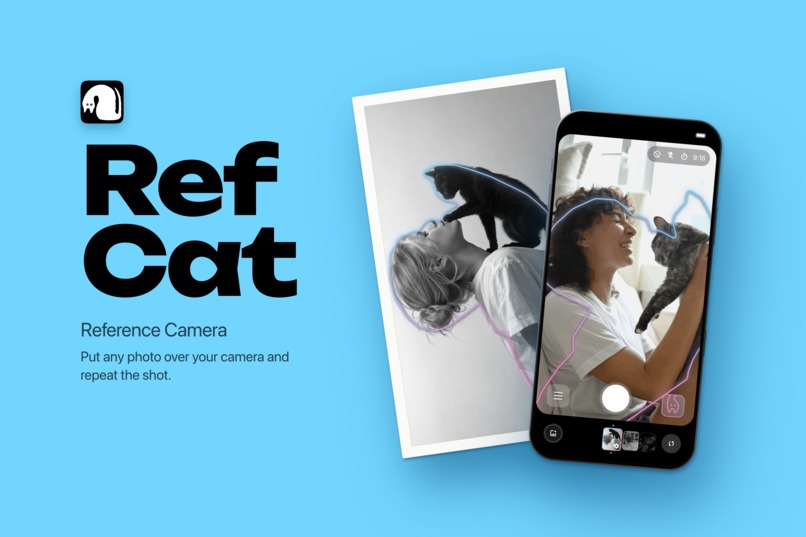
Preview
-

icon
-
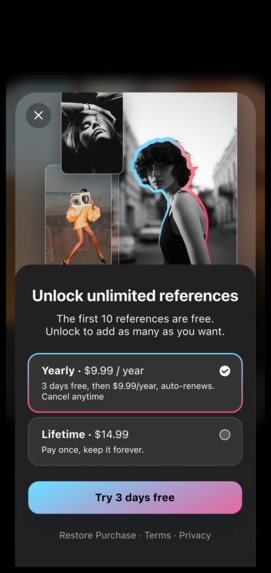
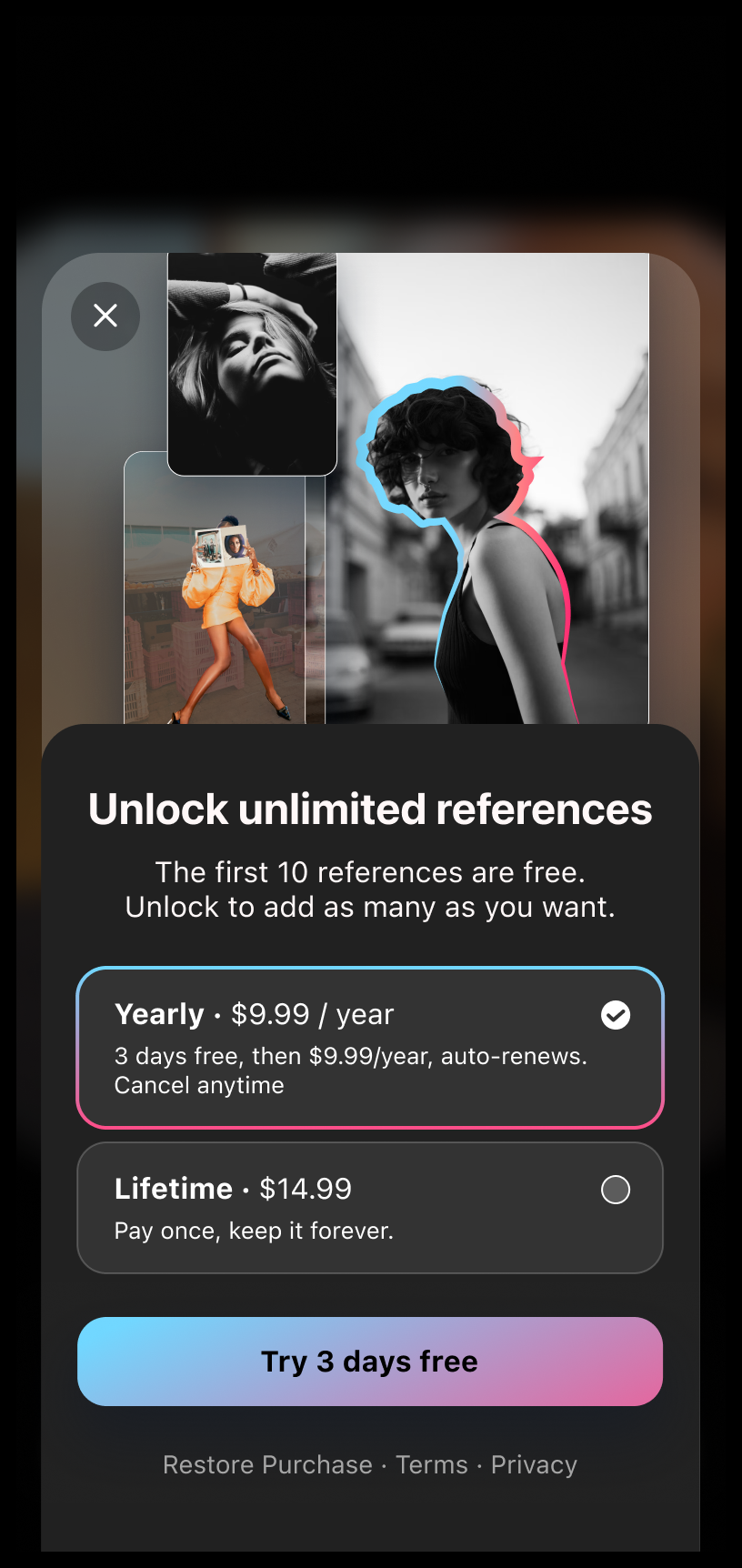
Paywall: the first 10 references are free, then a yearly plan with a 3-day trial or a one-time Lifetime purchase
-
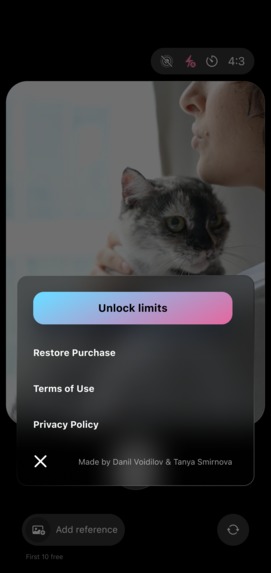
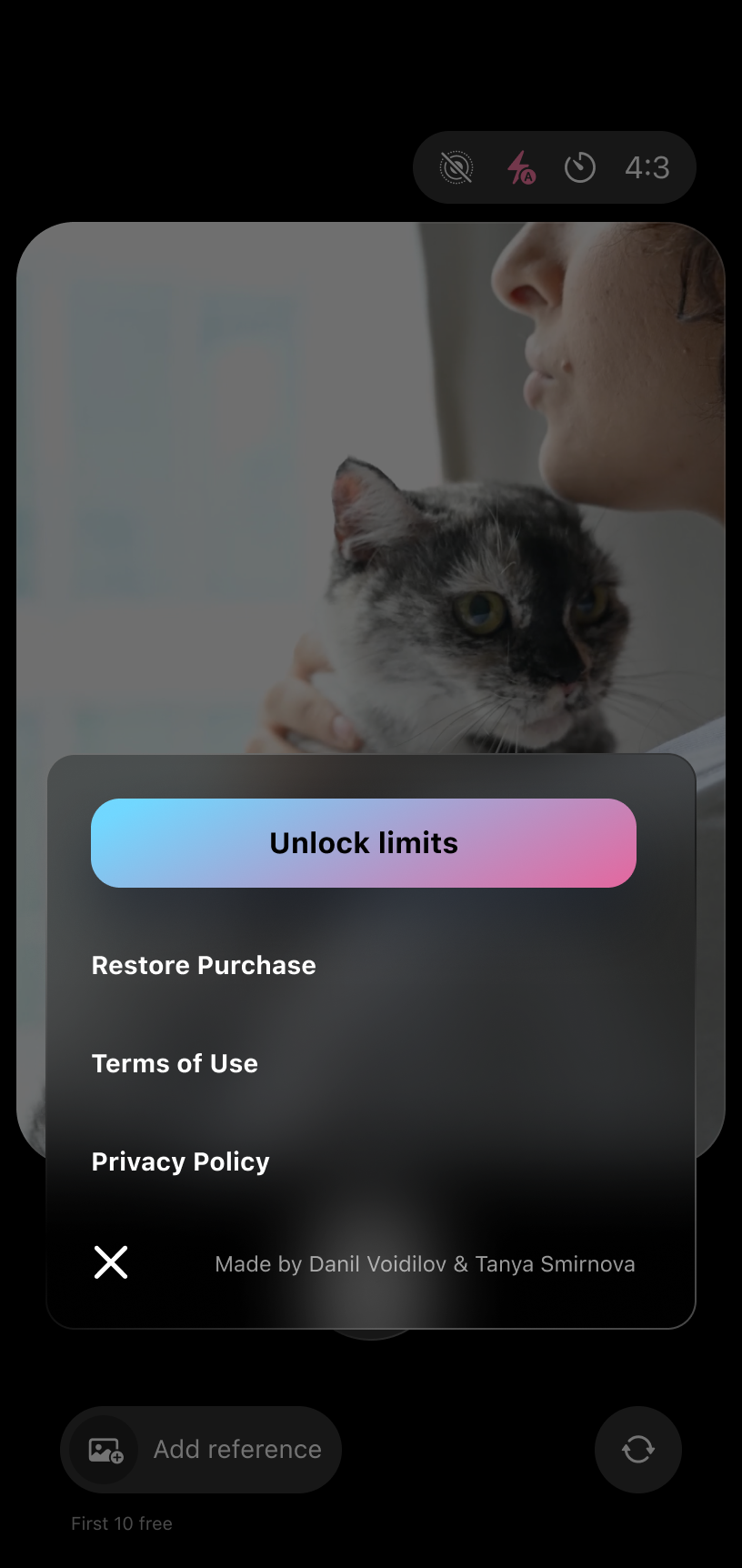
Menu: unlock unlimited references, restore a purchase, and read the terms and privacy policy
-
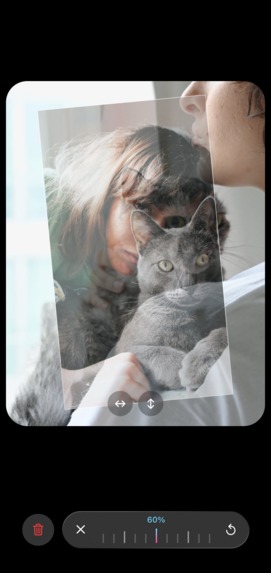
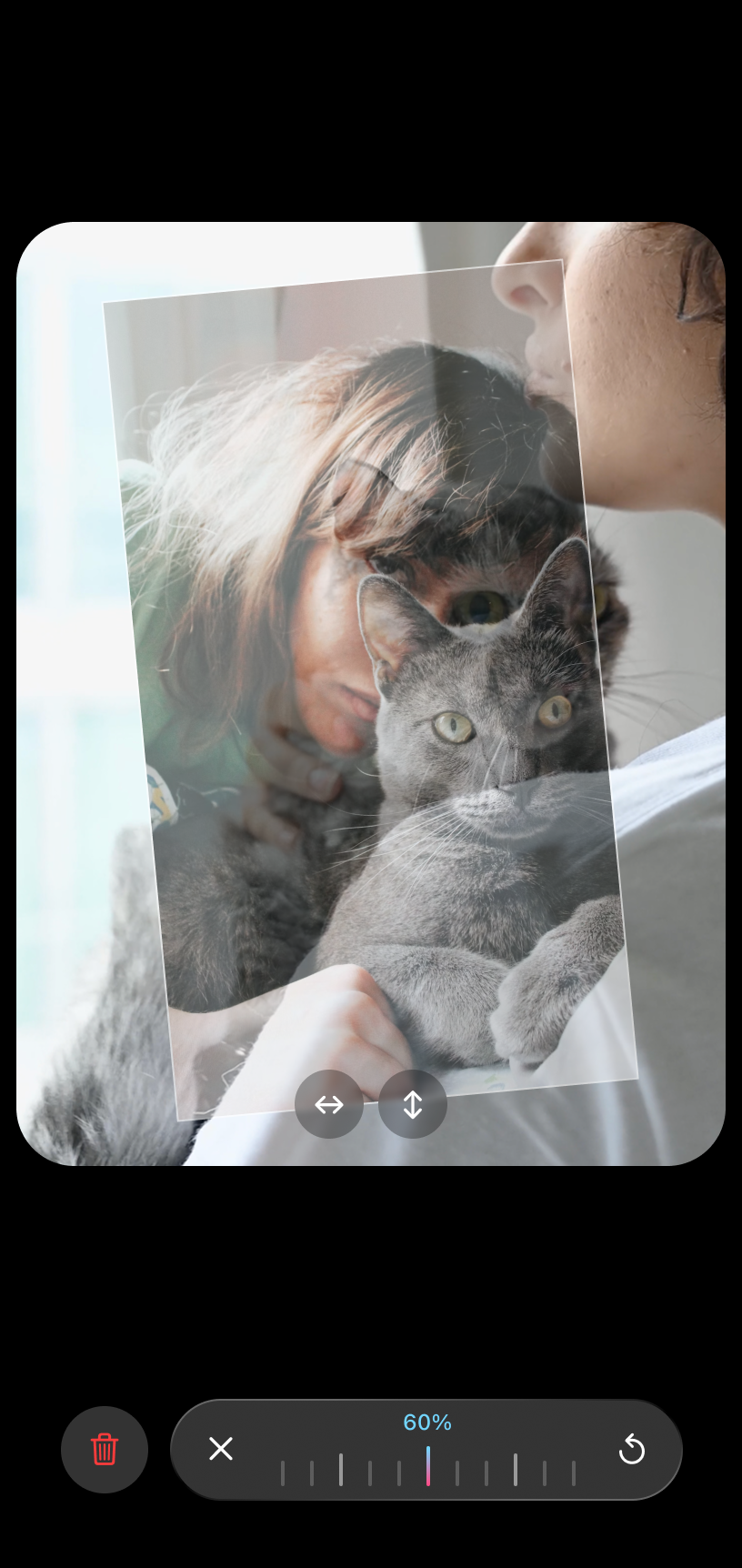
Adjusting the reference: set its transparency on the ruler, and move, resize or rotate it with two fingers
-
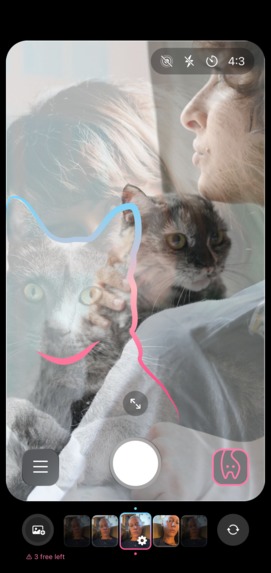
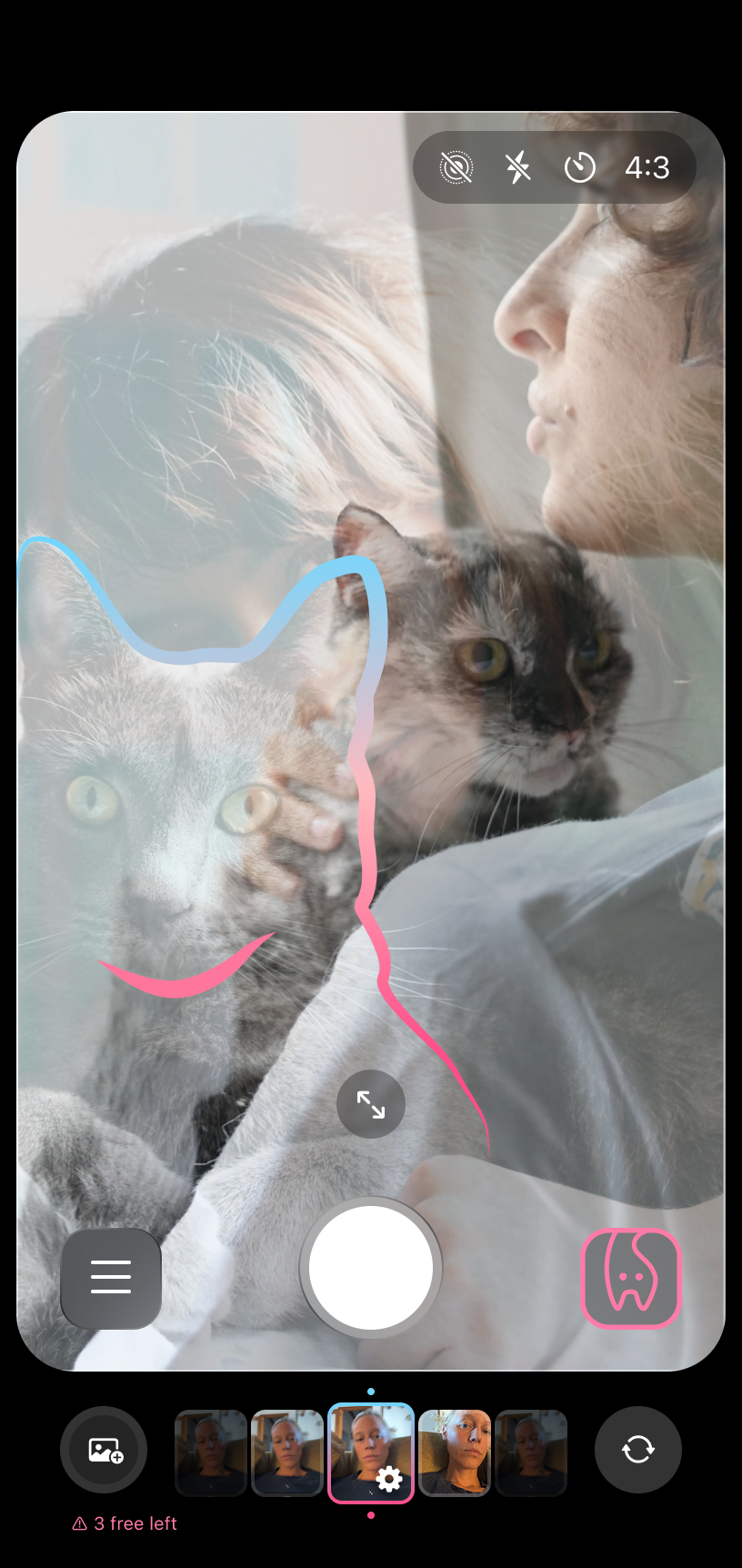
Outline mode: a gradient line around the subject shows where it should be in the frame

Inspiration
The idea came from the wife of Daniil, who built the app. She loves being photographed, but finding a good pose and angle never came easily to her. She saved dozens of ideas on Pinterest and Instagram, but when it was time to shoot, they were buried in the camera roll and she was left guessing. The other half of the problem was the person behind the camera: not everyone knows how to hold a phone to take a good picture of someone. So she asked for something simple: put the photo you like right over the camera, and let anyone, her husband or her friends, take it just as beautifully.
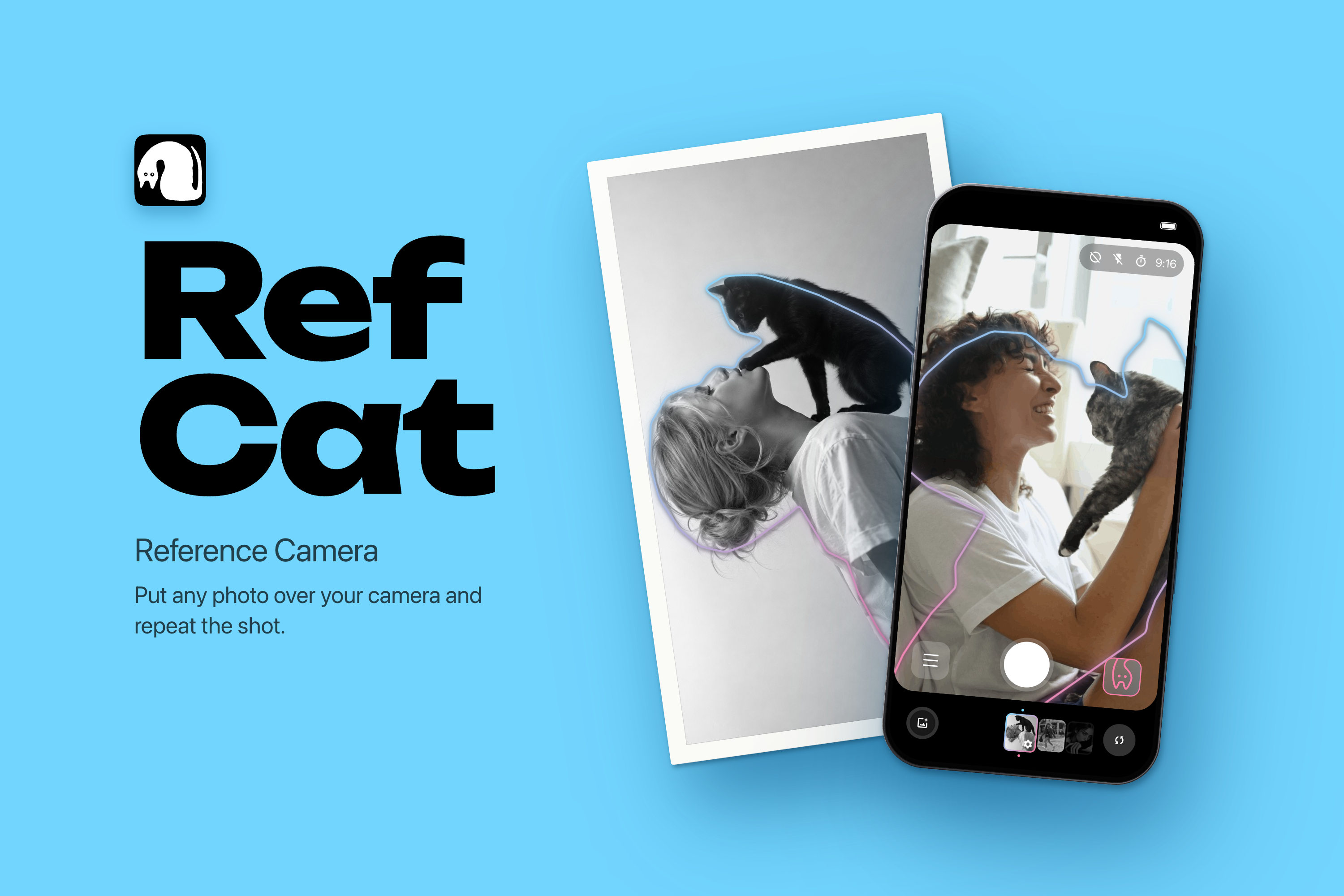
The name came from the same idea: Ref for reference, Cat for the cat on the icon. Together it sounds like copycat, someone who copies.
What it does
RefCat puts any photo over your live camera, so you can repeat the shot instead of guessing: a travel photo you saw online, a picture with a friend for social media, a pose from your favourite model, or a landscape framed just right.
Usually one person poses and the other holds the phone. The person posing can't see the screen, so the photographer compares the reference with the frame and tells their friend how to move. They don't need to know anything about composition, because the reference already has the pose and the framing.
You can try it in under a minute. The app opens with sample references, or you pick any photo or screenshot from your library. About a second later the subject is cut out and outlined, and you're lining up the shot. You don't need to create an account or set anything up.
You choose how to see the reference:
- Outline: a line around the subject, for people, pets and objects.
- Cutout: the subject alone, without its background.
- Whole photo: the reference see-through, for landscapes, streets, close-up portraits or your own composition grid.
- Hidden: one tap to check the live view on its own.
Move, resize and rotate the reference with two fingers, set its opacity on a ruler, or fit it to the frame in one tap.
Your photos stay private: references are analysed and stored on the device, nothing is uploaded, and there is no analytics or ad SDK. The photos you take are saved to Photos without the reference on top.
The first 10 references are free. Unlimited is a yearly plan with a 3-day free trial or a one-time Lifetime purchase.
How we built it
We're a team of two: a product designer and an iOS developer.
- Design first. Tatiana designed every screen, the design system, all component states and the outline style by hand in Figma. For the onboarding animation she used Claude Design to prototype the motion quickly, going through several rounds of review and corrections before handing it to development.
- Native stack: SwiftUI on iOS 18, UIKit for the reference carousel, AVFoundation for the camera. All motion uses native tools: path trimming, springs, masks, blur and opacity. No Lottie.
- On-device vision. Apple's Vision framework finds every foreground object, and we merge them into one figure, so a person holding a bag or a dog stays whole. We trace the mask into a smooth path for the outline. Analysis runs in the background the moment a photo is added and is cached, so a reference opens instantly the next time.
- Research. We built a benchmark on our own reference photos and compared several neural networks: Apple Vision, BiRefNet, SAM 2.1 driven by saliency, and depth-based segmentation with Depth Anything V2, plus a line-art network for inner contours. Vision gave the best balance of speed and quality, with nothing extra to download.
- RevenueCat powers the purchases, free-trial eligibility and restoring.
Challenges we ran into
- Time. We discovered Shipaton one week before the deadline. The app existed as an early build, but had no purchases, no onboarding and no name. We had to decide fast and cut everything that wasn't essential.
- Naming. Our favourite names failed one by one: Copycat was taken, and App Store search autocorrected CupCat and CamCat to CapCut, which could have led to a rejection for imitating another app. We ended up with RefCat.
- A fair paywall. We wanted a limit that can't be gamed but doesn't feel like a trap. The free counter counts every reference ever added, so deleting one doesn't return a free slot, and it survives reinstalling the app. We skipped a weekly subscription entirely: for an app you open now and then, it would feel unfair.
- Making a simple idea stand out. A photo on top of a camera isn't new, so we put most of the work into the details.
What we learned
- Draft before you animate. A static storyboard reviewed in minutes saves hours of polishing motion that's heading in the wrong direction.
- Small words matter: "Unlock" and "Unlimited" explain themselves, "Pro" doesn't.
- A limit feels friendlier when it's shown in grey and the brand's pink instead of warning red.
- People liked the idea, but many weren't sure they'd pay for it as a separate app. Those who would pay preferred a one-time purchase to a subscription, which is why Lifetime sits next to the yearly plan.
- The split between the person who wants the photo and the person holding the phone came up again and again in the feedback. It's the part of the product we most want to get right.
What's next
- Our own segmentation model, trained for exactly this task.
- Pose collections sorted by situation, like travel, couples or pets, so you don't need your own references.
- A test we took from the feedback: hand the phone to someone who has never opened RefCat, say nothing, and see whether they get the shot.
- A closer look at creators who shoot content regularly, since they may need RefCat far more often than casual users.
- Trends and challenges where people recreate the same shot, and reminders to repeat a photo every month or year.
- A way for the person posing to see how they look, not only the photographer.
- Sharing a before/after of the reference and your shot.
Built With
- app-store-connect
- avfoundation
- figma
- ios
- keychain
- revenuecat
- storekit
- swift
- swiftui
- uikit
- vision
- xcode

Log in or sign up for Devpost to join the conversation.