-
-

App Icon
-
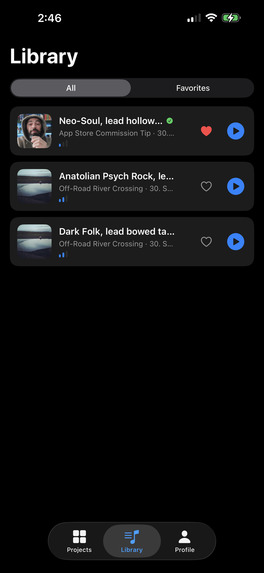
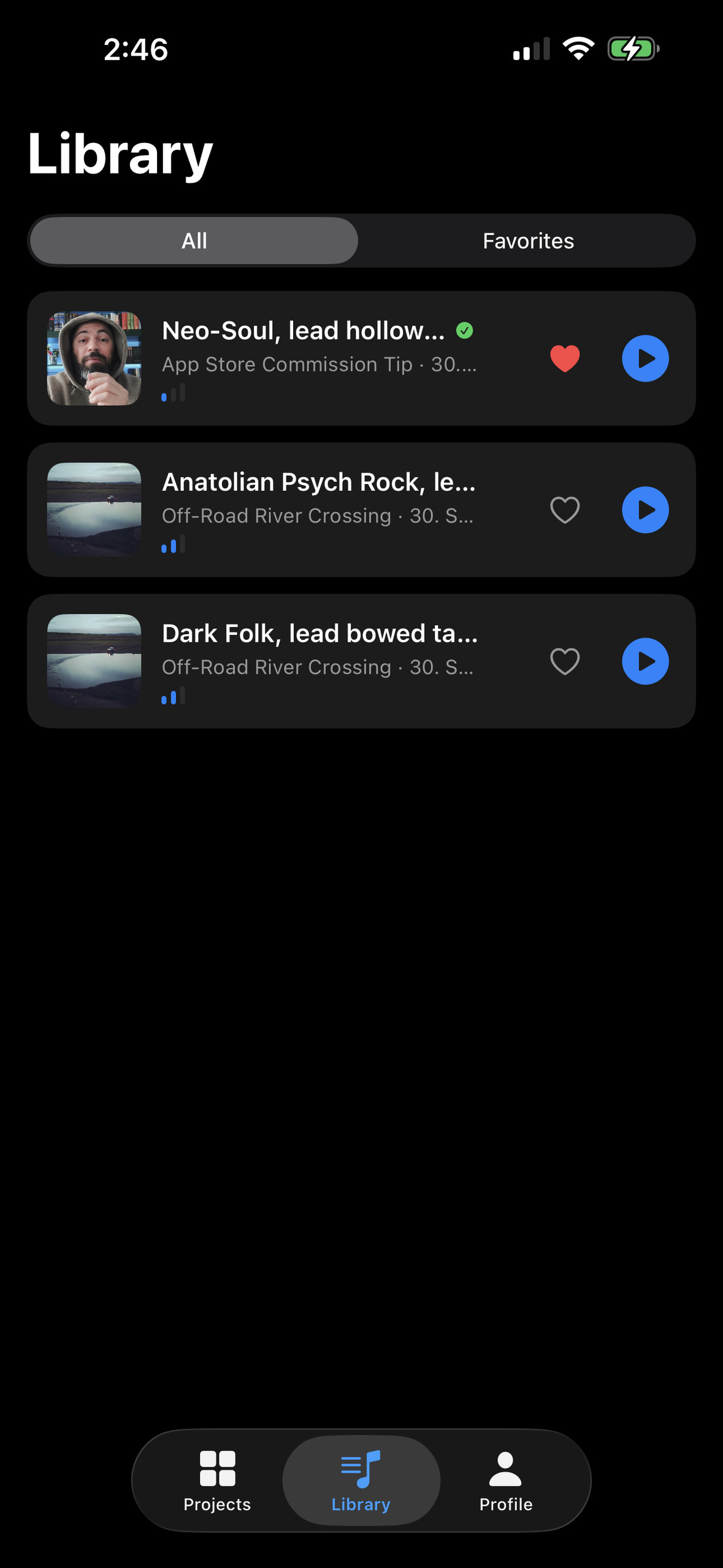
Music List
-
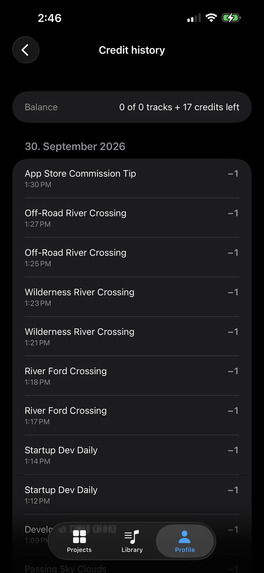
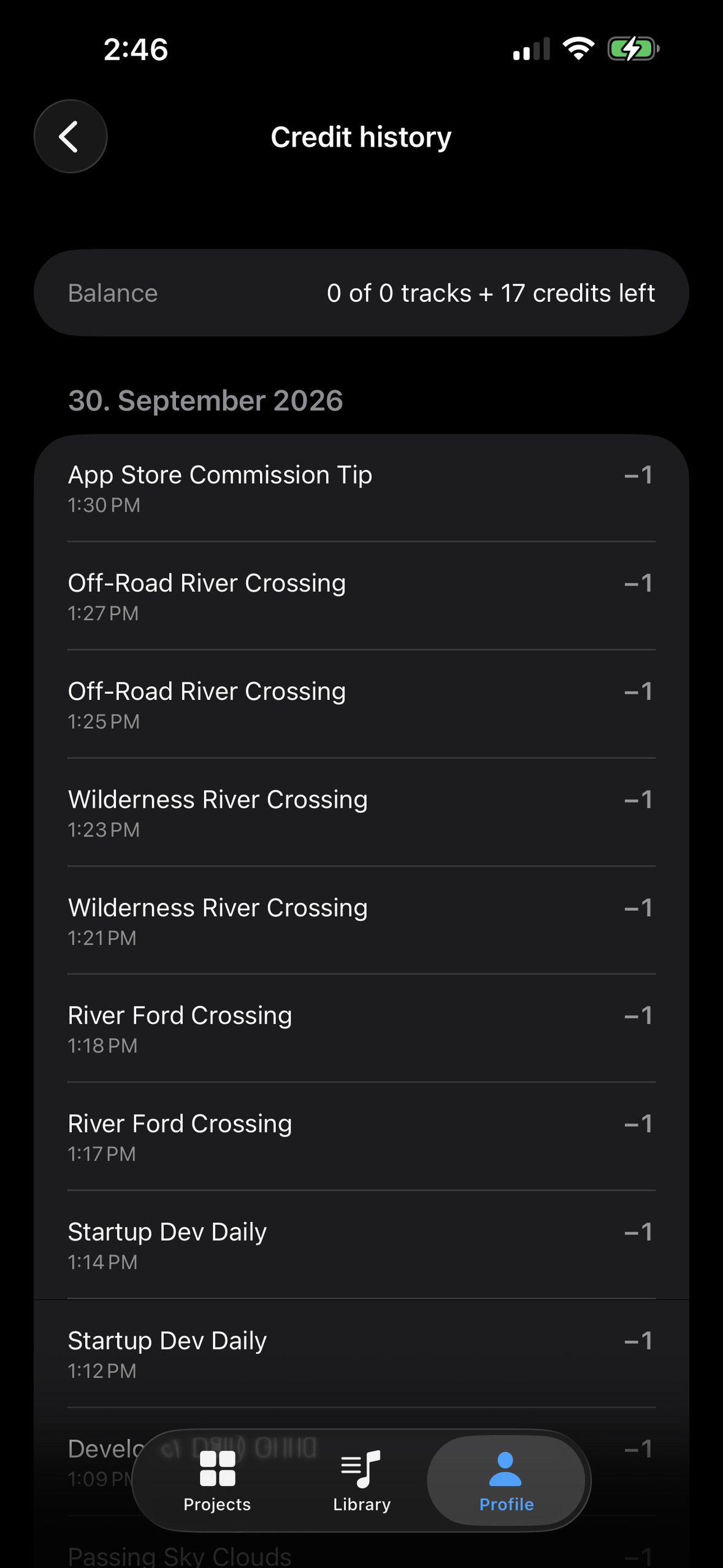
Credit History
-
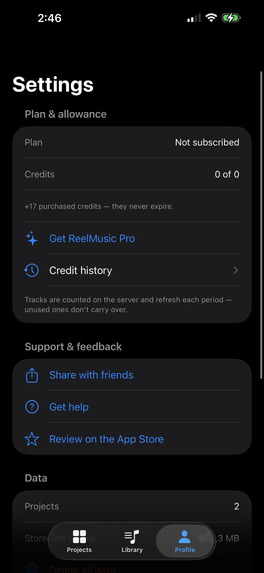
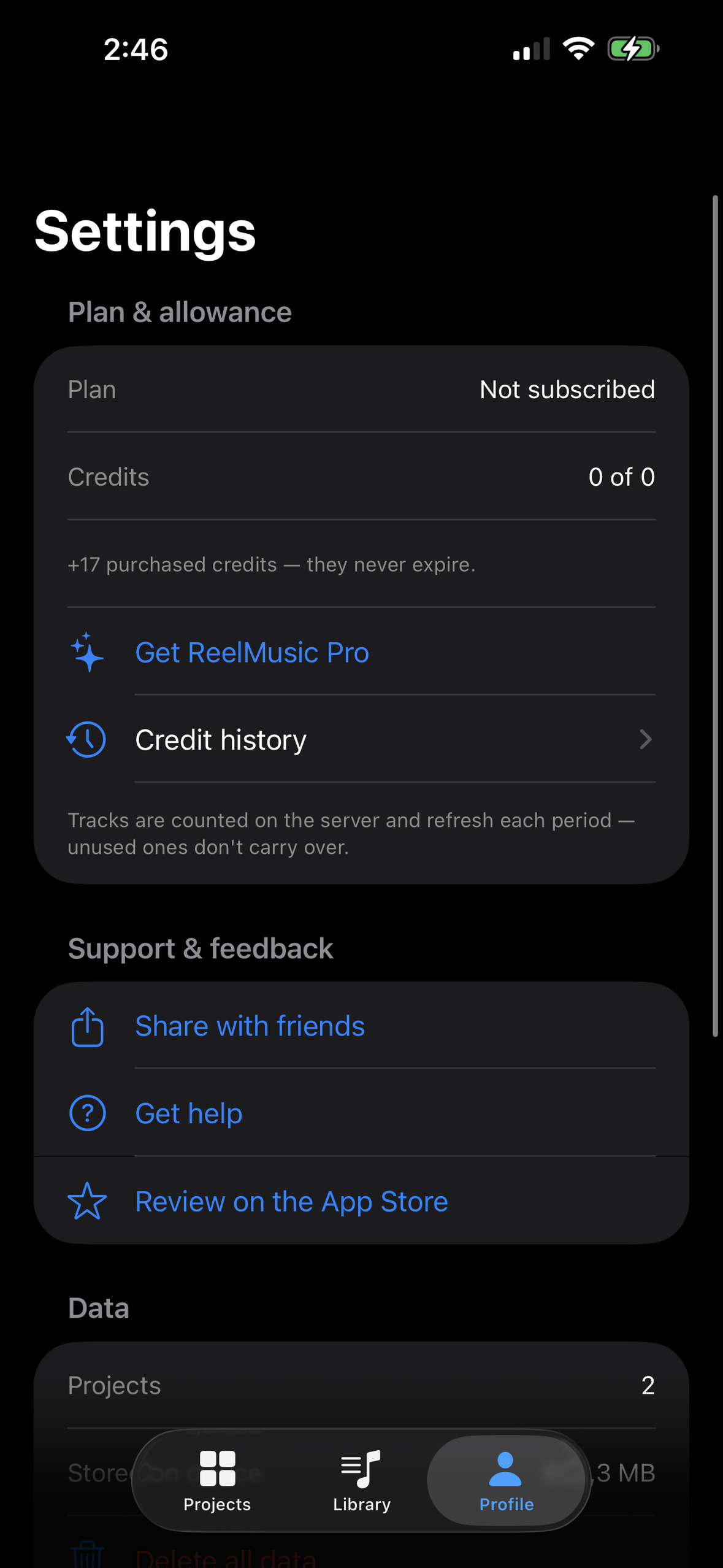
Settings
-
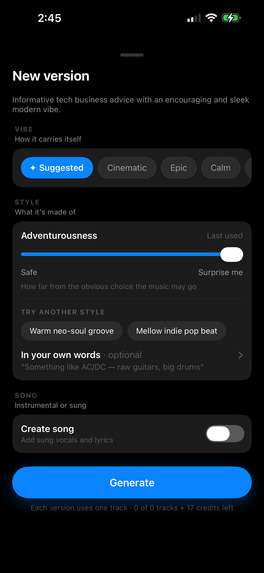
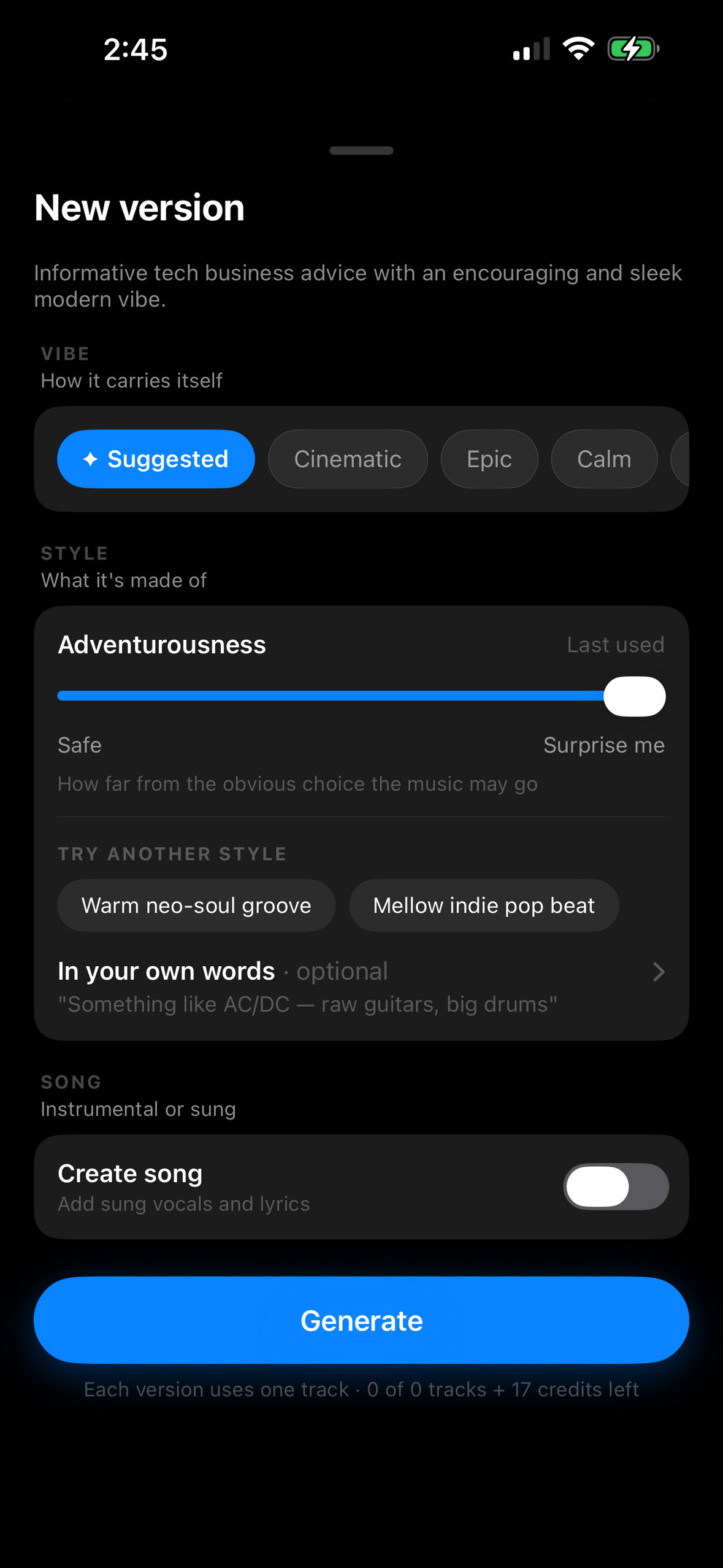
Create New Music Version
-
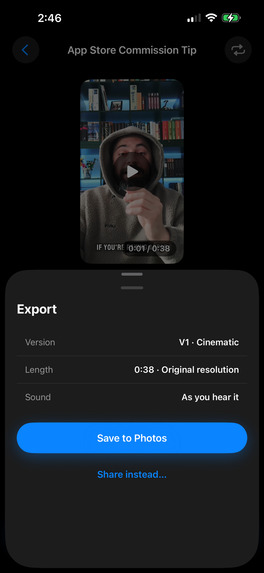
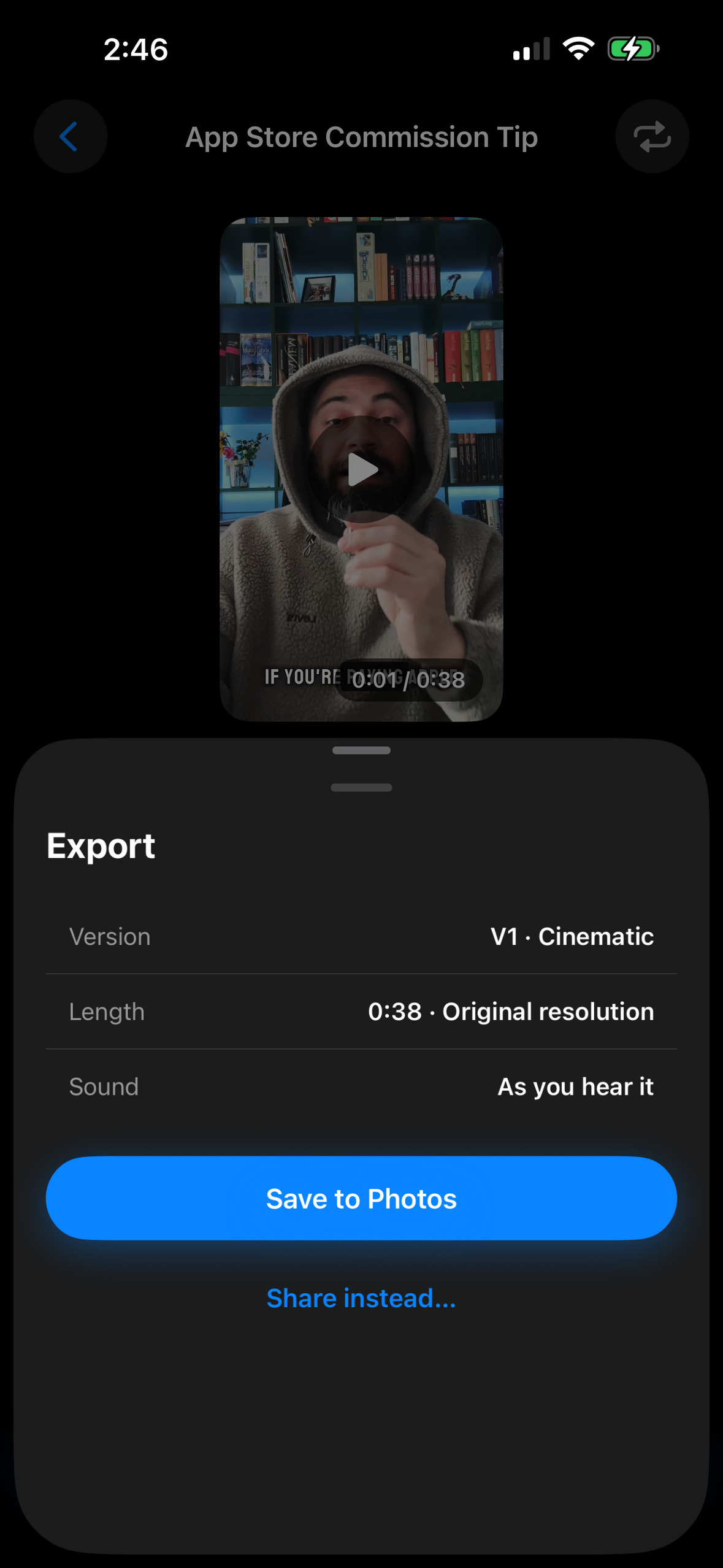
Export View
-
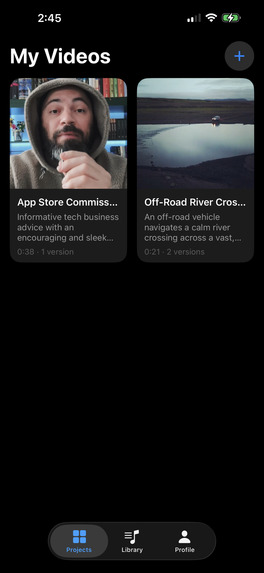
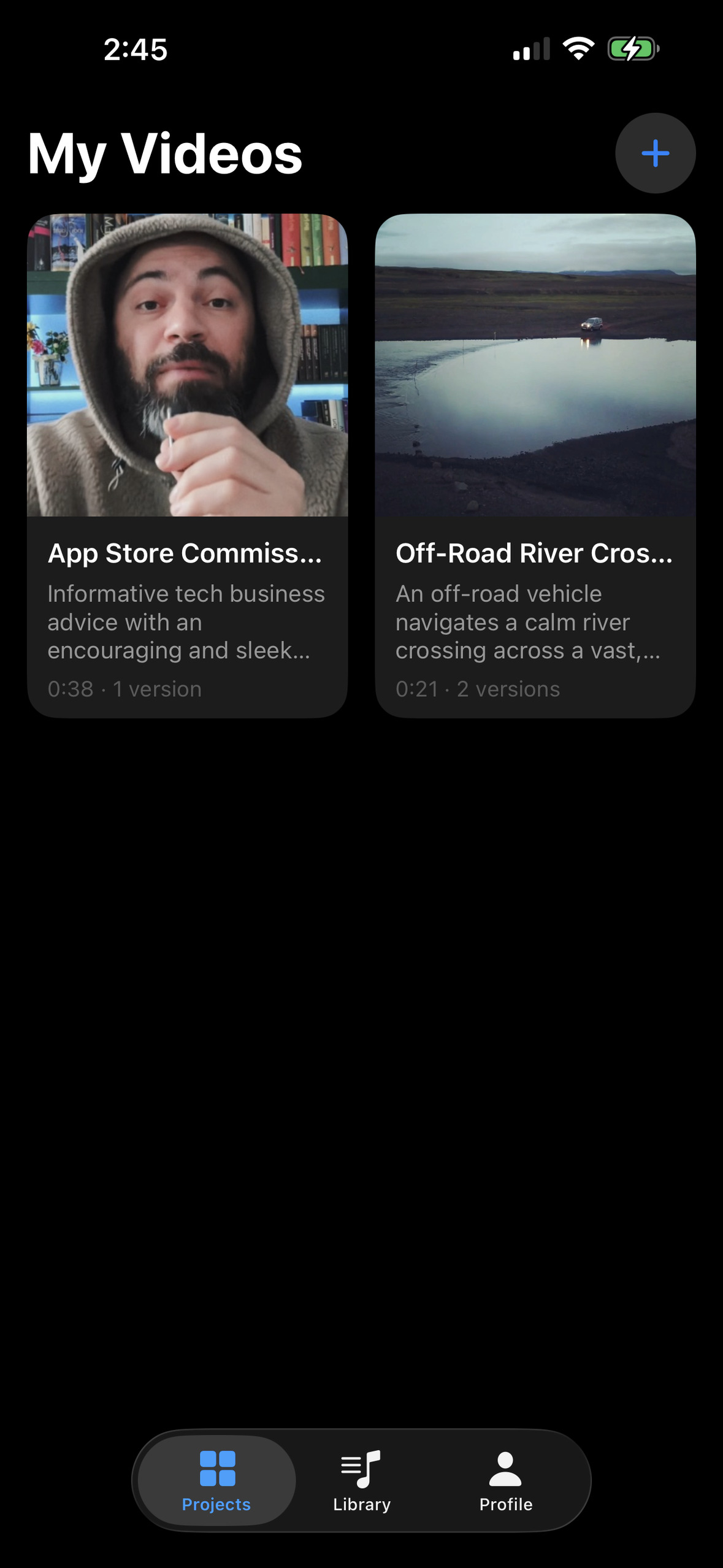
Home Screen
-
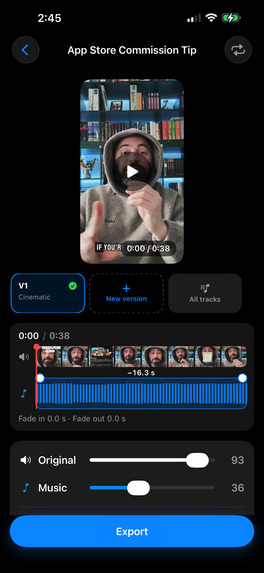
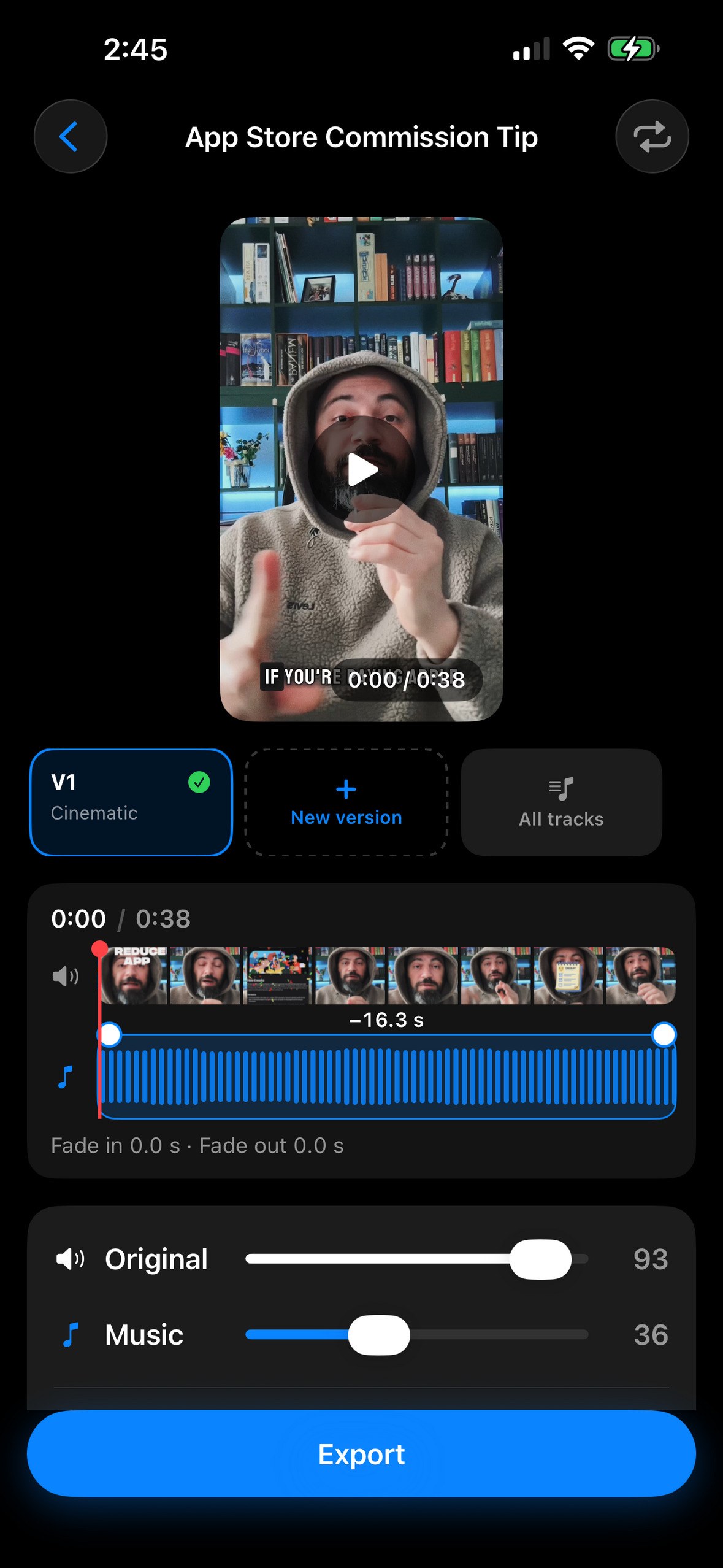
Project Detail Screen
-
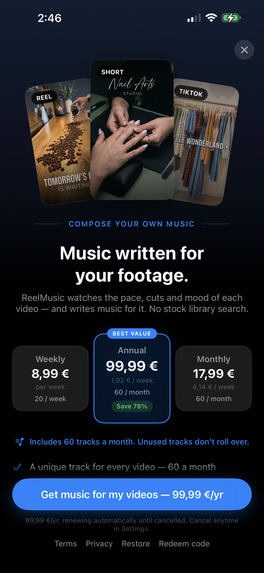
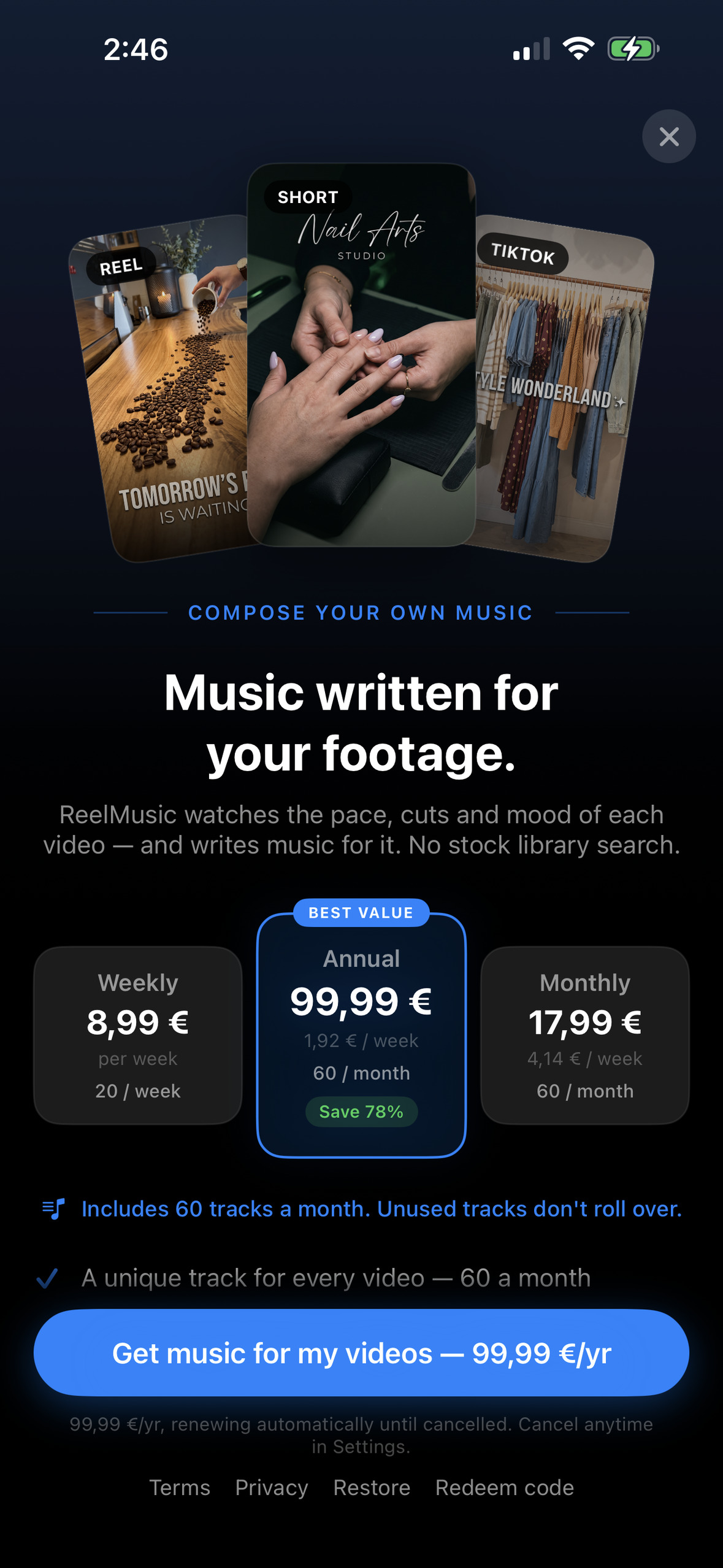
Paywall
-
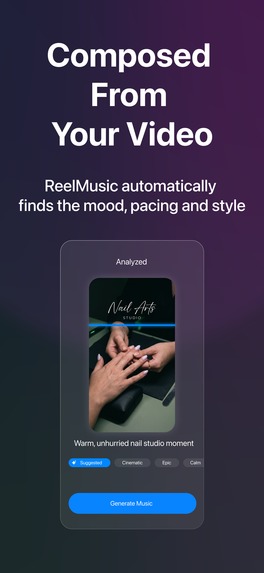
App Store Screen
-
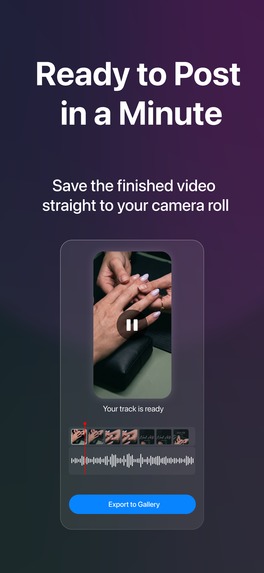
App Store Screen
-
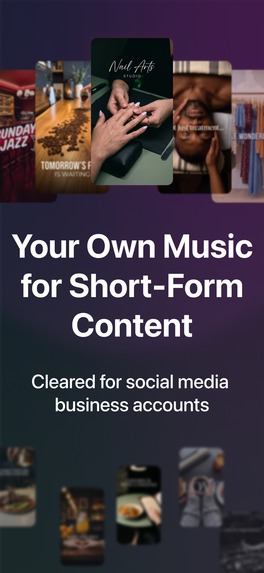
App Store Screen

Inspiration
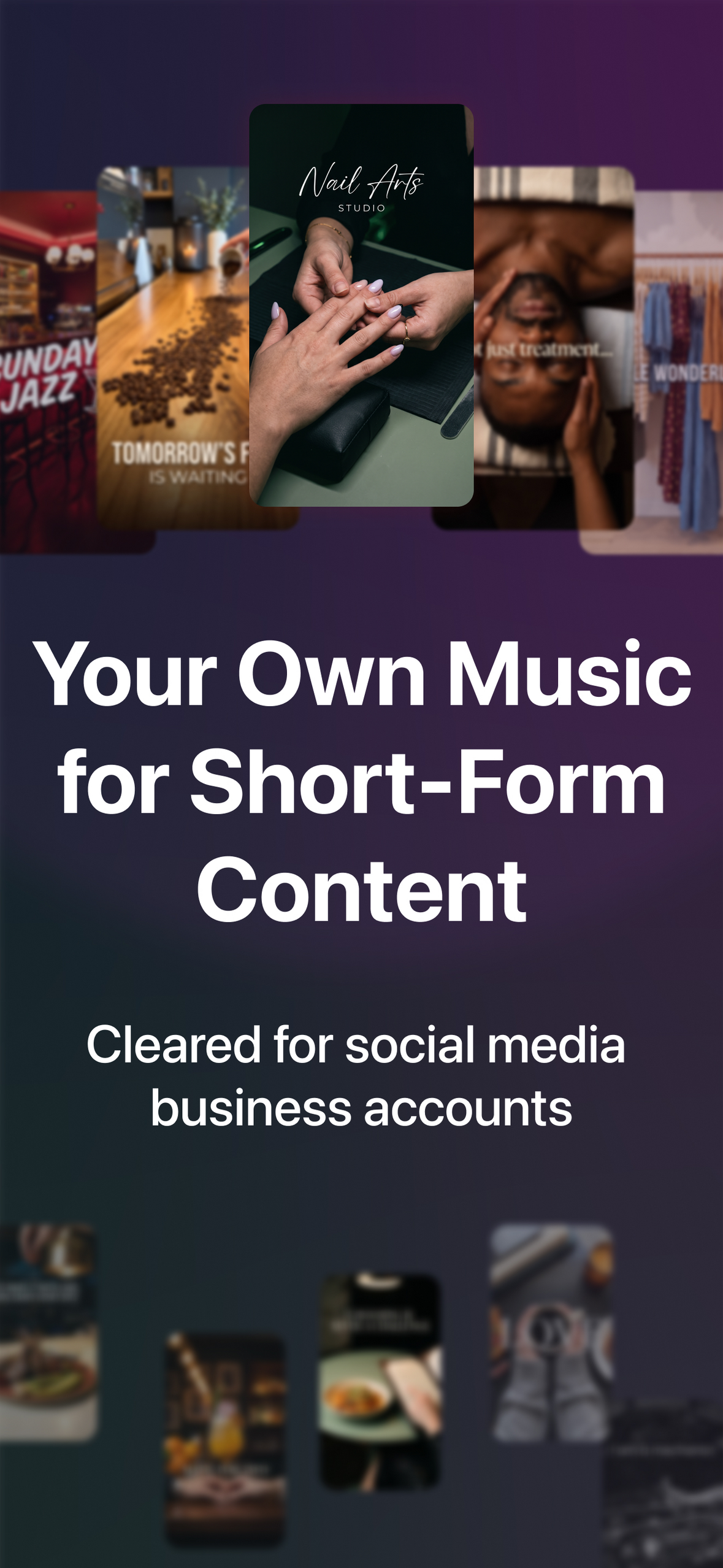
Business accounts on Instagram and TikTok can't use most popular music. They're limited to a small commercial library, and anything outside it risks getting muted or taken down. I kept seeing small businesses post good clips with either silence or the same stock track as everyone else. And i face the same situation for my personal business accounts.
The tools that exist either recommend existing songs, which brings the licensing problem right back, or they're desktop tools for pros. I wanted something on the phone that looks at what actually happens in the video and writes music for it.
What it does
- Pick a video from your camera roll.
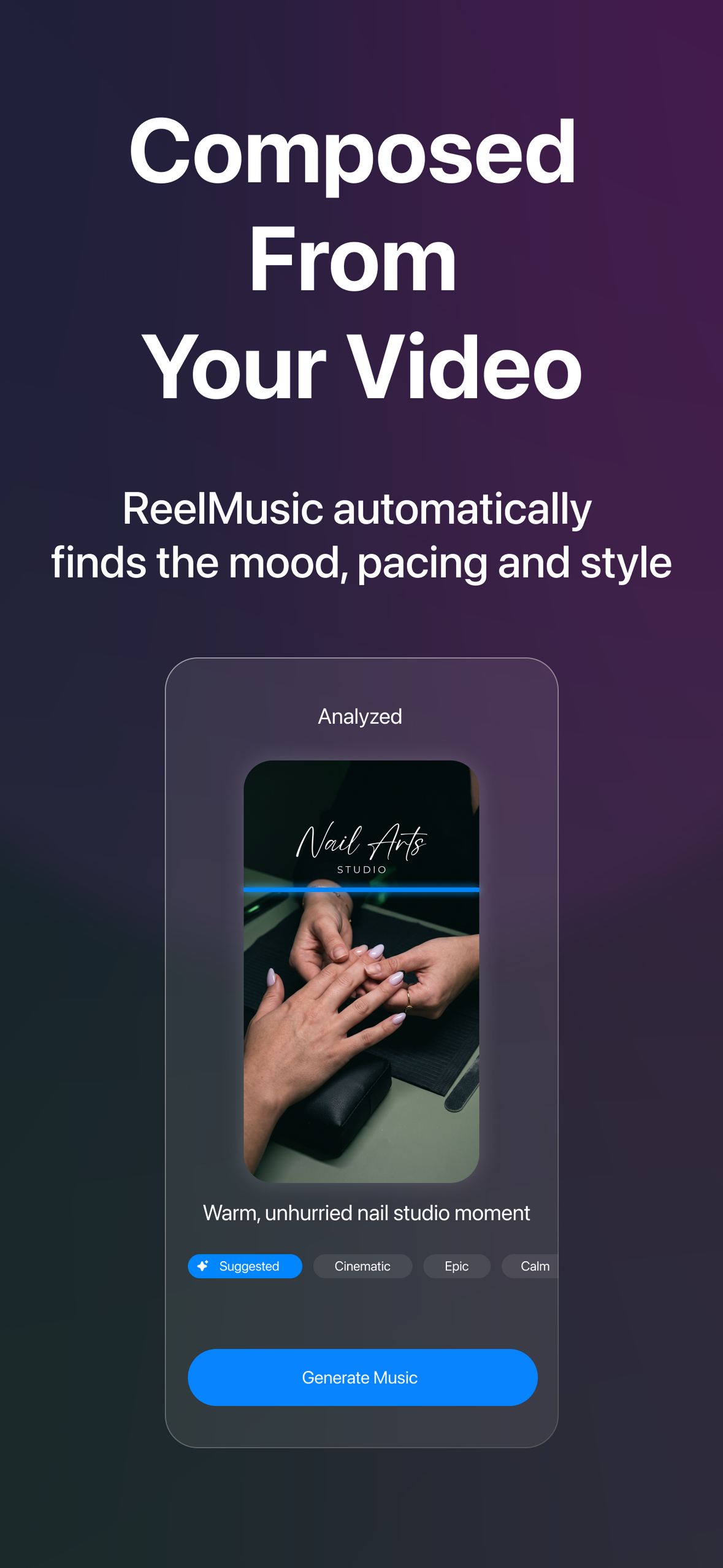
- ReelMusic analyzes it right away: what happens, the pacing, the mood, the moments that matter.
- You get a short mood summary. Pick a vibe (Suggested, Cinematic, Energetic…) and how adventurous it should be, or just tap Generate music.
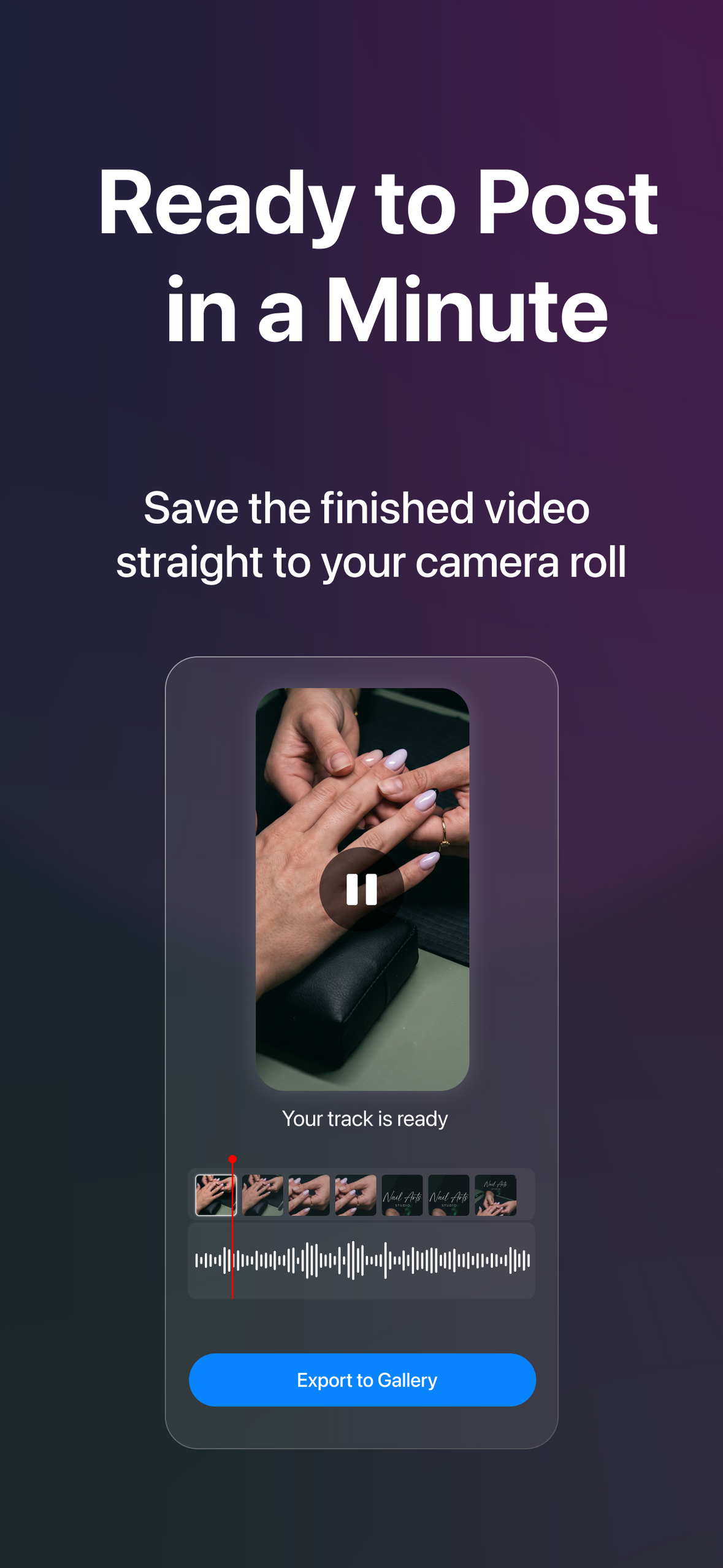
- About a minute later you have an original track scored to that clip. Drag it so the beat lands on your cut, balance the music against the original audio, and save it to your camera roll.
Want something different? New version offers alternative directions from the same analysis. Song mode creates a track with vocals and auto-written lyrics.
Every track is royalty-free and cleared for commercial use, including client work.
How I built it
- iOS app: Swift + SwiftUI (iOS 26) and SwiftData for project history. Mixing music with the original audio happens on-device with AVFoundation.
- Backend: Firebase. Sign in with Apple via Firebase Auth, App Check with App Attest, direct resumable uploads to Cloud Storage, TypeScript Cloud Functions in europe-west3, and Firestore job documents the app watches live. API keys live in Secret Manager, never in the app.
- AI pipeline (two steps): Gemini watches the whole video and writes a structured music brief (action timeline, narrative arc, tempo band, instrumentation, background vs. foreground role). A second prompt step turns that brief plus the user's choices into an engine prompt. Mureka v9 (instrumental and song models) generates the track.
- RevenueCat: a weekly plan with a 3-day free trial, monthly and annual plans, plus consumable credit packs. The RevenueCat app user ID is the Firebase UID, and subscription events flow into Firestore. A server-side ledger meters every generation (reserve → generate → commit, so failed generations are free), and the balance survives a delete-and-reinstall.
- I built it as a solo indie developer, with Claude Code as a pair programmer for the app, the backend and the Firebase setup.
Challenges
- The AI kept making lo-fi. My first workout clip (scooter ride plus leg day, vintage filter) came back as 82 BPM chillhop, because the color grade was driving the genre. The fix: the video's content decides genre, tempo and energy, and its look only shapes the sound. The model now drafts three directions from different genre families before choosing, and genres from your recent tracks are excluded.
- The "adventurousness" slider did nothing you could hear. The model changed the genre label but kept the same instruments, BPM and key, so the tracks sounded identical. Music engines ignore genre nouns and react to tempo, instruments and energy words. I rebuilt the prompt so the slider moves those audible parameters, while length, energy and arc stay locked to the video.
- No duration or seed parameter in the engine. Tracks don't come out at the clip's length, so the app trims and fades them. In song mode, lyric length is calibrated to video length, since that's the only lever on duration.
- Pricing that survives real usage. The engine charges a flat fee per generation. If I metered by minutes, a 15-second clip would cost about 5× more per minute than a 60-second one, and short clips are the most common. So the quota counts tracks, and margin becomes a property of the plan instead of user behavior.
- "Royalty-free" has to be true. I went through the licensing terms of every provider before picking one, and I keep the in-app wording honest: cleared for commercial use, never "you own the copyright".
What I learned
- Firebase, end to end. This was my first Firebase integration: Auth with Sign in with Apple, App Check, Storage uploads, Cloud Functions, Firestore and a server-side credit ledger wired to RevenueCat. I learned it by shipping it.
- AI models give you the most probable answer unless you stop them. Left alone, the model picked the safest genre for every video, so every track sounded like lo-fi. Variety has to be designed into the prompt: make the model draft different directions, ban recent picks, and push the parameters you can actually hear.
- In an AI music product, the legal wording is part of the product. "Royalty-free" only means something if the licensing chain behind every track holds up, so I read the terms of every provider and keep the in-app claims honest.
What's next
- A personal taste profile. Every time someone exports a video with a track, the app learns from that choice and refines their profile, so the next suggestions fit their style better.
- A web version for people who edit on desktop, so they can get music without switching devices.
- A royalty-free music library that people can browse and download from directly.
- My own music model in the long run, trained for scoring short-form video.
Built With
- app-check
- avfoundation
- claude-code
- cloud-firestore
- cloud-functions
- firebase-auth
- firebase-storage
- google-gemini
- ios
- mureka
- node.js
- revenuecat
- sign-in-with-apple
- storekit
- swift
- swiftdata
- swiftui
- typescript
- wavespeed

Log in or sign up for Devpost to join the conversation.