-
-
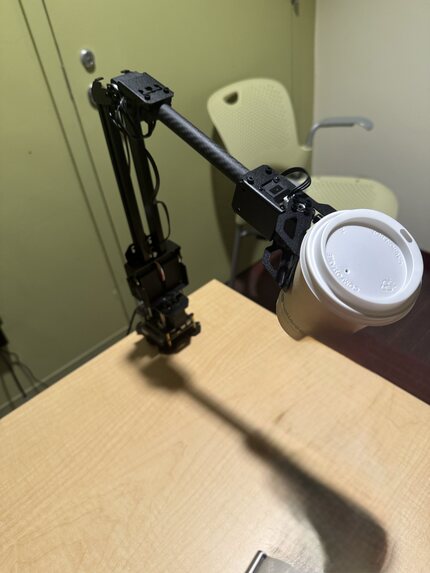
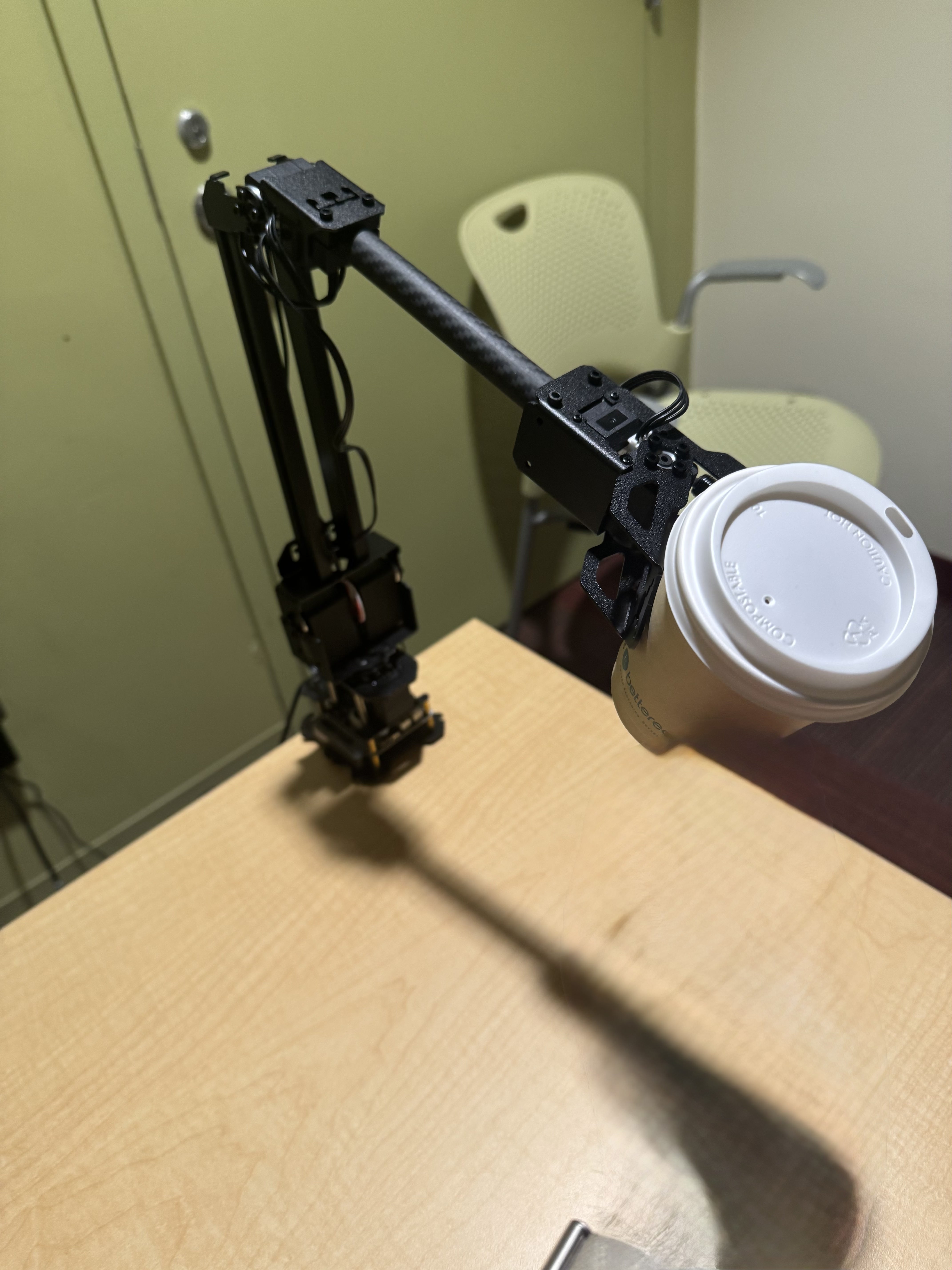
the arm holding a paper cup
-
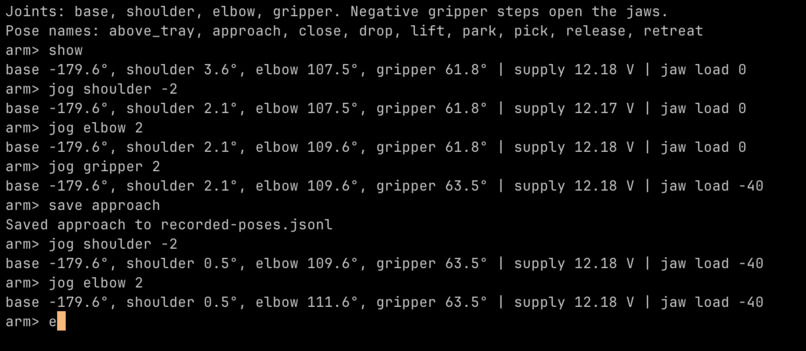
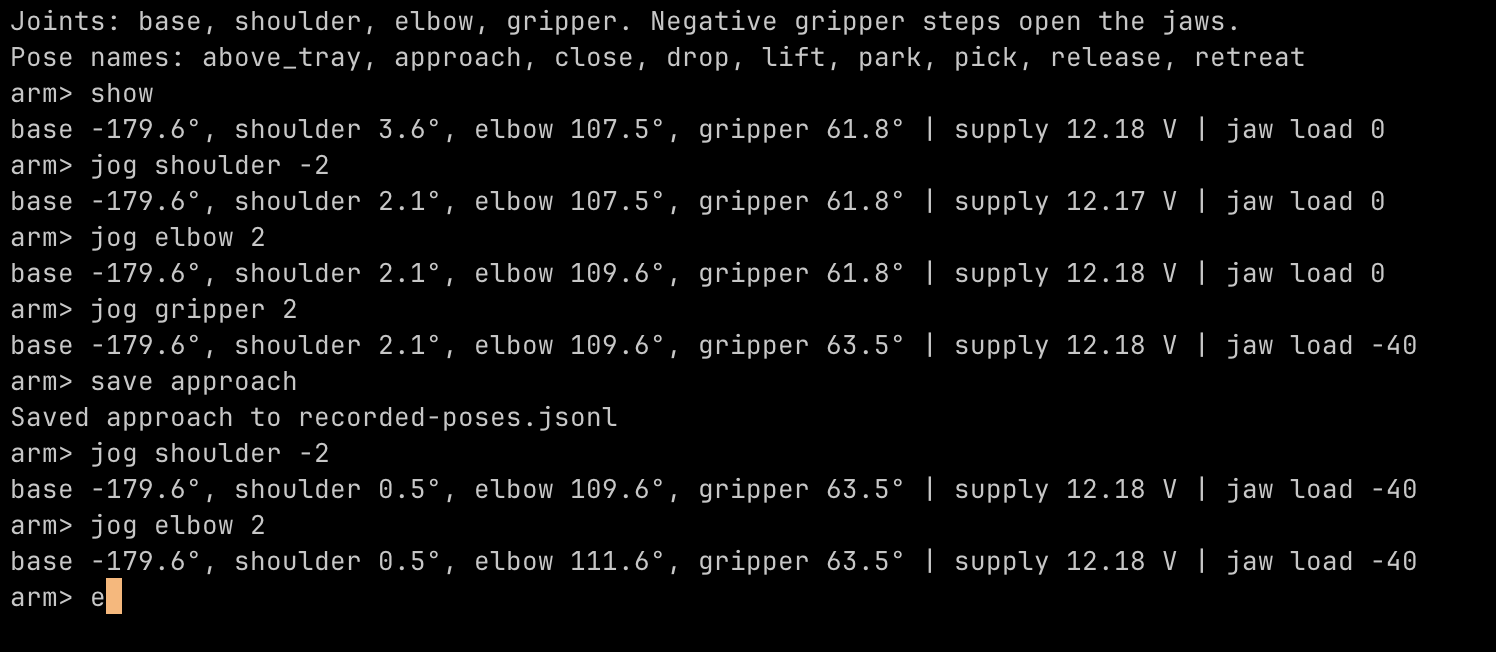
Training the arm
-
-
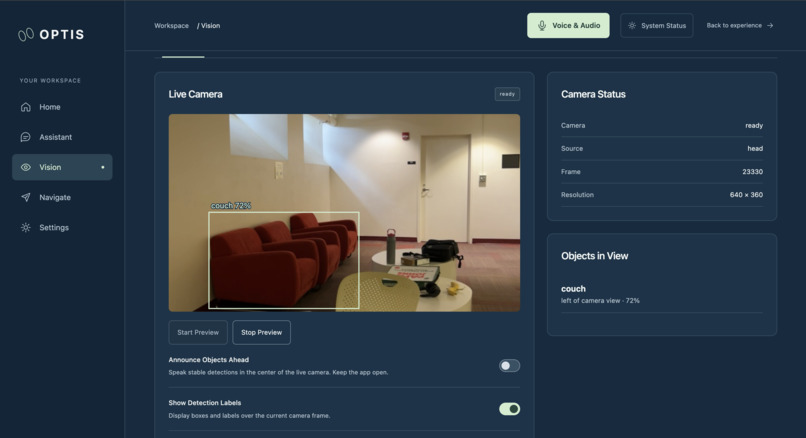
Live Computer Vision
-
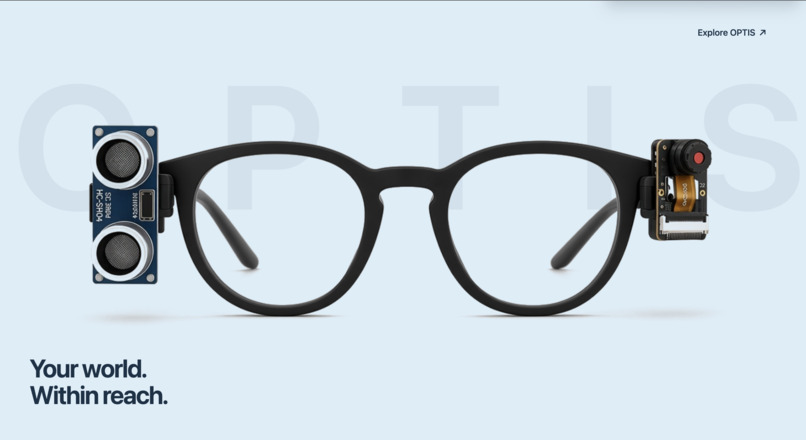
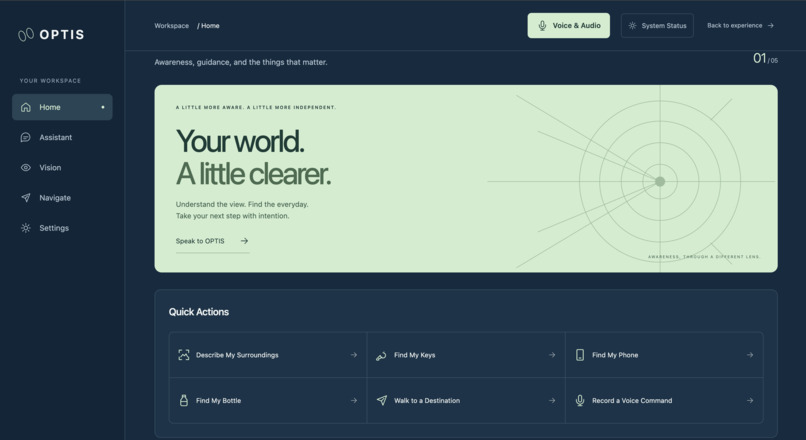
Landing Page
-
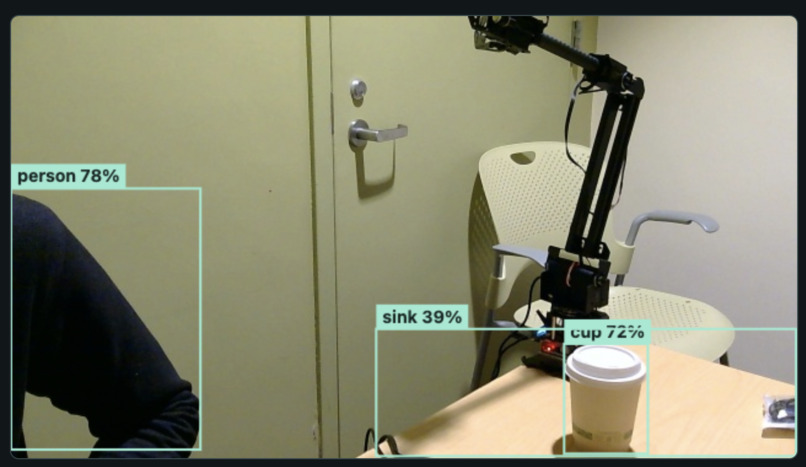
computer vision for the arm
Inspiration
Finding your keys, understanding what is in front of you, and walking to a new destination can all depend on visual cues. We built Optis to explore how one assistive system could make those everyday tasks easier through spoken information.
What we built
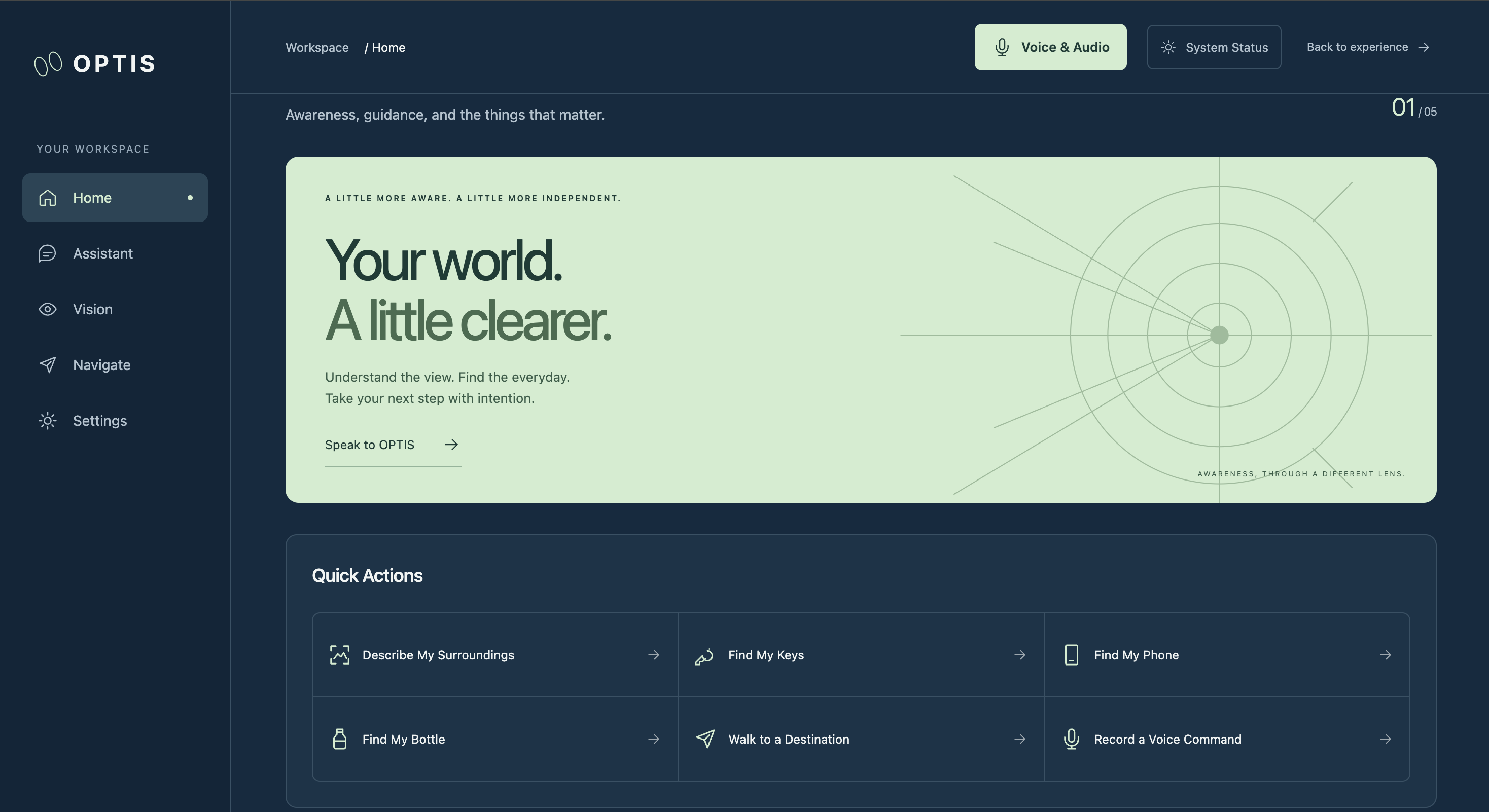
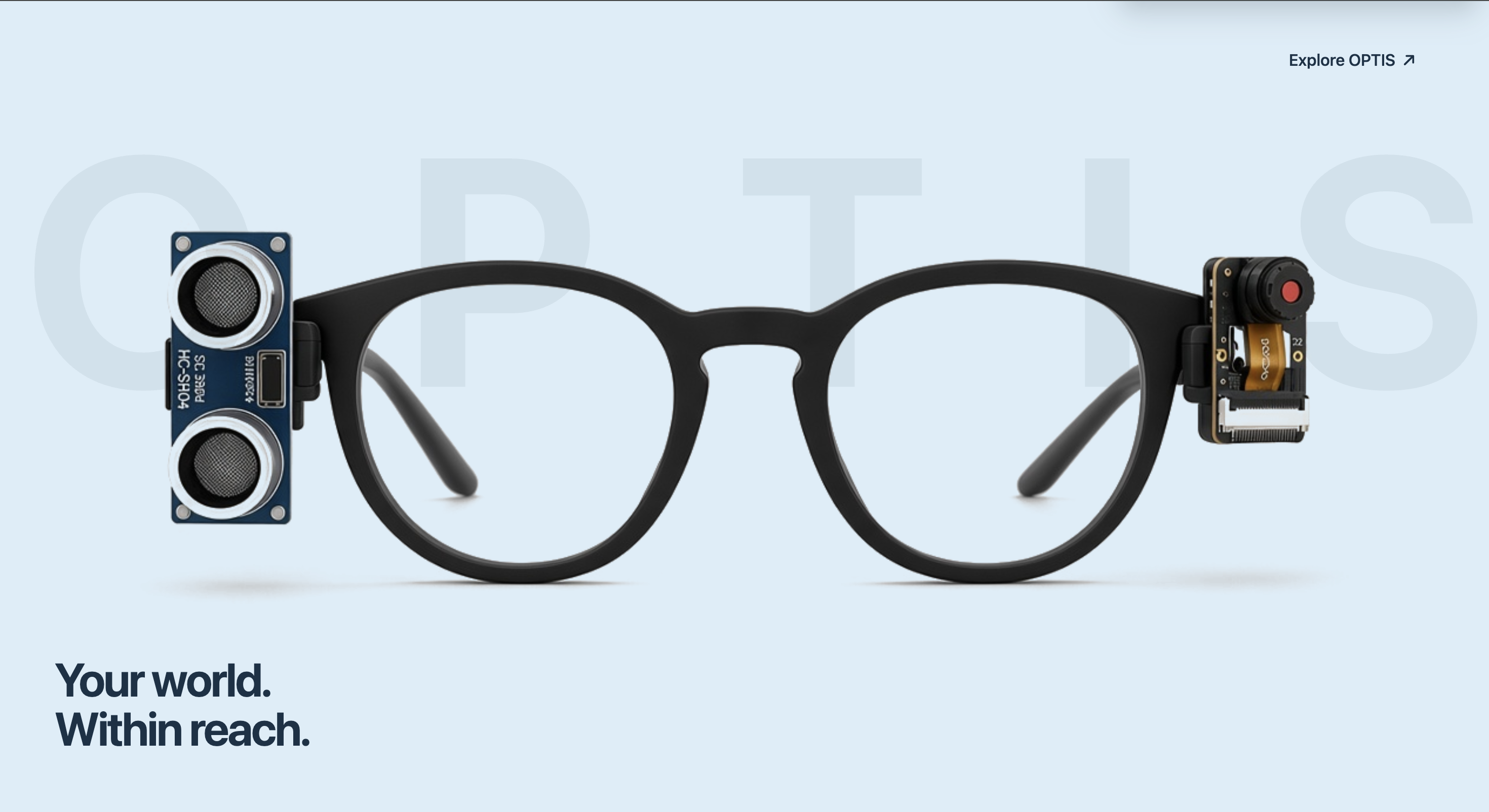
“Where are my keys?” and “What’s in front of me?” are simple questions that can be hard to answer when you can’t see. Optis is a voice-first assistive prototype that announces objects ahead, remembers where it last saw everyday items, and gives spoken walking directions. We also built a tabletop arm prototype and demonstrated in simulation how a user could say “Put the cup in the tray” and request a pickup without touching a screen.
How we built it
Camera integration and computer vision
We built a single vision pipeline that can take frames from several cameras. We tested live video from a Logitech Brio 100 over USB and an iPhone through Continuity Camera. For the glasses prototype, we built a capture path for the ESP32‑S3 W11 that sends JPEG frames over Wi‑Fi with timing information. The backend uses the timing to discard stale frames.
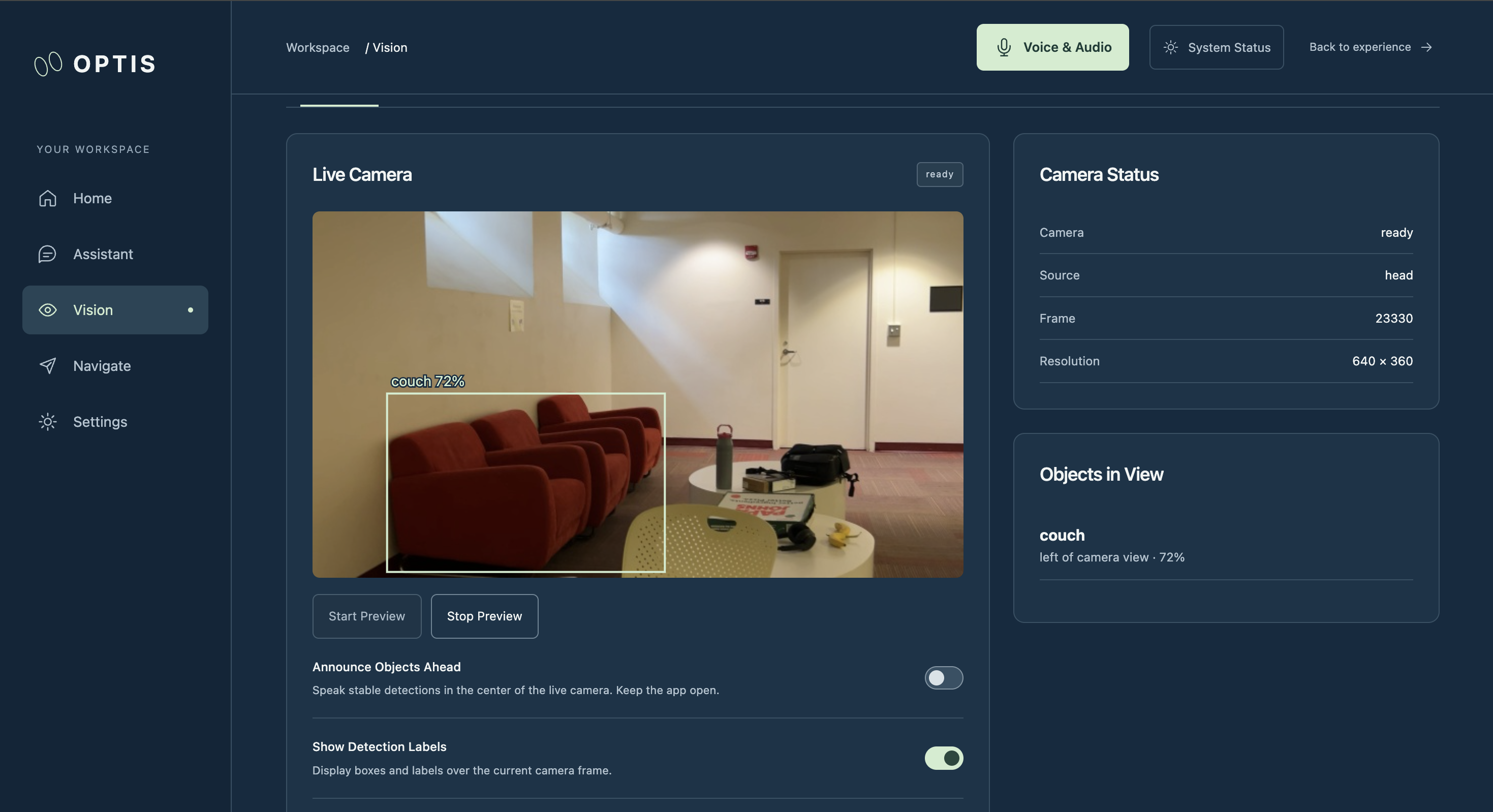
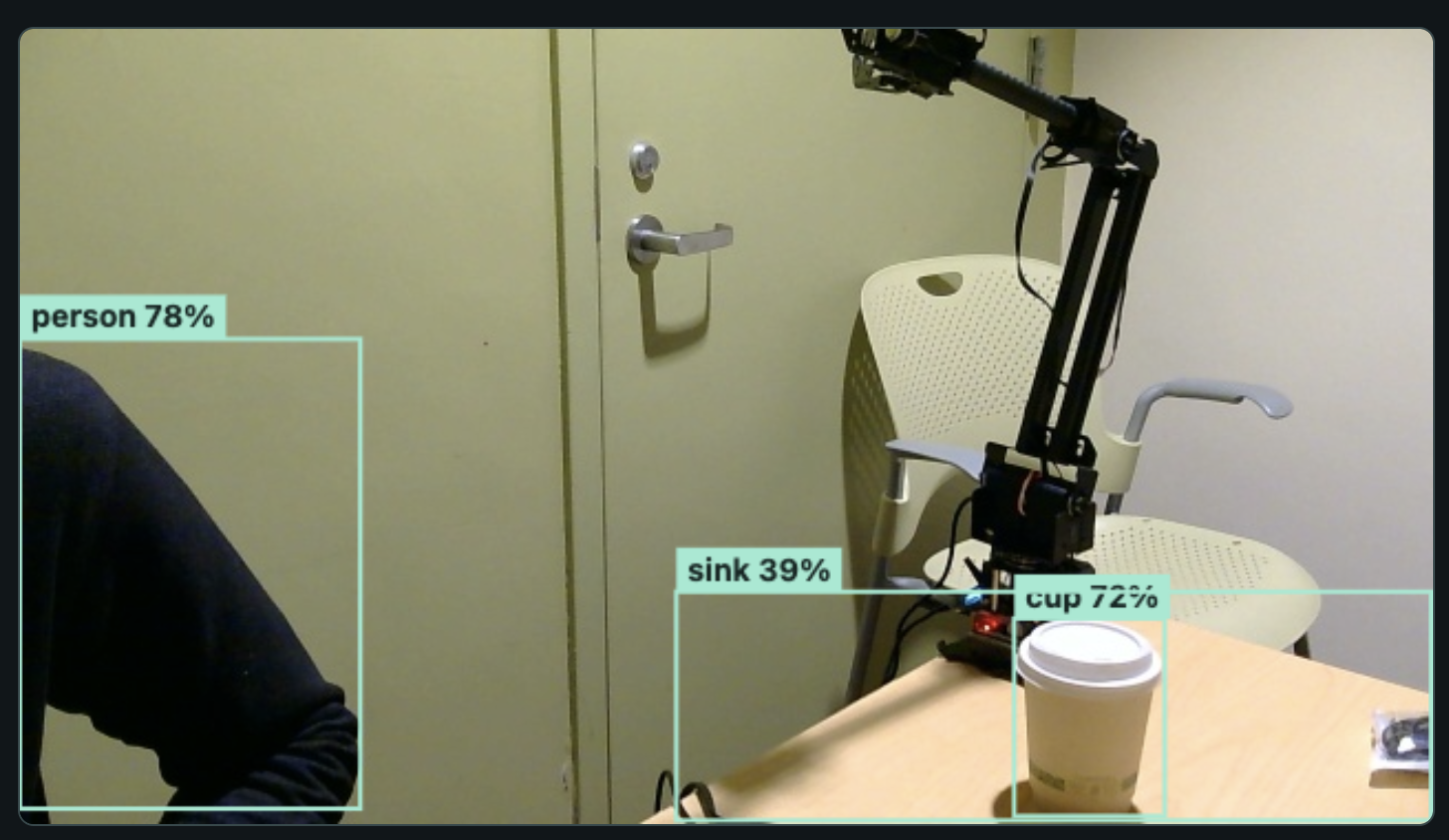
We ran YOLOv8n through ONNX Runtime to detect objects in the live feed. OpenCV handled USB capture and our backend filtered overlapping detections and tracked objects across frames. When a stable detection appears in the center of the image, Optis can announce it aloud, for example, “Chair ahead.” We used YOLOE for experimental keyring detection. When Optis sees a stable keyring, it saves the time and camera view in SQLite so it can answer “Where are my keys?” after the keys leave the frame. We verified that detect-and-recall flow with a test image.
Voice input and output
The web app records a short question and sends the audio to our Python backend. The backend uses an xAI API key to transcribe the recording, matches the transcript to a supported action, and sends the resulting answer back through xAI text-to-speech. The key stays on the server. We added an editable transcript so users can correct a misheard word and resubmit the question without recording again.
GPS and pedestrian navigation
We used Valhalla with a local OpenStreetMap extract to calculate walking routes. iPhone Safari can send location fixes over HTTPS, including the fix time and reported accuracy. Optis checks both before accepting a fix as the route origin. It looks up the destination in a local place index, asks Valhalla for a pedestrian route, and turns the returned maneuvers into map updates and spoken cues. We verified route creation to Du Bois Library using a test GPS fix.
Robotic arm and Jetson deployment
We connected a Waveshare RoArm‑M2‑S over USB and trained it to read joint feedback, moves one joint at a time and saves measured poses. We verified base and gripper movement on the tabletop stand. In the simulated pickup, saying “Put the cup in the tray” creates a pending task. The workflow checks the simulated pickup area, waits for a teammate’s approval, and then runs the pickup sequence through placement and return to park.
We chose the NVIDIA Jetson Orin Nano as the deployment target for running the detector beside the arm. The design uses camera inference to confirm a cup in the pickup area and taught joint positions to guide the arm. We booted the Jetson installer and verified that the exported model and ARM64 dependencies were available. The live vision demo ran on the Mac, and Jetson inference was still pending at submission.
Challenges and what we learned
Our Raspberry Pi camera captured a photo, but we couldn’t get a reliable live feed from the Pi to the Mac at first, so we had to spend a lot of time working on that. We also found that a correctly transcribed question could fail if it used wording our command parser didn’t recognize. We broadened the supported phrases and made the transcript editable. On the arm, we moved to small, position based USB commands after the web jog continued moving unexpectedly.
Built With
- a-camera
- built-with:**-react
- fastapi
- iphone-gps-(core-location)
- openstreetmap
- python
- sqlite
- typescript
- ultrasonic
- valhalla
- xai-grok-voice


