-
-

logo
-
App 5
-
App 4
-
App 1
-
App 3
-
App 2
-
Screenshot 1
-
Screenshot 2
-
Screenshot 7
-
Screenshot 4
-
Screenshot 6
-
Screenshot 5
-
Screenshot 8
-
Screenshot 9
-
Screenshot 3

Inspiration
I love collecting things, and I love RevenueCat. While looking at the countries my apps had reached, I started thinking about those countries as something I could collect too.
That became the idea for Reachly. When an app reaches a new country, I wanted it to feel like an event, with a stamp I could keep and open later to see the data behind it.
What it does
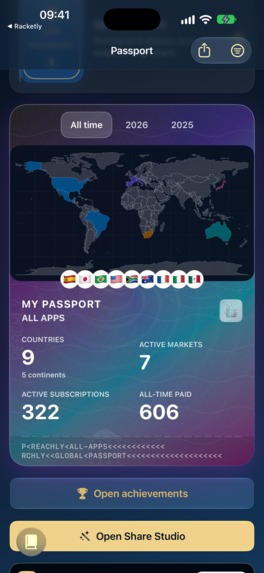
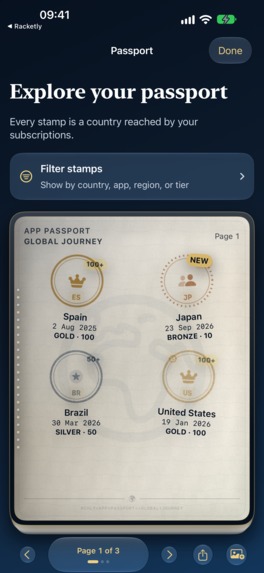
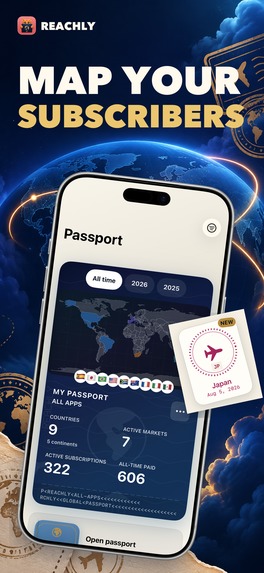
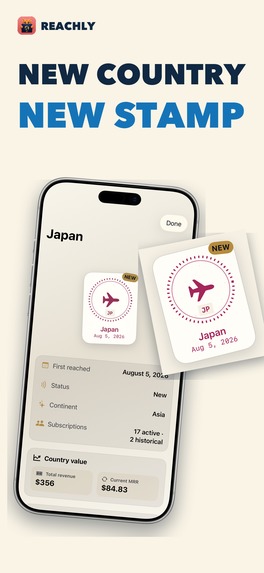
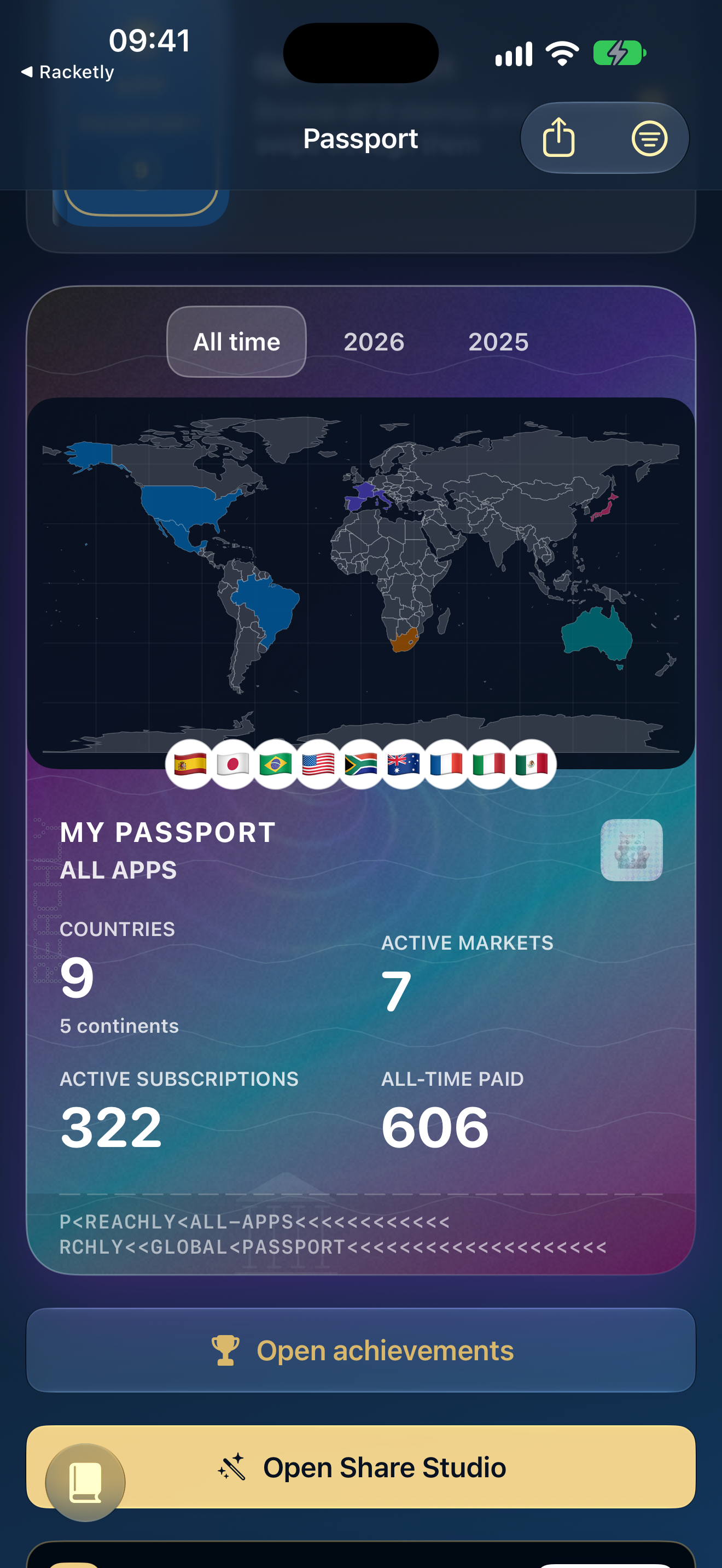
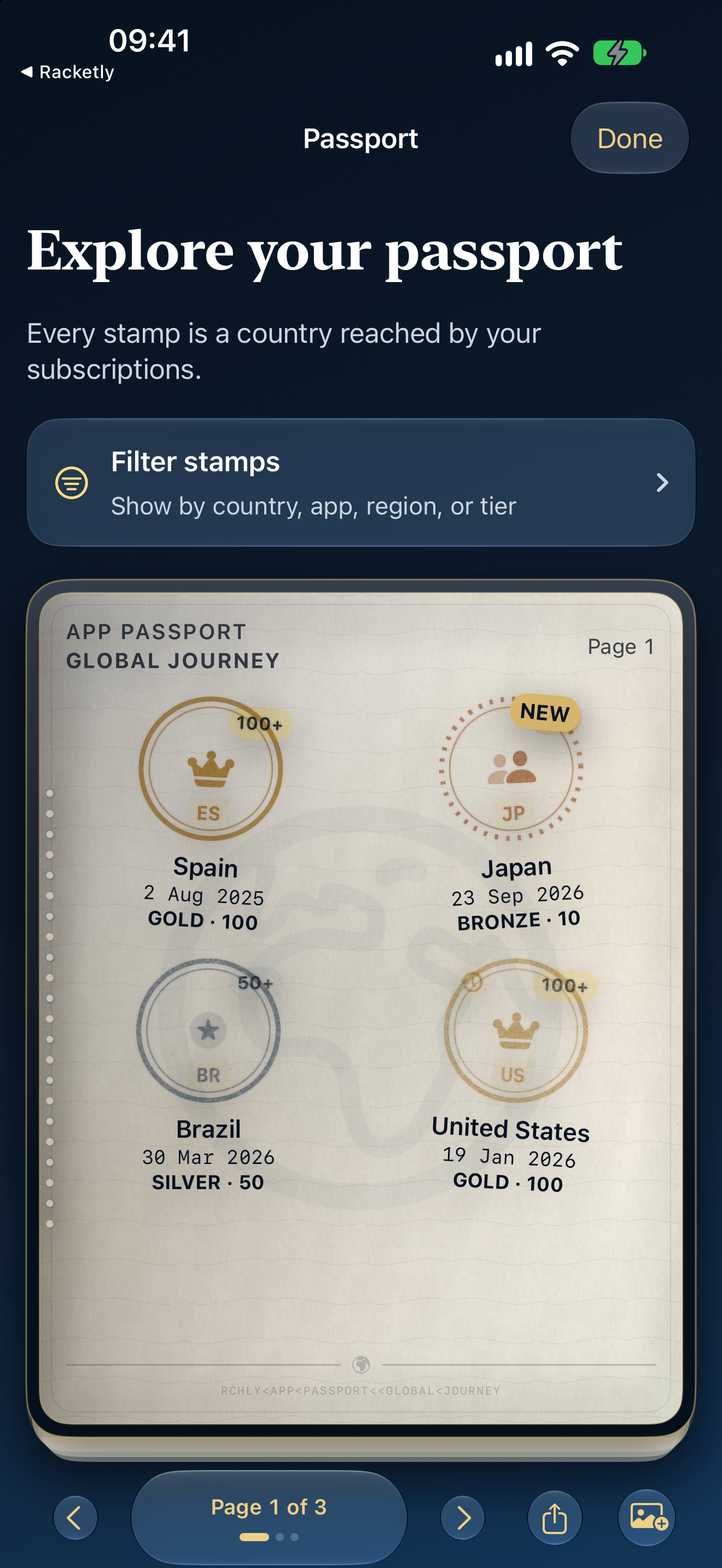
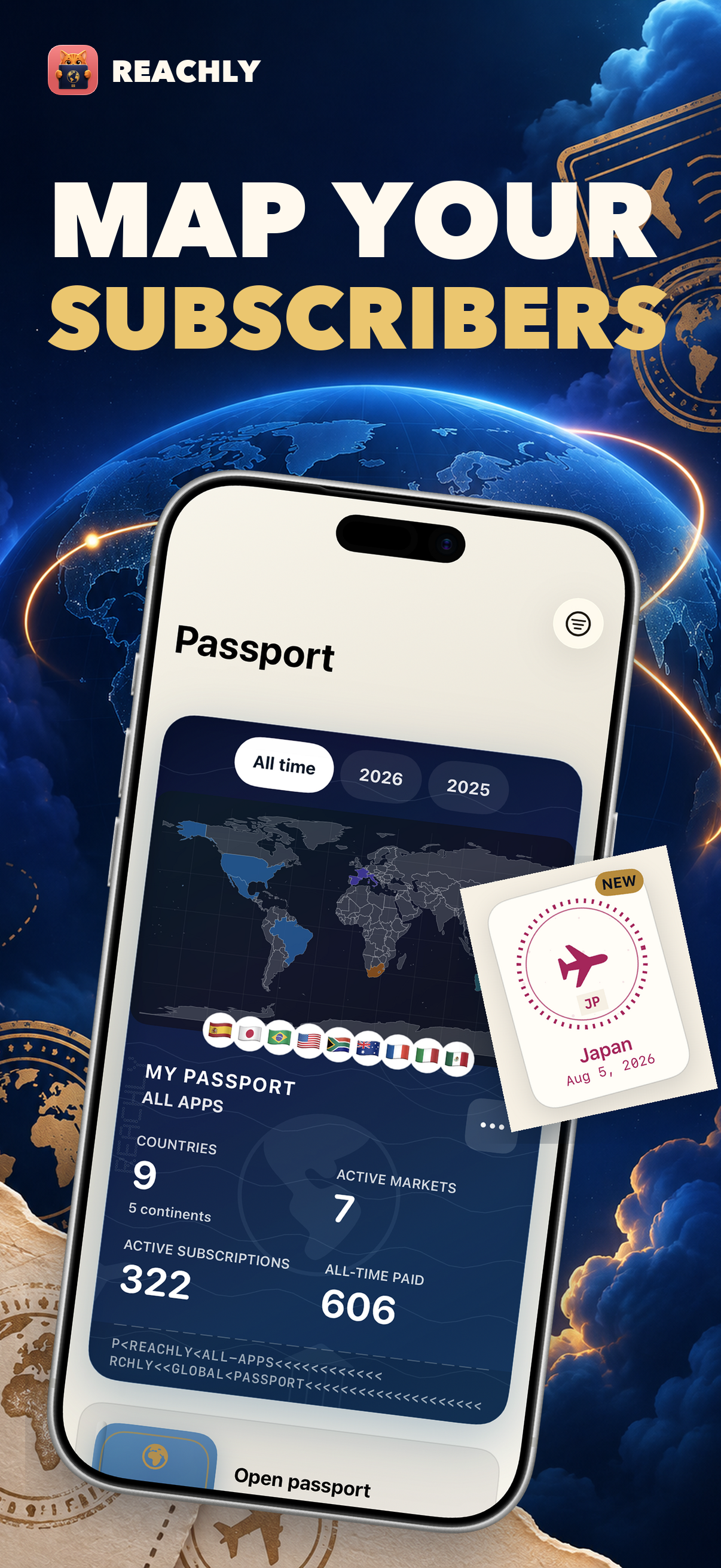
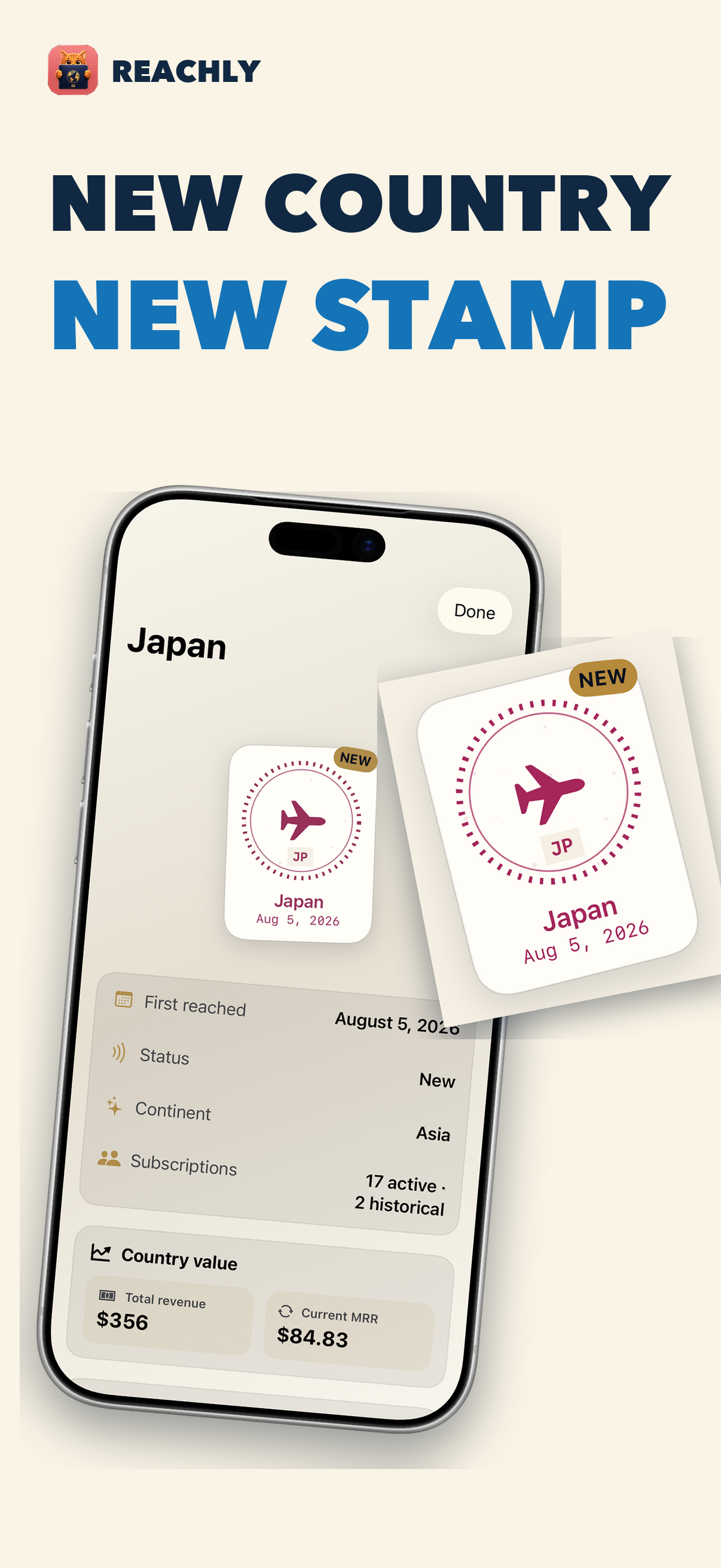
Reachly connects to your RevenueCat account and builds a passport for your apps. Each country with a qualifying subscription gets a permanent stamp. Open it to see when you first reached that country, which apps contributed, and the subscriptions, revenue, and MRR behind it. If you have several apps, you can see them together or focus on one.
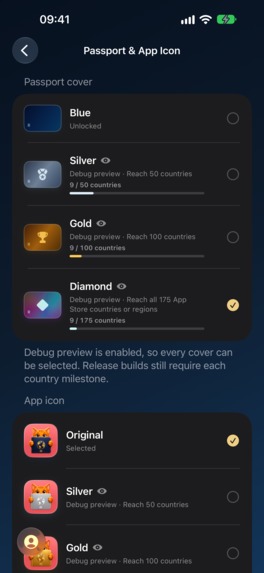
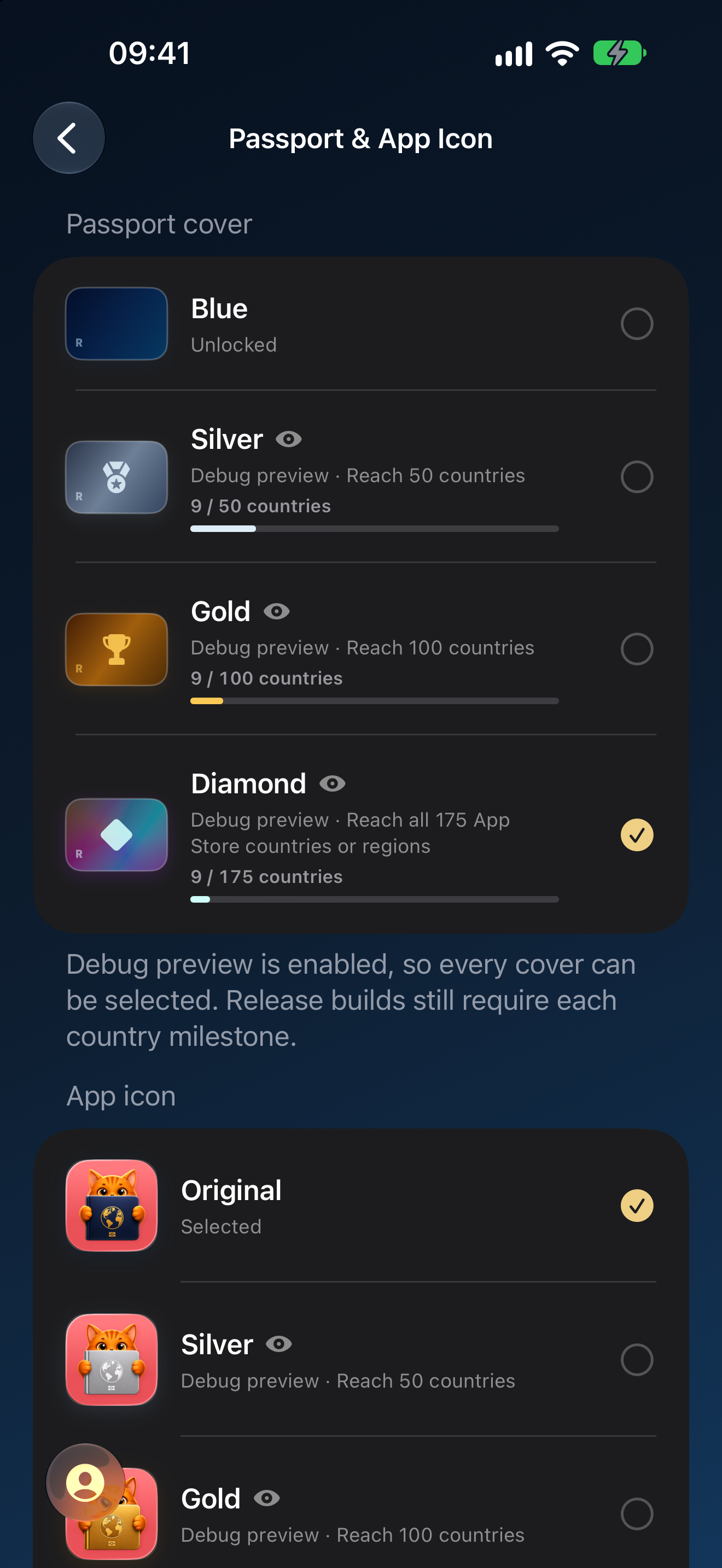
A country starts with a Classic stamp. At 10 subscriptions, it becomes Bronze. Silver follows at 50, Gold at 100, Platinum at 500, and Diamond at 1,000. The passport cover has its own progression based on countries reached. It starts blue; silver unlocks at 50 countries, gold at 100, and diamond at all 175 App Store countries and regions. Each unlocked cover has a matching app icon.
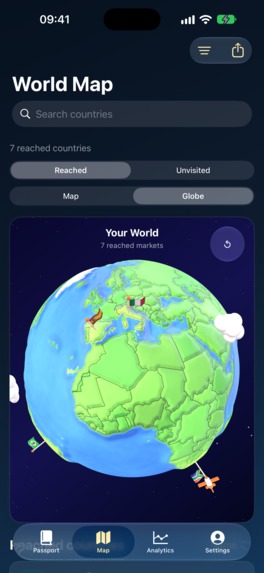
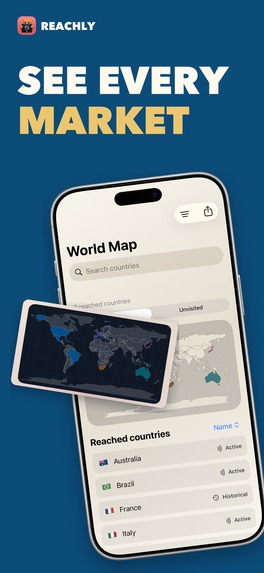
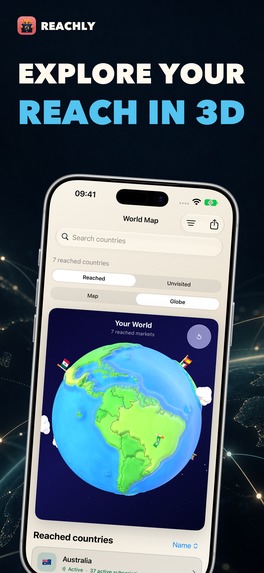
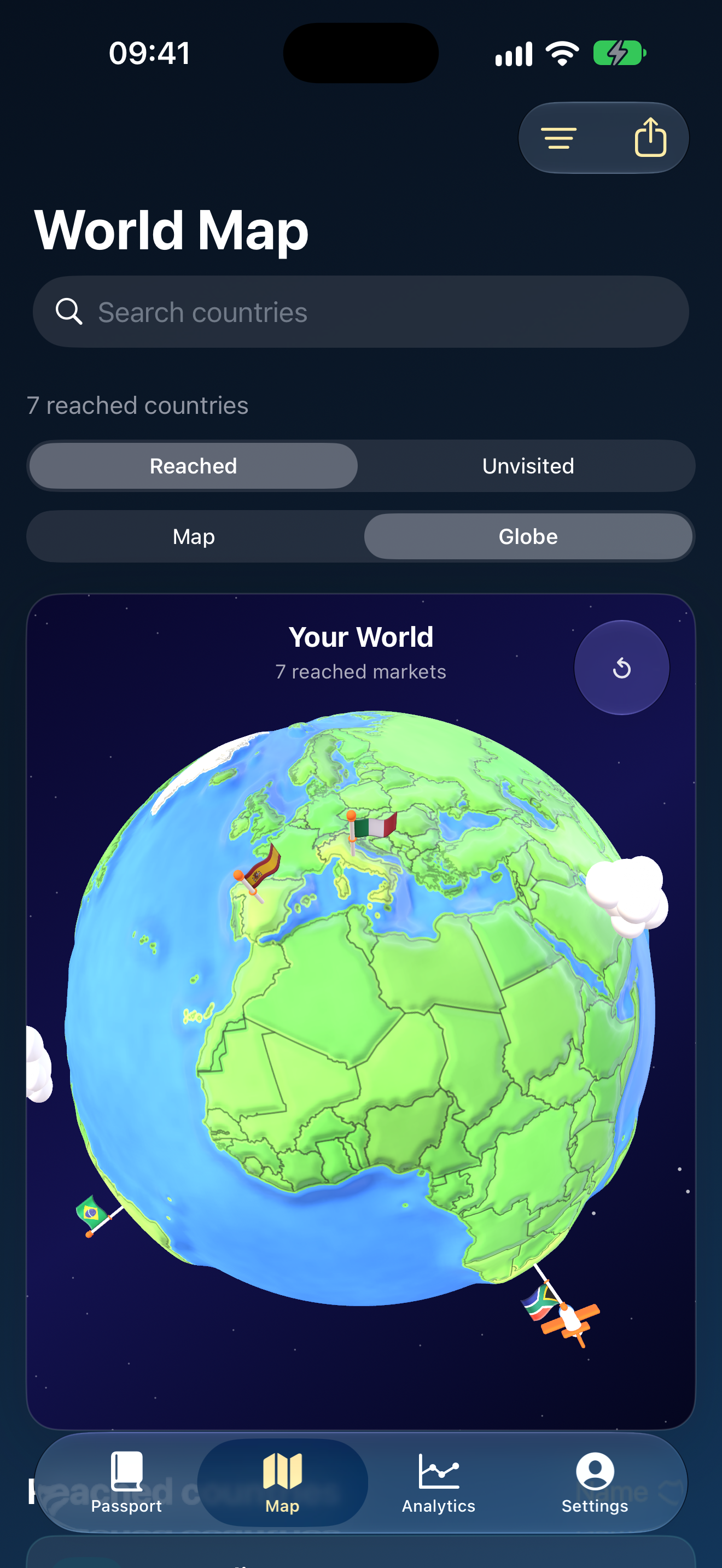
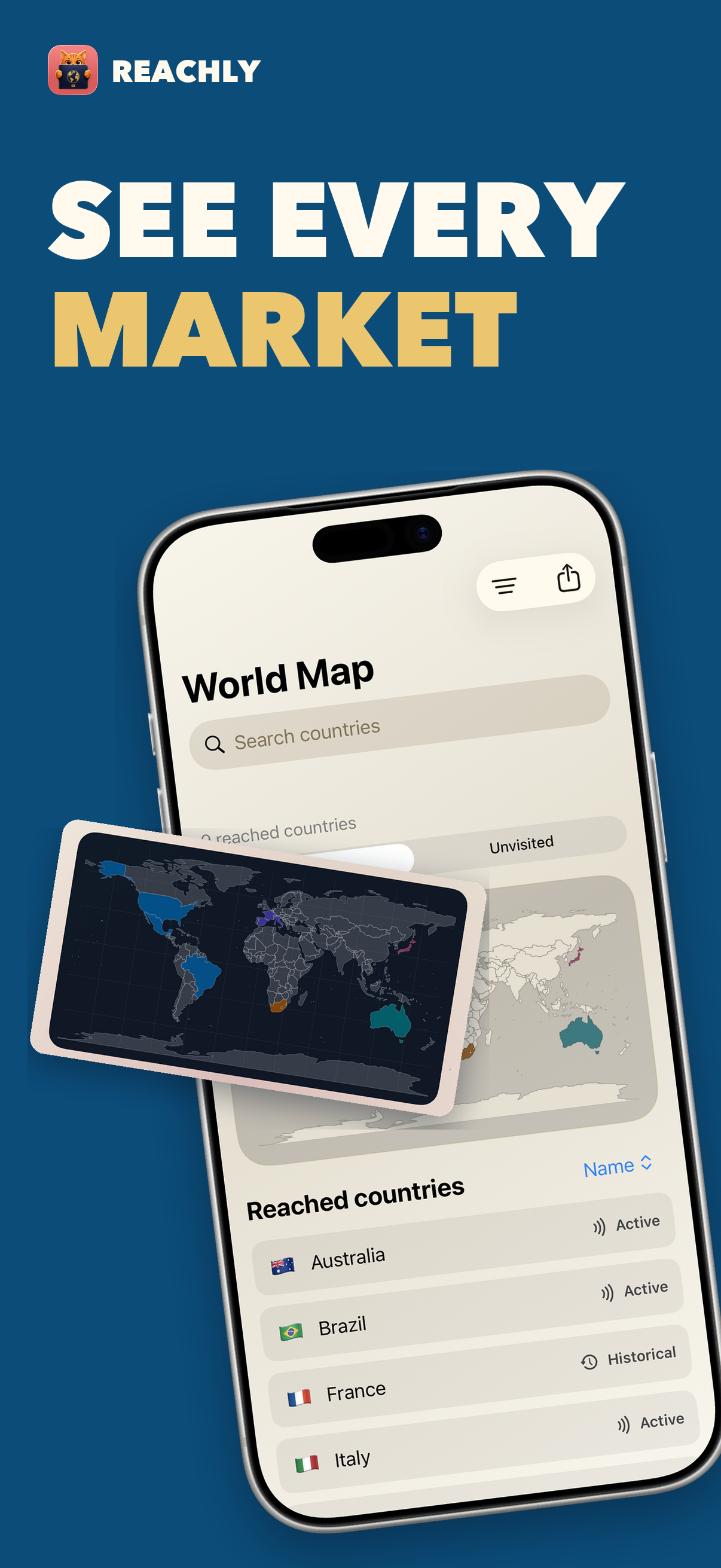
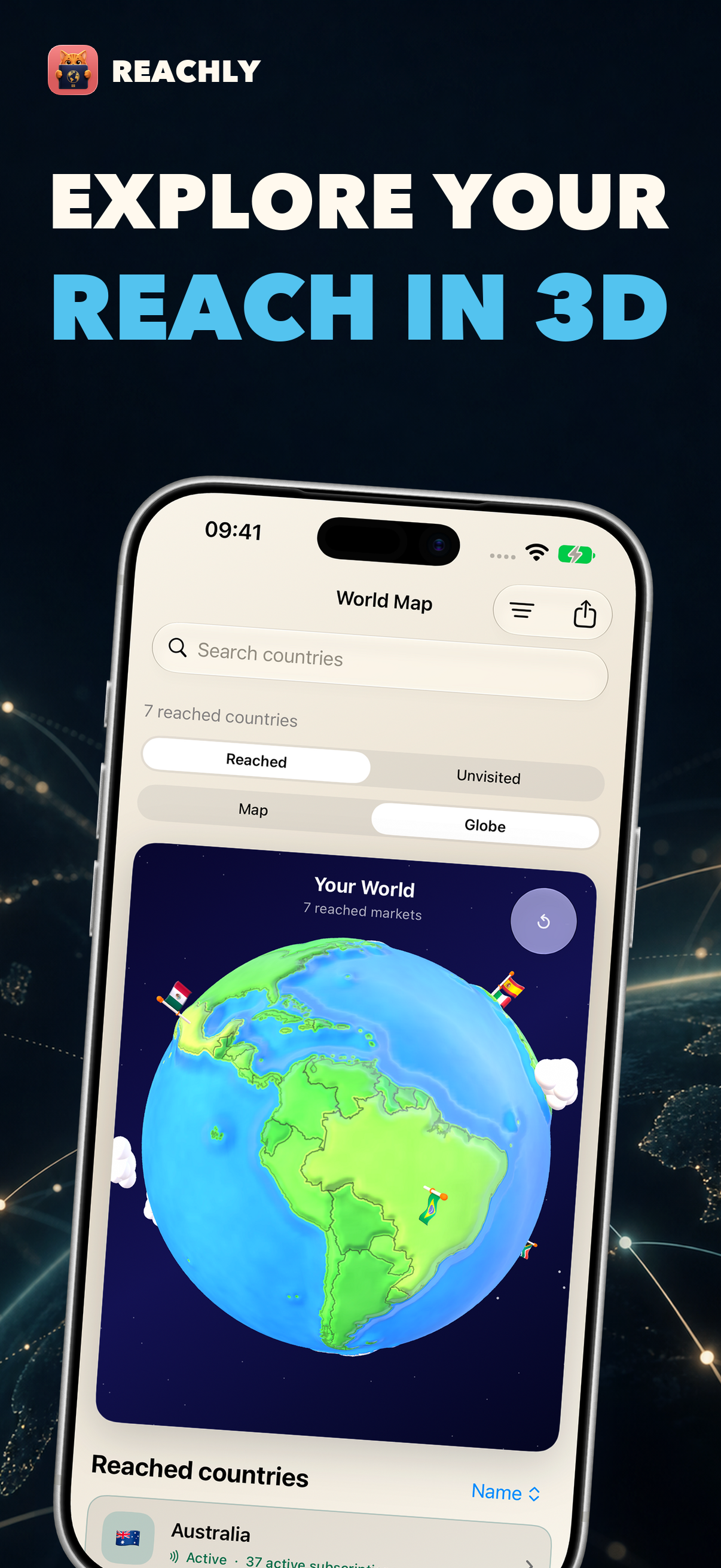
The map shows the countries your apps have reached and the ones still missing. You can filter by app or region, look back through your progress, or open a country for its details. A 3D globe gives you another way to explore: spin it, tap a flag, and open that country.
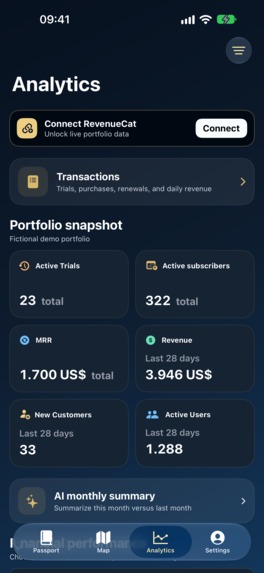
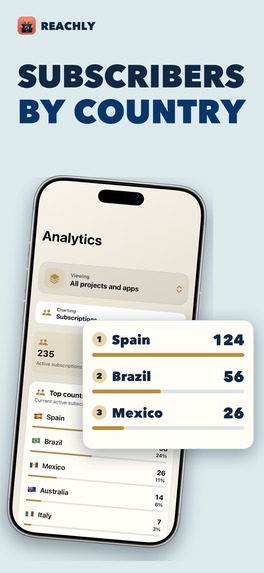
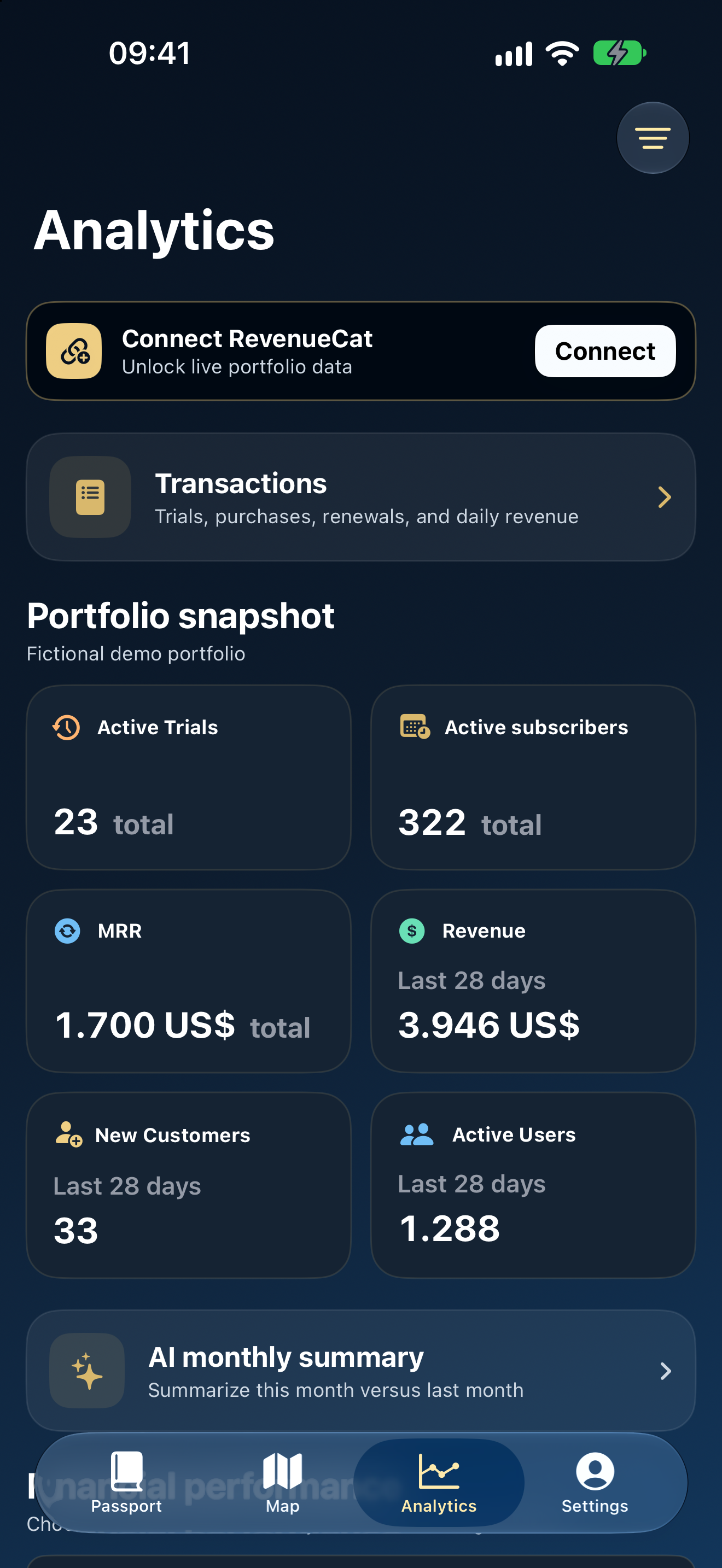
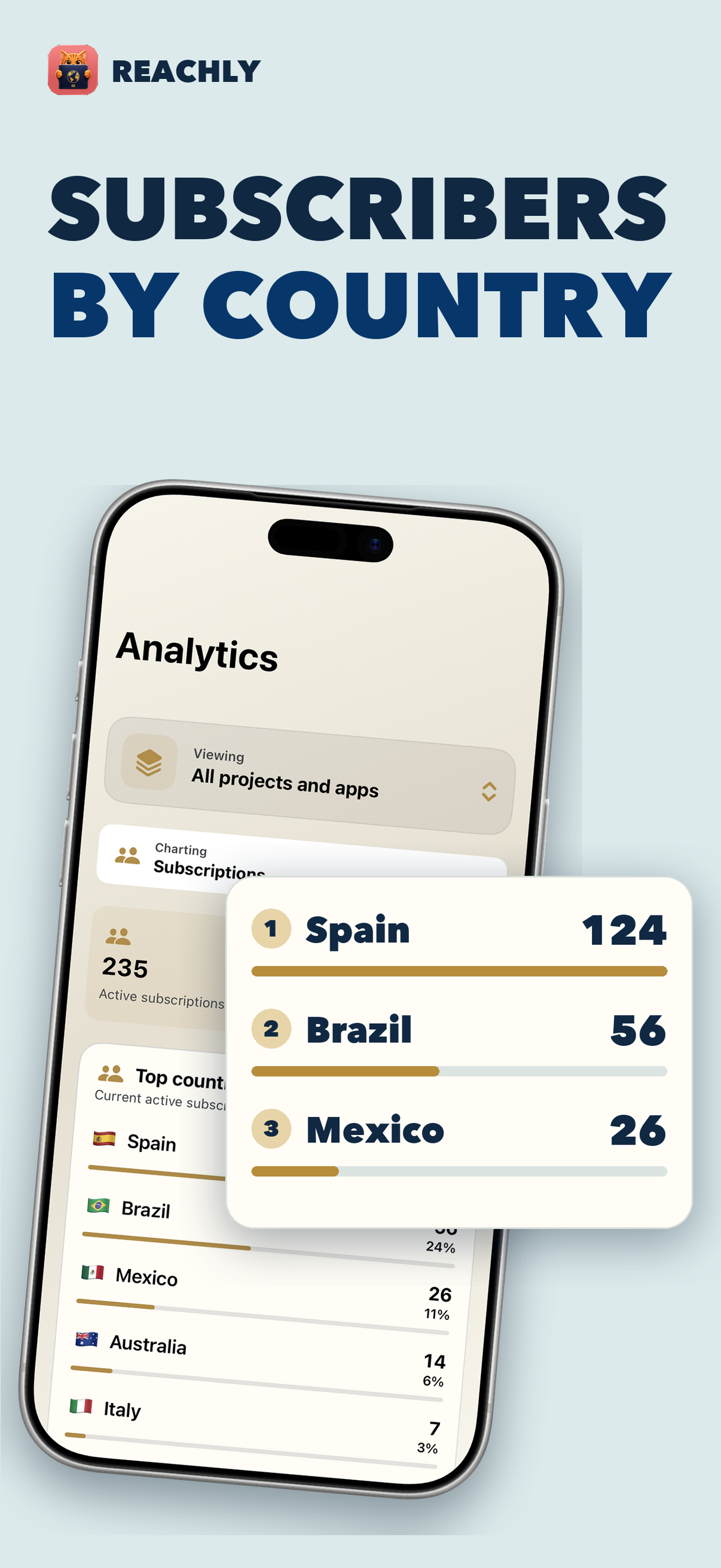
Analytics shows revenue, MRR, and subscriptions over time, across your apps or by country. The transactions view brings recent purchases and renewals together. Stealth Mode hides app and product names on that screen when you’re showing it to someone else.
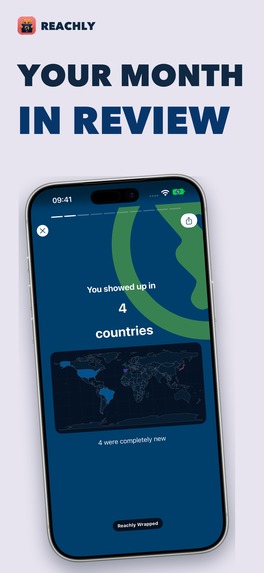
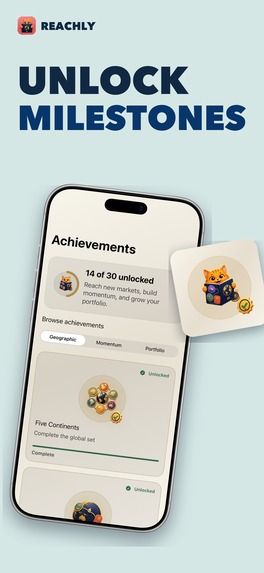
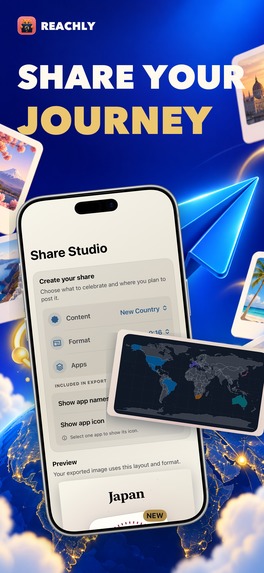
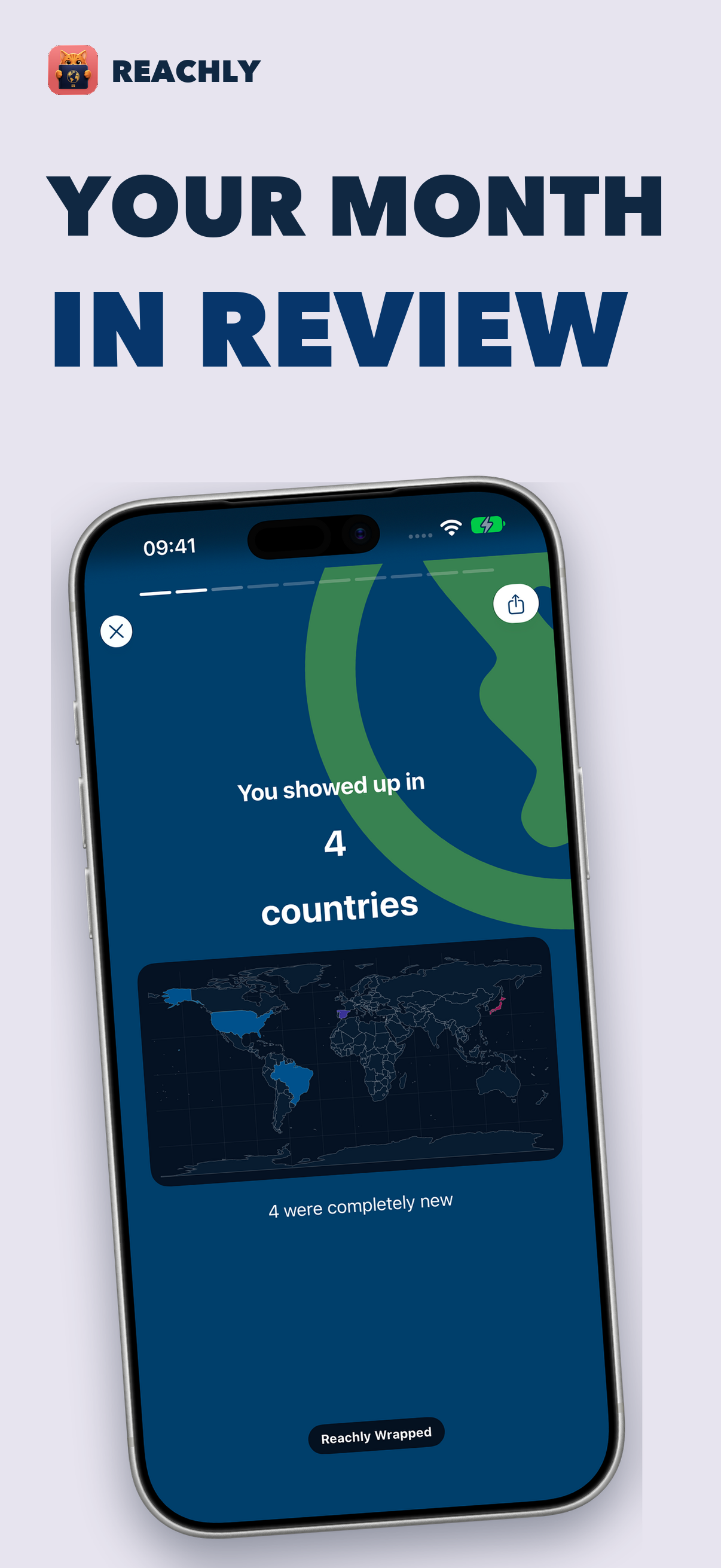
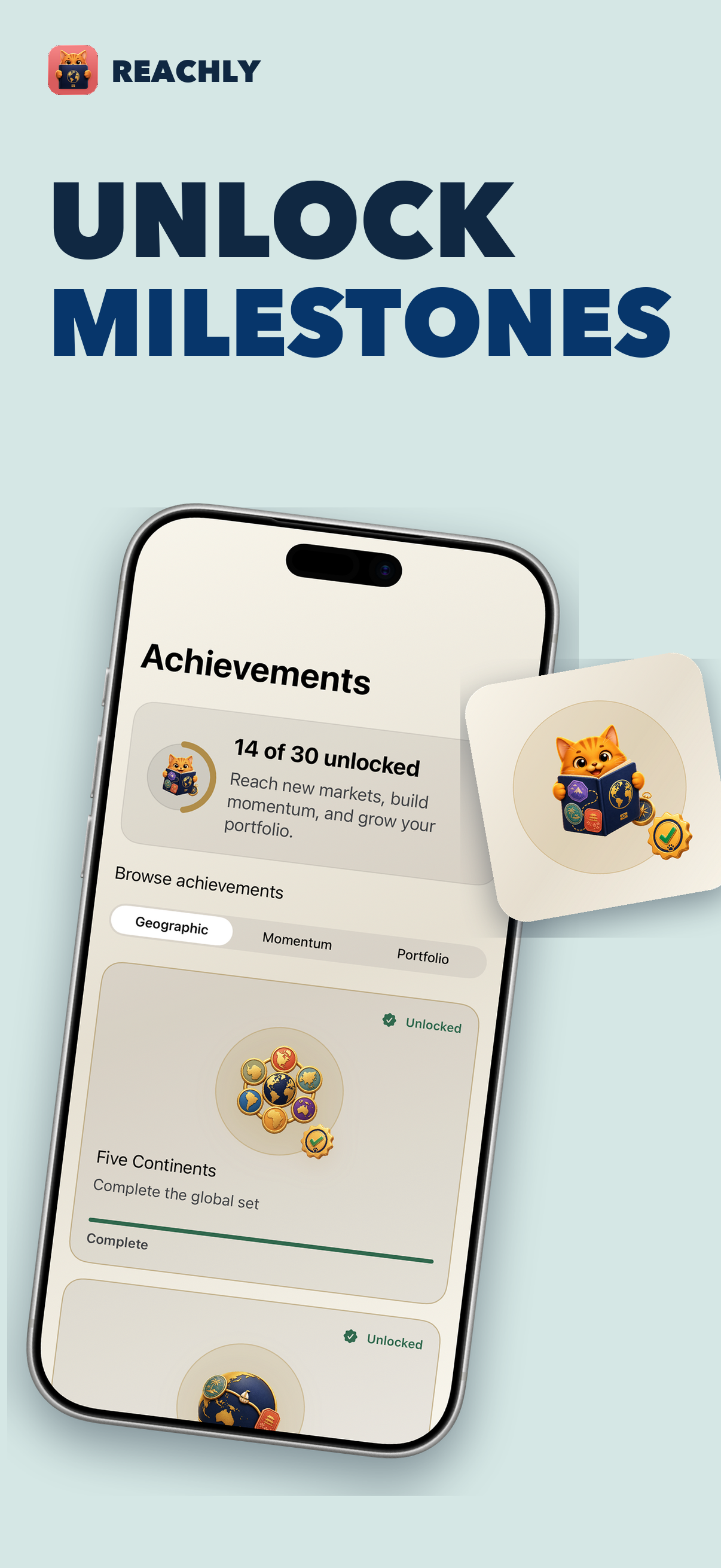
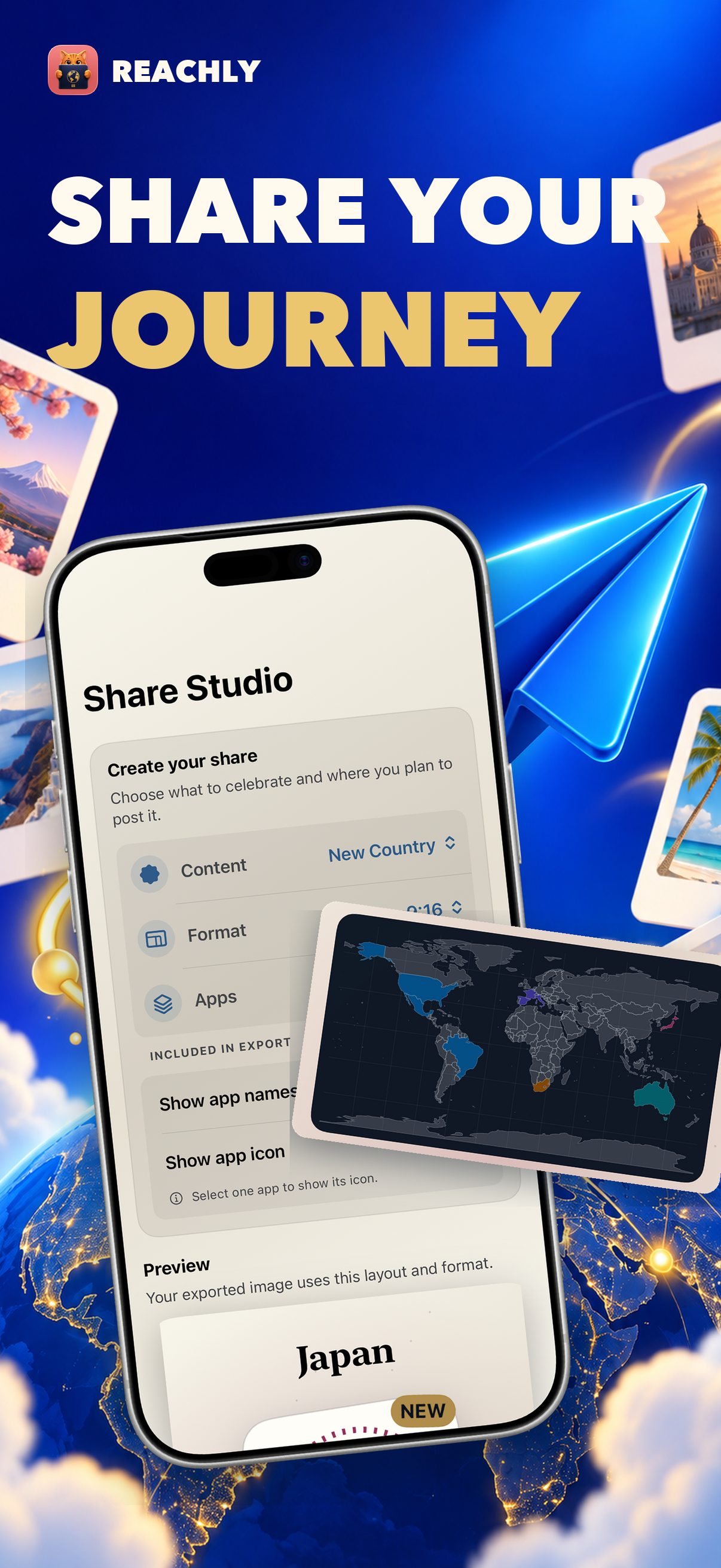
Monthly Wrapped collects the countries you reached and other changes from the month. You can share an image of your passport summary, an open page with its stamps, or a single country stamp. Share Studio also makes images for milestones such as a monthly recap or map, along with short animated videos. Achievements have medals you can turn and inspect, and you can share those too.
Home Screen widgets show your country count, latest stamp, and a map of your reach. Others show an MRR leaderboard or revenue by country. You can set the passport widget to show one app or all your apps. Notifications can tell you when a new country or achievement arrives.
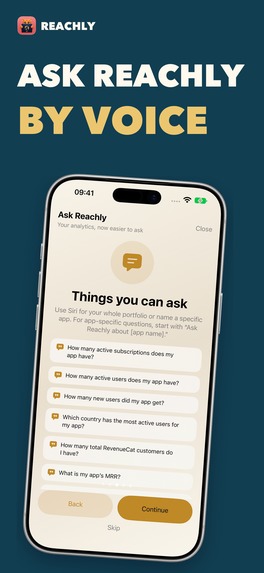
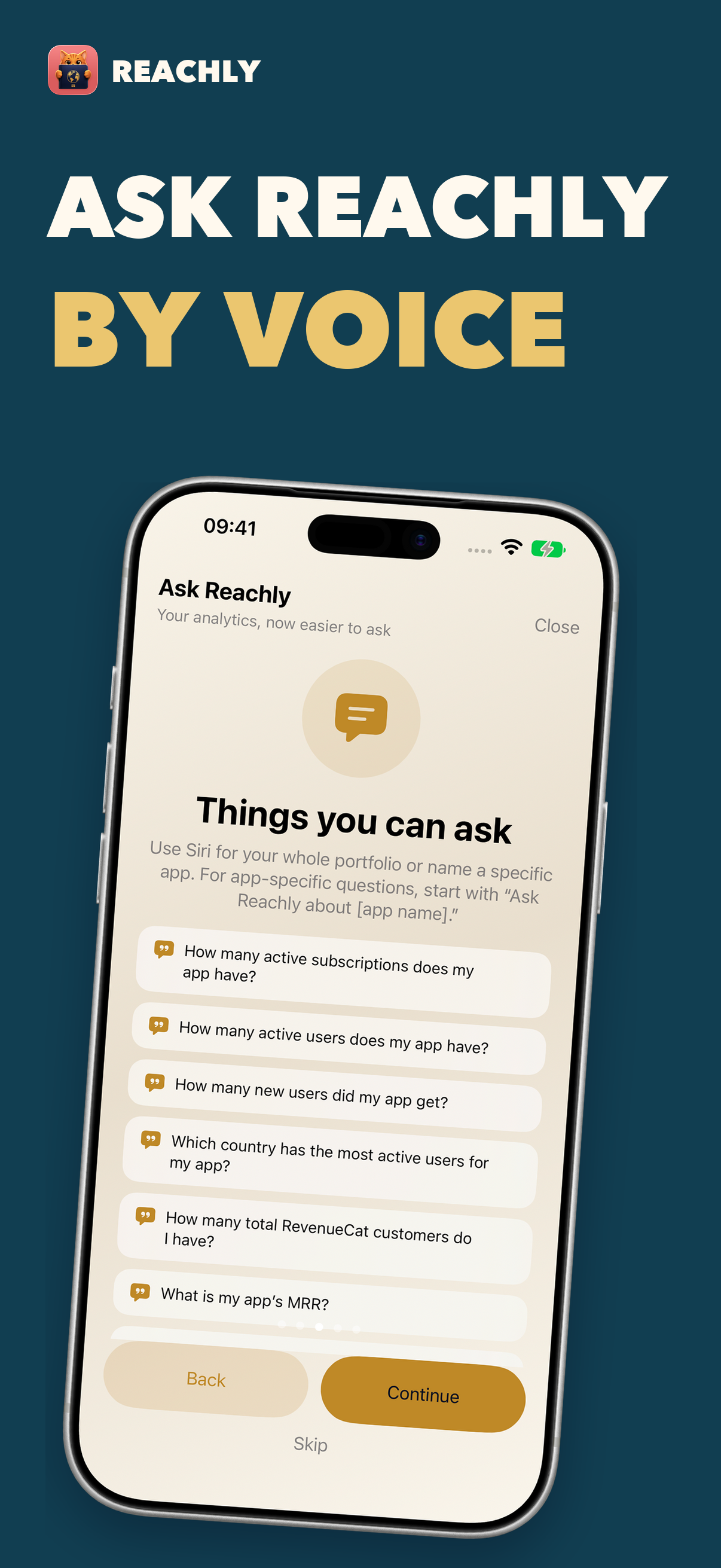
Siri answers questions about your apps and countries. Siri can answer specific questions through App Intents. On supported devices, Apple’s on-device Foundation Models help explain answers inside Reachly, using figures from Reachly and RevenueCat.
The passport is free. There’s an optional RevenueCat Tip Jar for one-time tips, and sponsor content is clearly labeled. Tipping doesn’t unlock features.
I wanted more people to enjoy Reachly, so I thought about accessibility from the start. I added VoiceOver labels and values to passport pages, stamps, maps, and charts. The map also has a country list, so you can browse countries without navigating the graphic. Reachly supports Dynamic Type and offers OpenDyslexic, Lexend, and Atkinson Hyperlegible. It follows iOS Reduce Motion, Reduce Transparency, and Increase Contrast, with separate controls for motion and haptics in Settings.
How we built it
Reachly is a native SwiftUI app for iPhone and iPad. SwiftData keeps the passport on the device. I built a fictional demo so people can explore it before connecting RevenueCat.
The RevenueCat connection changed during development. At first, you needed an API key for every project. After reading the API v1 and v2 documentation, I found OAuth and emailed RevenueCat about client access. Their engineers replied quickly. Developers can now approve read-only access to the projects they choose. Reachly uses the API data to build the passport and analytics.
I used Metal effects for parts of the passport animation, SceneKit for the globe and 3D medals, Swift Charts for analytics, and WidgetKit for the Home Screen widgets. Share Studio also exports images and short videos.
I used App Intents for Siri. On supported devices, Apple’s on-device Foundation Models help explain answers based on Reachly’s data; Reachly and RevenueCat supply the figures.
The passport is free. Our optional Tip Jar uses RevenueCat purchases for one-time tips, and tips don’t unlock features. I also built GrowthCat as a separate platform to manage sponsor slots, bookings, and content. Reachly shows sponsorships in labeled placements when a campaign is available.
Challenges we ran into
Reading the RevenueCat API documentation became a bigger part of the project than I expected. Subscription records, overview metrics, and charts do not all answer the same question. I had to decide which data belonged on each screen and handle fetching across projects, including pagination, rate limits, and interrupted imports. I learned a lot about the data available through RevenueCat while doing this.
A stamp needed rules I could explain. Trials and refunds should not earn one. Once a country has genuinely been reached, I want it to remain in the passport even if its subscriptions later become inactive.
The passport animations took a lot of adjustment too. Getting the page turns and Metal effects to look good was only part of it. Turning pages still had to feel quick after the first few times. I kept changing the gesture, the animation timing, and how you move from a stamp to its country details. I also had to make sure the information remained clear with reduced motion.
I made iPhone Duo prototypes as well. The fold is a natural place for the passport spine, but it changes the space available for each page. I have been testing a two-page layout that keeps controls away from the hinge and gives the map and analytics room to adapt.
Accomplishments that we're proud of
I'm submitting Reachly for the RevenueCat Design Award. The first passport reveal is where to start: watch a stamp arrive, turn a page, open that country, and then find it on the map or globe. I designed those as parts of one journey through the data.
I put care into how the passport changes over time. Growing markets earn new stamp editions. Reaching milestones changes the cover and unlocks a matching icon. Achievements have medals you can turn and inspect. I also made room for Reduce Motion and accessibility settings, so the passport is usable without relying on an animation to explain what happened.
The part I like most is simple: when you tap a stamp, the data that earned it is right there. What I learned
I knew RevenueCat had the subscription numbers I needed. Reading through API v1 and v2 showed us how much more I could fetch, and building Reachly made us careful about what each number means.
I'm glad I revisited the connection flow. The API key version worked, but OAuth asks much less of someone opening Reachly for the first time.
I'm proud of the accessibility work in the passport. Its pages still work with reduced motion, and VoiceOver can read the stamps and chart values. I spent time on those details because I want more people to enjoy exploring their passport.
What's next for Reachly - RevenueCat Passport
I want to add more RevenueCat data and learn what people need once they start using Reachly with their own projects. That feedback will guide the next changes to analytics, recaps, and the passport itself.
The Android version is underway. I want to finish it and bring it to a public release.
Built With
- app-intents
- apple-foundation-models
- avfoundation
- cloudkit
- growthcat
- metal
- oauth
- revenuecat-api
- revenuecat-purchases
- scenekit
- swift
- swift-charts
- swiftdata
- swiftui
- widgetkit

Log in or sign up for Devpost to join the conversation.