-
-
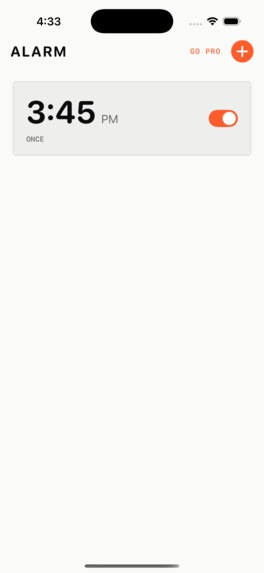
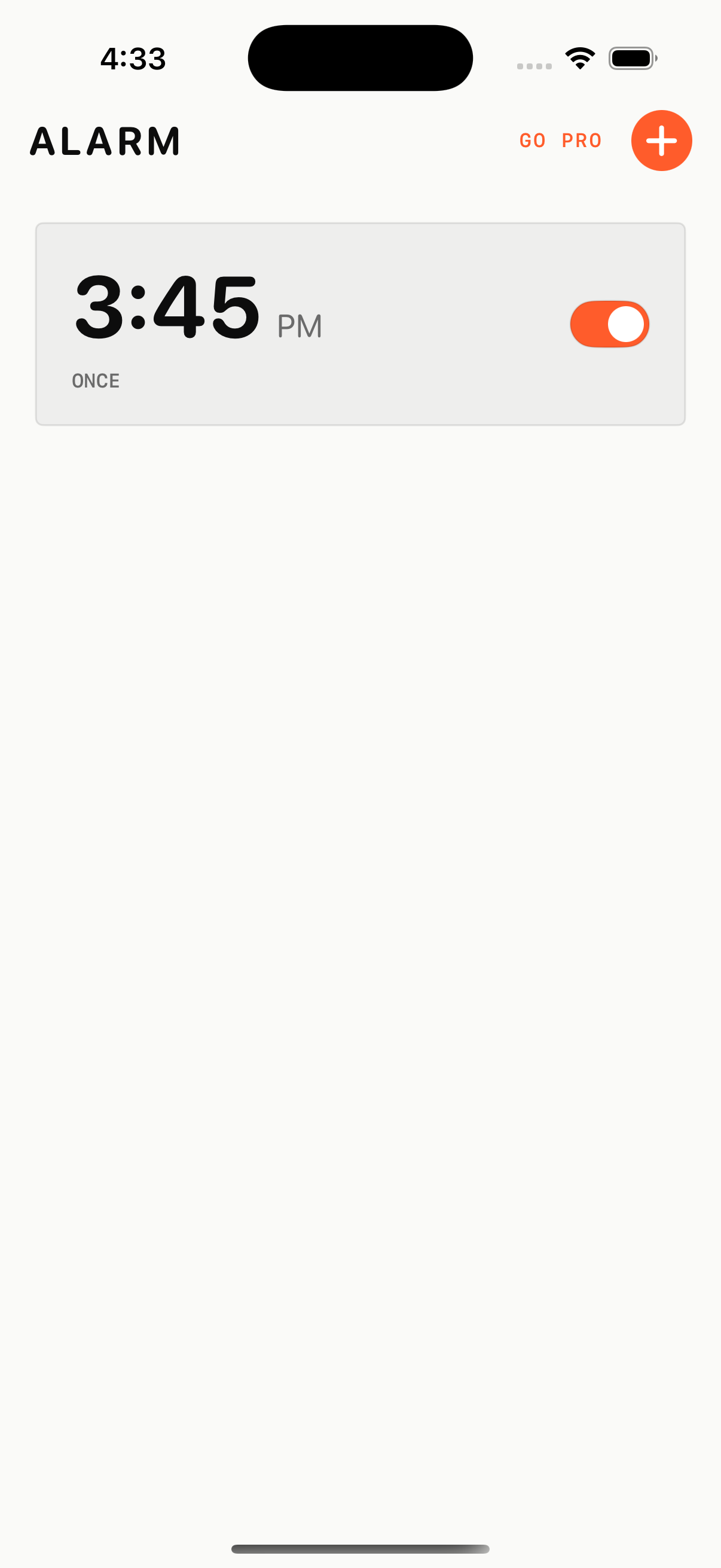
QRAlarm alarm list
-
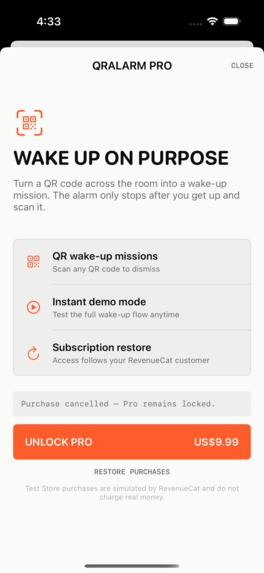
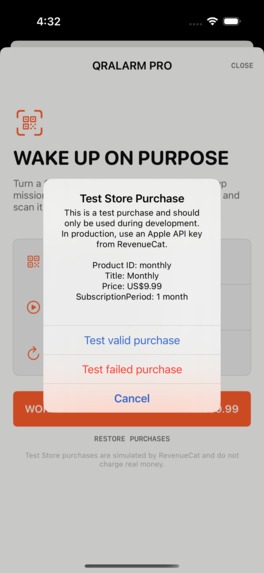
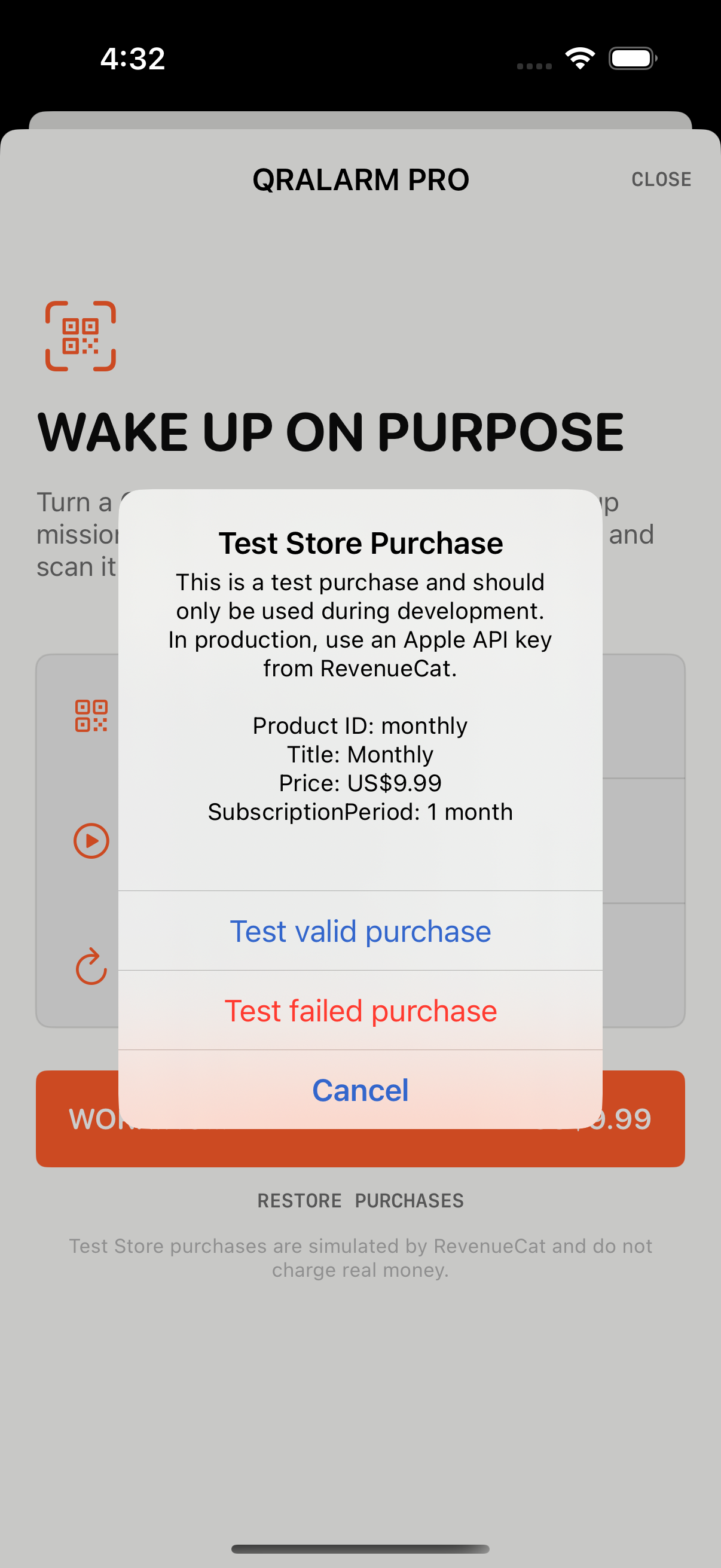
RevenueCat Test Store purchase options
-
QRAlarm app icon
-
Inspiration
Many alarm apps are easy to dismiss while half asleep. I wanted to build an alarm that helps people physically leave their bed and complete a deliberate action before the sound stops.
What it does
QRAlarm is an iOS alarm clock that can require the user to scan a chosen QR code before dismissing an alarm. A user can place the code somewhere away from the bed, such as near a bathroom mirror or desk.
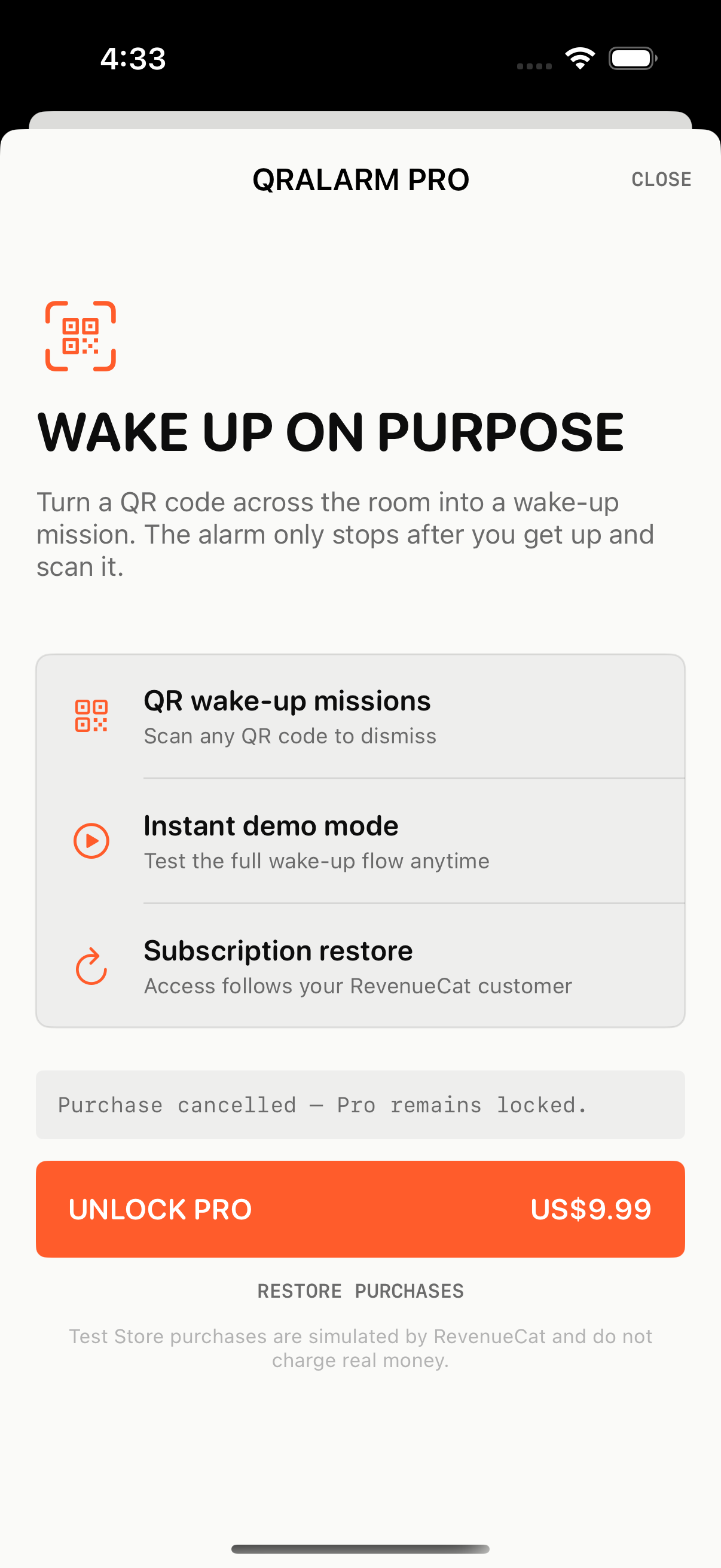
The app supports one-time and weekly alarms, local notifications, snoozing, alarm editing, and a dedicated ringing screen. QR Code Unlock is offered as a Pro feature through RevenueCat. The custom paywall supports Test Store purchases, cancellations, failures, entitlement refresh, and purchase restoration.
How we built it
QRAlarm was built with Swift and SwiftUI for iOS 17 and later. UserNotifications handles alarm scheduling and delivery, while AVFoundation powers QR code scanning. RevenueCat Purchases for iOS manages the monthly Pro entitlement through RevenueCat Test Store.
The Test Store public SDK key is enabled only in Debug builds. Release builds do not contain or initialize the test configuration.
Challenges we ran into
The original alarm service was only a mock, so the main challenge was replacing it with reliable local notification scheduling for one-time and repeating alarms. We also had to handle foreground notifications, notification taps, snoozing, and alarm cancellation consistently.
Another challenge was keeping the RevenueCat product, current Offering, and entitlement identifiers synchronized with the app while ensuring that QR alarms could not be dismissed through the normal stop button.
Accomplishments that we're proud of
- Replaced the mock alarm service with working local notifications
- Added one-time and weekly alarm scheduling
- Built a QR-gated alarm dismissal flow
- Integrated RevenueCat Test Store with a custom SwiftUI paywall
- Added purchase, cancellation, failure, refresh, and restore states
- Kept Test Store configuration isolated from Release builds
- Successfully built, analyzed, and launched the app in the iOS Simulator
What we learned
We learned how iOS notification lifecycles behave across foreground and background states, how RevenueCat Offerings and entitlements control feature access, and how to design a purchase flow that clearly communicates every result to the user.
What's next for QRAlarm
Next, we will complete real-device testing for camera scanning and all Test Store purchase outcomes, improve accessibility and alarm sounds, add more wake-up challenges, and prepare a production App Store configuration.
Built With
- avfoundation
- code
- ios
- purchases
- qr
- revenuecat
- store
- swift
- swiftui
- test
- usernotifications
- xcode

Log in or sign up for Devpost to join the conversation.