-
-
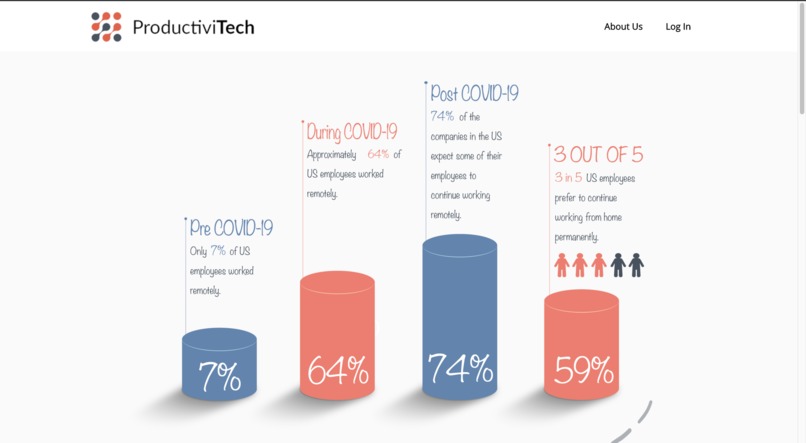
Statistics
-
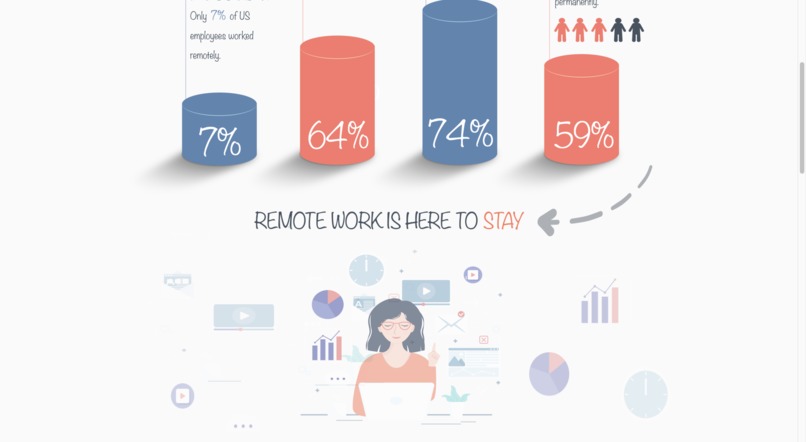
Statistics
-
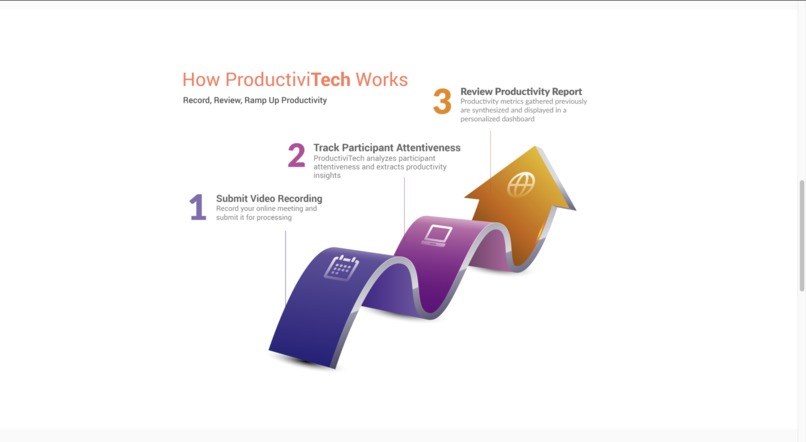
How ProductiviTech Works
-
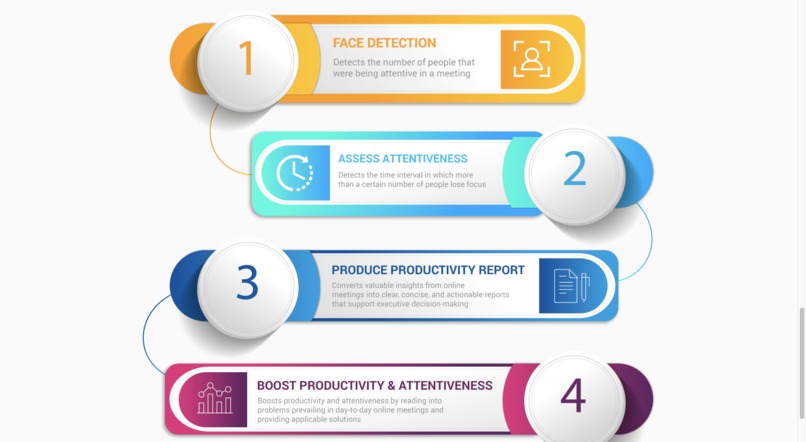
Our Features
-
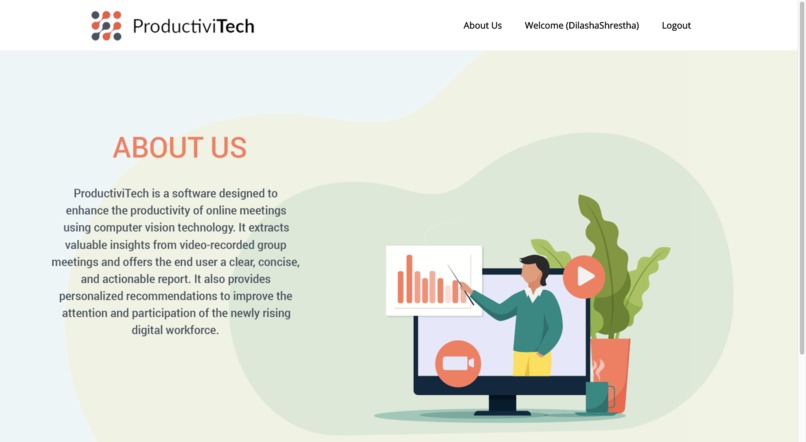
About Us
-
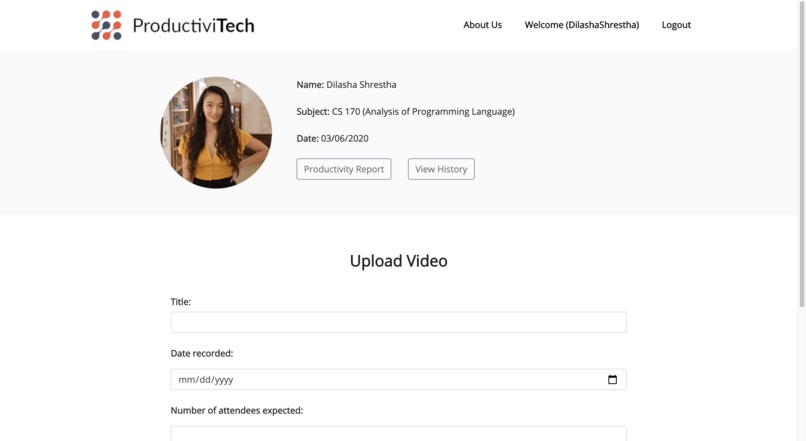
User Profile
-
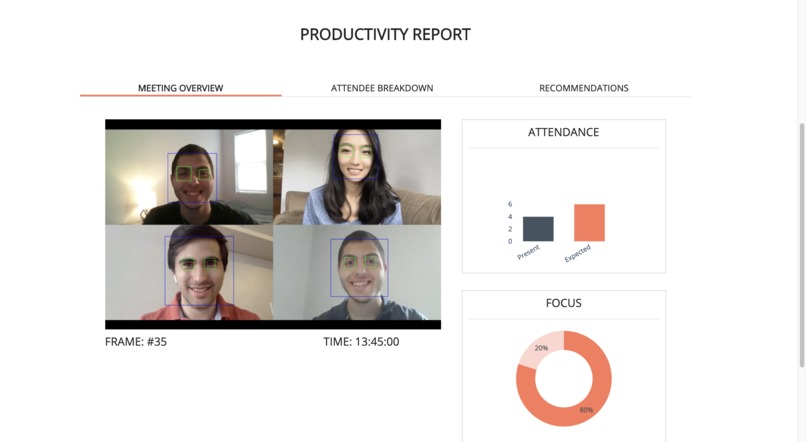
Productivity Report
-
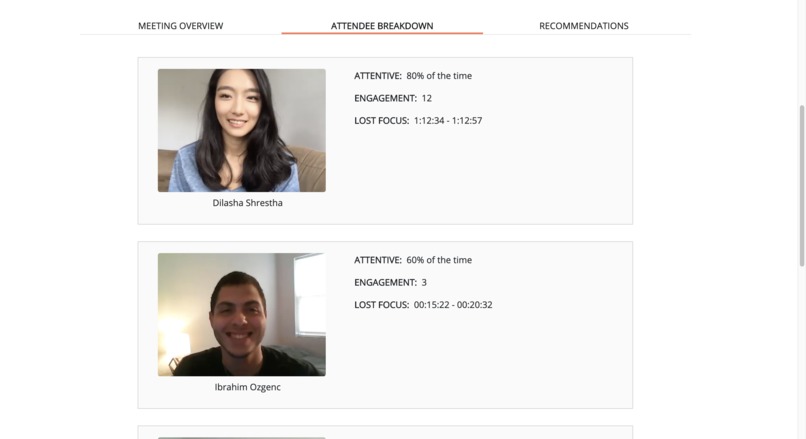
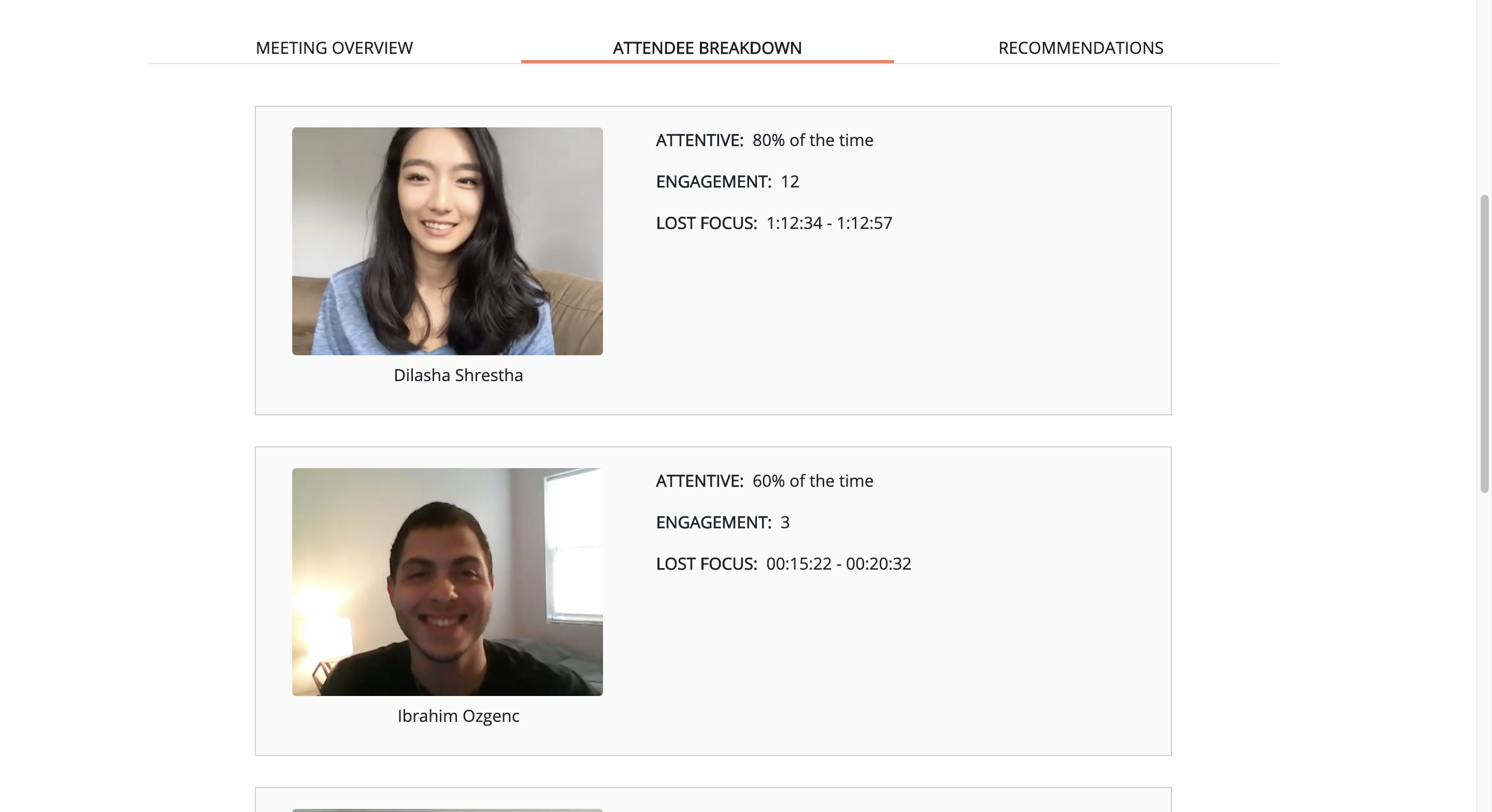
Attendee Breakdown
-
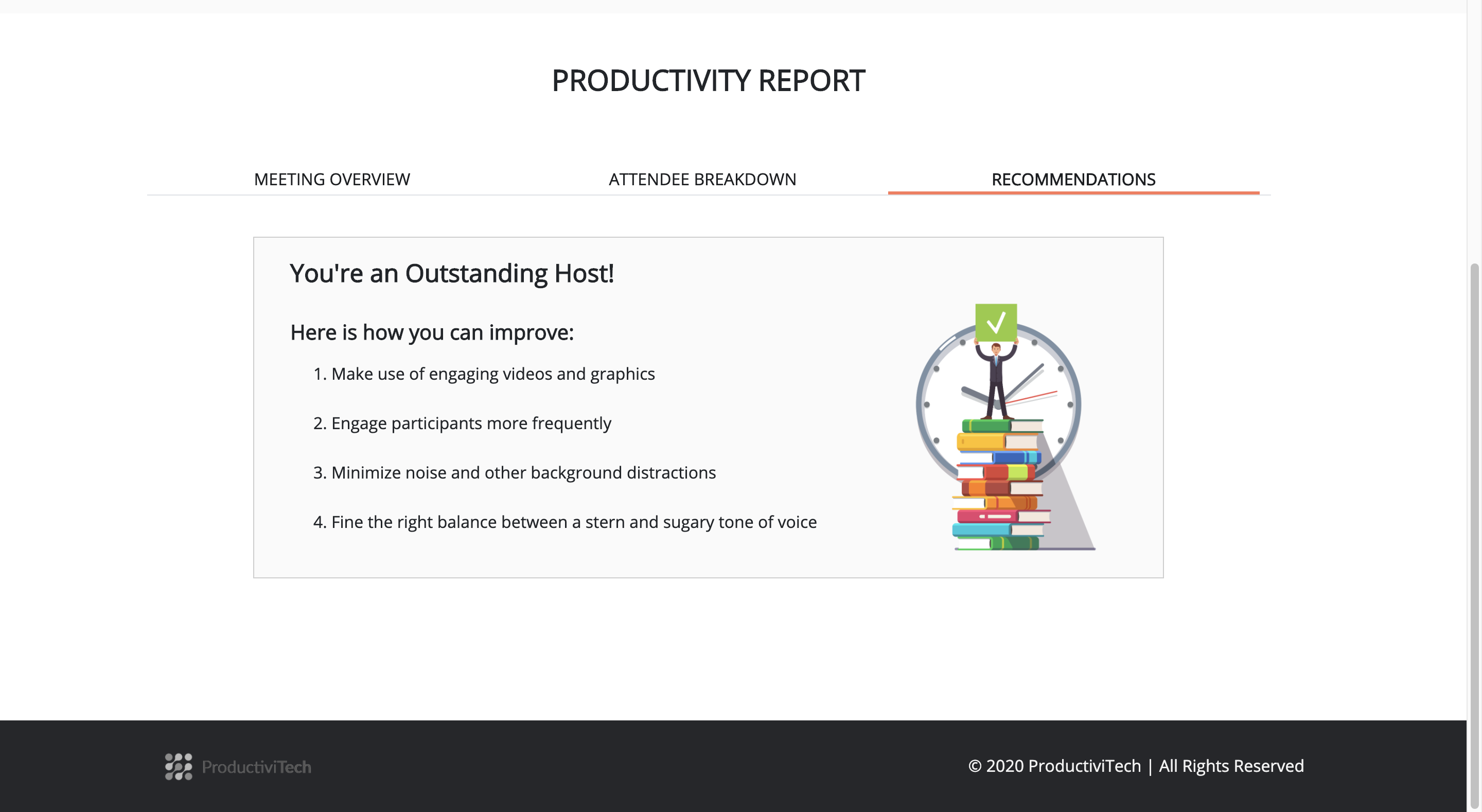
Recomendations
Inspiration
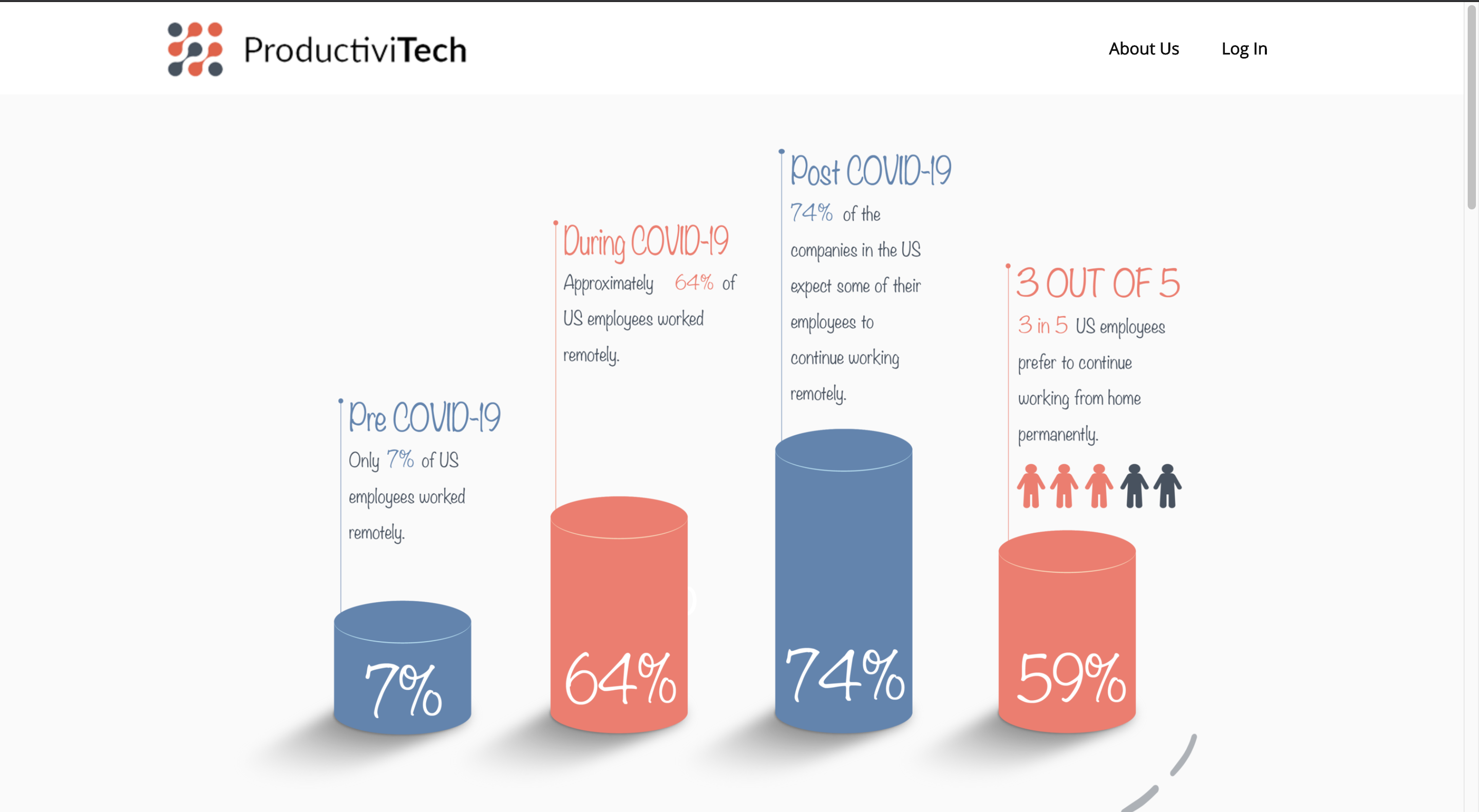
Due to the Covid-19 pandemic, each of our team members had to work or study remotely. Some of us were in the United States while others were in Nepal but we all experienced the same transition to online medium.
Faced with this new work environment, we realized that online meetings are quite difficult to oversee, especially when there is a large number of attendees. Meeting hosts cannot easily keep track of attendance throughout the entire meeting and it is a real challenge to keep track of which meeting attendees are paying attention. Some of the scenarios that we personally experienced were the following:
- Professors could not easily keep track of the students who were paying attention to lectures and could not easily take attendance if the class was large.
- Managers who held online meetings could not easily keep track of which employees were actively paying attention to specific segments of a presentation.
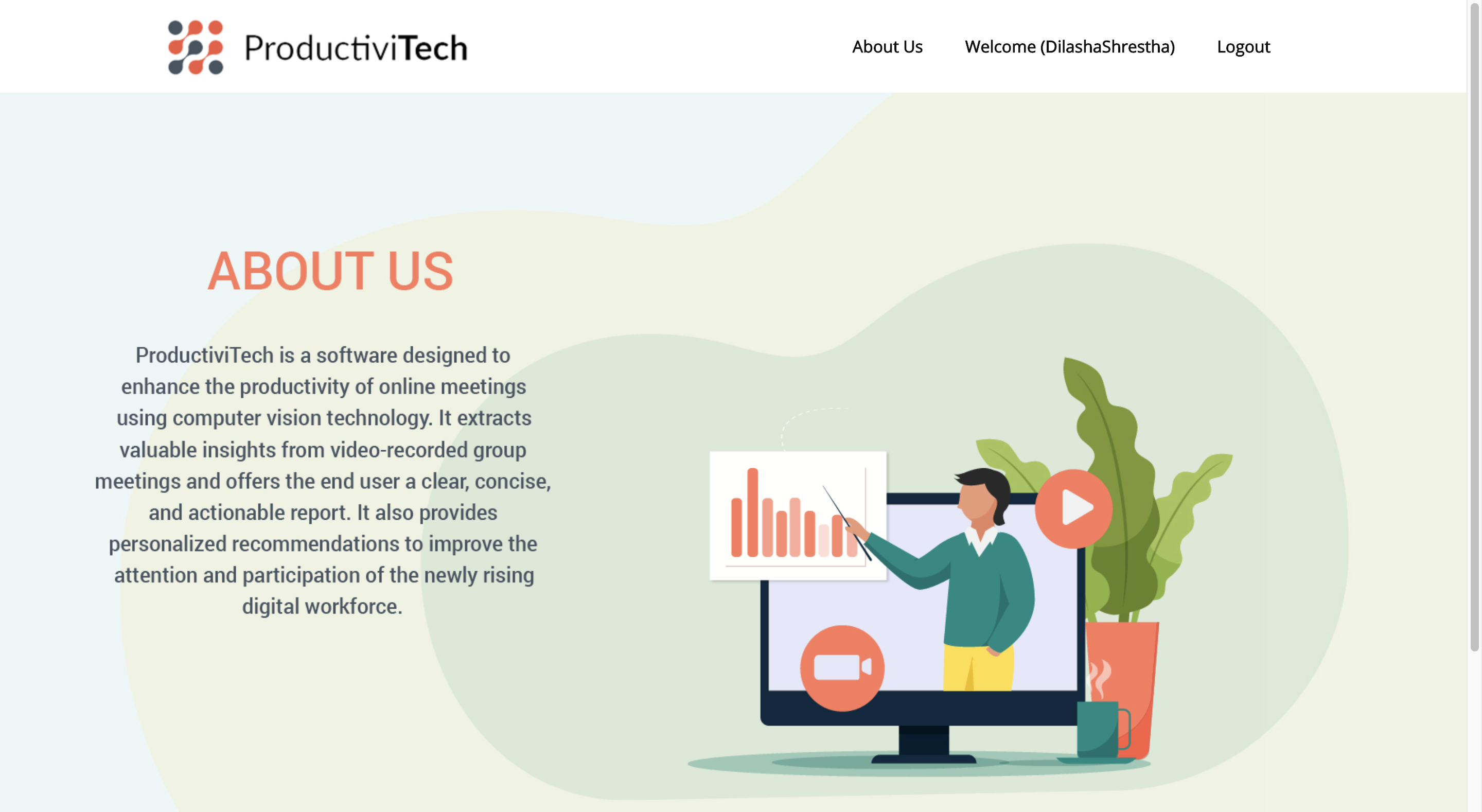
Based on our observations, we decided to create a tool that would allow the user to quickly analyze a recorded meeting and evaluate its productivity level based on the attentiveness of the attendees.
Our goal is to help meeting hosts capture the attention of their audience by learning from their past experience reflected in a "productivity dashboard".
What it does
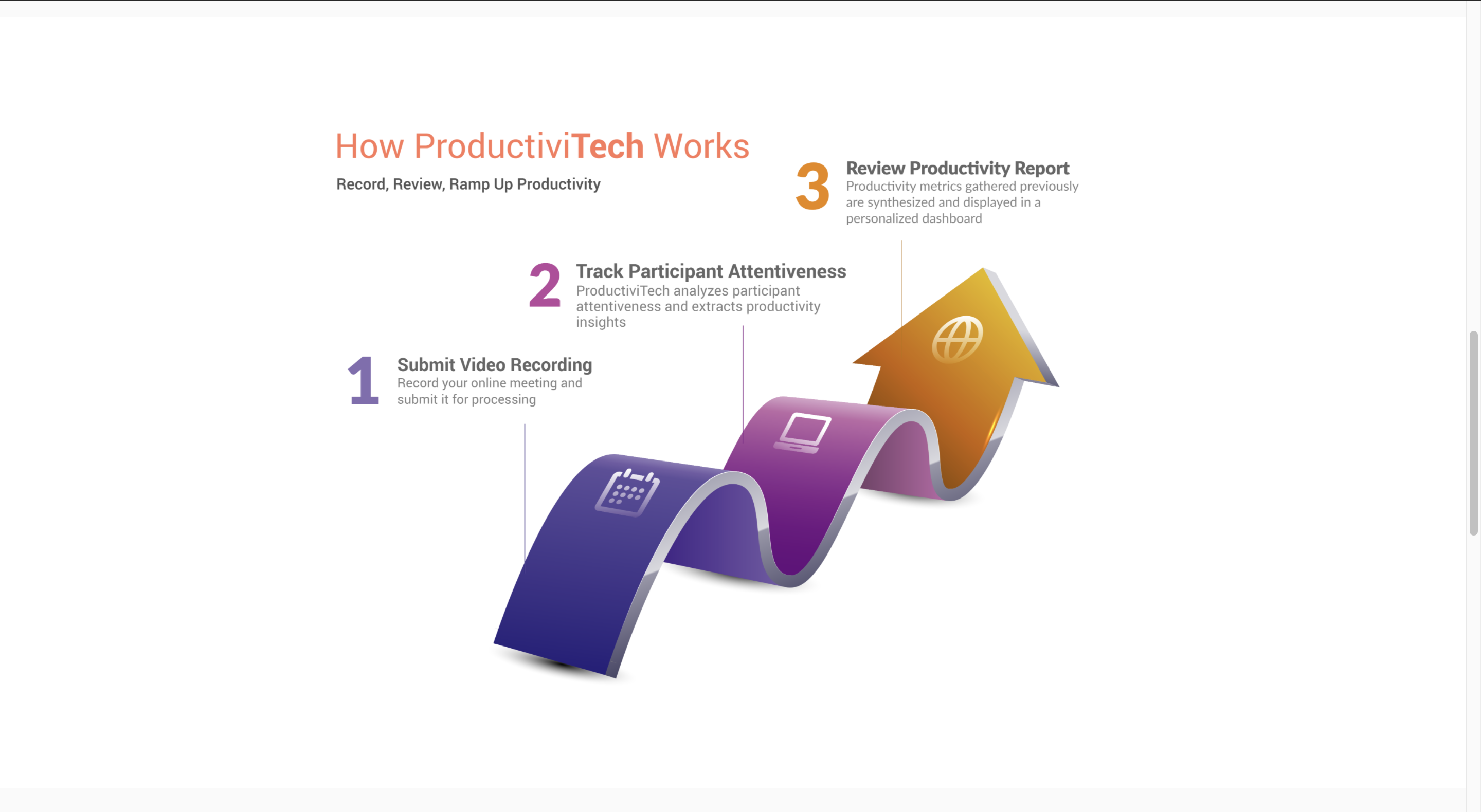
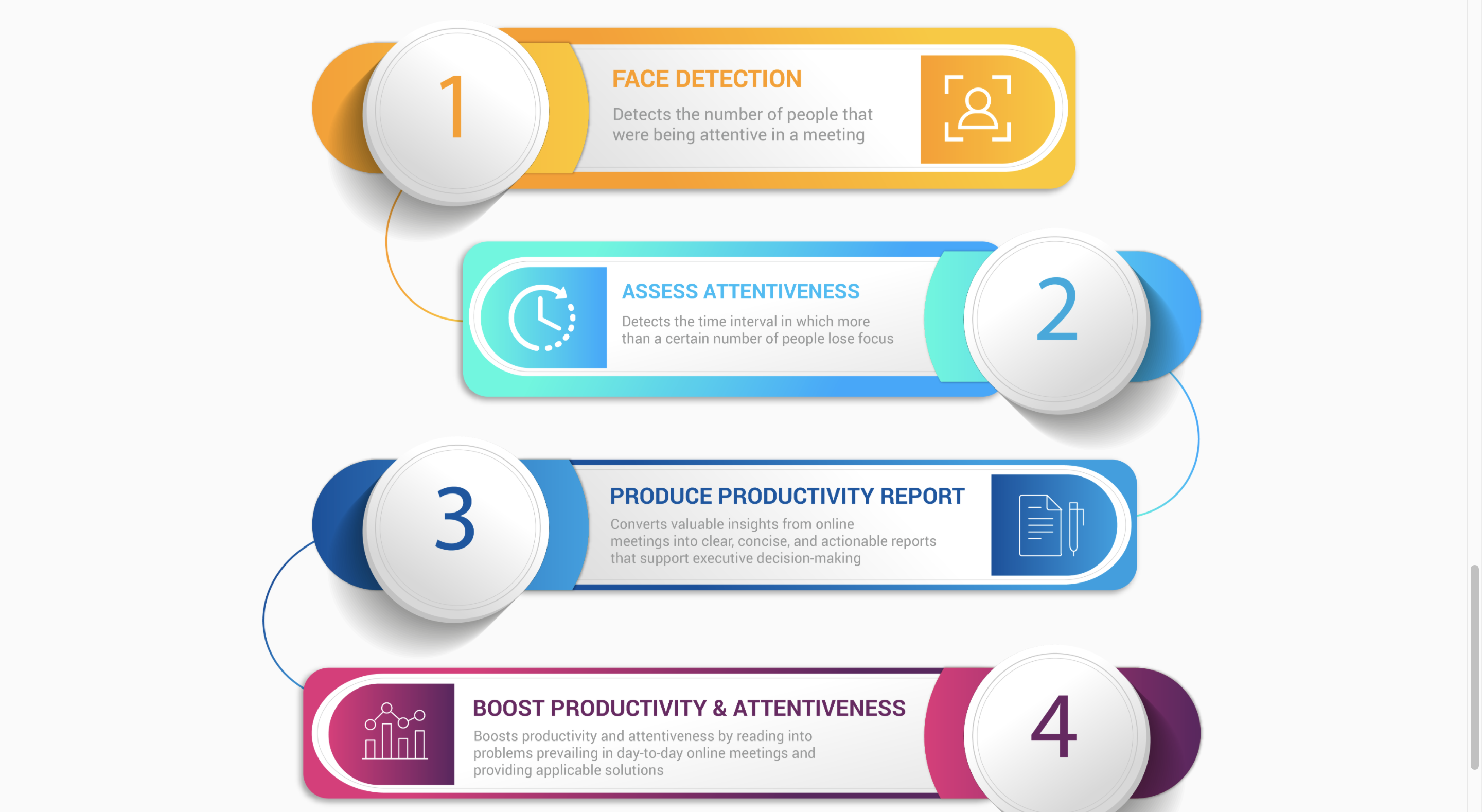
- Takes a meeting video recording as an input
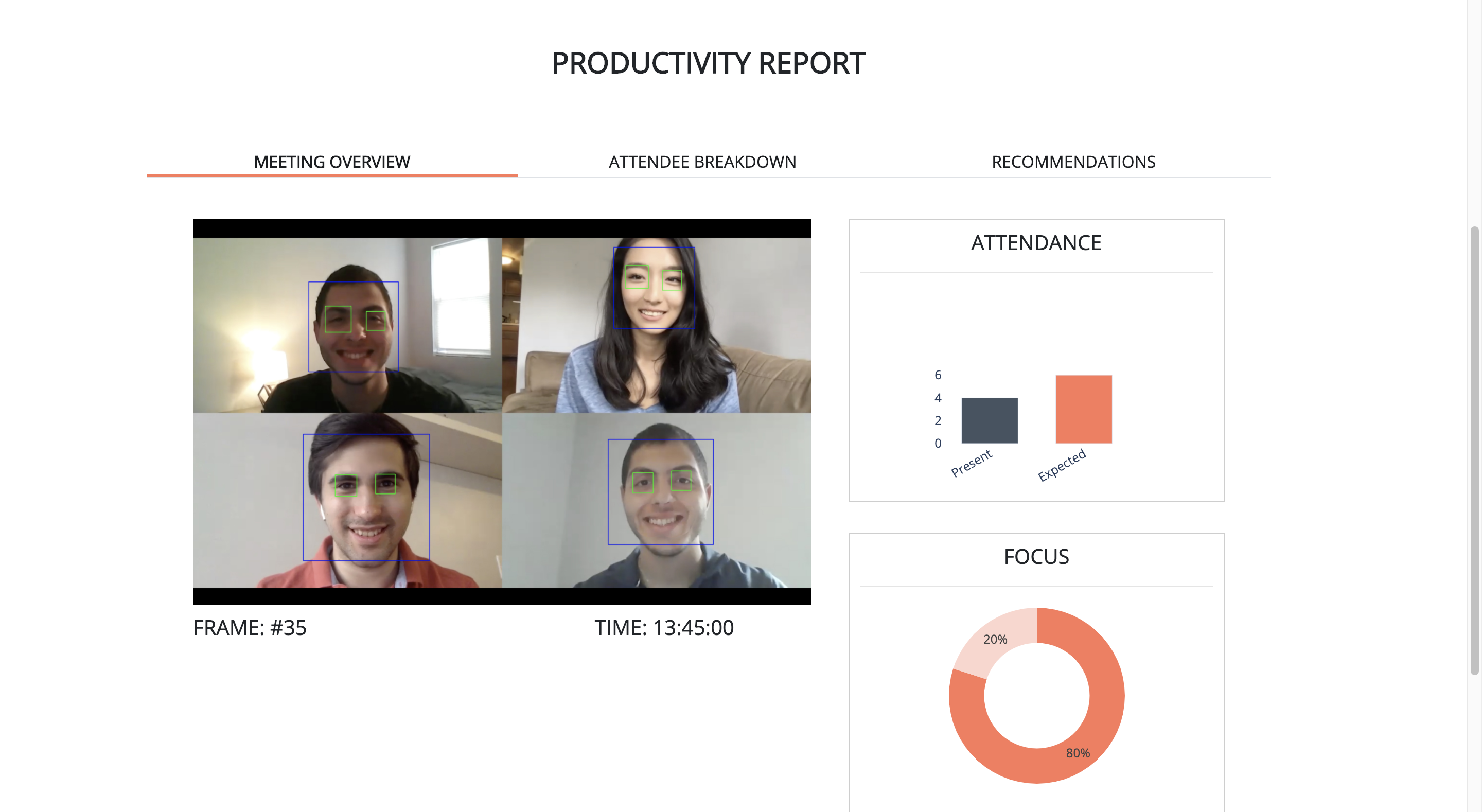
- Processes the video frame by frame and detects the faces and the eyes of the attendees
- Saves the number of attendees.
- For each individual attendee, frames are classified as "attentive" or "not attentive" based on the following parameters: - Attendee face present/not present in the frame - Attendee eyes present/not present in the frame - Distance of detected face from the camera (chose a threshold)
- After all the video is processed, the software calculates what percentage of the time that each individual attendee was attentive
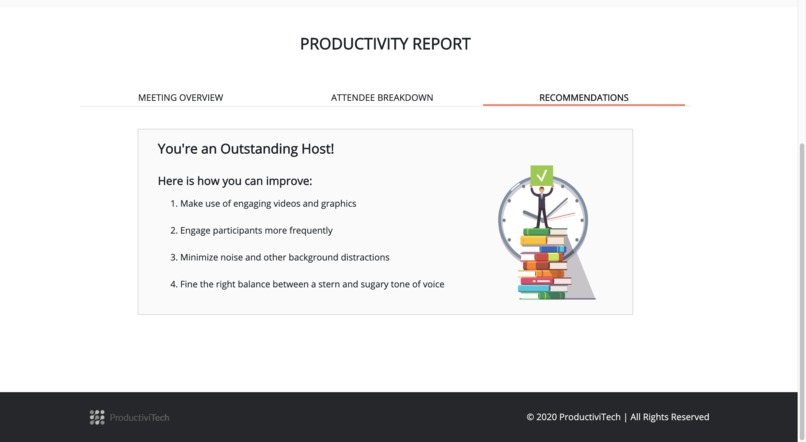
- Finally, the metrics are displayed in a dashboard with 3 tabs: - Overall meeting productivity - Individual attendee attentiveness - Evaluation of the host based on attendee attentiveness together with personalized recommendations on how to improve meetings
How we built it
As our goal was to help meeting hosts capture the attention of their audience, we started by detecting the face and eyes of the person in the frame. We implemented this feature by using OpenCv library and HaarCascades algorithm. Once the faces and eyes were detected, we started to track the depth (the distance between the webcam and the attendee). Using the face, eye, and depth we calculated whether the student is attentive or not.
Using all the obtained data, we were able to calculate the attention and the engagement of the individual student. We were able to extract the name of the student from the frame by using Tesseract (optical character recognition engine). At last, all the results were provided to the host, using Plotly graphics.
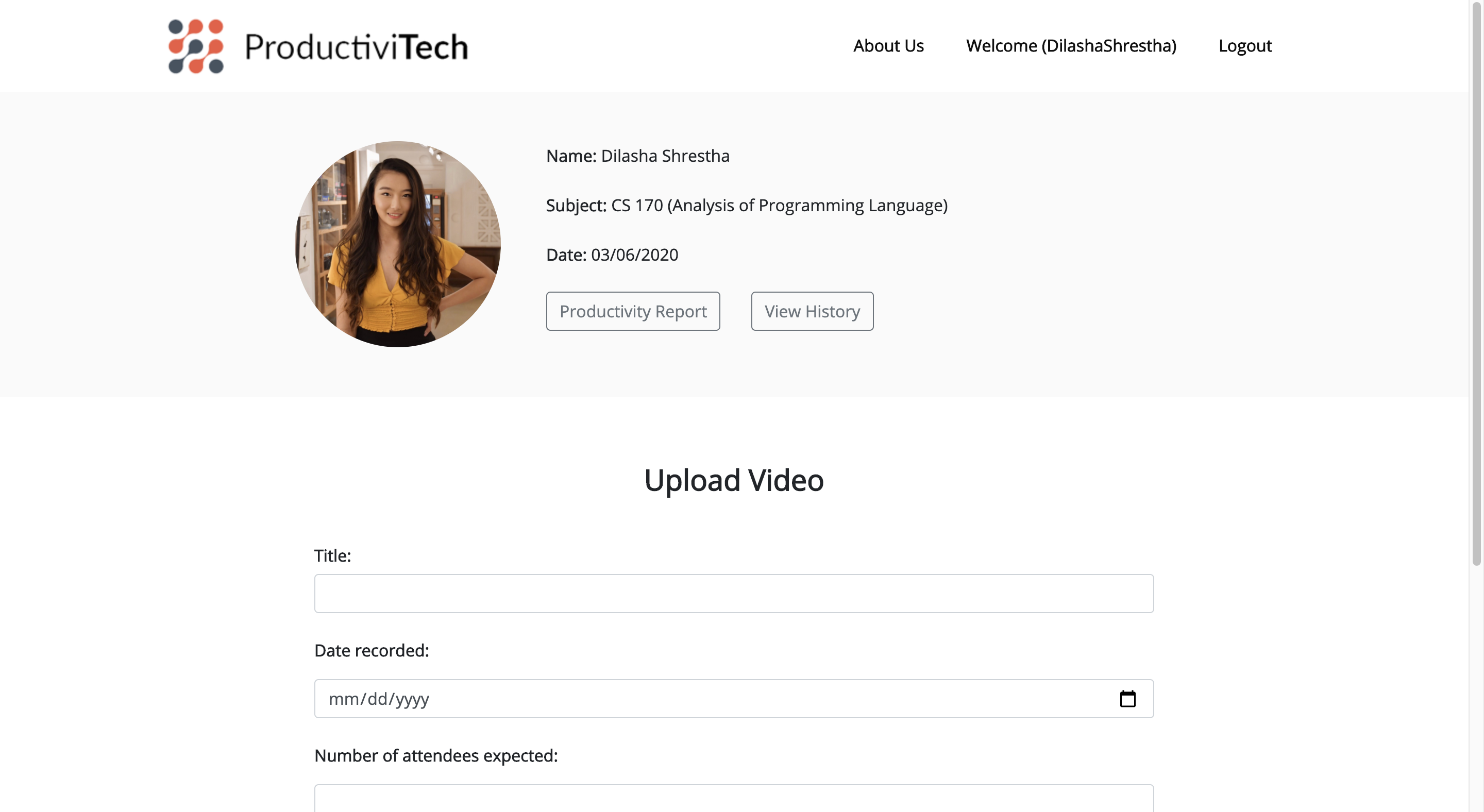
For the front end, we used HTML, CSS (Bootstrap) and JavaScript. We also created graphics using tools like Adobe Photoshop and Illustrator. We first did research on what problems we are currently facing. We then created graphics of the problems faced, how we can solve it through our project and the main features of our project. In the development phase, we tried to keep it simple yet informative. We created an interface where you can view the important information at a glance. The user experience was also taken under consideration and an easy to use application was built.
Challenges we ran into
- There are many popular video meeting platforms and each provider's application has a slightly different format (Google hangout meetings display the attendee names while Zoom meetings do not etc.). It was very difficult to implement a processing technique that would adapt to any video recording of a meeting, whether it is Zoom, Skype, Webex, Google Hangouts etc. We are still working on making our software more robust.
- Splitting the frames of each individual attendee
- Extracting the name from the video recording (text recognition in an image)
- There is a very large number of corner cases in a video meeting: - Camera off - Multiple people in the same user frame - Bad lighting - Confusing background - Poor connection leading to blurry images - Too many attendees so their video stream is displayed on different screens
Accomplishments that we're proud of
- We identified a challenge created by the new circumstances that the pandemic forced us into and we implemented a working solution
- We built a visually pleasing and easy to interact front-end
- We solved a few difficult challenges in the back-end (for example, identifying names in the frame)
- We collaborated harmoniously and made use of each of our top skills. Our team had people in the United States and in Nepal and despite the 9 hours and 45 minute timezone difference, we had very productive meetings
- We strongly believe that our presentation video is top notch
- We are very proud of the brand name we chose. In the future, we would like to build a suite of productivity tools under this brand name
What we learned
- Most of us did not have any previous experience with automation bots. It was great to learn how to use the Automation Anywhere functionality and it was very rewarding to see our process streamlined
What's next for ProductiviTech
- Track the engagement of each attendee by identifying the instances when they speak in the meeting.
- Add enhancements to the gaze tracker. We currently detect faces and eyes but we would like to analyze the direction of the gaze and correlate with what is happening on their screen.
- Build more products that will be part of the "ProductiviTech productivity enhancing tools"


Log in or sign up for Devpost to join the conversation.