-
-
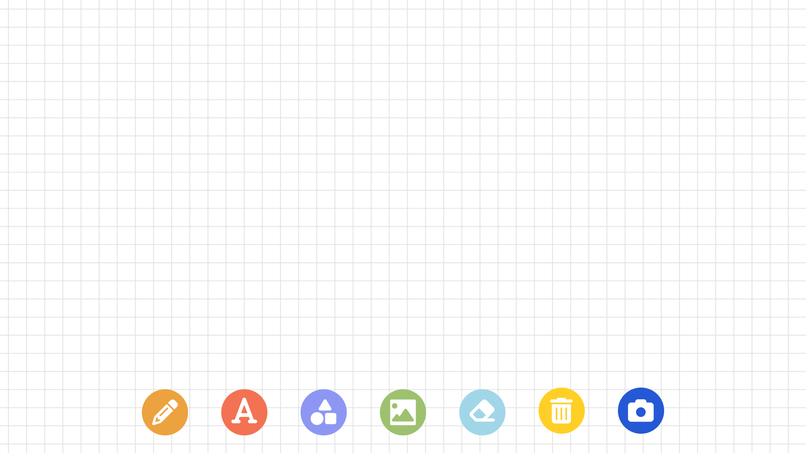
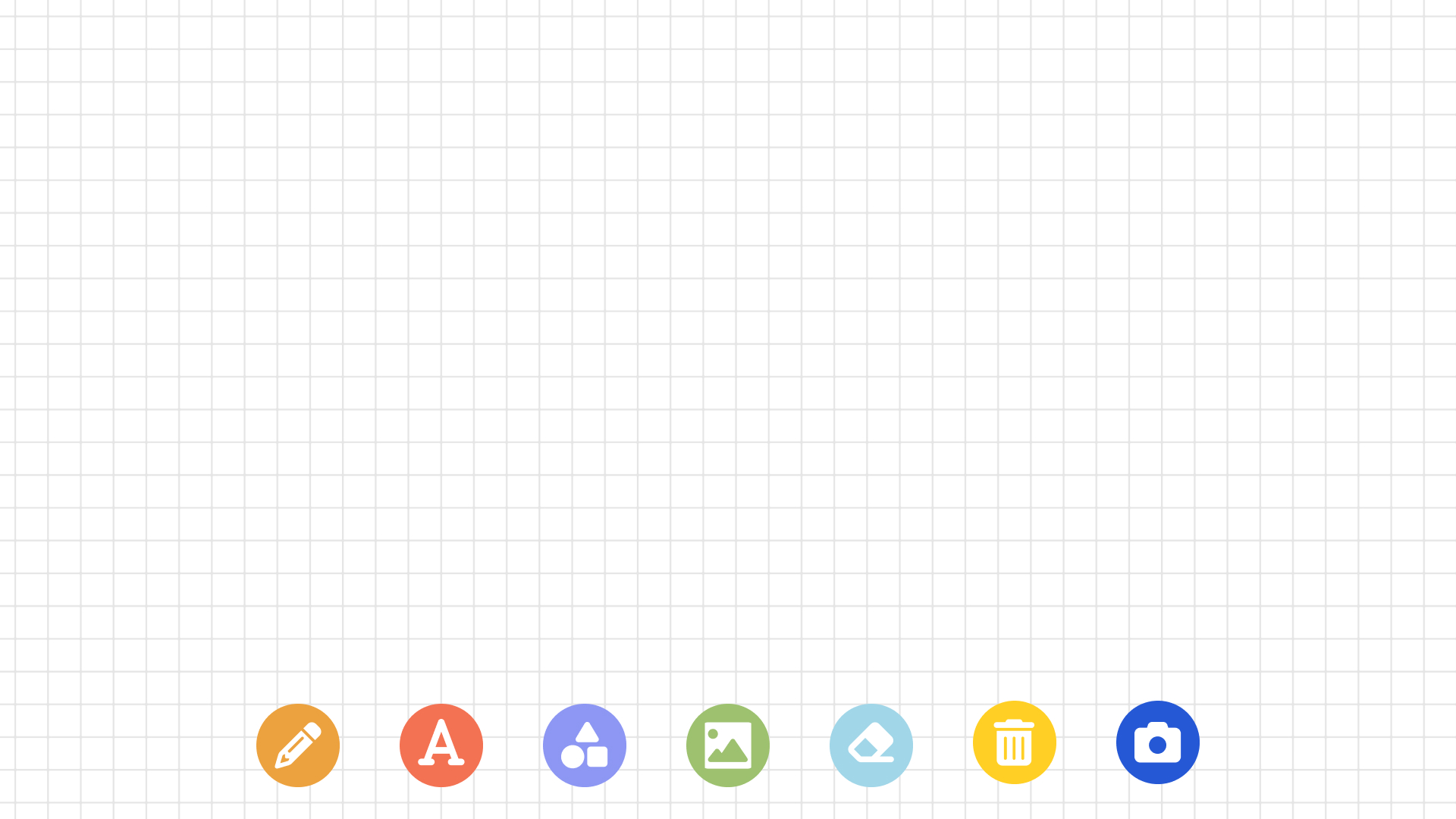
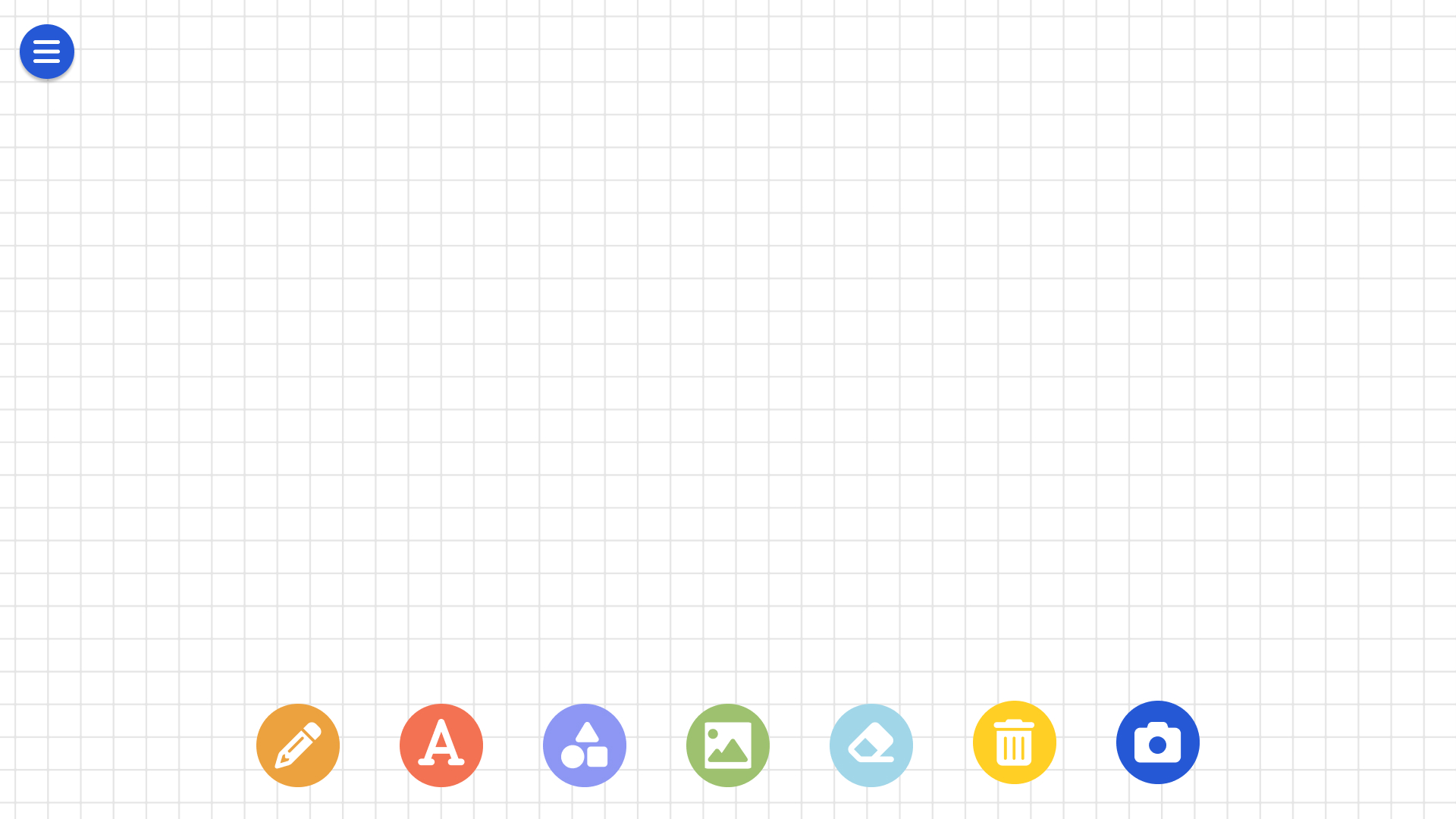
Main Page for Child
-
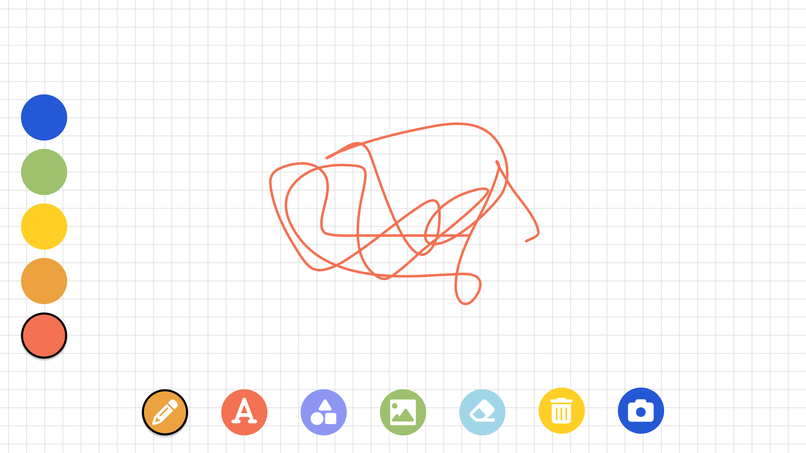
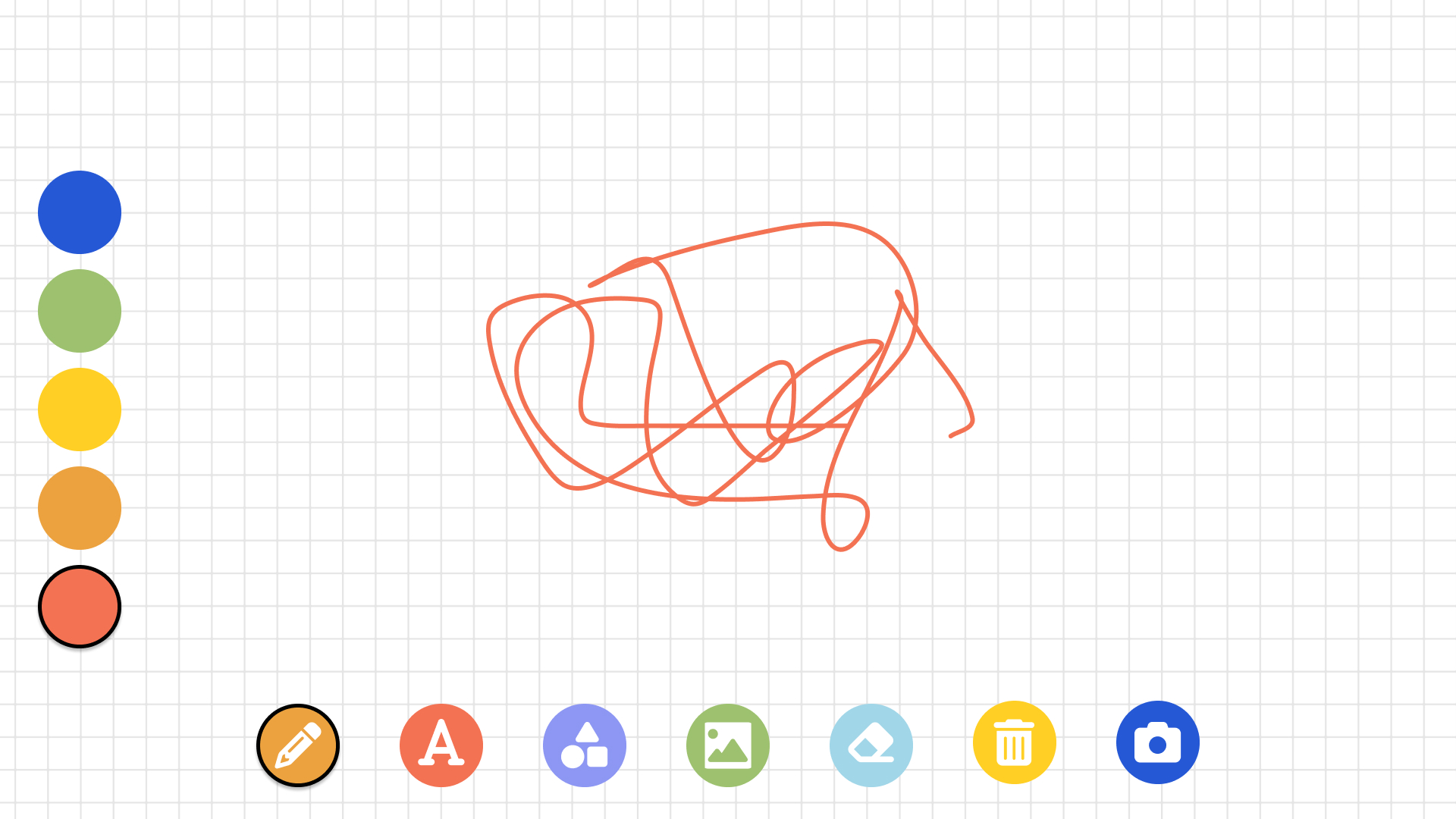
Child Draw Tool Example
-
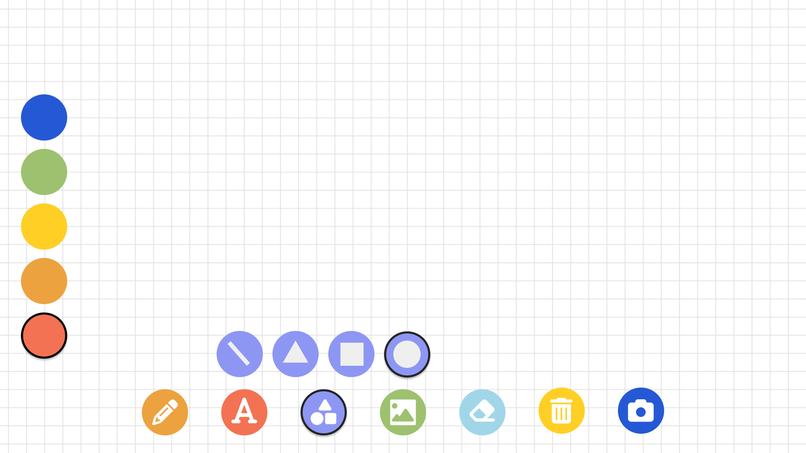
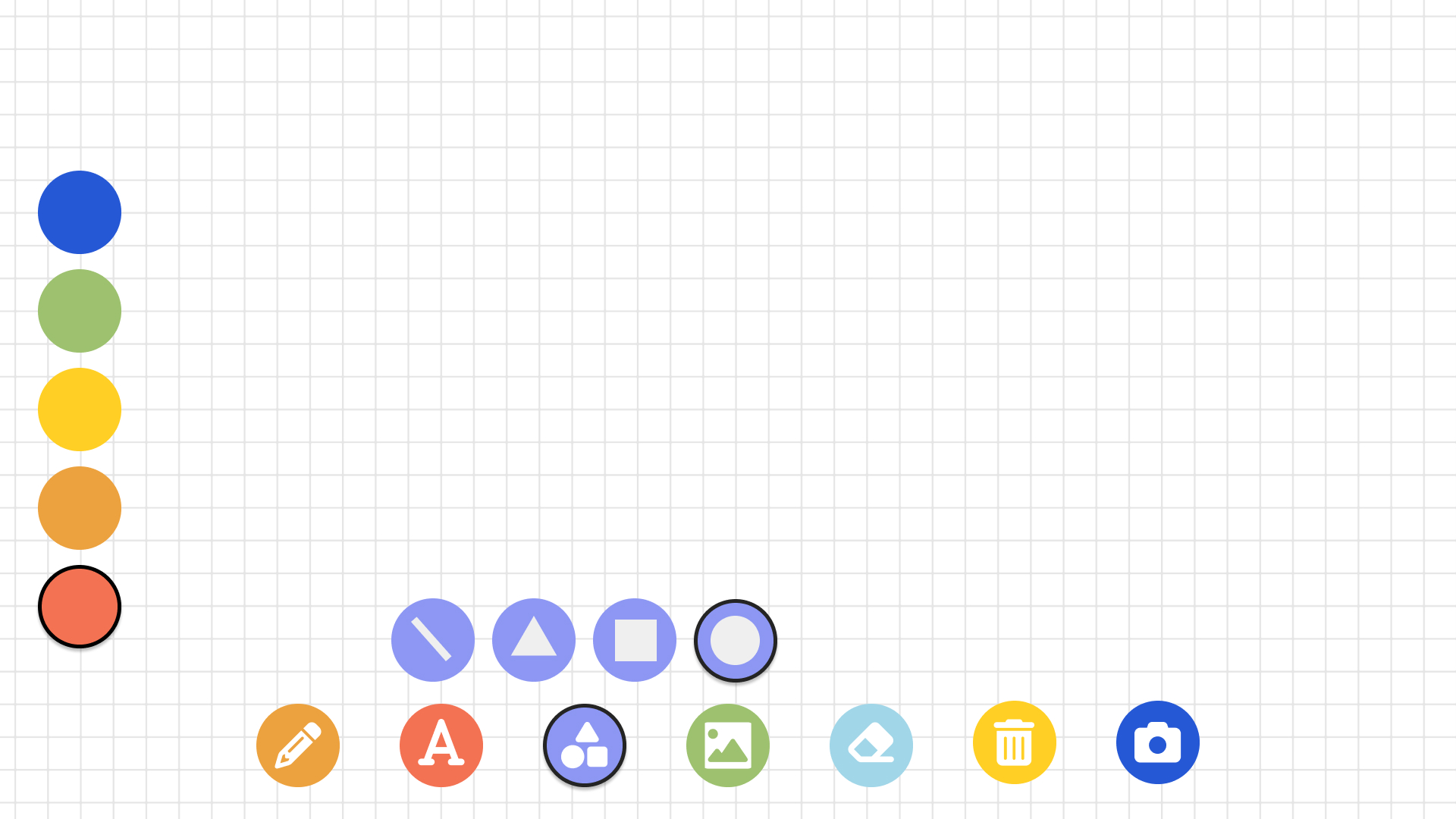
Child Shape Tool Example
-
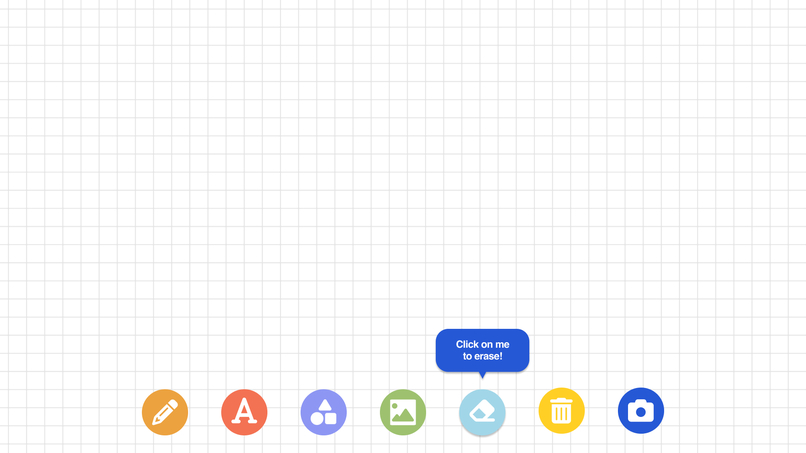
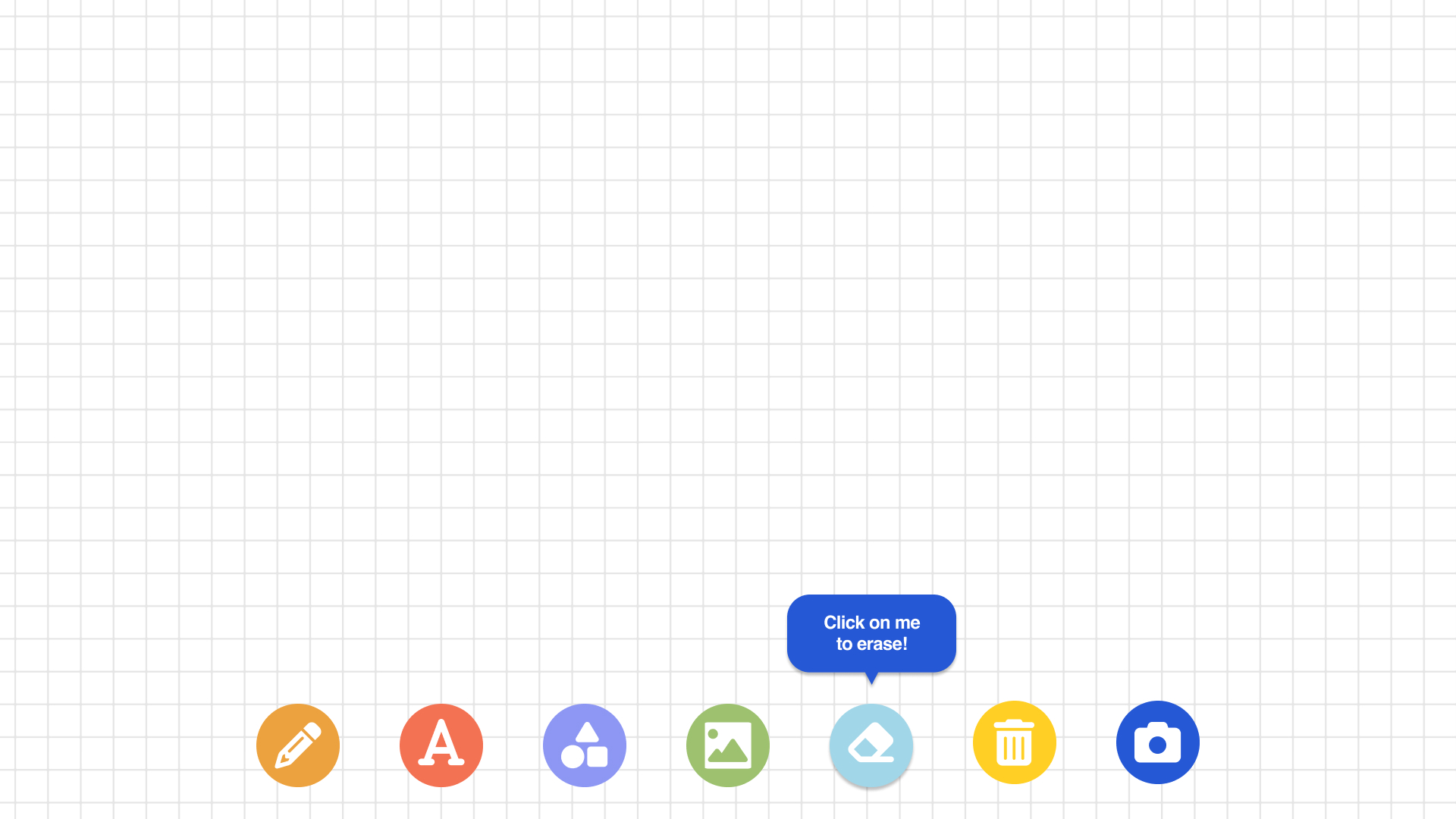
Hover Example
-
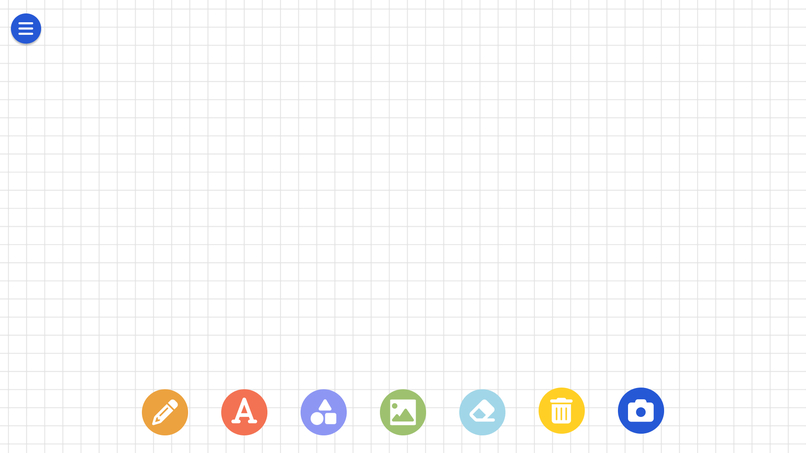
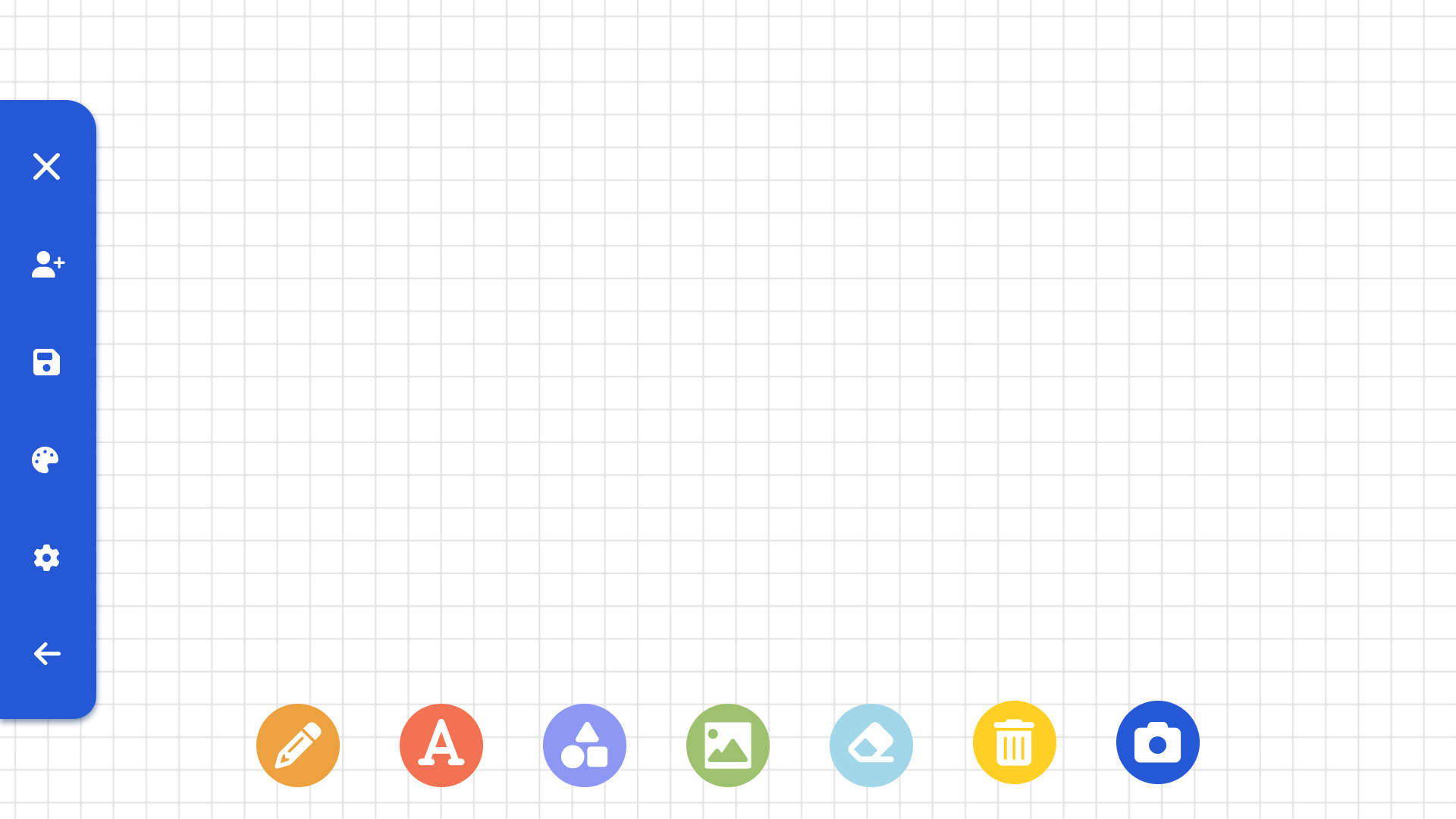
Parent/Teacher Home Page 1
-
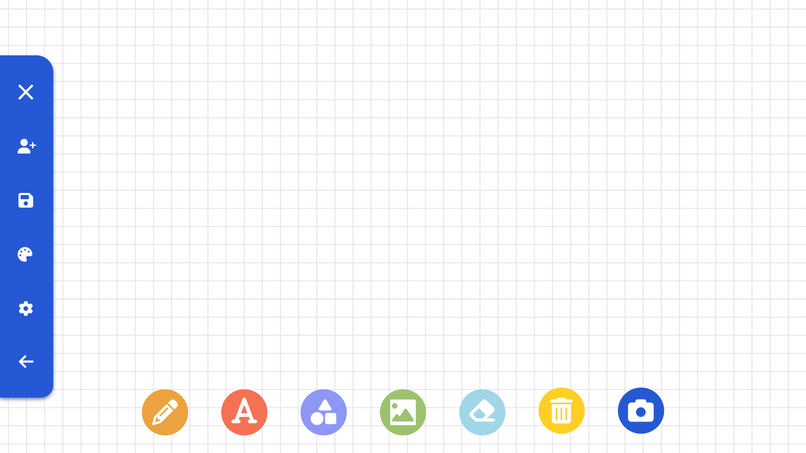
Parent/Teacher Home Page 2
-
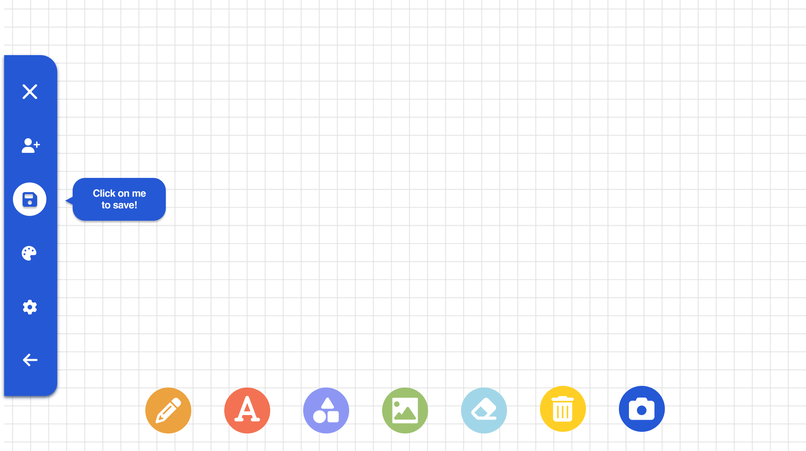
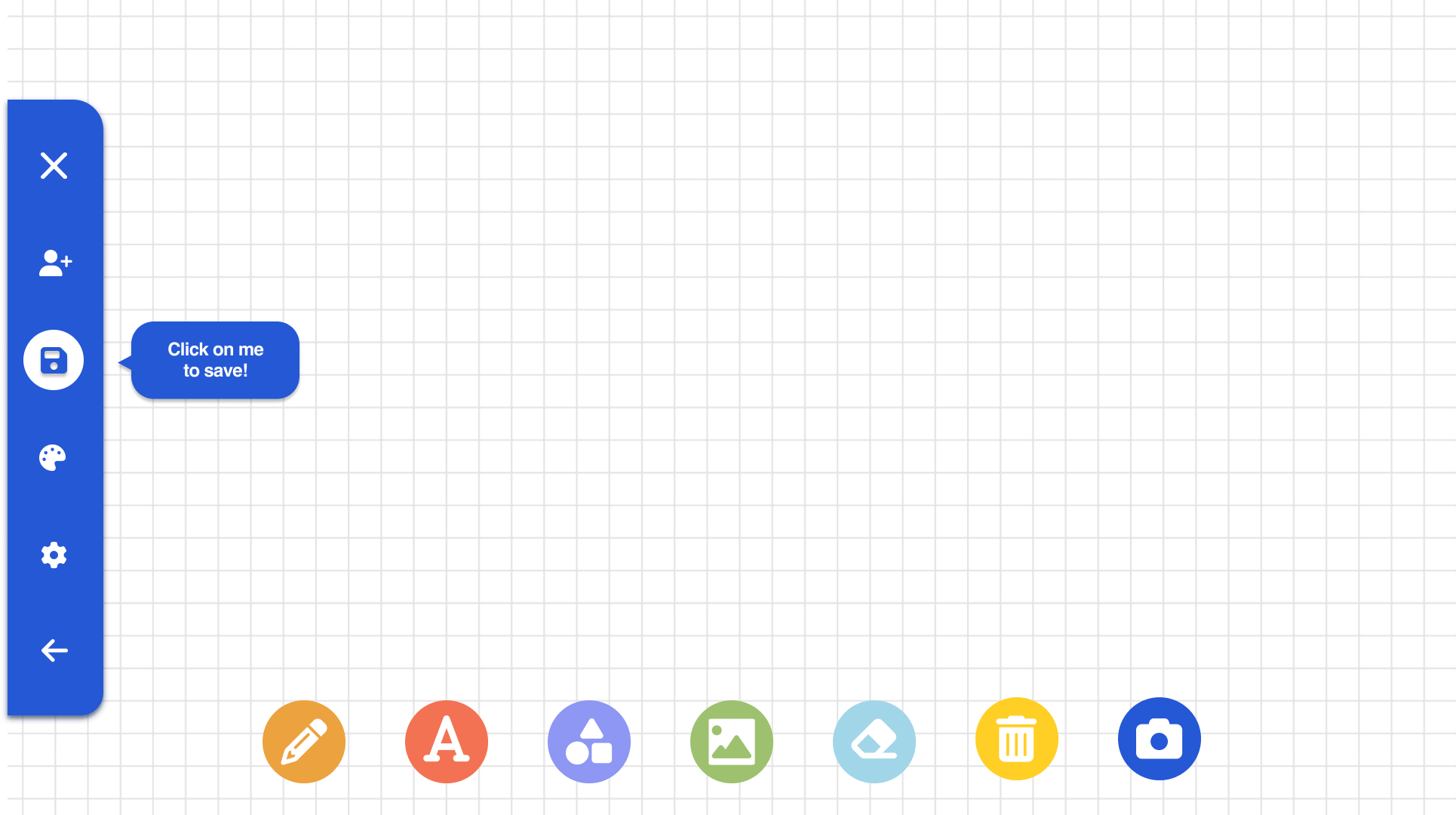
Hover Save Example
-
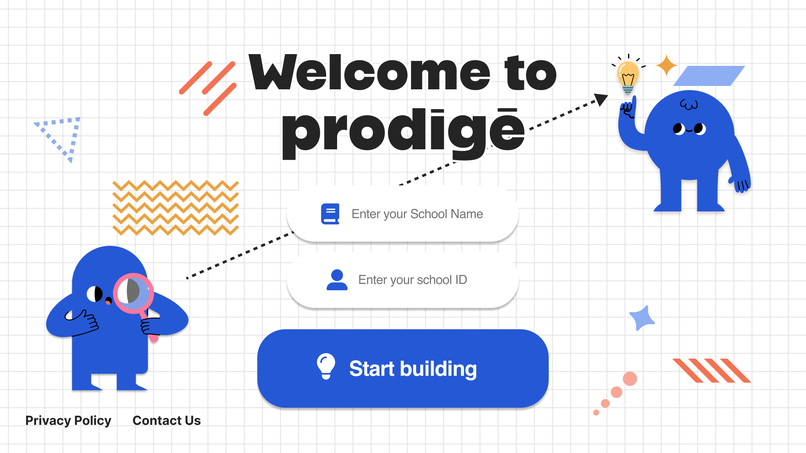
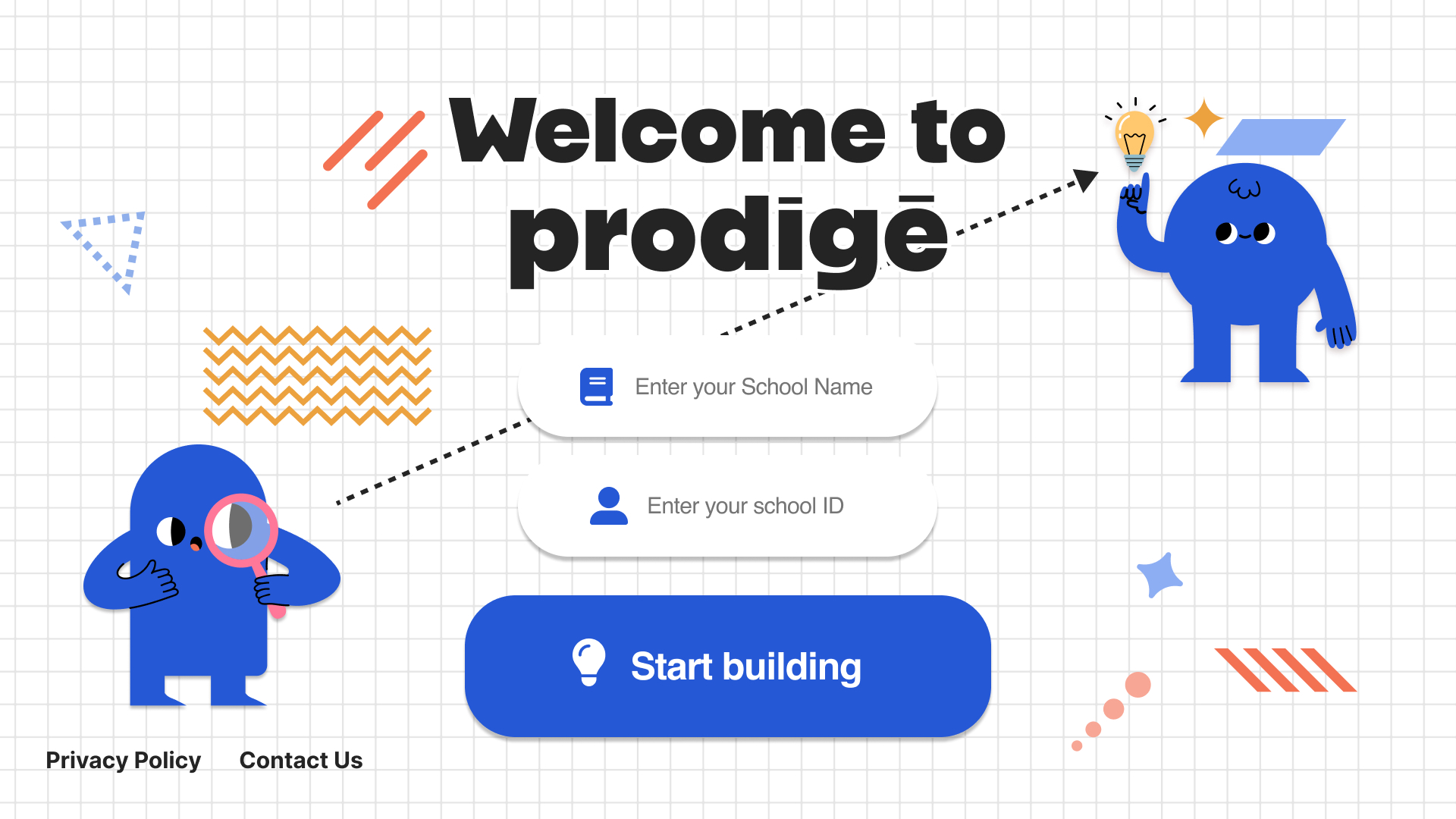
Login Page
-
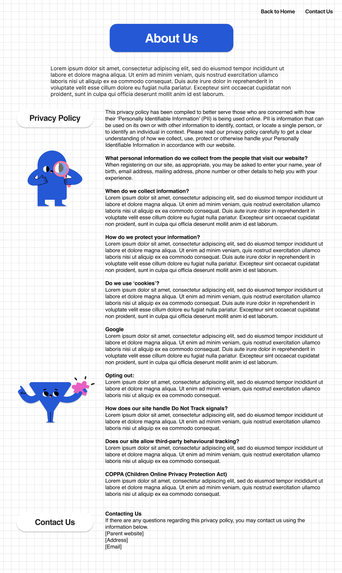
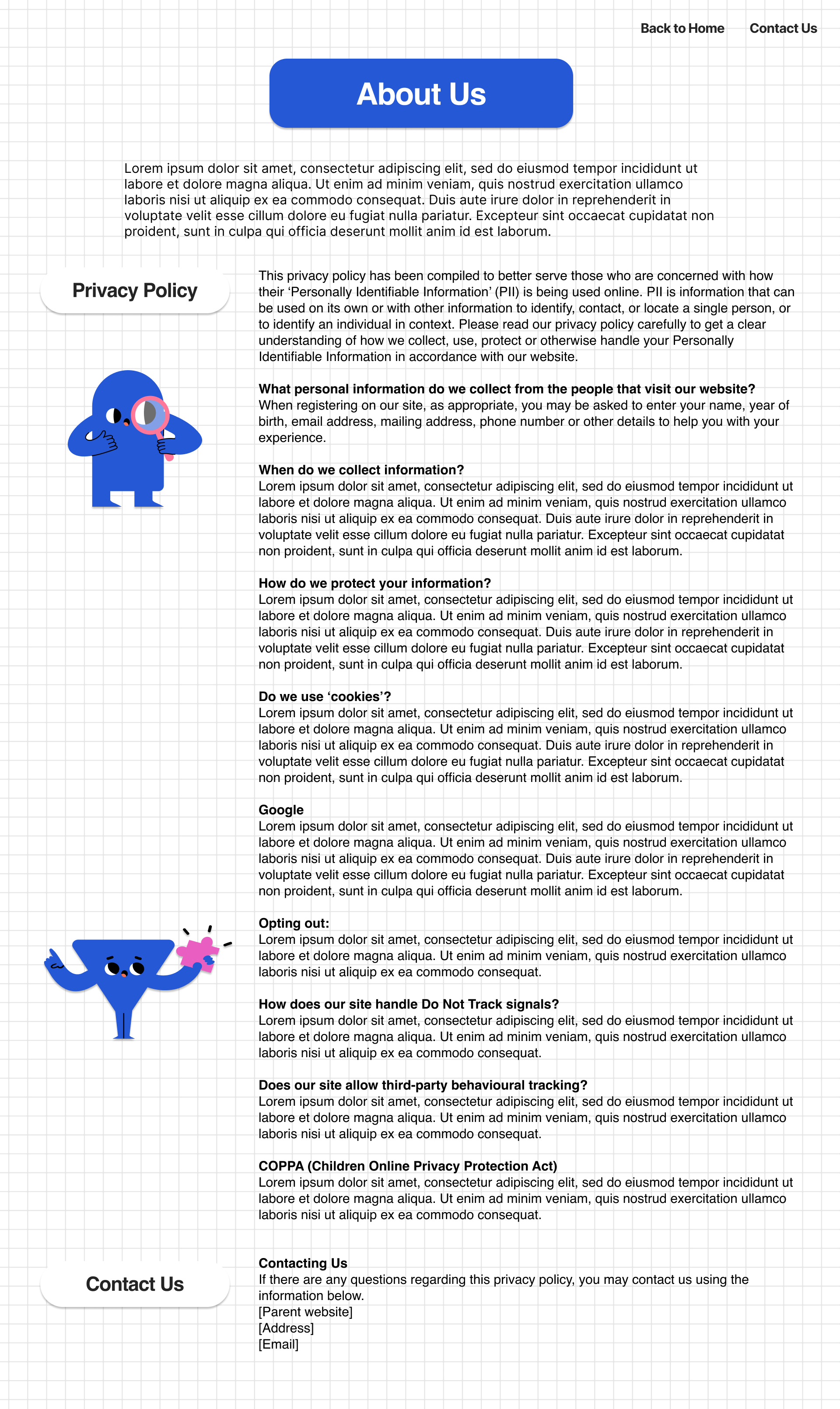
Privacy policy page
Inspiration
In the classroom, children like to talk and hang out with friends, and it is the best way to improve their language skills. So, how about combining talking·hanging out and studying? Prodigē is a whiteboard website for young kids between kindergarten and grade 3. Children can use this tool as a memo pad, doodle, study, or collaborate with friends!
What it does
Prodigē is an interactive white board meant to be used in the classroom setting for children in Kindergarten to grade 5 As the use of technology has increased in society, schools have brought in various devices and softwares to to provide a learning experience that is practical, accessible, and inspires creativity. Due to its multiple features, Prodigē can be used to write text, draw shapes, or a combination of these. Children can learn to navigate it easily, making learning fun and creativity endless.
How we built it
We built the layouts using notepad and Figma. First of all, we discussed which functions we need using notepads. At that time, we decided to put the title page_(login page)_, and whiteboard page. Then we found some examples for mood boards.


 After that, we explored and attempted various layouts, backgrounds, icon styles, and typefaces.
Challenges we ran into
We originally made our idea too specific. We thought about designing this to help students learn how to read and mind map different concepts. After gathering feedback and designing some low fidelity prototypes, we decided it would be more useful for students if they could use it for multiple purposes. We were also challenged with learning how to use Figma for the first time. Lastly, we were challenged with the topic. Because we are not around this population very often, it was difficult to think of certain scenarios and required some research and thinking outside the box.
Accomplishments that we're proud of
This is our first hackathon and we are proud to have successfully completed our first one with only two people on our team! Our third member had to drop out due to illness and we could not find other people to join our team We think we have been able to successfully utilize Figma’s features and tools in bringing our idea and designs to life Lastly, this is our first time working under this short of a deadline with such a broad topic and very basic interaction design skills. We are very pleased and with what we have been able to accomplish and inspired to do more hackathons as well as think more creatively when approaching similar school assignments in the future
What we learned
It was our first time using Figma, so this time was a valuable experience for us. We learned how to use Figma more effectively and how Figma’s prototype functions work. Figma has a lot of automatic adjustment systems so that we could reduce our work time so much. Moreover, we learned how we would work with other designers in the future in the company or collaboration. It was our first hackathon, so everything we experienced here will be helpful for us.
What's next for prodigē
Next, for prodigē, we think about more interactive animations between each icon. Also, we just made a prototype design, so there are no functions on every button. So we will add the actual parts such as sticky memos, drawings, icons·image gallery.
Built With
- adobe-illustrator
- figma

Log in or sign up for Devpost to join the conversation.