Inspiration
Bubble wrap has a weirdly universal pull. Nobody decides to pop the whole sheet; you just find yourself doing it. We wanted to capture that same low-stakes, can't-stop feeling, but point it at something more rewarding than an empty sheet of plastic. Pixel art was the natural fit: every pop is satisfying on its own, but together they build toward a payoff, a painting, a landmark or an animal that was hiding under the grid all along.
What it does
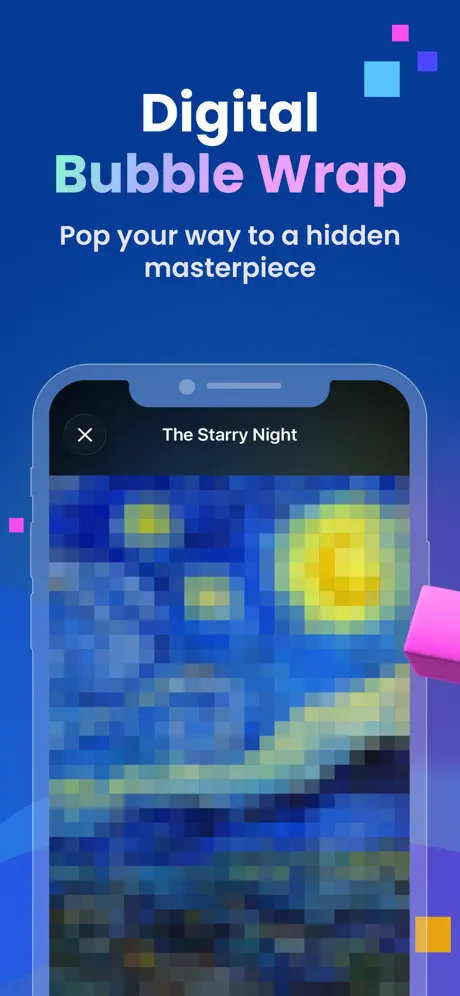
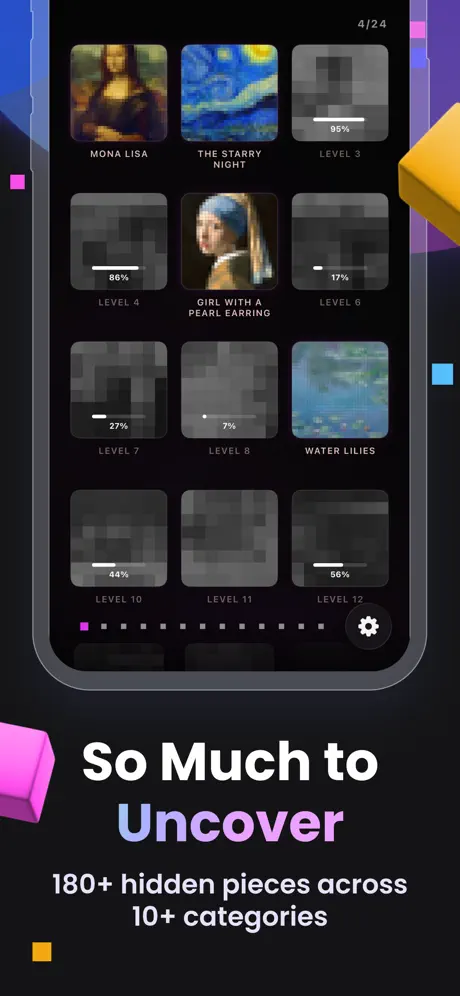
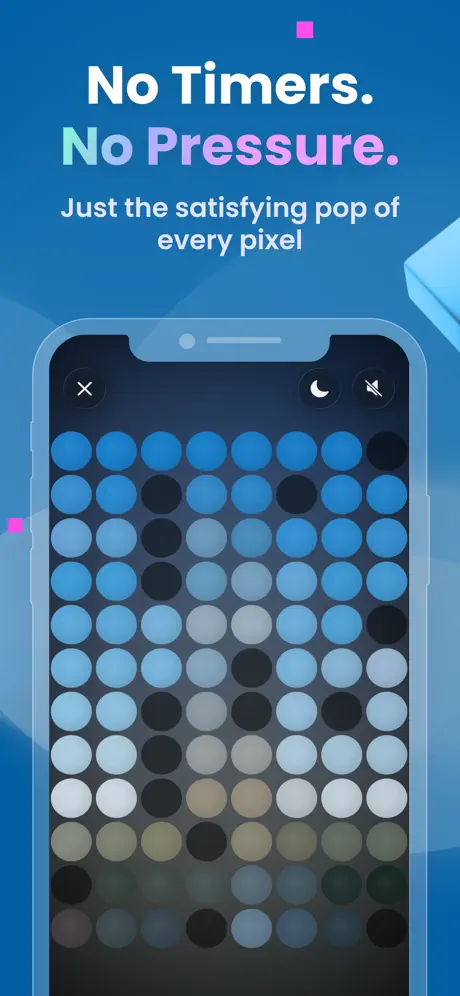
PixelPop is digital bubble wrap with a hidden picture underneath. Each level starts as a blank grid, and every cell you pop reveals the pixel beneath it until the full image appears. There are 180+ levels across categories like Paintings, World Wonders and Space, with difficulty ramping gradually from small, easy grids to dense, detailed ones.
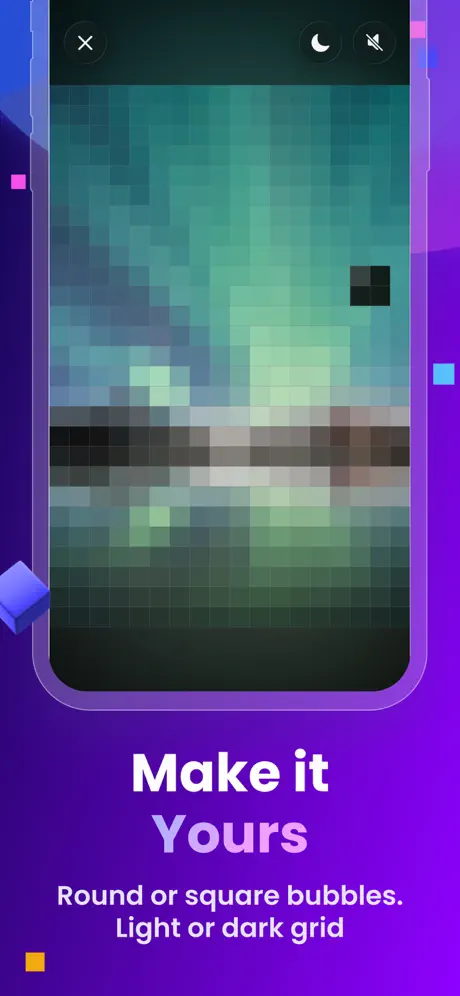
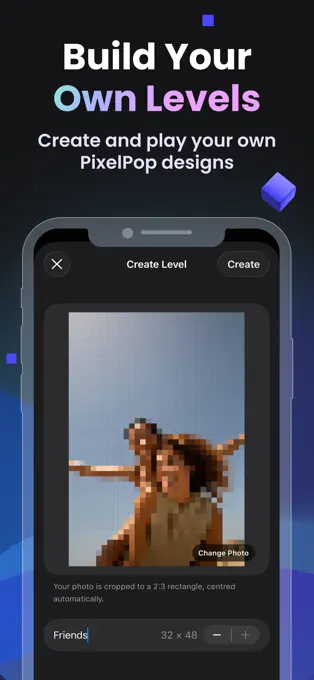
Players can also turn their own photos into levels: upload a picture and PixelPop transforms it into a playable pixel grid, so a pet, a holiday snapshot or a friend's face can become the next thing you uncover. Multi-touch lets you pop with several fingers at once, Game Center adds leaderboards and achievements, and a color-blind filter helps make the reveal enjoyable for everyone.
How we built it
PixelPop is native SwiftUI throughout, targeting iOS 17+ with graceful enhancements rather than hard version requirements: Liquid Glass on iOS 26+ and zoom transitions on iOS 18+.
The pixel grid is drawn with Canvas, backed by a UIKit-bridged multi-touch layer so several fingers can each pop their own pixel simultaneously, something plain SwiftUI gestures can't track on their own. Level art is downsampled at runtime into exact-resolution grids instead of being pre-baked, so a single source image drives the low-res gameplay grid, the mid-transition "sharpening" step and the final high-res reveal. That same pipeline is what makes user-generated levels possible: any photo can become a playable grid.
Frequent, disposable per-pixel progress lives in UserDefaults, while purchases are stored securely in Keychain. RevenueCat handles the two in-app purchases, AdMob powers optional rewarded-ad unlocks, and Game Center tracks leaderboards and achievements.
Challenges we ran into
The biggest challenge was making rapid, multi-finger popping feel instant. Under a fast drag, audio and haptics started to stutter, and the culprit turned out not to be touch handling but audio decoding: compressed sound files were being decoded on every tap. We fixed it by pre-decoding all sound effects into PCM buffers at launch and playing them through a pooled AVAudioEngine graph, which made popping smooth even under heavy multi-touch.
Beyond performance, much of the work went into making things feel right: tuning high-res press feedback, smoothing level-complete transitions, building the color-blind filter, and working around a .colorEffect shader that broke near ScrollViews and UIKit-bridged views. Getting SwiftUI animations to behave consistently across all of this took plenty of iteration.
Accomplishments that we're proud of
We're proud that the reveal never feels like a slideshow snapping between states. Background art crossfades smoothly between levels, and on completion the gameplay grid sharpens into a genuine high-resolution mosaic instead of simply switching to a static image. We're also proud of user-generated levels, which turn PixelPop from a game you play into one you can make personal.
What's next for PixelPop
Our goal is to bring PixelPop to more people and keep making it better. We'll use the playtesting data we already track, like time spent and taps per grid size, to fine-tune difficulty pacing, and keep expanding the art library with new pieces and categories. To reach a wider audience, we'd like to add localizations into more languages, let players share their custom photo levels with friends, and bring PixelPop to Android, iPad and Mac. And we'll keep adding more effects and polish to make every pop as satisfying as possible.
Built With
- avfoundation
- confettiswiftui
- gamekit
- metal
- revenuecat
- storekit
- swift
- swiftui
- uikit
- xcode

Log in or sign up for Devpost to join the conversation.