-

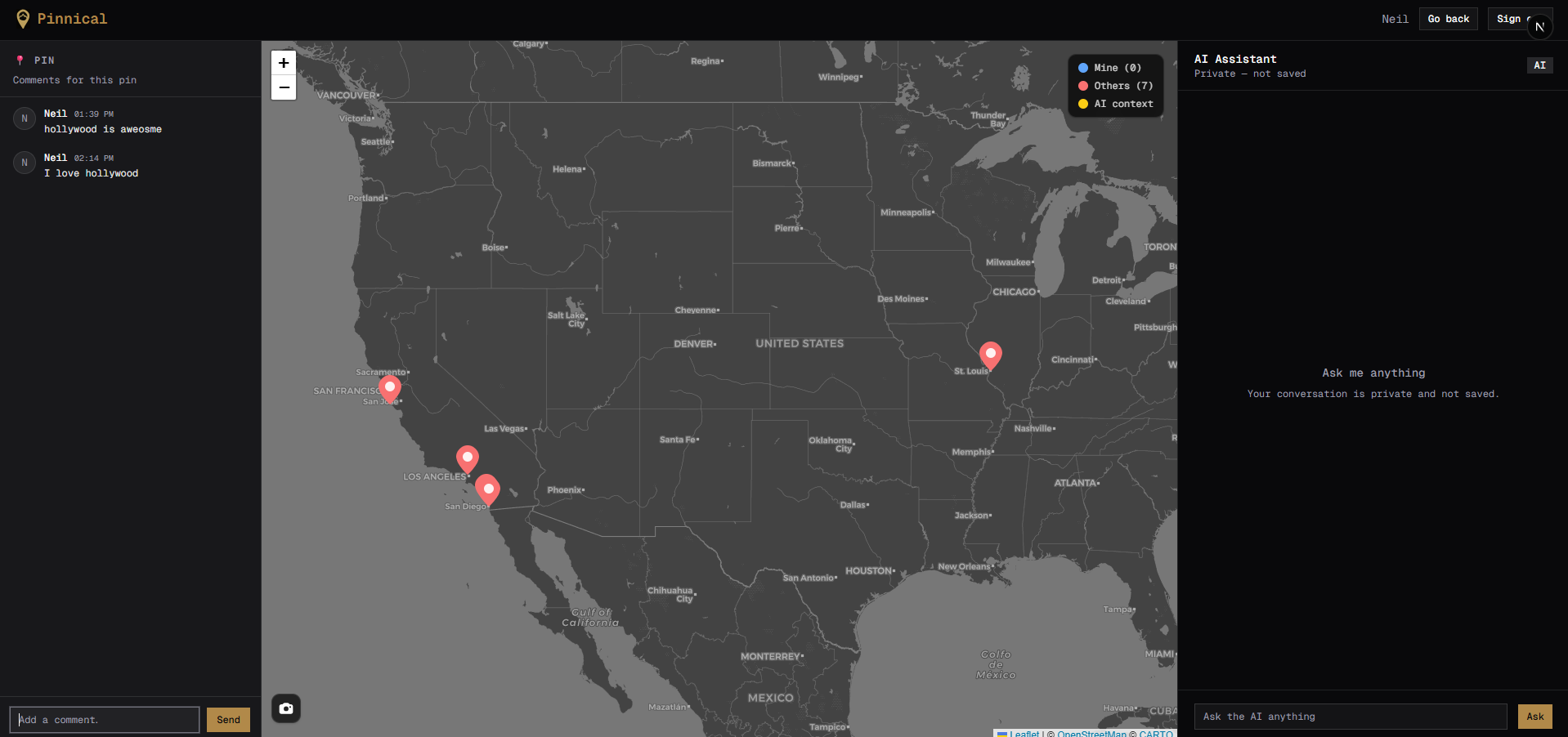
Main Page .
-
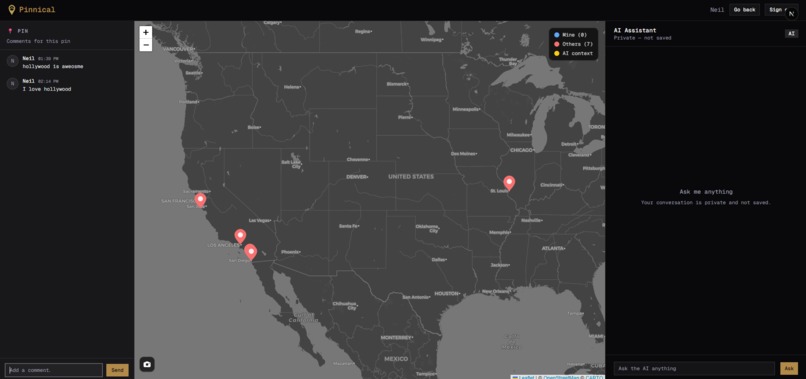
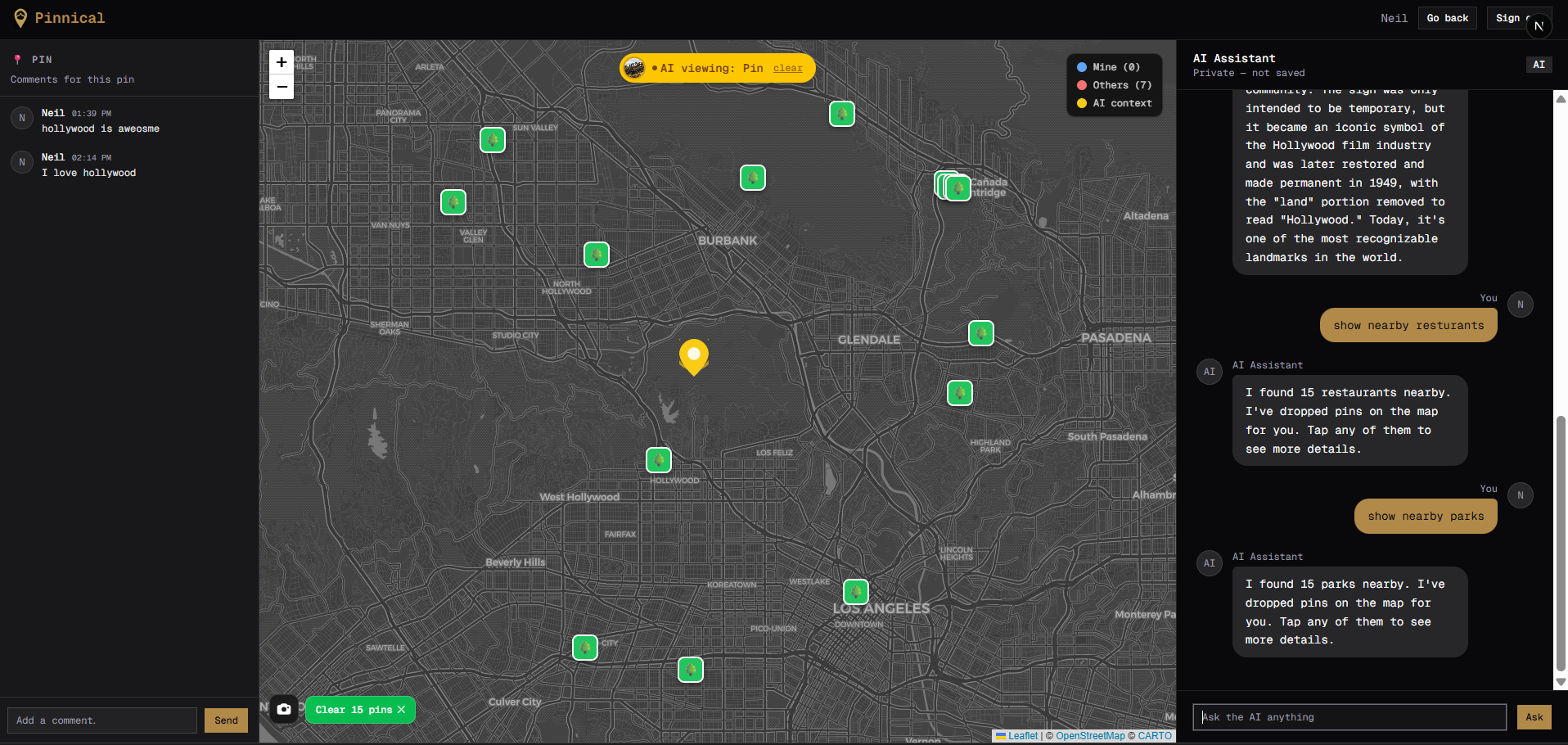
Map with pins of different locations.
-
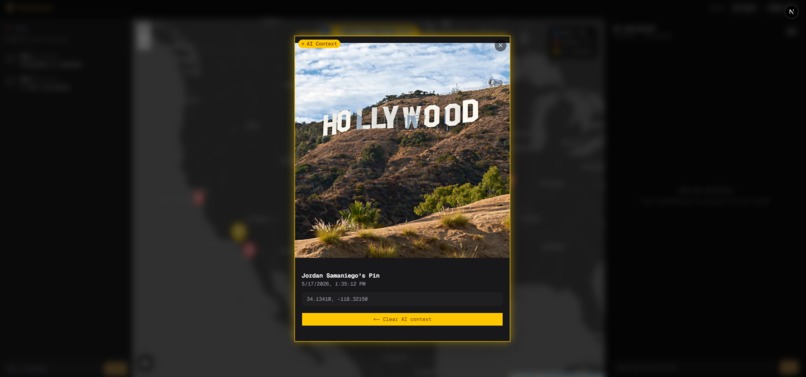
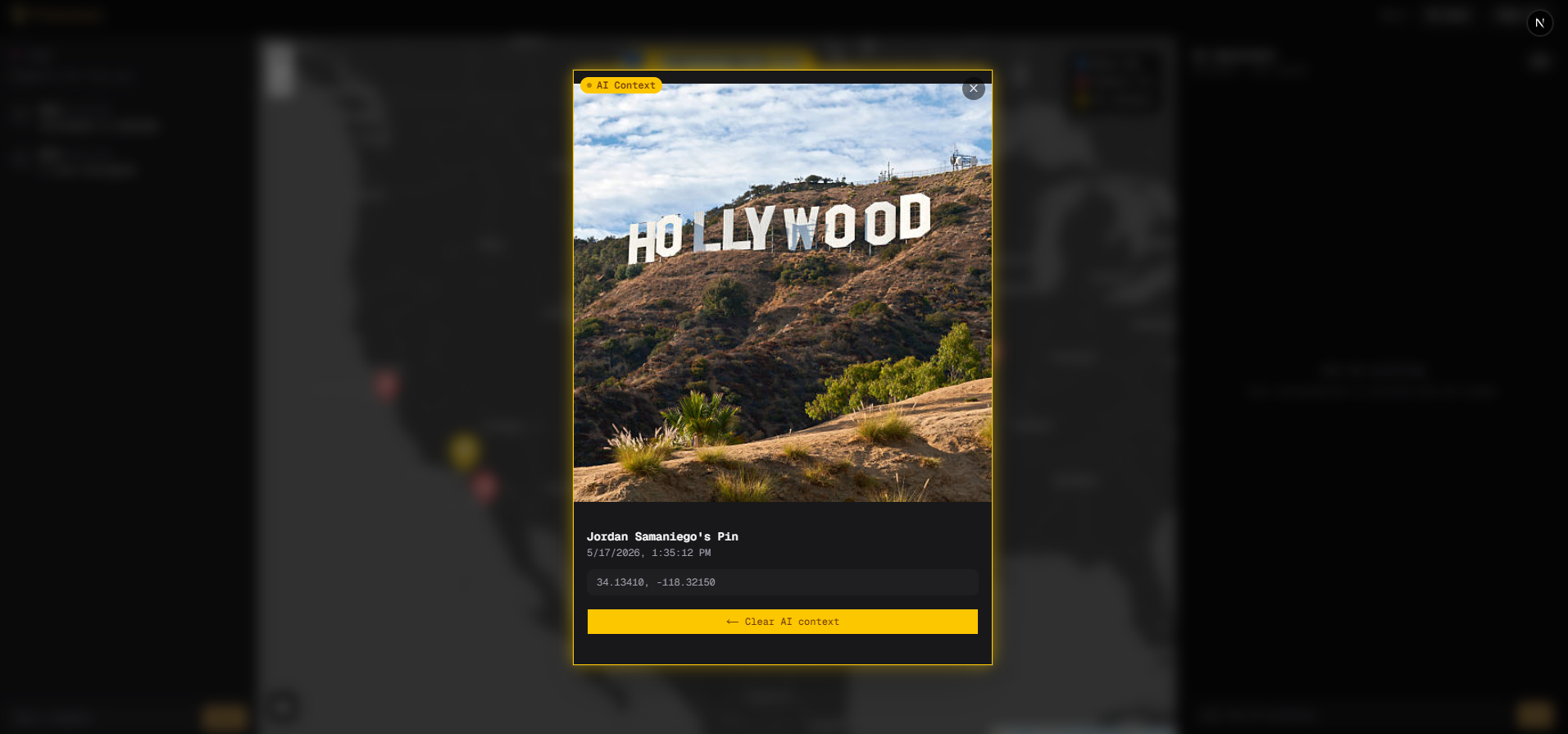
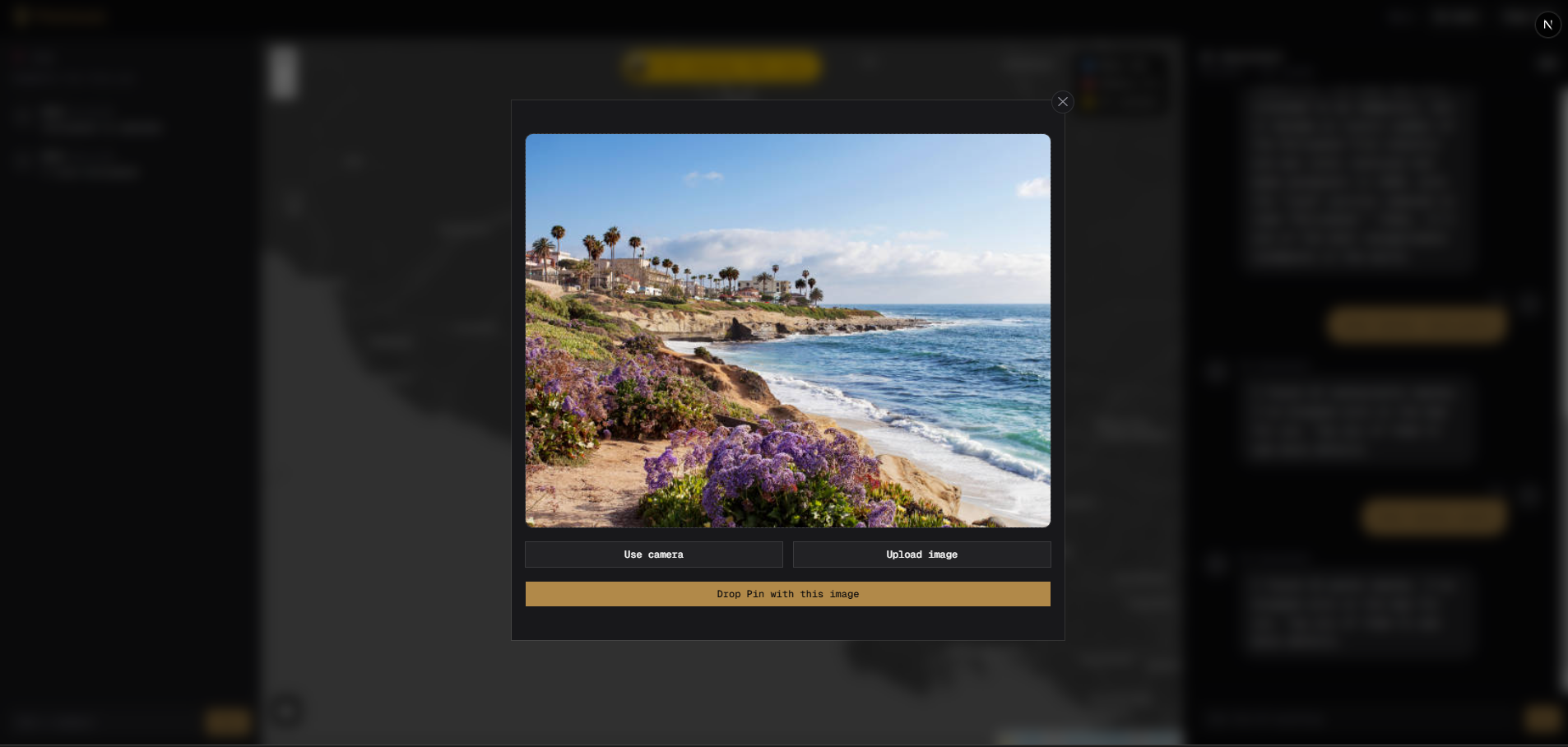
Image assigned with one of the pins.
-
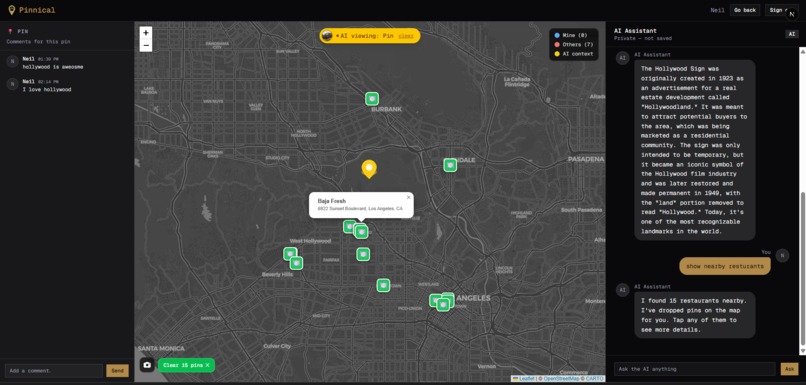
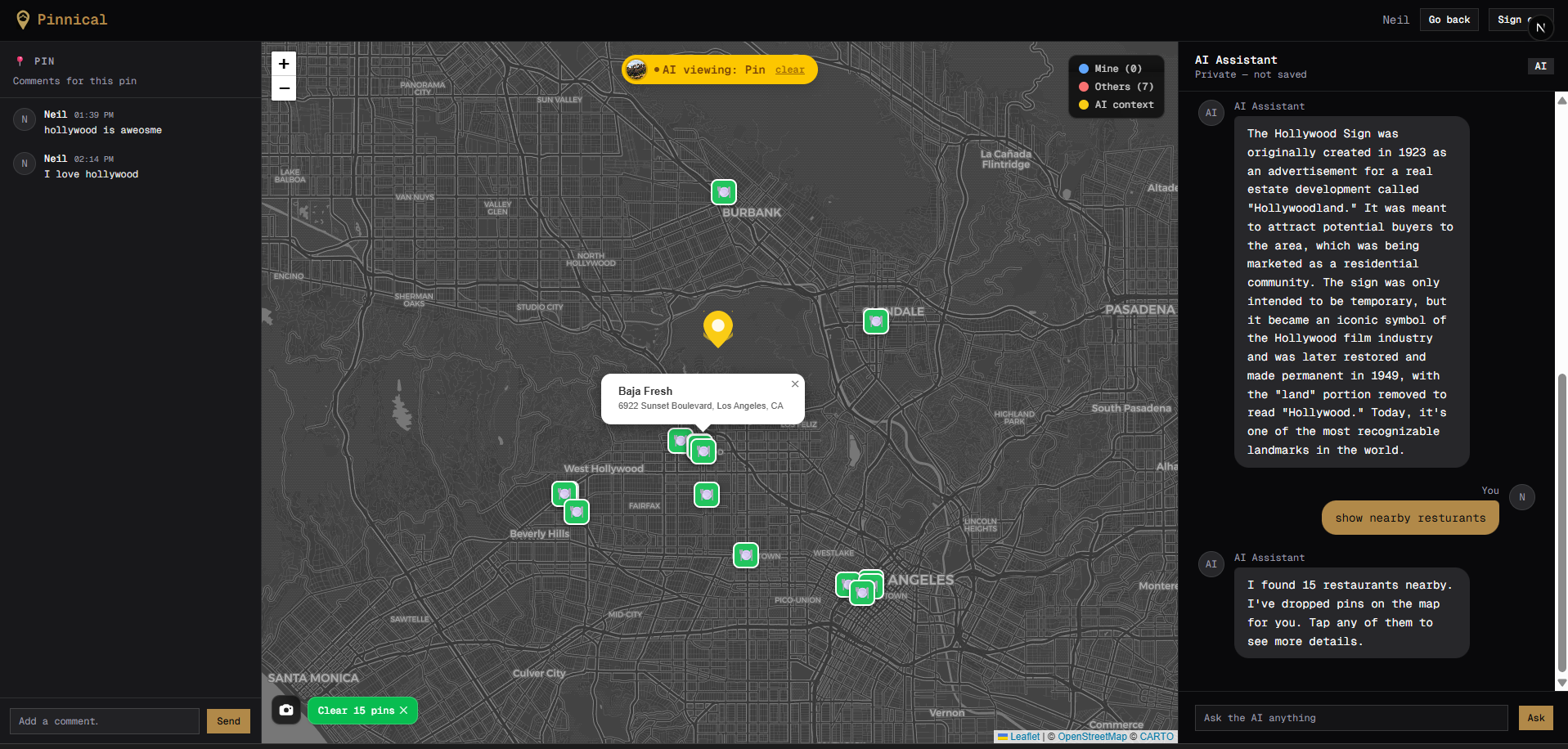
User asks for restaurants near the Hollywood Sign as well as context on the Hollywood Sign.
-
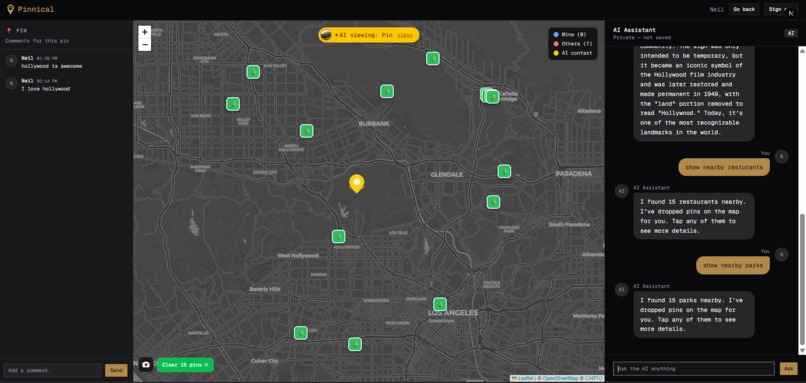
User asks for parks near the Hollywood Sign.
-
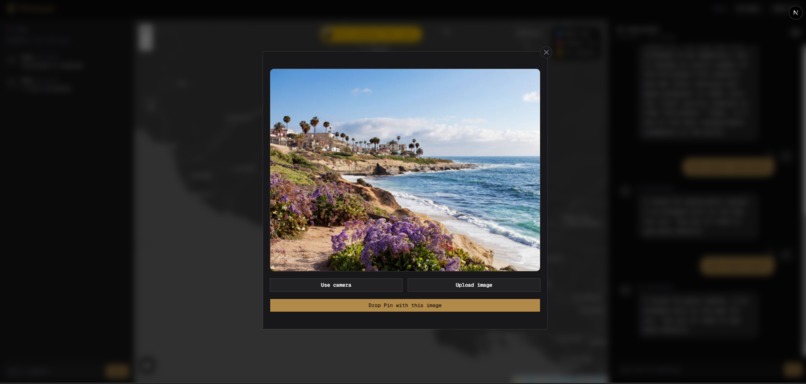
User can upload their owns pins and showcase where they're at.

Inspiration
During brainstorming, the team kept coming back to apps like Instagram and Omegle as reference points. Both are built around connecting people and sharing experiences, just in different ways. We wanted to take that same idea but give it more of a purpose behind it. Travel felt like the right direction since it naturally ties together communication, culture, and shared moments. From there everything kind of clicked. We combined the idea of dropping posts tied to a real location with the ability to see what other people around the world were sharing, and that's essentially how Pinnical came to be.
What it does
We built an app where users can drop pins at real locations and attach images from wherever they are in the world. Anyone viewing those pins can use the built in AI to get information about the scene, including details about the location, the culture, the historical context, and any visible flora and fauna. Users can also ask the AI about nearby services and attractions, which pulls live data and drops them directly onto the map. On top of that, each pin has its own comment section where people who have actually been to that location can leave their thoughts, giving other users a more personal and grounded perspective on the place.
How we built it
We built this app with the help of five main APIs, each handling a specific part of the experience. Leaflet powers the interactive map on the frontend, giving us a lightweight and flexible base to render pins and handle user interaction. Groq is what drives the AI features, handling image analysis when a pin is dropped and responding to questions in the chat. Supabase manages user authentication through Google OAuth and serves as the main database for pins, comments, and real-time updates across all connected users. Nominatim handles reverse geocoding, taking the GPS coordinates from a user's device and converting them into a readable address. Overpass lets us query OpenStreetMap for real location data, which is how the app finds and drops nearby restaurants, parks, hotels, and other services when a user asks about them. Together these five APIs cover everything from the map itself to the AI layer to the live data behind it.
Challenges we ran into
Training the AI Models in the backend took much longer than expected. We had originally wanted to use Hugging Face API with their powerful inference engine but some models were not supported or simply took too long to give back a response due to the reasoning system within them. Hugging Face API offered object recognition and machine learning capabilities which we wished that we could have implemented but due to time constraints and conflicting AI models, we were forced to use grok instead.
Accomplishments that we're proud of
With the time constraint of two days and varying levels of experiences, we are proud of our organizational skills and our ability to learn and adapt which is reflected in our project structure. Two separate projects for the backend/frontend with the backend being written in python which is what our newer members are more familiar with. The frontend being typescript and next.js and being able to communicate between the frontend and backend with FastAPI.
What we learned
Throughout this project we learned a lot about what it actually takes to build a full stack app where multiple services have to work together. Most of the learning came from running into problems and figuring out why things were breaking, whether that was real-time subscriptions not syncing correctly, model responses coming back in unexpected formats, or state across components getting out of sync. We got more comfortable with Supabase, prompt engineering, and managing complex frontend state than we would have from any individual tutorial. More than anything it showed us that the hardest part of building something like this isn't any single feature, it's making all the pieces feel like one thing.
What's next for Pinnical
For future development, we have a few features in mind that would take Pinnical further in the direction of a travel planning tool. Weather integration would let users check current and forecasted conditions at any pinned location, which would be genuinely useful when planning a trip somewhere you have only seen through someone else's photos. Language translation is another one we wanted to add, since the app is meant to connect people across cultures and a language barrier in the comments or AI chat works against that entirely. We also wanted to build out an about page covering the team and a citations page for the APIs and resources we used, but we ran out of time to get those in before the deadline. These are all features we would prioritize in a future version of the app.
Built With
- fastapi
- groq
- leaflet.js
- next.js
- overpass-openstreetmap
- shadecn
- supabase
- tailwind
- typescript

Log in or sign up for Devpost to join the conversation.