Inspiration
Every day, millions of people fall victim to phishing attacks, malware, and online scams. Most people don't have the tools or knowledge to protect themselves. I wanted to change that.
I built PhishGuard Pro because I believe cybersecurity is for everyone — not just experts. My goal is to make the internet a safer place for everyone.
What I Learned
Building PhishGuard Pro taught me:
- How phishing attacks work and how to detect them
- How to use APIs for real-time data (ip-api.com)
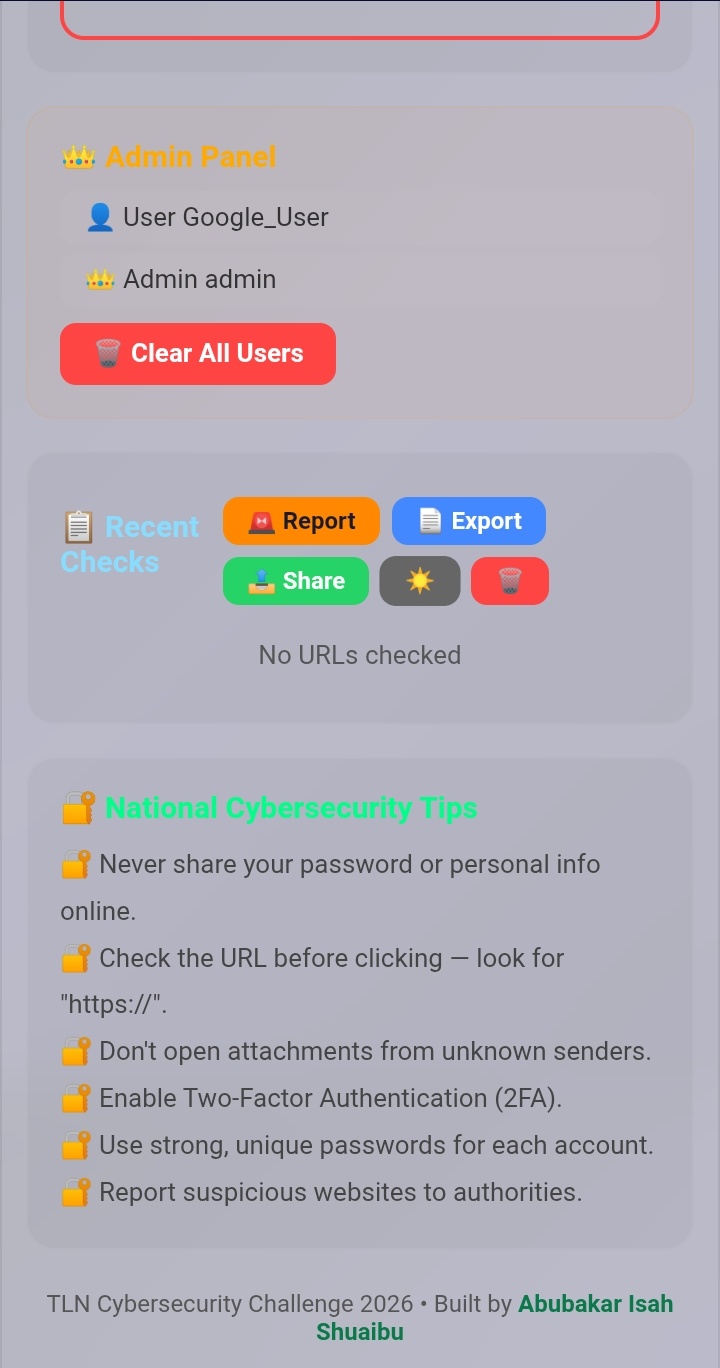
- How to build responsive web apps that work on mobile and desktop
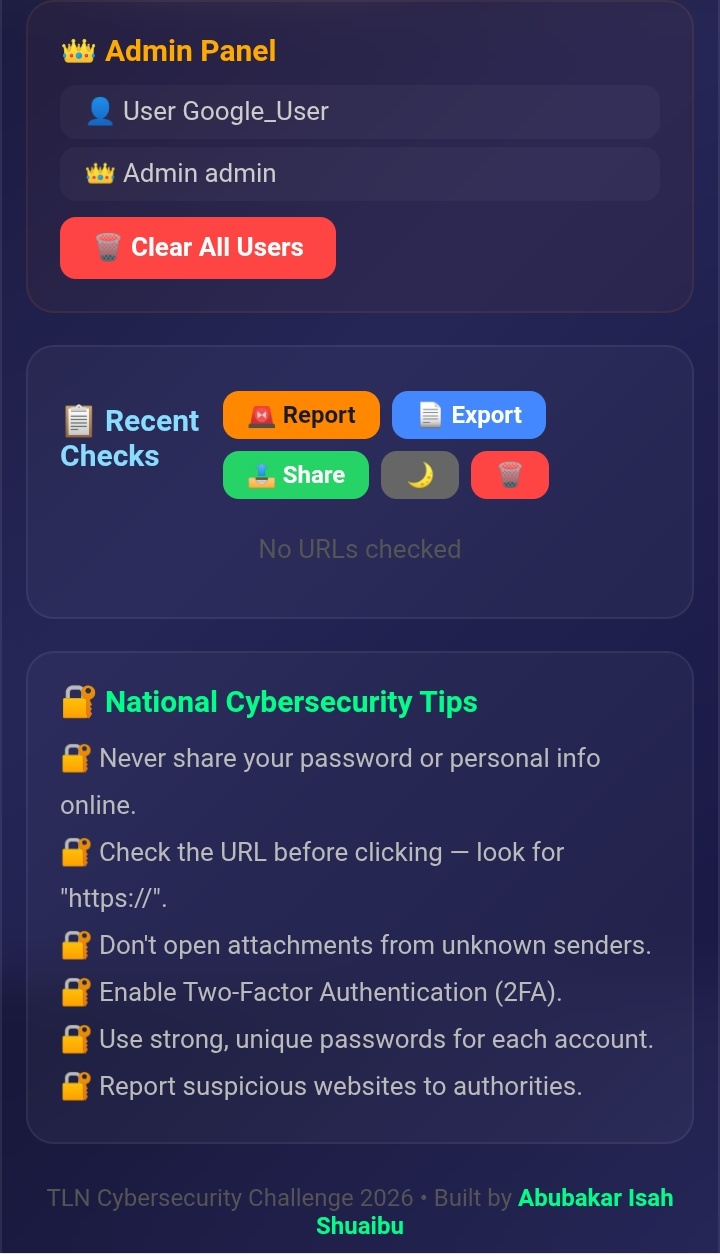
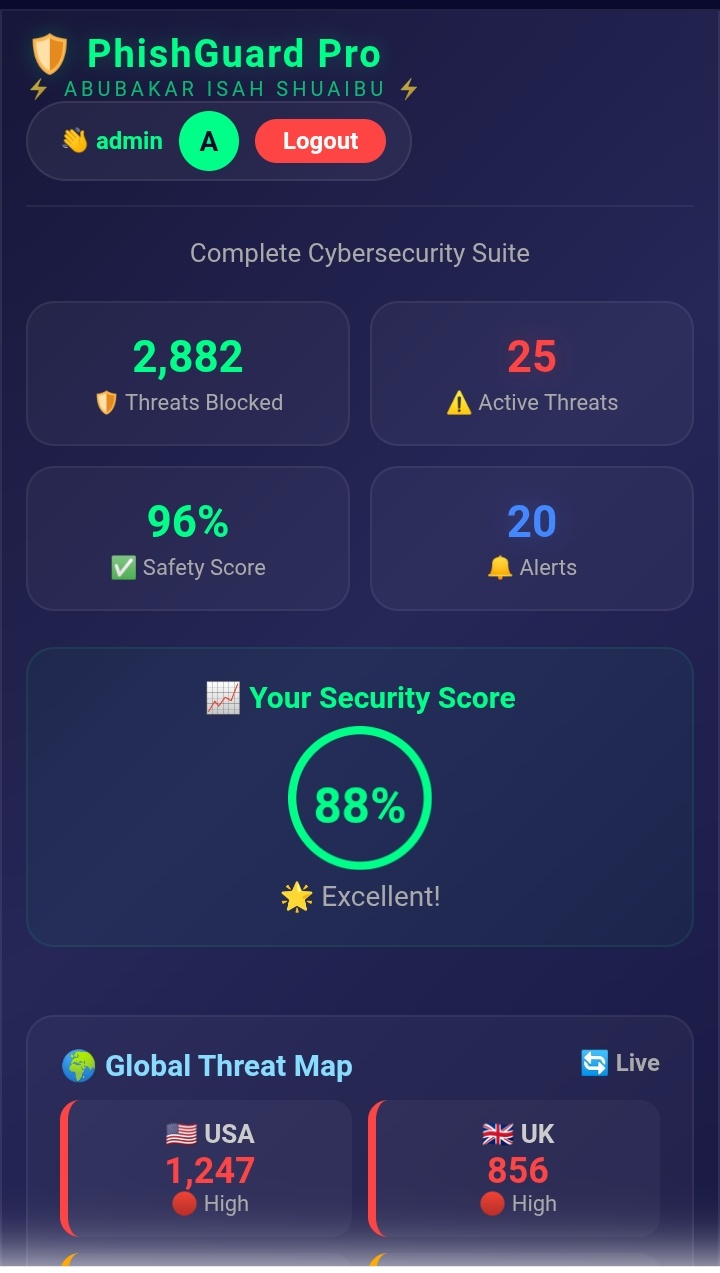
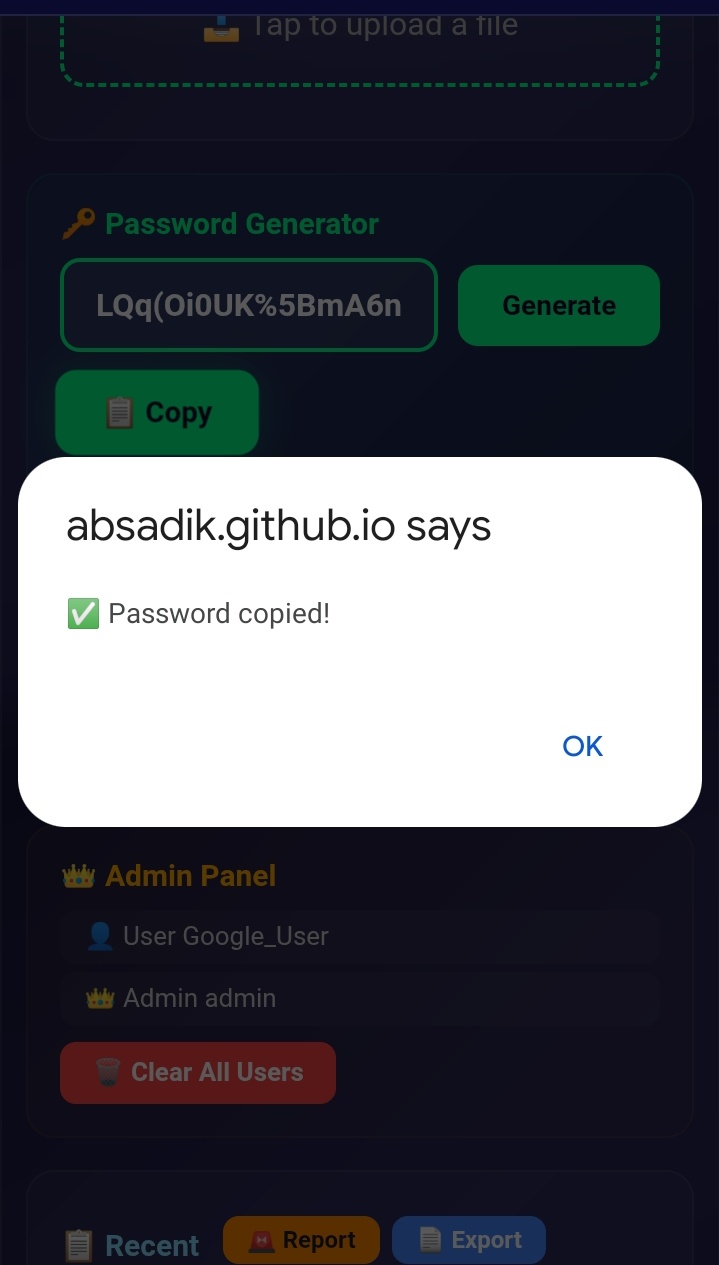
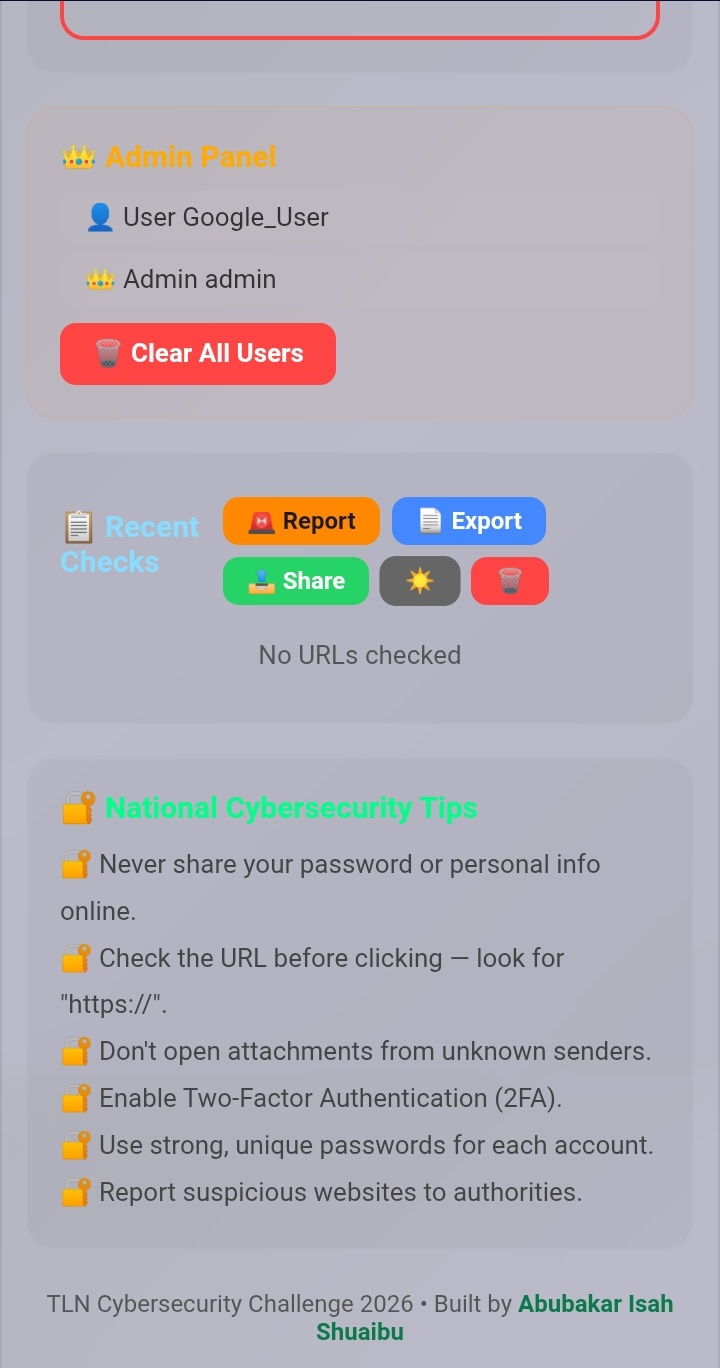
- How to implement user authentication and admin panels
- The importance of cybersecurity education
How I Built It
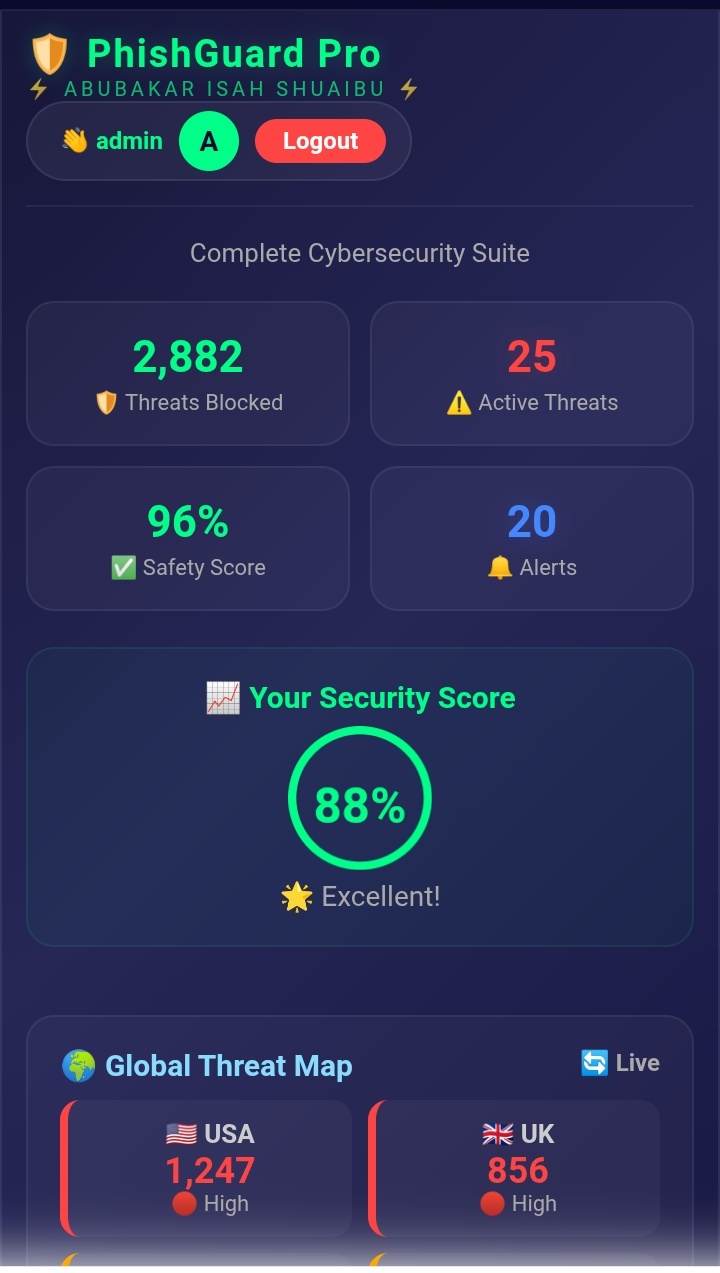
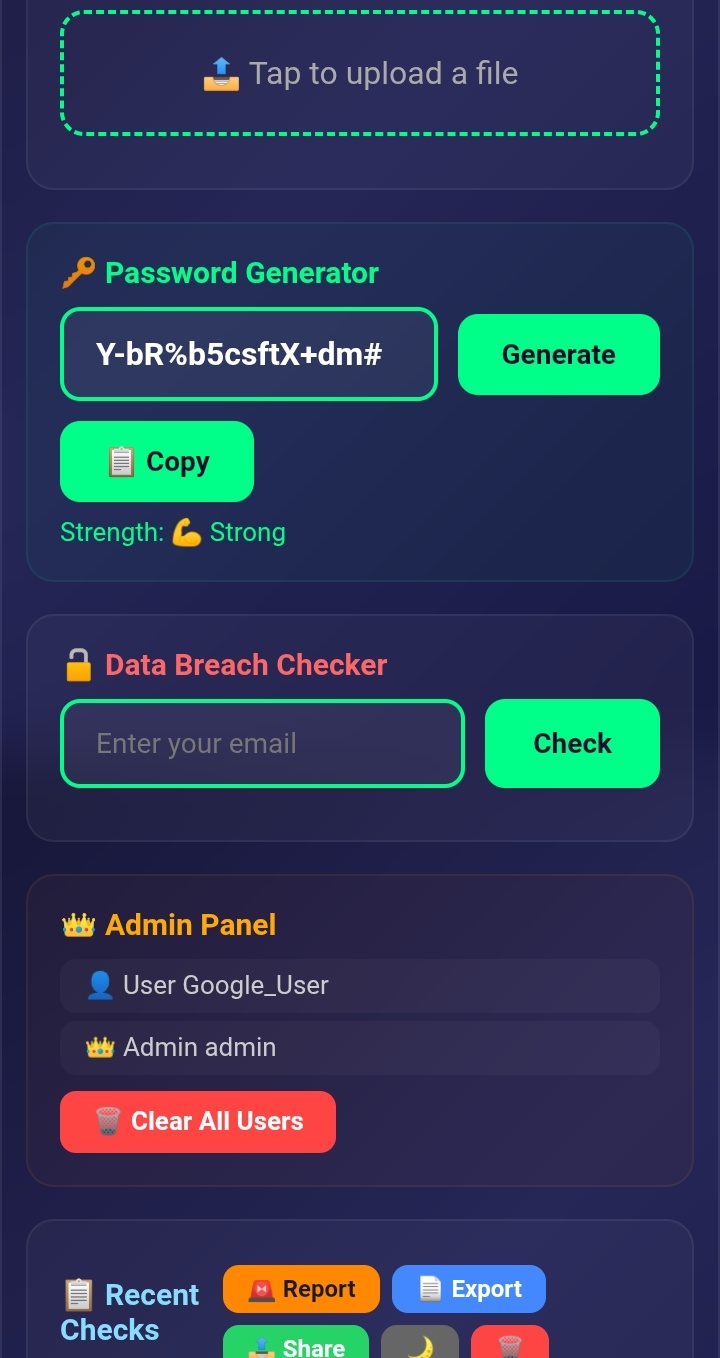
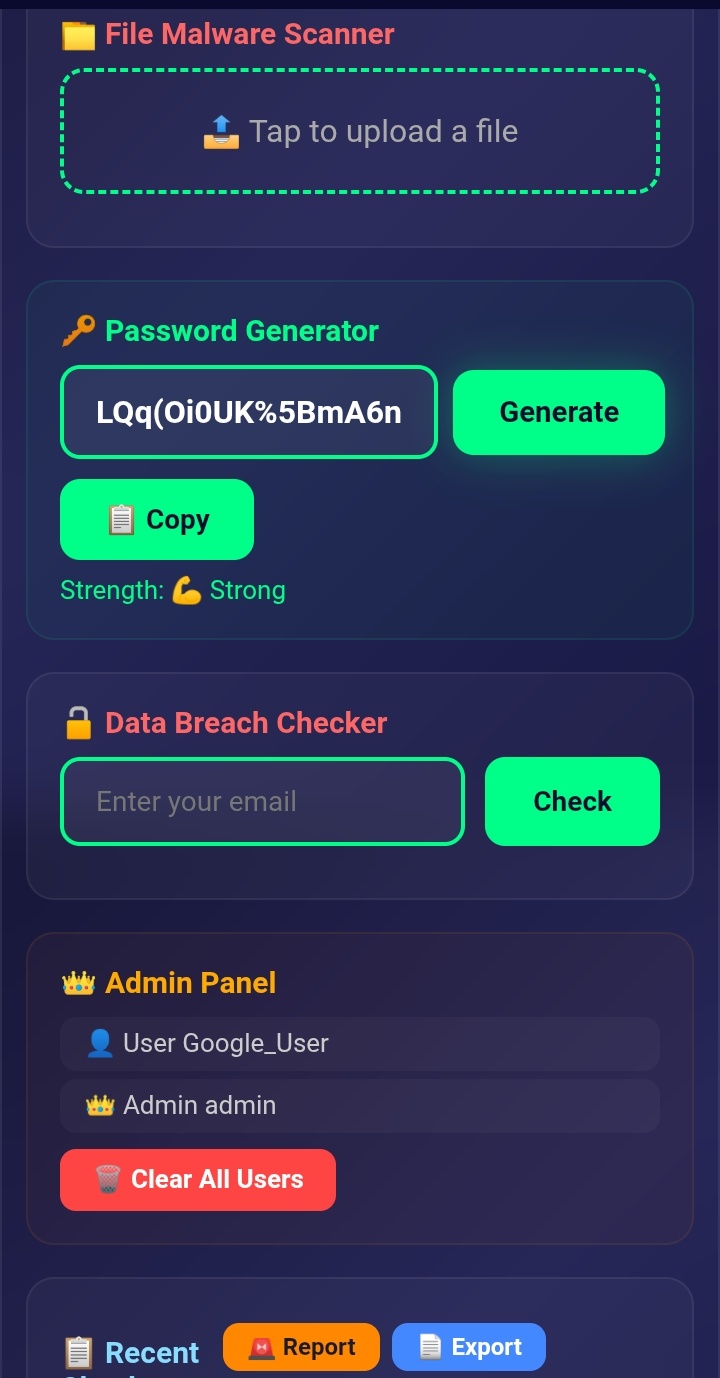
I built PhishGuard Pro using HTML, CSS, and JavaScript. The app includes:
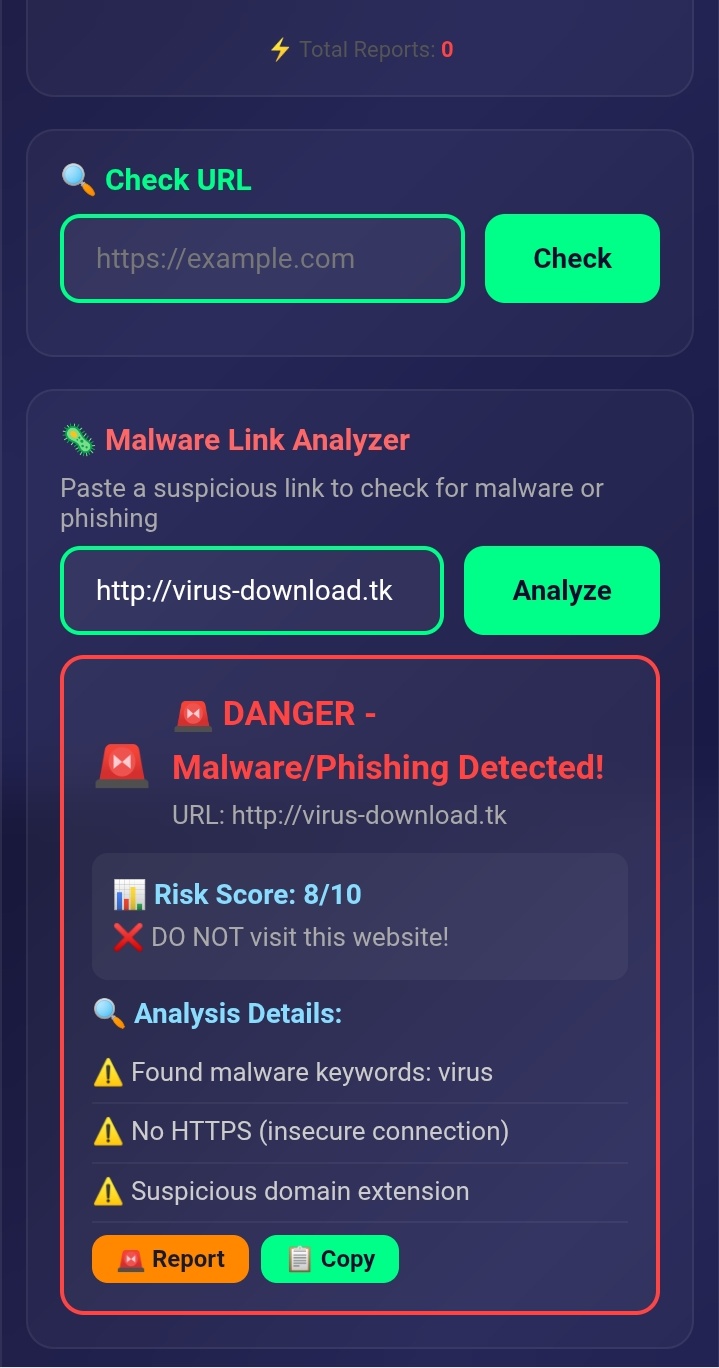
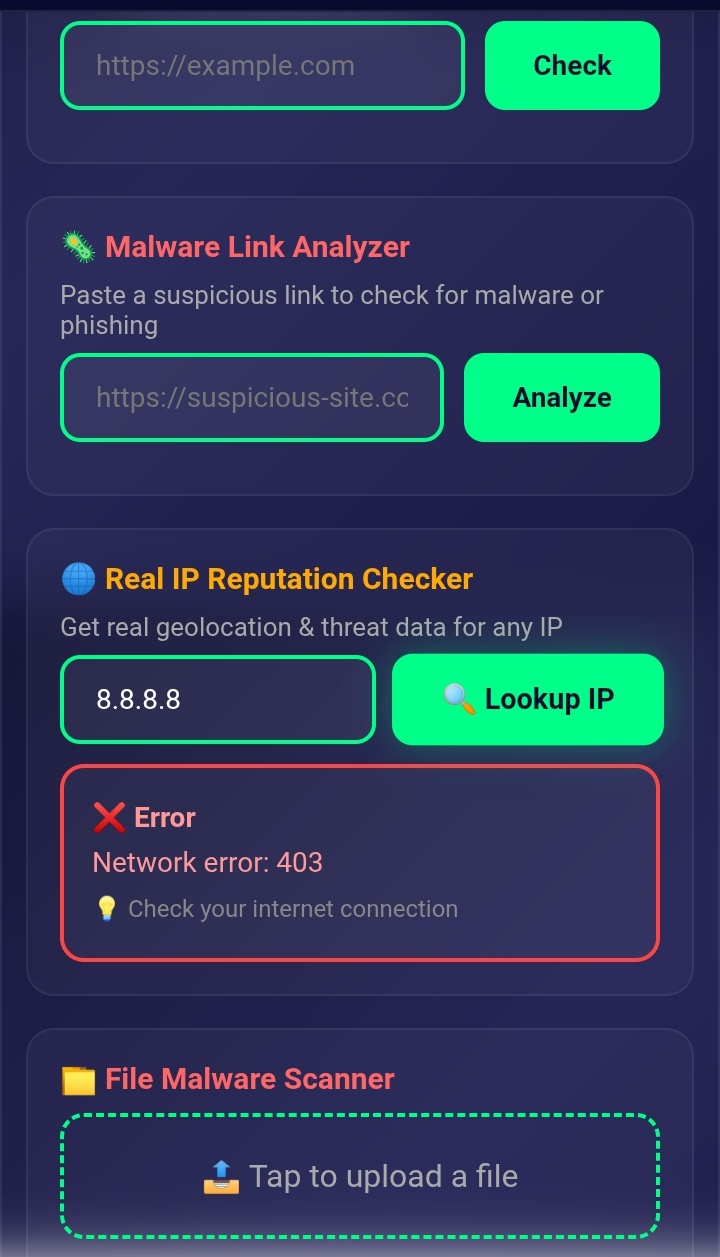
- URL Checker - Detects phishing using heuristic scoring
- Malware Link Analyzer - Scans links for malware patterns
- Real IP Reputation Checker - Uses ip-api.com for live data
- File Malware Scanner - Checks dangerous file extensions
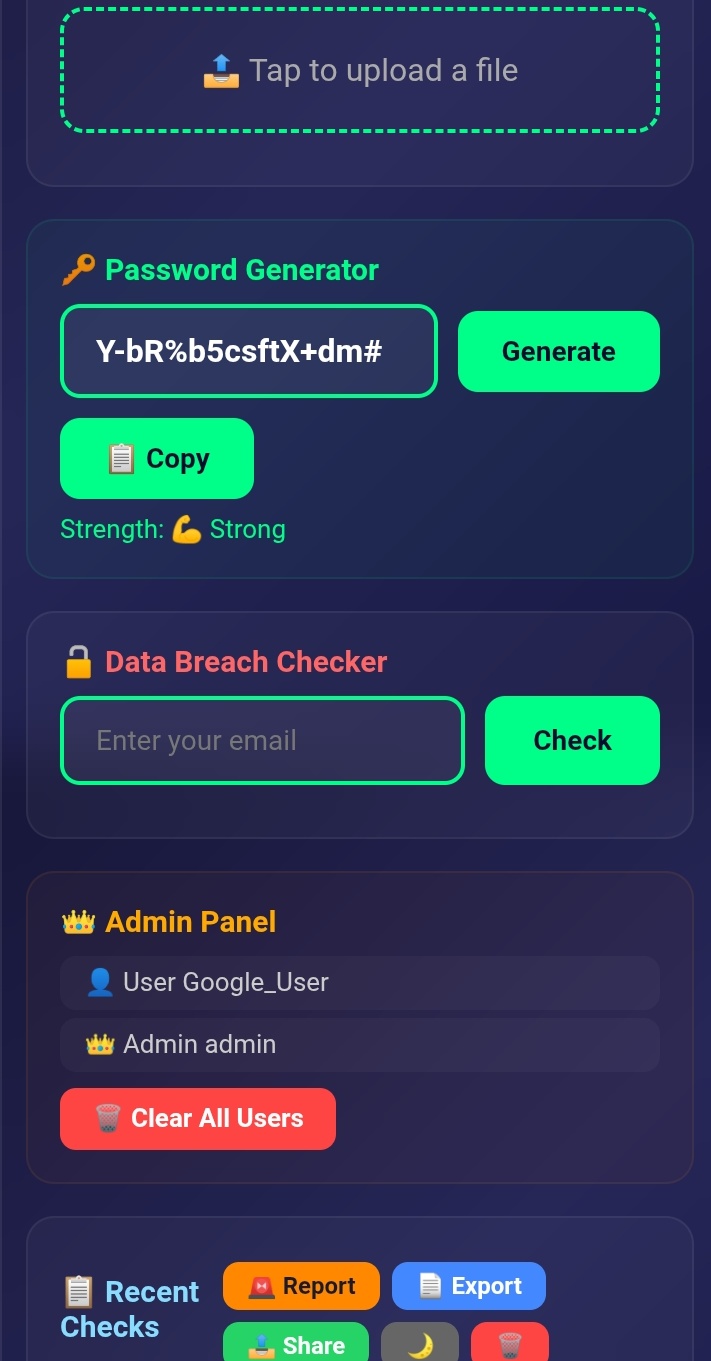
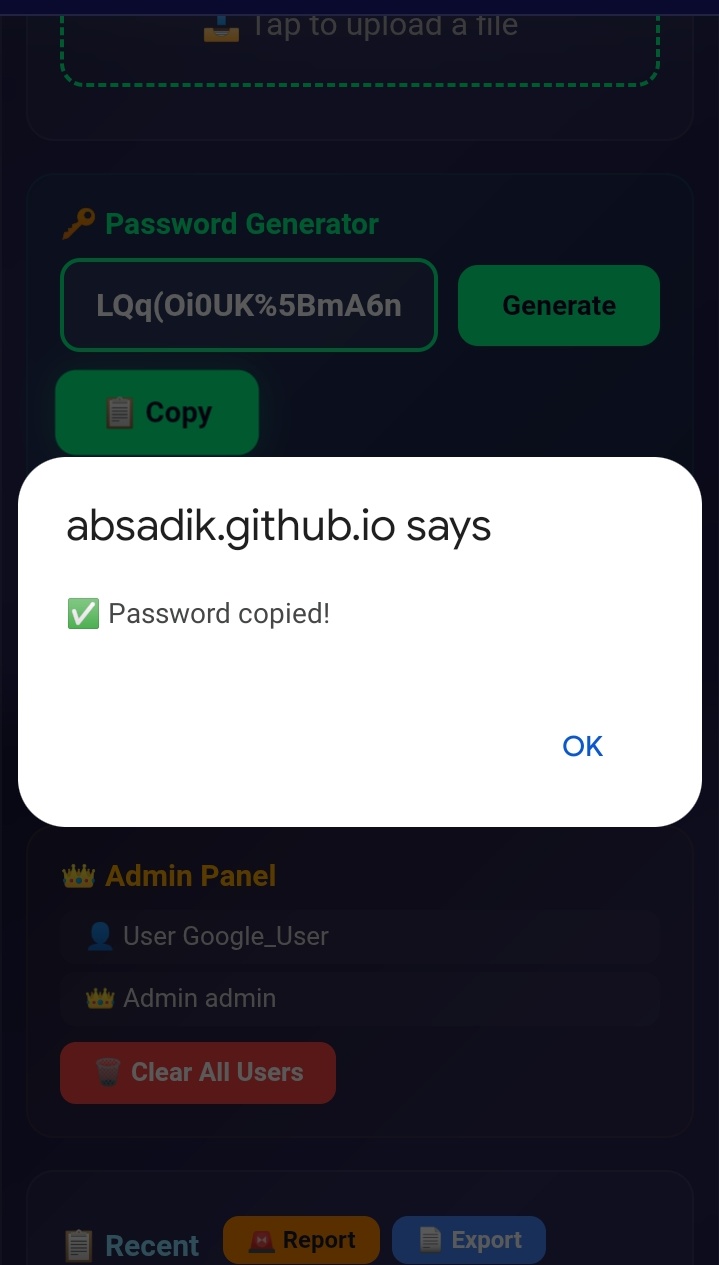
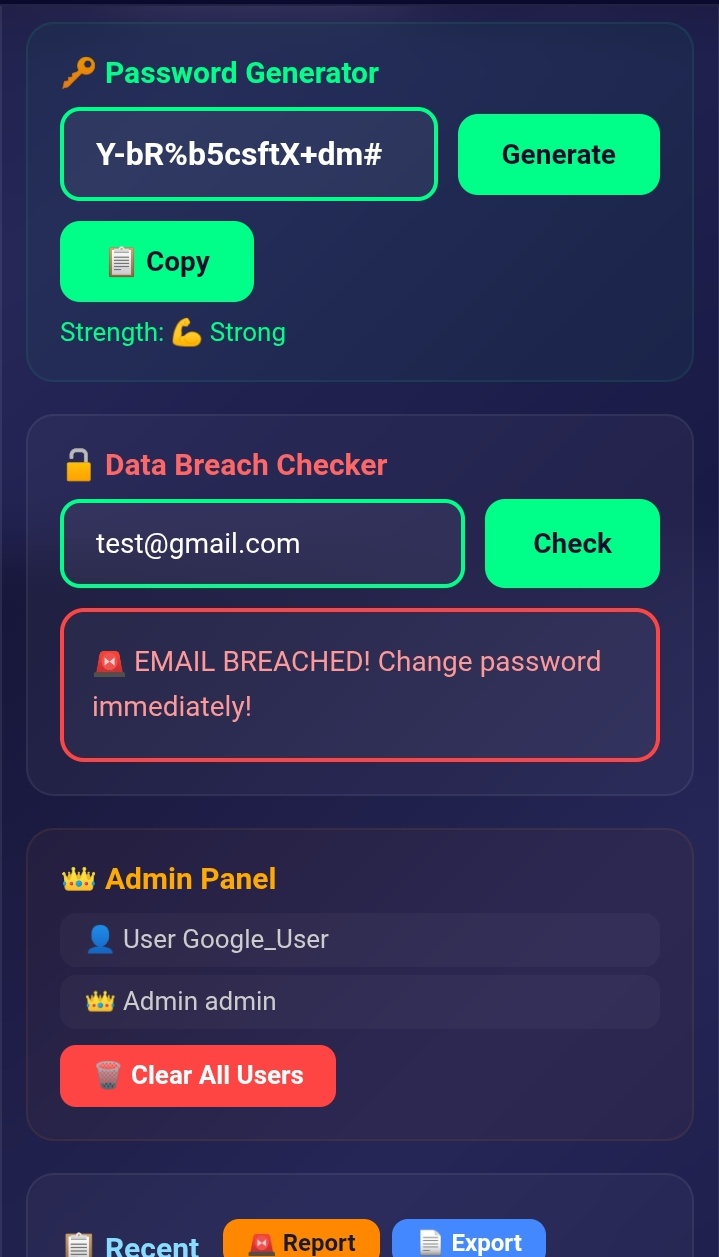
- Password Generator - Creates strong 16-character passwords
- Data Breach Checker - Checks email against known breaches
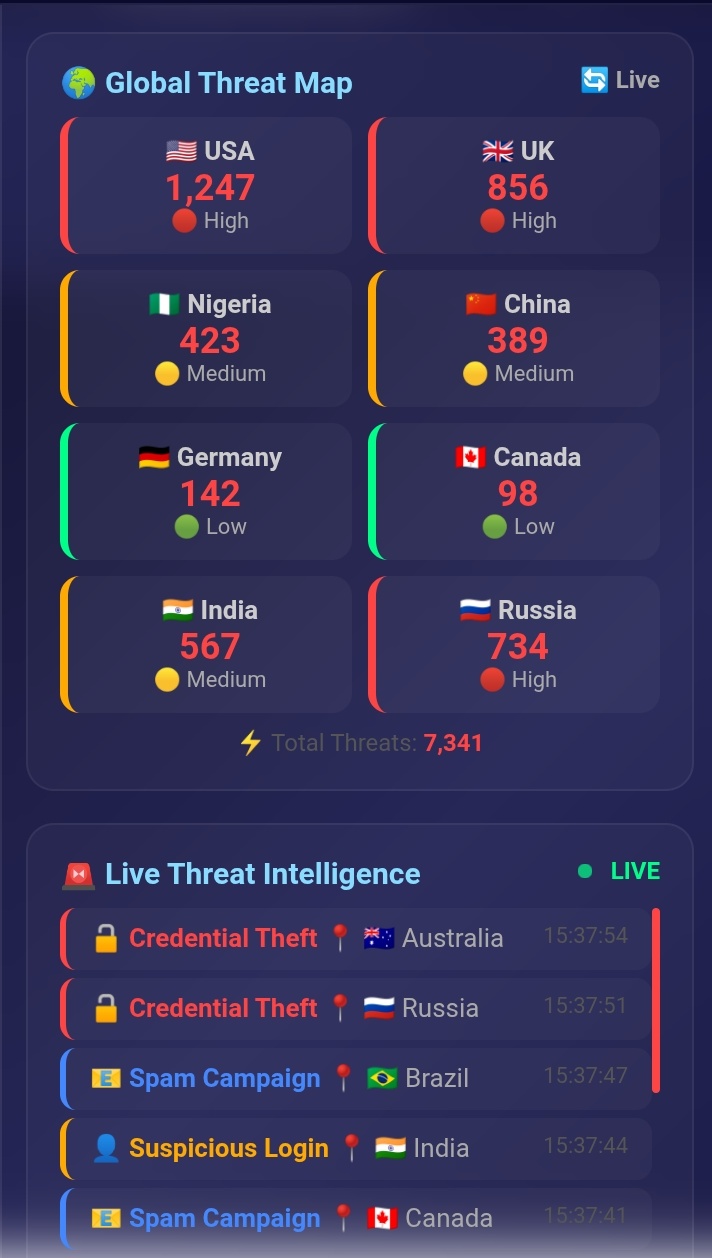
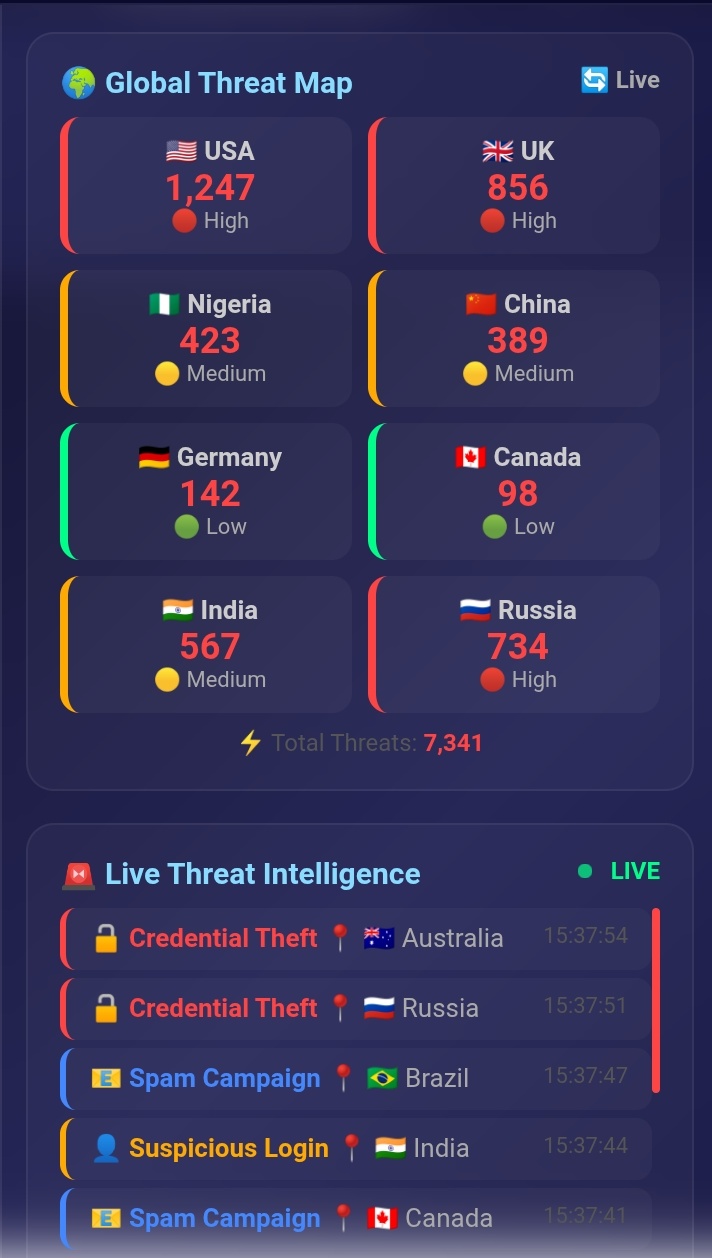
- Global Threat Map - Live threats by country
- Live Threat Intelligence Feed - Real-time attack updates
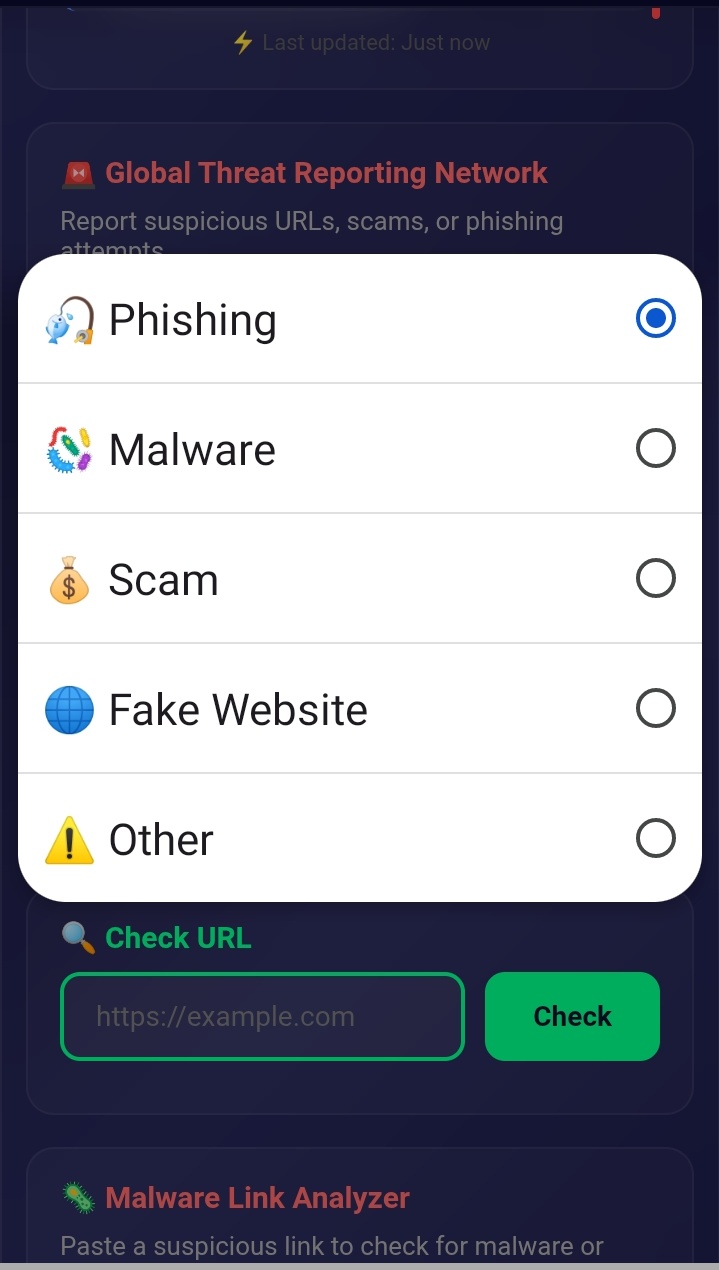
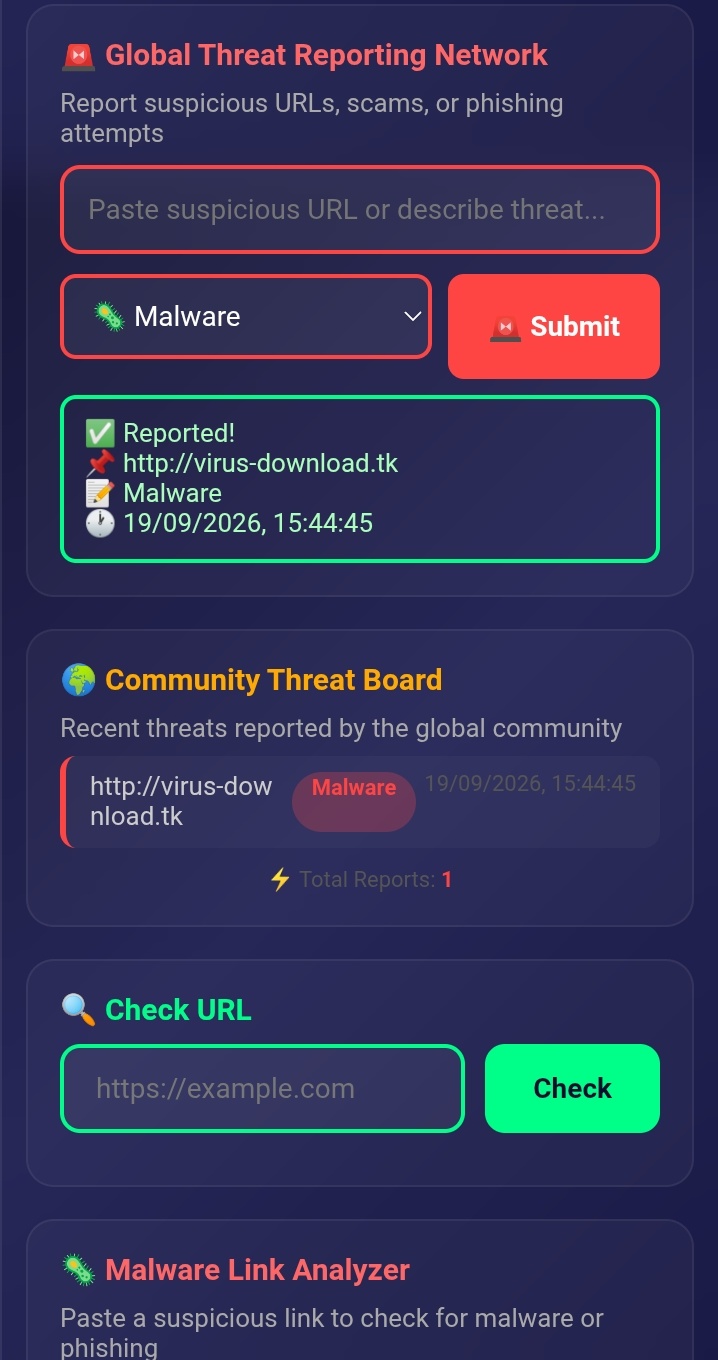
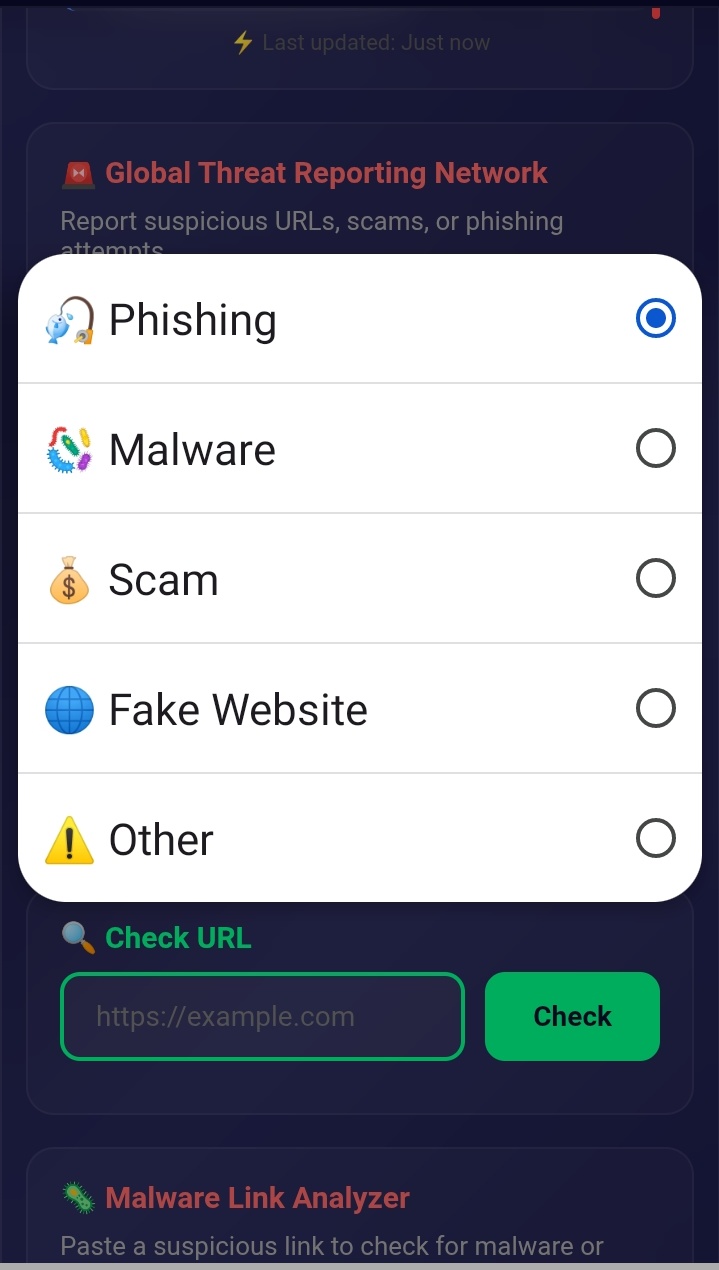
- Threat Reporting Network - Community-driven protection
I also wrote a cybersecurity eBook called "The Cyber Shield: Protecting the Digital World" to educate users.
Challenges I Faced
- Making the app work on both mobile and desktop
- Fetching real IP data with CORS issues
- Designing an intuitive user interface
- Building a secure login system without a backend
What's Next
- Add real Google OAuth login
- Connect to VirusTotal API for real malware detection
- Add multi-language support
- Build a mobile app version


Log in or sign up for Devpost to join the conversation.