Inspiration
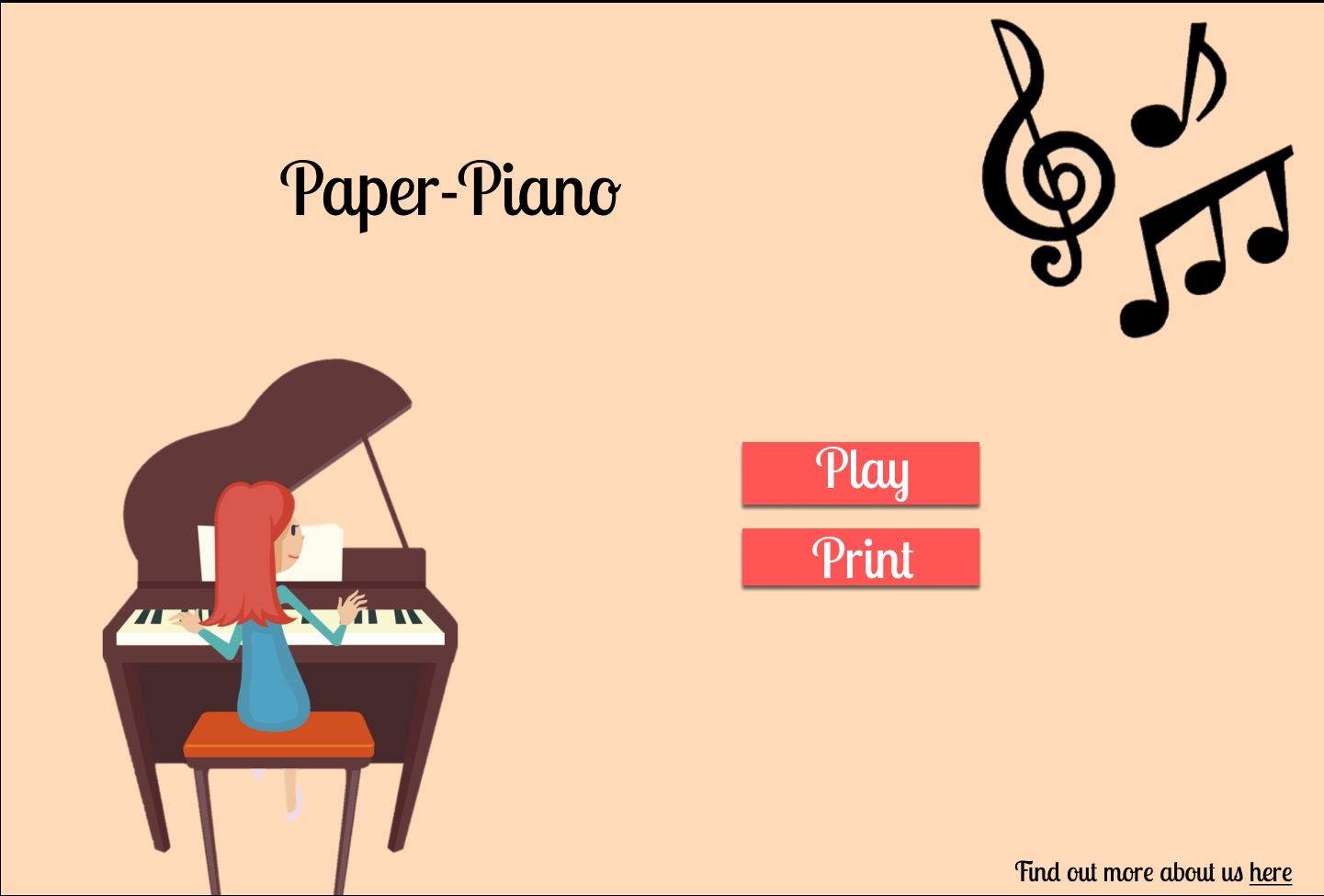
We wanted to learn to play piano during this quarantine. Our only problem, we didn't have access to any piano. Besides, the price of a Piano was too much for us to afford. At first, we tried using some online piano simulators which let you play using your keyboard keys or mouse but those just didn't feel right. So we decided to create the most portable, cheap and easy to use piano ever: Paper-Piano.
How to use it
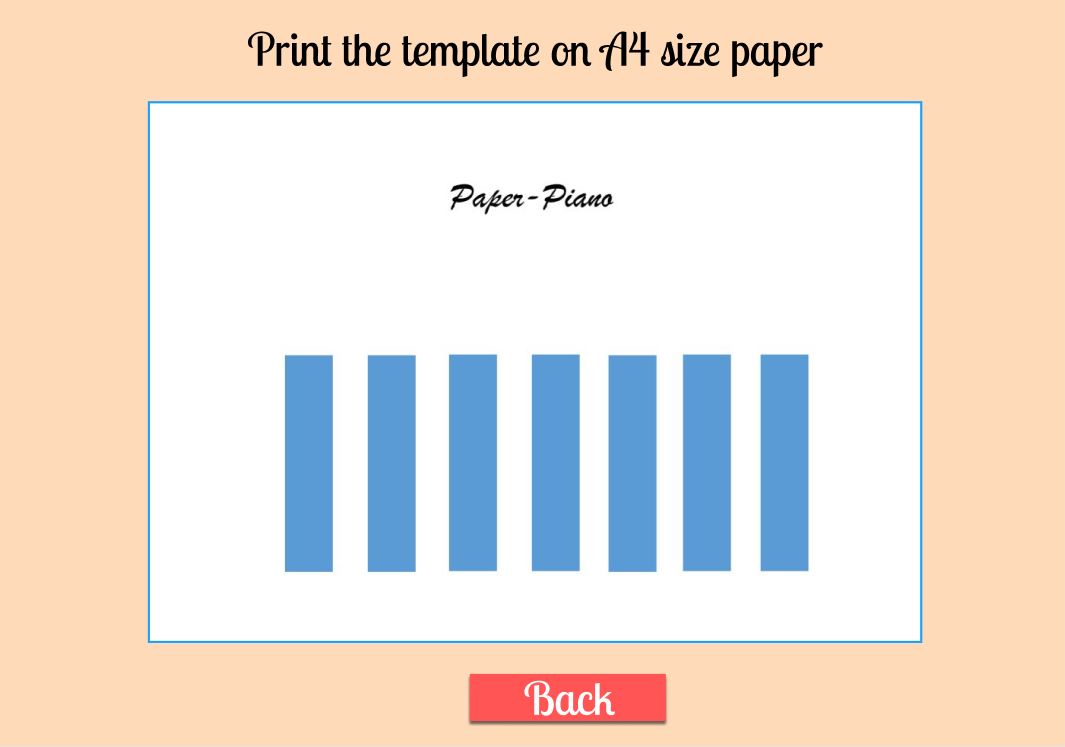
Just print out the template on a sheet of paper, visit our website and click on the play button. It'll start your webcam which you can point towards the template. And that's it! As you press the keys on the paper, your device will play the corresponding key sound. You can play any melody you want! Once you are done playing, just fold up the paper and store it anywhere you want.
You can take it anywhere you want. Its portability allows you to play your favorite instrument everywhere; at your home, at a party, on your commute in metro/bus, at your work, anywhere! It also enables less-fortunate children to experience the joy of creating music without having the need to buy any expensive instruments.
P.s. Since the theme of this hackathon was Vacation, what could be more fun than playing your favorite songs on your paper-thin instruments with your friends at your weekend getaways?
How does it works?
Your webcam captures the video and send it to OpenCV for processing. OpenCV looks for the keys in the video by finding 8 contours of almost equal size and associating a note with each contour. It then tracks the motion of your hands and more specifically your fingers to figure out which keys you are playing. It then send uses this information to the browser which then plays the corresponding piano note filling your environment with melody.
How we built it
- The UI for the website was designed in Figma.
- The Backend was created using Django and the Frontend using Bootstrap.
- The Image processing was done using OpenCV and Imutils.
- The template for the piano keys was made using Adobe Illustrator.
- And the camera streaming was done using IP camera.
- Piano notes were played using Winsound library
Challenges we ran into
The motion tracking part was certainly very difficult as we had to deal with a lot of noise due to the low quality of the camera. We finally found a way around by using Gaussian blur in OpenCV. Another challenge was to integrate the IP camera with Django as there wasn't any documentation around for it.
Accomplishments that I'm proud of
This was the first Hackathon for three of our team members. We had to learn to use Figma, OpenCV, IP camera and Illustrator overnight. We are proud that we were able to complete the project in time and have created something that is not only fun to use but also can help a lot of people pursue their hobby free of cost.
What we learned
Some of the things we learnt this weekend
- Image Processing
- Contour detection
- Motion tracking
- Working of music notes
- Designing in Illustrator
- Creating prototypes using Figma
- Collaborating on a project virtually
- Integrating camera with Django
- Time management and planning the project in advance
What's next for Paper Piano
We plan to add a whole lot of other instruments like drums and guitar to our project so you can have the whole band with you anywhere you go.
Built With
- adobe-illustrator
- bootstrap
- django
- figma
- imutils
- ipcamera
- opencv
- python


Log in or sign up for Devpost to join the conversation.